
Table Of Content
DFlash Drafter for Gemma 4 26B: Run Speculative Decoding Locally
Table Of Content
The team that invented DFlash has released their own official drafter model. Not a third party port, not a community experiment, ZLab themselves picked a very interesting model to pair it with. I have been covering DFlash for a few weeks, running it locally on consumer GPUs, covering the Google TPU port, and testing a redhead speculator for Gemma 4 31B.
Today is different. The actual creator of DFlash, ZLab at UC San Diego, has released an official drafter for Gemma 4 26B A4B. I am going to install it locally and test tokens per second, speed, and the same statistics I have been tracking.
Gemma 4 26B A4B is a mixture of experts model. It has around 26 billion parameters in total but only 4 billion activate for any given token. That means it runs roughly at the speed of a 4 billion model while carrying the knowledge and reasoning ability of something larger.
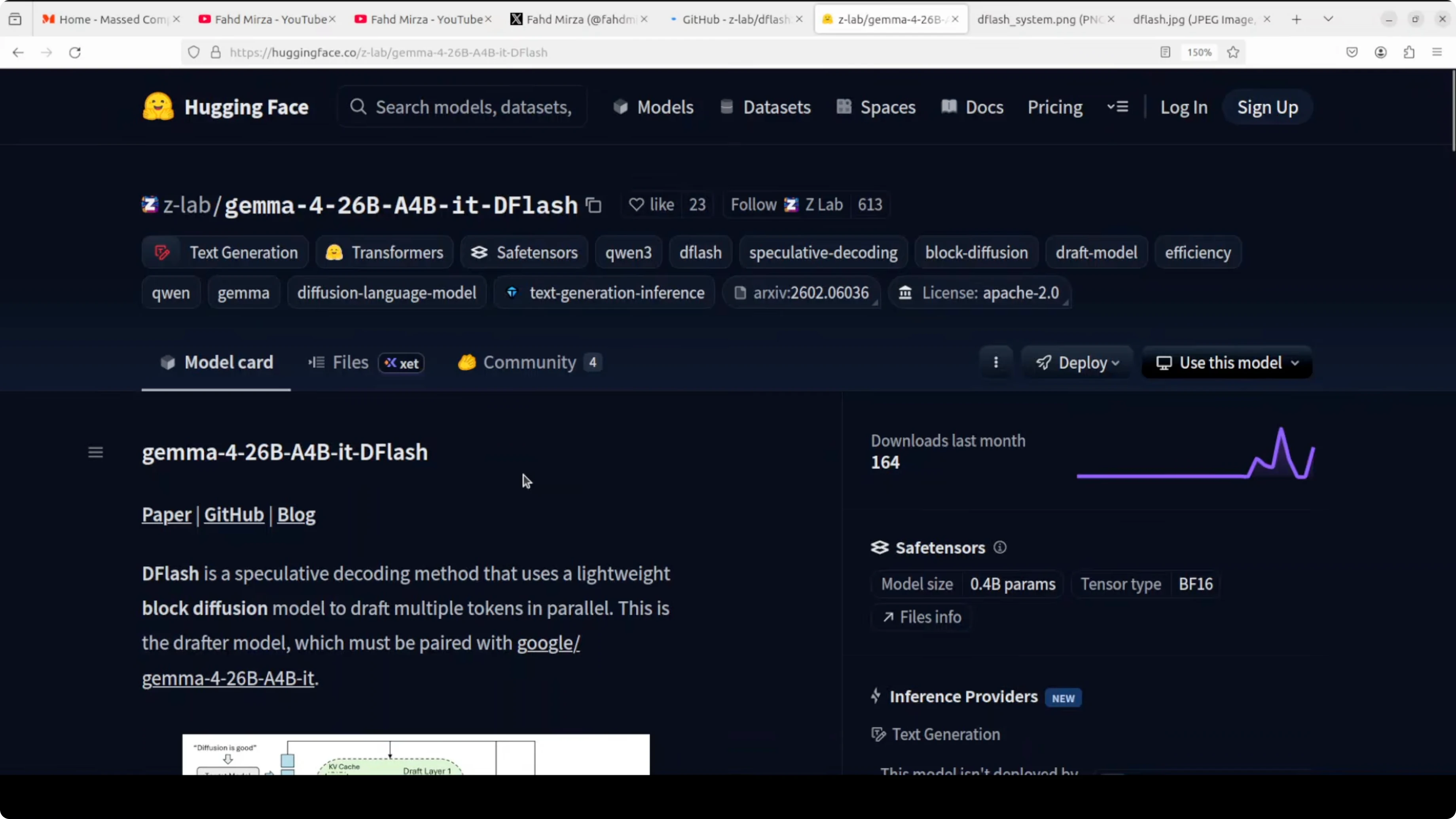
Pair that with DFlash speculative decoding and the numbers get interesting. I prefer to test this myself rather than rely on benchmarks. The goal is to see how much speedup we get without losing output quality.
Explore the Gemma 4 family for a broader overview of the model lineage and modes.
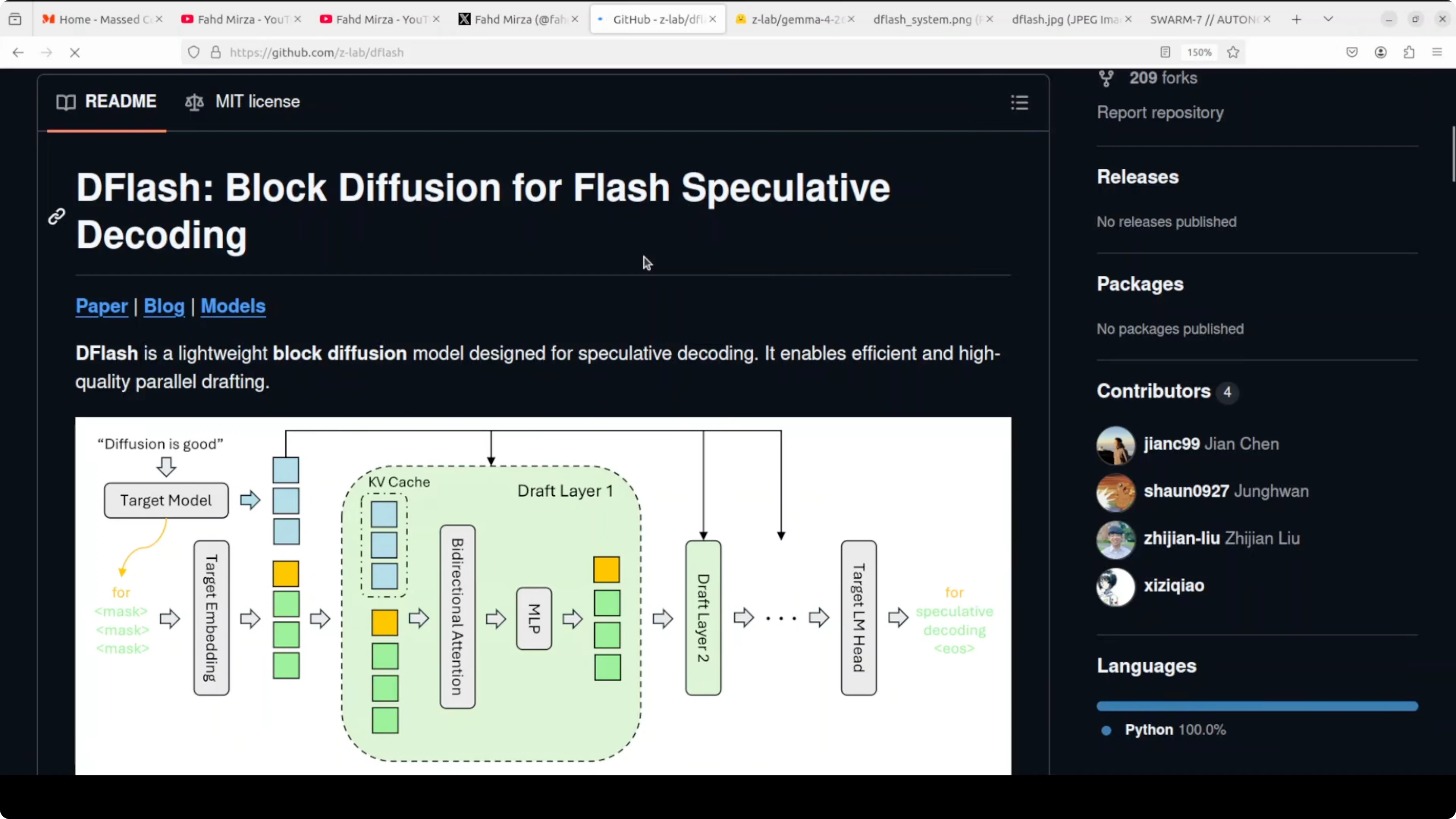
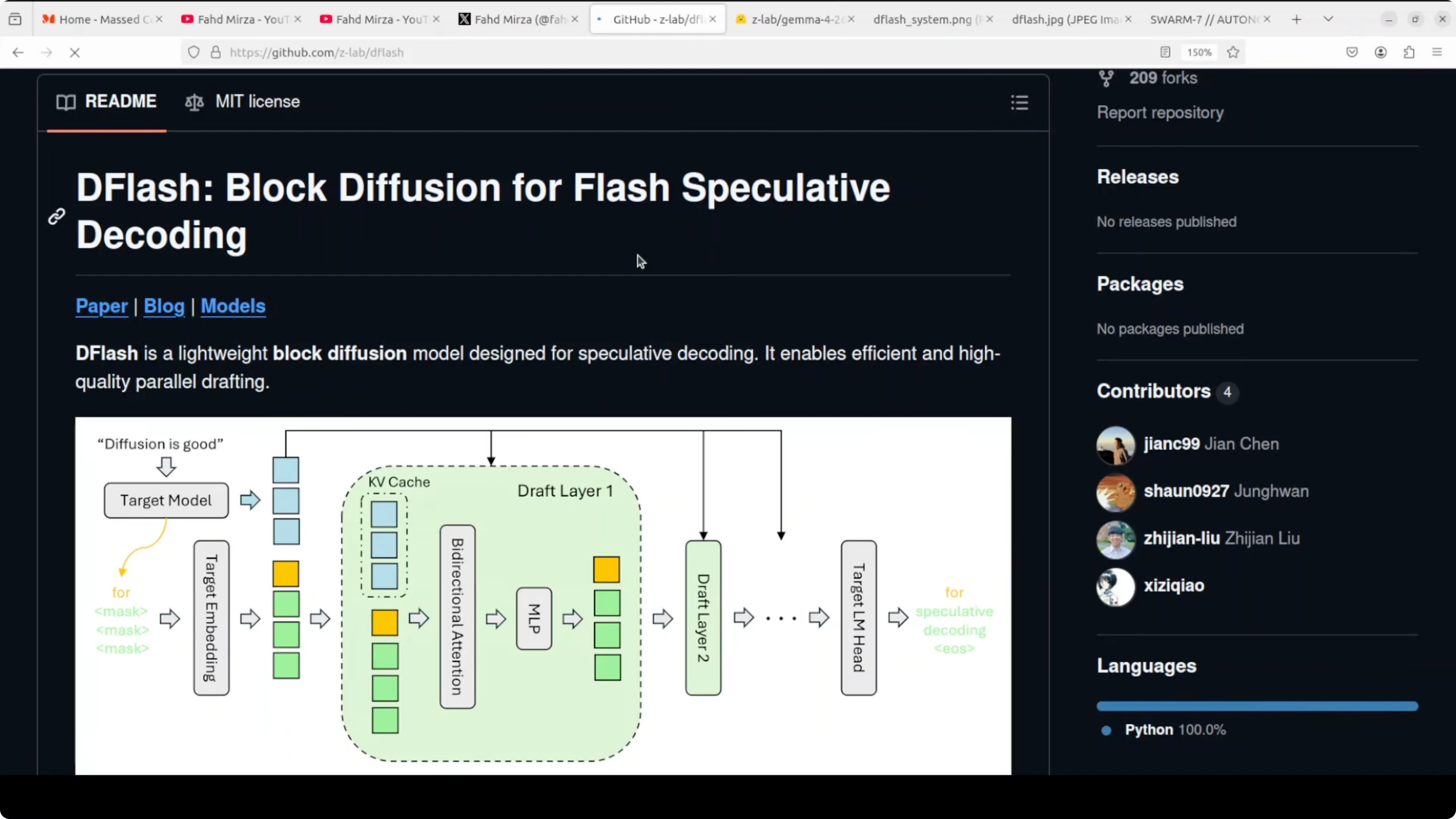
What DFlash actually does Normal inference generates one token at a time. Every single word requires a full trip through the entire model. DFlash brings in a tiny drafter that looks at the hidden states inside the big model and proposes an entire block of tokens in one forward pass.
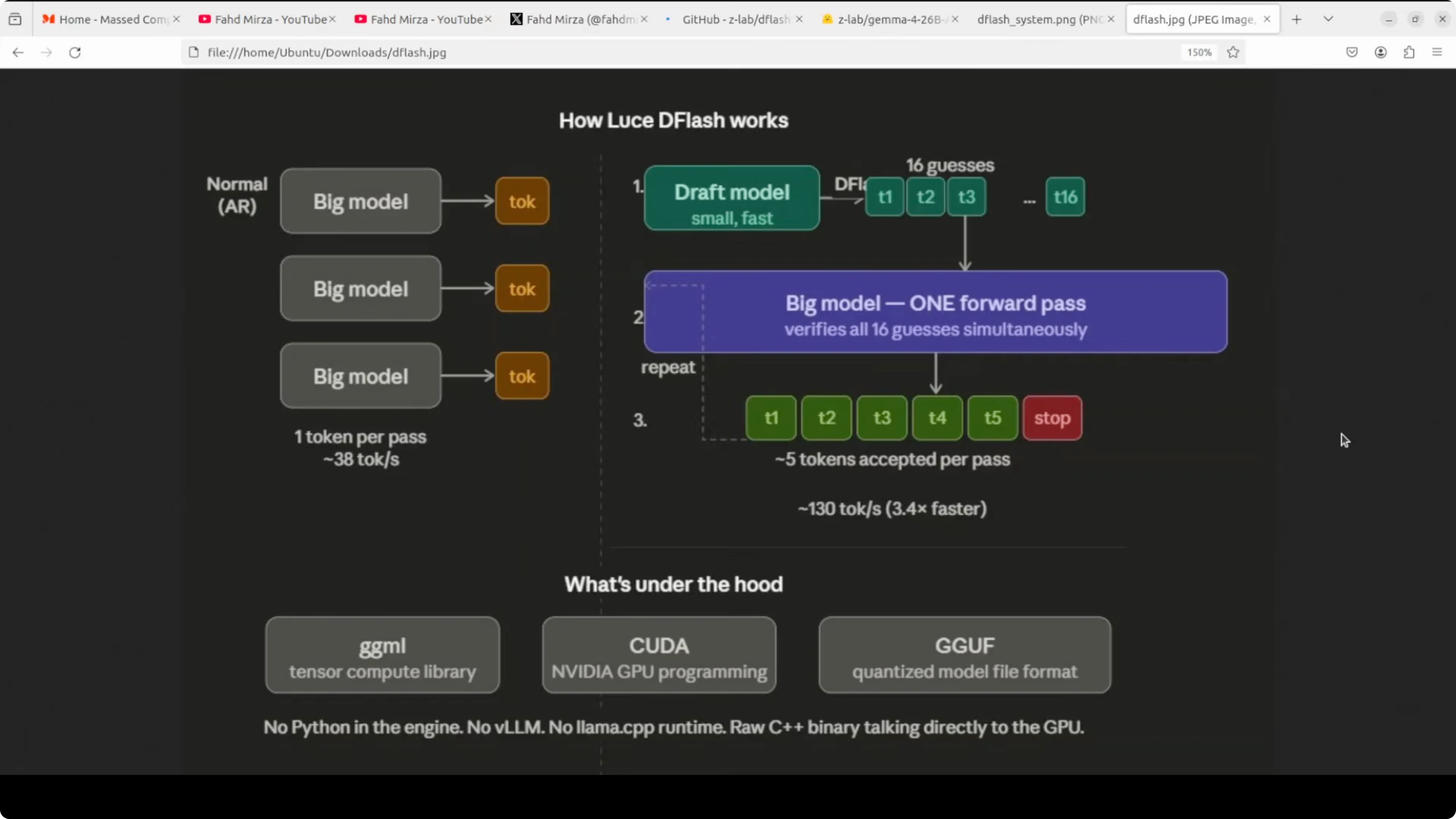
The big model then verifies all of them at once. You keep the same output quality but get dramatically more tokens per second. The keyword here is block diffusion, with all draft tokens proposed in parallel rather than sequentially like standard speculative decoding.
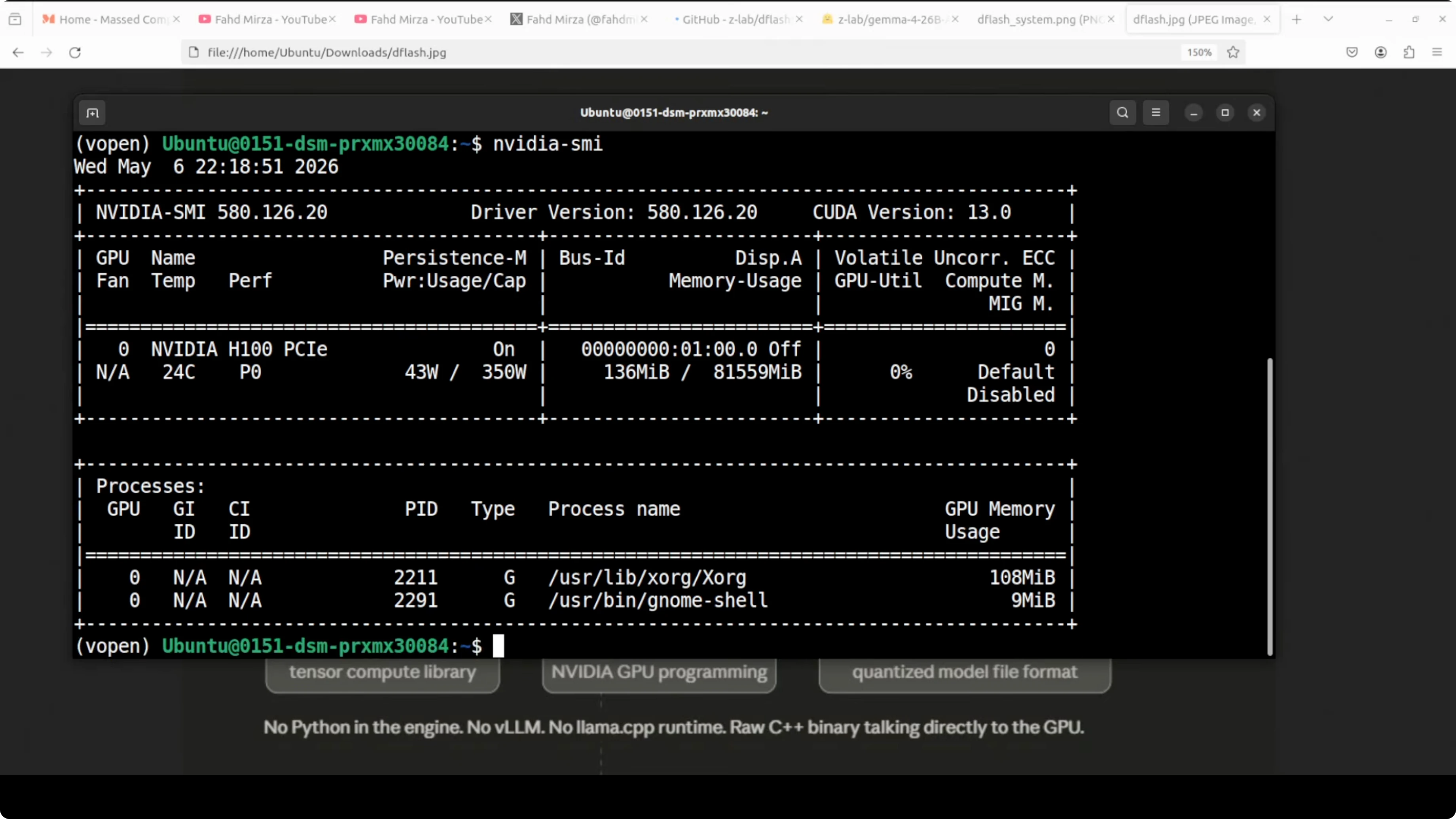
I will be running this on Ubuntu with a single Nvidia H100 80 GB. The tool I am using for serving and testing is vLLM. At the moment you may need a branch build, but it should merge into main vLLM soon.
Read more on related comparisons in this head to head between Gemma 4 31B and Qwen 3.5 27B.
Run speculative decoding locally I am going to serve the main model and the DFlash drafter together under vLLM. The main model is Gemma 4 26B A4B which produces the final answer. The ZLab DFlash drafter proposes 15 tokens per step for the big model to verify in one shot.
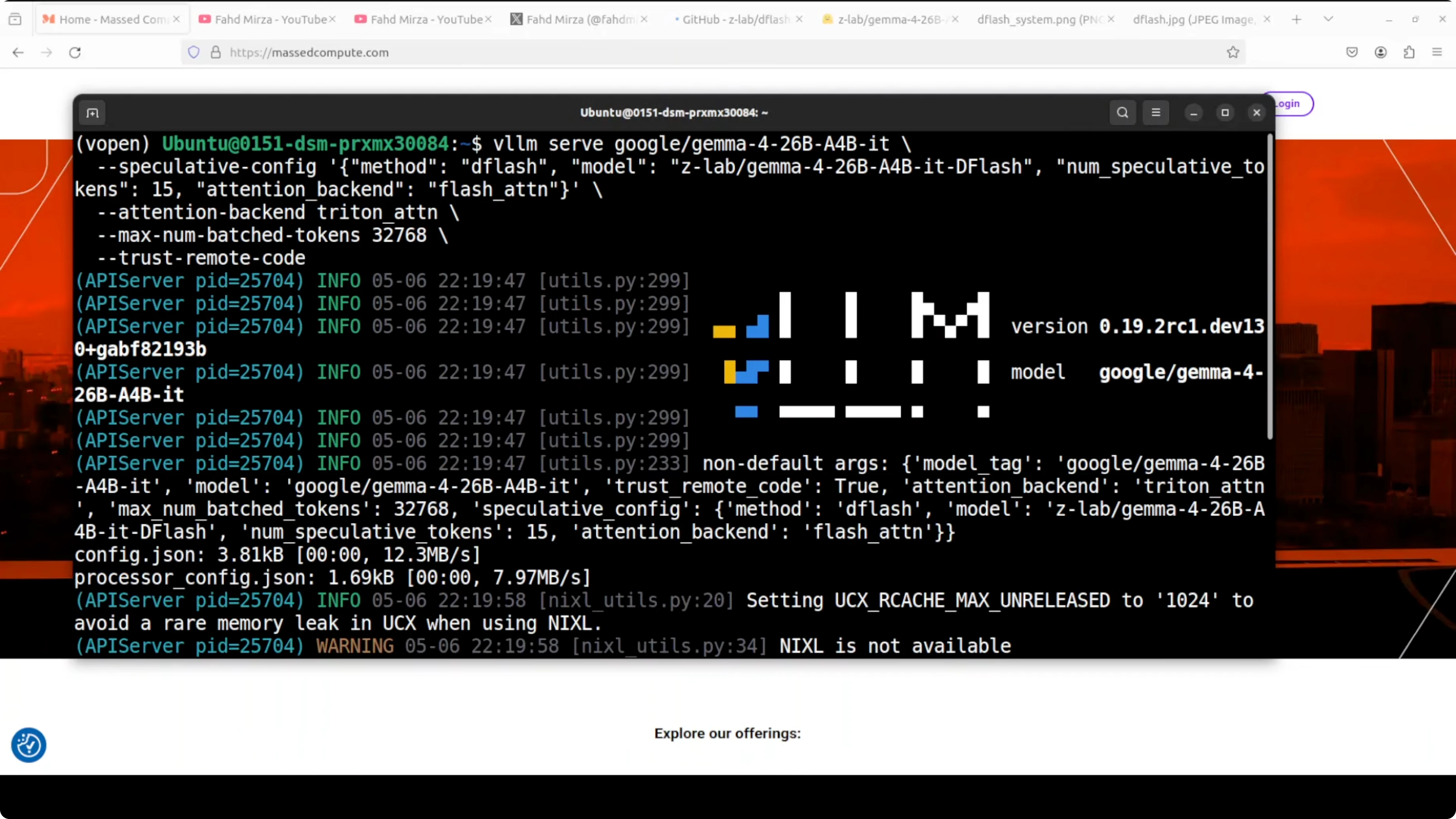
The attention backend for the main model is Triton. Triton is Nvidia’s open source GPU programming language that enables highly optimized CUDA kernels without writing raw CUDA.
vLLM uses Triton for fast attention computation. The drafter uses FlashAttention which is a separate memory efficient attention algorithm optimized for the small forward pass. Max batched tokens are set around 32K which controls how many tokens vLLM processes in a single forward pass across all requests combined.
This is a gated model on Hugging Face. You will need to accept the terms to get access. The license is Apache 2 which is great for practical use.
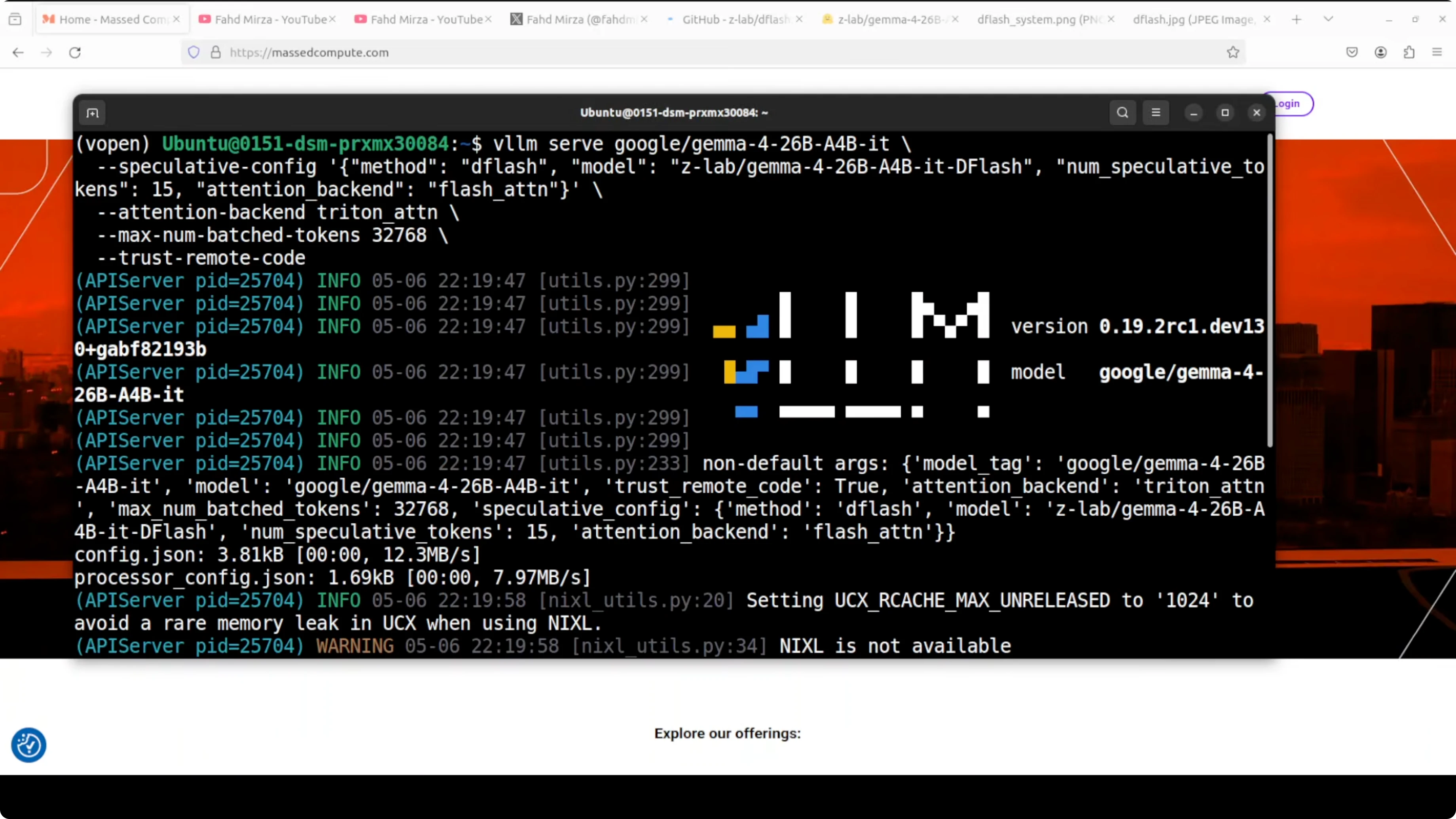
Serving with vLLM Here is an example of how to start the vLLM OpenAI compatible server with the main model and the DFlash drafter. The drafter is configured to propose 15 tokens per step, Triton is used for attention, and the maximum model length is set to 32768.
python -m vllm.entrypoints.openai.api_server \
  --host 0.0.0.0 \
  --port 8000 \
  --model google/gemma-4-26b-a4b \
  --speculative-sampling \
  --draft-model zlab-ai/dflash-gemma-4-26b-a4b-drafter \
  --num-speculative-tokens 15 \
  --attention-backend triton \
  --max-model-len 32768
If you run this for the first time, vLLM will download the models. The server exposes a Chat Completions endpoint compatible with the OpenAI API.
If you are comparing families and sizes, see this broader look at Gemma 4 vs Qwen 3.5.
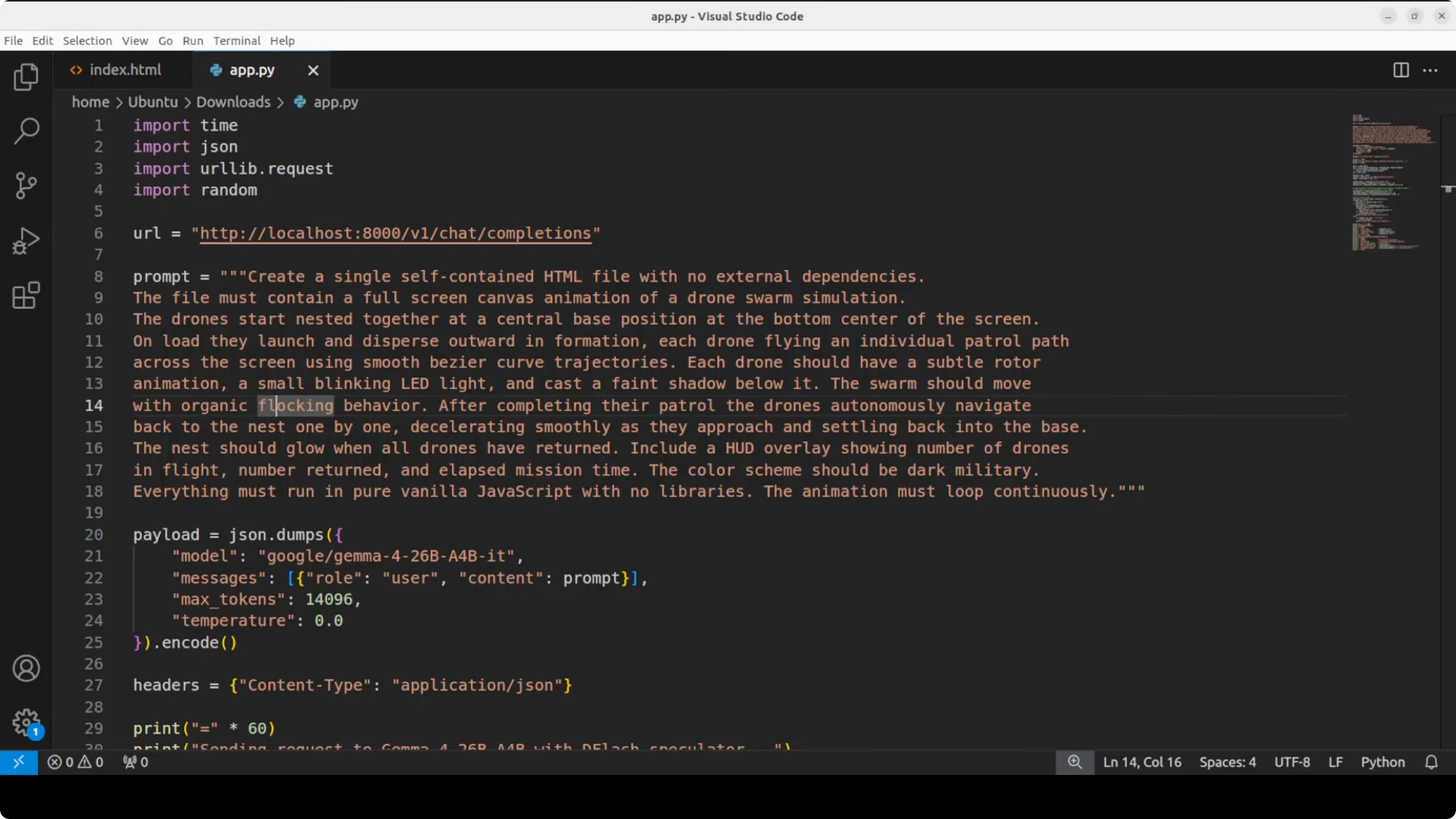
Send a real prompt and save HTML To measure speed, I am sending a complex drone swarm animation prompt. The model generates a complete working HTML file which I save to disk. The purpose is not to test the creative capability but to see if DFlash improves throughput.
import requests, json, os

url = "http://localhost:8000/v1/chat/completions"
headers = {"Content-Type": "application/json"}

system = "You are a helpful coding assistant. Produce valid HTML, CSS, and JavaScript only."
user = (
    "Create an HTML file that renders a drone swarm animation on a black canvas. "
    "Use JavaScript to simulate 150 agents with simple flocking rules for cohesion, separation, and alignment. "
    "Animate at 60 FPS, keep code self contained, no external libraries. "
    "Write the entire HTML document with inline CSS and JS."
)

payload = {
    "model": "google/gemma-4-26b-a4b",
    "messages": [
        {"role": "system", "content": system},
        {"role": "user", "content": user}
    ],
    "temperature": 0.2,
    "max_tokens": 2000
}

resp = requests.post(url, headers=headers, data=json.dumps(payload), timeout=600)
resp.raise_for_status()
text = resp.json()["choices"][0]["message"]["content"]

with open("index.html", "w", encoding="utf-8") as f:
    f.write(text)

print("Saved to index.html")
Open index.html in the browser to verify the output. I focus on the speed and acceptance stats reported by the server and logs.
If you want another practical local workflow article, see how to run Ace Step locally for fast iteration.
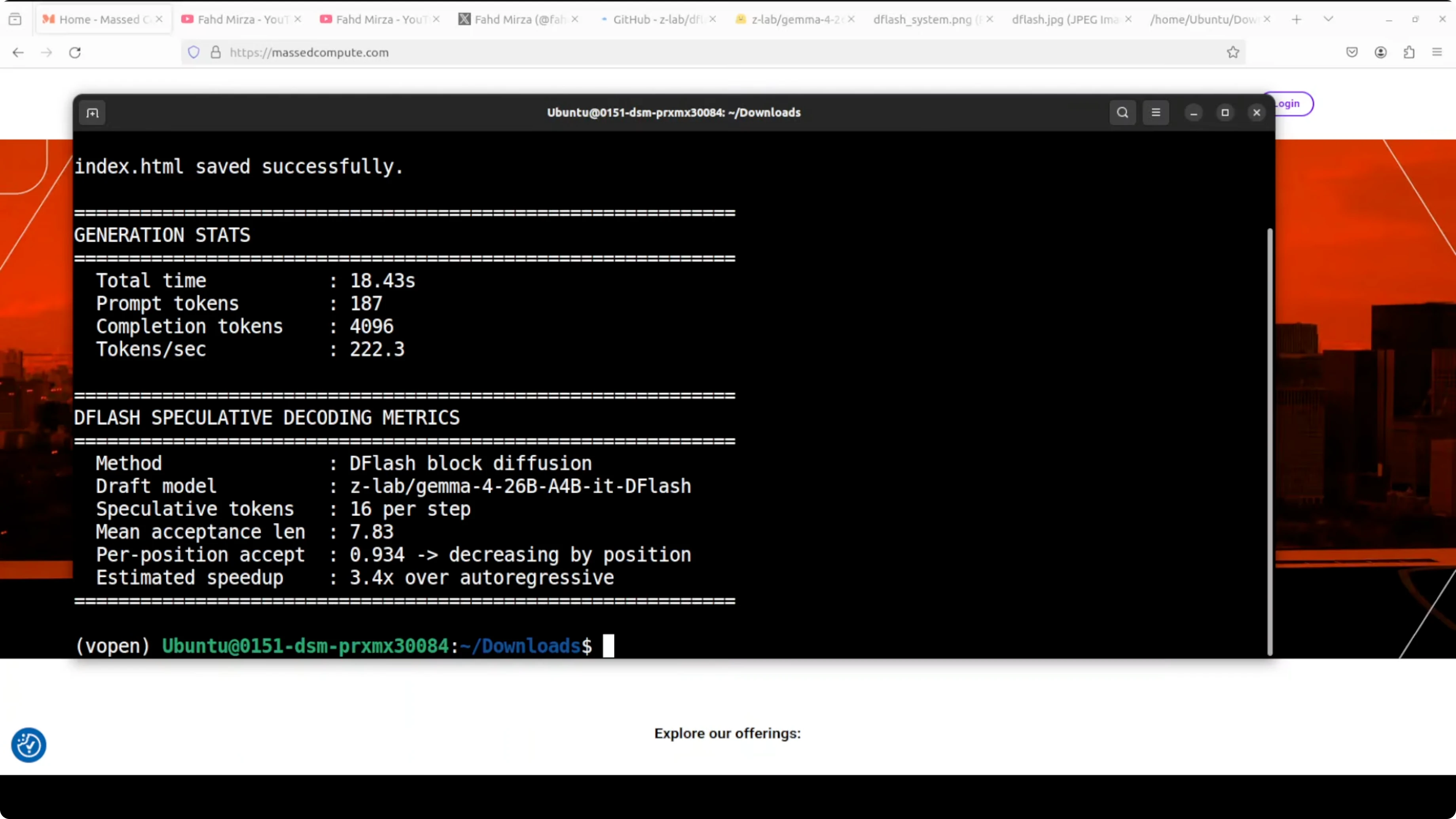
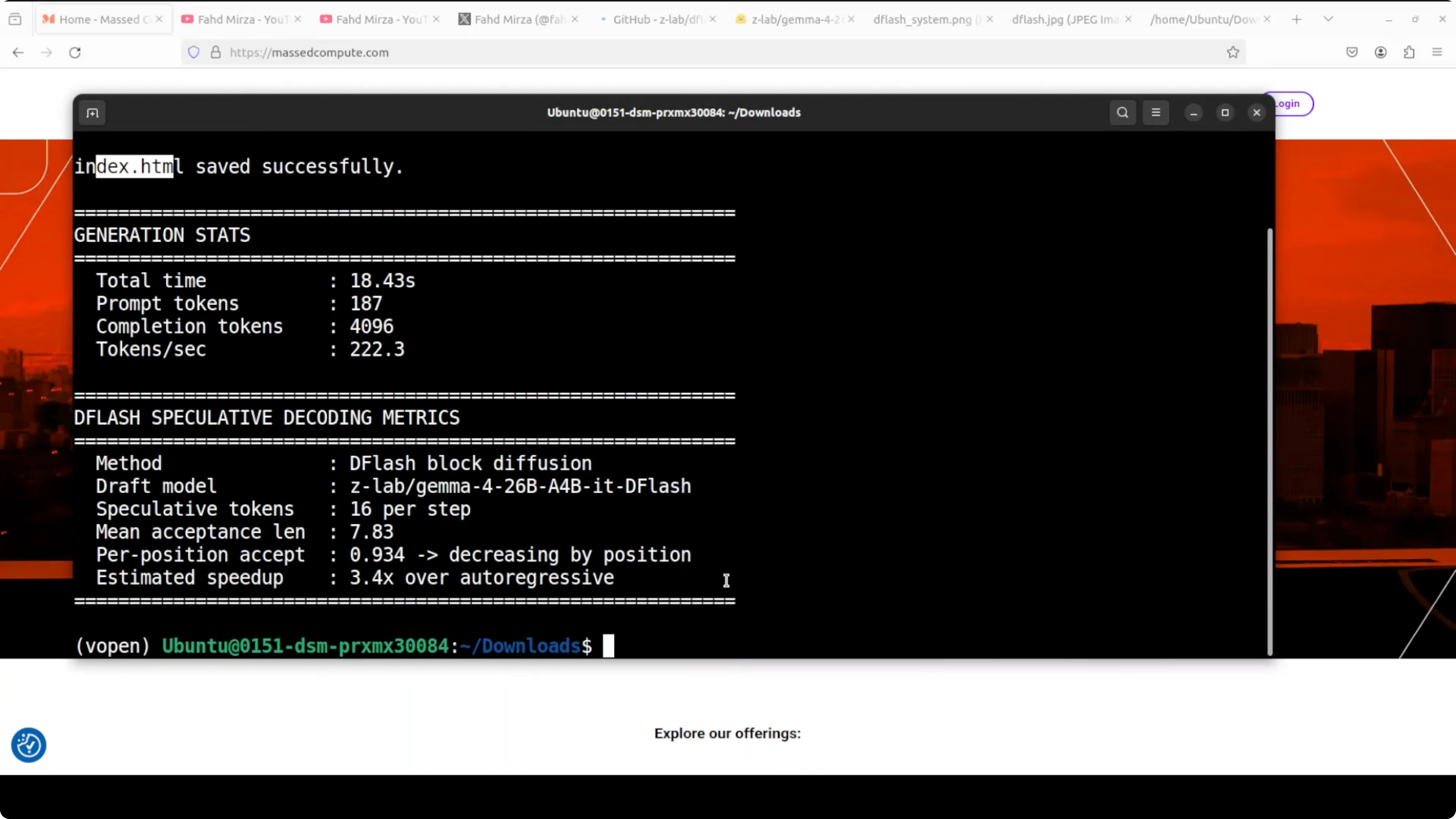
Results and stats The model generated all tokens in about 18 seconds. Throughput was around 222.3 tokens per second. Mean acceptance length was around 7.8, which in simple words means the drafter correctly guessed nearly eight tokens per step on average before the big model had to step in.
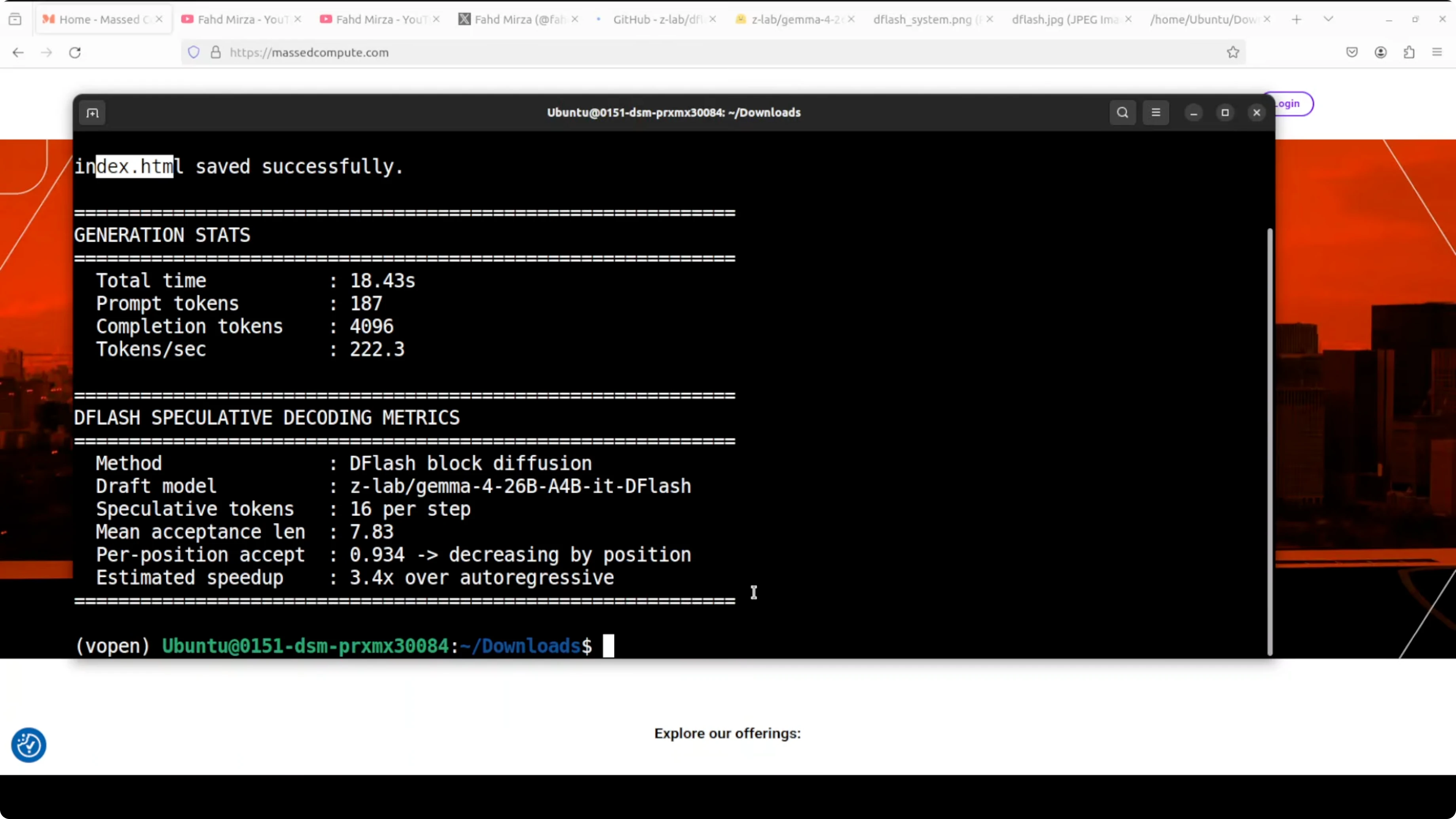
That is a 3.4x speedup over plain autoregressive decoding. It matches what ZLab published in their benchmarks, slightly lower in my case, and I expect it to improve with more tuning. The swarm animation worked as a complete file, not responsive, but perfectly fine for this test.
The algorithm is working and the numbers are real. The ecosystem is moving fast. I previously had it running with a loose implementation and a redhead speculator, and today I pushed with the official drafter.
ZLab has another variant on their Hugging Face card if you want to try alternate configurations. There is also an SGLang implementation if you prefer that runtime. The pairing of an MoE like Gemma 4 26B A4B with DFlash is especially strong for local inference.
If you are exploring Gemma 4 optimizations and creative builds, take a look at this project on Pokeclaw with Gemma 4 for ideas.
Installing and running checklist Install vLLM from the appropriate branch if required for DFlash support. Authenticate with Hugging Face and accept the model terms for both the main model and drafter. Launch the vLLM server with the main model and the drafter, enable speculative sampling, set the drafter to propose around 15 tokens per step, and configure Triton attention. Set max batched tokens to around 32K to keep throughput high across requests. Send your test prompt through the OpenAI compatible endpoint and save outputs to disk for quick inspection.
If your experiments include sister models and variants, you may also want to check this comparison of Gemma 4 31B vs Qwen 3.5 27B for context on model behavior under different loads.
Final thoughts DFlash with Gemma 4 26B A4B is delivering strong local throughput. Block diffusion with a dedicated drafter gives you more tokens per second without sacrificing output quality. The setup is straightforward with vLLM once you have access to the gated weights.
I will keep testing acceptance lengths, throughput, and stability across longer contexts. For a broader sense of where Gemma fits among local options, here is another comparison of Gemma 4 and Qwen 3.5 that pairs well with these results.
Subscribe to our newsletter
Get the latest updates and articles directly in your inbox.

Related Posts

8 Best Claude Code Plugins in 2026 (You Need to Know)
8 Best Claude Code Plugins in 2026 (You Need to Know)

7 Best Claude Code Skills (You Need to Know)
7 Best Claude Code Skills (You Need to Know)

Claude Code Desktop IDE Features (You Need to Know)
Claude Code Desktop IDE Features (You Need to Know)