
Table Of Content
- Why run Ollama: Your Free Local AI Research Assistant locally
- Install Ollama: Your Free Local AI Research Assistant with Docker
- Clone and compose
- If you are not using GPU, you can also try:
- docker compose up -d
- Pull a model into Ollama
- Find the Ollama container name
- Replace <ollama_container_name> with the actual name from docker ps
- Fix SearXNG in Ollama: Your Free Local AI Research Assistant if it restarts
- Replace <searxng_container_name> with the actual name
- Replace <path_to_searxng_data_dir> with your actual bind mount path
- Restart SearXNG
- Verify all containers are healthy
- Use Ollama: Your Free Local AI Research Assistant in the browser
- Configure research mode and providers
- Run a research query in Ollama: Your Free Local AI Research Assistant
- Results and reports in Ollama: Your Free Local AI Research Assistant
- Final thoughts on Ollama: Your Free Local AI Research Assistant
Ollama: Your Free Local AI Research Assistant
Local LLM Hardware Calculator
Enter your GPU VRAM and system RAM to see which LLMs you can run in Ollama — at Q4, Q8, or full precision — with estimated tokens-per-second speed.
Table Of Content
- Why run Ollama: Your Free Local AI Research Assistant locally
- Install Ollama: Your Free Local AI Research Assistant with Docker
- Clone and compose
- If you are not using GPU, you can also try:
- docker compose up -d
- Pull a model into Ollama
- Find the Ollama container name
- Replace <ollama_container_name> with the actual name from docker ps
- Fix SearXNG in Ollama: Your Free Local AI Research Assistant if it restarts
- Replace <searxng_container_name> with the actual name
- Replace <path_to_searxng_data_dir> with your actual bind mount path
- Restart SearXNG
- Verify all containers are healthy
- Use Ollama: Your Free Local AI Research Assistant in the browser
- Configure research mode and providers
- Run a research query in Ollama: Your Free Local AI Research Assistant
- Results and reports in Ollama: Your Free Local AI Research Assistant
- Final thoughts on Ollama: Your Free Local AI Research Assistant
Local deep research is an open source AI research assistant that runs entirely on your own machine. You do not need any API key. You give it a complex question, it searches the web, academic papers, and your own documents, then it synthesizes everything into a proper report with citations.
I am running Ubuntu with an NVIDIA RTX A6000 that has 48 GB of VRAM. You do not need that much VRAM, a smaller model works too, but a decent consumer GPU makes these local research tasks practical. The only tool you need is Docker.
Why run Ollama: Your Free Local AI Research Assistant locally
You submit a research query and the system breaks it down into sub questions. It searches multiple engines at the same time using SearXNG for the web, sources like arXiv and PubMed for papers, and your local documents.
Every source it finds during a session is downloaded into your encrypted local library. Those sources are indexed and embedded so the text becomes vectors that can be searched semantically. From that point onward, future research queries search the live web and your growing private library.
The system compounds over time. The more you use it, the richer your private knowledge base becomes. Your research stays local and private.
You can explore more local projects in our AI tools directory.
Install Ollama: Your Free Local AI Research Assistant with Docker
I already have a recent Docker version installed. Verify Docker is available.
docker --versionClone and compose
Get the repository and bring everything up with Docker Compose. This pulls Ollama, the vector store, and SearXNG, and wires up all dependencies.
git clone https://github.com/<owner>/<local-deep-research-repo>.git
cd <local-deep-research-repo>
docker compose -f docker-compose.gpu.yml up -d
# If you are not using GPU, you can also try:
# docker compose up -d
Check that the three containers are up, including SearXNG, Ollama, and Local Deep Research.
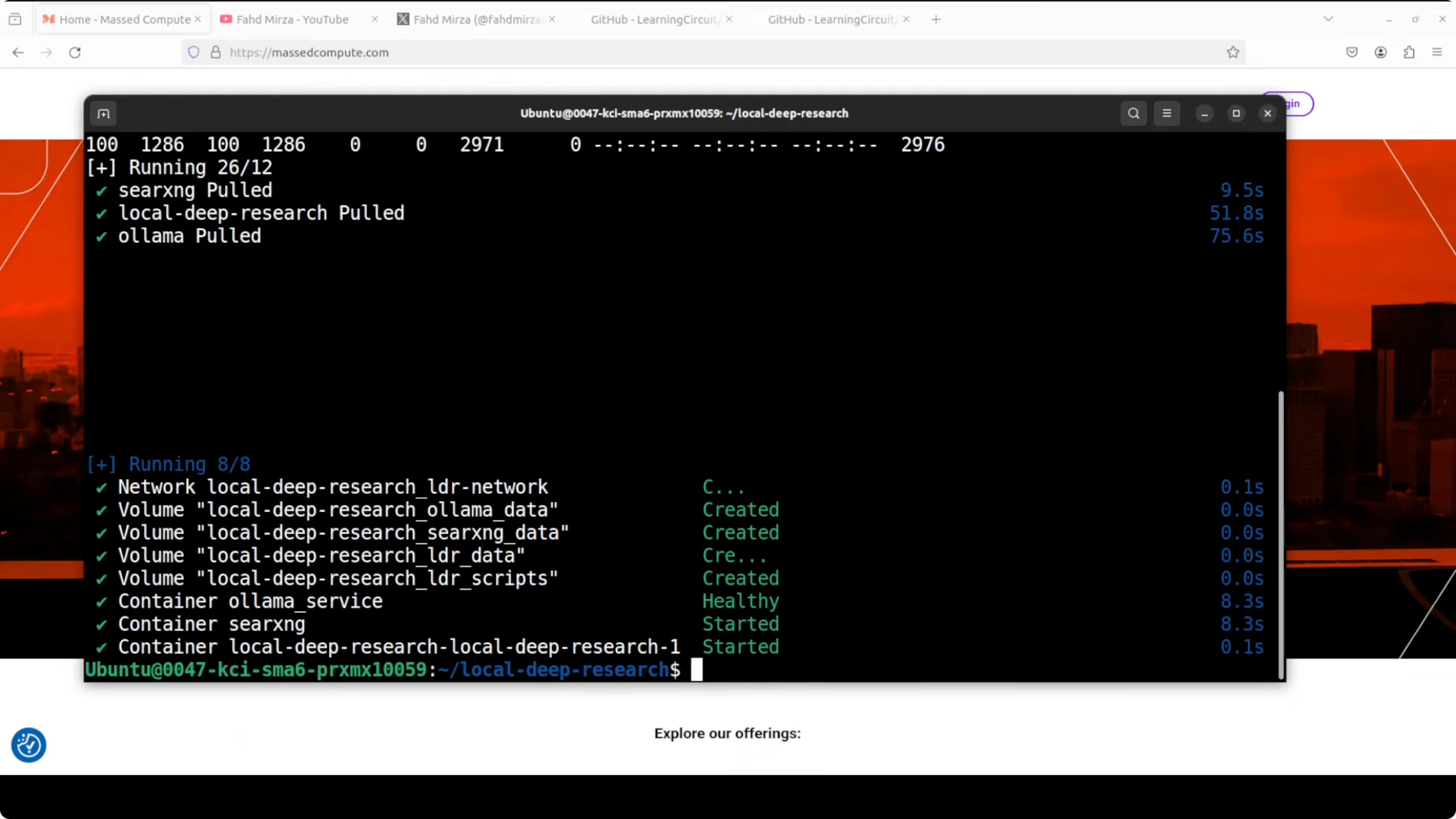
docker psIf you are building a local stack with agents as well, you might find our guide to a self hosted agent project helpful here: Openclaw local agent overview.
Pull a model into Ollama
Pull a model into the Ollama container. I am going with Gemma 7B.
# Find the Ollama container name
docker ps

# Replace <ollama_container_name> with the actual name from docker ps
docker exec -it <ollama_container_name> ollama pull gemma:7b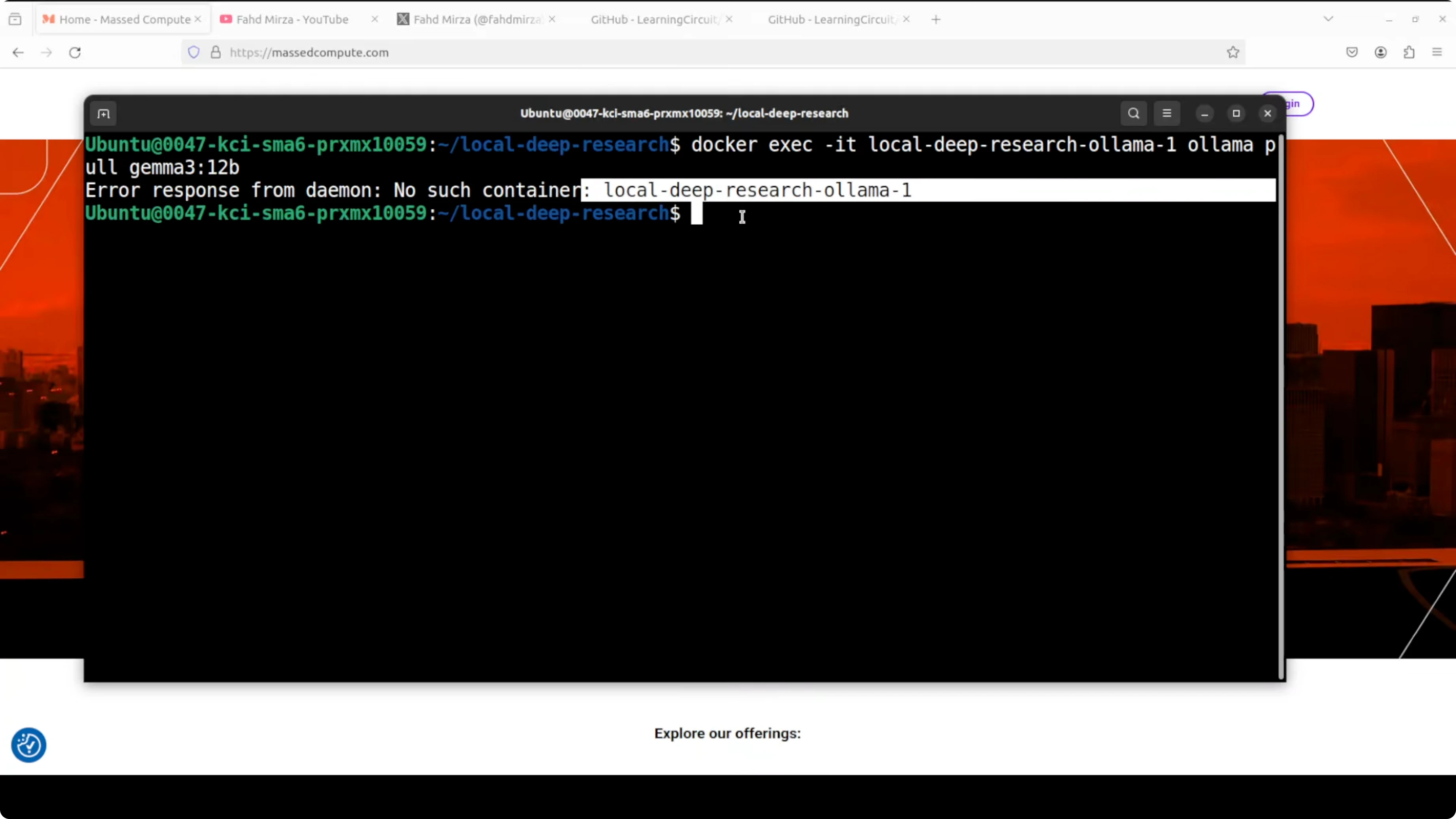
If the command fails due to a wrong container name, rerun docker ps, copy the exact name, and try again. Use the proper naming convention and it will succeed.
Fix SearXNG in Ollama: Your Free Local AI Research Assistant if it restarts
You might see SearXNG stuck in a restarting state while the other two containers are up. This is a known issue and is primarily a permissions problem.
Inspect the logs to confirm the permission error.
# Replace <searxng_container_name> with the actual name
docker logs <searxng_container_name> | tail -n 200
Set the correct permissions on the mounted SearXNG data directory, then restart the container.
# Replace <path_to_searxng_data_dir> with your actual bind mount path
sudo chmod -R 755 <path_to_searxng_data_dir>

# Restart SearXNG
docker restart <searxng_container_name>

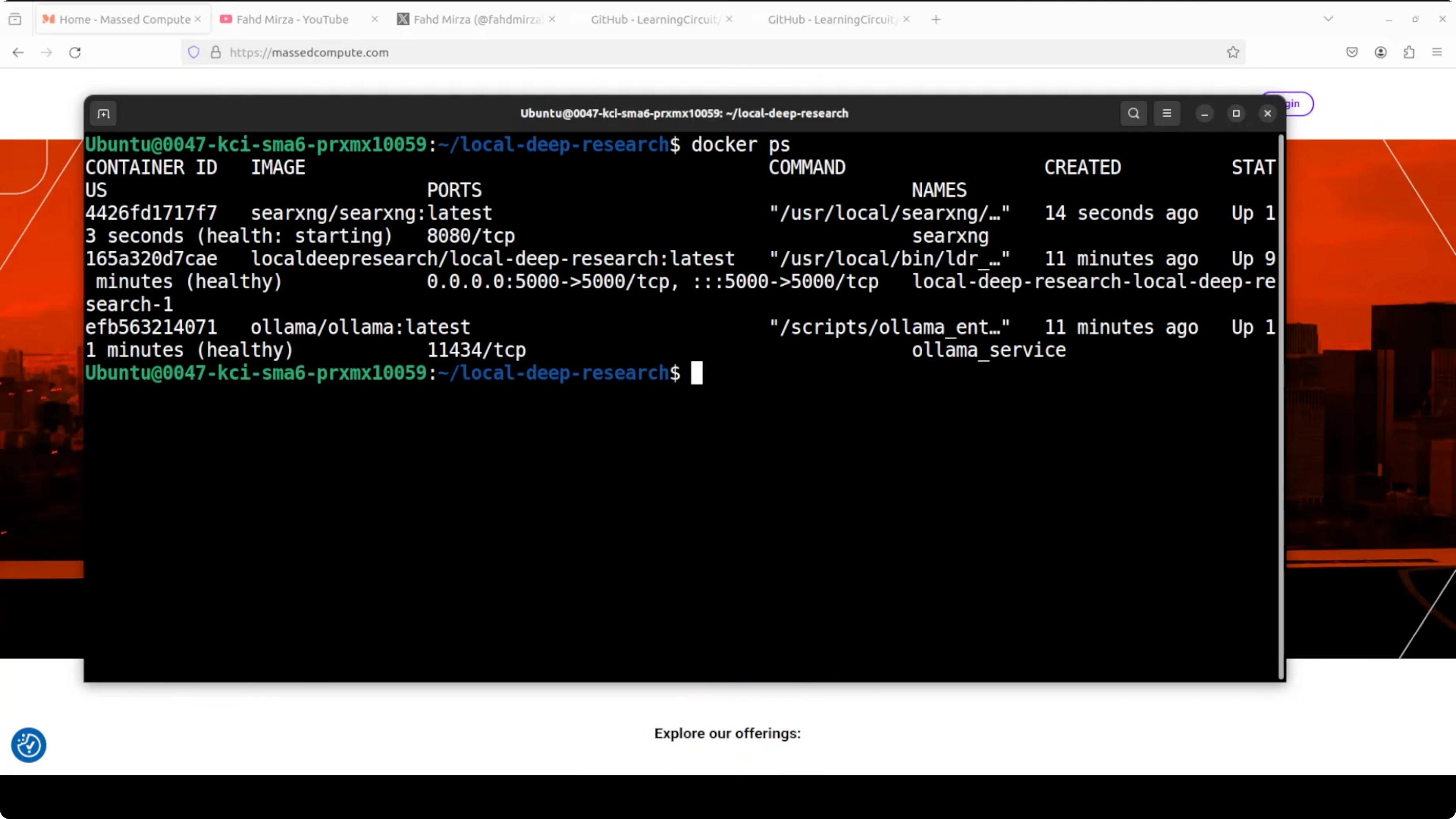
# Verify all containers are healthy
docker ps
Everything should now be up. A quick permission fix clears the restart loop.
Use Ollama: Your Free Local AI Research Assistant in the browser
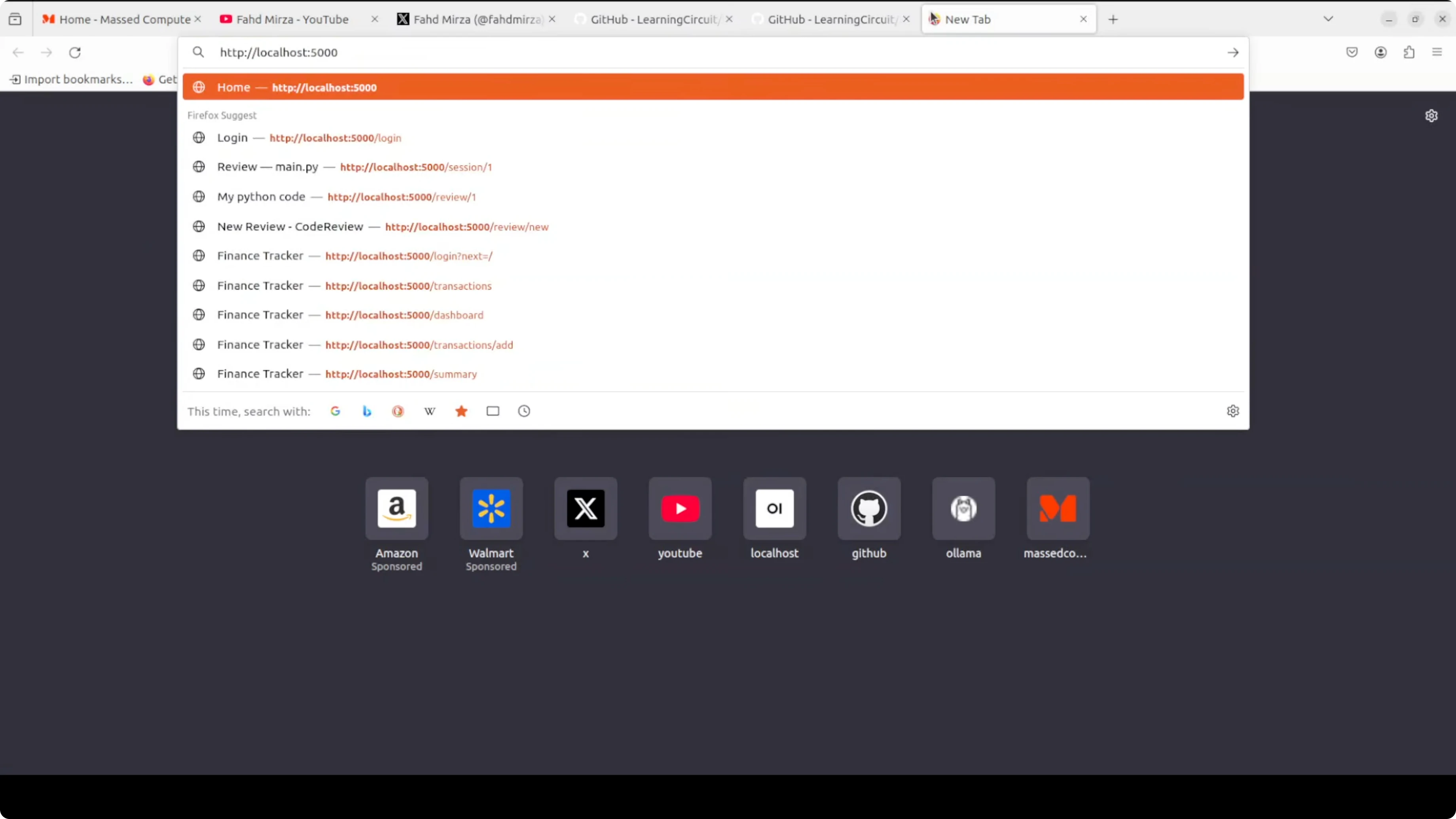
Open your browser at localhost on port 5000. Log in to the tool.
Create a user with a strong password and complete the registration. If you see warnings about backups or similar, you can dismiss them.
Configure research mode and providers
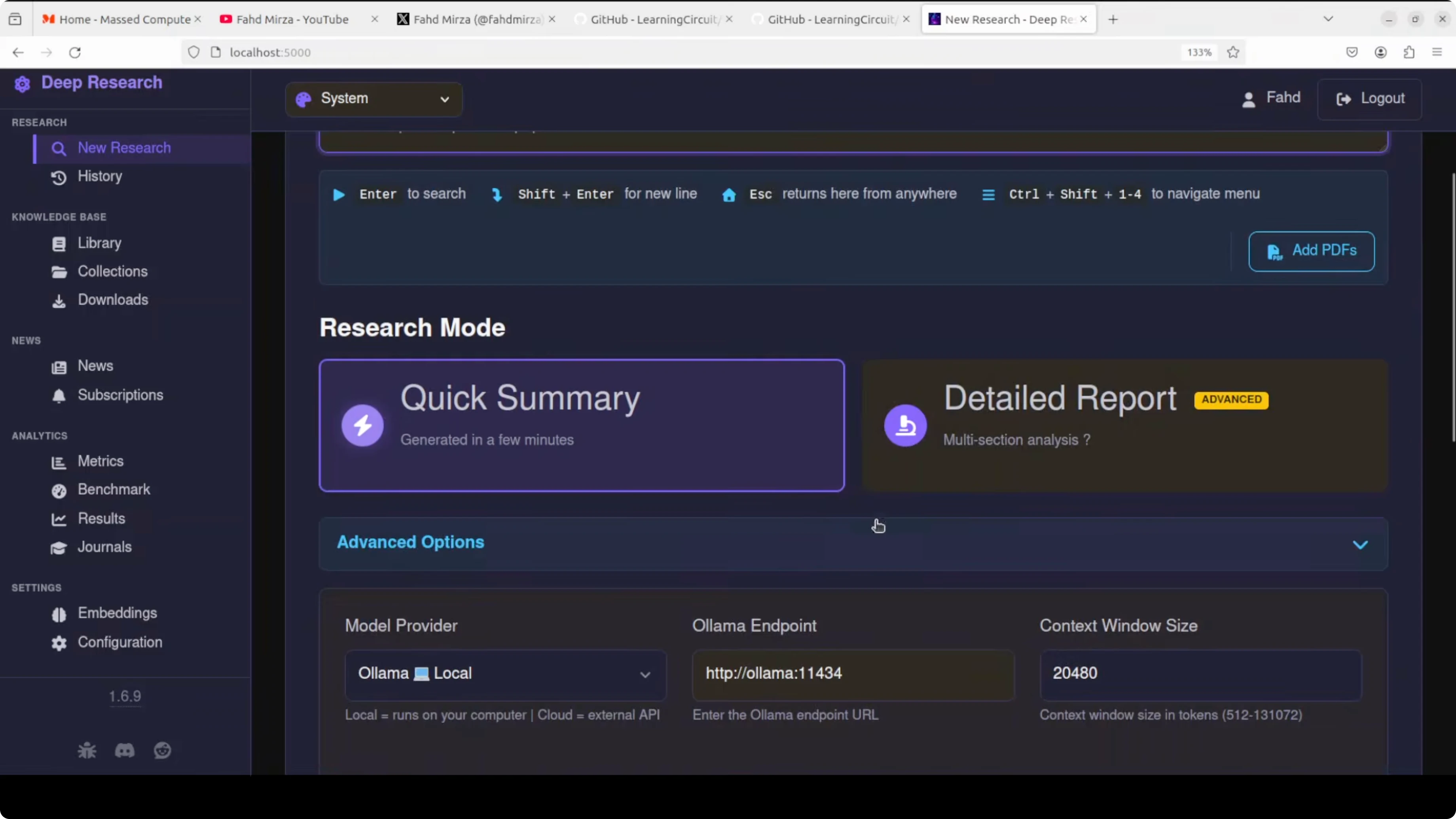
Choose research mode as either a detailed report or a quick summary. In advanced options, the model provider is Ollama local by default, and you can switch to llama dot cpp or a hosted option if needed.
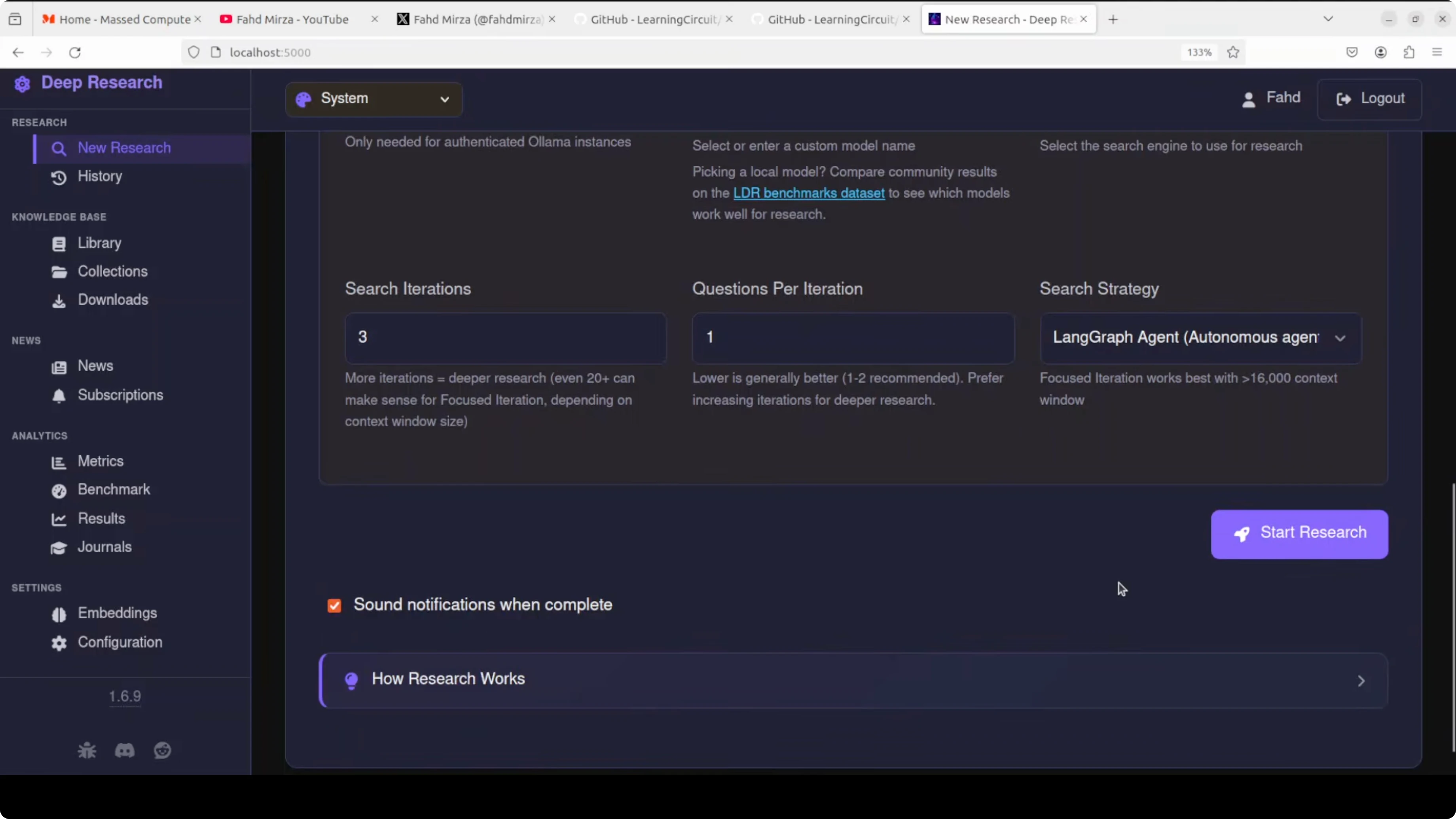
The search engine is the locally hosted SearXNG. This is key because you do not pay external search costs.
On the left menu, there is benchmarking and an embeddings section. You can test your configuration, select different embedding models, and see cosine similarity settings for semantic search. You do not need to tweak these to get started.
If you prefer working from a central dashboard style view for multiple tools, see our short guide on accessing an agent dashboard locally.
Run a research query in Ollama: Your Free Local AI Research Assistant
Enter a query like what are the causes and treatments of premature aging. This is not medical advice.
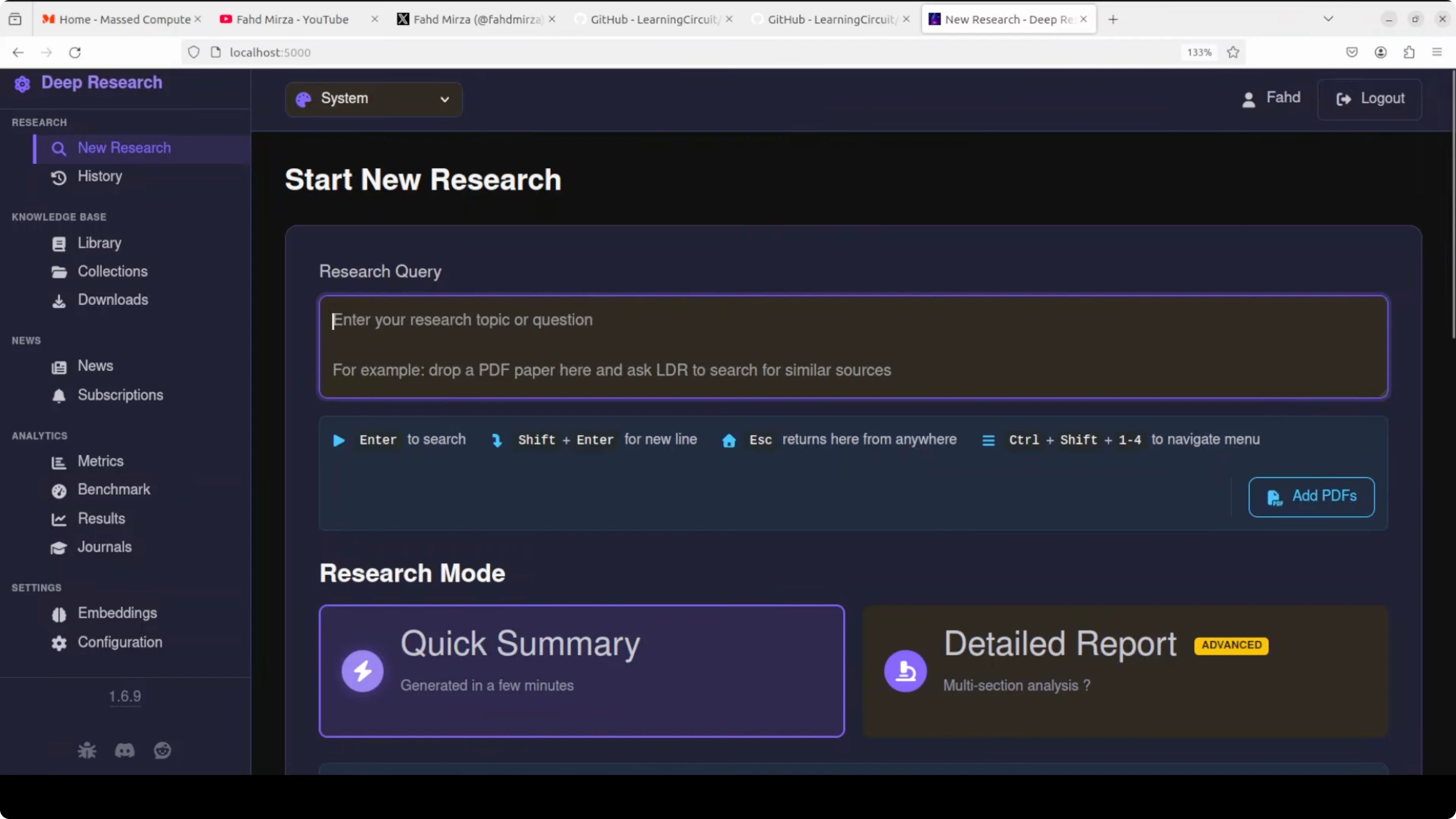
You can also add your own PDFs from your local system so the response is grounded in your documents. Select quick summary and start the research.
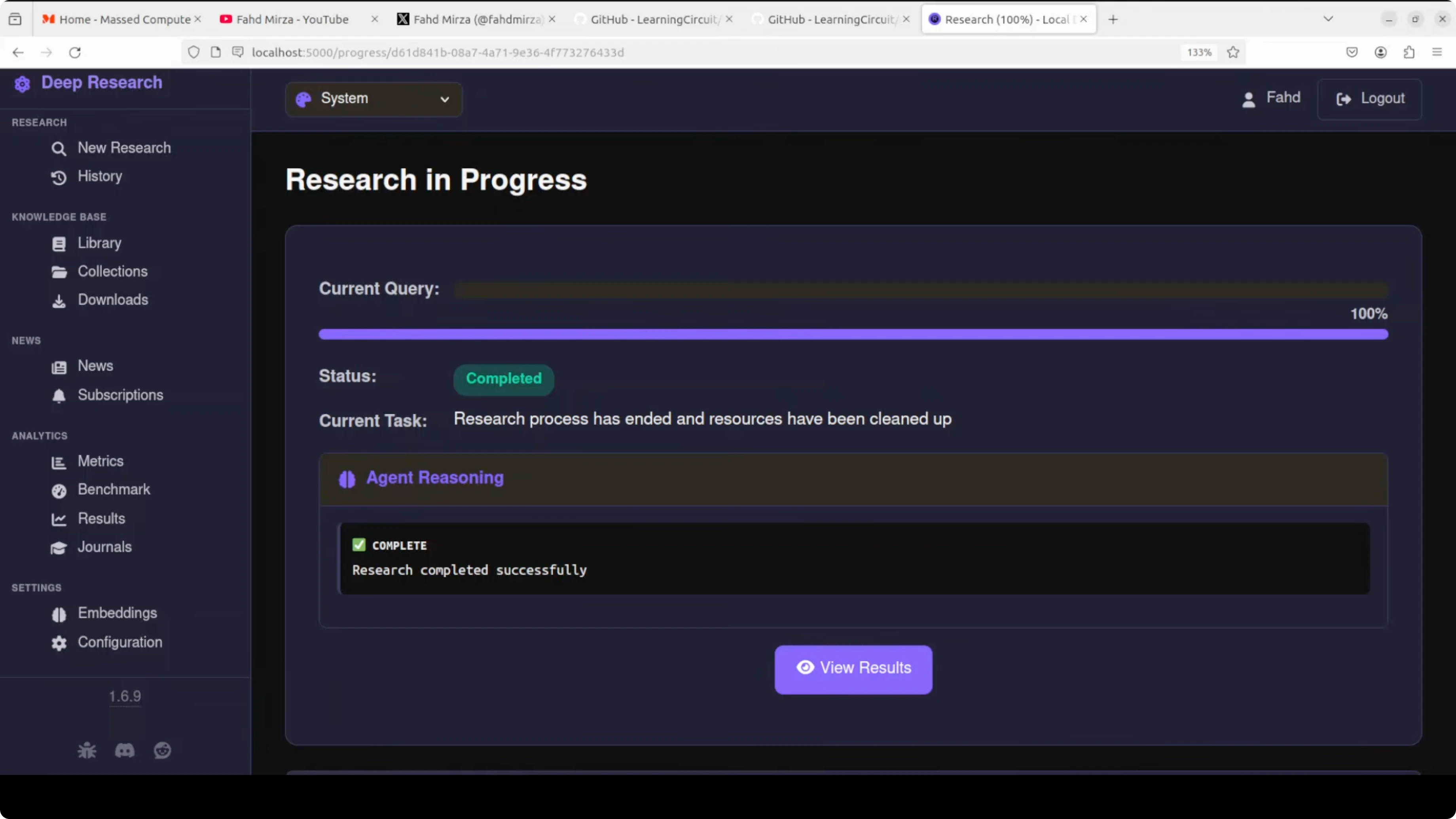
You will see actions like web search and results fetched from different sources, along with research logs. There are some rough edges here and there. It is free, local, and private, and you avoid API costs.
If you are experimenting with models that support images or more modalities for research workflows, take a look at this short overview of a recent vision language model, Step3 VL from Stepfun.
Results and reports in Ollama: Your Free Local AI Research Assistant
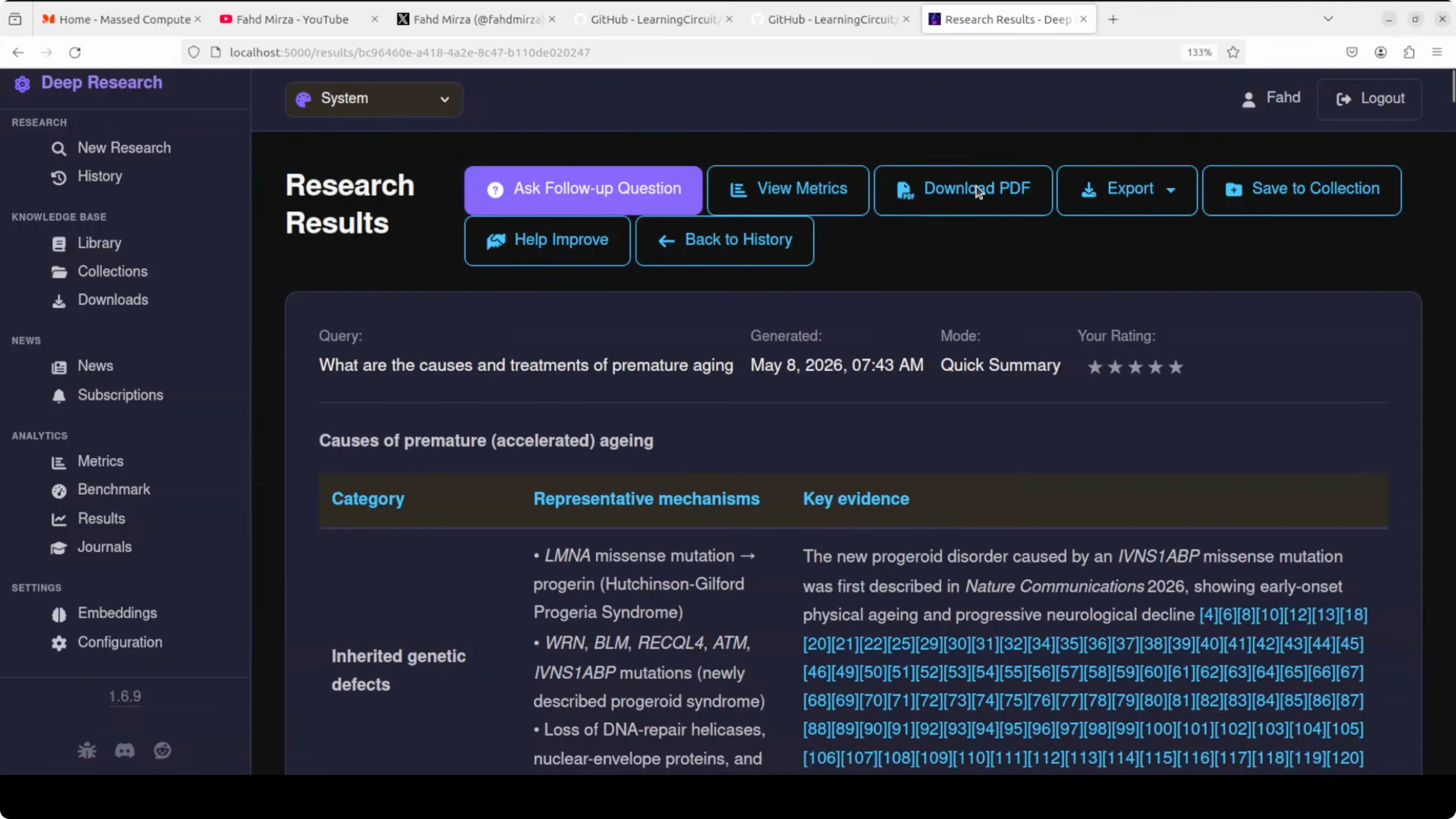
When the research completes, you can view the results. You can also open history or add the run to a collection.
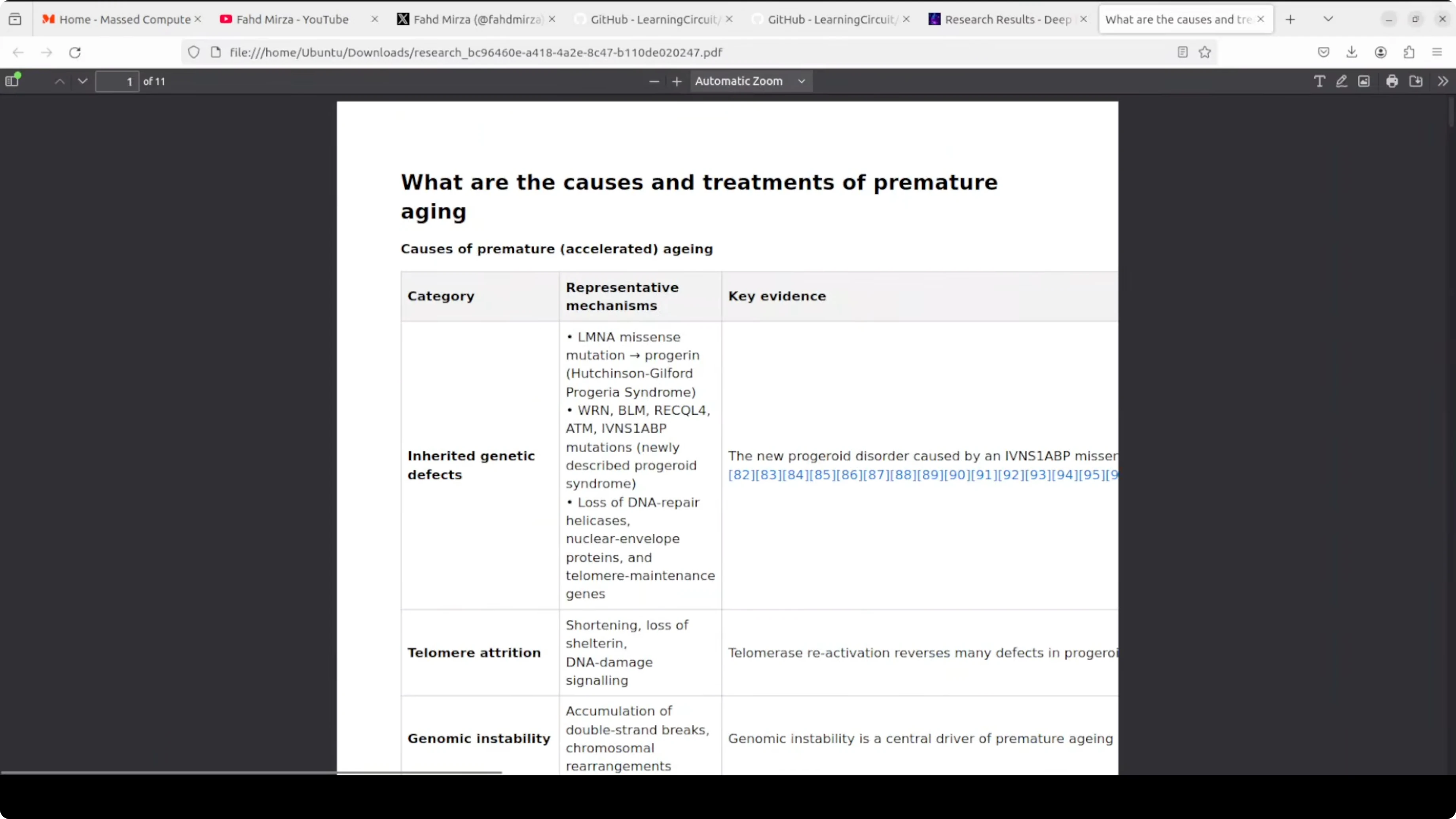
The results include a nicely formatted table with a lot of information. Citations are attached and you can download a PDF.
The tool generates the PDF that mirrors the on screen report. You can improve your prompt or try another model if you want a different result style. The out of the box output looks solid for a quick run.
For more local creativity powered by models on your machine, explore this compact music project that runs locally, a local music generator.
Final thoughts on Ollama: Your Free Local AI Research Assistant
Everything runs on your hardware with Docker, no API keys, and private storage. You can pull your preferred model in Ollama, fix a simple SearXNG permission issue if it appears, and start running research in minutes.
You get web search, academic sources, and your own files combined into a report with citations. The more you use it, the better your private library gets.
Subscribe to our newsletter
Get the latest updates and articles directly in your inbox.

Related Posts

8 Best Claude Code Plugins in 2026 (You Need to Know)
8 Best Claude Code Plugins in 2026 (You Need to Know)

7 Best Claude Code Skills (You Need to Know)
7 Best Claude Code Skills (You Need to Know)

Claude Code Desktop IDE Features (You Need to Know)
Claude Code Desktop IDE Features (You Need to Know)