
How to Build Your First OpenClaw Plugin with Ollama Tools
OpenClaw Error Fixer
Paste any OpenClaw error and get the exact fix instantly — cause, steps, copy-ready commands, and related guides.
OpenClaw has changed the way I think about agent AI. It is an open source agent platform that runs a persistent local gateway on your machine. You can manage agents, tools, channels, and model routing all in one place.
What makes it powerful in my view is its plugin system. The core install is intentionally lean and fast, and you extend it with only what you need. You enable only what you need and everything else stays out of your way.
I am going to set up a fresh OpenClaw install, connect it to a local Ollama model, add Tavily web search, wire up a Telegram channel, and then build a tiny custom plugin. Everything will run locally except the web search API.
See this Ollama setup guide for OpenClaw if you want a deeper explanation of the Ollama side.
Setup on Ubuntu
I am on Ubuntu with a GPU and I am running a local Ollama model. I am going with IBM Granite 8B, which works well on a modern GPU. I am not using any API hosted LLM here.
Install OpenClaw with the quick start and accept the defaults. Pick the Ollama based model provider and point to your local Ollama endpoint. If the wizard picks a default model you did not want, we will change it right away.
If you rely on routing or backup models later, read this short note on clearing or setting fallbacks to avoid confusion. Fallbacks can silently override the model you think you are using. Learn how to clear fallback models in OpenClaw.
Configure the Ollama model
Set your model explicitly so you know the gateway is using Granite 8B.
Run:
openclaw models set --provider ollama --model granite:8b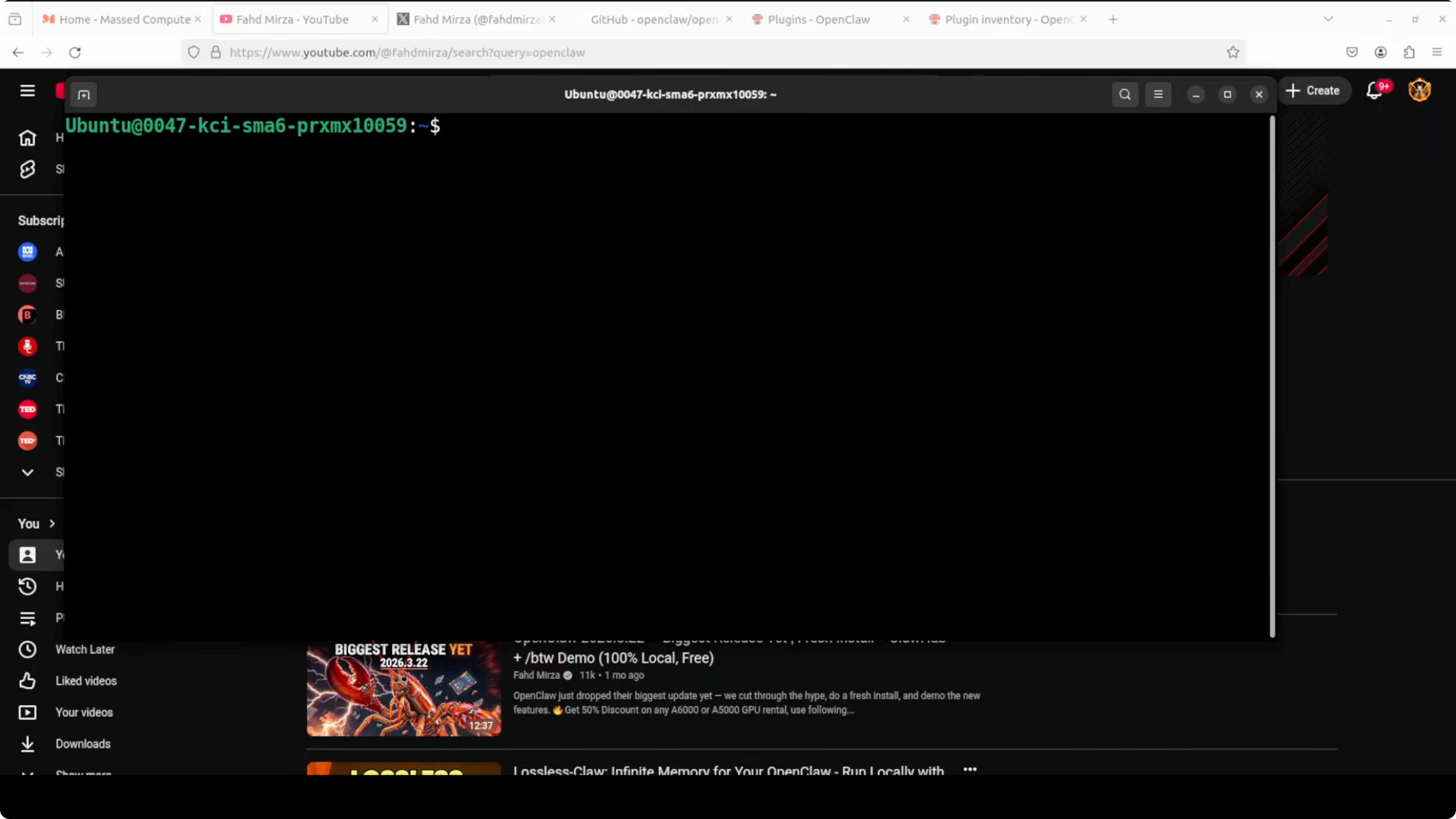
Restart the gateway to apply the change.
openclaw gateway restart
Verify the active models.
openclaw models listYou should see Granite listed and active. This confirms OpenClaw is now integrated with Ollama and your local model is ready. For more model ideas and a step by step pairing of OpenClaw with Ollama, see this Ollama with OpenClaw walkthrough.
If you want to try a strong small context model locally, here is a practical path for Qwen 3.5 on Ollama with OpenClaw. Run Qwen 3.5 locally with OpenClaw and Ollama.
Gemma is also a solid option for local runs with OpenClaw. How to run Gemma with Ollama inside OpenClaw.
Add a Telegram channel
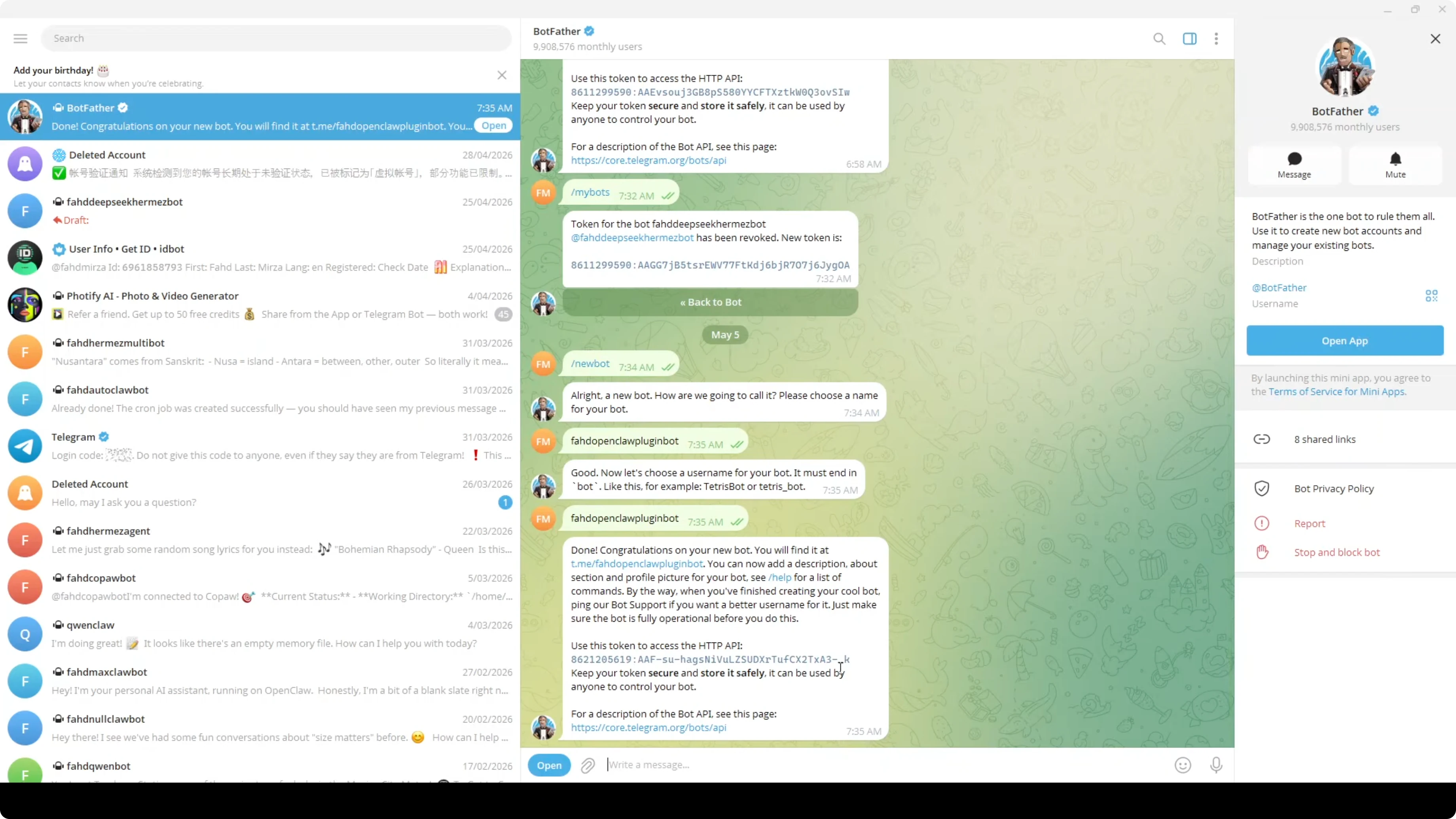
I want to message the agent from anywhere, so I will set up Telegram. Pick the Telegram Bot API channel during the OpenClaw setup.
Create a bot in Telegram using BotFather. Open BotFather, send the new bot command. Name the bot and choose a unique username. Copy the token that BotFather returns.
Paste the bot token into the OpenClaw prompt when it asks for the Telegram bot token. That is all you need for the channel to connect. You can change or re pair the token later if required.
Enable Tavily web search
I am using Tavily for web search because it works well and has a free tier. DuckDuckGo can be used as a fallback, but Tavily has been more reliable for me. If you want a curated list of free keys and models suitable for testing, check out these free API and model options for OpenClaw.
List all plugins to see what is available.
openclaw plugins listFilter for Tavily to confirm its status.
openclaw plugins list | grep tavilyEnable the Tavily tool.
openclaw plugins enable tavily
Set your Tavily API key.
openclaw tools set tavily.api_key=YOUR_TAVILY_API_KEYRestart the gateway.
openclaw gateway restartIf you are on a different OpenClaw version and the enable step behaves differently, try setting the plugin again with the same command or re listing to confirm the enabled state. Once enabled, the Tavily tool will be callable from any session.
Search from the TUI
Launch the terminal user interface.
openclaw tui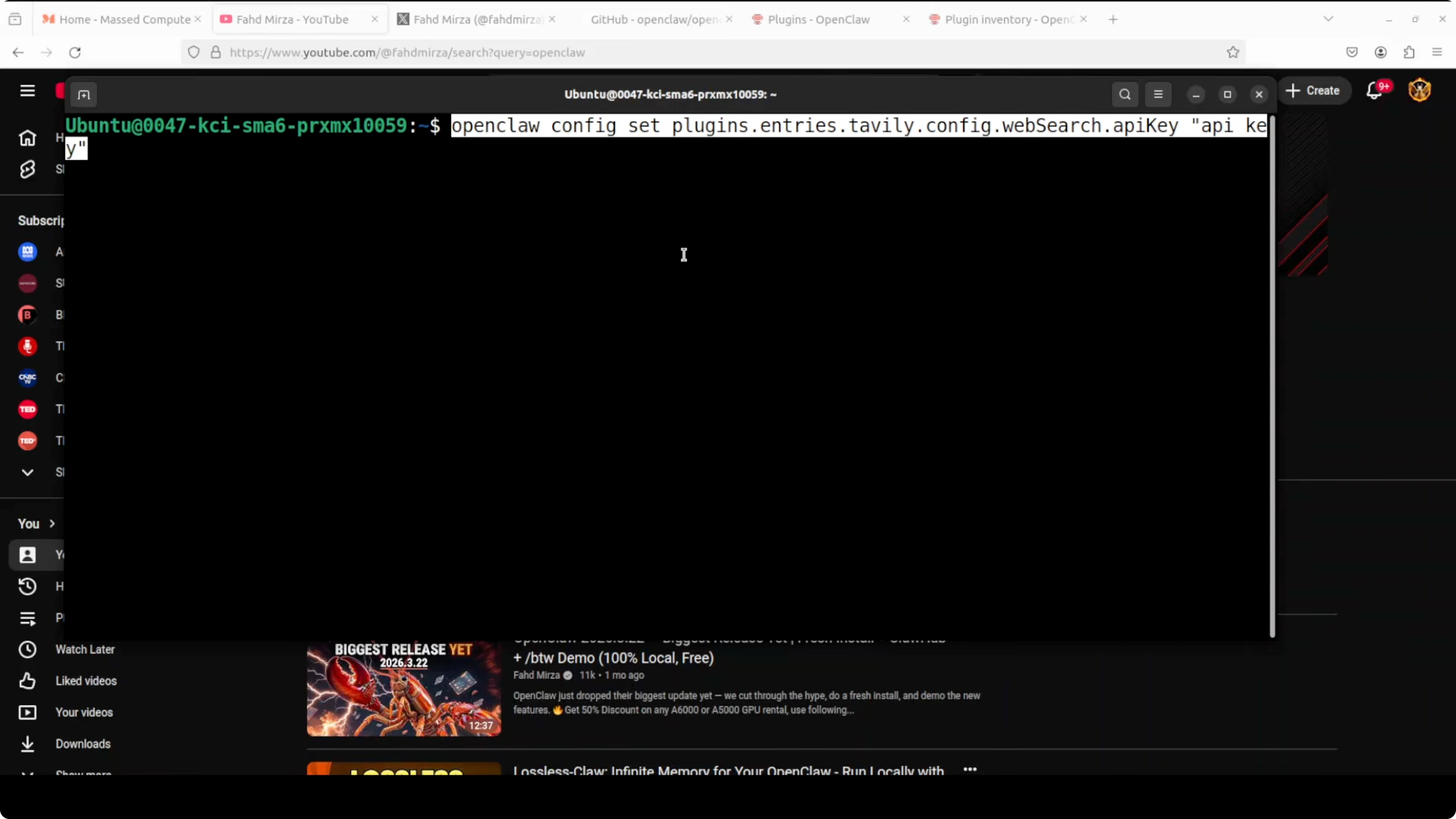
Ask the agent to search the web about a topic and summarize. For example, ask it to search the web and tell you about a specific creator or a product. You should see extracted results and links from the Tavily tool in the response.
Build Your First OpenClaw Plugin with Ollama Tools
I want to show a small skeleton so you can create your own plugin for simple internal tasks. I will create a hello tool that says hello to a person. This is the minimal shape you need to get a custom tool working.
Workspace layout
Create a new directory inside the OpenClaw workspace for your plugin.
mkdir -p plugins/hello
cd plugins/hello
Manifest file
Create a manifest file to declare the tools exposed by your plugin.
{
  "name": "hello_plugin",
  "version": "0.1.0",
  "description": "Say hello tool for OpenClaw",
  "tools": [
    {
      "name": "sayHello",
      "description": "Say hello to a person",
      "input_schema": {
        "type": "object",
        "properties": {
          "person": { "type": "string" }
        },
        "required": ["person"]
      }
    }
  ]
}
Save it as:
plugins/hello/manifest.jsonThe manifest tells OpenClaw what the tool is called, what it does, and what input it expects. Keep names short and clear. A clear input schema makes tool calling more reliable.
TypeScript tool interface
Implement the tool in TypeScript. The function will read the person field and return a greeting.
/* plugins/hello/src/hello.ts */
type SayHelloInput = {
  person: string
}

export async function sayHello(input: SayHelloInput): Promise<string> {
  const name = input.person?.trim() || "there"
  return `Hello, ${name}!`
}
Export a plugin entry that registers the tool.
/* plugins/hello/src/index.ts */
import { sayHello } from "./hello"

export default {
  name: "hello_plugin",
  tools: [
    {
      name: "sayHello",
      description: "Say hello to a person",
      inputSchema: {
        type: "object",
        properties: { person: { type: "string" } },
        required: ["person"]
      },
      execute: sayHello
    }
  ]
}
Build the plugin if your setup expects compiled output.
npm install
npm run build
Link, inspect, enable
Link the plugin into OpenClaw.
openclaw plugins link ./plugins/helloInspect to verify it is installed and loaded.
openclaw plugins inspect hello_plugin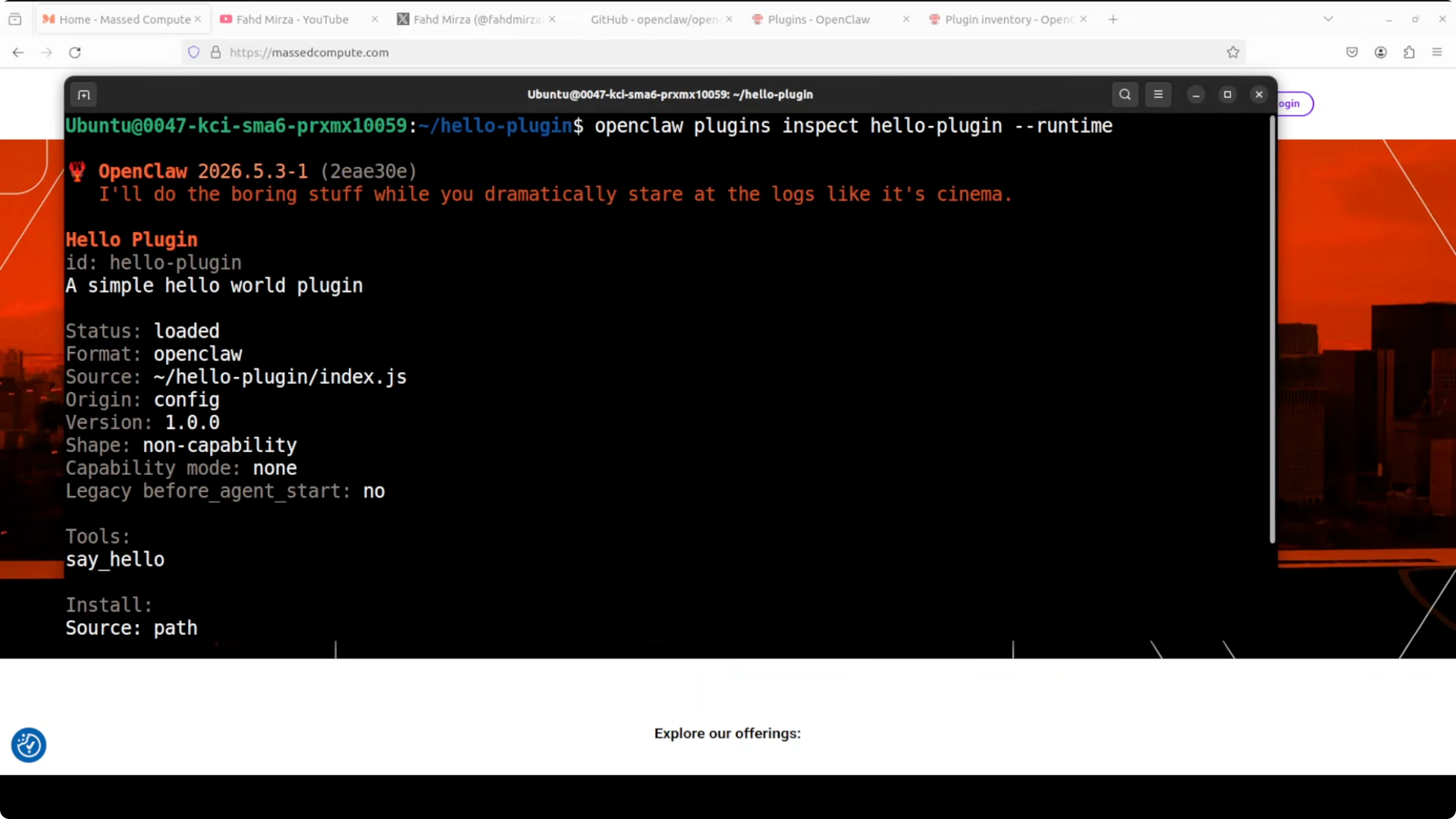
Enable the plugin.
openclaw plugins enable hello_pluginRestart the gateway.
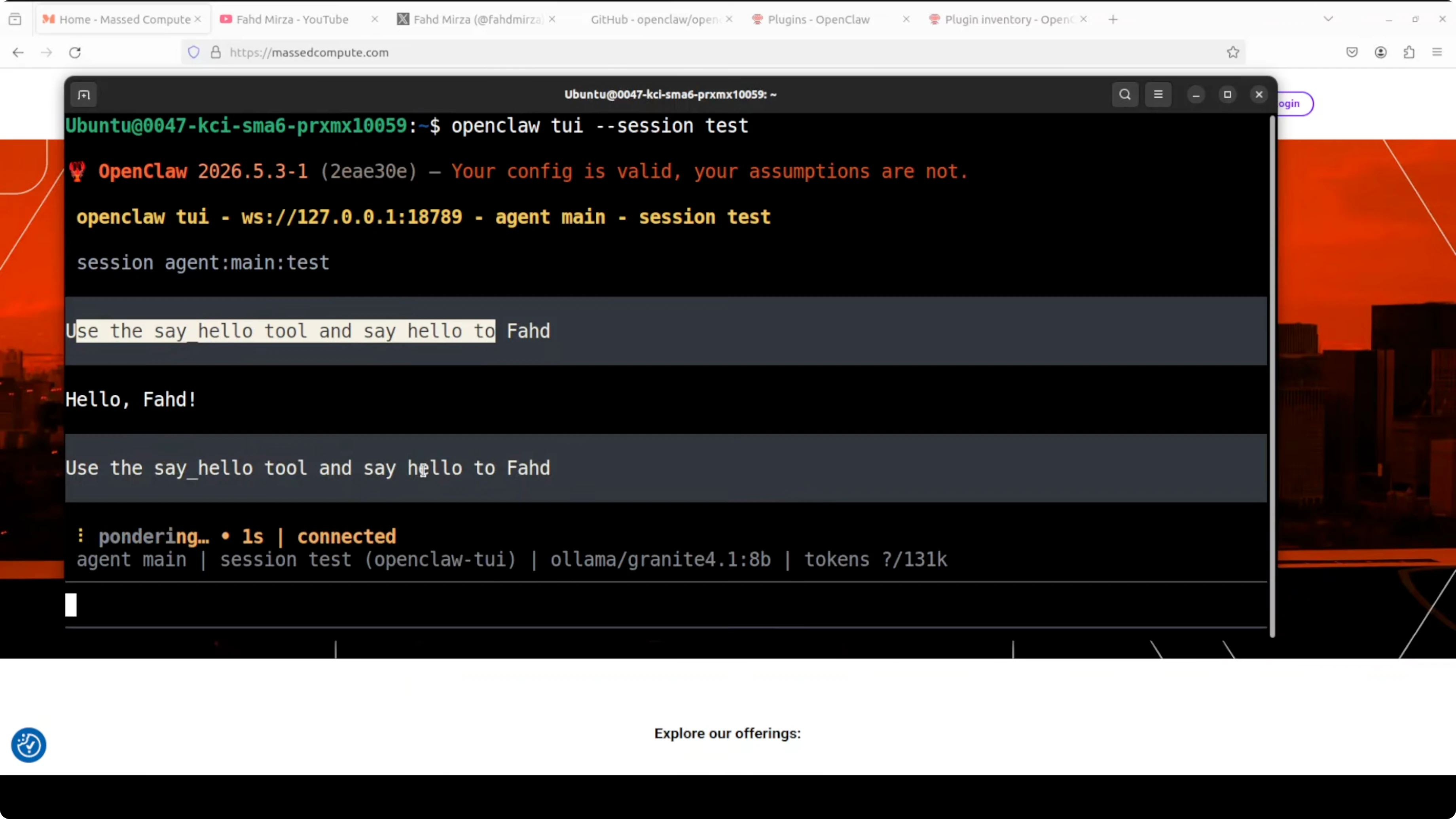
openclaw gateway restartStart a new TUI session and call the tool by name. Ask it to use the tool and say hello to a specific person. You should see a friendly hello string returned right away.
Final thoughts
OpenClaw stays lean by design and becomes powerful through plugins and tools. You can run local models with Ollama, add only the tools you need, and talk to your agent over Telegram or any other channel. The plugin skeleton above is all you need to start adding your own private tools.
Subscribe to our newsletter
Get the latest updates and articles directly in your inbox.

Related Posts

8 Best Claude Code Plugins in 2026 (You Need to Know)
8 Best Claude Code Plugins in 2026 (You Need to Know)

7 Best Claude Code Skills (You Need to Know)
7 Best Claude Code Skills (You Need to Know)

Claude Code Desktop IDE Features (You Need to Know)
Claude Code Desktop IDE Features (You Need to Know)