
Table Of Content
- Run Gemma 4 E4B with Ollama and OpenClaw Locally - overview
- Per layer embeddings
- Install and run locally
- Ollama setup for Gemma 4 E4B
- Replace the tag with the exact E4B tag you choose
- OpenClaw integration
- Example OpenClaw config snippet
- Results and notes
- Use cases for Run Gemma 4 E4B with Ollama and OpenClaw Locally
- Final thoughts
How to Run Gemma 4 E4B with Ollama and OpenClaw Locally?
OpenClaw Error Fixer
Paste any OpenClaw error and get the exact fix instantly — cause, steps, copy-ready commands, and related guides.
Table Of Content
- Run Gemma 4 E4B with Ollama and OpenClaw Locally - overview
- Per layer embeddings
- Install and run locally
- Ollama setup for Gemma 4 E4B
- Replace the tag with the exact E4B tag you choose
- OpenClaw integration
- Example OpenClaw config snippet
- Results and notes
- Use cases for Run Gemma 4 E4B with Ollama and OpenClaw Locally
- Final thoughts
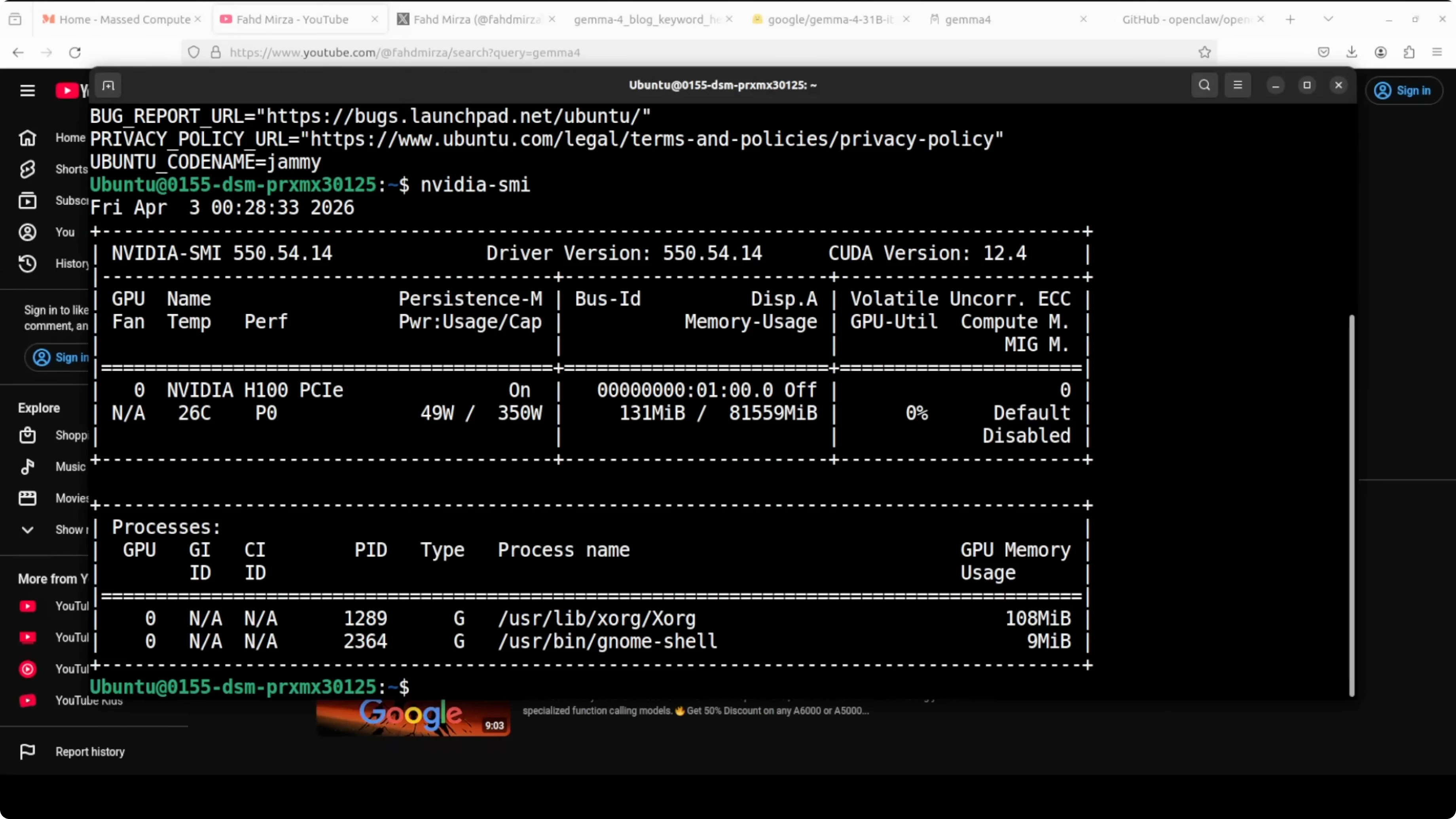
Today is a Gemma day. I am going to install and run the Gemma 4 E4B model with OpenClaw by using an Ollama based model. I am on Ubuntu with an Nvidia H100 that has 80 GB of VRAM, and I will show VRAM consumption as we go.
I am choosing the E4B flavor of Gemma 4. Gemma 4 consists of four models in this family, and I have already shown the 31 billion version in a separate session. Here I am focused on E4B.
If you want a written walkthrough of this exact stack, see our setup guide for Gemma 4 with OpenClaw and Ollama here: Set Up Gemma 4 Openclaw Ollama.
Run Gemma 4 E4B with Ollama and OpenClaw Locally - overview
E4B is an edge-optimized variant that runs at an effective 4 billion parameter footprint during inference while packing 8 billion total parameters with per layer embeddings. E stands for effective parameters, not total parameters. The model has 8 billion total parameters, but at inference it only activates an effective 4 billion of that.
Per layer embeddings
Instead of making the model deeper or wider, Google gave each decoder layer its own small dedicated embedding for every token. These embedding tables are large in storage, but they are just look-up tables that are fast, cheap, and low memory. The result is speed and memory usage like a 4 billion parameter model, with capability that reflects the extra capacity those embeddings bring.
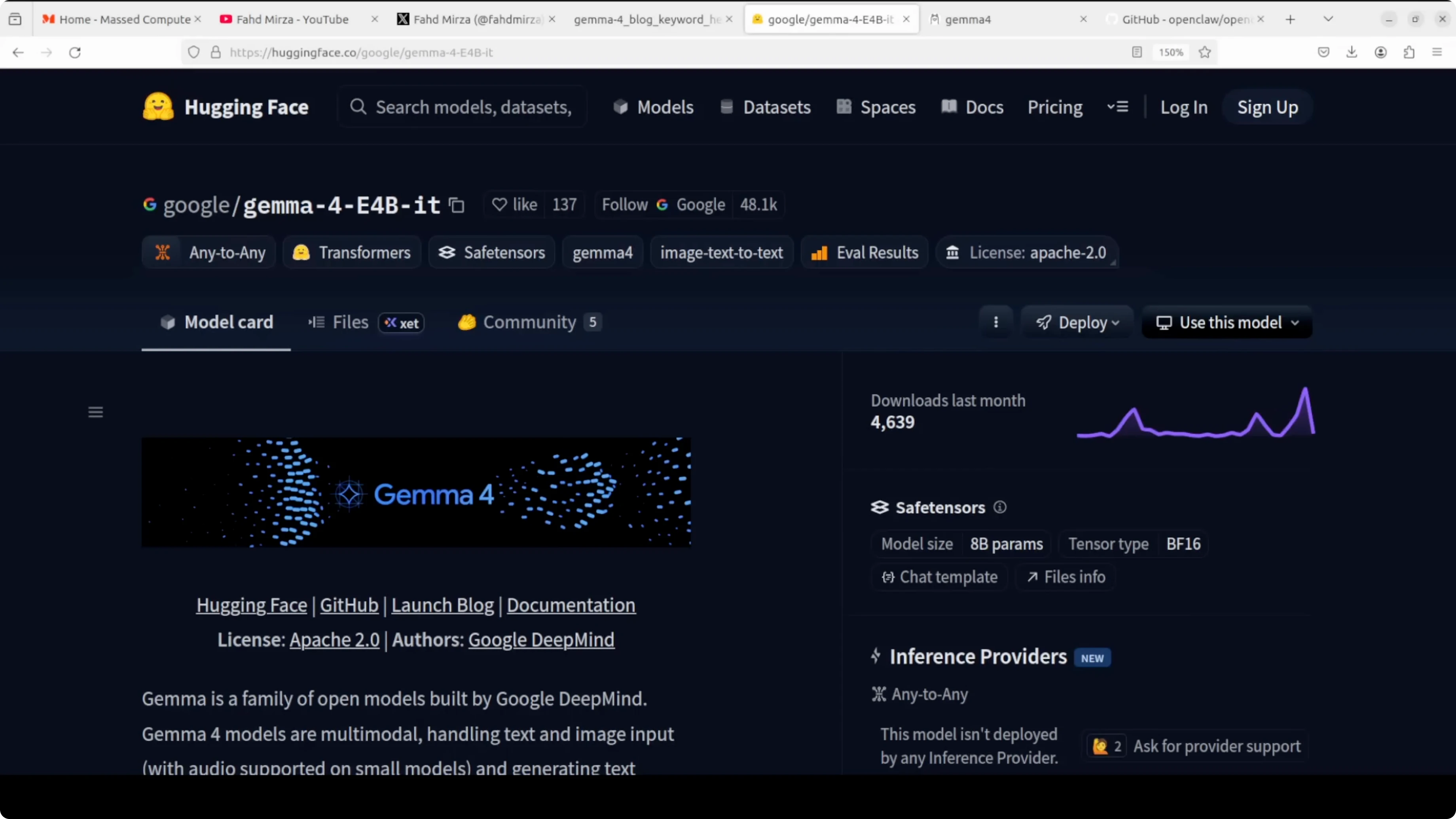
This is not a quantization trick or a pruning shortcut. It is an architectural choice designed for edge deployment like phones and laptops. If you need the model card for reference, see google/gemma-4-E4B-it on Hugging Face.
If you are deciding between families, I have covered how Gemma 4 stacks against Qwen 3.5 in detail here: Gemma 4 Vs Qwen3 5.
Install and run locally
I first install Ollama. I then download the model so a GPU is required for reasonable speed. After that I install OpenClaw and integrate it with Ollama.
Ollama setup for Gemma 4 E4B
Install Ollama on Ubuntu.
curl -fsSL https://ollama.com/install.sh | shPull the E4B variant from the Ollama library. Use the E4B instruct tag that matches your environment.
# Replace the tag with the exact E4B tag you choose
ollama pull gemma-4-e4b
Verify the model is available.
ollama listYou can check GPU memory usage at any time.
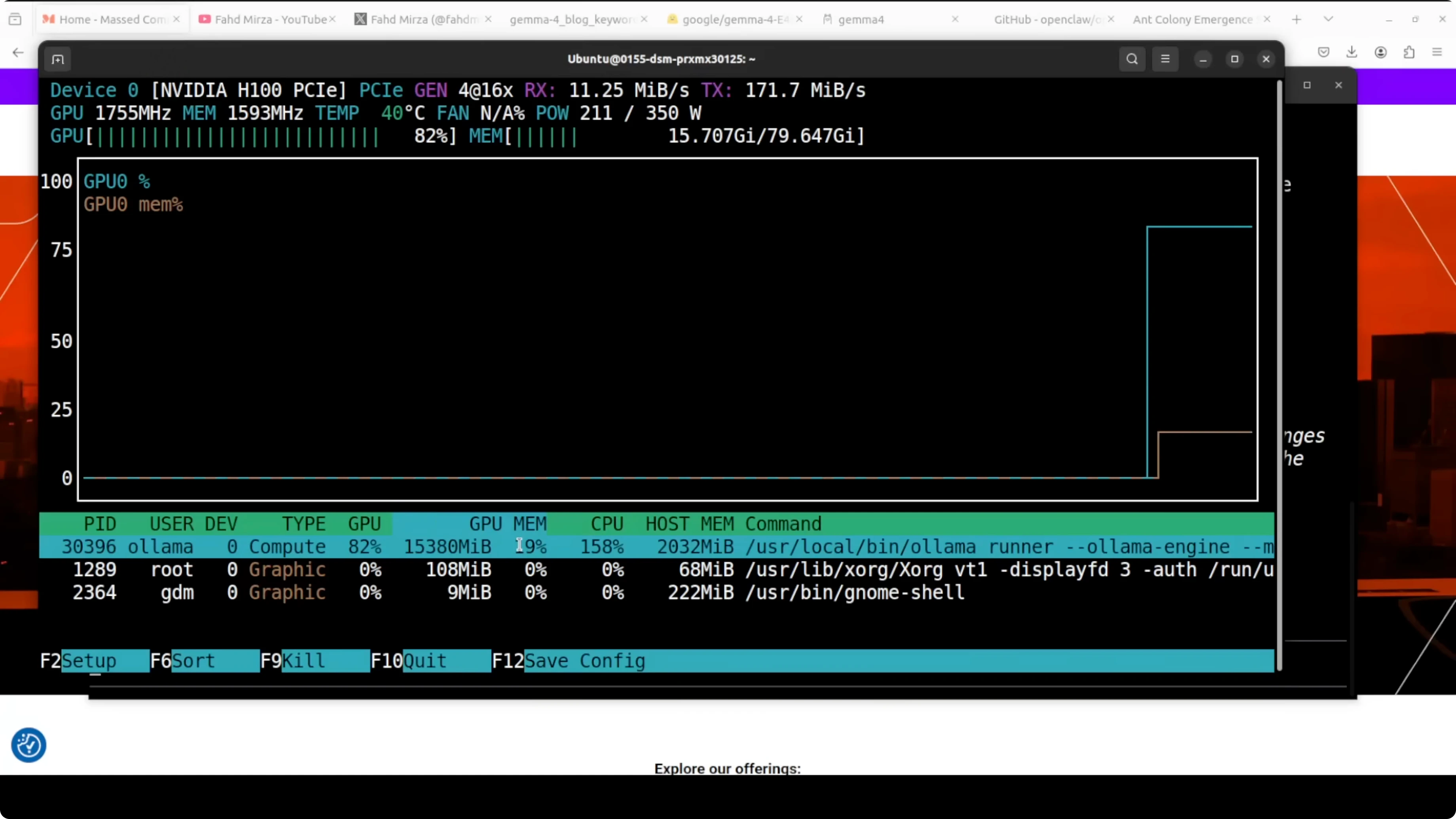
nvidia-smiOn my system, this model in its contest format consumed a little over 15 GB of VRAM, which also includes the KV cache. If you are comparing this E4B run to a larger variant, here is a head-to-head that may help you choose a footprint and context budget: Gemma 4 31B Vs Qwen3 5 27B.
OpenClaw integration
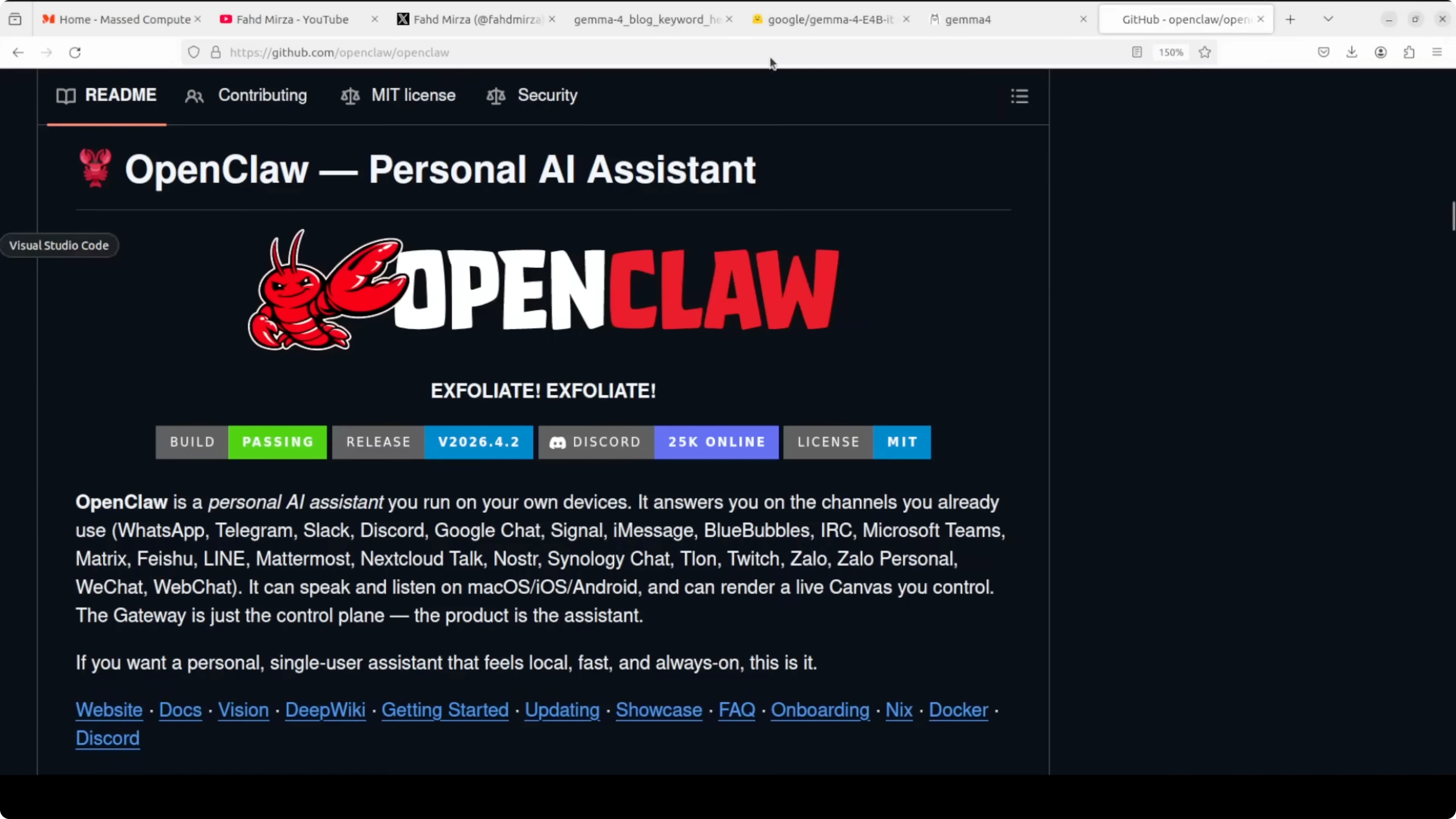
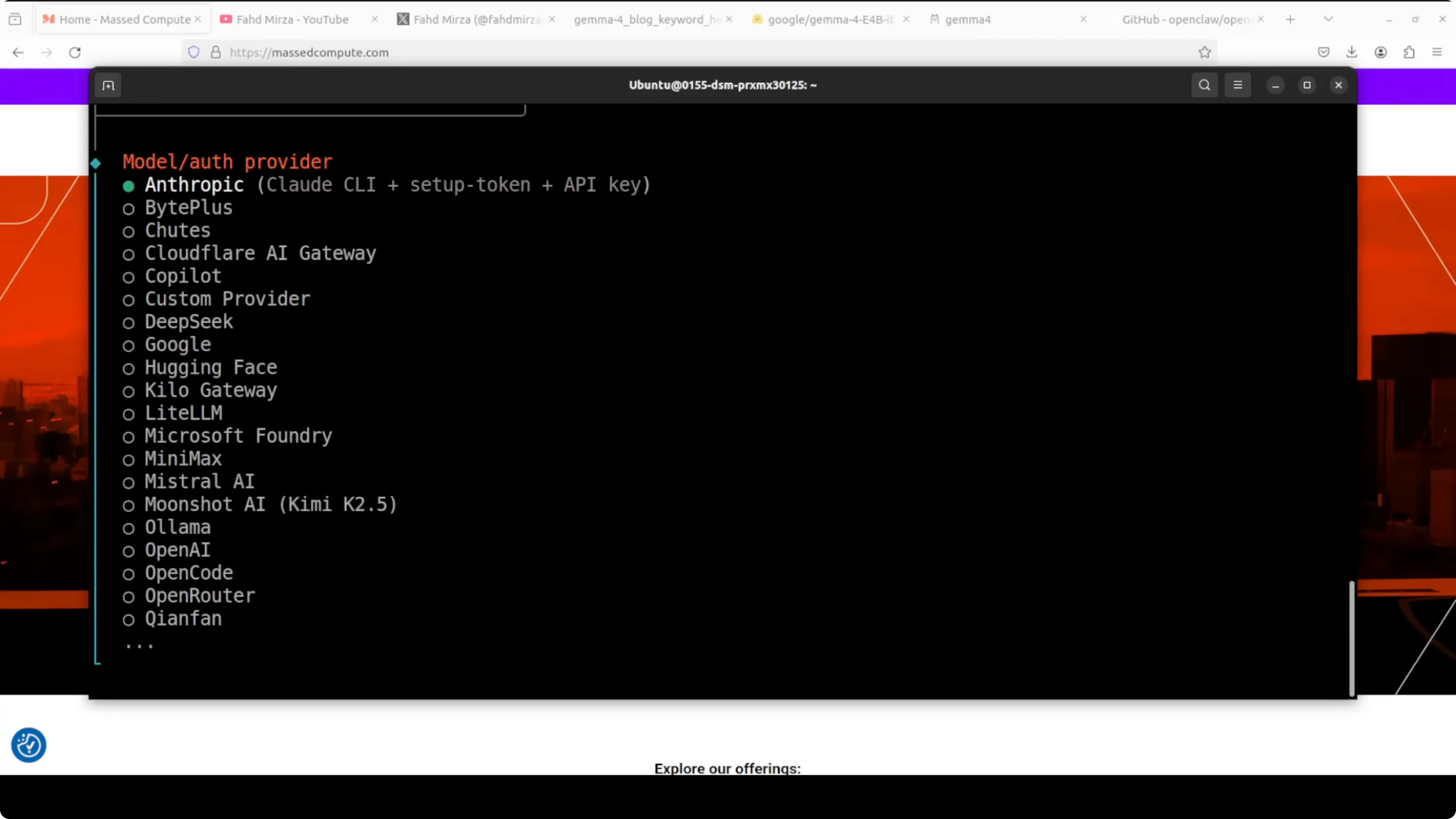
OpenClaw runs a persistent local gateway, connects to any OpenAI compatible endpoint including Ollama, and gives your model tools, memory, scale, and messaging integration. If you do not have prerequisites like Node, the installer will fetch them for you and prompt you through setup. I select Ollama as the provider, keep the default localhost IP and port, and choose the E4B model.
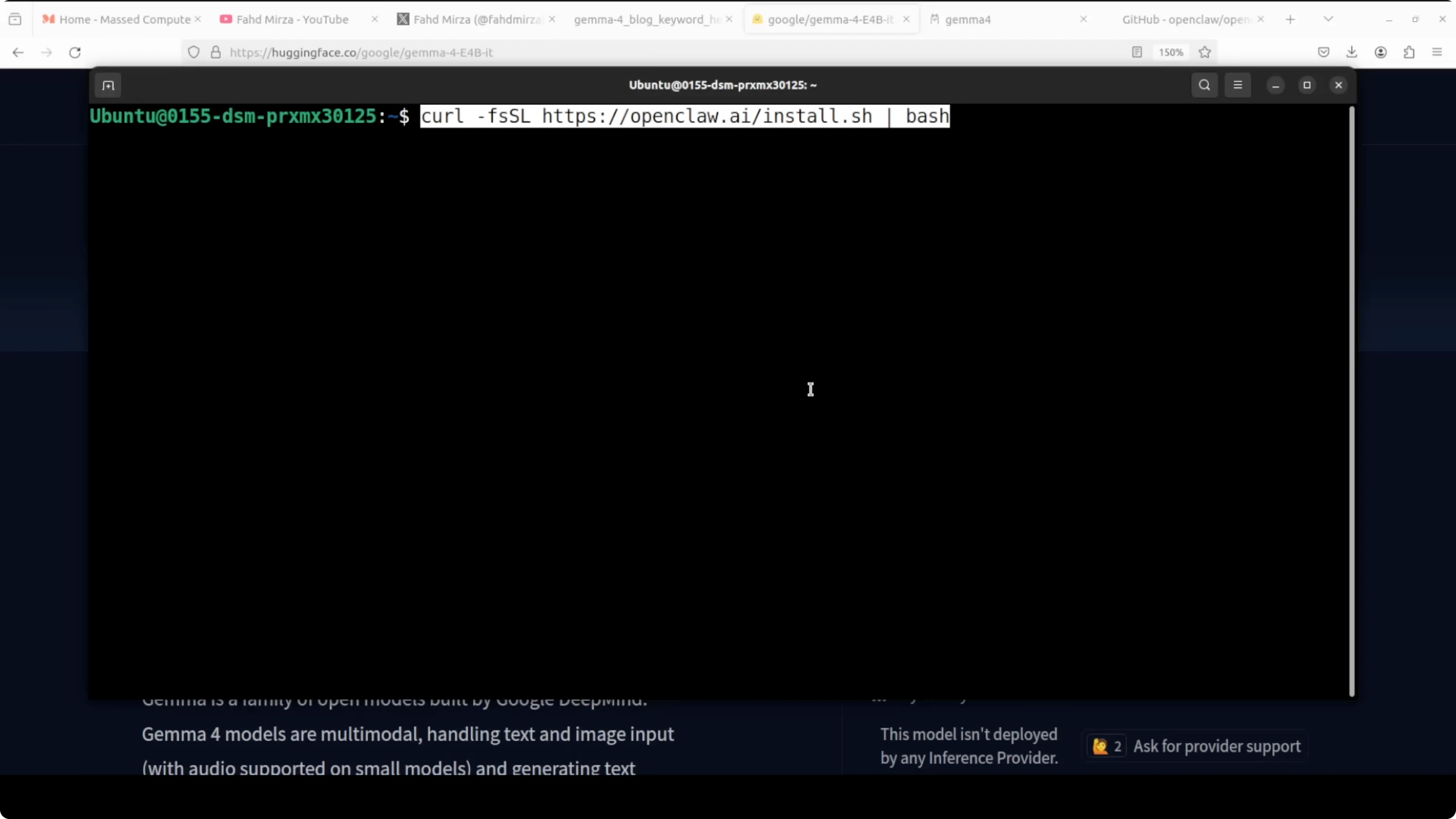
If everything is selected correctly and it still does not work, set the provider manually in the config and restart the gateway. Replace the model name with your exact E4B tag.
# Example OpenClaw config snippet
providers:
- name: ollama
base_url: http://127.0.0.1:11434
model: gemma-4-e4b
gateway:
enabled: trueRestart the gateway service after saving your changes. If you want a deeper look at model configuration patterns for this stack, I have documented them here: Openclaw Ollama Model.
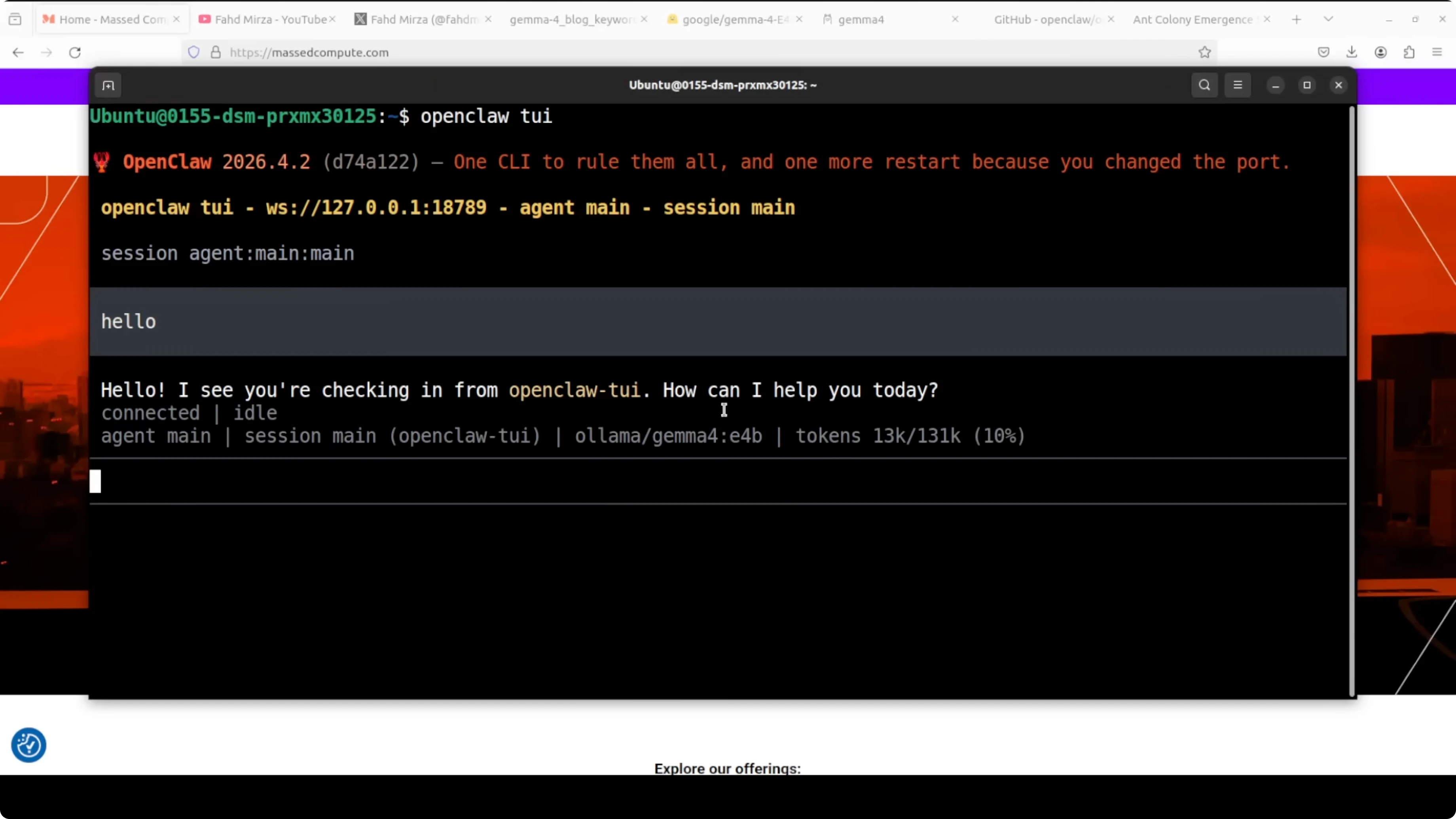
Launch the OpenClaw TUI to chat or run tasks.
openclaw tuiConfirm the model is active and ready. The first start may take a moment to warm up, after which you should see E4B listed with its context length when you run the list command again.
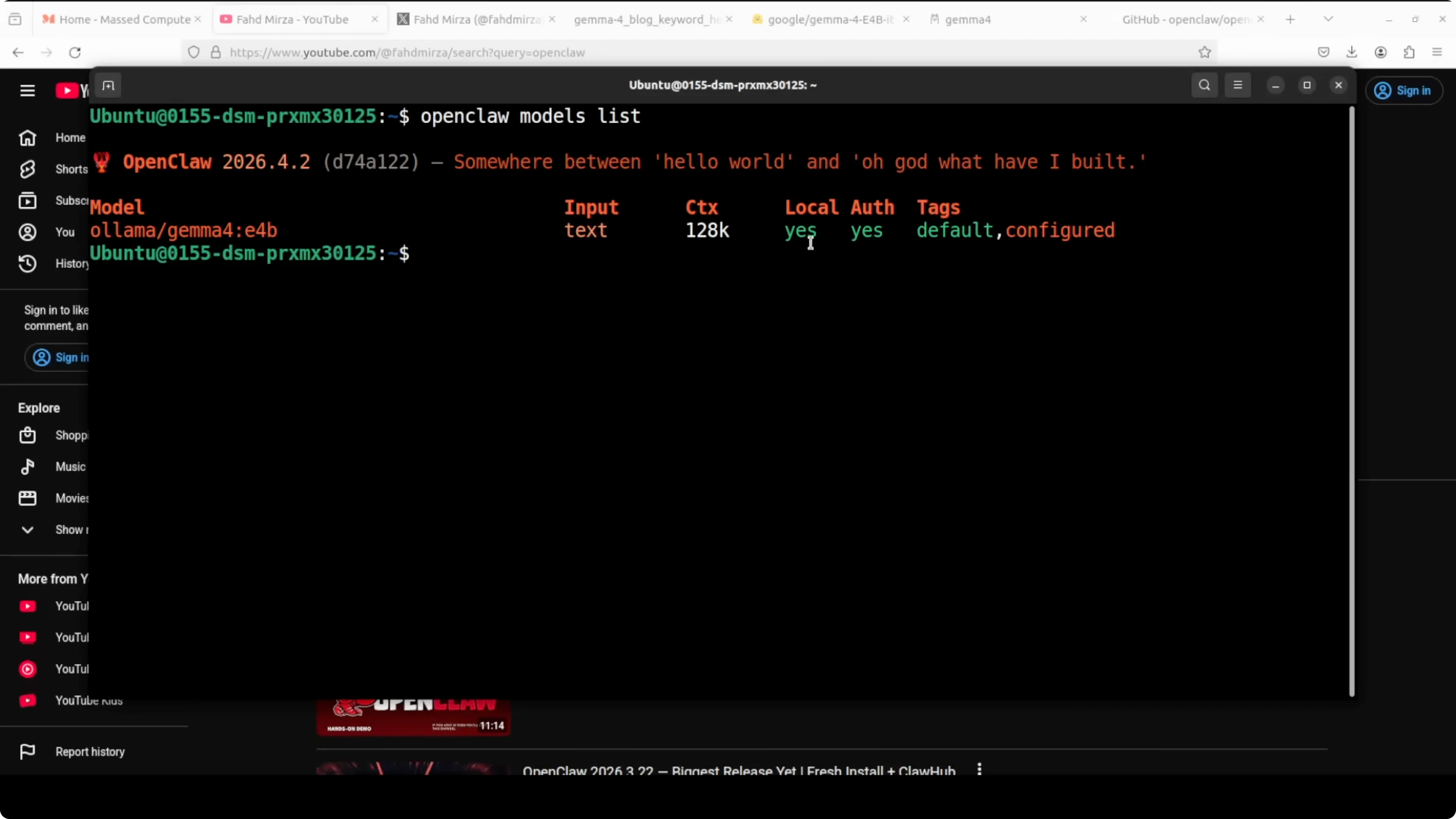
ollama listIf you prefer to reproduce this workflow with Qwen 3.5 instead of Gemma 4, I have a local OpenClaw plus Ollama walkthrough here: Qwen3 5 Openclaw Ollama Locally.
Results and notes
OpenClaw is installed, Ollama is installed, the model is integrated, and everything runs local. The coding tasks I threw at E4B were handled well, including edits across an existing codebase without breaking core behavior. I am asking a lot from a quantized model, but the results were solid.
I did observe that quantized releases can repeat tokens in longer generations and sometimes need a little nudge in tool calls. In a production environment, I suggest avoiding quantized versions when reliability is critical. Run full precision if you want to see the model at its best.
For translations across a large set of languages, E4B produced reasonable output with a few mistakes and some repetition. That repetition is commonly tied to quantization quality in early releases. Providers should take time to tune quantization to avoid these artifacts.
Use cases for Run Gemma 4 E4B with Ollama and OpenClaw Locally
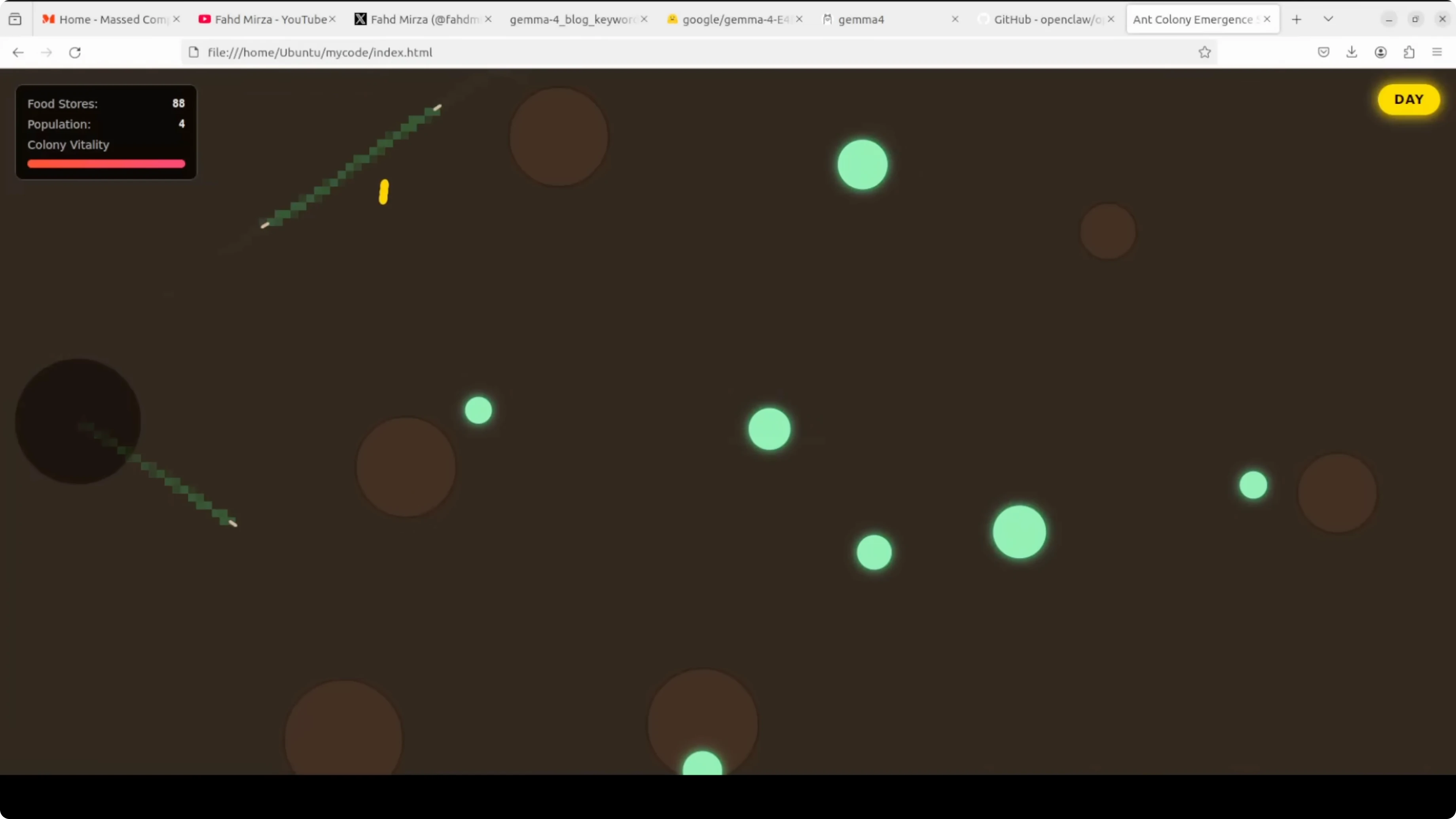
Local coding assistant that can read an existing project, propose targeted edits, and write files through OpenClaw tools. This is ideal for refactors, surgical fixes, and feature flags that should not break the current behavior. You keep the code and tokens local.
Private multilingual support for drafts, emails, and product strings without sending data to remote services. Run batch translation jobs and spot check the output where quality matters most. For higher fidelity, move to a non-quantized build.
Prototyping agents that need memory, tools, and channel integrations on your machine. OpenClaw provides the gateway that binds Ollama to tools in a local-first way. This setup fits labs, secure environments, and edge machines.
If you want a compact end-to-end setup you can follow at your own pace, this guide pairs well with the stepwise Gemma 4 setup here: Set Up Gemma 4 Openclaw Ollama.
Final thoughts
E4B is designed for local runs that need strong capability in a small active footprint. The per layer embeddings approach keeps compute tight while carrying more knowledge than typical 4B models. With Ollama and OpenClaw wired up, you can run it locally, add tools and memory, and keep your workflow private.
Subscribe to our newsletter
Get the latest updates and articles directly in your inbox.

Related Posts

8 Best Claude Code Plugins in 2026 (You Need to Know)
8 Best Claude Code Plugins in 2026 (You Need to Know)

7 Best Claude Code Skills (You Need to Know)
7 Best Claude Code Skills (You Need to Know)

Claude Code Desktop IDE Features (You Need to Know)
Claude Code Desktop IDE Features (You Need to Know)