
Free APIs and Models to Explore OpenClaw Tools
OpenClaw Error Fixer
Paste any OpenClaw error and get the exact fix instantly — cause, steps, copy-ready commands, and related guides.
I set up OpenClaw on an Ubuntu server using a free API provider and a free model, then connected it to Telegram for quick testing. This walkthrough keeps the exact steps I used, with small fixes for names and commands. If you are exploring more AI tools, this will help you get OpenClaw running end to end.
For more posts and updates on this stack, check the OpenClaw category. If a browser interface is your preference, you can also work with the OpenClaw dashboard later.
Free APIs and Models to Explore OpenClaw Tools
Install on Linux
I used an AWS Ubuntu instance and installed OpenClaw using the official installer from openclaw.ai. The installer completed successfully on Ubuntu, and I proceeded with onboarding. If you want to compare model choices for media tasks, scan our notes on video models.
Onboarding
Run the onboarding command in your terminal.
openclaw onboard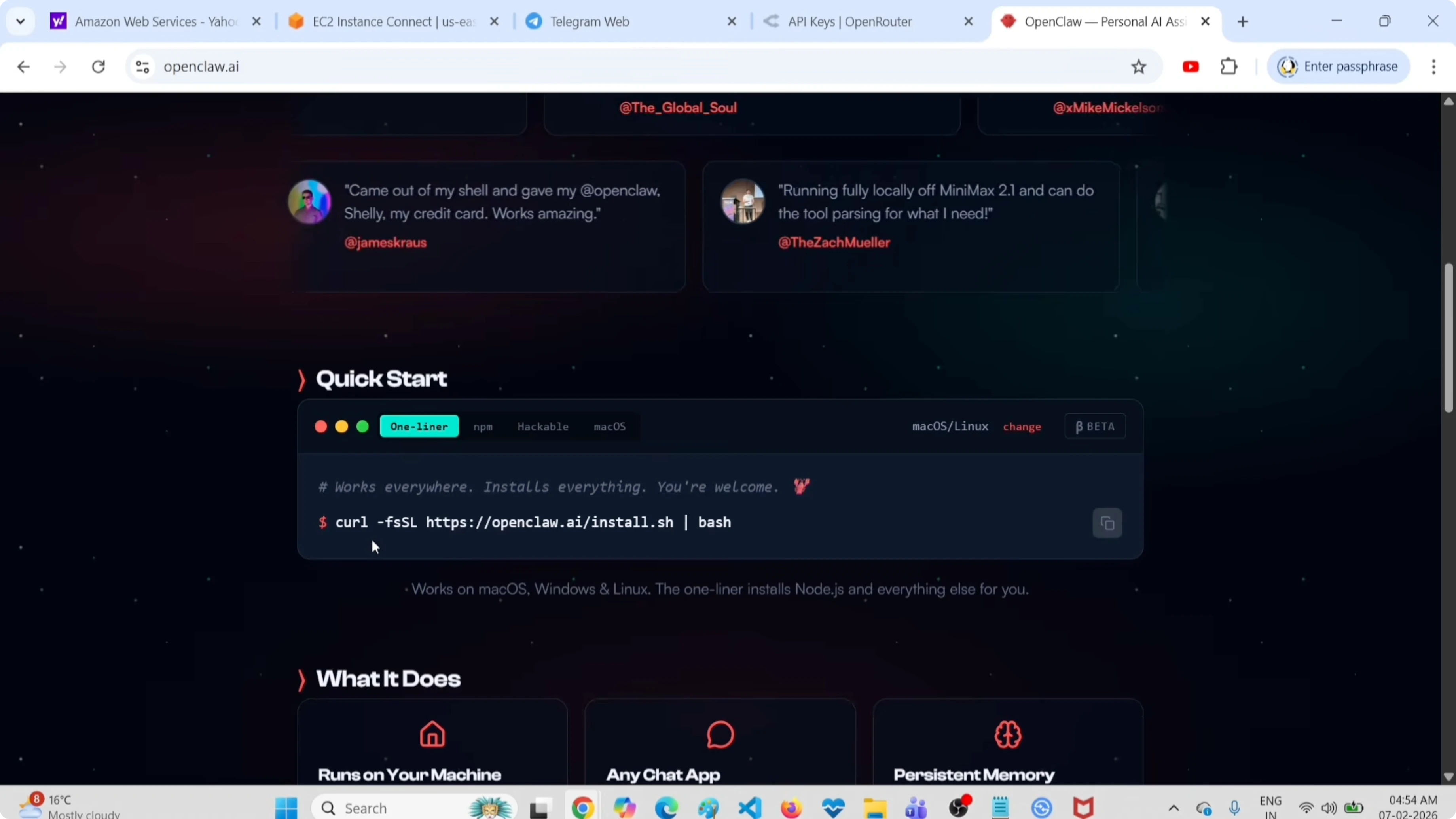
Select Quick start: Yes. When prompted, choose a provider and a model, then configure a channel.
Choose a free API provider
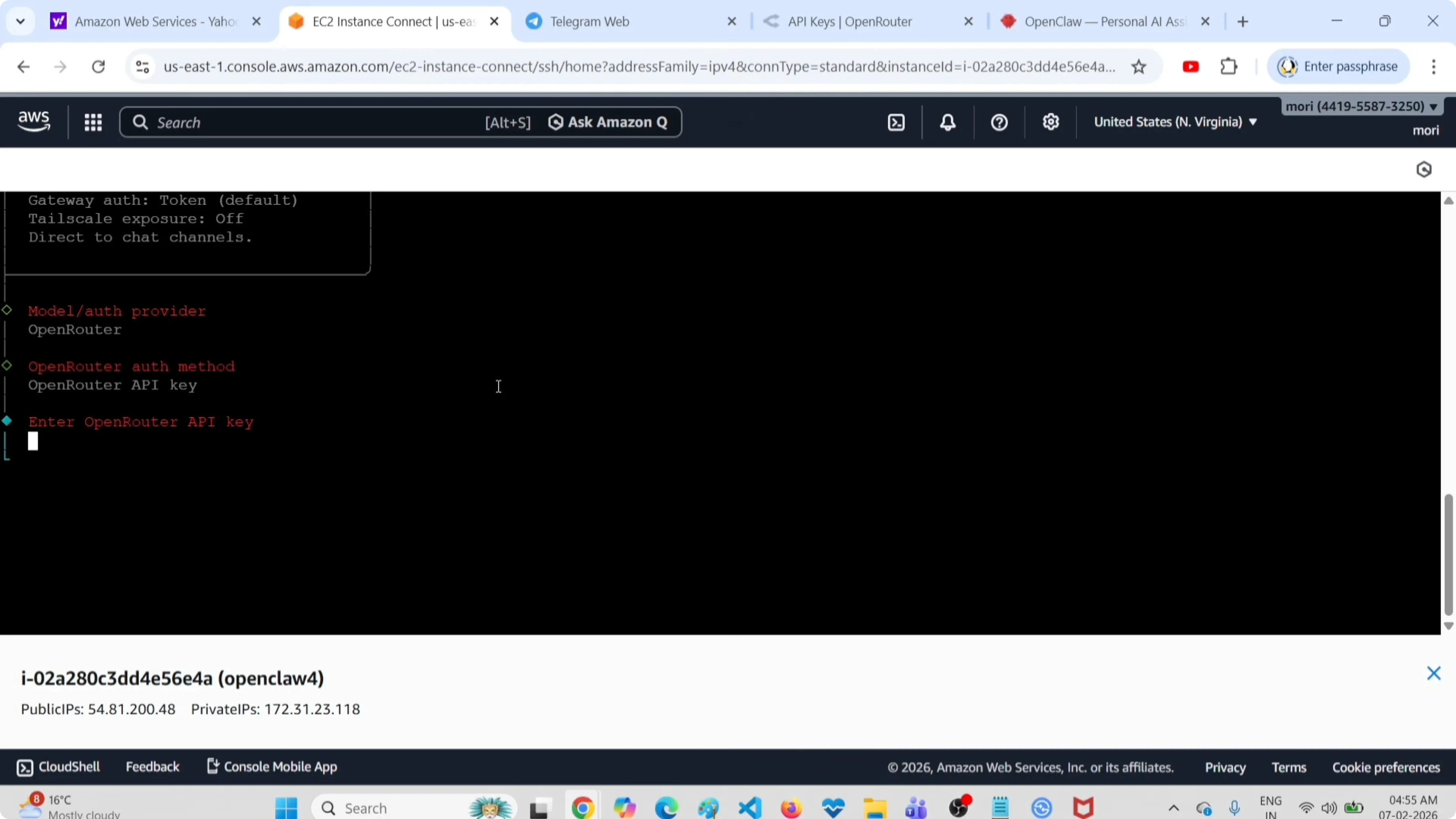
I selected OpenRouter as the free API provider. Create and copy an API key from your OpenRouter account under Settings - Keys. Paste the OpenRouter API key into the onboarding prompt.
If you plan to build coding helpers later, see this related guide on Claude code.
Pick a free model
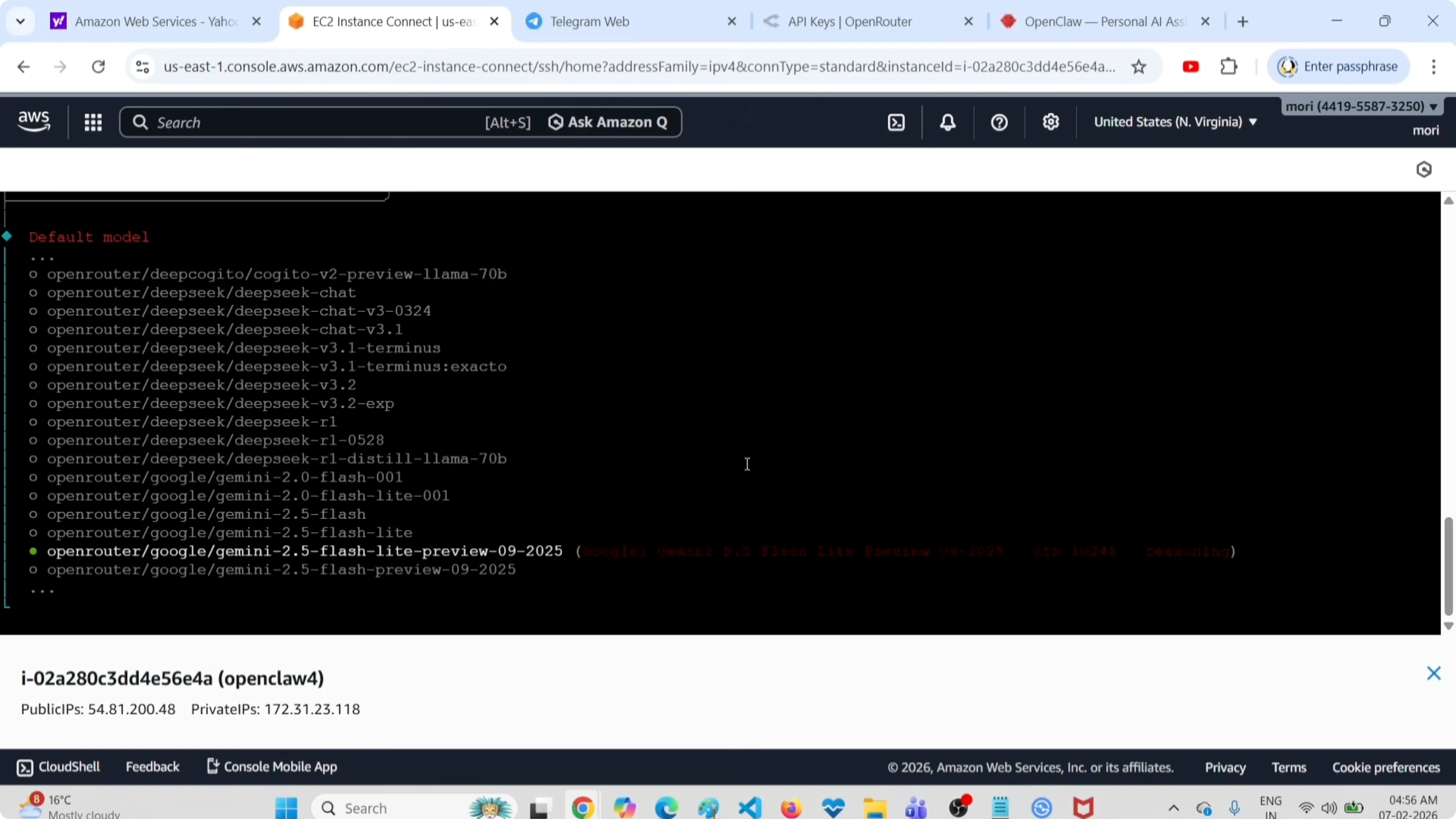
From the model list, I chose the free tier model labeled Google Gemini 2.5 Flash preview via OpenRouter. Confirm the selection to continue. You can switch models later if needed.
Connect Telegram
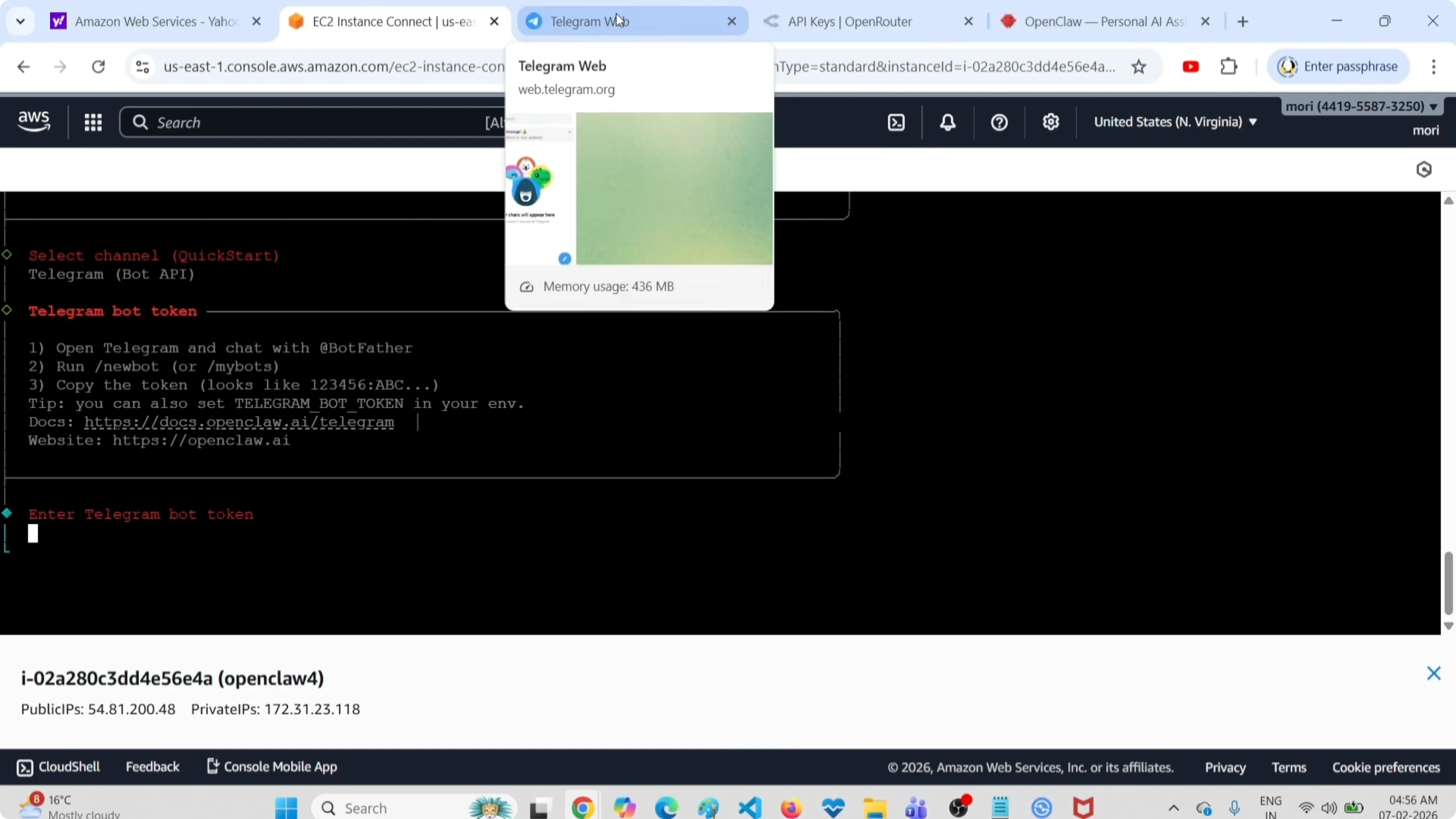
For the channel, I selected Telegram. Create a Telegram bot using BotFather, then copy the bot token.
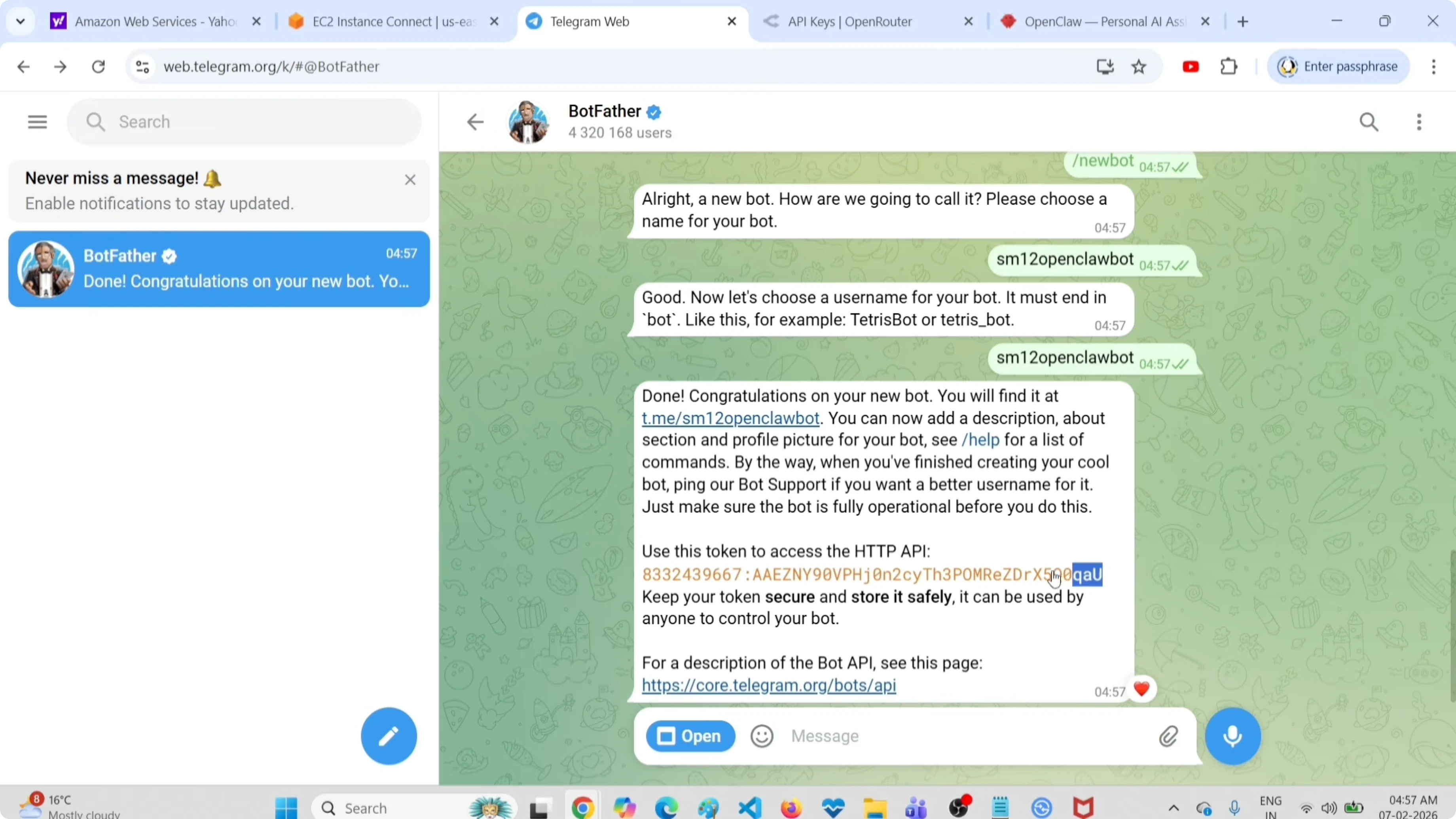
Open Telegram. Search for BotFather and start the chat. Send /newbot, provide a bot name, then provide a username that ends with bot, for example myhelper_bot.
Copy the token BotFather returns. Return to the onboarding prompt and paste the token.
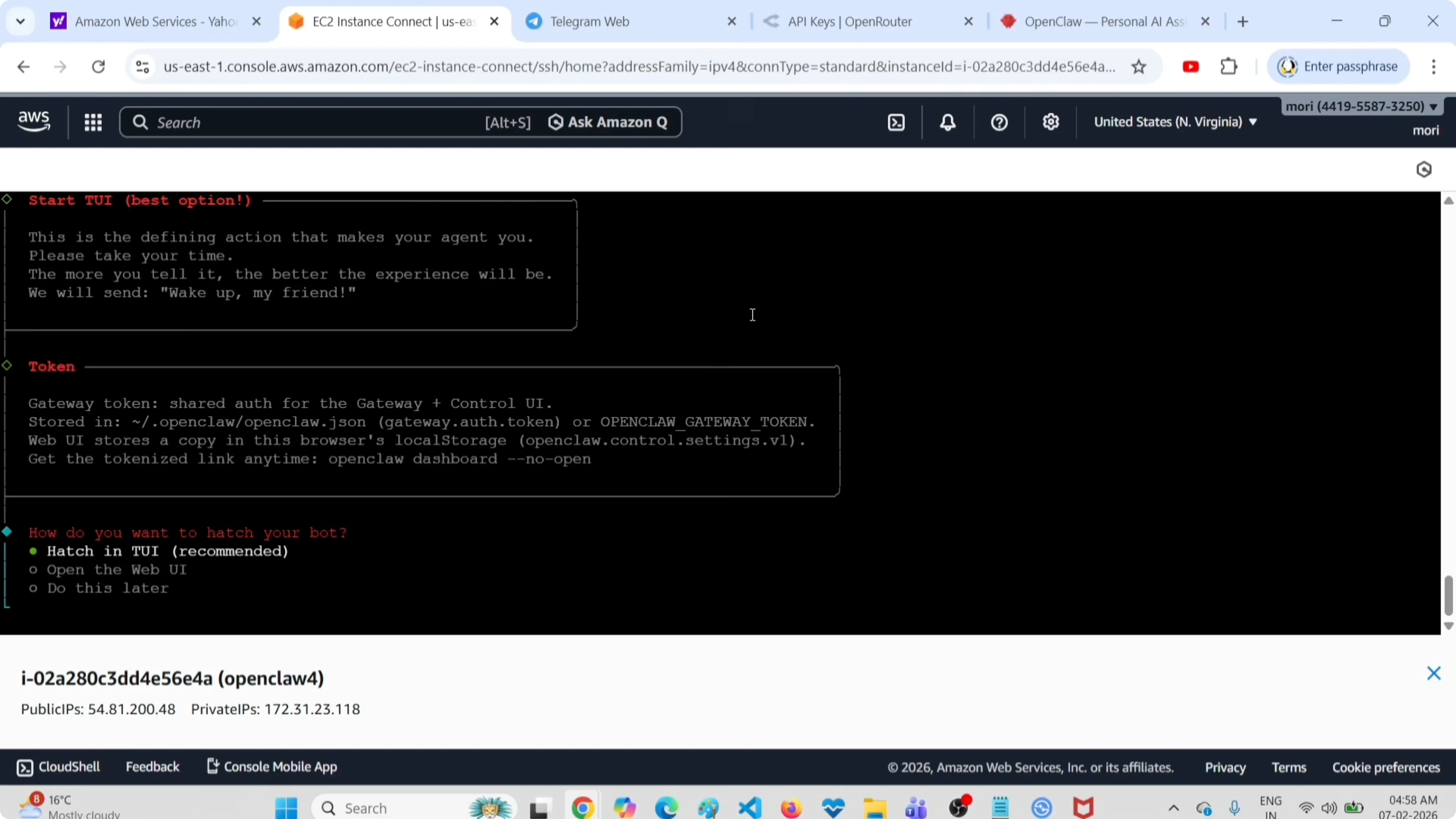
When asked to configure skills, select No. When asked to enable hooks, select Skip for now.
The gateway service will start. If asked how you want to host your bot, choose Do this later, then decline installing the shell completion script.
Use the terminal UI
OpenClaw includes a terminal UI if you want a quick console view.
openclaw tuiIf you prefer a browser interface, set up the OpenClaw dashboard and manage conversations there. For more OpenClaw tips and builds, check the OpenClaw section.
Test the setup
I validated the setup with a simple prompt from the terminal UI. For example, ask it to list files in the root directory and confirm the result appears.
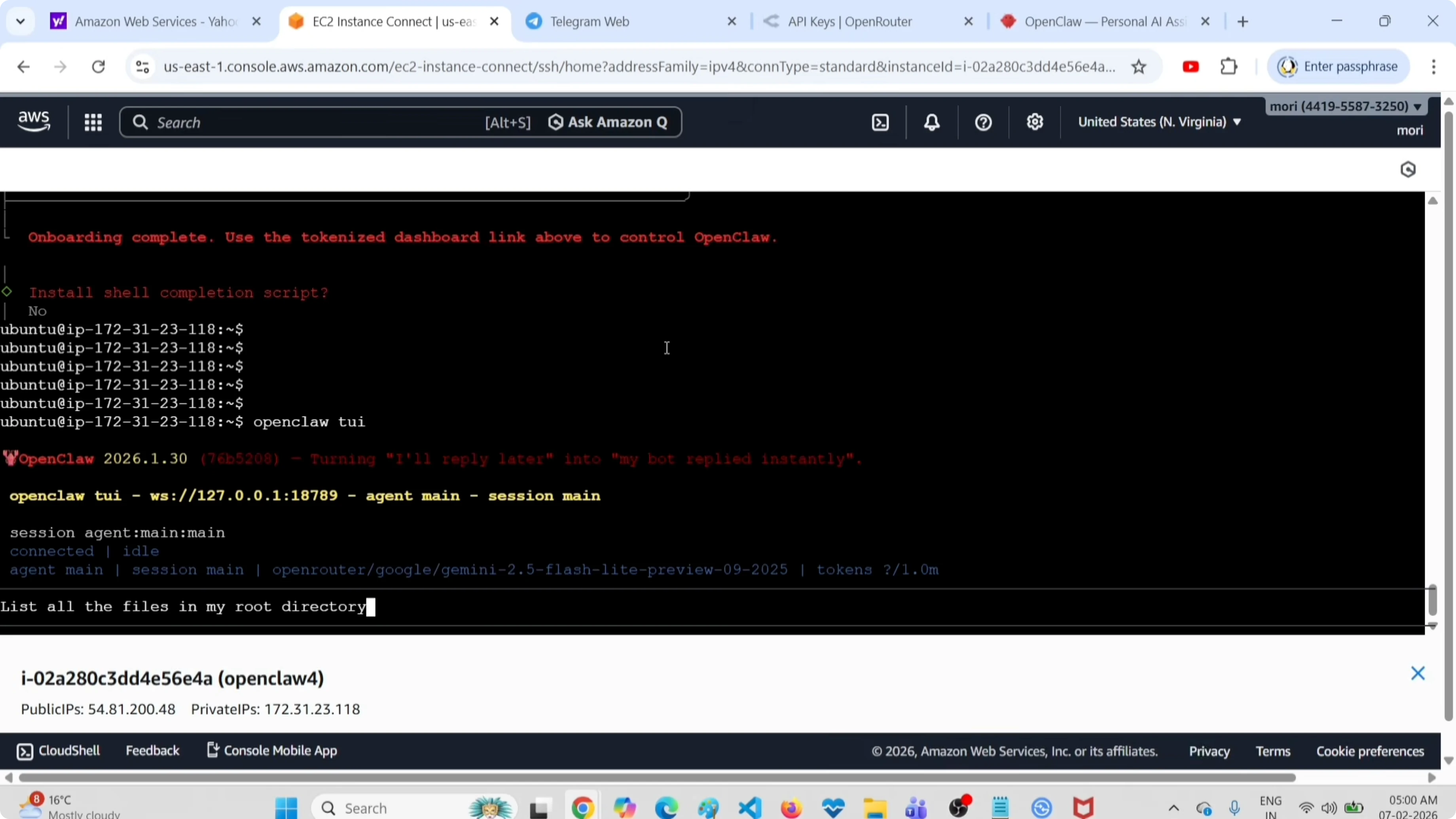
You can exit the terminal UI with Ctrl+C.
Pair Telegram
Open your new bot in Telegram and tap Start. Complete the pairing by sending the pairing command shown by OpenClaw, then paste the pairing code from Telegram back into the terminal. You should see a pairing completed message.
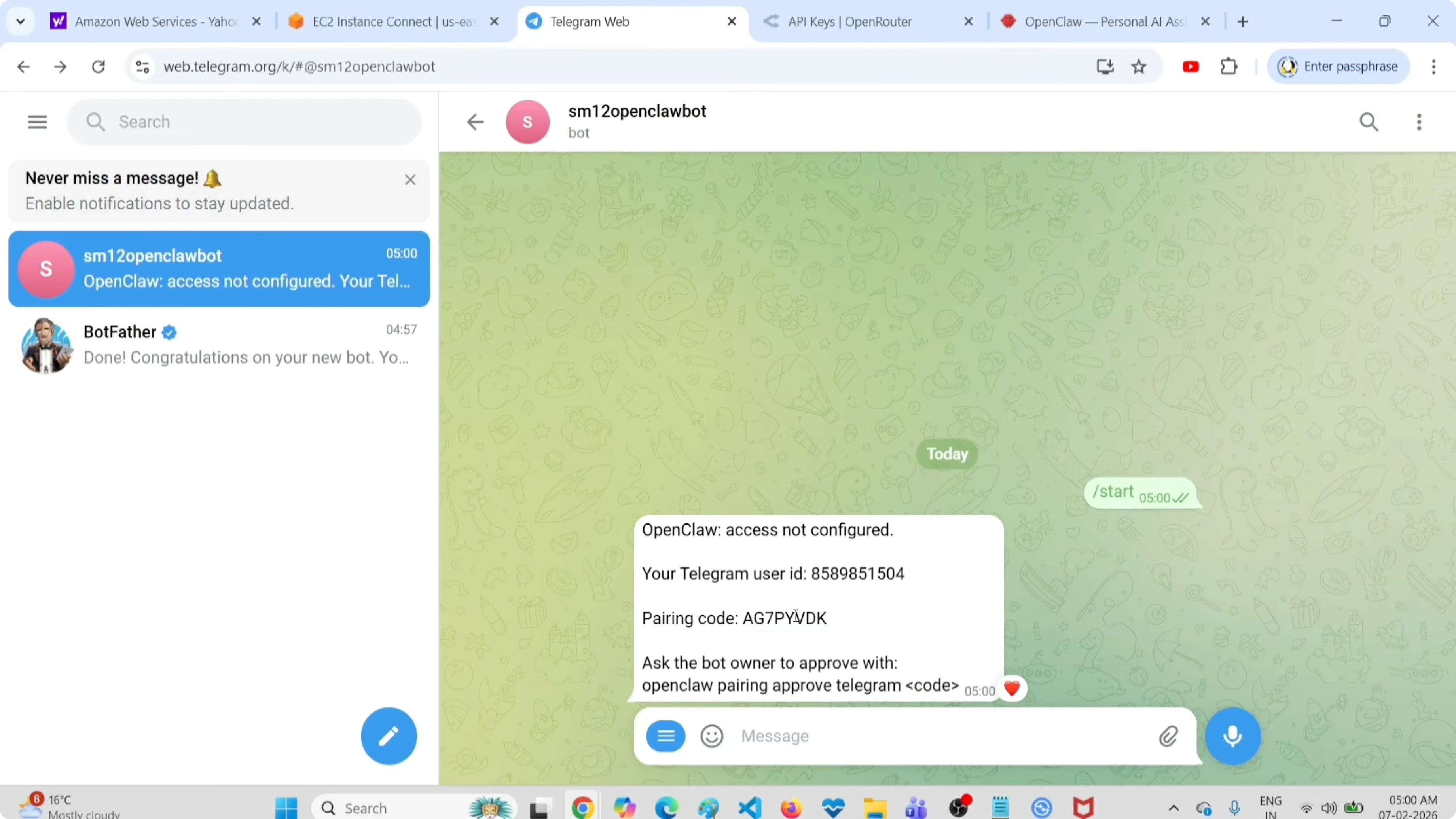
Test from Telegram
In the Telegram bot chat, send a simple request like listing the files from the root directory. Confirm the response arrives and matches what you expect. That verifies the provider, model, and channel.
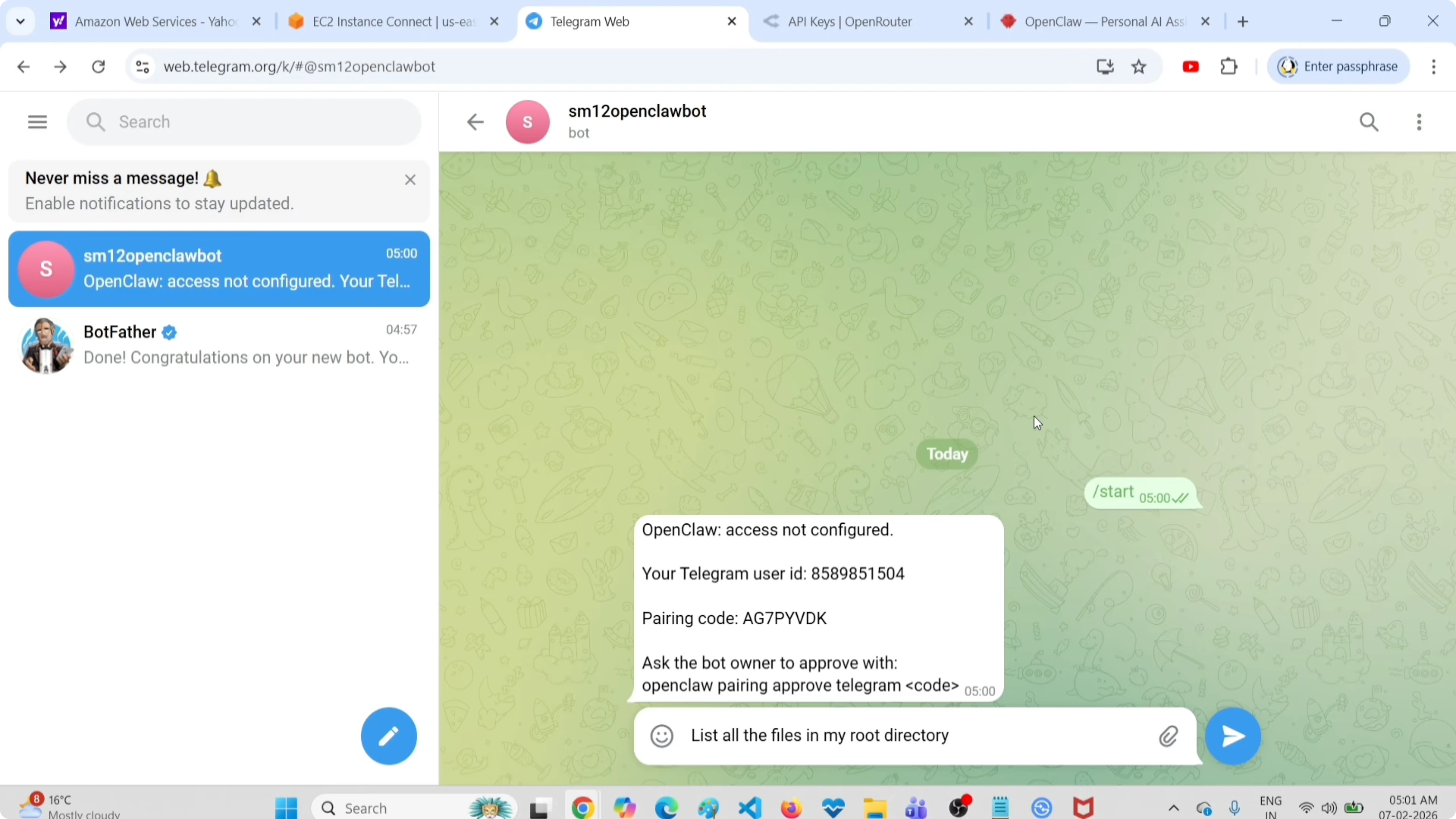
For broader comparisons of providers and models as you expand your stack, browse our AI tools and video models categories.
Final thoughts
You can try OpenClaw for free by combining OpenRouter and a free Gemini Flash preview model, then connect Telegram for quick testing. The onboarding flow with openclaw onboard, a copied API key, and a BotFather token is fast and repeatable. If you want a web experience, switch to the OpenClaw dashboard once the basics work.
Subscribe to our newsletter
Get the latest updates and articles directly in your inbox.

Related Posts

8 Best Claude Code Plugins in 2026 (You Need to Know)
8 Best Claude Code Plugins in 2026 (You Need to Know)

7 Best Claude Code Skills (You Need to Know)
7 Best Claude Code Skills (You Need to Know)

Claude Code Desktop IDE Features (You Need to Know)
Claude Code Desktop IDE Features (You Need to Know)