
Table Of Content
How to Use Claude Code with Ollama Models without Anthropic API Key?
Local LLM Hardware Calculator
Enter your GPU VRAM and system RAM to see which LLMs you can run in Ollama — at Q4, Q8, or full precision — with estimated tokens-per-second speed.
Table Of Content
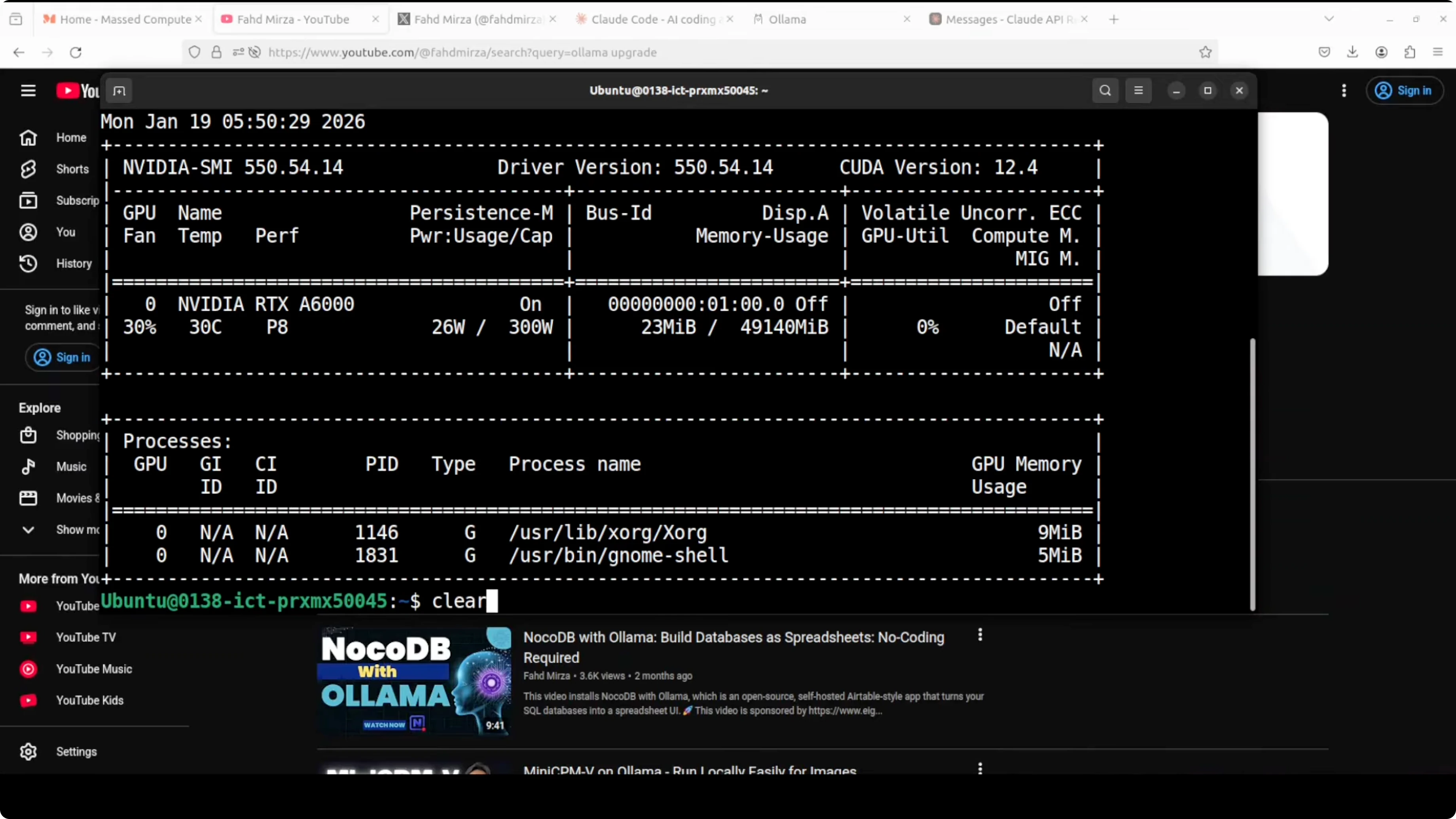
This shows you how to use Claude Code from Anthropic with Ollama based local models without any Anthropic key. This is my Ubuntu system and I have one GPU card Nvidia RTX A6000 with 48GB of VRAM. I already have Ollama installed. These are the two models which are already present. One is Qwen 3 Coder and the other one is the GPT OSS model.
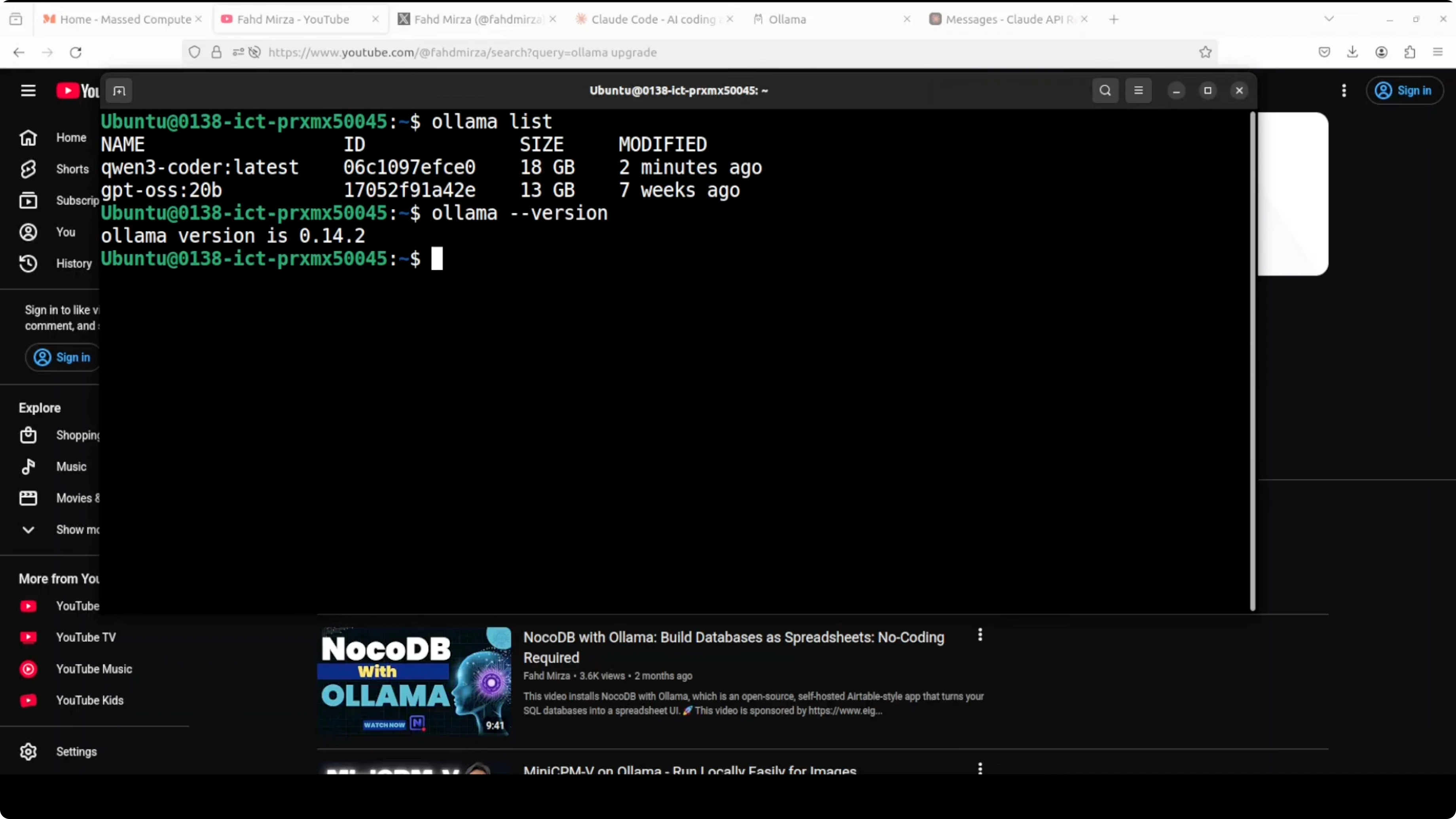
If you already have Ollama installed, make sure that you are running the latest version of Ollama which must be greater than or equal to 0.14.2. I already have upgraded my Ollama.
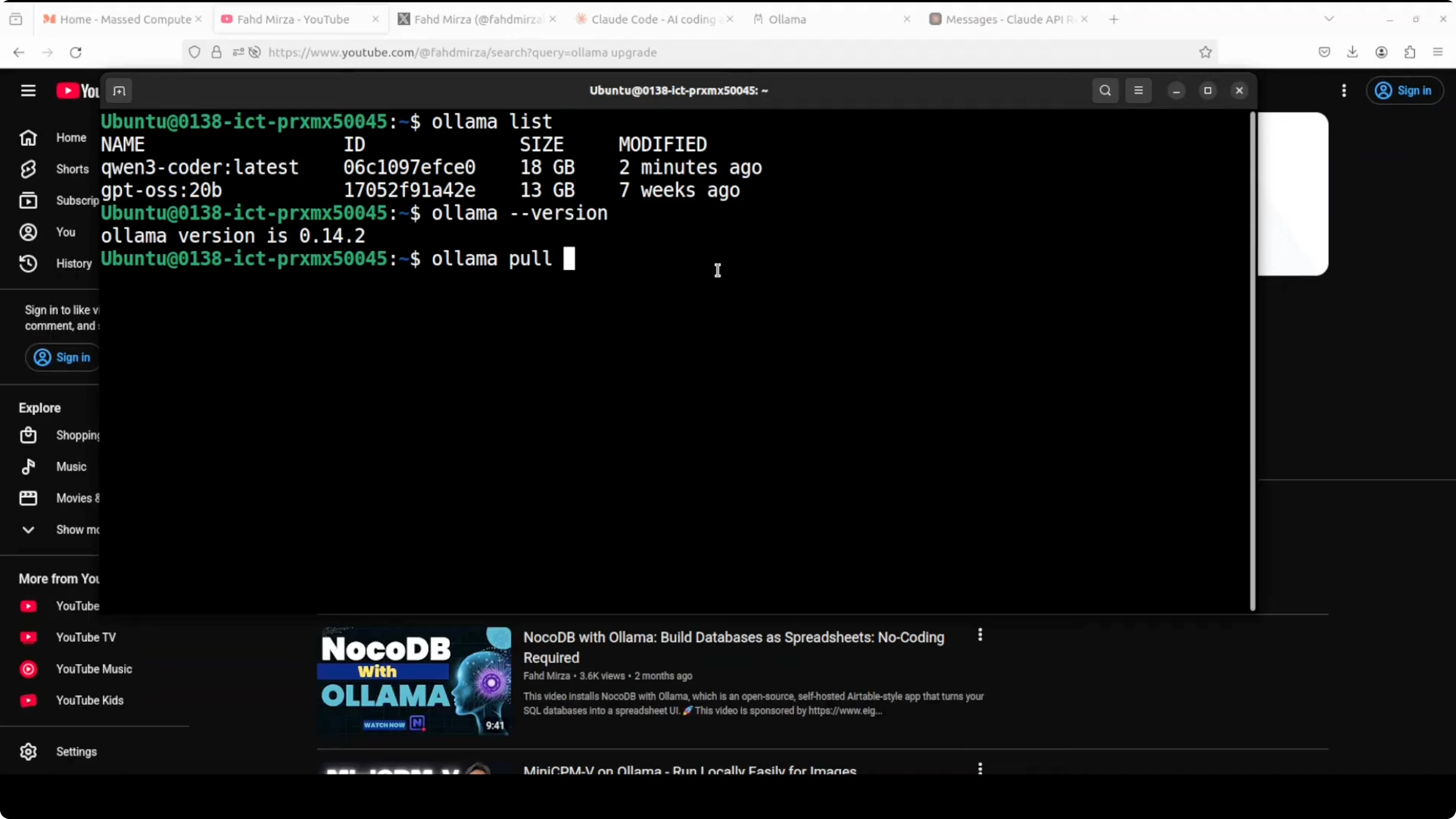
Make sure that these models support tool call or function use and they have a context window of around 64,000 or greater. Context window simply means the amount of data a model can handle at any one point. Make sure that your context window is 64k or above.
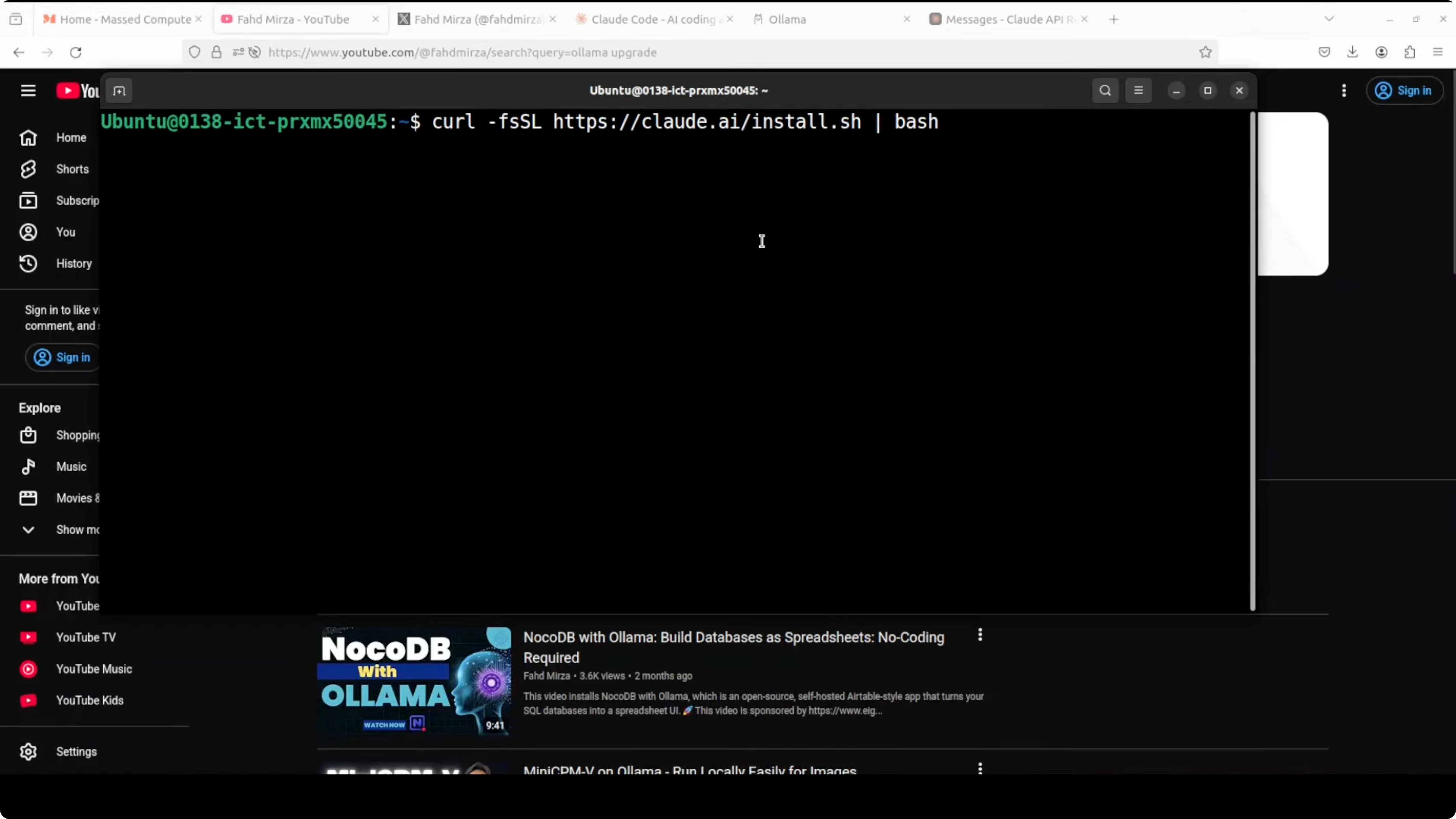
Install Claude Code. It is going to download and install Claude Code on your system. If you already have Claude installed and you already have logged into Anthropic, make sure that you log out from there.
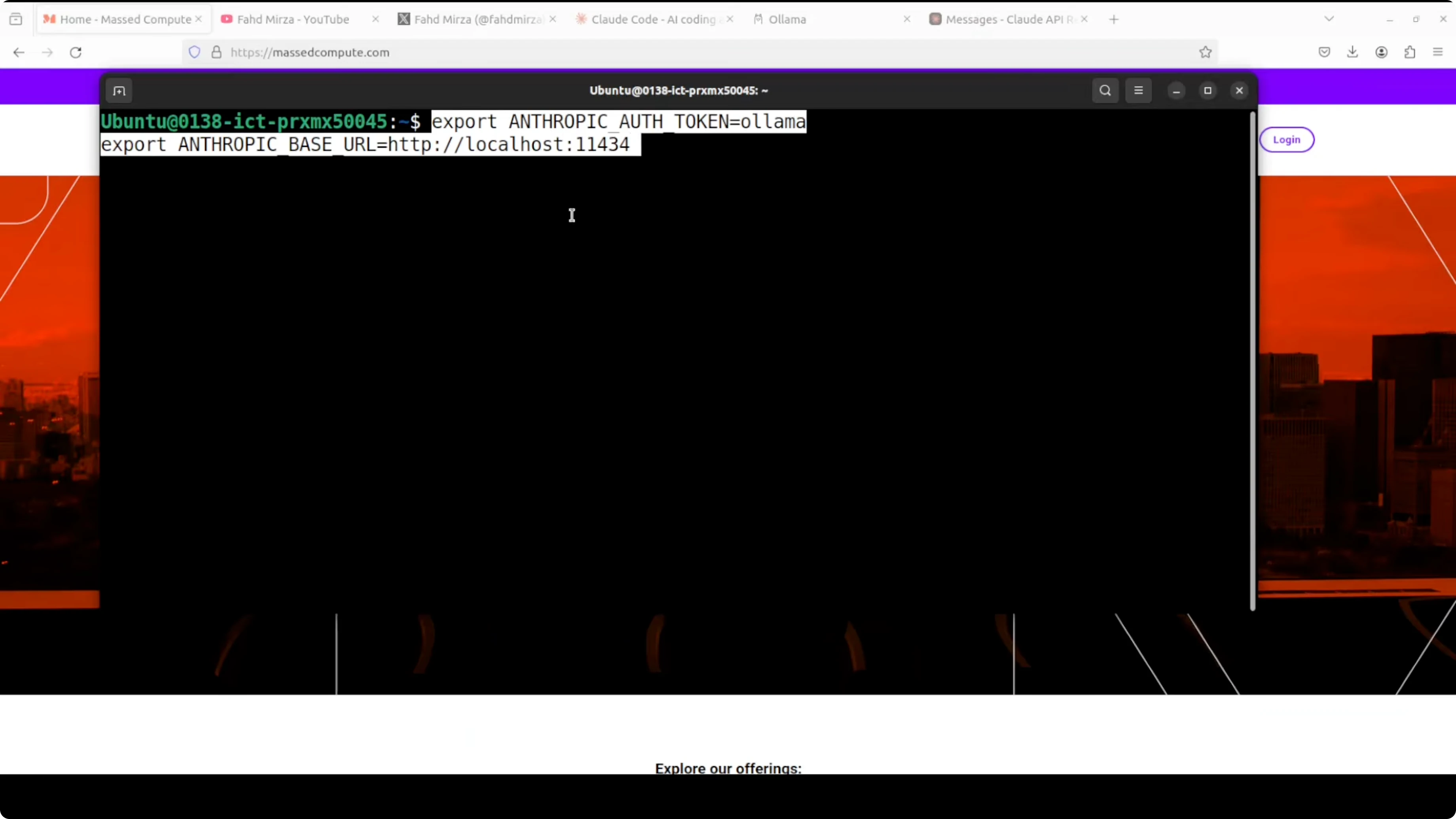
Set the environment for the authentication token of Anthropic. Set it to any value. Anthropic's base URL is localhost 11434. The reason for this base URL is that Ollama now supports the Messages API with local models, which means you can use these models with Claude Code. That is the secret sauce behind it. Ollama is OpenAI compatible and it is also now Anthropic compatible.
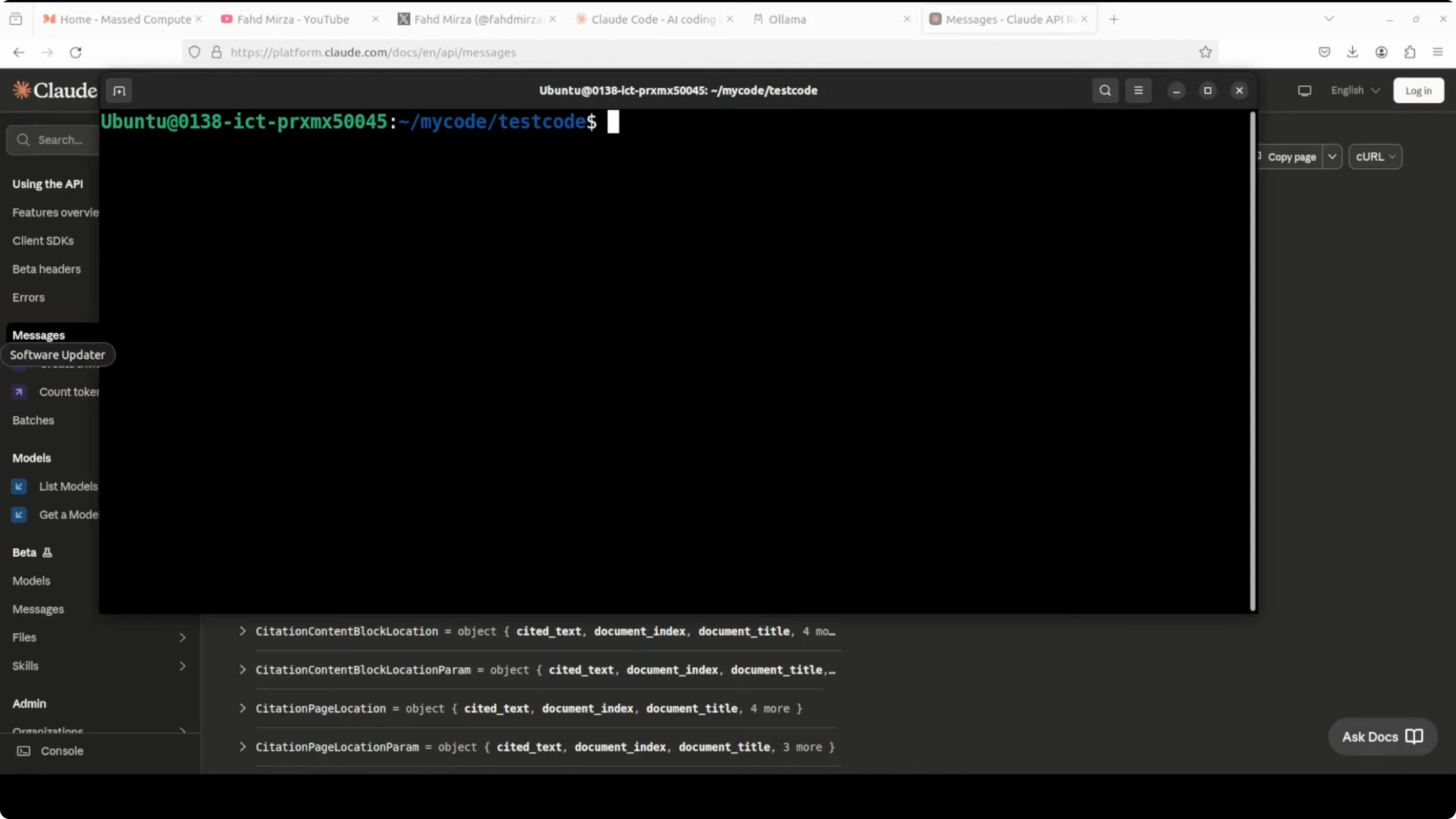
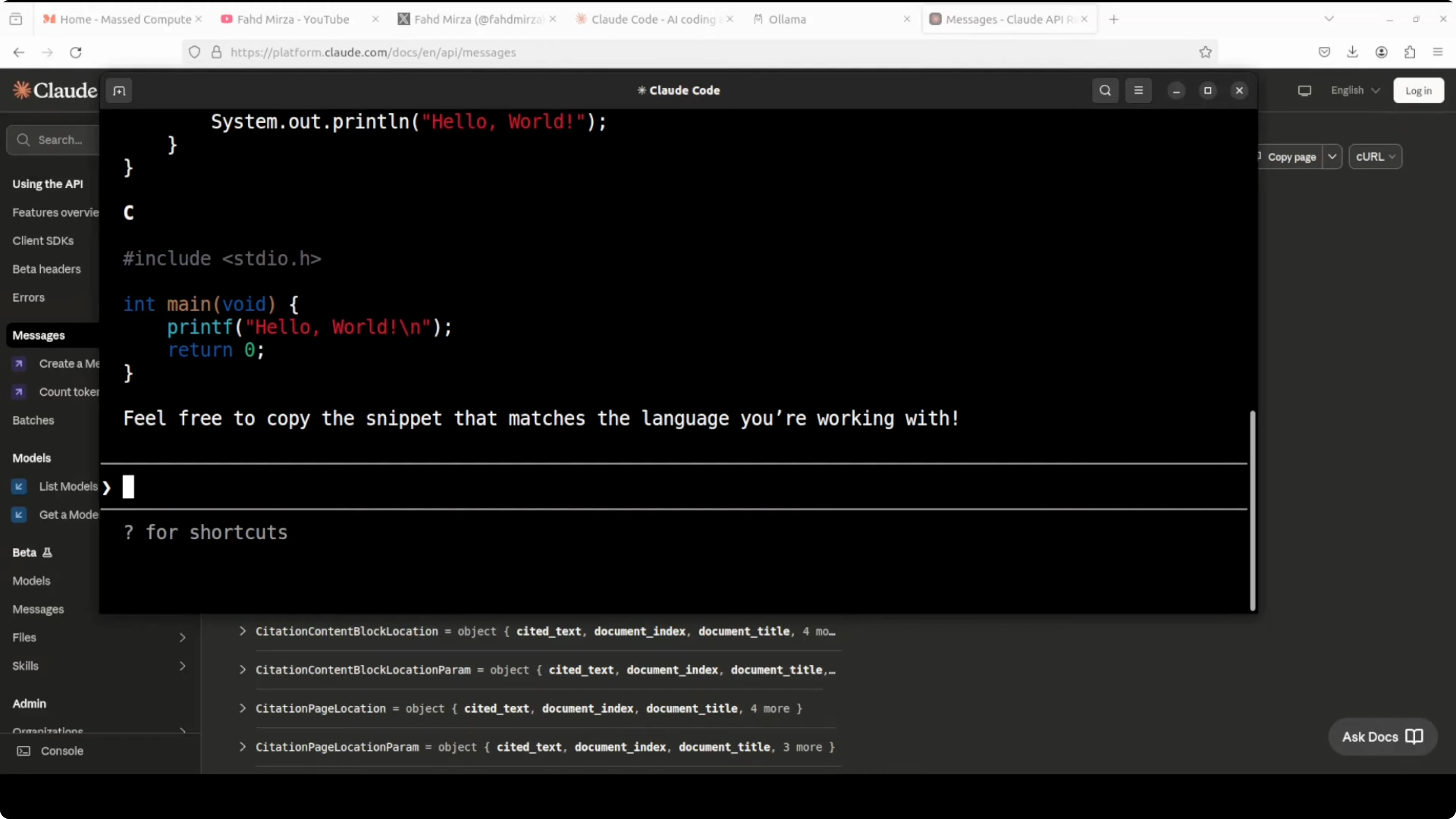
If you have Ollama running on any other port, just give that port here. Now you can run Claude Code with your Ollama model. It will ask you to proceed. Say yes. It is even using Anthropic’s color for it. You can chat with it, create code, fix type check errors, or ask it to write a hello world program. It will give you the code.
Use Claude Code with Ollama Models without Anthropic API Key? From Python
- This is Anthropic-compatible code which you can use for Python. You also have the JavaScript option.
- Give it the base URL and an API key. Anything would do.
- Use the Qwen 3 Coder model and ask it to write a function to check if a number is prime.
- Import Anthropic. Do pip install anthropic. It will install on your local system.
- Run your app.py. You will get your function ready, supplied by Claude Code, but through Qwen 3 Coder. The model is running beautifully.
Use Claude Code with Ollama Models without Anthropic API Key? Tool Call Example
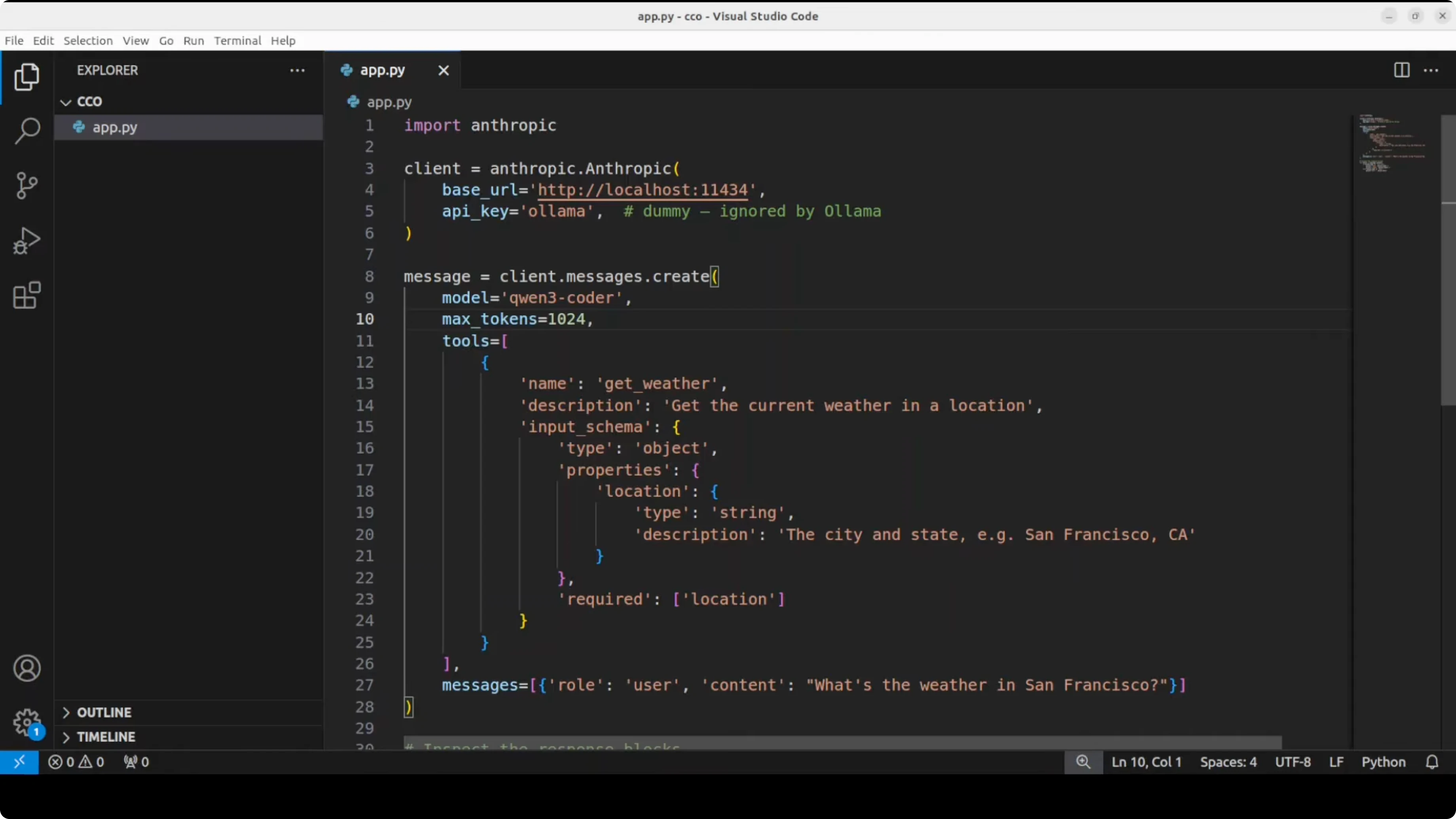
- A tool call lets you access external functionality through a natural language prompt.
- A user can ask about the weather. The model, Qwen 3 Coder, converts that natural language prompt into a function call after checking the provided tool. You would call it from your own code for now.
- This is a simple tool call using the Messages API, and the Anthropic SDK is being called through Ollama.
- Run it. You will get tool and input, and you will get the results back.
Use Claude Code with Ollama Models without Anthropic API Key? Features and Compatibility
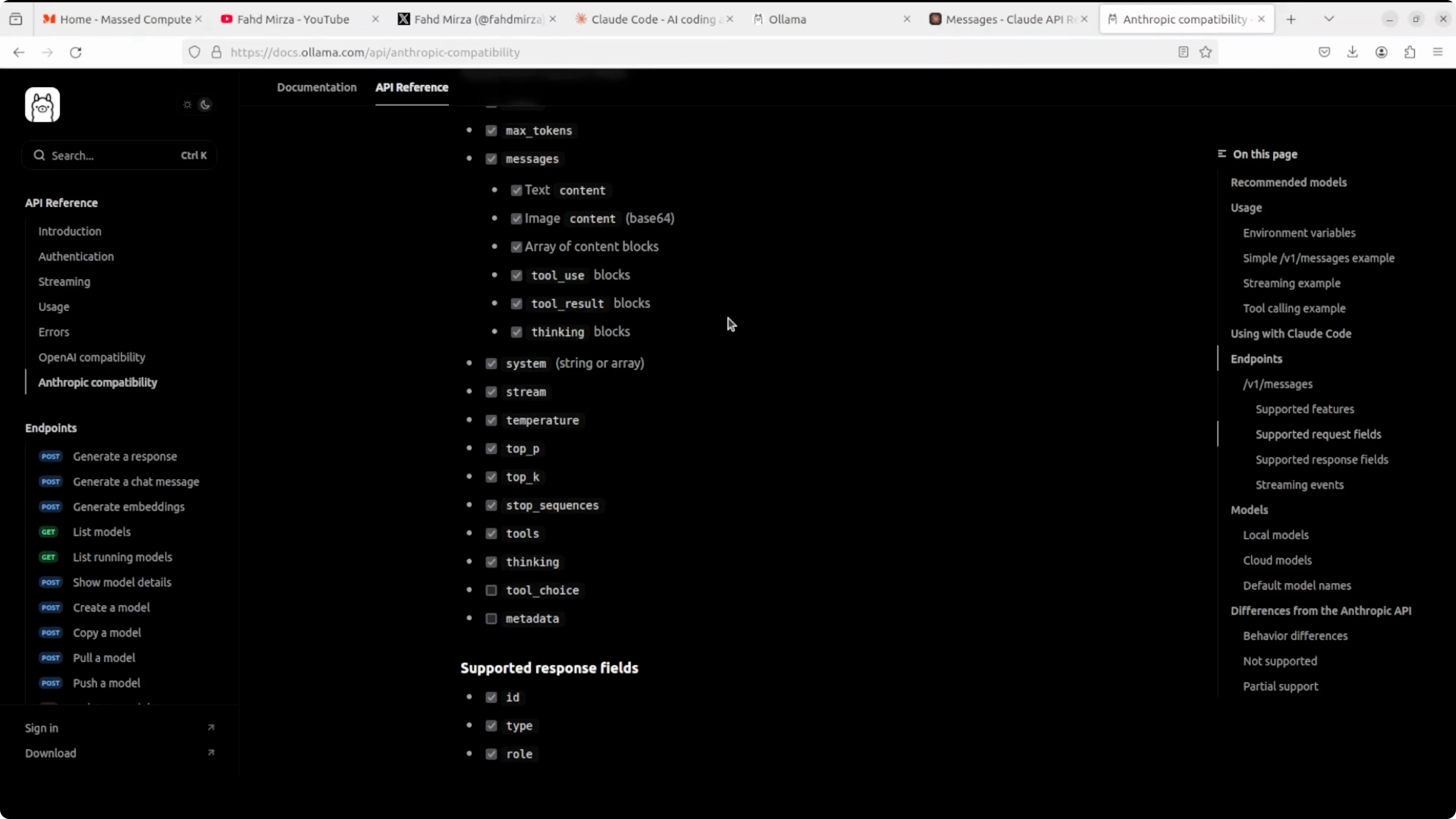
- You can have messages, multi-turn conversation, streaming, system prompts, extended thinking like with the GPT OSS model, and even vision image input which is really good with Anthropic’s models.
- If you want to check which endpoints are available and which features they support, you can go to docs.ol.com and check out that compatibility.
- Things are moving very fast. I am not sure how long Anthropic is going to tolerate this or how long they are going to support that. Previously they have blocked a lot of other open source tools where you now cannot use base models there. Right now it is working as you just saw.
How to Use Claude Code with Ollama Models without Anthropic API Key? Step-by-Step
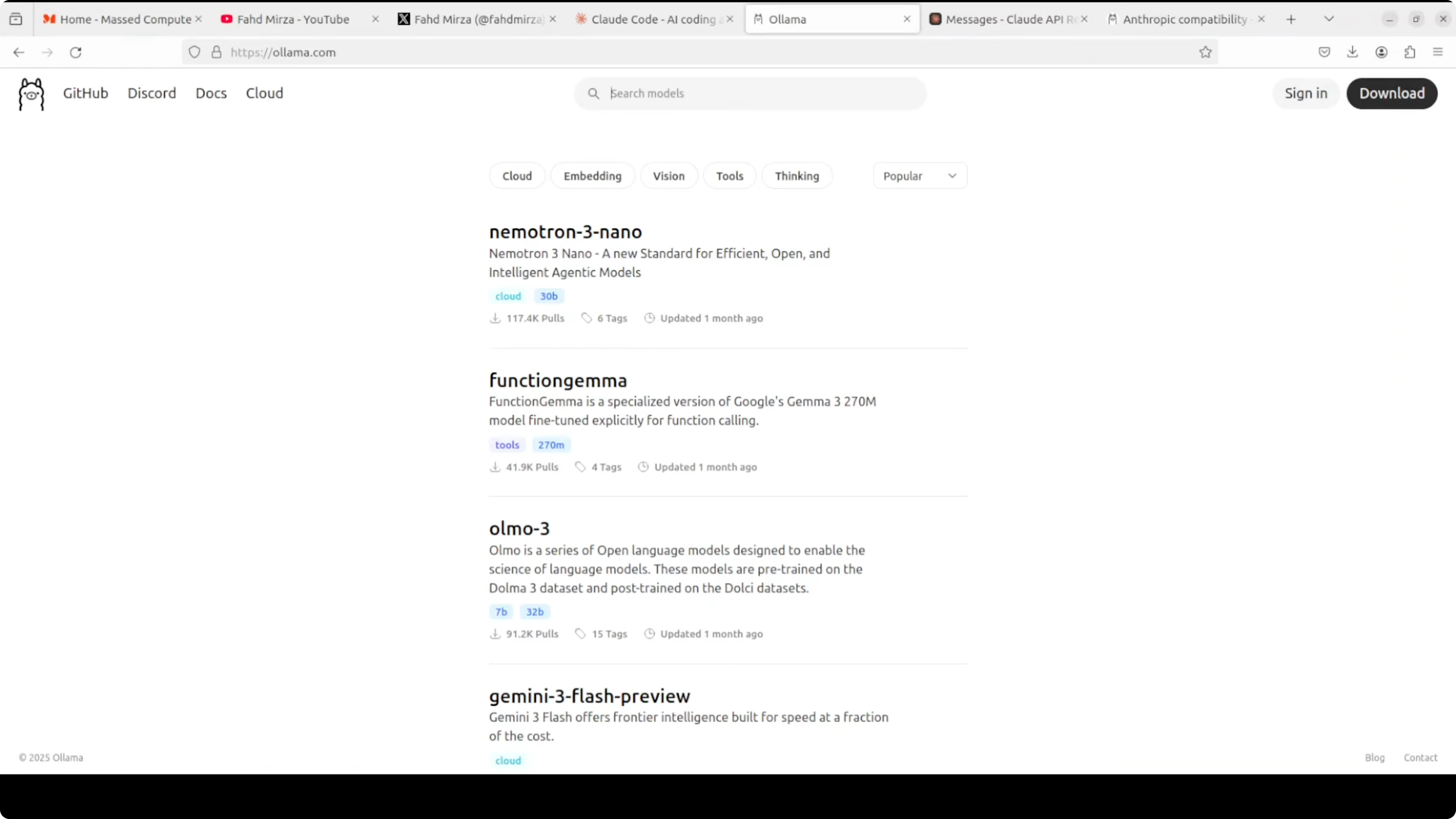
- Prepare Ollama and models
- Install or upgrade Ollama to 0.14.2 or above.
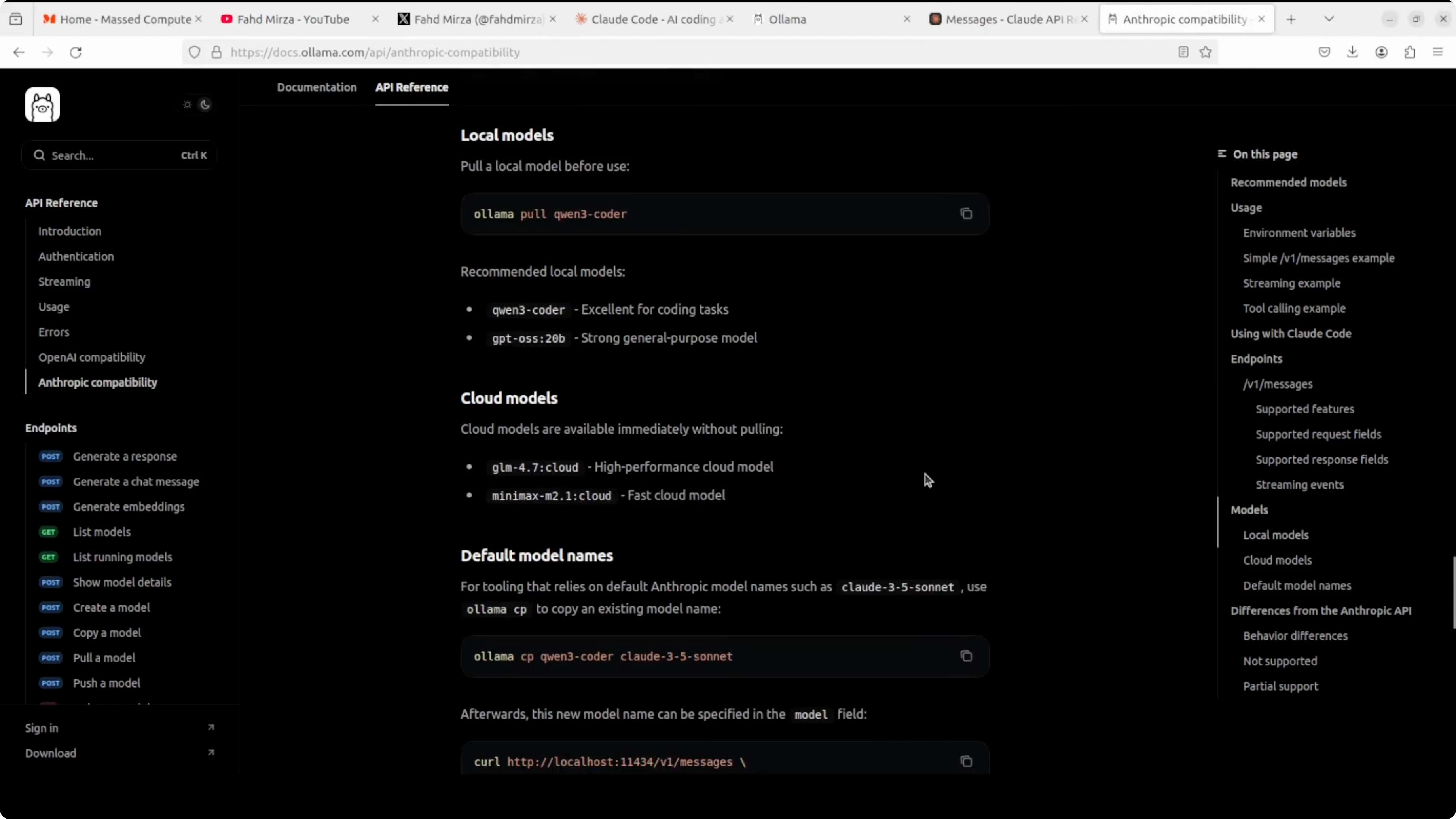
- Pull compatible models like Qwen 3 Coder or GPT OSS.
- Ensure tool call support and at least a 64k context window.
- Install Claude Code
- Install the Claude Code CLI.
- If already logged into Anthropic, log out.
- Configure environment
- Set the Anthropic authentication token to any value.
- Set the Anthropic base URL to localhost:11434, or your custom Ollama port.
- Run Claude Code locally
- Start Claude Code and proceed when prompted.
- Chat, generate code, or fix errors using your local Ollama model.
- Use SDKs
- Python: pip install anthropic, point the SDK to the local base URL, and use your local model, for example Qwen 3 Coder, to generate functions like checking if a number is prime.
- Tool calls: define tools, pass them via the Messages API, and let the model produce function calls you can execute from your code.
Final Thoughts
You can run Claude Code against Ollama-based local models by pointing Anthropic’s SDK and the Claude Code CLI to your local Ollama Messages API and setting any placeholder API key.
Ensure your Ollama version is recent, pick models with tool call support and a large context window, and then use the CLI or SDKs to chat, generate code, and run tool calls locally. It is working well right now, and you can explore supported endpoints and features in the docs.
Subscribe to our newsletter
Get the latest updates and articles directly in your inbox.

Related Posts

8 Best Claude Code Plugins in 2026 (You Need to Know)
8 Best Claude Code Plugins in 2026 (You Need to Know)

7 Best Claude Code Skills (You Need to Know)
7 Best Claude Code Skills (You Need to Know)

Claude Code Desktop IDE Features (You Need to Know)
Claude Code Desktop IDE Features (You Need to Know)