
Table Of Content
- Setup for GPT-5 Codex vs GLM-4.6 tests
- Test 1 - One-shot to-do app build
- GPT-5 Codex result
- GLM 4.6 result
- Extending features with a follow-up prompt
- Code size and efficiency
- Functionality check - GPT-5 Codex
- Functionality check - GLM 4.6
- Test 2 - PRD planning for “Avoid the Box”
- Test 3 - Execution of the PRD
- Reproduce the tests
- Code prompts used
- Comparison overview table
- Use cases, pros, and cons
- GPT-5 Codex
- GLM 4.6
- Final thoughts
GPT-5 Codex vs GLM-4.6: Insights from 3 Coding Tests
Table Of Content
- Setup for GPT-5 Codex vs GLM-4.6 tests
- Test 1 - One-shot to-do app build
- GPT-5 Codex result
- GLM 4.6 result
- Extending features with a follow-up prompt
- Code size and efficiency
- Functionality check - GPT-5 Codex
- Functionality check - GLM 4.6
- Test 2 - PRD planning for “Avoid the Box”
- Test 3 - Execution of the PRD
- Reproduce the tests
- Code prompts used
- Comparison overview table
- Use cases, pros, and cons
- GPT-5 Codex
- GLM 4.6
- Final thoughts
I put two models head-to-head and ran three targeted coding tests with identical starting environments and identical prompts. The contenders were GPT-5 Codex and Z AI’s GLM 4.6, and I wanted to see which one produced the best results under the same conditions. I focused on instinct, planning, and execution.
Test one asked for a one-shot build of a basic app with no prior planning. Test two was a planning test where each model had to create a PRD for a small browser game. The final test would be the execution of that PRD into a working game and a comparison of the outcomes.
Setup for GPT-5 Codex vs GLM-4.6 tests
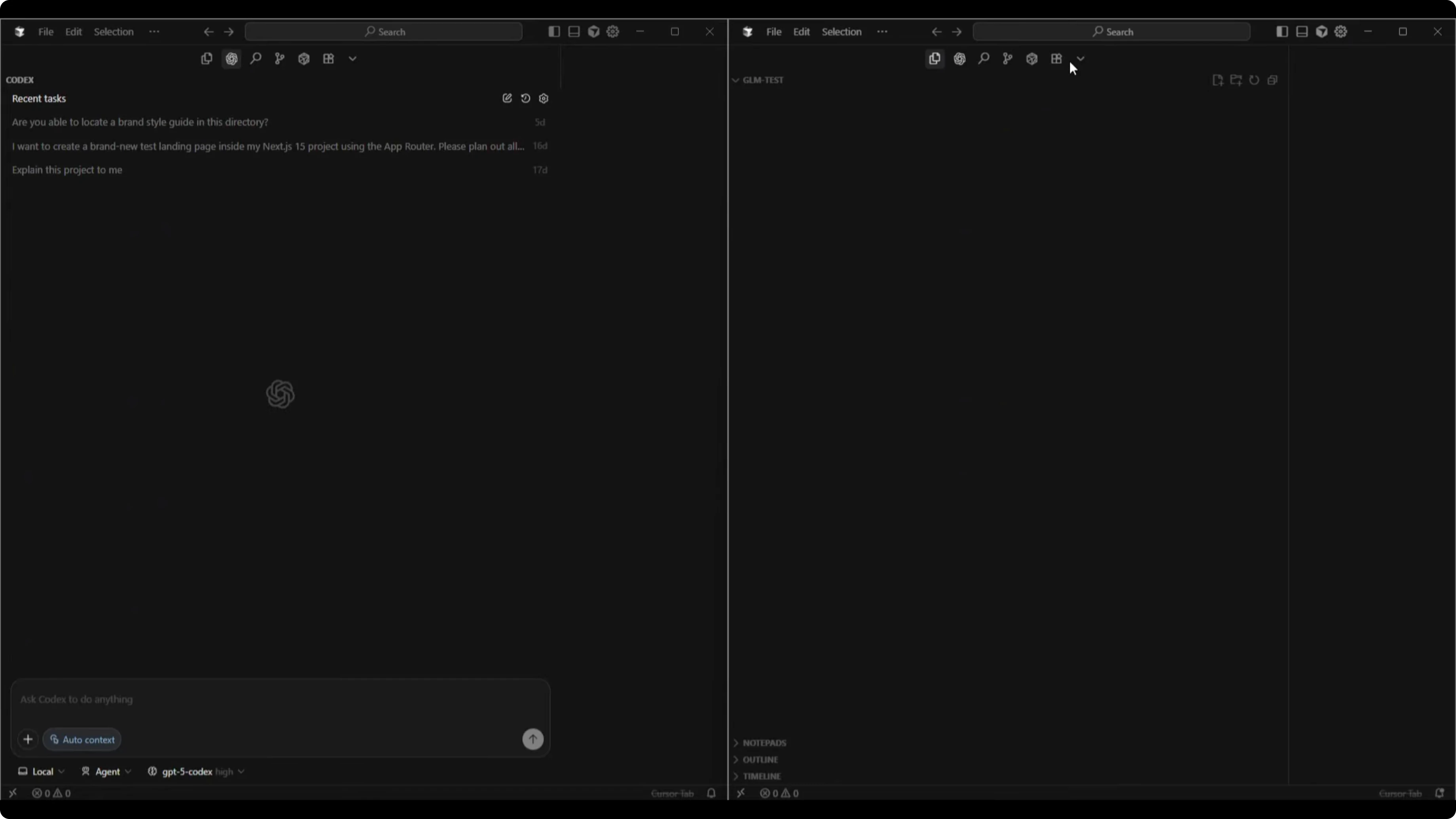
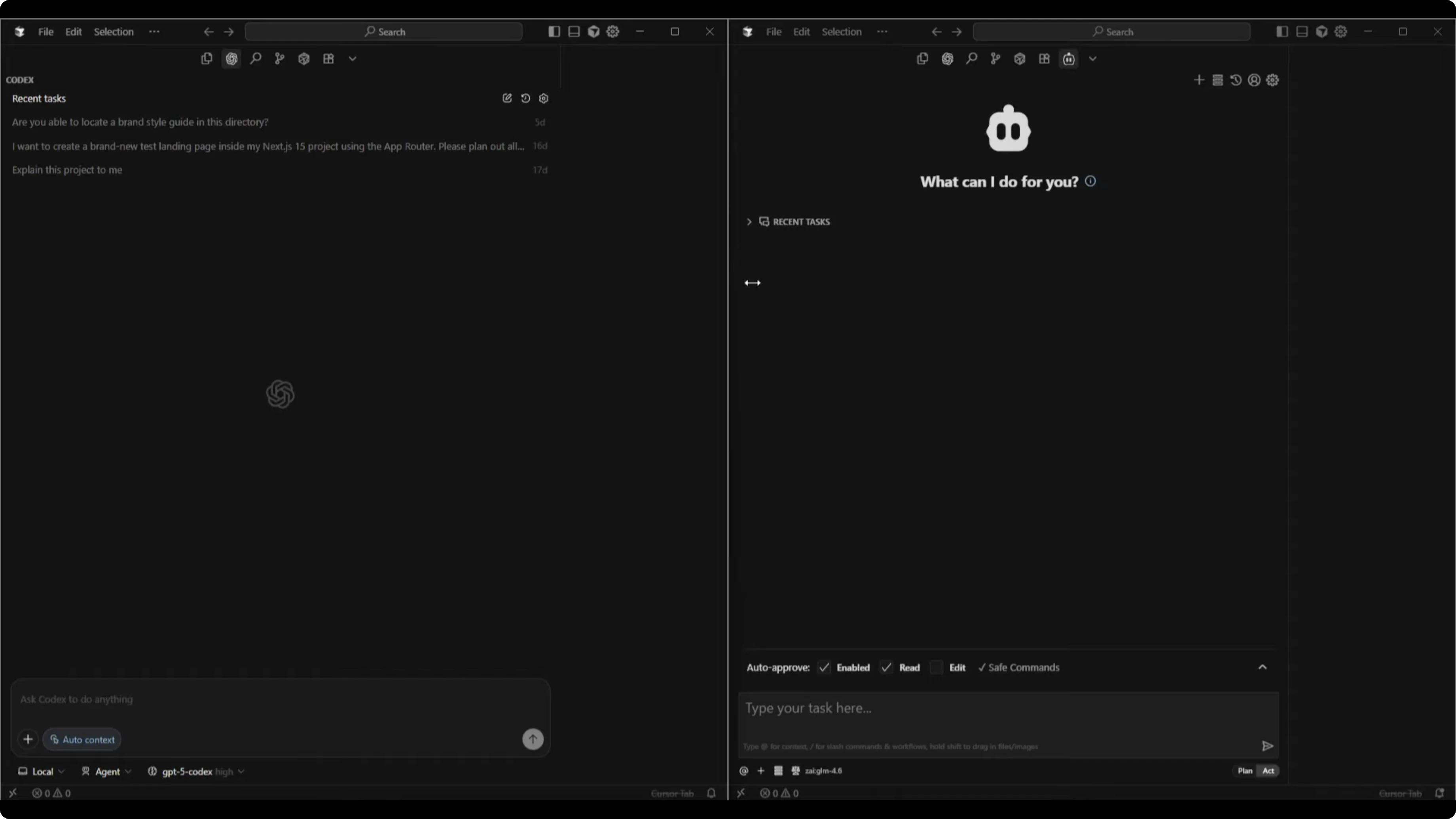
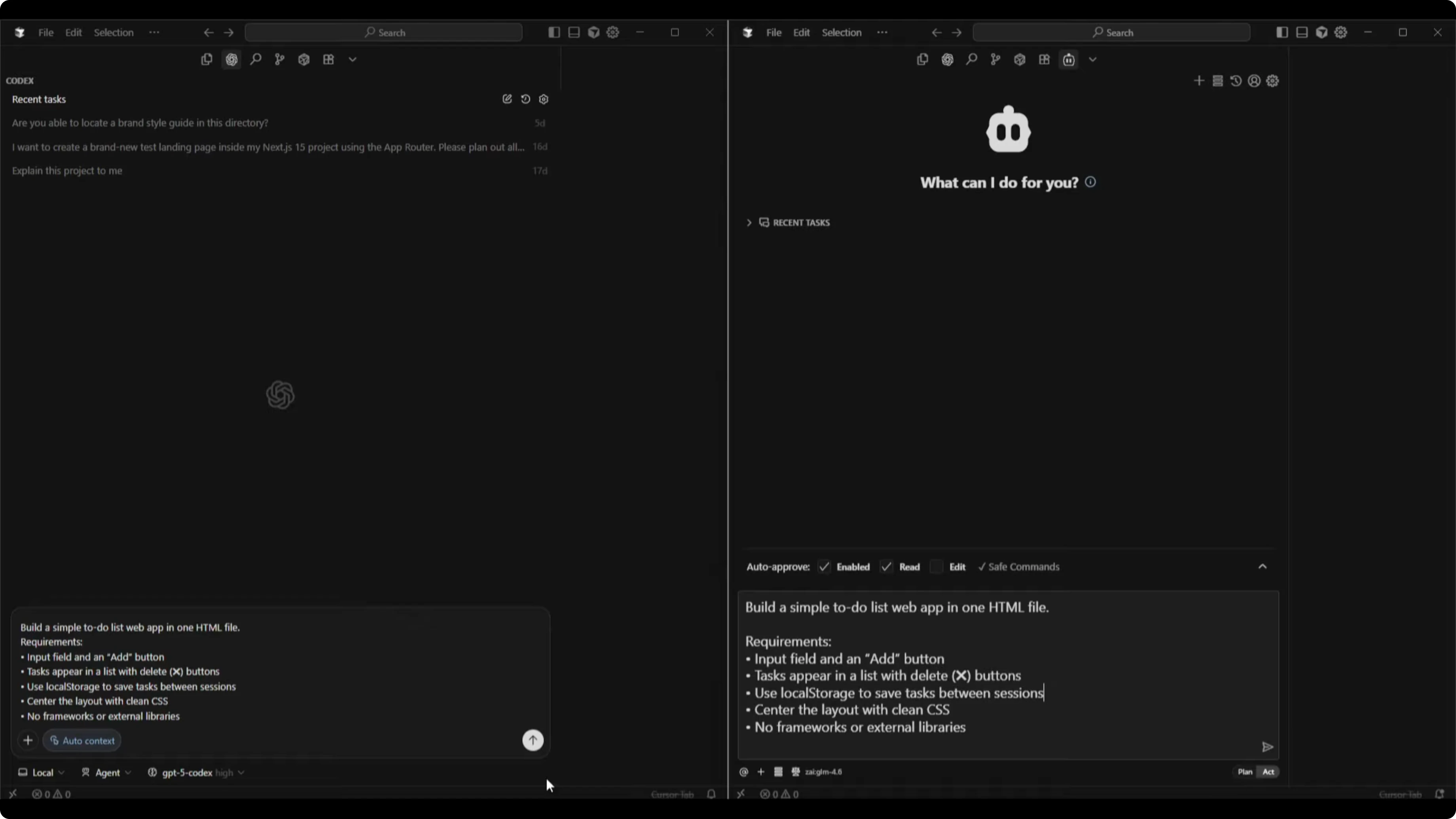
I started with empty directories for both projects and identical chat sessions for the two models. GPT-5 Codex High was selected, which tends to think longer for better answers, and I enabled agent mode so it could start building immediately. GLM 4.6 was set to act mode to enable immediate building for the one-shot test.
For readers who want a broader benchmark that includes Codex and Gemini too, see this comparative piece: a side-by-side look at Codex and Gemini 3 Pro.
Test 1 - One-shot to-do app build
Here was the exact prompt for both models:
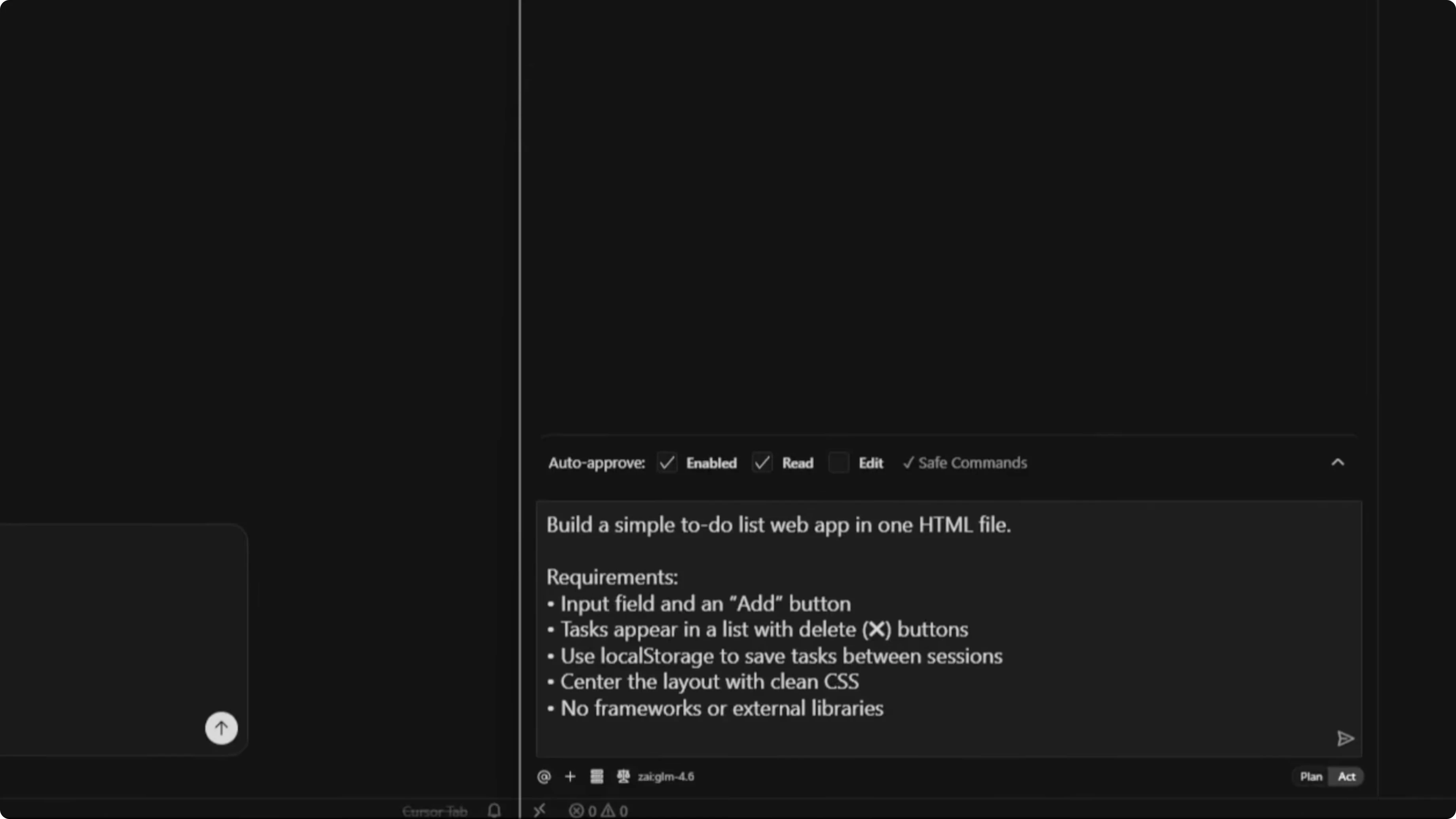
Build a simple to-do list web app in one HTML file.

Requirements:
- An input field with an Add button
- Tasks that appear in a list with delete buttons
- Use localStorage to save tasks between sessions
- Center the layout with clean CSS
- No frameworks or external libraries
GPT-5 Codex result
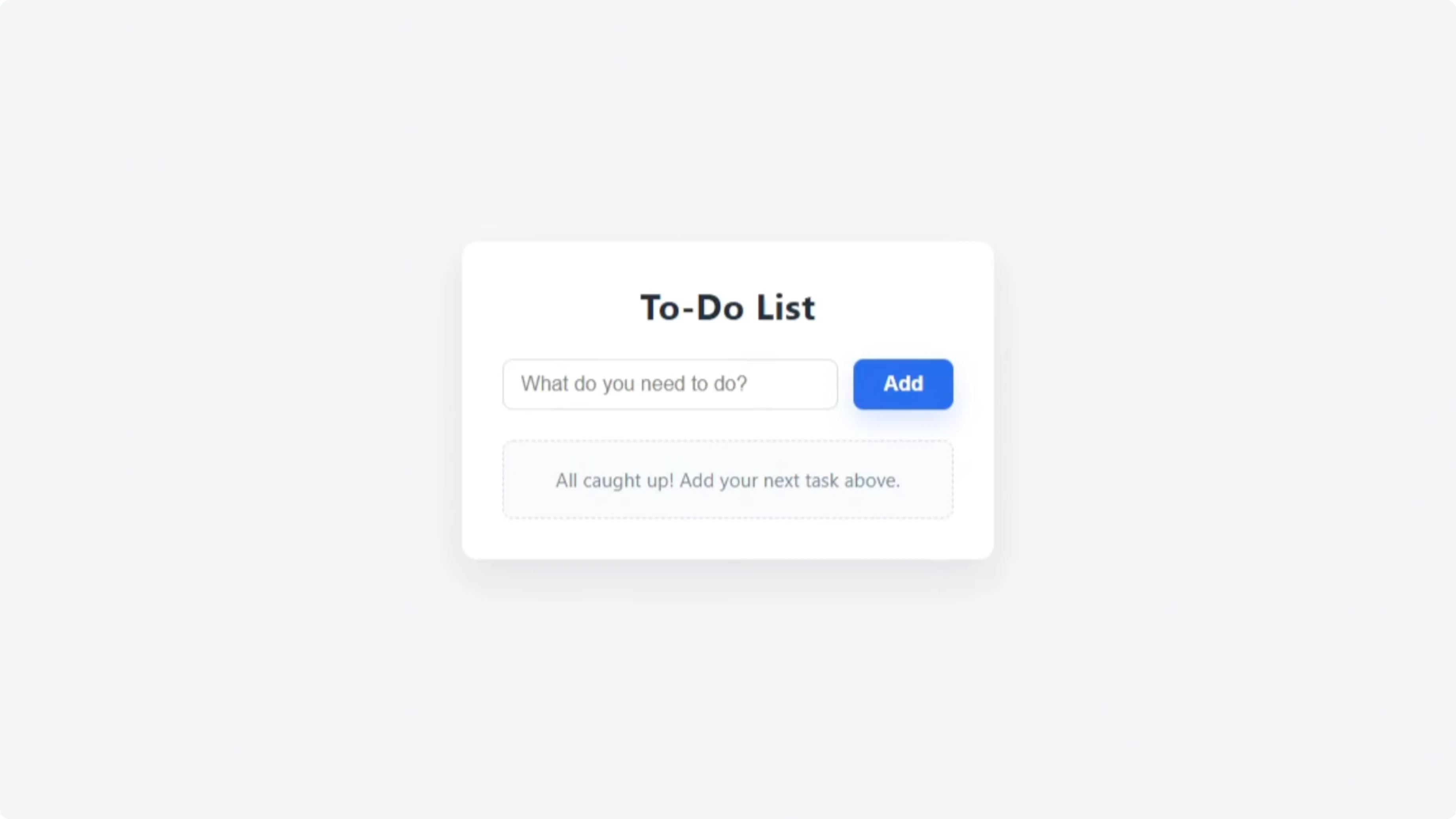
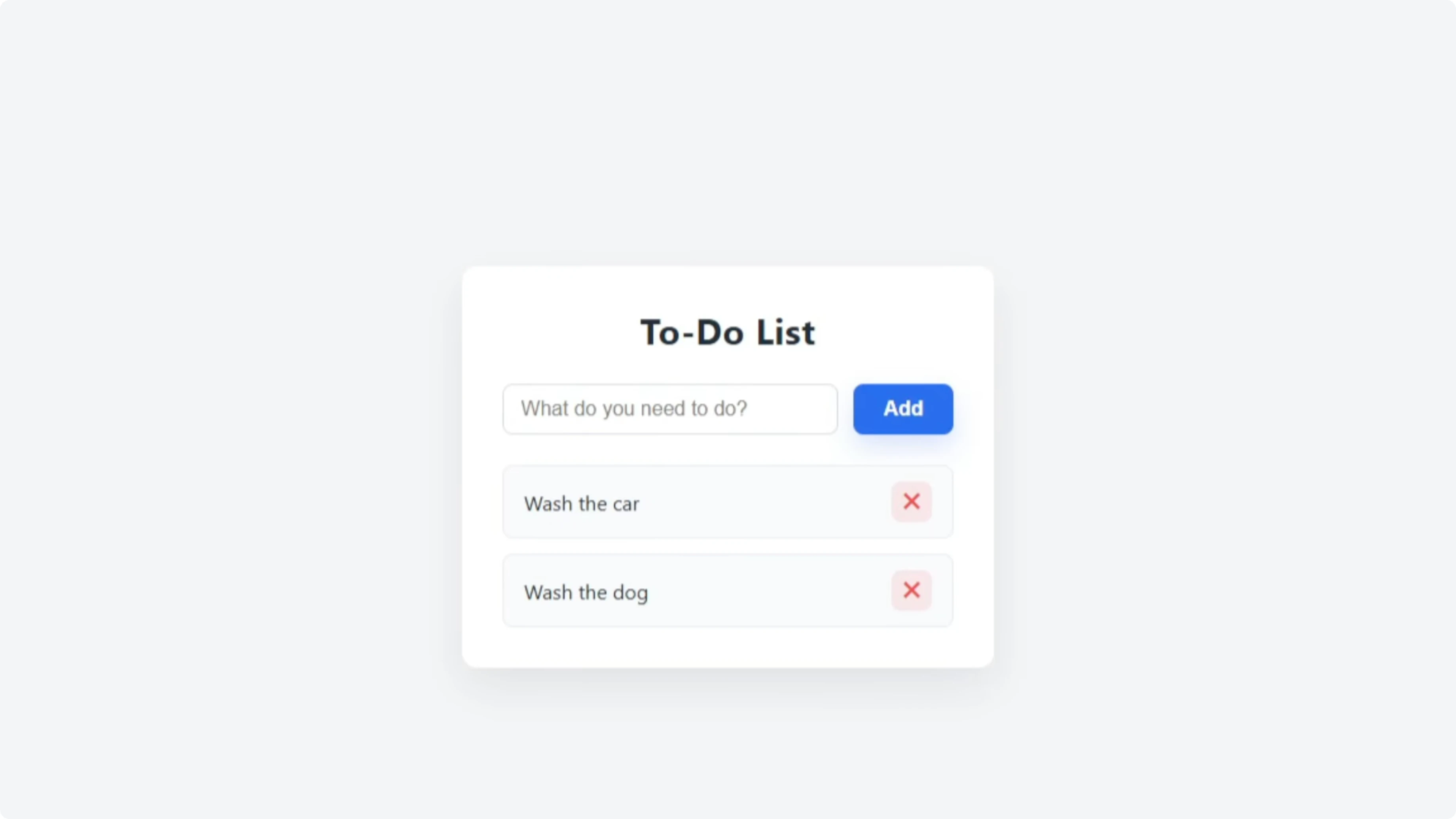
Codex produced a clean to-do list with a heading and a text input that read “What do you need.” I added “grocery shopping,” “wash the car,” and “wash the dog,” and Enter worked as expected. Each task had a red X to delete, and while I couldn’t change order or tick off items yet, it matched the basic prompt.
GLM 4.6 result
GLM 4.6 produced a similar layout with “What needs to be done,” and a styled colored background that looked good. Adding the same tasks worked, and delete with a red cross behaved the same. Both executed the one-shot build successfully.
Extending features with a follow-up prompt
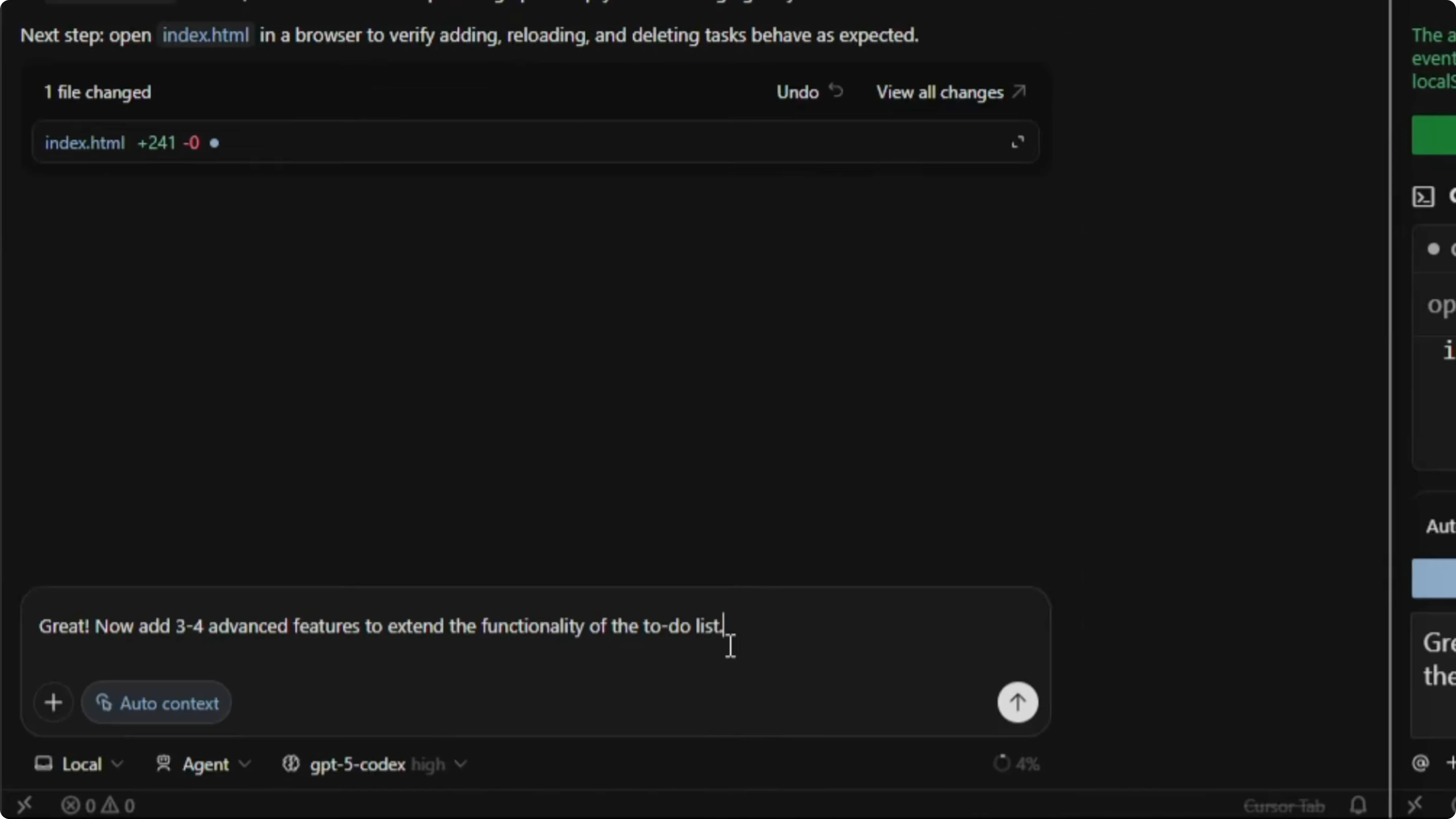
I sent the same follow-up to both:
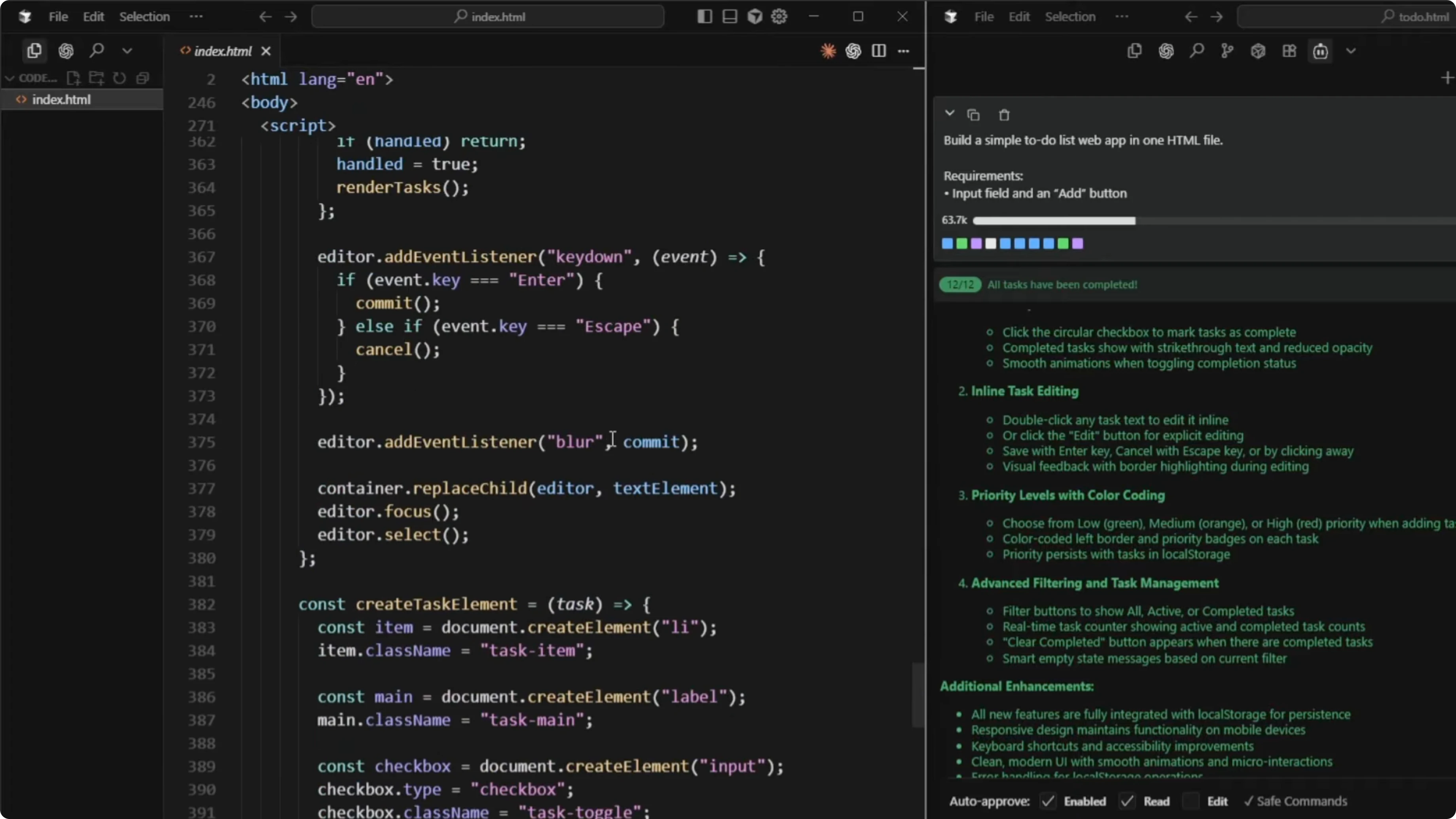
Great, now add three to four advanced features to extend the functionality of the to-do list.GLM 4.6 listed 10 potential ideas first, which was useful if you wanted to choose specific features to implement. It then selected four and implemented them, reporting the final set as task completion with visual feedback, inline task editing, priority levels with color coding, and advanced filtering and task management.
Codex also planned and executed its feature additions. GLM 4.6 finished a bit faster, but Codex was still working through its decisions and updates.
For another pairwise view across GLM and GPT in related scenarios, check out this comparison: GLM 4.7 tested against GPT 5.2 and more.
Code size and efficiency
GLM 4.6 wrote 666 lines of code for the enhanced single-file app. Codex completed the enhancements with 507 lines of code. From an efficiency standpoint, Codex achieved a similar scope with fewer lines.
Functionality check - GPT-5 Codex
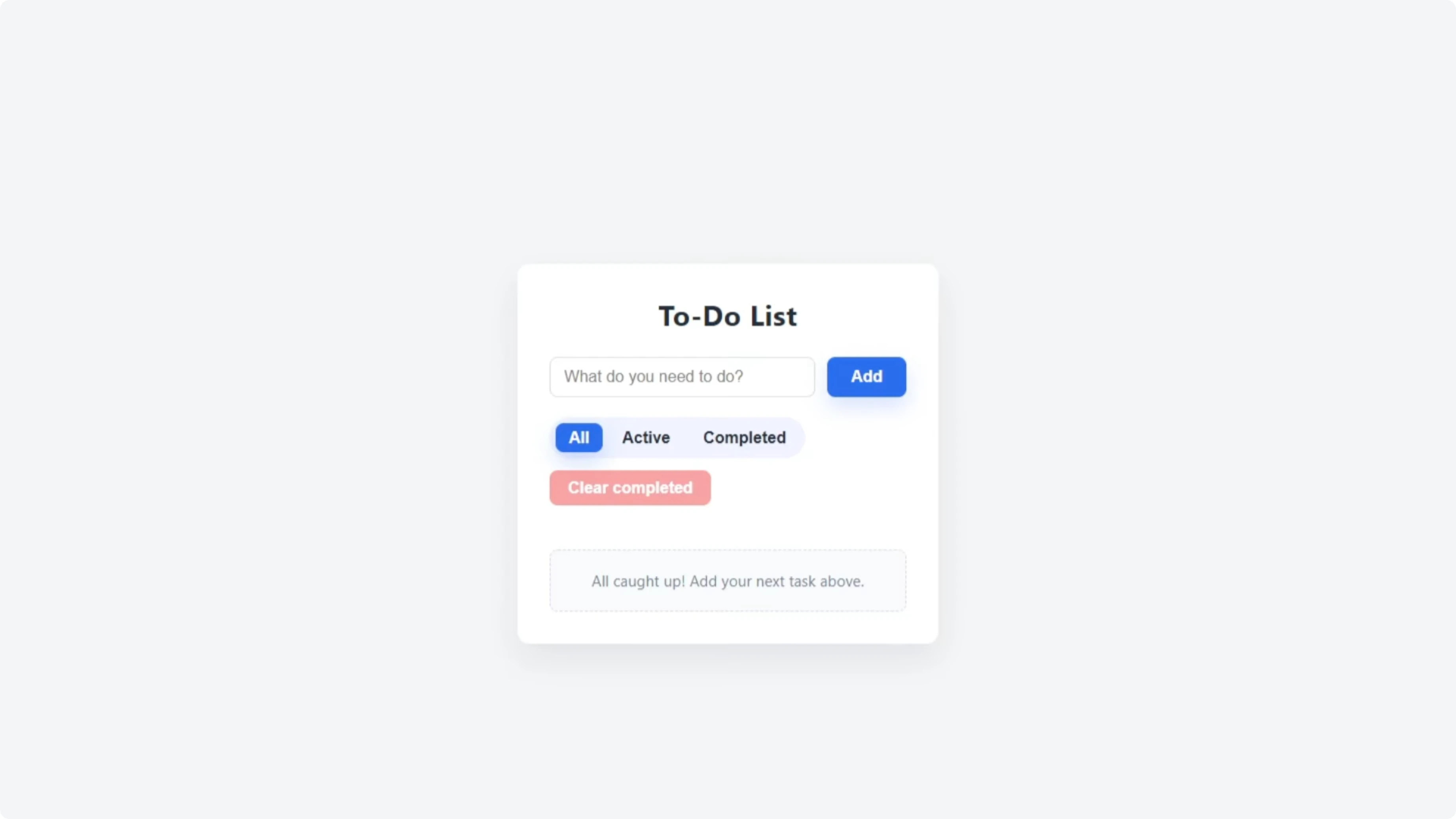
The updated Codex app added All, Active, and Completed filters. It included a Clear Completed button, checkboxes for completion, an Edit button, and the familiar delete cross. I tested adding the same tasks, edited “grocery shopping” to “grocery shop,” completed it, verified the filters, and cleared completed tasks successfully, and the visuals remained intact.
Functionality check - GLM 4.6
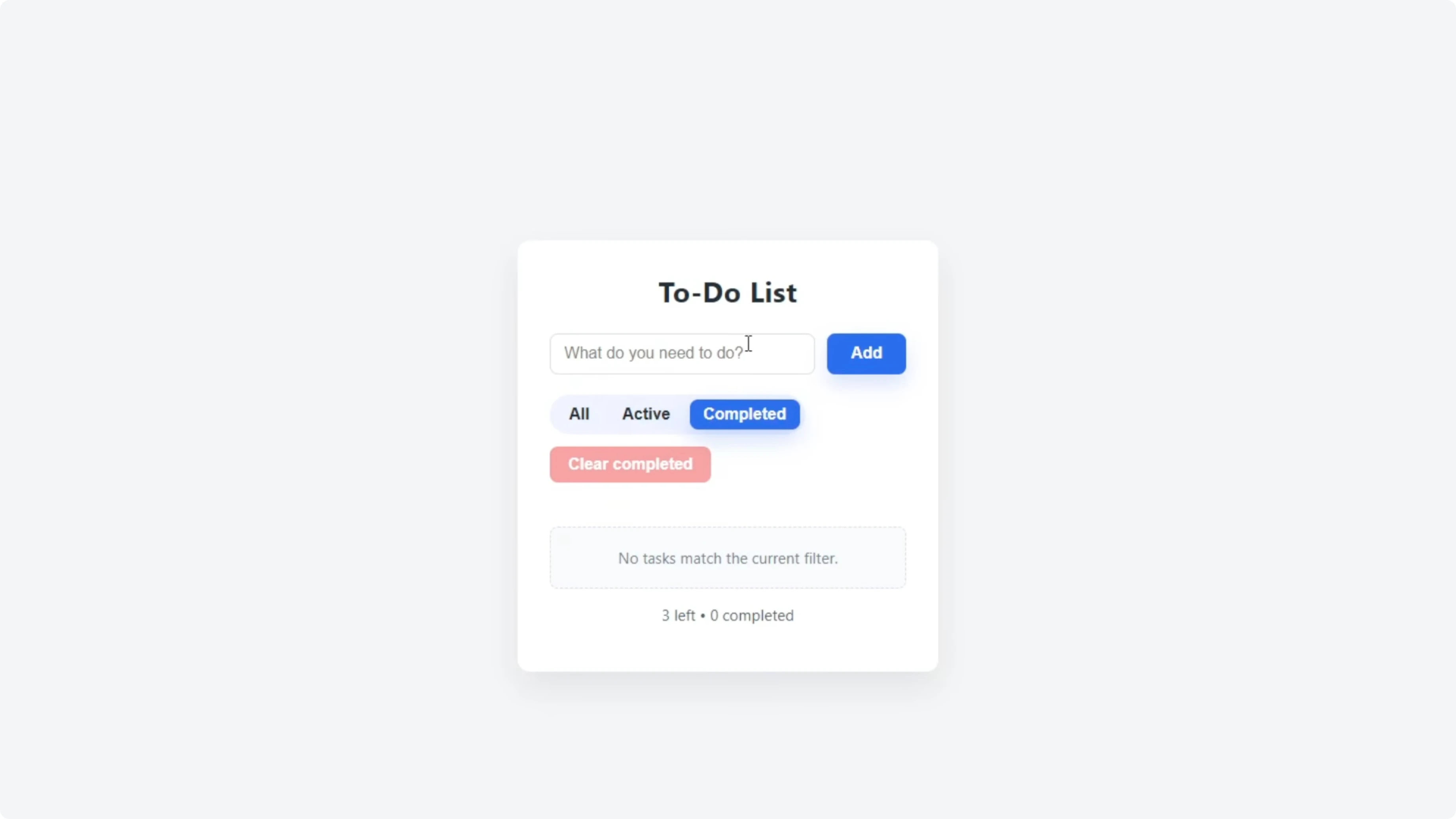
The GLM 4.6 update added a visible priority selector for Low, Medium, or High. I created a mix of priorities and confirmed the labels and color coding worked. The Clear Completed button appeared contextually after checking off tasks, which felt tidy, though the Add button was slightly misaligned outside the input box and needed a minor CSS fix.
Test 2 - PRD planning for “Avoid the Box”
I moved to a planning test focused on producing a full PRD for a small browser game. The concept was simple: the player controls a character that moves left and right to dodge falling boxes. Both models were instructed to produce a PRD a developer could build from immediately.
Here was the prompt:
You’re the product designer and creative director for a small browser game called “Avoid the Box.”
Concept: The player controls a character that moves left and right to dodge falling boxes.
Write a full PRD that captures your creative vision for the game.

Include:
- Core gameplay loop
- Controls and input
- Difficulty curve and progression
- Scoring and feedback
- Art direction and UI
- Sound and feel
- Technical scope and constraints
- Stretch goals and polish ideas
- Success metrics and production notes

Write it naturally in your own style. Focus on clarity and creativity so a developer could start building the game right after reading this.
Both models executed quickly and produced detailed PRDs directly in the chat. The Codex PRD included sections such as Purpose and excitement, Audience and experience goals, Core loop, Difficulty curve, Scoring and progression, and Player feedback and failure. It also detailed Visual direction, UI and UX, Audio direction, Signature touches, Stretch goals, Success metrics, and Production notes.
From experience, Codex can execute good apps based on PRDs like this that spell out each section with concise text. I then told Codex to save the PRD to the project directory for reference:
Write this PRD to an MD file in the project directory.If you want to compare how newer iterations line up across similar planning tasks, see this extended take: GLM 5 versus GPT-5.3 Codex in multi-model tests.
Test 3 - Execution of the PRD
The final test was to take the PRD and build the game based on that plan. The idea was to test execution quality and then play the game to compare results. This stage followed the same principle of identical prompts and clean environments.
For related context on how Codex compares to other model families in build-and-test loops, you may find this useful: a focused Codex vs Gemini 3 Pro breakdown.
Reproduce the tests
Create two empty project directories, one for GPT-5 Codex and one for GLM 4.6.
Open your editor and start separate chat sessions for each model.
Select GPT-5 Codex High and enable agent mode.
Select GLM 4.6 and enable act mode.
Paste the one-shot to-do list prompt into both sessions and let them build.
Open both HTML files in your browser and verify adding, deleting, and local storage behavior.
Send the follow-up prompt to add three to four advanced features.
Measure the final HTML file line count for each model after enhancements.
Test filters, editing, completion, and clear-completed behavior in both apps.
Send the PRD prompt for “Avoid the Box” to both models.
Ask each model to save its PRD to an MD file in the project directory.
For another take on Codex across versions, see this side-by-side: a GPT-5.2 Codex vs Opus 4.5 comparison.
Code prompts used
One-shot to-do list:
Build a simple to-do list web app in one HTML file.

Requirements:
- An input field with an Add button
- Tasks that appear in a list with delete buttons
- Use localStorage to save tasks between sessions
- Center the layout with clean CSS
- No frameworks or external libraries
Feature extension:
Great, now add three to four advanced features to extend the functionality of the to-do list.PRD for “Avoid the Box”:
You’re the product designer and creative director for a small browser game called “Avoid the Box.”
Concept: The player controls a character that moves left and right to dodge falling boxes.
Write a full PRD that captures your creative vision for the game.

Include:
- Core gameplay loop
- Controls and input
- Difficulty curve and progression
- Scoring and feedback
- Art direction and UI
- Sound and feel
- Technical scope and constraints
- Stretch goals and polish ideas
- Success metrics and production notes

Write it naturally in your own style. Focus on clarity and creativity so a developer could start building the game right after reading this.
Save PRD to file:
Write this PRD to an MD file in the project directory.Comparison overview table
| Aspect | GPT-5 Codex | GLM 4.6 |
|---|---|---|
| Build speed in one-shot and extension | Slower to complete decisions and updates | Faster to finish enhancements |
| Code size for enhanced app | 507 lines | 666 lines |
| Feature completeness after extension | Filters, edit, completion, clear-completed worked cleanly | Added priority selector, filters, edit, completion, clear-completed popup |
| UI quality | Clean layout, no visible regressions after update | Minor misalignment of Add button needed a CSS fix |
| Planning behavior | Delivered a structured PRD with clear sections | Produced ideas quickly and implemented a solid feature set |
| Efficiency | More concise implementation for similar scope | More verbose implementation for similar scope |
For a multi-model snapshot that broadens this picture, this piece can help triangulate results: a GLM 4.7 vs GPT 5.2 comparison in context.
Use cases, pros, and cons
GPT-5 Codex
Use cases that benefit from Codex here include single-file web utilities, rapid prototypes with tight constraints, and scenarios where code brevity and tidy UI matter. Codex’s enhanced to-do list was efficient and held up well under feature extensions. The planning output was organized and directly actionable.
Pros include concise code output, stable UI after updates, and a structured PRD that a developer can follow without confusion. The main trade-off is slower build speed during longer decision cycles.
GLM 4.6
GLM 4.6 suits quick iterations, exploratory builds, and feature ideation where proposing multiple options is helpful before implementation. The priority system and contextual clear-completed control felt thoughtful and responsive. The model delivered fast updates and a useful list of possible enhancements.
Pros include faster execution and strong ideation upfront. The trade-offs were a minor UI misalignment that needed a small fix and a larger code footprint for the same scope.
Final thoughts
Both models succeeded in the one-shot app and produced working enhancements that met the single-file constraint. Codex delivered a more concise implementation with a polished UI, while GLM 4.6 moved faster and added a priority system that some users will prefer.
In planning, both produced build-ready PRDs, and Codex’s structure felt easy to execute against. If speed and ideation variety are your priority, GLM 4.6 has appeal, but for efficiency and tidy UI, Codex took the edge in these tests.
Subscribe to our newsletter
Get the latest updates and articles directly in your inbox.

Related Posts

8 Best Claude Code Plugins in 2026 (You Need to Know)
8 Best Claude Code Plugins in 2026 (You Need to Know)

7 Best Claude Code Skills (You Need to Know)
7 Best Claude Code Skills (You Need to Know)

Claude Code Desktop IDE Features (You Need to Know)
Claude Code Desktop IDE Features (You Need to Know)