
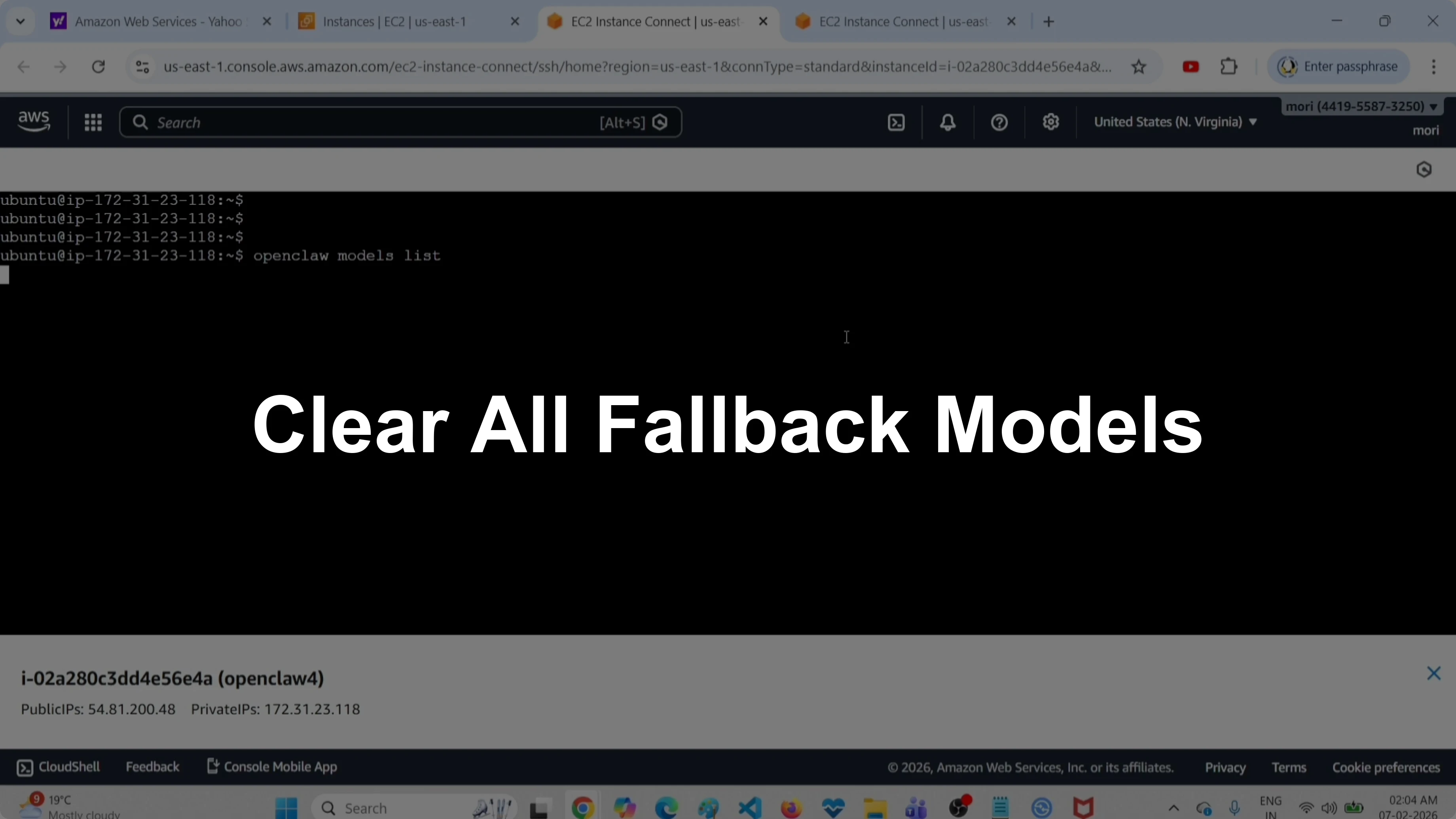
How to Easily Clear All Fallback Models in OpenClaw Tools
OpenClaw Error Fixer
Paste any OpenClaw error and get the exact fix instantly — cause, steps, copy-ready commands, and related guides.
This guide shows how to delete or clear all fallback models. I will walk through listing configured models, listing only the fallback models, clearing them, and verifying the result.
You can follow the command-line steps or edit the configuration file directly if you prefer.
Easily Clear All Fallback Models in OpenClaw Tools
List configured models
First, let me list all models configured in this OpenClaw setup. Run this command:
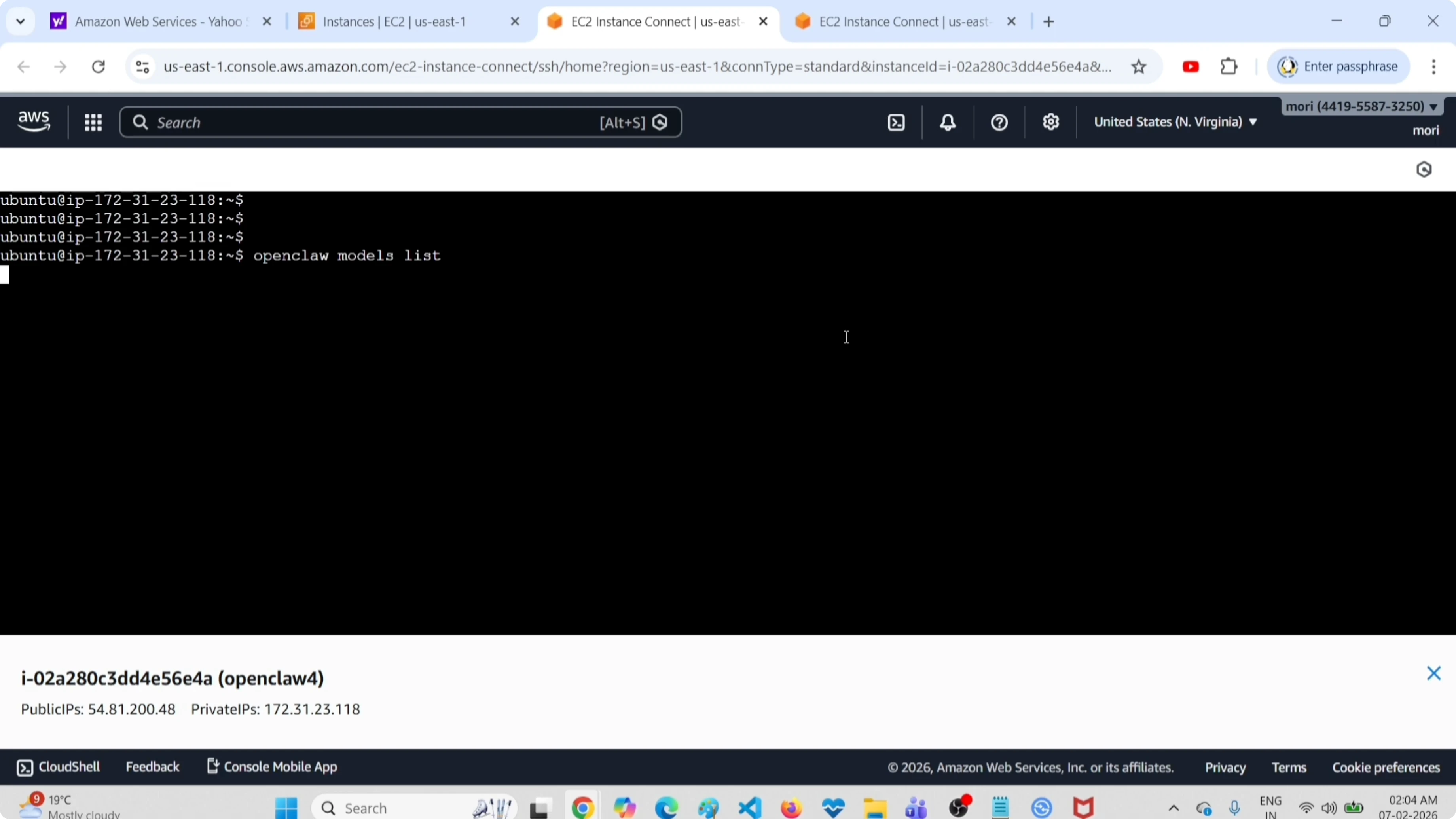
openclaw models list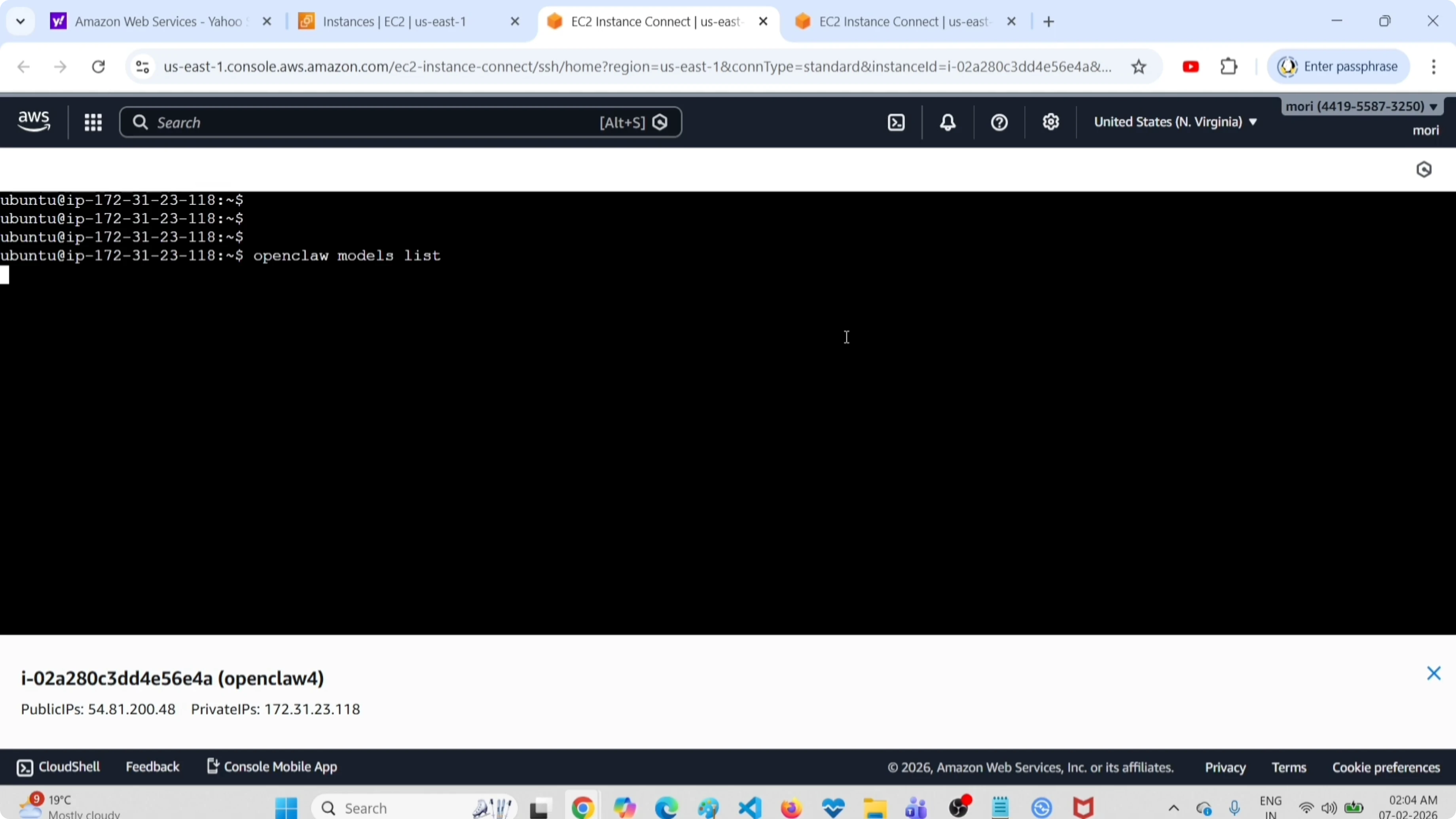
It shows how many models are configured in this setup. I am going to delete or clear these fallback models.
If you are setting up models for the first time, see this guide on free models and APIs for an OpenClaw setup.
List fallback models only
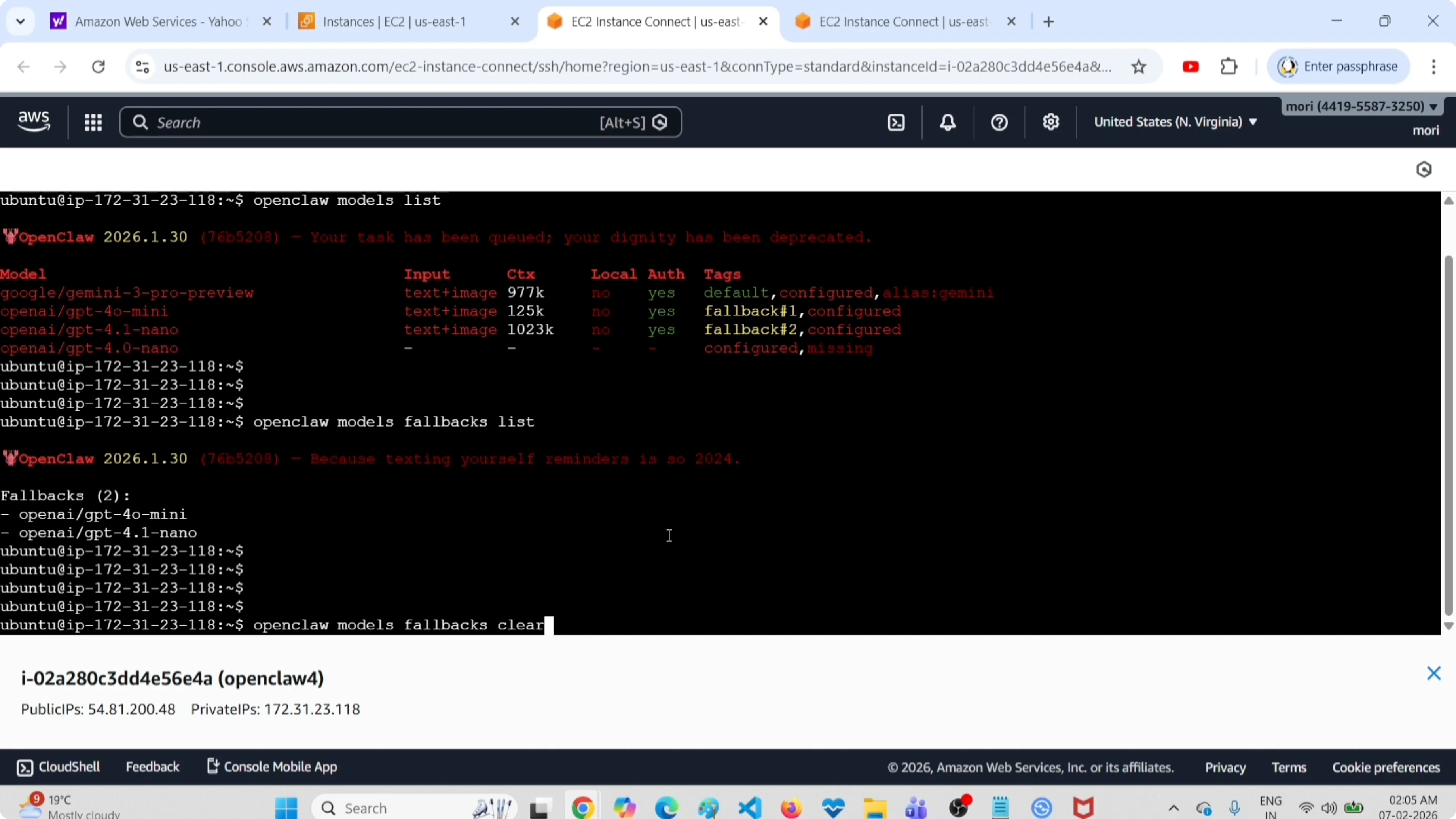
You can list only the fallback models with this command:
openclaw models fallbacks list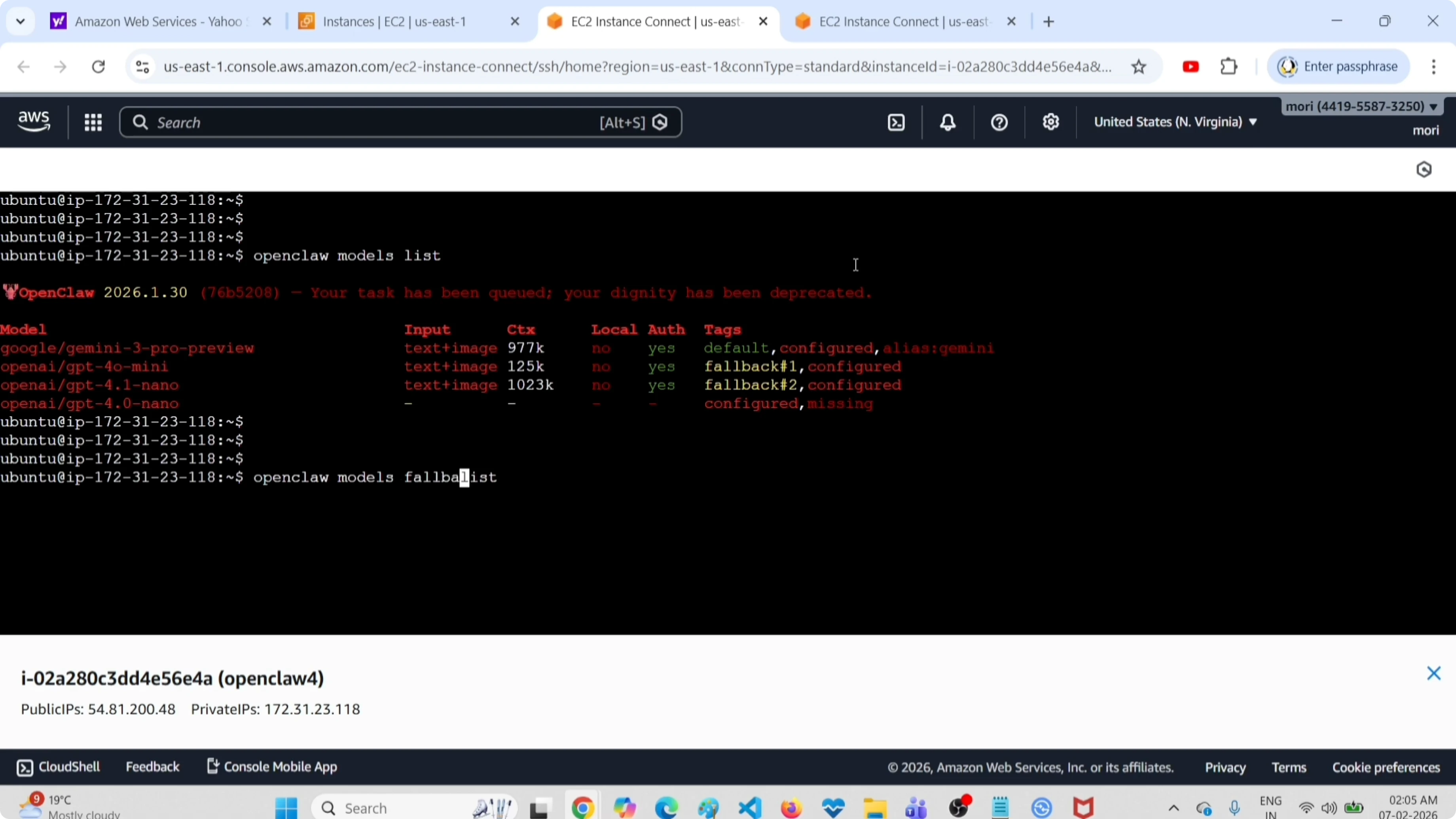
It says there are only two fallback models. I am going to clear all these models.
If you prefer managing parts of your setup in the UI, see how to access the OpenClaw AI dashboard.
Clear all fallback models
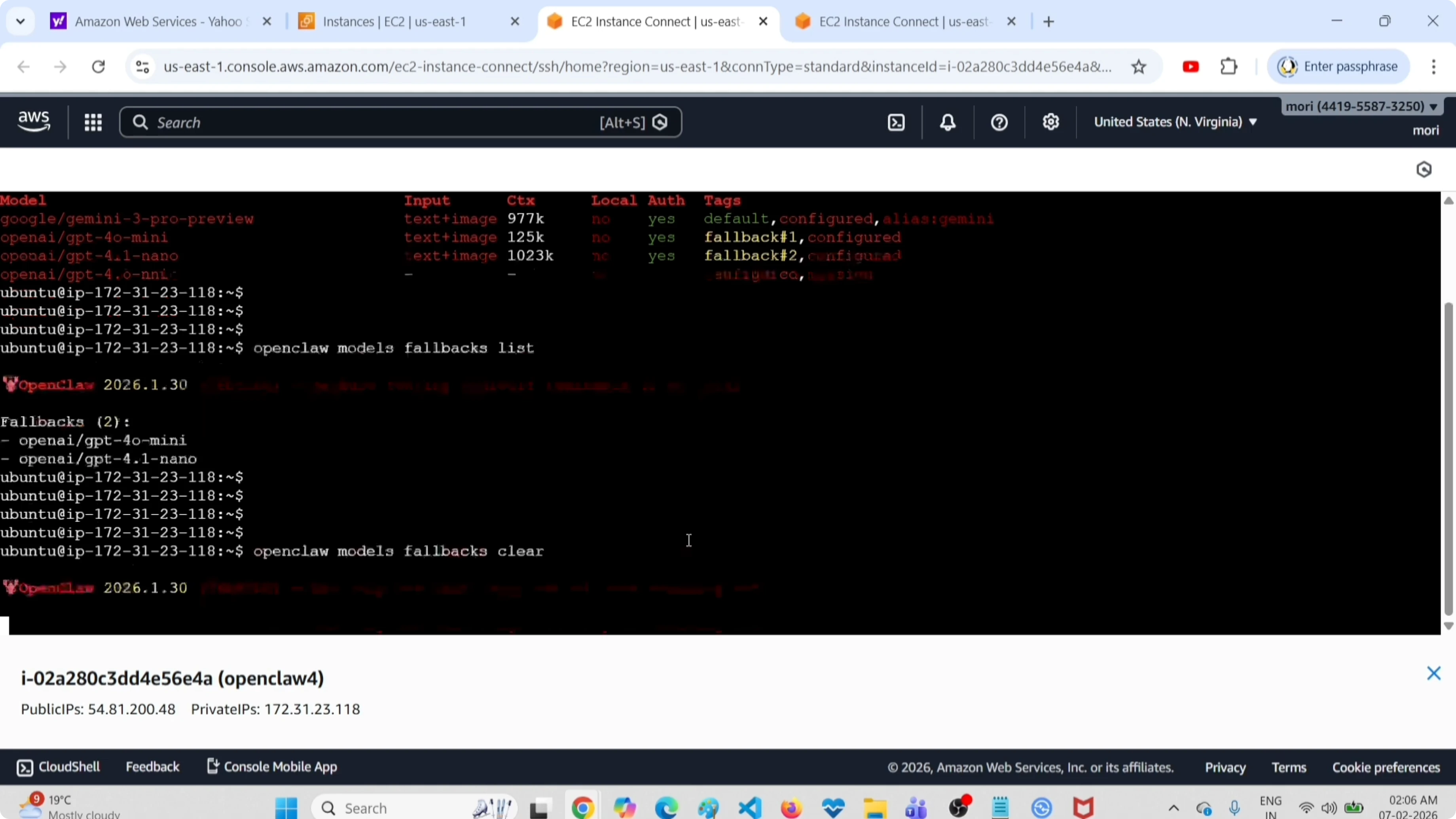
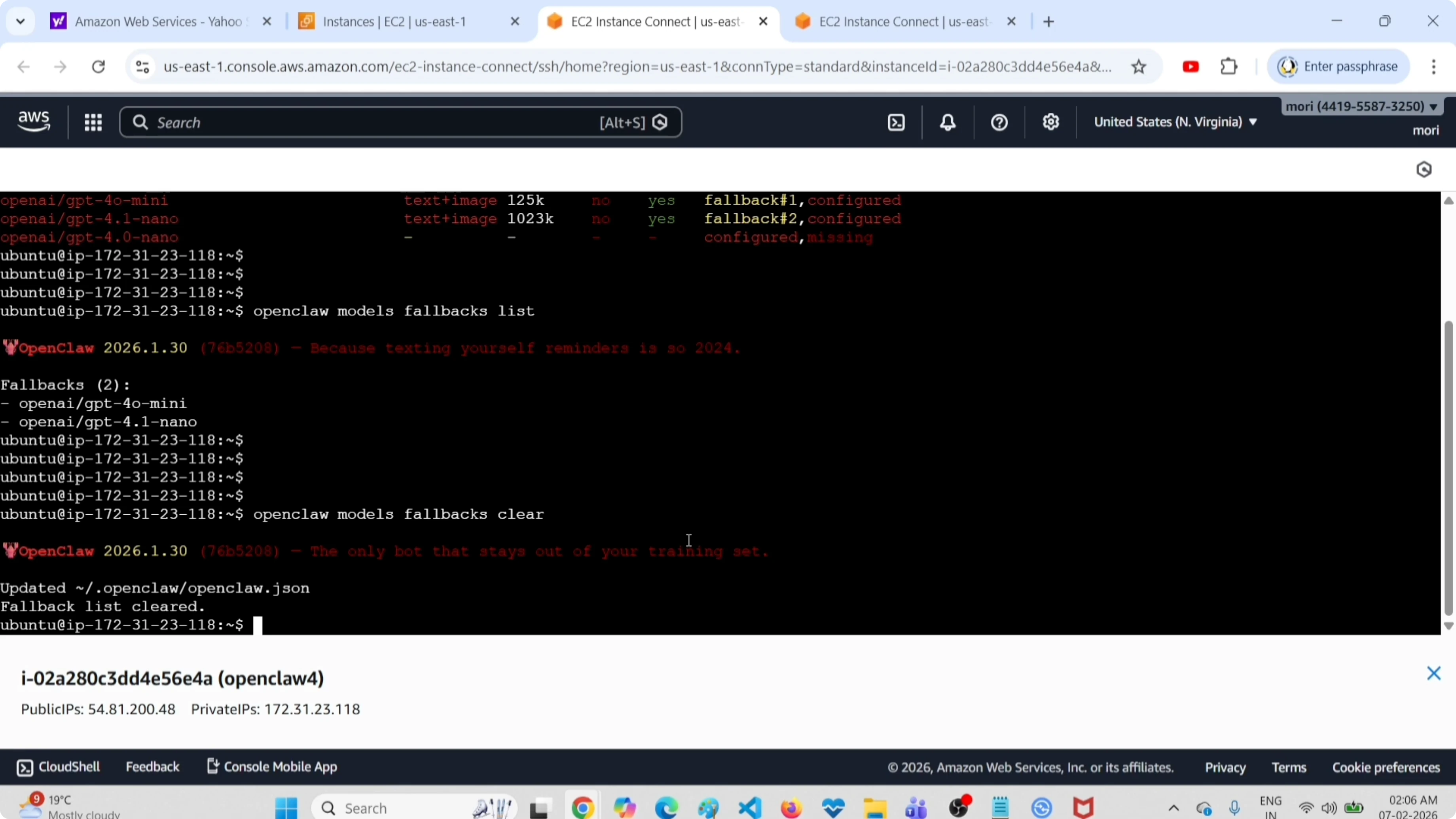
This is the command to clear all fallback models:
openclaw models fallbacks clearJust run this command. It updates the configuration file automatically, and you will see messages like configuration updated and fallback list cleared.
If you are pairing OpenClaw with local models such as Ollama for coding, check this setup for Claude Code with Ollama models without an Anthropic API key.
Edit the configuration file instead
You can clear the fallback models by directly editing the configuration file and restarting the gateway service.
Open the file:
~/.openclaw/openclaw.jsonRemove the entries under the fallbacks section, save the file, and restart the gateway service:
sudo systemctl restart openclaw-gatewayYou can also explore free API options while adjusting your configuration in this guide on free APIs and models for OpenClaw Tools.
Verify the cleanup
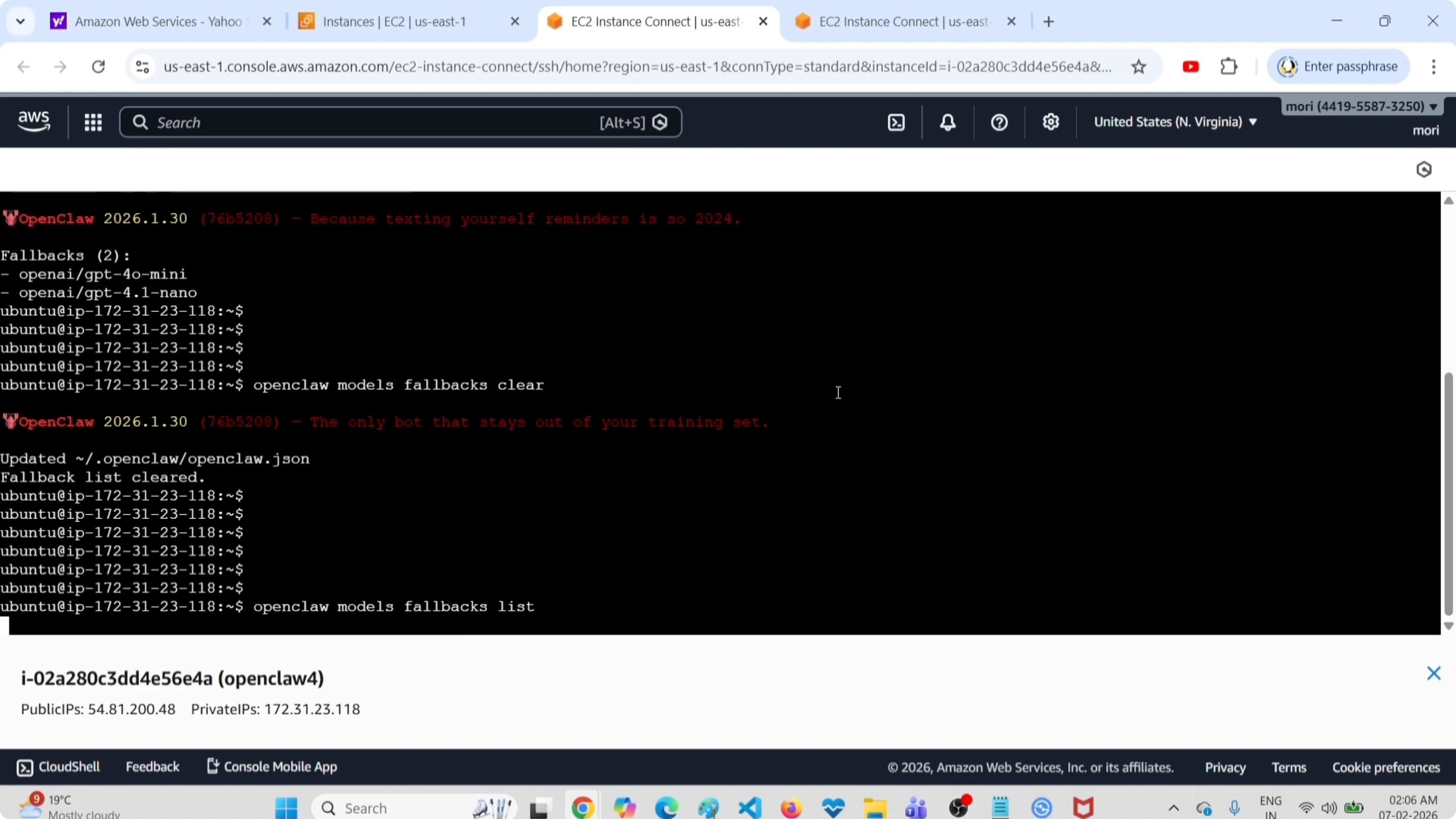
Run the fallback list command again to confirm it is empty:
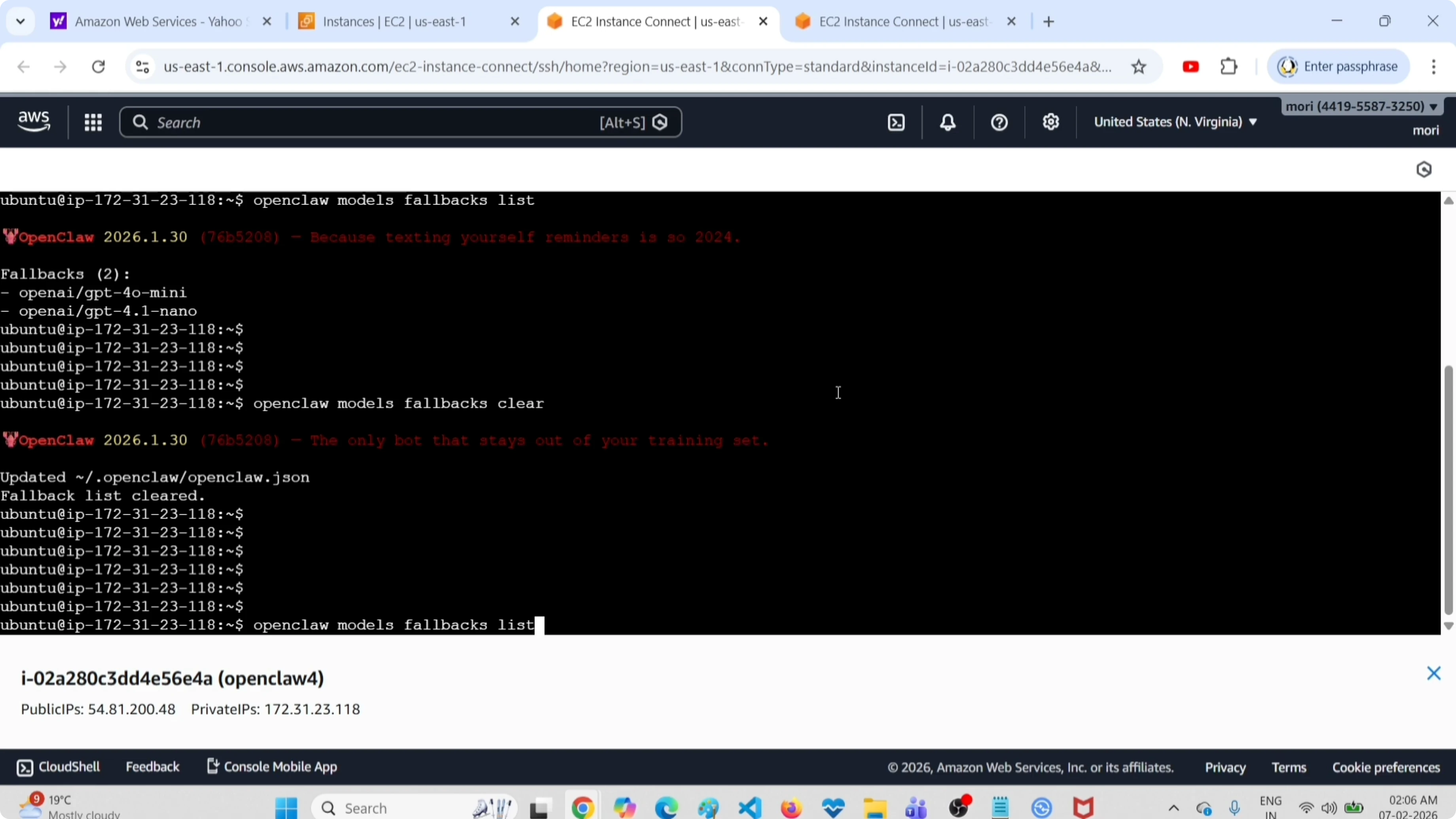
openclaw models fallbacks listNow it is empty. It says none.
If you plan to connect your setup to Telegram, follow this walkthrough to connect OpenClaw to Telegram with Clawdbot.
Final thoughts
Clearing fallback models is a single command with openclaw models fallbacks clear. You can also do it by editing ~/.openclaw/openclaw.json and restarting the gateway service. Verifying with openclaw models fallbacks list confirms the cleanup.
Subscribe to our newsletter
Get the latest updates and articles directly in your inbox.

Related Posts

8 Best Claude Code Plugins in 2026 (You Need to Know)
8 Best Claude Code Plugins in 2026 (You Need to Know)

7 Best Claude Code Skills (You Need to Know)
7 Best Claude Code Skills (You Need to Know)

Claude Code Desktop IDE Features (You Need to Know)
Claude Code Desktop IDE Features (You Need to Know)