
Where to Find Free Models and APIs for OpenClaw Setup?
OpenClaw Error Fixer
Paste any OpenClaw error and get the exact fix instantly — cause, steps, copy-ready commands, and related guides.
I am showing how to find free models to try with OpenClaw. I already have one OpenClaw setup running and working. First I check what API provider and model I am using.
You can ask your running assistant: What provider and model are used in this OpenClaw setup?
In my case, it says the model is OpenRouter google/gemini-2.5-flash-preview and the provider is OpenRouter. You can also verify this from the OpenClaw setup with a command.
Run:
openclaw models list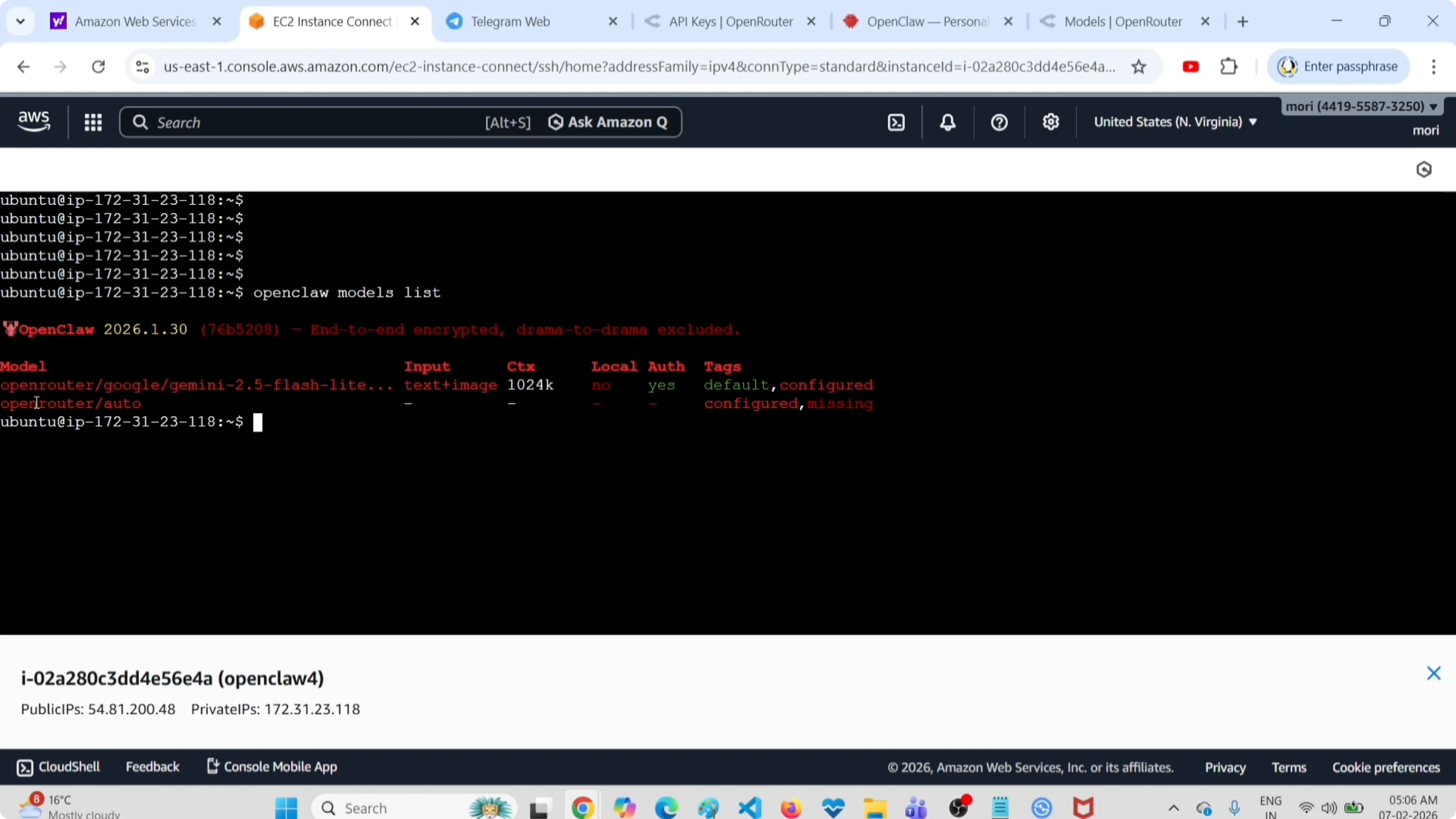
You should see the model entry for openrouter google/gemini-2.5-flash-preview, which is the default or primary model. If you are just getting started with the interface, check this short dashboard guide. It will help you confirm your current configuration.
Free models and APIs for OpenClaw
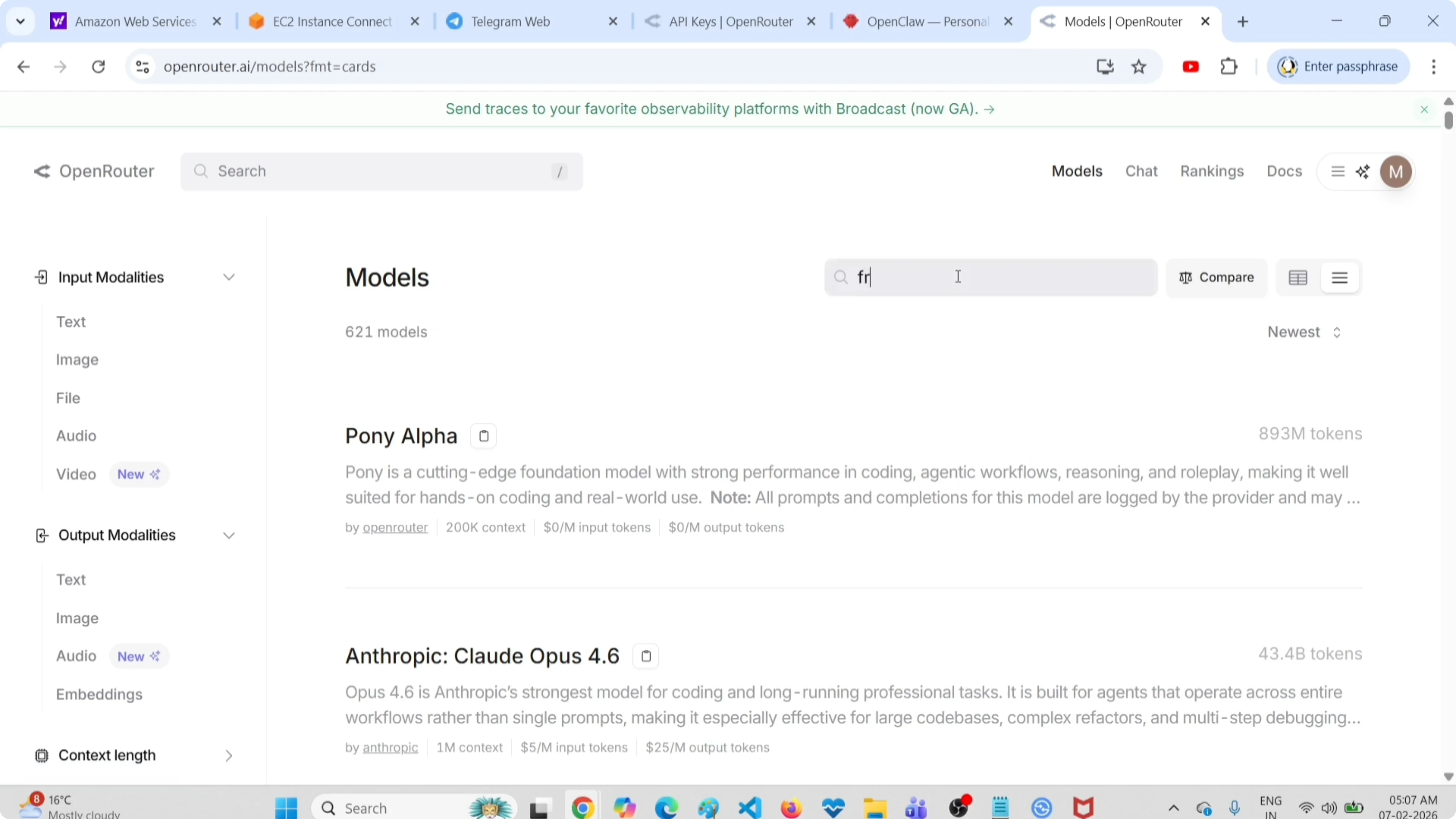
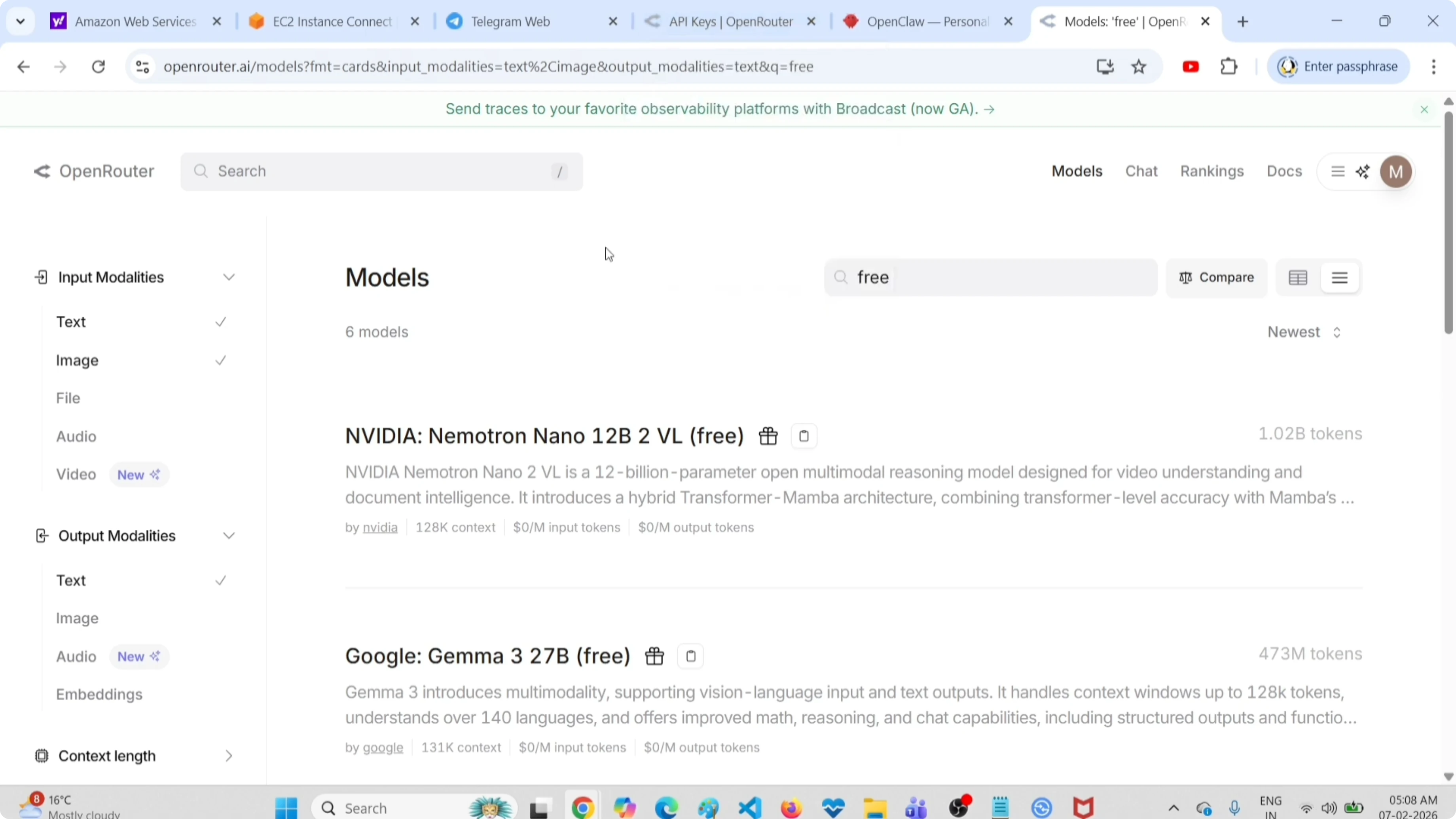
Go to openrouter.ai/models. You can see it has 621 models. You can select input modalities or output modalities on that page.
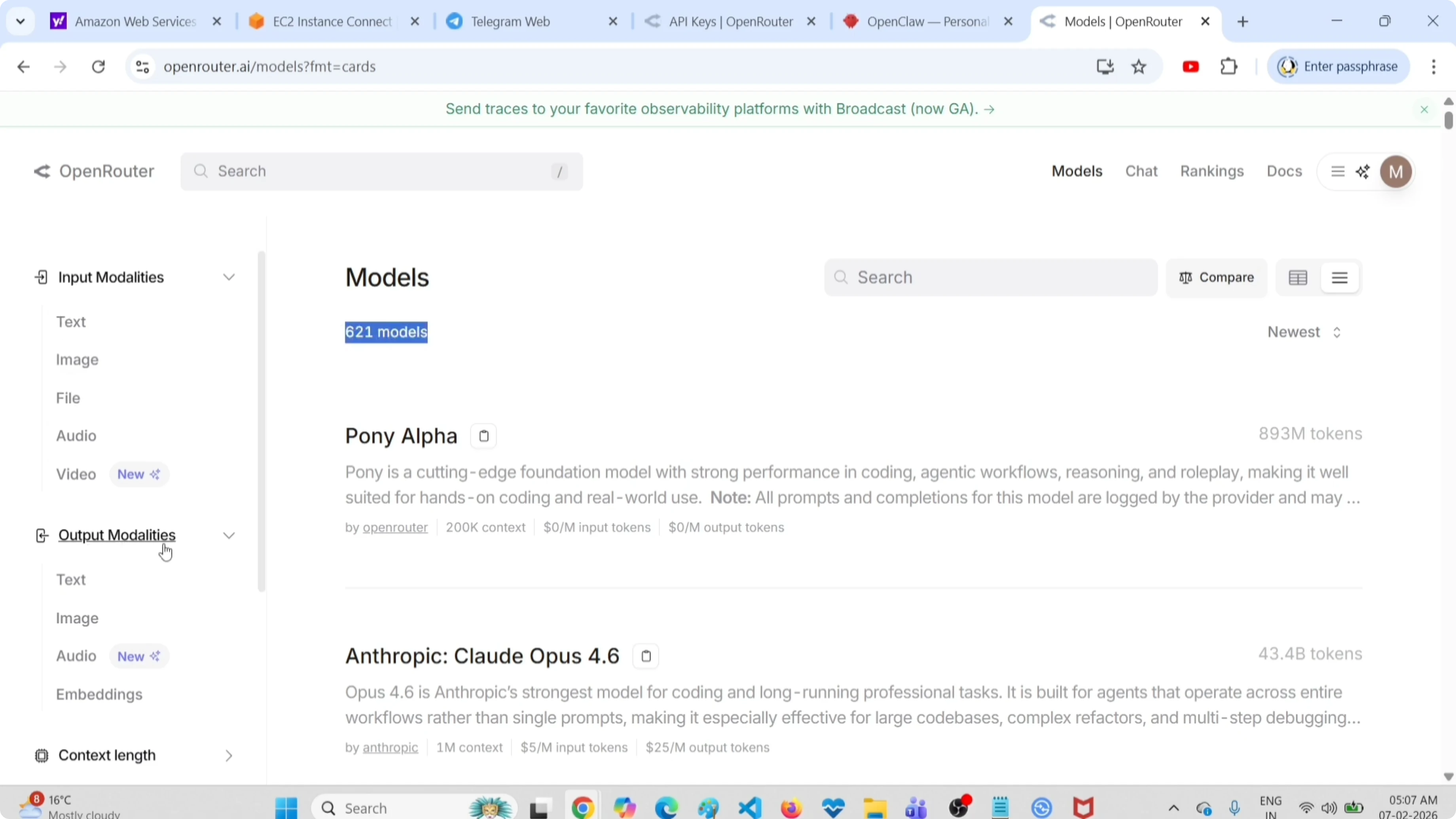
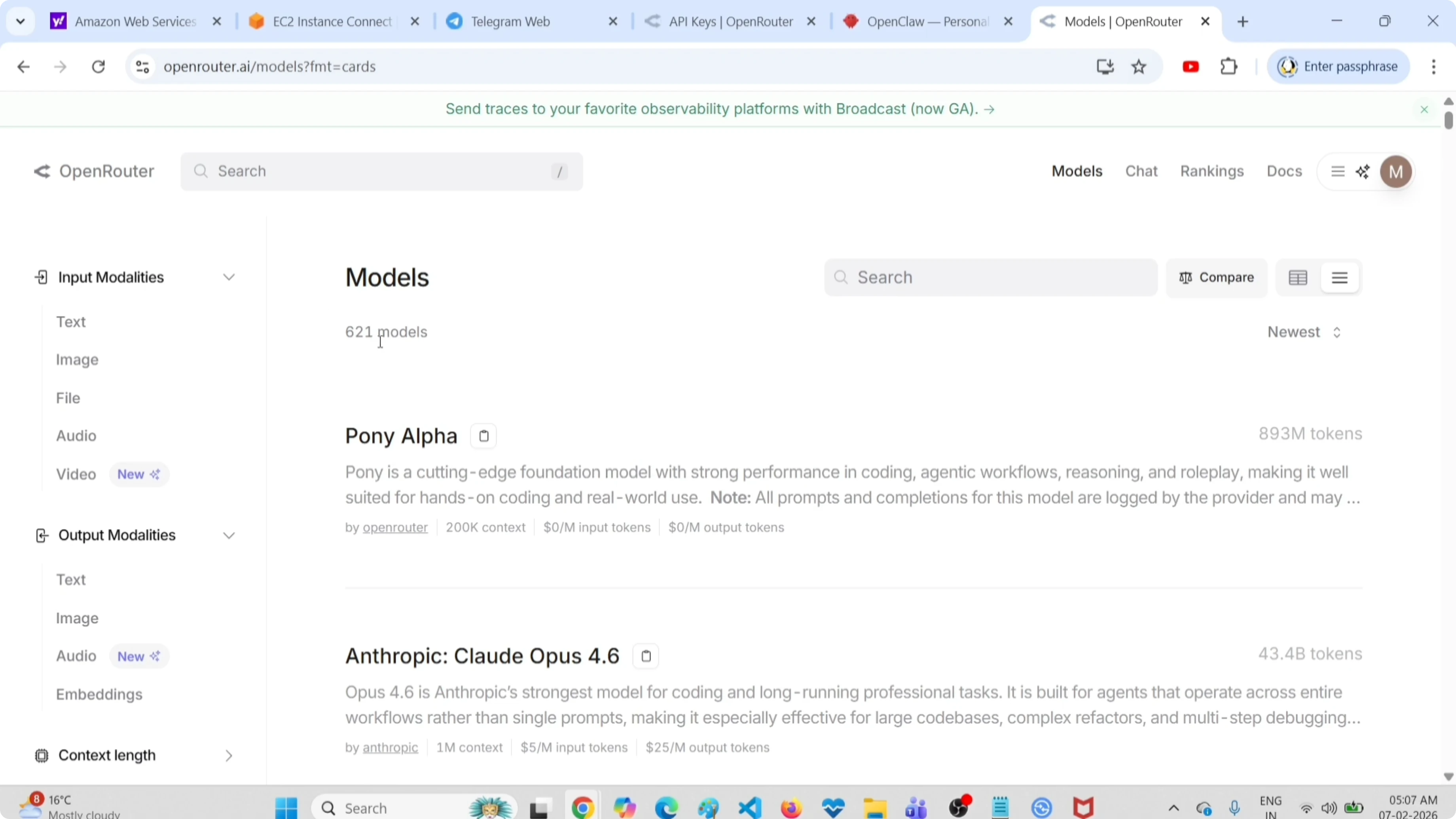
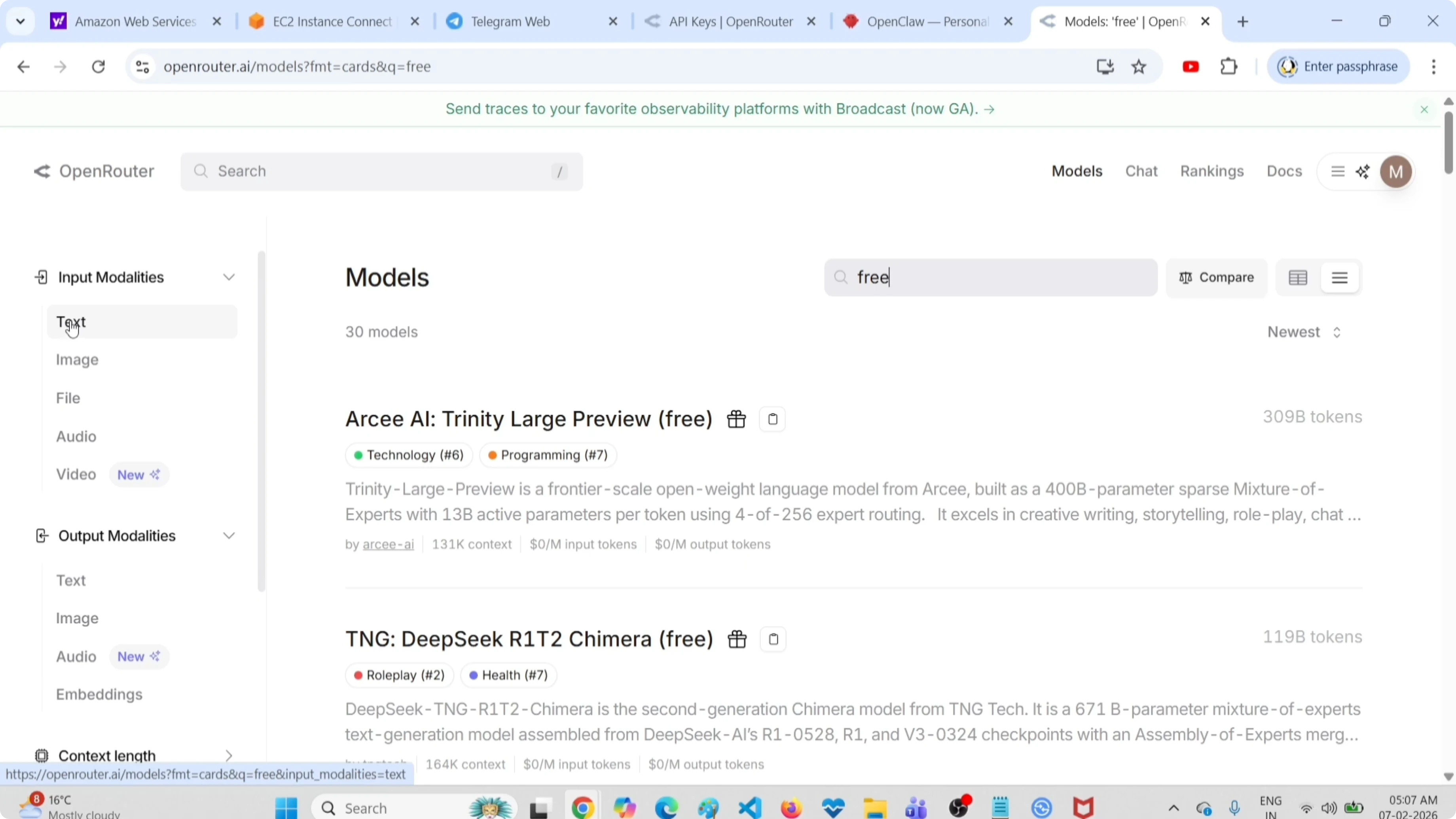
If you want to search for free models, type free in the search. These are free models. The same model identifiers can be used in OpenClaw when you configure your provider.
For a curated list that pairs well with OpenClaw, see our free APIs list. It includes tools and models you can try at no cost.
Filter by modalities
Filter further if you want free text input based models. Select Text under Input. If you want text output, select Text under Output.
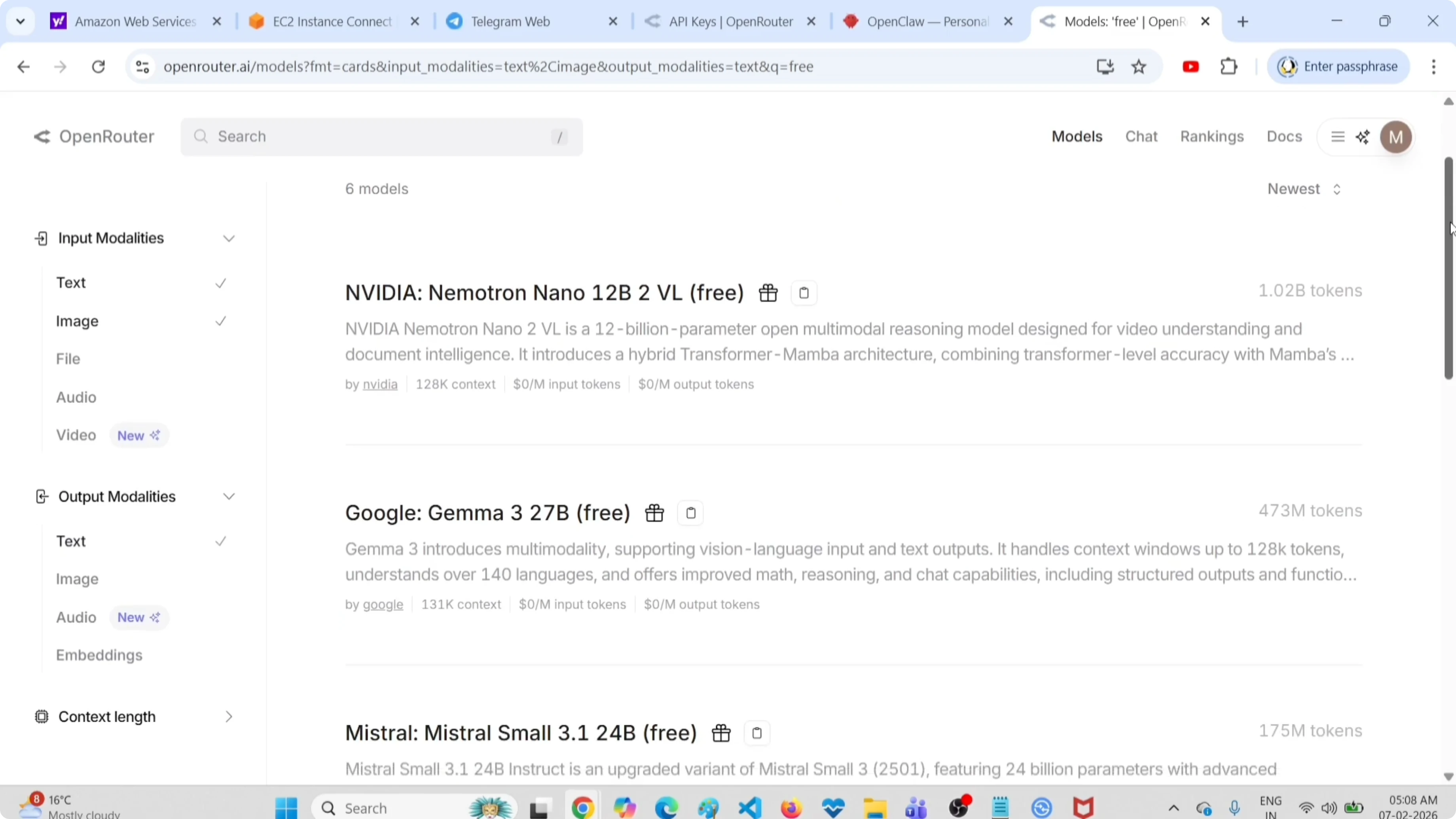
To find models that accept images as input, select Image under Input. These are the free models that accept an image as input, then convert that to text. They will scan images and return text.
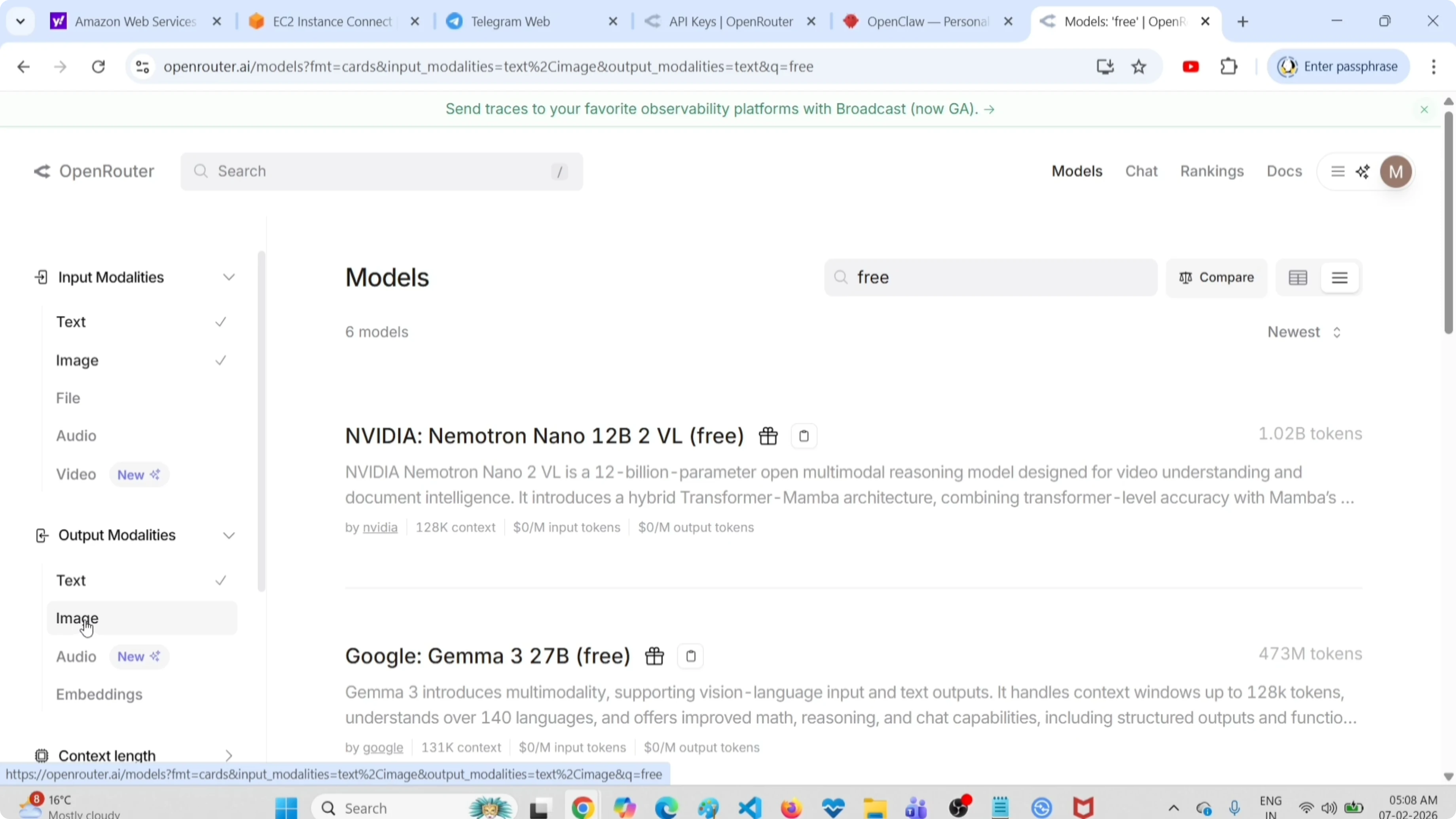
Check if there is any free image generation model by clicking Image under Output. There is no free image generation model there at the moment. Only free text based models are available here.
If you are managing provider keys or switching providers like OpenRouter, see this quick OpenRouter setup reference. It covers setup and cleanup steps.
Configure the free model in OpenClaw
Pick a free model from the OpenRouter models page and note its model id. Configure that free model in your OpenClaw setup as the primary model. This way you can try the free model in OpenClaw.
After updating your configuration, verify the active model. Run:
openclaw models listConfirm the primary model now points to the free model you selected. Then send a quick prompt in your assistant to test responses. You can repeat this process for any other free models you want to try.
If you want a local path with similar workflows, you can explore the Ollama fork. It is handy for testing models without external APIs.
Final thoughts
You can quickly find free models for OpenClaw by using the OpenRouter models page, filtering by free, and narrowing by input or output modalities. At the time of checking, free image generation models were not available, but free text based models and image-to-text models are. Configure the selected free model in OpenClaw, verify it with openclaw models list, and start testing.
If you aim to write code with local models, have a look at Claude with Ollama. It pairs well with OpenClaw style workflows.
Subscribe to our newsletter
Get the latest updates and articles directly in your inbox.

Related Posts

8 Best Claude Code Plugins in 2026 (You Need to Know)
8 Best Claude Code Plugins in 2026 (You Need to Know)

7 Best Claude Code Skills (You Need to Know)
7 Best Claude Code Skills (You Need to Know)

Claude Code Desktop IDE Features (You Need to Know)
Claude Code Desktop IDE Features (You Need to Know)