
ZeroClaw with Ollama: Fastest OpenClaw Fork and Setup
OpenClaw Error Fixer
Paste any OpenClaw error and get the exact fix instantly — cause, steps, copy-ready commands, and related guides.
I have been tracking OpenClaw, PicoClaw, Nanobot, IronClaw, and now this new ZeroClaw. Someone in the Rust community clearly looked at the AI agent space and thought, I can do this better, smaller, and faster. ZeroClaw is that attempt.
It is a Rust based AI agent framework. The 3.4 MB binary starts in under half a second. It supports 22 plus providers including any OpenAI compatible endpoint like Ollama, has Telegram and other channels built in, and requires nothing except your own API key or a local model.
I am going to install ZeroClaw locally and integrate it with local Ollama based models. I am using Ubuntu with an Nvidia RTX 6000 48 GB VRAM. I already have Ollama installed with the GLM 4.7 Flash model, and you can use any model as long as it supports tool use.
ZeroClaw with Ollama: Fastest OpenClaw Fork and Setup
First prerequisite to install ZeroClaw is Rust. I am checking if Rust is installed and then installing it in a standard way. If you already have Rust, update it and configure the current shell.
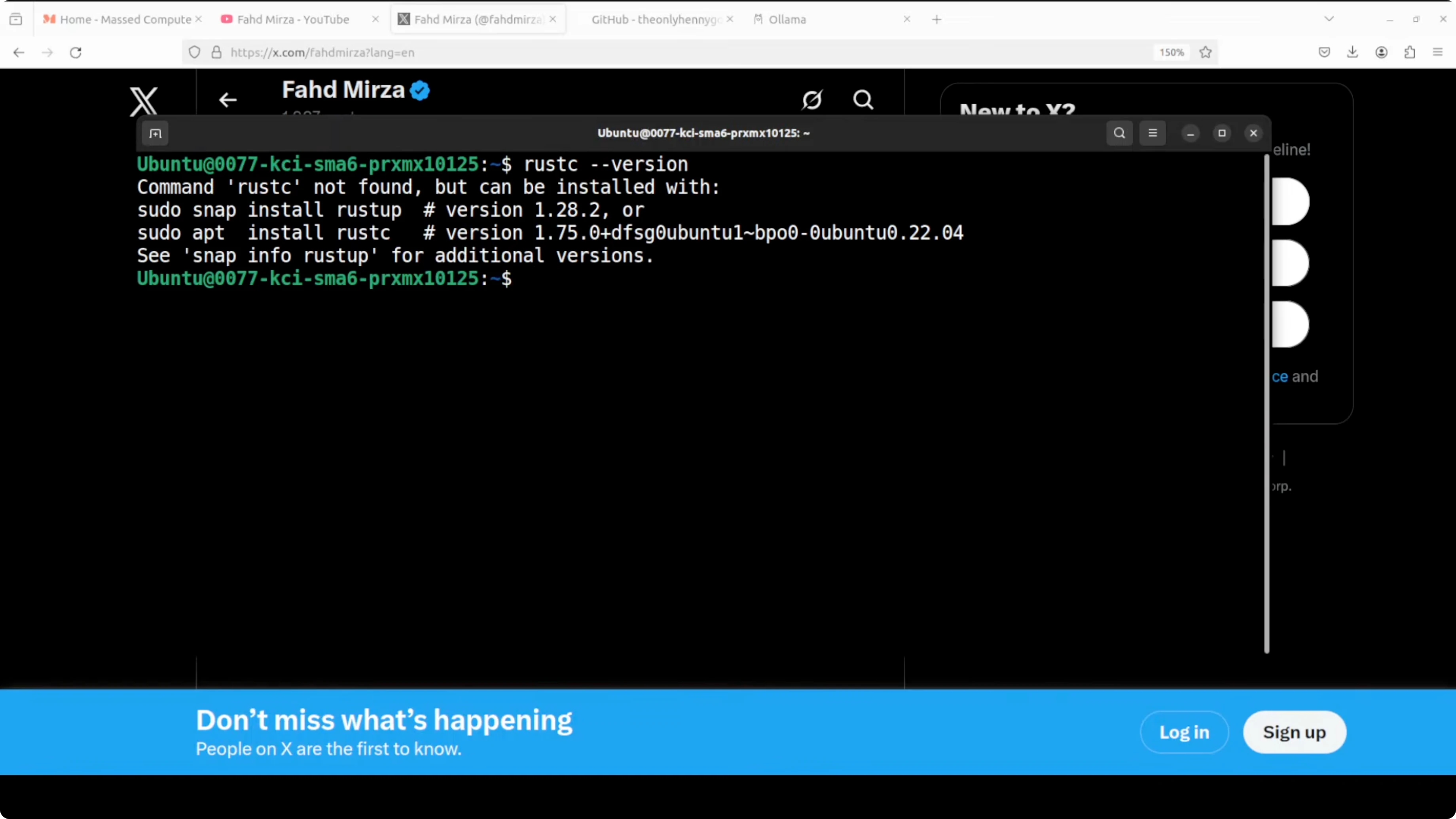
Check Rust:
rustc -V || echo "Rust not installed"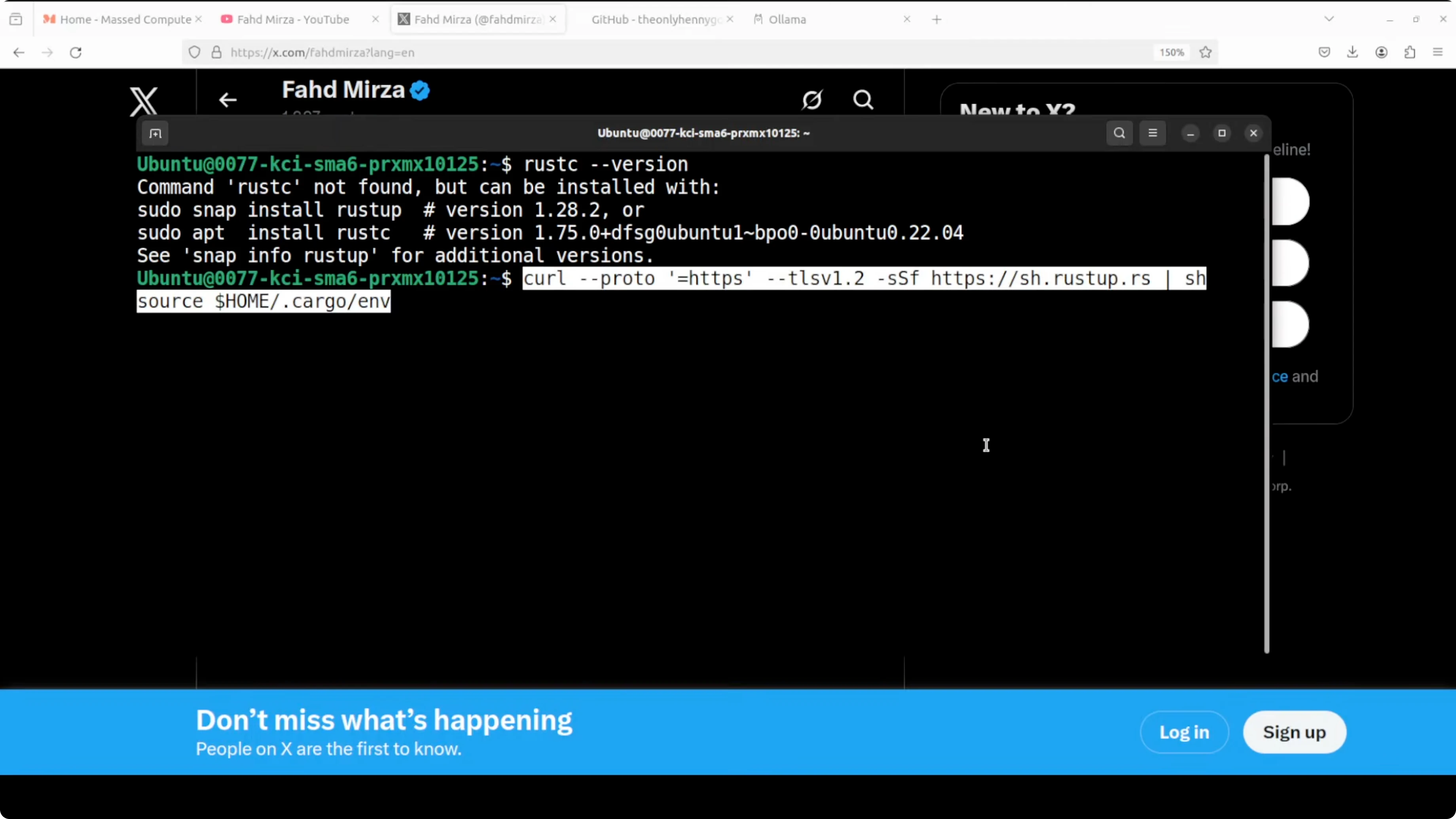
Install Rust:
curl --proto '=https' --tlsv1.2 -sSf https://sh.rustup.rs | sh
source "$HOME/.cargo/env"
rustup update
Configure your current shell:
source "$HOME/.cargo/env"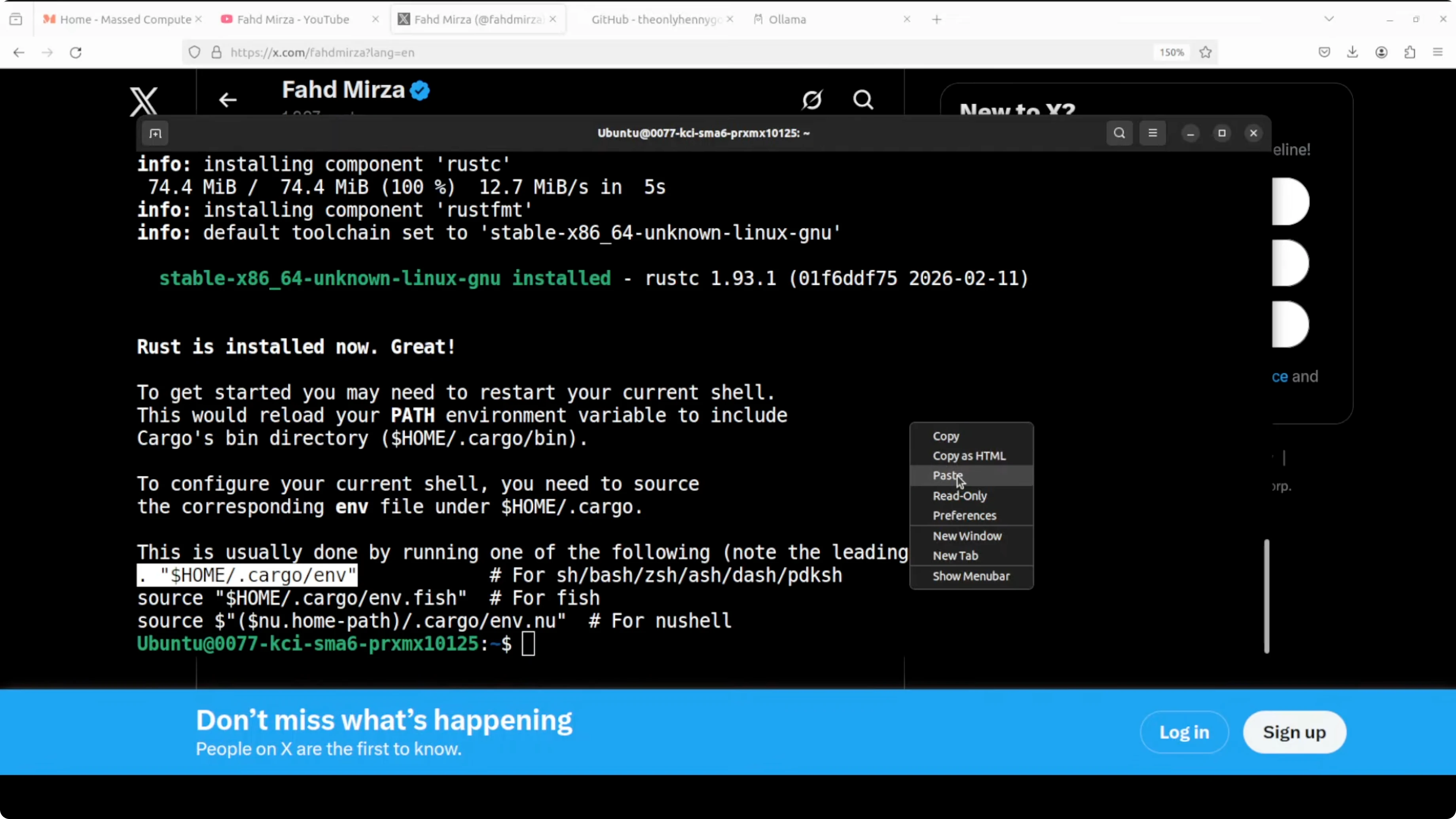
Get the codebase by cloning the repo. It is a small repo and the build is quick.
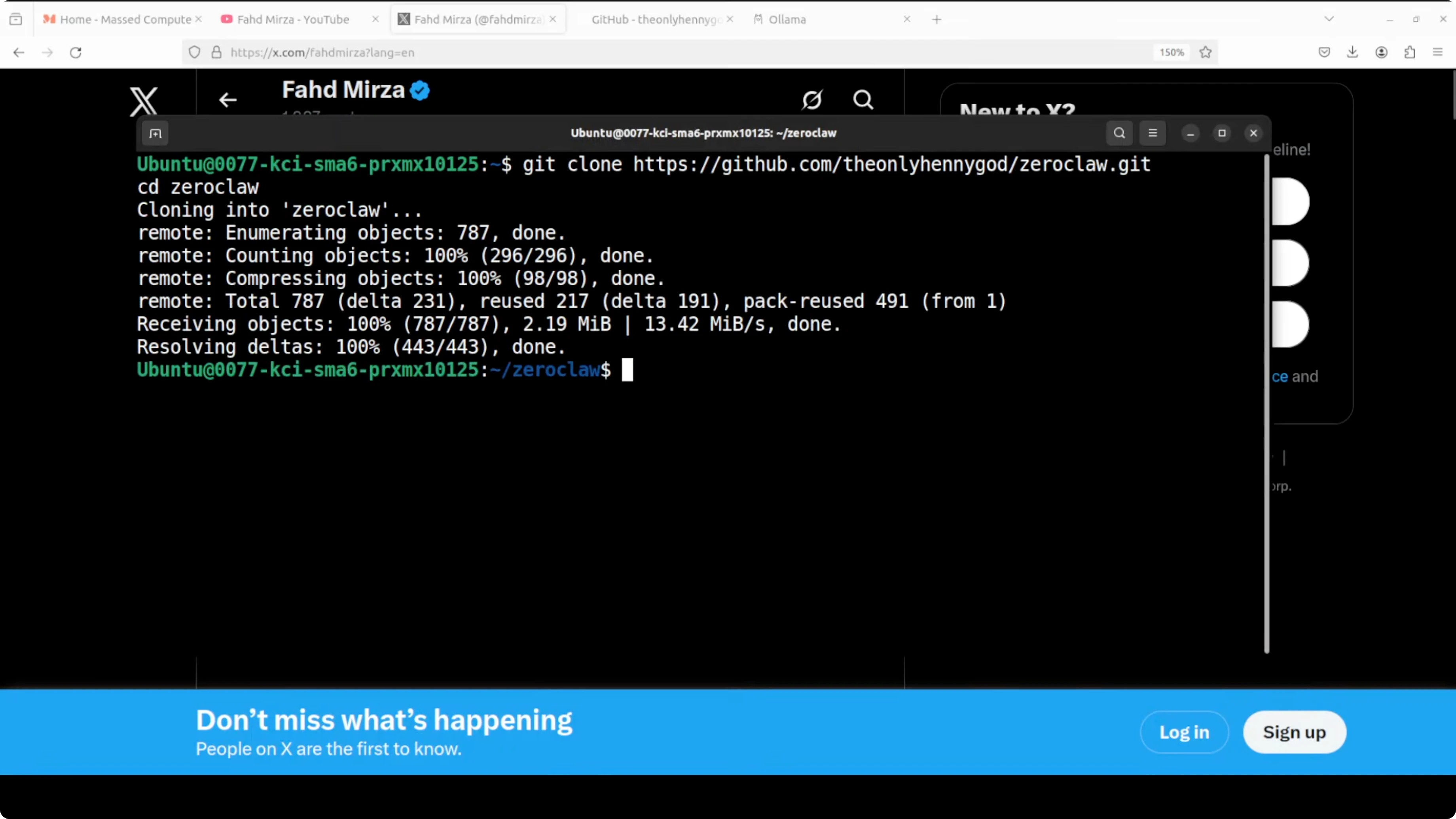
git clone REPO_URL zeroclaw
cd zeroclaw
cargo build --release
cargo install --path .
Run the onboarding script for ZeroClaw. Give a dummy API key and pick any provider like OpenRouter or OpenAI, because we will switch to Ollama next.
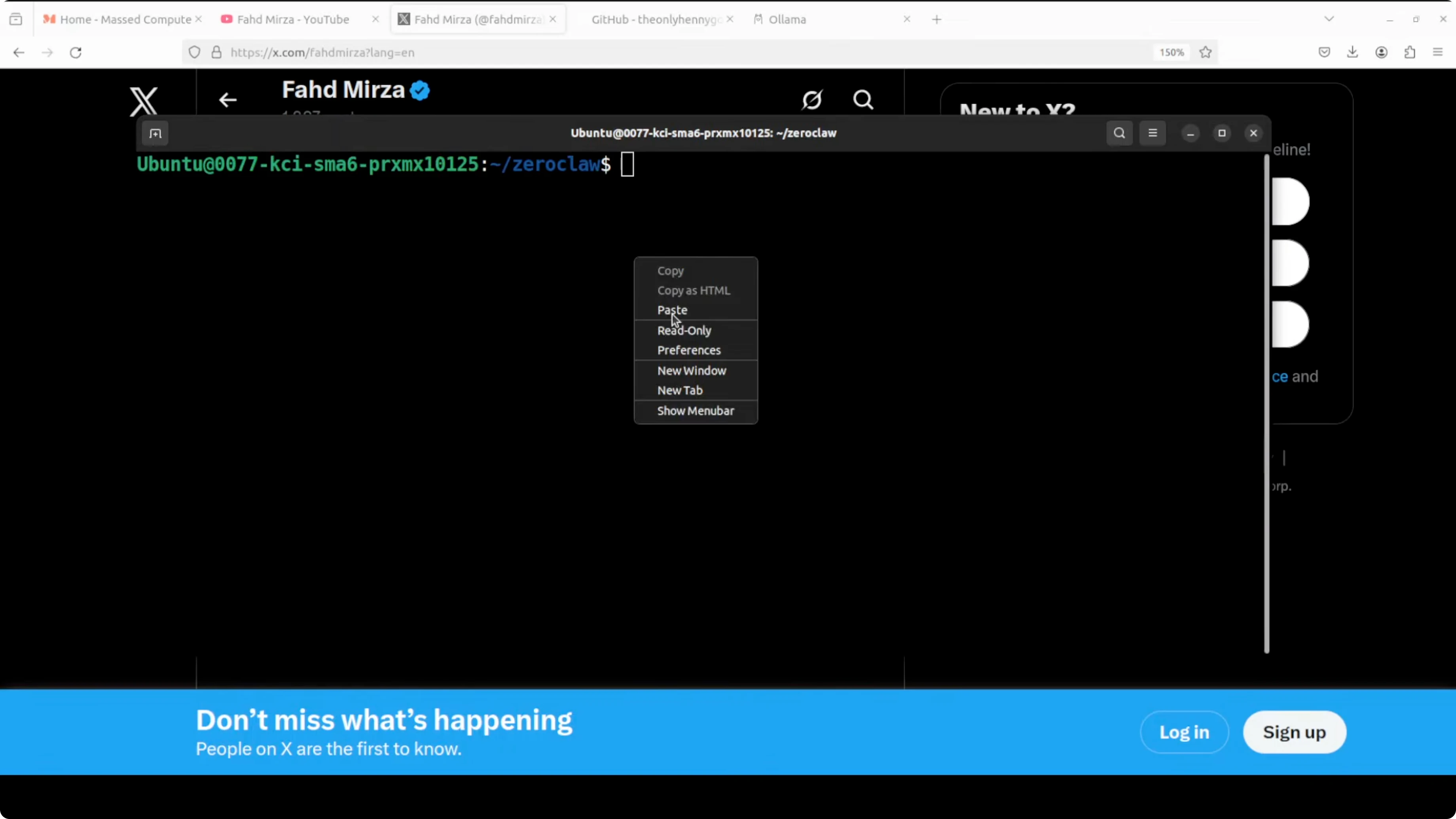
zeroclaw onboardDefault config and TOML basics
The default autogenerated file from the onboard command contains provider, default model, memory, security, gateway, and channel configuration. The file extension is toml, a simple configuration file format that uses key value pairs and sections. It is designed to be human readable and easy to edit.
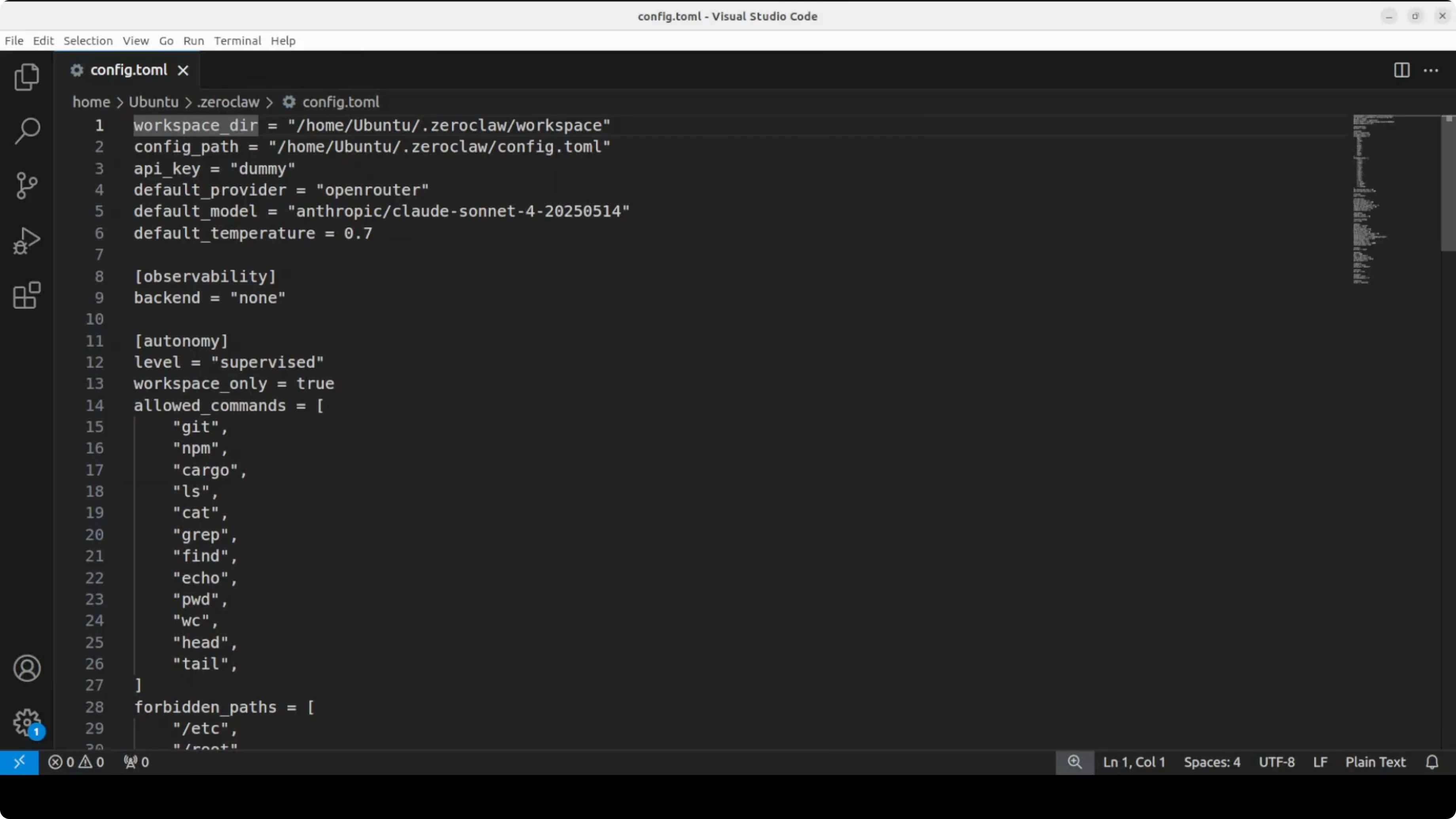
Configure ZeroClaw with Ollama locally
I am replacing the default config with an Ollama based one. All I am doing is pointing it to my local model running in Ollama, with no API key needed.
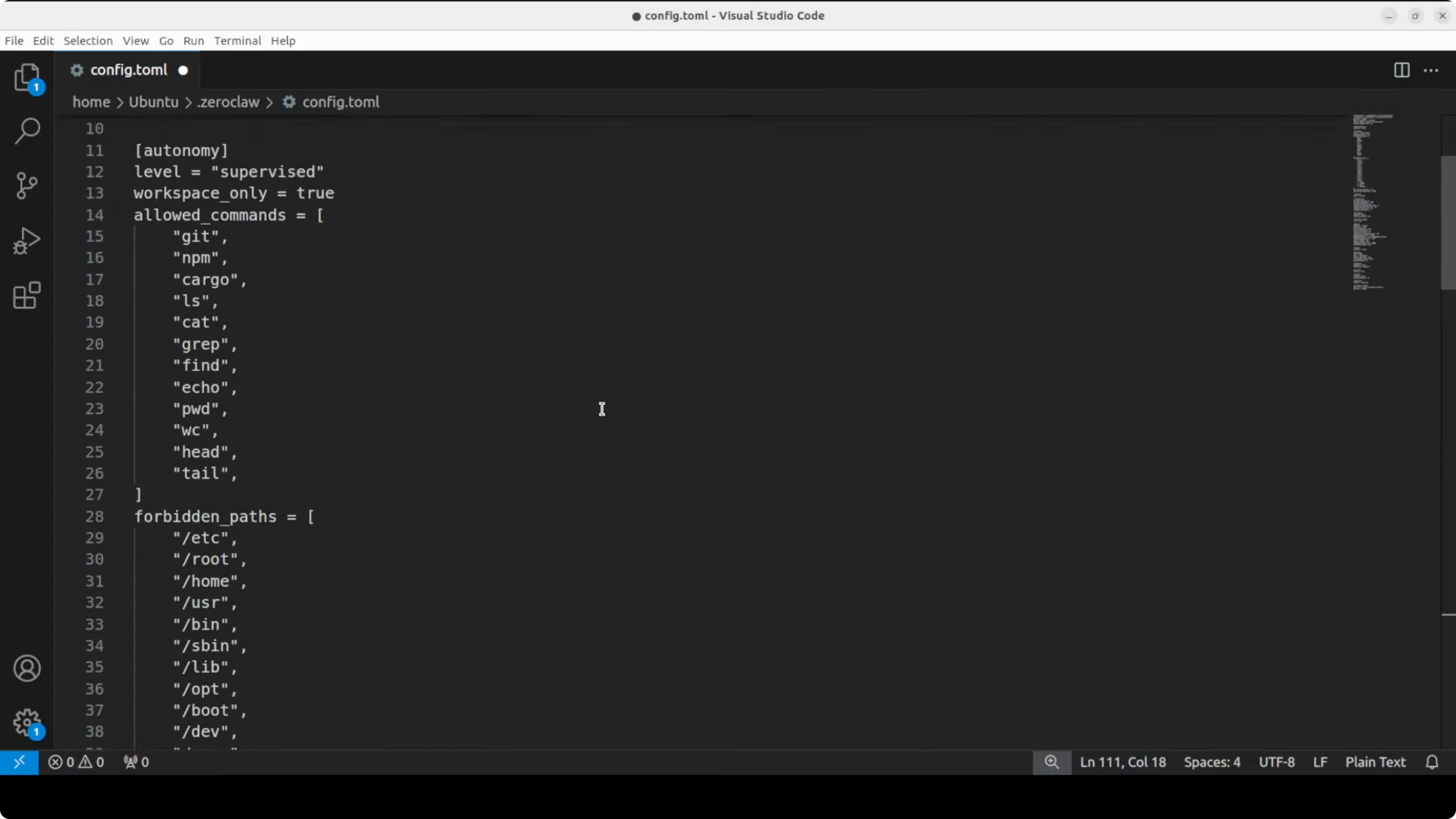
These two fields are important: provider set to ollama and a default model that matches your Ollama tag. Make sure to use the exact model name and tag from your Ollama models.
Example config.toml:
# config.toml

[provider]
name = "ollama"
default_model = "glm-4-7-flash"

[gateway]
port = 8080

[memory]
enabled = true

[security]
sandbox = true
command_allowlist = ["bash", "python", "ls", "cat"]
Save the file and return to the terminal. You can run ZeroClaw with the agent like in OpenClaw or the other variants.
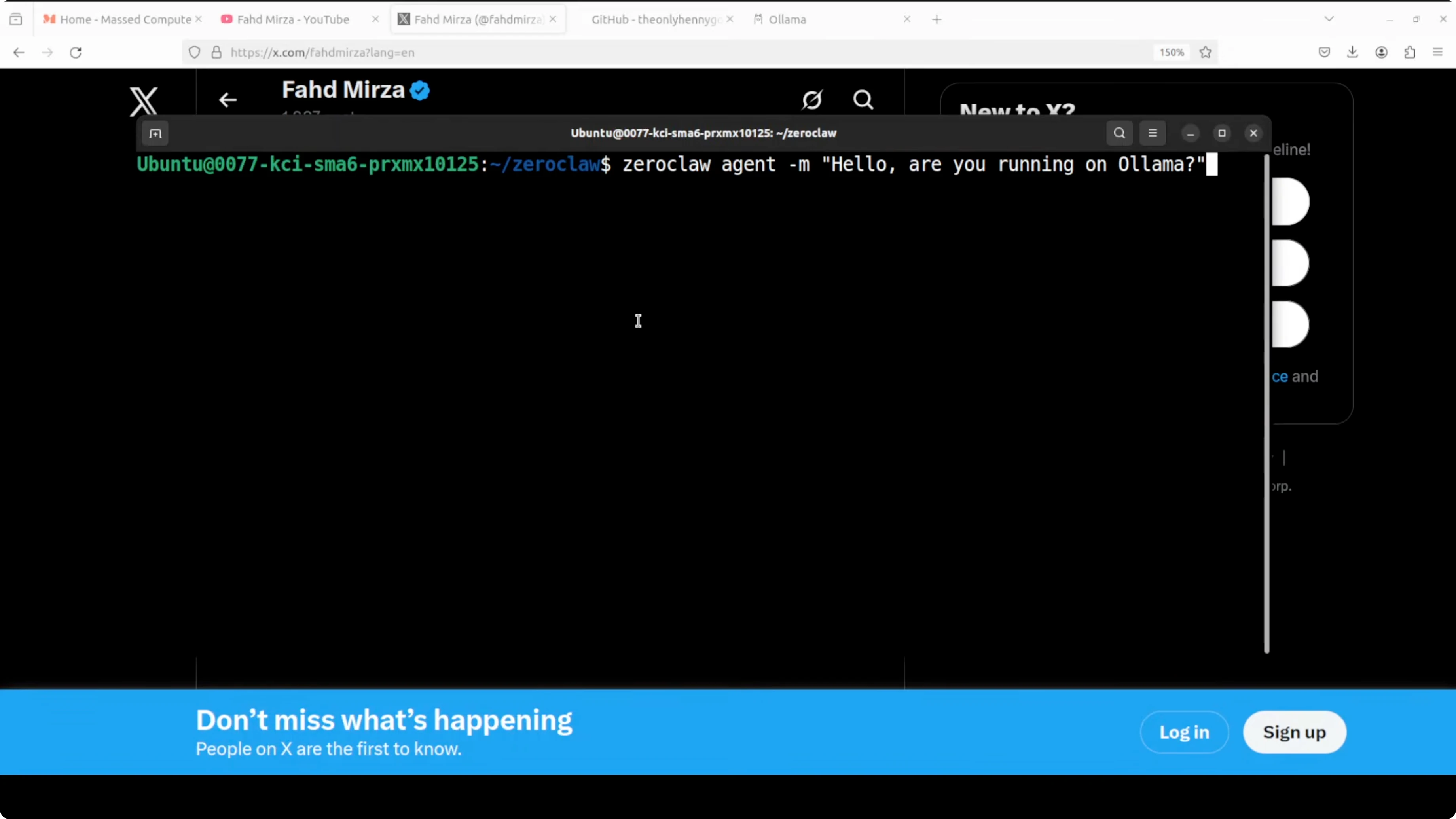
zeroclaw agentAsk it something and verify it is using your local model. You can also check status to confirm the provider is ollama and the model matches.
zeroclaw statusRun the doctor. If it asks you to start the daemon, start it and check again.
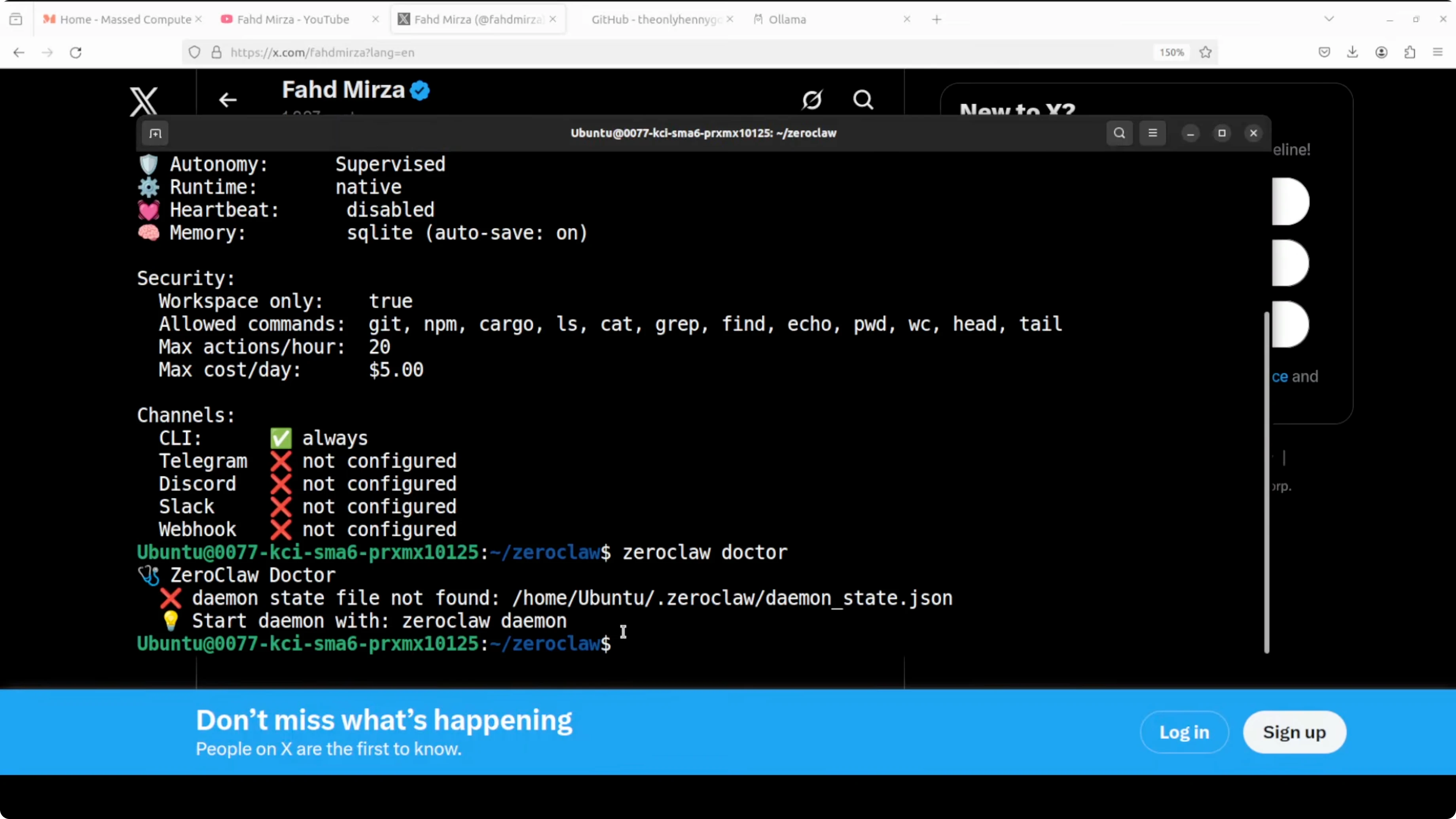
zeroclaw daemon start
zeroclaw doctor
The gateway runs at port 8080 and can be accessed from other tools that can hit that endpoint. Keep the rest of your channels and integrations similar to how you would do it in the other variants.
Architecture overview for ZeroClaw with Ollama: Fastest OpenClaw Fork and Setup
Every message flows from left to right through the system. It starts at the channel layer like Telegram, Discord, or Slack. It then passes through a security layer that handles gateway pairing, rate limiting, file system sandboxing, and encrypted secrets before it reaches the agent.
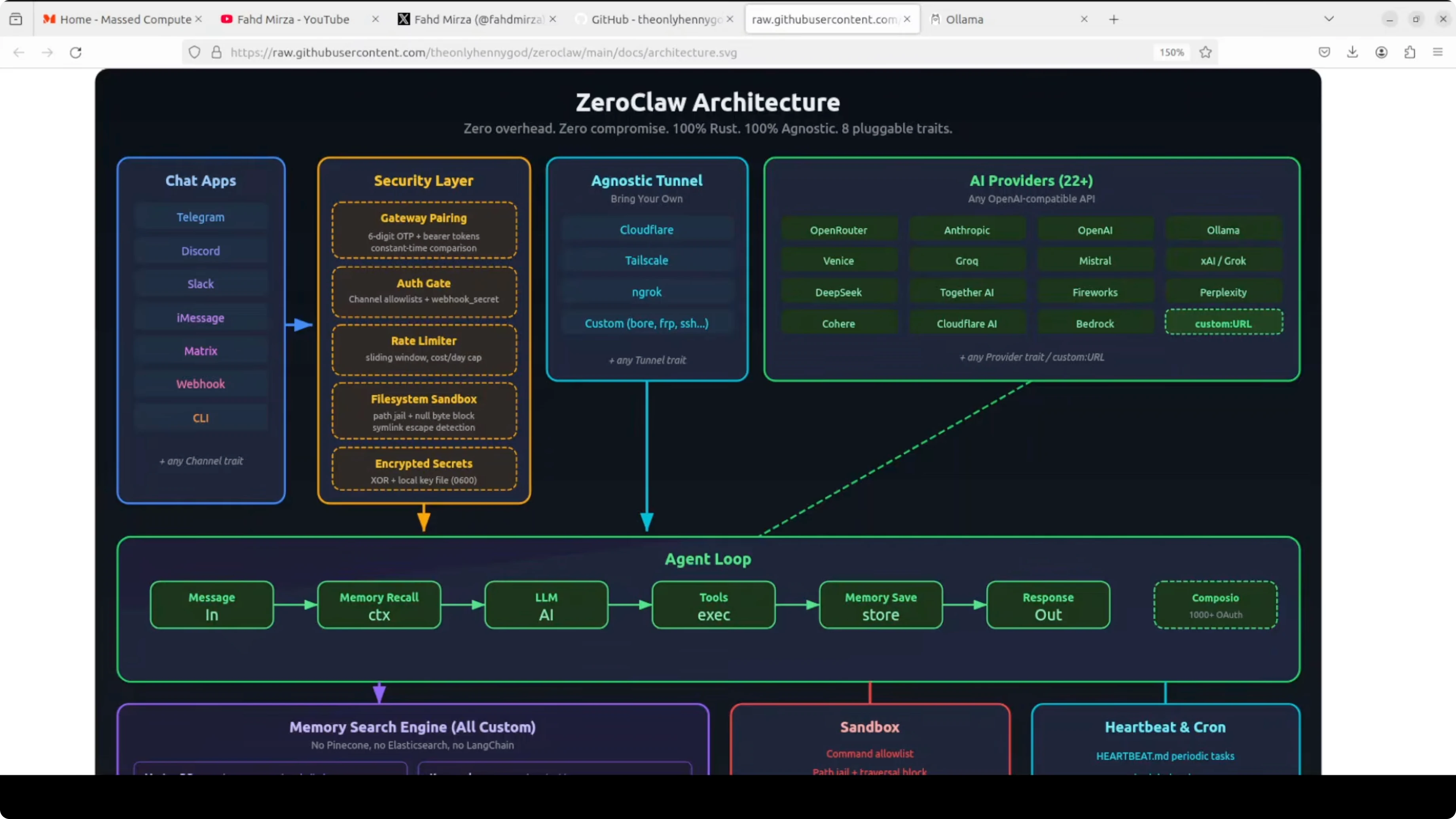
The agent coordinates everything in the center. It talks to your chosen AI provider through a pluggable provider trait and stores or recalls context through the memory system. The memory uses a full hybrid search engine built on SQLite with vector and keyword search combined.
Tool execution is handed off to a sandbox that enforces a command allow list and path jailing. There is a heartbeat and cron system for scheduled tasks. A tunnel layer safely exposes the gateway, and a setup wizard walks you through all of it in under 60 seconds.
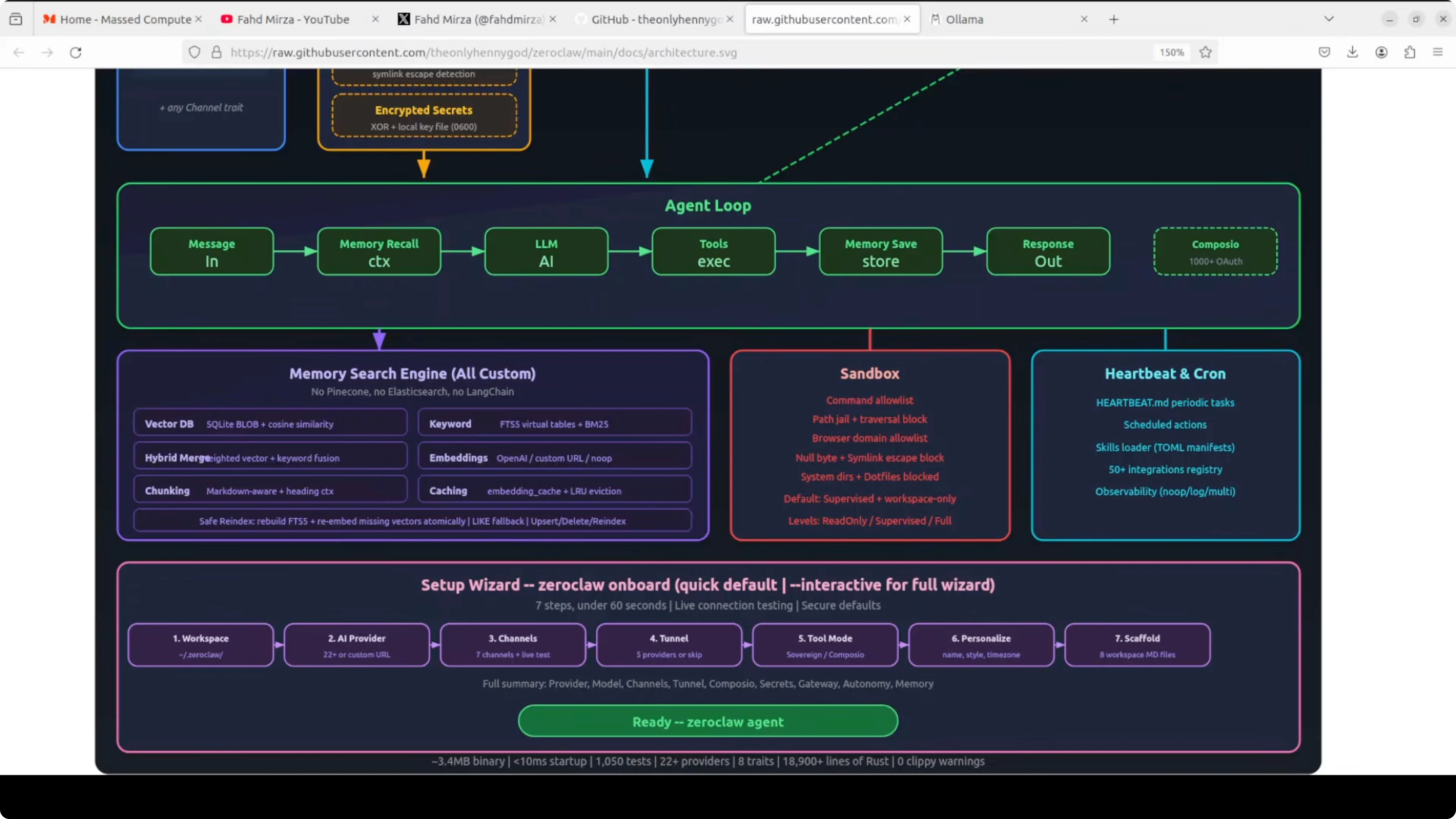
Provider, channel, memory, tool, and tunnel are swappable Rust traits. That is the whole point. It is a solid architecture with real performance numbers.
Final Thoughts on ZeroClaw with Ollama: Fastest OpenClaw Fork and Setup
ZeroClaw feels fast, small, and focused on a clean Rust trait based design. There are a few rough edges because it is new, but used correctly it is already practical. Keep an eye on it, and you now know how to integrate it with Ollama locally.
Subscribe to our newsletter
Get the latest updates and articles directly in your inbox.

Related Posts

8 Best Claude Code Plugins in 2026 (You Need to Know)
8 Best Claude Code Plugins in 2026 (You Need to Know)

7 Best Claude Code Skills (You Need to Know)
7 Best Claude Code Skills (You Need to Know)

Claude Code Desktop IDE Features (You Need to Know)
Claude Code Desktop IDE Features (You Need to Know)