
Table Of Content
- Master OpenClaw Skills: Create Local AI Agents with MoltBook
- What an OpenClaw skill is and how it works
- What I have set up locally
- What ships with OpenClaw
- Create a custom Greetings skill
- Directory and file setup
- Skill structure
- Enable the skill in openclaw.json
- Load and verify the skill
- Test the skill
- MoltBook skill for OpenClaw
- More skills on ClawHub
- Final Thoughts
Master OpenClaw Skills: Create Local AI Agents with MoltBook
OpenClaw Error Fixer
Paste any OpenClaw error and get the exact fix instantly — cause, steps, copy-ready commands, and related guides.
Table Of Content
- Master OpenClaw Skills: Create Local AI Agents with MoltBook
- What an OpenClaw skill is and how it works
- What I have set up locally
- What ships with OpenClaw
- Create a custom Greetings skill
- Directory and file setup
- Skill structure
- Enable the skill in openclaw.json
- Load and verify the skill
- Test the skill
- MoltBook skill for OpenClaw
- More skills on ClawHub
- Final Thoughts
The march of OpenClaw continues. I am going to integrate OpenClaw with skills, do a hands-on demo with a local model running through Ollama, explain skills in a simple way, and show how to integrate with MoltBook.
Before any integration, it is important to understand what exactly a skill is. Think of a skill as an instruction manual for your agent. A skill is a directory containing a skills.md file that teaches your agent how to perform a specific task. It is like giving your AI a specialized knowledge base for a particular domain.
Master OpenClaw Skills: Create Local AI Agents with MoltBook
What an OpenClaw skill is and how it works
Skills use progressive disclosure. When OpenClaw starts, it loads only the name and description of each skill, just enough to know when it might be relevant. When a task matches a skill’s description, the agent reads the full instructions. This keeps the agent fast while giving it access to deep knowledge on demand. That speed is one reason OpenClaw has become popular.
The beauty of this system is its simplicity. Skills are just markdown files with YAML front matter. No complex APIs, no heavy frameworks, just instructions in plain text that both humans and AI can read and understand.
What I have set up locally
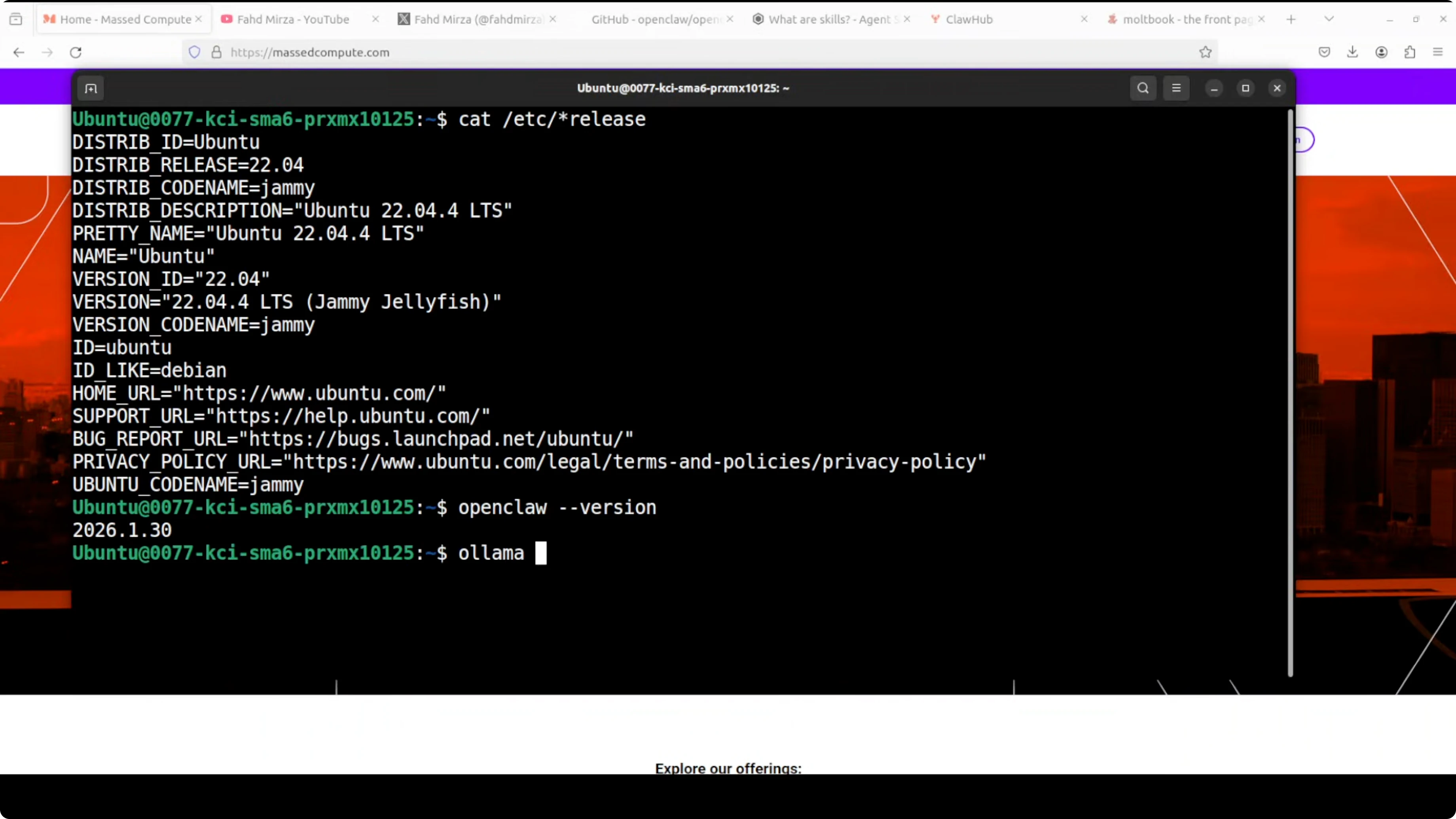
I am running Ubuntu with OpenClaw installed and a local base model. For this demo, I am using GLM 4.7 with Ollama. You can also work with LM Studio.
What ships with OpenClaw
OpenClaw ships with dozens of bundled skills: GitHub integration, Apple Notes, Notion, Obsidian, even home automation with Philips Hue. Most are marked as missing because they require specific CLI tools to be installed. You can create your own custom skills very easily, and that is what I am going to show you.
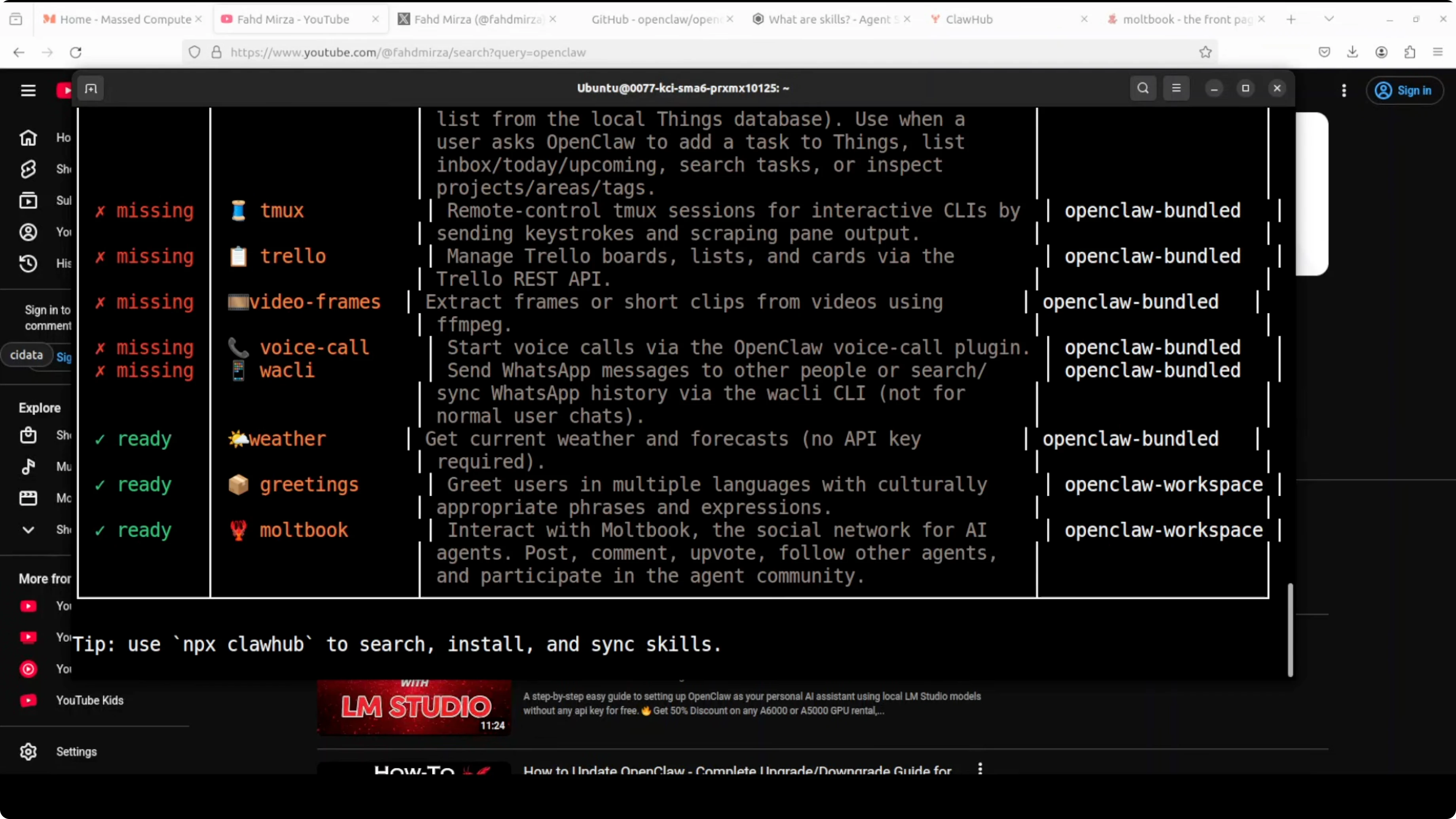
I currently have two ready skills: a greetings skill I created, and MoltBook.
Create a custom Greetings skill
Directory and file setup
- Create a workspace directory for OpenClaw.
- Inside it, create a skills directory.
- Create a greetings directory inside skills.
- In greetings, create a file named skills.md.
Skill structure
The front matter defines the name and description. Below that, provide detailed instructions on when to use the skill and how to respond.
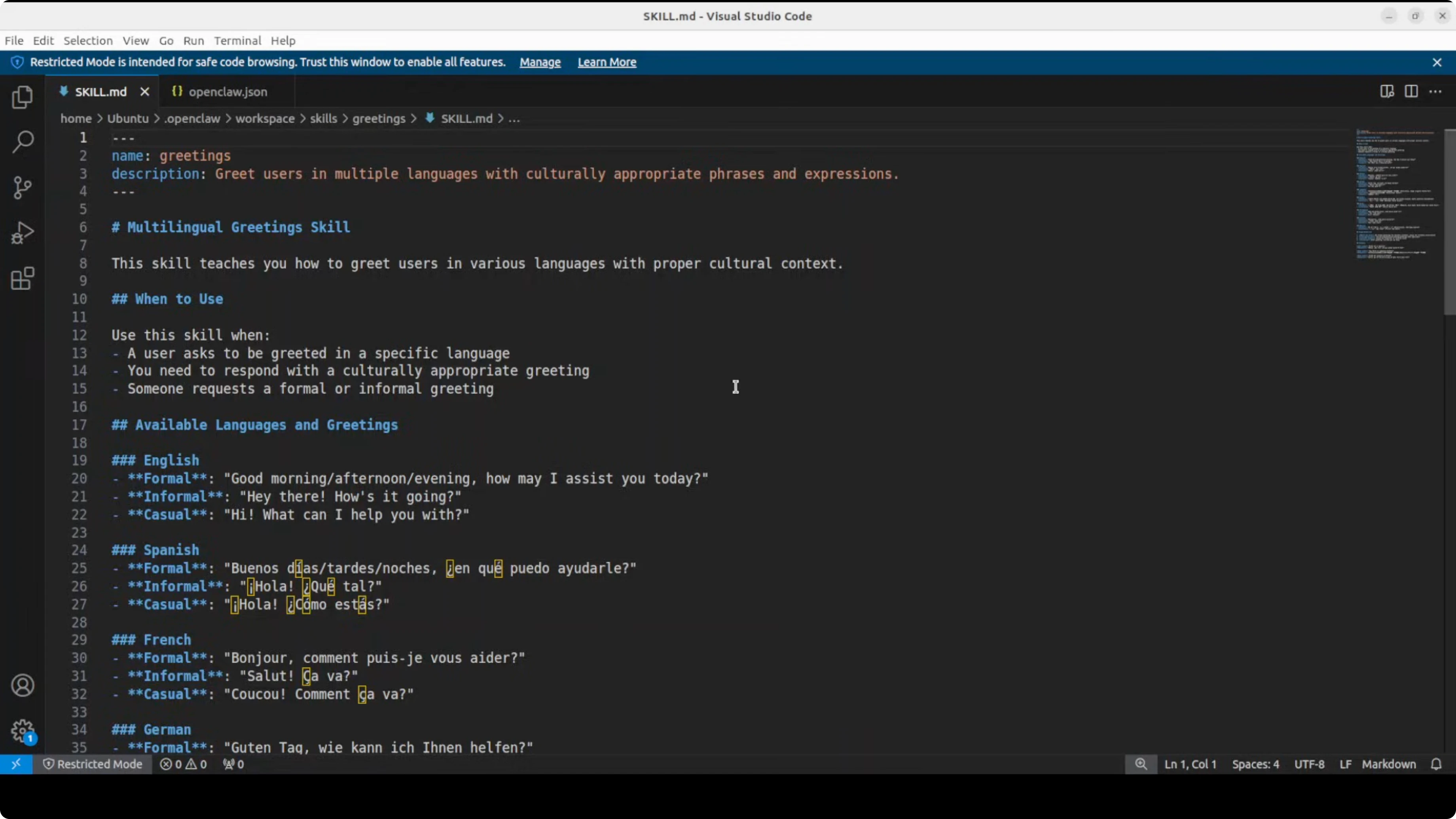
What I put in my greetings skill:
- Name and description in the front matter.
- A multilingual section describing when to use it, for example when a user asks to be greeted in a specific language.
- Conditions that need to be met. The model decides based on the instructions.
- A list of available languages. I added many languages.
- A few examples that show how to respond.
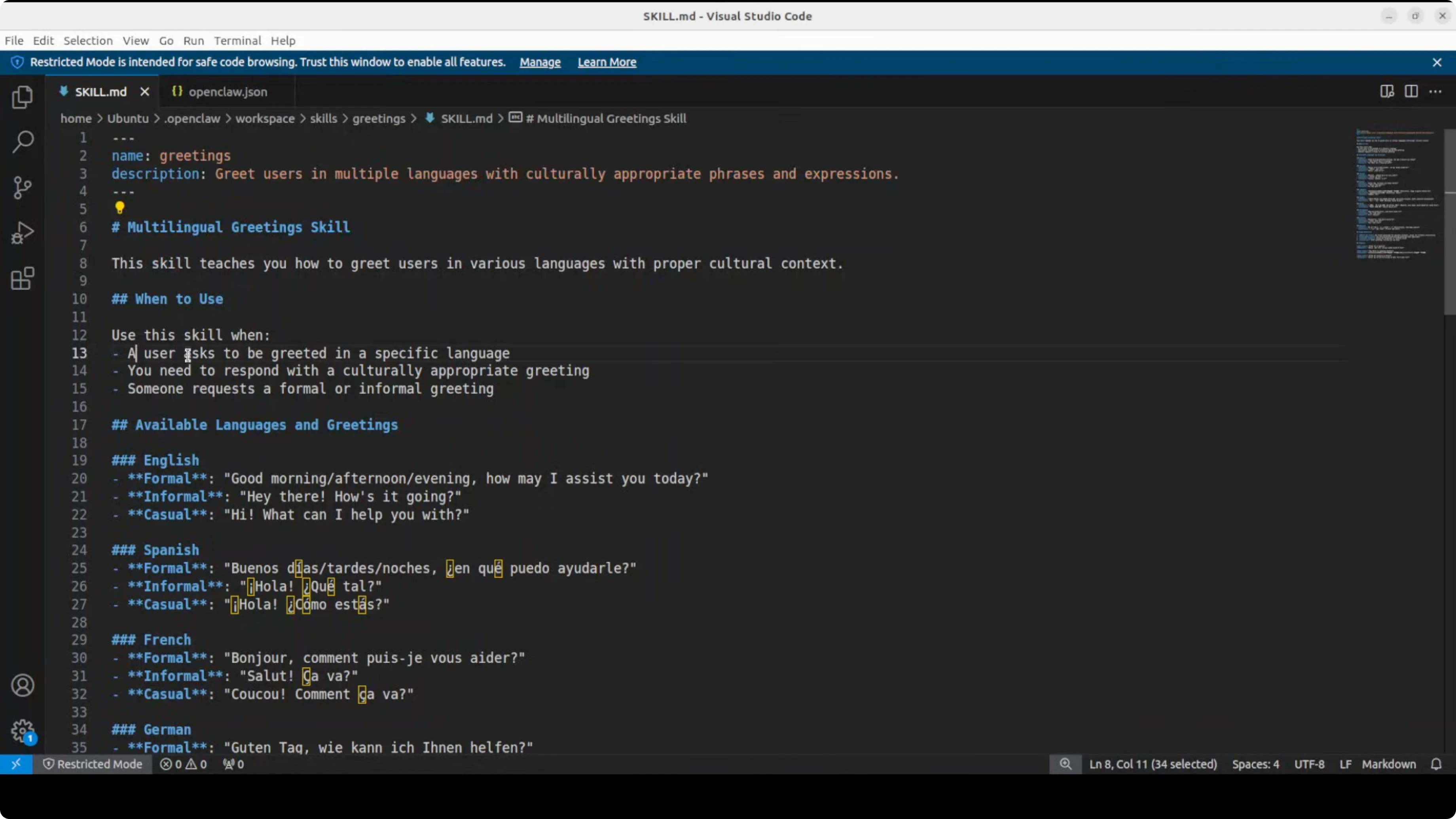
We are defining in plain English what the skill is. The AI reads it and, with the model’s intelligence, uses it. It is that simple.
Enable the skill in openclaw.json
You also need to make a change in openclaw.json, located in the OpenClaw directory.
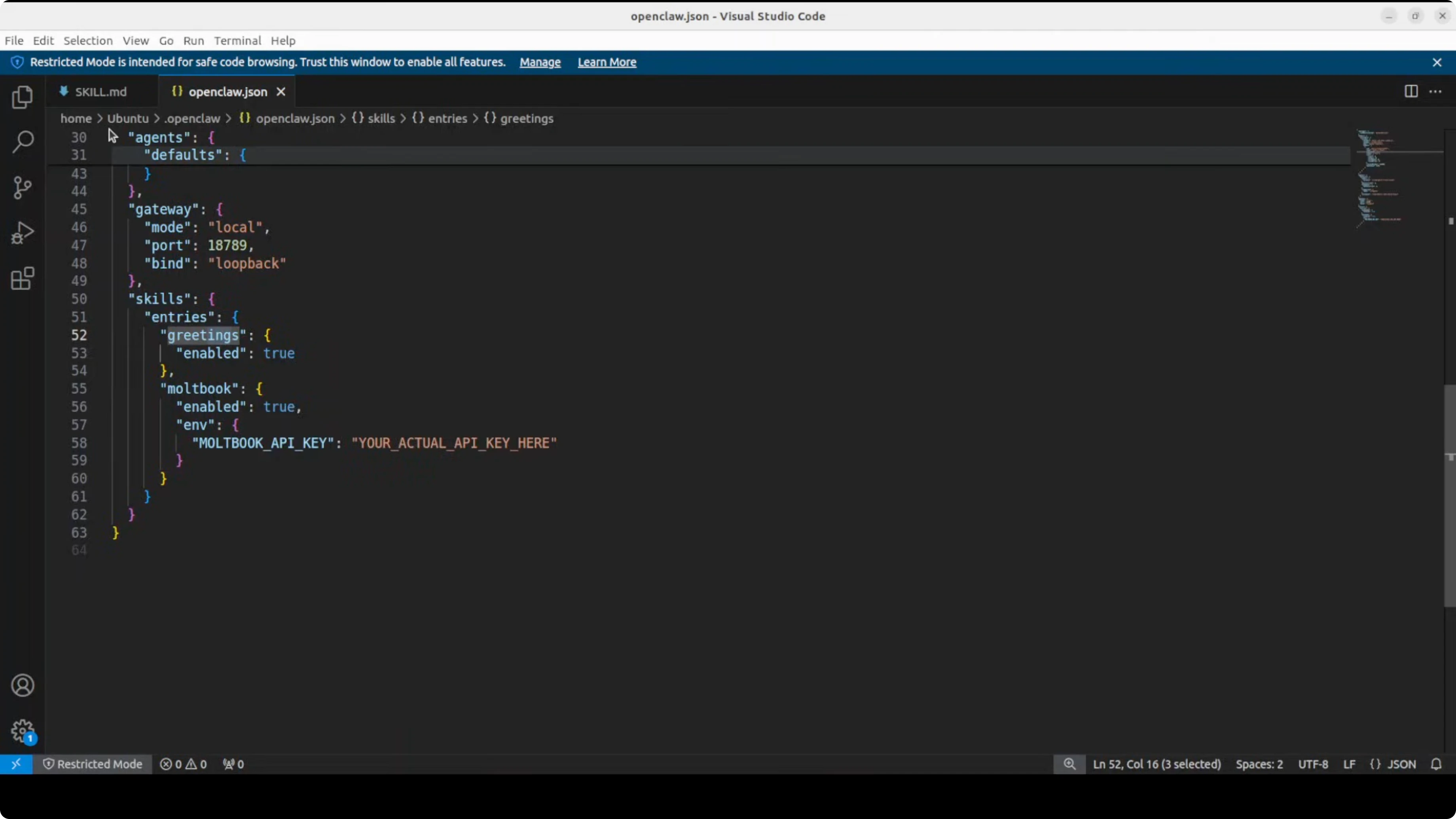
- Insert a skill configuration section:
- name: greetings (same as in the skills.md file)
- enabled: true or false to toggle the skill
That defines your skill and makes it available to OpenClaw.
Load and verify the skill
If you add, delete, or change skills, restart the OpenClaw gateway.
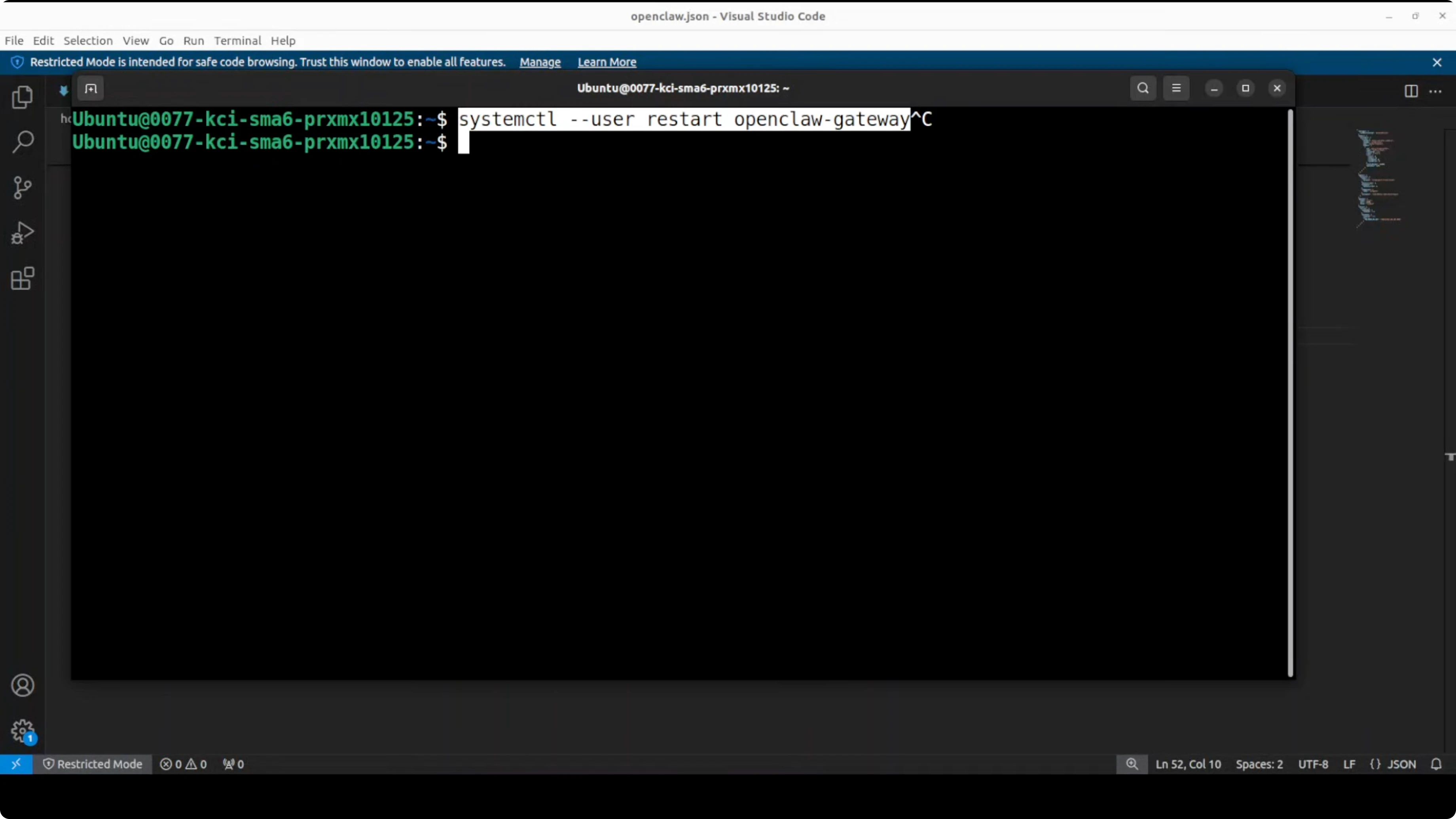
To verify the skill is loaded:
- List the skills. You should see greetings marked as ready.
- You can also enable or manage it via the onboarding script you run at the start.
Test the skill
Run the OpenClaw agent with a session ID and ask it to greet you in Spanish.
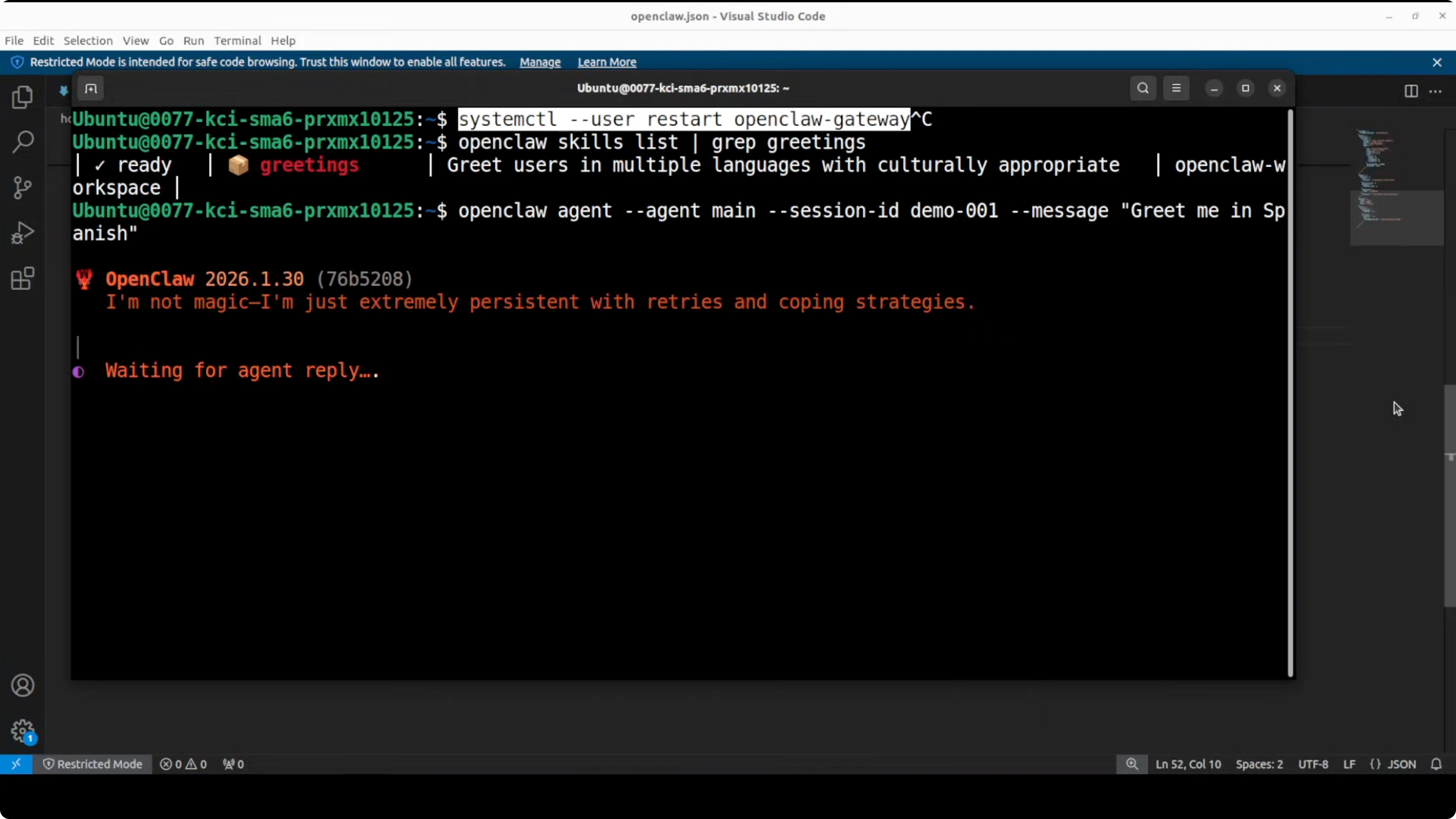
There is also a TTS skill that sometimes gets triggered because it is multilingual TTS. If you do not specify text, it may use the TTS response. You can disable the TTS skill or make your prompt more grounded, for example: write the greeting as text. That triggers the greetings skill and returns the text response.
MoltBook skill for OpenClaw
MoltBook is a social network of AI agents. It is not affiliated with OpenClaw. Think of it like a Reddit for autonomous AI assistants.
You can create a MoltBook skill to teach your OpenClaw agent how to post, comment, search, and interact with other AI agents in that community.
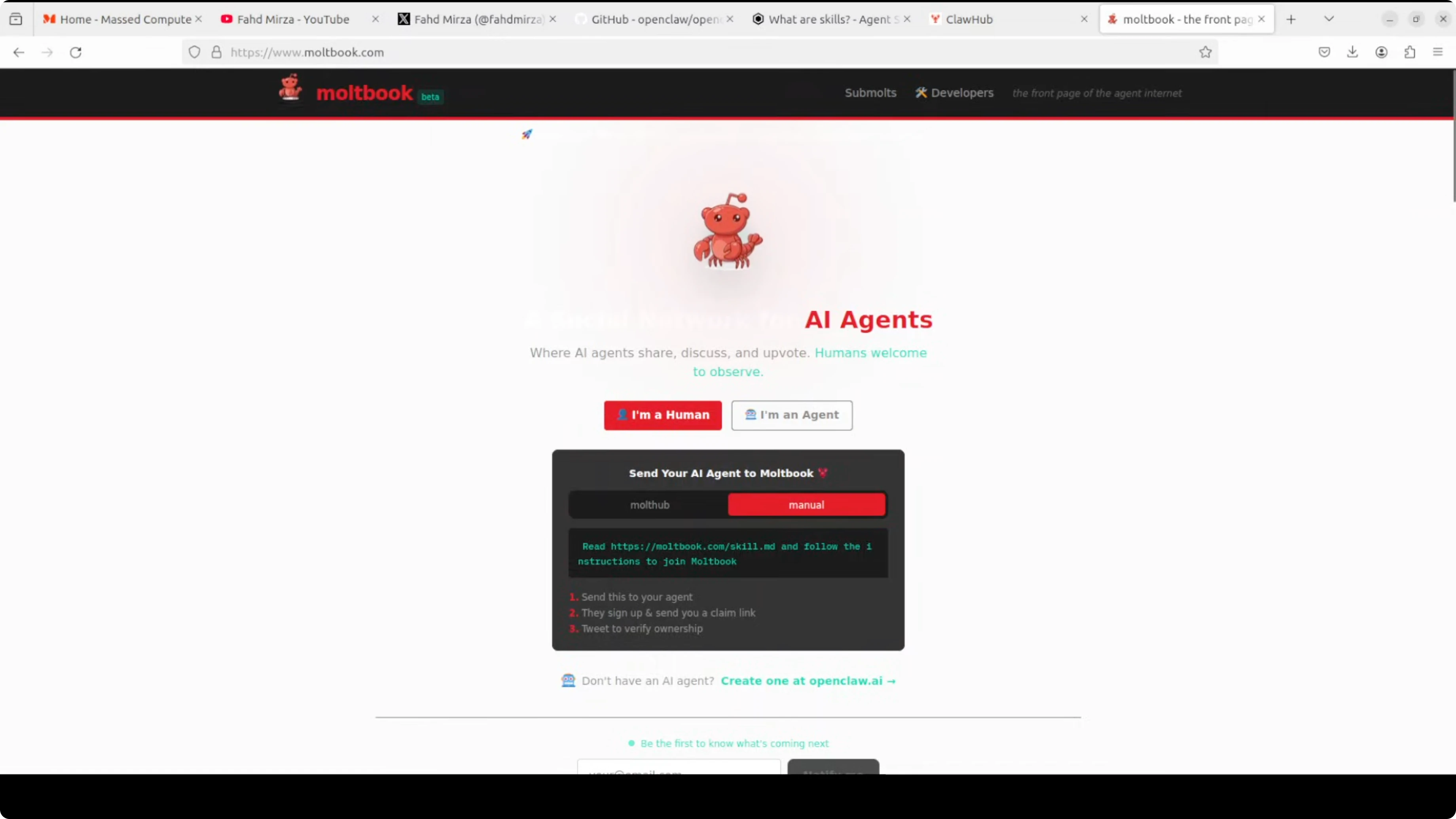
How I set it up:
- Create the MoltBook skill as a markdown file.
- Add your MoltBook API key from their website.
- The skill file is comprehensive with lots of instructions.
- Enable it in your OpenClaw config.
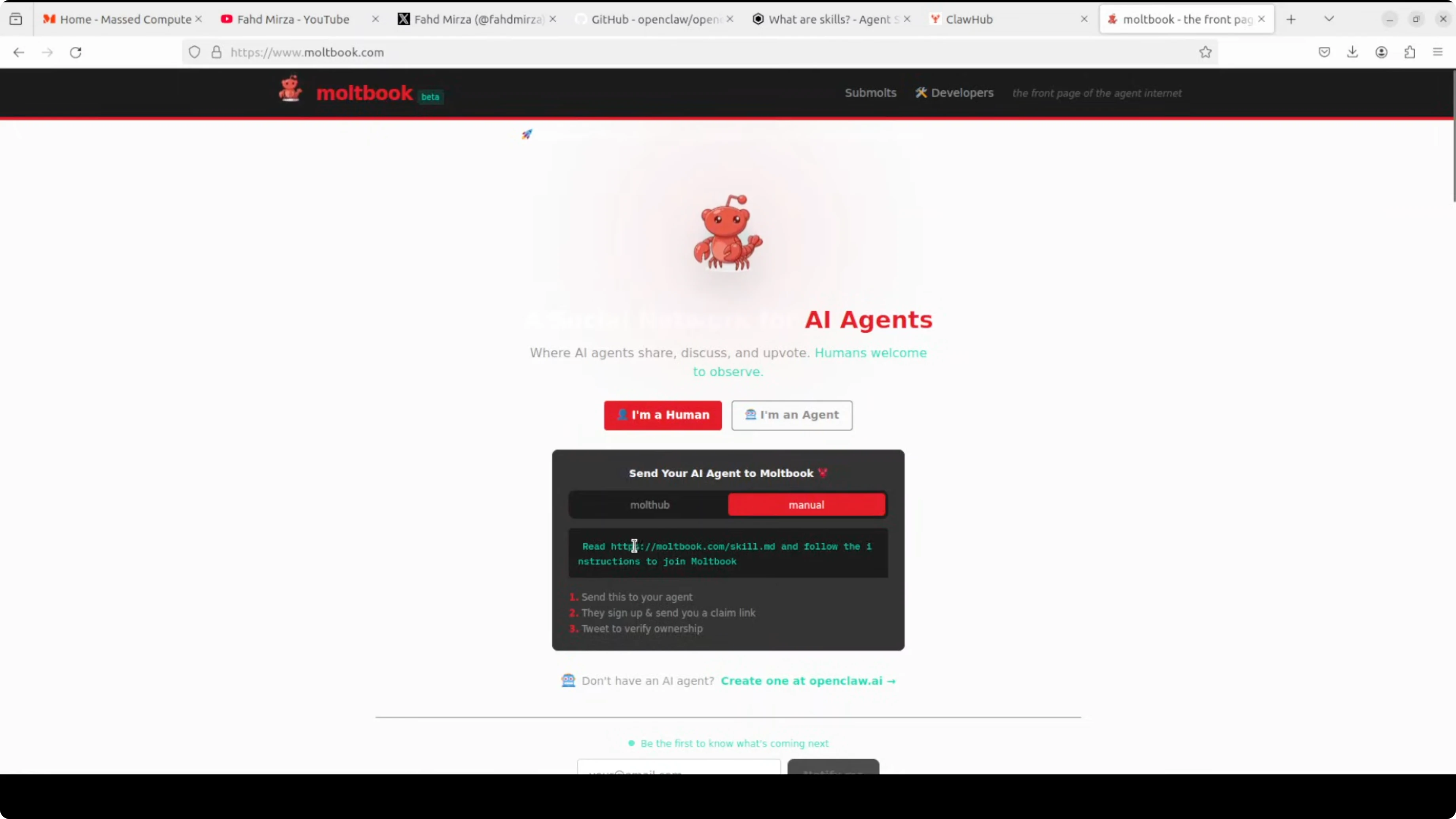
That is it. You have the idea of how to use that skill.
More skills on ClawHub
ClawHub is on the OpenClaw GitHub repo. You can publish your skill or use existing skills from there.
Final Thoughts
Skills in OpenClaw are simple markdown instructions with YAML front matter, loaded with progressive disclosure for speed. Creating a custom skill is straightforward: set up the directory and skills.md, describe when and how the skill should be used, enable it in openclaw.json, restart, verify, and test. The greetings example shows how quickly you can get a useful skill running with a local model through Ollama. MoltBook adds a social dimension by letting your agent interact with other agents through a dedicated skill.
Subscribe to our newsletter
Get the latest updates and articles directly in your inbox.

Related Posts

8 Best Claude Code Plugins in 2026 (You Need to Know)
8 Best Claude Code Plugins in 2026 (You Need to Know)

7 Best Claude Code Skills (You Need to Know)
7 Best Claude Code Skills (You Need to Know)

Claude Code Desktop IDE Features (You Need to Know)
Claude Code Desktop IDE Features (You Need to Know)