
Table Of Content
How NVIDIA’s Earth-2 Lets You Run AI Weather Forecasts Locally
Table Of Content
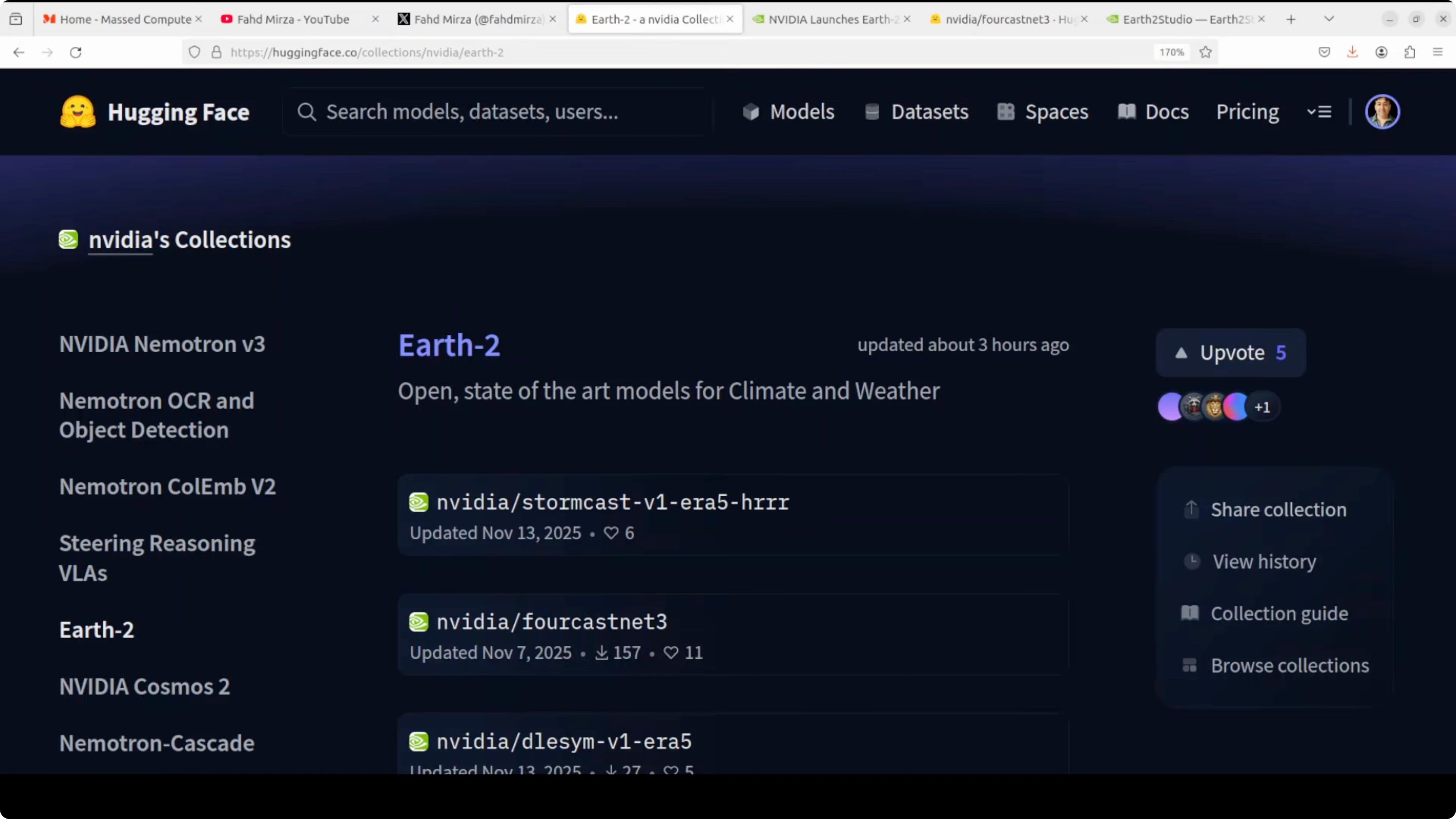
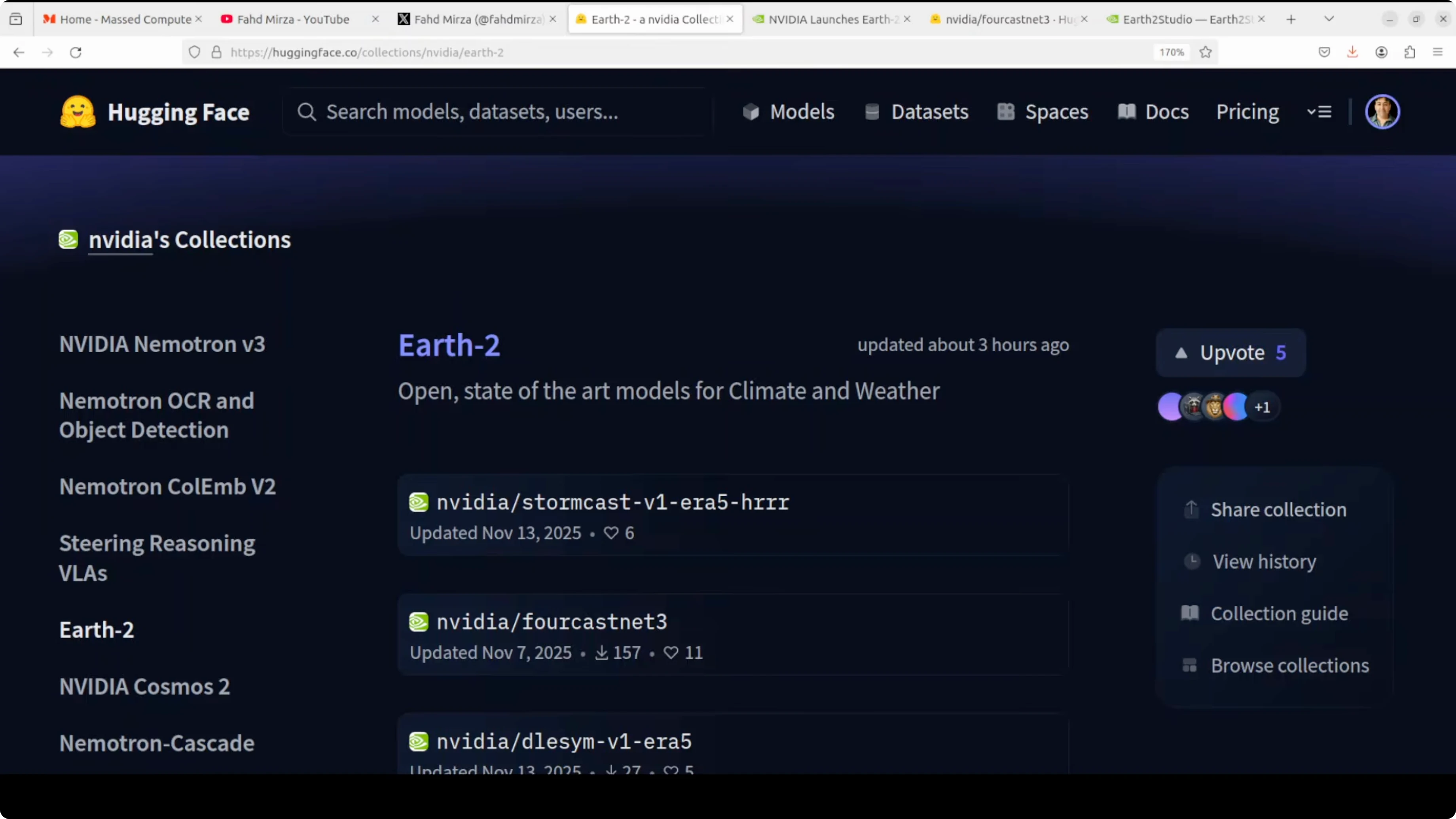
Nvidia has released Earth 2, a suite of open-source AI models that democratize weather forecasting for everyone from energy companies to farmers to emergency responders. Traditional forecasting relies on massive supercomputers running physics simulations that cost millions of dollars and take hours to produce results, putting accurate forecasting out of reach for most organizations. Nvidia’s solution uses models trained on decades of historical weather data to generate forecasts in minutes on a single GPU, making professional-grade weather prediction accessible and affordable.
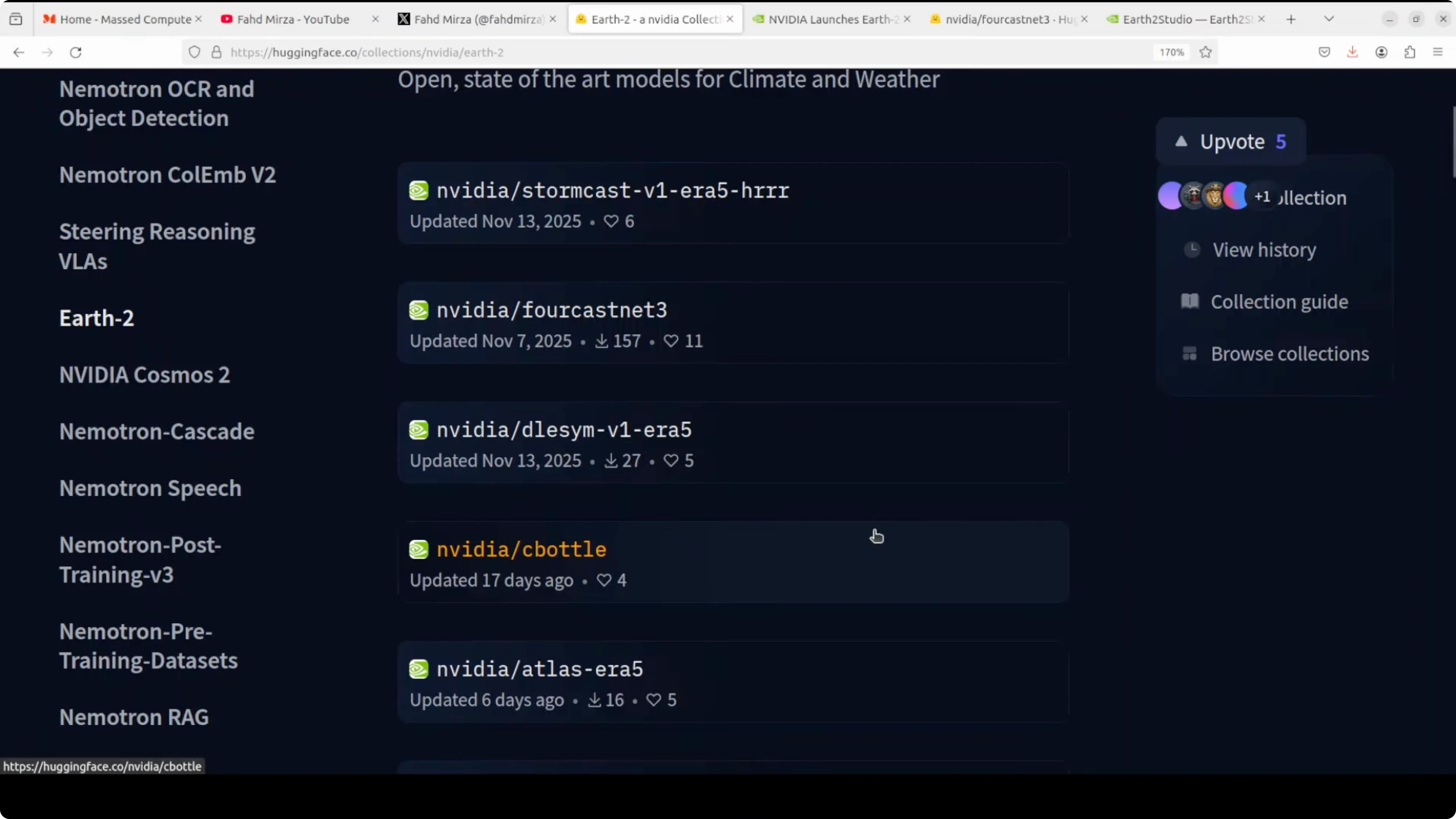
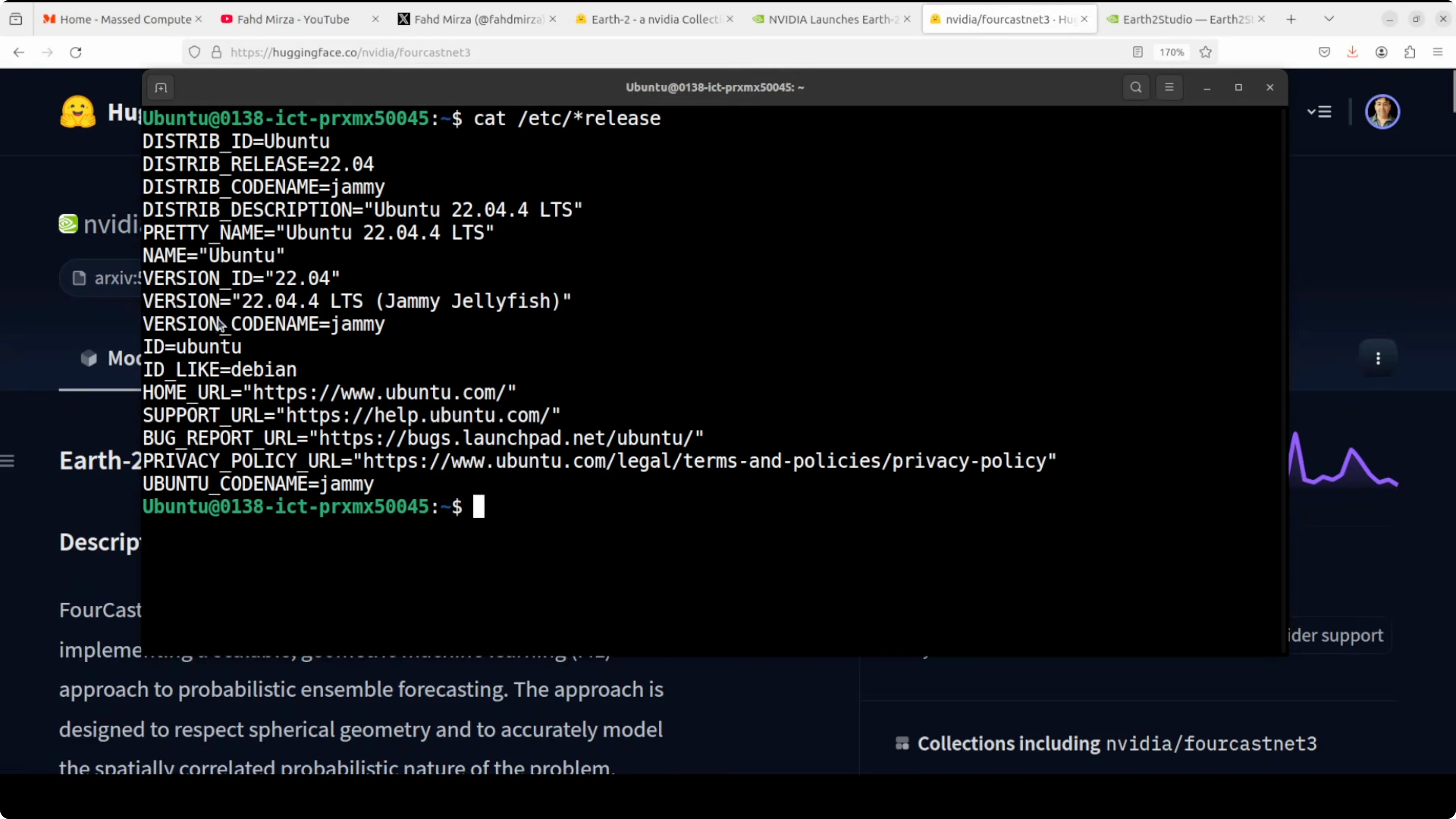
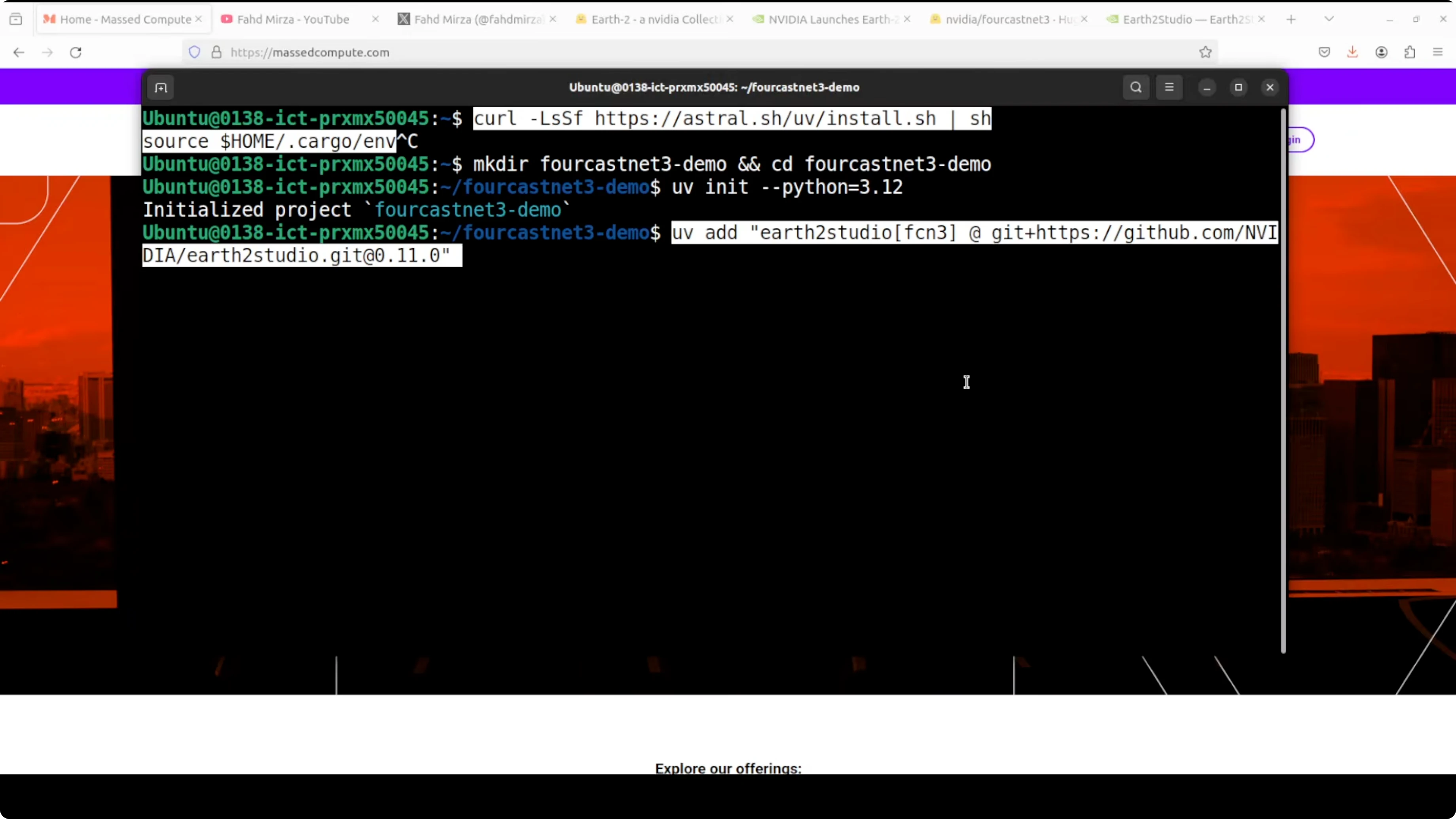
I’m going to install the ForecastNet-3 model and test it. I’m using an Ubuntu system with one Nvidia RTX 6000 GPU with 48 GB of VRAM. UV is recommended as the package manager. Install it with pip, create a working directory, initialize UV to create a Python virtual environment, and use Python 3.12.
How NVIDIA’s Earth-2 Lets You Run AI Weather Forecasts Locally
What ForecastNet-3 is
ForecastNet-3 is a flagship medium-range forecasting model in Nvidia’s Earth-2 suite. It can predict global weather up to 15 days out, and even experimental forecasts up to 60 days. It covers 72 atmospheric variables like temperature, wind, pressure, and humidity.
The breakthrough is speed and accuracy. It generates a complete 60-day global forecast in a few minutes on a single GPU, which is about 60 times faster than traditional classical models. It maintains realistic physics and probability distributions that meteorologists need. The model has around 710 million parameters and was trained on 35 years of global weather data. It is available for free under the Apache 2 license, so anyone can download and run it on a local private system.
Installation and Setup
Requirements
- Ubuntu or a similar Linux environment
- Nvidia GPU and drivers
- Python 3.12
- UV package manager
Steps
- Create a working directory for the model.
- Initialize UV in that directory to create a Python virtual environment.
- Ensure the environment uses Python 3.12.
- Use Earth-2 Studio, the repo Nvidia shared, and install ForecastNet-3 through Earth-2 Studio.
- Install data dependencies, primarily ecCodes and components that read data from sources like GFS.
- ecCodes is a library from the European Centre for Medium-Range Weather Forecasts. It reads and writes GRIB files, a standard compressed format used worldwide to store and exchange weather data.
Running a Test Forecast
Steps
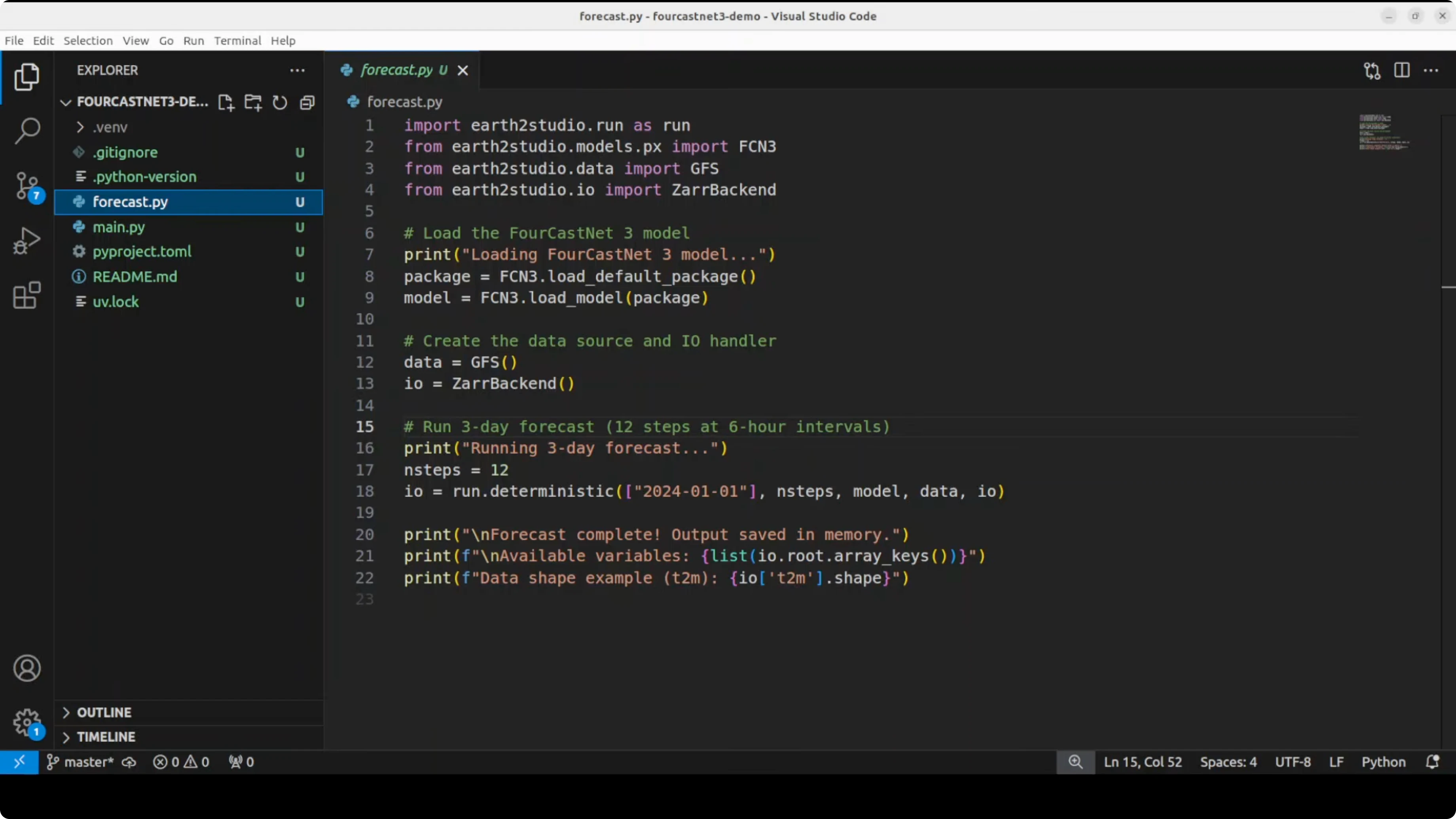
- Load the model.
- Download current weather data across the 72 variables from NOAA’s GFS system.
- Set the forecast configuration. For example, choose a few days of prediction at 6-hour intervals.
- Adjust this based on your GPU or CPU.
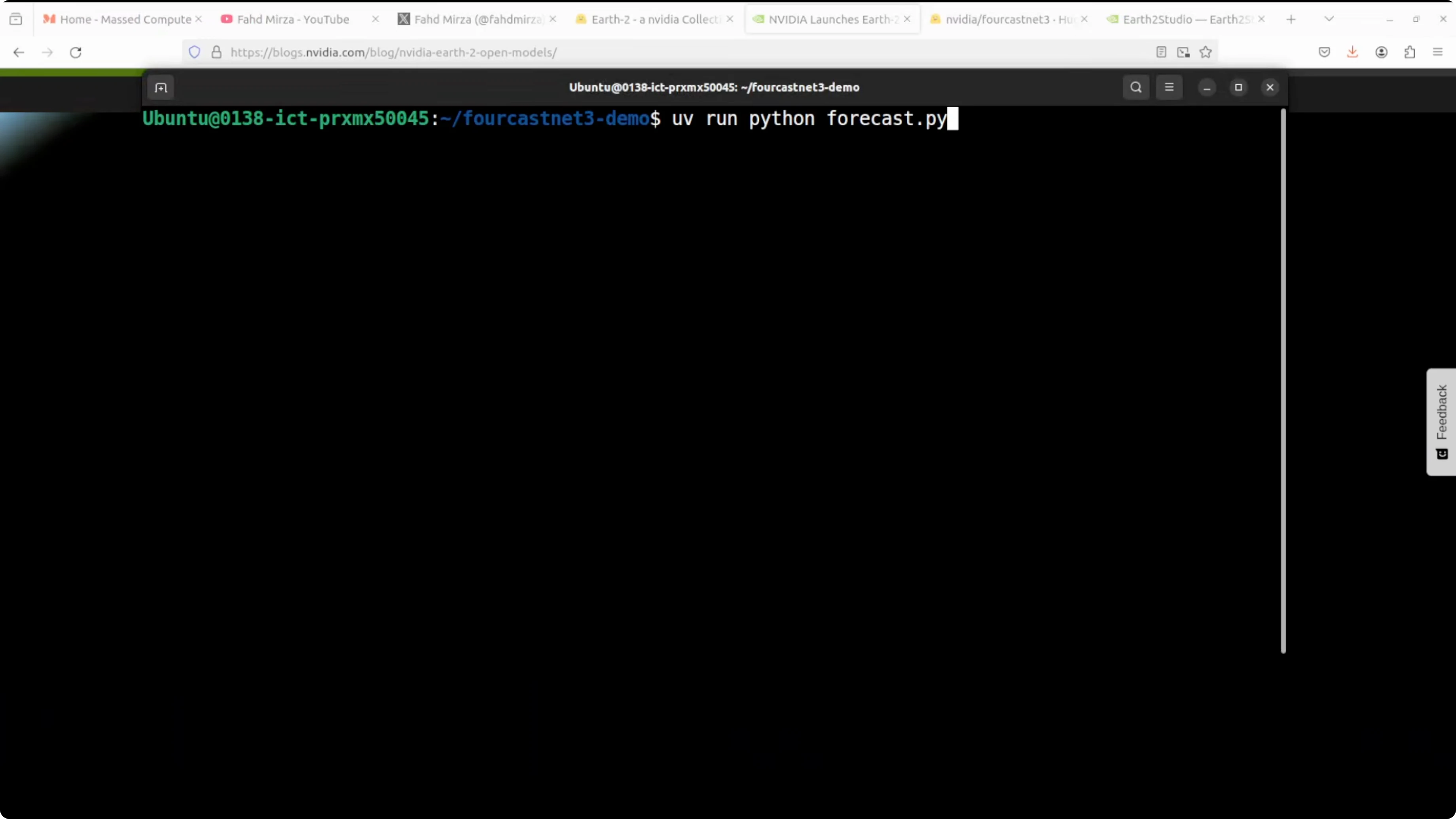
- Run the forecast and save the outputs.
- I ran it on my CPU. It took a bit of time, but it produced the output.
Understanding the Output
Data cube shape and resolution
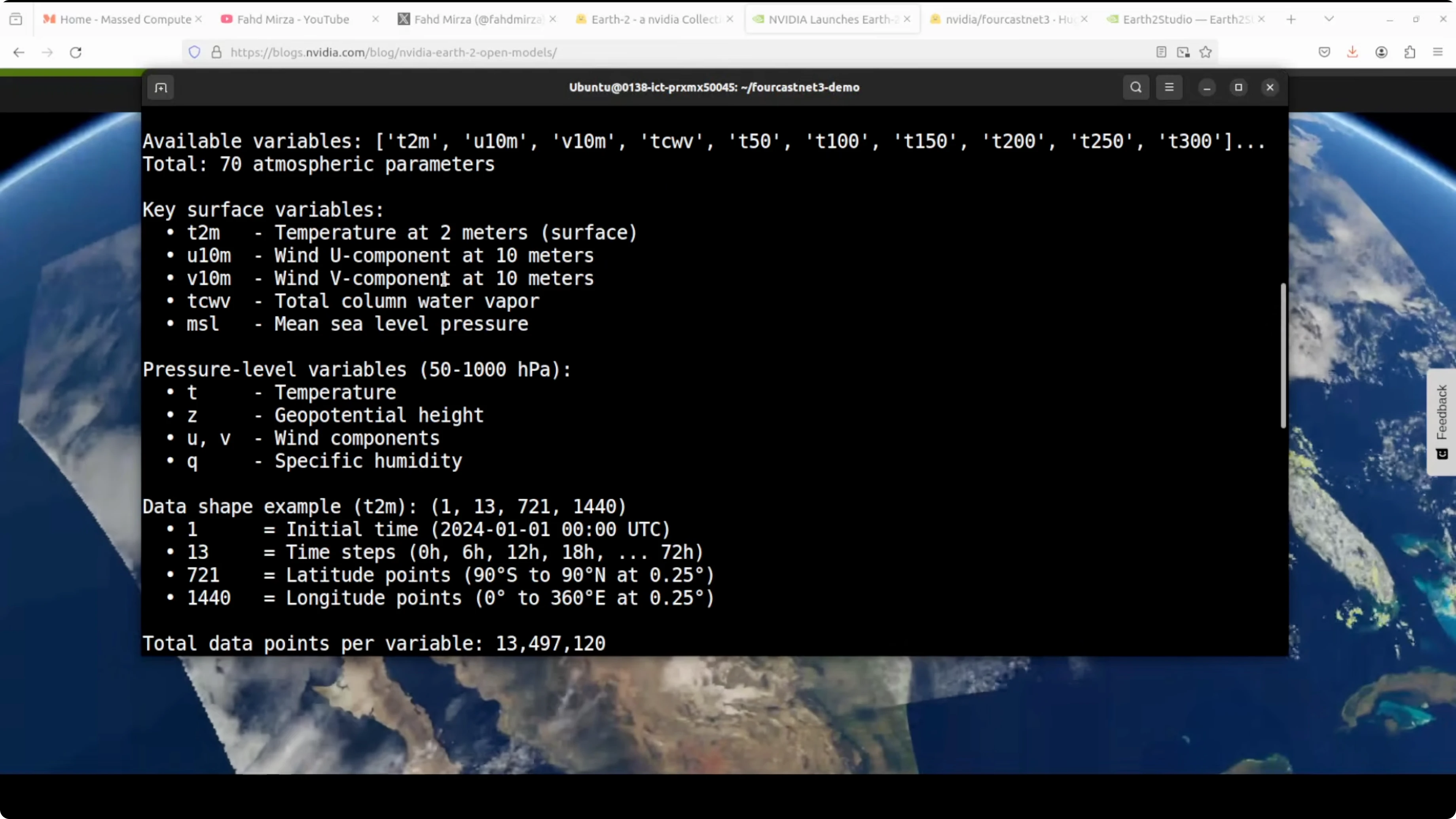
The forecast produces a 4D data cube for each weather variable with shape 1, 13, 721, 1440.
- 1 is the starting time, for example January 1, 2024.
- 13 is the number of time snapshots: now plus 12 future steps.
- 721 x 1440 is a global grid covering every point on Earth at 0.25° resolution, roughly 25 km spacing.
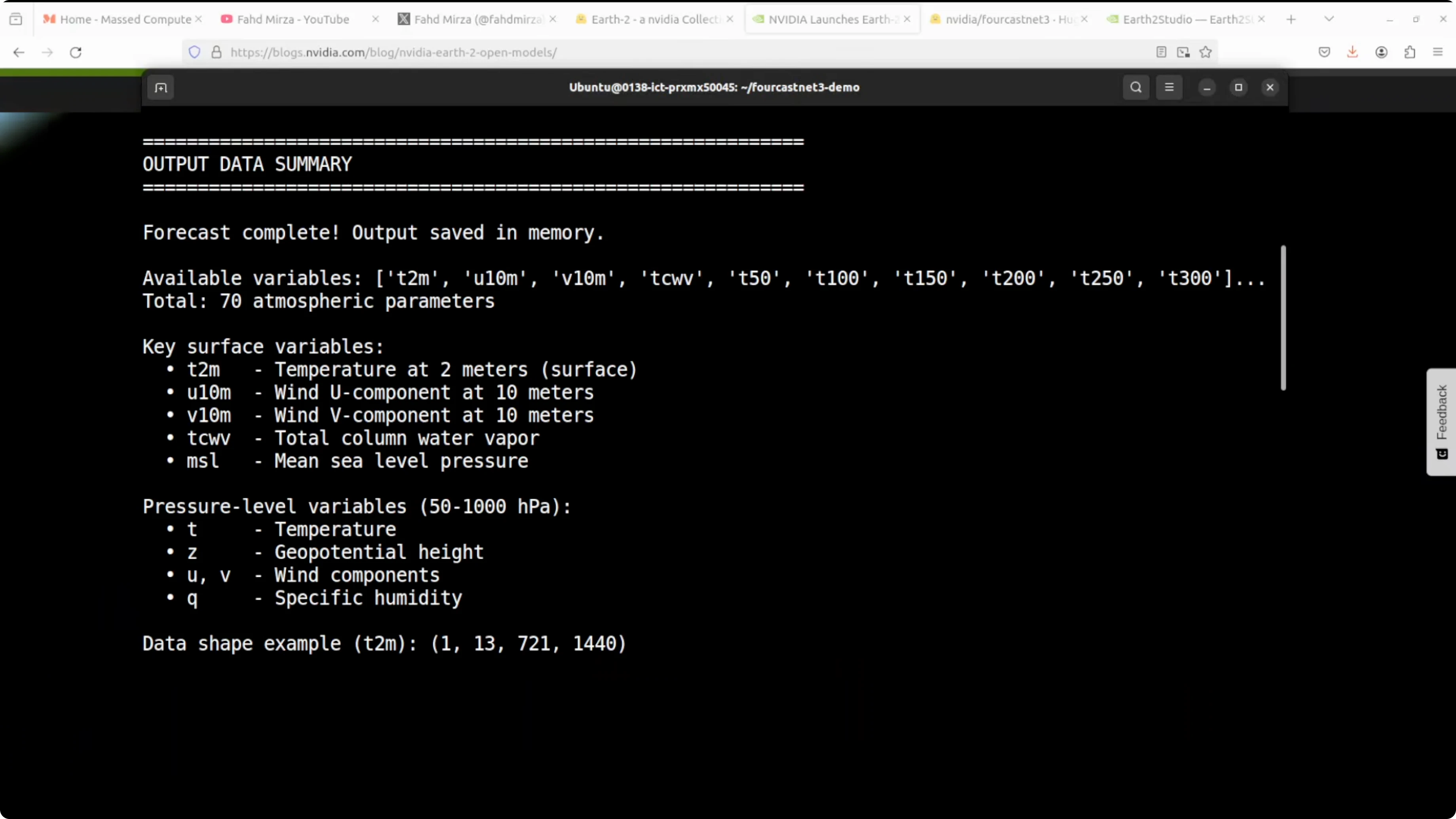
That adds up to about 13.5 million data points per variable.
Key variables you will see
- T2M: surface temperature you would feel outside
- U10M and V10M: wind speed and direction at 10 meters
- Z: atmospheric height
- Total water vapor and many others across the 72 variables
Practical Performance Notes
If you want to run a 60-day forecast or even a 30-day forecast, you would realistically want a multi-GPU cluster in my opinion. It may take half an hour or 2 to 3 hours for a 60-day forecast on one GPU based on my experience, which is slightly different from what the model card suggests. Regardless, this is a great step forward. You can run your own weather forecasting locally.
Localized Forecasting
You can do a very localized forecast. Write code around the model to target a specific area and build an app for your own suburb or region.
Final Thoughts
Earth-2 makes professional-grade forecasting accessible: minutes on a single GPU, 72 variables, trained on decades of data, and available under Apache 2. ForecastNet-3 can handle medium-range global forecasts and can be adapted for local use. With the right setup and data dependencies, running AI weather forecasts locally is now within reach.
Subscribe to our newsletter
Get the latest updates and articles directly in your inbox.

Related Posts

8 Best Claude Code Plugins in 2026 (You Need to Know)
8 Best Claude Code Plugins in 2026 (You Need to Know)

7 Best Claude Code Skills (You Need to Know)
7 Best Claude Code Skills (You Need to Know)

Claude Code Desktop IDE Features (You Need to Know)
Claude Code Desktop IDE Features (You Need to Know)