
Table Of Content
- Run ACE-Step 1.5 Locally for Pro Music Generation: What It Is
- Run ACE-Step 1.5 Locally for Pro Music Generation: Setup on Ubuntu
- Step-by-step setup
- Model choice and interface
- Run ACE-Step 1.5 Locally for Pro Music Generation: VRAM and Performance
- Quality Impressions From Local Tests
- English prompts
- Multilingual generation
- Urdu Sufi and Hindi Bollywood
- Final Thoughts on Run ACE-Step 1.5 Locally for Pro Music Generation
How to Run ACE-Step 1.5 Locally for Pro Music Generation
Table Of Content
- Run ACE-Step 1.5 Locally for Pro Music Generation: What It Is
- Run ACE-Step 1.5 Locally for Pro Music Generation: Setup on Ubuntu
- Step-by-step setup
- Model choice and interface
- Run ACE-Step 1.5 Locally for Pro Music Generation: VRAM and Performance
- Quality Impressions From Local Tests
- English prompts
- Multilingual generation
- Urdu Sufi and Hindi Bollywood
- Final Thoughts on Run ACE-Step 1.5 Locally for Pro Music Generation
Everyone will become a musician this year, courtesy models like ACE-Step 1.5. Text-to-music and music-to-music are going to change for good. I tested several examples and you can hear why this matters. The model followed a guitar-heavy metal prompt to the hilt and composed the track in a very fine way. An Indian fusion prompt also came out well.
Focus on the lyrics though. They still feel plasticky and monotonous. Think back to the early days of GPT-1, GPT-2, even GPT-3. They were just like this, and look at them now. Music models have come a long way, and there are plenty of cases where the lyrics and human voice are already quite in sync.
Run ACE-Step 1.5 Locally for Pro Music Generation: What It Is
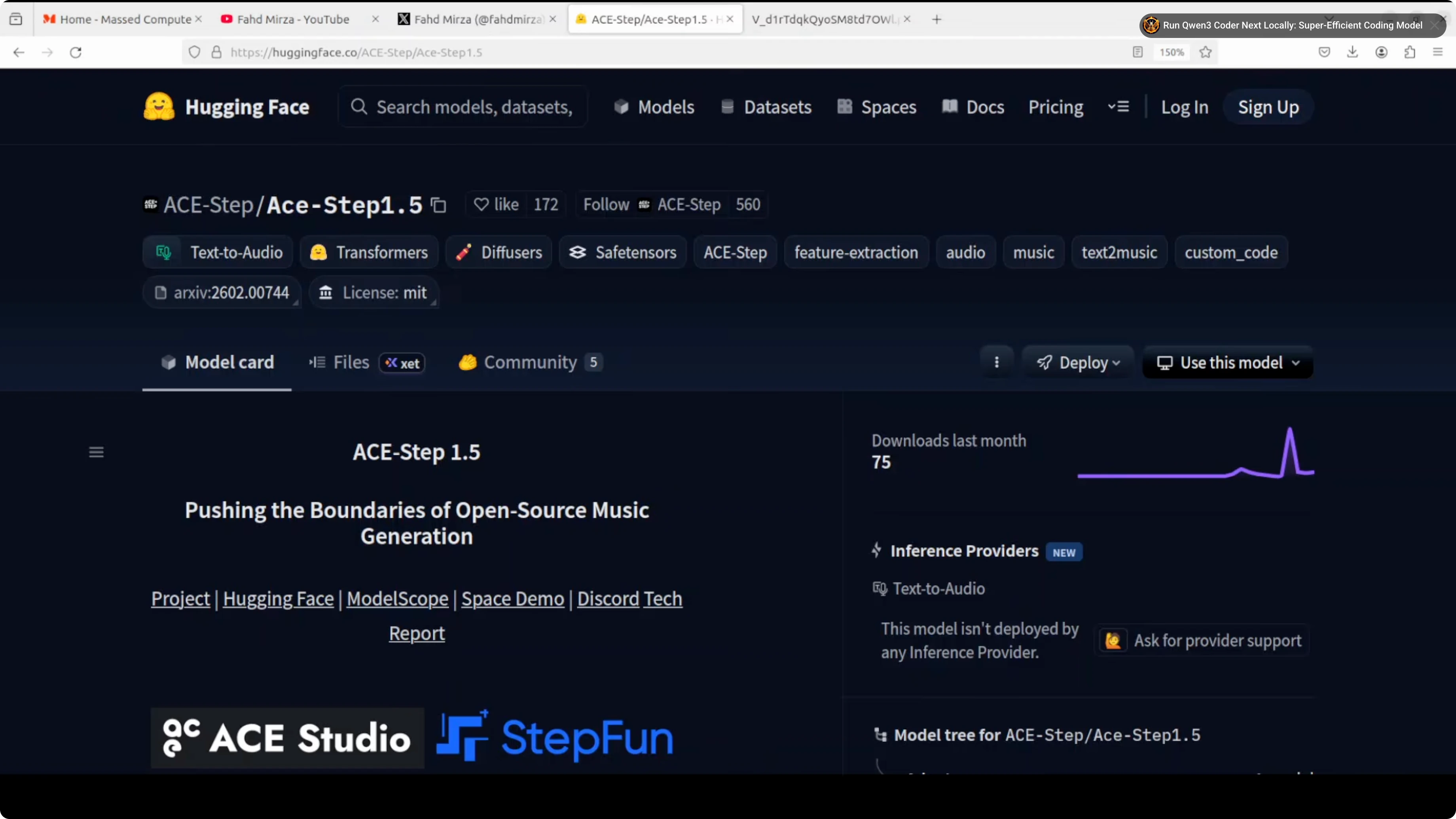
It’s an open-source text-to-music model that combines a lightweight language model (Qwen 3.6B embeddings) with a diffusion transformer to generate high-quality, commercially usable music from simple prompts, lyrics, reference audio, or even covers. The architecture separates high-level planning from low-level acoustic synthesis.
Run ACE-Step 1.5 Locally for Pro Music Generation: Setup on Ubuntu
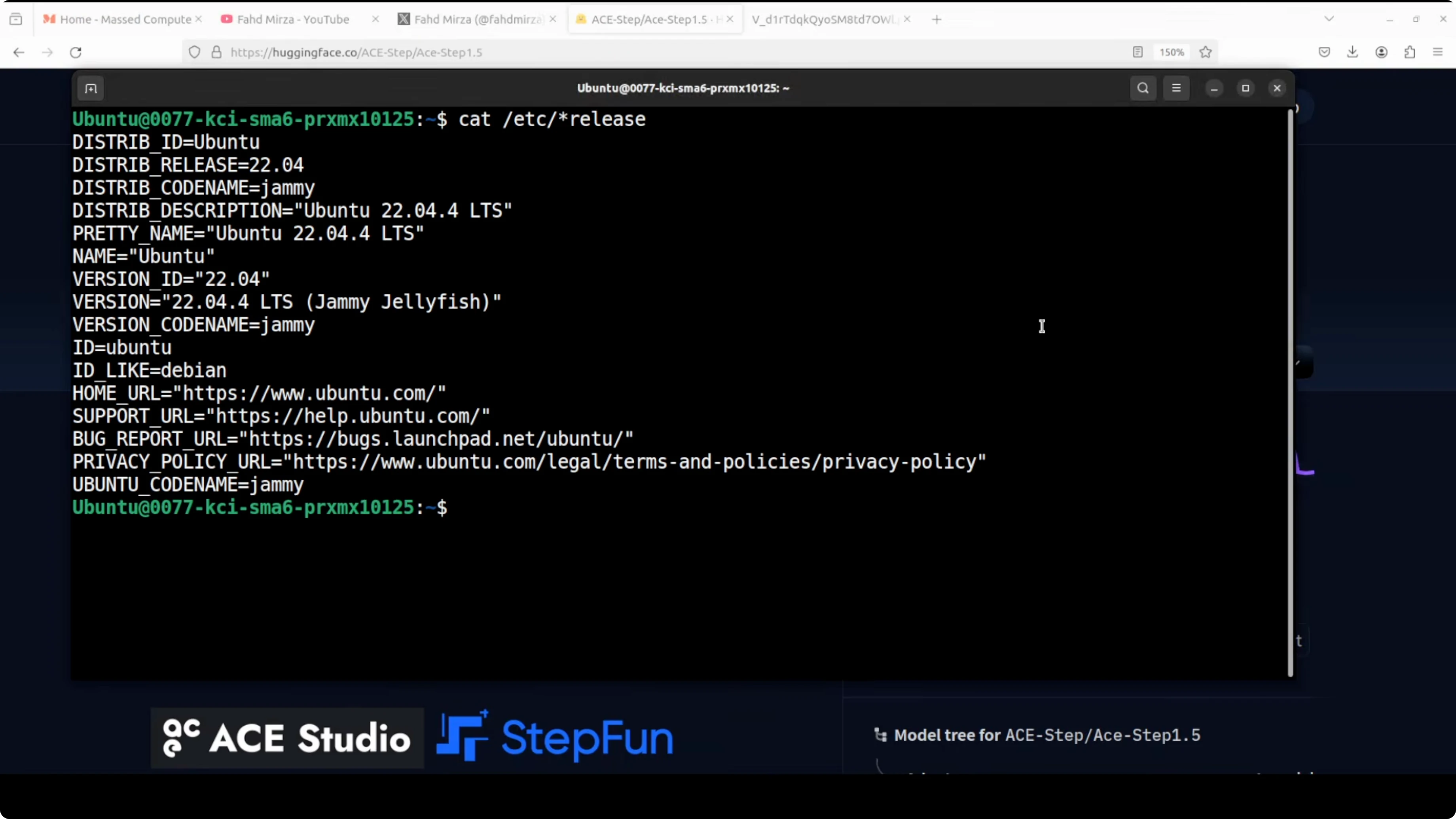
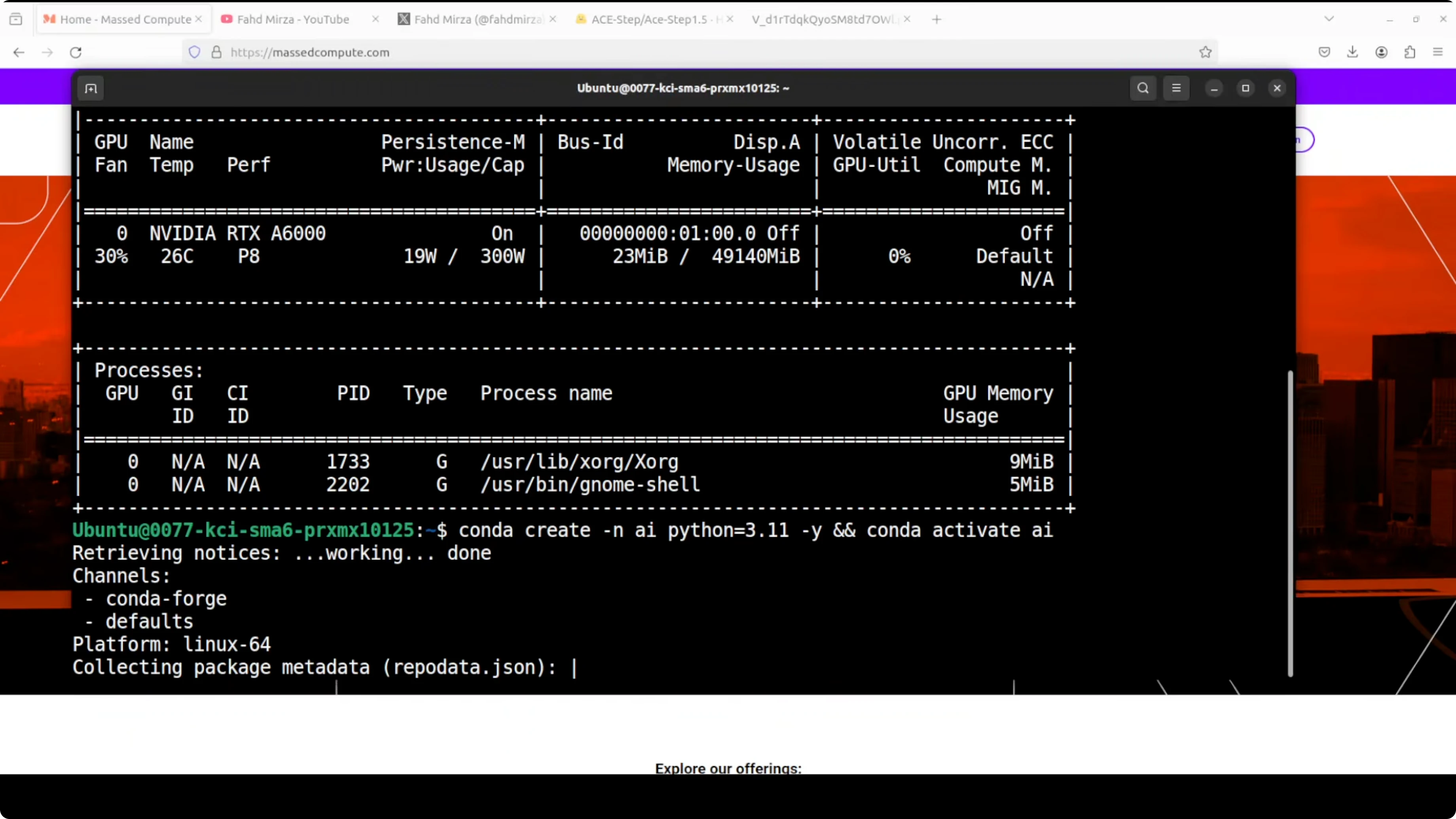
I ran it on Ubuntu with a single Nvidia RTX 6000 (48 GB VRAM). You can run it on commodity hardware too. Here’s the process I followed.
Step-by-step setup
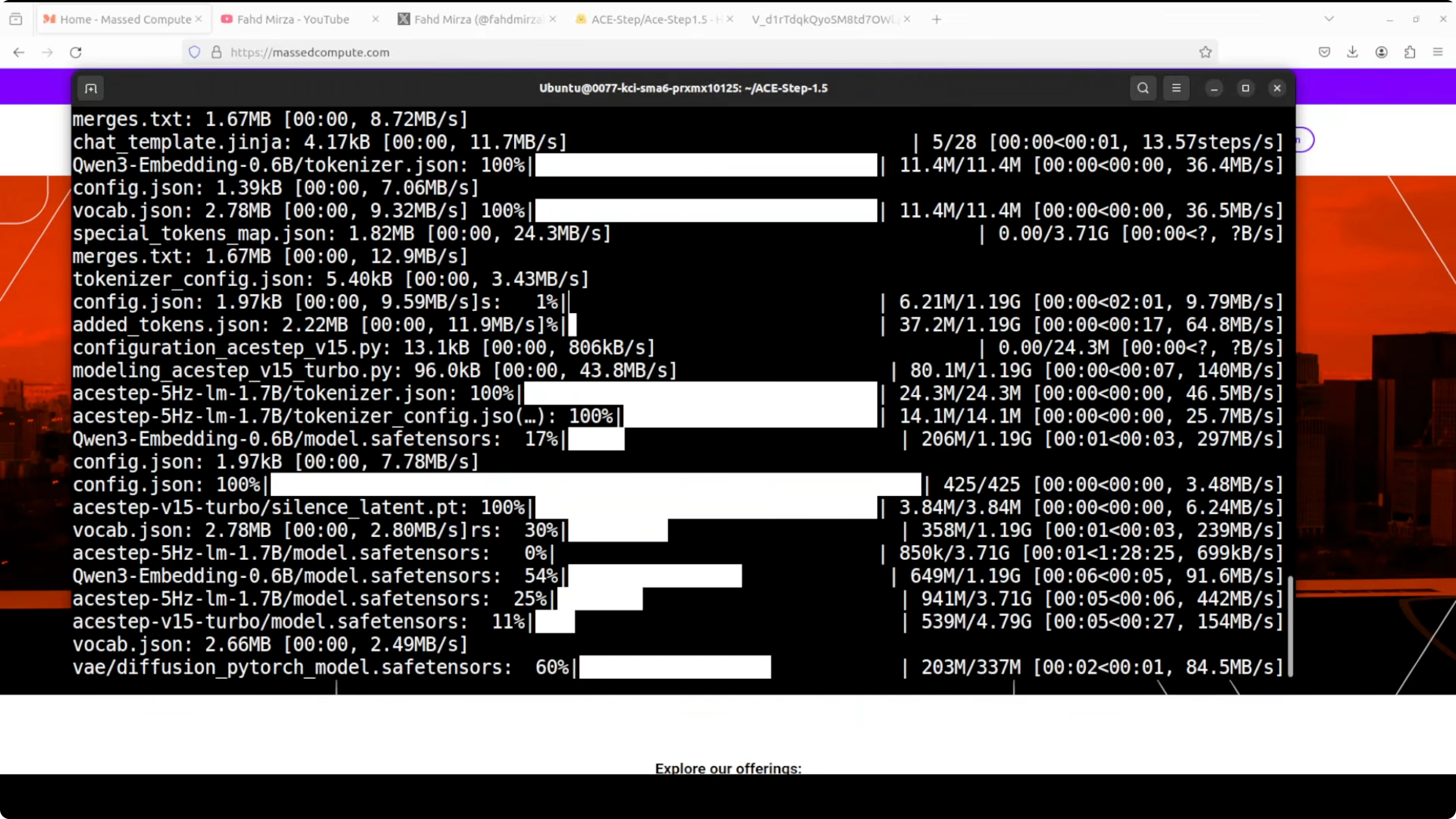
- Create a Python virtual environment.
- Clone the repository.
- Install requirements from the repo root.
- Launch the Gradio demo.
- On first run, the model downloads automatically.
- Open the local URL in your browser.
Model choice and interface
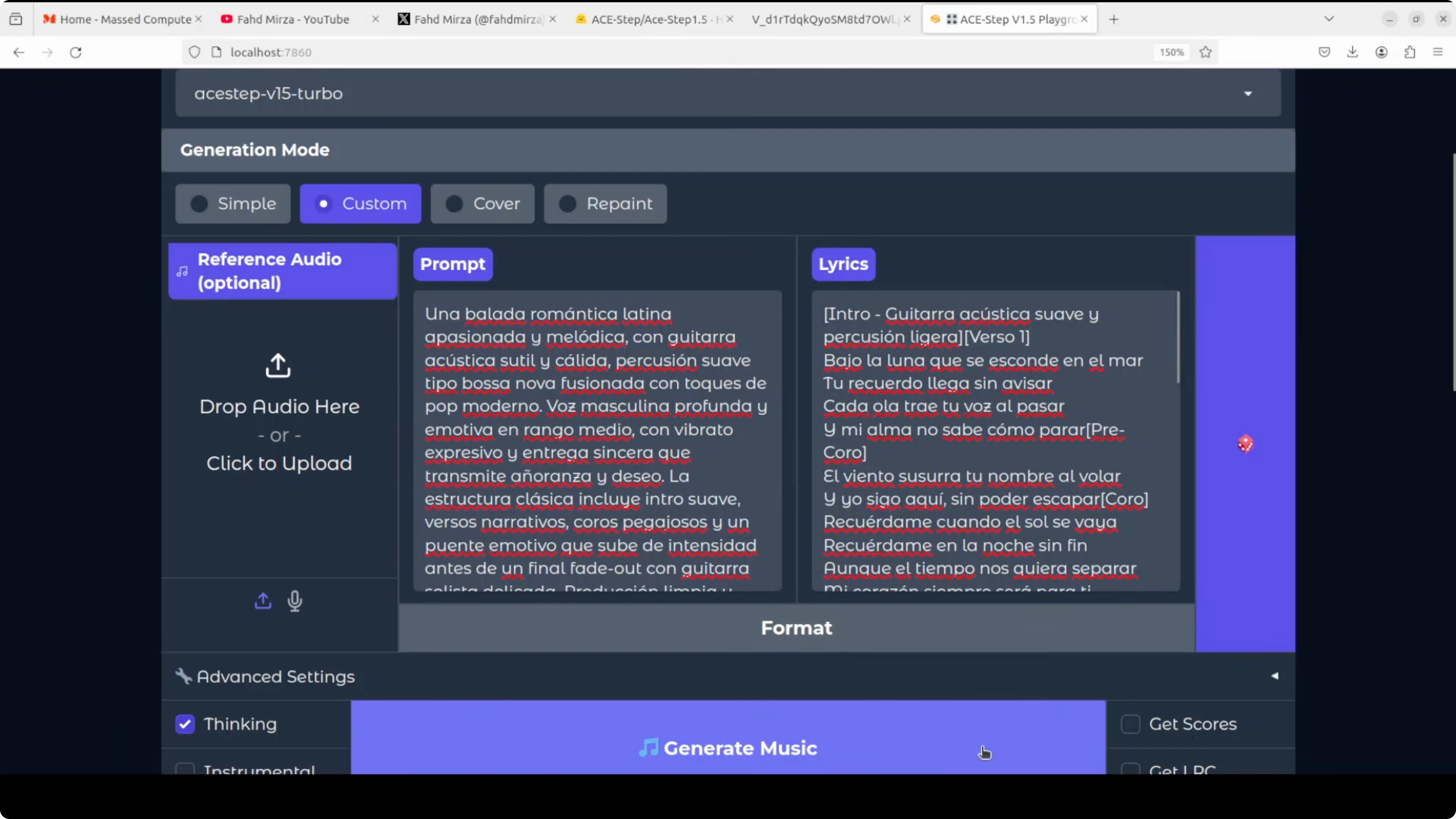
- ACE-Step v1.5 turbo was selected by default. You can choose another variant, but I’d stick with turbo.
- Modes include simple generation, cover, and reference-audio-guided generation.
- Provide a prompt and optional lyrics, then generate.
Run ACE-Step 1.5 Locally for Pro Music Generation: VRAM and Performance
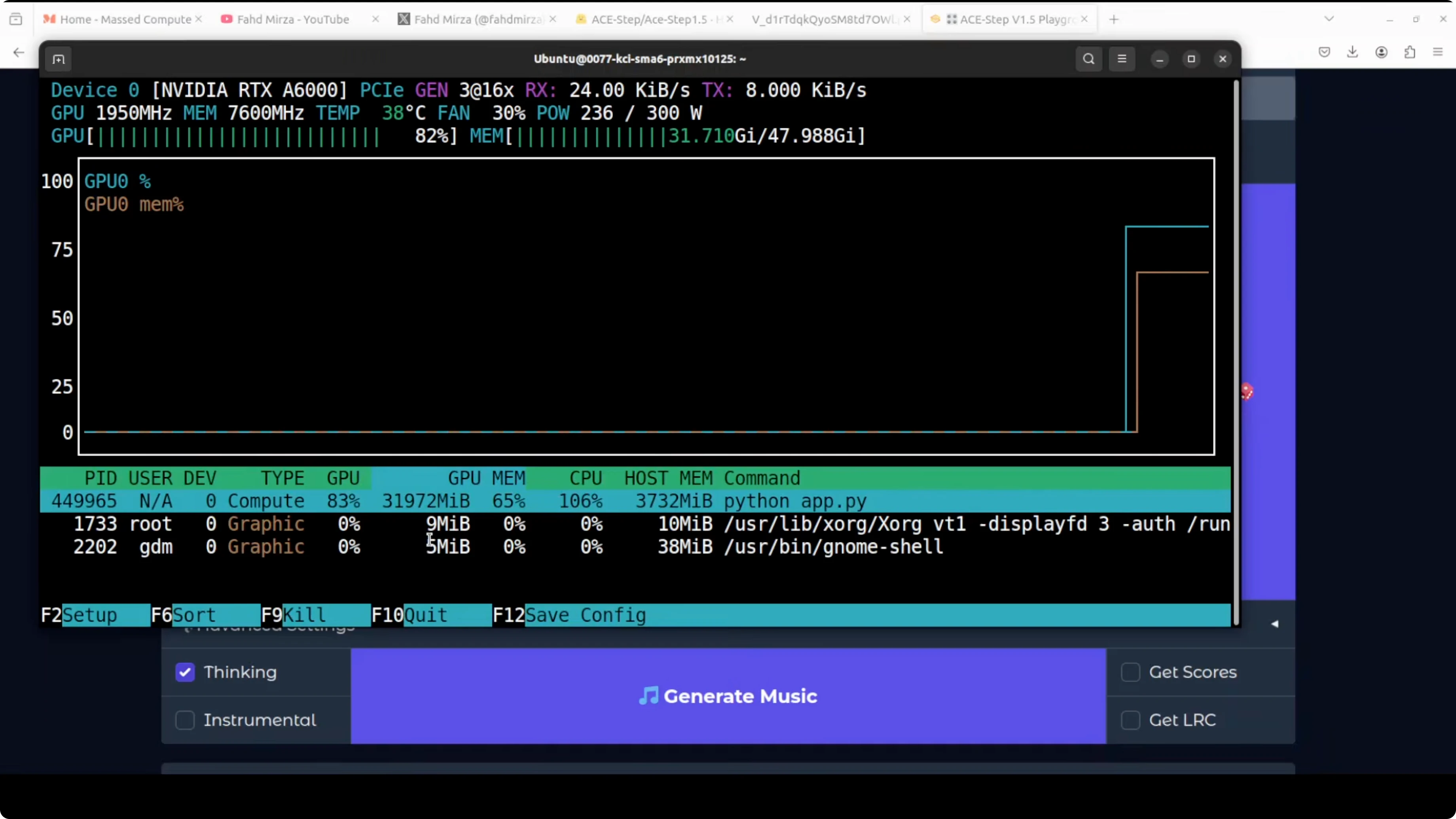
- VRAM usage sat around 32 GB in full precision during normal operation.
- During generation, it peaked up to about 40 GB in full precision.
- It’s fast in practice.
- You can also run it with ComfyUI. I’ll share a ComfyUI workflow soon.
Quality Impressions From Local Tests
English prompts
I asked for a romantic, active synth-pop anthem with custom lyrics. The results were not bad at all. This is a huge improvement from last year. I think companies like Sono, Udio, and Vader don’t have any moat here.
Multilingual generation
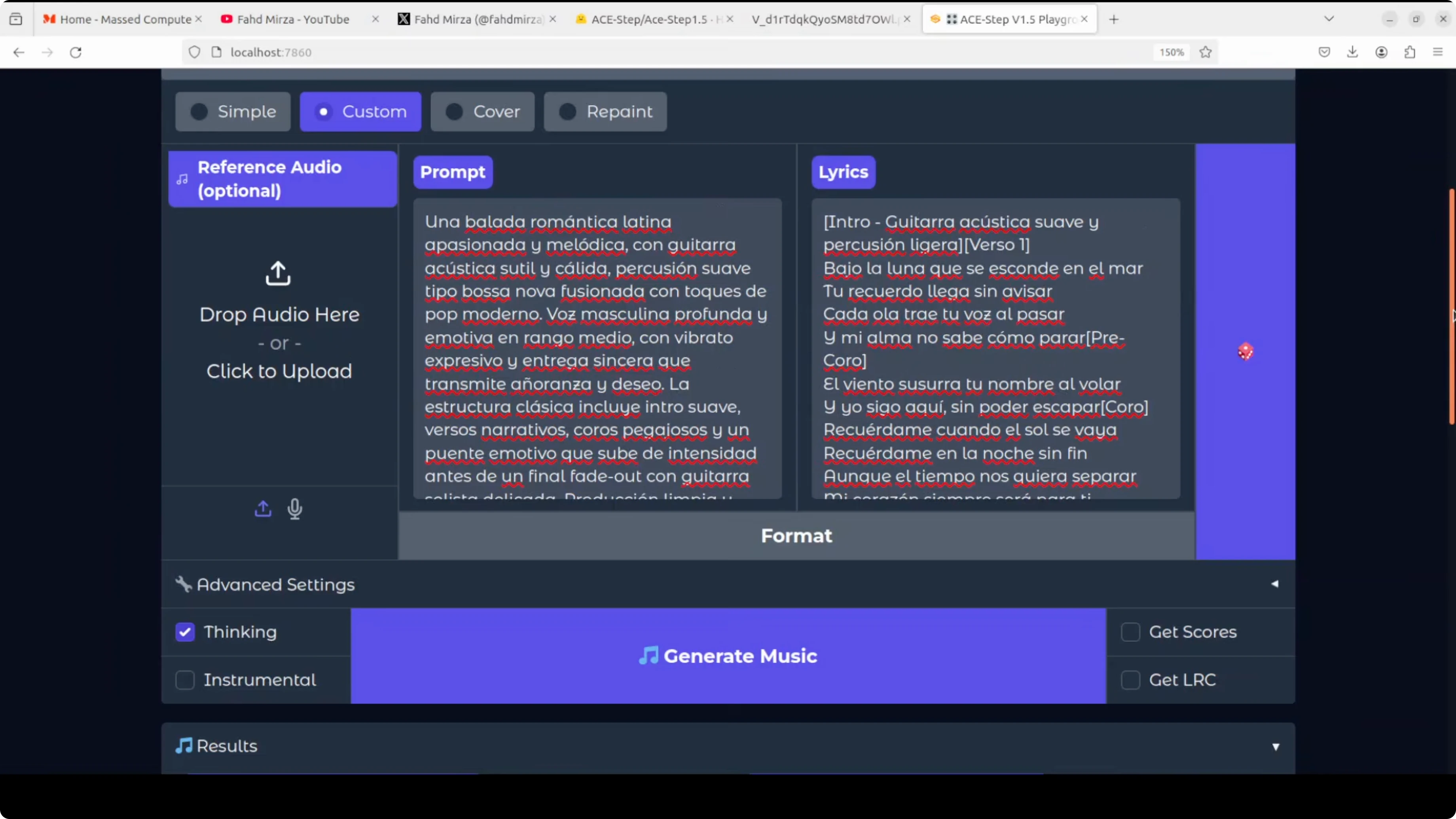
From the model report and Hub card, it appears to support 50+ languages. I couldn’t find a specific list and that should be clearer, but a Spanish prompt and lyrics generated quickly and sounded good. The music and rhythm felt solid.
Urdu Sufi and Hindi Bollywood
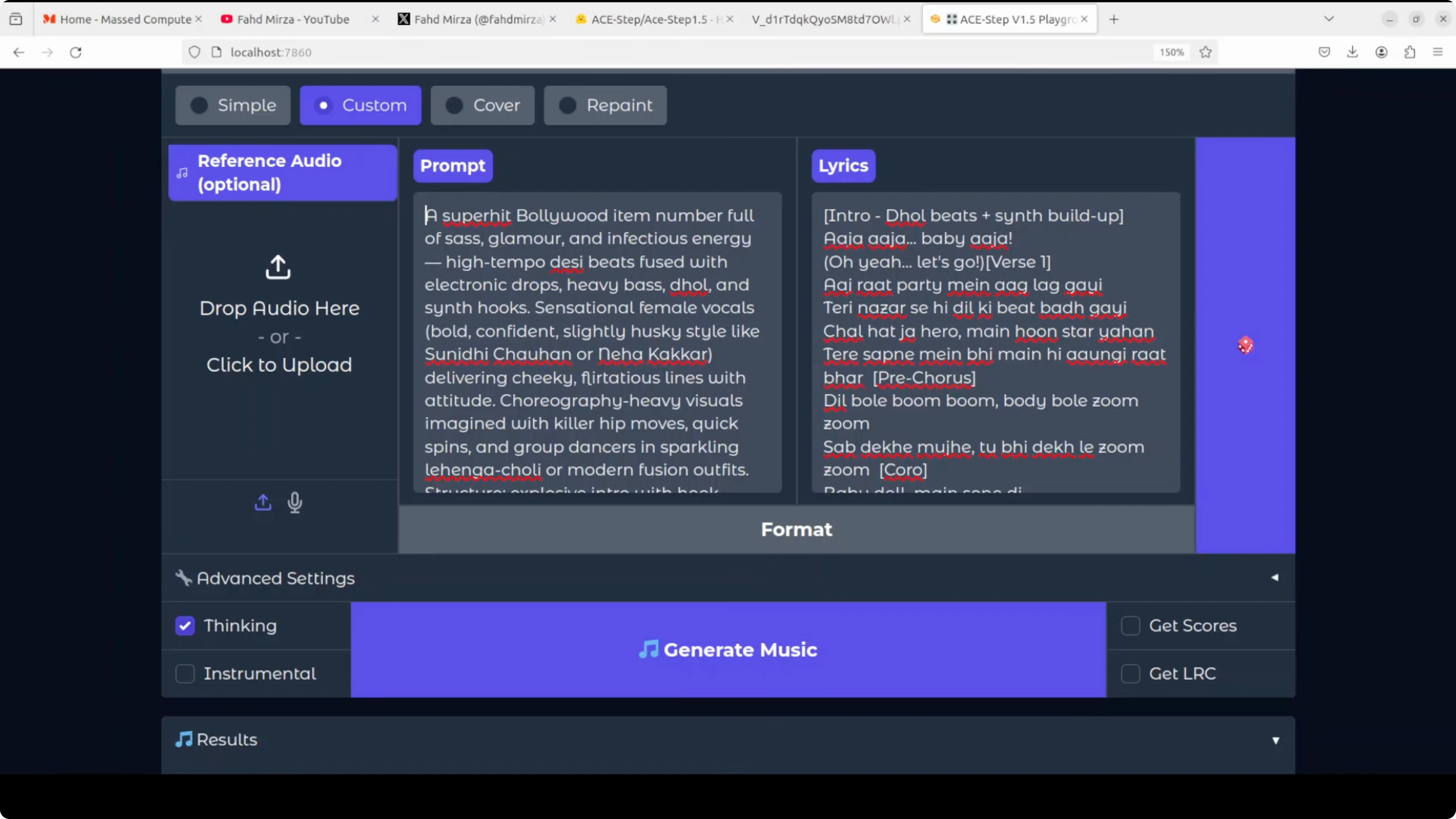
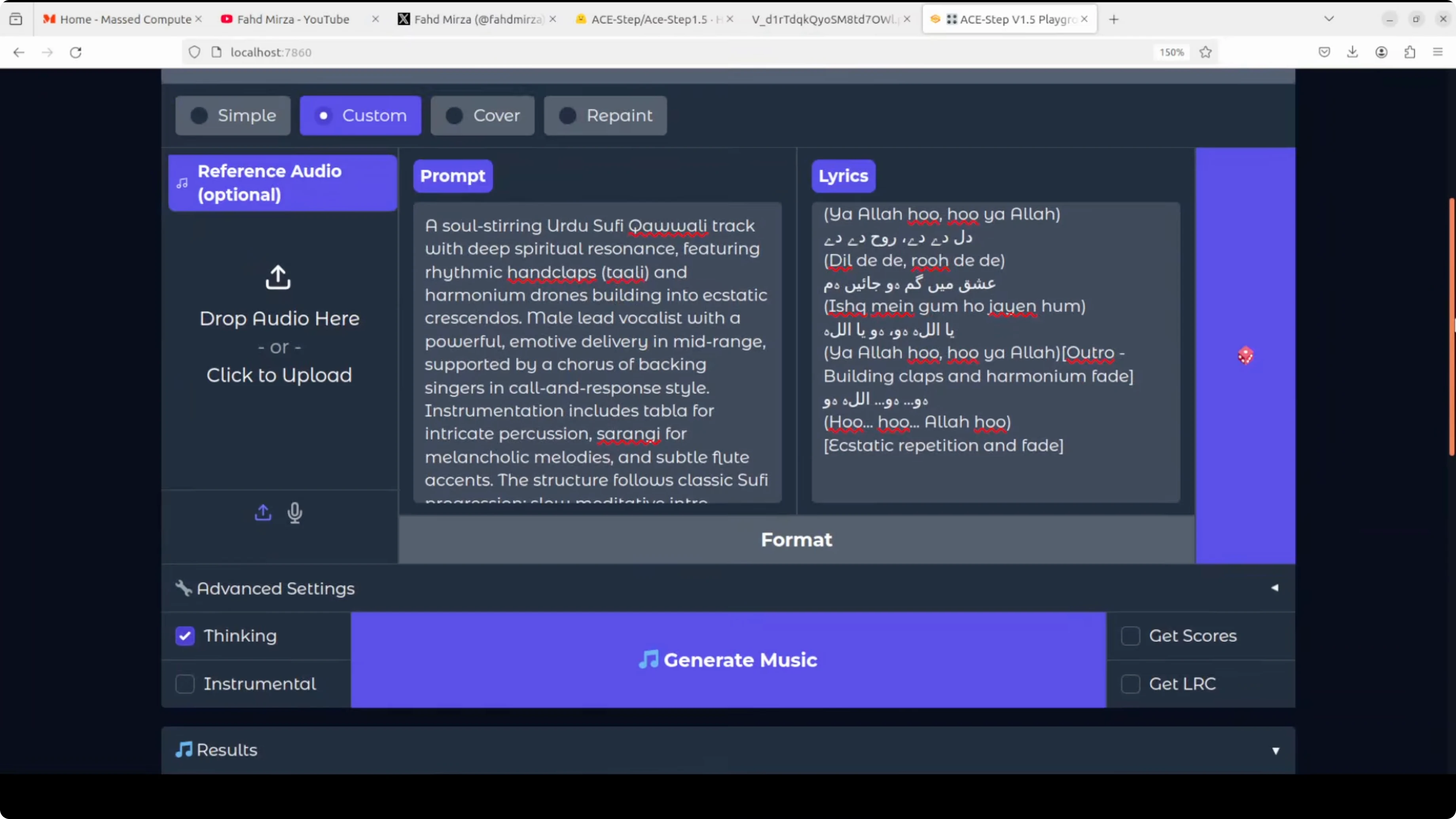
For an Urdu Sufi-style test, the font rendering was an issue, but the audio showed promise. It needs polish, but not bad at all. A Hindi Bollywood item number came out catchy, and the model handled the vibe well.
Final Thoughts on Run ACE-Step 1.5 Locally for Pro Music Generation
ACE-Step 1.5 already produces commercially usable music, especially for melody, structure, and genre adherence. Lyrics and vocal expressiveness still need work, but the pace of improvement is clear. Installation is straightforward, the local demo works smoothly, and performance is fast if you have the VRAM headroom. This year is shaping up to be the one where your story can include being a musician.
Subscribe to our newsletter
Get the latest updates and articles directly in your inbox.

Related Posts

8 Best Claude Code Plugins in 2026 (You Need to Know)
8 Best Claude Code Plugins in 2026 (You Need to Know)

7 Best Claude Code Skills (You Need to Know)
7 Best Claude Code Skills (You Need to Know)

Claude Code Desktop IDE Features (You Need to Know)
Claude Code Desktop IDE Features (You Need to Know)