
Table Of Content
Voxtral Mini 4B Real-Time Transcription: Full Local Demo Insight
Table Of Content
No matter how fast or slow you speak, shout, whisper, or switch languages mid sentence, this model handles it in real time with less than half a second of delay. Welcome to Voxtral Mini 4 billion real time, released by Mistral. Voxtral is an open-source speech-to-text model that can transcribe what you are saying as you are saying it in 13 languages ranging from Italian to Chinese to French to German and Russian. Yes, mostly they are European languages, but I’m sure they are going to increase that range.
The accuracy as per this benchmark is really astounding. This sort of accuracy was something you would only get from a slow offline system that processes audio after you are done talking. You can think of this system like having a human transcriptionist who types exactly what you say the moment you say it, except this runs entirely locally, and that’s what I did here.
Voxtral Mini 4B Real-Time Transcription: Full Local Demo Insight
I used an Ubuntu system with one GPU card, Nvidia RTX 6000 with 48 GB of VRAM.
Setup and environment
- The tool I used is UV. I already have UV installed. It is a single liner to get it installed.
- Create a virtual environment, which is a best practice, and activate that virtual environment.
- The tool used to serve it is VLM and it is available in nightly. It doesn’t work with transformers at the moment, so that is the only way to get it installed. I installed it with UV.
- Install the audio processing libraries: sox, librosa, and soundfile.
Serve the model and launch the demo
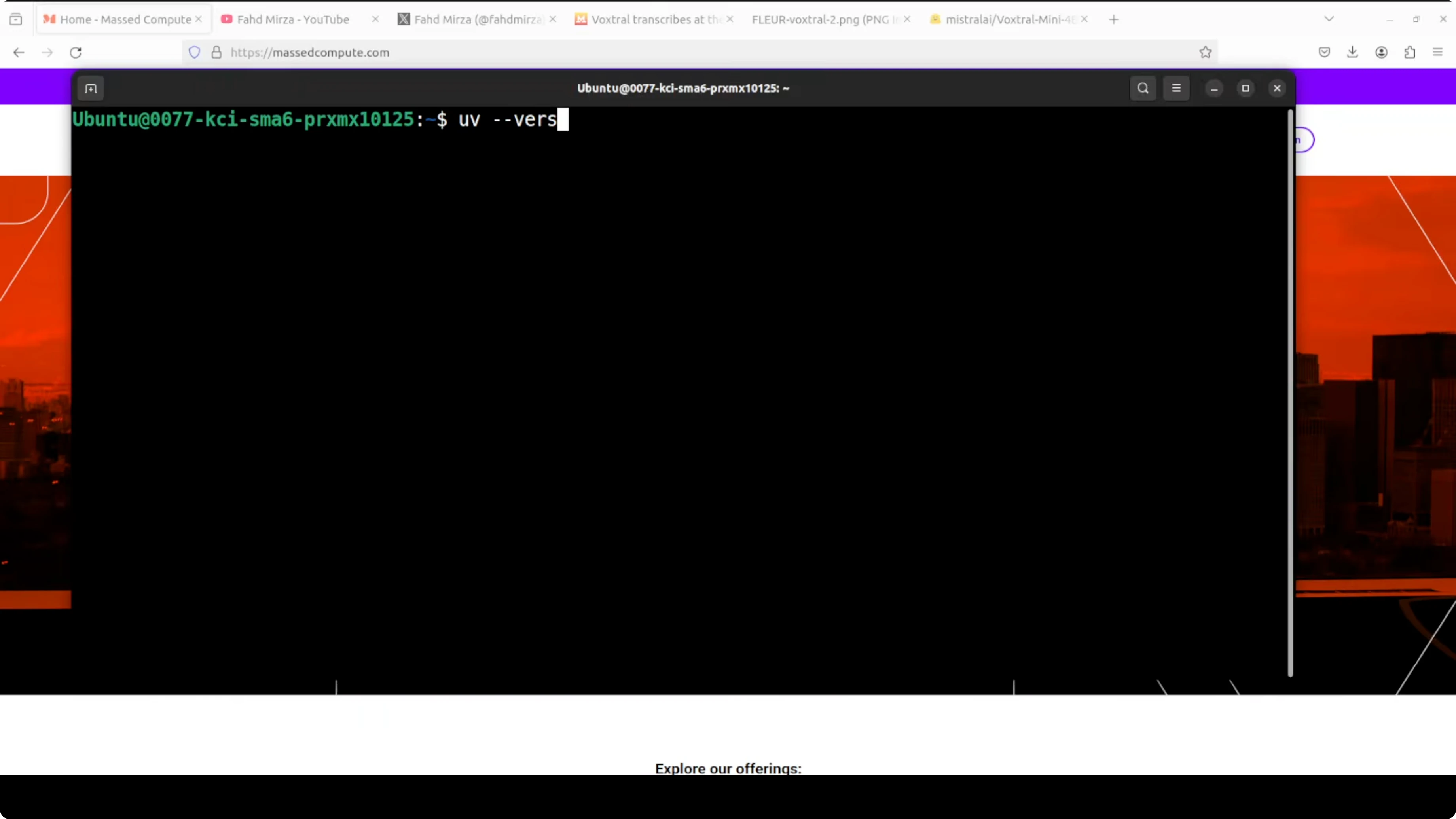
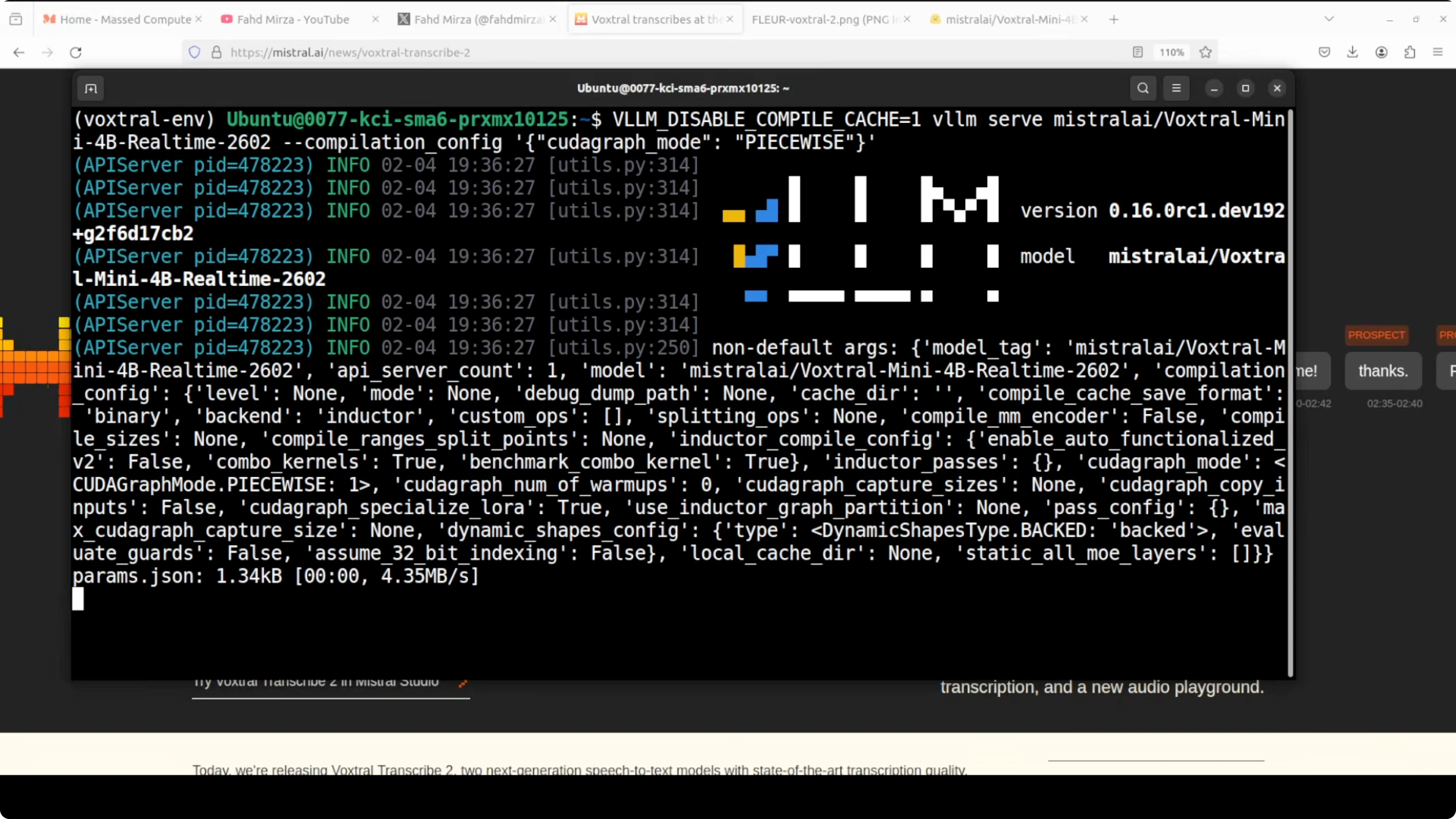
- Serve it through VLM. The first run downloads the model. The file size is consolidated to close to 9 GB.
- From another terminal, launch the Gradio demo. This is code they have already provided on their model card. I made very minor cosmetic changes, but it runs as is.
- The demo runs publicly and on a local URL.
- VRAM consumption for me was close to 36 GB as it fully loaded onto the GPU. Transcription continued with over 34.6 GB of VRAM in use. Make sure you have that much VRAM for this model.
What the demo looks like and how it performed
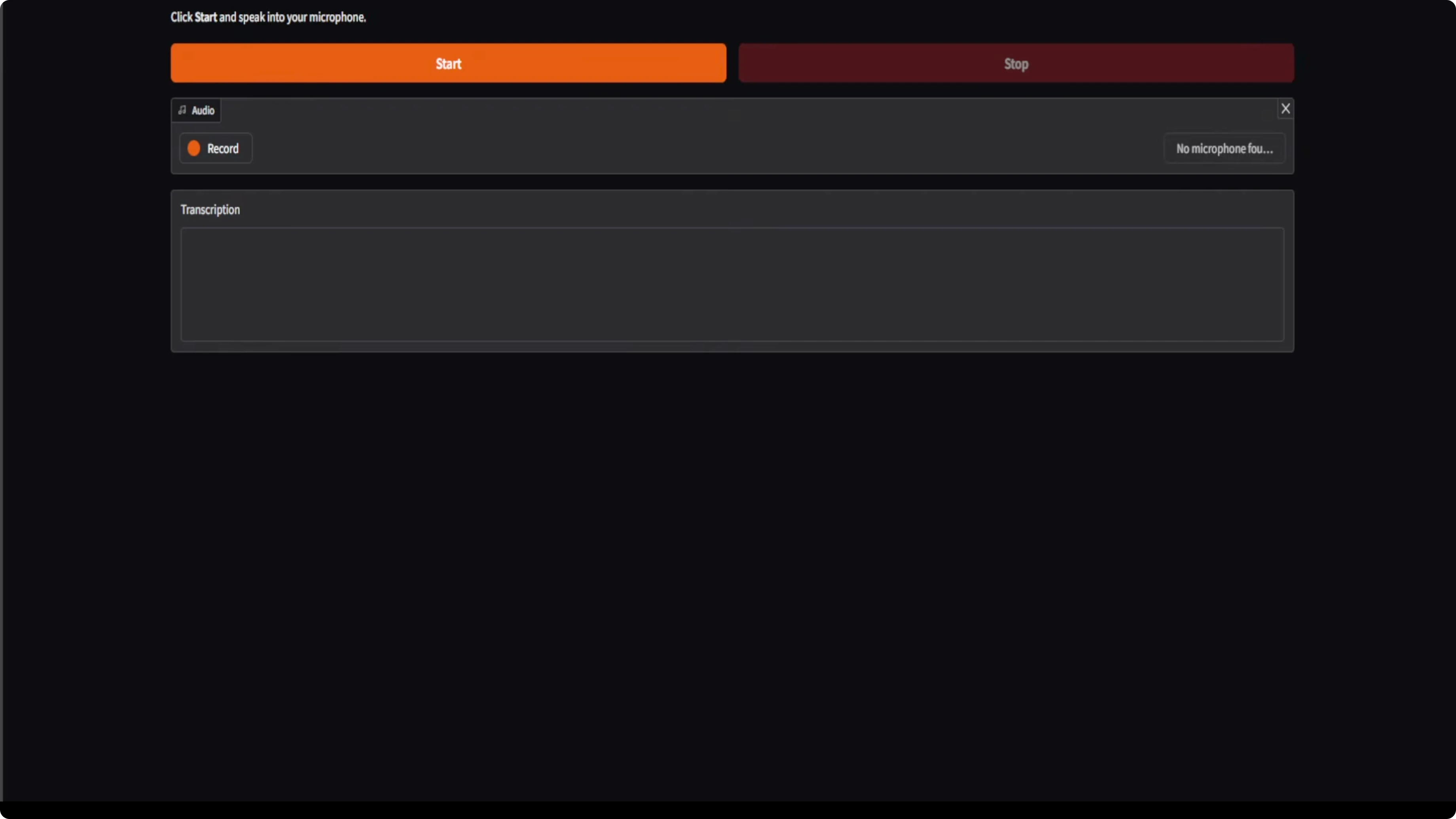
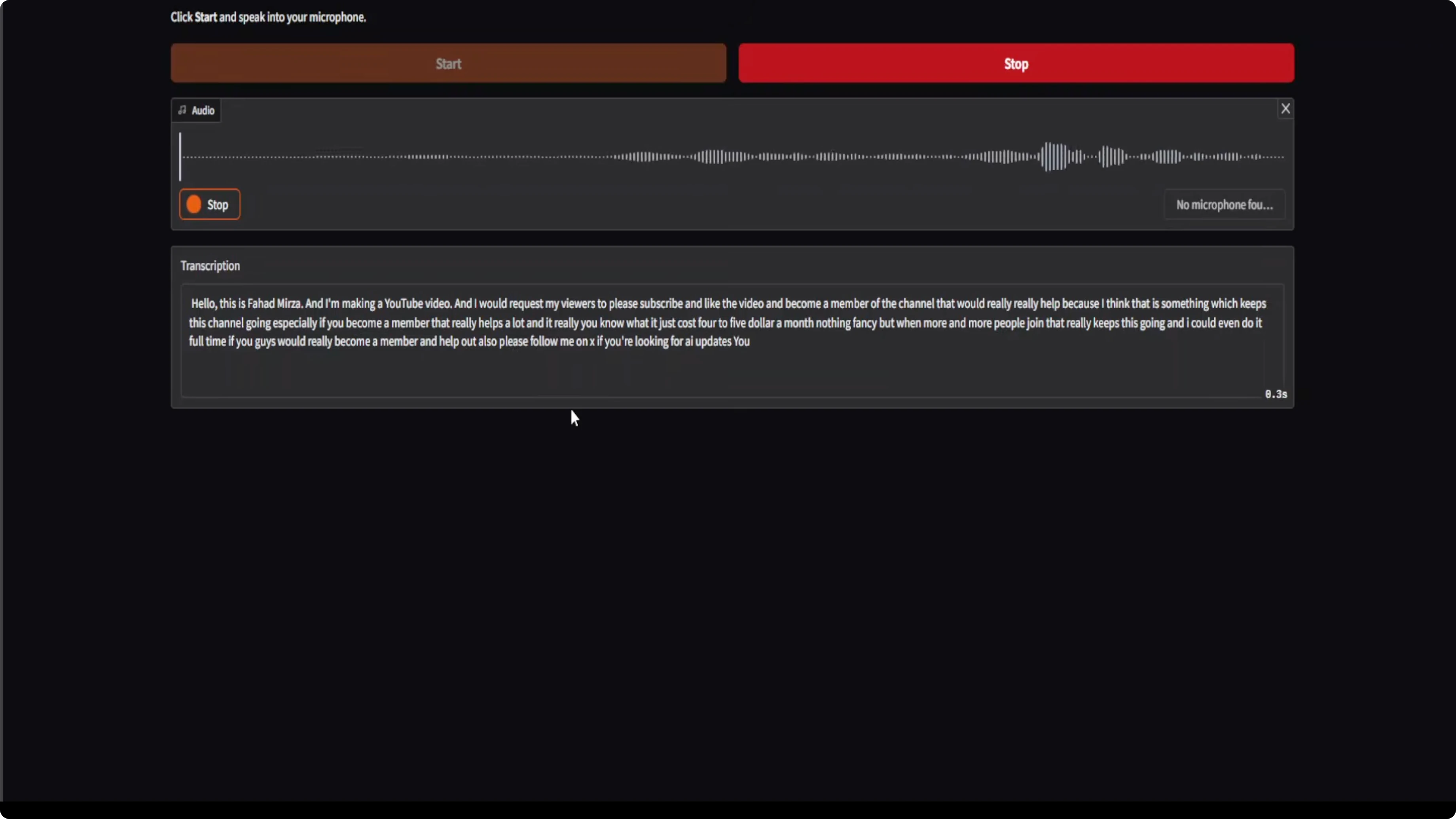
The Gradio demo is very basic, but it works.
- Start the mic and speak. No matter if I am shouting or just whispering, it is able to hear me, and the transcription speed and quality are impressive.
- I could also speak some French or Dutch or Italian or any other language from the supported set. I tried Spanish. I also tried to speak Arabic, but I don’t think it supports that. It can do only European languages.
- The claim about this model working at the speed of sound is spot on. These days many people and companies are claiming things, but when you actually install the model, it doesn’t work. Here it did.
Architecture, latency, and use cases for Voxtral Mini 4B Real-Time Transcription: Full Local Demo Insight
They built a custom audio encoder from scratch that processes sound in a causal way, meaning it only looks at what’s already been said, not what’s coming next. That is how it achieves the speed they are promising.
You can adjust the delay anywhere from 240 milliseconds to 2.4 seconds depending on your need for lightning fast responses or maximum accuracy.
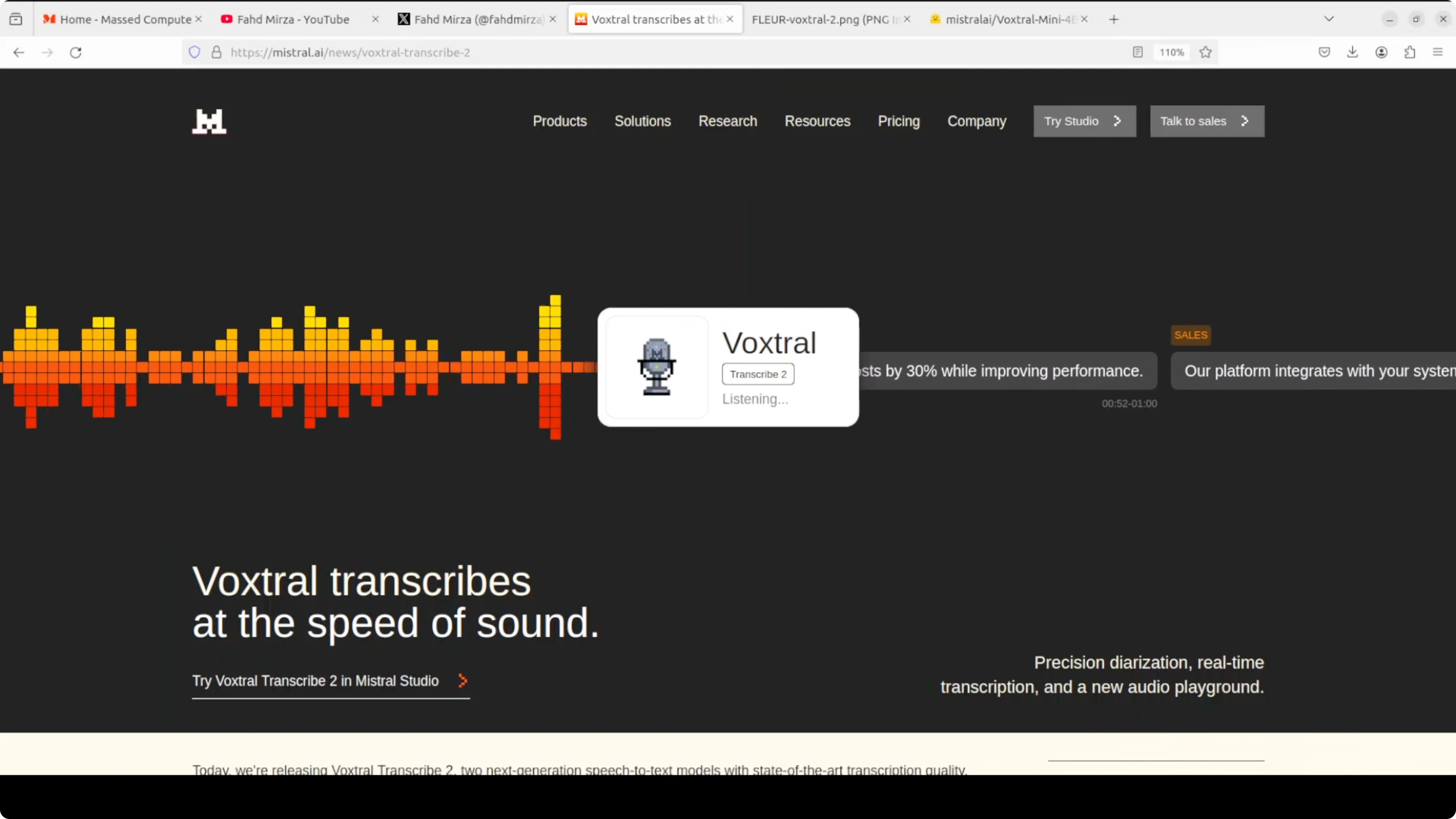
Use cases:
- Create live subtitles
- Build a voice assistant
- Transcribe private meetings without sending data to the cloud
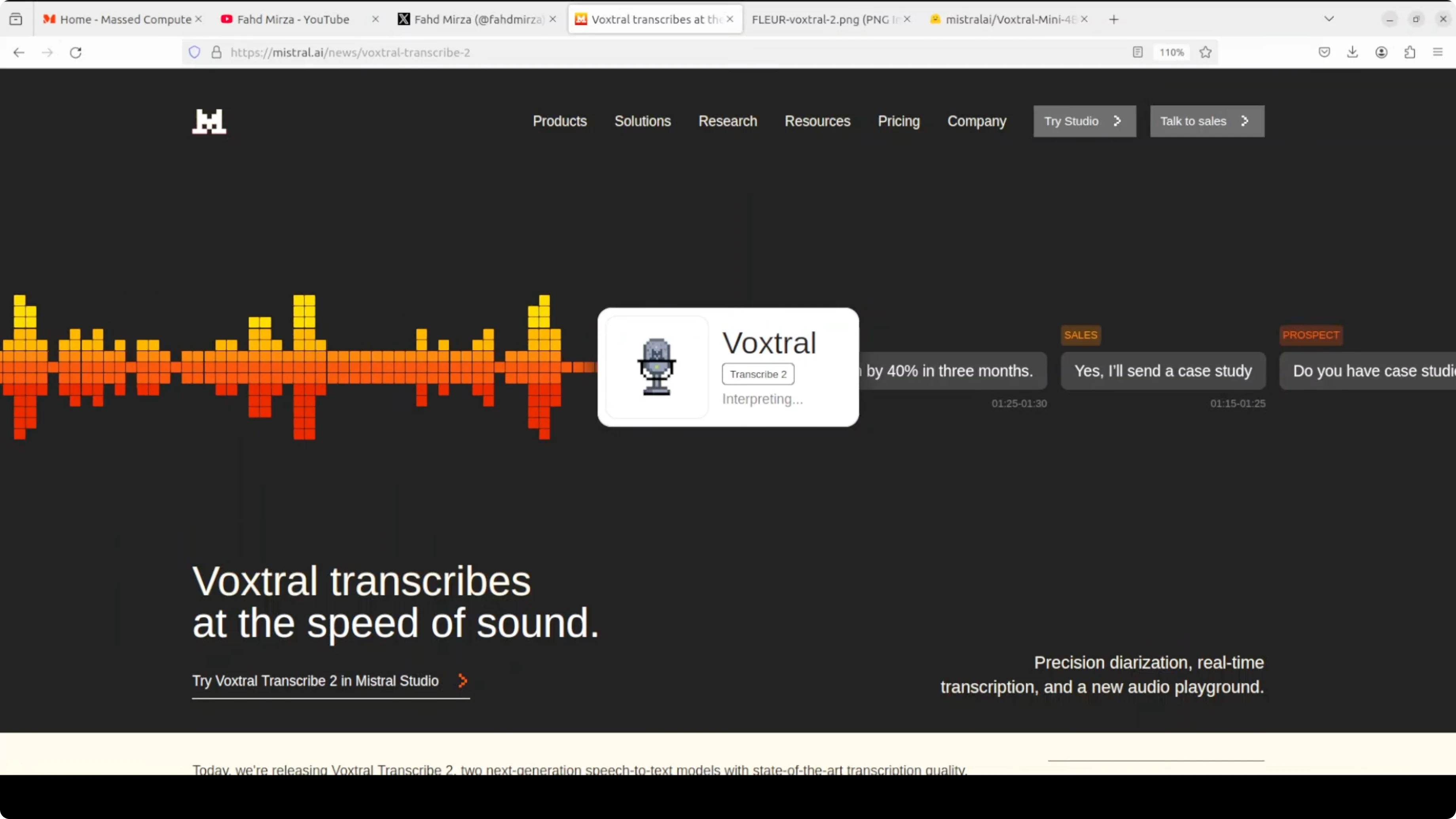
This 4 billion model delivers professional grade results while running fast enough for real-time conversation.
Licensing
Mistral released it under the Apache 2 license. It’s good to see them coming back to Apache 2 licensing.
Final Thoughts
Voxtral Mini 4B real time is fast, accurate, and truly local. It handled rapid speech, whispers, and language switches with less than half a second of delay. Setup was straightforward with UV, VLM nightly, and standard audio libraries, the model download was about 9 GB, and the GPU footprint sat around 35 GB of VRAM during use. The custom causal audio encoder, adjustable latency, and Apache 2 license make this a strong option for live subtitles, on-device assistants, and private transcription.
Subscribe to our newsletter
Get the latest updates and articles directly in your inbox.

Related Posts

8 Best Claude Code Plugins in 2026 (You Need to Know)
8 Best Claude Code Plugins in 2026 (You Need to Know)

7 Best Claude Code Skills (You Need to Know)
7 Best Claude Code Skills (You Need to Know)

Claude Code Desktop IDE Features (You Need to Know)
Claude Code Desktop IDE Features (You Need to Know)