
Table Of Content
- Overview - Gemma 4: Google's Powerful 31B Open Model Locally
- Setup - Gemma 4: Google's Powerful 31B Open Model Locally
- Text - Gemma 4: Google's Powerful 31B Open Model Locally
- Vision - Gemma 4: Google's Powerful 31B Open Model Locally
- Function calling - Gemma 4: Google's Powerful 31B Open Model Locally
- Long context - Gemma 4: Google's Powerful 31B Open Model Locally
- Use cases - Gemma 4: Google's Powerful 31B Open Model Locally
- Troubleshooting - Gemma 4: Google's Powerful 31B Open Model Locally
- Final Thoughts
Gemma 4: Google's Powerful 31B Open Model Locally
Table Of Content
- Overview - Gemma 4: Google's Powerful 31B Open Model Locally
- Setup - Gemma 4: Google's Powerful 31B Open Model Locally
- Text - Gemma 4: Google's Powerful 31B Open Model Locally
- Vision - Gemma 4: Google's Powerful 31B Open Model Locally
- Function calling - Gemma 4: Google's Powerful 31B Open Model Locally
- Long context - Gemma 4: Google's Powerful 31B Open Model Locally
- Use cases - Gemma 4: Google's Powerful 31B Open Model Locally
- Troubleshooting - Gemma 4: Google's Powerful 31B Open Model Locally
- Final Thoughts
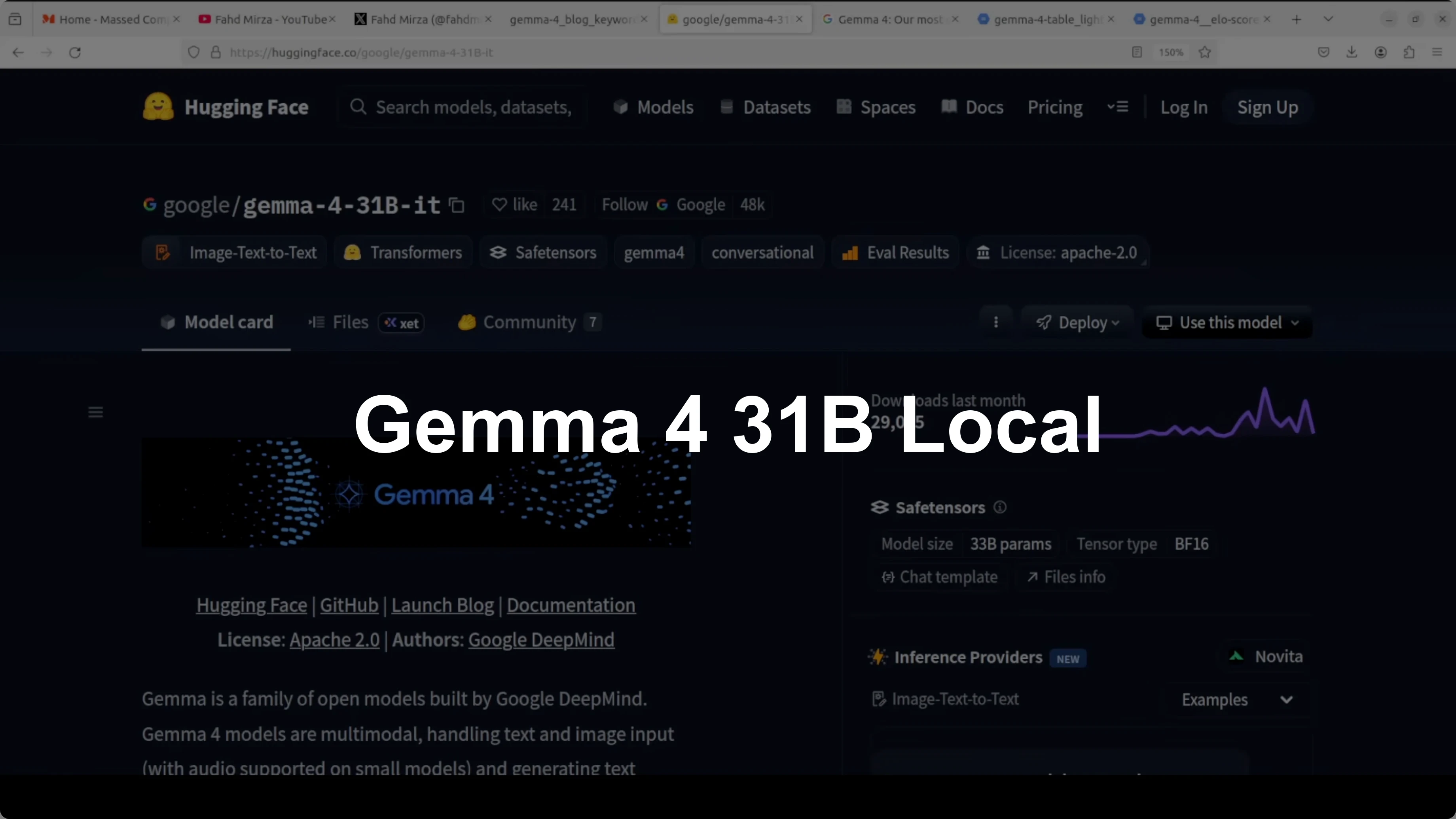
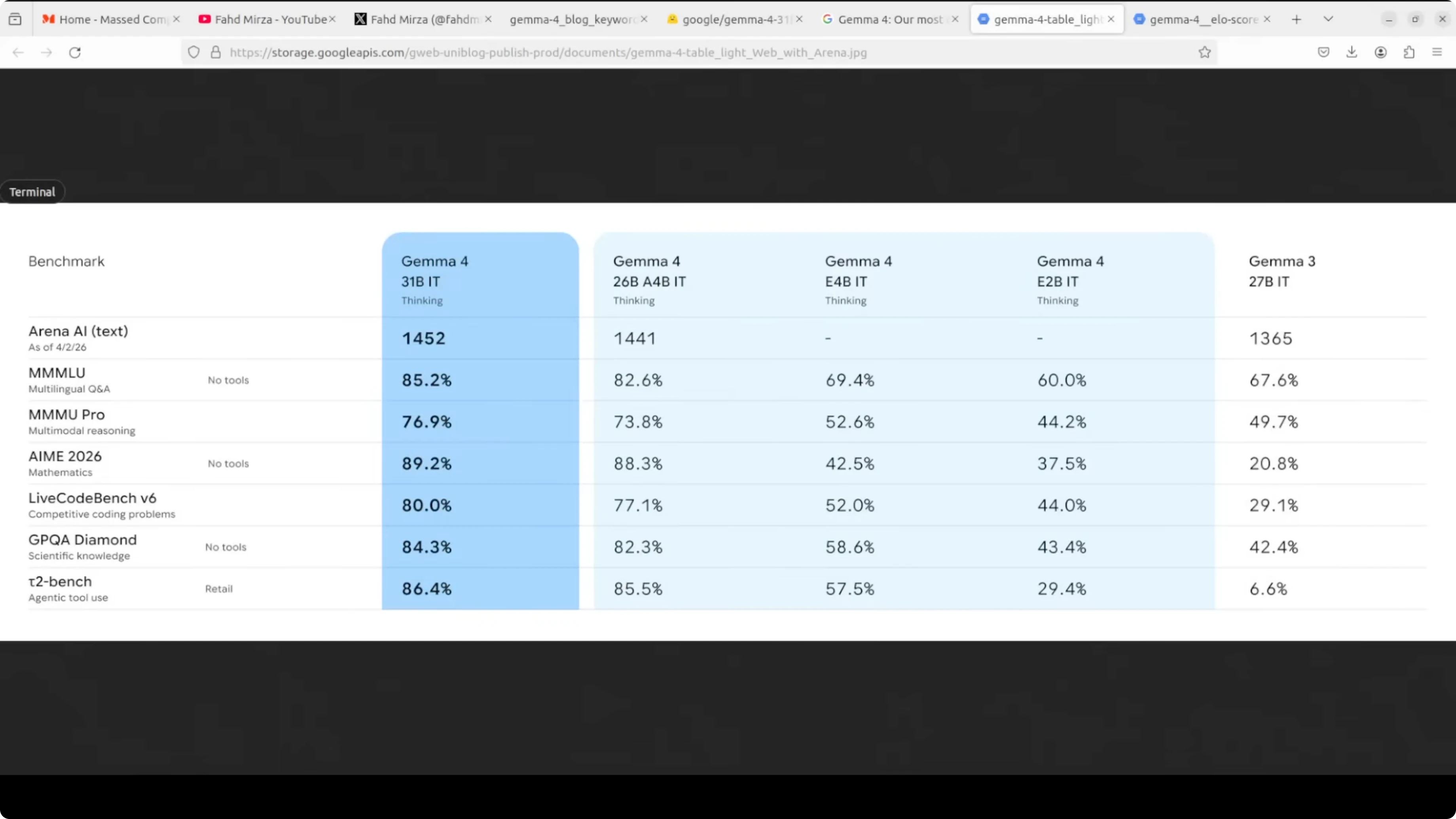
Google has thrown it out of the park with Gemma 4, a model family that punches so far above its weight class it makes models 20 times the size look slow and expensive. I have covered each and every Google model the last few years, especially the Gemma family, and I remain a huge fan. Let’s get the 31 billion instruction tuned model running locally and walk through the architecture, features, sizes, and benchmarking in plain words.
Gemma 4 comes in four sizes: E2B, E4B, a 26 billion mixture of experts, and a 31 billion dense model. The smaller E2B and E4B models use per layer embeddings, which dramatically lowers their effective parameter count relative to their total. Embedding tables are large but only used for fast lookup, so they learn lean.
The 26 billion is a mixture of experts model that only activates 3.8 billion parameters during inference. The 31 billion model I am focusing on here is a straight dense model. I am a huge fan of dense models because they offer maximum quality and are great for fine-tuning.
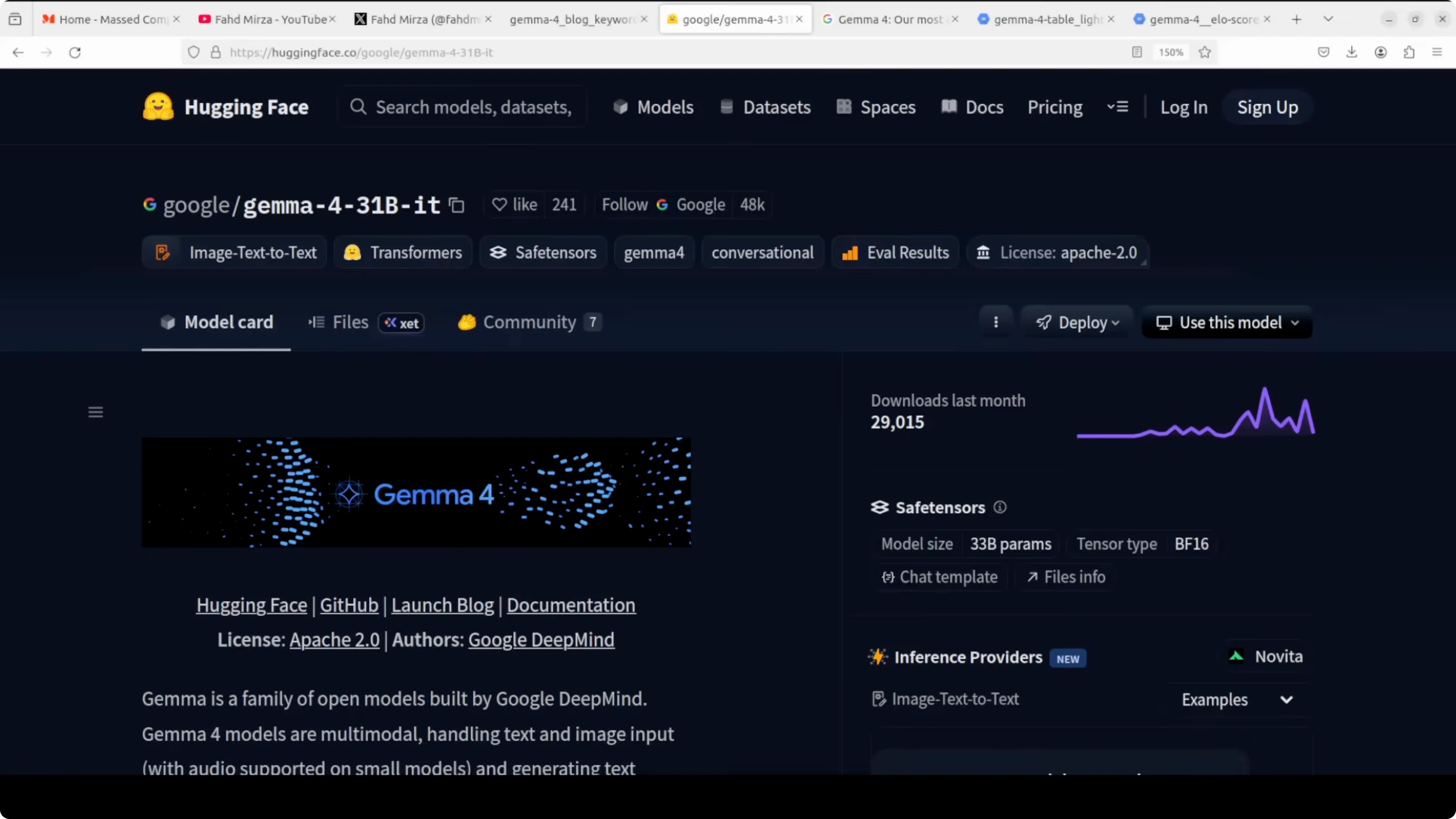
Every Gemma 4 model uses a hybrid attention mechanism that alternates between local sliding window attention and full global attention. This keeps memory efficient while handling long context up to 128k tokens on small models and 256k on larger ones. That is a sweet spot I have seen Google aim for in Gemma.
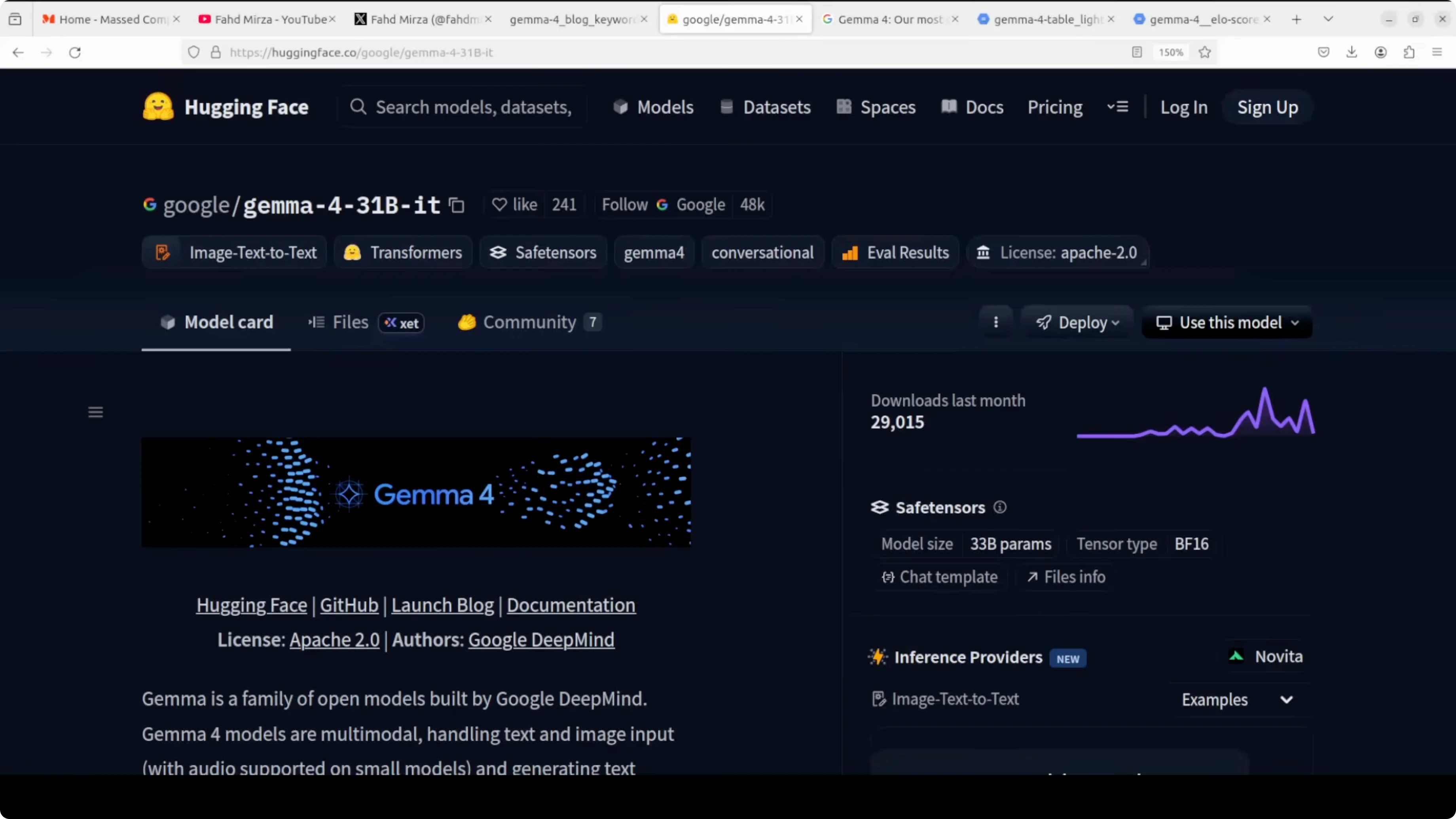
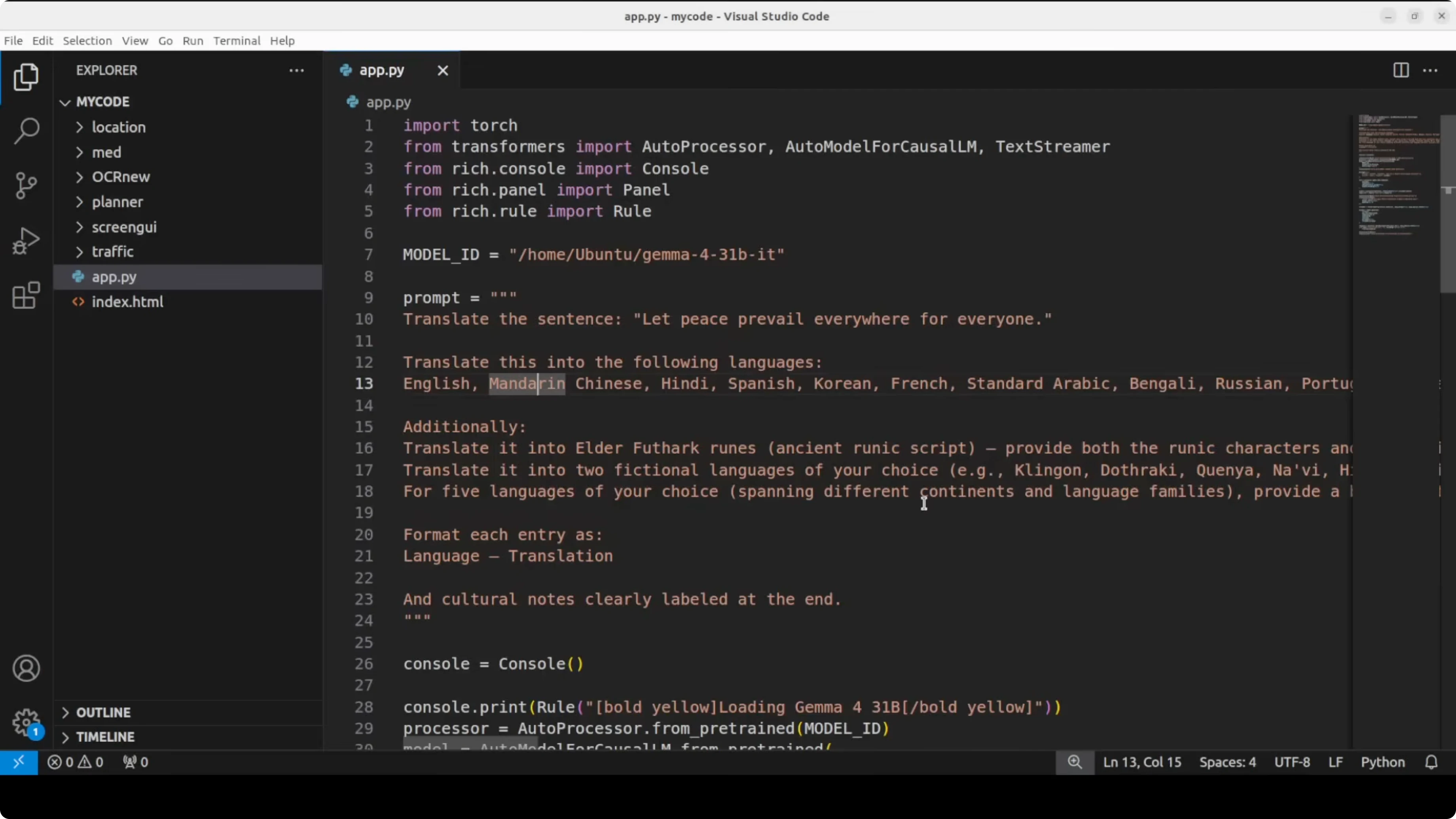
Capabilities are strong across the board. Every model is multimodal, handling text and images natively. There is a built-in thinking mode, native function calling for agentic workflows, and multilingual support across 140 plus languages.
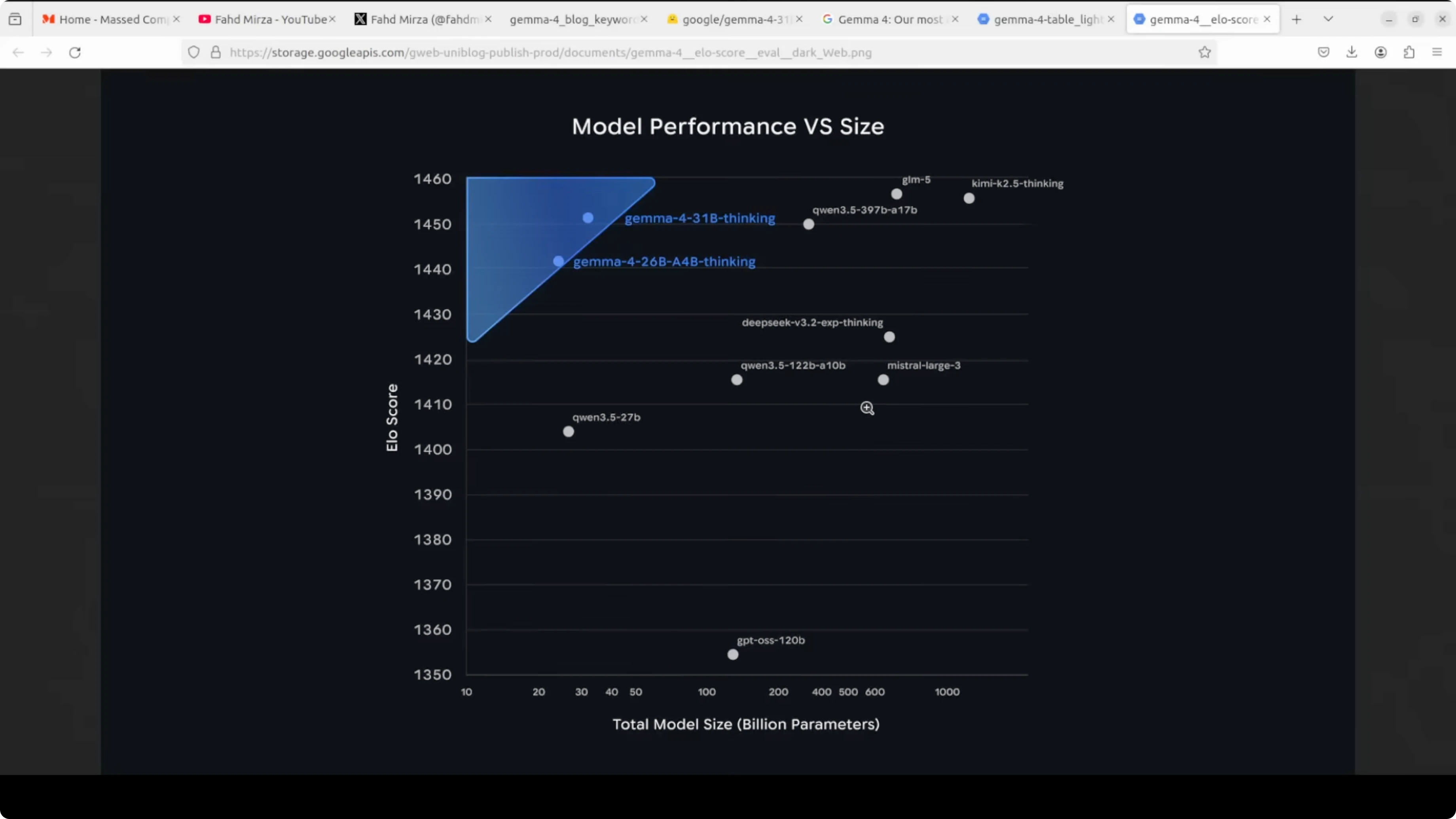
This whole family ships under Apache 2, which is simply beautiful. You can just use it without restrictions. Benchmarks are solid too, with the 31 billion model sitting very high on open model leaderboards and posting excellent AIME math and code scores for its size.
Read More: comparison against Qwen 3.5 27B
Overview - Gemma 4: Google's Powerful 31B Open Model Locally
The 31B instruction tuned model is the quality-first dense option in the family. It is ideal for local inference at high quality if you have enough VRAM and want strong multilingual, code, reasoning, and multimodal performance. Long context, hybrid attention, and Apache 2 licensing round it out as a very practical open model.
If you are evaluating families side by side, you may want a broader look across sizes and training choices. For a head-to-head across product stacks, see this deeper Gemma 4 vs Qwen 3.5 overview to decide which direction fits your needs.
Setup - Gemma 4: Google's Powerful 31B Open Model Locally
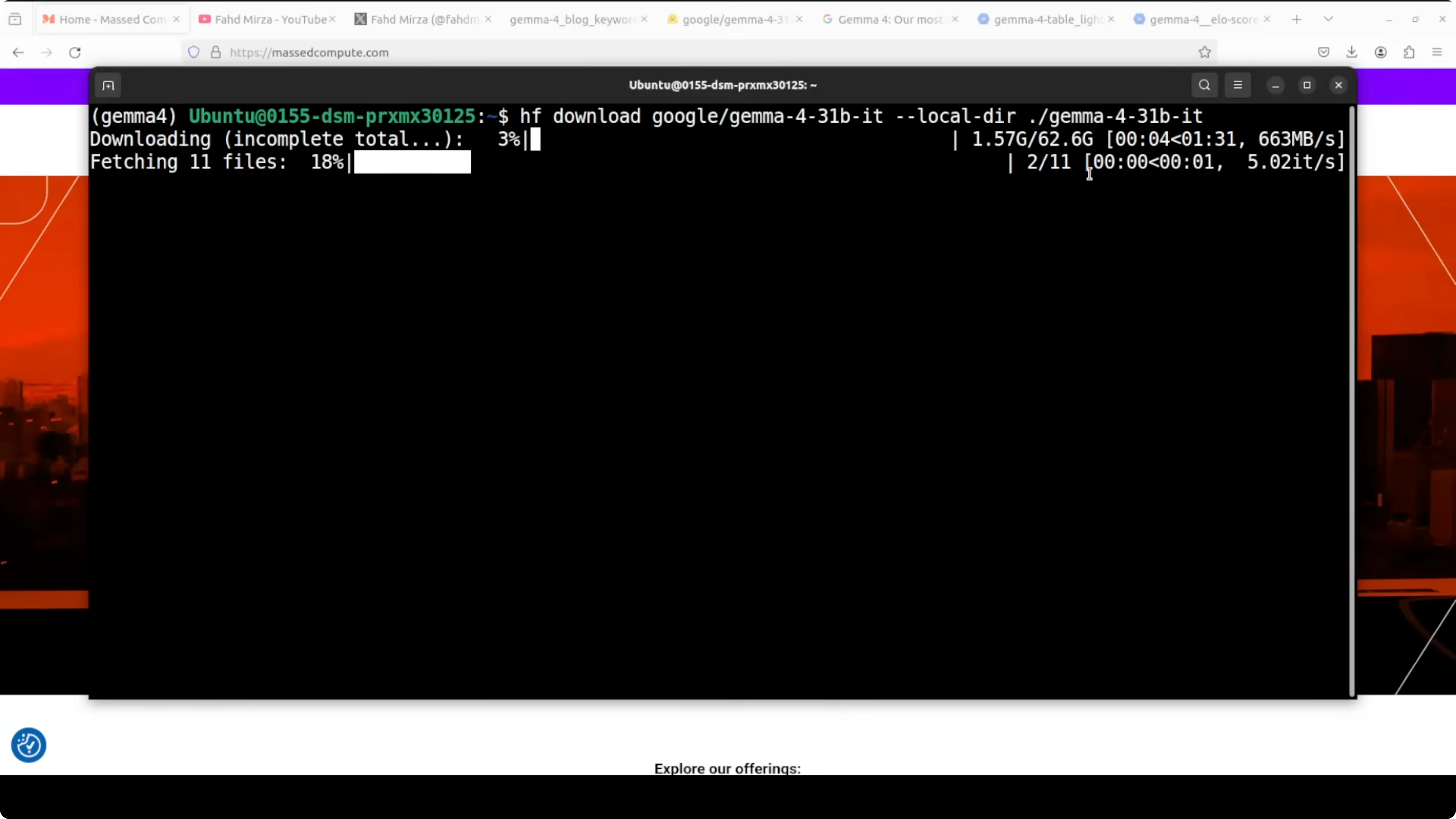
I am using Ubuntu with an Nvidia H100 80 GB GPU. You should plan for over 62 GB on disk for the 31B weights, and similar VRAM headroom for full precision with KV cache during generation. If you have less VRAM, use quantization.
Create a fresh environment with Conda.
conda create -n gemma4 python=3.10 -y
conda activate gemma4
Install core dependencies for GPU inference.
pip install --upgrade pip
pip install "torch>=2.2" --index-url https://download.pytorch.org/whl/cu121
pip install "transformers>=4.40.0" accelerate sentencepiece safetensors huggingface_hub einops
Optional packages for quantization, images, and video frames.
pip install bitsandbytes pillow opencv-pythonLog in to Hugging Face so you can download gated weights if requested.
huggingface-cli loginDownload the model with either Git LFS or the Hub client. Git LFS option:
git lfs install
git clone https://huggingface.co/google/gemma-4-31B-it
Or download into a specific folder with the Hub client inside Python.
from huggingface_hub import snapshot_download
snapshot_download(repo_id="google/gemma-4-31B-it", local_dir="./gemma-4-31b-it")
Verify your GPU visibility and VRAM before loading.
nvidia-smi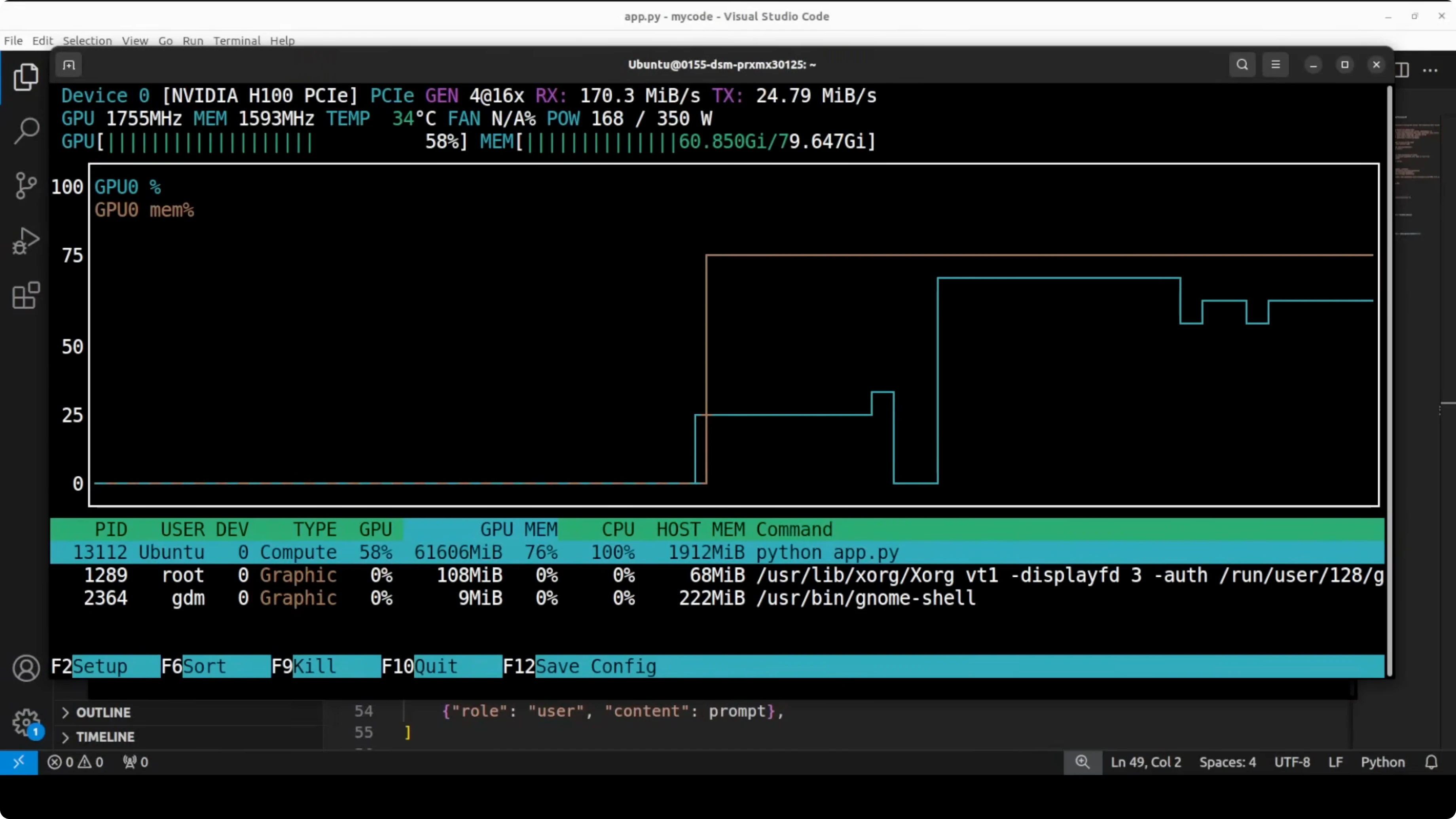
Read More: Ollama-based local setup
Text - Gemma 4: Google's Powerful 31B Open Model Locally
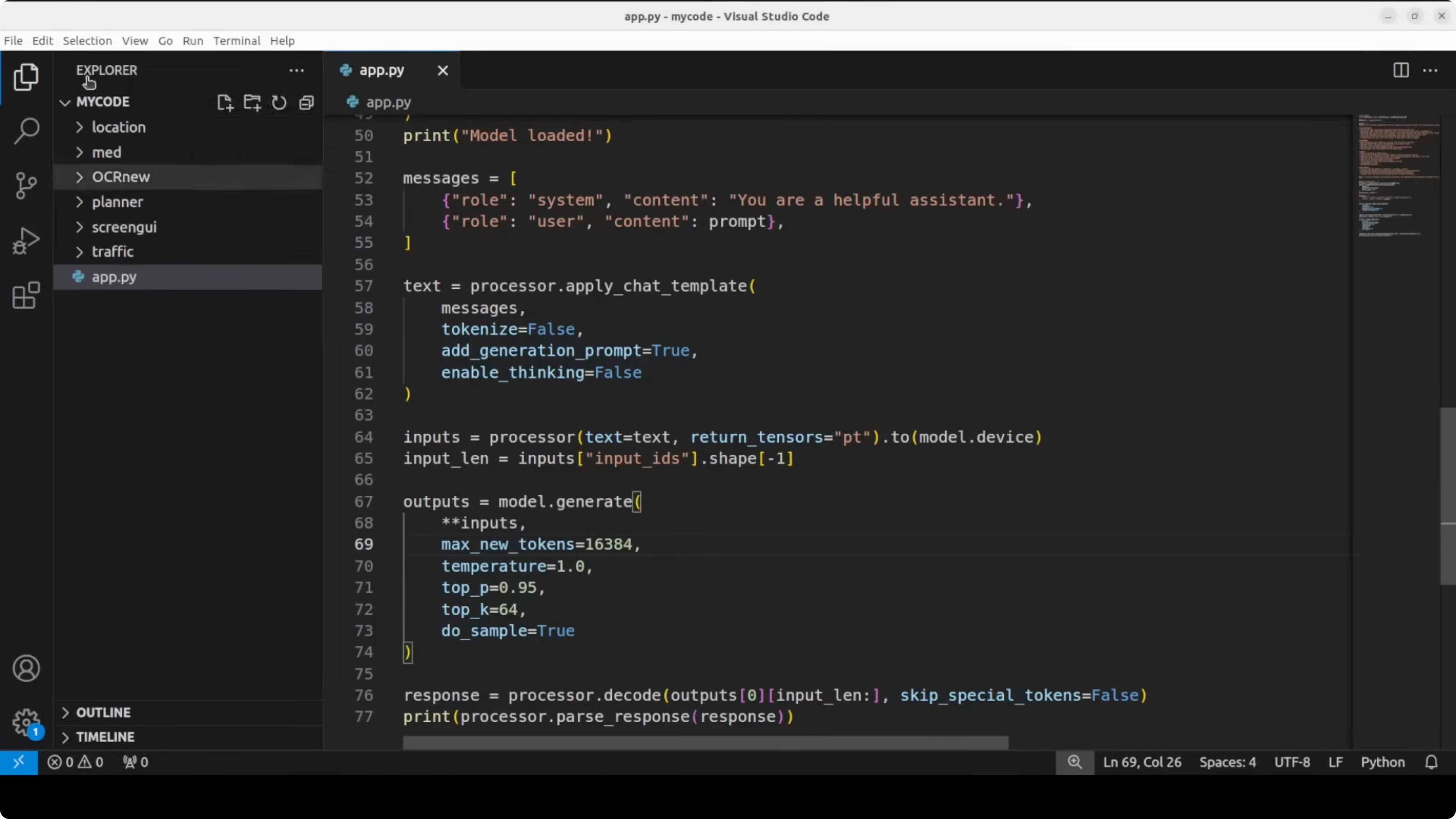
Load the instruction tuned 31B model for text-only generation. BF16 and device_map auto will place weights on your GPU.
import torch
from transformers import AutoTokenizer, AutoModelForCausalLM
model_id = "google/gemma-4-31b-it"
tokenizer = AutoTokenizer.from_pretrained(model_id, use_fast=True)
model = AutoModelForCausalLM.from_pretrained(
model_id,
torch_dtype=torch.bfloat16,
device_map="auto"
)
prompt = "Explain the hybrid attention in Gemma 4 and why it helps with long context."
inputs = tokenizer(prompt, return_tensors="pt").to(model.device)
outputs = model.generate(
**inputs,
max_new_tokens=512,
temperature=0.7,
top_p=0.9
)
print(tokenizer.decode(outputs[0], skip_special_tokens=True))If you need to fit on smaller GPUs, load 4-bit quantized weights with bitsandbytes. Quality will dip slightly, but you can run on 24 GB cards.
import torch
from transformers import AutoTokenizer, AutoModelForCausalLM, BitsAndBytesConfig

model_id = "google/gemma-4-31b-it"

bnb_config = BitsAndBytesConfig(
    load_in_4bit=True,
    bnb_4bit_use_double_quant=True,
    bnb_4bit_quant_type="nf4",
    bnb_4bit_compute_dtype=torch.bfloat16
)

tokenizer = AutoTokenizer.from_pretrained(model_id, use_fast=True)
model = AutoModelForCausalLM.from_pretrained(
    model_id,
    quantization_config=bnb_config,
    device_map="auto"
)
Vision - Gemma 4: Google's Powerful 31B Open Model Locally
Use the multimodal processor to handle text plus image inputs. This path supports OCR-like prompts and structured extraction.
import torch
from PIL import Image
from transformers import AutoProcessor, AutoModelForCausalLM

model_id = "google/gemma-4-31b-it"

processor = AutoProcessor.from_pretrained(model_id)
model = AutoModelForCausalLM.from_pretrained(
    model_id,
    torch_dtype=torch.bfloat16,
    device_map="auto"
)

image = Image.open("form.png").convert("RGB")

messages = [
    {
        "role": "user",
        "content": [
            {"type": "text", "text": "Convert this form into valid JSON with correct keys and values."},
            {"type": "image", "image": image}
        ]
    }
]

inputs = processor.apply_chat_template(
    messages,
    add_generation_prompt=True,
    return_tensors="pt"
).to(model.device)

generate_kwargs = dict(max_new_tokens=1024, temperature=0.2, top_p=0.9)
outputs = model.generate(**inputs, **generate_kwargs)
text = processor.decode(outputs[0], skip_special_tokens=True)
print(text)
For detailed usage and prompt patterns tailored to Gemma 4 family, see these curated prompt and toolchain notes in our Pokeclaw workflow.
Function calling - Gemma 4: Google's Powerful 31B Open Model Locally
Gemma 4 supports native function calling for agentic workflows. You can define a schema and ask the model to produce structured function arguments for safe execution.
Define a tool schema and call pattern.
import json
from transformers import AutoTokenizer, AutoModelForCausalLM
import torch

model_id = "google/gemma-4-31b-it"
tokenizer = AutoTokenizer.from_pretrained(model_id, use_fast=True)
model = AutoModelForCausalLM.from_pretrained(model_id, torch_dtype=torch.bfloat16, device_map="auto")

tool = {
    "type": "function",
    "function": {
        "name": "create_calendar_event",
        "description": "Create a calendar event.",
        "parameters": {
            "type": "object",
            "properties": {
                "title": {"type": "string"},
                "date": {"type": "string"},
                "time": {"type": "string"},
                "location": {"type": "string"}
            },
            "required": ["title", "date", "time"]
        }
    }
}

messages = [
    {"role": "system", "content": "You produce only valid JSON arguments for the called function."},
    {"role": "user", "content": "Schedule a meeting titled Roadmap Review on May 14 at 10 AM in Room 3B."}
]

prompt = tokenizer.apply_chat_template(messages, tools=[tool], add_generation_prompt=True, return_tensors="pt").to(model.device)
outputs = model.generate(**prompt, max_new_tokens=256, temperature=0.2, top_p=0.9)
print(tokenizer.decode(outputs[0], skip_special_tokens=True))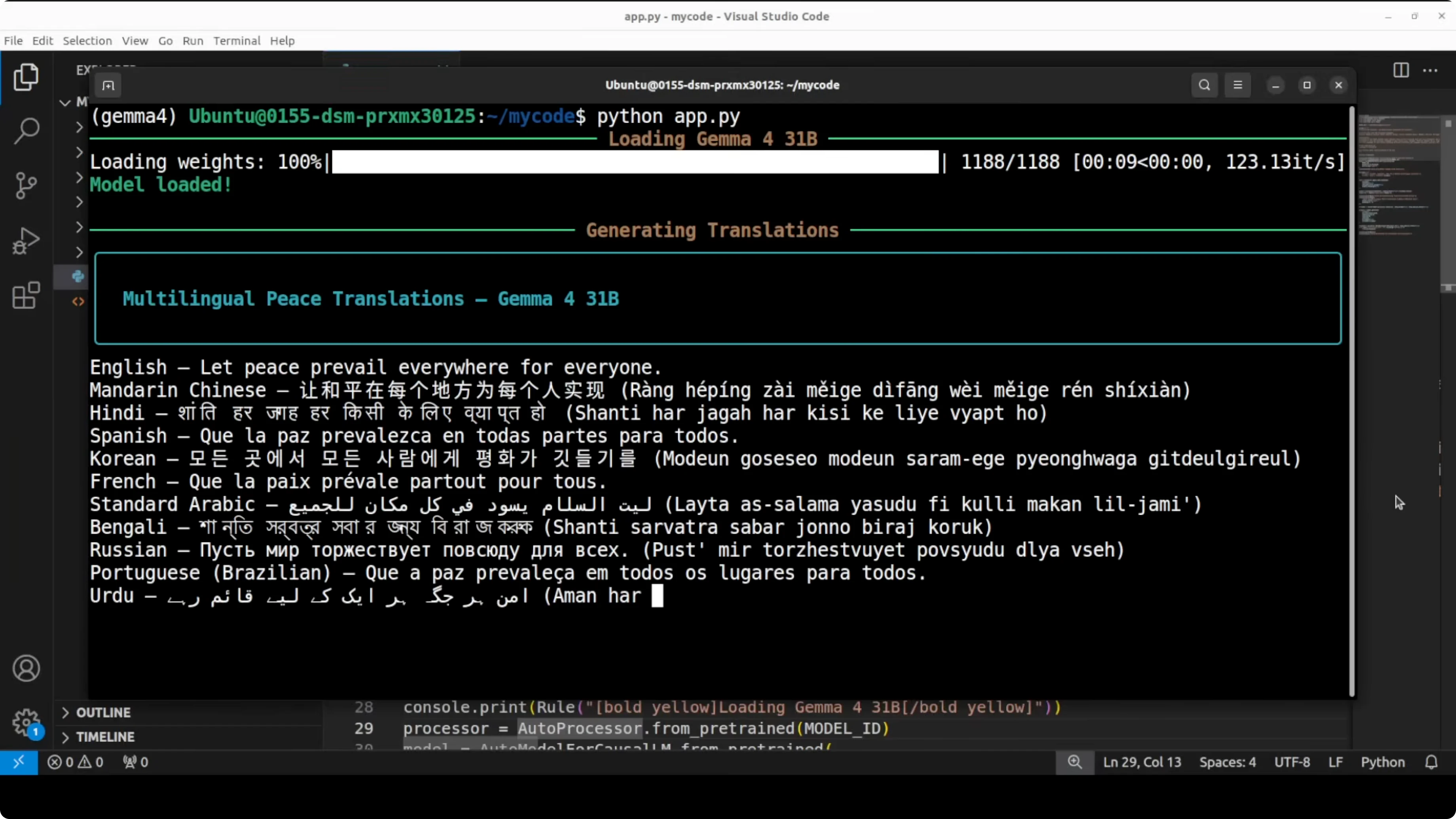
Long context - Gemma 4: Google's Powerful 31B Open Model Locally
Small models in the family handle up to 128k tokens and larger ones go to 256k. Hybrid attention alternates local sliding windows with full global attention to keep compute tractable while preserving the ability to reason across distant spans. Use low temperature and higher max_new_tokens for long retrieval and summarization workflows.
If you are comparing long context performance against strong baselines in the same class, this practical Gemma 4 31B versus Qwen 3.5 27B breakdown shows tradeoffs in quality and speed.
Use cases - Gemma 4: Google's Powerful 31B Open Model Locally
Enterprise RAG with long contracts, policies, and logs benefits from the extended context and hybrid attention. High quality instruction following in English and multilingual settings makes it a reliable local assistant for code, analysis, and drafting. Multimodal inputs allow OCR-like form extraction into JSON, technical diagram explanations, and doc-image mixed workflows.
Structured agents with native function calling enable safe tool use for scheduling, retrieval, database lookups, and light automation. High quality dense weights make the 31B variant an attractive starting point for targeted fine-tuning. For model card details, see the official resource at https://huggingface.co/google/gemma-4-31B-it.
Troubleshooting - Gemma 4: Google's Powerful 31B Open Model Locally
If you encounter access or account gating on related stacks, follow this fix guide for account restrictions in OpenClaw flows. For containerized or Ollama-first deployments, use the stepwise Ollama setup to standardize local runs. If your evaluation path spans multiple families, also see the broader Gemma versus Qwen comparison to calibrate expectations.
Final Thoughts
Gemma 4 is a strong open model family with practical sizes, hybrid attention for long context, native vision, function calling, and a permissive Apache 2 license. The 31B dense instruction tuned variant delivers high quality locally if you have the VRAM, and it fine-tunes well for specialized tasks. I am impressed by how far it goes for its size and how easy it is to put into real work.
Subscribe to our newsletter
Get the latest updates and articles directly in your inbox.

Related Posts

8 Best Claude Code Plugins in 2026 (You Need to Know)
8 Best Claude Code Plugins in 2026 (You Need to Know)

7 Best Claude Code Skills (You Need to Know)
7 Best Claude Code Skills (You Need to Know)

Claude Code Desktop IDE Features (You Need to Know)
Claude Code Desktop IDE Features (You Need to Know)