
How This Claude Code Workflow Transforms Your Coding Output?
Claude Code has been my go-to coding agent for the last couple of months. I’m going to show you tips and tricks that can 20x your results with Claude Code. This walkthrough focuses on improving productivity with install, initialization, development modes, core features, hooks, commands, advanced agents, and session management.
You will see how spec-driven planning helps Claude Code plan before it executes. I will also show plan mode and YOLO mode for different development flows. In the end you will know how to resume and export sessions to keep your projects moving fast.
How This Claude Code Workflow Transforms Your Coding Output?
Claude Code runs directly inside your IDE, which keeps all work contextual to your codebase. It creates a shared project memory so the agent can reason about your app. The key is to set up your project context once and guide Claude with a clear spec.
If you are brand new, start with a simple install and project init. For a step-by-step IDE install, see this setup guide. Then lock in your project docs and planning rules so Claude follows the right workflow.
Install and initialize
Install the Claude Code extension in VS Code. Open the Claude Code panel and start a session inside your IDE.
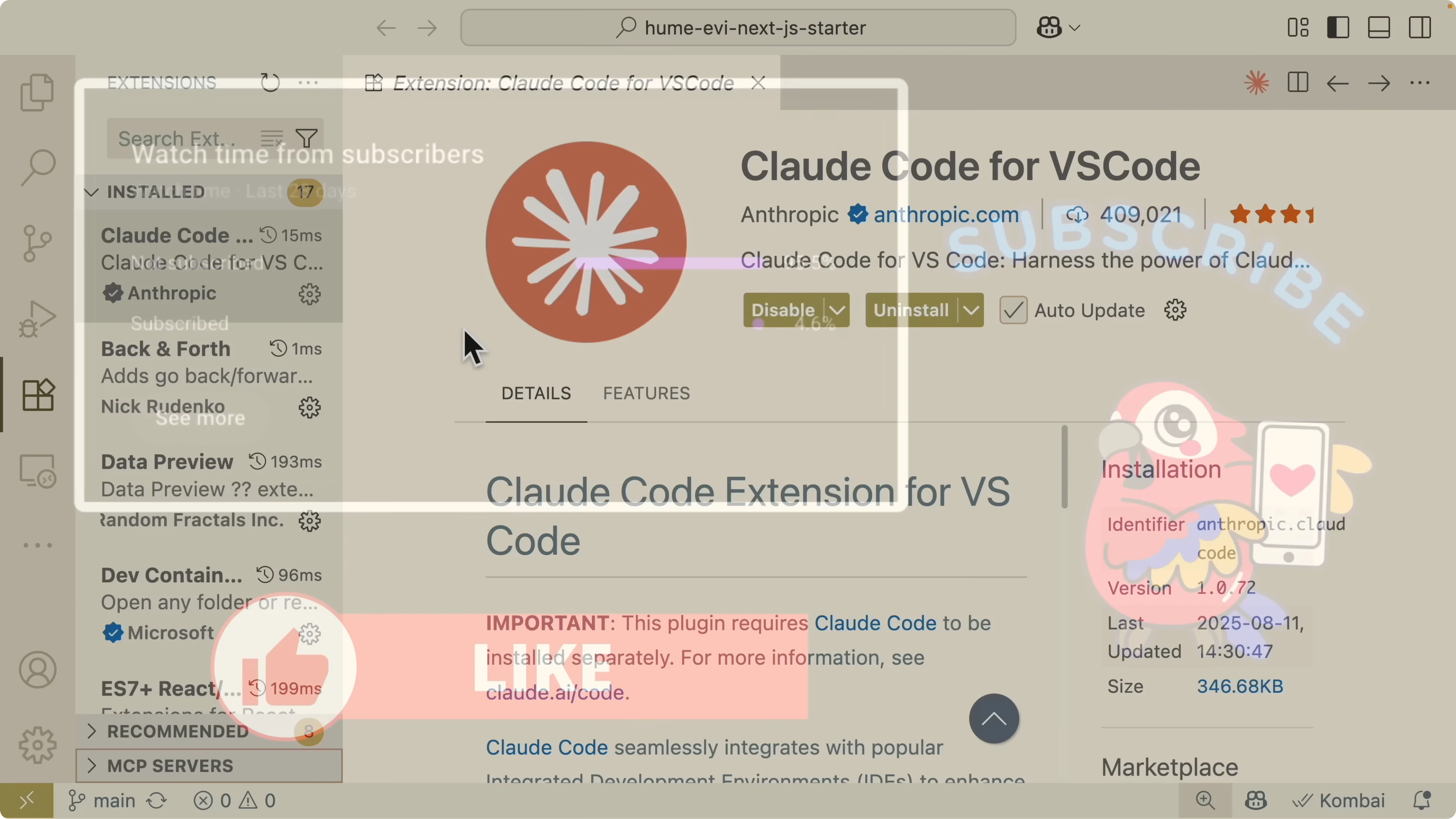
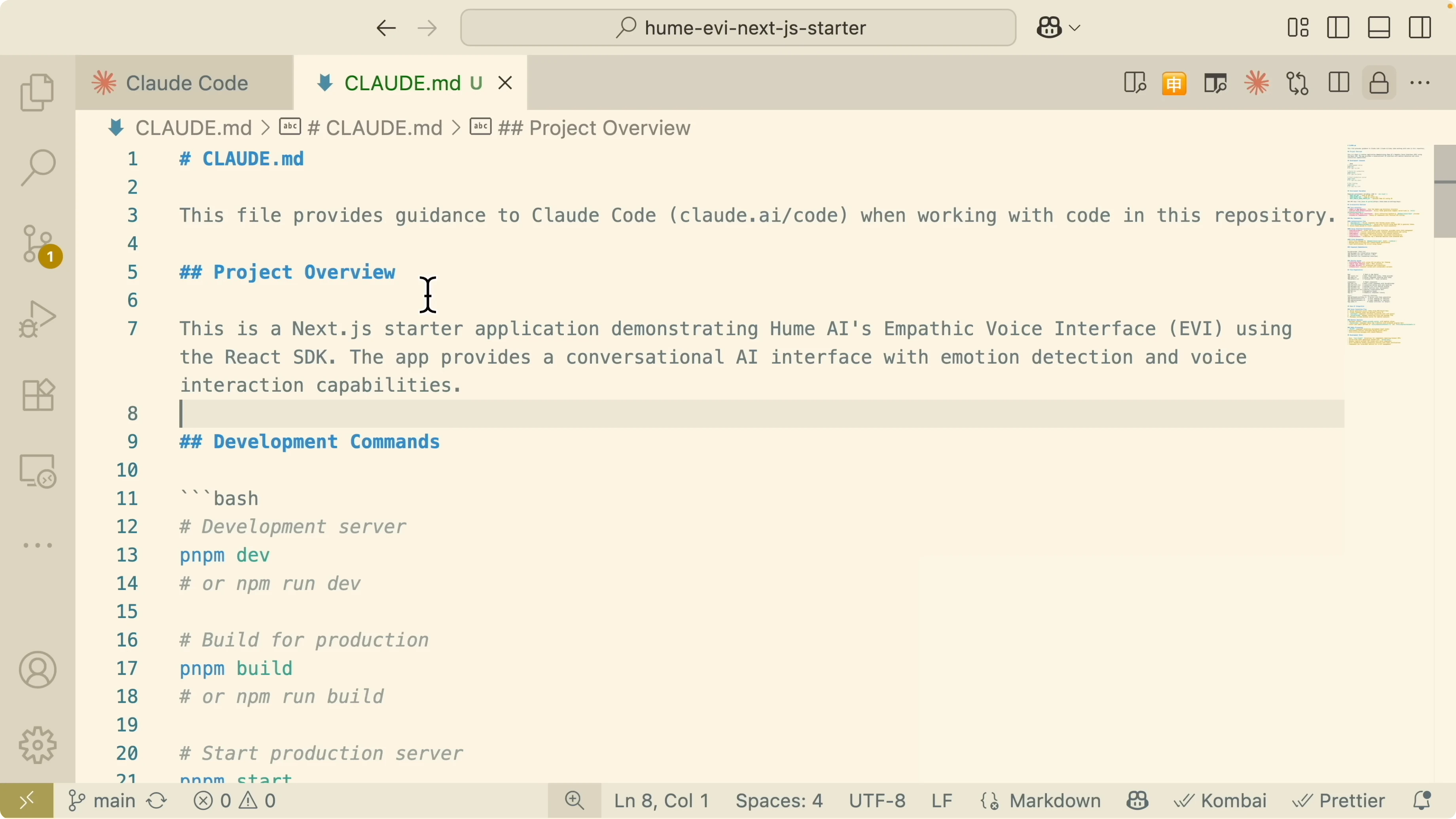
Initialize your project to generate the claude.md with codebase documentation. Claude scans your repository, understands your project structure, and writes a concise project overview with dependencies, scripts, architecture, and notes.
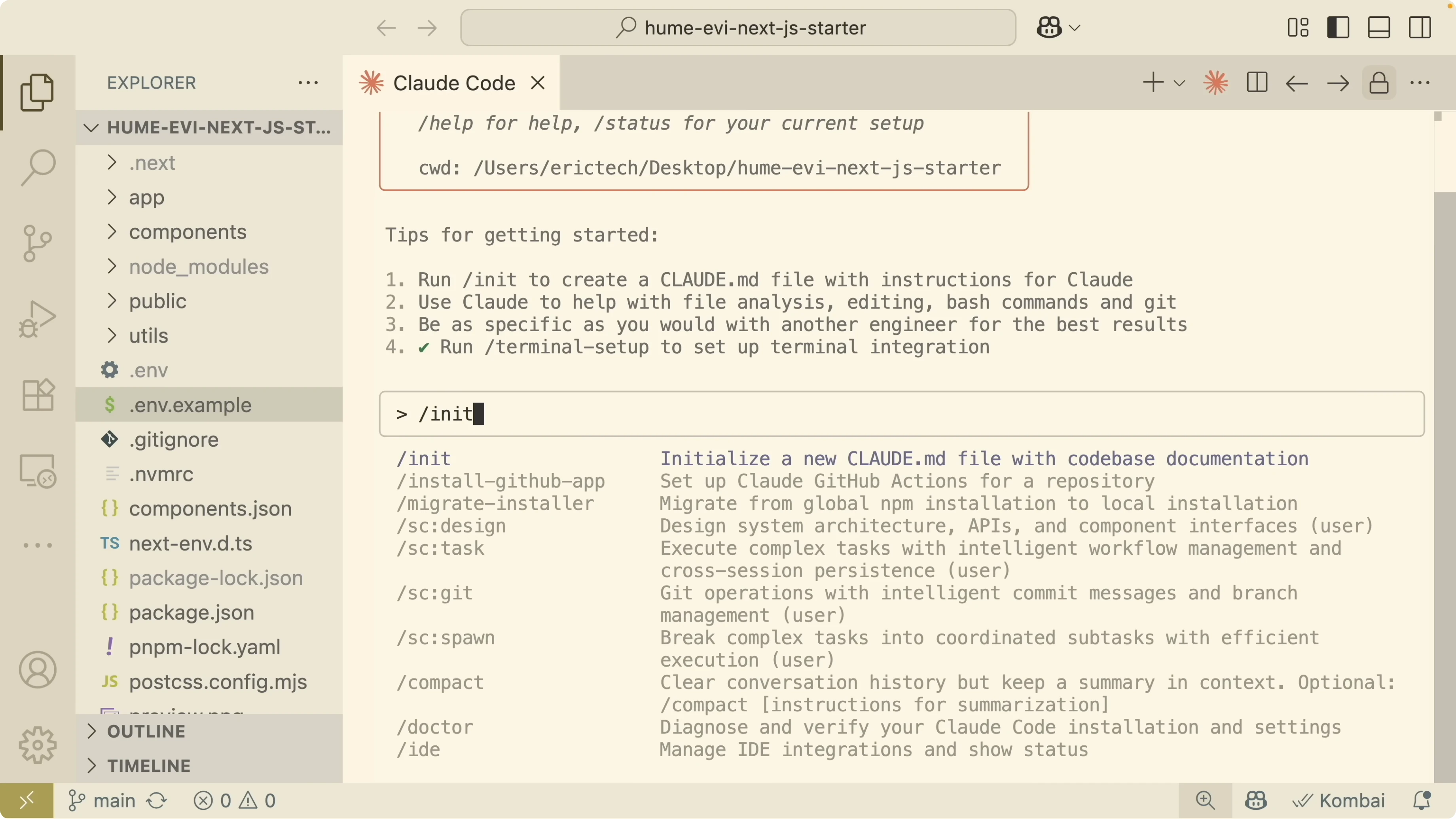
I used a simple calling application that interacts with a large language model on port 3001 to demonstrate. I started it locally and verified the assistant handled messages and emotions correctly. After init, Claude Code listed the steps to understand the project, explored package.json, and created claude.md.
Here is an example claude.md scaffold the tool can produce and expand as it learns your codebase:
# Project Overview
Name: AI Calling Friend
Port: 3001
## Purpose
Interactive UI for AI conversation with emotion capture.
## Tech Stack
- Node.js
- React
- Vite
## Development
- Install: npm install
- Dev: npm run dev
- Build: npm run build
## Architecture
- src/
- components/
- hooks/
- services/
- server/
- public/
## Notes
- Emotion capture sent to LLM for response generation.
- Conversation components animate message display.Read More: Claude Code With Ollama Models Without Anthropic Api Key
Spec-driven planning
I add a planning prompt inside claude.md so Claude always plans and reviews before it writes code. This keeps work scoped to MVP, avoids overbuilding, and documents the reasoning.
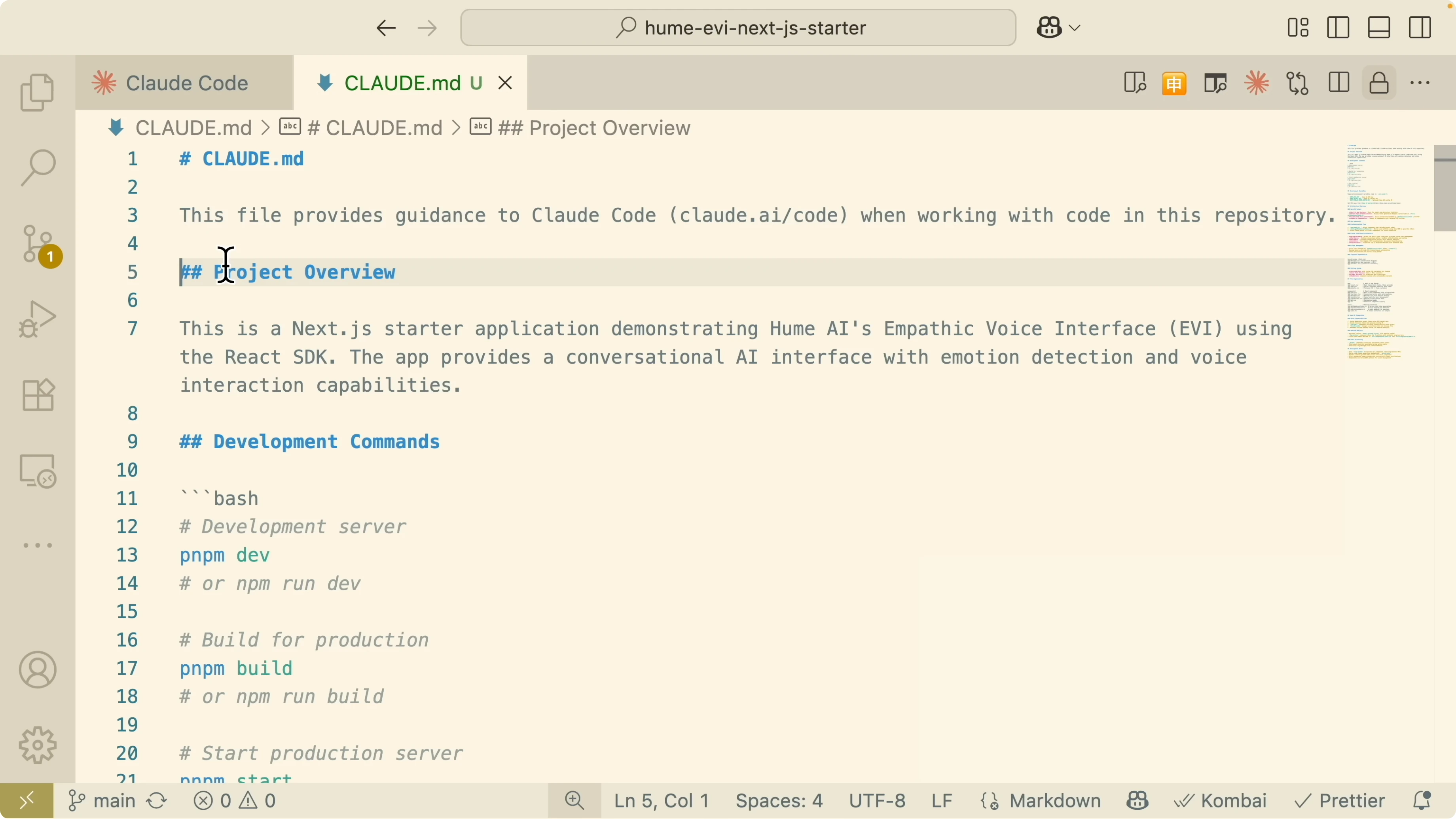
Use a block like this to enforce plan review and implementation tracking:
## Workflow Rules
Before starting any task:
1. Write a detailed implementation plan in TASKS.md.
2. Explain the reasoning behind the approach.
3. List clear tasks focused on the MVP.
4. Review and confirm the plan before implementation.
5. During implementation, record every change with a short rationale.
6. Update progress in TASKS.md so other engineers can continue the work.
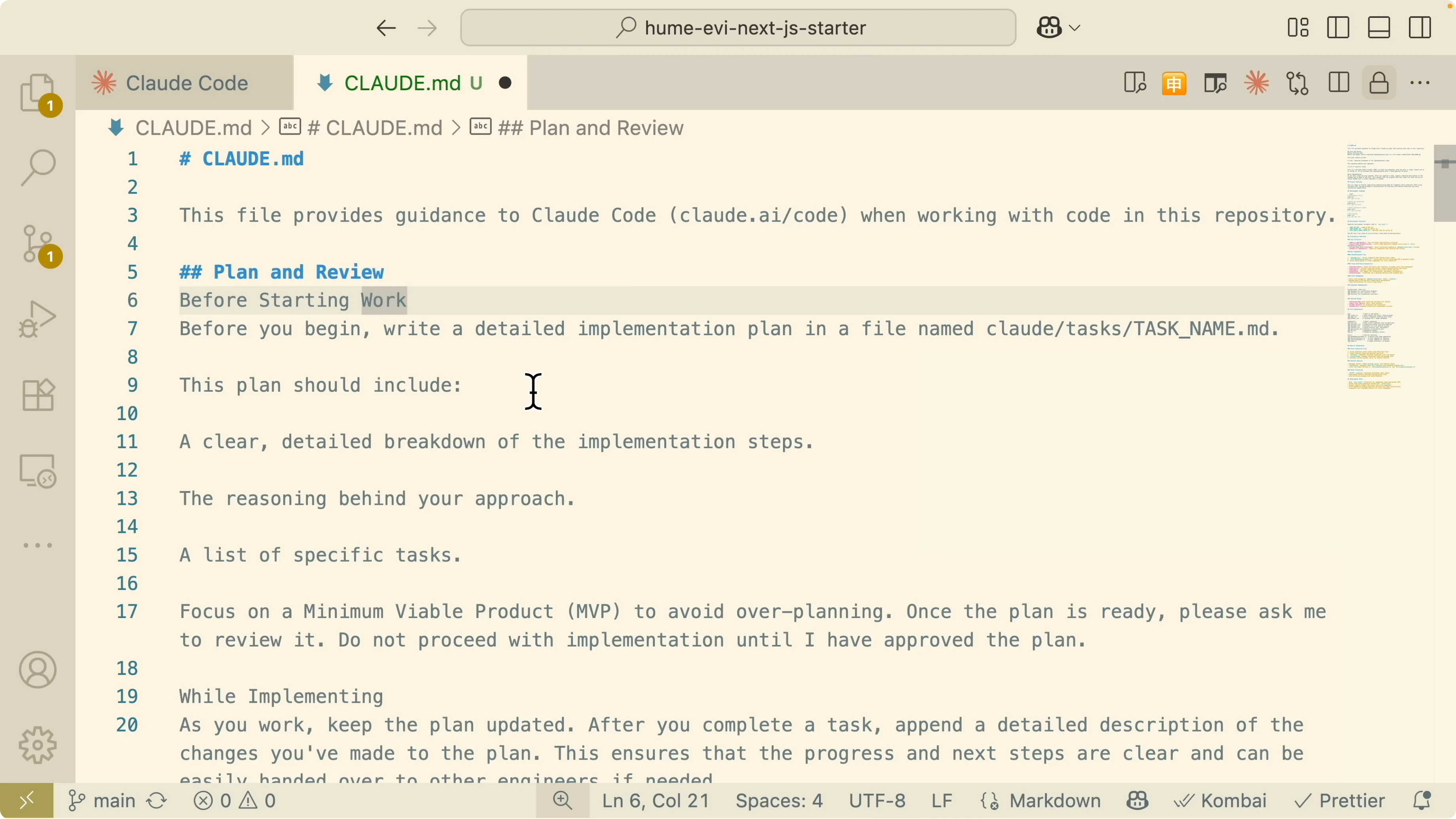
Always follow the approved plan and refer to claude.md for context.I keep the plan minimal but clear. Claude should justify choices and track every change for handoff. This mirrors a spec-driven development approach.
Development modes
Plan mode
When I implement a new feature, I switch to plan mode and let Claude read the codebase before executing. Ask it to break the feature into key components and assemble them at the end. Press Shift+Tab to toggle modes until you select plan mode, then send your request.
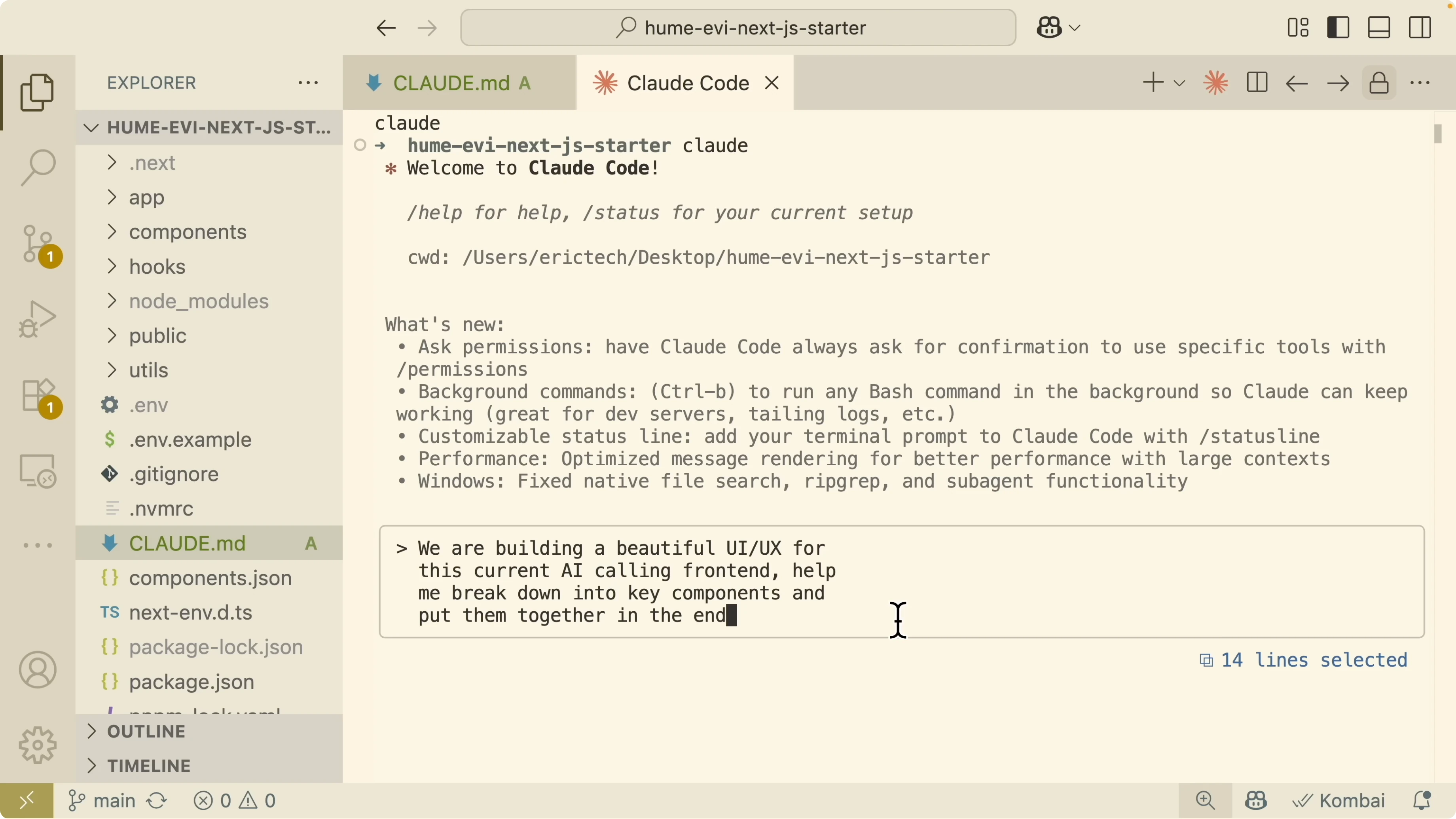
Claude will scan relevant files and may call tools like web-research and web-fetch. It can research current UX and UI trends for AI conversation interfaces, fetch design references, and propose an enhancement plan. Review the plan, auto accept edits when they look right, and move forward.
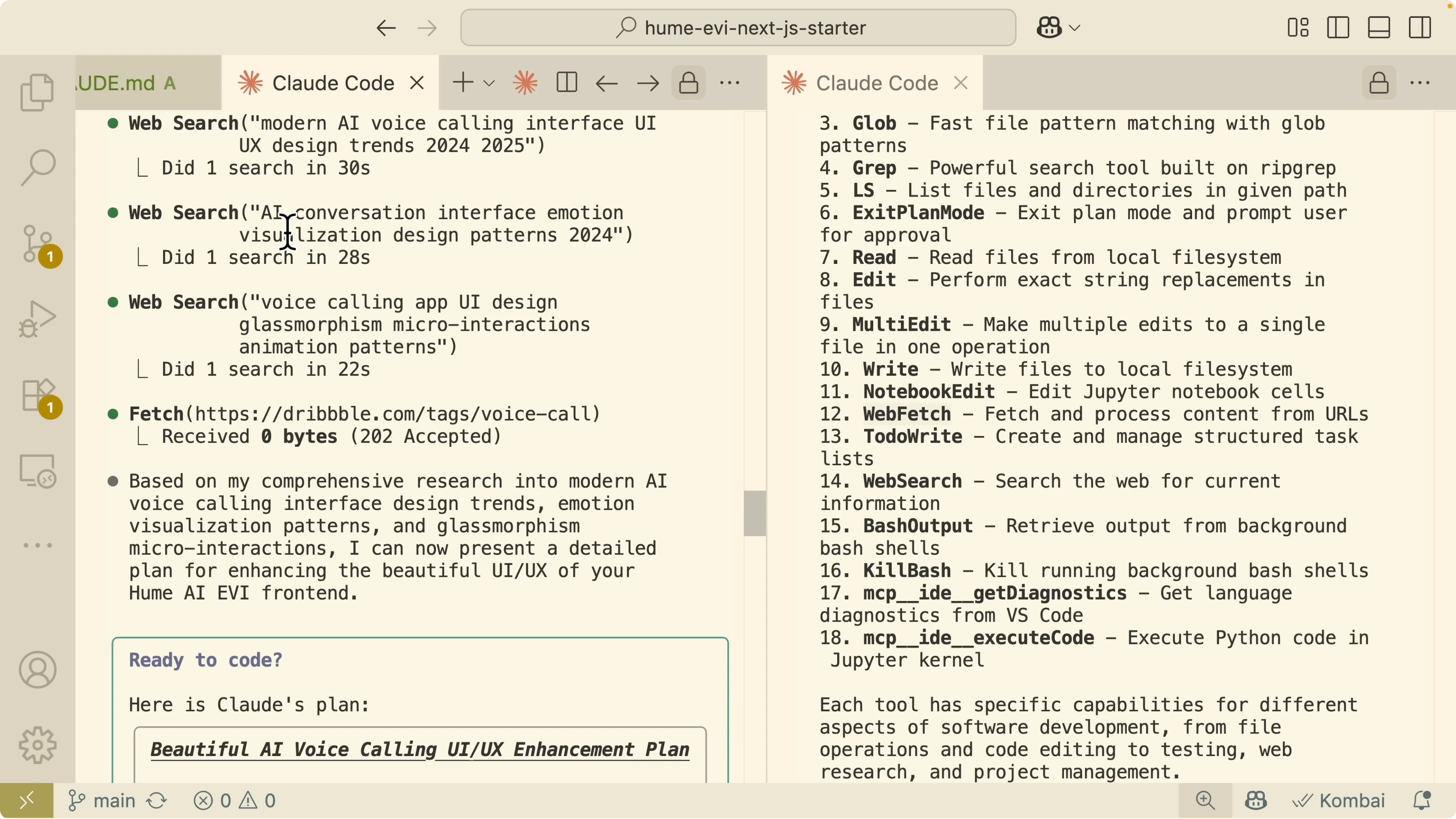
Claude creates TASKS.md with phase tracking and completion status. You will see foundational components, core interface enhancements, and any advanced features listed with progress. This running checklist makes reviews quick and precise.
YOLO mode
If you do not want to approve every step, run YOLO mode to skip permission prompts. Use the command in the session:
/dangerously-skip-permissions on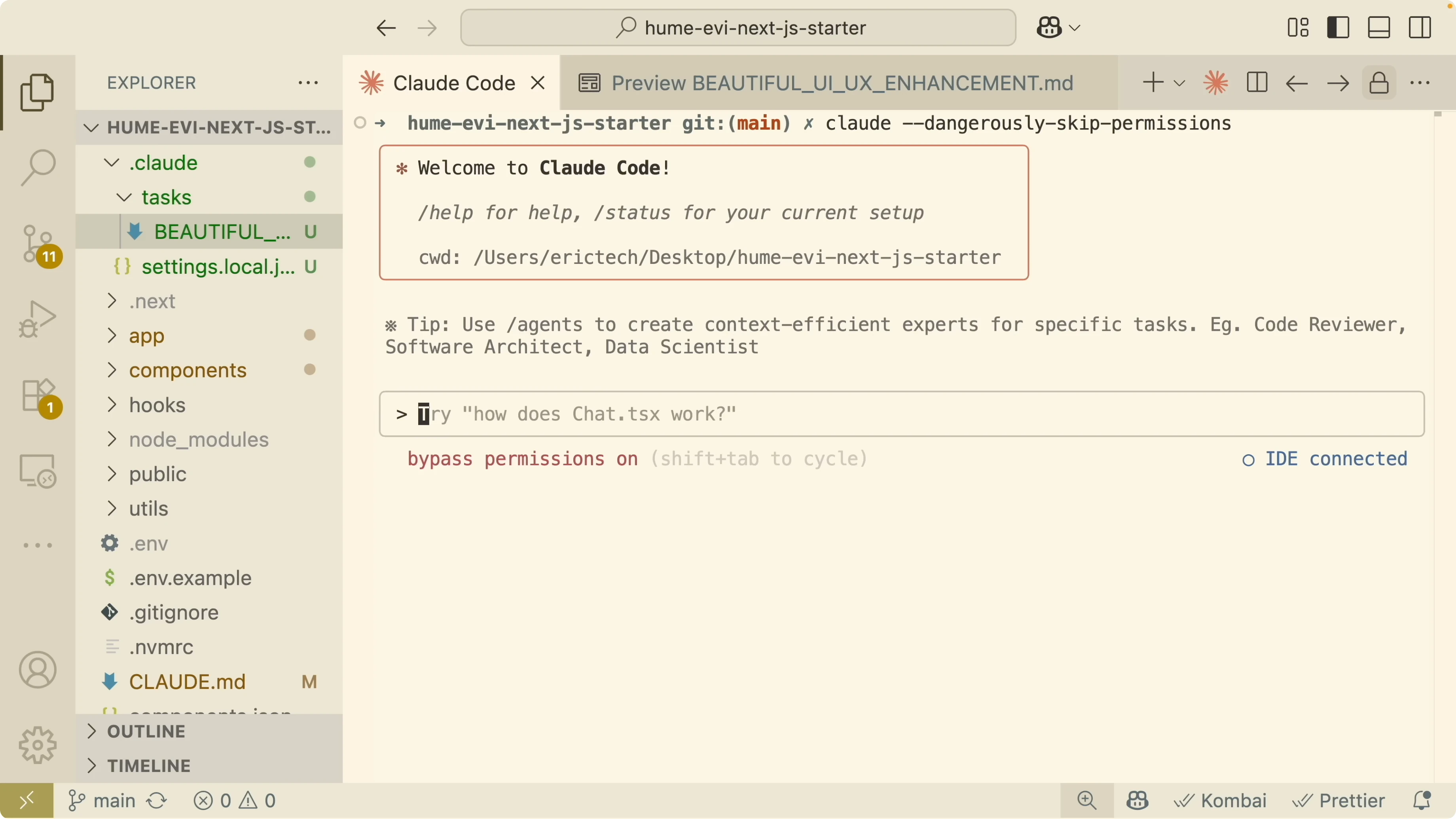
Once the enhancement plan exists, tell Claude to continue where it left off and complete the tasks. It will work through each phase without interrupting for confirmations.
When done, run your app:
npm run devI verified the updated UI with improved animations and message transitions. The plan-to-implement loop finished cleanly with no manual blockers.
Hooks
Hooks let you run scripts when Claude performs actions. I keep these in settings.local.json so they are easy to manage per project.
Here is a simple example that plays a system sound when the assistant finishes responding, plus a style check on file writes:
{
  "hooks": [
    {
      "event": "assistant_finished",
      "run": "afplay /System/Library/Sounds/Glass.aiff"
    },
    {
      "event": "file_write",
      "pattern": "src/**/*.{ts,tsx,css}",
      "run": "npm run lint:style"
    },
    {
      "event": "pre_tool_use",
      "run": "echo 'About to call a tool...'"
    },
    {
      "event": "post_tool_use",
      "run": "echo 'Tool call finished.'"
    },
    {
      "event": "user_prompt_submitted",
      "run": "echo 'Prompt received.'"
    }
  ]
}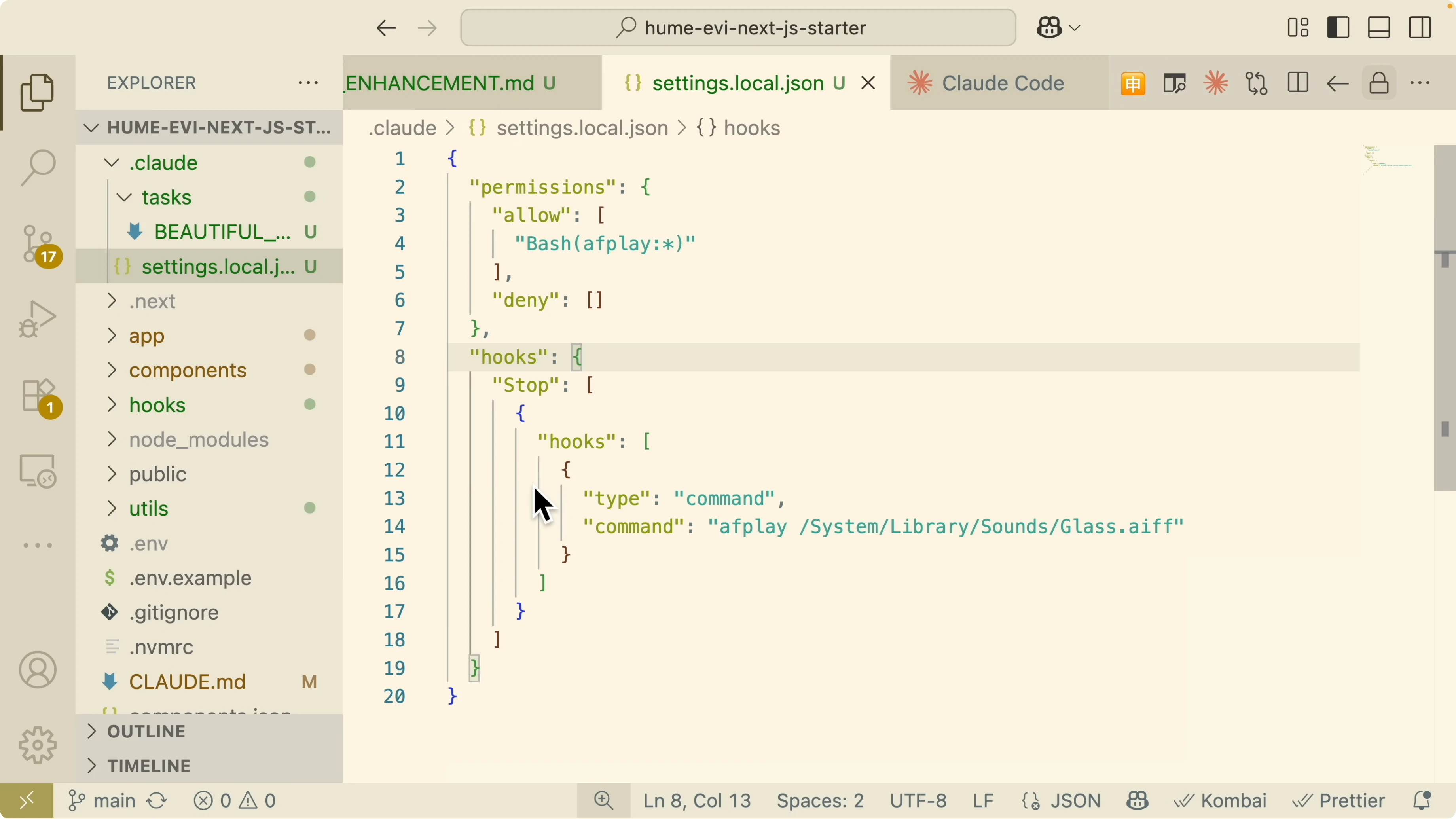
This structure supports per-project scripts and pattern-based triggers. You can wire up pre-tool and post-tool checks, notification listeners, and prompt-submission events. Treat hooks as guardrails that keep your codebase healthy as Claude edits files.
Slash commands
Claude Code ships with built-in commands that improve your daily loop. Use them directly in the chat input.
Clear a session with:
/clearCheck token usage with:
/costInitialize or reinitialize project docs with:
/init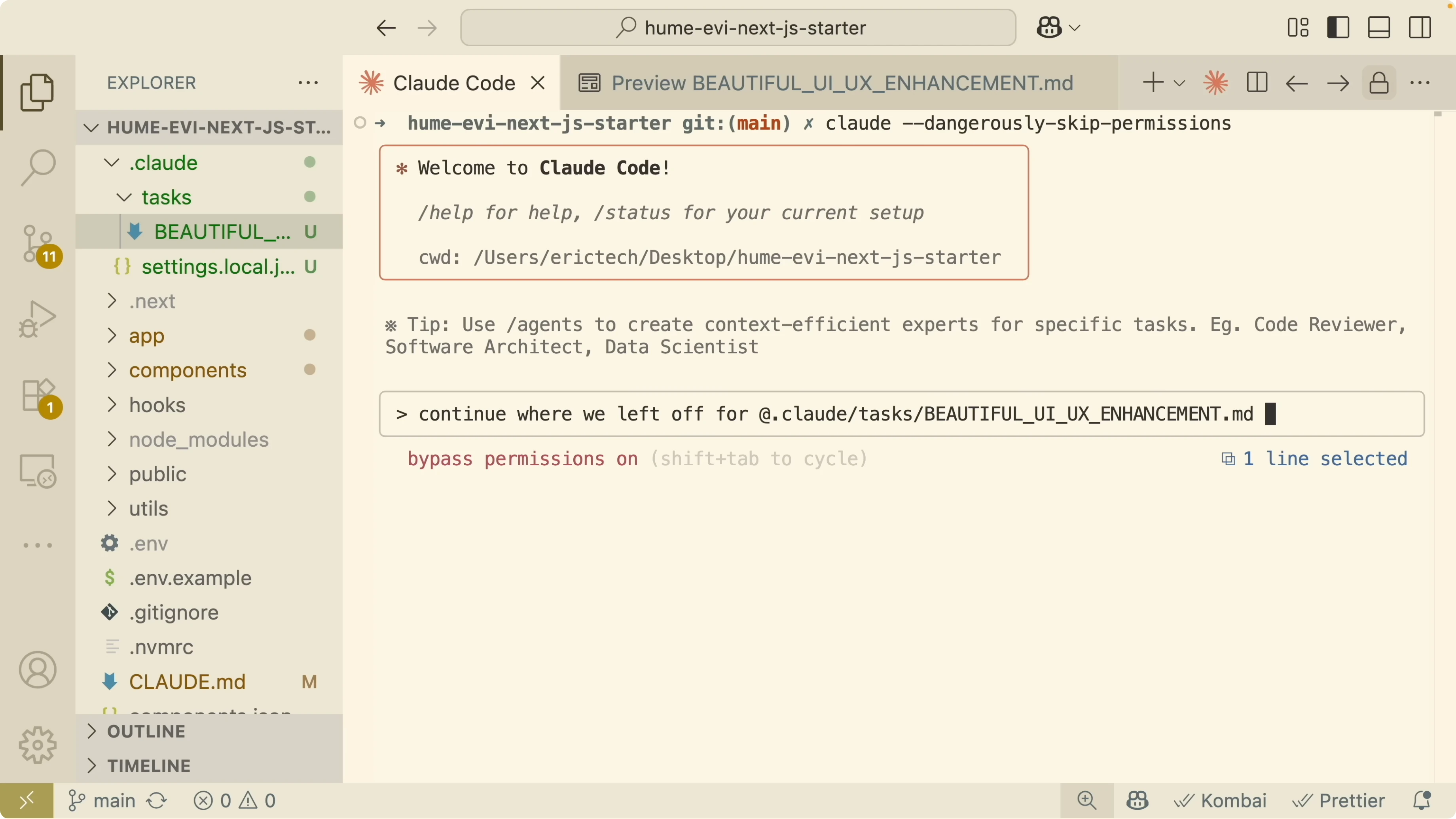
You can also work with pull requests through commands that fetch comments or request reviews. These commands keep your work focused without leaving the IDE.
Custom commands
Create reusable prompts by adding markdown files under a commands folder. I create claude/commands/uppercase.md and instruct it to reply in uppercase.
claude/commands/uppercase.md:
# Uppercase
Always respond in uppercase.
Use it by calling:
/uppercase
Please respond in uppercase format.
I rely on custom commands to save prompts for QA, component generation, and testing flows. Anything you repeat should become a command for fast reuse.
There is also a framework extending Claude Code with specialized commands and personas for front end, backend, and architecture work. To explore personas and the Superclaude approach, see this Superclaude method.
Sub agents and tools
Claude Code supports sub agents for specialized tasks across your development workflow. You can spin up focused assistants that handle UX audits, test generation, or refactors while the main session keeps context.
The planning structure stays the same and each agent follows the approved TASKS.md. Specialized agents shine when tasks need different expertise without losing project memory.
Read More: Qwen With Claude Code
Session management
Resuming past conversations is a huge time saver. Start a fresh session, then list and resume a previous thread:
/resumeSelect the conversation from the list to pick up where you left off. I often jump back to a plan discussion from earlier the same day.
Export your current session to a file or clipboard so you can pass memory to another agent or model:
/exportSave the file and share it with a sub agent or a different LLM to continue development. Export keeps your context intact across tools and sessions.
Read More: Qwen Claude Code Opus
Final thoughts
Claude Code works best when you set a clear plan, track changes, and automate the guardrails. Use plan mode for clarity, YOLO mode for speed, hooks for safety, and commands for reuse. With spec-driven structure and session control, your coding output scales without sacrificing quality.
Subscribe to our newsletter
Get the latest updates and articles directly in your inbox.

Related Posts

8 Best Claude Code Plugins in 2026 (You Need to Know)
8 Best Claude Code Plugins in 2026 (You Need to Know)

7 Best Claude Code Skills (You Need to Know)
7 Best Claude Code Skills (You Need to Know)

Claude Code Desktop IDE Features (You Need to Know)
Claude Code Desktop IDE Features (You Need to Know)