
Table Of Content
- Mastering Claude Code: Inside the SuperClaude Method - Setup
- Clone and install
- Start a Claude session
- Add MCP servers
- Stop the current session first with Ctrl C, then add MCP servers
- Analyze a real project
- A daily command set
- Plan and design
- Front end and back end with TDD
- Mastering Claude Code: Inside the SuperClaude Method - QA, security, performance, deploy
- Troubleshooting playbook
- Final Thoughts
Mastering Claude Code: Inside the SuperClaude Method
Table Of Content
- Mastering Claude Code: Inside the SuperClaude Method - Setup
- Clone and install
- Start a Claude session
- Add MCP servers
- Stop the current session first with Ctrl C, then add MCP servers
- Analyze a real project
- A daily command set
- Plan and design
- Front end and back end with TDD
- Mastering Claude Code: Inside the SuperClaude Method - QA, security, performance, deploy
- Troubleshooting playbook
- Final Thoughts
As Claude Code gets more popular, many developers are switching from other AI coding tools like Cursor to Claude Code because Claude Code's coding ability is incredibly strong. With my background as a senior software engineer with over 7 years of work experience at companies like Microsoft and now Amazon, I have used Claude Code in my day to day work quite frequently. I found one major downfall: Claude Code lacks a professional process for complex projects.
If you ask Claude Code to develop a simple application, it works great. But when you try to build something complex like an enterprise level SaaS application, the gaps show up immediately. A professional developer will plan the system architecture, design the UI and UX, set up the security protocols, and create a testing plan before writing code.
Claude Code tends to skip these critical professional steps. It often goes straight into generating code for the entire project at once. This universal solution might work for a small script, but it falls apart completely when we are trying to build a serious scalable application.
We are going to fix that with SuperClaude, a configuration framework that enhances Claude Code for development. You can think of it like a predefined workflow added onto Claude Code. SuperClaude brings structure, roles, and repeatable commands to complex work.
SuperClaude has over 16 essential commands for the most common use cases. It covers development, analysis, QA, and more. It also ships with more than nine personas like architect for system design, front end engineer, back end engineer, analyzer, security engineer, and document writer.
If you are just getting started, make sure Claude Code is installed locally. For a fast walkthrough, use our Claude Code setup guide.
Curious about how Claude compares to other assistants before you commit your workflow. See this breakdown to compare popular AI coding assistants.
Mastering Claude Code: Inside the SuperClaude Method - Setup
Open a new terminal and prepare a working directory. I like to start on the desktop for quick access. We will clone the SuperClaude repository and install it.
Clone and install
Navigate to your workspace and clone the repository.
cd ~/Desktop
git clone <superclaude-repo-url>
cd superclaude
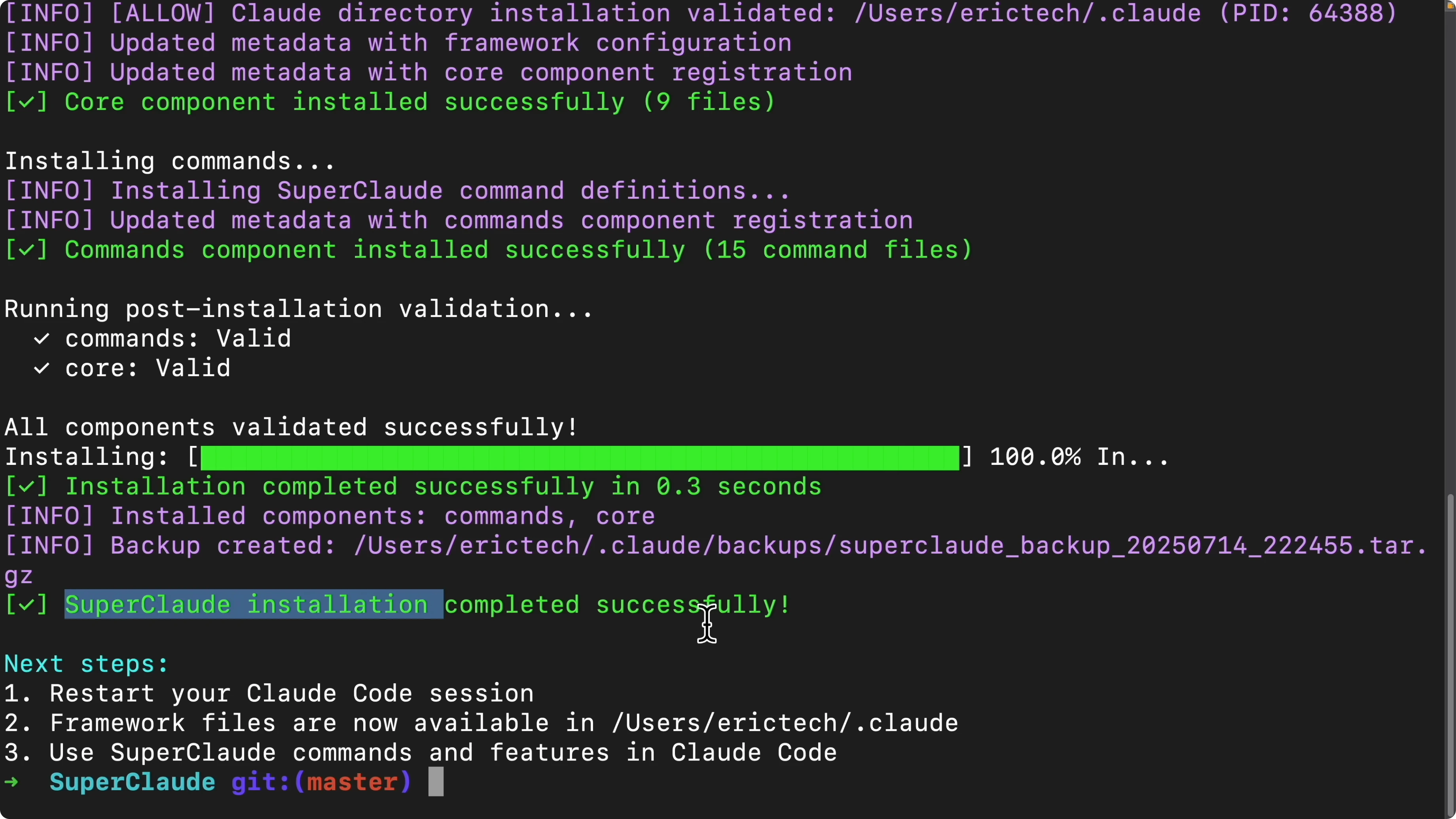
Install SuperClaude with Python. The installer will check system requirements and prompt to update if an installation already exists.
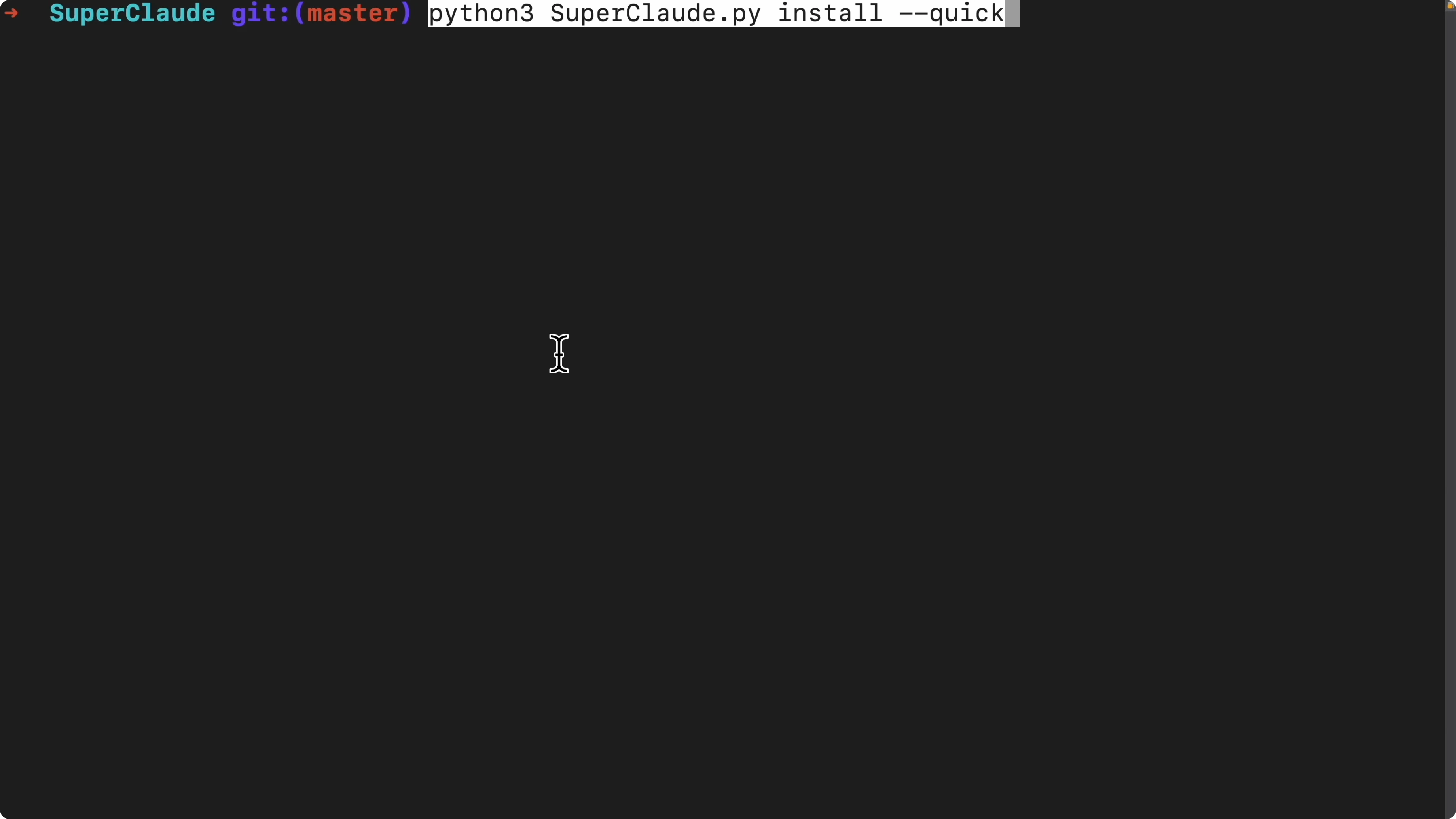
python3 install.pyConfirm any prompts shown in the terminal. Once the installer reports success, restart your Claude Code session to load SuperClaude.
If you prefer running Claude Code without an Anthropic API key using local models, you can follow this guide to run Claude Code with Ollama models.
Start a Claude session
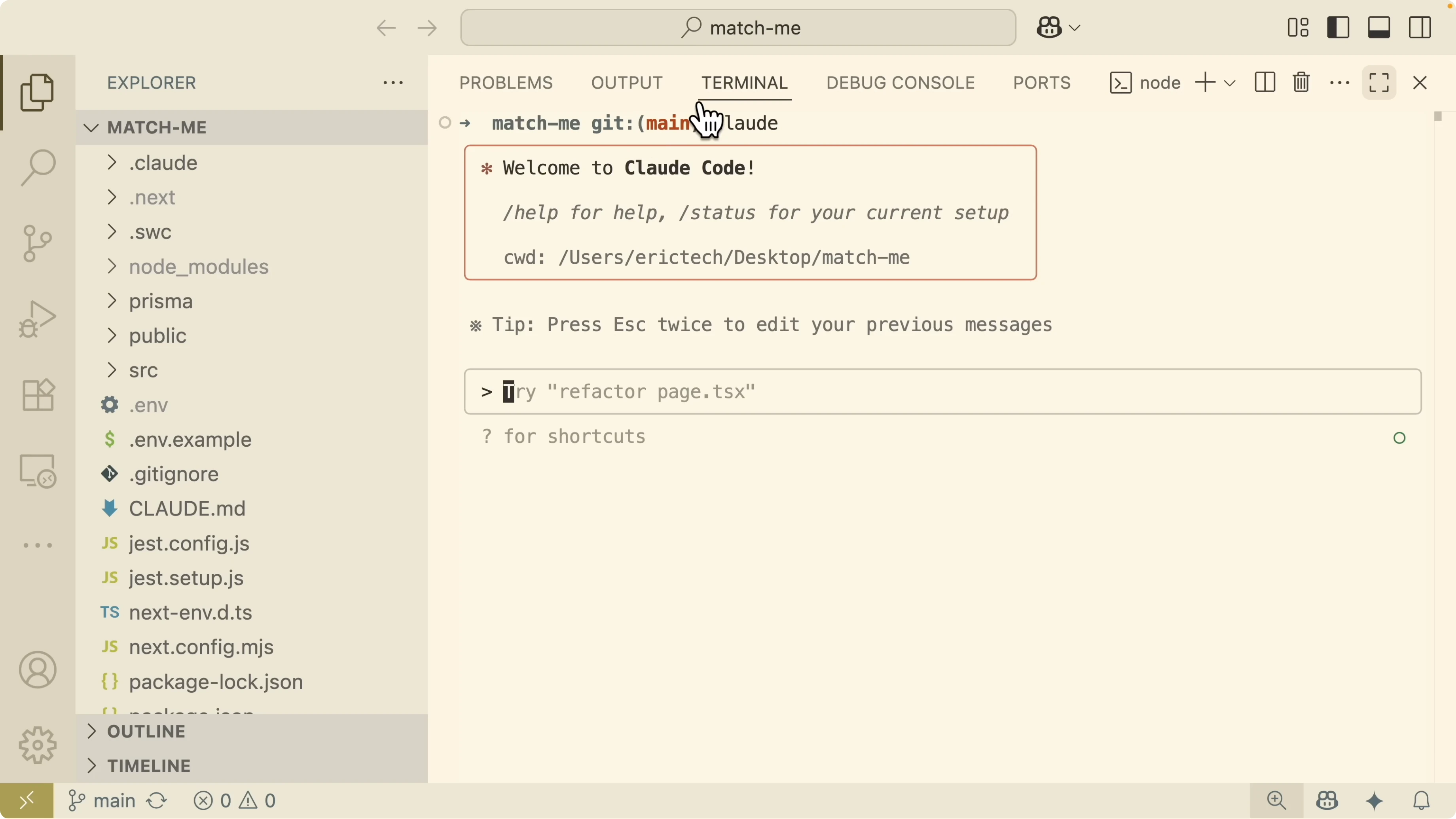
Open an empty folder in VS Code or your editor of choice. In the integrated terminal, start Claude Code.
claudeYou should now be inside an interactive Claude session where slash commands are enabled.
Add MCP servers
SuperClaude works even better with a few MCP integrations. I add Context7 to fetch official libraries and docs, Sequential to help with complex multi step thinking, Magic to generate modern UI components, and Playwright for browser automation and testing.
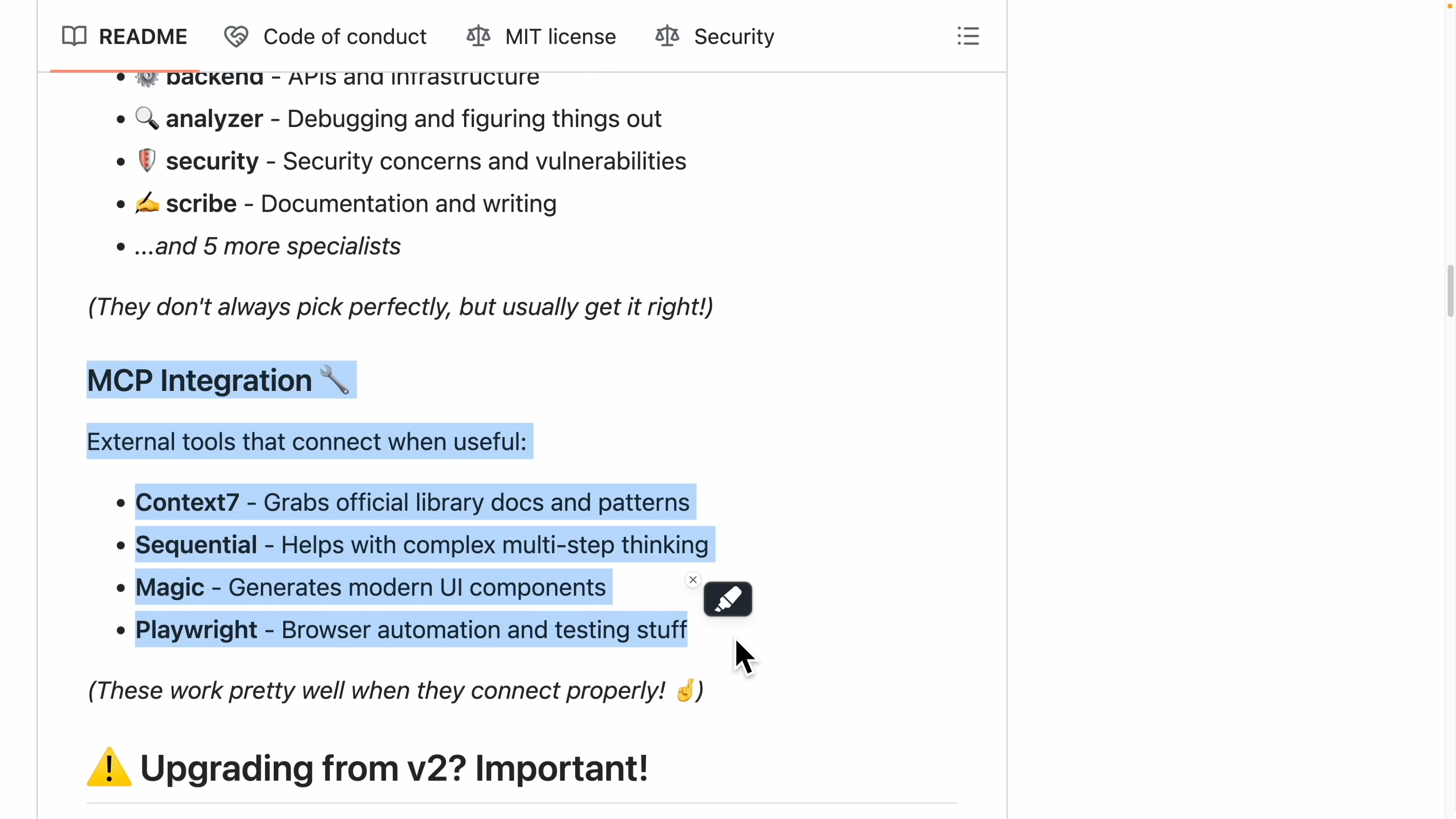
Stop the running session and add each MCP server using the Claude CLI. The general pattern is to add a server name, transport, and its start command or endpoint. Refer to each server's README for the exact transport and arguments.
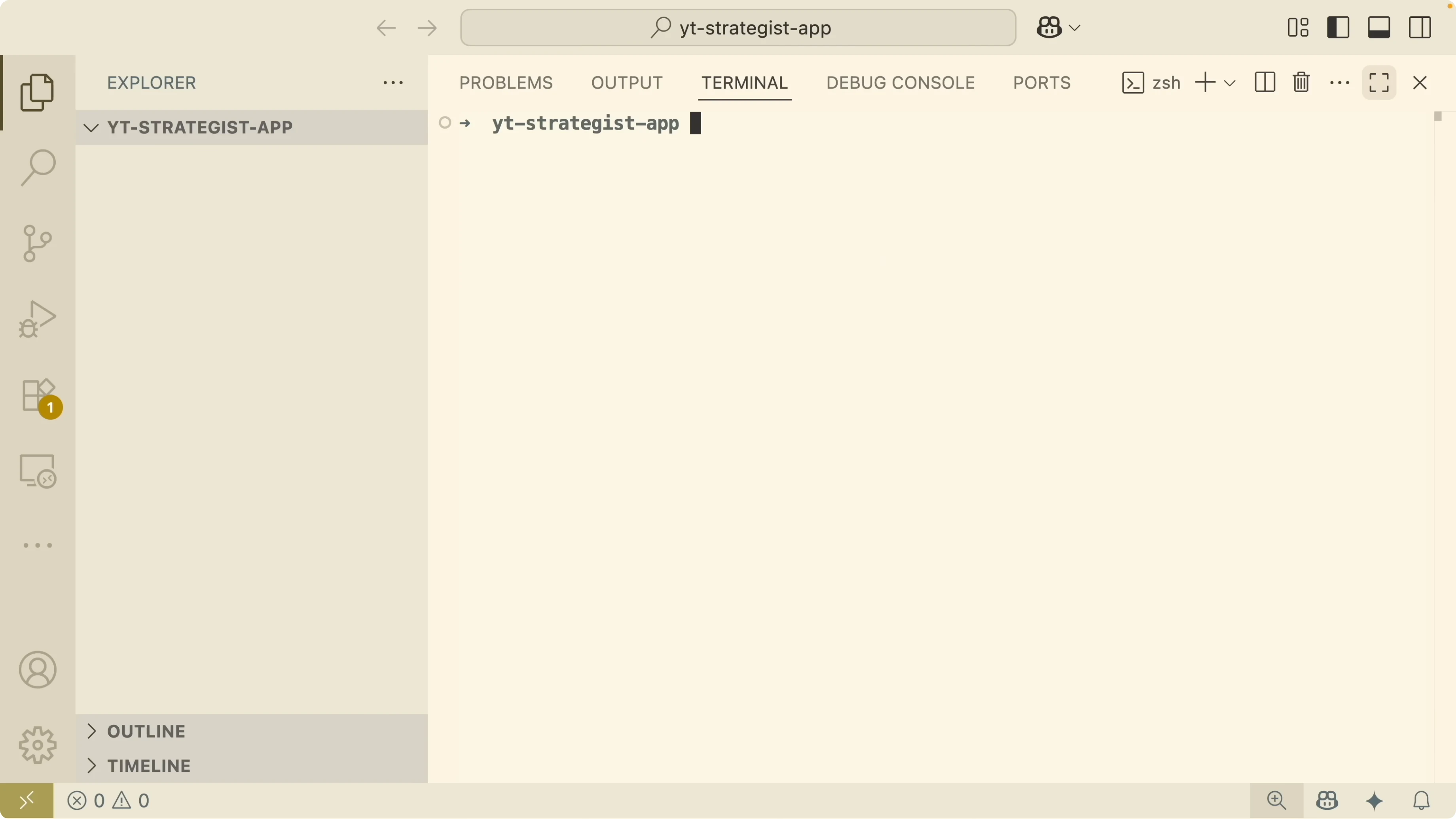
# Stop the current session first with Ctrl C, then add MCP servers
claude mcp add context7 <transport> <command-or-url>
claude mcp add sequential <transport> <command-or-url>
claude mcp add magic <transport> <command-or-url>
claude mcp add playwright <transport> <command-or-url>
Start Claude again and verify the servers are connected.
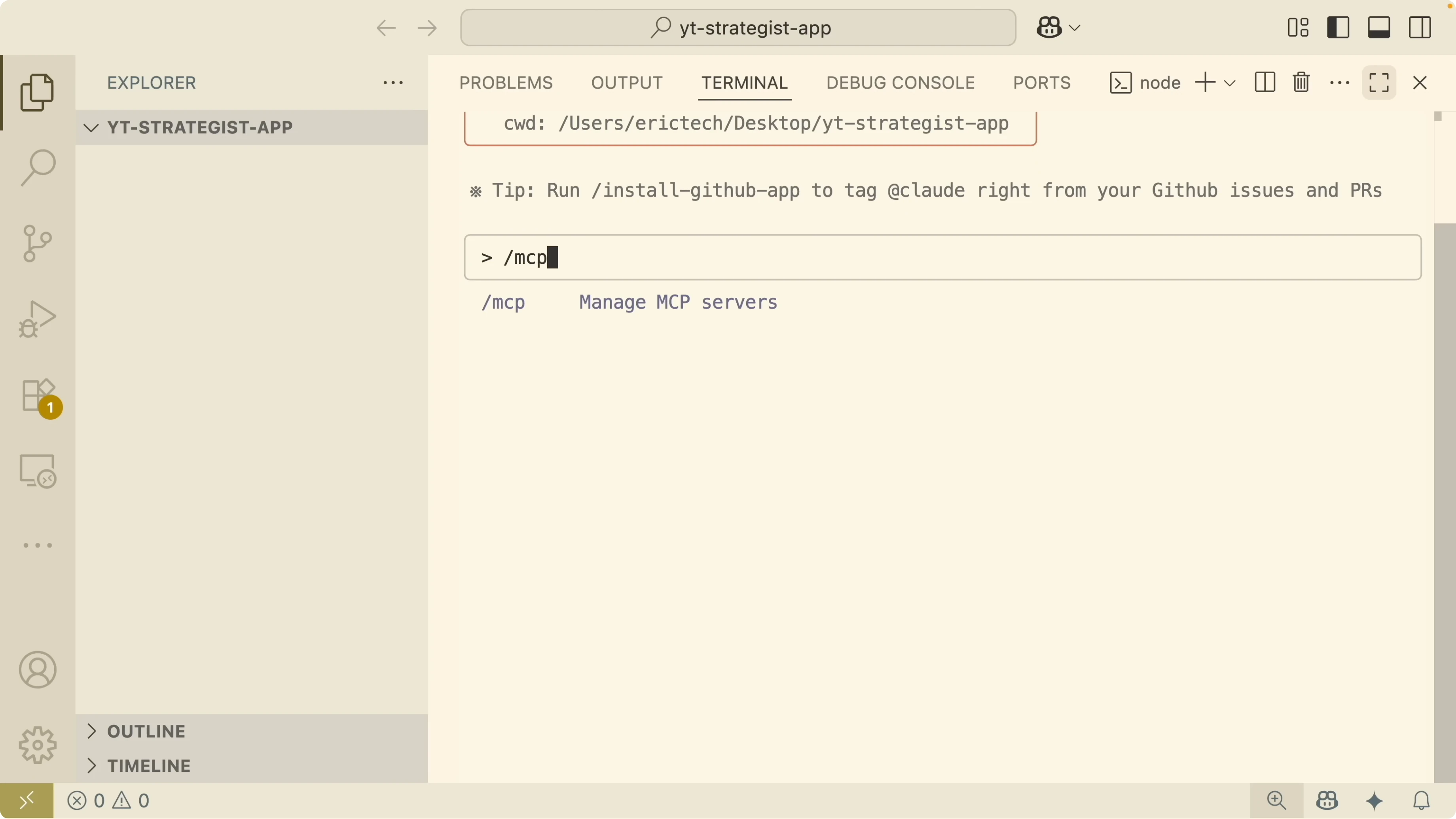
claude
/mcp
You should see all four MCP servers listed and connected.
If you like pairing Claude Code with Qwen models for specific tasks, here is a guide to use Qwen with Claude Code.
Analyze a real project
Open your project folder and use SuperClaude inside your Claude session. Prefix commands with a slash, then use sc for SuperClaude commands.
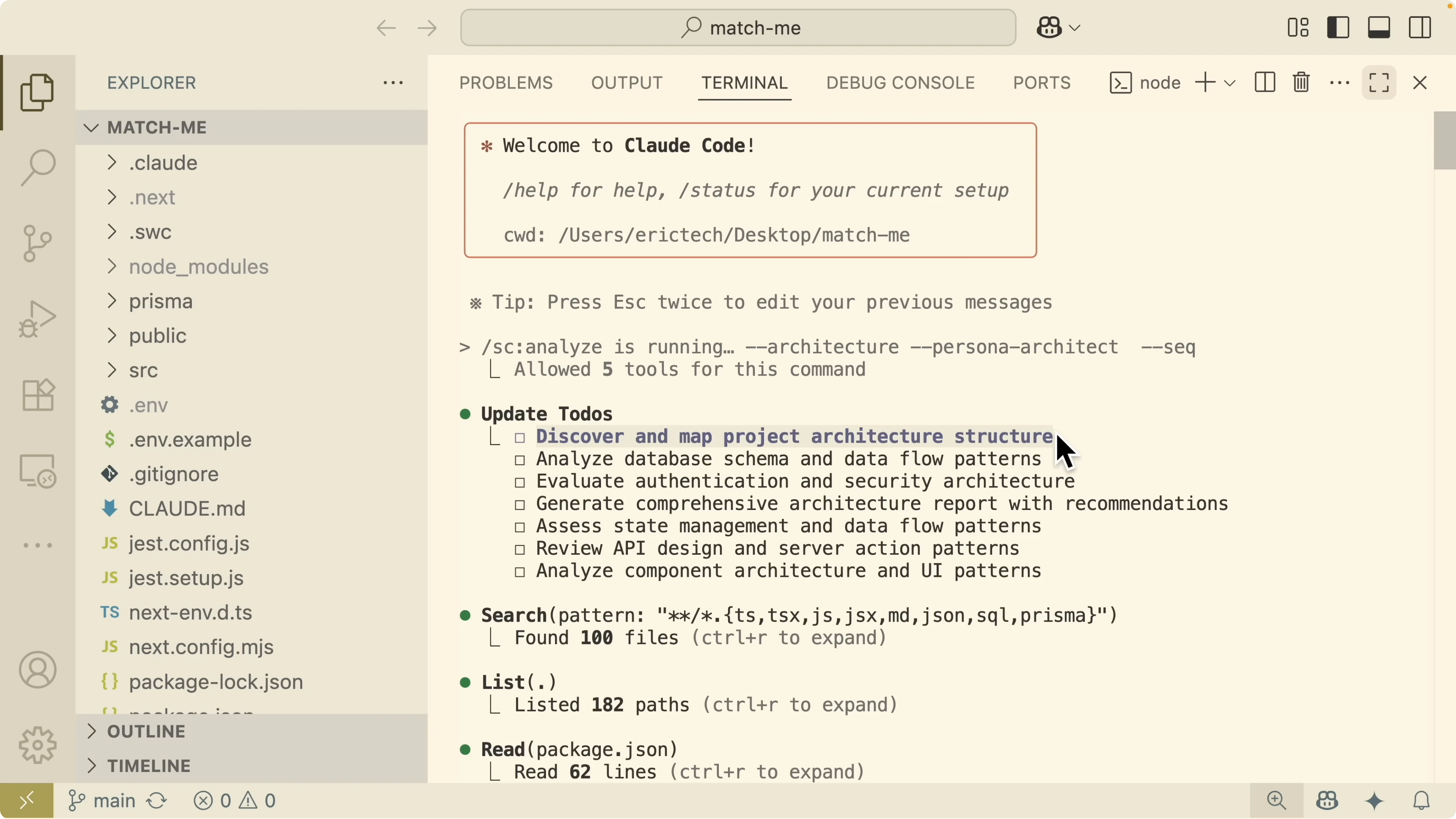
Run an architectural analysis with the architect persona and the Sequential MCP server.
/sc analyze --architecture --persona architect --mcp sequentialSuperClaude generates a clear to do list for the analysis. It discovers the project architecture, analyzes the database, evaluates authentication and security, generates a report with recommendations, reviews state management and data flow, checks API designs and server actions, and finally inspects the UI component design.
Scroll to the generated architecture analysis report. The system overview describes a modern data application built with Next.js 14, with authentication, real time messaging, and a photo moderation system. Core architecture patterns are assessed, security checks are reviewed, and the database schema quality is verified.
The report calls out that state management is scattered and explains current patterns along with concerns to address. API architecture is modern and the component architecture is organized. Performance strengths are captured and optimizations are suggested to improve the current system.
A scalability assessment estimates current capacity at a medium scale between 1 to 10000 users. Bottlenecks include real time connections constrained by Pusher limits, database query hot spots, and missing caching layers. The scaling path suggests React Query for server state, Redis caching, query optimizations, and a CDN for static assets.
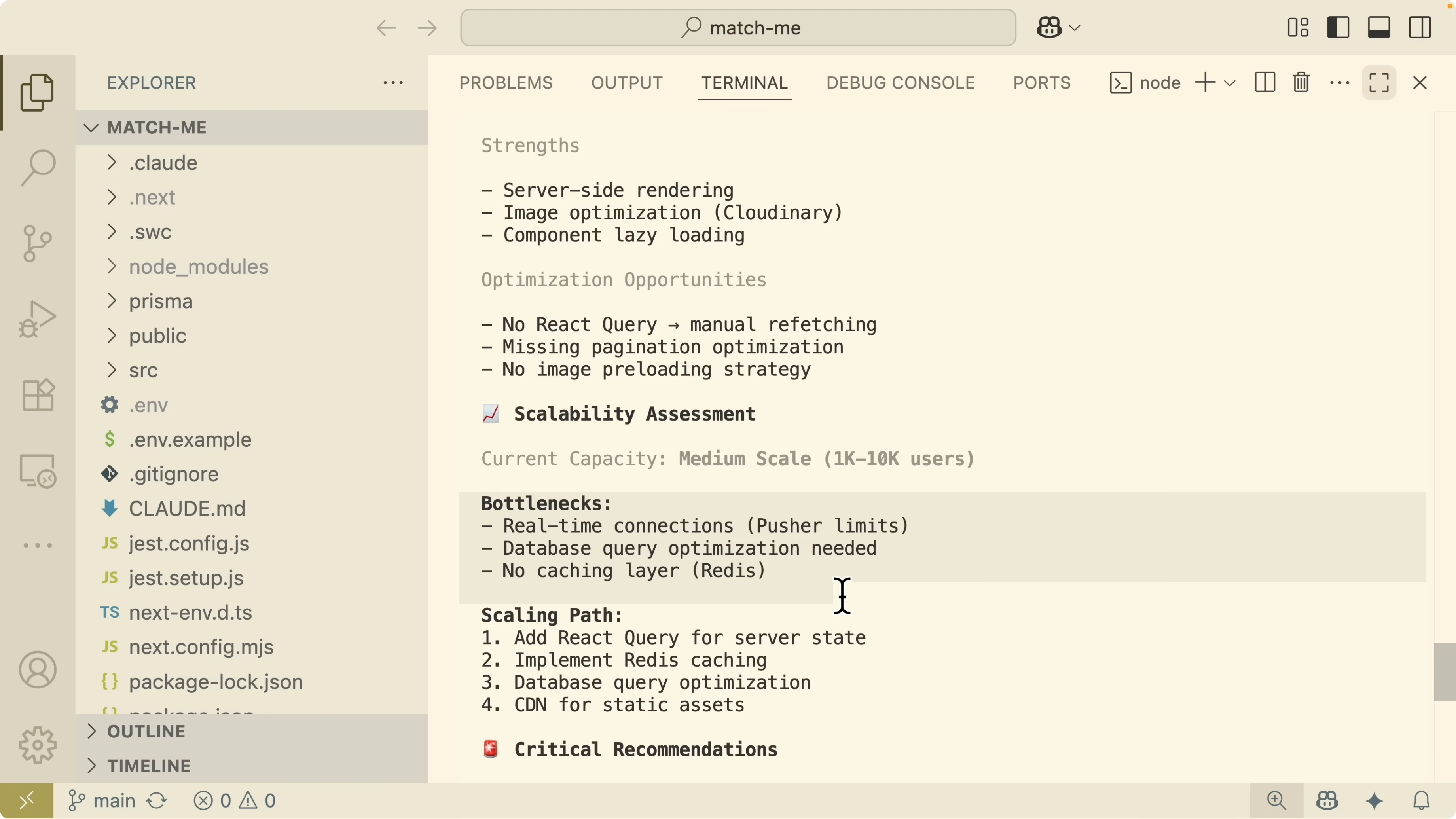
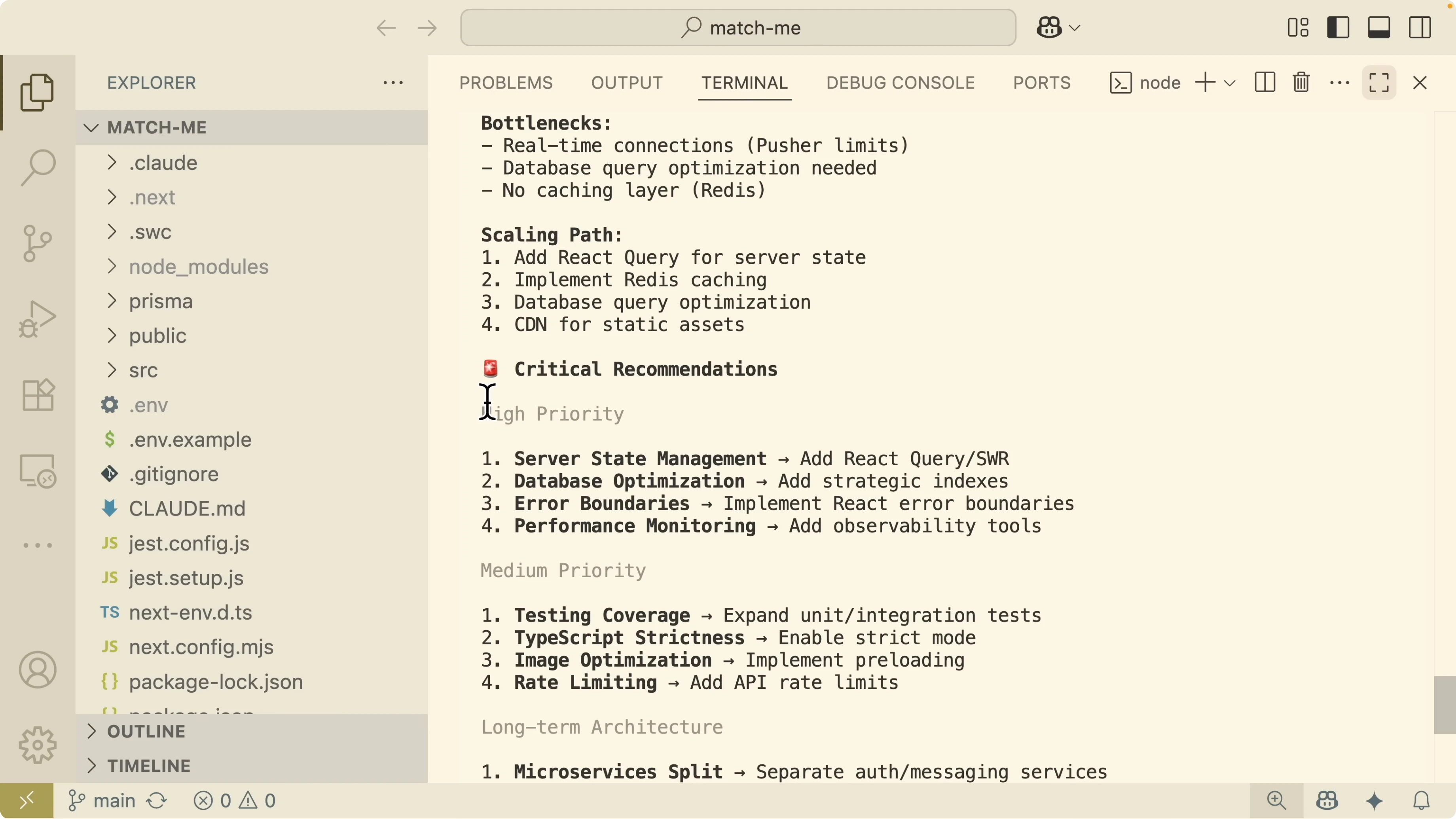
Critical recommendations are grouped into high and medium priority changes. Long term architecture improvements include a microservices split between auth and messaging services. I also ask Claude to generate the report as a Markdown file so I can review, commit, and submit a pull request.
Read More: Qwen Claude Code Opus
A daily command set
I put together common SuperClaude commands I use in my Claude Code development. This gives me a plan, then executes front end and back end work with test coverage, followed by QA, security, performance, and deployment preparation. You can attach an MCP server to any command and add a quoted prompt at the end.
Plan and design
Create a system plan from scratch using the architect persona.
/sc design --plan --persona architect "Create a complete project plan with milestones, architecture, security, and testing strategy."If you need a model selection overview before you plan large projects, this guide can help you compare model strengths for coding tasks.
Front end and back end with TDD
Implement front end work with tests using the front end persona.
/sc implement --frontend --tdd --persona frontend "Build the UI components and pages described in the plan with unit and integration tests."Implement back end work with tests using the back end persona.
/sc implement --backend --tdd --persona backend "Build API routes, server actions, and data models with full test coverage."If you prefer running locally with Ollama during implementation, follow this approach to use Claude Code with Ollama models.
Mastering Claude Code: Inside the SuperClaude Method - QA, security, performance, deploy
Run quality checks to validate the software behaves as expected.
/sc qa --validate --persona qa "Execute end to end checks and verify acceptance criteria with test reports."Scan for vulnerabilities using the security persona.
/sc scan --security --persona security "Audit dependencies, config, and auth flows and propose fixes for issues found."Optimize performance using profiling feedback.
/sc optimize --performance --persona performance "Identify hot paths, reduce expensive calls, and add caching where it yields clear wins."Prepare deployment with the architect persona.
/sc deploy --prepare --persona architect "Produce an infra checklist, environment variables, migration plan, and rollback strategy."Troubleshooting playbook
During a project you will run into issues. I use a repeatable troubleshoot flow that identifies the problem, finds the root cause, verifies performance, and hardens code quality. These commands keep production work predictable.
Identify the problem from production using the analyzer persona.
/sc troubleshoot --investigate --persona analyzer "Gather logs, errors, repro steps, and affected components from the production environment."Find the root cause using the five whys technique with the Sequential MCP.
/sc troubleshoot --five-whys --persona analyzer --mcp sequential "Run a five whys analysis and document the causal chain with evidence."Analyze performance by profiling the codebase.
/sc analyze --profile --persona performance --mcp sequential "Profile key transactions and summarize bottlenecks with actionable changes."Improve code quality and raise test coverage with the refactor persona.
/sc refactor --improve-quality --min-coverage 80 --persona refactor "Refactor risky areas and increase tests to meet the coverage threshold."For more on pairing Claude Code with alternative model families during debugging, see how to run Qwen models alongside Claude Code in your workflow.
Final Thoughts
Claude Code is powerful, but complex projects need a professional process. SuperClaude adds structure through commands and personas so planning, security, testing, and analysis are never skipped. With this setup, you can move from idea to production with a workflow that scales with your project size.
If you are setting up from scratch, start with the Claude Code setup guide. To explore local or hybrid setups, use this path to run Claude Code with Ollama and this comparison to choose the right model mix.
Subscribe to our newsletter
Get the latest updates and articles directly in your inbox.

Related Posts

8 Best Claude Code Plugins in 2026 (You Need to Know)
8 Best Claude Code Plugins in 2026 (You Need to Know)

7 Best Claude Code Skills (You Need to Know)
7 Best Claude Code Skills (You Need to Know)

Claude Code Desktop IDE Features (You Need to Know)
Claude Code Desktop IDE Features (You Need to Know)