
Table Of Content
- System and GPU
- Build llama.cpp
- Get the Qwen 3.5 4B GGUF
- Serve Qwen3.5 + Claude Code with llama.cpp
- Connect Claude Code to the local server
- Quick check
- Prompt and approvals in Claude Code
- VRAM and performance notes
- Model options in the Qwen 3.5 family
- Qwen 3.5 2B
- Qwen 3.5 4B
- Qwen 3.5 9B
- Qwen 3.5 Mixture of Experts
- Qwen 3.5 27B Dense
- Troubleshooting
- Final thoughts
How to Run a Free Local AI Coding Agent with Qwen3.5 + Claude Code
Qwen Model Recommender
Not sure which Qwen model fits your GPU? Pick your VRAM, use case, and task type — get matched to the right model instantly. Covers Qwen3, QwQ, QVQ, Qwen2.5-VL, Qwen3-Coder, Qwen3-TTS, and 80+ models.
Table Of Content
- System and GPU
- Build llama.cpp
- Get the Qwen 3.5 4B GGUF
- Serve Qwen3.5 + Claude Code with llama.cpp
- Connect Claude Code to the local server
- Quick check
- Prompt and approvals in Claude Code
- VRAM and performance notes
- Model options in the Qwen 3.5 family
- Qwen 3.5 2B
- Qwen 3.5 4B
- Qwen 3.5 9B
- Qwen 3.5 Mixture of Experts
- Qwen 3.5 27B Dense
- Troubleshooting
- Final thoughts
I am going to set up the Qwen 3.5 4B model in a quantized format and integrate it with Claude Code using llama.cpp. This gives me a fully offline, private coding agent that anyone can follow. I am doing it on Ubuntu with an NVIDIA GPU.
I will show the exact commands I run and keep it short. You can replace the 4B model with any other Qwen 3.5 variant you prefer. I will also point out VRAM usage and a quick way to monitor it with nvtop.
System and GPU
I am using an Ubuntu system with an NVIDIA GPU. Make sure you have recent NVIDIA drivers and a CUDA-capable setup for GPU acceleration in llama.cpp. Install the basic build and Python tools first.
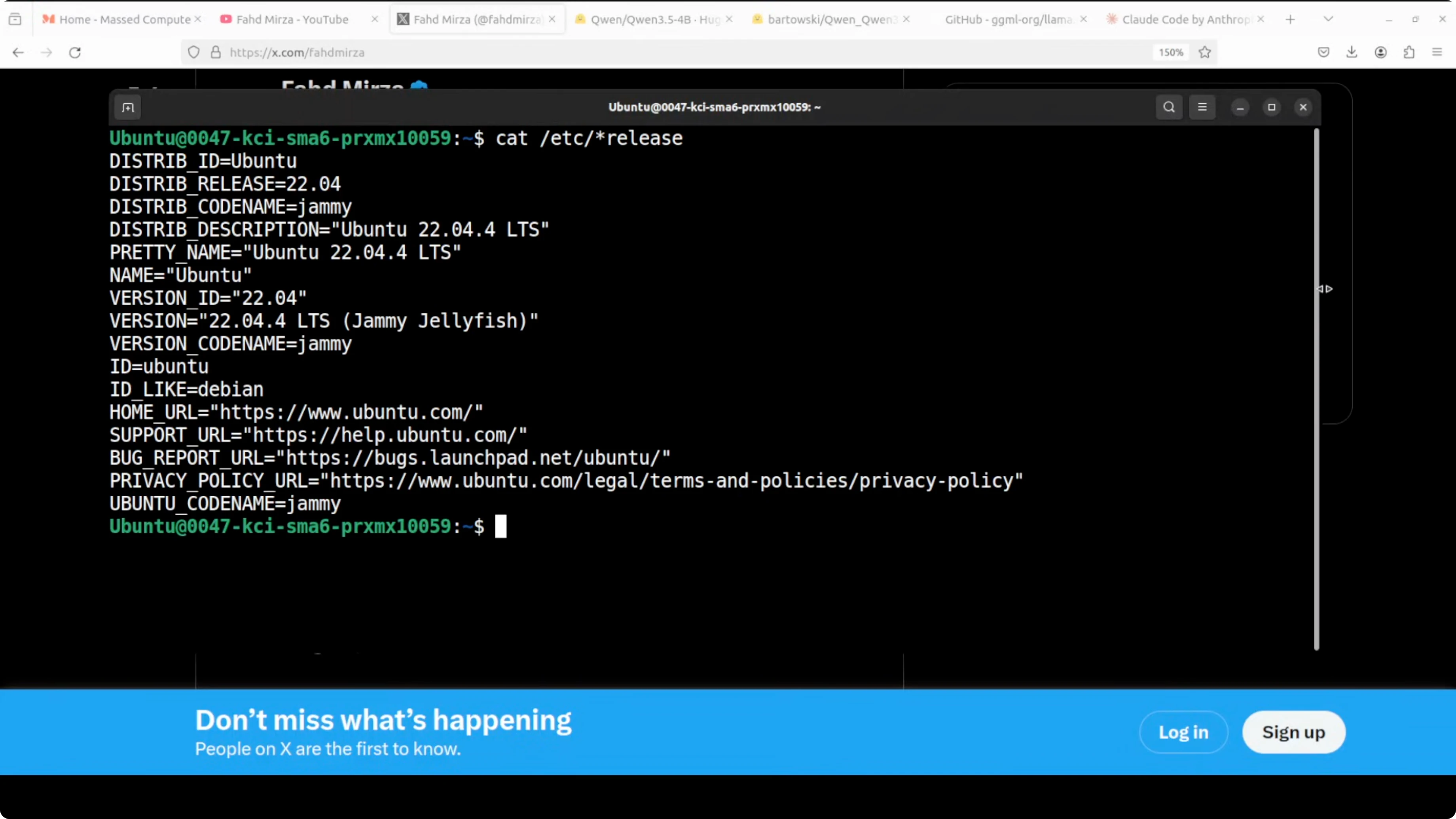
Run: sudo apt update sudo apt install -y git build-essential cmake python3 python3-pip nvtop
If you want a broader look at what Qwen 3.5 models can do across text, code, image, and video, see this short overview of Qwen 3.5 family.
Build llama.cpp
I install llama.cpp from source. If the folder already exists from a previous run, remove it to start clean.
Run: rm -rf llama.cpp git clone https://github.com/ggerganov/llama.cpp.git cd llama.cpp

I compile with CUDA enabled so the model runs on the GPU. This step usually takes 5 to 10 minutes.
Run: mkdir -p build cmake -S . -B build -DGGML_CUDA=1 cmake --build build -j
Get the Qwen 3.5 4B GGUF
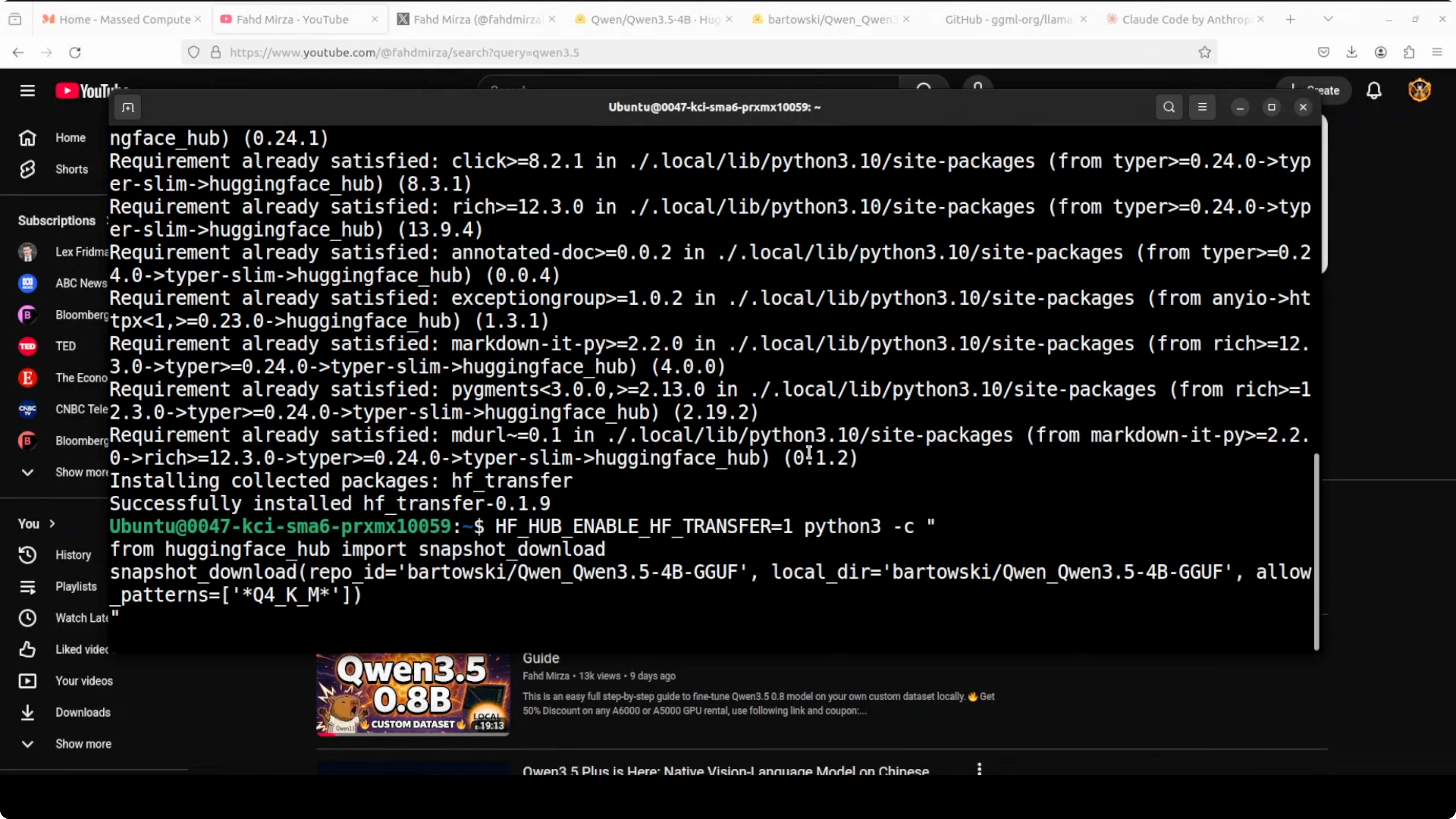
I install the Hugging Face hub Python client to download the model snapshot. I am going to fetch the Q4_K_M quant for the 4B model, which balances quality and speed on a modest GPU.
Run: pip install -U huggingface_hub
Run:
python3 - <<'PY'
from huggingface_hub import snapshot_download
snapshot_download(
    repo_id="bartowski/Qwen_Qwen3.5-4B-GGUF",
    allow_patterns=["*Q4_K_M*.gguf"],
    local_dir="models/qwen3.5-4b"
)
PY
You can browse the files here for confirmation or to pick a different quant level: Qwen 3.5 4B GGUF on Hugging Face.
If you are exploring different agent setups and tools, check out more examples in our AI agent tutorials.
Serve Qwen3.5 + Claude Code with llama.cpp
I serve the quantized model with llama.cpp’s HTTP server. I set an alias so clients can refer to the model by name, choose a context size, and offload as many layers as possible to the GPU.
Run:
./build/bin/llama-server
-m models/qwen3.5-4b/Qwen3.5-4B-Q4_K_M.gguf
--alias qwen3.5-4b
--ctx-size 12000
-ngl 999
--port 8080

If you are on a smaller GPU or VM, reduce --ctx-size to something like 8000. Keep this terminal open so the server keeps running. It will print VRAM usage and loading details once the model is ready.

Open a second terminal to watch VRAM. Run: nvtop
If you prefer a Claude Code style local agent that mirrors the workflow here, you can also look at this OpenClaw local agent guide.
Connect Claude Code to the local server
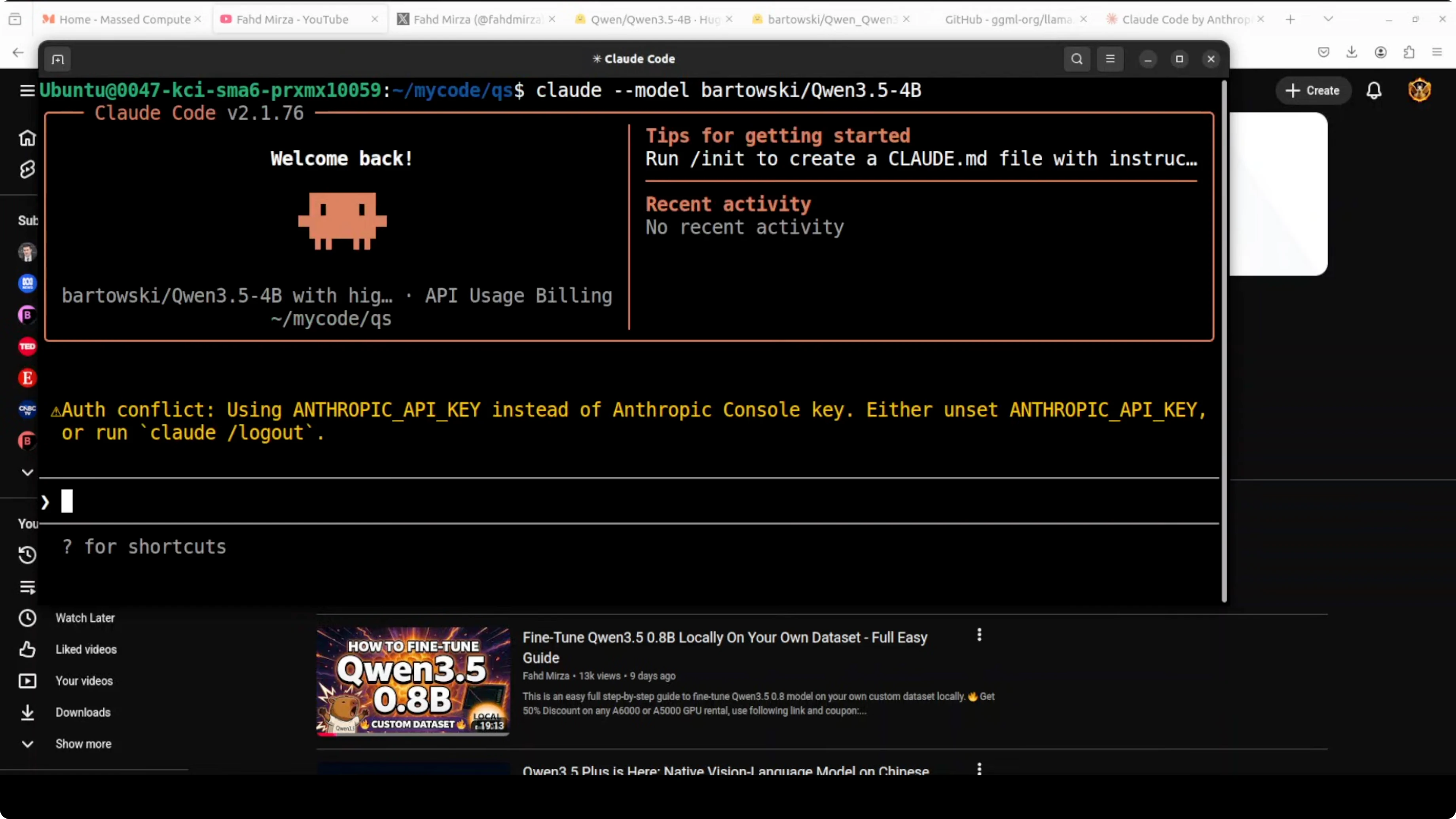
I integrate Claude Code with the local model by pointing it to llama.cpp’s OpenAI-compatible endpoint. That way I do not need to sign up for an external API or deal with rate limits.
Set the endpoint and a dummy key: export OPENAI_API_BASE=http://127.0.0.1:8080/v1 export OPENAI_API_KEY=local-llama
Launch your Claude Code agent and choose the OpenAI provider. Select the model name qwen3.5-4b to match the alias you set in llama.cpp.
If you are testing a cloud provider later and run into Anthropic errors, here is a quick reference to fix common issues: troubleshoot Anthropic internal server errors.
Quick check
I confirm the server is live with a simple chat request. This also verifies the alias and temperature settings.
Run:
curl http://127.0.0.1:8080/v1/chat/completions \
  -H 'Content-Type: application/json' \
  -d '{
    "model": "qwen3.5-4b",
    "messages": [{"role":"user","content":"Write a Python function add(a, b) that returns the sum."}],
    "temperature": 0.2
  }'
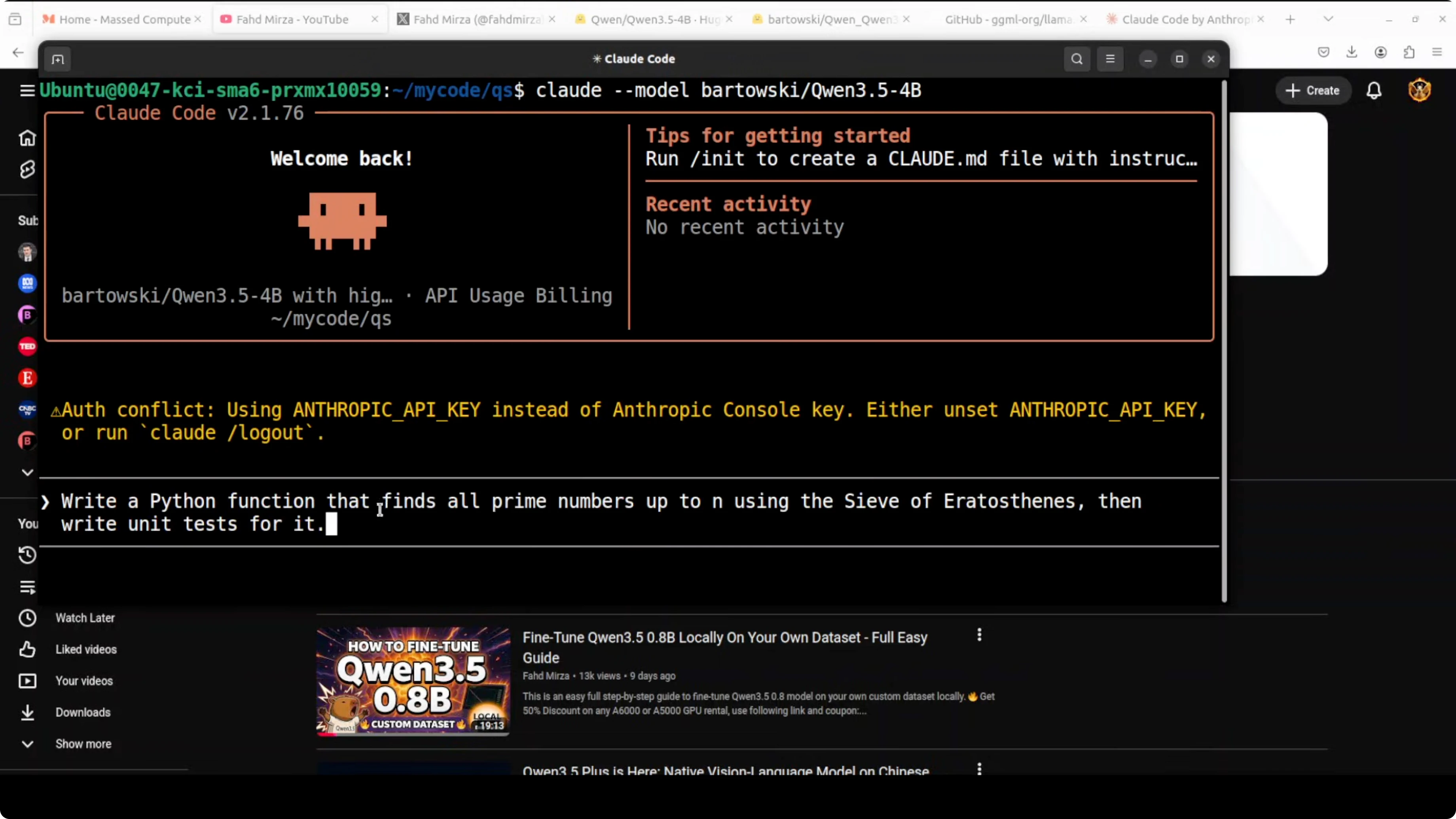
You should see a JSON response with an assistant message. If that works, the agent can connect and start coding tasks.
Prompt and approvals in Claude Code
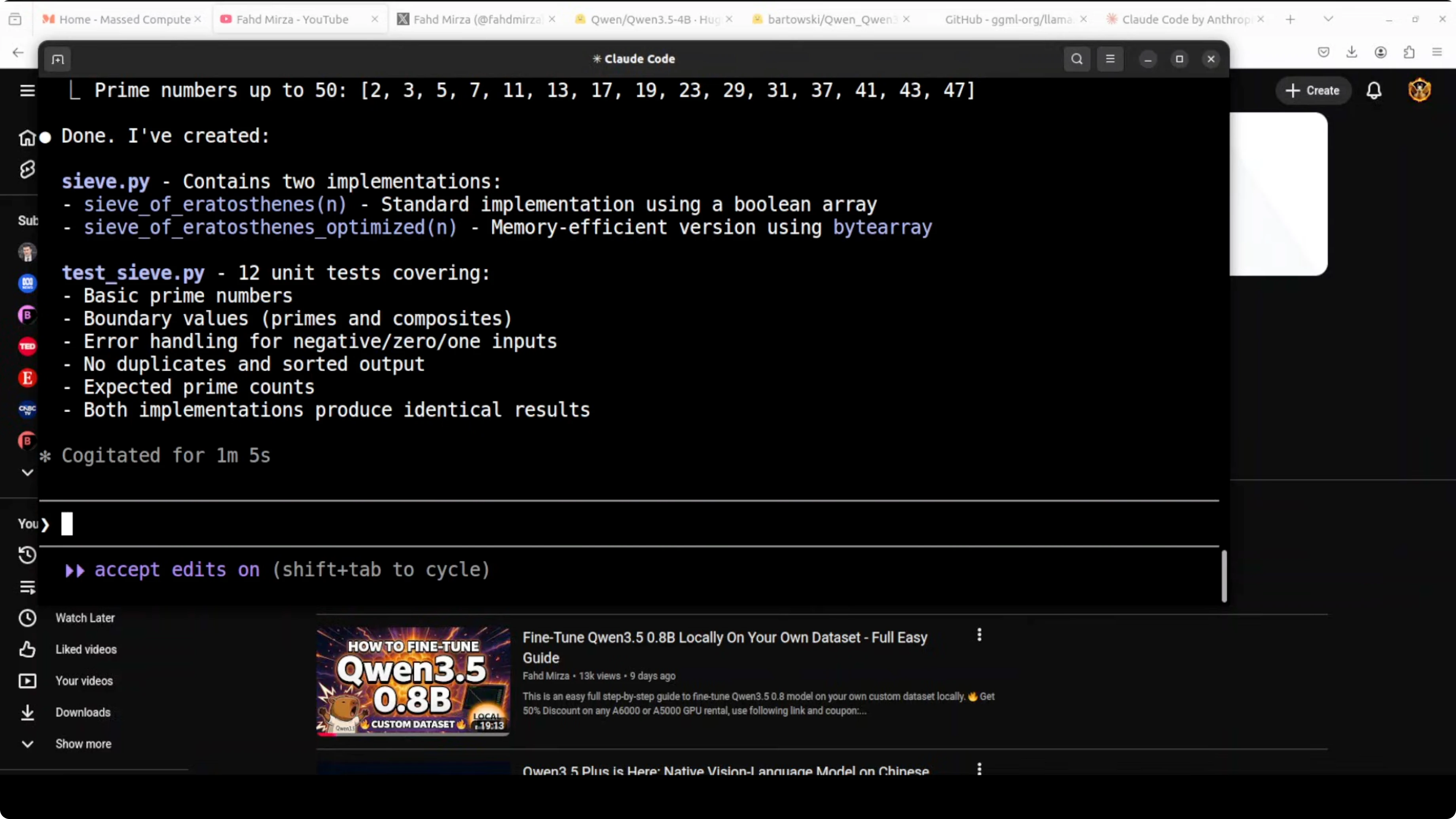
I begin with a small request like asking it to write a Python function. It proposes creating a new file, names it, and asks for approval before writing. I confirm creation and it proceeds to write the file.
I also ask it to generate a test file. It again asks for approval and I allow it. It reflects on the changes and updates the code when needed.
After a short run, I see both files created in the working directory. For quick tests I sometimes allow repeated writes to cut down on prompts. Avoid blanket approvals in real projects.
If your work involves automating browser actions as part of agent workflows, this reference will help you plan that path: browser automation with agents.
VRAM and performance notes
On my setup the 4B Q4_K_M build sits just under 6 GB of VRAM. That leaves headroom for a modest GPU while keeping responses snappy. You can push higher context sizes if you have more VRAM.
For tighter GPUs, use a smaller context or a lighter quant like Q4_0. If you have more VRAM and want stronger coding quality, try the 9B or 27B variants.
Model options in the Qwen 3.5 family
Qwen 3.5 2B
This is the lightest option for quick local tests and very low VRAM. It is fine for simple prompts and small scripts. Expect more hallucinations on tricky tasks and shorter reasoning depth.
Qwen 3.5 4B
This is a solid middle ground for a local coding agent. It handles basic file creation, small refactors, and fast iteration with approvals. It can miss edge cases in larger codebases or longer multi-file plans.
Qwen 3.5 9B
This gives you a noticeable bump in reasoning and code quality. You will need more VRAM but you get better test generation and fewer corrections. It is a good pick for medium projects on a single machine.
Qwen 3.5 Mixture of Experts
The MoE variant can deliver strong results while staying efficient on the token path. It works well in longer interactive sessions and iterative edits. Use it when you want higher quality without jumping straight to a very large dense model.
If you want to see more agent workflows that pair well with these models, browse our AI agent category.
Qwen 3.5 27B Dense
This pushes quality and reasoning further for complex codebases. You need significantly more VRAM and a larger box to run it comfortably. It is the pick for heavier planning and deeper refactors when speed is less critical than accuracy.
Troubleshooting
If llama.cpp fails to load the model, double check the GGUF file path and quant name. The Q4_K_M filename should match what you downloaded in models/qwen3.5-4b. If the server is running but your agent cannot connect, confirm OPENAI_API_BASE includes /v1 and the alias matches qwen3.5-4b.
If you prefer a Claude-like local experience without external keys, the OpenClaw local agent guide covers a very similar workflow. It fits the same OpenAI-compatible endpoint pattern used here.
Final thoughts
You can run a private local coding agent by serving Qwen 3.5 4B with llama.cpp and pointing Claude Code at the local endpoint. The 4B Q4_K_M build fits under roughly 6 GB of VRAM and is fast enough for iterative file creation with approvals. For stronger quality, try the 9B, MoE, or 27B variants based on your GPU budget.
Subscribe to our newsletter
Get the latest updates and articles directly in your inbox.

Related Posts

8 Best Claude Code Plugins in 2026 (You Need to Know)
8 Best Claude Code Plugins in 2026 (You Need to Know)

7 Best Claude Code Skills (You Need to Know)
7 Best Claude Code Skills (You Need to Know)

Claude Code Desktop IDE Features (You Need to Know)
Claude Code Desktop IDE Features (You Need to Know)