
Table Of Content
- How Scrapling, Ollama & MCP Unlock Free Internet for Local AI
- Setup on Ubuntu
- Create an environment
- Install Scrapling and dependencies
- Start the MCP server
- Python example with Ollama summarization
- install Ollama following official instructions, then:
- Replace this with your Scrapling extraction call, e.g., via MCP client.
- It should return a string containing paragraph text from the target page.
- Stealth fetching, ethics, and reliability
- Use cases with How Scrapling, Ollama & MCP Unlock Free Internet for Local AI
- Model choices for Ollama
- Final thoughts
How Scrapling, Ollama & MCP Unlock Free Internet for Local AI
Local LLM Hardware Calculator
Enter your GPU VRAM and system RAM to see which LLMs you can run in Ollama — at Q4, Q8, or full precision — with estimated tokens-per-second speed.
Table Of Content
- How Scrapling, Ollama & MCP Unlock Free Internet for Local AI
- Setup on Ubuntu
- Create an environment
- Install Scrapling and dependencies
- Start the MCP server
- Python example with Ollama summarization
- install Ollama following official instructions, then:
- Replace this with your Scrapling extraction call, e.g., via MCP client.
- It should return a string containing paragraph text from the target page.
- Stealth fetching, ethics, and reliability
- Use cases with How Scrapling, Ollama & MCP Unlock Free Internet for Local AI
- Model choices for Ollama
- Final thoughts
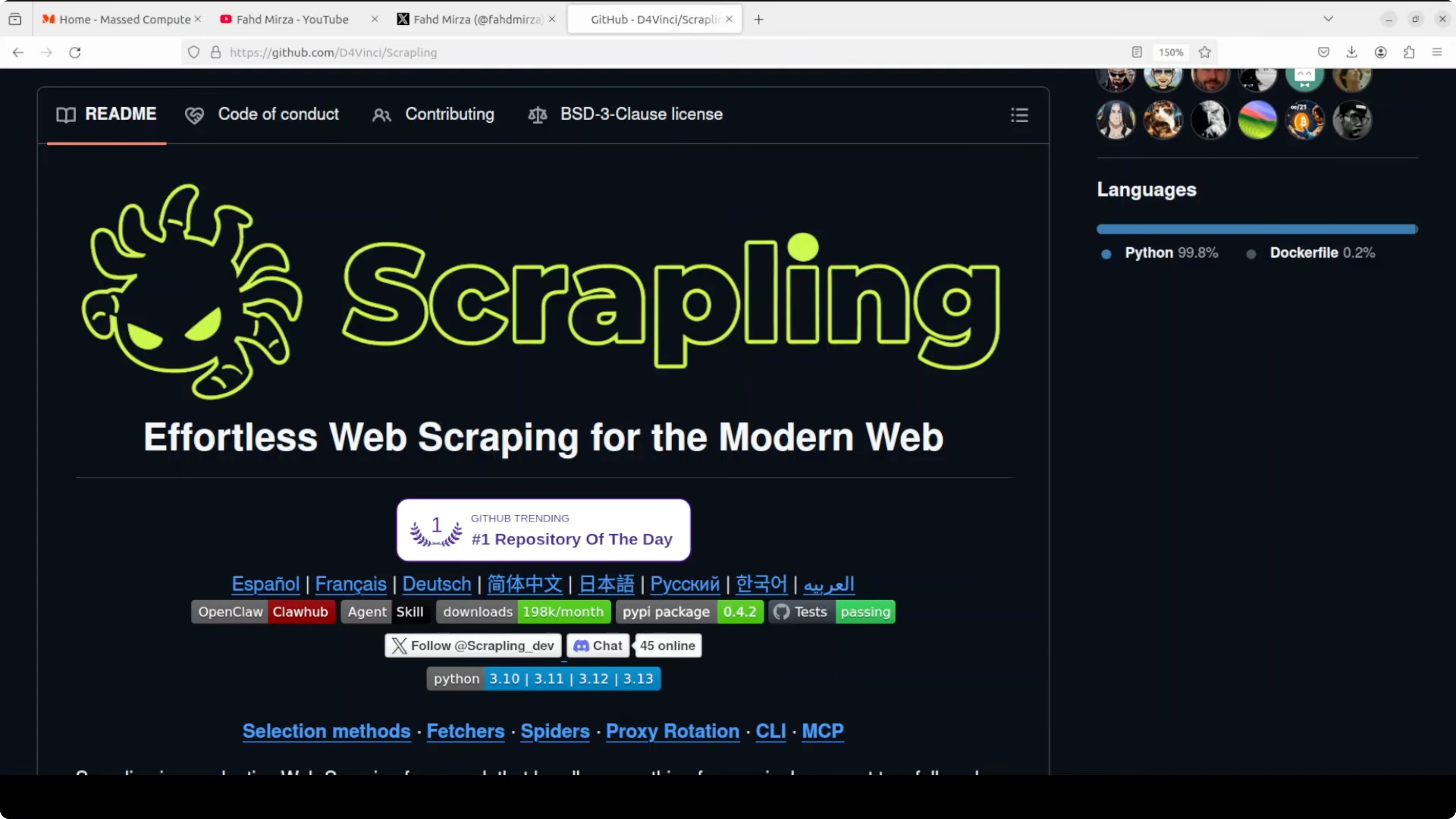
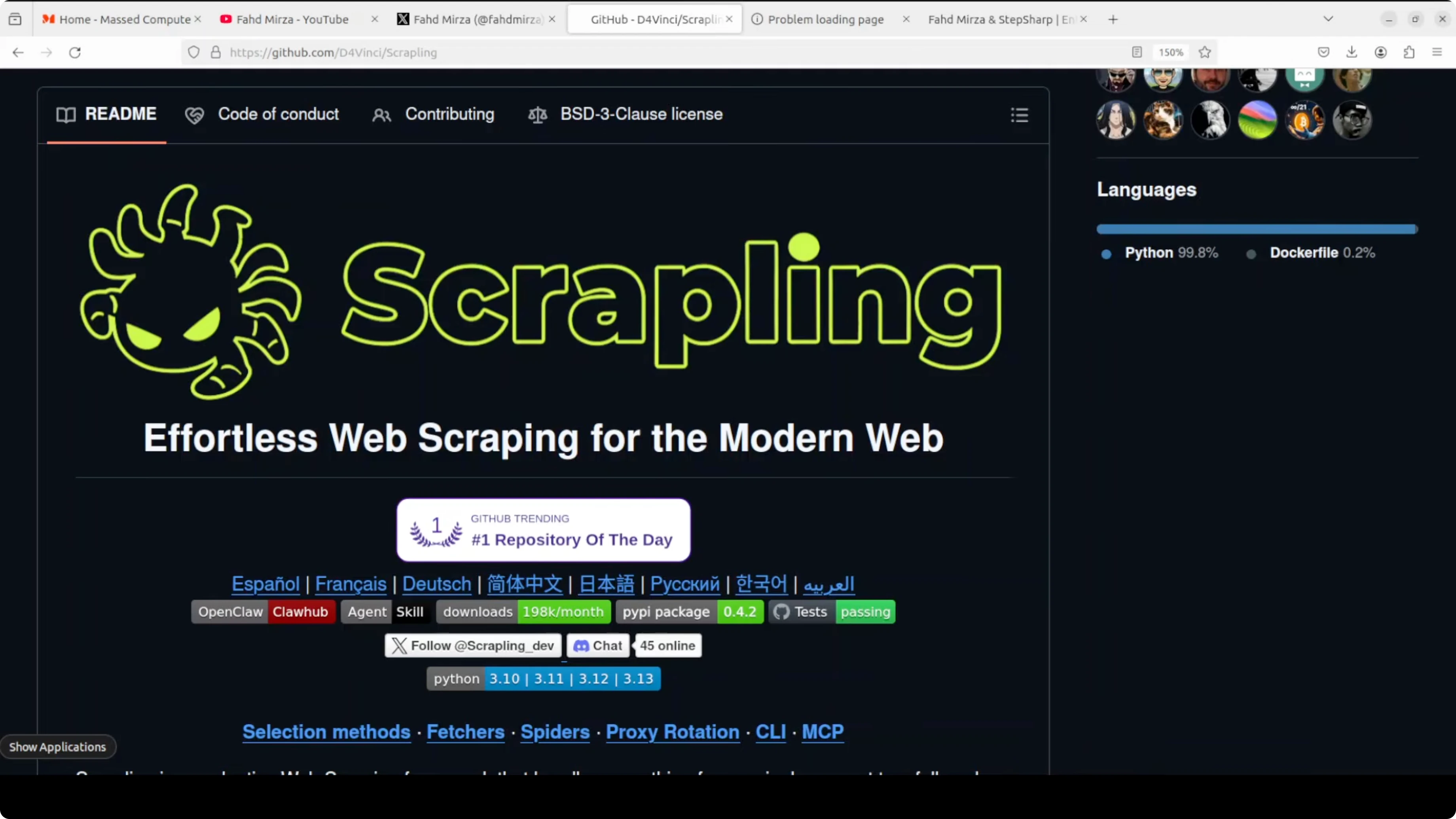
I present Scrapling. Scrapling is a Python web scraping library that fixes two real problems: sites changing layout and anti-bot systems blocking requests. With MCP support and a local Ollama model, you can give a local AI live internet access without API costs.
Scrapling tracks elements in a way that survives page structure changes. It also provides built-in stealth fetching that bypasses Cloudflare and similar protections using a real browser. You get a practical path to a private, local research agent that can read the web on command.
How Scrapling, Ollama & MCP Unlock Free Internet for Local AI
MCP stands for Model Context Protocol. It is a standard that lets AI models call external tools, so instead of just generating text the AI can trigger actions like scraping a website, reading a file, or querying a database. Scrapling ships with a built-in MCP server, so your local LLM can ask it to fetch and extract content in real time.
You can connect this to a local Ollama model via Open WebUI or any other MCP-compatible client. That setup gives you conversational internet access powered entirely on your machine. For a deeper grounding in local agent patterns, see this primer on agentic AI.
If you need the official docs and updates, check the project page: Scrapling on GitHub.
Setup on Ubuntu
I used an Ubuntu server with a GPU because I planned to run a local Ollama model on the same system. You can also run CPU-only models if needed, but a GPU helps with speed and larger models. The steps below keep environments isolated and clean.
Create an environment
Create a virtual environment with Conda.
conda create -n scrapling python=3.11 -y
conda activate scrapling
You can also use uv or venv if you prefer.
 uv
uv venv .venv
source .venv/bin/activate

 or venv
python -m venv .venv
source .venv/bin/activate
Install Scrapling and dependencies
Install the library with pip.
pip install scrapling
Initialize Scrapling to set up browser automation dependencies like Playwright. This pulls a real browser so Scrapling can fetch dynamic pages and handle anti-bot systems more reliably.
scrapling install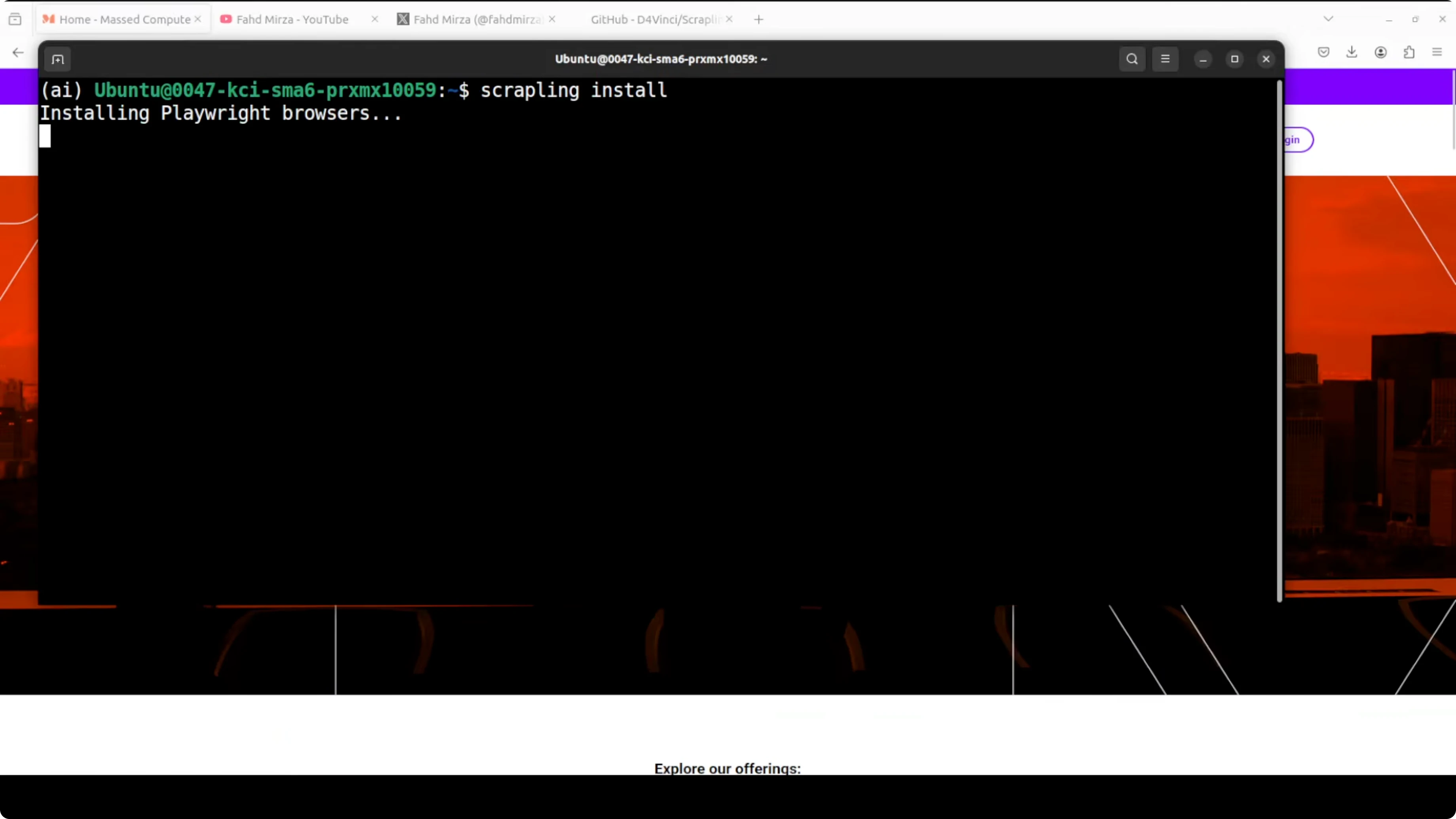
You can ignore benign warnings during this step. Playwright gives programmatic control over Chrome, Firefox, or WebKit to interact with dynamic websites.
Start the MCP server
Start the MCP server so your model can call Scrapling as a tool. This runs a server on port 8000 accessible from the network, so any MCP-compatible client can trigger a scrape.
scrapling mcp serve --host 0.0.0.0 --port 8000Once running, your LLM can issue scrape requests like "go fetch this URL and extract paragraphs" and Scrapling will return results. You can also call it from your own scripts if your client understands MCP.
Read More: Build a local agent with OpenClaw
Python example with Ollama summarization
Here is a simple pattern I used: scrape paragraph text from a target site, then send that text to a local model in Ollama to summarize what the site is about. I used a local 3 to 4 billion parameter model for speed on a single GPU, but you can switch to a larger model if you need more depth.
First, make sure Ollama is installed and a model is pulled. For example:
# install Ollama following official instructions, then:
ollama pull llama3.2:3b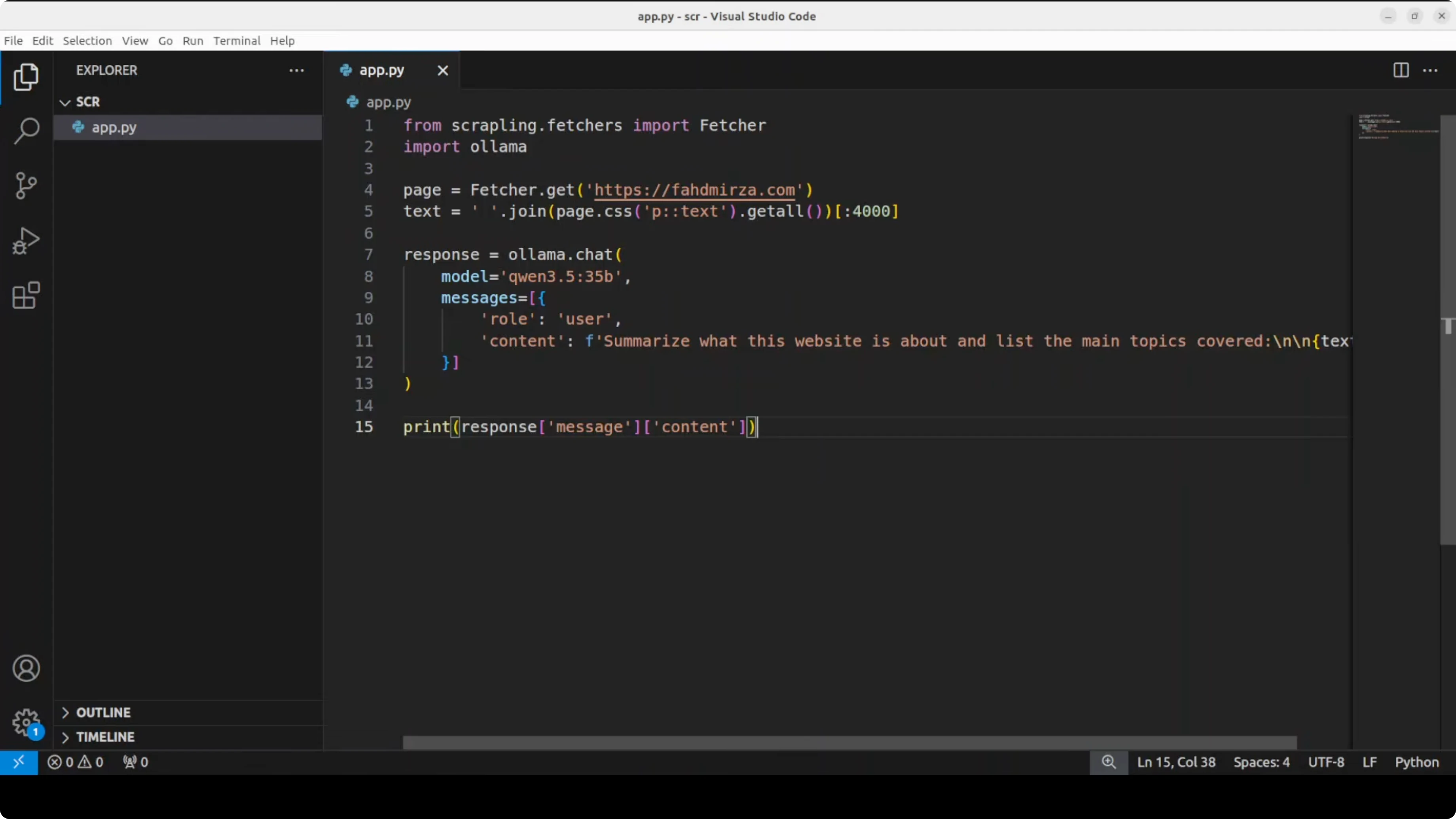
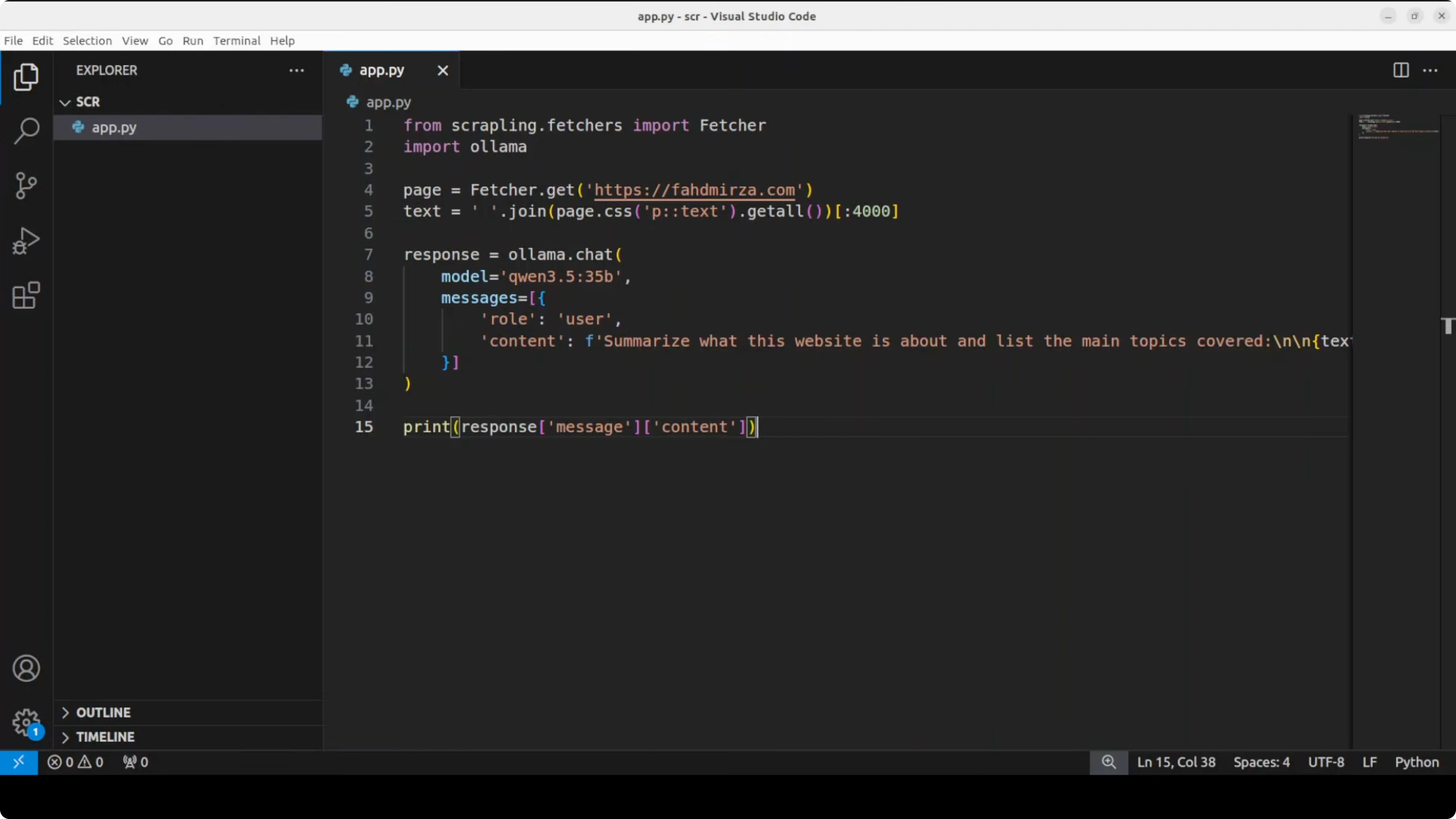
Then a minimal Python script to summarize scraped text with Ollama. Replace get_page_text(...) with your Scrapling call or your MCP client call that returns extracted paragraph text from a URL.
import requests
import textwrap

# Replace this with your Scrapling extraction call, e.g., via MCP client.
# It should return a string containing paragraph text from the target page.
def get_page_text(url: str) -> str:
    # Example placeholder. Implement with your Scrapling workflow.
    # For instance, via an MCP client call or Scrapling's Python API.
    raise NotImplementedError("Integrate Scrapling here to return page text")

def summarize_with_ollama(text: str, model: str = "llama3.2:3b") -> str:
    payload = {
        "model": model,
        "prompt": textwrap.dedent(f"""
        Summarize the main topics of the following website content.
        Keep it concise and factual.

        Content:
        {text}
        """).strip(),
        "stream": False
    }
    resp = requests.post("http://localhost:11434/api/generate", json=payload, timeout=600)
    resp.raise_for_status()
    data = resp.json()
    return data.get("response", "").strip()

if __name__ == "__main__":
    url = "https://example.com"
    page_text = get_page_text(url)
    summary = summarize_with_ollama(page_text)
    print(summary)
When I ran this flow, the scraper returned a 200 HTTP status, navigated through search when needed, and traversed links on the page. The local model summarized the site topics, noted sponsors, and highlighted that it hosts educational content. This gives your model private, live context rather than relying on stale training data.
Read More: Manage your local agents with an OpenClaw dashboard
Stealth fetching, ethics, and reliability
Scrapling includes a stealth fetcher that can bypass protections like Cloudflare Turnstile using a real browser with spoofed fingerprints. It also handles production settings automatically without extra configuration. Use these capabilities responsibly and stay within legal and ethical boundaries set by target sites.

Because Scrapling tracks elements rather than brittle selectors, scrapers keep working after many layout changes. This reduces maintenance for long-running agents and dataset builders. It is free and open source, which fits well for local and private projects.
If you want a quick path to agent workflows, see this hands-on guide to running a local agent with OpenClaw. You can pair it with Ollama to keep everything on-device.
Use cases with How Scrapling, Ollama & MCP Unlock Free Internet for Local AI
Build a research agent that accepts a topic, scrapes multiple relevant sites that allow crawling, aggregates the content, and asks a local LLM to summarize and compare. You avoid API costs, keep data private, and reduce hallucinations by grounding responses in fresh content. This is ideal for personal knowledge bases, technical briefs, and quick market overviews.
You can also run command-line workflows and bypass MCP if you prefer pure CLI pipelines. Tools like OpenClaw fit nicely when you want reproducible runs and a simple control panel for your agent stack. For a deeper tour, check the overview on agent-based systems.
Read More: Vision-language tooling to extend local AI
Model choices for Ollama
Small models (2B to 4B) are fast and light. Pros: quick responses on modest hardware, lower VRAM, good for short summaries and extraction. Cons: weaker reasoning, may miss nuance in long articles.
Medium models (7B to 13B) balance speed and quality. Pros: stronger summaries, better topic coverage, still practical on a single GPU or strong CPU. Cons: higher memory use and slower throughput than small models.
Large models (30B+) can produce richer synthesis. Pros: better depth and coherence for long-form reports. Cons: heavy VRAM needs, slower on consumer hardware, and may be overkill for quick summarization.
Pick a size based on your machine and task length. For simple page summaries and metadata extraction, a 3B to 8B model works well. For multi-site synthesis and longer reports, step up to 13B or higher if your GPU can handle it.
Read More: Another local-first project for creatives
Final thoughts
Scrapling gives your local model robust web access with element tracking and stealth fetching. MCP turns that capability into a callable tool so your LLM can ask for fresh context on demand. Paired with Ollama, you get private, API-free research workflows that stay resilient as pages change.
Subscribe to our newsletter
Get the latest updates and articles directly in your inbox.

Related Posts

8 Best Claude Code Plugins in 2026 (You Need to Know)
8 Best Claude Code Plugins in 2026 (You Need to Know)

7 Best Claude Code Skills (You Need to Know)
7 Best Claude Code Skills (You Need to Know)

Claude Code Desktop IDE Features (You Need to Know)
Claude Code Desktop IDE Features (You Need to Know)