
Table Of Content
- Claude Skills 2.0: How to Measure, Test, and Improve?
- Skill evaluation cycle
- Why evaluate across models
- Types of skills and how to test them
- Capability skills
- Workflow skills
- Claude Skills 2.0: How to Measure, Test, and Improve? in practice
- Install Skill Creator in Claude Code
- Define the focused use case
- Configure evaluation criteria
- Claude Skills 2.0: How to Measure, Test, and Improve? generated assets
- Example commands
- Running and interpreting results
- Reduce tokens and improve accuracy
- Final Thoughts
Claude Skills 2.0: How to Measure, Test, and Improve?
Table Of Content
- Claude Skills 2.0: How to Measure, Test, and Improve?
- Skill evaluation cycle
- Why evaluate across models
- Types of skills and how to test them
- Capability skills
- Workflow skills
- Claude Skills 2.0: How to Measure, Test, and Improve? in practice
- Install Skill Creator in Claude Code
- Define the focused use case
- Configure evaluation criteria
- Claude Skills 2.0: How to Measure, Test, and Improve? generated assets
- Example commands
- Running and interpreting results
- Reduce tokens and improve accuracy
- Final Thoughts
Anthropic just released Claude Skills 2.0. I am going to show what it is, why we should use it, and how to measure, test, and improve existing skills in a real project. I will walk through writing a skill, running evaluations, and analyzing results to improve accuracy.
The goal is to build a loop that keeps skills current as models evolve. We will improve accuracy, reduce token use, and avoid outdated behavior that can hurt results. You should be able to write, test, and iterate until your Claude skill reaches higher accuracy.
Claude Skills 2.0: How to Measure, Test, and Improve?
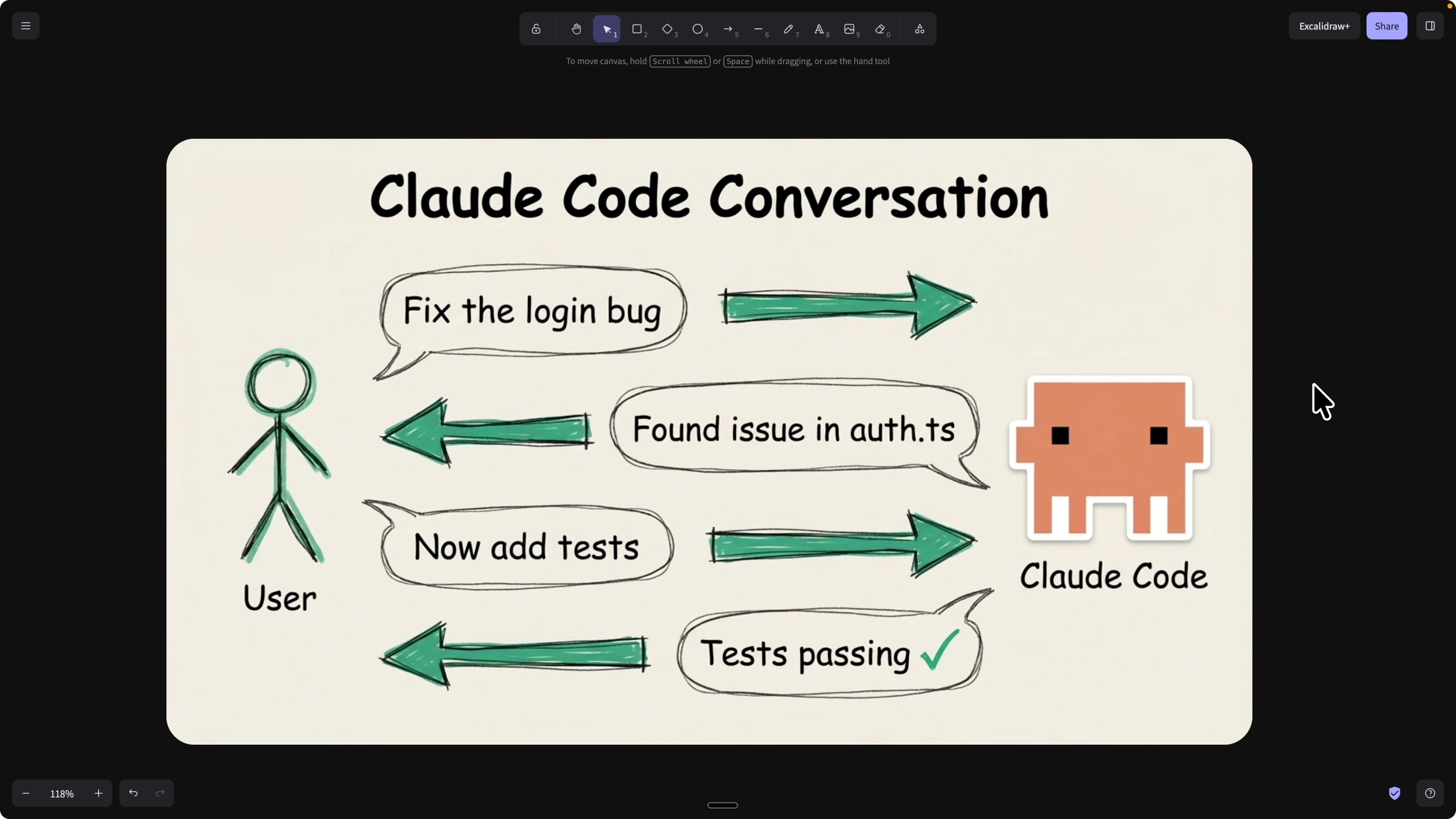
We usually create skills through conversations in Claude Code. You ask Claude to create a skill based on a working prompt thread, then reuse and share it.
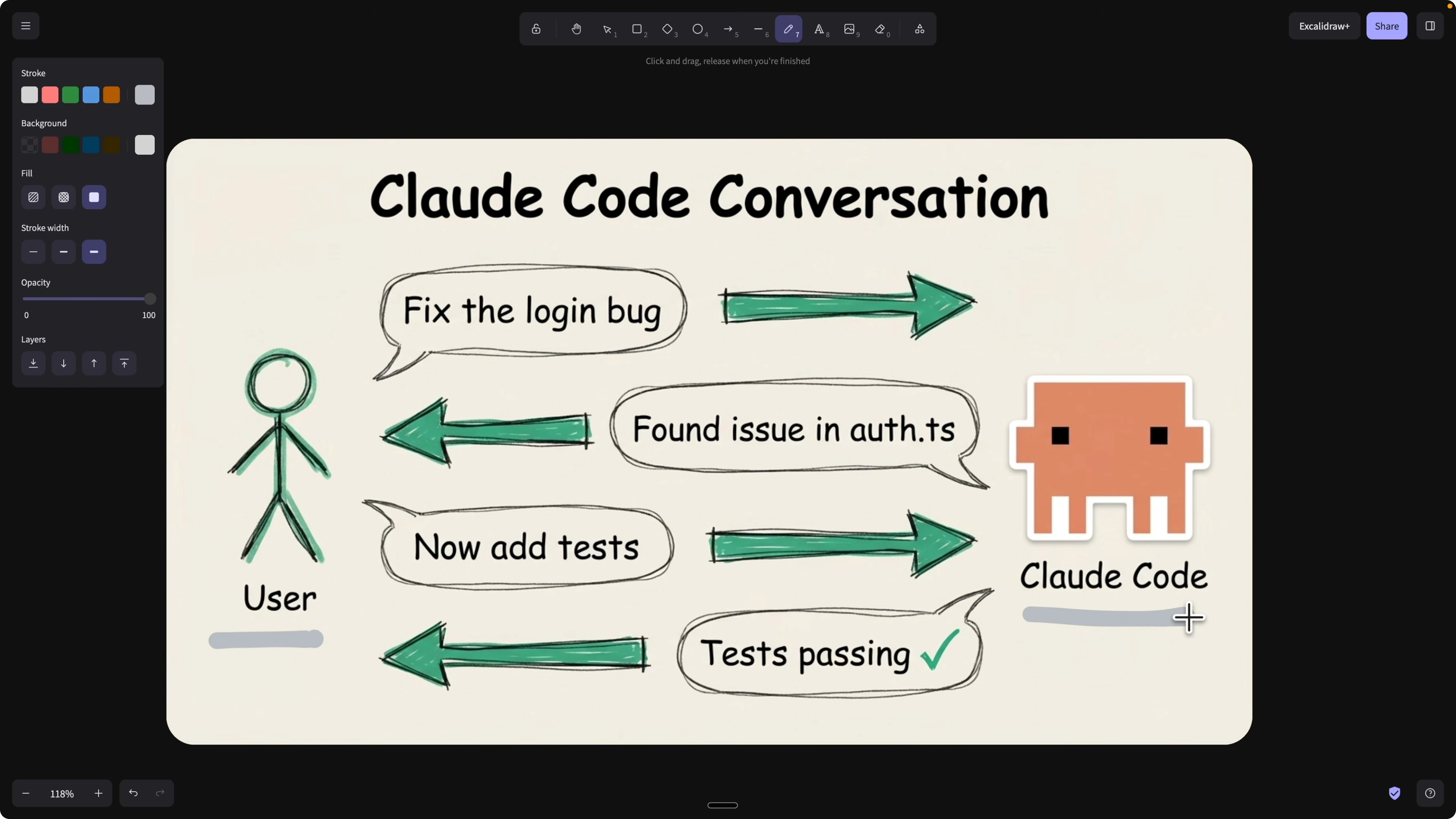
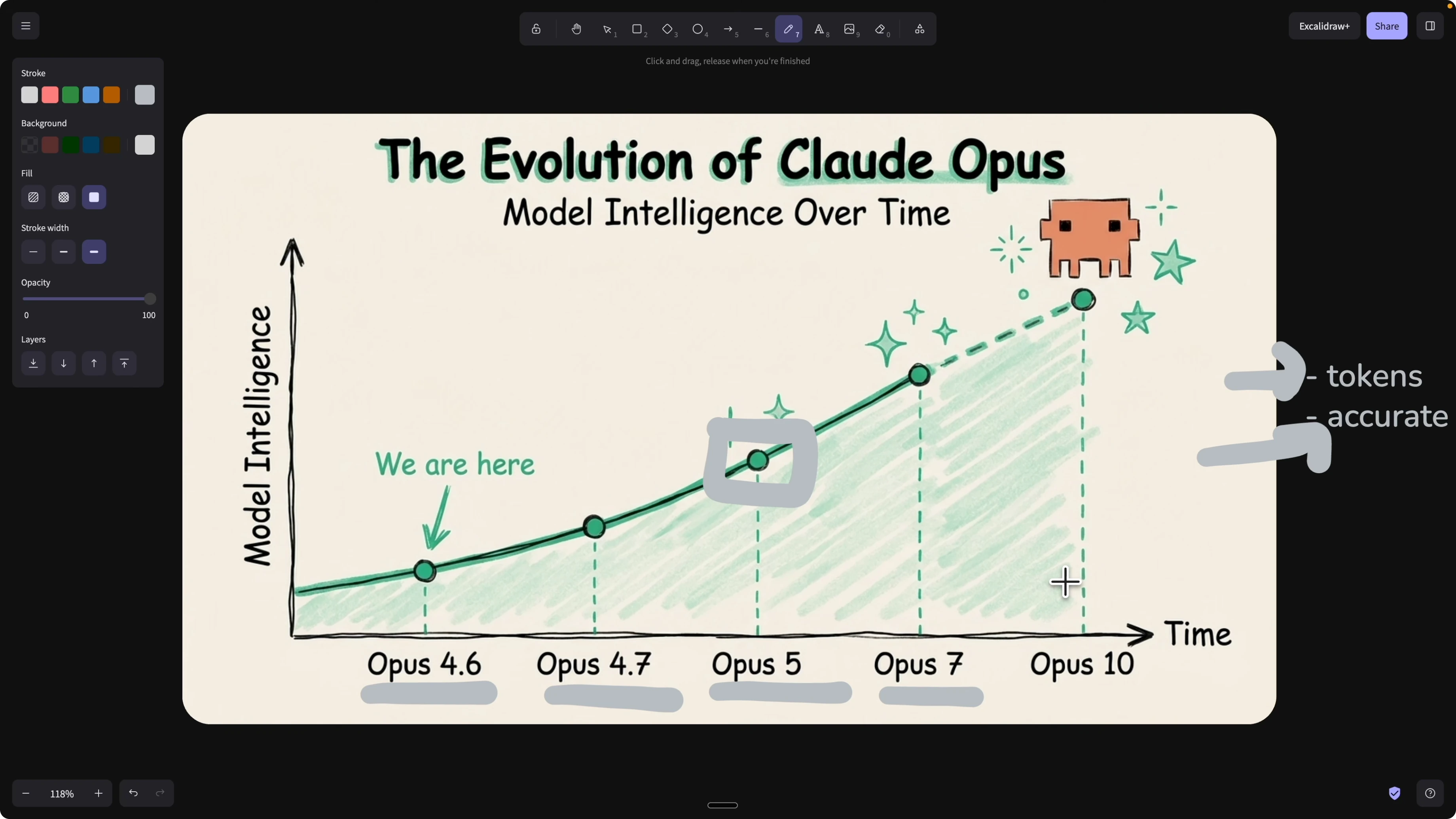
The problem is once a skill exists, there has been no clear way to check if it is still good. As models upgrade from Opus 4.6 to 4.7 or Opus 5 and beyond, some skills become obsolete, redundant, or counterproductive.
Outdated skills can also waste tokens if Claude keeps triggering them. Worse, they can reduce accuracy if the latest model already knows that behavior and the old skill conflicts. We need an evaluation cycle that flags obsolete skills and validates useful ones for each model we use. If you want a broader view of how skills improve developer flow, see improving your coding workflow with skills.
Skill evaluation cycle
Any time you write or update a skill, run a layer of evaluations across different scenarios. Mark each scenario pass or fail based on criteria you define.
If it passes, ship it. If it fails, analyze the breakdowns, adjust the skill, and rerun. Treat skills like code with a CI pipeline for unit, integration, and end to end checks.
Why evaluate across models
New models often absorb capabilities that used to live in custom skills. If Opus 5 already knows how to do a front end design workflow or a marketing checklist, your custom versions may add noise.
Your evaluation should answer a simple question for each model version: is this skill still net positive. If you want context on model behavior shifts, see this model comparison.
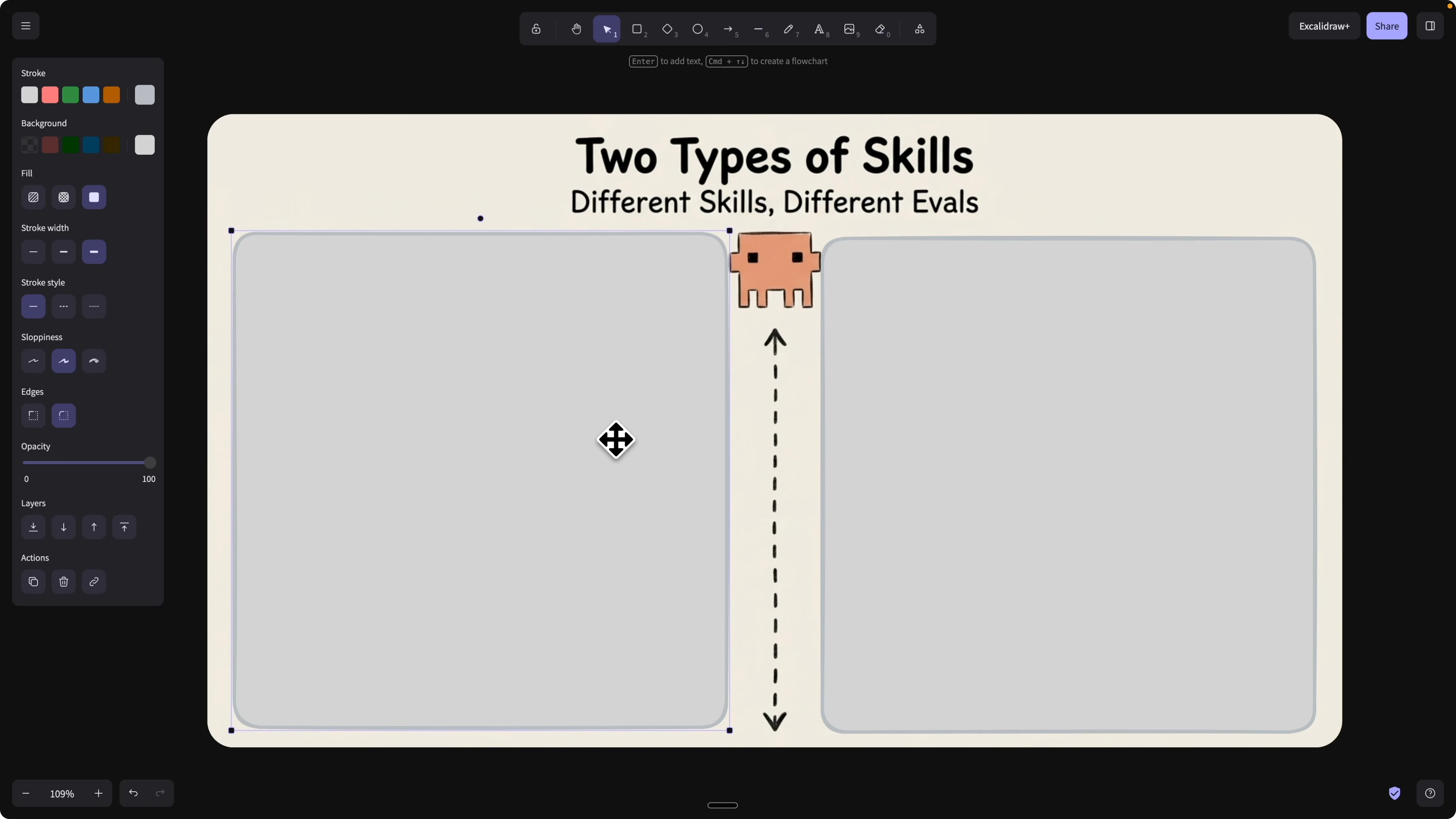
Types of skills and how to test them
Capability skills
These set rules, patterns, and thinking styles. You teach Claude how to think and answer for a domain.
Evaluation checks if the model already learned that behavior. If it has and your skill adds little or conflicts, remove it.
Workflow skills
These automate multi step tasks like code generation with test, verify, build, and deploy. You encode the workflow steps and guardrails.
Evaluation checks if outputs match expected results for given inputs. If the workflow delivers the target result consistently, keep it and keep improving edge cases.
Claude Skills 2.0: How to Measure, Test, and Improve? in practice
I open Claude Code and install the Skill Creator. This helps create new skills, improve existing ones, and measure performance with evaluations.
I am going to improve a NaNoBanana 2 based image workflow and specialize it for blog images with consistent style. For more on image systems you can also read an overview of Lumina Image 2.0.
Install Skill Creator in Claude Code
Open Claude Code.
Type /plugins.
Search for Skill Creator and install it.
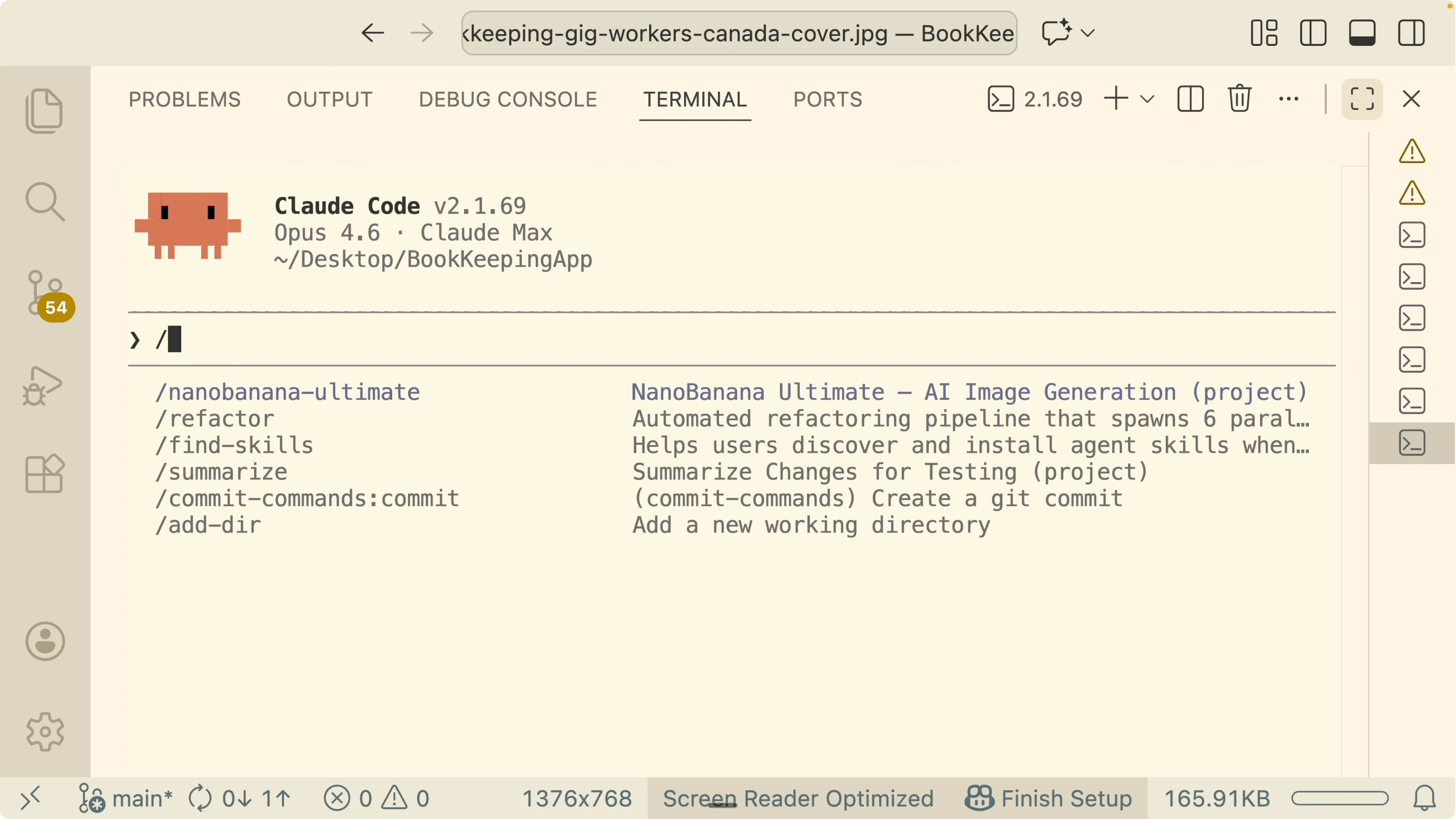
Open the Skill Creator description to confirm capabilities. It helps create skills, improve existing ones, and define evaluation criteria for performance measurement. This is the starting point for turning prompts into testable, maintainable skills.
Define the focused use case
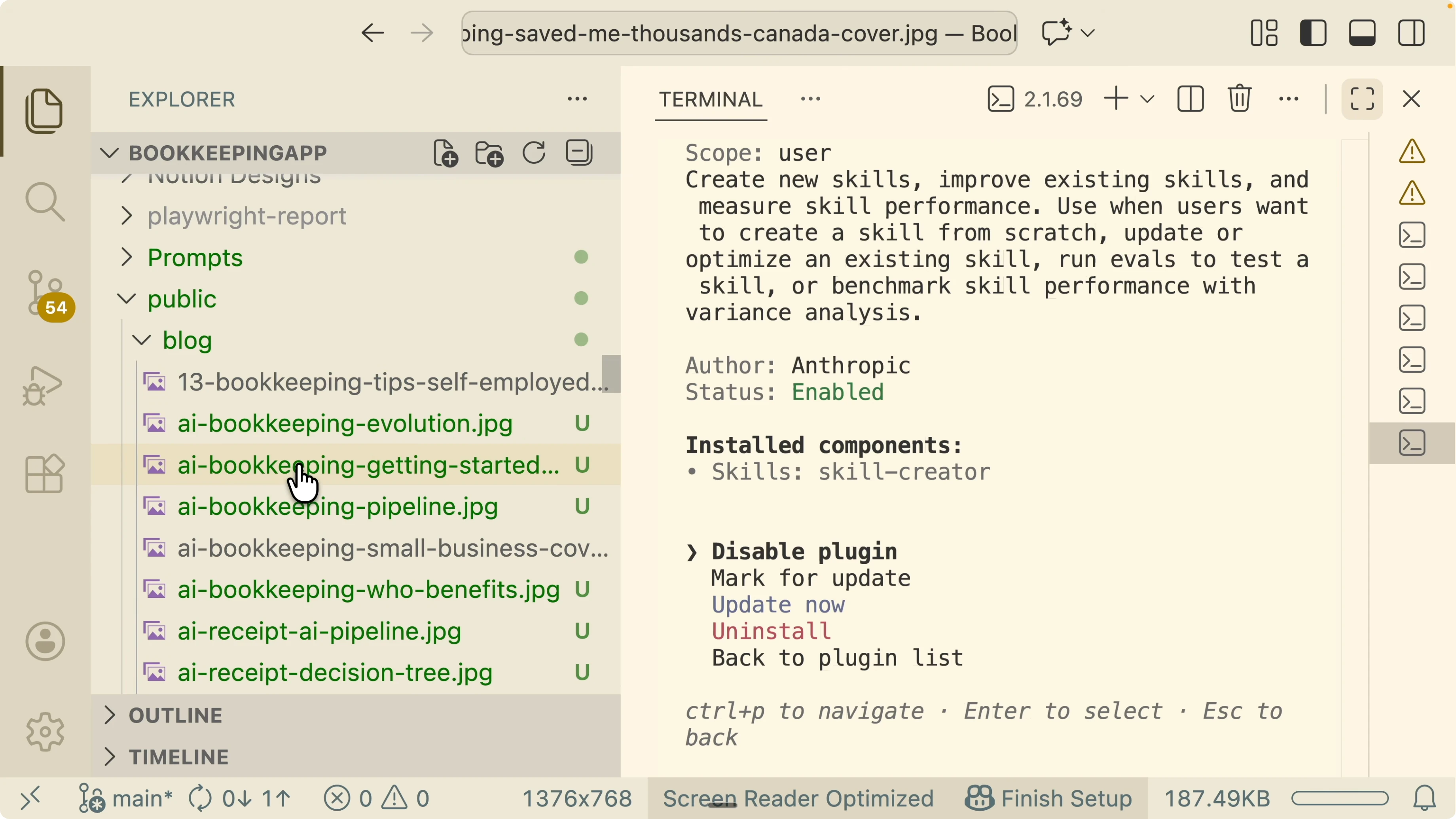
I want a new skill called Blog Image Generator that inherits the core image actions from my NaNoBanana Ultimate skill. The focus is consistent blog cover and in article diagrams using NaNoBanana 2.
I want consistency in color palette, layout, logo placement, and text accuracy. I used voice to text and Claude still refactored the messy prompt into a structured skill plan.
Configure evaluation criteria
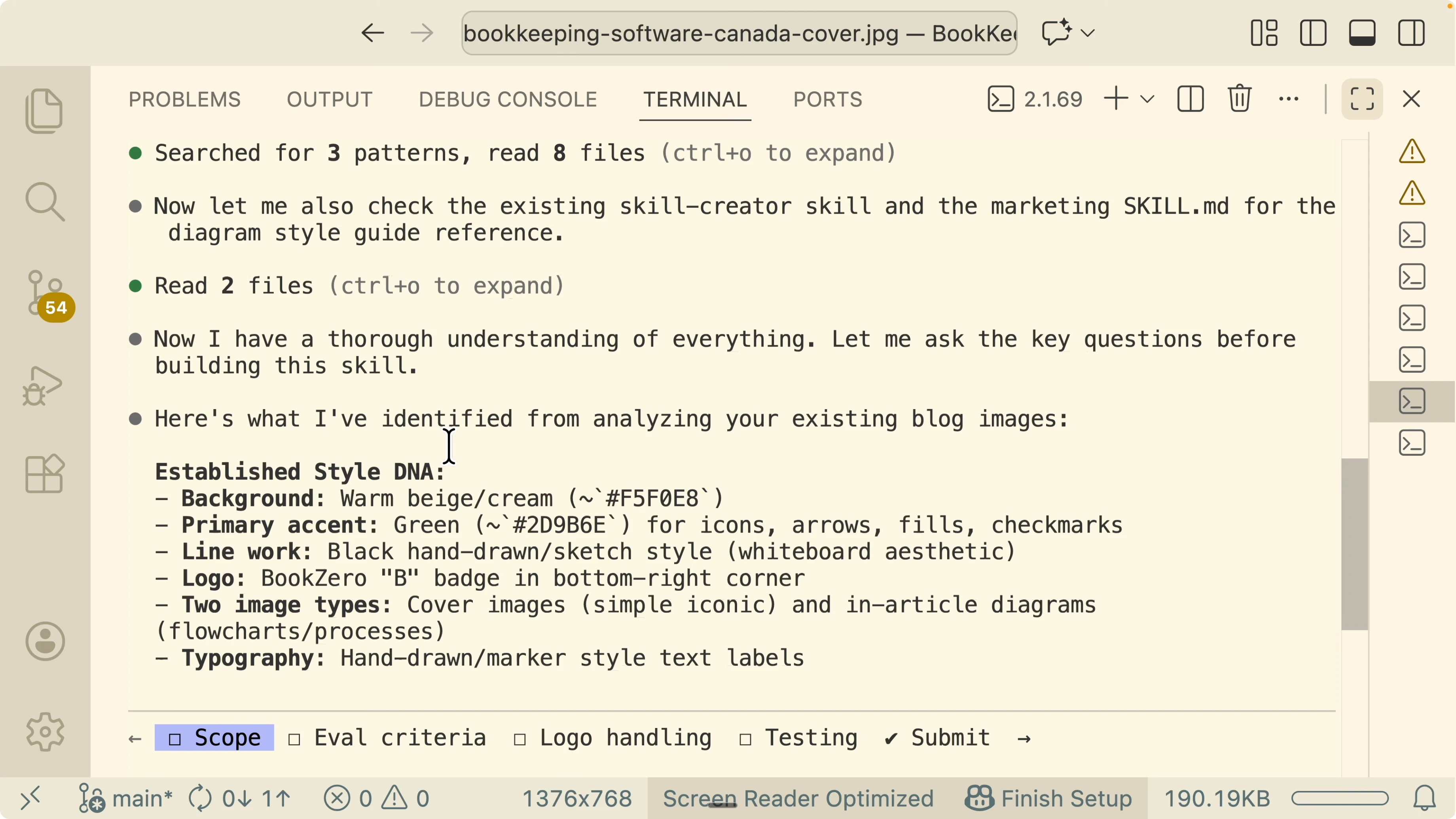
I set visual difference against a reference image as a golden standard. Compare color palette, style, and logo placement across outputs.
I add a checklist score for backgrounds, green and black palettes, and a hand drawn style. This turns subjective judgments into a reproducible rubric.
I enable a human review step. Generate two to three variations, display them, and I pick the best one for the final output.
I do not enable side by side replacement approval since the above gates are enough. I want to keep the process focused and fast.
For logo handling, I do not bake the logo into the prompt. I generate the image without a logo, then compose the logo programmatically in the bottom right using Pillow for consistent placement and fewer tokens.
I add a dry run mode to validate prompts without calling external APIs. I also test with one sample blog post as a small test case.
I add an auto report command to scan the blog folder and generate a pass or needs fixing report. I skip budget tracking for this pass.
Claude Skills 2.0: How to Measure, Test, and Improve? generated assets
The Skill Creator produces a new Blog Image Generator skill. It inherits generate image and edit image from the NaNoBanana Ultimate parent.
Logo composition is handled with Pillow instead of prompting the model to draw it. This guarantees consistent placement and reduces hallucination risk.
It also generates tests. Do not edit the tests folder directly during runs.
Use a test flag to target scenarios and an output flag to write artifacts to a temp path. Use dry run to validate prompts and style compliance without calling APIs.
Example commands
Dry run prompts and validate style checks without external calls:
python run.py --dry-run --test cover --output ./tmp
python run.py --dry-run --test diagram --output ./tmp
python run.py --dry-run --test cover,diagram --output ./tmp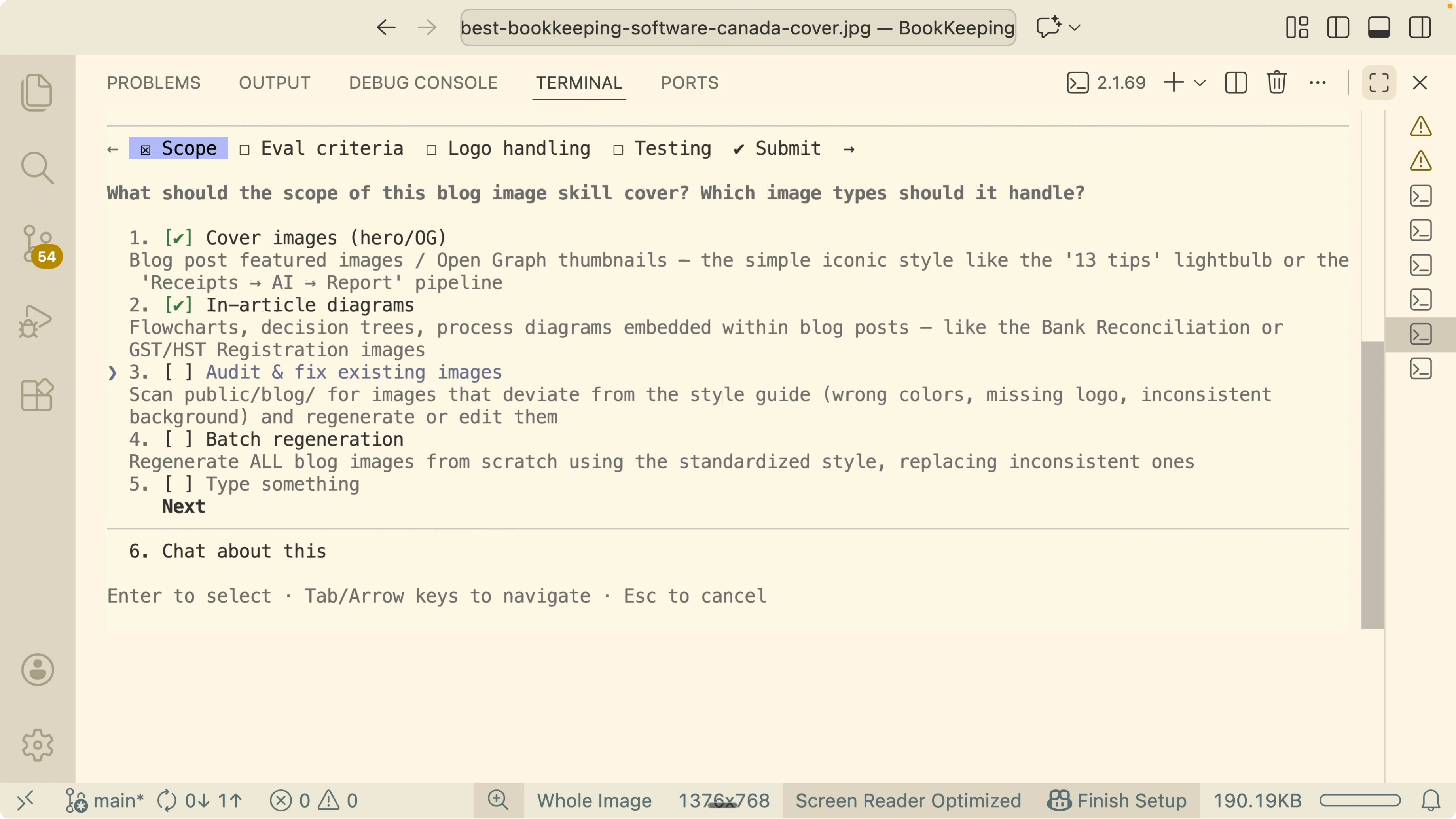
Mock the API to confirm the right tools and prompts are invoked:
python run.py --mock-api --test cover,diagram --output ./tmpAudit existing images in the blogs folder and generate a coverage report:
python run.py --audit ./blogs --report ./tmp/report.json --output ./tmpIf you are exploring different image stacks for comparison, you may also want to look at Qwen Image 2.0 for contrast.
Running and interpreting results
I run the dry run and select both cover and diagram cases. Style validation passes seven of seven checks.
I run the audit against all existing images. It reports 92 of 93 passed and flags one for correction.
I prompt fixes for the failing case, refine the skill, and rerun the tests. All tests pass with a consistent style and more stable backgrounds.
Reduce tokens and improve accuracy
Two goals guide the loop. Improve the accuracy of skills as models evolve and reduce tokens by pruning irrelevant or redundant skills.
If the model already knows a capability, do not trigger a separate skill for it. That keeps context focused and reduces hallucinations.
When you care about performance and responsiveness across models, it helps to see broader latency profiles. For perspective, here is a speed test of popular models to inform choices around cost and throughput.
Final Thoughts
Claude Skills 2.0 turns prompt based skills into maintainable assets with tests and reports. Treat skills like code, set clear pass and fail criteria, and keep a human in the loop when quality matters.
Use dry runs, audits, and programmatic steps like Pillow for reliable post processing. Keep the evaluation loop active so your skills stay accurate, current, and cost efficient as models change.
Subscribe to our newsletter
Get the latest updates and articles directly in your inbox.

Related Posts

8 Best Claude Code Plugins in 2026 (You Need to Know)
8 Best Claude Code Plugins in 2026 (You Need to Know)

7 Best Claude Code Skills (You Need to Know)
7 Best Claude Code Skills (You Need to Know)

Claude Code Desktop IDE Features (You Need to Know)
Claude Code Desktop IDE Features (You Need to Know)