
Claude Skills: 4 Ways to Boost Your Coding Workflow
I am going to give you a complete beginner guide on Claude Skills. I will explain why we should use them, how they work behind the scenes with sub agents, MCP servers, and the overall agent workflow. I will also show you my top four Claude Skills that boost my productivity every day.
By the end, you will know why to use them, when to use them, and how to use them to 10x your productivity with Claude. I have spent years as a senior software engineer at companies like Amazon, AWS, and Microsoft. I break this down into practical steps you can follow.
Why Claude Skills matter
The first reason to use Claude Skills is that they are really good at specific and repeatable tasks. The first time you teach Claude to, for example, design a front end, you need to specify styles, colors, and typography to match your vision. After that work is done, you can create a skill and reuse it so Claude knows exactly what a “nice front end” means for you.
The process becomes smoother and the AI hallucinates far less because the skill tells Claude exactly how to do the task. The second reason is that Claude Skills save context. Before skills, we used Claude Rules, a static system prompt sent every time, even when many rules were not relevant to your request.
With skills, Claude automatically picks the right skill for what you asked. If you are designing a front end, Claude selects a front end or UX UI skill that matches the task. Relevant skills are routed without flooding the context.
The third reason is that skills are easy to share. Treat a skill like an SOP that instructs the AI exactly how to work. You can export a skill as a zip and share it with your team, and you can attach the same set of shared skills to multiple sub agents across your projects.
If you are setting up Claude Code for web projects, see this web coding setup with Claude Code to get your environment right: web coding setup with Claude Code.
How Claude Skills work
Agent configuration
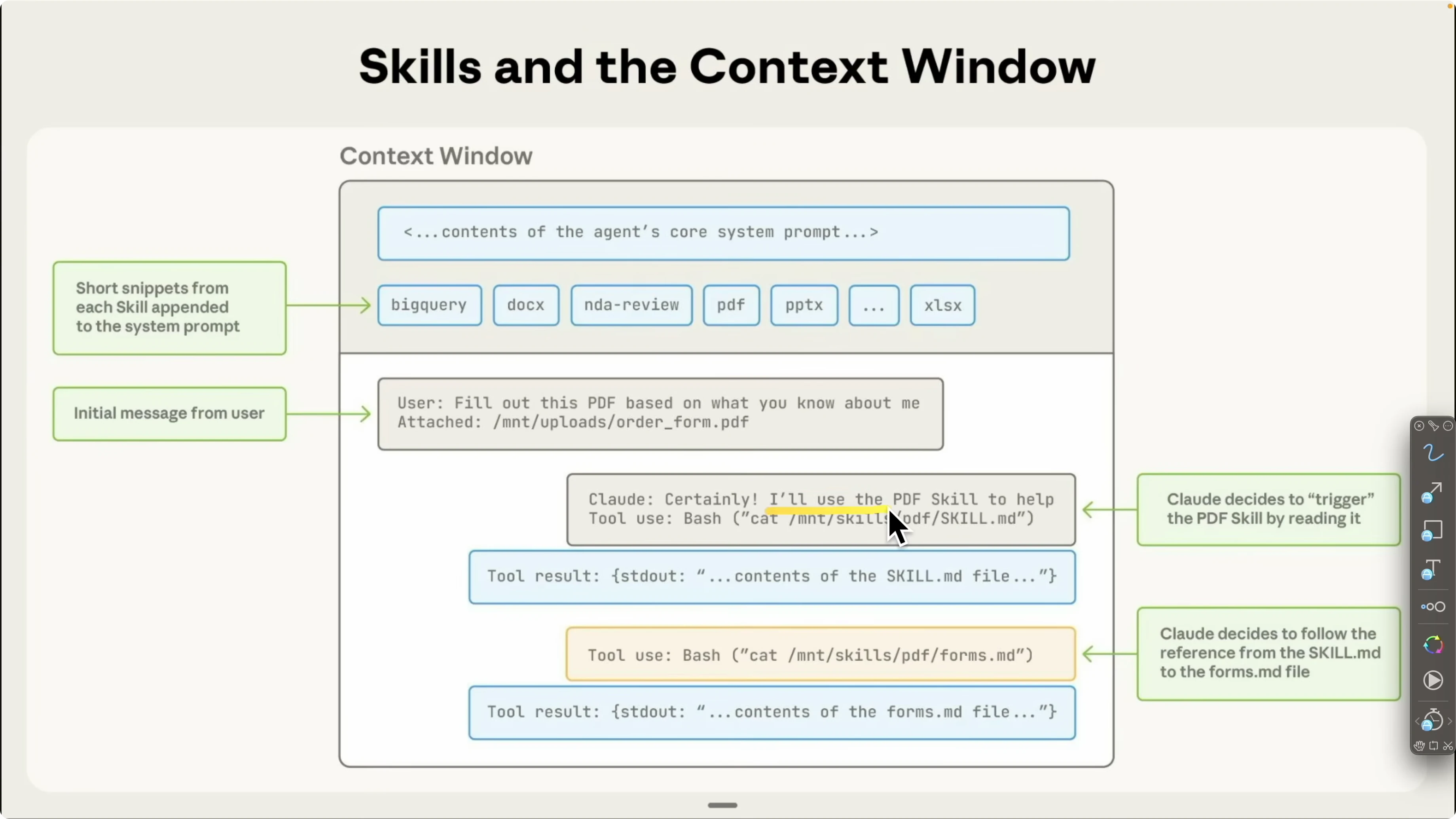
Each Claude agent has a configuration with three main parts. First is your core system prompts, often called Claude Rules, which are static instructions sent to every conversation. Second is equipped skills, like a PDF skill, Excel skill, or a PPTX skill that you add as your library grows.
Third is equipped MCP servers. Think of MCP servers as tools your agent can call to search the web, call APIs, fetch data from your database, or even create GitHub pull requests on your behalf. These three pieces shape how your agent responds and which tools it can call for a given request.
For a quick model context that pairs well with this setup, here is an overview of Opus 4.6 and how it fits into Claude workflows: Claude Opus 4 6 overview.
Agent VM and file system
Every agent runs inside an agent virtual machine. This VM has access to bash, Python, Node.js, and other languages needed to run tasks. It also has a file system that stores your skills in a skill directory.
Each skill contains a skill.md that describes what the skill does. A skill folder can also include data sources and Python scripts. When a skill is triggered, it can execute a script to fetch the exact information Claude needs and then guide the next steps.
Read More: Claude Opus 4 6 Support Antigravity
Example request
A user asks, “Fill this PDF form based on what you know about me, the file is at this location.” Claude evaluates the request, identifies that PDF handling is needed, and triggers the PDF skill. It then calls the right tools and completes the task with the proper context and data access.
Claude Skills: 4 Ways to Boost Your Coding Workflow
Front end design skill
I opened a bookkeeping application project I built with Next.js. The app tracks receipts and bank statements and helps prepare taxes. There is a landing page, a login flow, a dashboard, transaction matching, and receipt upload with tables.
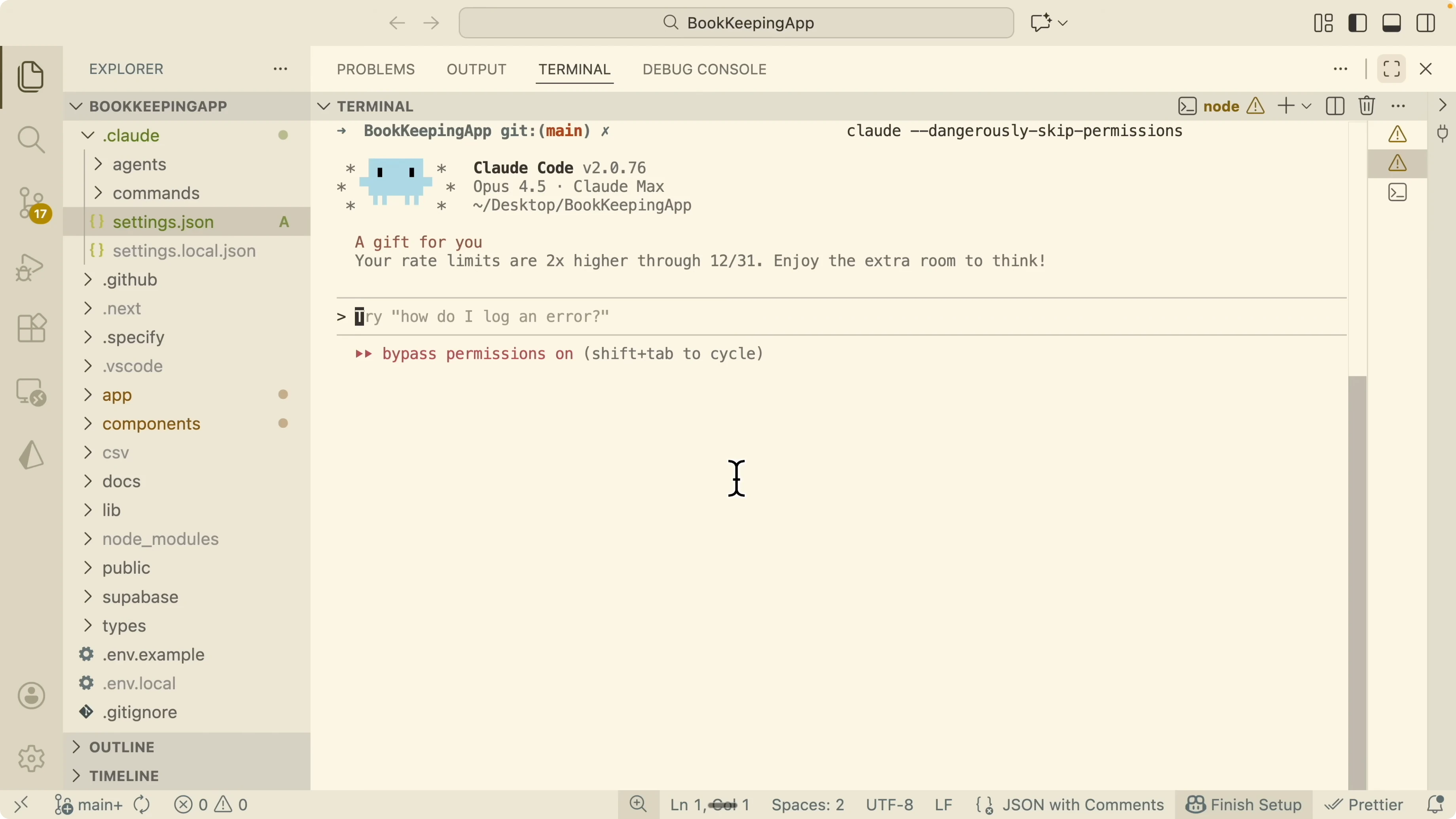
This is the front end design skill from Claude Code. It creates a production grade front end interface with thoughtful design choices that fit your app. It first understands your application, then proposes a design that matches your use case.
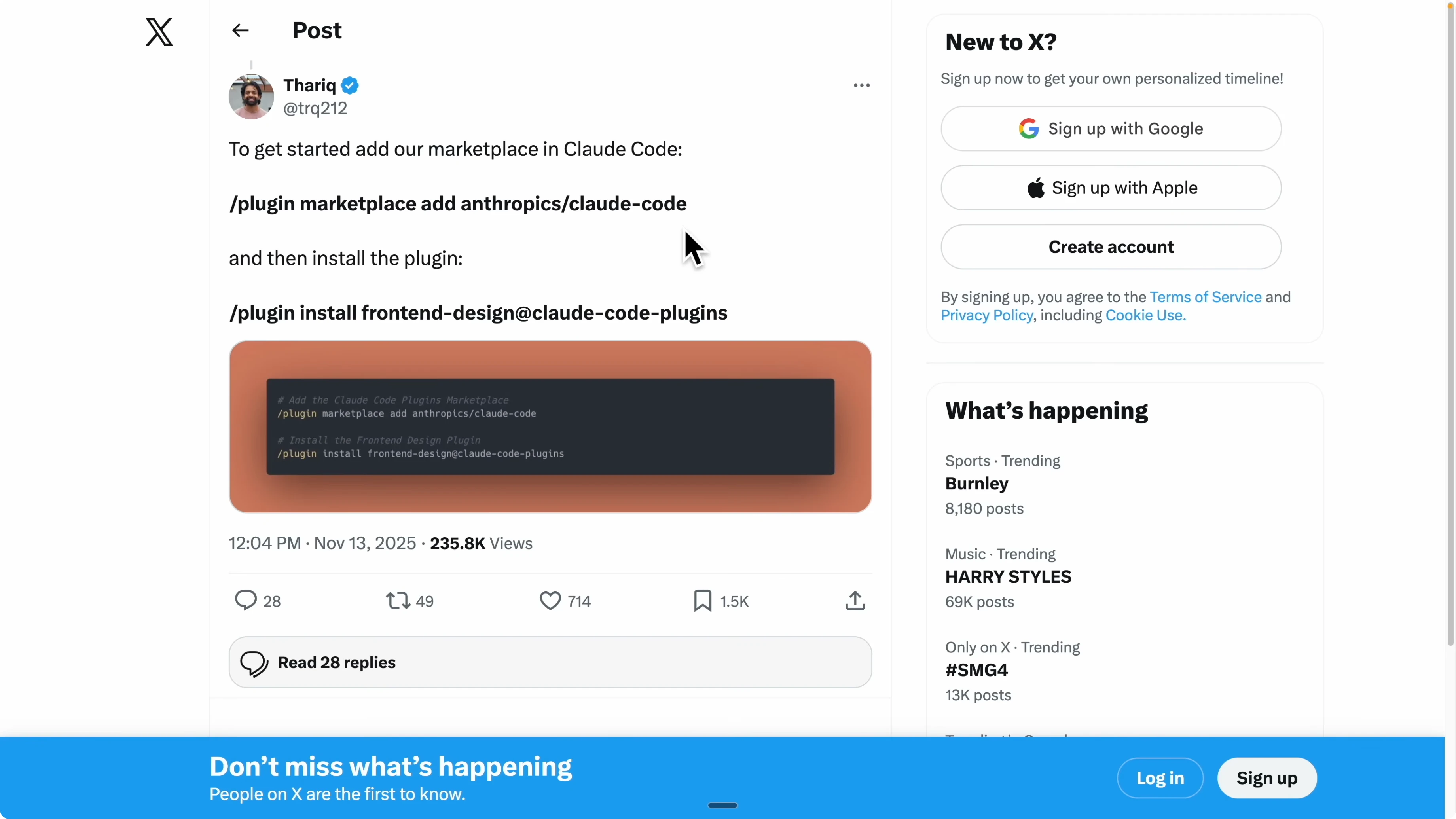
Install the Claude Code marketplace first. In your Claude Code session, open the marketplace with this command.
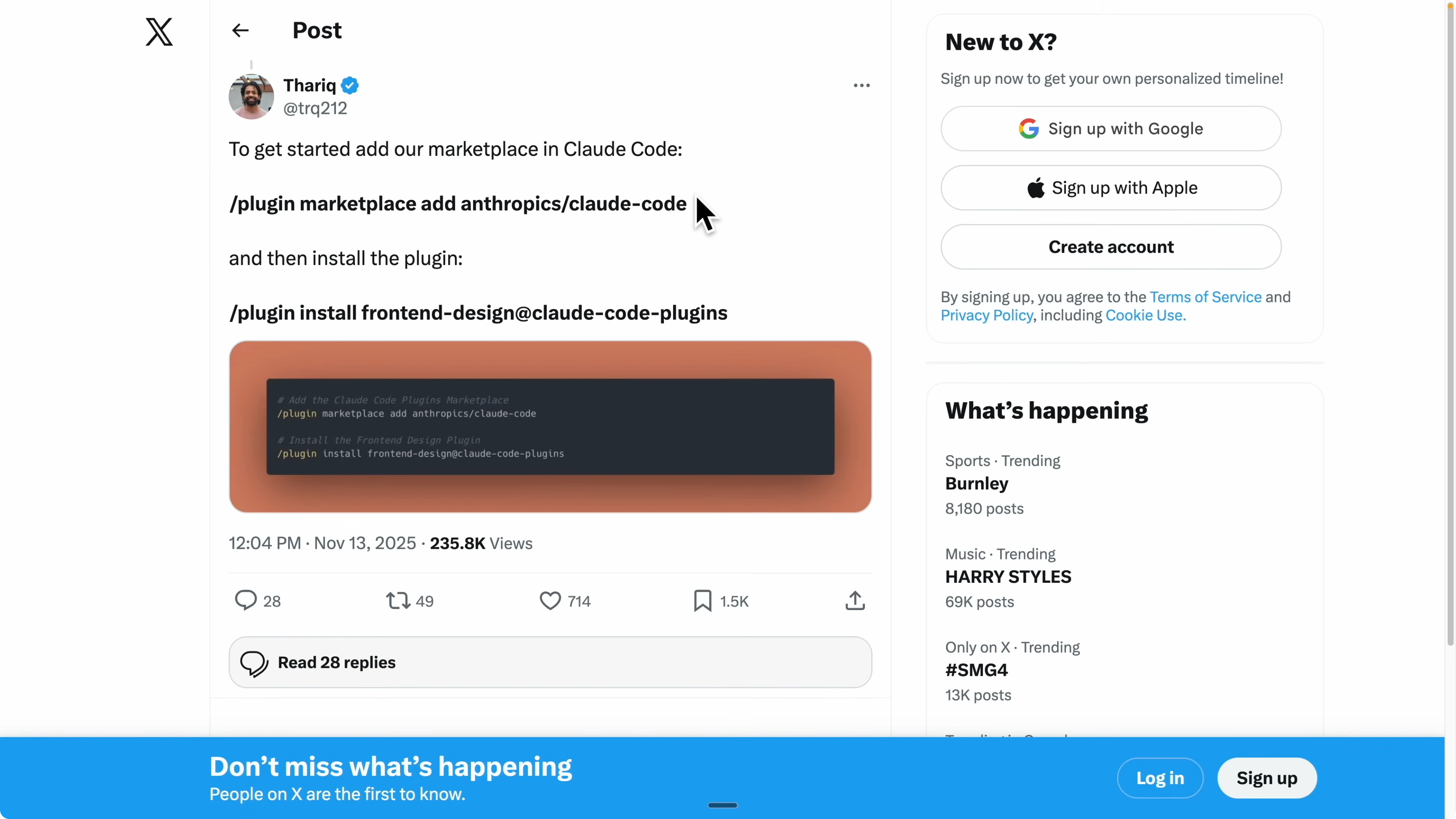
/pluginInstall the Front-end Design skill from the marketplace. If you already have it installed, confirm it appears in your Claude Code plugins list.
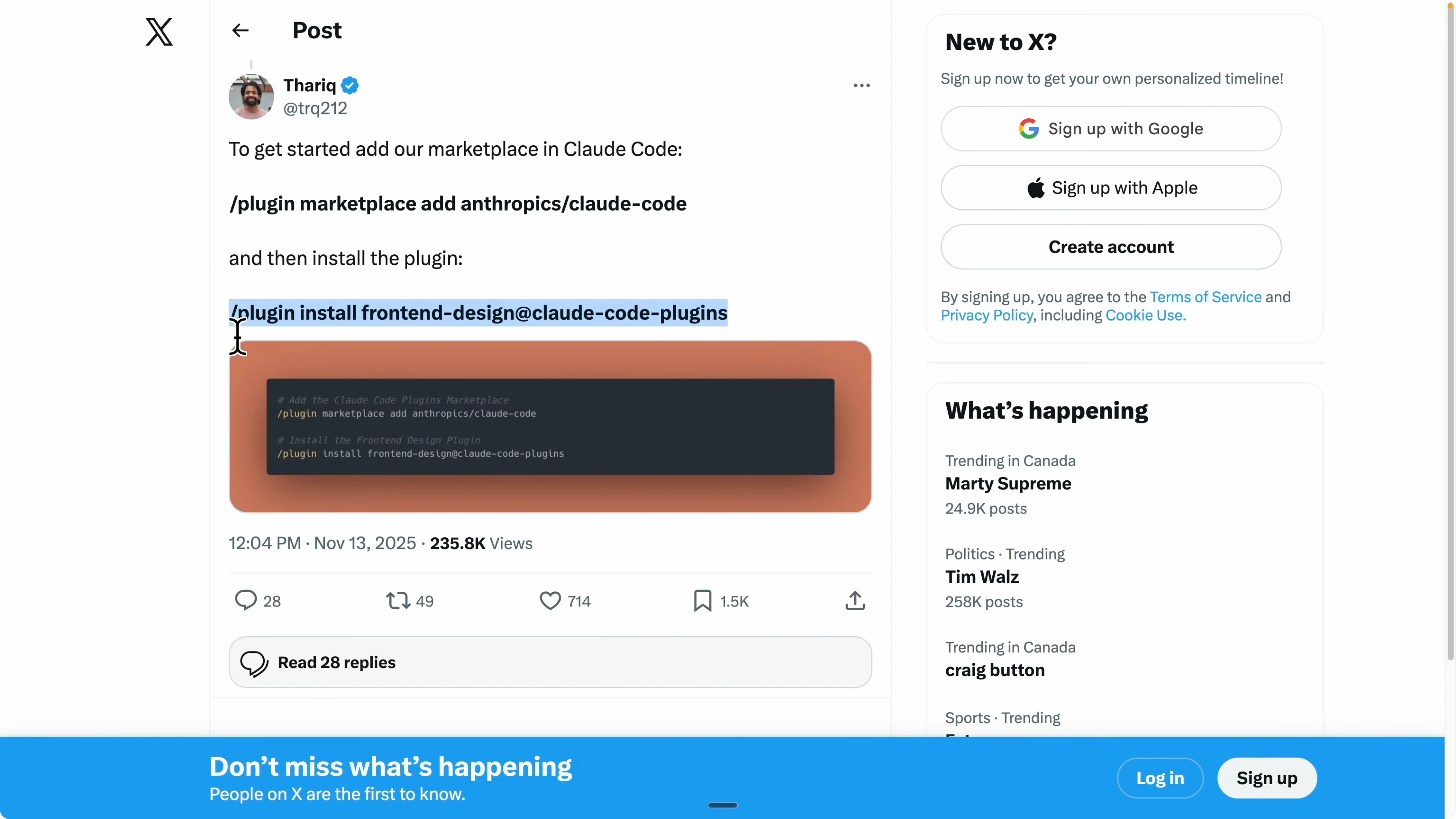
Instruct Claude to redesign your entire front end using the skill. Tell it to consider your app’s goals, audience, and the existing components when proposing the new UI.
After I ran it, I got a complete redesign of the landing page. The palette shifted from blue to green, the typography changed, and the onboarding, testimonials, call to action, and footer were updated to a more consistent style. I logged in and saw the dashboard kept the same structure, but the theme and styles were unified across the app.

If you care about how Claude produces and refines code during these sessions, this breakdown of coding output patterns is helpful: Claude Code workflow for coding output.
Domain name brainstormer
The Domain Name Brainstormer skill helps you find a strong domain for your project. You give it context and goals, and it looks for available names that match your target audience and key features. It ranks options and calls out strengths like short names, memorable phrasing, and .dev credibility for developer focused projects.
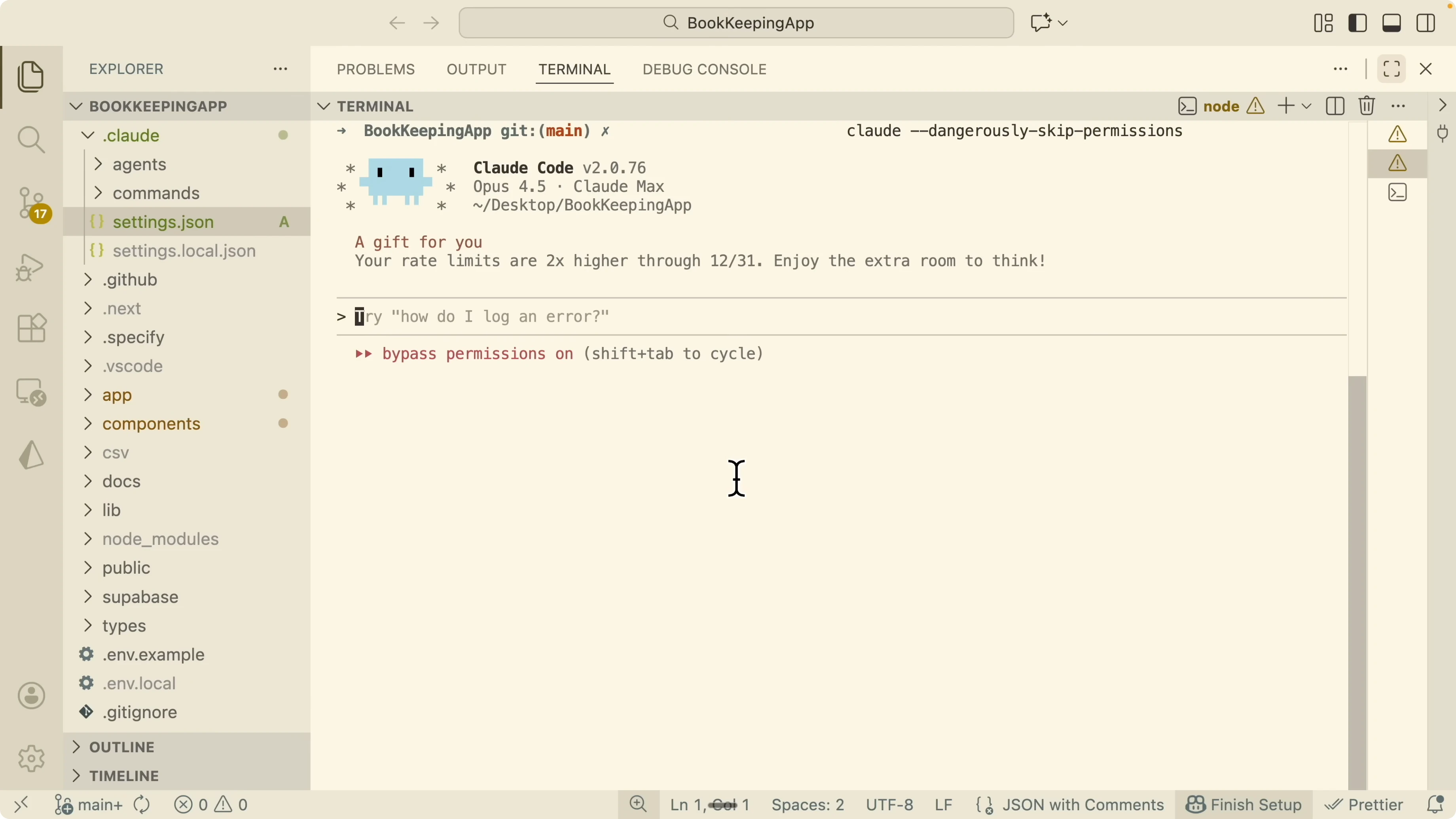
Download the Domain Name Brainstormer skill folder that contains skill.md. Add the folder to your project under a skills directory, for example claude or a similar folder you use for skills. Restart your Claude session so it loads the new skill.
Ask Claude to use the skill for your current project. Here is the exact style of prompt I used.
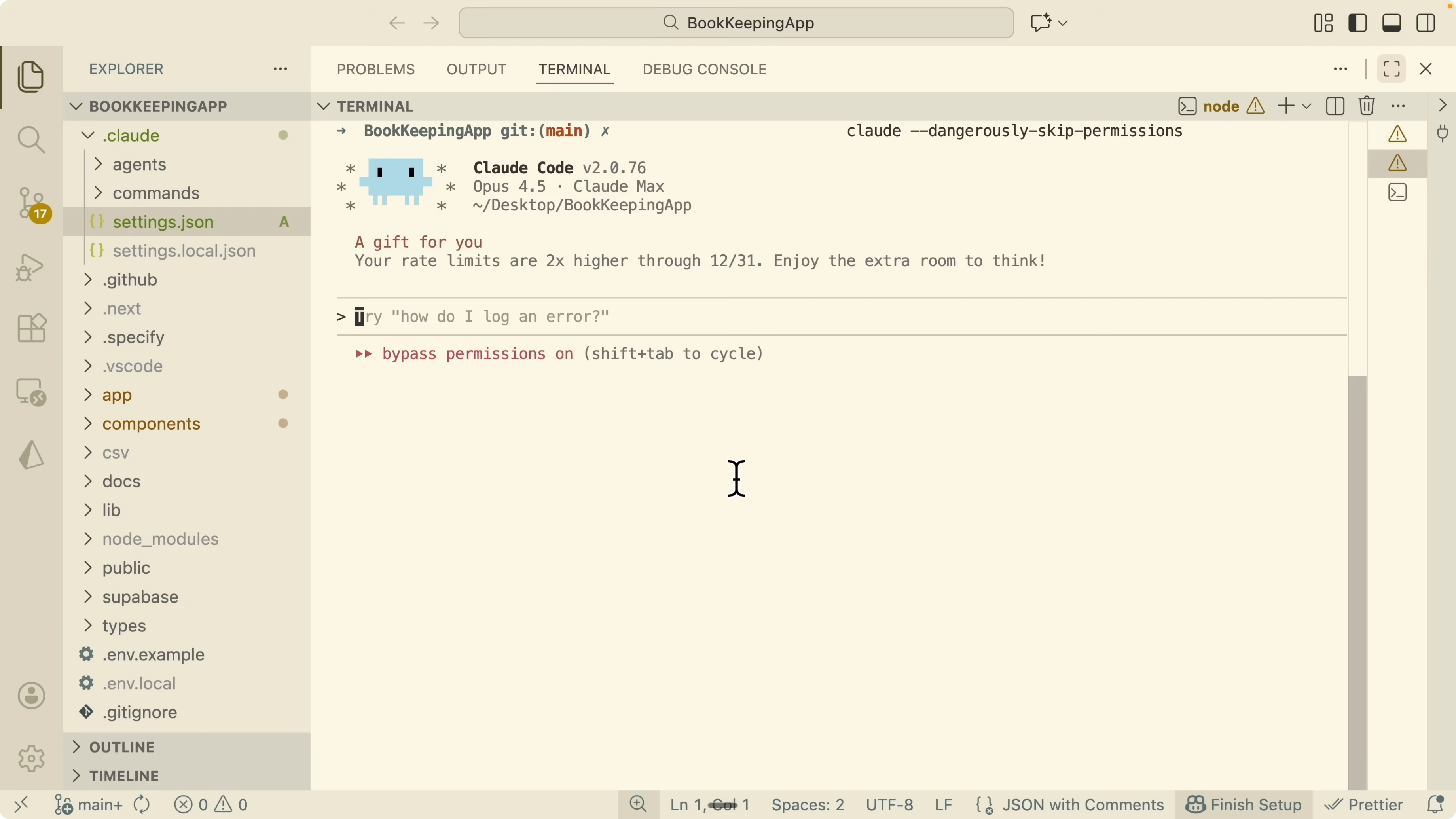
Based on this project, use the Domain Name Brainstormer skill to help me brainstorm domain names that fit the audience and are available.Claude triggers the Domain Name Brainstormer and generates relevant domain suggestions. It annotates why each option fits, notes availability, and helps you pick a best match based on your project’s positioning. This process is much faster than manual checks and gives you a curated short list to review.
For a deeper technical context to pair with skill routing and execution, this full breakdown of Opus 4.6 is a solid reference: Claude Opus 4 6 Full Breakdown.
Final thoughts
Claude Skills help you automate specific and repeatable tasks, reduce hallucination, and keep context clean by activating only what is relevant. They are easy to share across sub agents and projects, and they make your agent behavior more predictable and reusable. Start with skills like a front end design helper and a domain name brainstormer, then expand into file handling and MCP backed tools as your workflow matures.
Subscribe to our newsletter
Get the latest updates and articles directly in your inbox.

Related Posts

8 Best Claude Code Plugins in 2026 (You Need to Know)
8 Best Claude Code Plugins in 2026 (You Need to Know)

7 Best Claude Code Skills (You Need to Know)
7 Best Claude Code Skills (You Need to Know)

Claude Code Desktop IDE Features (You Need to Know)
Claude Code Desktop IDE Features (You Need to Know)