
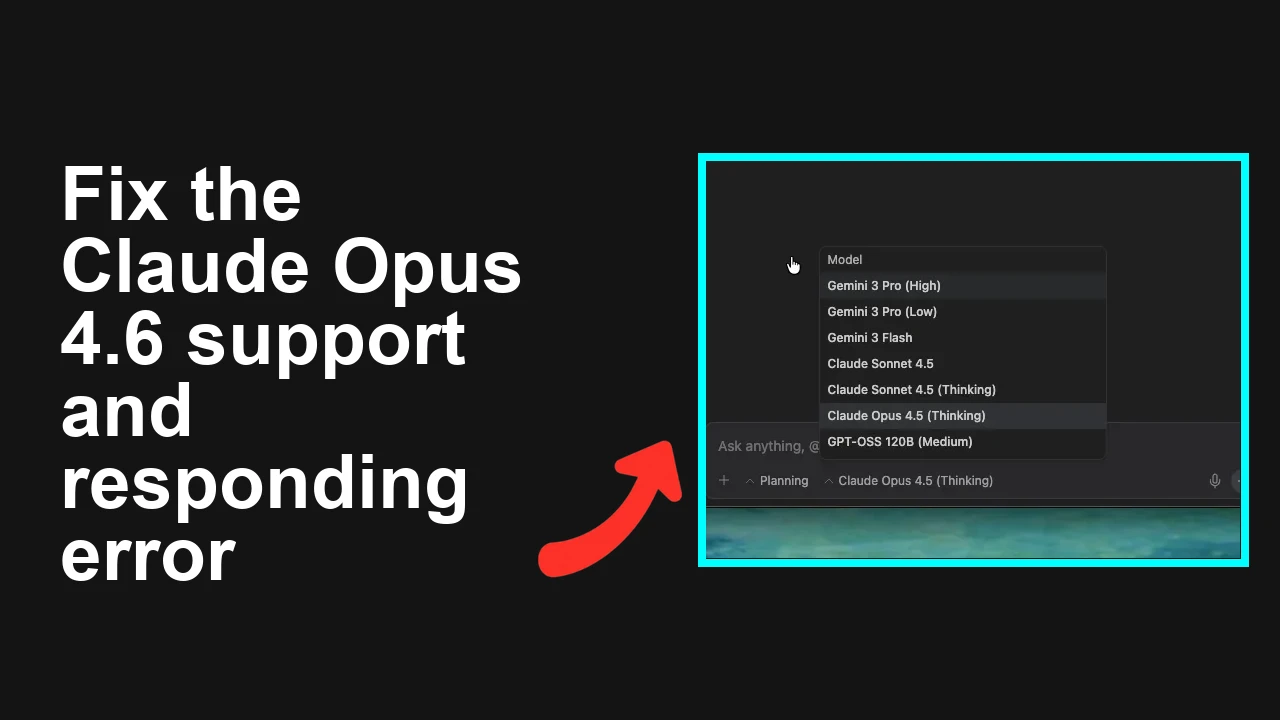
How to fix Claude Opus 4.6 support issues in Antigravity?
Some users see Claude Opus 4.6 in Antigravity while others don’t. You may also get blocked in Agent mode with prompts to upgrade from 4.5 to 4.6 but no way to select it.
How to fix Claude Opus 4.6 support issues in Antigravity?
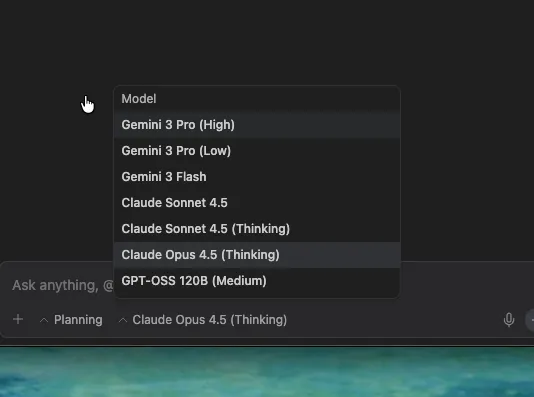
Users report that Claude Opus 4.6 isn’t showing up or Agent mode can’t switch off 4.5, while the Editor can. Typical messages include:
- “Claude Opus 4.5 is no longer available. Please switch to Claude Opus 4.6!”
- “Doesn’t work for me… Closed and opened… Checked for updates… Logged out and in… No Opus 4.6…”
- “Agent mode doesn’t support it but Editor supports it; Agent mode can’t run anymore on 4.5 and asks me to change to 4.6, which I can’t in Agent mode.”
- “Why Opus 4.6 not available on my account? I’m Pro plan.”
In short: 4.6 is enabled in some places (Editor), not yet in others (Agent mode), and rollout is staggered by account/region. For a quick overview of what’s new and why you may want 4.6, see this short primer: Opus 4.6 summary.
Solution Overview
| Aspect | Detail |
|---|---|
| Root Cause | Gradual rollout + UI cache + Agent mode not yet updated to 4.6 in all tenants |
| Primary Fix | Hard relaunch Antigravity, then select “Claude Opus 4.6” in Editor (Project/Workspace model setting); avoid Agent mode until updated |
| Complexity | Easy |
| Estimated Time | 5–10 minutes |
How to fix Claude Opus 4.6 support issues in Antigravity?
Step-by-Step Solution
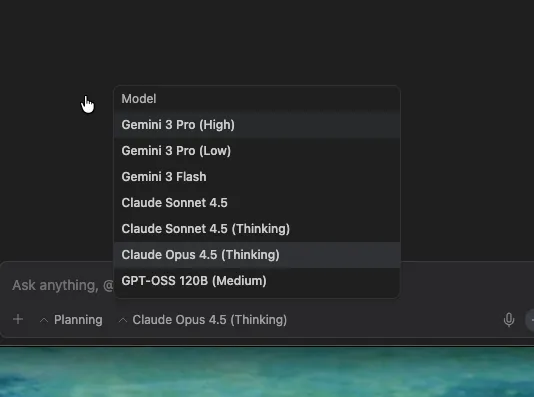
- Fully relaunch Antigravity (don’t just close the tab)
- Desktop app:
- macOS: quit the app, then run:
pkill -f "Antigravity" || trueReopen Antigravity.
- Windows: close the app, then run:
taskkill /IM Antigravity.exe /FReopen Antigravity.
- Linux:
pkill -f antigravity || trueReopen Antigravity.
- Web app: hard refresh the app page:
- Windows/Linux: Ctrl+F5
- macOS: Shift+Cmd+R
Tip: This mirrors the forum guidance: “please close and open again, then you can choose to use the opus 4.6!”
- Switch to Editor and select the model there (Agent mode may lag)
- Open Editor.
- Project/Workspace settings > Models.
- Pick Claude Opus 4.6.
- Save, then re-run your task.
Important: Several users confirmed Editor supports 4.6 while Agent mode does not yet. If Agent mode blocks you with “switch to 4.6,” complete your task in Editor until Agent is updated.
- Sign out/in to refresh your tenant flags
- Sign out of Antigravity.
- Sign back in and reopen your project.
- Re-check the model list for Claude Opus 4.6.
- Check plan/region and rollout status
- Confirm your account is in the supported rollout group (some Pro/Ultra users reported short delays).
- If your org uses regional routing, ensure your workspace region has 4.6.
- Verify with your admin if there’s a tenant or policy block on new models.
For context on Opus 4.6 vs 4.5 changes that may affect policy/compatibility, see our quick comparison: Opus 4.6 vs 4.5 differences.
- Update the app to the latest build
- Desktop: use Help > Check for updates (or your org’s software center).
- Web: sign out/in and hard refresh again to pick up the newest front-end.
- If Agent mode must be used, temporarily change the runtime
- If your org’s Agent mode can’t target 4.6 yet, switch Agent mode to a supported model (e.g., a temporary non-Opus profile) while you wait for the Agent update.
- Then move critical flows to Editor with 4.6 until parity lands.
- If you still don’t see 4.6, contact support with specifics Share:
- Account email/tenant
- Region
- Plan (Pro/Ultra)
- Workspace/project ID
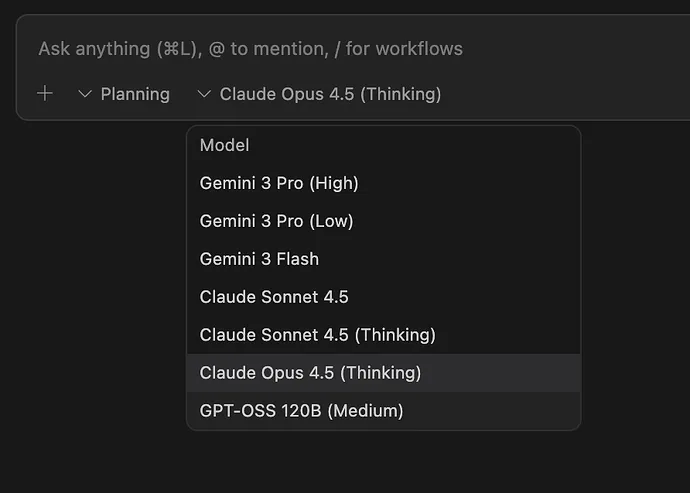
- Screenshot of model picker and the error (“4.5 is no longer available…”)
For broader model availability details from the provider, see Anthropic model availability and, for Google-backed deployments, Google AI updates.
Alternative Fixes & Workarounds
-
Run workloads in Editor only (temporary)
-
If Agent mode blocks you on 4.5, perform the same flow in Editor with 4.6 selected until Agent is updated.
-
Use a supported interim model for Agents
-
Pick a compatible model for Agent tasks, then switch back to 4.6 once listed.
-
New workspace test
-
Create a new test workspace/project; some tenants pick up new model flags quicker on new projects.
Need a deeper feature review for team decisions? Here’s a concise breakdown you can share internally: full Opus 4.6 breakdown.
Troubleshooting Tips
- Confirm the prompt: If you see “Claude Opus 4.5 is no longer available…,” you must pick 4.6 in a context where it’s offered (Editor). Agent mode may not list it yet.
- Try another browser/session (web): Private window, different browser profile, then sign in.
- Organization controls: Some admins restrict new models by default; ask to enable 4.6 for your org.
- Staged rollout timing: Not all regions and plans flip at once. If you’re Pro and still don’t see it, it may be a short delay.
- Clear stuck session (web): Sign out, close the browser, open a fresh session, sign in, re-check model picker.
- Verify per-project model setting: Some workspaces keep a per-project override; ensure you changed the right scope.
Best Practices
- Announce model upgrades internally and update runbooks: specify where 4.6 is available (Editor first, Agent to follow).
- Keep separate configs for Editor vs Agent until parity is confirmed.
- Capture a rollback plan: define an alternate model for Agents so production doesn’t stall during rollouts.
- Standardize a “refresh checklist” (relaunch, sign out/in, hard refresh) whenever new models are announced.
Final Thought
The fastest path is simple: relaunch Antigravity, switch to Editor, pick Claude Opus 4.6, and run. Use a temporary Agent fallback until that mode lists 4.6 in your tenant. This gets your team unblocked today while rollout completes.
Subscribe to our newsletter
Get the latest updates and articles directly in your inbox.

Related Posts

How to fix Browser agent not working in Antigravity?
How to fix Browser agent not working in Antigravity?

How to fix Antigravity CLI (agy) on WSL broken launcher and missing scripts?
How to fix Antigravity CLI (agy) on WSL broken launcher and missing scripts?
How to fix Antigravity model list disappeared and stuck on loading models?
How to fix Antigravity model list disappeared and stuck on loading models?