
Table Of Content
- Setup for How Claude Code Web Transformed My Coding Setup?
- Browser workspace in How Claude Code Web Transformed My Coding Setup?
- Initialize a repo in How Claude Code Web Transformed My Coding Setup?
- Generated docs and pull request in How Claude Code Web Transformed My Coding Setup?
- Continue the same session locally in How Claude Code Web Transformed My Coding Setup?
- paste the copied session command from Claude Code Web to attach to this session
- Pull merged changes in How Claude Code Web Transformed My Coding Setup?
- My workflow for How Claude Code Web Transformed My Coding Setup?
- Final thoughts on How Claude Code Web Transformed My Coding Setup?
How Claude Code Web Transformed My Coding Setup?
Table Of Content
- Setup for How Claude Code Web Transformed My Coding Setup?
- Browser workspace in How Claude Code Web Transformed My Coding Setup?
- Initialize a repo in How Claude Code Web Transformed My Coding Setup?
- Generated docs and pull request in How Claude Code Web Transformed My Coding Setup?
- Continue the same session locally in How Claude Code Web Transformed My Coding Setup?
- paste the copied session command from Claude Code Web to attach to this session
- Pull merged changes in How Claude Code Web Transformed My Coding Setup?
- My workflow for How Claude Code Web Transformed My Coding Setup?
- Final thoughts on How Claude Code Web Transformed My Coding Setup?
Claude Code Web just released and I use it to 10x my productivity as a software developer. I will show how I set it up in the browser, how I connect it to GitHub, how I continue sessions on my local machine, and my personal workflow that makes it click for me.
You will see how I start from a clean browser session, create documentation and pull requests, switch to the terminal, and merge back confidently to the main branch.
Setup for How Claude Code Web Transformed My Coding Setup?
Step 1: Go to claude.ai/code.
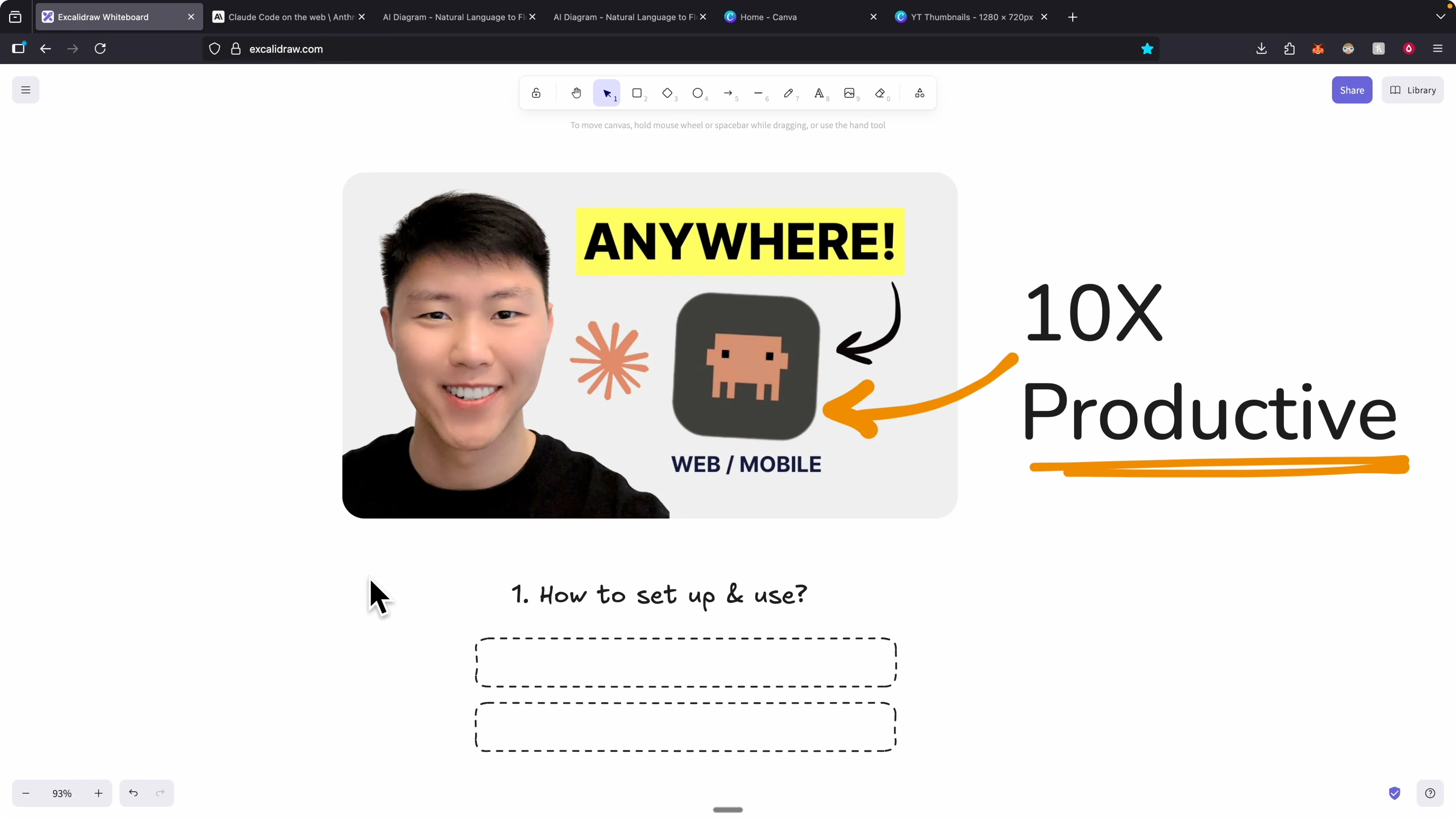
Step 2: Connect your GitHub account.
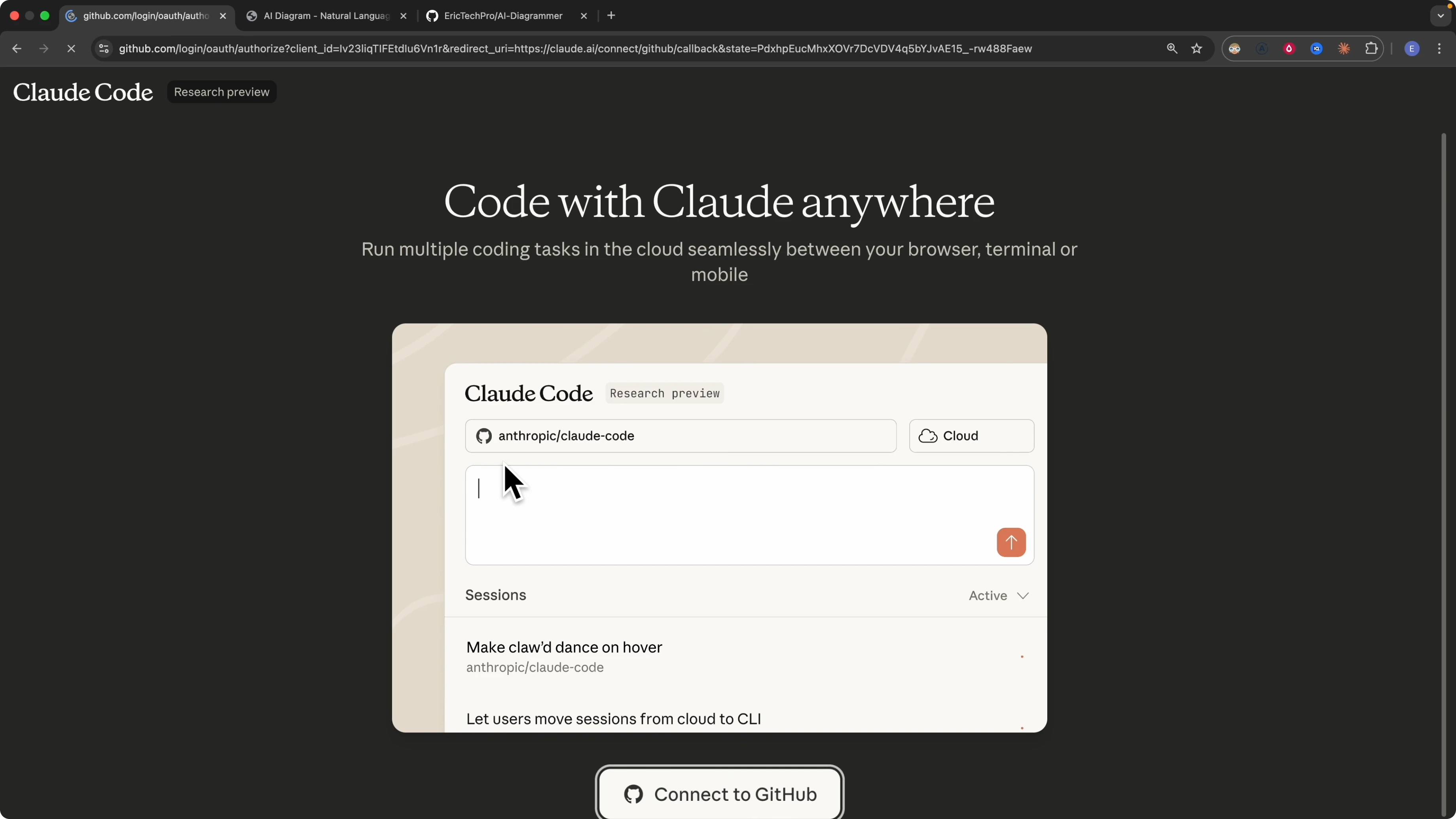
Step 3: Authorize Claude to verify your account and read the GitHub resources it needs.
If you want a deeper setup walkthrough with screens and tips, see this quick guide on Claude Code setup.
Browser workspace in How Claude Code Web Transformed My Coding Setup?
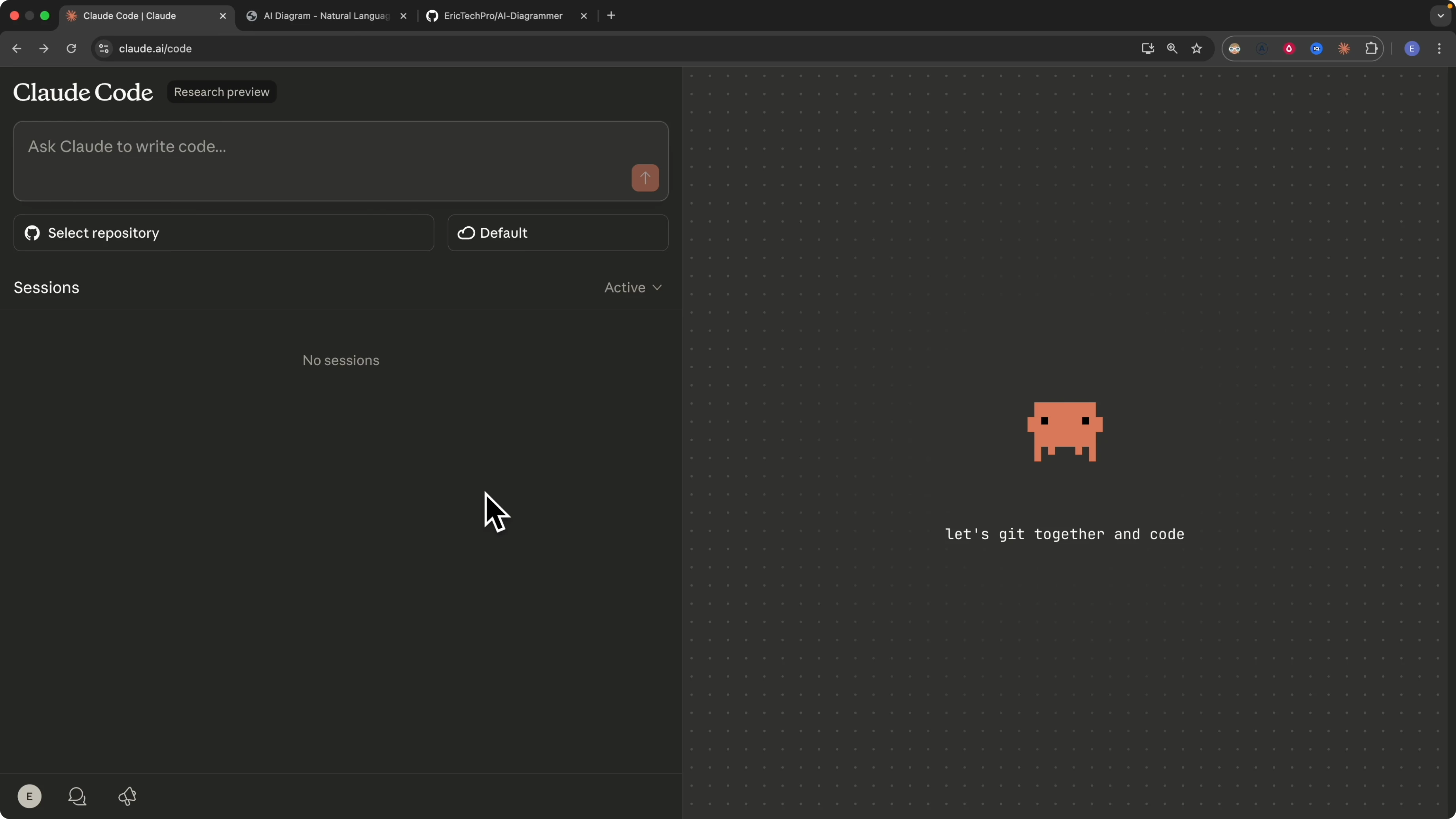
After authorization you land in the Claude Code Web workspace. You get a prompt window where you can start describing what you want Claude Code to build.
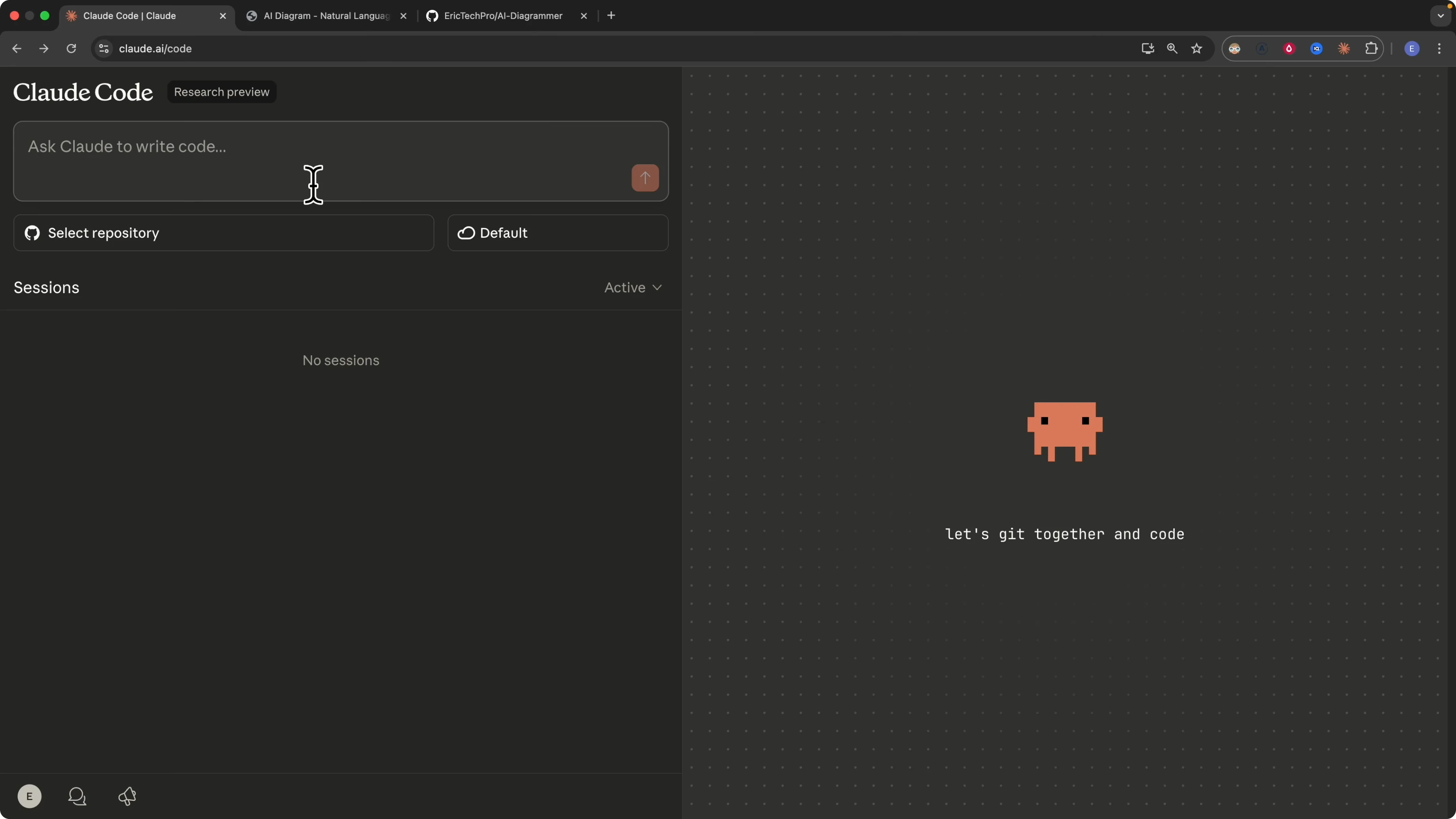
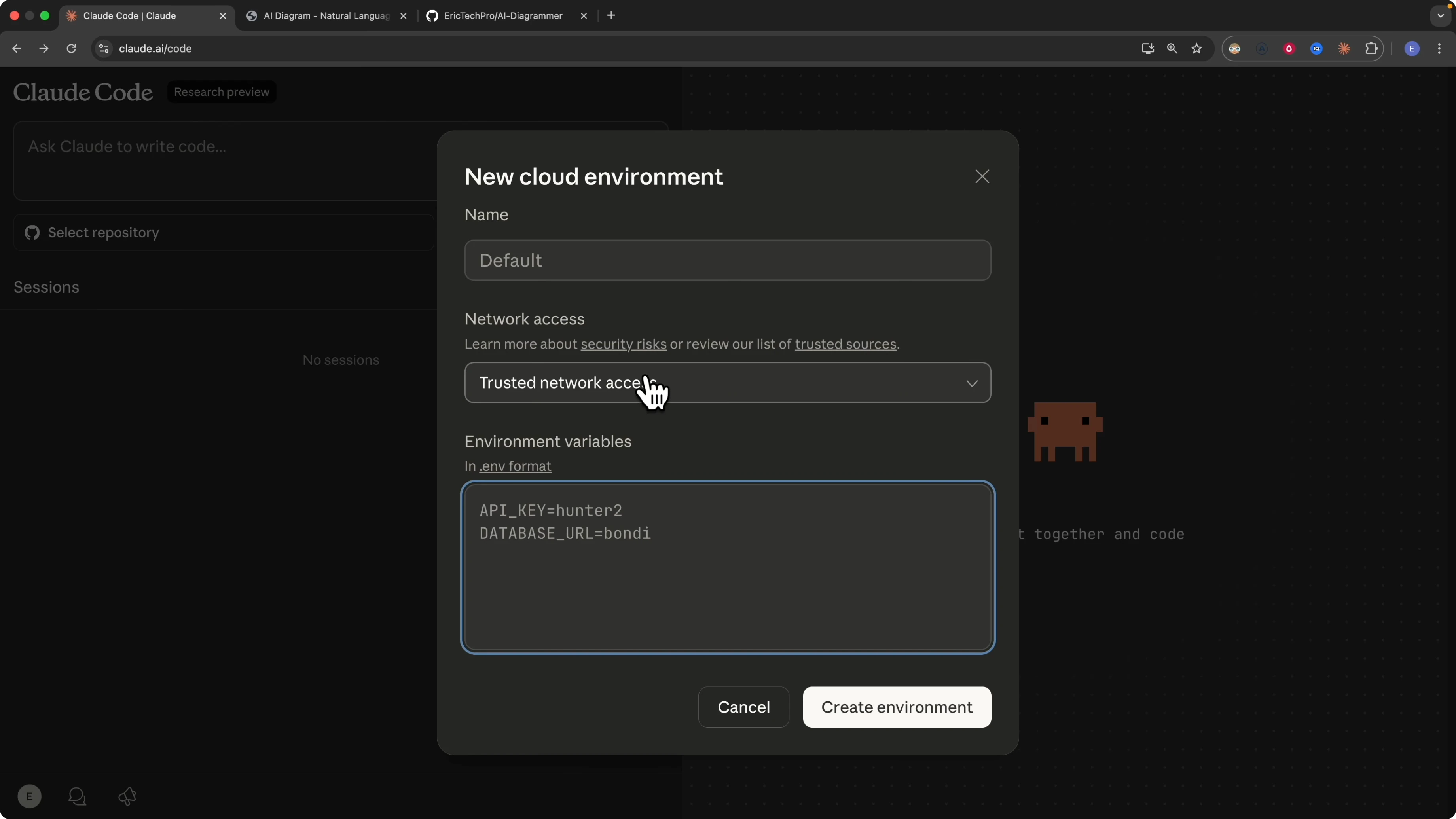
You can select any repository from your GitHub account. You can load environment variables and keys directly into the environment variables panel.
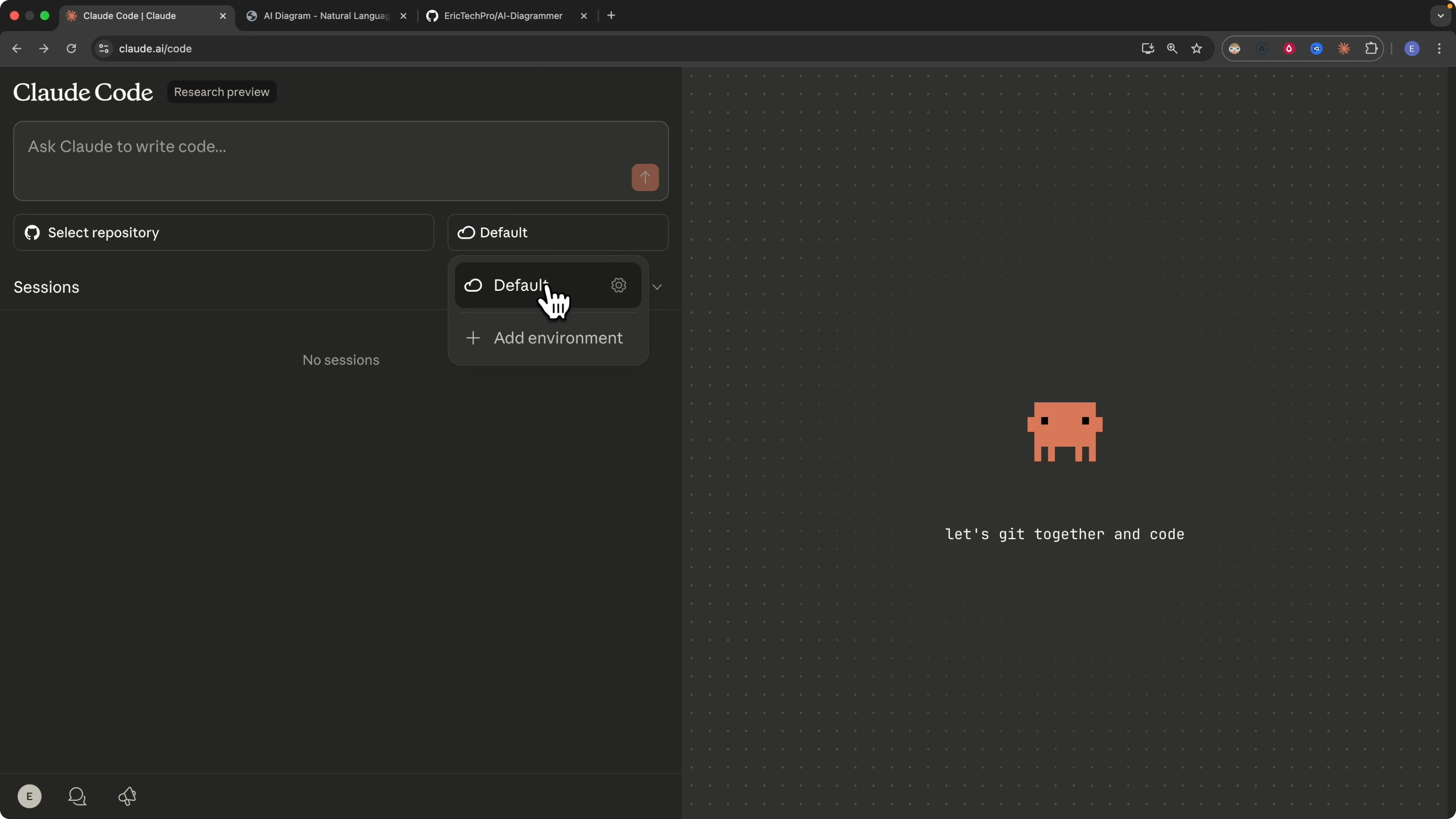
If your company requires special routing or VPN, adjust network access and custom domains in the network settings. You can also name the cloud environment because Claude Code runs your tasks in a cloud virtual environment.
If you prefer to work with local models without an external key, here is a simple path using Ollama with Claude Code in this guide on local models and no Anthropic key.
Initialize a repo in How Claude Code Web Transformed My Coding Setup?
I tested this with a repo I call AI Diagrammer. I built the app with a no code builder and it lets you draw and have AI generate the diagrams you want.
I asked Claude Code to initialize the project and create a better README for it.
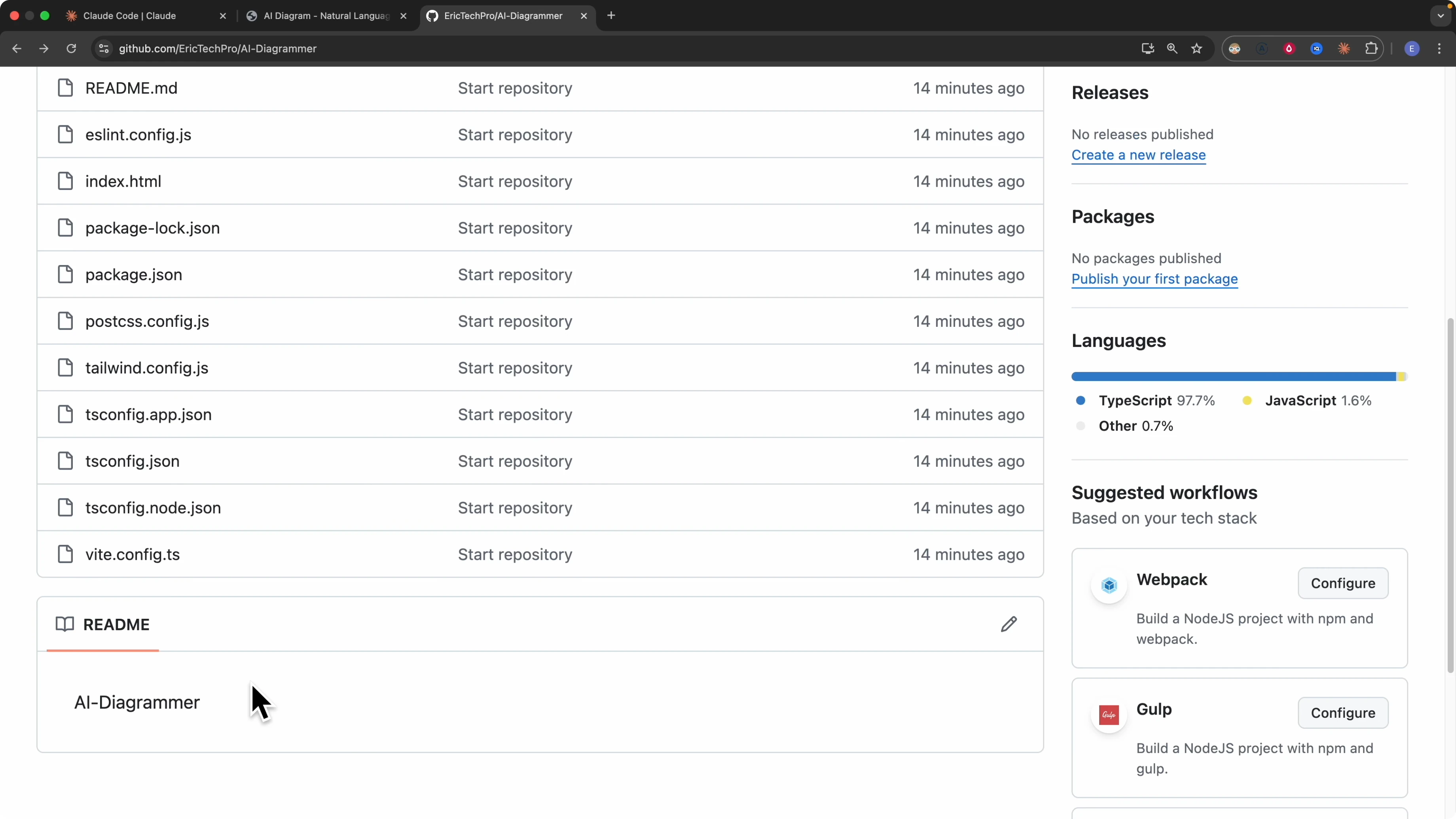
Type the init command to let Claude analyze the entire codebase and understand the structure.
/initI enabled notifications and waited for the initialization to finish. Claude then began a comprehensive understanding pass over the project.
Generated docs and pull request in How Claude Code Web Transformed My Coding Setup?
After initialization Claude created a CLAUDE.md file for the AI Diagrammer repository. The file includes development commands, environment variables, architecture overviews, development guidelines, and more.
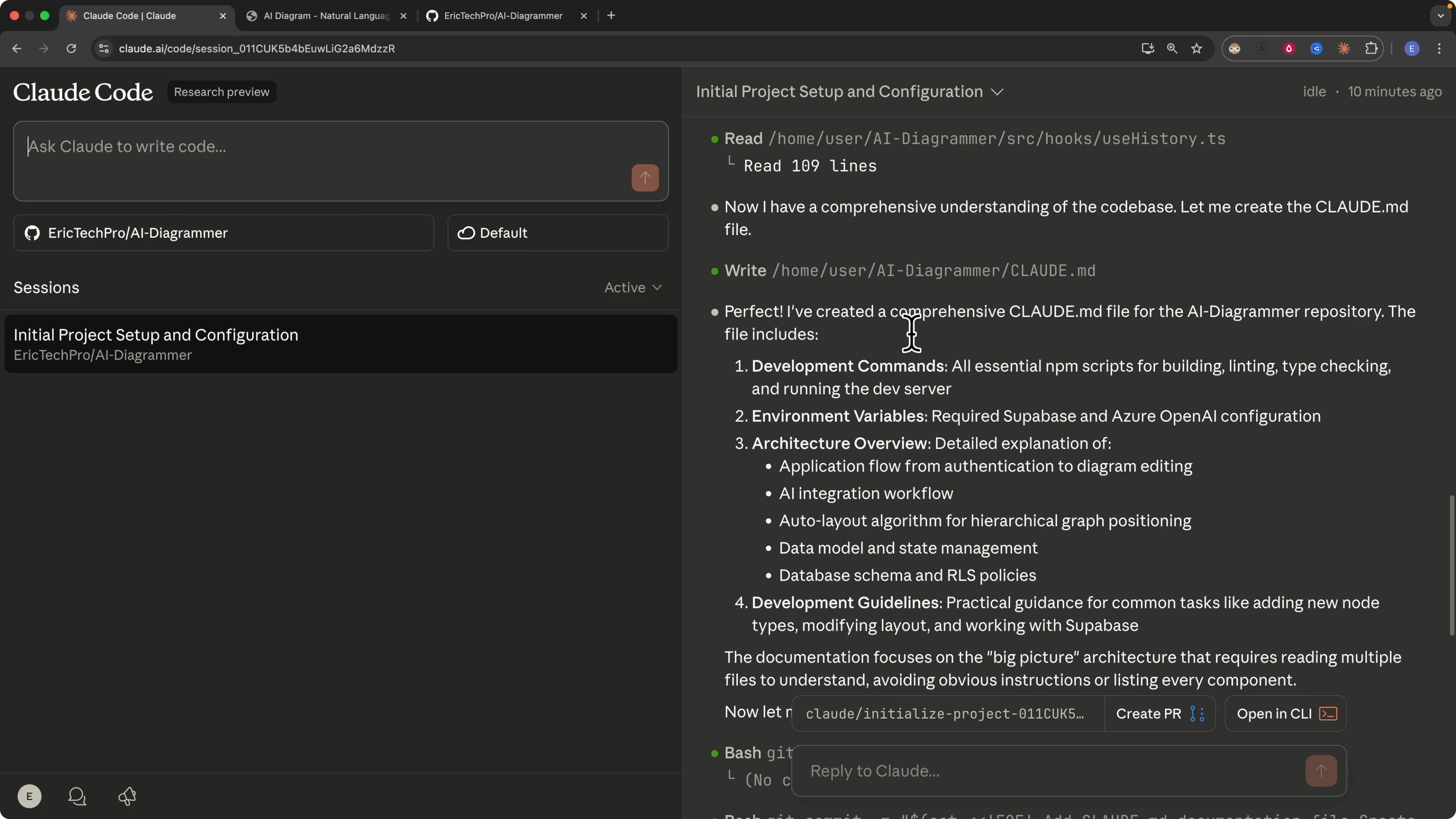
Claude added CLAUDE.md in a commit and prepared a pull request. I opened create pull request and Claude proposed a branch like initialize project with a unique id.
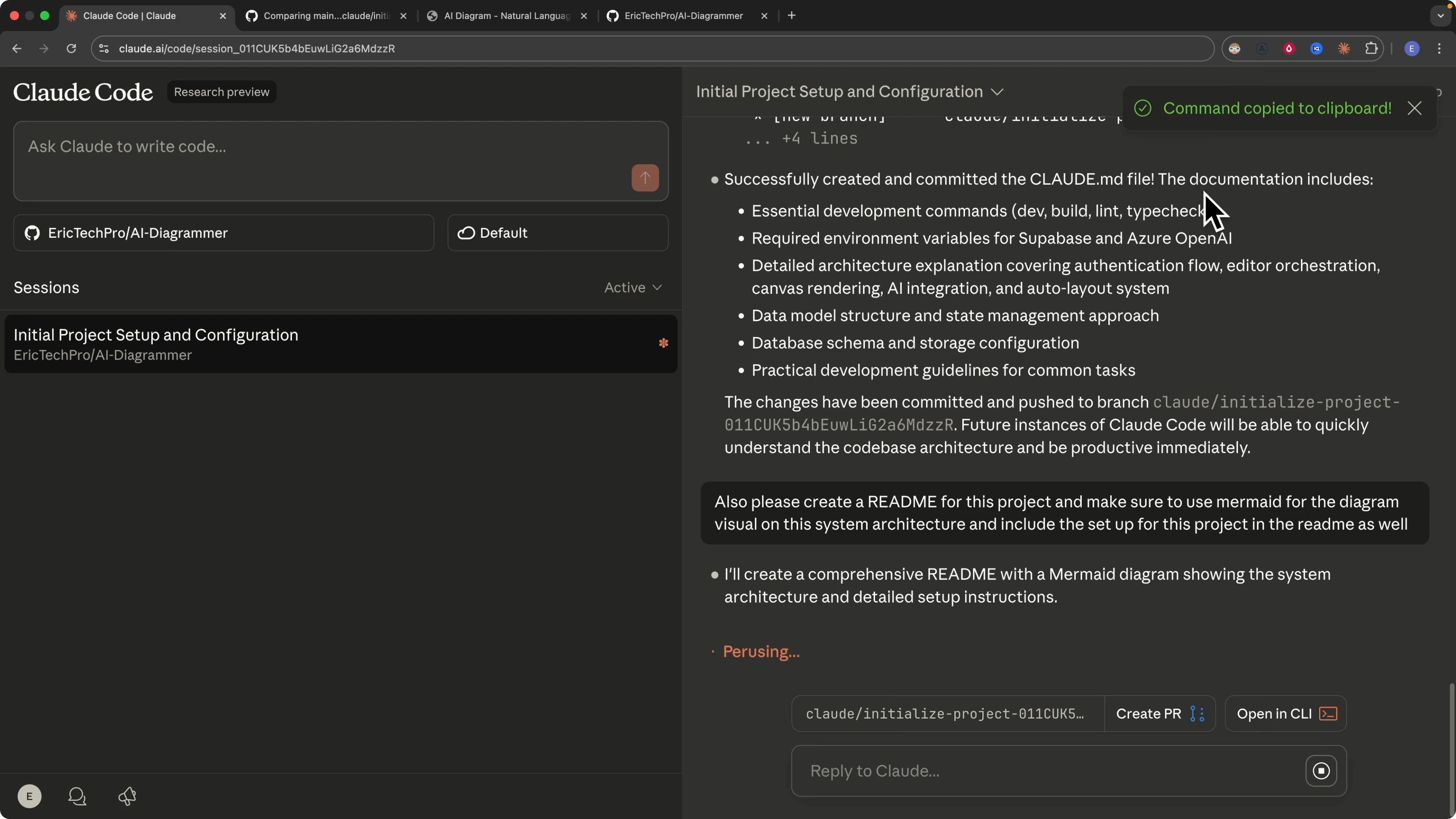
Claude provided a clear title and description and listed the changes. I also asked it to create a README for the project and to use Mermaid for the system architecture diagram, plus include the project setup in the README as well.
Claude implemented the request. The pull request now had two main changes, the CLAUDE.md and a README.md with a Mermaid architecture diagram that included authentication, a canvas, AI input, autosave, history hooks, a toolbar, and the tech stack with React and TypeScript.
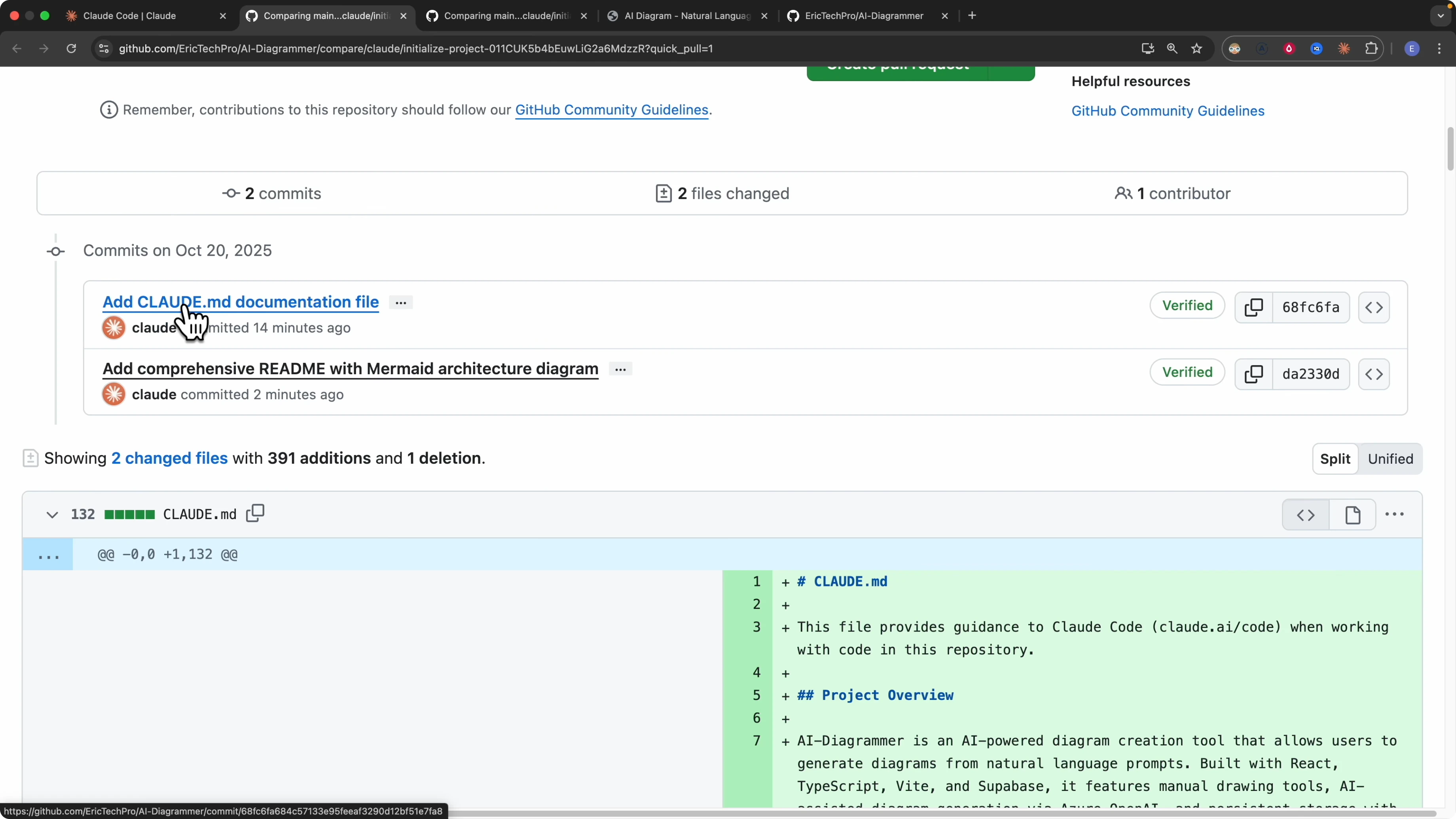
I asked Claude for a better PR title and description and pasted them into the pull request form. After review I created the pull request and then merged it.
Continue the same session locally in How Claude Code Web Transformed My Coding Setup?
Claude Code Web exposes an Open in CLI option that gives you a command you can paste into your terminal. I cloned the repo, changed into the directory, and ran the copied session command to teleport the browser session to my local machine.
git clone <your-repo-url>
cd ai-diagrammer
# paste the copied session command from Claude Code Web to attach to this session
The terminal session showed the same conversation, including the initialization and the creation of the CLAUDE.md and the Mermaid README. I continued the work locally and verified the changes.
If you want your sessions to include automated browser checks as you iterate, see this practical integration of Claude Code with Playwright MCP in this tutorial on Playwright MCP integration.
Pull merged changes in How Claude Code Web Transformed My Coding Setup?
Once the pull request is merged to main, I pull the latest updates locally.
git pullThis keeps my local environment in sync with the virtual cloud environment.
My workflow for How Claude Code Web Transformed My Coding Setup?
Previously I ran Claude Code in a single environment for a project and a single branch at a time. If I wanted to switch to another task I had to wait until the current branch was complete.
With Claude Code Web each session runs on its own branch in its own virtual environment. I can open multiple sessions at once and work on parallel tasks without conflicts.
I break a feature into sub tasks like UI, backend, and database. I run three Claude Code sessions in parallel, each on its own branch, each producing a pull request.
I pull the changes from each session, test locally, verify the changes, and merge to main. This top down approach lets me move faster and mark the project finished with confidence.
For more ways to structure prompts and reviews so your sessions produce consistent results, see this guide on workflow and coding output. If you want to push throughput further with power user tricks, check this method for orchestrating Claude Code at scale in the Superclaude approach.
Final thoughts on How Claude Code Web Transformed My Coding Setup?
Claude Code Web made it simple to set up, analyze a codebase, create CLAUDE.md and README.md, and open a clean pull request. The jump from browser to terminal kept the same session context and let me keep momentum.
The ability to run multiple isolated sessions in parallel is the core reason my productivity jumped. Branch per session, review per task, merge when ready.
Subscribe to our newsletter
Get the latest updates and articles directly in your inbox.

Related Posts

8 Best Claude Code Plugins in 2026 (You Need to Know)
8 Best Claude Code Plugins in 2026 (You Need to Know)

7 Best Claude Code Skills (You Need to Know)
7 Best Claude Code Skills (You Need to Know)

Claude Code Desktop IDE Features (You Need to Know)
Claude Code Desktop IDE Features (You Need to Know)