
Table Of Content
TADA: How This Free Speech Model Transforms Text-to-Speech
Table Of Content
Every major TTS model I have tested shares a fundamental flaw. Most systems treat text and audio as two separate things that need to be stitched together, which adds compute, creates timing drift, and can even cause transcript hallucinations. TADA from Hume AI aims to fix that by rethinking how text and audio connect inside a language model.
I have covered a large number of TTS systems over the last few years, and benchmarks for naturalness and realtime factor are tougher than ever. TADA does a solid job on both fronts while staying open-source and runnable locally. If you want a broader context of where it fits, scan our ongoing TTS coverage here: text-to-speech articles.
Overview - TADA Text to Speech
TADA’s key idea is one-to-one token alignment. For every single text token, there is exactly one corresponding speech vector. The model treats speech and text as one unified sequence rather than two separate modalities.
This creates perfectly synchronized output and reduces computational overhead. You avoid fixed frame rates and reduce hallucinations, and audio is generated dynamically token by token. The result is more natural and expressive speech at a lower cost per unit of audio.
If you care about the transcription side of timing and alignment, many of the same sync issues show up in ASR pipelines too. See our coverage of practical STT stacks and tools in speech-to-text resources.
Architecture - TADA
The diagram in the paper can feel cryptic at first glance, but the core is simple once you focus on the problem it solves. Traditional pipelines keep separate encoders and decoders for text and audio and then try to align them later. TADA encodes them as a single stream with a strict one-to-one mapping.
No fixed frame schedule means timing follows the text directly rather than a predetermined hop size. That cuts down on drift and reduces places where misalignment can creep in. In practice, you hear tighter phrasing and fewer odd pauses.
Token alignment view
The alignment visualization shows how the voice prompt audio was processed. White boxes are the actual words or subword tokens from the reference audio, and the dots between them represent silence or duration. You are looking at rhythm and timing captured before generation.
The generated alignment view shows the same thing for the audio TADA just created. You can inspect steps, audio frames, and compare how closely timing and emphasis were preserved. For more background on tokenization and timing in perception systems, explore our AI text recognition guides.
Local install - TADA
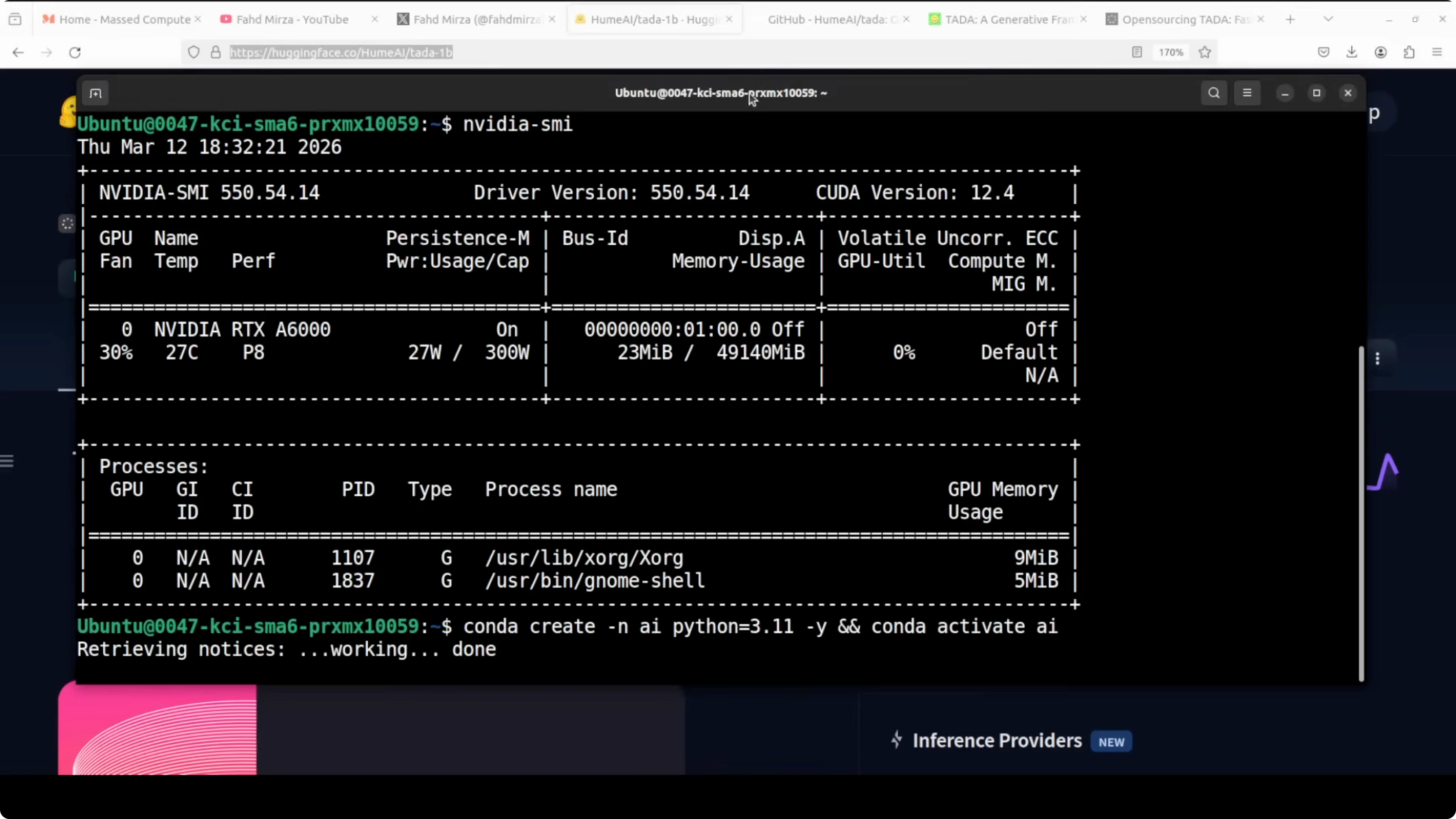
I used Ubuntu with a single Nvidia RTX 6000 GPU. The 3B model consumed a little over 28 GB of VRAM in my run. There is also a 1B variant that is lighter and may fit 24 GB with careful settings.
Step 1: Clone the repo and enter it.
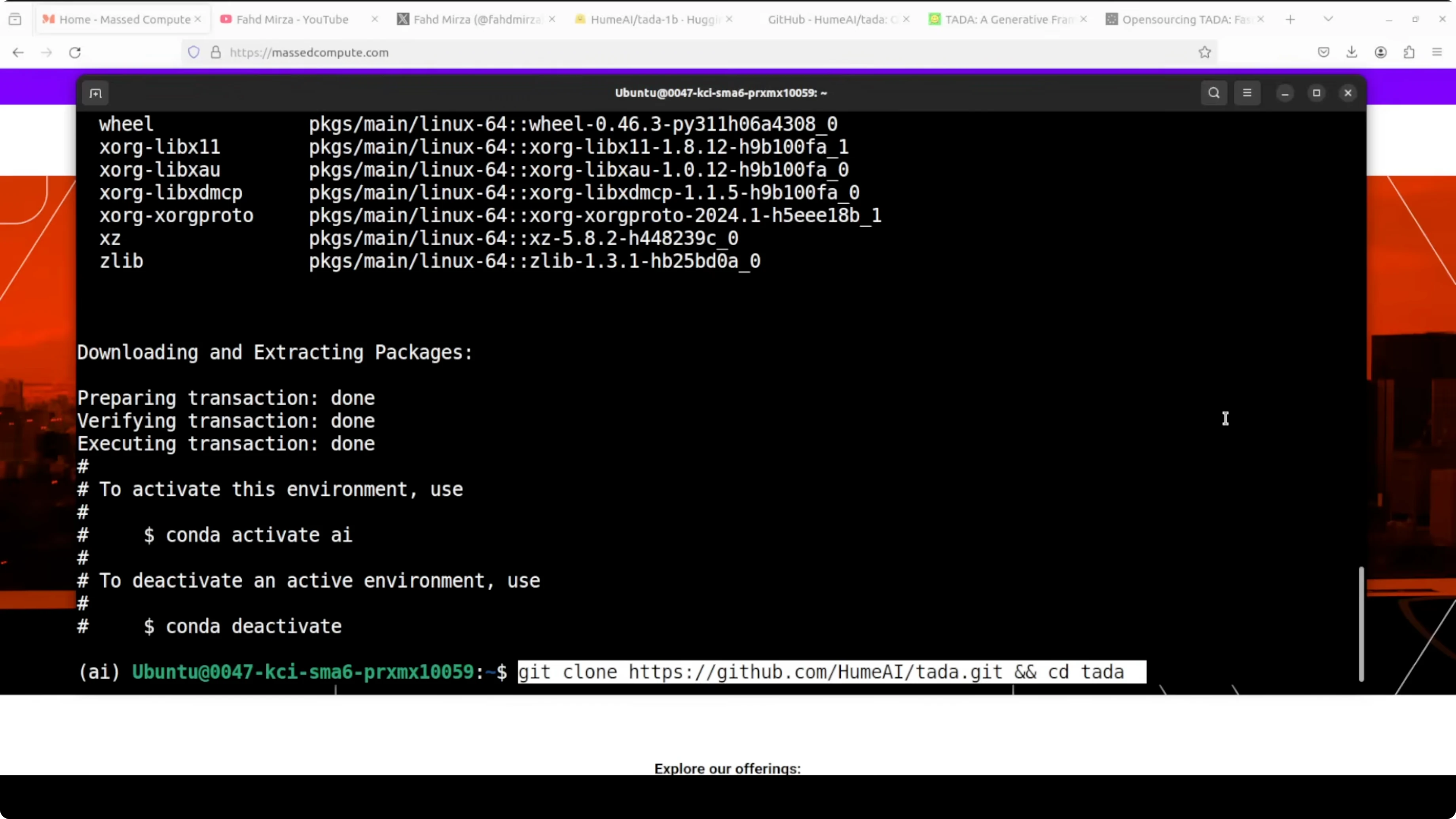
git clone <TADA_repo_url>
cd <TADA_repo_folder>
Step 2: Create and activate a virtual environment.
python -m venv .venv
source .venv/bin/activate
python -m pip install --upgrade pip
Step 3: Install prerequisites from the project root.

pip install -r requirements.txtStep 4: Launch the Gradio demo from the provided script in the repo.
python demo/gradio_app.pyThe first run will download the model files and you will likely see two shards. The app serves locally at port 7860.

Step 5: Open your browser to the running app.
http://127.0.0.1:7860If you are comparing TADA’s expressiveness with other modern systems, my hands-on with LuxTTS results offers a useful reference point.
Using the demo - TADA
The interface loads the model on the GPU and lists languages such as English, German, and Japanese. A prompt preview section includes presets like adoration, and you can also enter any transcript. If you get an error on generate, click Process Prompt first to trigger token alignment, then click Generate again.

The progress bar shows generation in real time. On the first try, I used a preset and got solid expressiveness in the opening and mid sections, with the last bit turning a little robotic. These presets are good for a quick check, but the real test is zero-shot voice cloning.

Acoustic controls - TADA
Acoustic CFG scale controls how closely the output follows the reference voice. Higher values sound more faithful to your prompt, lower values drift more. Duration CFG scale controls how closely the timing matches the reference.

Noise temperature adds natural variation. Lower is more robotic and consistent, higher is more expressive but less predictable. Flow matching steps set how many refinement passes the audio decoder takes, where more steps improve quality at the cost of speed.
Speed up factor at 0 uses a natural duration. Increasing this will shorten output relative to the reference rhythm. These knobs are enough to meaningfully shape style, timing, and consistency.
Zero-shot voice cloning

I chose zero-shot, uploaded my own audio, and processed the prompt. My reference line was: Joy is found in simple moments of gratitude. And true contentment comes when we truly value the small blessings we already have in life.
I then supplied a different target text with pauses and emotions. The result carried some of my vocal tone and a bit of expressive variance, though one sentence switched to another voice mid-way. Voice cloning is okay but not top-tier, and a few other systems are ahead on strict identity match, as I noted in our Soprano model write-up.
Multilingual test
I switched to German with zero-shot voice cloning and generated again. The system produced output, though I was not fully sure it rendered the complete text accurately. English is strong, and multilingual output is present, but I would do more runs to judge it thoroughly.
What the alignment tells you
The voice prompt alignment shows how the timing and rhythm in the reference were encoded. You see words or subwords as boxes and interspersed dots that represent silence and duration. This is TADA learning your timing before it ever generates the target speech.
The generated alignment mirrors that view for the new audio. Comparing the two tells you how well the model preserved your rhythm and pacing. When these align well, phrasing and emphasis usually follow.
Use cases and trade-offs - TADA
TADA 3B is a good pick if you have a larger GPU and want stronger quality with richer expressiveness. It did cost me a little over 28 GB VRAM, which puts it in the high-memory bracket for local runs. For content creation or research on timing and emotion, the controls and alignment tools are handy.
TADA 1B exists for users on smaller GPUs. You trade some audio quality for accessibility and speed, and it may fit into 24 GB with the right setup. For prototyping, internal tools, or smaller deployments, the 1B variant is a practical way to test alignment-driven TTS.
I would use TADA for emotion-aware synthesis where timing is critical and hallucinations in transcript alignment are not acceptable. The one-to-one mapping gives you cleaner sync for prompts with specific pauses and emphasis. For more examples of modern expressive synthesis, see our take on LuxTTS performance.
Final thoughts
TADA’s one-to-one token alignment treats text and audio as a single stream, which tightens timing and reduces compute. The local demo works smoothly once installed, downloads in two shards on first run, and exposes enough controls to shape voice, timing, and variation. Quality is promising for 3B with occasional monotony and a minor voice drift in one test, and the 1B option makes experimentation more accessible.
If you build or evaluate voice systems, this model is worth testing for its alignment-first approach. For broader context across STT and TTS stacks, explore our ongoing categories for TTS and speech recognition. Related techniques around tokenization and timing also show up in AI text recognition.
Resources - TADA Text to Speech
Download the lighter model variant and reference files on Hugging Face: TADA 1B on Hugging Face.
Subscribe to our newsletter
Get the latest updates and articles directly in your inbox.

Related Posts

8 Best Claude Code Plugins in 2026 (You Need to Know)
8 Best Claude Code Plugins in 2026 (You Need to Know)

7 Best Claude Code Skills (You Need to Know)
7 Best Claude Code Skills (You Need to Know)

Claude Code Desktop IDE Features (You Need to Know)
Claude Code Desktop IDE Features (You Need to Know)