
Table Of Content
- Soprano Instant Text‑to‑Speech (All You Need to Know): What It Delivers
- Soprano Instant Text‑to‑Speech (All You Need to Know): Install and Run Locally
- Environment and setup
- Ways to run it
- Fixing a missing generation parameter
- Soprano Instant Text‑to‑Speech (All You Need to Know): Quick Tests
- Short line test
- Longer passage test, about 25 seconds
- Philosophical passage test
- Soprano Instant Text‑to‑Speech (All You Need to Know): Observations and Architecture
- Speed and realism
- Under the hood
- Final Thoughts on Soprano Instant Text‑to‑Speech (All You Need to Know)
Soprano Instant Text‑to‑Speech (All You Need to Know)
Table Of Content
- Soprano Instant Text‑to‑Speech (All You Need to Know): What It Delivers
- Soprano Instant Text‑to‑Speech (All You Need to Know): Install and Run Locally
- Environment and setup
- Ways to run it
- Fixing a missing generation parameter
- Soprano Instant Text‑to‑Speech (All You Need to Know): Quick Tests
- Short line test
- Longer passage test, about 25 seconds
- Philosophical passage test
- Soprano Instant Text‑to‑Speech (All You Need to Know): Observations and Architecture
- Speed and realism
- Under the hood
- Final Thoughts on Soprano Instant Text‑to‑Speech (All You Need to Know)
Imagine generating human speech 2,000 times faster than real time on a GPU or 20 times faster on just a CPU with a model so compact it runs on your laptop. That's Soprano TTS, an 80 million parameter text to speech system that shatters the traditional trade-off between quality and speed.
While most TTS models require cloud infra and hefty compute, Soprano delivers crystal clear 32 kHz audio with under 1 GB of memory. Streaming output with as little as 50 or 15 milliseconds of latency on a GPU. It's the kind of efficiency that makes realtime voice synthesis genuinely practical for everyday applications.
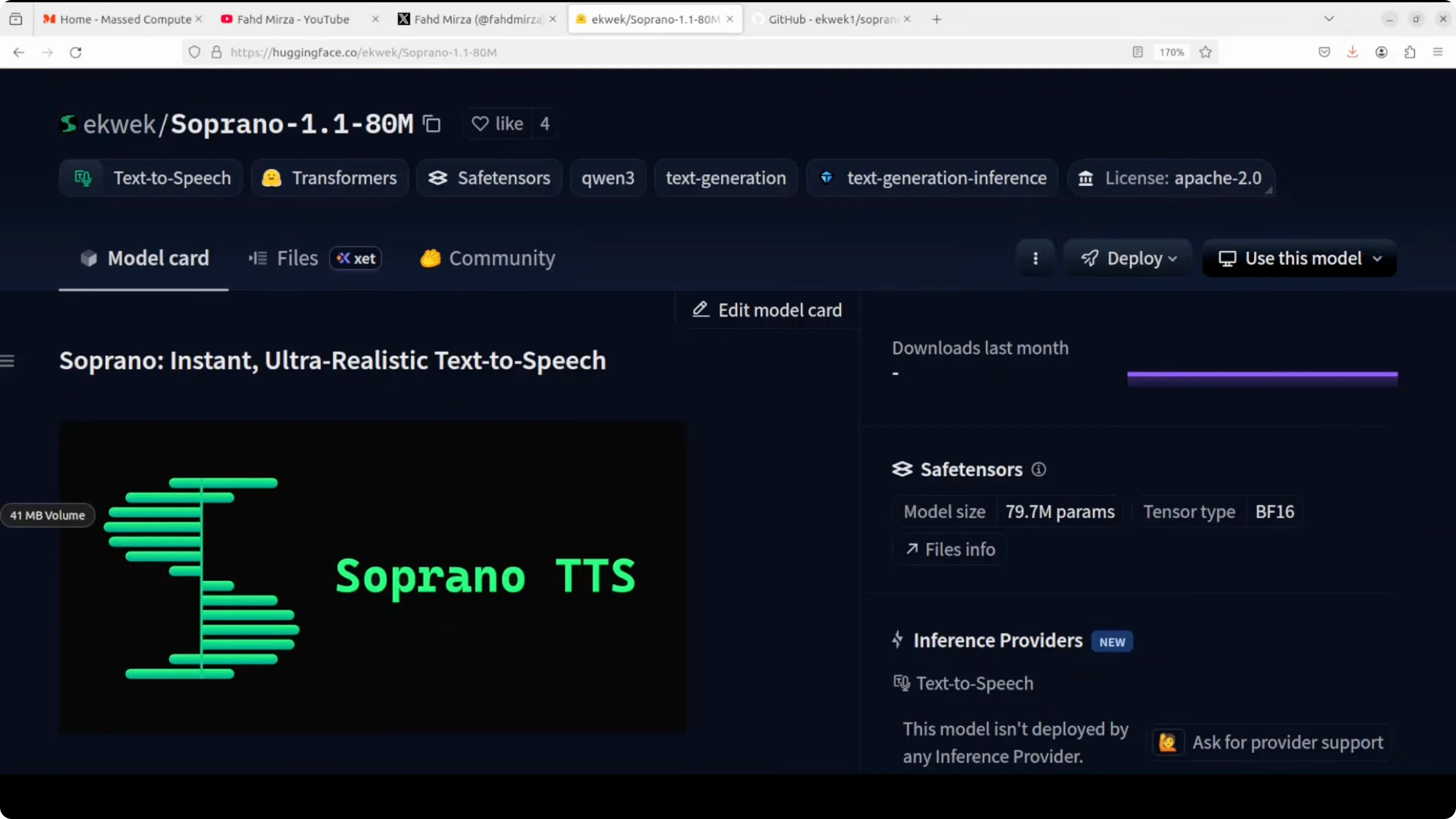
They have also released a GitHub repo with a lot of goodies in there and you can also train it. I will be talking more around its architecture and how exactly this works. But for now, let's get it installed.
Soprano Instant Text‑to‑Speech (All You Need to Know): What It Delivers
- 80 million parameters that run on a laptop CPU
- 32 kHz audio under 1 GB of memory
- Up to 2,000x realtime on GPU and about 20x on CPU
- Streaming with very low latency on GPU
- Open interfaces: CLI, Python, OpenAI-compatible server, and a web UI
- Public repo with training resources
Soprano Instant Text‑to‑Speech (All You Need to Know): Install and Run Locally
Environment and setup
I am going to use this Ubuntu system. Though I do have a GPU, I intend to use the CPU for this. I'm just going to create a virtual environment.
You can clone the git repo and explore the extras there if you like. But if you don't want to go with this GitHub repo, all you need to do is to run a pip command in order to get it installed and it is going to install it for you. This shouldn't take too long. It's very lightweight. And Soprano is installed.
Ways to run it
Now all you need to do is to either use it in CLI or your Python script. You can even create an OpenAI compatible server or you can simply launch the web UI.
- If you have lower RAM or VRAM or a modest CPU or GPU, run the Soprano web UI.
- If you have more RAM and CPU, increase the batch size to increase speed.
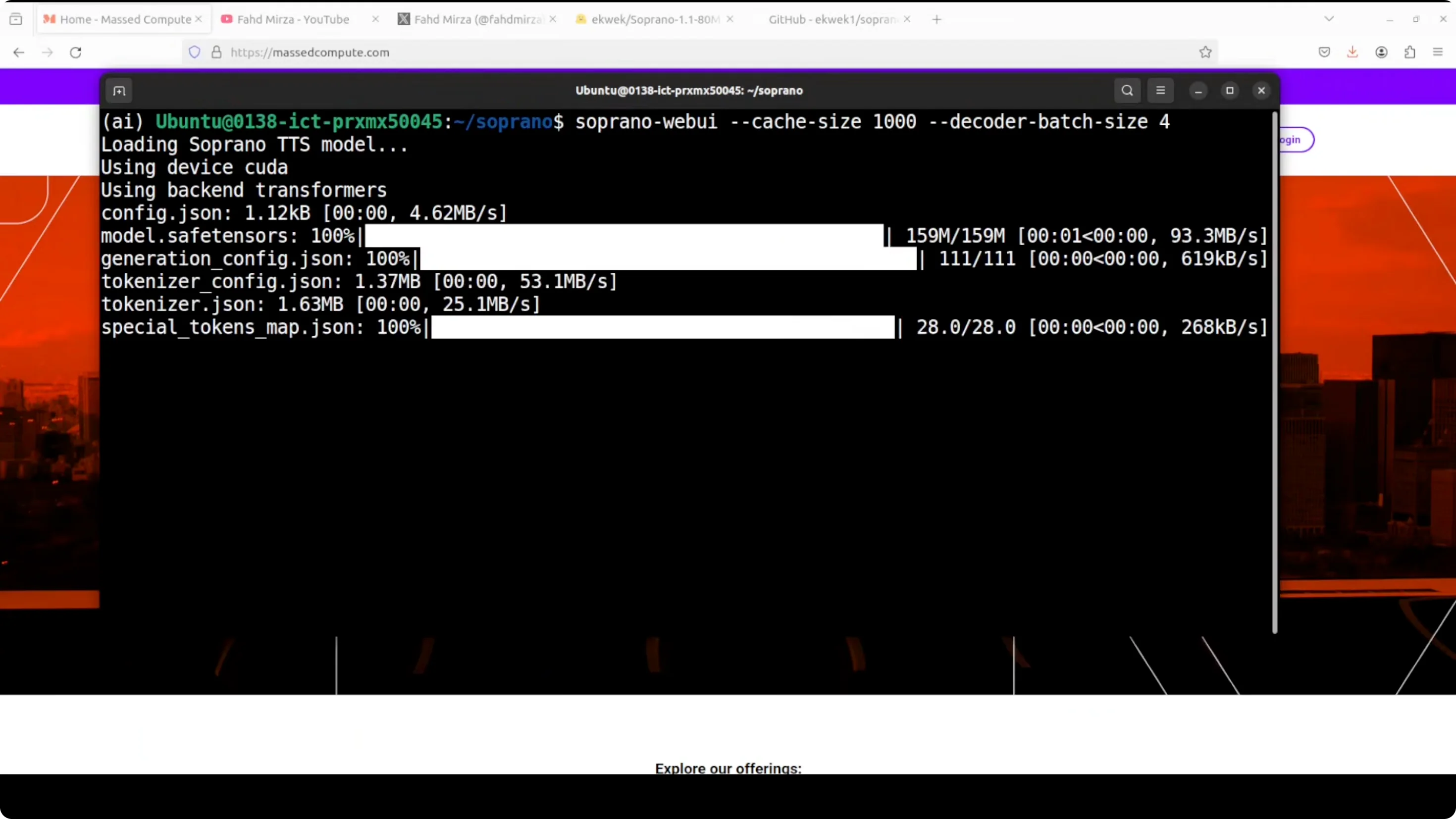
I'm launching the Soprano web UI. You see how small the model is.
Fixing a missing generation parameter
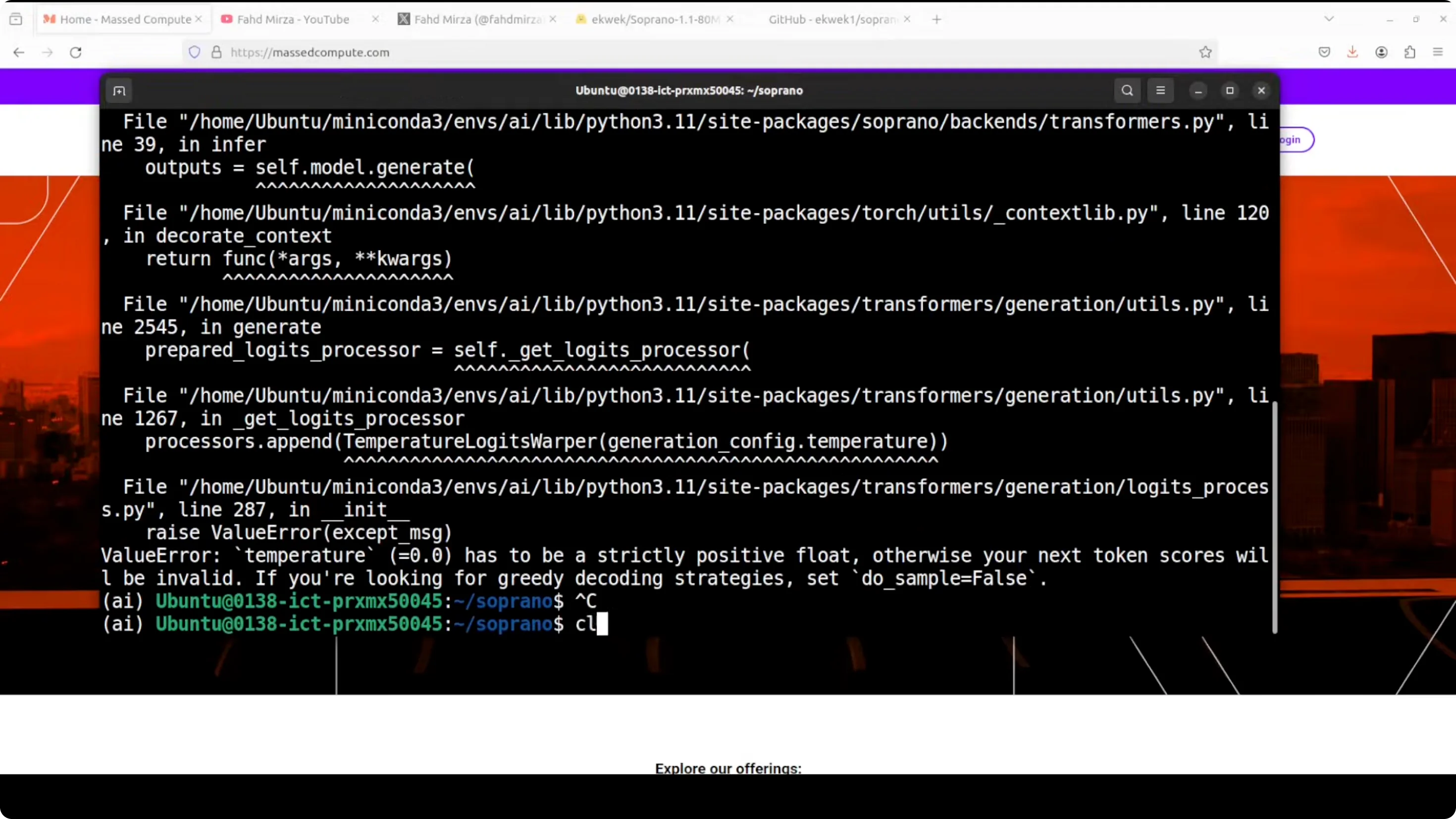
It was telling me that I need to use a parameter with it. For the parameter, go to the generation config which gets downloaded when you download the model. For me it is in the cache directory and this is the file I am talking about.
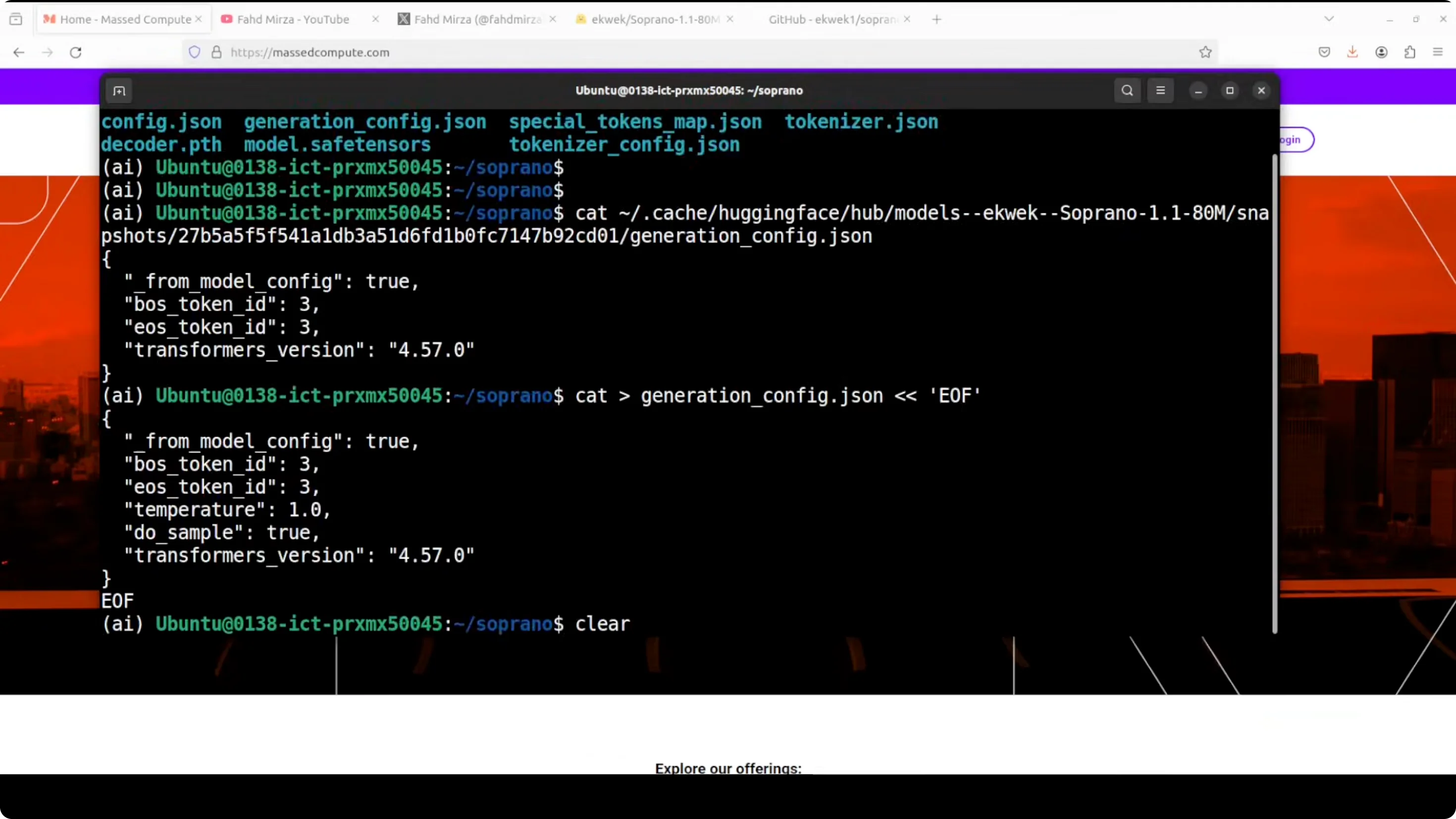
You will see it does not have many of the parameters needed for generation. I think they missed this part, and to be fair, it was just released anyway. I'm going to add those parameters and I will simply use this get command. You can use any editor if you like.
- Open the downloaded generation config in your cache directory.
- Add the missing generation parameters the model expects.
- Save the file and restart the web UI.
Now we can run the web UI again. You can see that Soprano is running on localhost at port 7860.
Soprano Instant Text‑to‑Speech (All You Need to Know): Quick Tests
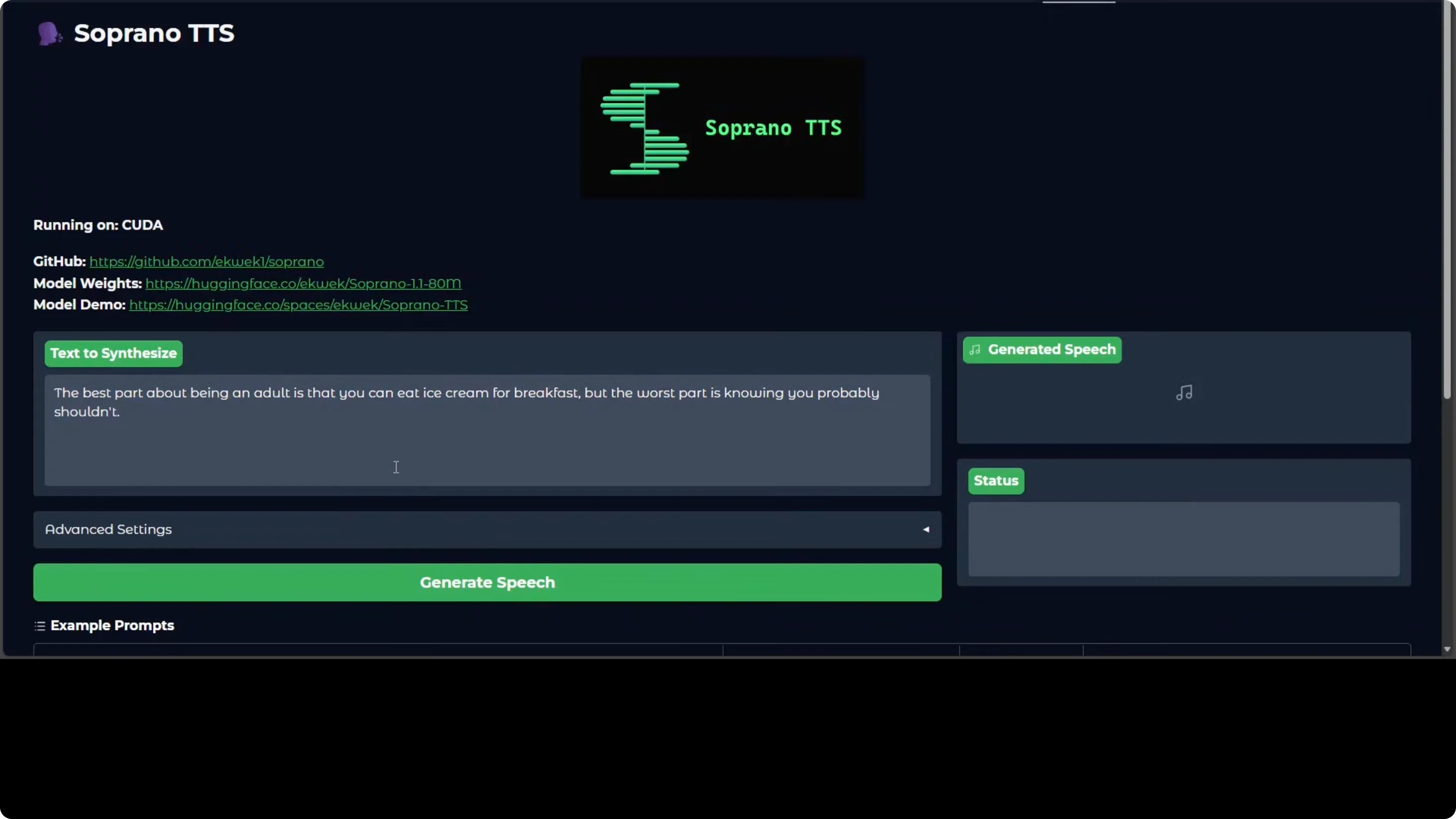
Short line test
Within 5 seconds, it generated the speech.
Output:
- The best part about being an adult is that you can eat ice cream for breakfast. But the worst part is knowing you probably shouldn't.
Longer passage test, about 25 seconds
It took around 6 seconds to generate about 25 seconds of audio. I don't think this model has expressions.
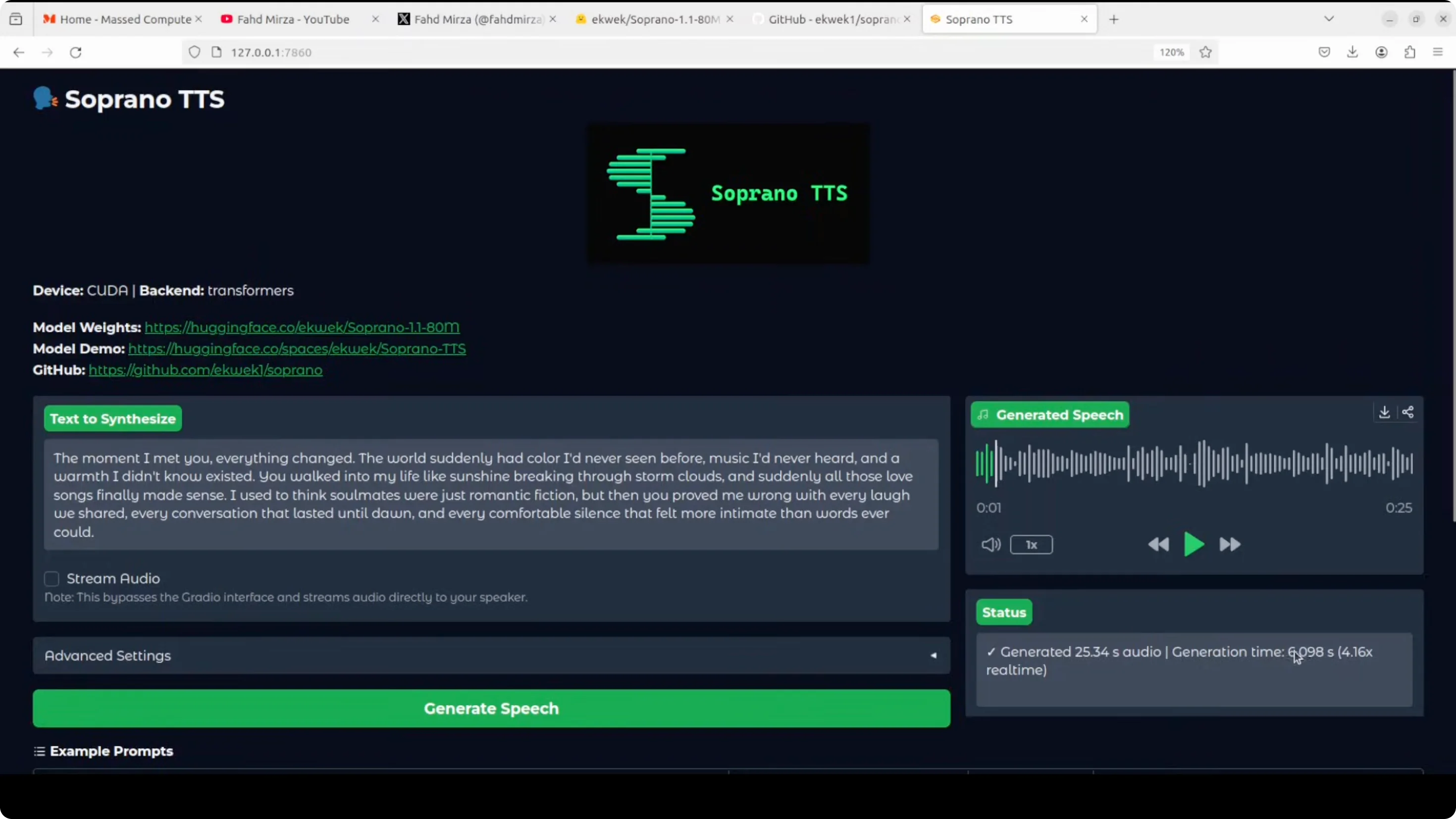
Output:
- The moment I met you everything changed. The world suddenly had color I'd never seen before. Music I'd never heard and a warmth I didn't know existed. You walked into my life like sunshine breaking through storm clouds. And suddenly all those love songs finally made sense. I used to think soulmates were just romantic fiction, but then you proved me wrong with every laugh we shared, every conversation that lasted until dawn, and every comfortable silence that felt more intimate than words ever could.
I think the claim to fame for this model is that it is ultra fast, which is true, and you can check it out on their model card, too. I don't think it is that realistic. It is instant but it is not realistic because I think expressions are not there yet. But just such a small model running on CPU so fast is really suitable for mobile.
Philosophical passage test
Output:
- We spend our entire lives collecting things, possessions, achievements, memories as if we're building some grand monument to our existence. But in the end, what really matters isn't what we accumulated. It's the moments we were truly present for. The conversations where we actually listened instead of waiting to speak. The sunsets we watched without checking our phones. The people we loved without condition or expectation. Life isn't measured in accomplishments or acquisitions. It's measured in the depth of our connections and the authenticity of our experiences.
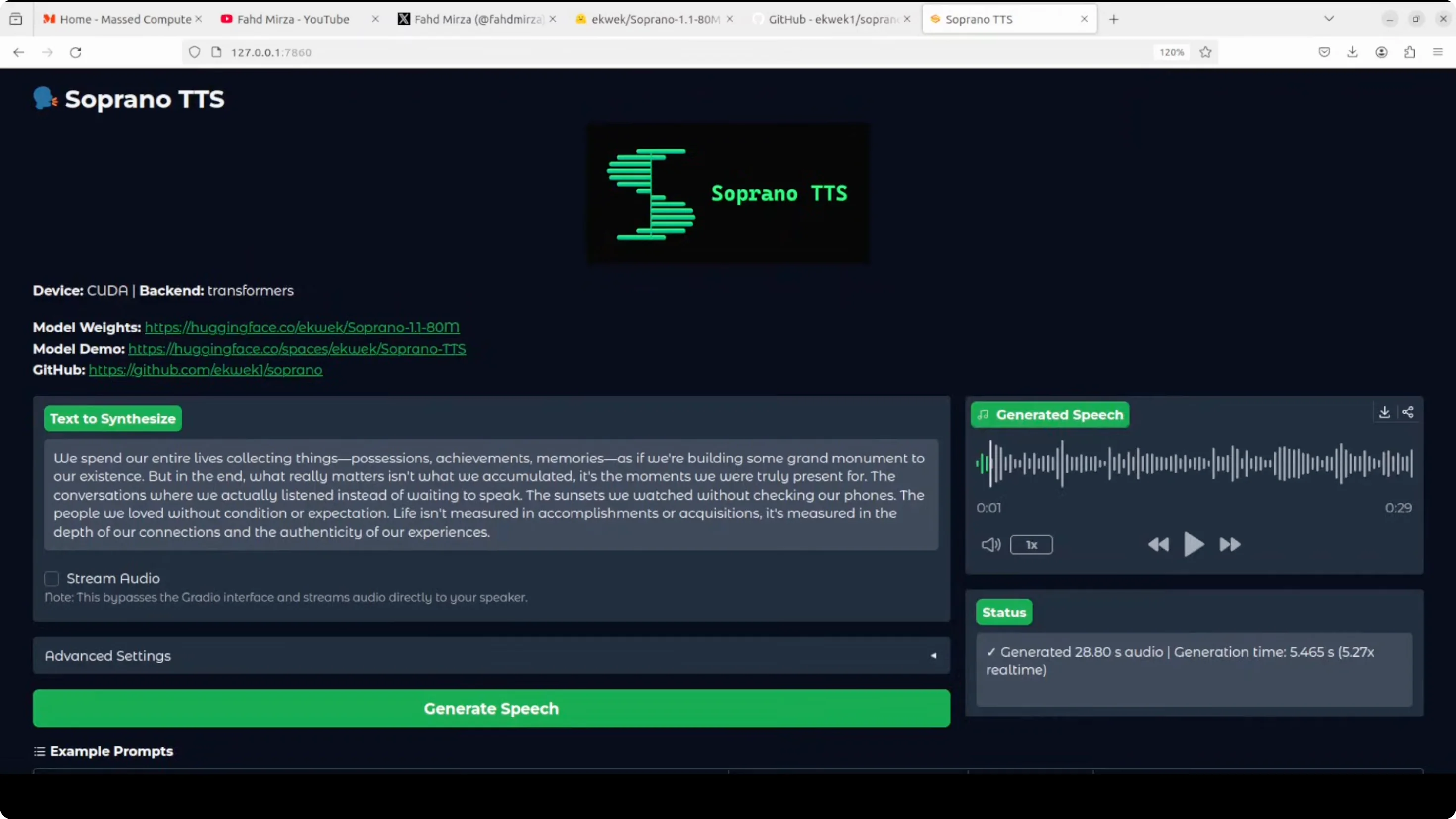
In this one there is realism. Not much to my liking, but it tried. This could be improved a lot. If we fine-tune the model more, it is going to perform better. They also have a factory for fine-tuning and training.
Soprano Instant Text‑to‑Speech (All You Need to Know): Observations and Architecture
Speed and realism
- Ultra fast, especially on CPU for such a small model
- Not that realistic yet because expressions are limited
- Very suitable for mobile use
Under the hood
- It achieves instant audio through aggressive architecture optimization, packing expressive speech synthesis into just 80 million parameters.
- The system supports lossless trimming with automatic text chunking for infinite length generation.
- It is production ready out of the box with a web UI, CLI, and OpenAI compatibility.
- It was trained on 1,000 hours of English audio. It stumbles on uncommon words but compensates with blazing speed.
Final Thoughts on Soprano Instant Text‑to‑Speech (All You Need to Know)
Soprano TTS delivers impressive speed in a compact 80M model that runs on CPU, outputs 32 kHz audio under 1 GB, and serves through CLI, Python, an OpenAI-compatible server, and a simple web UI. It needed a quick tweak to the generation config on first run, then served at localhost:7860 without fuss. Voice quality is clear and intelligible, but expression and realism are limited right now. For real-time and mobile friendly TTS where speed matters most, it is an exciting option, and fine-tuning should push quality further.
Subscribe to our newsletter
Get the latest updates and articles directly in your inbox.

Related Posts

8 Best Claude Code Plugins in 2026 (You Need to Know)
8 Best Claude Code Plugins in 2026 (You Need to Know)

7 Best Claude Code Skills (You Need to Know)
7 Best Claude Code Skills (You Need to Know)

Claude Code Desktop IDE Features (You Need to Know)
Claude Code Desktop IDE Features (You Need to Know)