
LuxTTS: Lightweight Text-to-Speech Model for Any CPU
I stumbled upon LuxTTS, a lightweight text-to-speech model based on ZipVoice, a diffusion-based TTS architecture distilled down to four steps for faster inference. I install this model on CPU and test it out.
The model focuses on voice cloning and generates around 48 kHz audio, which is higher than the 24 kHz output common in many TTS systems. It achieves competitive voice cloning results while being significantly smaller than comparable models. You can fit it in around 1 GB of RAM or VRAM.
LuxTTS: Lightweight Text-to-Speech Model for Any CPU
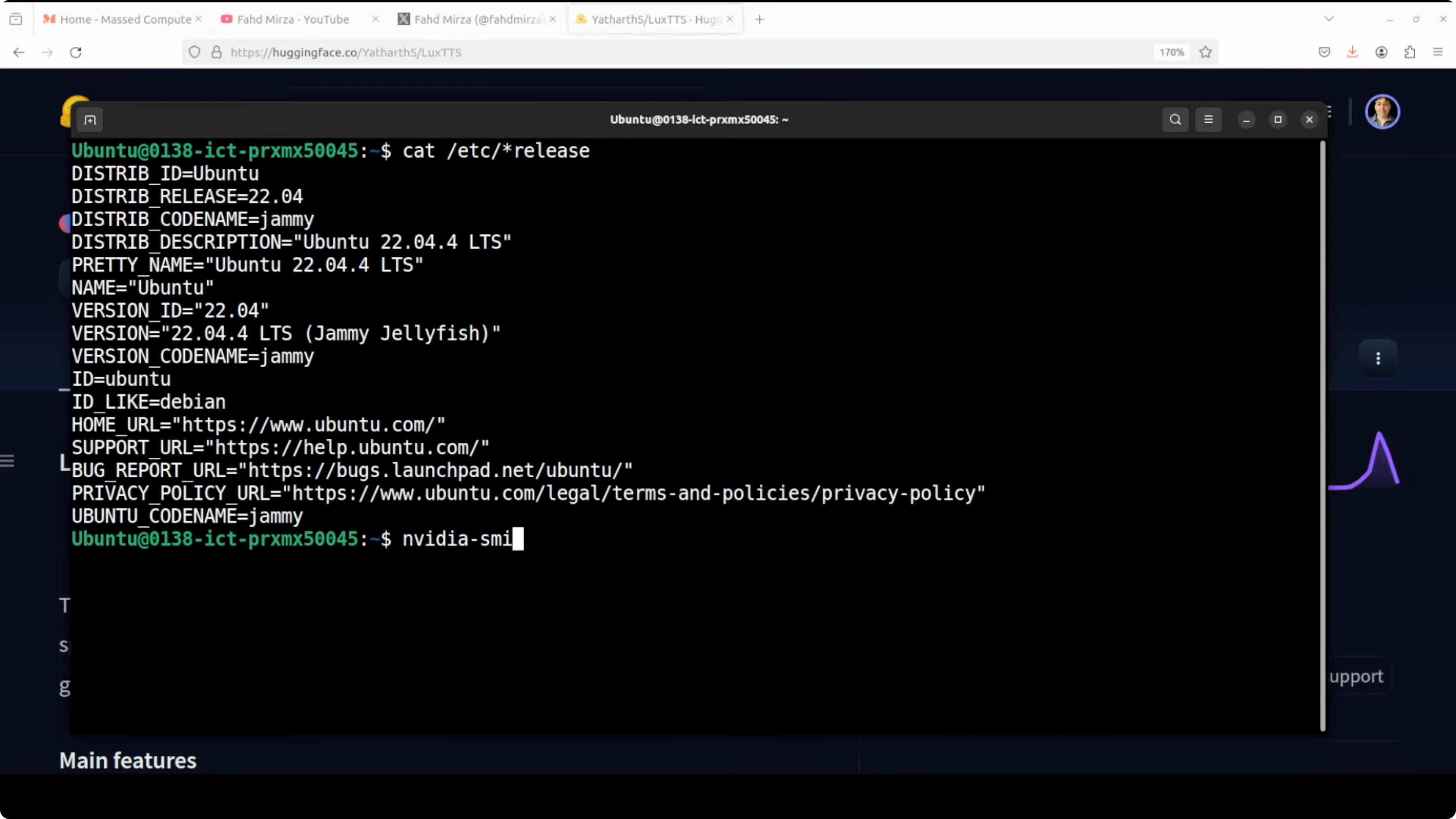
I am using an Ubuntu system. Though I have a GPU, I am using it on the CPU. I will also check how much it consumes.
I created my virtual environment. Clone the repo. Install the requirements from the root of the repo.
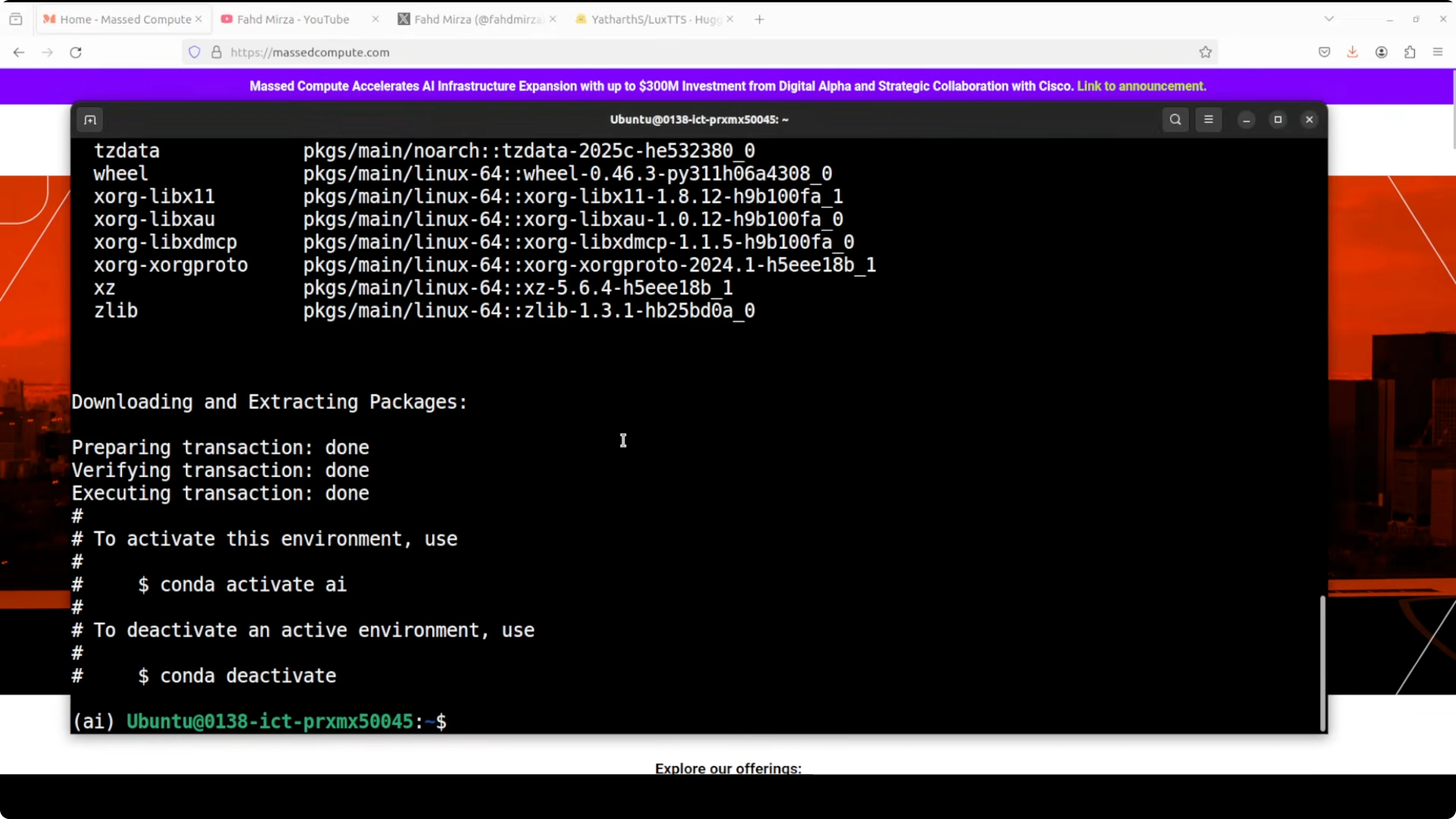
python3 -m venv .venv
source .venv/bin/activate

git clone <LuxTTS repo>
cd <LuxTTS repo>

pip install -r requirements.txt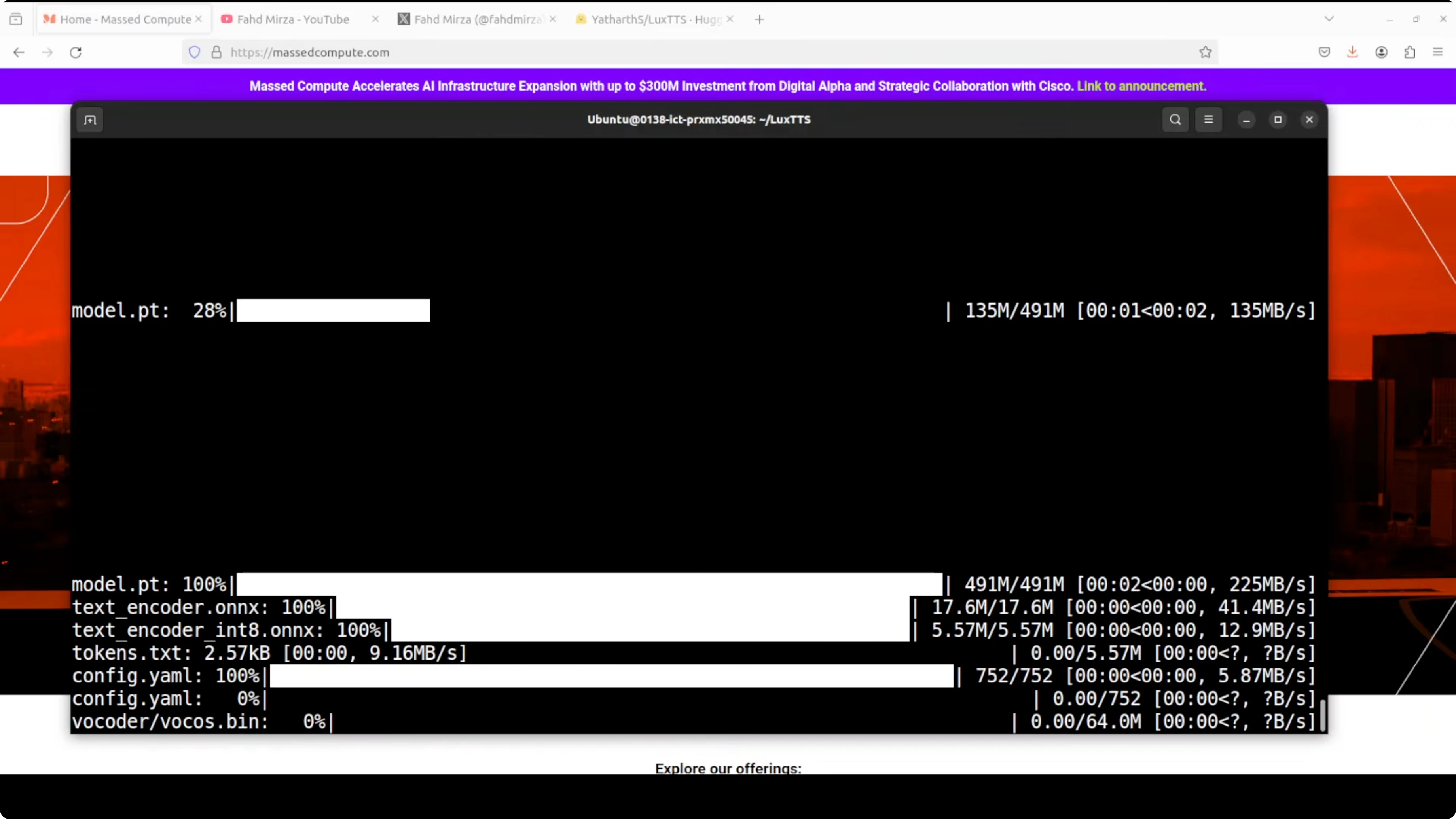
Launch the Gradio demo. The first time you run it, it downloads the model, which is very lightweight. It runs on localhost:7860 and local voice cloning is now running.
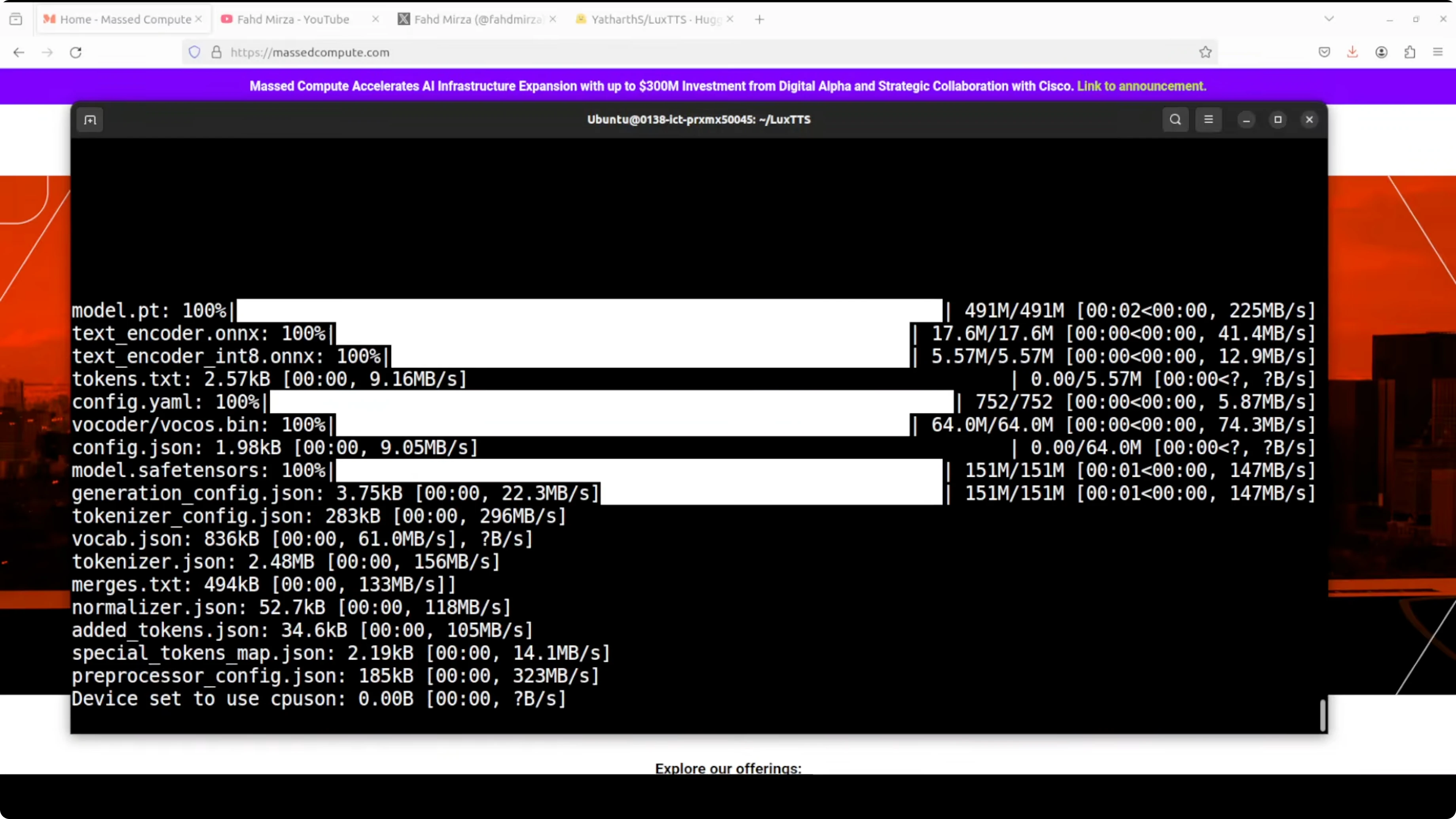
python gradio_demo.pyCPU-only Testing and Results
I entered some text and uploaded an audio from my local system. For this test I used this English sample as the original voice: Joy is found in simple moments of gratitude and true contentment comes when we truly value the small blessings we already have in life. This is the voice I want to clone, and I keep all parameters as is.
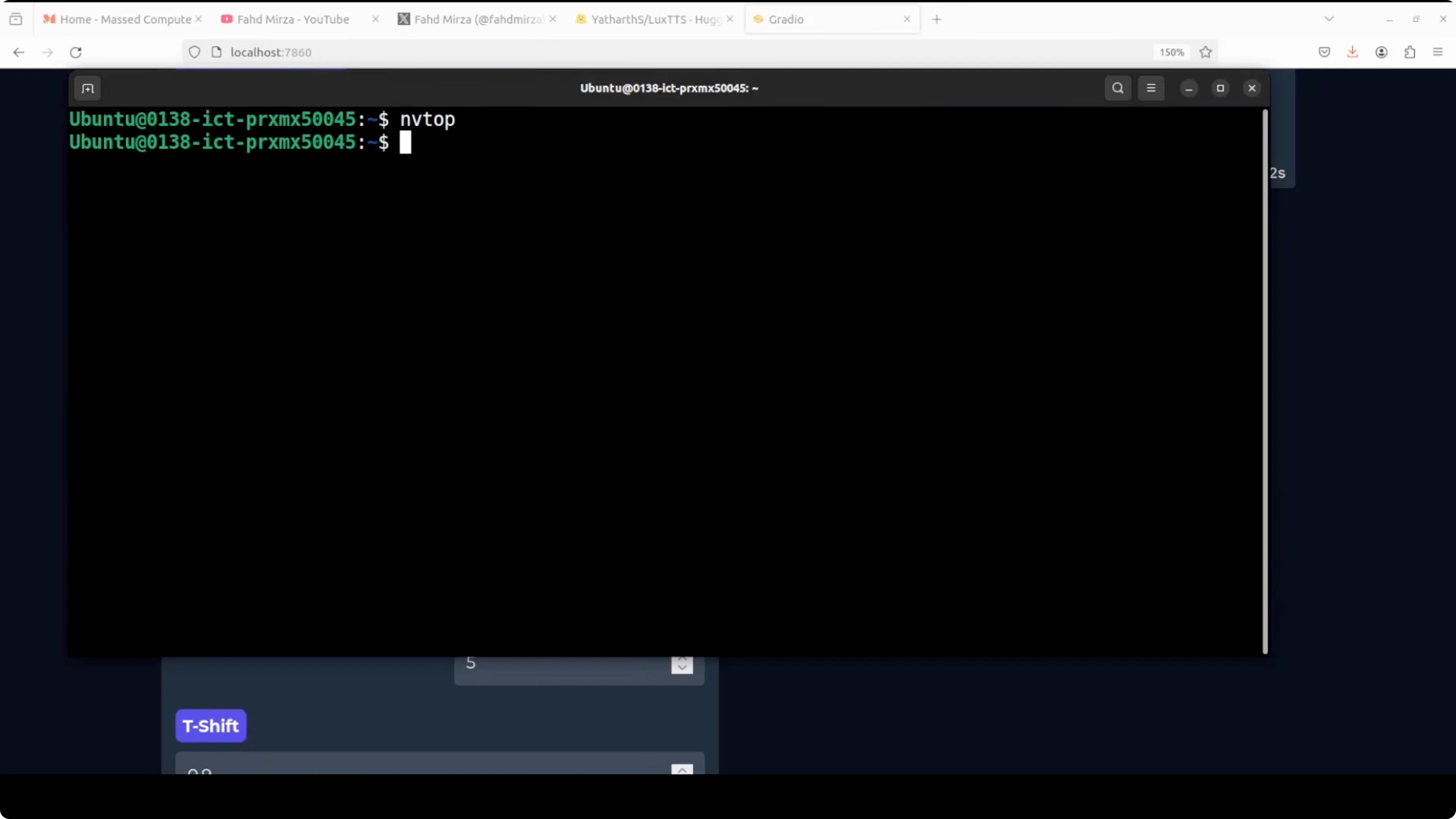
I generated speech and checked VM consumption. With top and memory stats, CPU was hardly being used and memory stayed under around 1 GB. It took 12 seconds to synthesize.
The output was: Man goes to the doctor and says doctor I think I'm a bridge. The doctor replies what's come over you? The man says so far two cars and a truck.
Text synthesis is quite good, but I think voice cloning is not there. This TTS space has evolved a lot, and many models are far better. This could be a good learning exercise with ZipVoice, but the cloning is not there with this audio.
I tried another audio with better quality in English. The original reference was: Of mind that can be cultivated is a fleeting feeling that can be found in life's simplest moments. A warm conversation with a loved one, a beautiful sunset or a good cup of coffee can instantly.
This audio is much better in quality. It generated even quicker, and the output was: Man goes to the doctor and says, "Doctor, I think I'm a bridge." The doctor replies, "What's come over you?" The man says, "So far two cars and a truck much much better."
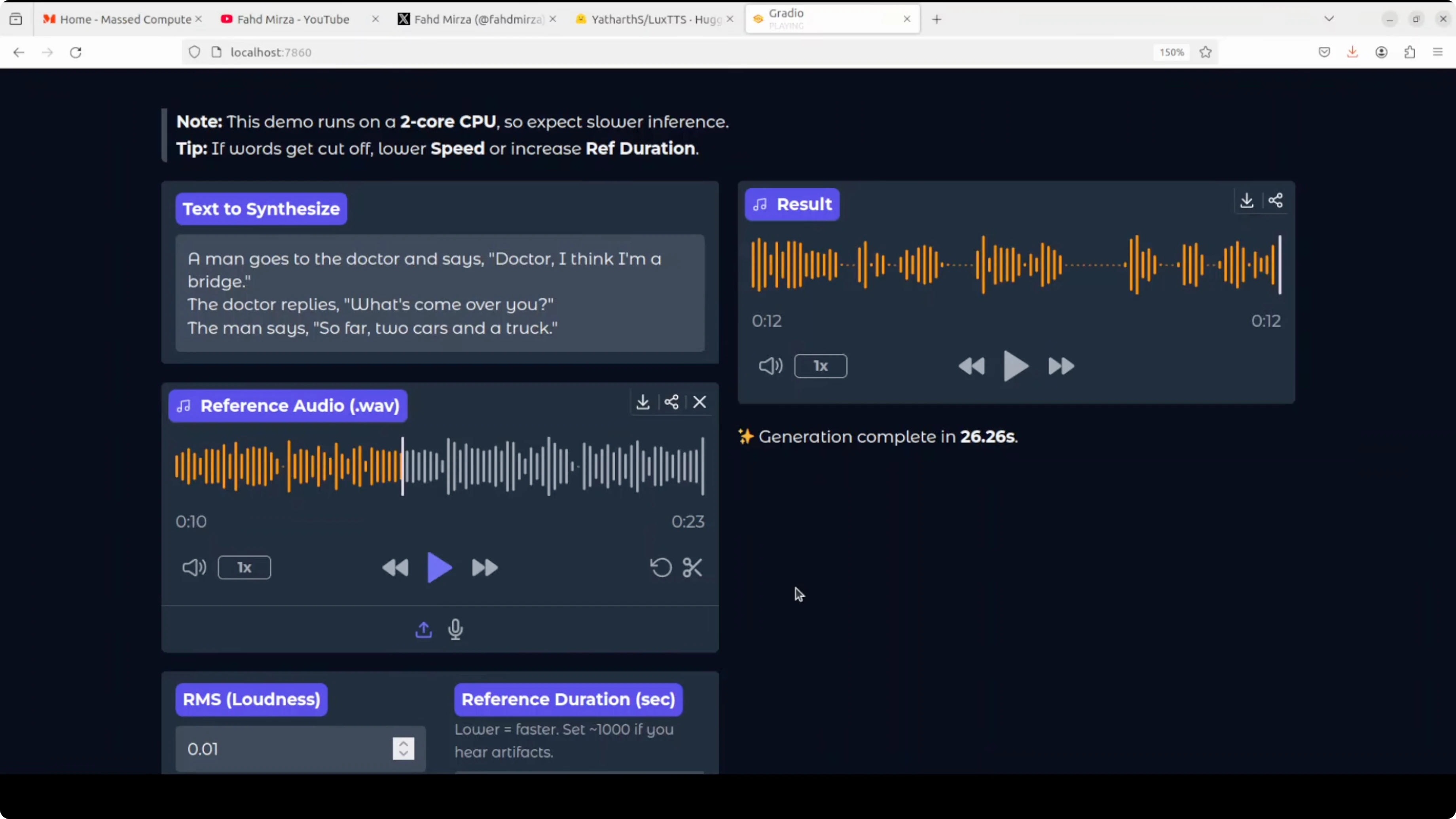
As the quality of audio improves, the model improves. With the Quen 31s, even the previous audio gave me very good results. If you have a good quality audio and you are looking for something very lightweight, this could be a good option.
Parameters in LuxTTS
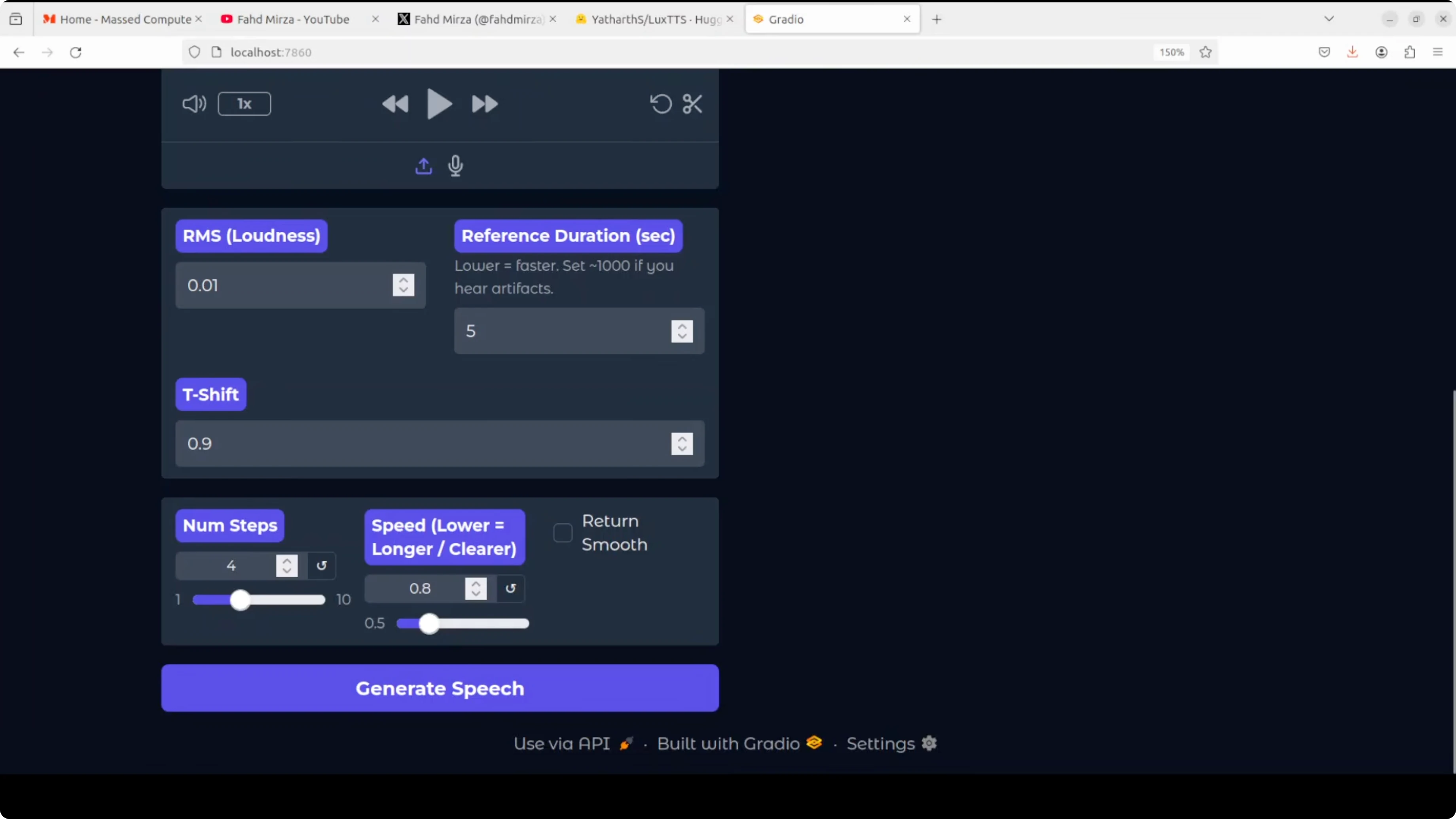
I will quickly explain what these parameters mean. RMS loudness controls the overall volume level of the generated speech. You can set it to 0-1 for standard volume or adjust lower for quieter output and higher for louder output.
Reference duration in seconds is the length of the reference audio clip used for voice cloning. A 5 second sample is typical. I am not changing it.
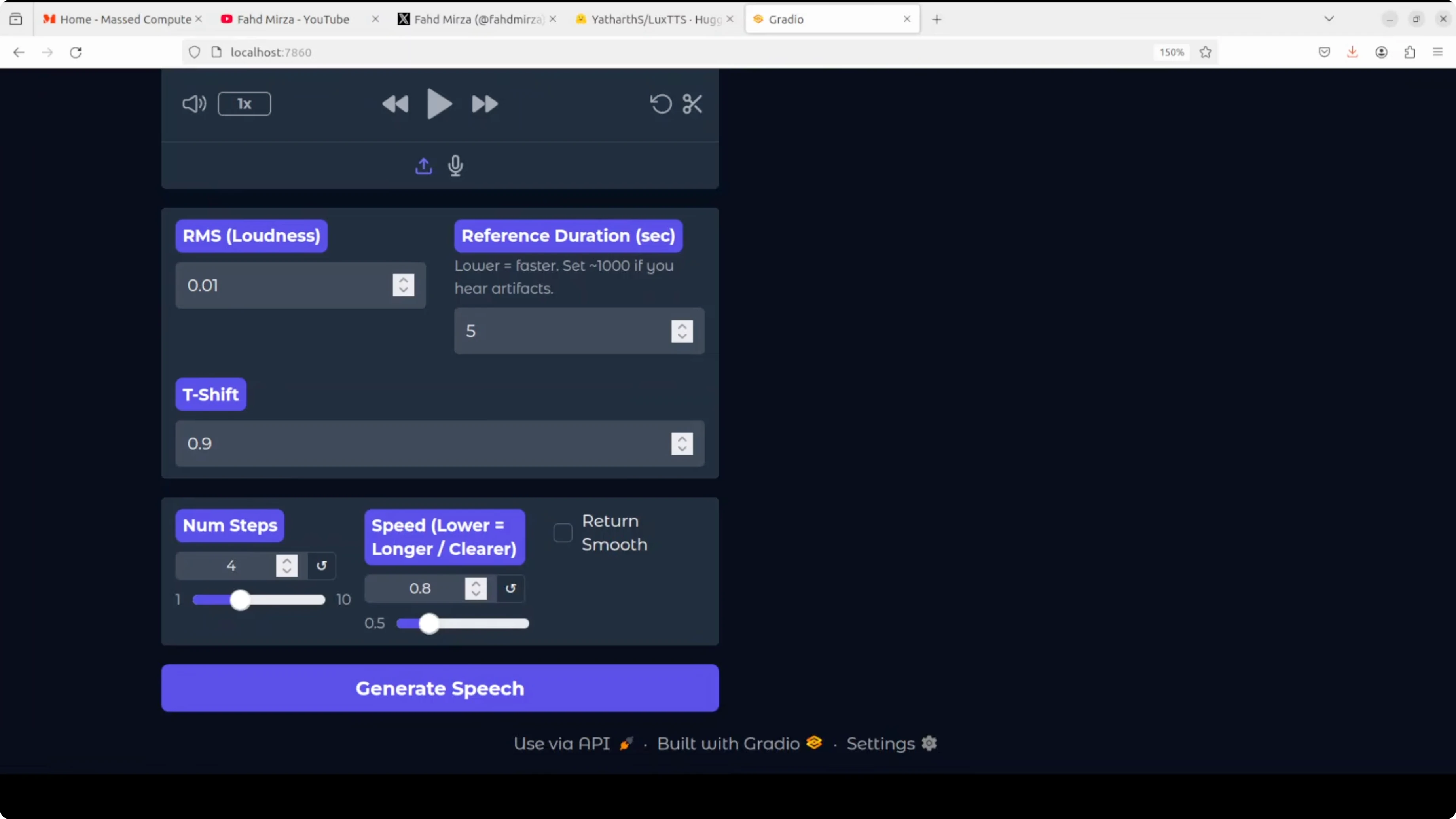
T-shift adjusts the pitch tone of the generated voice. Values below 1 make the voice lower and deeper, while values above 1 make it higher and brighter. Use it to match the target timbre.
Num steps determines how many diffusion steps the model uses to generate speech. Speed controls how fast the speech is generated. Lower values make speech longer and clearer, while higher values speed it up.
My setting is 8, which means the speech will be slightly slower than normal pace for better clarity. You can adjust it as per your requirement. Finally, return smooth applies post-processing to smooth out the generated audio and reduce glitches or roughness.
If you have a lower quality output, try enabling return smooth. It can help clean the waveform. Keep other parameters unchanged until you need fine control.
Multilingual Checks
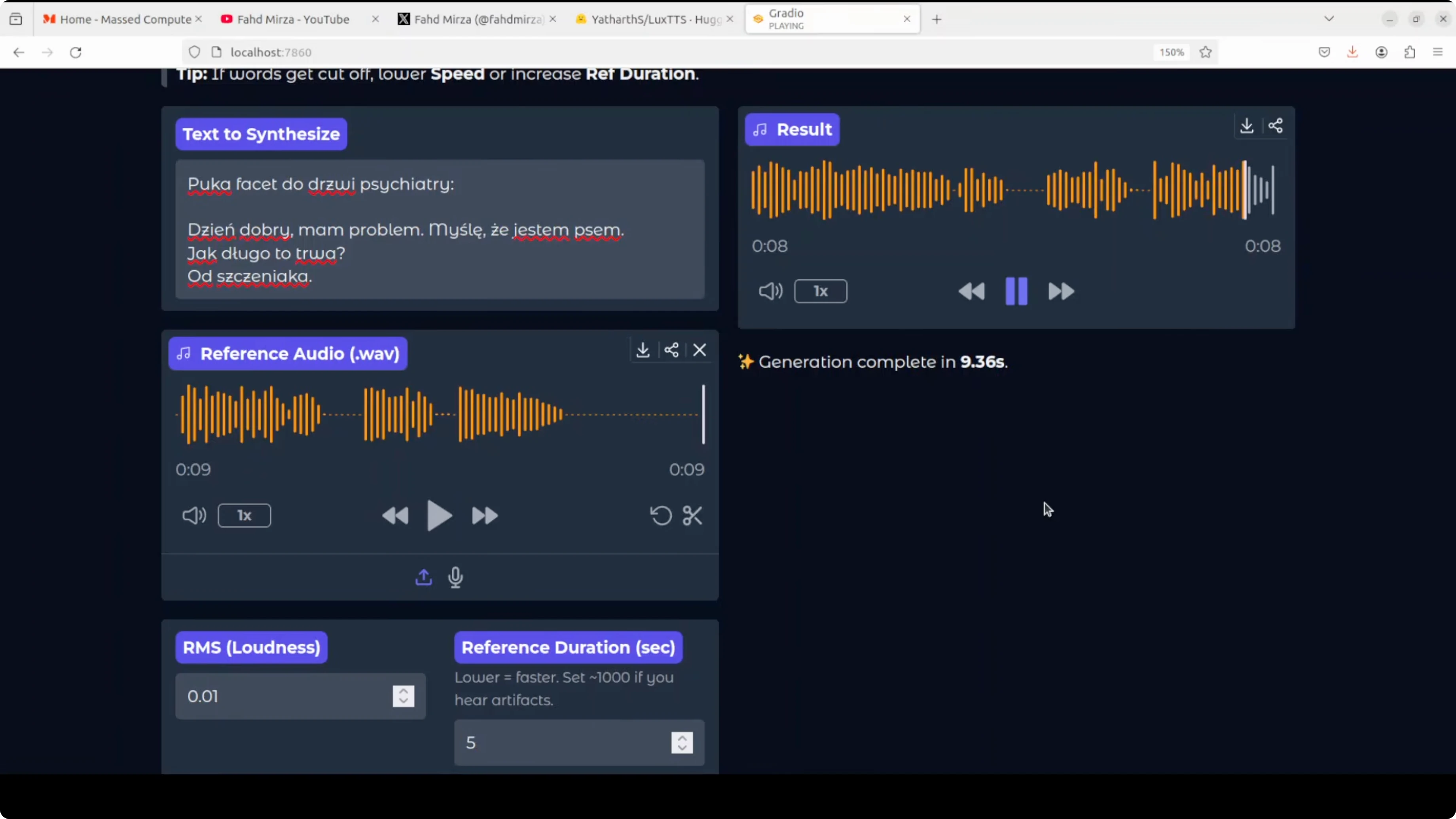
I know this is not really multilingual, but I tried Polish. I changed the text to a Polish joke and provided some Polish audio. I translated it to English: a guy knocks on a psychiatrist door, says he thinks he is a dog, and when asked how long, he says since he was a puppy.
It generated speech and played. It works for Polish in my test. That was a surprise.
I tried Arabic next. It could not do Arabic. That is interesting, but expected.
I tried German. After resolving a network issue, it showed an error saying no English or Chinese character found. It is mainly for English and Chinese, so I stopped there.
Quick CPU Monitoring
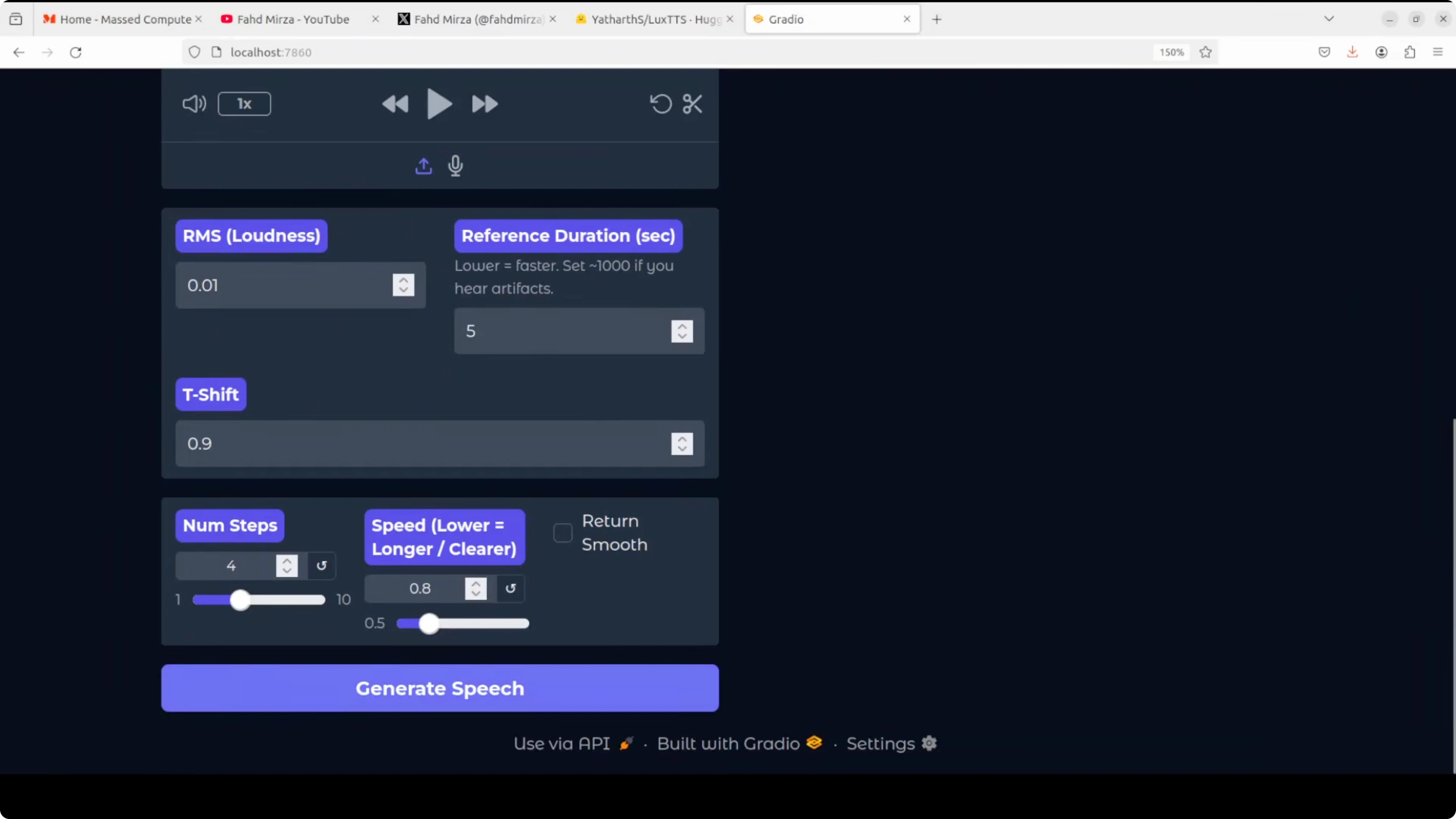
I checked CPU and memory with top and free. There was minimal CPU usage and memory under around 1 GB during inference. This matches the goal of running on any CPU.
top

free -h
Final Thoughts
LuxTTS is a lightweight TTS model based on ZipVoice that outputs around 48 kHz audio and runs comfortably on CPU. Text synthesis quality is good, and voice cloning improves noticeably with better quality reference audio. It appears mainly for English and Chinese, with limited success in other languages, but it is a solid option if you want something very lightweight on CPU.
Subscribe to our newsletter
Get the latest updates and articles directly in your inbox.

Related Posts

8 Best Claude Code Plugins in 2026 (You Need to Know)
8 Best Claude Code Plugins in 2026 (You Need to Know)

7 Best Claude Code Skills (You Need to Know)
7 Best Claude Code Skills (You Need to Know)

Claude Code Desktop IDE Features (You Need to Know)
Claude Code Desktop IDE Features (You Need to Know)