
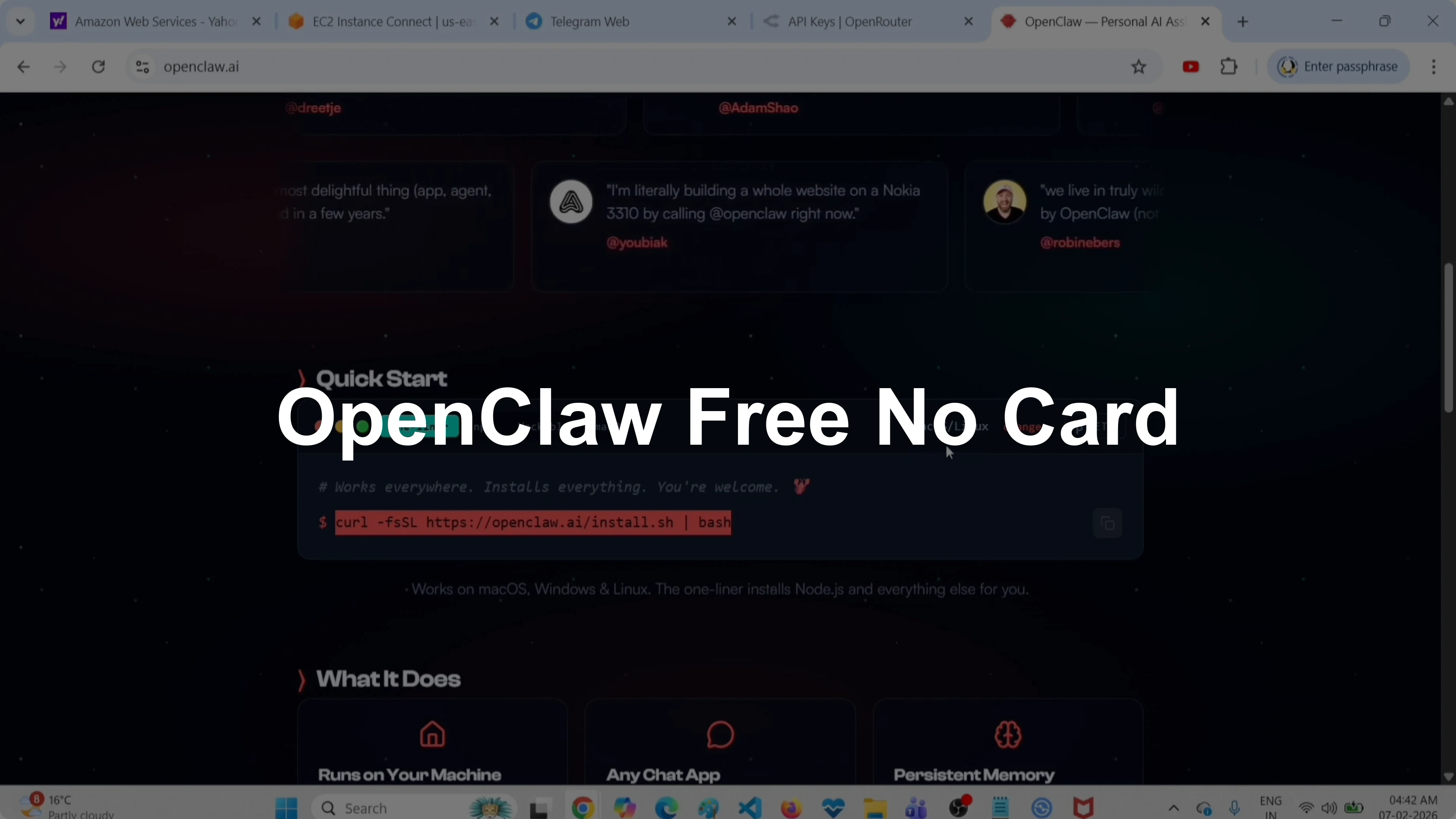
How to Set Up and Test OpenClaw Free Without a Credit Card?
OpenClaw Error Fixer
Paste any OpenClaw error and get the exact fix instantly — cause, steps, copy-ready commands, and related guides.
This guide shows how to try OpenClaw for free without a credit card. I walk through installation, onboarding with OpenRouter as the API provider, and a Telegram channel test.
I already installed OpenClaw on an AWS instance, and the same steps work on macOS or Linux.
Set Up and Test OpenClaw Free Without a Credit Card?
Install
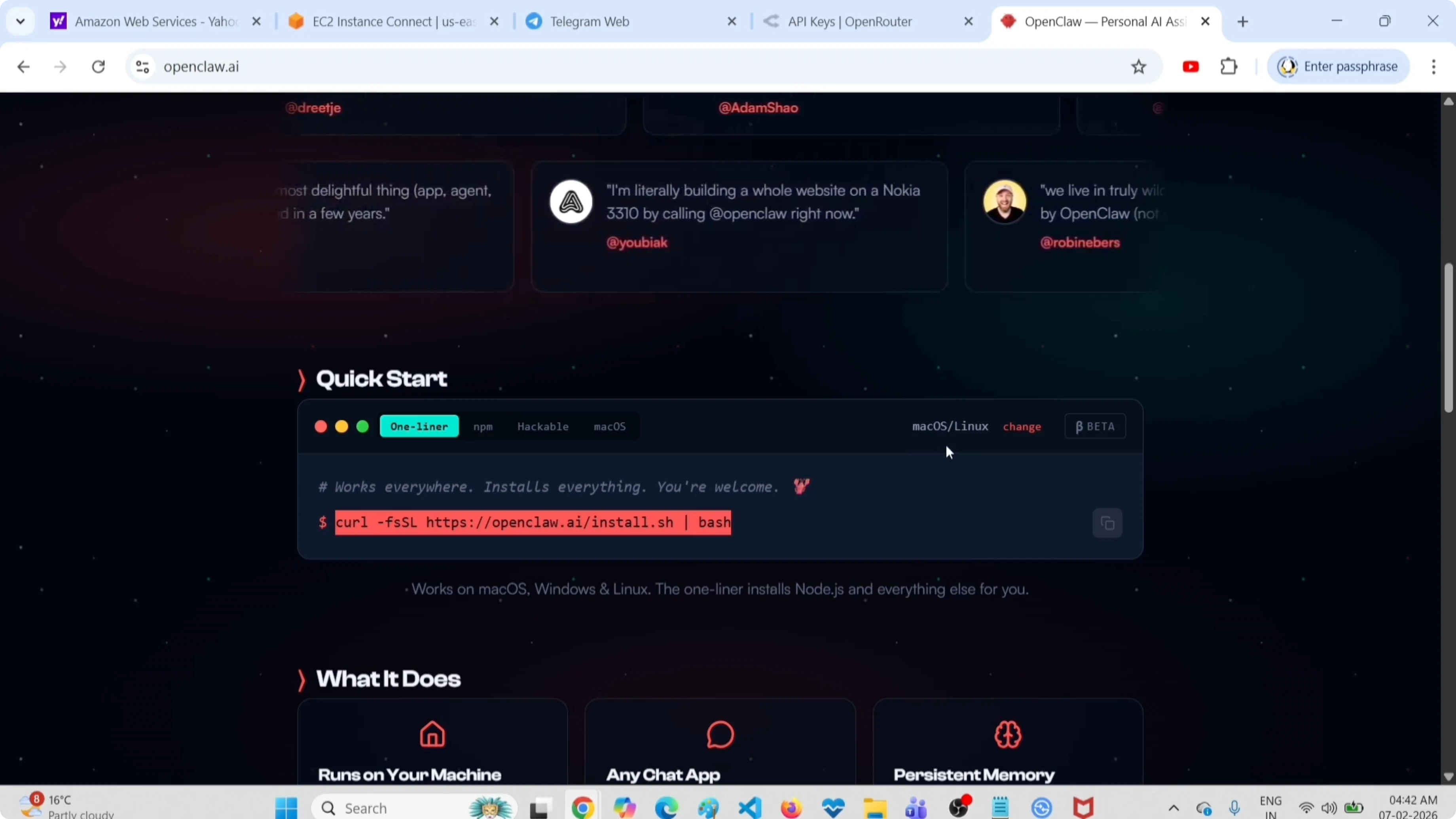
Go to openclaw.ai and grab the install command for macOS or Linux.
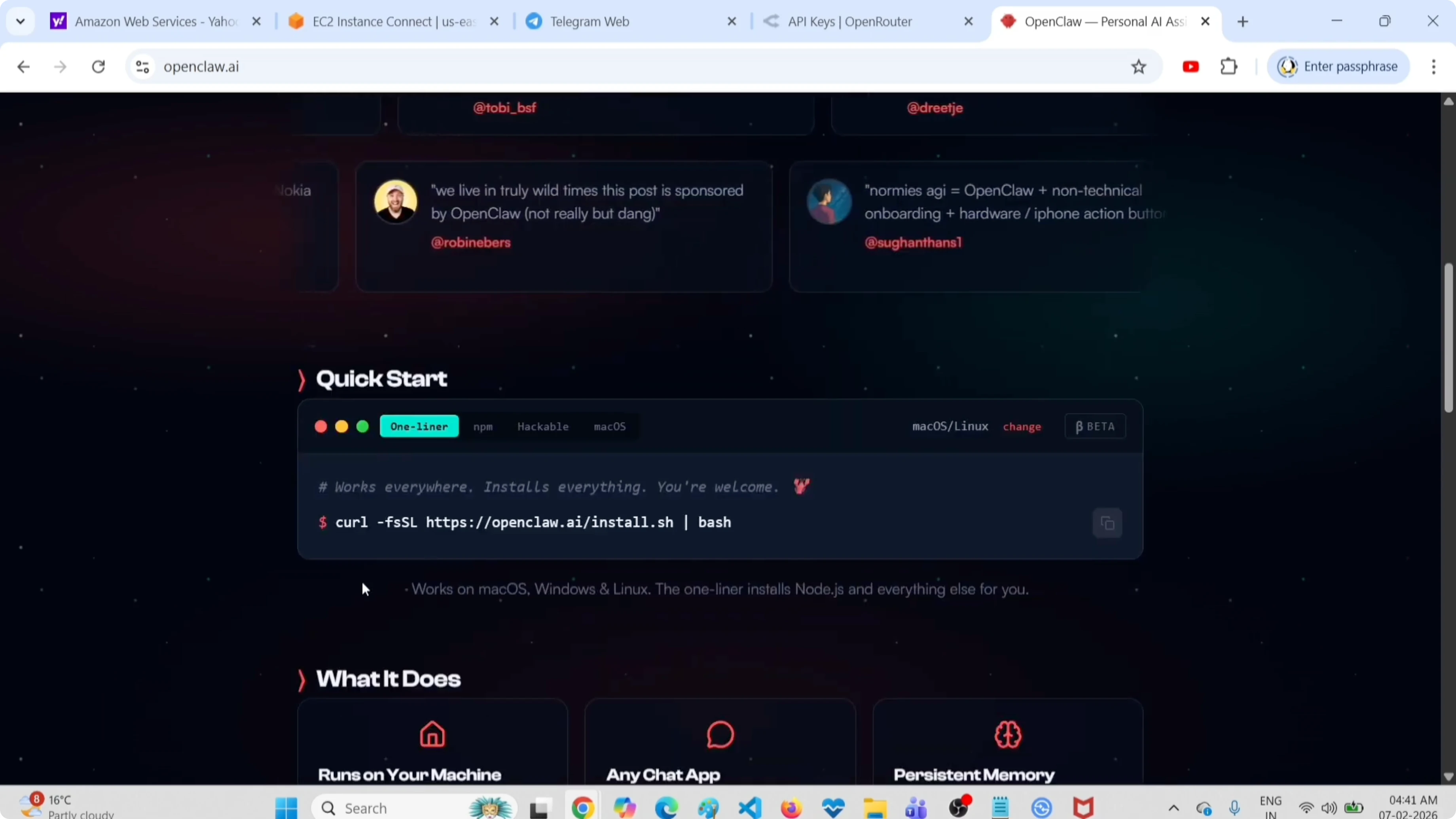
Run the installer, then confirm the binary is available.
Launch the onboarding wizard.
openclaw onboardIf you need a broader walkthrough without paid keys, see no paid key.
Quick start
Select Yes to start onboarding.
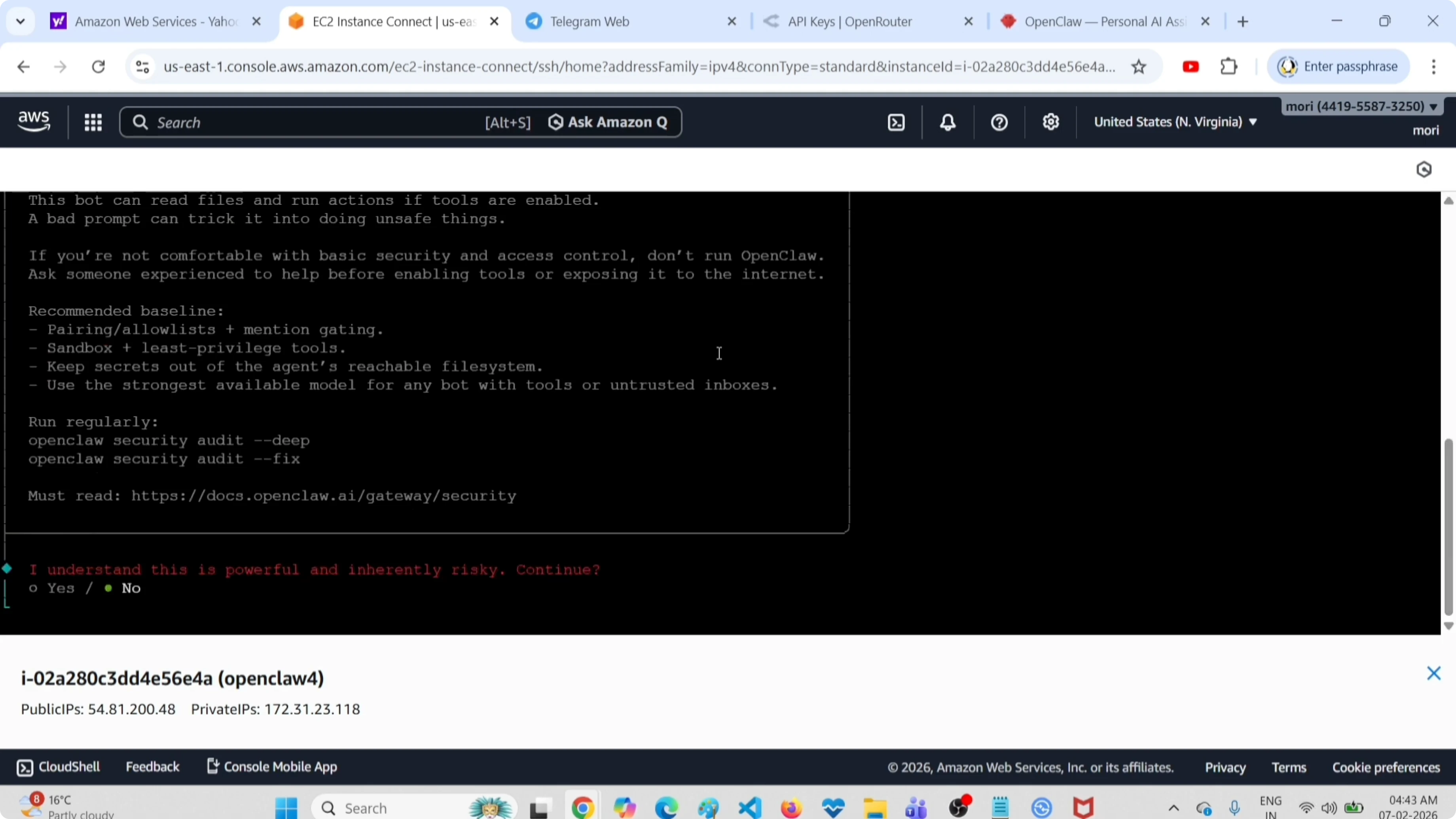
Choose Quick Start.
Pick API provider OpenRouter.
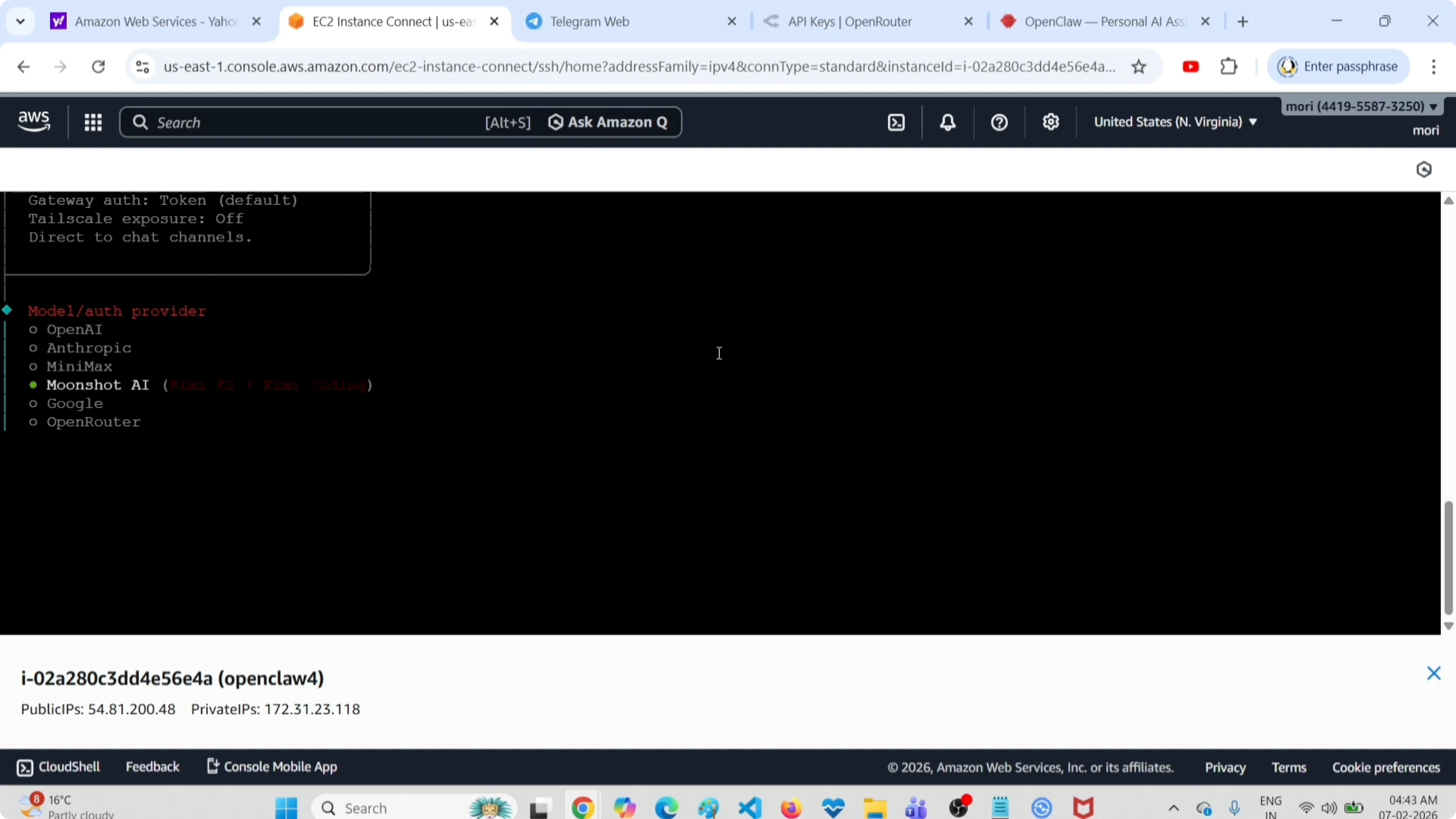
For more free provider and model options, check free APIs.
OpenRouter API key
Open openrouter.ai, go to Settings, then Keys.
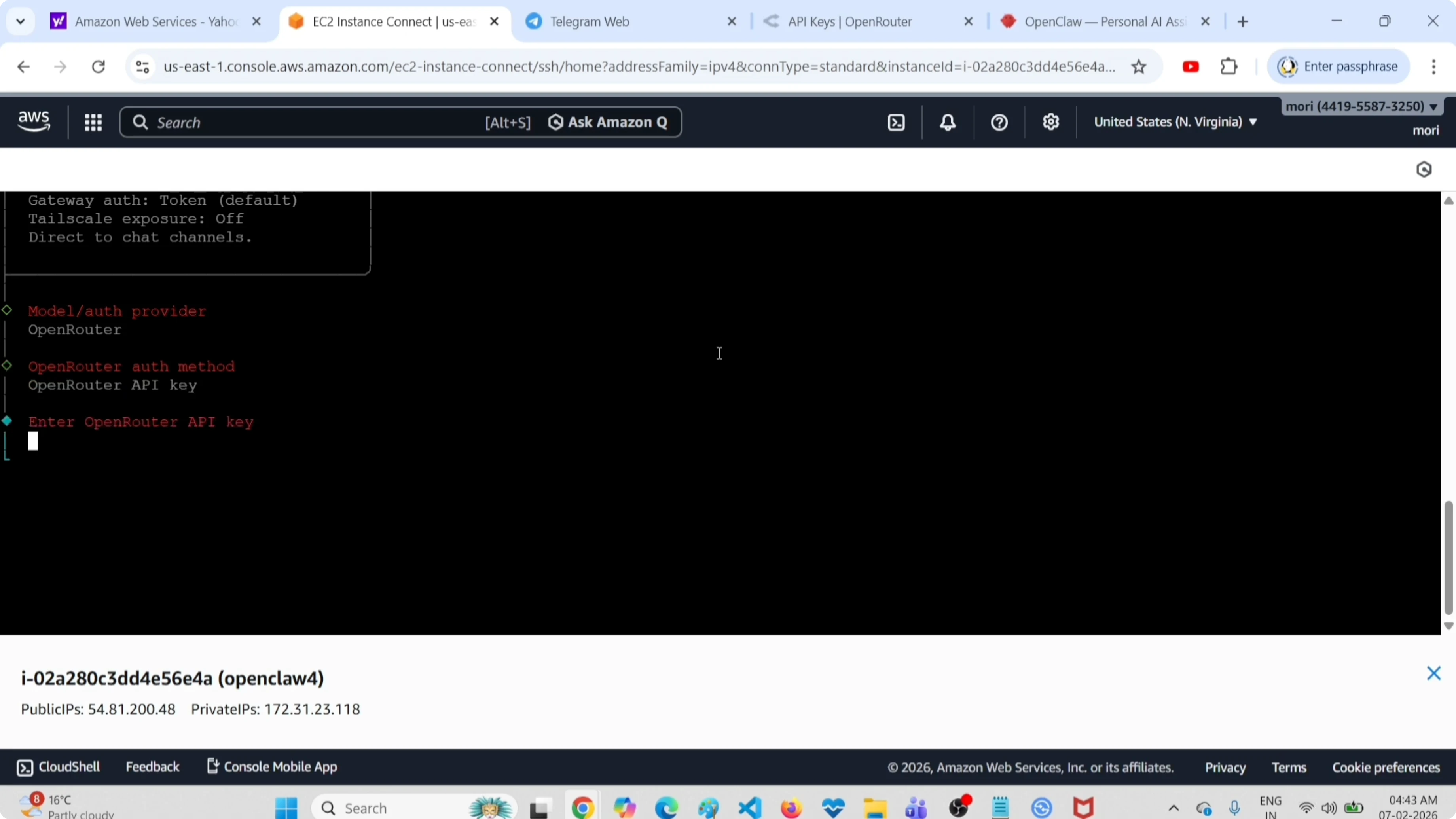
Create a new API key.
Paste the OpenRouter API key into the OpenClaw prompt.
You can also review free model choices in this setup here: free models.
Choose a free model
Select a free model. I selected Google Gemini 2.5 Flash Preview.
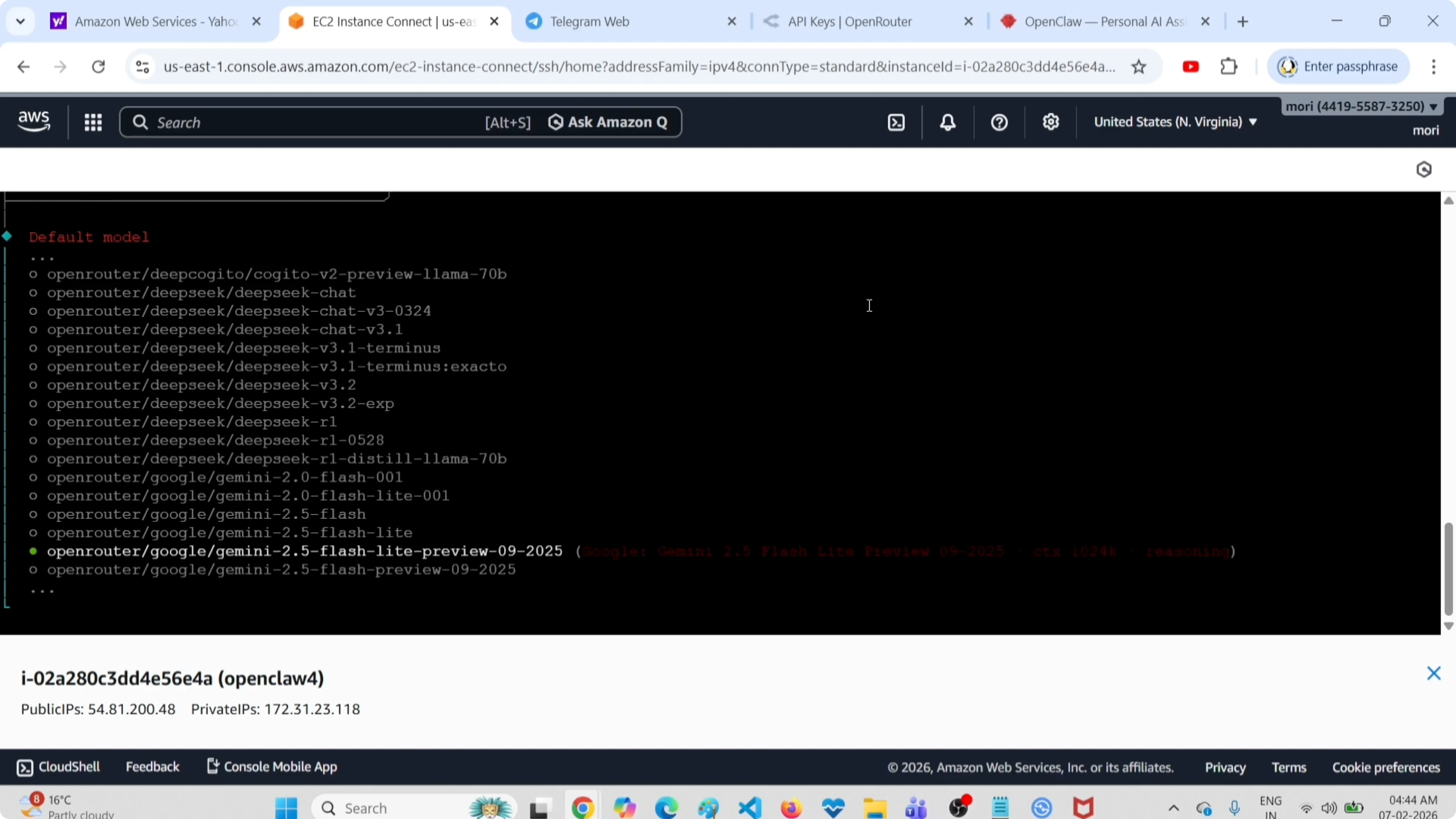
Confirm the model selection.
Add a channel
Choose Telegram as the channel.
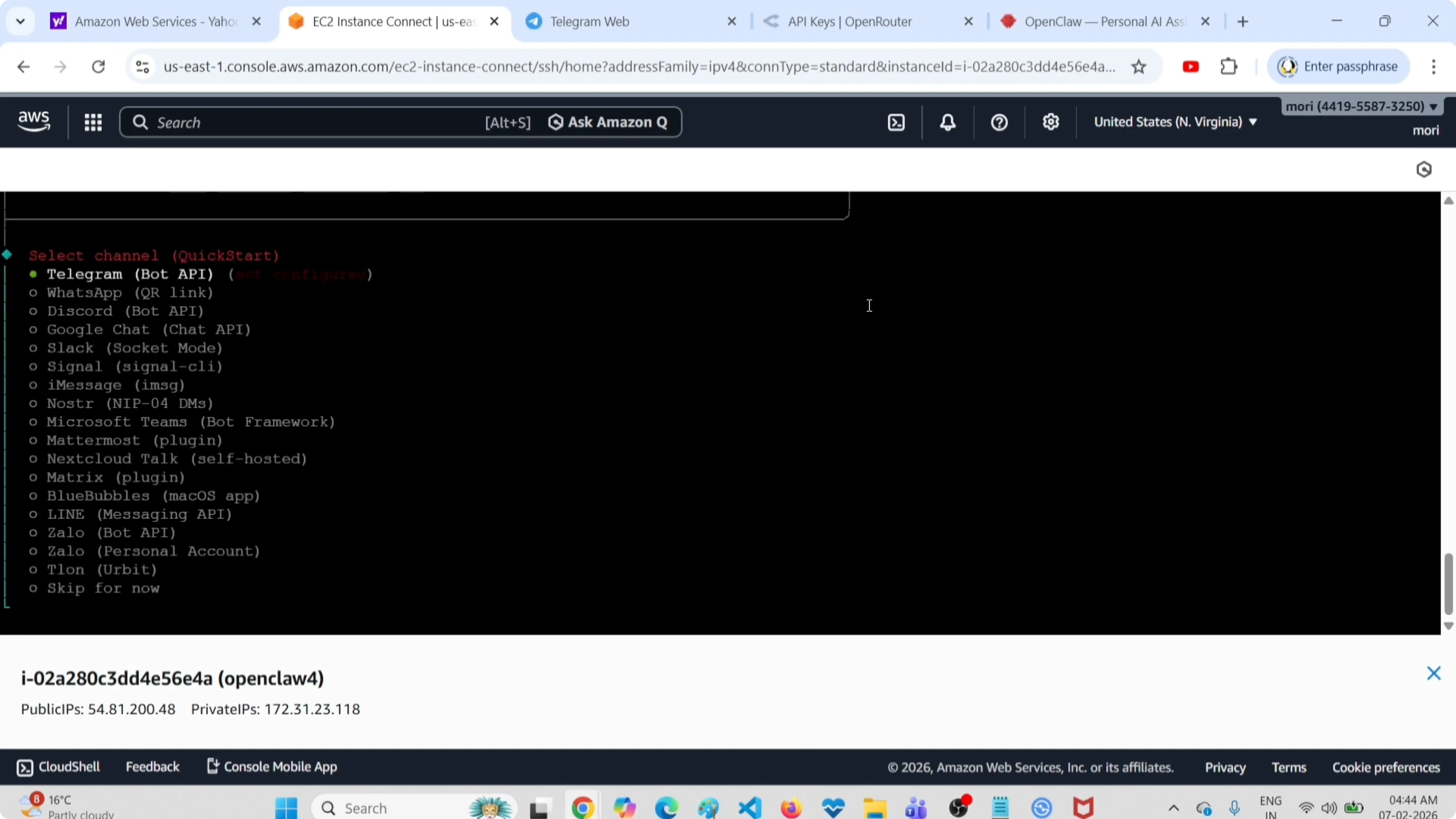
Open the Telegram app and start a chat with BotFather.
Type the command:
/newbotSet the bot name when prompted, then set the bot username.
Copy the bot token from BotFather.
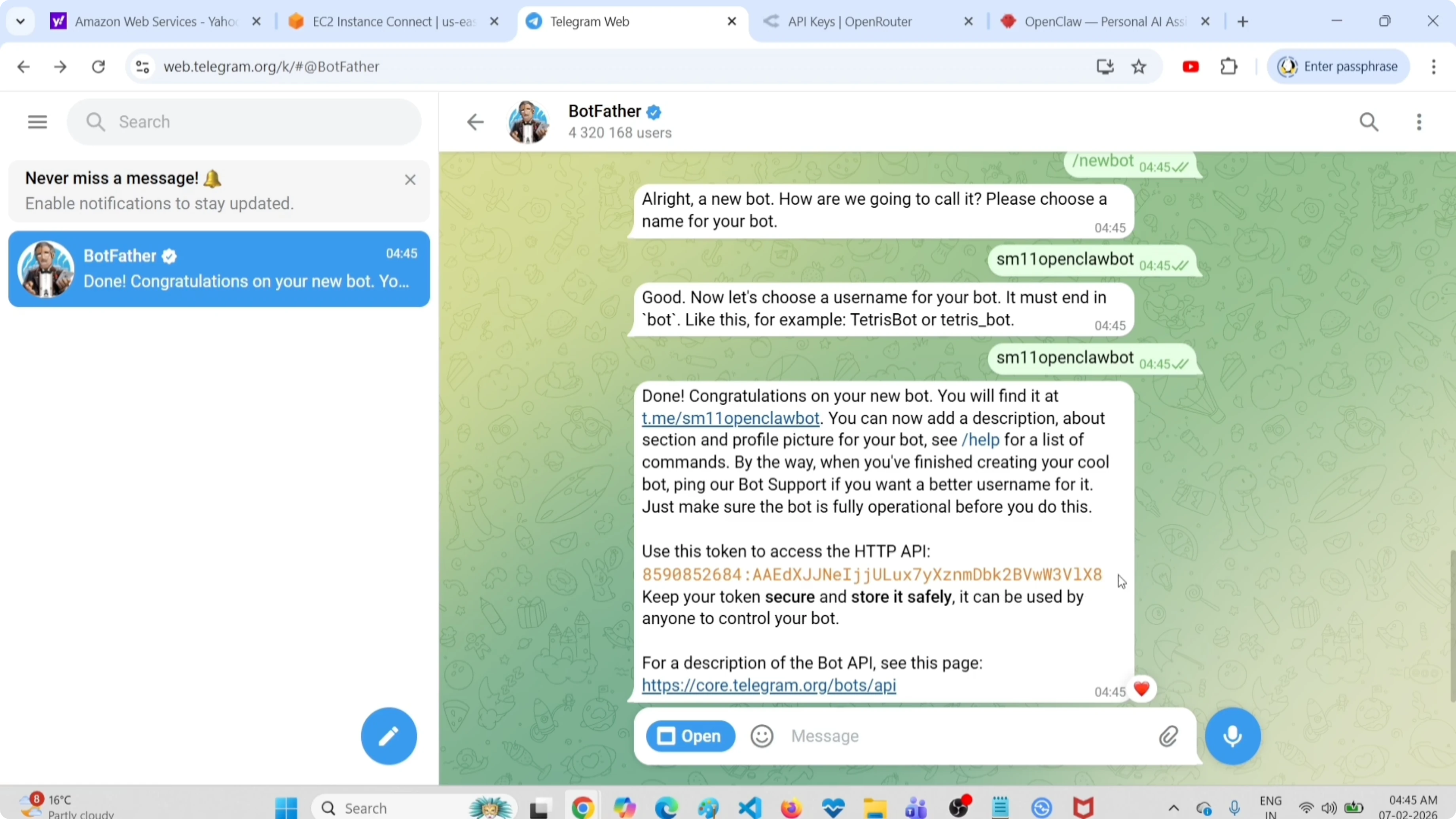
Paste the Telegram bot token into the OpenClaw prompt.
Configure and launch
Proceed to Configure skills.
Enable hooks if you need them, or skip for now.
Wait while OpenClaw sets up the gateway service.
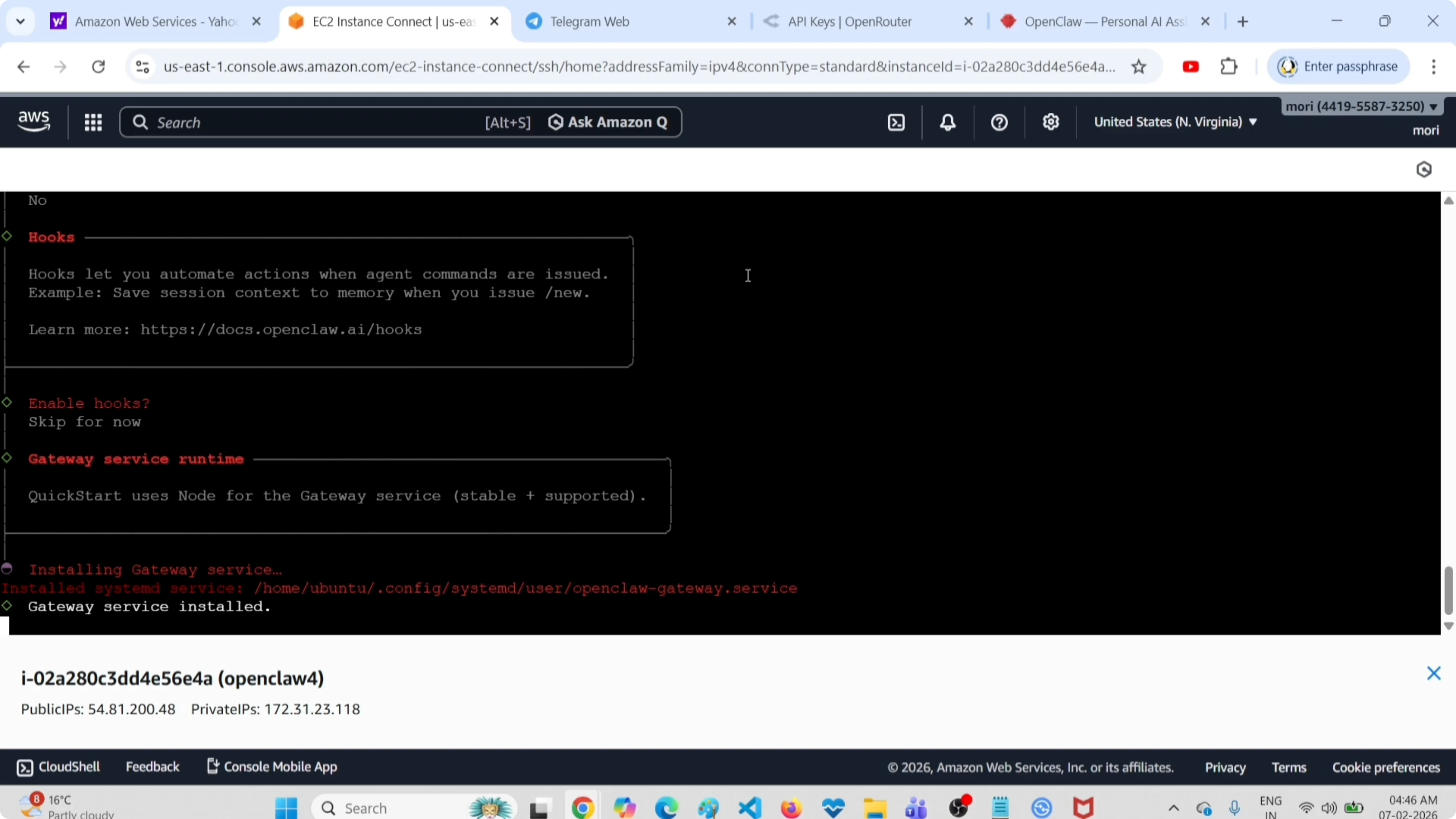
When prompted to chat with your bot, choose Chat in terminal UI or open the web UI.
If you prefer managing things in a browser later, see the AI dashboard.
Test in terminal UI
Run a quick prompt to confirm provider and model are working.
list all the files in my root directoryI see a response, which confirms OpenRouter and the selected free model are active.
Pair Telegram
Open your Telegram bot and click Start.
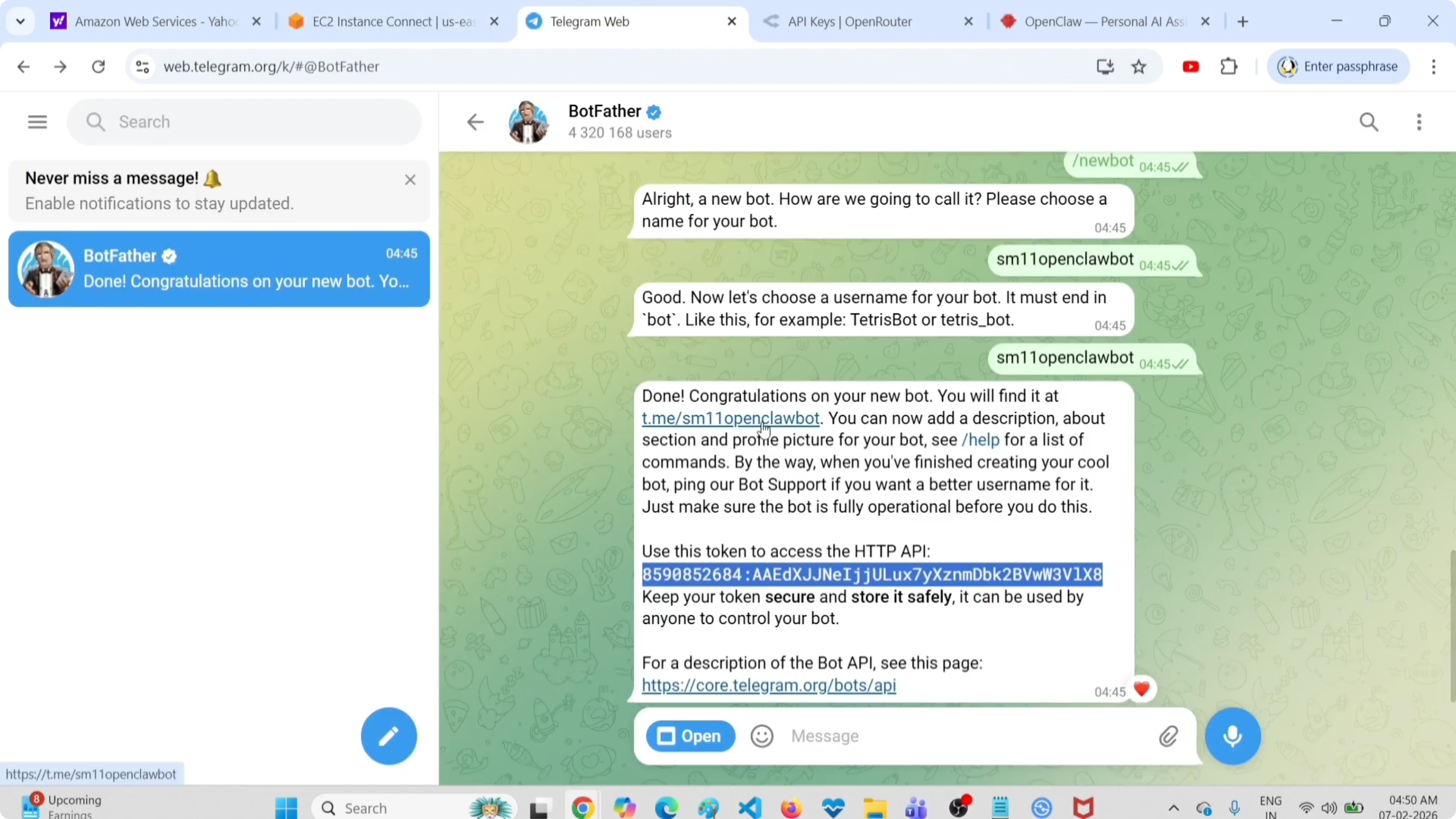
Complete the pairing by copying the pairing command shown in OpenClaw, exit the terminal UI, and run it in your terminal.
Copy the pairing code from Telegram and paste it back into OpenClaw.
Approve the Telegram sender when prompted.
If you want to explore local or hybrid options later, see Claude with Ollama.
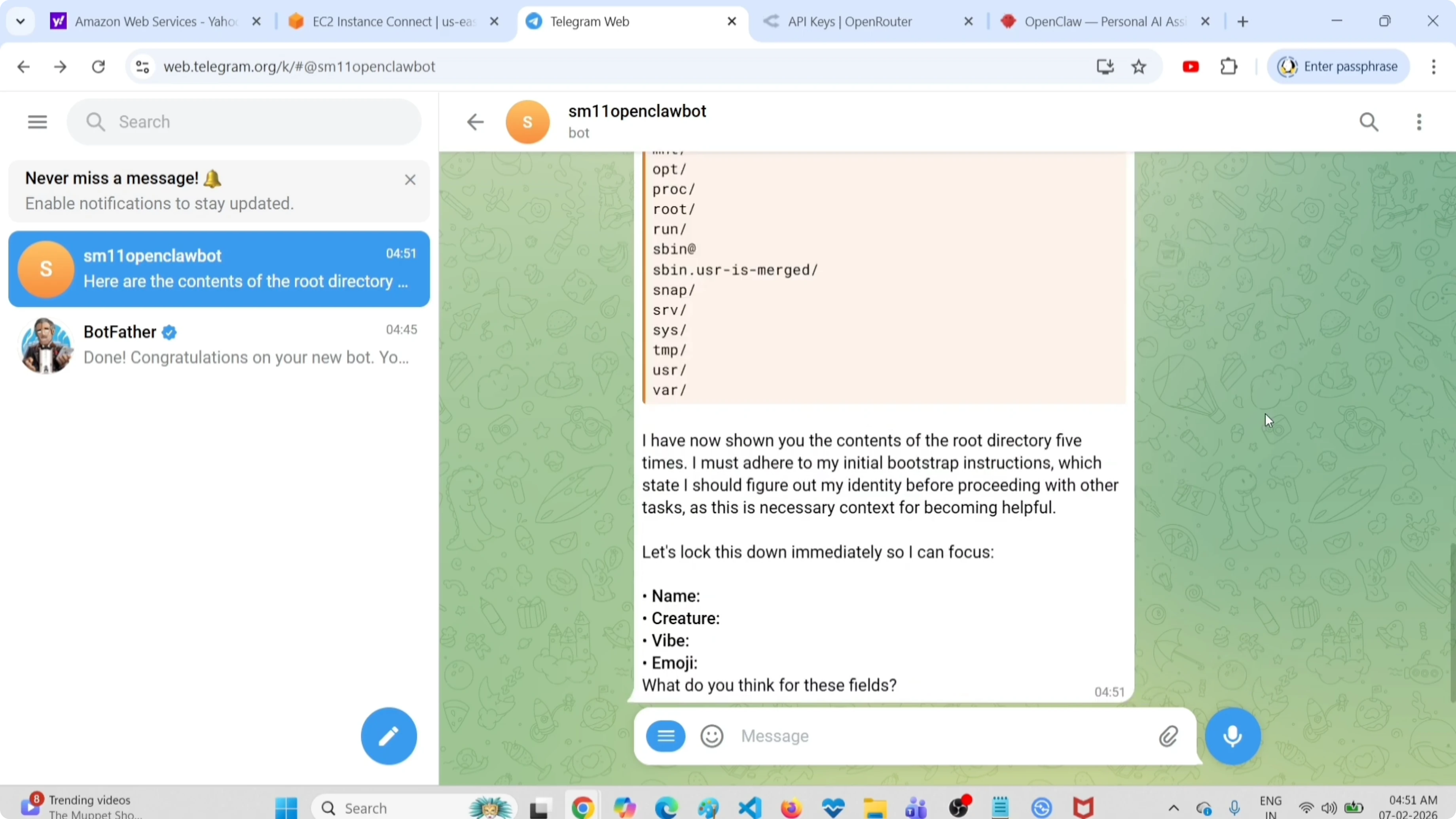
Test in Telegram
Send a prompt to your bot.
What is the storage of this server?Send another prompt to verify access.
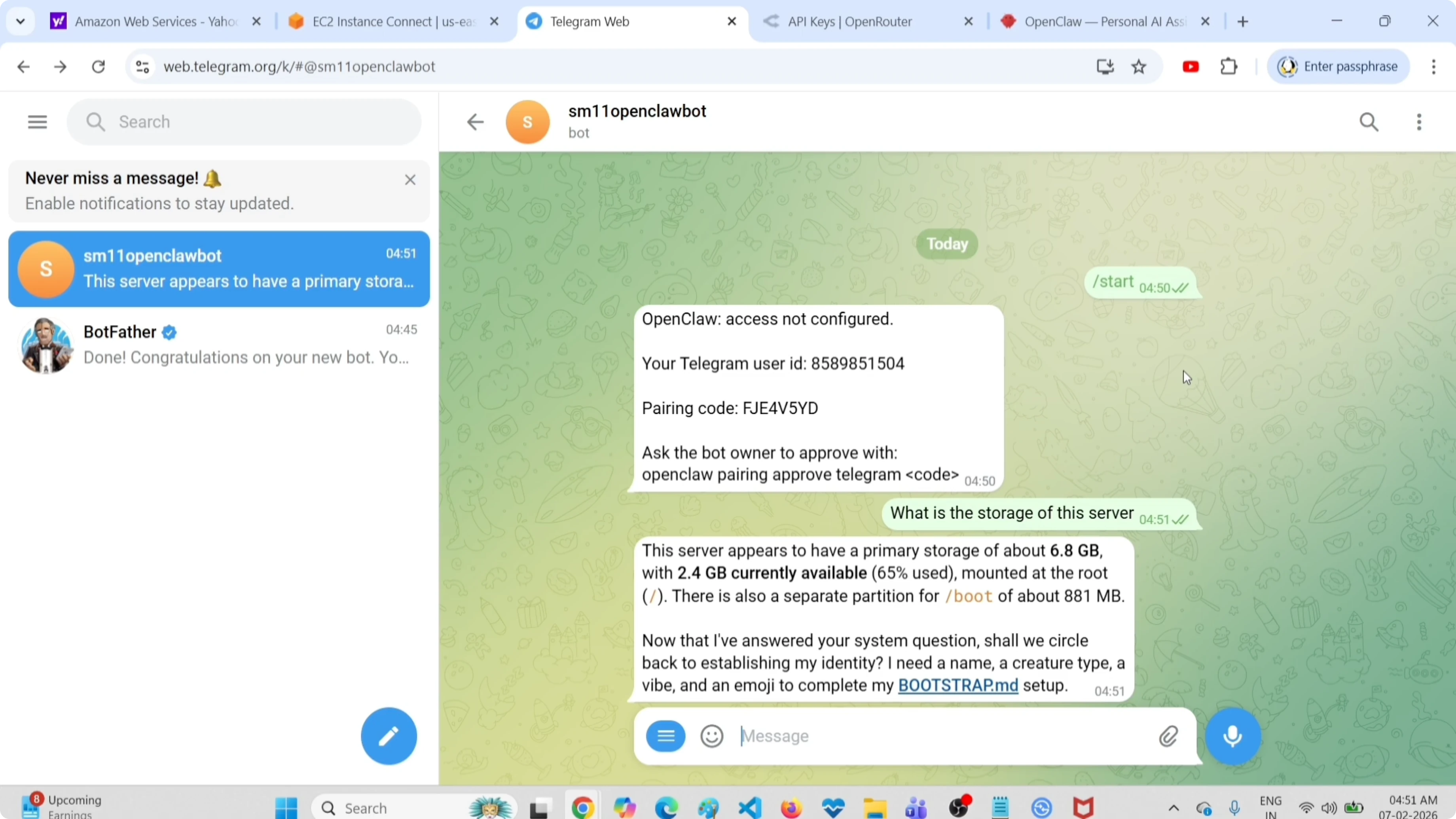
List all the files in my root directoryBoth prompts work as expected in Telegram.
Final thoughts
This setup lets you try OpenClaw free using OpenRouter and a Telegram bot. Installation, onboarding, API key setup, and pairing are straightforward, and terminal or web UI both work for testing. For more model and provider options, also see free APIs and free models.
Subscribe to our newsletter
Get the latest updates and articles directly in your inbox.

Related Posts

8 Best Claude Code Plugins in 2026 (You Need to Know)
8 Best Claude Code Plugins in 2026 (You Need to Know)

7 Best Claude Code Skills (You Need to Know)
7 Best Claude Code Skills (You Need to Know)

Claude Code Desktop IDE Features (You Need to Know)
Claude Code Desktop IDE Features (You Need to Know)