
Table Of Content
- Why Qwen3.6-27B for stable, practical use
- Setup on Ubuntu with A100 80 GB
- Prerequisites
- Install vLLM and tools
- Authenticate with Hugging Face
- Serve Qwen3.6-27B with vLLM
- Verify with the OpenAI API
- Resource tuning and quantization
- Model overview
- Dense vs MoE
- Context and preserved thinking
- Multimodal basics
- Benchmarks
- Practical use cases
- Agentic coding
- Technical OCR and vision
- Long context workflows
- Multilingual support
- Troubleshooting stability and performance
- Final thoughts
How to Run Qwen3.6-27B Locally for Stable, Practical Use?
Qwen Model Recommender
Not sure which Qwen model fits your GPU? Pick your VRAM, use case, and task type — get matched to the right model instantly. Covers Qwen3, QwQ, QVQ, Qwen2.5-VL, Qwen3-Coder, Qwen3-TTS, and 80+ models.
Table Of Content
- Why Qwen3.6-27B for stable, practical use
- Setup on Ubuntu with A100 80 GB
- Prerequisites
- Install vLLM and tools
- Authenticate with Hugging Face
- Serve Qwen3.6-27B with vLLM
- Verify with the OpenAI API
- Resource tuning and quantization
- Model overview
- Dense vs MoE
- Context and preserved thinking
- Multimodal basics
- Benchmarks
- Practical use cases
- Agentic coding
- Technical OCR and vision
- Long context workflows
- Multilingual support
- Troubleshooting stability and performance
- Final thoughts
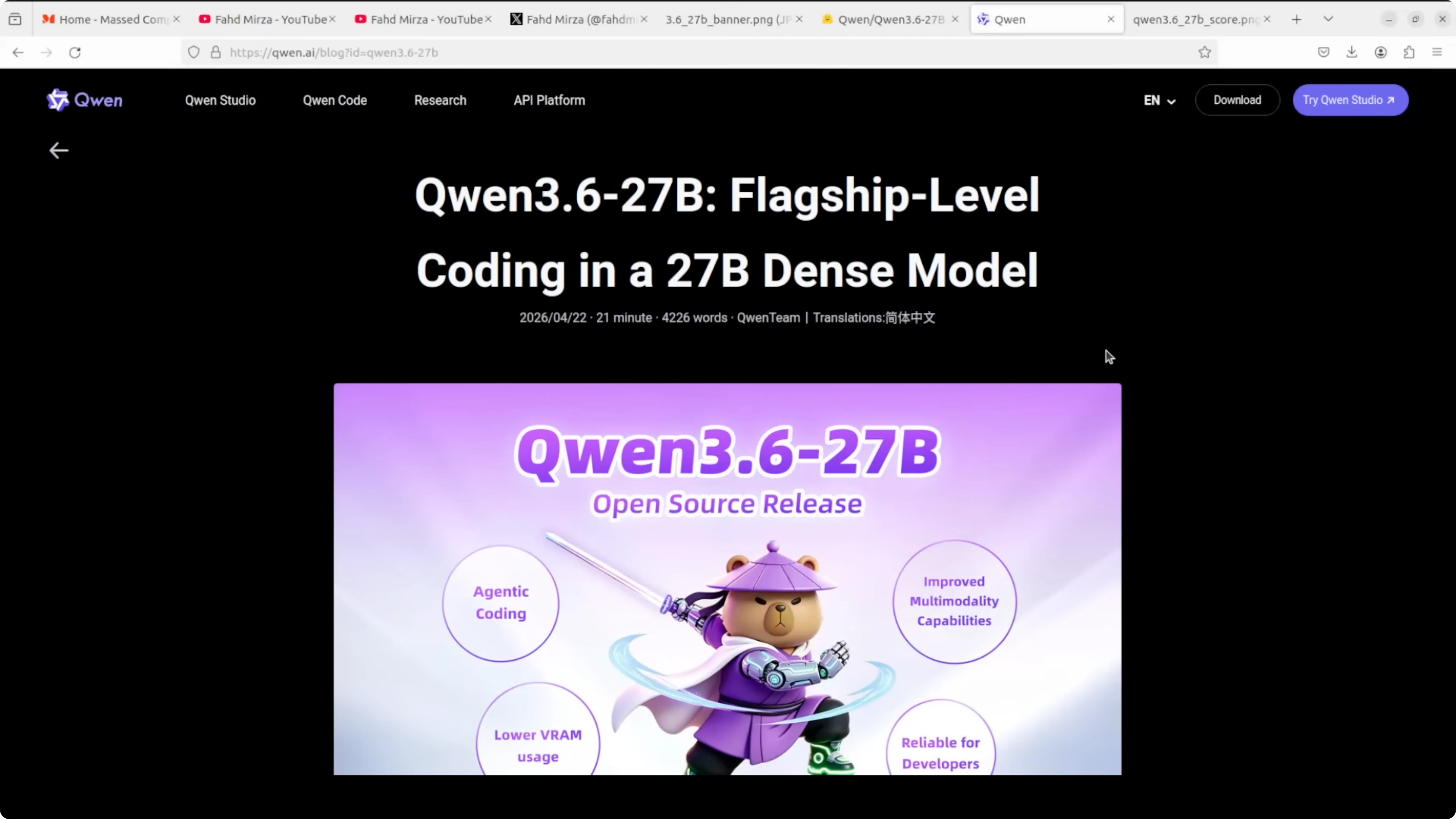
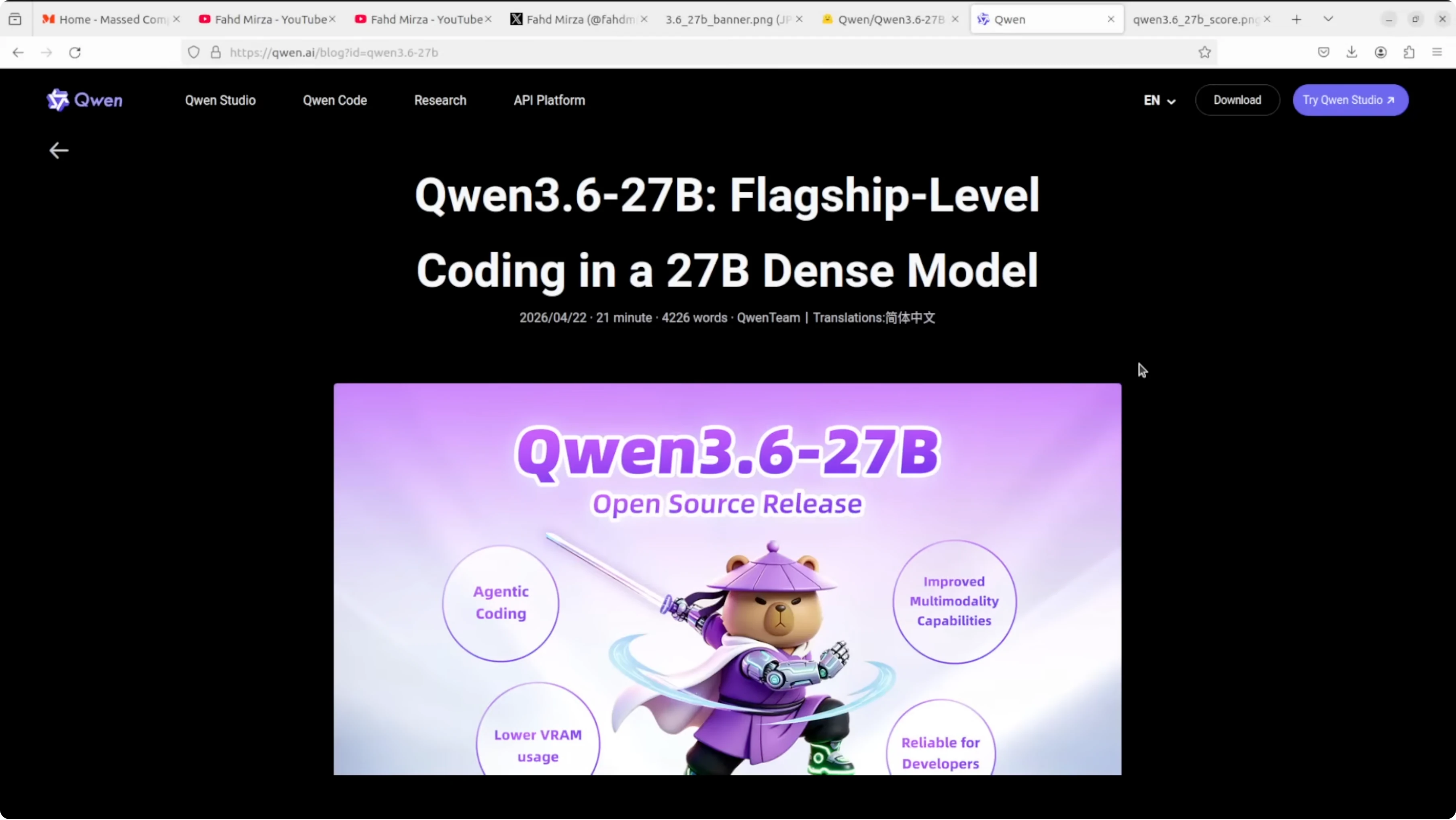
From the Ming Dynasty’s Yongle Encyclopedia in 1408 to Qwen 3.6 in 2026, the obsession with organizing and mastering knowledge has not gone away. Alibaba just dropped a 27 billion parameter model that beats systems many times its size on coding benchmarks. Do more with less.
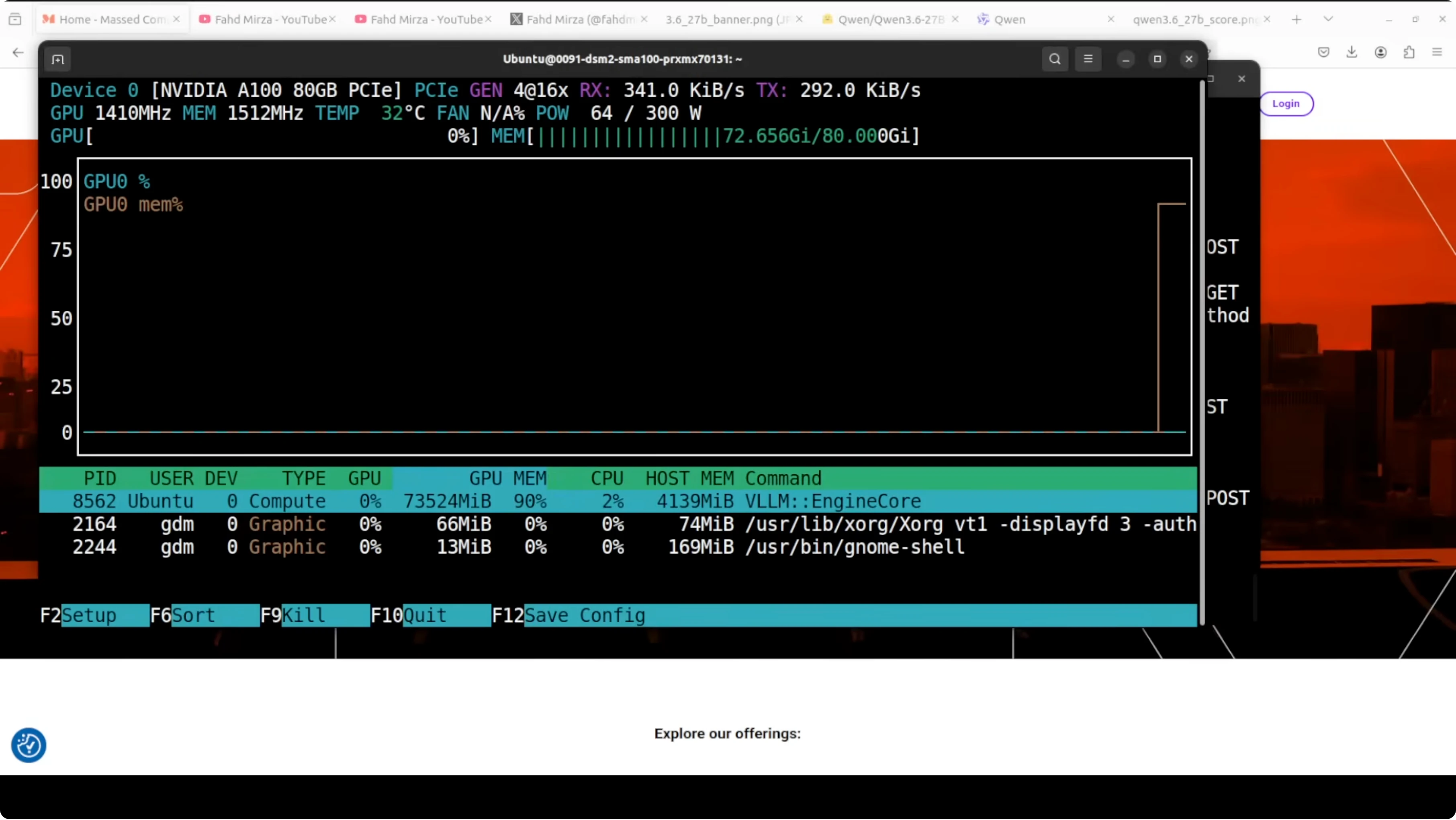
I am installing and running this model locally on Ubuntu with a single Nvidia A100 80 GB card. VRAM use with full precision is just under 74 GB when the model is fully loaded. My goal is stable, practical use with predictable latency and strong coding ability.
See a focused comparison of full precision vs an Ollama route for Qwen 3.6 for deployment tradeoffs and memory notes.
Why Qwen3.6-27B for stable, practical use
Qwen3.6-27B is a dense model. That means all 27B parameters are active on every token, with no routing tricks or sparse shortcuts.
This is the opposite of MoE systems like Qwen 3.5 or 3.6 35B that activate around 3B parameters per token. Dense models are simpler, more predictable, and easier to deploy, and Qwen is betting that with the right training, dense can win on stability and utility.
It is natively multimodal with text and vision. It supports 262k context natively and introduces preserved thinking, where the model remembers its own reasoning across the whole conversation, not just the last turn.
That preserved chain of thought matters for agentic coding tasks where context compounds across steps. This is why they call it a flagship coding model at this size. In practice, it improves long multi step tasks that need consistent planning.
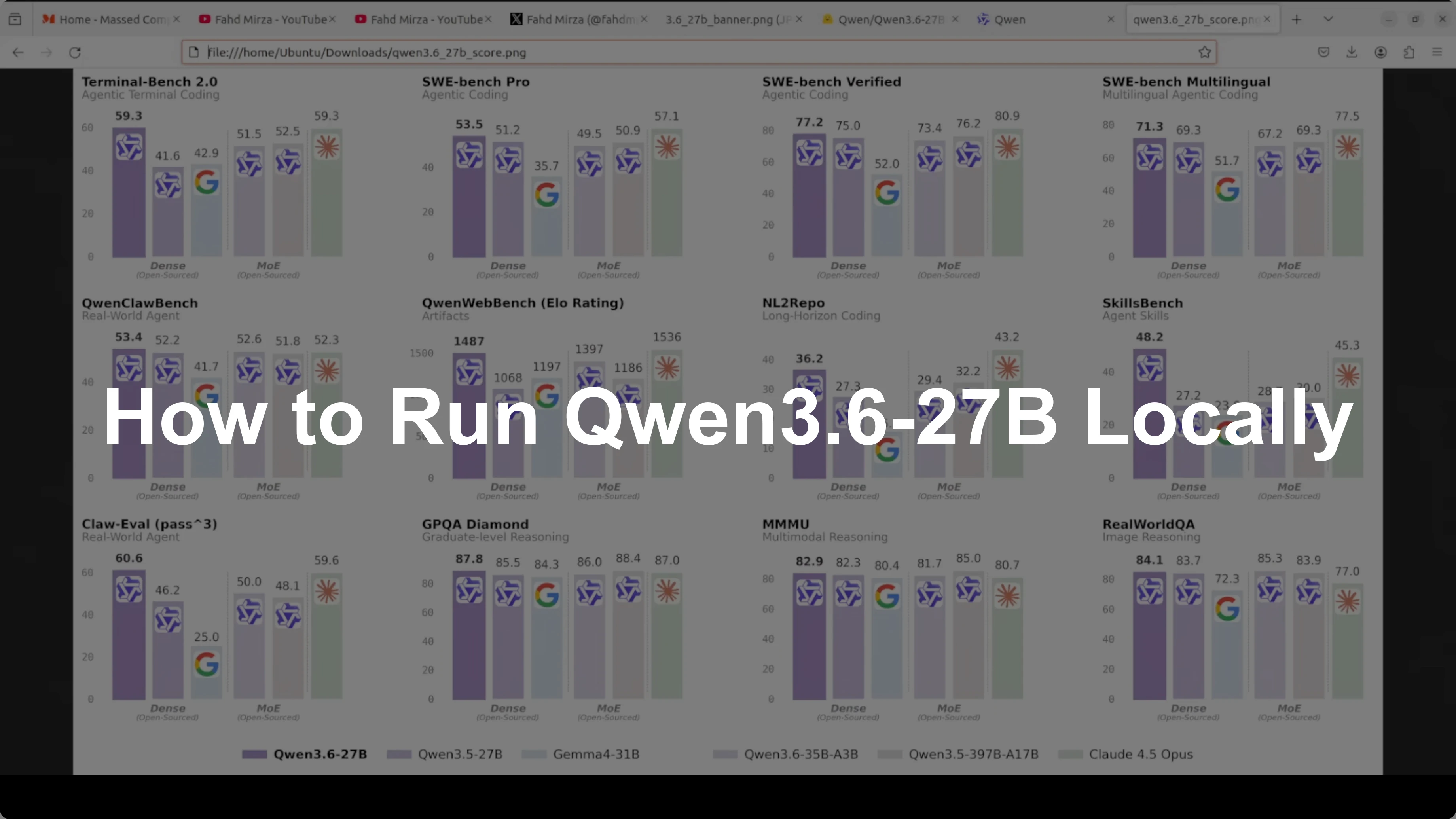
On benchmarks, Qwen3.6-27B scores 77.2 on SUB Bench verified, beating much larger Qwen 3.5 variants. On Skill Bench it scores 48.2 vs 28.7 for the comparison set.
Across most coding tasks it sits just below Claude Opus 4.5, which we know is far larger than 27B. That is the point here again, do more with less.
For broader model perspective, see model comparison notes between Gemma 4 31B and Qwen3.5 27B to calibrate expectations by size and training focus.
Setup on Ubuntu with A100 80 GB
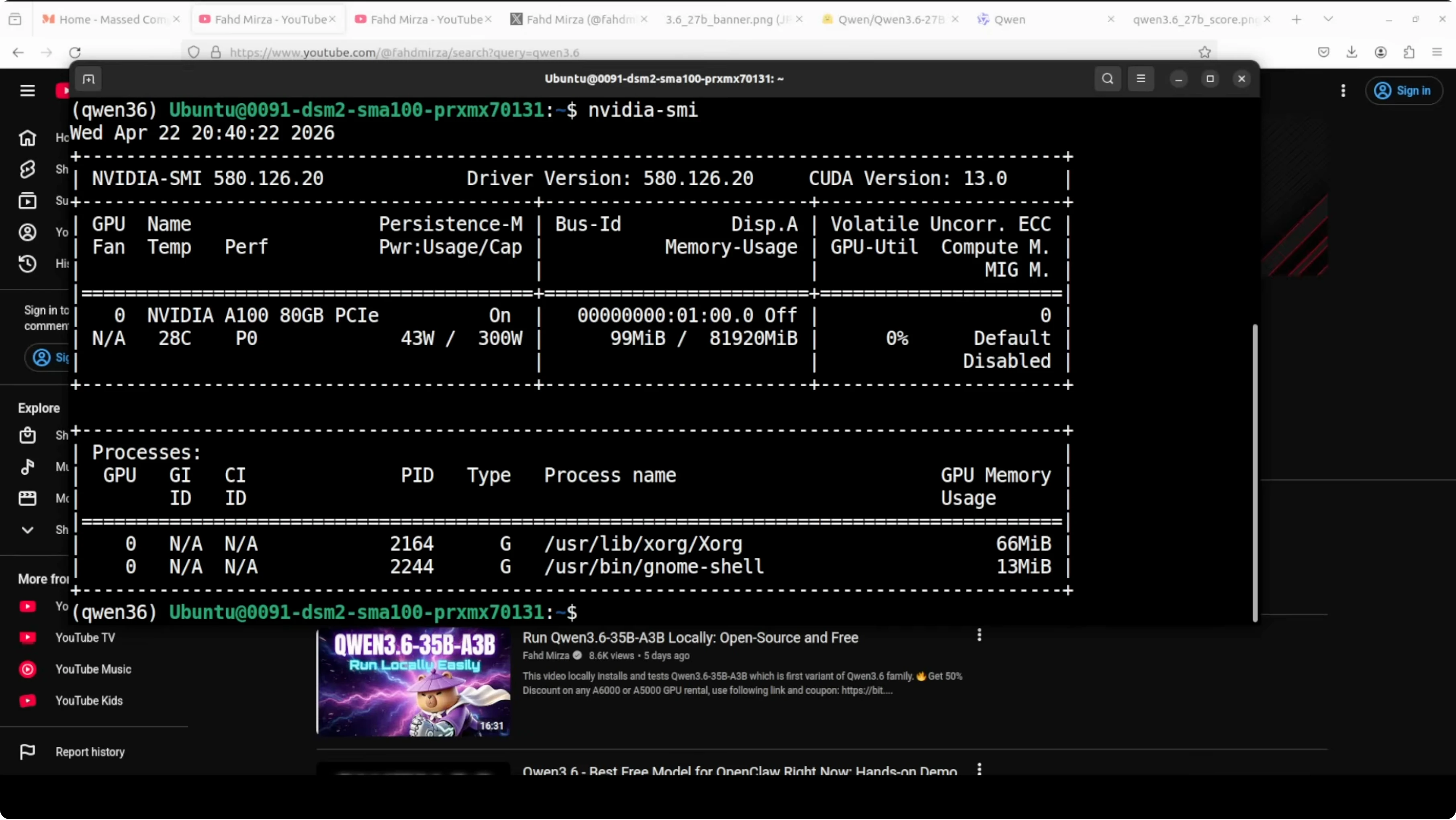
I am using Ubuntu with CUDA ready Nvidia drivers and a single A100 80 GB. The server will run via vLLM for an OpenAI compatible endpoint at port 8000. I will enable reasoning token handling and set a conservative 32k context window for stability.
Prerequisites
Install a recent CUDA ready driver and Python 3.10 or later. Confirm nvidia-smi shows your GPU and driver.
Create and activate an isolated environment.
python3 -m venv qwen36
source qwen36/bin/activate
python -V
pip install --upgrade pip
Install vLLM and tools
Install vLLM with CUDA support, plus the Hugging Face client.
pip install "vllm>=0.6.0" "huggingface_hub>=0.23.0" "hf-transfer>=0.1.6"Optional for faster downloads, enable HF transfer acceleration.
export HF_HUB_ENABLE_HF_TRANSFER=1Authenticate with Hugging Face
Login once so the model weights can be pulled.
pip install "huggingface_hub[cli]"
huggingface-cli login
Paste your read token from your Hugging Face profile. Confirm with a quick whoami check.
huggingface-cli whoamiServe Qwen3.6-27B with vLLM
Set your model repo ID. Replace with the exact repo name for the 27B Instruct or Chat variant you prefer.
export MODEL_ID="Qwen/Qwen3.6-27B-Instruct"Start the server with reasoning support, trust remote code for vision, and a stable max context length.
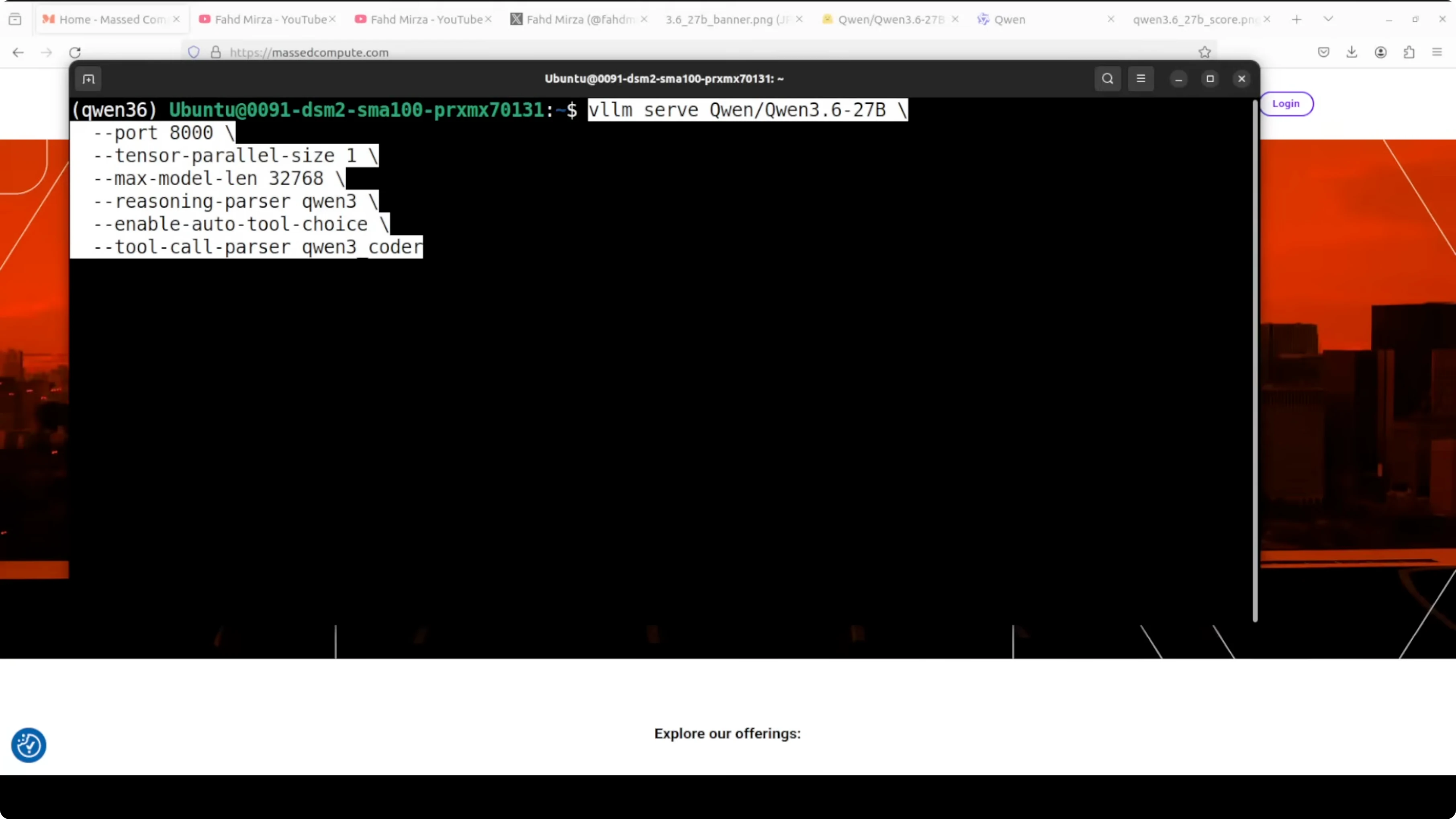
vllm serve "$MODEL_ID" \
  --dtype float16 \
  --tensor-parallel-size 1 \
  --max-model-len 32768 \
  --port 8000 \
  --trust-remote-code \
  --enable-reasoning
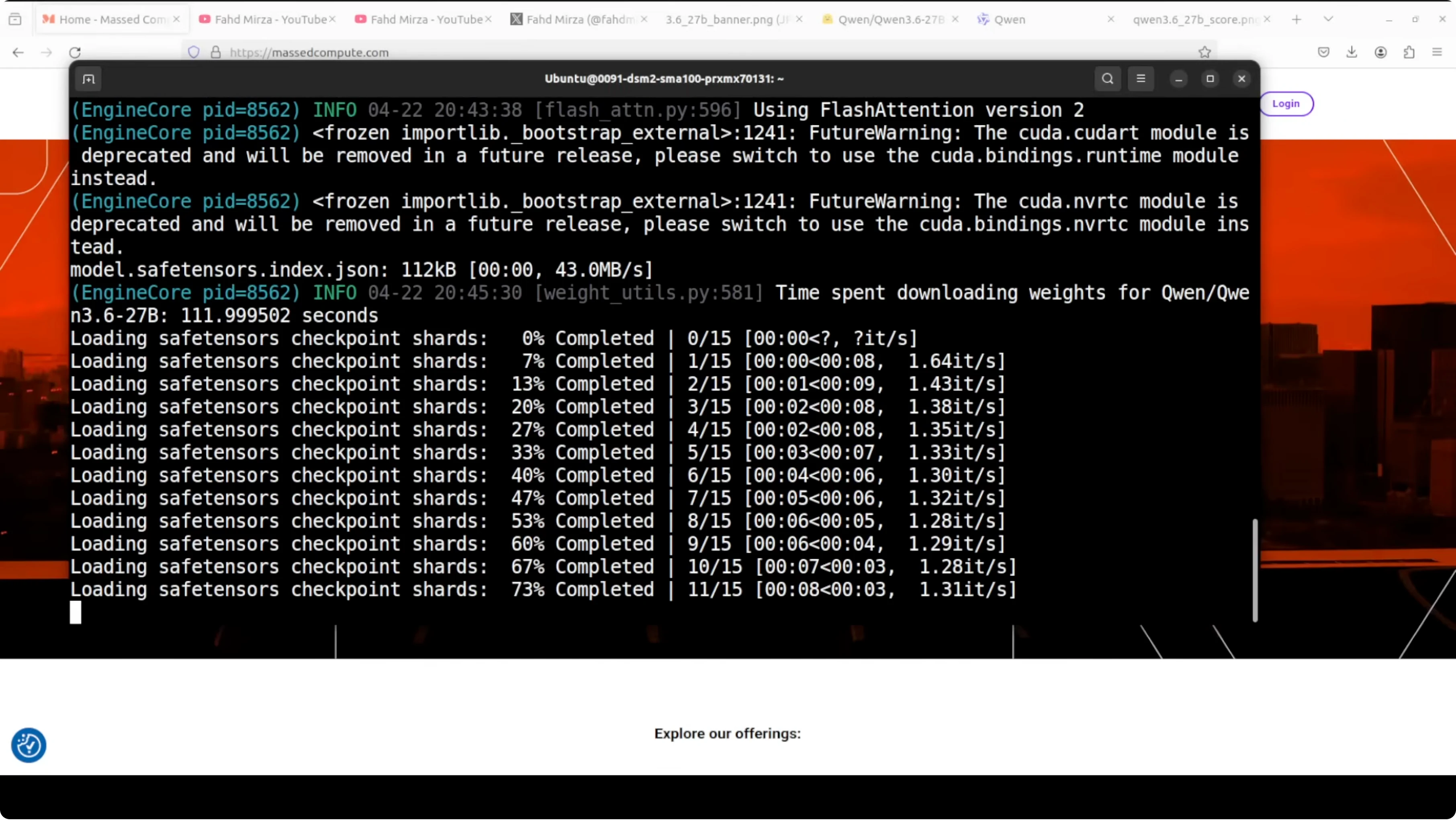
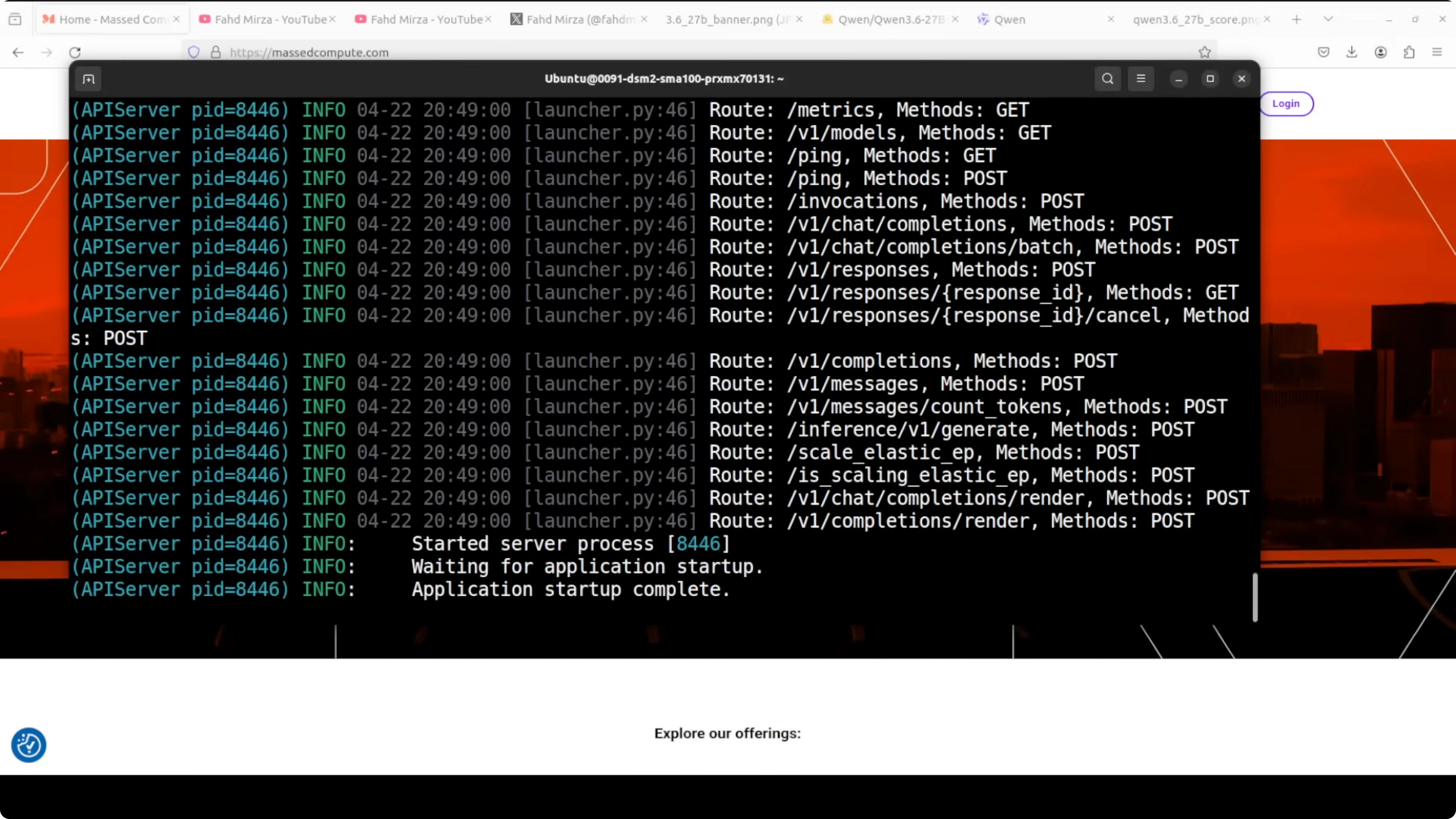
The server exposes an OpenAI compatible API at http://localhost:8000/v1. On A100 80 GB, full precision loading settles under 74 GB of VRAM.
Verify with the OpenAI API
Point an OpenAI compatible client at the local endpoint and send a quick request.
pip install openaiimport os
from openai import OpenAI
os.environ["OPENAI_API_KEY"] = "dummy-key"
client = OpenAI(base_url="http://localhost:8000/v1", api_key=os.environ["OPENAI_API_KEY"])
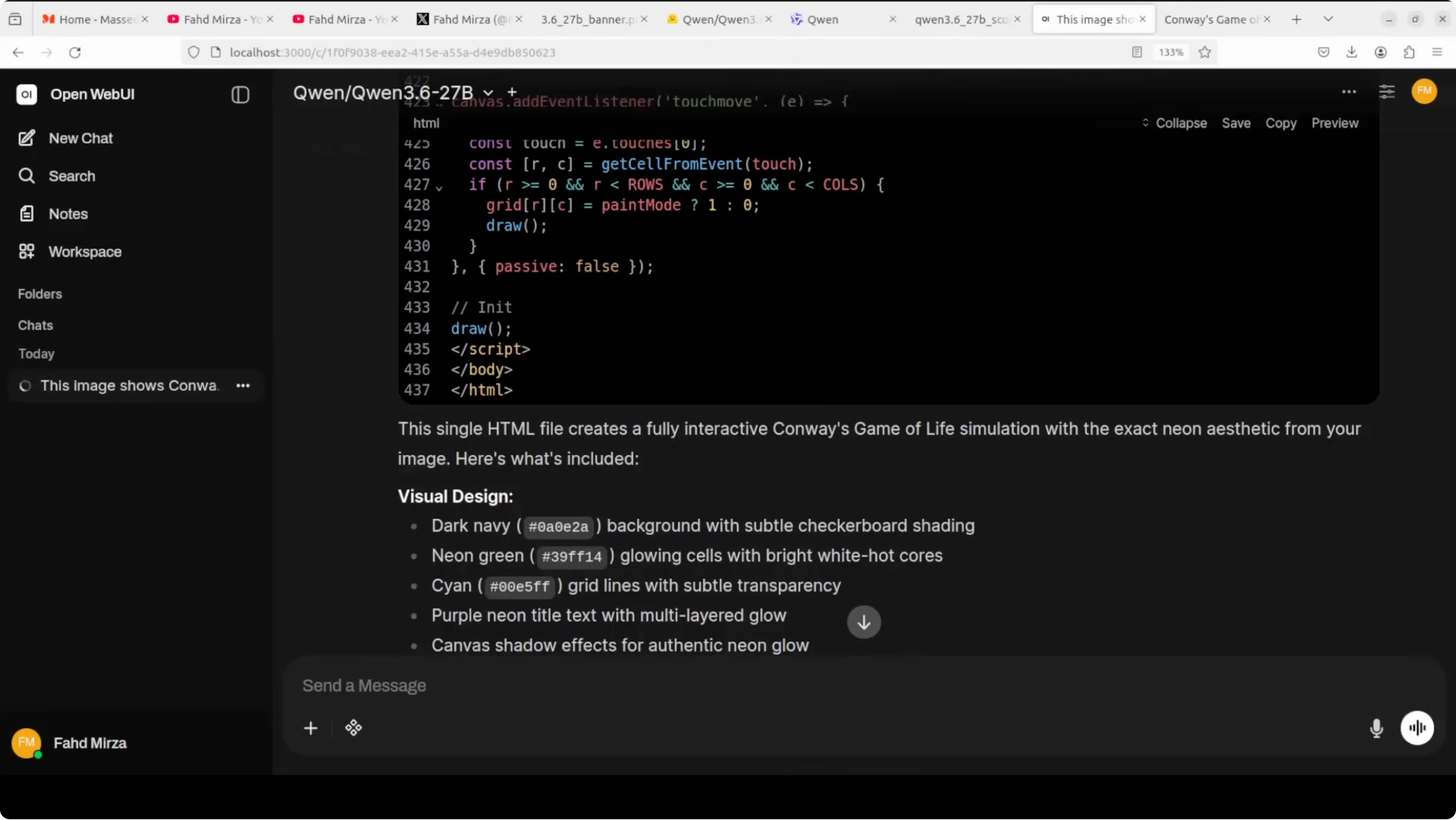
resp = client.chat.completions.create(
model="qwen3.6-27b",
messages=[
{"role": "system", "content": "You are a helpful coding assistant."},
{"role": "user", "content": "Write a Python function that returns the nth Fibonacci number with memoization."}
],
temperature=0.2,
)
print(resp.choices[0].message.content)If you plan to run a coder tuned stack as well, see a coder focused local setup for complementary instructions and workflow tips.
Resource tuning and quantization
If your GPU is smaller, cut the max context for headroom. A good starting point is 8192 to 16384 for 24 GB to 48 GB cards.
You can also switch to 4 bit or 8 bit quantization in vLLM to reduce VRAM at the cost of some quality. For example, try AWQ or GPTQ variants of the model if available in the repo.
To keep latency predictable, cap output tokens and use temperature near 0.2 for coding. This helps maintain stability under load.
For an Ollama centric route and minimal overhead, see running Qwen with OpenClaw via Ollama for a compact alternative when vLLM is not required.
Model overview
Dense vs MoE
Qwen3.6-27B is dense. Every token runs the full network, which keeps behavior consistent across prompts.
MoE variants like 35B activate a small subset of experts per token. Dense is simpler to deploy and reason about in production.
If you plan to fine tune smaller dense variants for custom tasks, see fine tuning Qwen3.5 8B on your machine for a compact workflow that mirrors the larger model behavior.
Context and preserved thinking
The model supports 262k context natively for long sessions. Preserved thinking means it can remember and build on its internal reasoning across an entire conversation.
Agentic workflows benefit because the plan that forms early can carry forward without collapsing at each turn. This gives coding agents more reliability on long multi step jobs.
Multimodal basics
Vision input is supported natively. With vLLM and trust remote code, you can pass images to the chat endpoint using base64 payloads and content type metadata.
This makes technical diagram reading, layout to code, and OCR plus math explanation viable in a single pass. For heavy OCR pipelines, route text extraction to a stable OCR stage and pass cleaned text plus the image for verification.
Benchmarks
On SUB Bench verified, Qwen3.6-27B scores 77.2. On Skill Bench, it posts 48.2 vs 28.7 for the compared baseline.
Across coding tasks, it sits below Claude Opus 4.5 while being far smaller in size. The coding focus at this parameter count is the headline.
Practical use cases
Agentic coding
Long running coding sessions that plan, scaffold, write, and patch code over many turns benefit from preserved thinking. The model keeps its internal plan alive across the session.
Use it to maintain a design doc, step through test failures, and patch modules incrementally without losing context. Keep temperature low, and cap tokens to keep edits tight.
If you want a side by side look at deployment choices for local coding stacks, this deployment comparison covers tradeoffs you will meet in practice.
Technical OCR and vision
Feed a page with equations or a schematic and ask for a focused extraction with constraints. The model can combine OCR with math aware narrative in one pass.
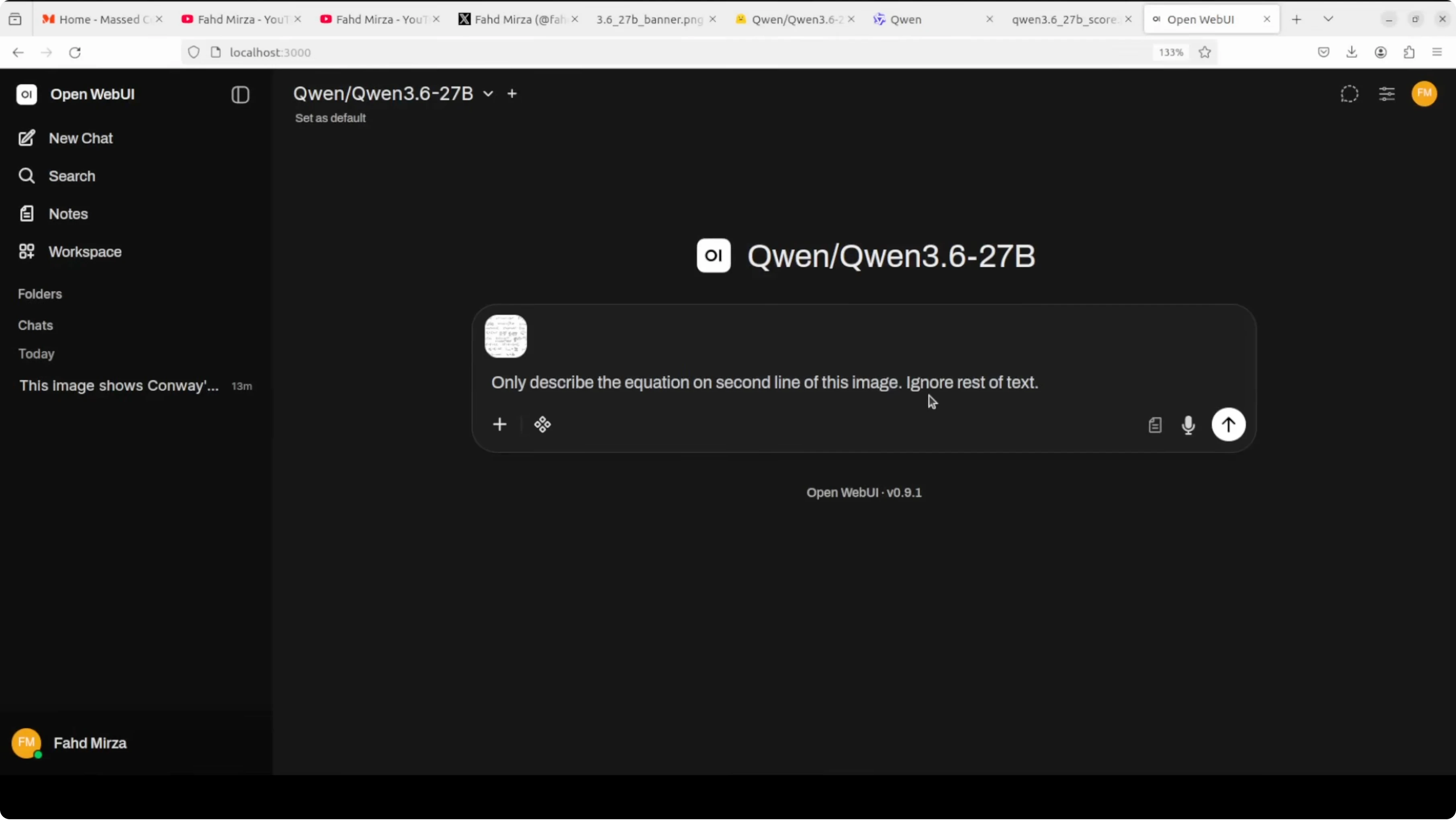
Keep prompts strict on scope, target only the lines or regions you want, and ask for validation steps. For very noisy scans, pre clean with a dedicated OCR and pass both image and text.
Long context workflows
Run long research or code refactor sessions across tens of thousands of tokens without losing the thread. Summaries should be rolling and appended as memory.
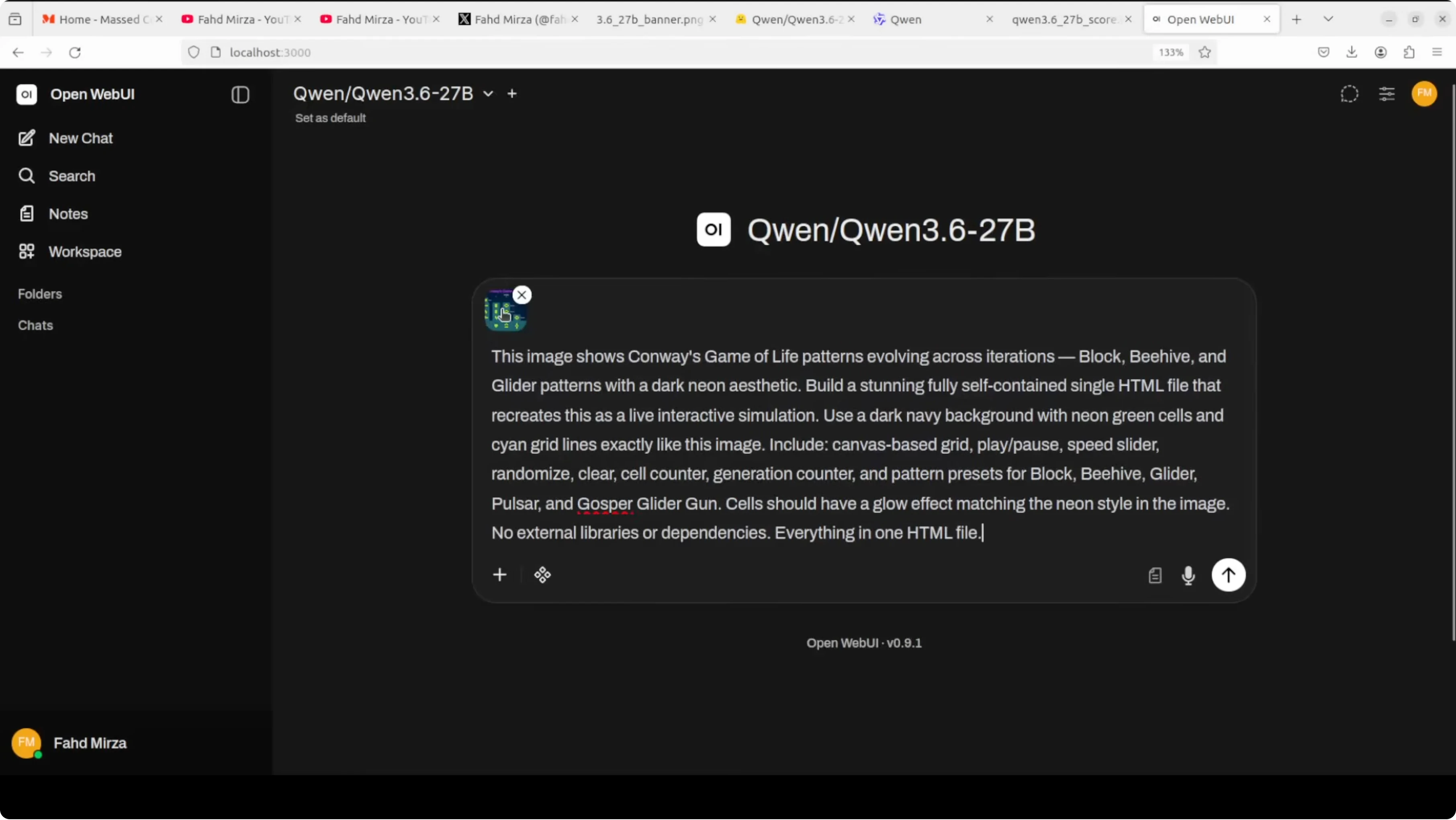
Use preserved thinking to keep a plan section that the model updates explicitly across turns. This reduces drift across deep sessions.
Multilingual support
Translate and adapt technical content for different audiences while keeping code intact. Ask the model to leave code blocks unchanged and translate only natural language.
For compliance or legal text, set temperature near zero and request a structured, line aligned output. This keeps audits straightforward.
For more hands on local coding stacks with Qwen, see this coder oriented setup and complement it with an Ollama based path when resources are tight.
Troubleshooting stability and performance
If you see OOM during load, lower --max-model-len or pick a quantized weight set. Confirm that pagefile or swap is not hiding memory pressure.
If throughput is low, pin batch sizes and use tensor parallel only when you truly need multi GPU spread. Keep system load lean and isolate the GPU from other jobs.
If outputs wander, reduce temperature and top p, and use short system prompts that fix the role of the assistant. Small prompt changes can stabilize long sessions.
Final thoughts
Qwen3.6-27B targets stability and real world utility with a dense design, strong coding focus, multimodal input, and long context. The headline numbers on SUB Bench and Skill Bench back up the claim, and preserved thinking is the quiet feature that keeps long sessions coherent.
Run it locally with vLLM, enable reasoning token support, and tune context for your GPU. If you need a smaller sibling for experiments or fine tuning, this compact fine tuning guide pairs well with the same workflow.
Subscribe to our newsletter
Get the latest updates and articles directly in your inbox.

Related Posts

8 Best Claude Code Plugins in 2026 (You Need to Know)
8 Best Claude Code Plugins in 2026 (You Need to Know)

7 Best Claude Code Skills (You Need to Know)
7 Best Claude Code Skills (You Need to Know)
Claude Code Desktop IDE Features (You Need to Know)
Claude Code Desktop IDE Features (You Need to Know)