
Table Of Content
- Why Fine-Tune Qwen3.5 0.8B Locally?
- Overview of Fine-Tune Qwen3.5 0.8B Locally?
- Setup for Fine-Tune Qwen3.5 0.8B Locally?
- Load the model for Fine-Tune Qwen3.5 0.8B Locally?
- BF16 if supported, else FP16
- Attach LoRA for Fine-Tune Qwen3.5 0.8B Locally?
- Prepare data for Fine-Tune Qwen3.5 0.8B Locally?
- Local JSONL with fields like: {"prompt": "...", "completion": "..."}
- Train with SFT for Fine-Tune Qwen3.5 0.8B Locally?
- LoRA settings in Fine-Tune Qwen3.5 0.8B Locally?
- Precision and VRAM during Fine-Tune Qwen3.5 0.8B Locally?
- Save and merge in Fine-Tune Qwen3.5 0.8B Locally?
- Save adapters only
- Merge LoRA + base into a single HF model folder
- Inference after Fine-Tune Qwen3.5 0.8B Locally?
- Final thoughts on Fine-Tune Qwen3.5 0.8B Locally?
How to Fine-Tune Qwen3.5 0.8B Locally?
Qwen Model Recommender
Not sure which Qwen model fits your GPU? Pick your VRAM, use case, and task type — get matched to the right model instantly. Covers Qwen3, QwQ, QVQ, Qwen2.5-VL, Qwen3-Coder, Qwen3-TTS, and 80+ models.
Table Of Content
- Why Fine-Tune Qwen3.5 0.8B Locally?
- Overview of Fine-Tune Qwen3.5 0.8B Locally?
- Setup for Fine-Tune Qwen3.5 0.8B Locally?
- Load the model for Fine-Tune Qwen3.5 0.8B Locally?
- BF16 if supported, else FP16
- Attach LoRA for Fine-Tune Qwen3.5 0.8B Locally?
- Prepare data for Fine-Tune Qwen3.5 0.8B Locally?
- Local JSONL with fields like: {"prompt": "...", "completion": "..."}
- Train with SFT for Fine-Tune Qwen3.5 0.8B Locally?
- LoRA settings in Fine-Tune Qwen3.5 0.8B Locally?
- Precision and VRAM during Fine-Tune Qwen3.5 0.8B Locally?
- Save and merge in Fine-Tune Qwen3.5 0.8B Locally?
- Save adapters only
- Merge LoRA + base into a single HF model folder
- Inference after Fine-Tune Qwen3.5 0.8B Locally?
- Final thoughts on Fine-Tune Qwen3.5 0.8B Locally?
Today we are taking Qwen 3.5 series to the next level. We are not just running a model as before. We are actually going to teach this 0.8 billion model something new on a custom data set.
If you don't know what fine-tuning is, fine-tuning is the process of taking a pre-trained model and training it further on your own custom data set so that it becomes specific to your own domain and an expert in it. Think of it like hiring a smart graduate who knows a lot about everything and then sending them to a specialist course so they become an expert in one thing. I am going to tell you all about it in a step-by-step fashion and share the exact commands.
We are going to use a technique called LoRA or low rank adaptation which is a clever way to fine-tune a model without rewriting all of its weights. Instead of changing the entire model which would require massive VRAM, LoRA injects small trainable matrices into specific layers and only trains those, making fine-tuning accessible even on consumer hardware. I have a custom data set of 200 high quality question and answer pairs, and I want my model to be trained on this data set.
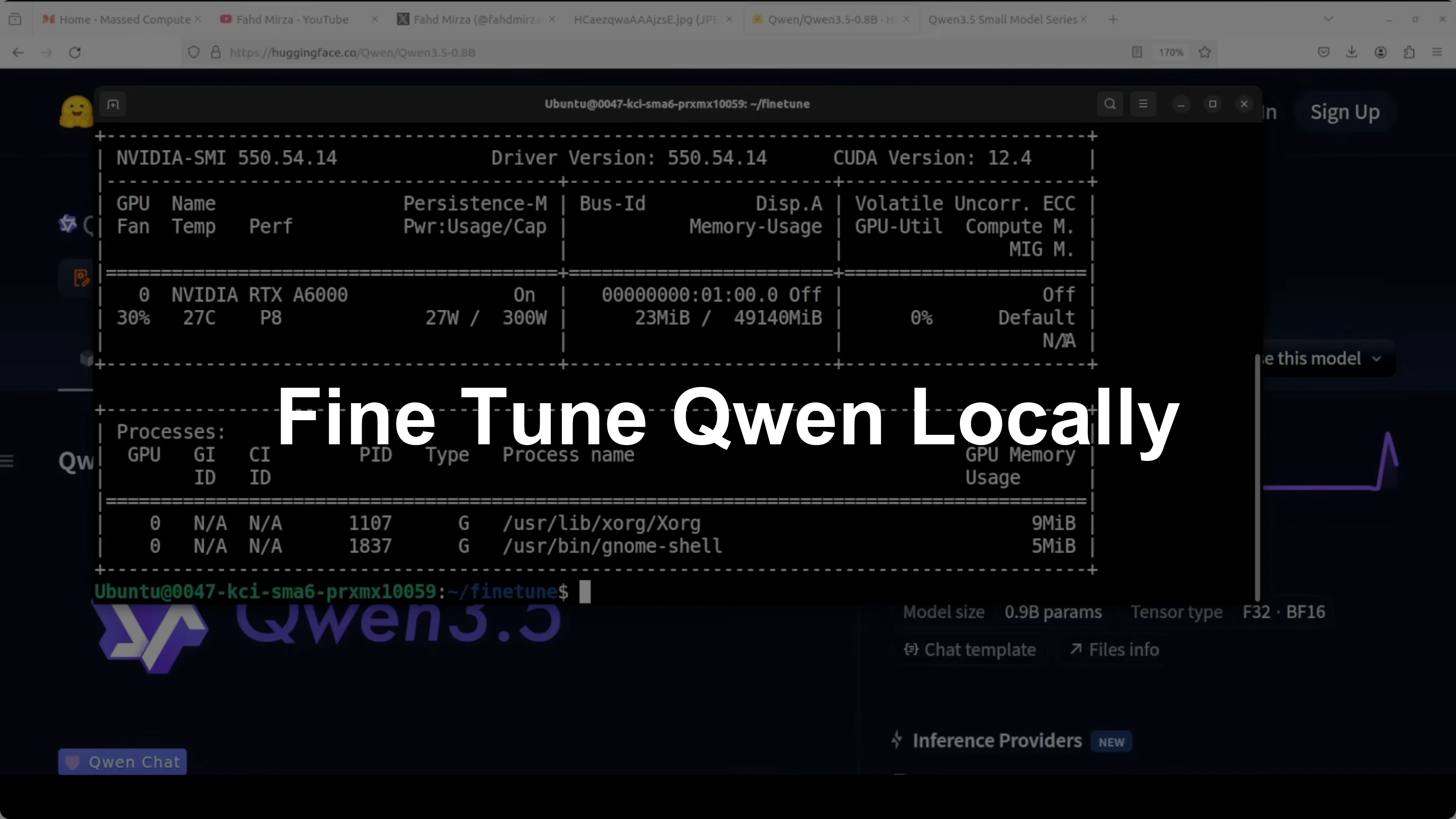
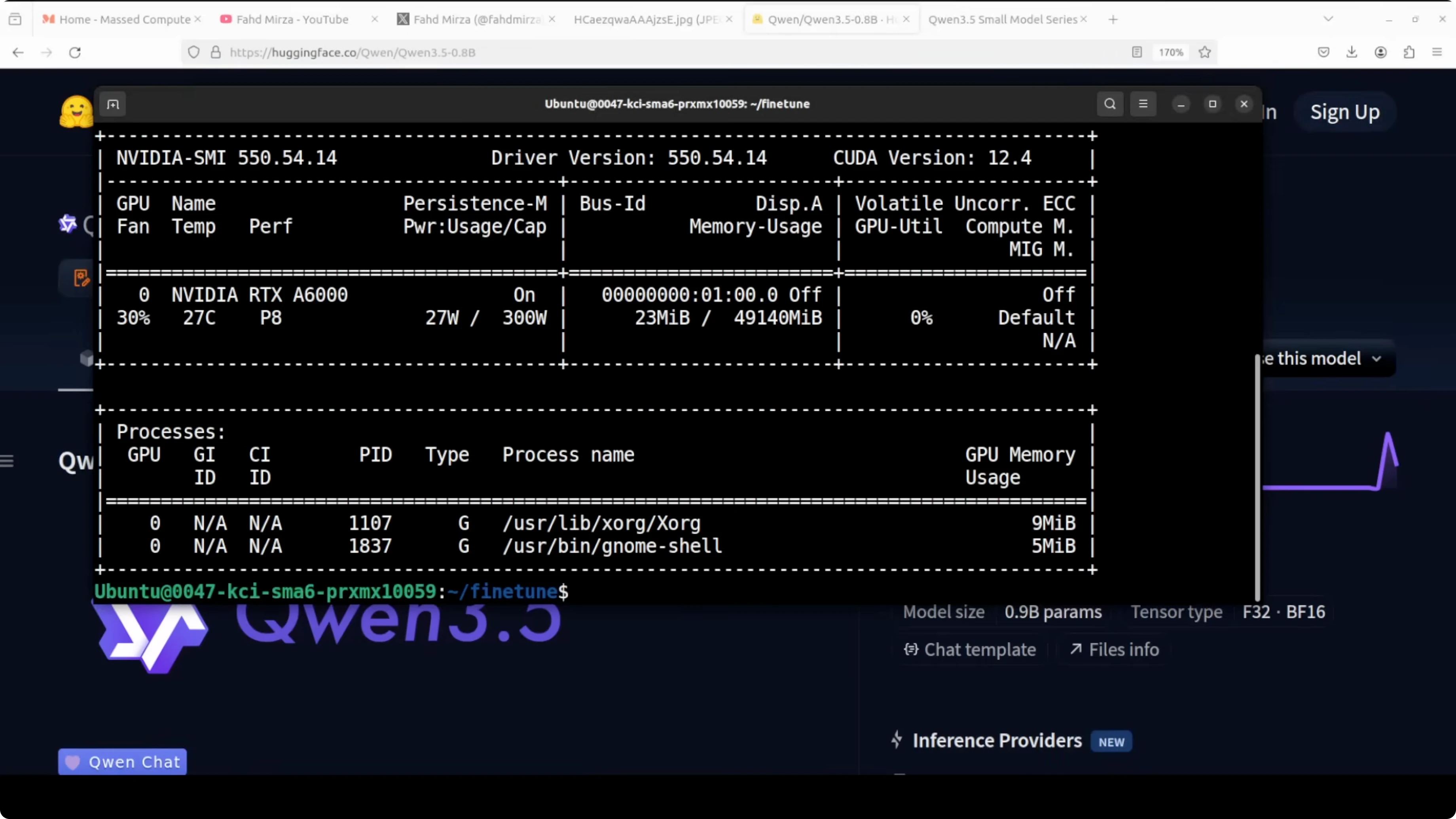
I am going to use an Ubuntu system. I have an NVIDIA RTX 6000 with 48 GB of VRAM which is plenty. You can adapt the same approach on smaller GPUs by dialing down batch sizes or using 8-bit optimizers.
If you are exploring other local model options for general purpose tasks, check out this GLM 5 local guide.
Why Fine-Tune Qwen3.5 0.8B Locally?
The 0.8B parameter class is small enough to move fast, yet large enough to learn a focused domain well. With LoRA, only a tiny fraction of parameters are trained, which keeps memory needs low and training quick. You end up with a model that responds in your target style and knowledge area.
Overview of Fine-Tune Qwen3.5 0.8B Locally?
| Attribute | Value |
|---|---|
| Base model | Qwen 3.5 - 0.8B parameters |
| Precision during load | 16-bit (BF16 or FP16 based on GPU support) |
| Fine-tuning method | LoRA (rank=16, alpha=16, dropout=0.0, bias=none) |
| Target modules | q_proj, k_proj, v_proj, o_proj, gate_proj, up_proj, down_proj |
| Context length | 2048 tokens |
| Trainer | TRL SFTTrainer |
| Example hardware | NVIDIA RTX 6000 - 48 GB VRAM |
| Example data size | 200 Q&A pairs |
| Est. VRAM during train | Under 3 GB with 8-bit optimizer and 16-bit weights |
If your focus is code tasks, see a hands-on setup for a coding-tuned sibling in this Qwen Coder Next tutorial.
Setup for Fine-Tune Qwen3.5 0.8B Locally?
Create a fresh Conda environment.
conda create -n qwen35-ft python=3.10 -y
conda activate qwen35-ft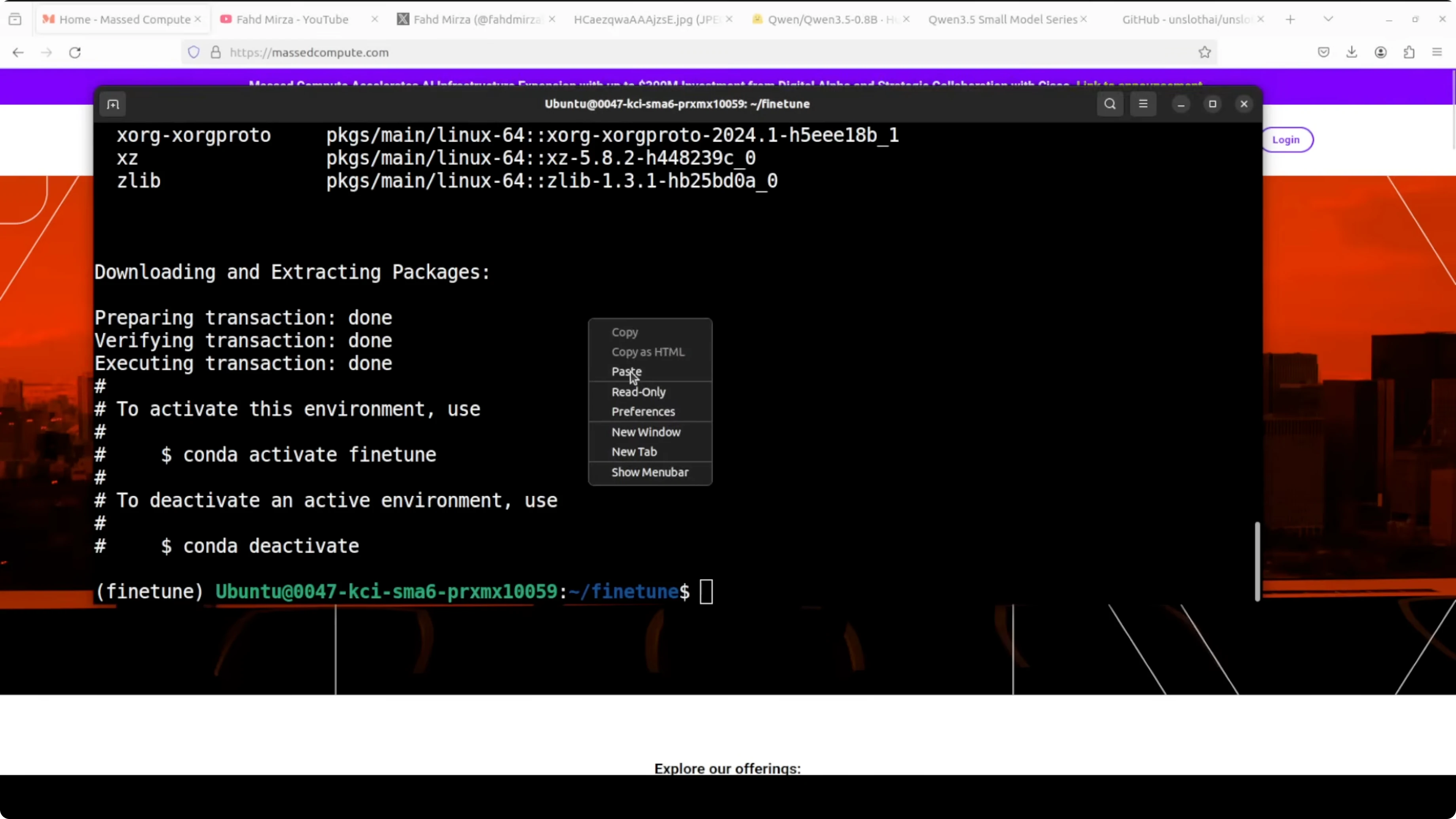
Install PyTorch and core libraries.
pip install --upgrade pip
pip install torch torchvision --index-url https://download.pytorch.org/whl/cu121
Install fine-tuning stack.
pip install -U unsloth transformers datasets accelerate bitsandbytes trl peft
pip install jupyter
Launch Jupyter if you prefer notebooks.
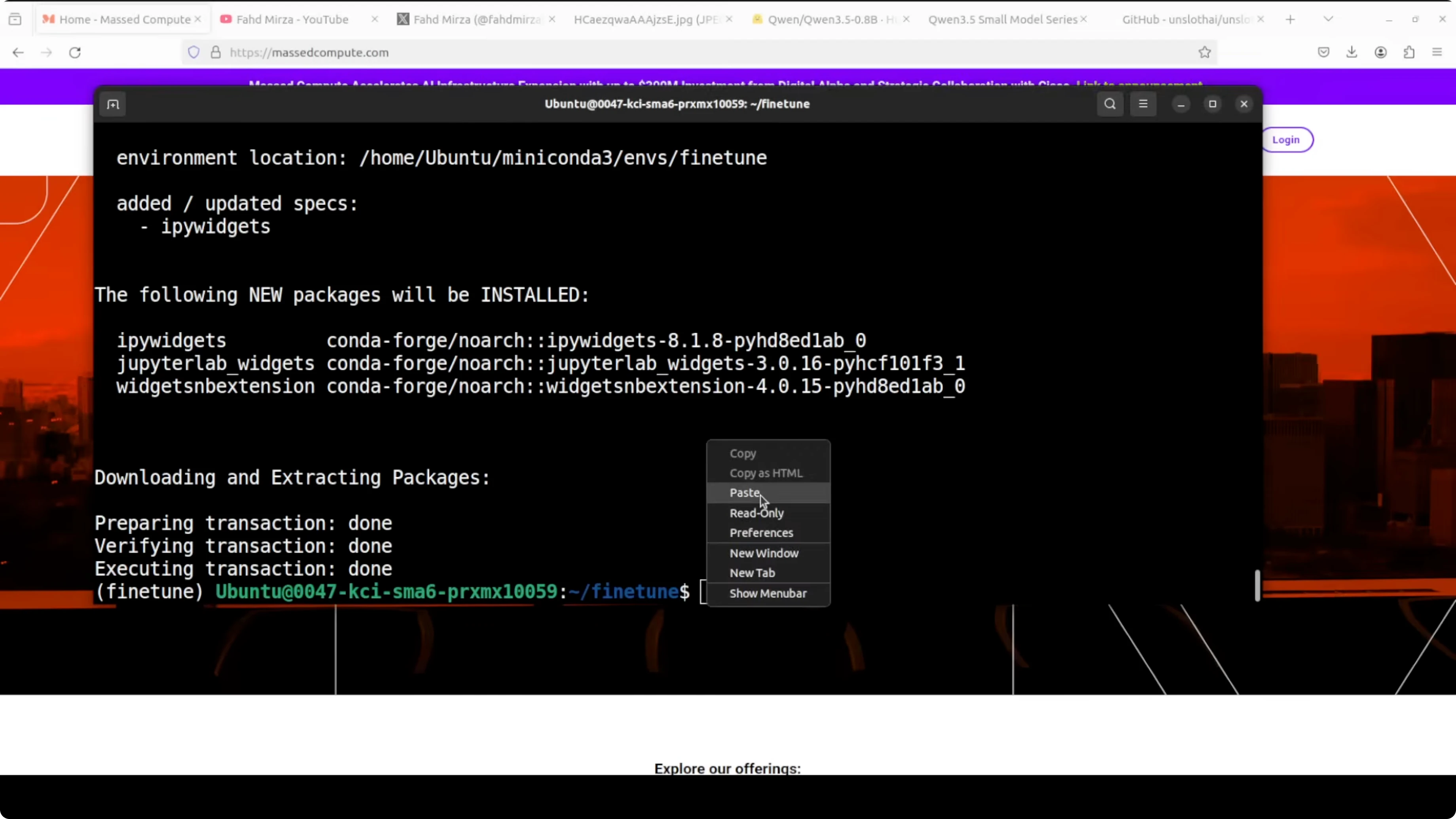
jupyter notebookIf you are comparing families before you pick a base, this head-to-head on series choice is helpful: GLM vs Qwen3 Max.
Load the model for Fine-Tune Qwen3.5 0.8B Locally?
I am going to use the Unsloth library for model loading and LoRA preparation. We will load in 16-bit precision for a good balance of accuracy and memory usage.
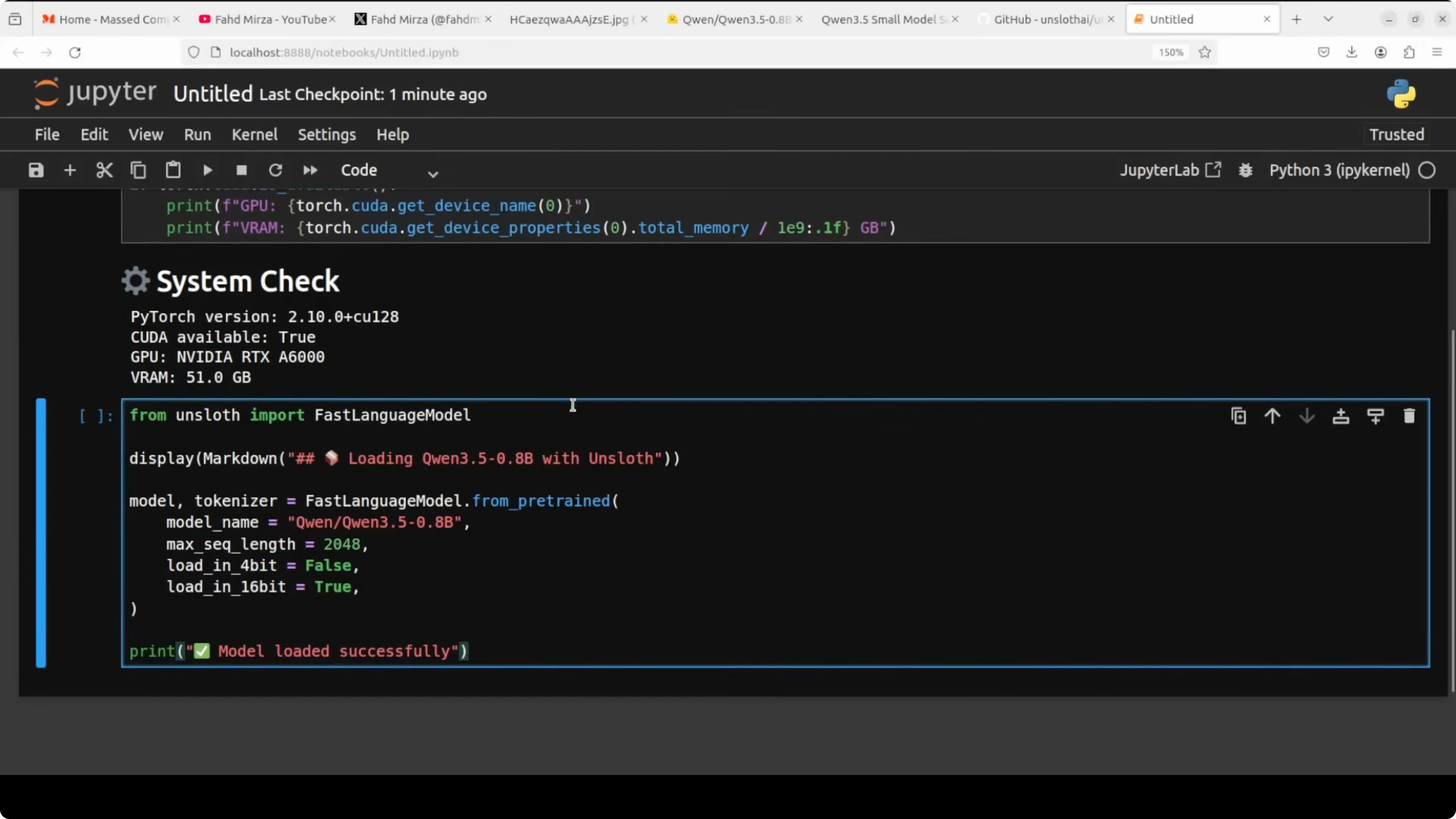
import torch
from unsloth import FastLanguageModel

max_seq_length = 2048

# BF16 if supported, else FP16
supports_bf16 = torch.cuda.is_available() and torch.cuda.get_device_capability(0)[0] >= 8
dtype = torch.bfloat16 if supports_bf16 else torch.float16

model_id = "Qwen/Qwen3.5-0.8B-Instruct"  # replace with the exact HF repo id if different

model, tokenizer = FastLanguageModel.from_pretrained(
    model_name = model_id,
    max_seq_length = max_seq_length,
    dtype = dtype,
    load_in_4bit = False,  # 16-bit load as discussed
)
Attach LoRA for Fine-Tune Qwen3.5 0.8B Locally?
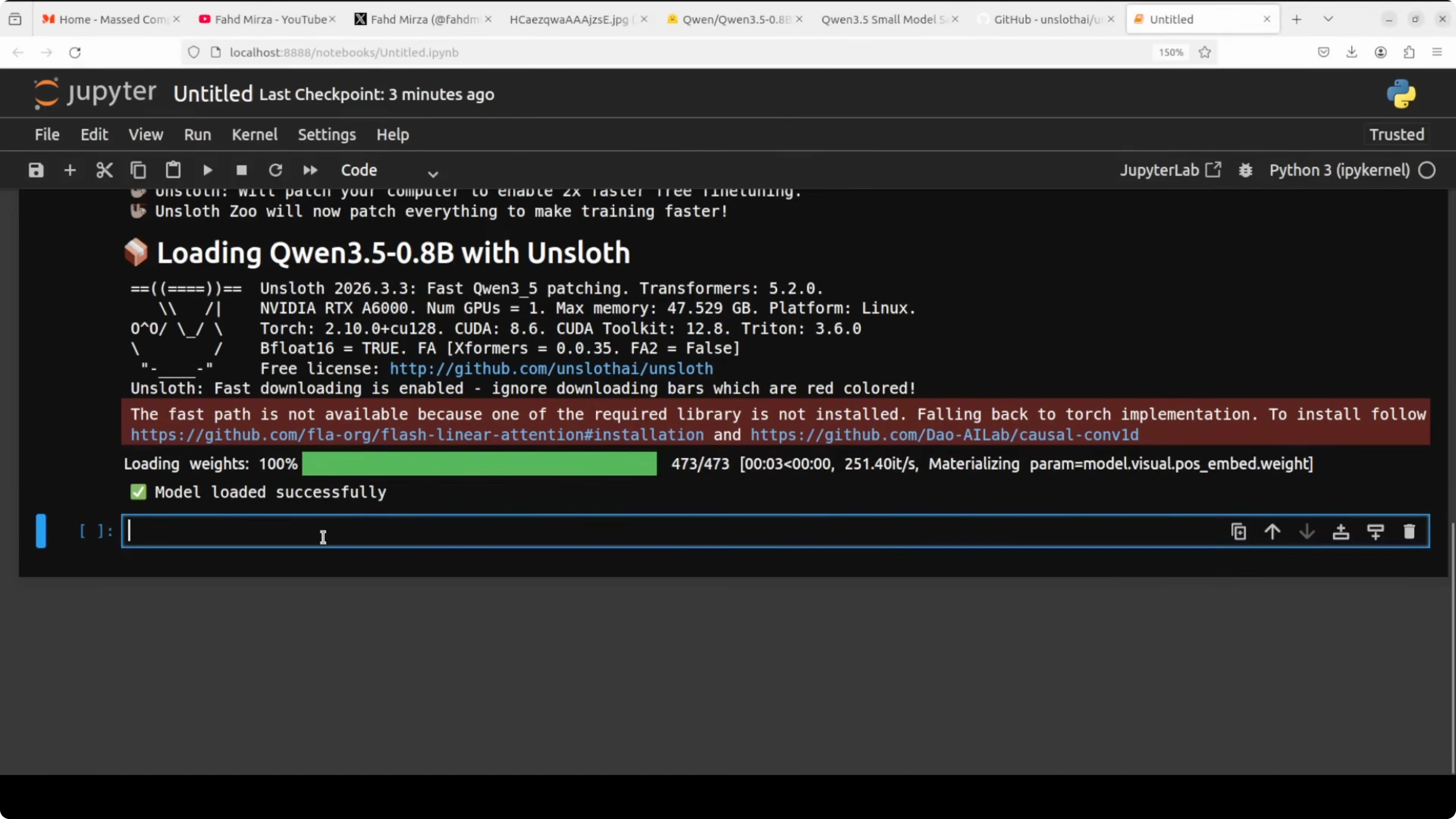
This is where the magic happens. Instead of fine-tuning or retraining all ~800 million parameters of this model, LoRA loads the original weights and injects small trainable matrices into specific projection layers within the model. In attention we target q_proj, k_proj, v_proj, and o_proj, and in the feed-forward we target gate_proj, up_proj, and down_proj.
target_modules = [
    "q_proj", "k_proj", "v_proj", "o_proj",
    "gate_proj", "up_proj", "down_proj",
]

model = FastLanguageModel.get_peft_model(
    model,
    r = 16,                 # LoRA rank
    lora_alpha = 16,        # scale, keep equal to r as a rule of thumb
    lora_dropout = 0.0,     # 0 for small data to keep all neurons active
    bias = "none",          # do not train bias terms
    target_modules = target_modules,
)
A quick note on gradients helps make sense of training. A gradient is a number that tells the model which direction to adjust its weights and by how much. After every batch, the model looks at how wrong its answer was, calculates gradients, and uses those to nudge weights in the right direction over many steps.
Prepare data for Fine-Tune Qwen3.5 0.8B Locally?
Always inspect your data before training. Garbage in, garbage out, and a bad data set will produce a bad model no matter how good your training setup is or how huge your GPU is.
The model was originally trained with a specific chat template using special tokens like im_start and im_end. To separate the user message from the assistant response, we need to wrap our data set in exactly the same format so the model understands the structure of the conversation during fine-tuning.
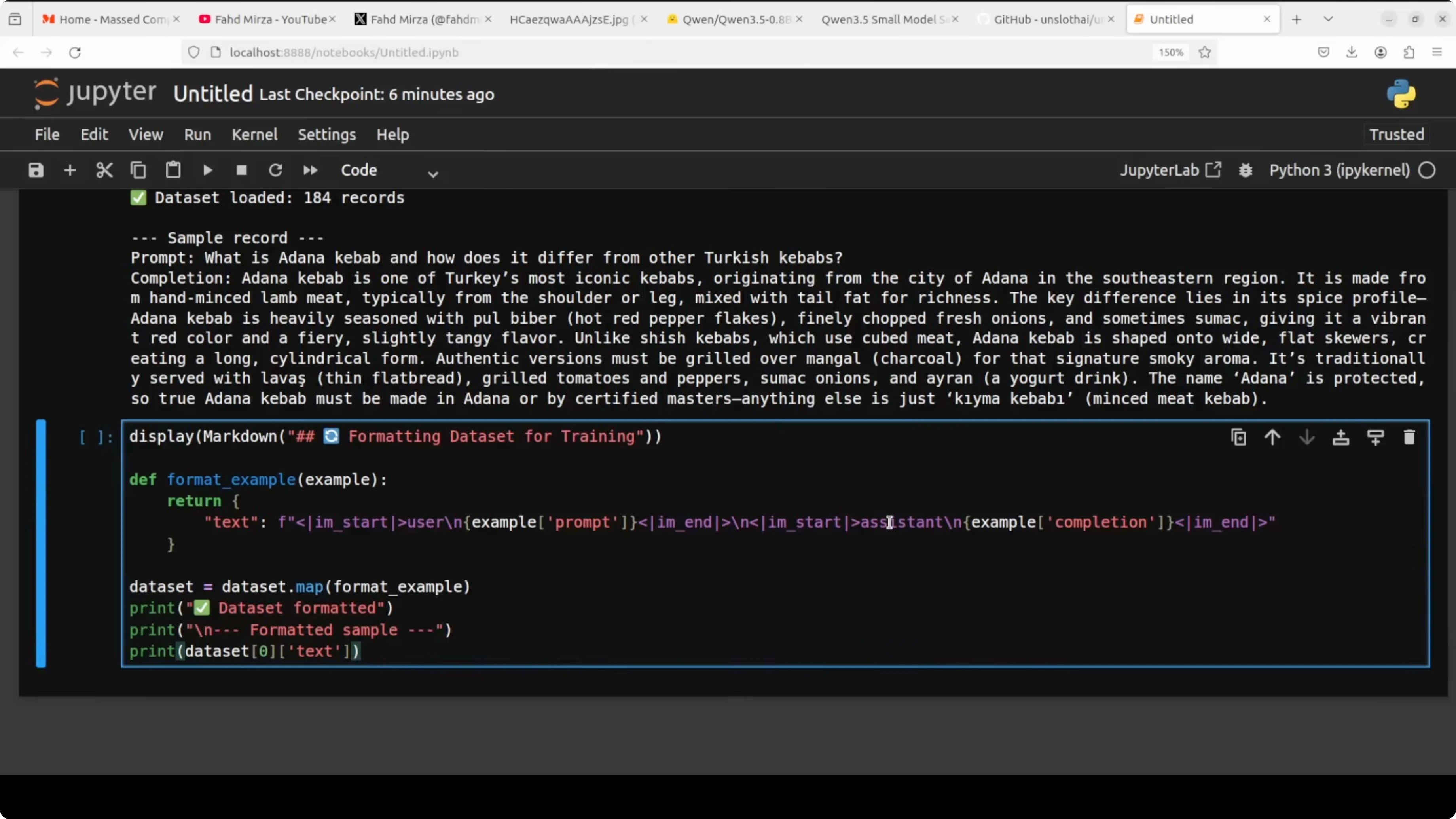
from datasets import load_dataset

# Local JSONL with fields like: {"prompt": "...", "completion": "..."}
ds = load_dataset("json", data_files="dataset.jsonl", split="train")

def format_example(example):
    messages = [
        {"role": "user", "content": example["prompt"]},
        {"role": "assistant", "content": example["completion"]},
    ]
    text = tokenizer.apply_chat_template(
        messages,
        tokenize = False,
        add_generation_prompt = False,
    )
    return {"text": text}

ds_formatted = ds.map(format_example, remove_columns=ds.column_names)
Getting this right is critical. Using the wrong chat template is one of the most common reasons a fine-tuned model behaves strangely after training.
If you are assessing non-OpenAI options to bootstrap data creation or evaluations, this comparison is a quick reference: Claude Opus 4.6 vs 4.5.
Train with SFT for Fine-Tune Qwen3.5 0.8B Locally?
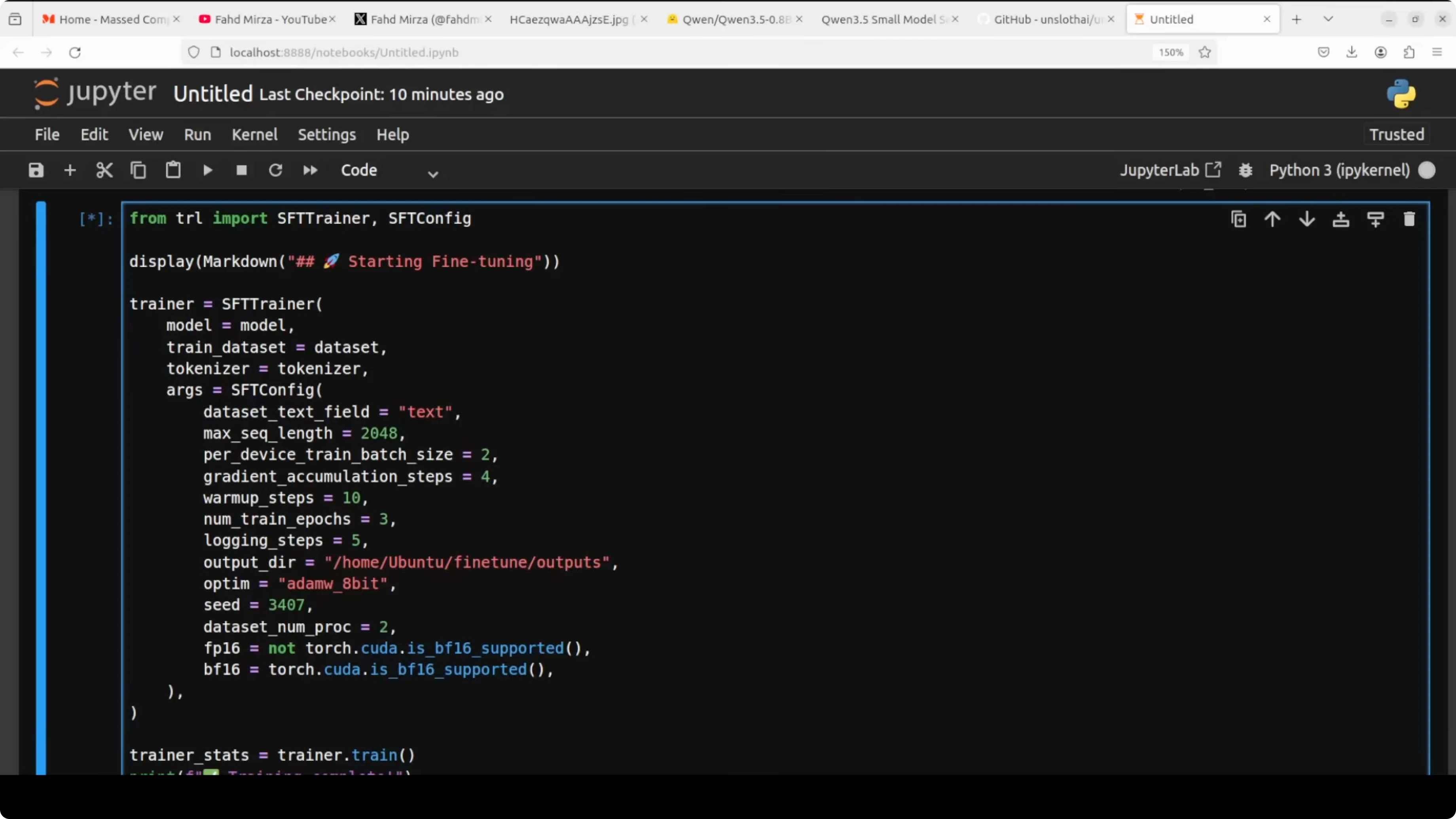
SFT stands for supervised fine-tuning. It simply means we are training the model on examples for which we already know the correct answer, and we train it to produce that answer.
from trl import SFTTrainer
from transformers import TrainingArguments

training_args = TrainingArguments(
    per_device_train_batch_size = 2,   # adjust based on VRAM
    gradient_accumulation_steps = 4,   # effective batch size = 2 * 4 = 8
    warmup_steps = 10,                 # smooth start for LR
    num_train_epochs = 3,              # small dataset, a few passes
    logging_steps = 5,                 # see loss often
    output_dir = "qwen35-0_8b-lora",
    optim = "adamw_8bit",              # saves memory vs full AdamW
    bf16 = (dtype == torch.bfloat16),
    fp16 = (dtype == torch.float16),
    seed = 3407,
    save_strategy = "steps",
    save_steps = 50,
)

trainer = SFTTrainer(
    model = model,
    tokenizer = tokenizer,
    train_dataset = ds_formatted,
    dataset_text_field = "text",
    max_seq_length = max_seq_length,
    args = training_args,
)

trainer.train()
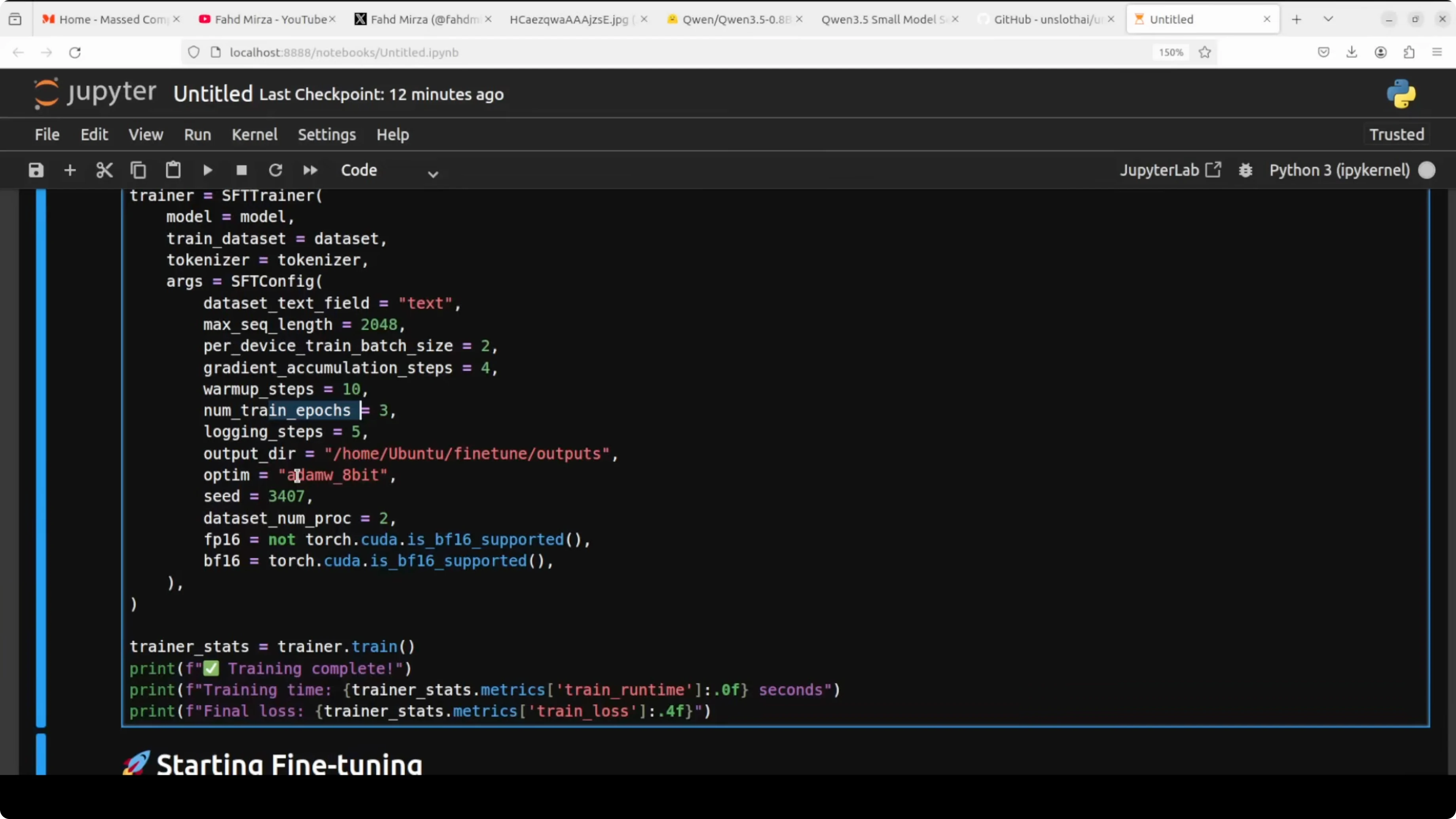
Max sequence length of 2048 is the maximum number of tokens per example, and any example longer than this gets cut off. Per device train batch is how many examples the model sees in one go before updating weights, while gradient accumulation waits and accumulates multiple batches before updating, which effectively gives us a larger batch without needing the same VRAM. Warmup steps gradually increase the learning rate so training starts smoothly without wild jumps.
Logging steps prints the loss every few steps so you can watch the model learn in real time. Output directory saves training checkpoints in case something crashes midway, and you can restart. The 8-bit AdamW variant reduces memory pressure while keeping the dynamics of AdamW.
If you are scanning other families for similar small-form tuning, this overview of another line is handy: Ernie 5.
LoRA settings in Fine-Tune Qwen3.5 0.8B Locally?
R is the rank and sets the size of the LoRA matrices. Higher rank means more capacity to learn but more VRAM, and 16 is a solid sweet spot I always use.
LoRA alpha is a scaling factor that controls how strongly the LoRA updates influence the final output. The rule of thumb is to keep it equal to R, so with R=16, alpha=16 is a good default.
LoRA dropout randomly switches off some neurons during training to prevent overfitting. For a small data set of 200 records, 0.0 is fine, and bias="none" tells LoRA not to train bias parameters, which are tiny and add complexity without meaningful benefit in this setup.
Precision and VRAM during Fine-Tune Qwen3.5 0.8B Locally?
The code checks if your GPU supports BF16 and automatically picks the right precision format. On an RTX 6000, BF16 is selected which is a modern, stable format for training.
With fine-tuning underway, VRAM can stay under a few gigabytes with these settings, which is very friendly for a 0.8B model. You can also offload to CPU if needed with plenty of RAM, but it will be slow.
If you want a broader view of local model runs and what they look like in practice, this tutorial complements the flow well: Run GLM 5 locally.
Save and merge in Fine-Tune Qwen3.5 0.8B Locally?
You can save the LoRA adapters as a separate set of weights. You can also merge the LoRA adapter weights back into the original base model weights to create a standalone model file.
# Save adapters only
adapter_dir = "qwen35-0_8b-lora-adapter"
trainer.model.save_pretrained(adapter_dir)
tokenizer.save_pretrained(adapter_dir)

# Merge LoRA + base into a single HF model folder
merged_dir = "qwen35-0_8b-merged"
FastLanguageModel.save_pretrained_merged(
    model = trainer.model,
    tokenizer = tokenizer,
    save_directory = merged_dir,
)
Once merged, you can load and run the model like any standard HF model without needing LoRA at inference time. That makes deployment simpler on machines that only need to generate.
Inference after Fine-Tune Qwen3.5 0.8B Locally?
Load the merged model and run a prompt in chat format. Keep the same chat template the model expects.
import torch
from transformers import AutoModelForCausalLM, AutoTokenizer, TextStreamer

device = "cuda"
dtype = torch.bfloat16 if torch.cuda.is_available() and torch.cuda.get_device_capability(0)[0] >= 8 else torch.float16

model = AutoModelForCausalLM.from_pretrained(
    "qwen35-0_8b-merged",
    torch_dtype = dtype,
    device_map = "auto",
)
tokenizer = AutoTokenizer.from_pretrained("qwen35-0_8b-merged", use_fast=True)

messages = [
    {"role": "user", "content": "Your prompt goes here."},
]

prompt = tokenizer.apply_chat_template(
    messages,
    tokenize = False,
    add_generation_prompt = True,
)

inputs = tokenizer([prompt], return_tensors="pt").to(model.device)
streamer = TextStreamer(tokenizer, skip_prompt=True, skip_special_tokens=True)

with torch.no_grad():
    _ = model.generate(
        **inputs,
        max_new_tokens = 256,
        temperature = 0.7,
        top_p = 0.9,
        streamer = streamer,
    )
If you are thinking about which families to compare next for your tasks, this roundup adds more context to your options: GLM vs Qwen3 Max.
Final thoughts on Fine-Tune Qwen3.5 0.8B Locally?
You saw how to prepare a 0.8B Qwen 3.5 model with LoRA, format data with the right chat template, and run SFT with TRL. Only a tiny fraction of parameters are trained, which keeps training practical on a single GPU and still moves the model toward your domain. If you want to push loss lower, either add more epochs or expand the data set from a few hundred to a few hundred more.
Resources
Unsloth on GitHub
Subscribe to our newsletter
Get the latest updates and articles directly in your inbox.

Related Posts

8 Best Claude Code Plugins in 2026 (You Need to Know)
8 Best Claude Code Plugins in 2026 (You Need to Know)

7 Best Claude Code Skills (You Need to Know)
7 Best Claude Code Skills (You Need to Know)

Claude Code Desktop IDE Features (You Need to Know)
Claude Code Desktop IDE Features (You Need to Know)