
Table Of Content
- What Is ERNIE 5.0?
- Overview of ERNIE 5.0
- Key Features of ERNIE 5.0
- Using ERNIE 5.0 on the Platform
- Preview Variants: 5.0 Preview vs 5.0 Preview 102
- Multimodal Use Cases Tested
- Benchmarks: What the Results Show
- Benchmark Areas Covered
- Comparative Summary
- Availability and Access
- Quick Start Guide
- Inputs and Modalities
- Why These Benchmarks Matter
- Practical Notes
- How I Evaluated It
- Strengths to Note
- Limitations and Expectations
- Summary Table: What You Get with ERNIE 5.0
- Closing Thoughts
ERNIE 5.0: Beats Gemini 2.5 Pro & GPT‑5 High
Gemini API Pricing Calculator
Dynamically estimate your Google Gemini API costs for text, audio, images, and context caching. Covers new 3.1 Pro, Flash, and 2.5 models.
Table Of Content
- What Is ERNIE 5.0?
- Overview of ERNIE 5.0
- Key Features of ERNIE 5.0
- Using ERNIE 5.0 on the Platform
- Preview Variants: 5.0 Preview vs 5.0 Preview 102
- Multimodal Use Cases Tested
- Benchmarks: What the Results Show
- Benchmark Areas Covered
- Comparative Summary
- Availability and Access
- Quick Start Guide
- Inputs and Modalities
- Why These Benchmarks Matter
- Practical Notes
- How I Evaluated It
- Strengths to Note
- Limitations and Expectations
- Summary Table: What You Get with ERNIE 5.0
- Closing Thoughts
A new multimodal model is out: ERNIE 5.0. It follows the ERNIE 4.5 series (including the 4.5-VL variant) and moves the line forward across text, vision, audio, and video.
On published benchmarks, ERNIE 5.0 matches or exceeds top-tier systems such as Gemini 2.5 Pro and GPT-5-High. It also tops leading public leaderboards in China for text tasks.
This article walks through what’s new, how to access it, what the early benchmarks say, and the key differences between its preview variants.
What Is ERNIE 5.0?
ERNIE 5.0 is a large-scale model with native multimodal support. It works across text, images, video, and audio, and can both understand and generate content in those formats.
In plain terms, it covers four pillars:
- Text reasoning and instruction following
- Visual understanding and image generation
- Video understanding and video generation
- Audio understanding for speech and sound content
The model is available through the vendor’s platform interface, where you can select ERNIE 5.0 from a model dropdown and start working with media and documents.
Overview of ERNIE 5.0
| Capability area | Functions provided | Benchmark positioning | Notes |
|---|---|---|---|
| Text | Reasoning, summarization, instruction following | Matches or exceeds Gemini 2.5 Pro and GPT-5-High in many cases | Core for chat, writing, and structured outputs |
| Visual understanding | Image analysis, captioning, content recognition | Strong results in visual understanding tests | Useful for image QA and content inspection |
| Visual generation | Text-to-image synthesis | High-quality outputs in side-by-side checks | Produces detailed images from prompts |
| Video understanding | Scene description, motion and object analysis | Accurate descriptions in user testing | Handles temporal context from uploads |
| Video generation | Text-to-video synthesis | Available in the UI for generation | Early access mode in the platform |
| Audio understanding | Transcription, classification, and reasoning | Competitive on audio comprehension metrics | Integrates with multimodal tasks |
| Document handling | Reading and analyzing uploads | PDF supported now, more formats planned | Works with mixed media and text |
| Access | Platform dropdown selection | Available on the vendor’s interface | Two preview variants are offered |
Key Features of ERNIE 5.0
-
Multimodal input and output:
- Accepts text, images, video, audio, and documents.
- Generates images and videos from prompts.
- Explains and analyzes uploaded media.
-
Strong benchmark results:
- Performs at or above Gemini 2.5 Pro and GPT-5-High in many published tests.
- Matches them in several other categories.
- Leads major domestic leaderboards for text tasks.
-
Practical platform access:
- Select ERNIE 5.0 from a dropdown in the interface.
- Upload media and documents directly to the session.
- Choose between two preview variants based on text strength.
Using ERNIE 5.0 on the Platform
The platform provides a clear entry point. From the model dropdown, select ERNIE 5.0 to enable its multimodal features. Once selected, you can generate content or analyze media within the same workspace.
Text prompts can request image or video generation. You can also switch to analysis prompts to interpret images, describe videos, or process audio clips. Document analysis is available within the same flow.
This unified setup makes it straightforward to move between generation and understanding without swapping tools.
Preview Variants: 5.0 Preview vs 5.0 Preview 102
ERNIE 5.0 is offered in two preview builds:
- ERNIE 5.0 Preview
- ERNIE 5.0 Preview 102
The main difference is text understanding. The 5.0 Preview 102 variant has stronger text comprehension than the standard preview. Choose Preview 102 if you prioritize instruction following, reasoning, or long-form text work.
Multimodal Use Cases Tested
I confirmed the core use cases:
- Image generation from a text prompt produced strong visual fidelity.
- Video generation is supported within the same UI.
- Image and video understanding returned accurate descriptions aligned with the content.
- Audio understanding is included for speech and sound analysis.
These capabilities are available within one model selection, so there is no need to switch engines for different media types.
Benchmarks: What the Results Show
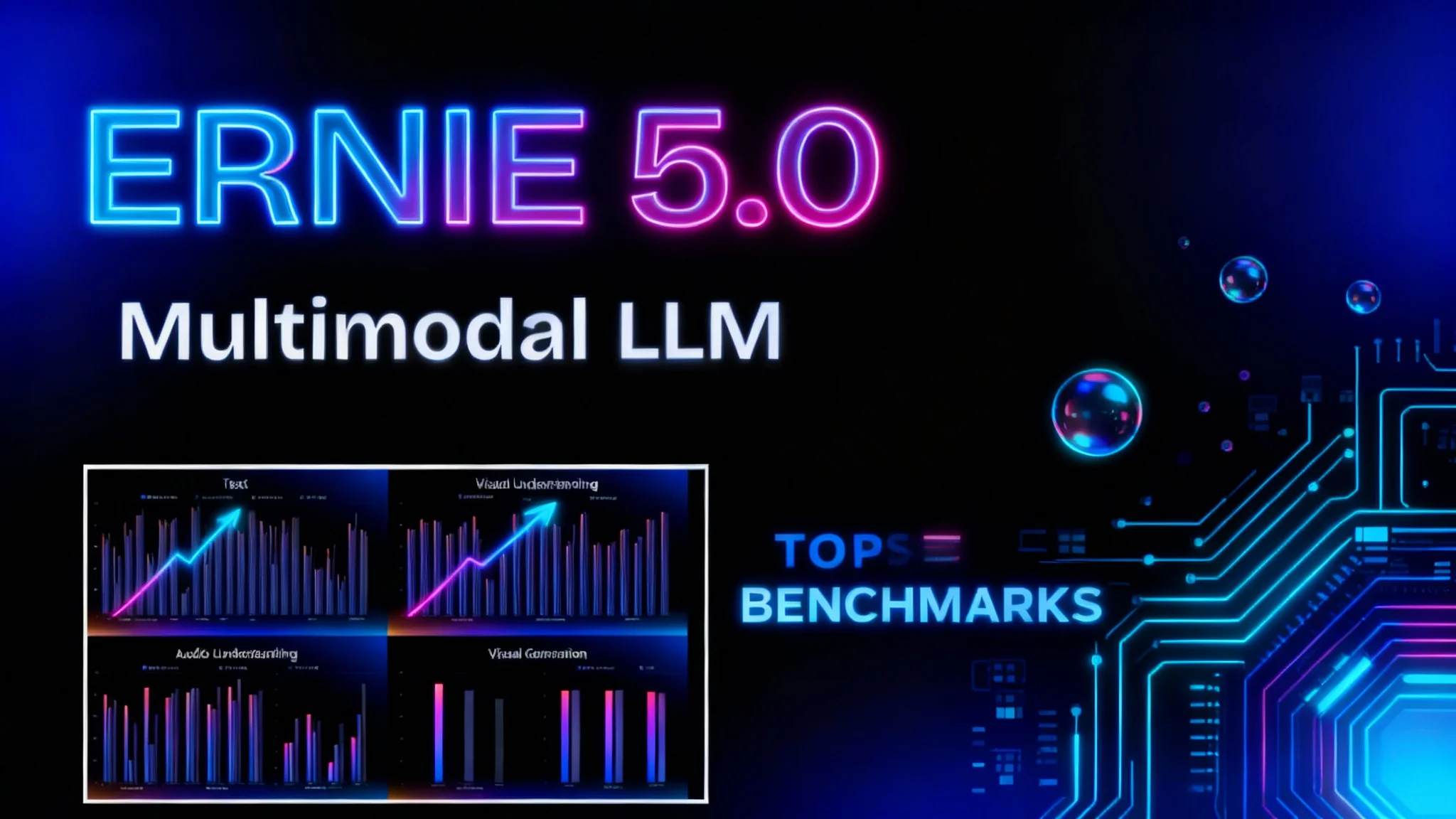
The publisher shared detailed benchmarks across several categories: text, visual understanding, visual generation, and audio understanding. These areas reflect the core expectations for a modern large model.
In many tests, ERNIE 5.0 outperforms Gemini 2.5 Pro and GPT-5-High. In several others, it posts results on par with them. The text ranking on domestic leaderboards further supports its standing for language tasks.
The scope of these evaluations matters. A capable model should deliver across text, images, video, and audio. ERNIE 5.0’s results indicate consistent strength across these modalities rather than isolated spikes in a single area.
Benchmark Areas Covered
-
Text performance:
- Reasoning, instruction following, and structured outputs.
- High scores on language benchmarks and leaderboards.
-
Visual understanding and generation:
- Accurate recognition and description of image content.
- Strong text-to-image synthesis quality.
-
Video understanding and generation:
- Clear, context-aware explanations of scenes and motion.
- Text-to-video creation available in the platform.
-
Audio understanding:
- Speech-to-text and content comprehension.
- Integration with multimodal reasoning.
Comparative Summary
| Area | ERNIE 5.0 vs Gemini 2.5 Pro | ERNIE 5.0 vs GPT-5-High | Takeaway |
|---|---|---|---|
| Text | Often better or similar | Often better or similar | Competitive at the top tier |
| Visual understanding | Strong results | Strong results | Accurate content analysis |
| Visual generation | Strong results | Strong results | High-quality image synthesis |
| Video understanding | Accurate descriptions | Accurate descriptions | Solid temporal reasoning |
| Audio understanding | Competitive | Competitive | Reliable speech and sound analysis |
Note: These conclusions reflect the publisher’s reported benchmarks and hands-on checks of the model’s outputs.
Availability and Access
At the time of writing, ERNIE 5.0 is available through the vendor’s platform. Access it via the model selector in the interface. Both 5.0 Preview and 5.0 Preview 102 are listed, and you can switch between them.
Uploads support audio, video, images, and documents. PDF is currently supported for document analysis, with plans to add broader document formats.
This setup allows you to run text-only sessions or multimodal projects in the same place.
Quick Start Guide
Follow these steps to try ERNIE 5.0:
- Create an account on the platform using your email.
- Open the workspace and locate the model selector (dropdown).
- Choose ERNIE 5.0 from the list.
- Pick a variant:
- 5.0 Preview: general access.
- 5.0 Preview 102: stronger text understanding.
- Add your inputs:
- Type a prompt for text, image, or video generation.
- Upload images or videos for analysis.
- Upload audio for transcription or content understanding.
- Upload PDFs for document analysis.
- Run your prompt and review the outputs.
- Iterate by adjusting prompts or switching variants if your focus changes.
Tips:
- For long or complex instructions, try the 5.0 Preview 102 variant.
- Keep prompts explicit when you want generation (e.g., “Generate an image…” or “Generate a video…”), and directive when you want analysis (e.g., “Describe this video…”).
- Combine uploads and text prompts to get richer multimodal reasoning.
Inputs and Modalities
ERNIE 5.0 supports the following input types from within the same session:
- Text: standard prompts, instructions, and structured requests.
- Images: single or multiple images for captioning, labeling, or analysis.
- Video: short clips for scene and motion understanding; video generation from prompts is also available.
- Audio: speech and non-speech content for transcription and comprehension.
- Documents: PDF ingestion for extraction and reasoning; more formats are planned.
You can mix these inputs. For example, you can upload an image and then ask for additional text-based tasks in the same conversation. The model will consider previous context when producing the next response.
Why These Benchmarks Matter
A broad evaluation across text, visual understanding, visual generation, and audio understanding gives a clearer picture of real-world readiness. Focusing on a single benchmark can overstate a model’s strengths or hide weak spots in other modalities.
The published results show ERNIE 5.0 holding up across all four areas. In practice, this means you can plan text-only use cases as well as multimodal workflows without switching tools or compromising on quality.
Practical Notes
-
Platform-only access:
- ERNIE 5.0 is currently accessible through the vendor’s platform UI.
- If you need stronger text performance, select the 5.0 Preview 102 variant.
-
Media uploads:
- Images, videos, and audio can be uploaded directly into the session.
- Document support currently includes PDF; broader coverage is planned.
-
Generation vs. understanding:
- Clearly state which you want (generation or analysis) in your prompt.
- The same model can switch between these tasks based on your instruction.
How I Evaluated It
I confirmed that ERNIE 5.0 supports image and video generation, and that it can analyze images and videos with solid accuracy. Descriptions reflected the actual content and motion in uploaded clips.
I also compared image generation quality against a known image model to gauge visual fidelity. ERNIE 5.0’s results were competitive, and the process was straightforward within the platform’s interface.
These checks align with the reported benchmarks that show strong performance in visual tasks, without sacrificing text or audio understanding.
Strengths to Note
-
Consistent multimodal coverage:
- Solid text, image, video, and audio results.
- No single area appears to lag behind the others.
-
Simple access path:
- One platform and one selector for all modes.
- Useful for teams that want a single interface.
-
Clear variant choice:
- Preview 102 is the better pick for text-heavy work.
- The standard preview is fine for general use.
Limitations and Expectations
- Access is platform-bound for now. If you need SDKs or broader integrations, watch for updates from the vendor.
- Document support begins with PDF. Expanded formats are planned but not yet available.
- Video generation is present; consider it an evolving area as the tools and quality improve over time.
None of these constraints block standard use of text, image, video understanding, or audio comprehension within the current UI.
Summary Table: What You Get with ERNIE 5.0
| Topic | Summary |
|---|---|
| Model type | Multimodal LLM (text, image, video, audio) |
| Benchmarks | Often beats or matches Gemini 2.5 Pro and GPT-5-High |
| Text capability | Strong reasoning and instruction following; top domestic leaderboards |
| Visual understanding | Accurate image analysis and description |
| Visual generation | High-quality text-to-image output |
| Video understanding | Context-aware scene and motion descriptions |
| Video generation | Supported within the platform |
| Audio understanding | Reliable transcription and comprehension |
| Variants | 5.0 Preview; 5.0 Preview 102 (better text understanding) |
| Access | Select ERNIE 5.0 from the platform dropdown |
| Uploads | Audio, video, images, and PDFs (more document formats planned) |
Closing Thoughts
ERNIE 5.0 brings full-stack multimodal capability into a single model selection, with results that stand up to top-tier systems. The benchmark reports, combined with hands-on checks, show consistent strength across text, vision, audio, and video.
If you want stronger text handling, choose the 5.0 Preview 102 variant. For balanced multimodal work, the standard preview performs well. With direct uploads and prompt-based workflows, the model is ready for image generation, video creation, and media understanding in one place.
Subscribe to our newsletter
Get the latest updates and articles directly in your inbox.

Related Posts

8 Best Claude Code Plugins in 2026 (You Need to Know)
8 Best Claude Code Plugins in 2026 (You Need to Know)

7 Best Claude Code Skills (You Need to Know)
7 Best Claude Code Skills (You Need to Know)

Claude Code Desktop IDE Features (You Need to Know)
Claude Code Desktop IDE Features (You Need to Know)