
Table Of Content
- Run GLM-5 Locally: A Simple Step-by-Step Guide
- What I’m using
- 1) Install llama.cpp
- Optional: fetch and checkout a specific branch if you need one
- git fetch origin <branch>
- git checkout <branch>
- 2) Optional but recommended: FlashAttention
- 3) Download the Unsloth GLM-5 GGUF
- 4) Launch with llama.cpp
- Performance and resource use
- A quick functional test
- Final Thoughts

How to Run GLM-5 Locally: A Simple Step-by-Step Guide
Table Of Content
- Run GLM-5 Locally: A Simple Step-by-Step Guide
- What I’m using
- 1) Install llama.cpp
- Optional: fetch and checkout a specific branch if you need one
- git fetch origin <branch>
- git checkout <branch>
- 2) Optional but recommended: FlashAttention
- 3) Download the Unsloth GLM-5 GGUF
- 4) Launch with llama.cpp
- Performance and resource use
- A quick functional test
- Final Thoughts
GLM-5 has broken records in agentic coding and chat performance and is designed for long context reasoning. I’m going to show you how you can run this model locally on one GPU.
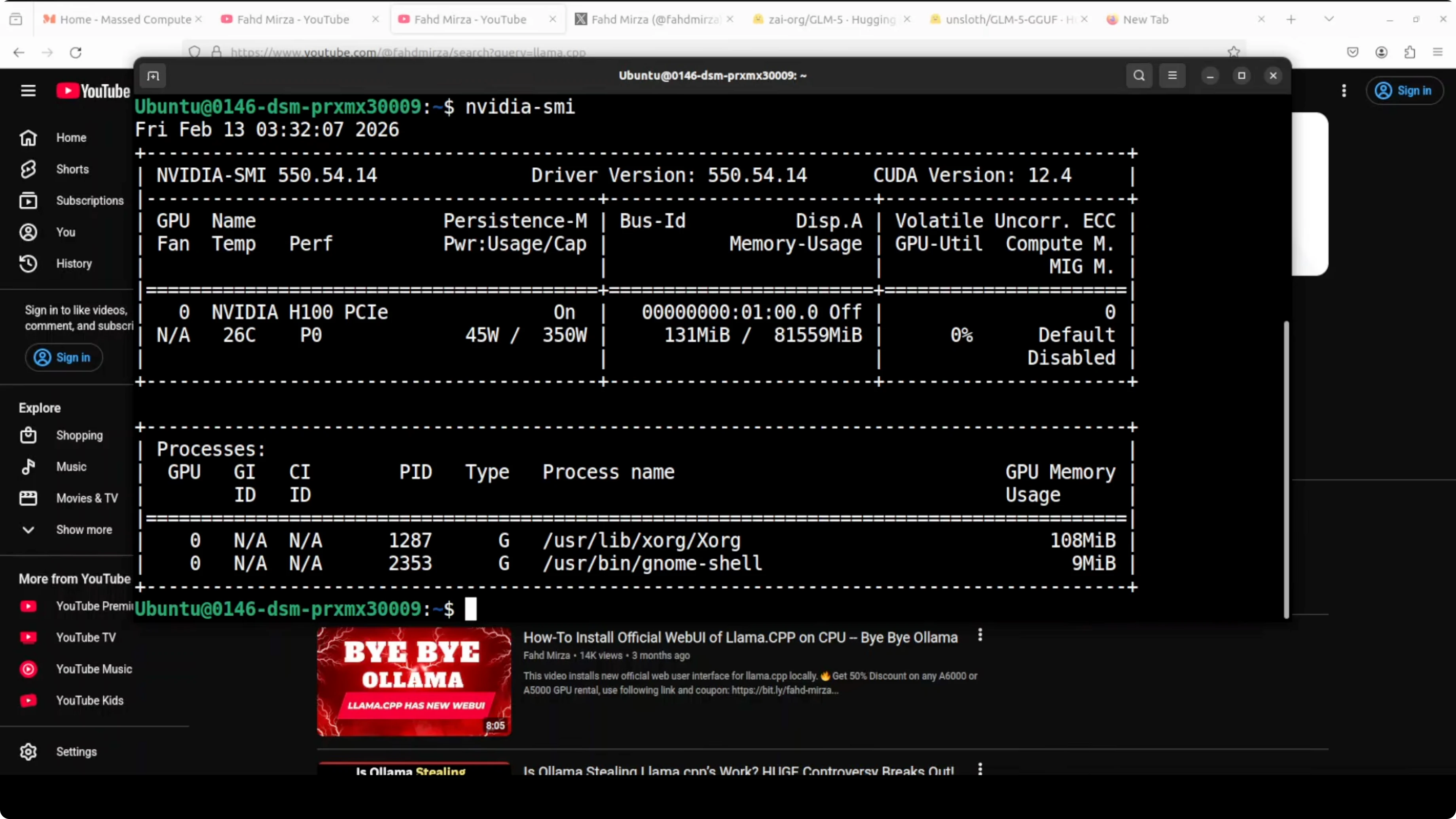
I’m using the Unsloth GLM-5 GGUF and installing it with llama.cpp. I’m on Ubuntu with one Nvidia H100 80 GB VRAM card. As per Unsloth, you can run this model with 24 GB of VRAM, but it will be very slow. Make sure you have around 250 GB of free disk space.
Run GLM-5 Locally: A Simple Step-by-Step Guide
What I’m using
- OS: Ubuntu
- GPU: Nvidia H100 80 GB VRAM
- Model: Unsloth GLM-5 GGUF (2-bit quantization like IQ2_XXS)
- Inference: llama.cpp
1) Install llama.cpp
First step is to install llama.cpp.
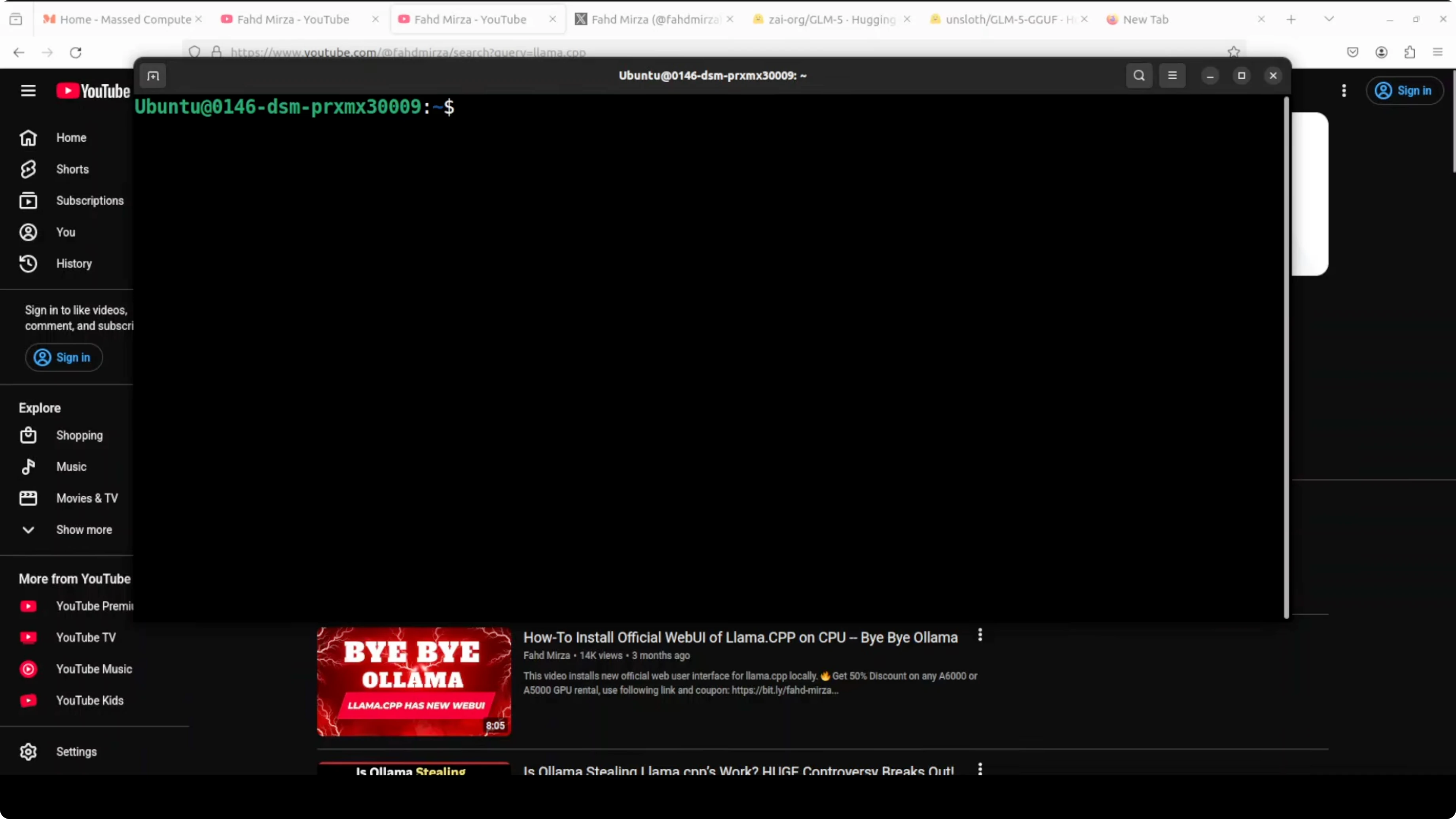
- Get clone the repo of llama.cpp.
- Make sure that you fetch the branch you need from that repo.
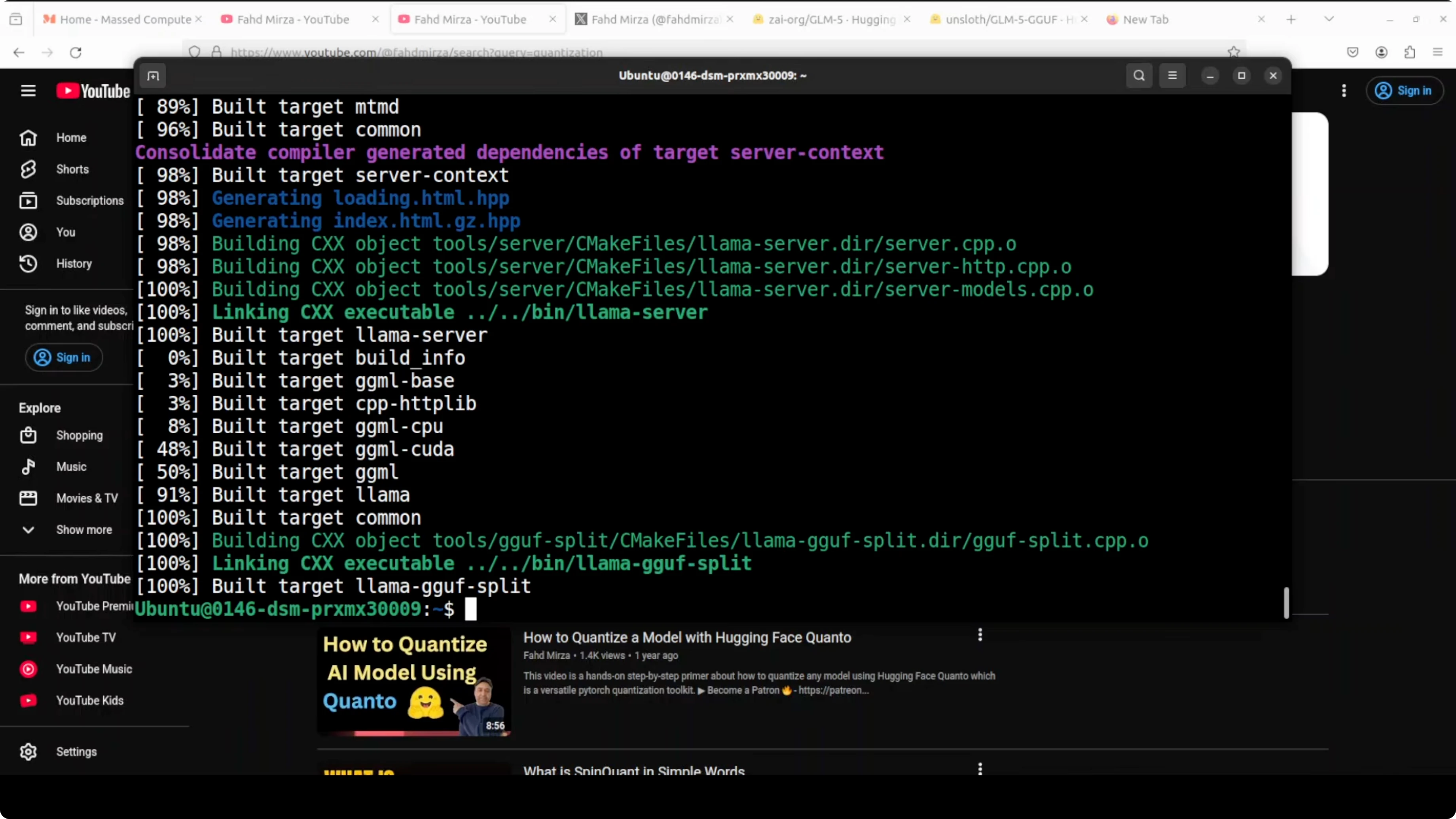
- Build it with CMake and compile.
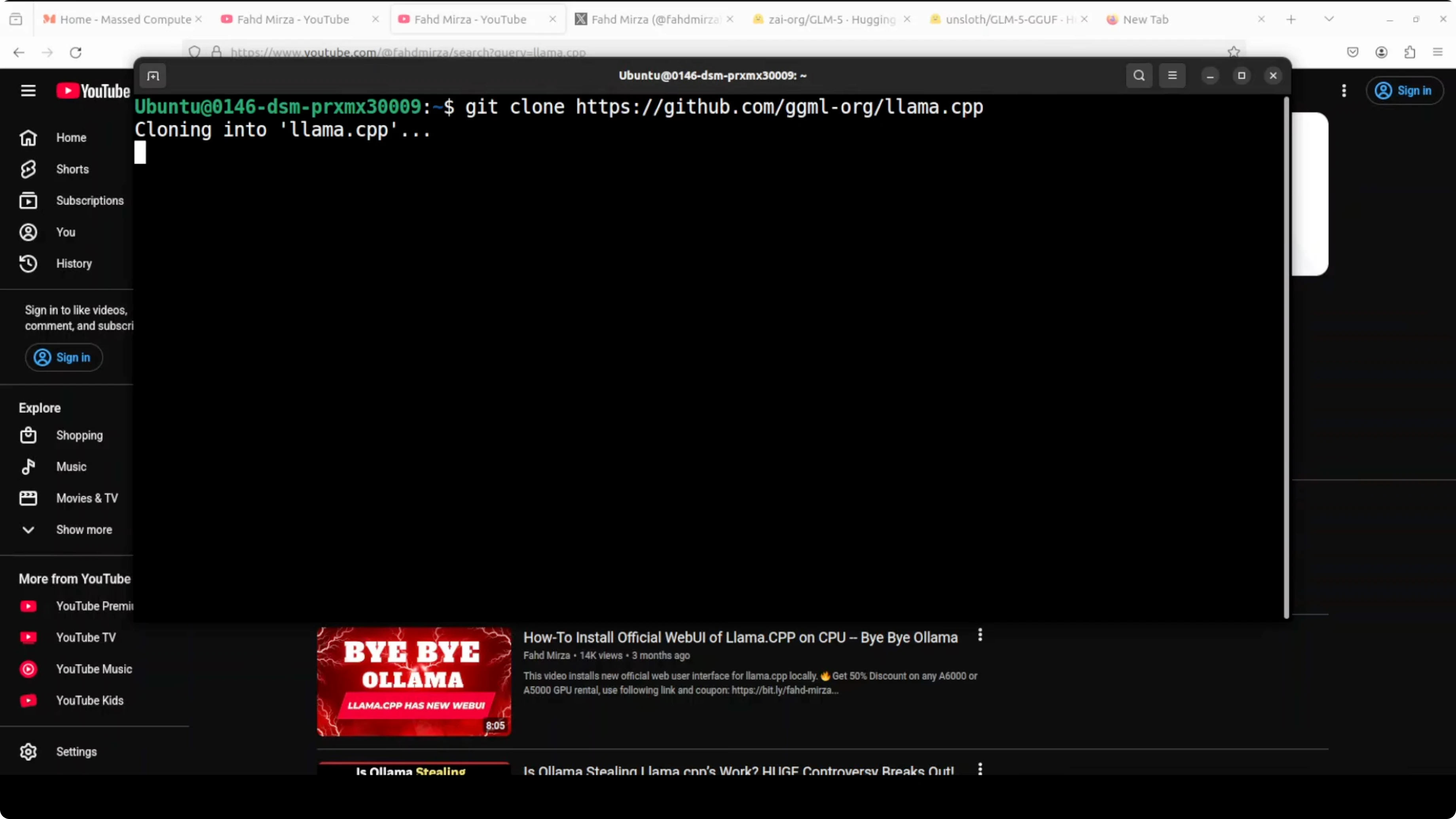
Example commands:
git clone https://github.com/ggerganov/llama.cpp
cd llama.cpp

# Optional: fetch and checkout a specific branch if you need one
# git fetch origin <branch>
# git checkout <branch>

cmake -B build -DCMAKE_BUILD_TYPE=Release -DLLAMA_CUBLAS=ON
cmake --build build -j
This build phase took around 10 minutes. Just be patient.
2) Optional but recommended: FlashAttention
I recommend installing FlashAttention to optimize memory consumption. If it complains about Torch, install Torch first, then install FlashAttention.
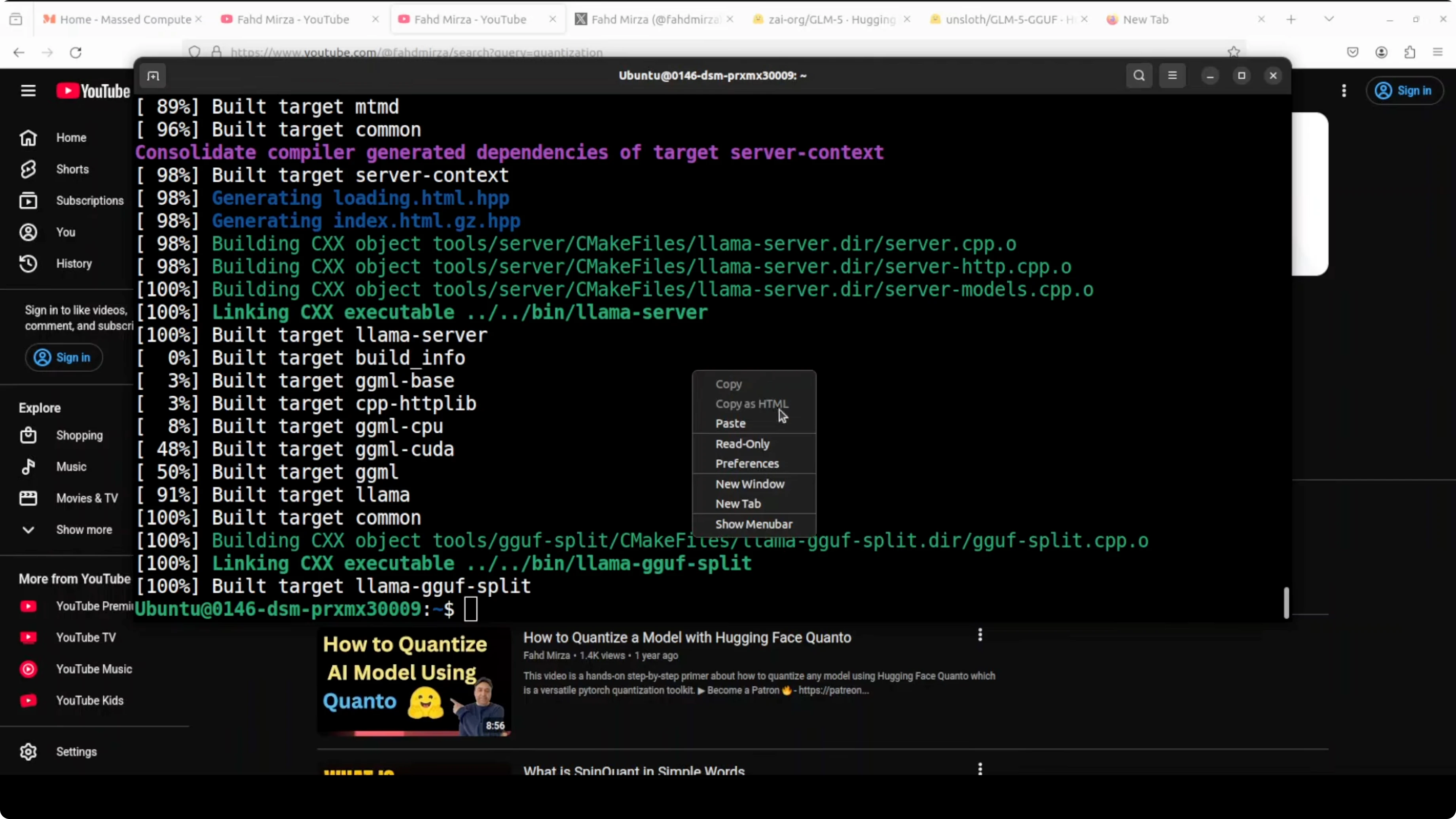
pip install torch
pip install flash-attn --no-build-isolation
FlashAttention installation done.
3) Download the Unsloth GLM-5 GGUF
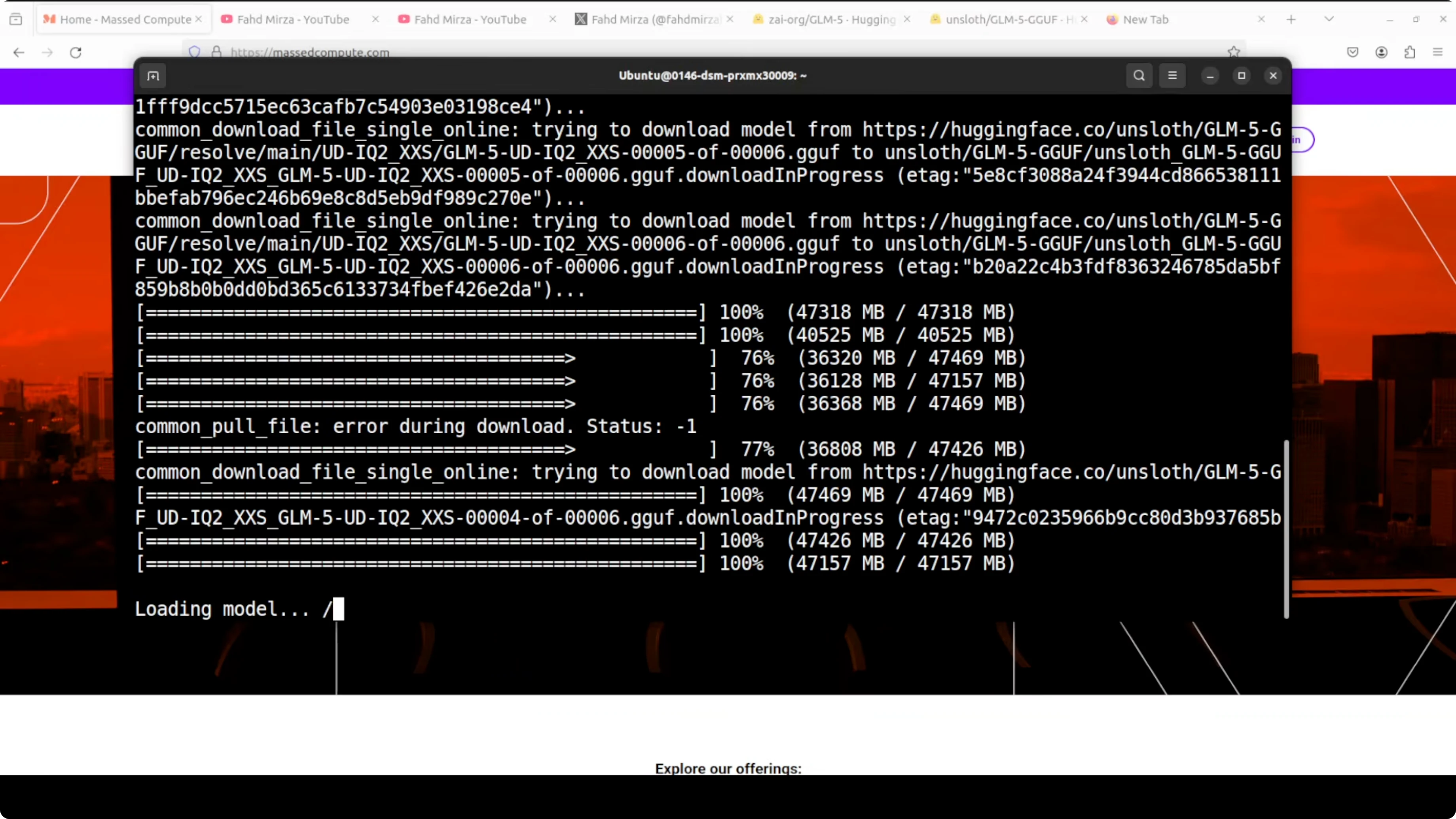
Use the Unsloth GLM-5 GGUF. I’m using a 2-bit quantization level UD IQ2 XXS. Downloading the model will take a fair bit of time. Be patient.
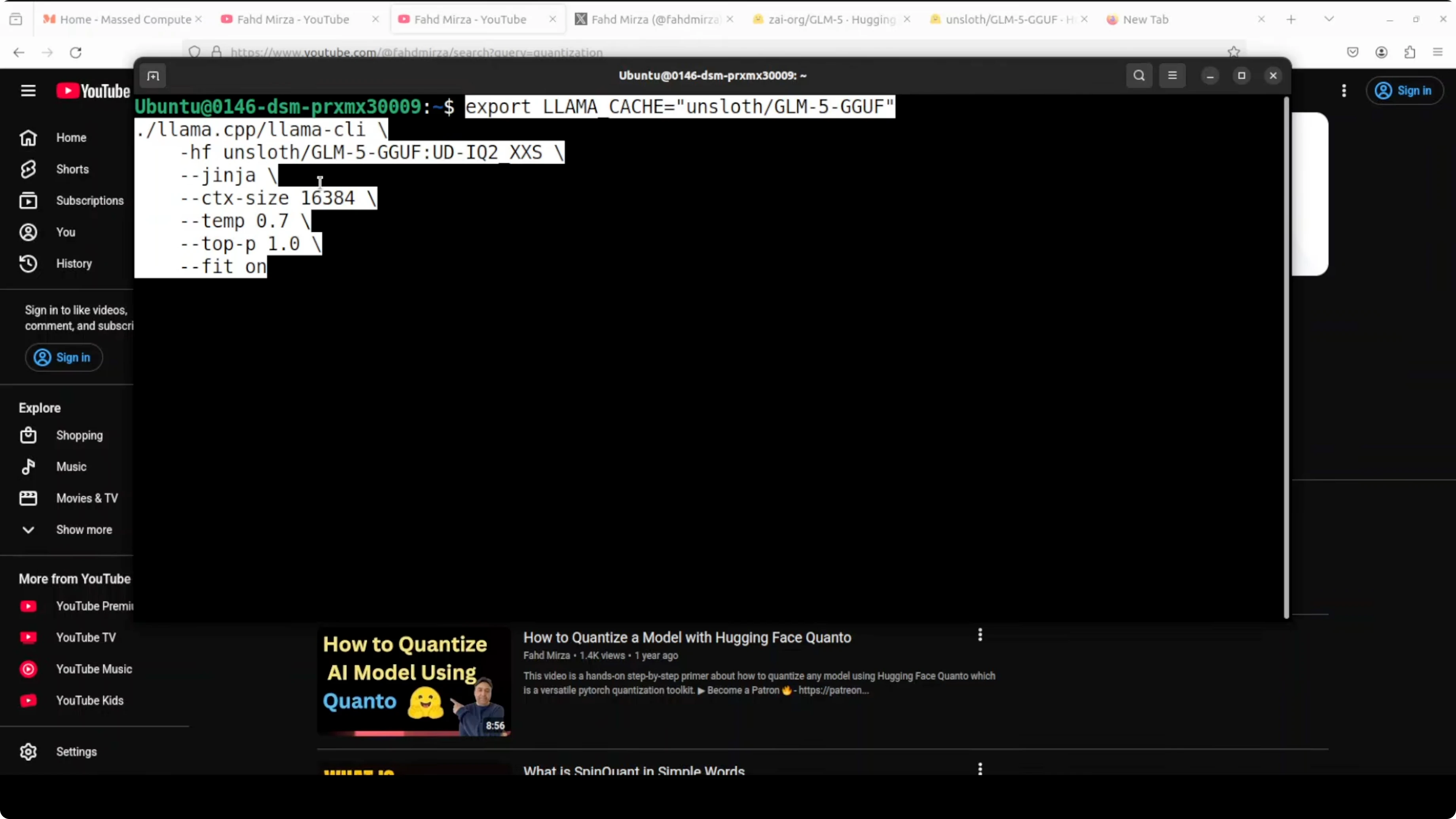
4) Launch with llama.cpp
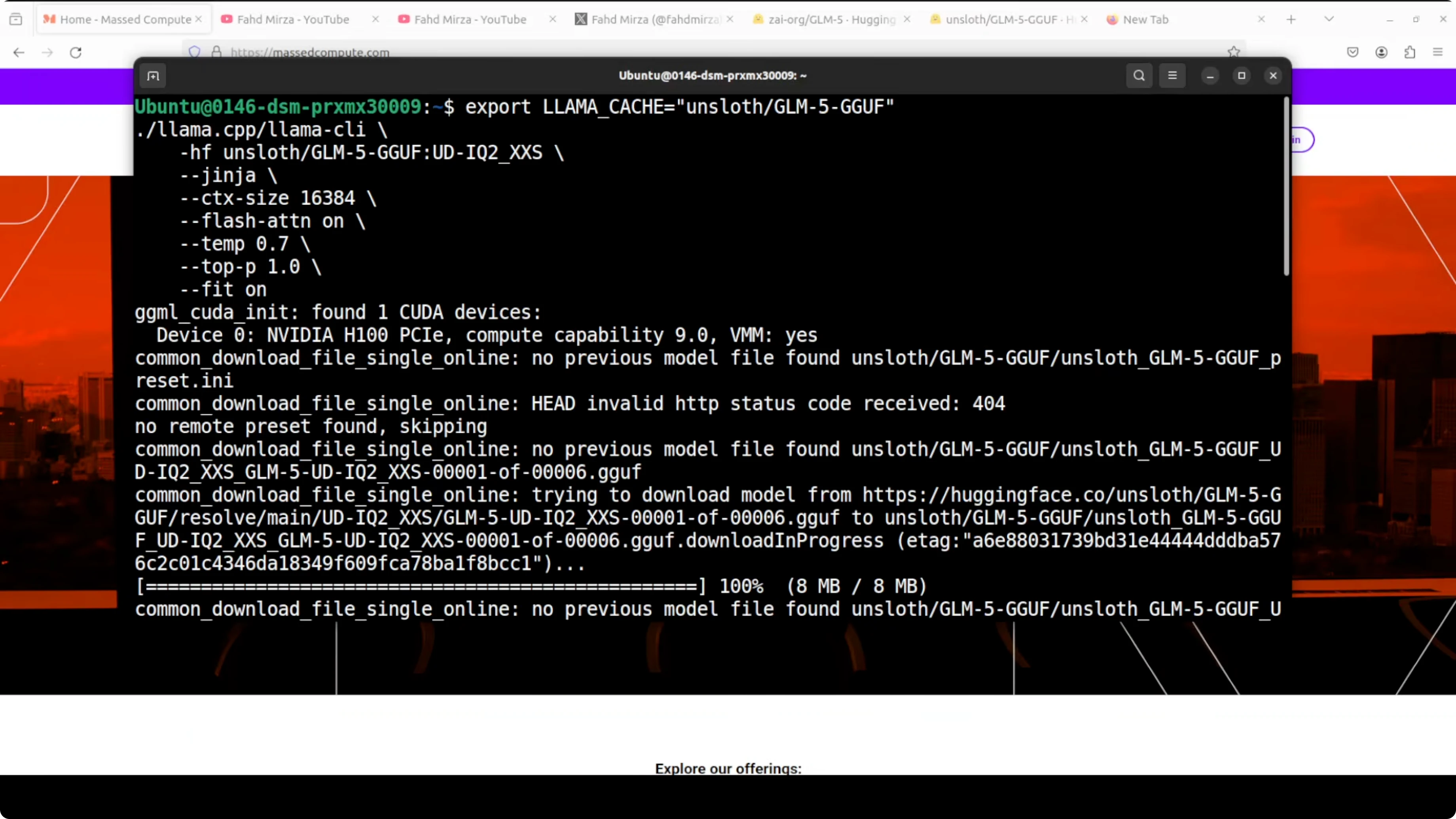
After the model is downloaded, load it with llama.cpp. It will load onto your GPU and your system RAM. It should detect your CUDA device and GPU card.
A few important runtime notes I’m using:
- I downloaded a 2-bit quantized version from Hugging Face.
- I’m using ginga. Ginga uses a correct chat format template for this model.
- Context length is 16k tokens. That is the memory per conversation.
- Temperature controls response creativity. Lower is more focused, higher is more creative.
- Top-p is 1, which considers all possible word choices.
- Auto maximize GPU usage for faster inference.
Example run command:
./build/bin/llama-cli \
  -m /path/to/GLM-5-IQ2_XXS.gguf \
  --ctx-size 16384 \
  --temp 0.7 \
  --top-p 1.0 \
  --gpu-layers -1 \
  --chat-template ginga \
  -p "Your prompt goes here"
Performance and resource use
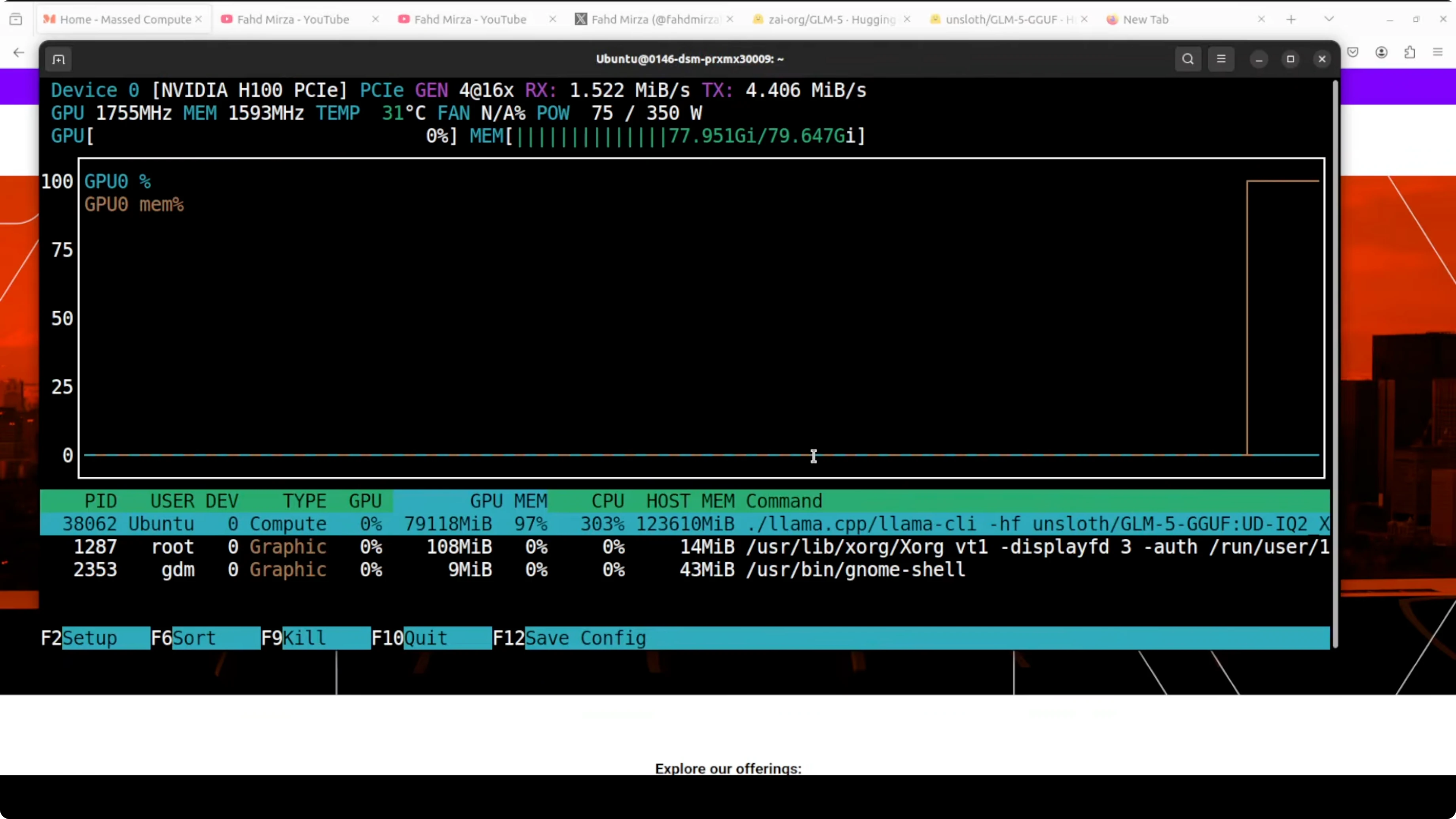
- VRAM is fully consumed and offloading to CPU memory can occur. Make sure you have plenty of VRAM. Even then it is going to be excruciatingly slow.
- You can monitor GPU usage with:
nvidia-smi- You can monitor CPU usage with:
top- The llama-cli process can consume a lot of CPU because it is working hard.
A quick functional test
I prompted the model to create a coherent self-contained single HTML file for a stunning Makassar, Indonesia food landing page including a few featured dishes. Makassar is the capital of South Sulawesi province in Indonesia.
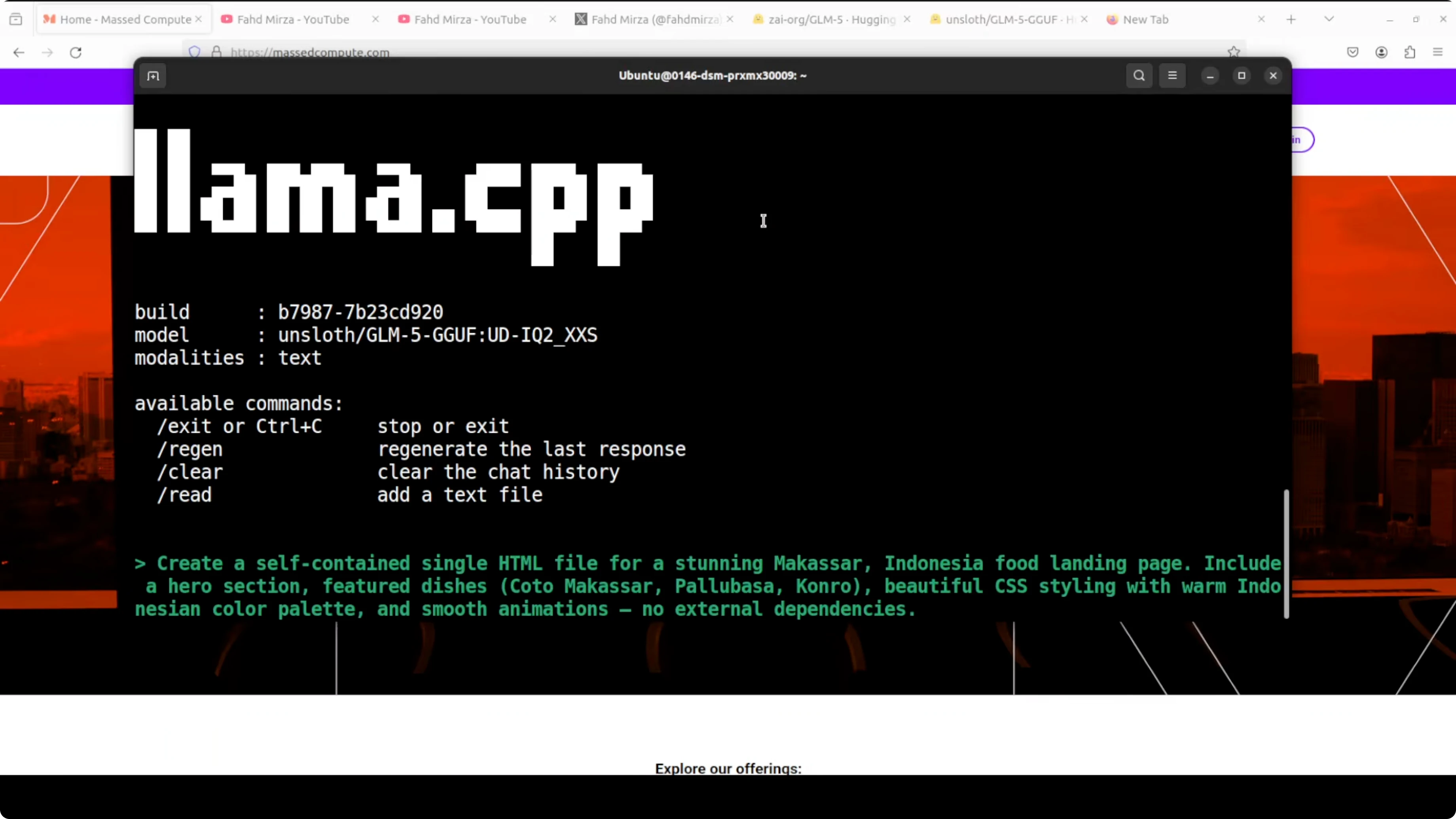
It started thinking. I checked if the model was understanding the requirement, thinking properly, and not hallucinating or looping. Remember this is a 2-bit quantization from a full 32-bit model. They have removed a lot of weights in very simple words. Performance is very low, but the model is still able to do coherent stuff.
One interesting thing it decided: the user said no external dependencies. It clarified that probably means no JS library, but fonts from CDN should be fine based on tech stack guidelines, and proceeded with Google Fonts. It then built the page, checked its own response, finished thinking, and created the landing page.
It took around 1 hour to generate all of this code. I saw about 3.1 tokens per second. Pretty low, but the code quality was solid. I pasted it into VS Code, reloaded the page, and got a responsive landing page with headings, sections, icons, and signature dishes, along with recipe-like details such as serves and simmer time. This was a 2-bit quantized model running on one GPU.
Final Thoughts
- GLM-5 can run locally on one GPU with llama.cpp using a 2-bit GGUF from Unsloth.
- Expect very high VRAM and RAM usage and slow generation, especially on smaller GPUs.
- FlashAttention helps with memory usage.
- Use a 16k context for longer prompts, and tune temperature and top-p as needed.
- Even with heavy quantization, GLM-5 still produced coherent, high-quality output in my test, though it was slow.
Subscribe to our newsletter
Get the latest updates and articles directly in your inbox.

Related Posts

8 Best Claude Code Plugins in 2026 (You Need to Know)
8 Best Claude Code Plugins in 2026 (You Need to Know)

7 Best Claude Code Skills (You Need to Know)
7 Best Claude Code Skills (You Need to Know)

Claude Code Desktop IDE Features (You Need to Know)
Claude Code Desktop IDE Features (You Need to Know)