
Table Of Content
- Run DeepSeek v4 Flash Locally? Minimum setup
- Run DeepSeek v4 Flash Locally? Prepare the server
- Run DeepSeek v4 Flash Locally? vLLM path
- Run DeepSeek v4 Flash Locally? Native repo path
- Convert to native format
- Launch with torch run
- Run DeepSeek v4 Flash Locally? Make a request
- Run DeepSeek v4 Flash Locally? Notes on the model
- Run DeepSeek v4 Flash Locally? Troubleshooting
- Run DeepSeek v4 Flash Locally? Performance tips
- Run DeepSeek v4 Flash Locally? Practical uses
- Run DeepSeek v4 Flash Locally? Alternatives
- Final thoughts
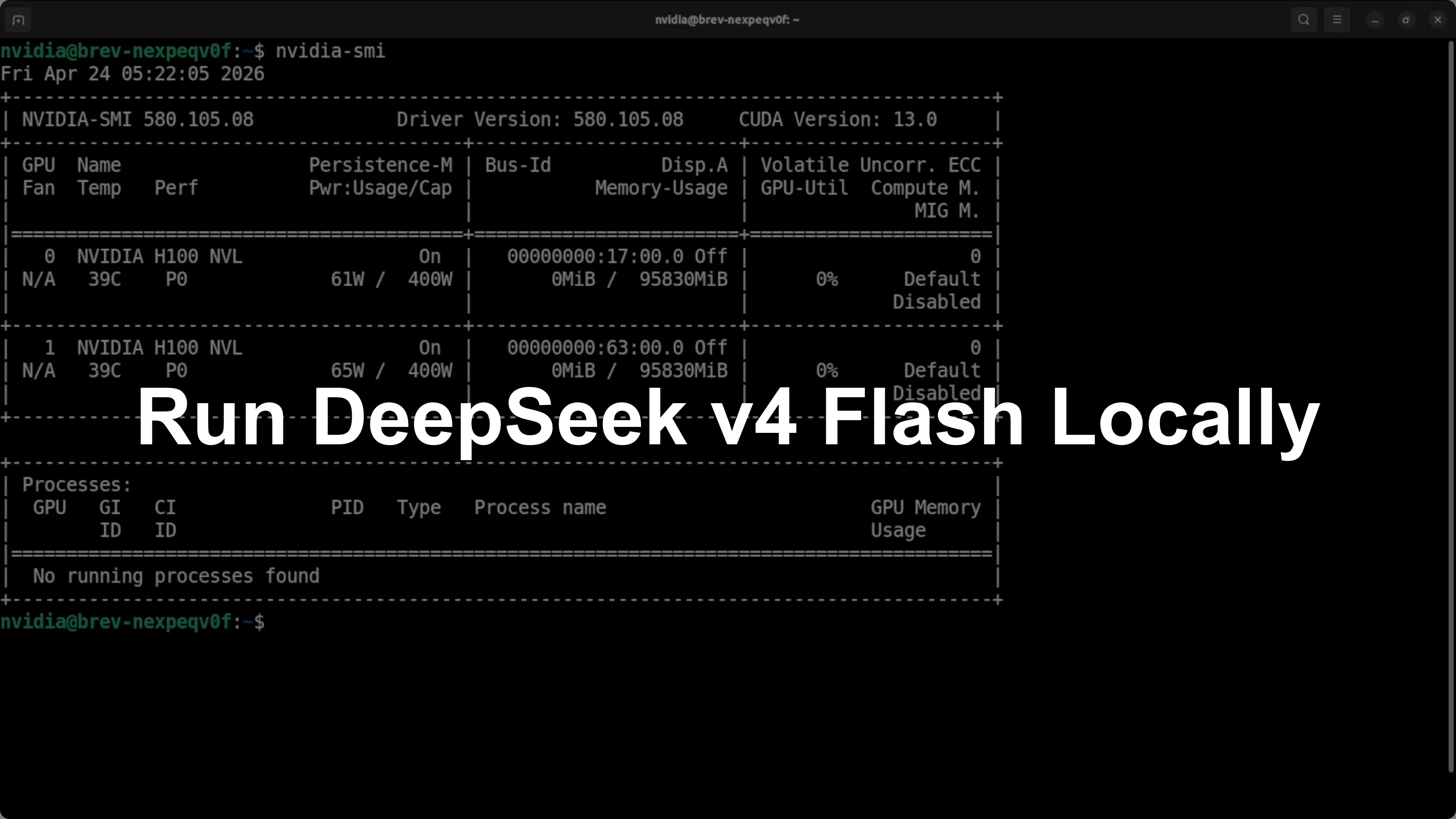
How to Run DeepSeek v4 Flash Locally?
Table Of Content
- Run DeepSeek v4 Flash Locally? Minimum setup
- Run DeepSeek v4 Flash Locally? Prepare the server
- Run DeepSeek v4 Flash Locally? vLLM path
- Run DeepSeek v4 Flash Locally? Native repo path
- Convert to native format
- Launch with torch run
- Run DeepSeek v4 Flash Locally? Make a request
- Run DeepSeek v4 Flash Locally? Notes on the model
- Run DeepSeek v4 Flash Locally? Troubleshooting
- Run DeepSeek v4 Flash Locally? Performance tips
- Run DeepSeek v4 Flash Locally? Practical uses
- Run DeepSeek v4 Flash Locally? Alternatives
- Final thoughts
DeepSeek V4 is here and I am going to install it locally and test it. I already covered the architecture, features, parameters, and a lot of evaluation details elsewhere, but this guide is focused on the local install. I will show a minimum viable setup that proves it runs and responds on real GPUs.
I am using a server with two H100s at 96 GB each. That is 192 GB of total VRAM, and the model will be fully local with weights on the GPUs. No external API calls.
DeepSeek V4 Flash has 284 billion parameters. It uses FP4 and FP8 mixed precision, so the actual memory footprint to load the weights drops to about 140 to 150 GB. That gives enough headroom on 192 GB to load the model and run inference.
Run DeepSeek v4 Flash Locally? Minimum setup
This is a bare minimum spec to get it running. You will not see blazing speed or very long context on this setup, but the model will load, and that is the goal here. Use more VRAM if you want more headroom.
If you want a side by side perspective on larger models and how they stack up, see this model comparison for context and tradeoffs: comparison of pro models.
Run DeepSeek v4 Flash Locally? Prepare the server
Access the GPU server through your usual method, then confirm the GPUs.
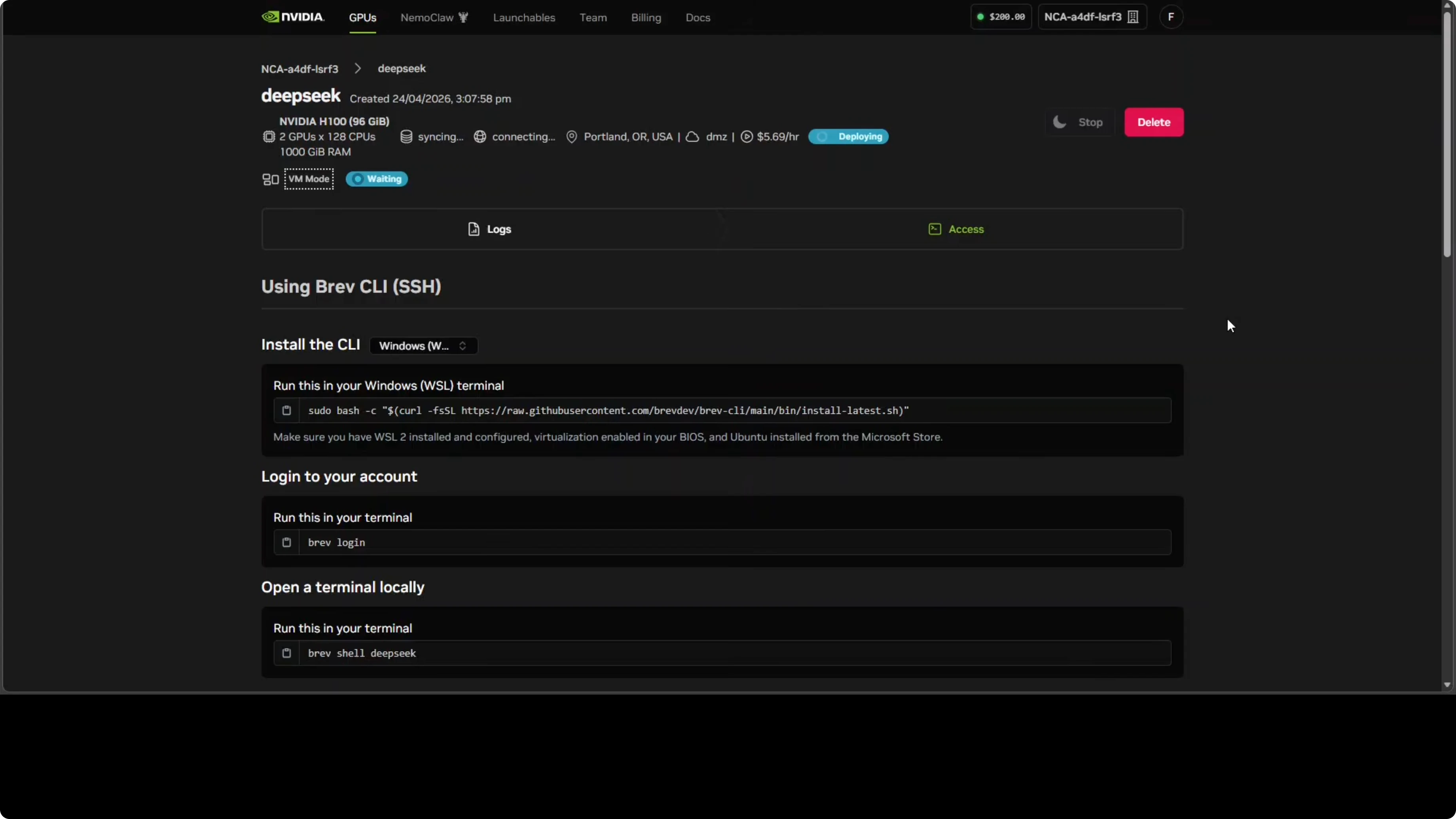
Check the GPUs and memory.
nvidia-smiYou should see two H100 cards with plenty of VRAM available.
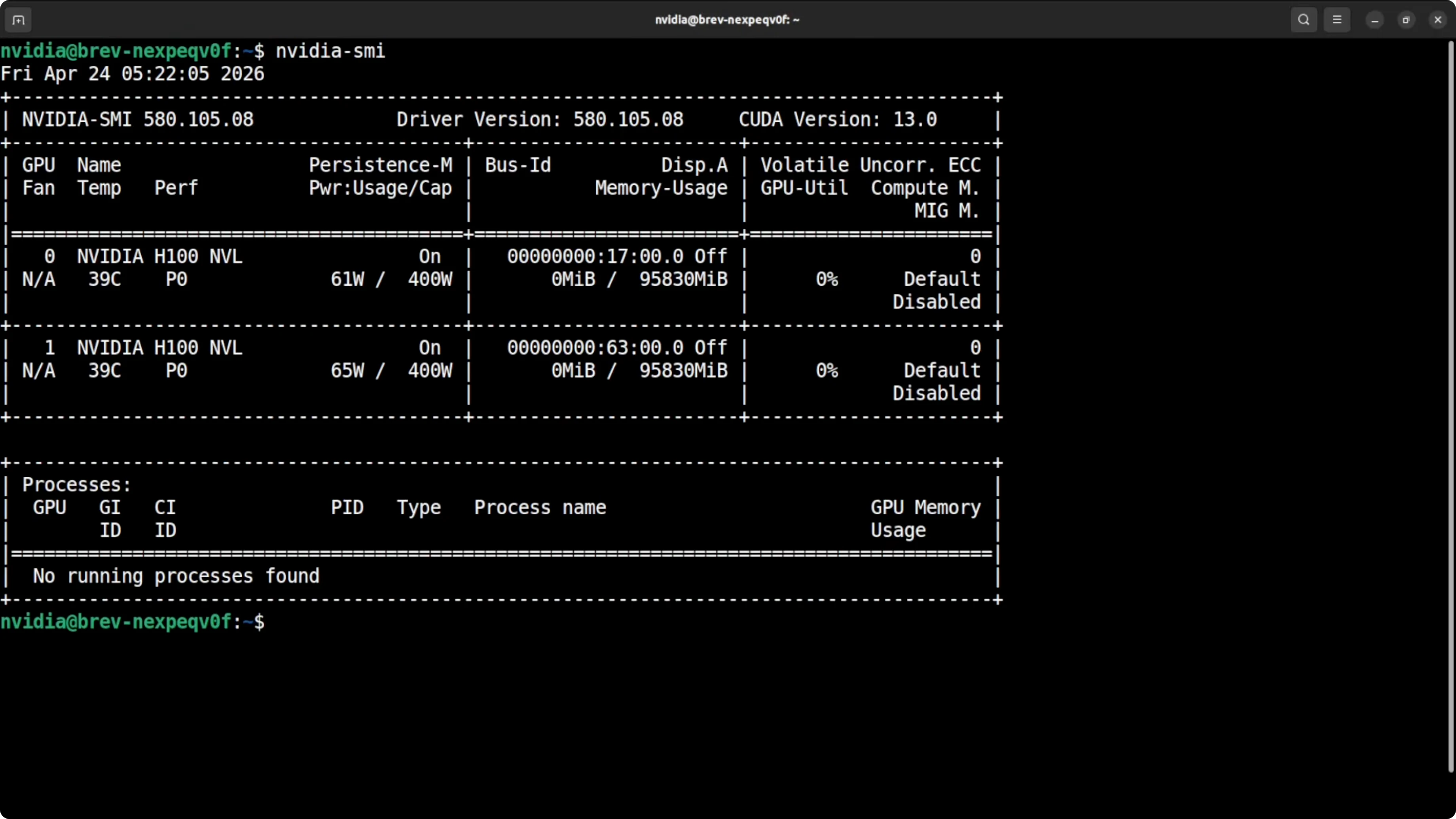
Create a fresh Python environment and upgrade pip.
python -m venv v4flash
source v4flash/bin/activate
pip install -U pip
Install the core stack that I am using for the first attempt with vLLM.
pip install -U vllm transformers accelerate huggingface_hub safetensors
Run DeepSeek v4 Flash Locally? vLLM path
The first attempt is to serve with vLLM. I will target a 32k context as a safe cap on 192 GB VRAM to avoid out of memory.
Serve the model with tensor parallel across two GPUs and high GPU memory utilization.
vllm serve deepseek-ai/DeepSeek-V4-Flash \
  --tensor-parallel-size 2 \
  --gpu-memory-utilization 0.95 \
  --max-model-len 32768 \
  --port 8000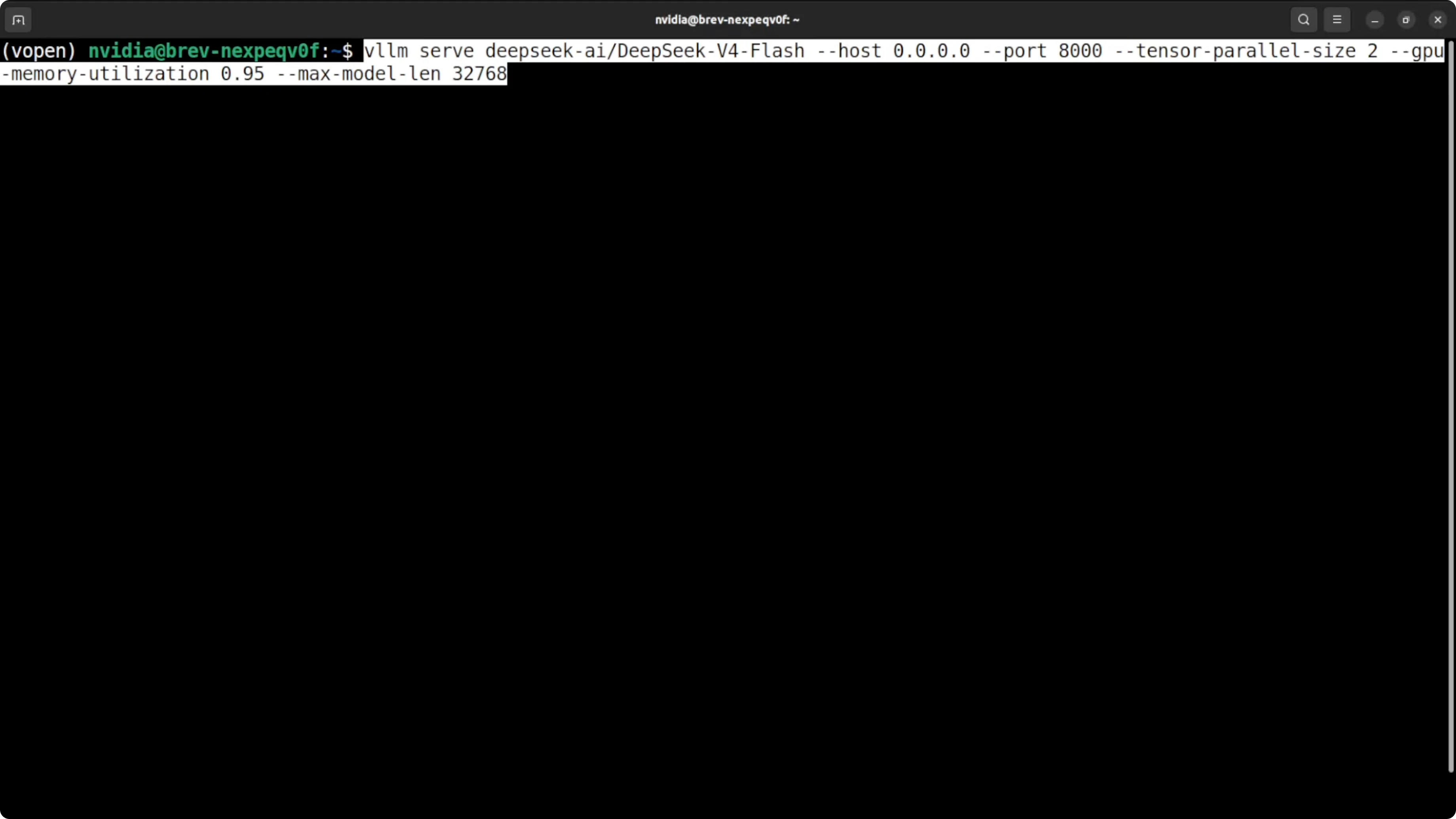
If it fails with a transformers version complaint, update transformers in place.
pip install -U "transformers>=4.42.0"If the error persists, install transformers from source.
pip install git+https://github.com/huggingface/transformers.gitRerun the vLLM serve command after the upgrade. If your provider images are old, this step usually resolves the import and config errors.
Run DeepSeek v4 Flash Locally? Native repo path
If you prefer the native loader route used by the team, clone the official repository that ships the interactive loader and conversion scripts. This path loads the model across both GPUs with PyTorch and a small launcher.
Clone the repo and enter it.
git clone https://github.com/deepseek-ai/deepseek-v4-flash
cd deepseek-v4-flash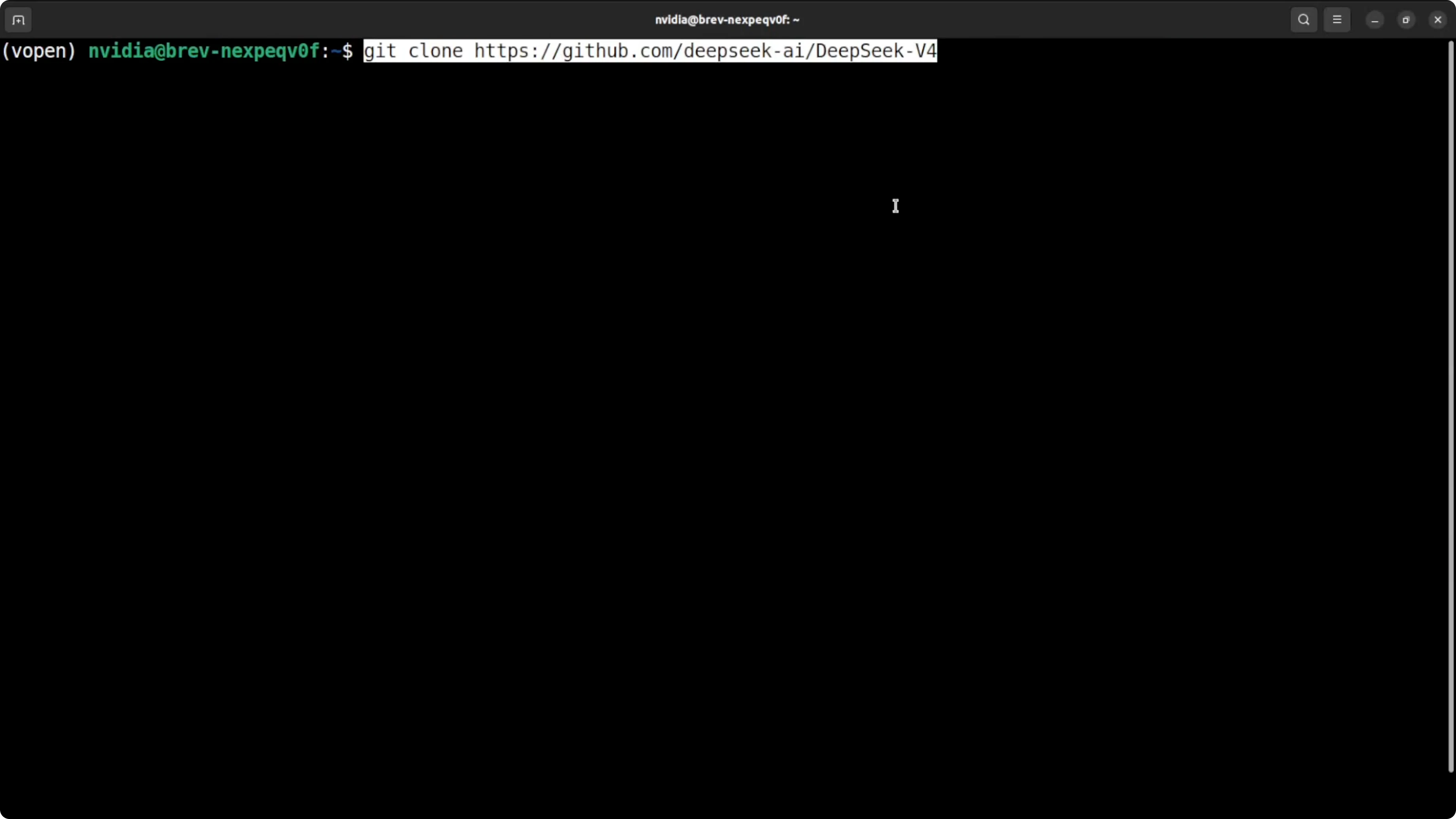
Set basic environment variables so the scripts know which GPUs to use and where to store data.
export CUDA_VISIBLE_DEVICES=0,1
export DS_NUM_GPUS=2
export HF_HOME=/data/hf-cache
export MODEL_DIR=/data/models/deepseek-v4-flash
mkdir -p "$HF_HOME" "$MODEL_DIR"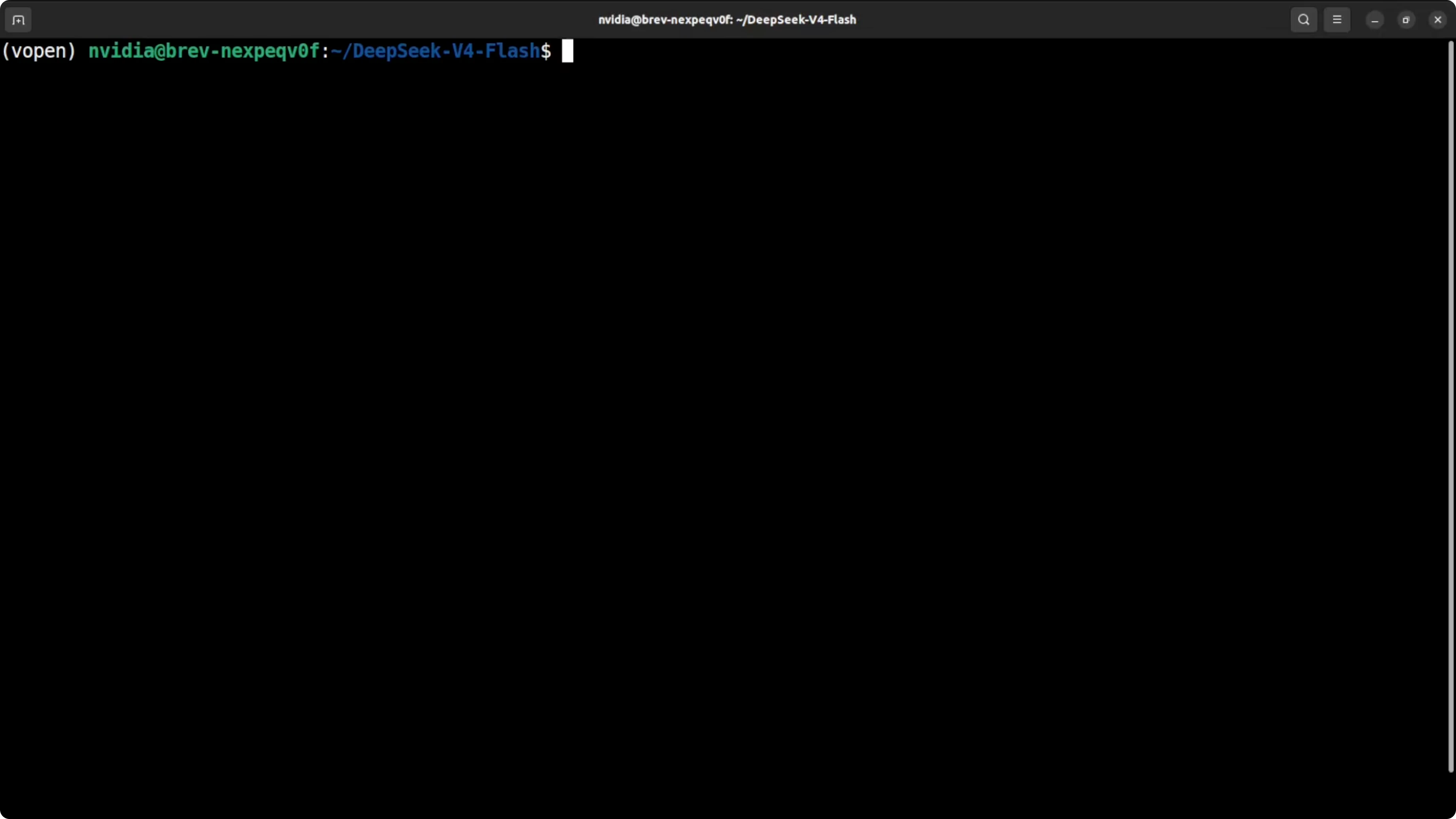
Download the weights from Hugging Face to your local path. The total size you will see on disk is about 160 GB.
pip install -U huggingface_hub
huggingface-cli download deepseek-ai/DeepSeek-V4-Flash \
  --include "*/*.safetensors" "config.json" "tokenizer.*" \
  --local-dir "$MODEL_DIR" \
  --local-dir-use-symlinks False
Convert to native format
The native loader expects a converted format that also shards 256 experts across your GPUs for efficient load. Use the conversion script from the repo to translate from Hugging Face format to the native format.
Convert the weights to the native format.
python tools/convert_hf_to_ds.py \
  --input "$MODEL_DIR" \
  --output ./converted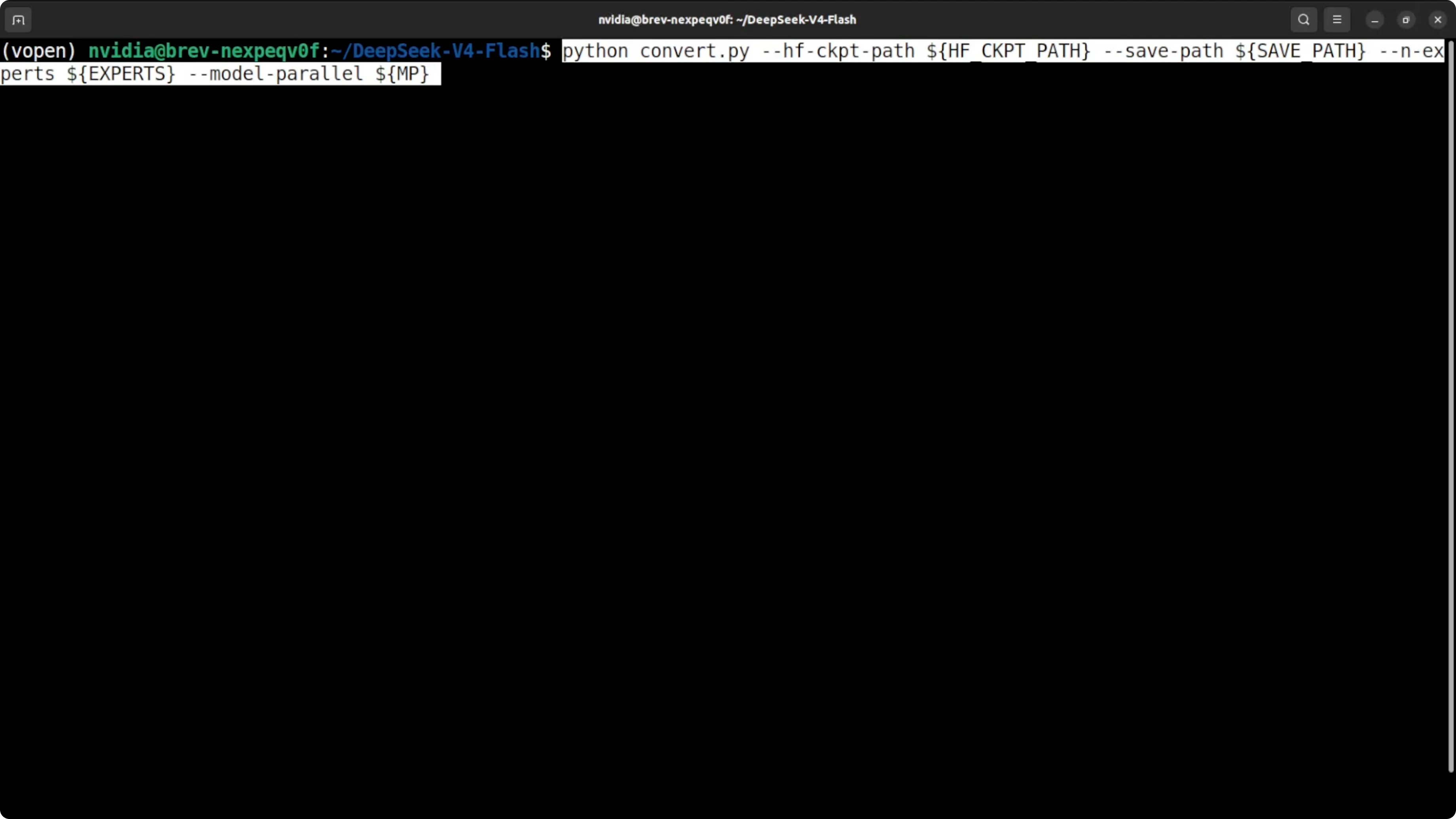
If you need explicit expert and tensor parallel sharding, run the sharding tool so each GPU gets the right slices.
python tools/shard_moe.py \
  --input ./converted \
  --tensor-parallel-size 2 \
  --output ./converted-tp2
Launch with torch run
I will use torch run to start one process per GPU and bring up an interactive chat server on localhost.
Start the server across two GPUs with a safe context cap.
pip install -U torch
torchrun --nproc_per_node=2 generate.py \
  --model-dir ./converted-tp2 \
  --max-seq-len 32768 \
  --port 8000
You should see the model load and VRAM fill almost completely. That is expected on this minimum setup.
Run DeepSeek v4 Flash Locally? Make a request
You can call your local server through a simple HTTP request from the same machine. Use a small prompt for the first run to keep memory stable.
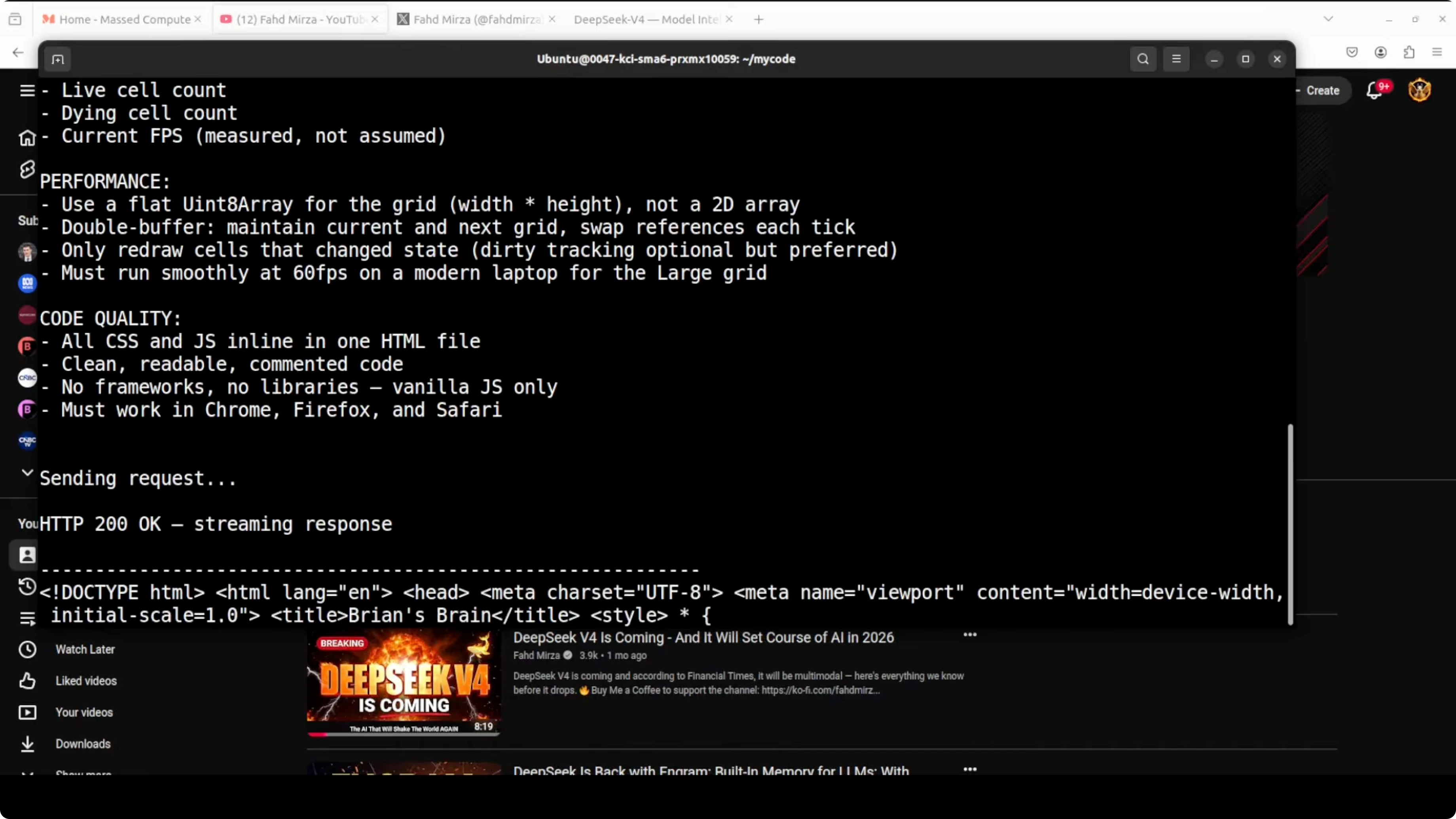
Send a minimal chat style request to confirm responses.
curl http://localhost:8000/v1/chat/completions \
  -H "Content-Type: application/json" \
  -d '{
    "model": "deepseek-v4-flash",
    "messages": [
      {"role": "system", "content": "You are a helpful assistant."},
      {"role": "user", "content": "Briefly explain mixture of experts in large language models."}
    ],
    "max_tokens": 256,
    "temperature": 0.2
  }'
If you prefer a Python check, keep it small to validate the path and tokenizer load.
import requests, json

payload = {
  "model": "deepseek-v4-flash",
  "messages": [
    {"role": "system", "content": "You are a helpful assistant."},
    {"role": "user", "content": "Summarize sparse activation in two sentences."}
  ],
  "max_tokens": 200,
  "temperature": 0.2
}

r = requests.post("http://localhost:8000/v1/chat/completions",
                  headers={"Content-Type": "application/json"},
                  data=json.dumps(payload), timeout=120)
print(r.json())
Run DeepSeek v4 Flash Locally? Notes on the model
The Flash variant activates about 13 billion parameters at once. That is why it can beat many larger dense runs on common tests even with total parameters at 284 billion. It also ships thinking, non thinking, and expert modes for different behavior types.
The Pro model shows strong results across public benchmarks and has a very large context window. Flash also supports a very large context, but I cap at 32k here to keep memory safe on 192 GB. If you have more headroom, you can raise it.
If you need a hands on coding focus with pro level agents, this walkthrough is helpful: agentic coding with DeepSeek V4 Pro.
Run DeepSeek v4 Flash Locally? Troubleshooting
If you see a transformers related error during the first vLLM serve attempt, upgrade transformers and try again. Installing from source is a reliable fix if binary wheels lag behind your environment.
If you hit out of memory, lower the context cap. For vLLM, reduce max model length, and for the native loader, pass a smaller max sequence length.
If you see slow startup, check disk throughput while loading the 160 GB weights. Local NVMe and a warm HF cache help a lot.
Run DeepSeek v4 Flash Locally? Performance tips
Two H100s at 96 GB each are enough to load and respond, which is the point of this guide. Expect modest throughput on long prompts due to the memory bound nature of this run.
If you want more speed, add more GPUs or move to a higher total VRAM footprint. Keep tensor parallel to the number of GPUs you have and give the process about 95 percent memory utilization to reduce fragmentation.
For additional local recipes and setup patterns, you can also follow this local stack guide: install another local stack.
Run DeepSeek v4 Flash Locally? Practical uses
Local runs like this are ideal for code synthesis and refactoring without sending source to an external endpoint. They are also useful for long form reading and summarization of books, research papers, audit trails, and logs.
You can build internal agents for triage, incident reports, and bot assisted debugging. If you want a focused look at automated bug fixing for a chat bot workflow, see this Telegram agent example: agent debugging on Telegram.
For more guided agent flows focused on coding tasks, this tutorial is a good reference: agentic coding walkthrough.
Run DeepSeek v4 Flash Locally? Alternatives
If you want to compare this flow with other local model installs, check this GLM guide for cpu and gpu paths: run GLM locally. It gives another angle on memory planning and inference flags across different hardware classes.
For more local orchestration patterns, also review this piece to round out your setup choices: local orchestration ideas.
Final thoughts
This is a minimum viable local run of DeepSeek V4 Flash on two H100 cards. The FP4 and FP8 mix and sparse activation make the load feasible on 192 GB VRAM with a 32k context cap. If you need a deeper comparison of pro class models to guide your hardware and prompt choices, here is a helpful overview: pro model comparison.
Subscribe to our newsletter
Get the latest updates and articles directly in your inbox.

Related Posts

8 Best Claude Code Plugins in 2026 (You Need to Know)
8 Best Claude Code Plugins in 2026 (You Need to Know)

7 Best Claude Code Skills (You Need to Know)
7 Best Claude Code Skills (You Need to Know)

Claude Code Desktop IDE Features (You Need to Know)
Claude Code Desktop IDE Features (You Need to Know)