
Table Of Content
- Qwen3.6-27B + OpenClaw: Scalable Local Multifile Coding
- Qwen3.6-27B + OpenClaw: local model serving
- List served models and confirm the vLLM OpenAI-compatible endpoint
- Qwen3.6-27B + OpenClaw: setup
- Qwen3.6-27B + OpenClaw: prompt and workspace
- Qwen3.6-27B + OpenClaw: run and test
- Qwen3.6-27B + OpenClaw: port safety and guardrails
- Qwen3.6-27B + OpenClaw: app results
- Qwen3.6-27B + OpenClaw: step-by-step
- Use cases for Qwen3.6-27B + OpenClaw
- Final thoughts
Qwen3.6-27B + OpenClaw: Scalable Local Multifile Coding
OpenClaw Error Fixer
Paste any OpenClaw error and get the exact fix instantly — cause, steps, copy-ready commands, and related guides.
Table Of Content
- Qwen3.6-27B + OpenClaw: Scalable Local Multifile Coding
- Qwen3.6-27B + OpenClaw: local model serving
- List served models and confirm the vLLM OpenAI-compatible endpoint
- Qwen3.6-27B + OpenClaw: setup
- Qwen3.6-27B + OpenClaw: prompt and workspace
- Qwen3.6-27B + OpenClaw: run and test
- Qwen3.6-27B + OpenClaw: port safety and guardrails
- Qwen3.6-27B + OpenClaw: app results
- Qwen3.6-27B + OpenClaw: step-by-step
- Use cases for Qwen3.6-27B + OpenClaw
- Final thoughts
The ancient Chinese idea of the hidden dragon speaks to power that lies beneath the surface. Alibaba’s Qwen team just put out something that feels like that. Qwen 3.6 27B is a dense 27 billion parameter model that performs far above its size.
The benchmark scores look great and I already have it running locally. I installed and tested it thoroughly on an Ubuntu system with a single Nvidia A100 80 GB card. Around 74 GB of VRAM is consumed while serving it with vLLM.
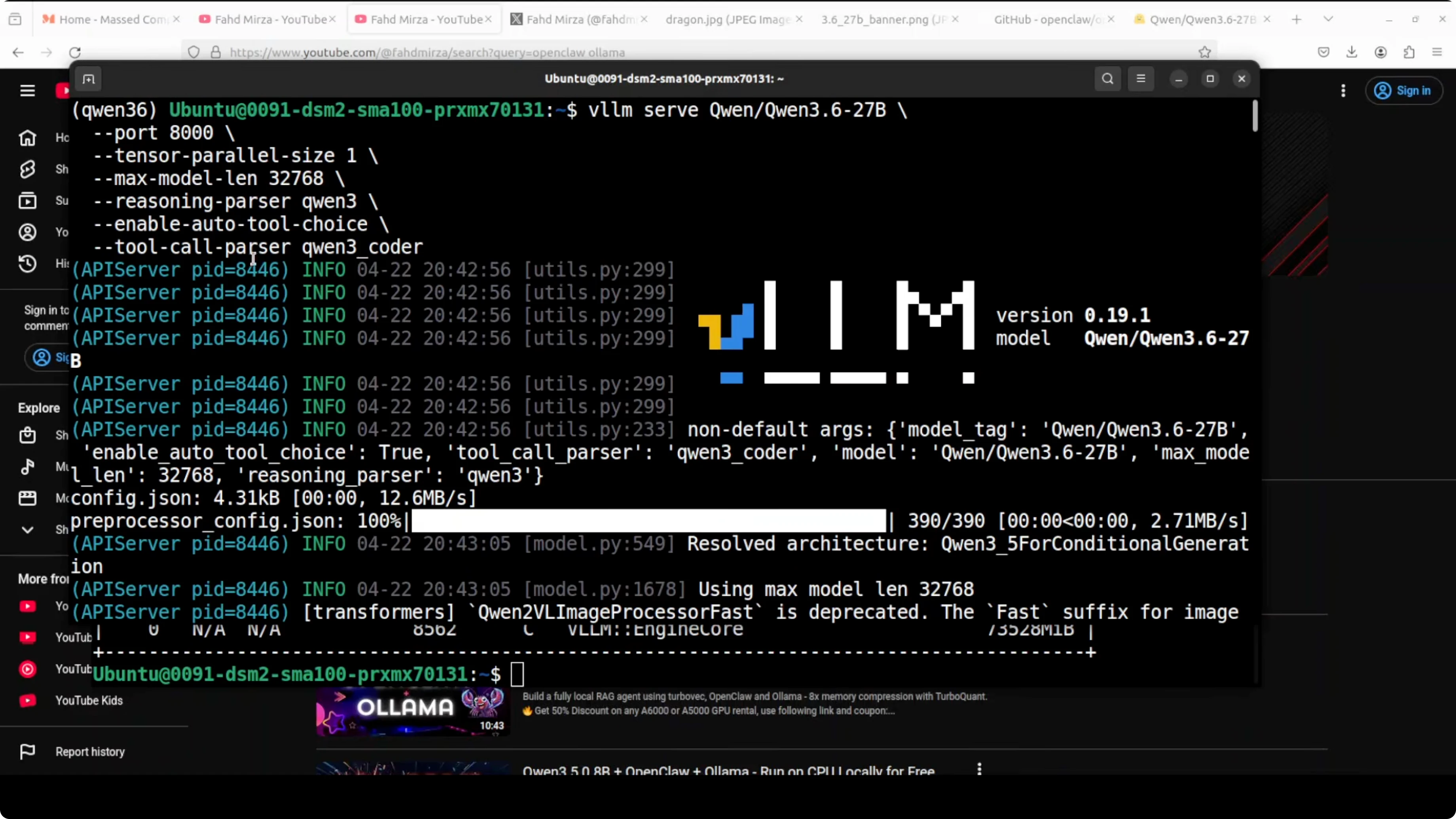
I am serving it through vLLM with tool use and reasoning enabled. If you want a sense of how it stacks up against other families, see this practical comparison with Gemma 4 31B. For precision and deployment details, also check these notes on full precision vs Ollama Qwen3.6.
Qwen3.6-27B + OpenClaw: Scalable Local Multifile Coding
I am integrating Qwen 3.6 27B with OpenClaw after installing everything locally. OpenClaw is an open source agentic coding platform that Qwen’s own team recommends for this model. I already had OpenClaw installed before, but I will walk through the key parts again.
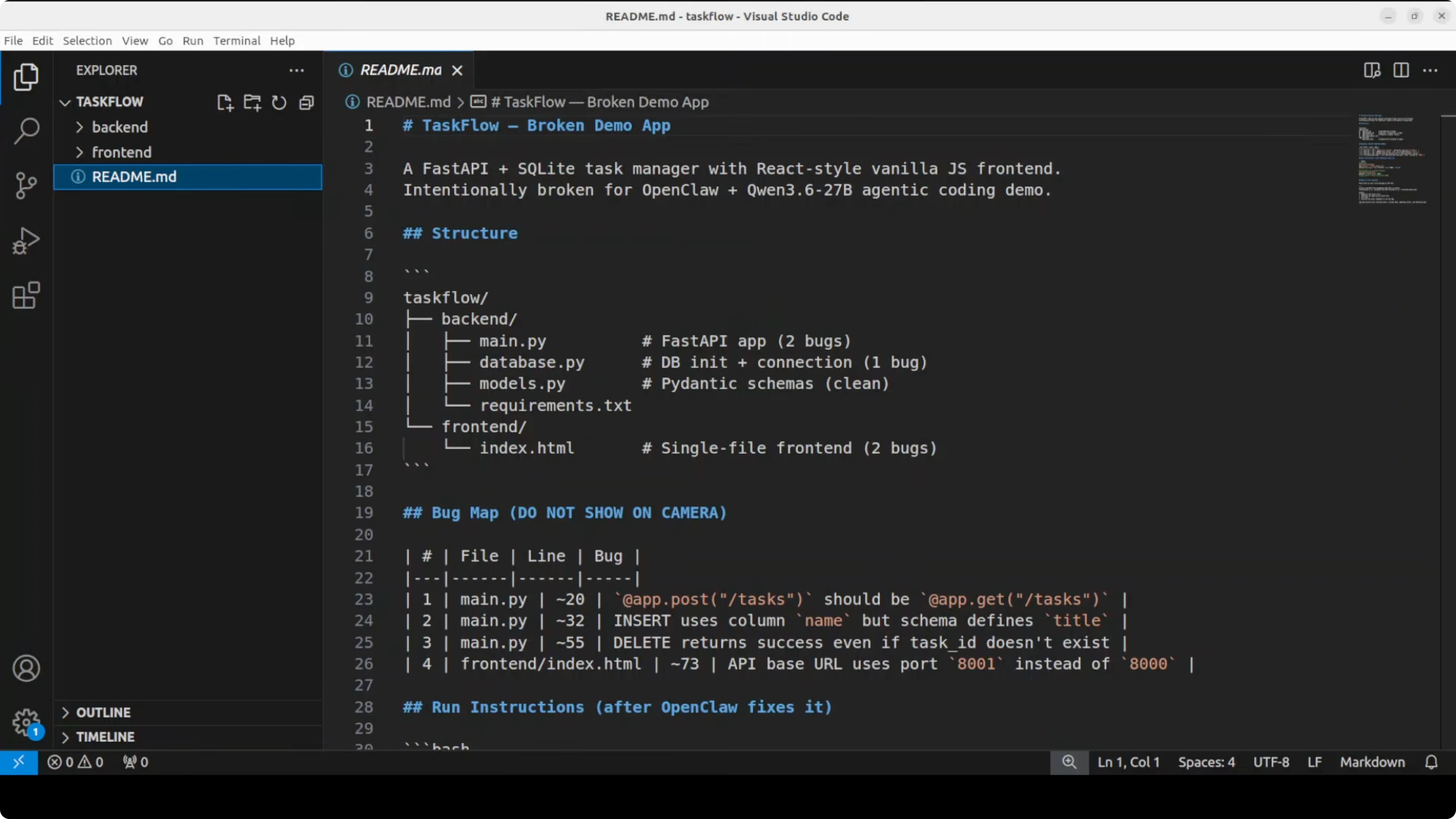
This time the test is straightforward and tough. I will point it to a broken multi file Python web app on this server. The goal is to read every file, find scattered bugs, fix them, and return exact run commands.
For more depth on OpenClaw’s local workflow, see this focused overview of the OpenClaw local AI agent. If you want to see another pairing approach, here is an example using Kimi K 2.6 with OpenClaw.
Qwen3.6-27B + OpenClaw: local model serving
I have a single endpoint exposed by vLLM for local access. This is the same endpoint I give to OpenClaw. You can confirm the server and model metadata with a quick curl.
# List served models and confirm the vLLM OpenAI-compatible endpoint
curl -s http://localhost:8000/v1/models | jq
You can also sanity check chat completions against the local server.
curl -s http://localhost:8000/v1/chat/completions \
  -H "Content-Type: application/json" \
  -d '{
        "model": "qwen3.6-27b-instruct",
        "messages": [
          {"role": "system", "content": "You are a helpful coding assistant."},
          {"role": "user", "content": "Say hello from Qwen 3.6 27B running via vLLM."}
        ],
        "temperature": 0.2
      }' | jq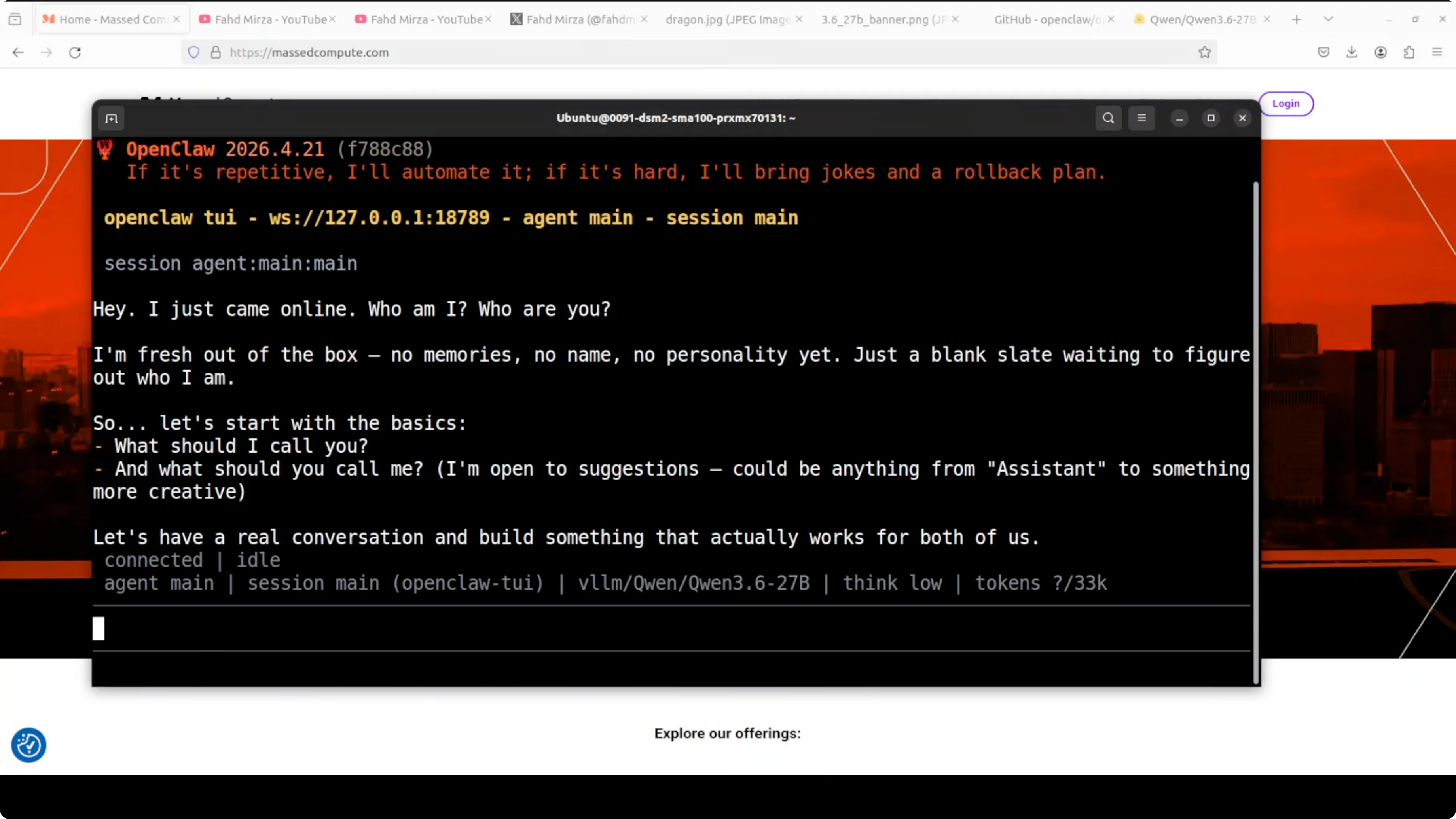
If you prefer to cross check reasoning and coding tendencies across models, these coding test results give helpful context.
Qwen3.6-27B + OpenClaw: setup
There is a single liner installer that checks prerequisites and installs OpenClaw. After installation, the gateway runs and a quick wizard captures the local model endpoint. I select vLLM, paste the exact endpoint, accept defaults, and finish the setup.
You can verify which model is configured as default. The following command prints the list and the current default.
openclaw models list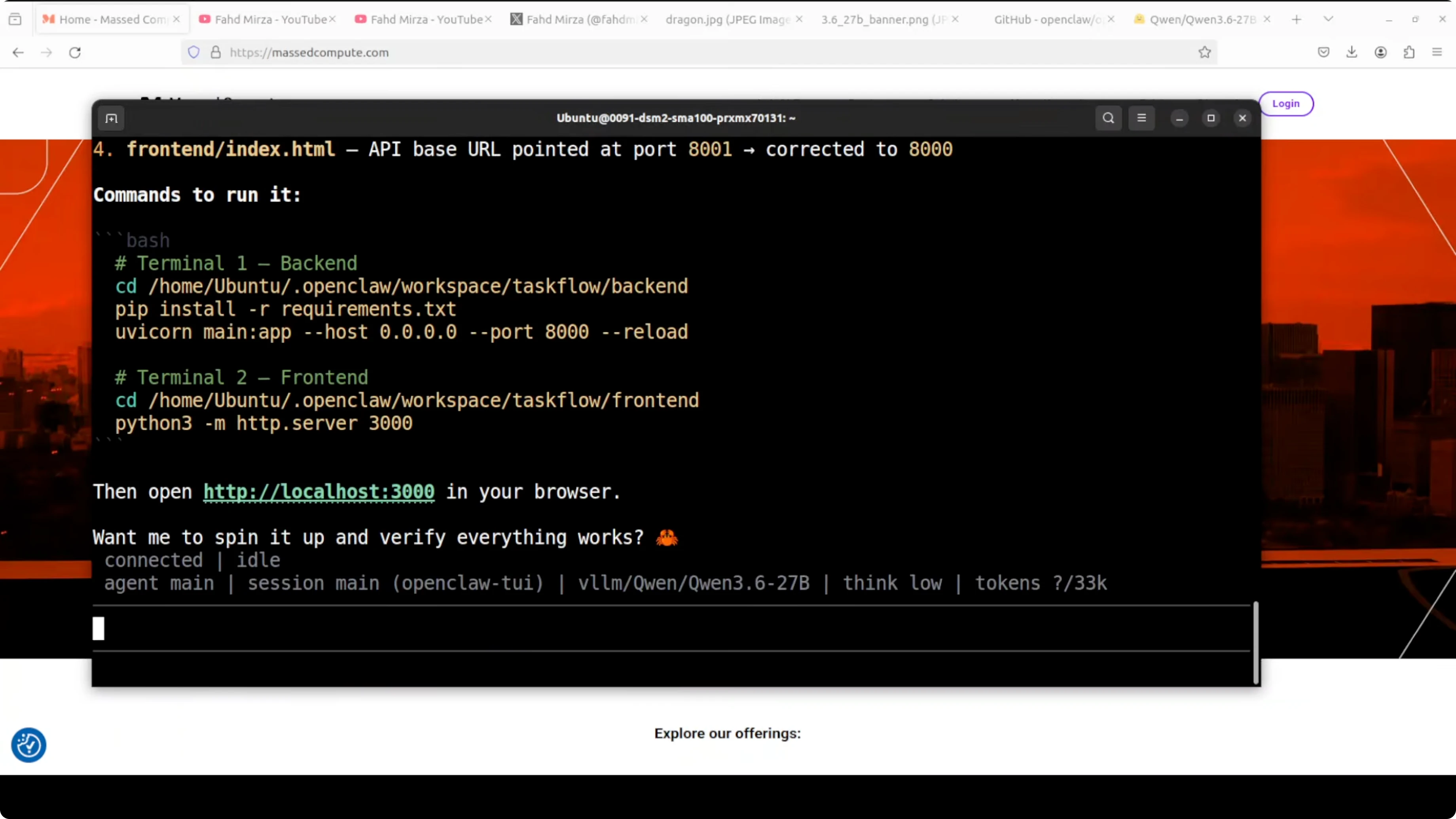
Launch the terminal user interface for direct interaction. Say hello and confirm a basic response end to end.
openclaw tuiFor a broader comparison of deployment choices and accuracy constraints when running locally, refer again to the notes on full precision vs Ollama Qwen3.6.
Qwen3.6-27B + OpenClaw: prompt and workspace
By default, OpenClaw works inside its workspace directory. I point it to a broken FastAPI task management app with a React front end. The back end path and the front end path are provided.
The instruction is simple and direct. Read all files, identify every bug, fix them, and return exact commands to run the app. Then I wait for the agent to bootstrap.
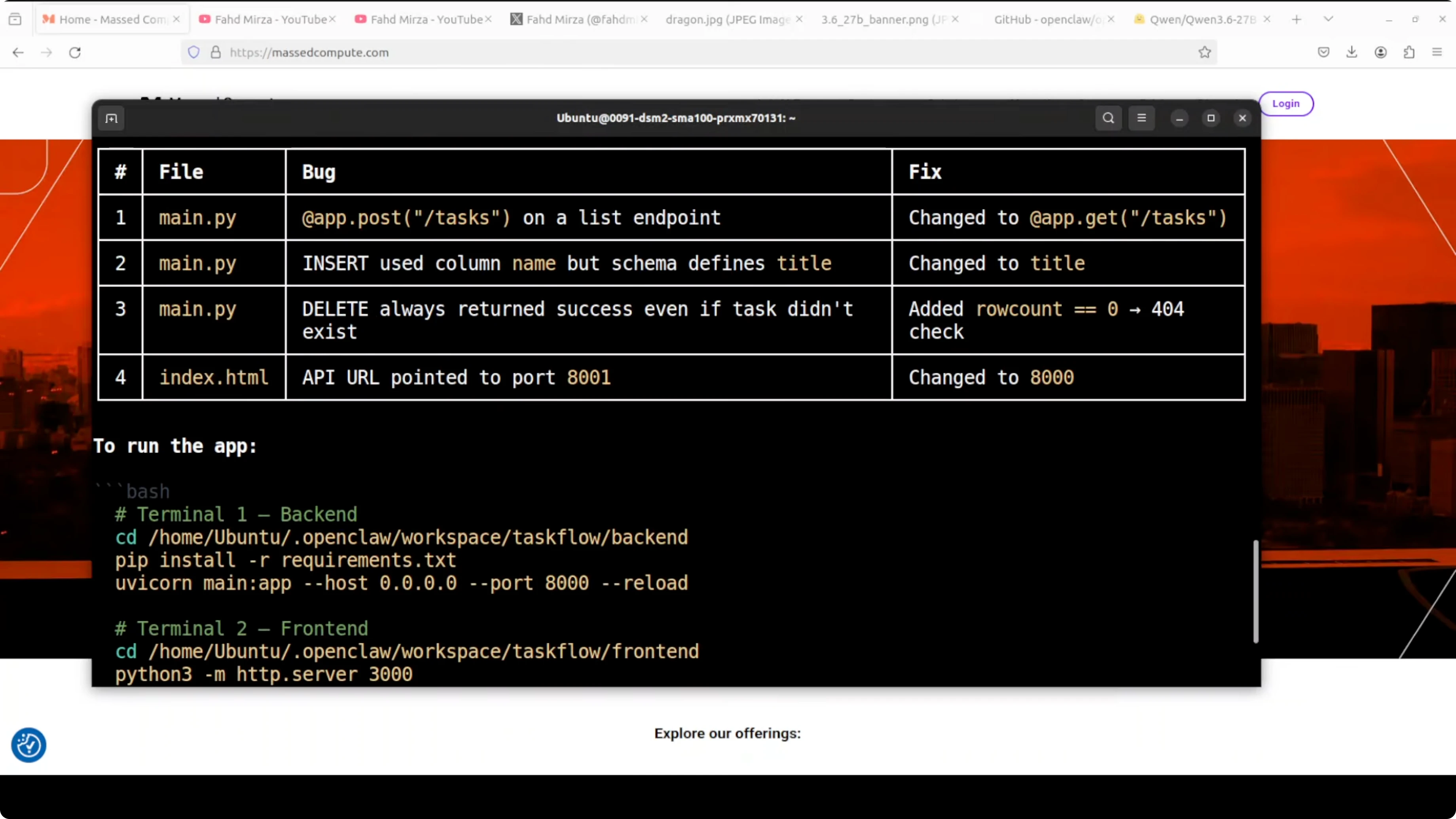
It immediately starts reading files and displays that it is using the local Qwen 3.6 27B model. It finds bugs across multiple files, proposes fixes, applies them, and posts the run commands. The exact bug and the exact fix show up side by side within seconds.
If you want more guided context on agent configuration on another stack, you can also check this short guide to the OpenClaw local agent.
Qwen3.6-27B + OpenClaw: run and test
I usually open two terminals to run back end and front end. You can also ask OpenClaw to spin everything up if it has the needed permissions. When the agent pauses and prints idle, type the command below to resume.
continueIf connections start failing, press Control C to interrupt and restart the gateway after it sets things. Add a clear instruction in your prompt about ports you do not want touched. This prevents the agent from terminating critical services during its scan.
Qwen3.6-27B + OpenClaw: port safety and guardrails
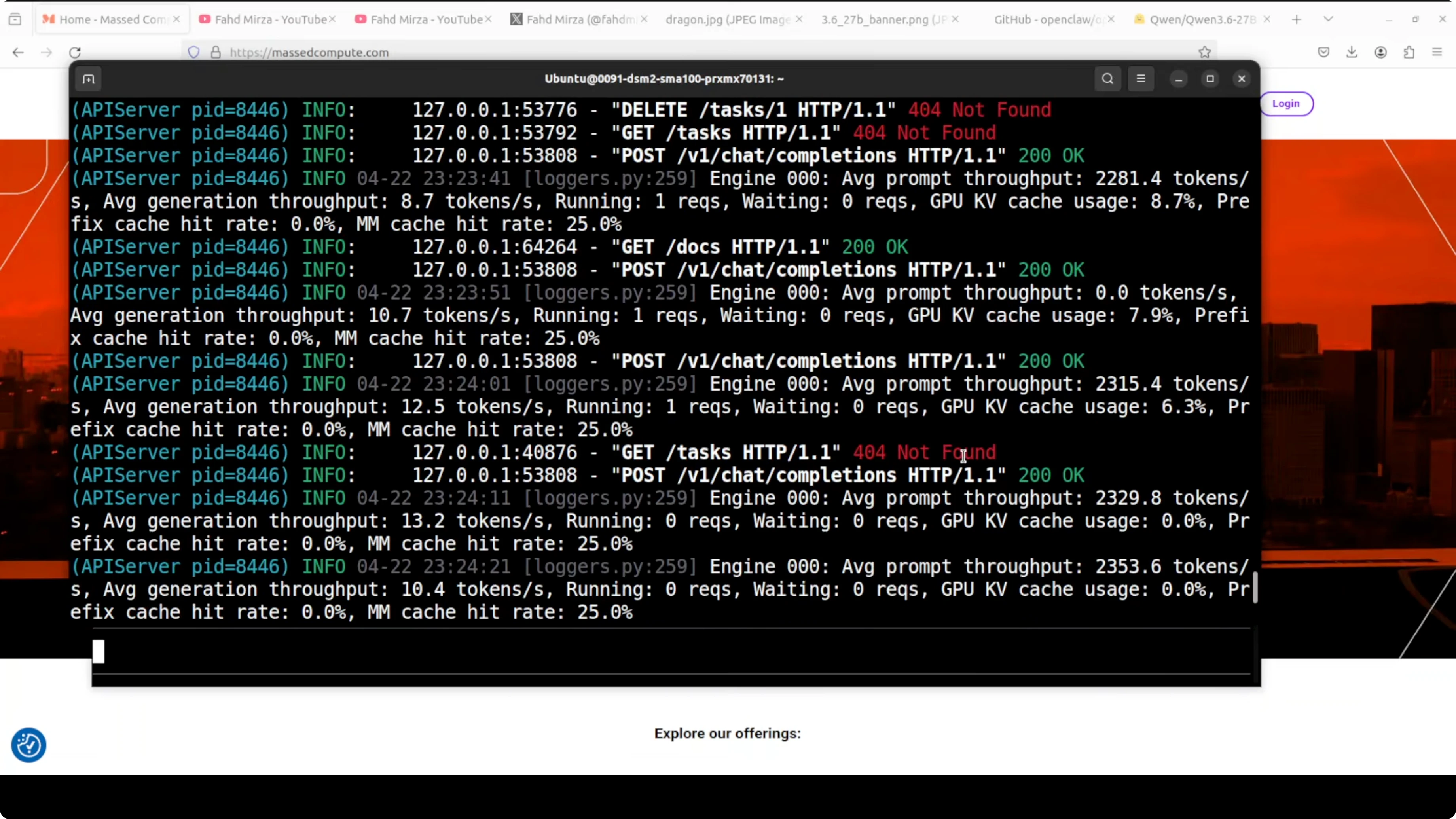
The agent needed port 8000 and attempted to find and kill the process using it. That port was serving vLLM, and it killed my model. Always add guardrails that forbid killing or reusing specific ports like 8000.
When vLLM restarts, OpenClaw can temporarily fail on connection attempts. Interrupt cleanly, restart the gateway, and update the prompt with a port restriction such as do not kill port 8000. Then continue with the run.
If you prefer an alternate OpenClaw workflow example, here is another setup walkthrough using Kimi K 2.6 that mirrors the same safety mindset.
Qwen3.6-27B + OpenClaw: app results
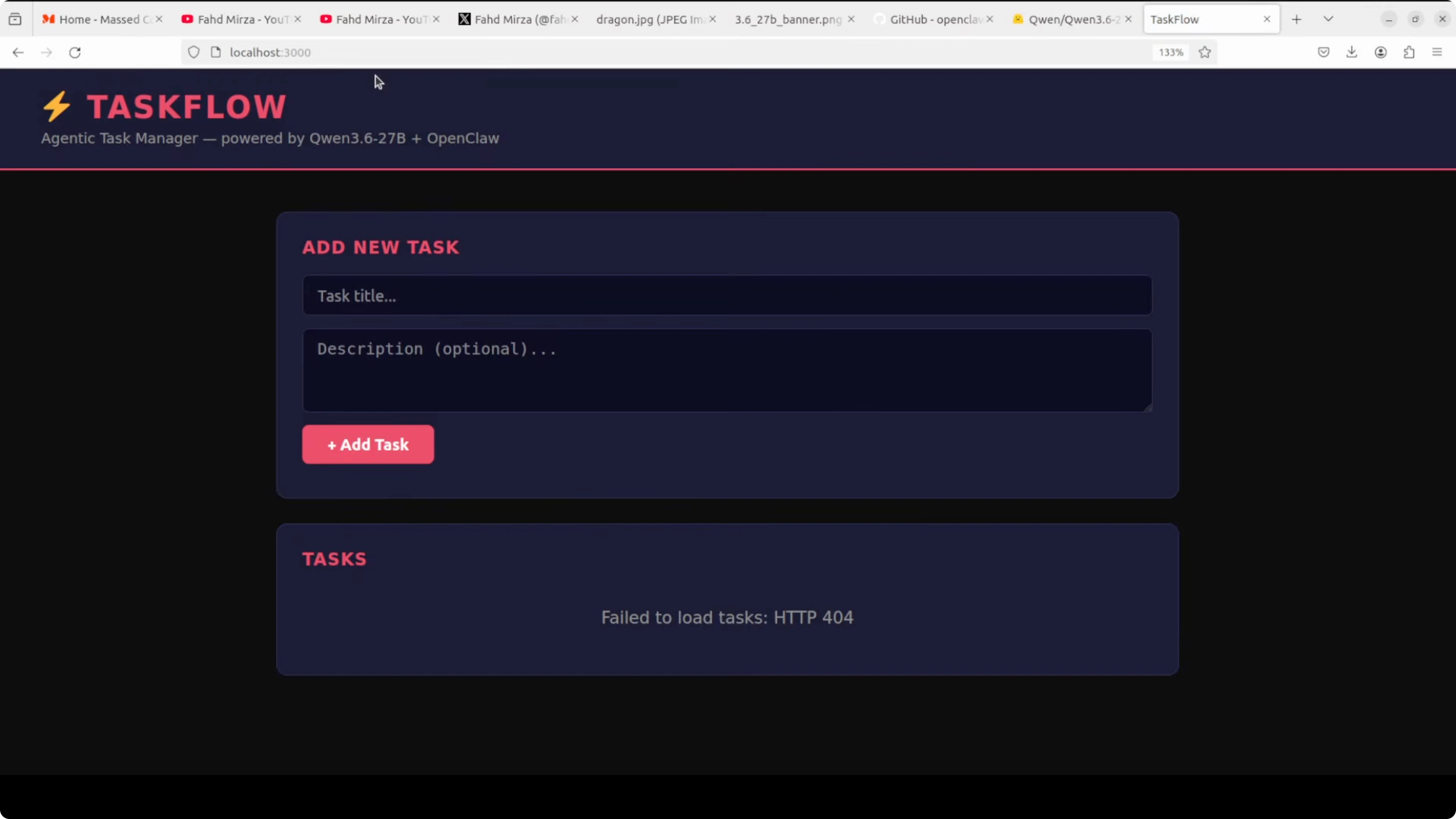
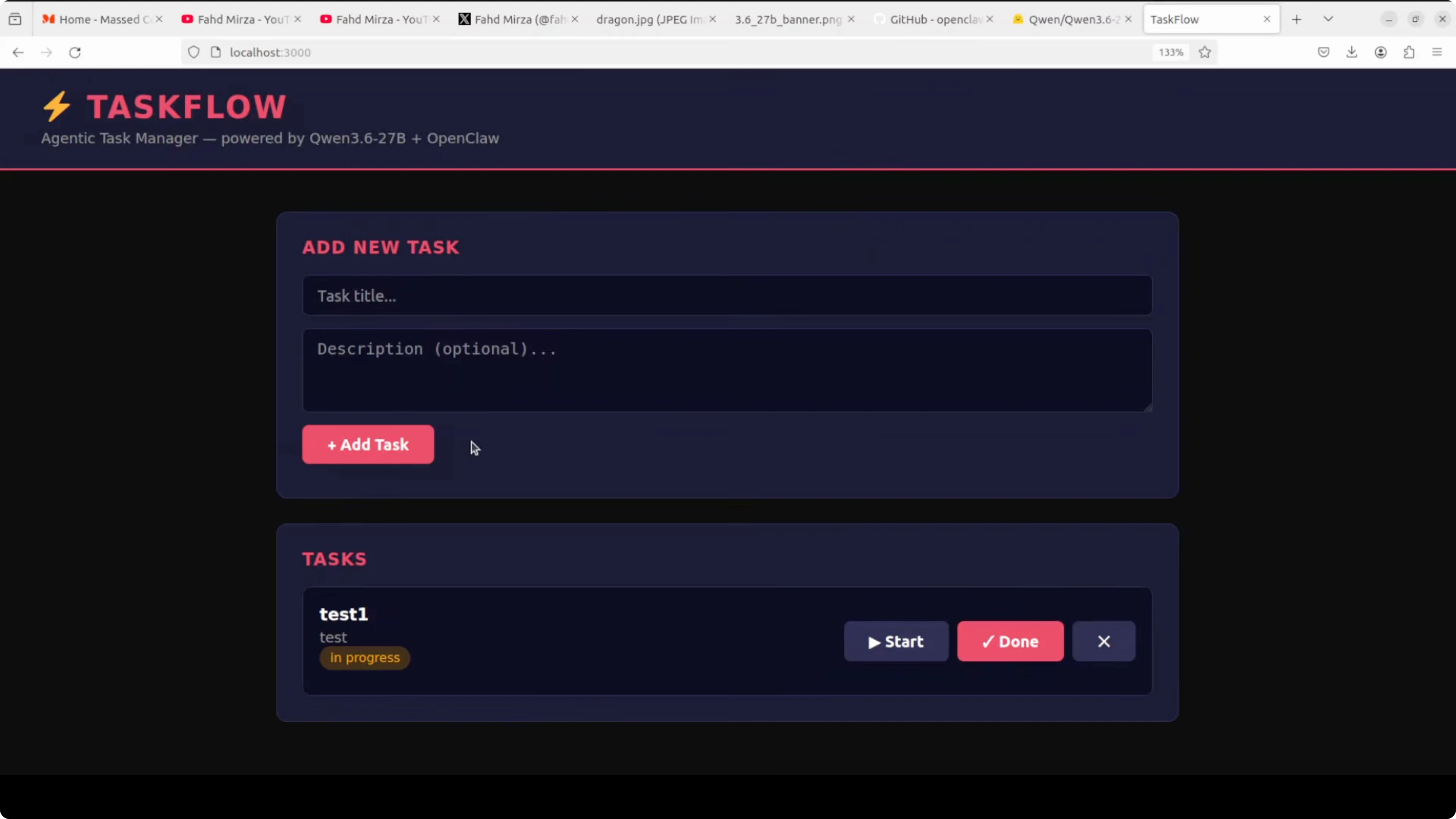
The back end and front end both run cleanly after fixes. I open the front end at localhost on port 3000. The UI loads, which was not happening before the fixes.
At first the app reports not found on task creation due to a missing database in the back end. I ask OpenClaw to add the back end pieces and it does. After a quick refresh and another run, creating, deleting, and marking tasks done all work.
CRUD operations are now complete and stable. The agent provided a synopsis of the changes and the run procedure. Qwen 3.6 27B, running locally through vLLM, read multiple files, tracked bug causes, applied precise fixes, and delivered a working app.
If you are weighing model families for coding heavy tasks, this head to head with Gemma 4 31B and Qwen offers useful signal. For another OpenClaw-focused walkthrough, see the companion guide on running OpenClaw locally.
Qwen3.6-27B + OpenClaw: step-by-step
Set up the local vLLM server on port 8000 and confirm it responds to OpenAI-compatible routes.
Verify the model with curl to /v1/models and test a short chat completion.
Install OpenClaw and run the quick start wizard.
Choose vLLM as the provider and paste the local endpoint.
Accept defaults and finish setup, then run openclaw models list.
Launch the TUI with openclaw tui and send a greeting.
Prepare a clean prompt with project paths for back end and front end.
Add a clear rule in the prompt to avoid killing port 8000.
Ask OpenClaw to read all files, identify bugs, apply fixes, and return run commands.
If the session pauses, type continue.
If connections break, press Control C and restart the gateway, then continue.
Open two terminals and run back end and front end if you prefer manual control.
Open the front end at localhost on port 3000 and validate CRUD.
Use cases for Qwen3.6-27B + OpenClaw
Multi file debugging across Python back ends and TypeScript front ends where issues are scattered across routes, models, and components. Refactoring large modules into smaller units with tests while preserving API behavior and build scripts.
Framework upgrades that require coordinated changes across config, middleware, and dependency trees. Security-focused passes that locate risky shell-outs, unsafe subprocess calls, and misconfigured CORS rules.
Repository audits that add linting, formatters, and CI jobs with explicit runbooks. Containerization runs that produce Dockerfiles and Compose files aligned with your local run commands.
For more context on model behavior in coding scenarios, you can also skim these coding test comparisons before tuning prompts.
Final thoughts
Qwen 3.6 27B runs well locally on a single A100 and pairs cleanly with OpenClaw for multi file coding and debugging. It reads broadly, reasons step by step, and applies exact fixes with strong recall across a project.
Be mindful of port safety and permissions, because an agent can terminate the very model it depends on. It rarely works perfectly on the first pass, so expect a couple of iterations and add prompt rules that reflect your environment constraints.
Subscribe to our newsletter
Get the latest updates and articles directly in your inbox.

Related Posts

8 Best Claude Code Plugins in 2026 (You Need to Know)
8 Best Claude Code Plugins in 2026 (You Need to Know)

7 Best Claude Code Skills (You Need to Know)
7 Best Claude Code Skills (You Need to Know)

Claude Code Desktop IDE Features (You Need to Know)
Claude Code Desktop IDE Features (You Need to Know)