
How Kimi K2.6 and OpenClaw Collaborate to Build Apps?
OpenClaw Error Fixer
Paste any OpenClaw error and get the exact fix instantly — cause, steps, copy-ready commands, and related guides.
Kimi K2.6 is out and I wired it into OpenClaw to do something unique. I ran two completely independent agents at the same time, each handling a different part of the same long horizon coding project. It makes sense to test this pairing because Kimi K2.6 brings a mixture of experts with 32 billion active parameters, a 256k context window, and strong agentic benchmarks.
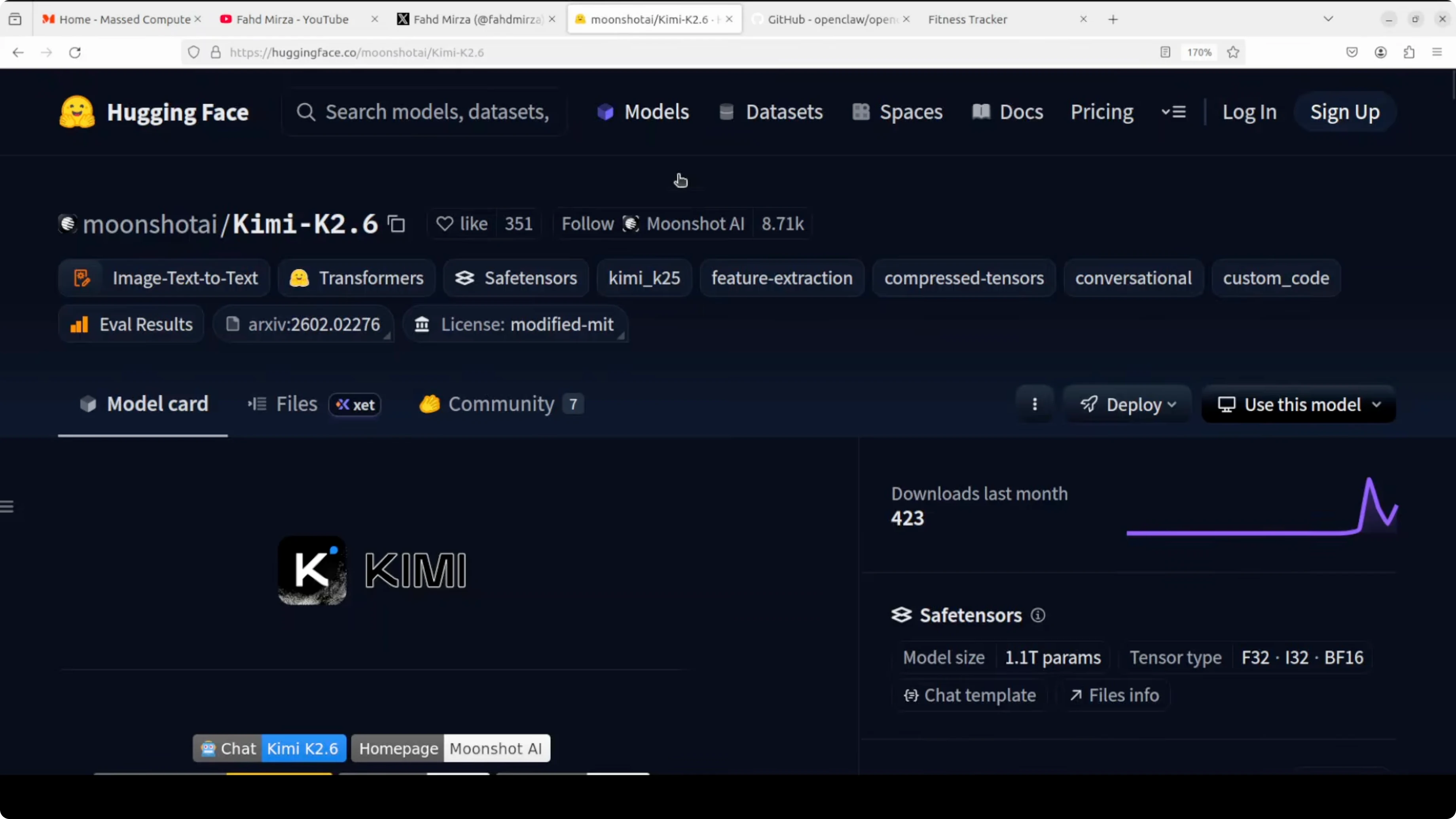
I used the hosted API based Kimi K2.6, and it is also available with weights so you can install it locally. For model background and specs, see this overview of Kimi K2.6. I will show how I set it up with OpenClaw and then how the two agents collaborated to build a full app.
Installing OpenClaw and Kimi K2.6
I started with a quick install using the one liner provided by OpenClaw. I went with the default vanilla configuration and quick start. I selected the hosted provider from Moonshot for the model.
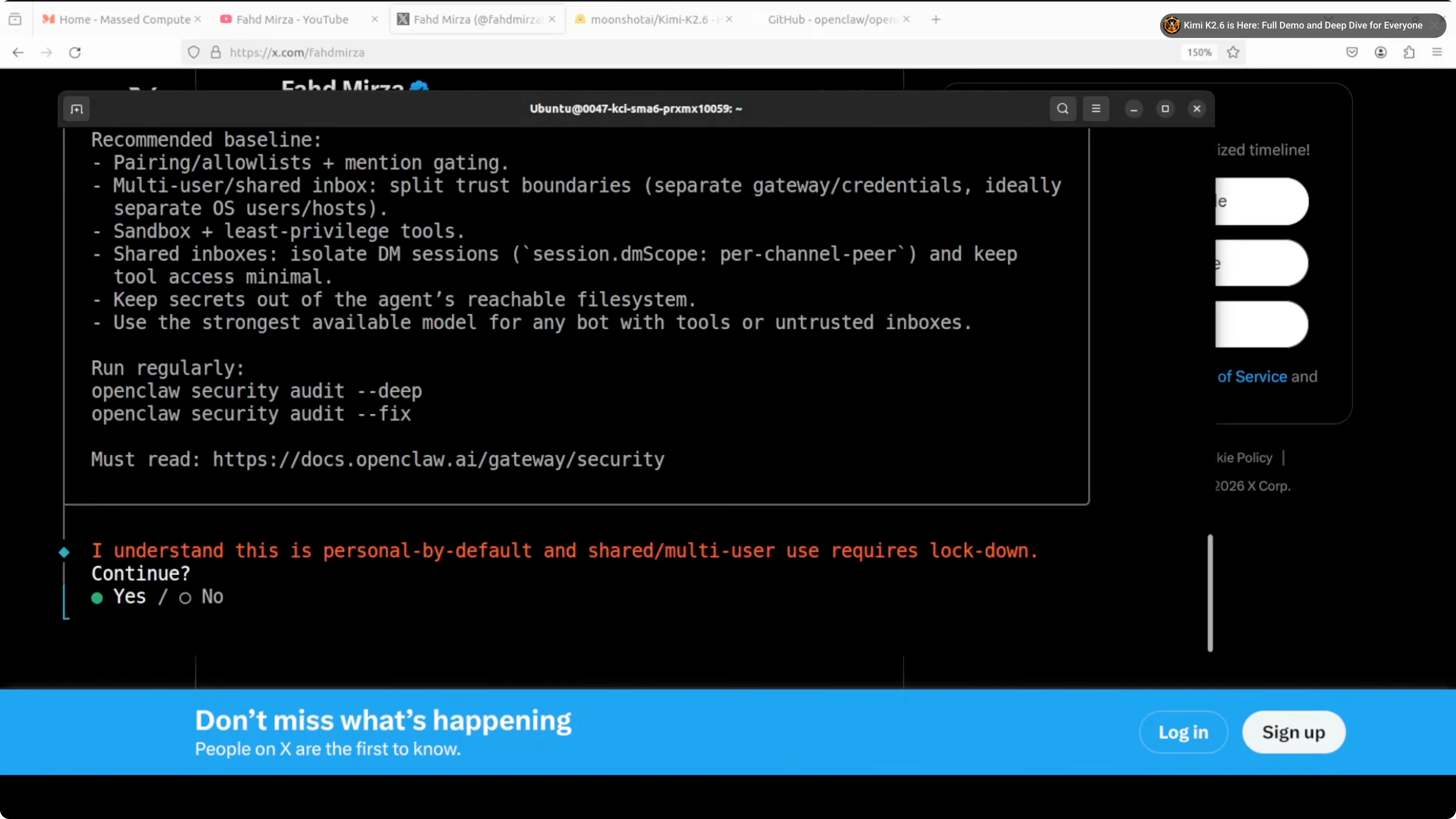
I entered my Kimi API key from the Moonshot platform. If you prefer a visual route, you can explore the OpenClaw dashboard guide. If you like working from the terminal, the terminal UI for OpenClaw is also an option.
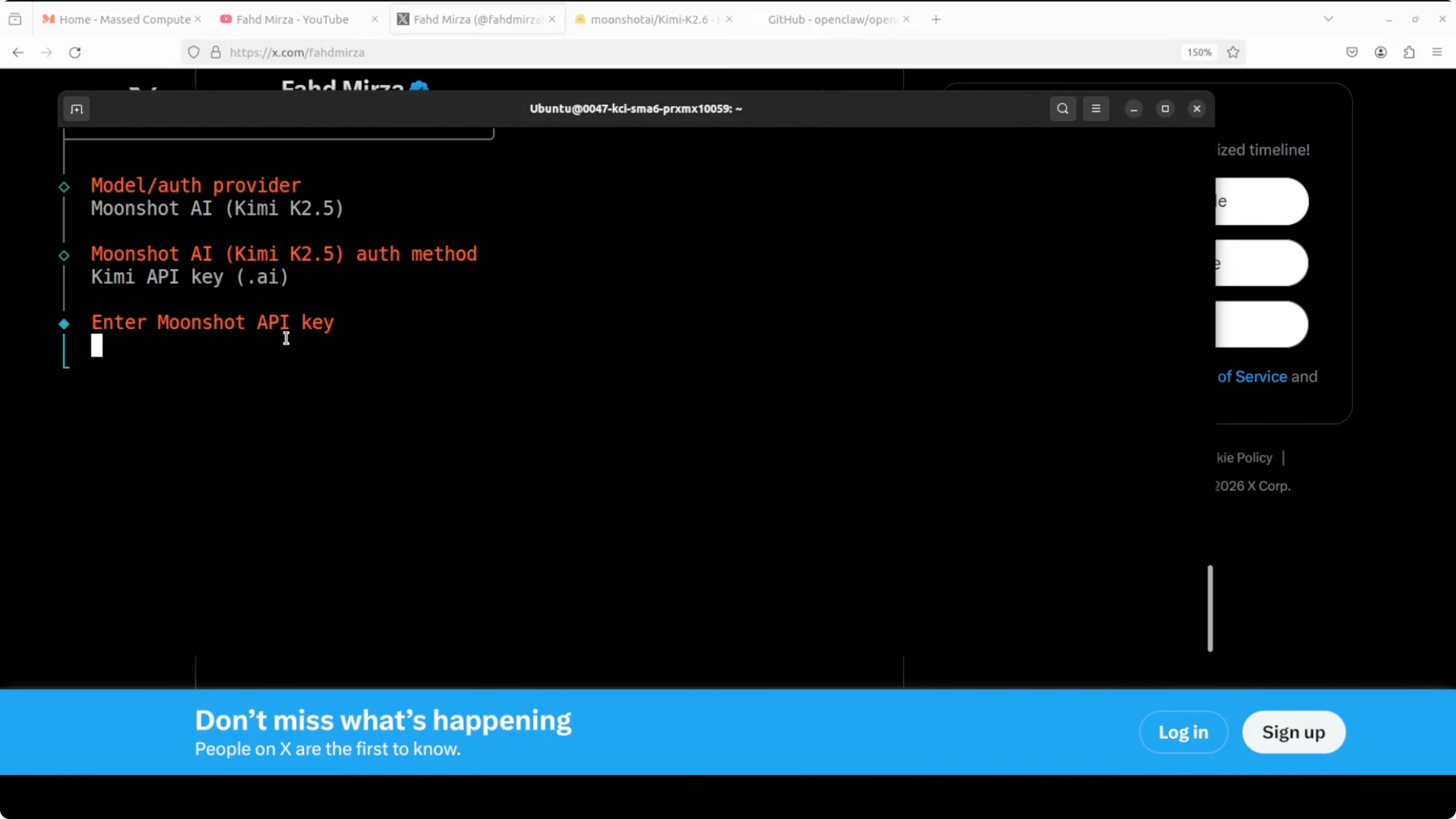
By default the selector still showed K2.5 because we are early in support. I switched to enter model manually and changed the value from 5 to 6. That set the model to Kimi K2.6.
I saw a model not found message right after the change. I updated the agents.default via its CLI command and restarted the OpenClaw gateway. After the restart the endpoint resolved correctly.
To verify the setup I listed the models. You should see Kimi K2.6 set as default and configured.
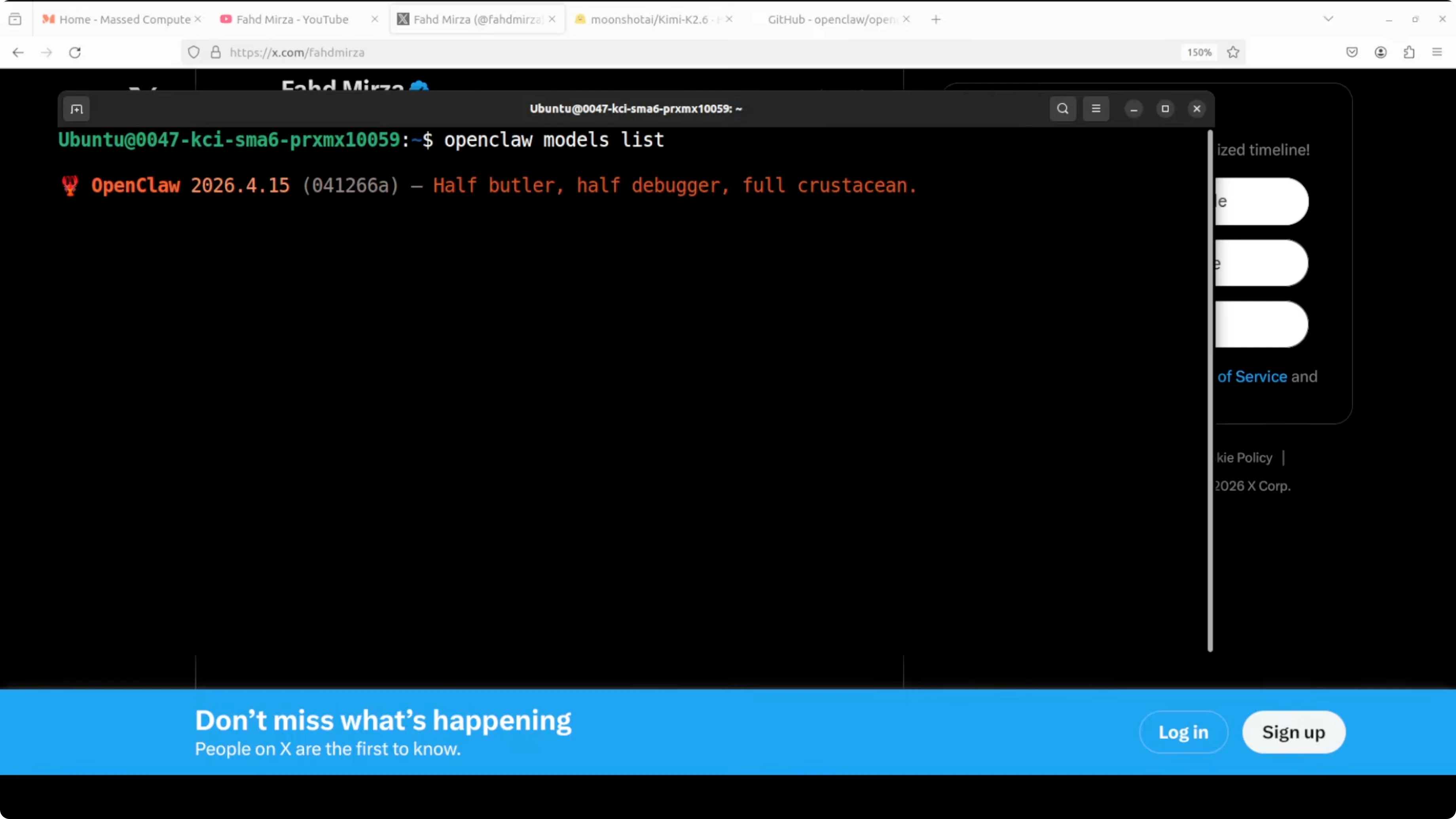
openclaw models listHow Kimi K2.6 and OpenClaw Collaborate to Build Apps?
I prepared a two agent demo with two terminal windows. In the first window I opened the architect session. In the second window I opened the implementer session.
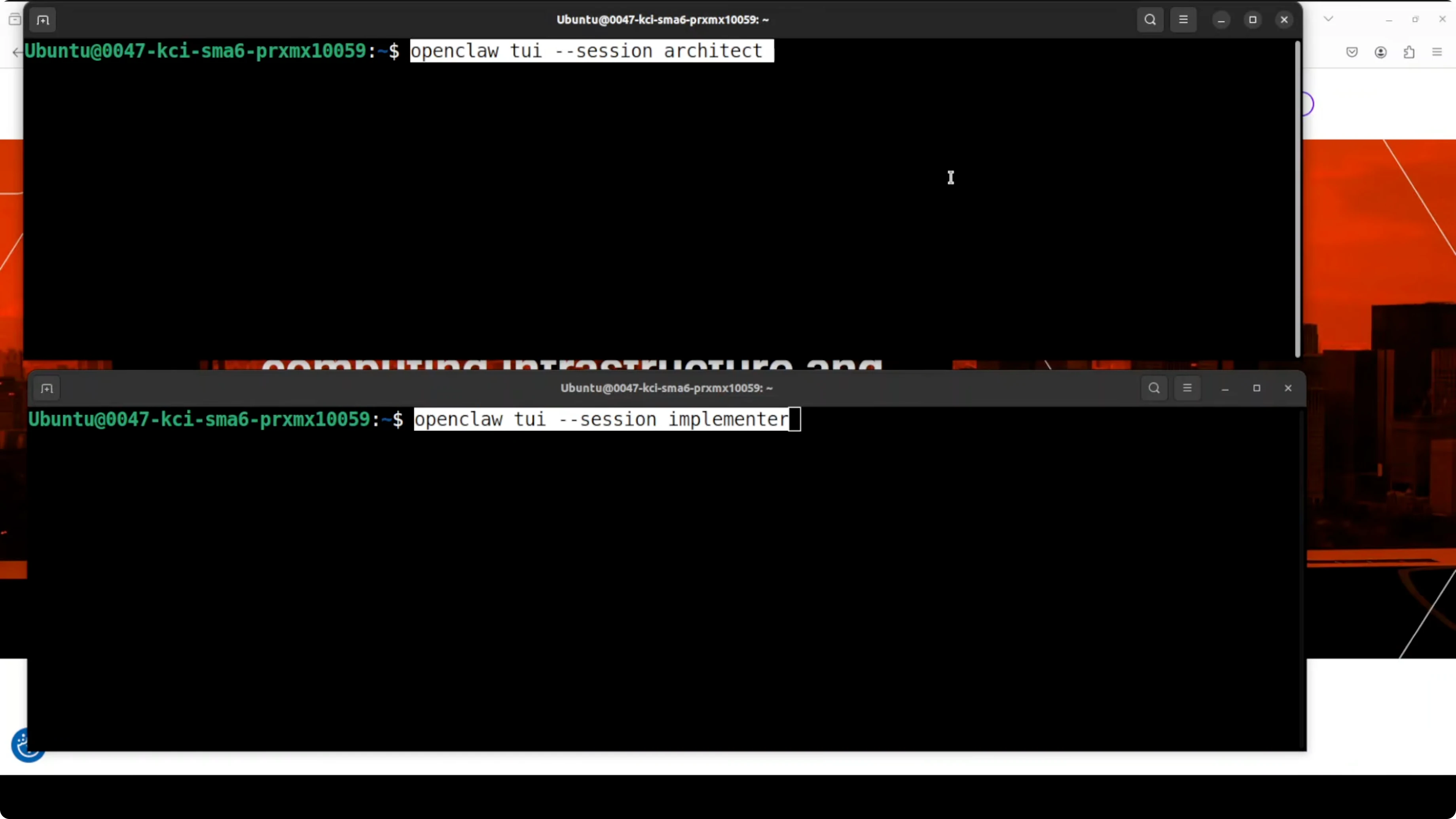
The project was a personal fitness tracker dashboard. The architect produced a detailed technical spec that covered component breakdown, data models, workout types, progress charts, streak tracking, calorie goals, color schemes, and layout. The implementer read that spec and built the complete React plus Vite app.
Both sessions connected and started immediately. I asked the agents to not stop or ask questions and just build. It scaffolded the project and created the appropriate directories on its own.
The architect finished first and placed all the files. The spec was written to Spec.md along with the tasks. The implementer watched for the spec and began building the UI the moment it landed.
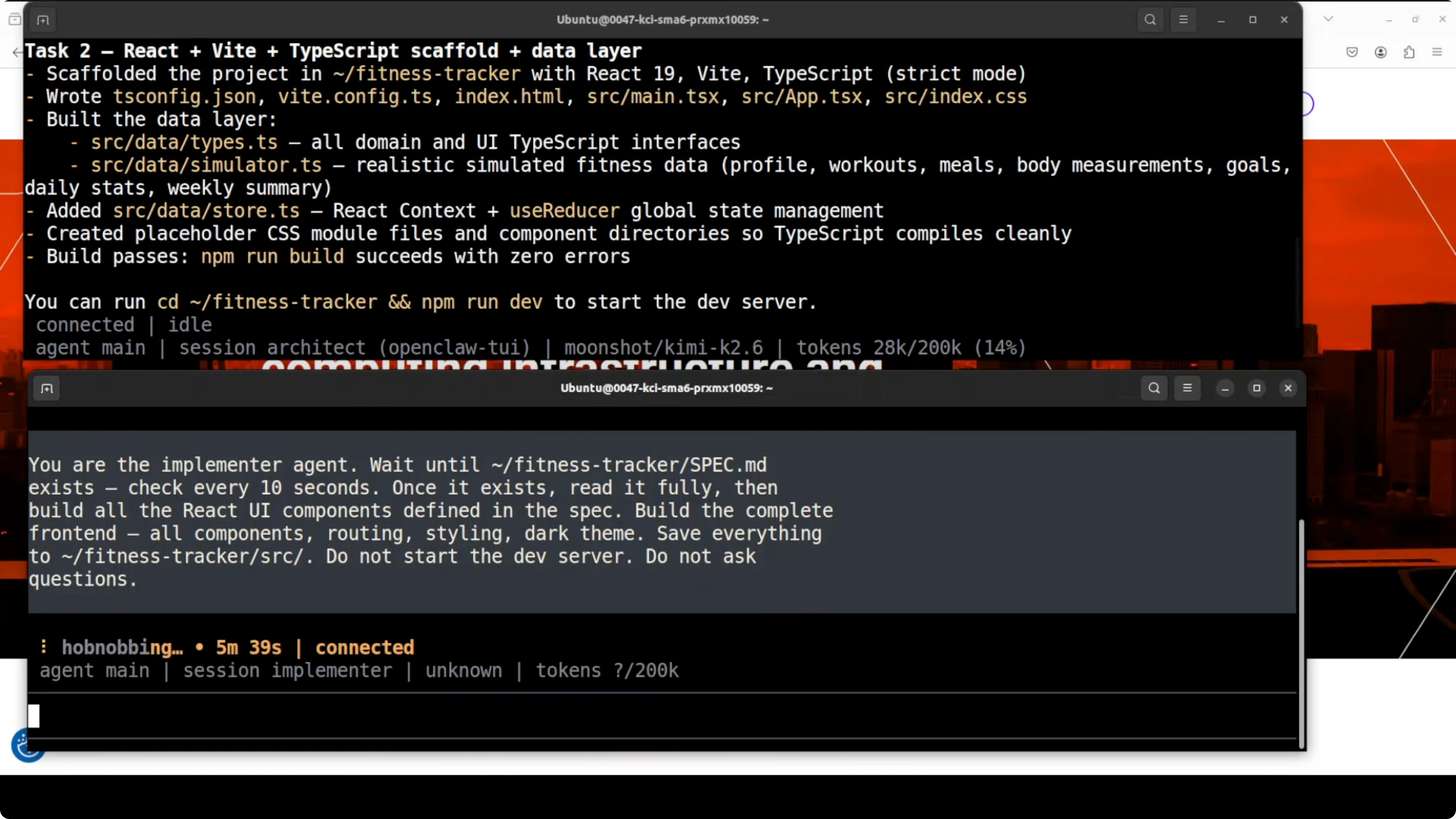
Architect role
The architect focused on the overall design and the data layer. It described entities for workouts, goals, streaks, and progress metrics with fields that make sense for a fitness tracker. It also defined the component structure and color and layout guidance to keep the UI cohesive.
It produced a clear sequence of tasks and a single source of truth in the spec. The spec landed as Spec.md in the repository. That allowed the implementer to consume it without any back and forth.
If you want a deeper look into reasoning style that helps with multi step planning, see this write up on Kimi K2 thinking. That mindset maps well to the architect role. It helps maintain structure across long runs.
Implementer role
The implementer consumed the spec and generated the UI components. It scaffolded the React plus Vite project, created directories, and wired state for tracking workouts, goals, and streaks. It respected the spec structure and naming.
It built a working dashboard page with responsive components. It included a calendar, progress charts, goals, and an activity feed. It adhered to the color and layout choices described in the spec.
Run and verify
I opened a new terminal from the project root and started the server. The dev server came up cleanly. I opened the app at localhost 5173.
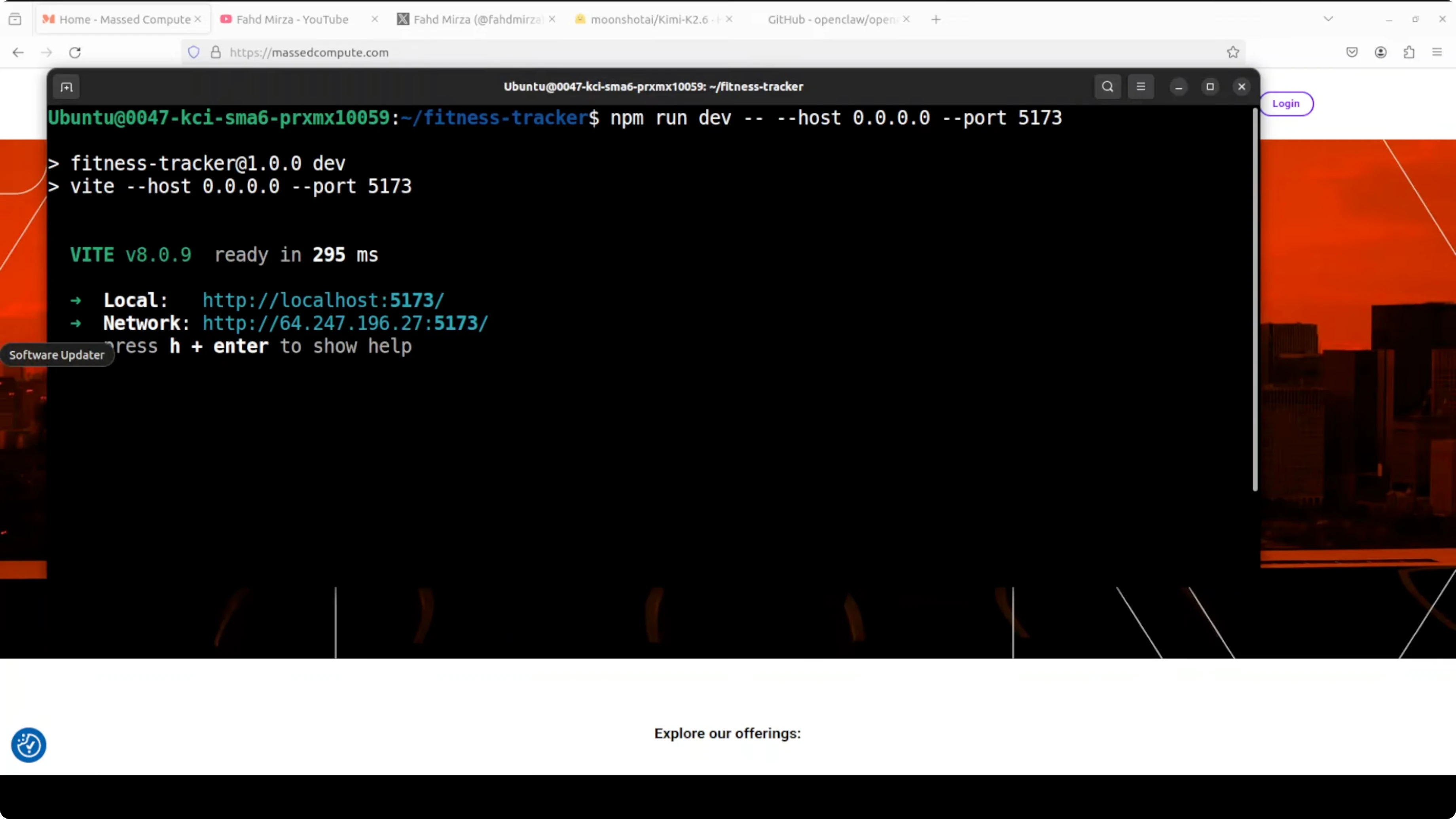
Two agents one model and zero human code were enough to produce a working app. The architect designed the spec and the entire data layer. The implementer read the spec and built every UI component.
Results
The fitness tracker app included a dashboard with a responsive calendar. It had progress charts, goal tracking, and an activity feed by date. The whole tracker was there in a single run through OpenClaw.
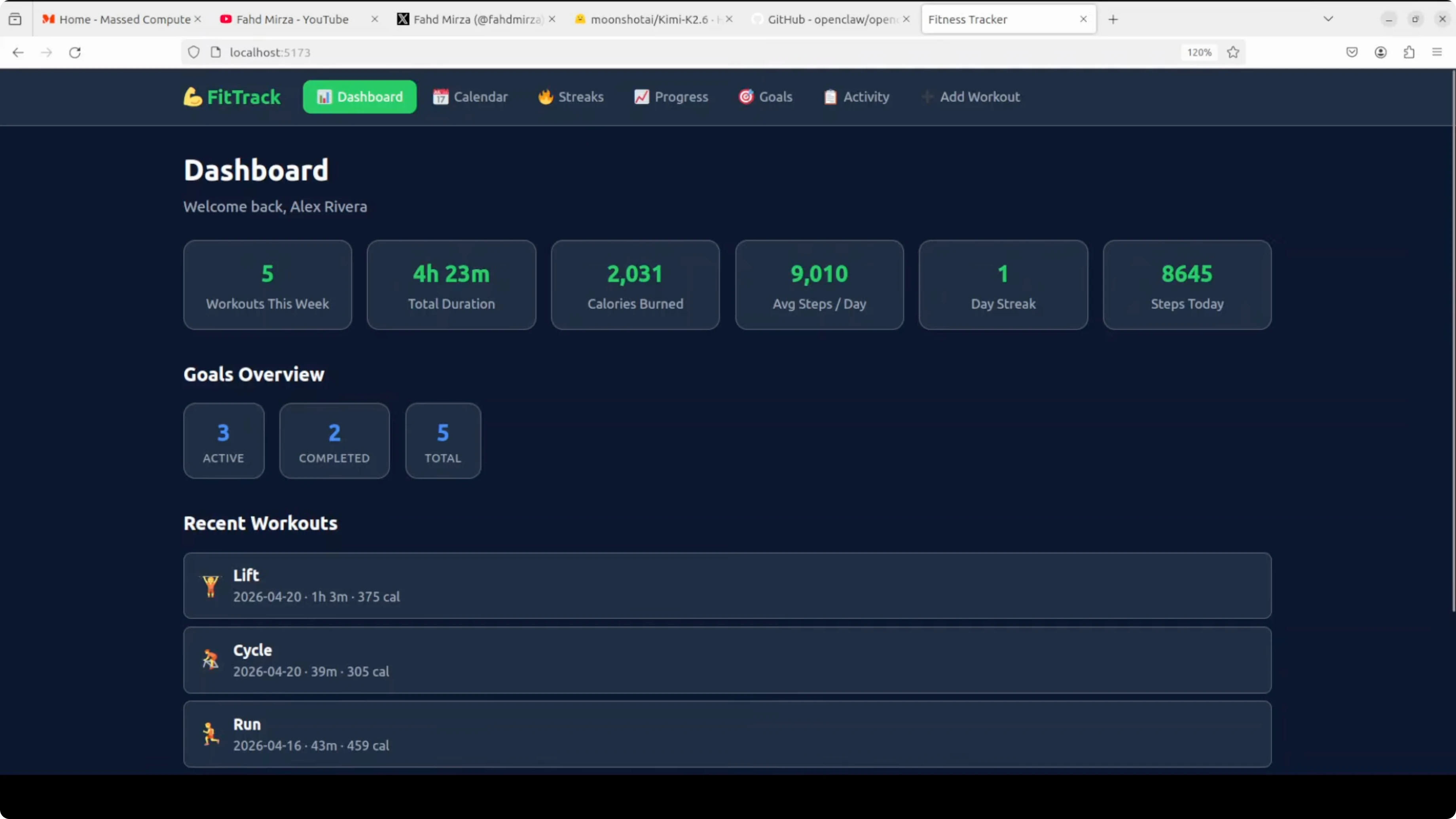
I added a sample workout and the dashboard metrics updated. Workout count, calories, and duration changed as expected. State management worked across the views.
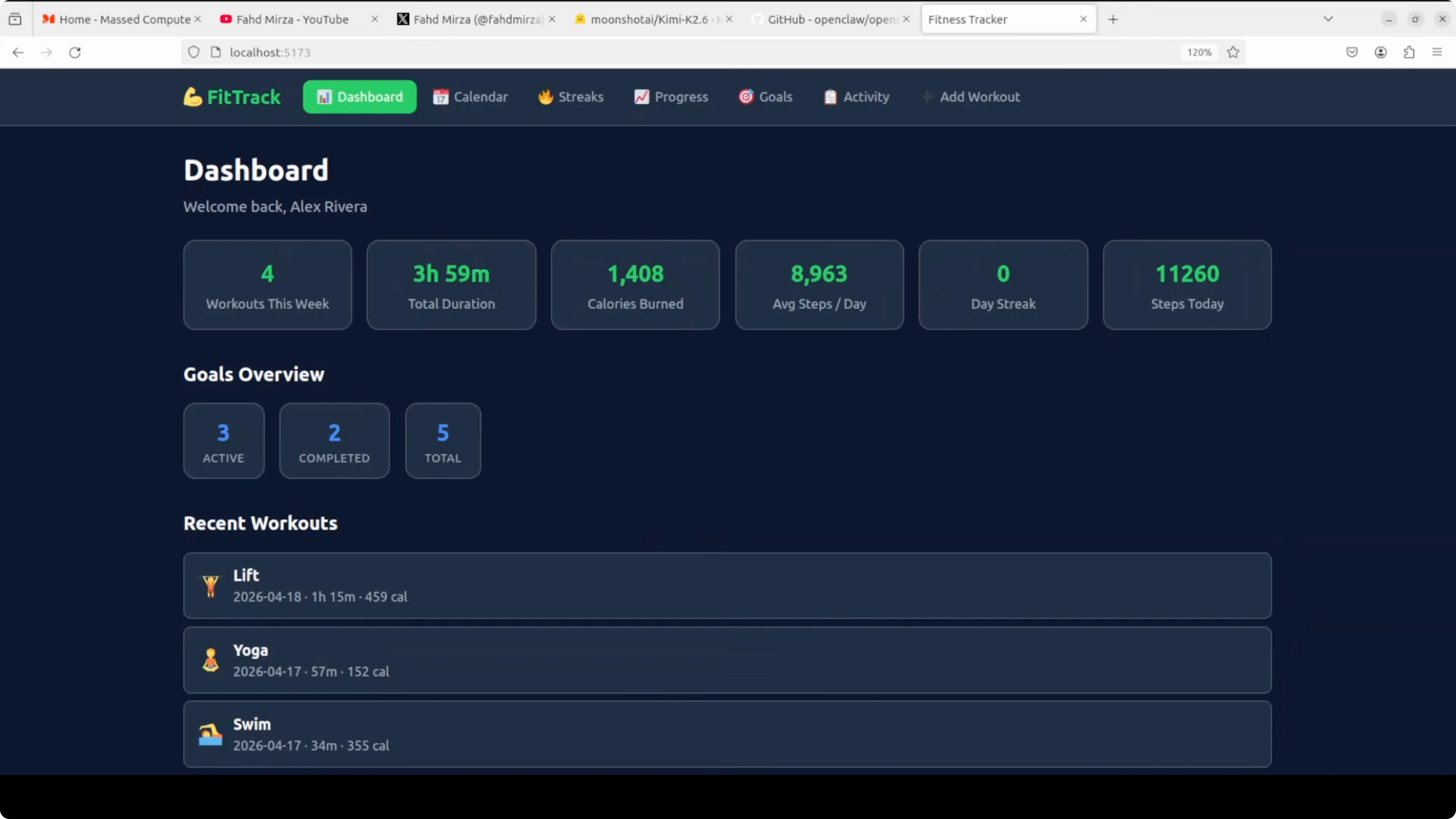
This run showed what a one trillion parameter model looks like when you give it tools, an agent loop, and a real task. This was not a benchmark but a working application built by two agents collaborating on a single machine. It coded for days without interruption.
Practical uses
You can point this setup at internal dashboards for product analytics and user activity. You can build wellness and habit apps with streaks and calendar views. You can accelerate prototypes that need a clear spec and a ready UI in hours.
You can split complex projects by scope and let the architect own design and data while the implementer owns the interface. You can regenerate parts safely by editing the spec and letting the implementer re read the updated file. You can keep long context across sessions thanks to the 256k window.
Troubleshooting and tips
If you see model not found after selecting Kimi K2.6, update agents.default with the proper provider and model name, then restart the gateway. Verify afterward with the models list command. For recurring setup issues, refer to the OpenClaw error fixer.
If your terminal UI or dashboard is not connecting, confirm your API key environment is visible to the gateway. Check that the provider supports the K2.6 endpoint in your region. The dashboard guide and the terminal UI guide can help validate connectivity.
Final thoughts
Two independent Kimi K2.6 agents inside OpenClaw built a full fitness tracker from spec to UI. The architect wrote a comprehensive spec and data layer, and the implementer followed it to ship the app. This setup is practical for real projects that benefit from clear roles, long context, and hands free execution.
Subscribe to our newsletter
Get the latest updates and articles directly in your inbox.

Related Posts

8 Best Claude Code Plugins in 2026 (You Need to Know)
8 Best Claude Code Plugins in 2026 (You Need to Know)

7 Best Claude Code Skills (You Need to Know)
7 Best Claude Code Skills (You Need to Know)

Claude Code Desktop IDE Features (You Need to Know)
Claude Code Desktop IDE Features (You Need to Know)