
Table Of Content
- Kimi K2.6 Released: overview
- Benchmarks and code performance
- Kimi K2.6 Released: storm simulation
- Reproduce the simulation
- Kimi K2.6 Released: multilingual one-liners
- Multilingual prompt
- Kimi K2.6 Released: thinking mode for creativity and humor
- Thinking mode setup
- Kimi K2.6 Released: OCR on an Arabic page
- OCR prompt
- Kimi K2.6 Released: handwritten physics equations
- Physics prompt
- Kimi K2.6 Released: open weights and deployment
- Use cases
- Final thoughts
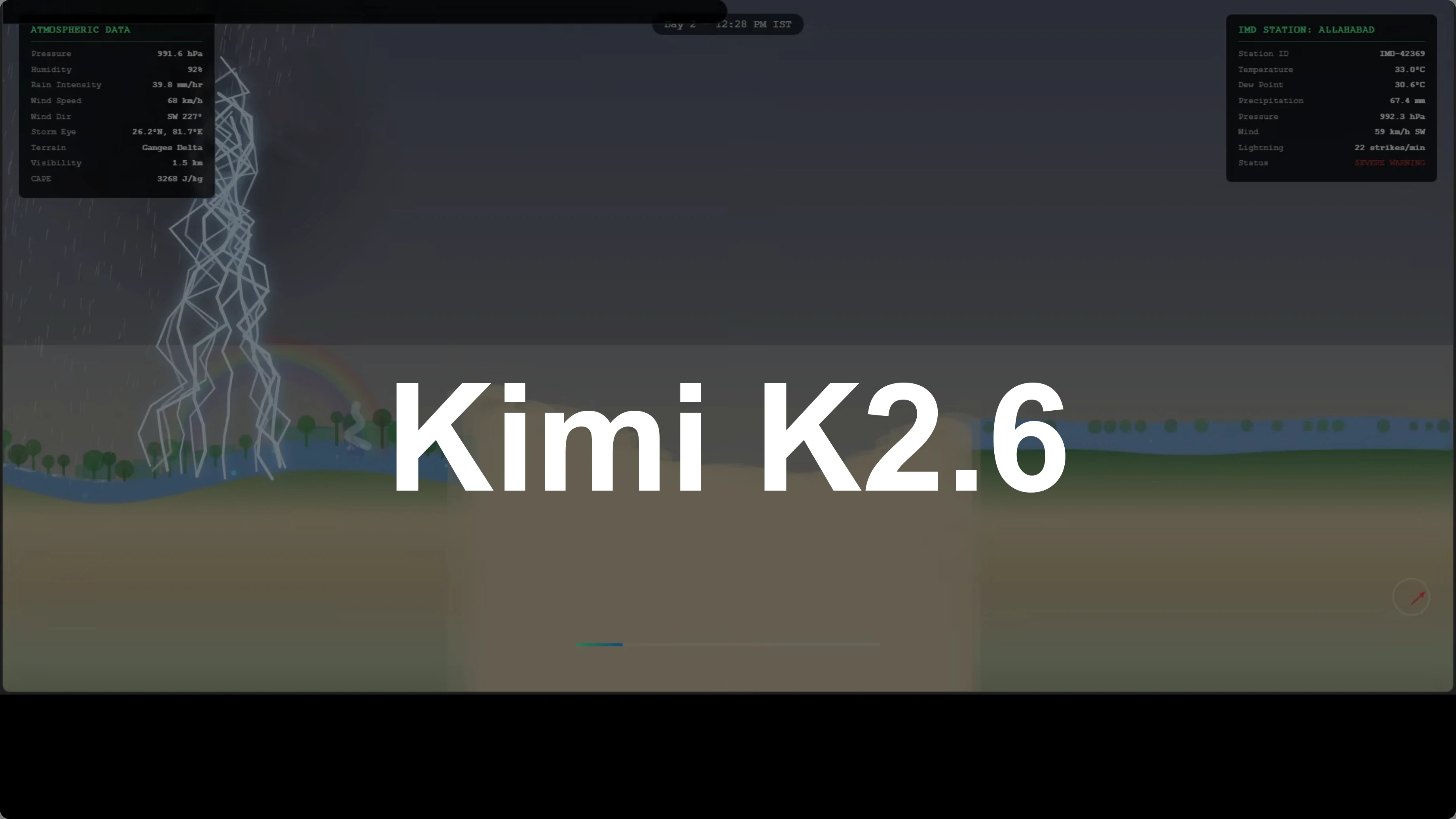
Kimi K2.6 Released: Full Demo and In-Depth Overview
Table Of Content
- Kimi K2.6 Released: overview
- Benchmarks and code performance
- Kimi K2.6 Released: storm simulation
- Reproduce the simulation
- Kimi K2.6 Released: multilingual one-liners
- Multilingual prompt
- Kimi K2.6 Released: thinking mode for creativity and humor
- Thinking mode setup
- Kimi K2.6 Released: OCR on an Arabic page
- OCR prompt
- Kimi K2.6 Released: handwritten physics equations
- Physics prompt
- Kimi K2.6 Released: open weights and deployment
- Use cases
- Final thoughts
Kimi K2.6 is here and open source AI just took another big step. I put it to the test right away with a coding prompt that asked for a real-time monsoon supercell simulation. The simulation needed to track a historical migration path from the Ganges plain in India westward across Rajasthan, then pass through the Sindh province of Pakistan, intensify over water bodies, and expose a bunch of features on screen.
What this prompt is testing is manifold. It is testing the model's ability to generate complex interactive simulations from detailed natural language and how exactly it thinks. It did a live web search with authentic tooling and executed Python code in its own sandbox.
Kimi K2.6 Released: overview
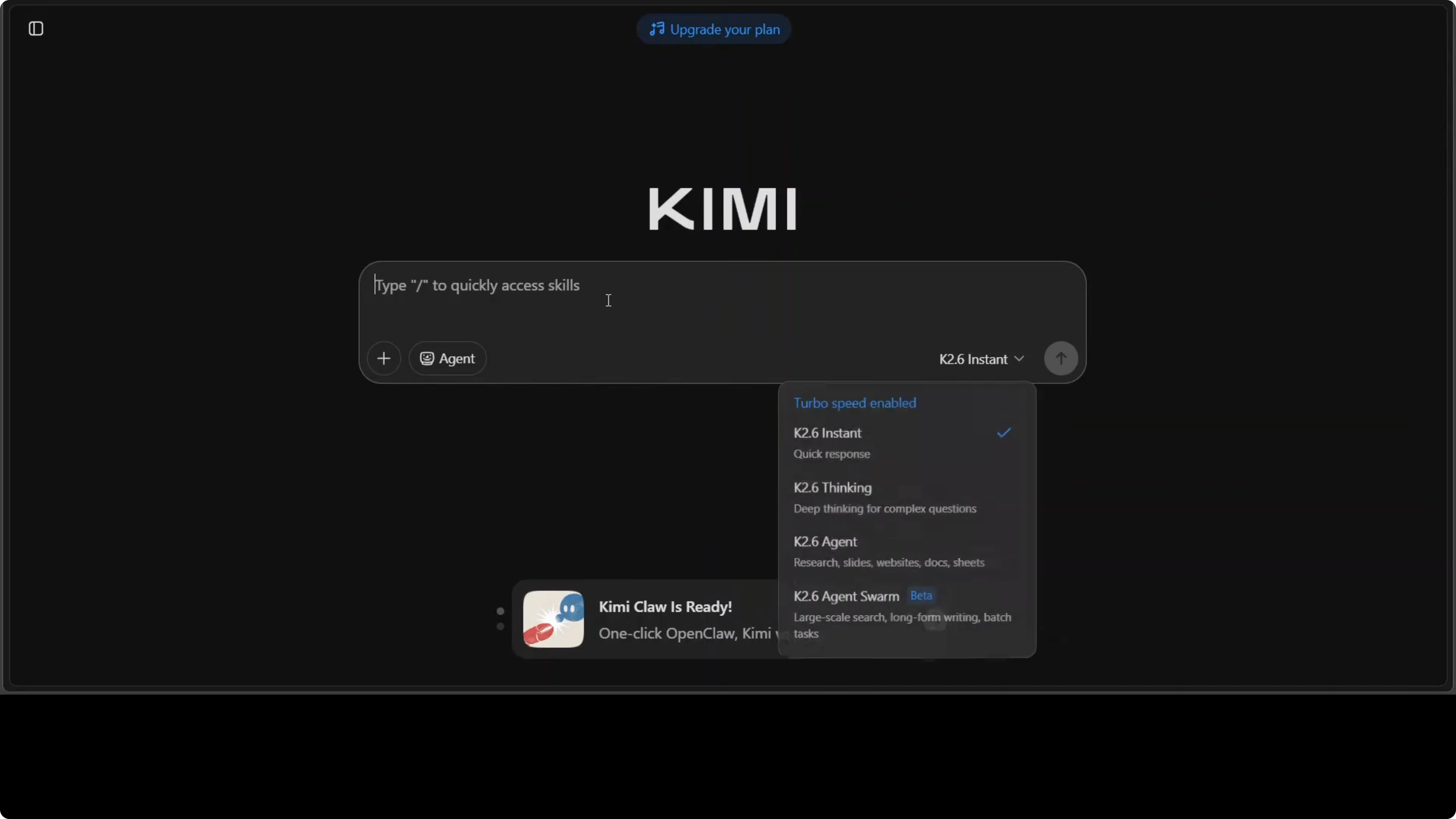
Kimi K2.6 uses a mixture of experts architecture with 1 trillion total parameters, but only 32 billion active at any time. The model routes each token through just eight of its 384 experts, keeping inference efficient while the full parameter set sits ready. It has 61 layers, a 256K token context window, and a built-in vision encoder called MoonWit for understanding images and video natively.
It supports int4 quantization, which makes local deployment easier. I also put both instant mode and thinking mode to work across tasks. If you want a deeper look at structured reasoning, see this breakdown of Kimi’s thinking strategies in Kimi K2 thinking.
Benchmarks and code performance
CodeBench is simply very impressive here. The difference between K2.5 at 57.4 and K2.6 at 68.2 is around an 18 percent jump. This coding evaluation tests the model on real-world programming tasks, including code generation and repo level reasoning.
A jump of this size between consecutive versions suggests a meaningful architectural or training breakthrough. That aligns with what I observed during hands-on testing. For context on how another top model stacks up across complex tasks, see this detailed look at Claude Opus evaluation.
Kimi K2.6 Released: storm simulation
Kimi generated the entire storm system as a single HTML file with no external dependencies. In the browser the simulation runs with atmospheric data on the left and a labeled IMD station in Varanasi on the right. The storm moves across India into Pakistan, with zones, day and night transitions, rainbows, changing terrain, wind-blown trees, and vivid lightning.
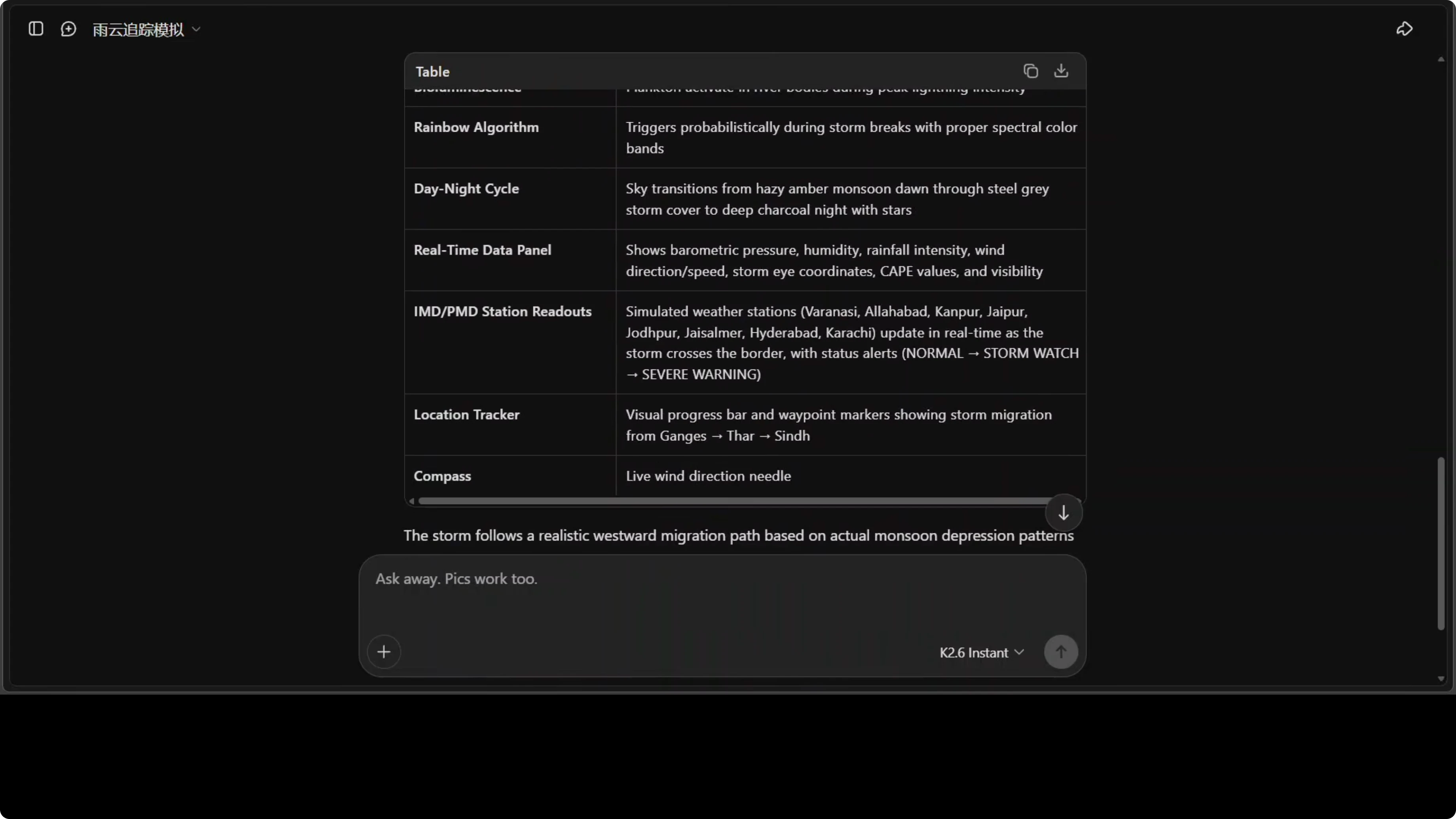
Time advances continuously and the weather parameters update as the system migrates. Several aspects can be improved, but producing a feature-rich, standalone HTML simulation from prompt only is strong. I generated it in instant mode, not thinking mode.
Reproduce the simulation
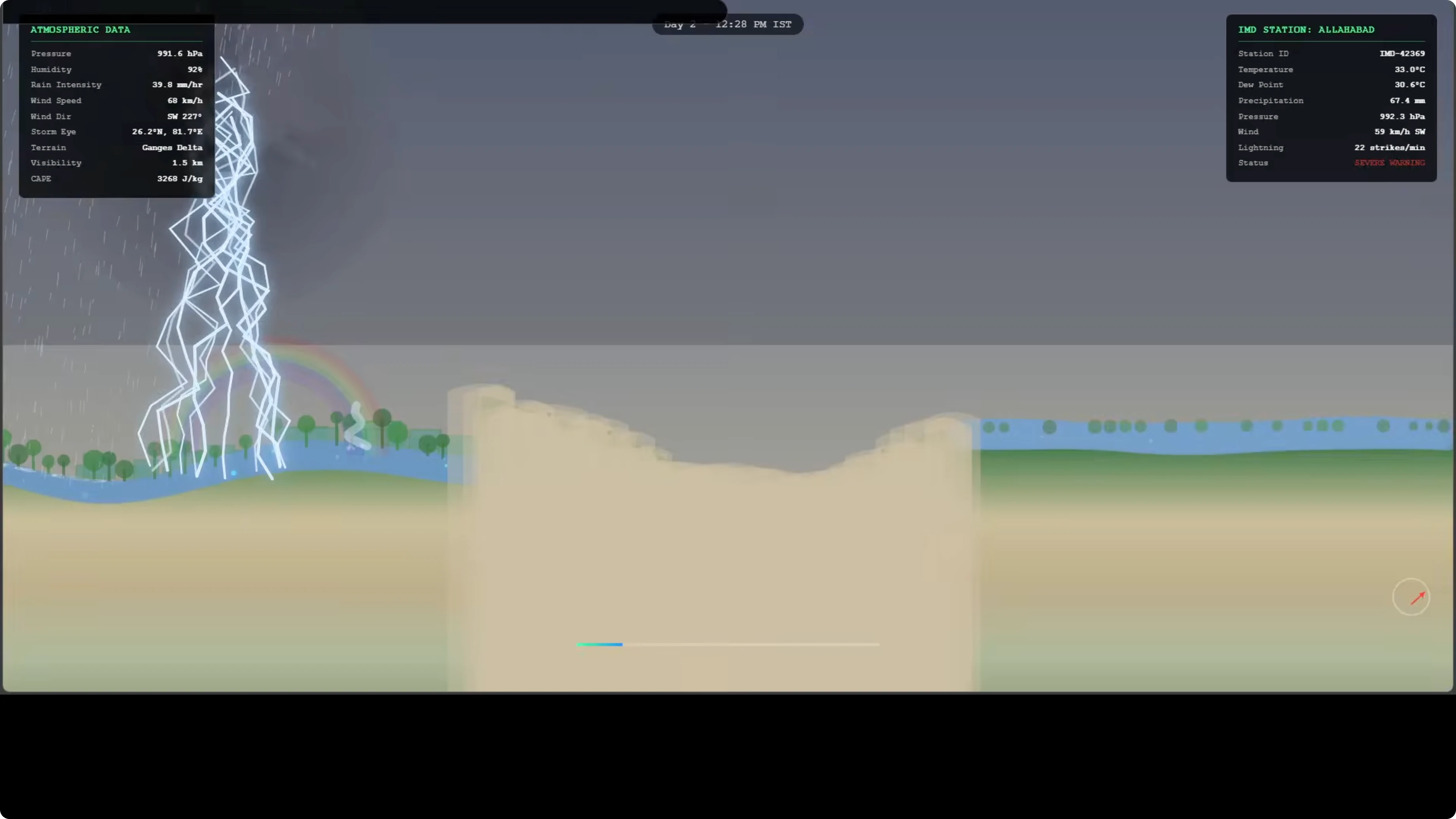
Open Kimi and select instant mode. Paste the prompt asking for a real-time monsoon supercell simulation that tracks from the Ganges plain across Rajasthan into Sindh, intensifies over water, and outputs a single self-contained HTML file. Ask for labeled UI panels with atmospheric metrics, a visible time-of-day cycle, dynamic visuals for wind, terrain changes, and lightning, and no external assets or build steps.
You can also phrase the prompt like this:
Create a single self-contained HTML file that simulates a real-time monsoon supercell. Track its historical migration from the Ganges plain in India westward across Rajasthan, then across Sindh province in Pakistan. Include evolving intensity over water bodies, a visible day-night cycle with stars and rainbows, wind effects on trees, lightning, and a left panel with atmospheric data. Label IMD station Varanasi on the right. Do not use external assets or dependencies.Kimi K2.6 Released: multilingual one-liners
I tested multilinguality in instant mode with a high-energy event. The task was to write a single breathtaking, excited one-liner in a wide set of global languages. The sentence anchor was, “The sky itself has ignited. Canada burns with a thousand years of light in green, purple and crimson.”
All 80 languages were covered with no skips. Each felt genuinely excited and culturally tuned rather than mechanical. One note: Tigrinya appeared identical to Amharic, which suggests the model conflated two distinct languages.
Multilingual prompt
Use this prompt:
For the first time in recorded history, the northern lights have appeared over Toronto, Niagara Falls, and Vancouver simultaneously in a spectacular display of vivid green, purple, and crimson aurora that is expected to last exactly 48 hours.

Write a single breathtaking, excited one-liner announcement about this event in each of these languages: [list your languages]. Keep the same meaning and energy in every language.
If you are comparing multilingual strengths across models, this overview of Claude Opus can provide useful context.
Kimi K2.6 Released: thinking mode for creativity and humor
I enabled thinking mode for a creativity test. The prompt asked, “What is life?” with quotes from a set of philosophers from across the world, plus a short entry from me. The model reasoned step by step, then answered with themes like redemption, dialogue, and friendship, with distinct voices for Nietzsche, Freud, Schopenhauer, and Einstein.
The language felt natural and the humor was subtle. It stayed targeted while still exploring multiple angles. Watching the chain of thought unfold showed it thinking wide and deep while remaining anchored to the prompt.
Thinking mode setup
Turn on thinking mode. Provide your question and any quoted viewpoints you want the model to consider before forming its answer. Ask it to reason step by step internally, then present a concise response with distinct voices mapped to each thinker.
Read More: Claude Opus 4 6 Support Antigravity
Kimi K2.6 Released: OCR on an Arabic page
I provided an Arabic page and asked Kimi to identify the language and likely context, translate it, and analyze tone and rhetorical structure. The model identified Arabic abjad script, produced a full translation, and discussed the tone and shape of the argument. It inferred the broader political and cultural layers in the text and even found the source as a tweet.
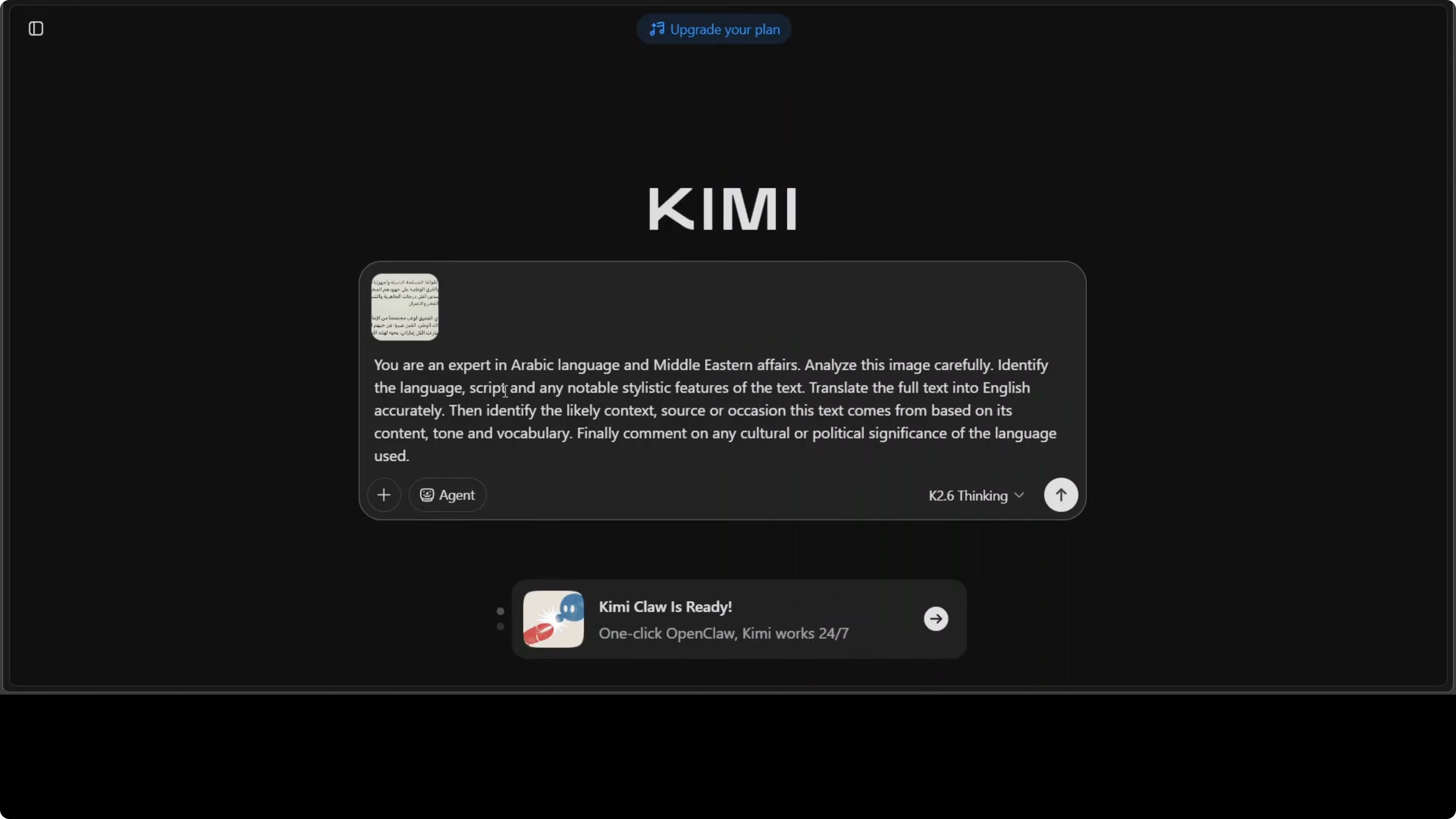
Google Translate cross-checks looked strong. The overall analysis read like a compact media studies brief. It was a confident pass on OCR plus contextual reasoning.
OCR prompt
Use this prompt:
You are an expert in Arabic language and Middle Eastern affairs. Analyze this image carefully, identify the language and likely context, provide a faithful translation to English, and explain the tone, rhetorical structure, and cultural or political significance.Kimi K2.6 Released: handwritten physics equations
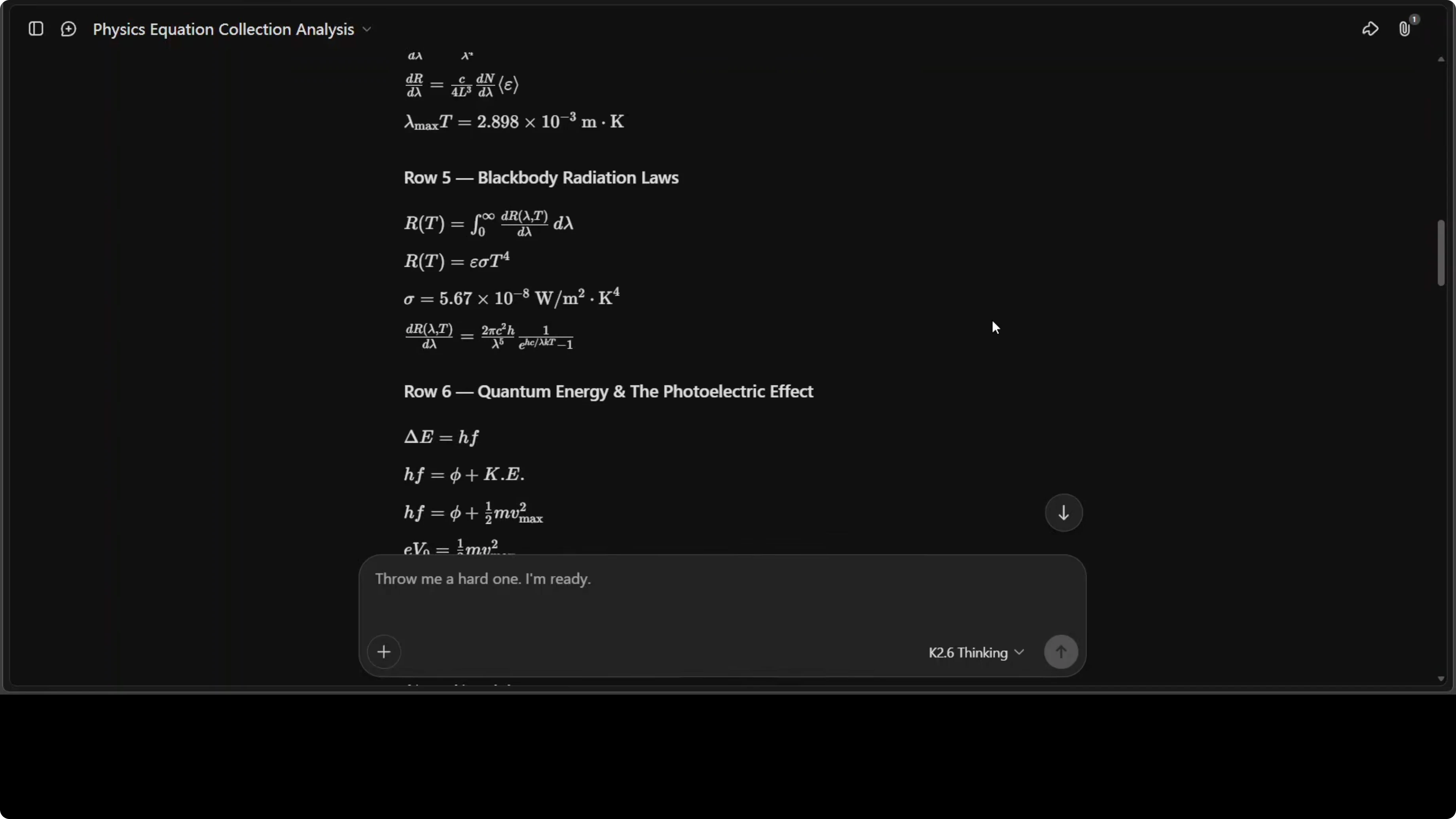
I shared a handwritten page containing a collection of physics equations, including crossed out lines. I asked Kimi to first transcribe, then explain each equation, and give an overall assessment. The response was exceptional.
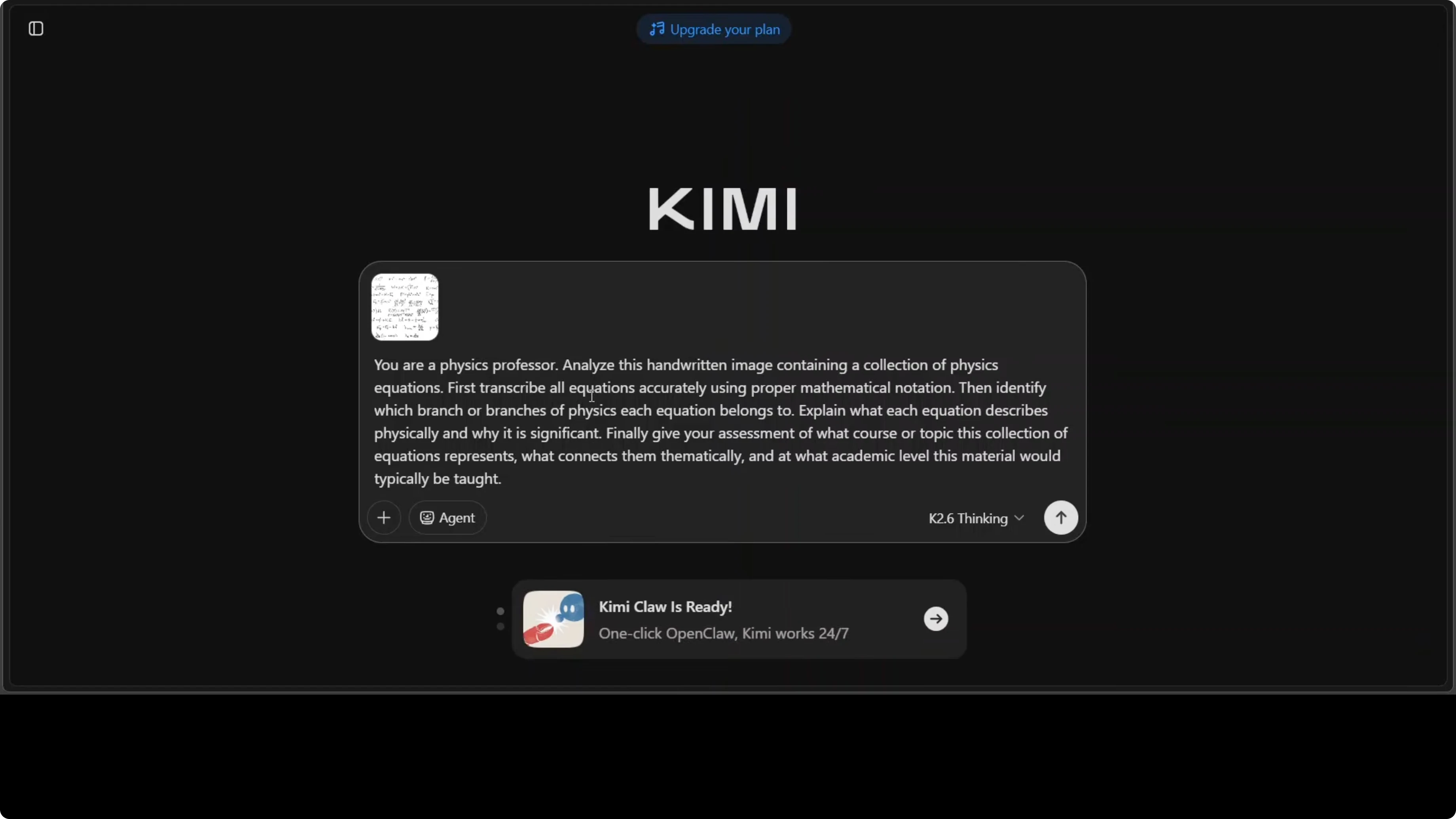
It transcribed all 28 equations accurately. It explained the historical significance of each entry and tied them together in a thematic analysis connecting special relativity and old quantum theory through wave particle duality. It correctly highlighted the ultraviolet catastrophe, Einstein’s Nobel winning work, and diagnosed the sheet as material from a sophomore undergraduate modern physics course.
Physics prompt
Use this prompt:
You are a physics professor. Analyze this handwritten image that contains a collection of physics equations. First, transcribe every equation accurately. Then explain each equation with historical context and modern relevance. Finally, provide an overall assessment of the set’s level and thematic connections.Kimi K2.6 Released: open weights and deployment
One more point deserves full marks for Kimi and Moonshot. The model and its weights were released in full from day zero. Minis were released by another lab later, but Moonshot took the lead here.
If you plan to run locally, int4 quantization is supported, which reduces memory needs significantly. For trade-offs between full precision and quantized runs, see this practical comparison of full precision and Ollama Qwen.
Use cases
Scientific simulation is an obvious win based on the monsoon supercell HTML demo. You can prompt Kimi to prototype weather systems, cellular automata, or agent-based models without external build steps.
Multilingual broadcast is strong for live events. You can generate culturally tuned, high-energy announcements across dozens of languages for newsrooms or emergency communication teams.
OCR and context extraction help researchers and analysts. You can pull translations, rhetorical analysis, and probable sources from scanned media in one pass.
STEM education support is already evident. You can digitize and annotate handwritten lecture notes, connect them to historical context, and assemble thematic overviews for course modules.
Final thoughts
If you ask me what changed most from K2.5 to K2.6, I would say language. The multilingual lift, the tone control, and the contextual reading all felt stronger.
Pair that with the mixture of experts routing, the large context window, int4 support, and the open weights release. Kimi K2.6 looks ready for fast iteration across research, education, and production work.
For more context across top-tier models, you might also enjoy our broader Claude Opus analysis and the concise overview of Opus features alongside the focused look at Kimi’s thinking and deployment trade-offs in full precision vs quantized Qwen.
Subscribe to our newsletter
Get the latest updates and articles directly in your inbox.

Related Posts

8 Best Claude Code Plugins in 2026 (You Need to Know)
8 Best Claude Code Plugins in 2026 (You Need to Know)

7 Best Claude Code Skills (You Need to Know)
7 Best Claude Code Skills (You Need to Know)

Claude Code Desktop IDE Features (You Need to Know)
Claude Code Desktop IDE Features (You Need to Know)