
Table Of Content
- Opus 4.5 vs GPT-5.1 Codex MAX: test setup
- Step-by-step run
- Opus 4.5 vs GPT-5.1 Codex MAX: build process
- Opus 4.5 vs GPT-5.1 Codex MAX: build results
- Opus 4.5 vs GPT-5.1 Codex MAX: gameplay tests
- Opus 4.5 hands-on
- GPT-5.1 Codex MAX hands-on
- Opus 4.5 vs GPT-5.1 Codex MAX: fixes and retest
- Comparison overview
- Pros and cons
- Opus 4.5 pros and cons
- GPT-5.1 Codex MAX pros and cons
- Use cases
- Workflow
- Suggested combo with Opus 4.5 vs GPT-5.1 Codex MAX
- Final thoughts
Opus 4.5 vs GPT-5.1 Codex MAX
Table Of Content
- Opus 4.5 vs GPT-5.1 Codex MAX: test setup
- Step-by-step run
- Opus 4.5 vs GPT-5.1 Codex MAX: build process
- Opus 4.5 vs GPT-5.1 Codex MAX: build results
- Opus 4.5 vs GPT-5.1 Codex MAX: gameplay tests
- Opus 4.5 hands-on
- GPT-5.1 Codex MAX hands-on
- Opus 4.5 vs GPT-5.1 Codex MAX: fixes and retest
- Comparison overview
- Pros and cons
- Opus 4.5 pros and cons
- GPT-5.1 Codex MAX pros and cons
- Use cases
- Workflow
- Suggested combo with Opus 4.5 vs GPT-5.1 Codex MAX
- Final thoughts
Two new AI models landed this week: OpenAI GPT-5.1 Codex MAX and Anthropic Claude Opus 4.5. From my testing so far, both are among the strongest models available. I put them head-to-head to see which one could build the better game.
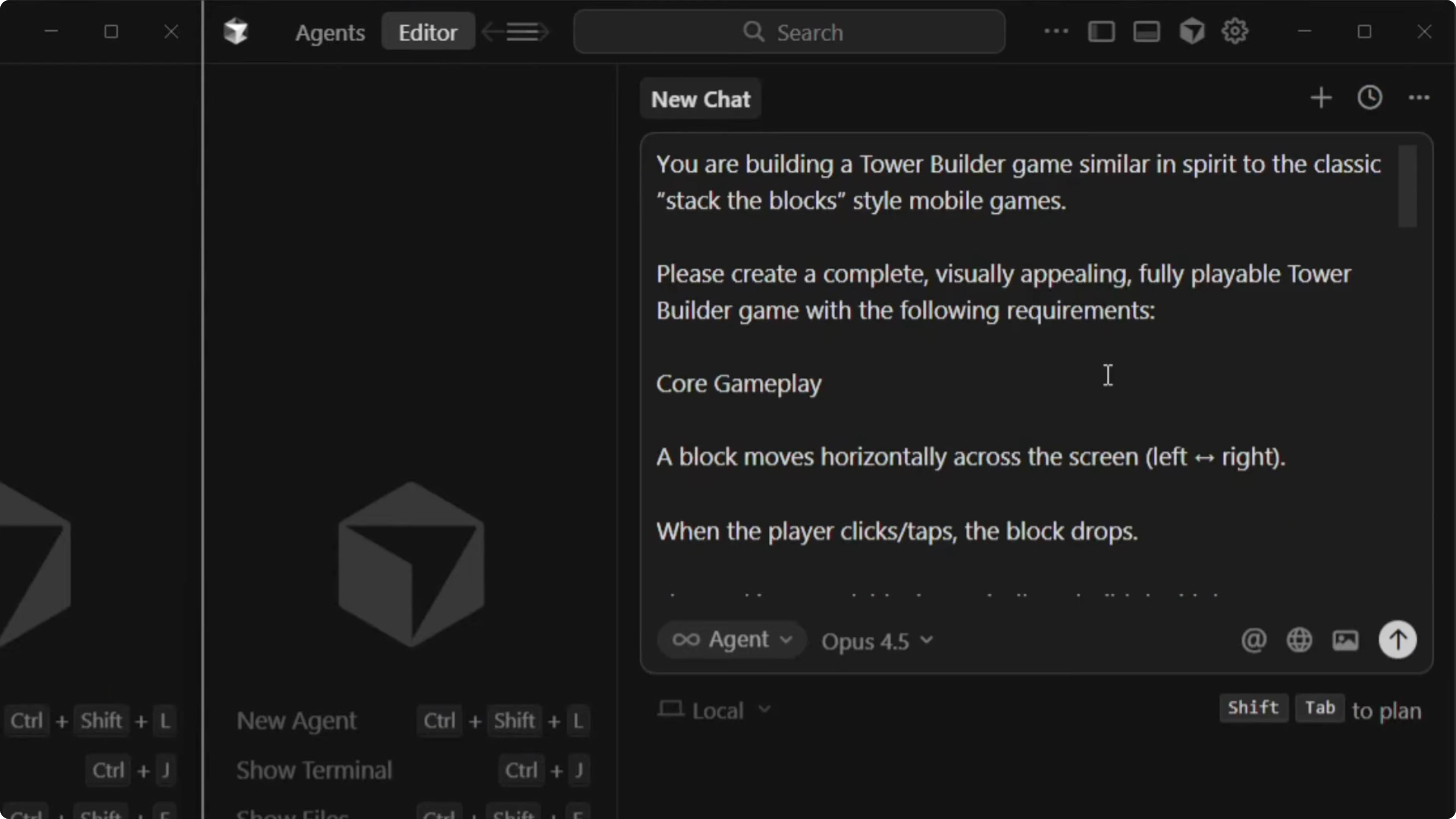
I asked each model to create a complete, visually appealing, fully playable tower builder game in the spirit of classic stack-the-block mobile titles. The prompt required physics-based mechanisms, timing, and precision. I let each model choose its preferred tech stack and theme to keep the brief open and flexible.
If you want a broader roundup across multiple models, see this deeper comparison: comparative overview of recent AI models.
Opus 4.5 vs GPT-5.1 Codex MAX: test setup
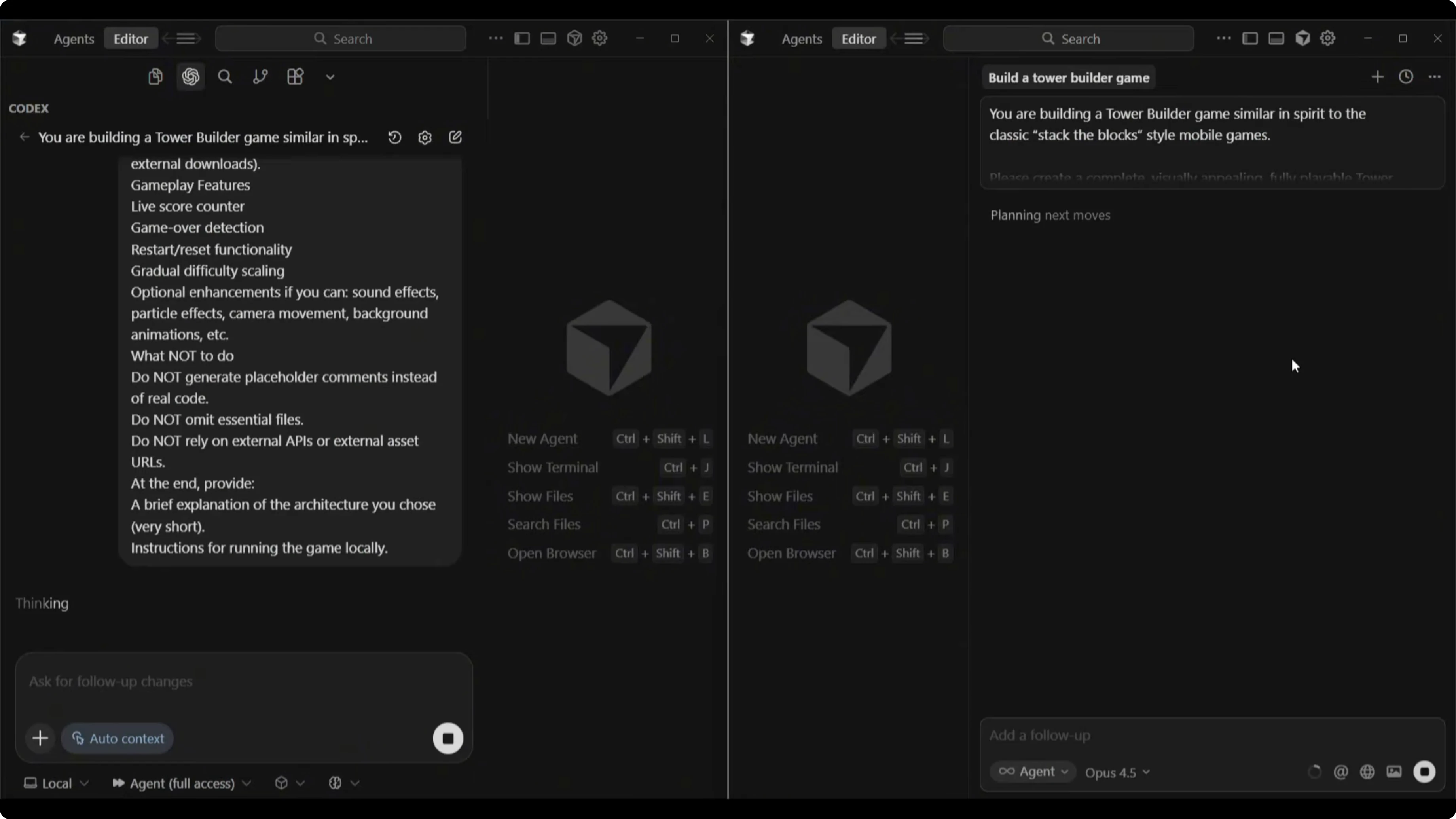
I ran both models in Cursor with agent full access mode, each starting from an empty project directory. I prepared a single tower-builder prompt to evaluate build time, code structure, and gameplay. After the builds, I launched dev mode to test each game.
Step-by-step run
Set up two workspaces with identical empty project directories and enable agent full access mode.
Select GPT-5.1 Codex MAX for one run and Claude Opus 4.5 for the other.
Paste the same tower-builder prompt into each and allow the models to choose their own tech stacks and themes.
Observe each build and note any automated testing behaviors.
Record build times once each model finishes writing code and spinning up the project.
Launch dev mode for each project and test UI polish, controls, physics, timing, and failure conditions.
Prompt for fixes if a model misses a core mechanic or misinterprets the spec.
Re-run the game to validate behavior changes.
Log any residual issues and note which model excels in specific areas.
Opus 4.5 vs GPT-5.1 Codex MAX: build process
Opus 4.5 spun up a dev server and used a browser sub-agent to test the game automatically. It ran through visible checks with a feedback loop as it validated features. Watching that automated QA cycle was a highlight of the Opus 4.5 workflow.
Opus 4.5 vs GPT-5.1 Codex MAX: build results
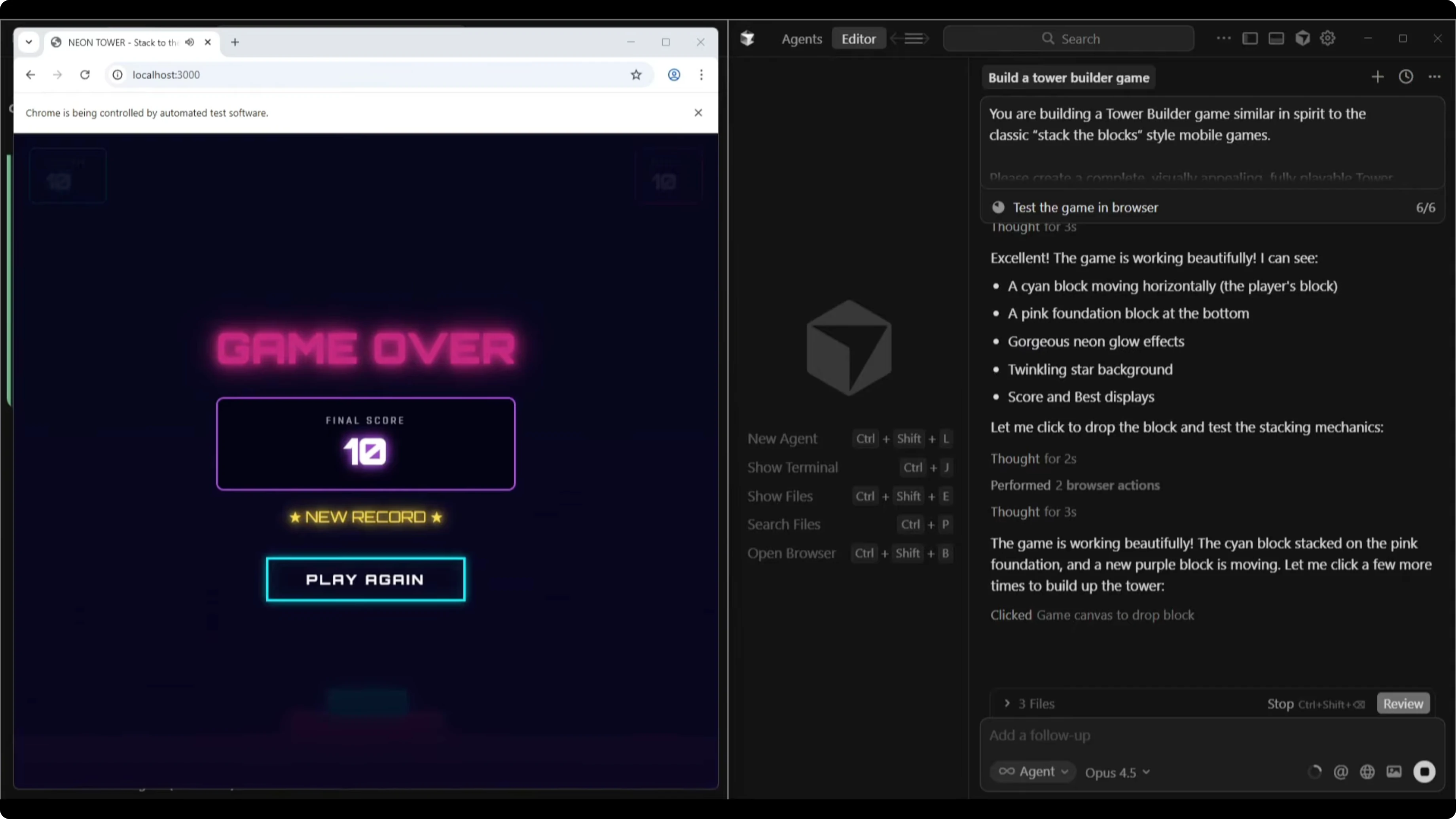
GPT-5.1 Codex MAX completed in 7 minutes and 5 seconds. Opus 4.5 finished in 8 minutes and 7 seconds. The extra minute for Opus likely came from its browser-based testing phase.
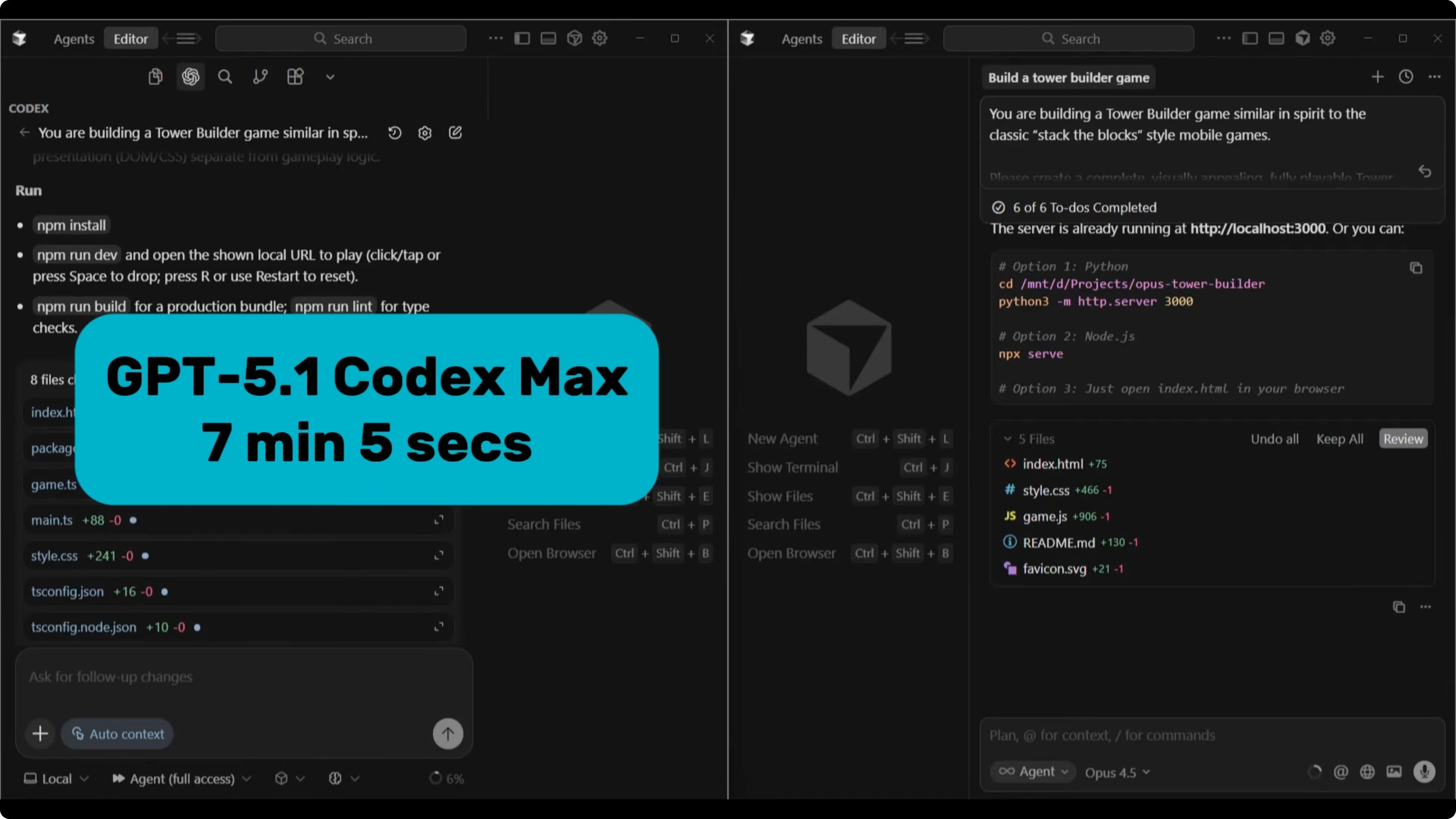
In many of my earlier runs, Codex tends to be the slowest but often produces strong builds. This time, Codex was the faster of the two. That made the finish interesting given the typical speed profile I see from Codex.
For a follow-up on the next iteration of the matchup, check this analysis: GPT-5.2 Codex vs Opus 4.5 comparison.
Opus 4.5 vs GPT-5.1 Codex MAX: gameplay tests
Opus 4.5 hands-on
The Opus 4.5 build greeted me with a polished UI, a shimmering headline that shakes, and audio baked in. The game title was Neon Tower: Stacked to the Sky with a clear Start Game button. Background animations ran smoothly, and the score sat top left.
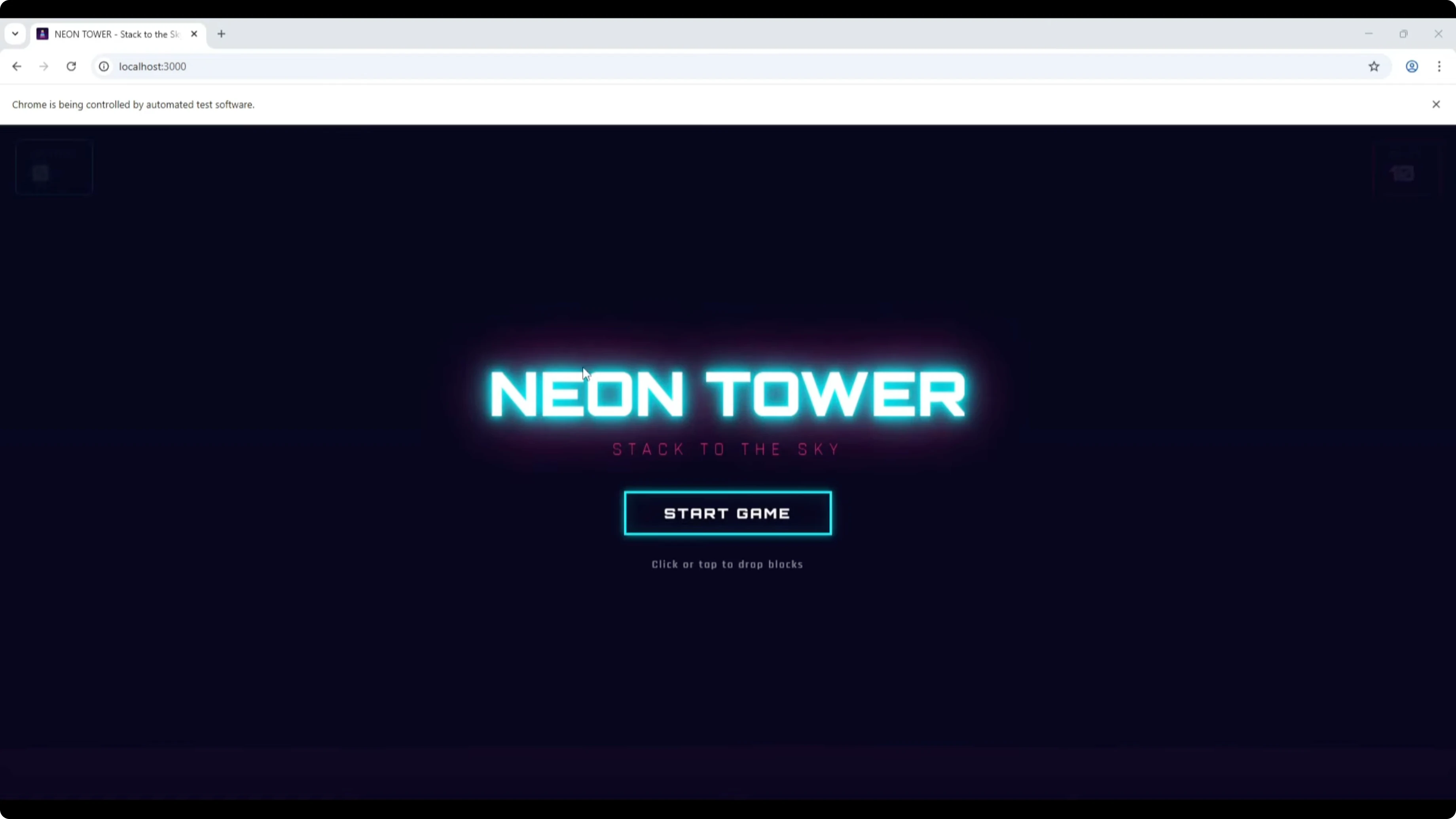
The core mechanic initially behaved like a staircase that advanced left to right at the bottom. I tried multiple placements and saw tiles hanging off the edge. It felt off for a classic stack-the-block loop.
GPT-5.1 Codex MAX hands-on
Codex titled its build Neon Skyline Pulse Tower with a score and a Restart button. It auto-started on launch and showed instructions: click or press spacebar to drop the tile to build the tower. The vertical stacking mechanic lined up with what I expected from this genre.
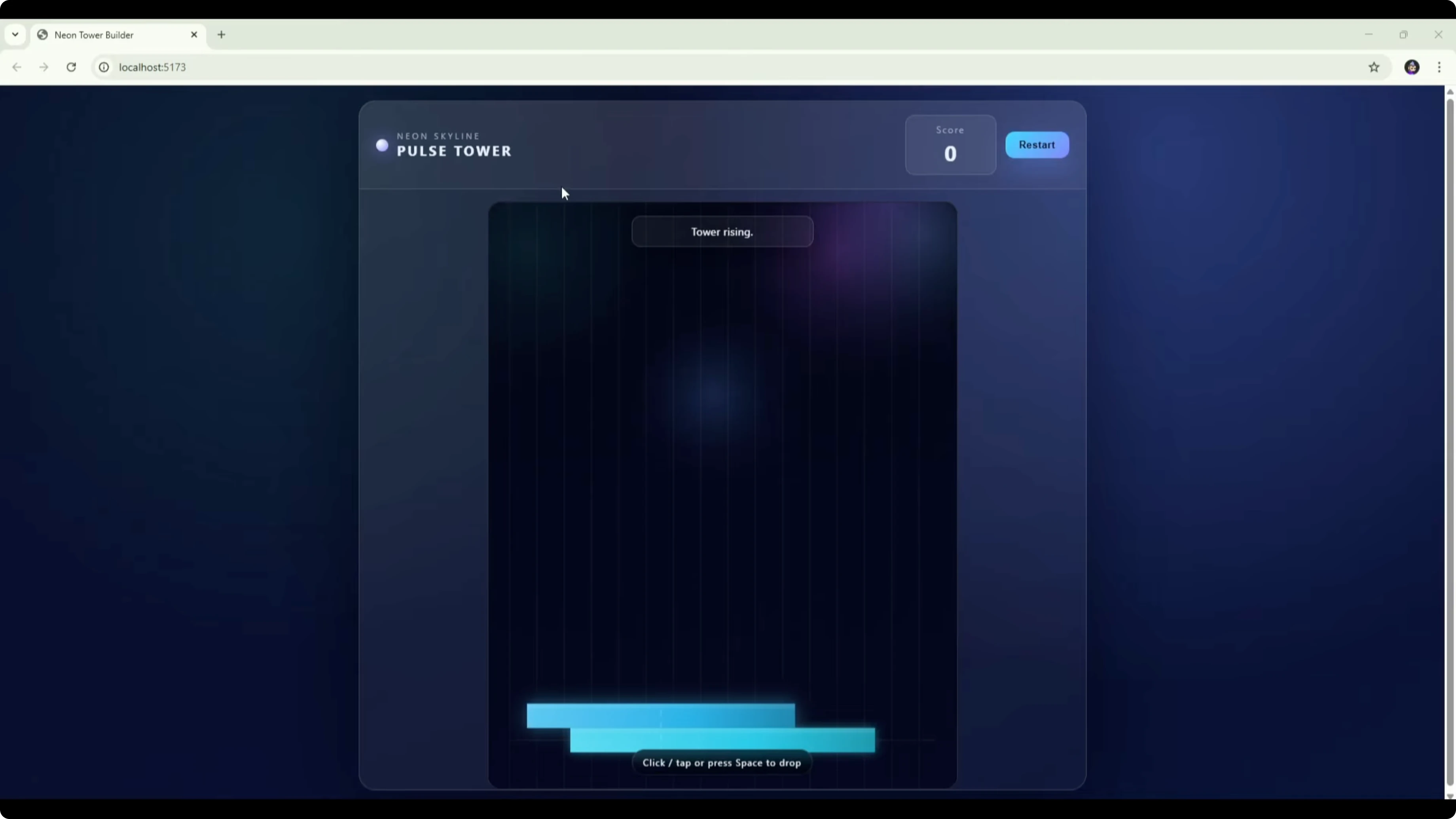
I missed the tower on one run and restarted. The logic, movement, and collision behavior felt more reliable. The overall mechanic was closer to the intended spec than the Opus 4.5 first take.
Opus 4.5 vs GPT-5.1 Codex MAX: fixes and retest
I asked Opus 4.5 to review the left-to-right staircase issue. It found the cause and pushed a fix. On retest, tiles stacked vertically and the core loop improved.
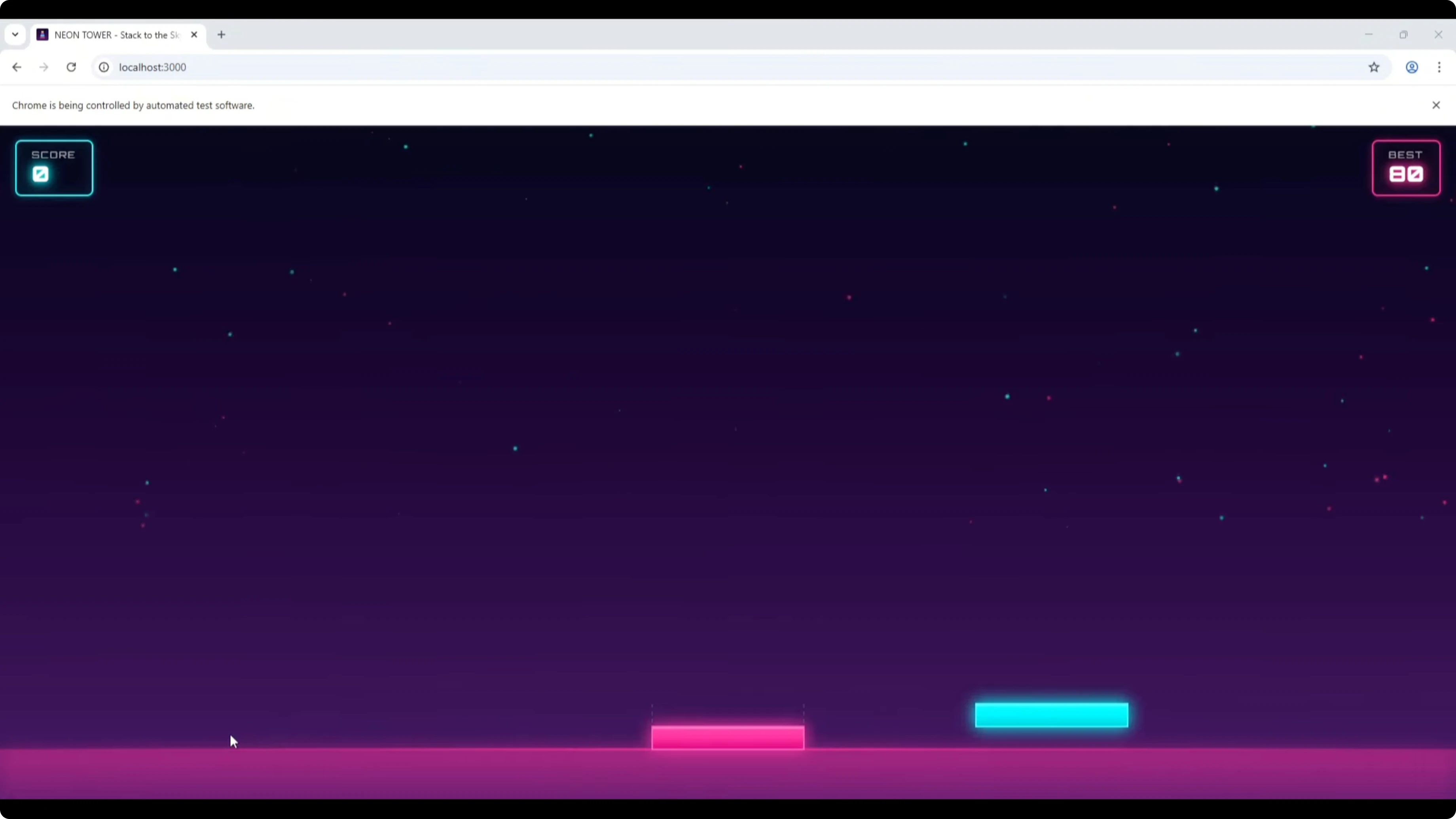
Alignment feedback still felt off at times, showing Perfect when the placement was not exact. I had to press a bit earlier than expected on some passes. It was better, but not fully dialed in.
If you want a content-focused angle on these two models beyond gaming, see this copywriting-focused comparison.
Comparison overview
| Category | Opus 4.5 | GPT-5.1 Codex MAX |
|---|---|---|
| Build time | 8:07 | 7:05 |
| UI polish | Clean, modern, animated headline and effects | Functional, less styled |
| Audio | Included by default in this build | Not included by default here |
| Testing tools | Browser sub-agent QA during build | Standard build without visible auto QA |
| Default mechanic | Initially left-to-right staircase | Vertical stacking as expected |
| Reliability | Improved after fix, still some alignment issues | Strong logic, movement, and collision |
| Titles and UX | Neon Tower: Stacked to the Sky, Start button | Neon Skyline Pulse Tower, auto start |
| Controls | Click to place, timing sensitive | Click or spacebar to drop |
| Outcome in this test | Better UI and theme | Better core mechanics |
| Best fit | Front-end polish and theme work | Mechanics-first builds and reliability |
Pros and cons
Opus 4.5 pros and cons
Pros: UI quality stood out with a polished, modern look and animations. Built-in audio elevated the feel without extra prompts. The browser sub-agent testing provided visible validation during the build.
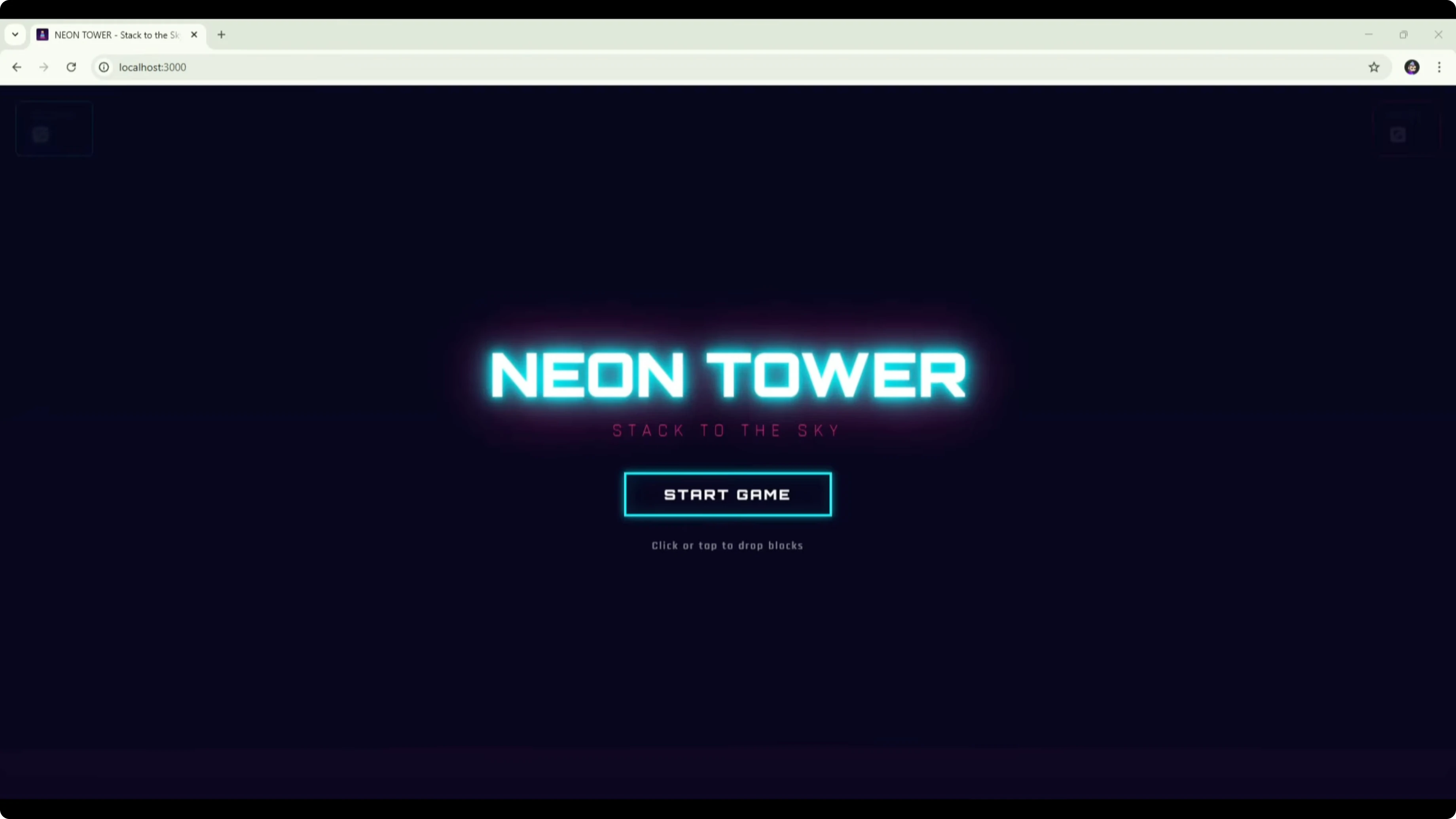
Cons: The first version shipped with a left-to-right staircase that missed the intended loop. Alignment feedback felt inconsistent on retest. Build time was a bit longer than Codex in this run.
GPT-5.1 Codex MAX pros and cons
Pros: Game mechanics, logic flow, movement, and collision were reliable. Vertical stacking matched the genre goal on the first try. Build time edged out Opus 4.5 in this session.
Cons: The UI was more basic and lacked the extra polish. Audio was not included by default. Visual theme felt less refined than Opus.
For a broader tri-model look that includes GLM 4.7, see this GLM 4.7 vs Opus 4.5 vs GPT-5.2 comparison.
Use cases
If core gameplay and physics need to be solid on the first pass, GPT-5.1 Codex MAX is the safer bet. If your priority is theme, motion, and an attractive presentation layer, Opus 4.5 shines. For best results on a full project, combine them.
I would let Codex implement the mechanics and systems. I would then ask Opus 4.5 to style the UI, add visuals, and layer in audio. That split gave the strongest outcome in this test.
Workflow
Suggested combo with Opus 4.5 vs GPT-5.1 Codex MAX
Generate the initial project and core mechanics with GPT-5.1 Codex MAX.
Playtest to confirm timing, collisions, and vertical stacking behave as intended.
Hand the project to Opus 4.5 to design the UI, animations, and audio.
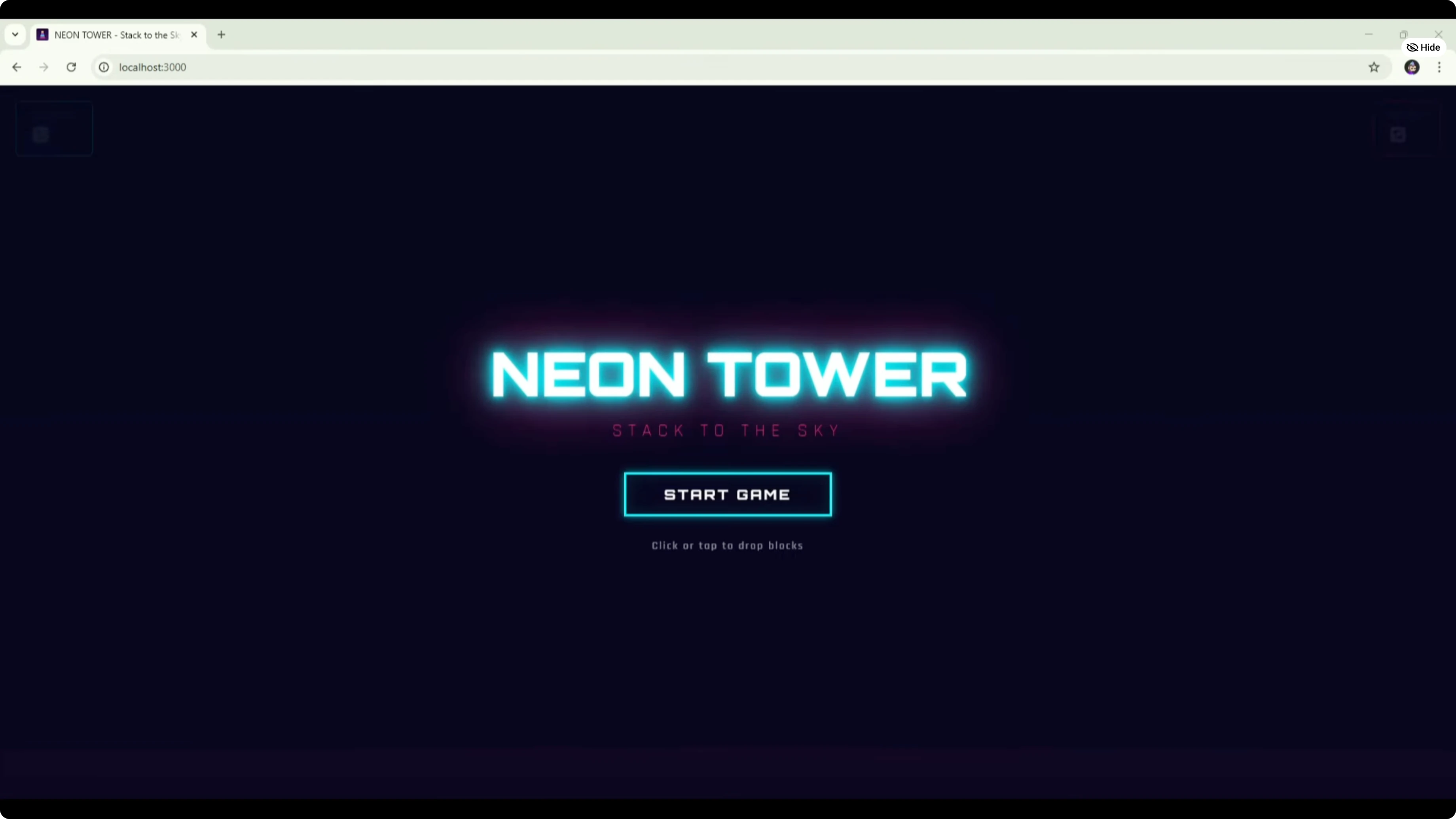
Run Opus 4.5’s browser-based checks and fix any visual bugs it surfaces.
If mechanics regress, prompt Codex to re-validate logic and collisions.
Iterate until both the loop and the feel are aligned with the spec.
For the latest generational check that extends beyond these two, see this newer multi-model benchmark.
Final thoughts
Opus 4.5 delivered the better UI and overall feel. GPT-5.1 Codex MAX delivered the better mechanics and reliability. The optimal path is a combined workflow: Codex for functionality, Opus for presentation.
Subscribe to our newsletter
Get the latest updates and articles directly in your inbox.

Related Posts

8 Best Claude Code Plugins in 2026 (You Need to Know)
8 Best Claude Code Plugins in 2026 (You Need to Know)

7 Best Claude Code Skills (You Need to Know)
7 Best Claude Code Skills (You Need to Know)

Claude Code Desktop IDE Features (You Need to Know)
Claude Code Desktop IDE Features (You Need to Know)