
How to Set Up NullClaw and Ollama Locally with Telegram?
Local LLM Hardware Calculator
Enter your GPU VRAM and system RAM to see which LLMs you can run in Ollama — at Q4, Q8, or full precision — with estimated tokens-per-second speed.
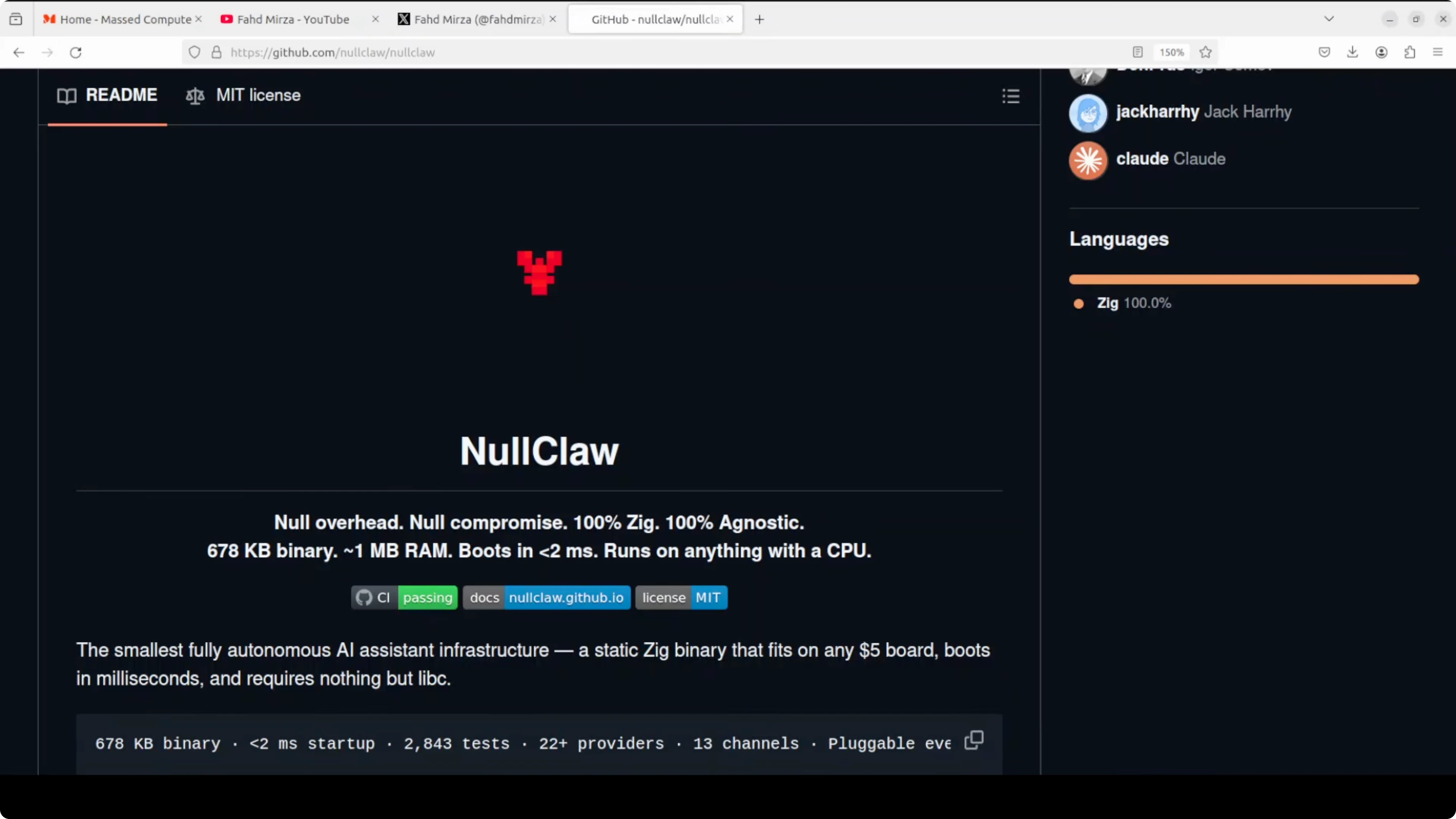
NullClaw is a fully autonomous AI assistant built in Zig, which is a low-level systems programming language designed for performance and tiny binaries similar in spirit to C, but safer and more modern. The result is remarkable.
NullClaw is a 678 kilobyte single binary that uses about 1 MB of RAM and boots in under 2 milliseconds, making it the smallest and fastest member of the entire OpenClaw family.
I am using an Ubuntu system with a GPU for running Ollama local models. The steps below show how I install and configure NullClaw, connect it to Ollama, and wire it up with Telegram. For Ollama-related ideas, also see Goose Ollama and Gelab Zero.
Set Up NullClaw and Ollama Locally with Telegram?
Prepare Ubuntu
Install Zig using your package manager.
sudo apt update && sudo apt install -y zig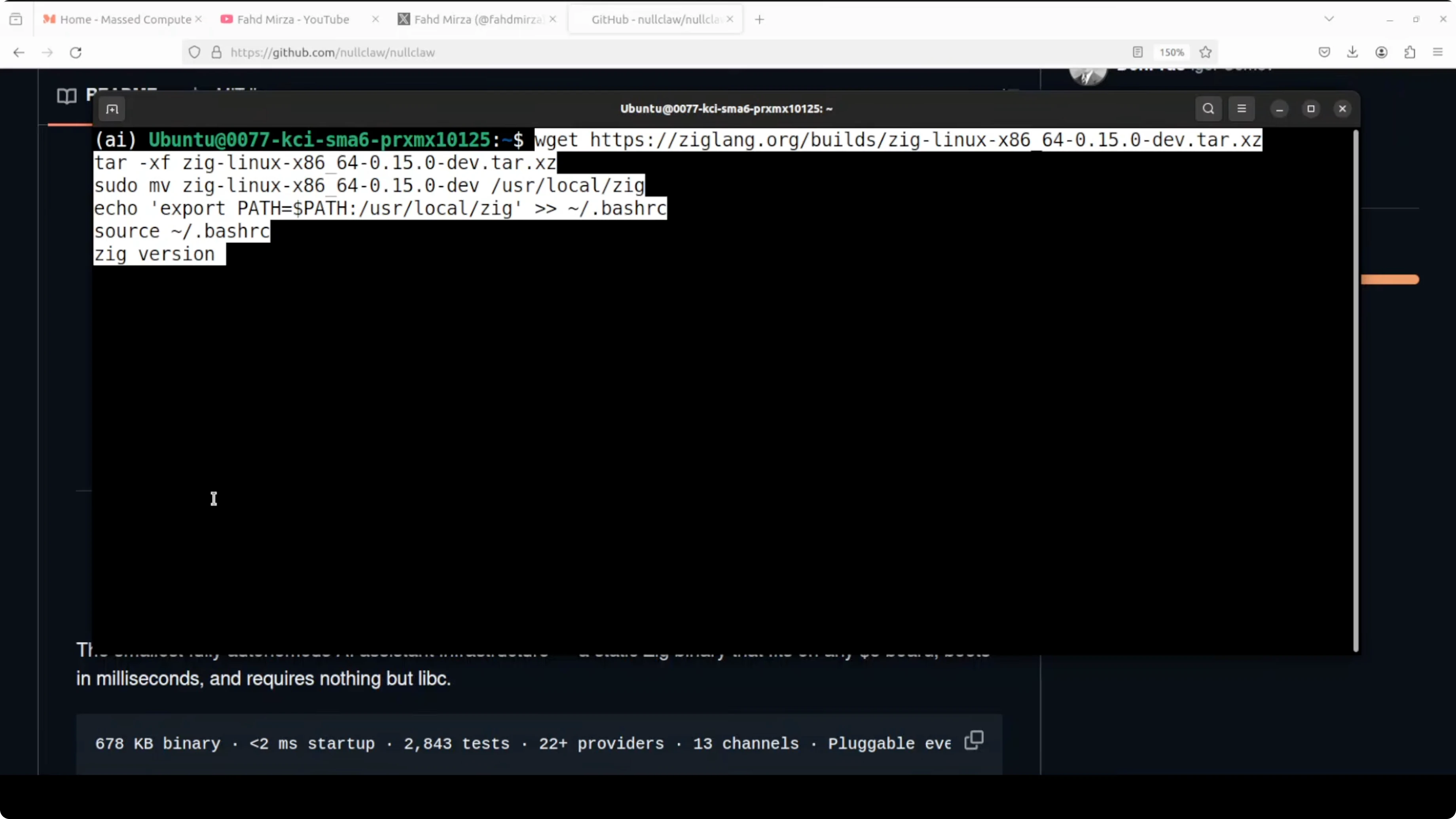
Confirm your GPU and Ollama are available on your Ubuntu system. I am using Ollama for local models and will point NullClaw to my local model name.
Clone and build
Clone the NullClaw repository and build it with Zig optimized for the smallest possible file size.
git clone https://github.com/nullclaw/nullclaw.git
cd nullclaw
zig build -Doptimize=ReleaseSmall
If you see an error about SQLite 3 not being installed, install the SQLite development library and rebuild.
sudo apt update && sudo apt install -y libsqlite3-dev
zig build -Doptimize=ReleaseSmall
Move the built binary into your PATH and check the version.
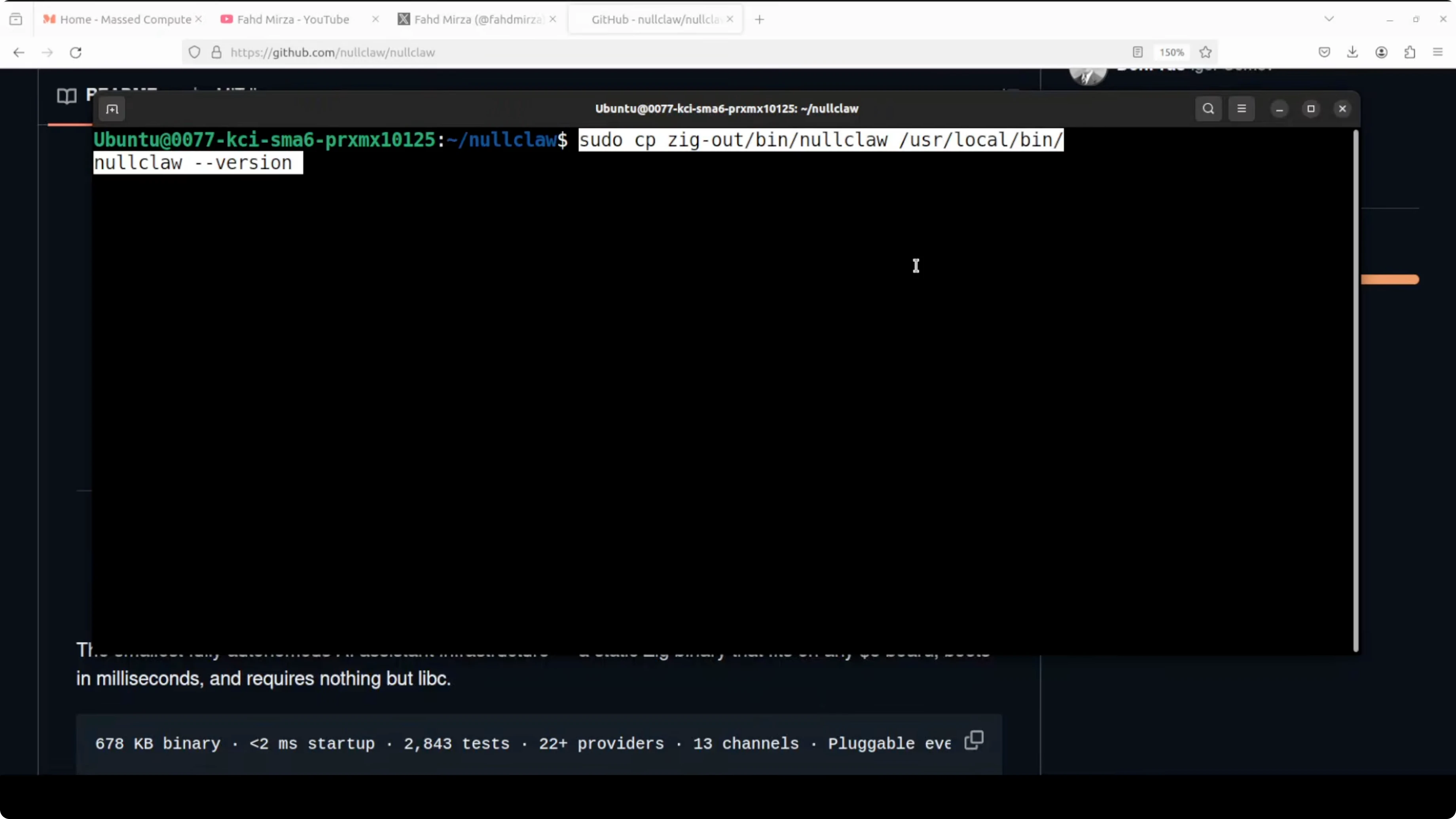
sudo mv ./zig-out/bin/nullclaw /usr/local/bin/nullclaw
nullclaw --version
Onboarding
Run the onboarding prompt.
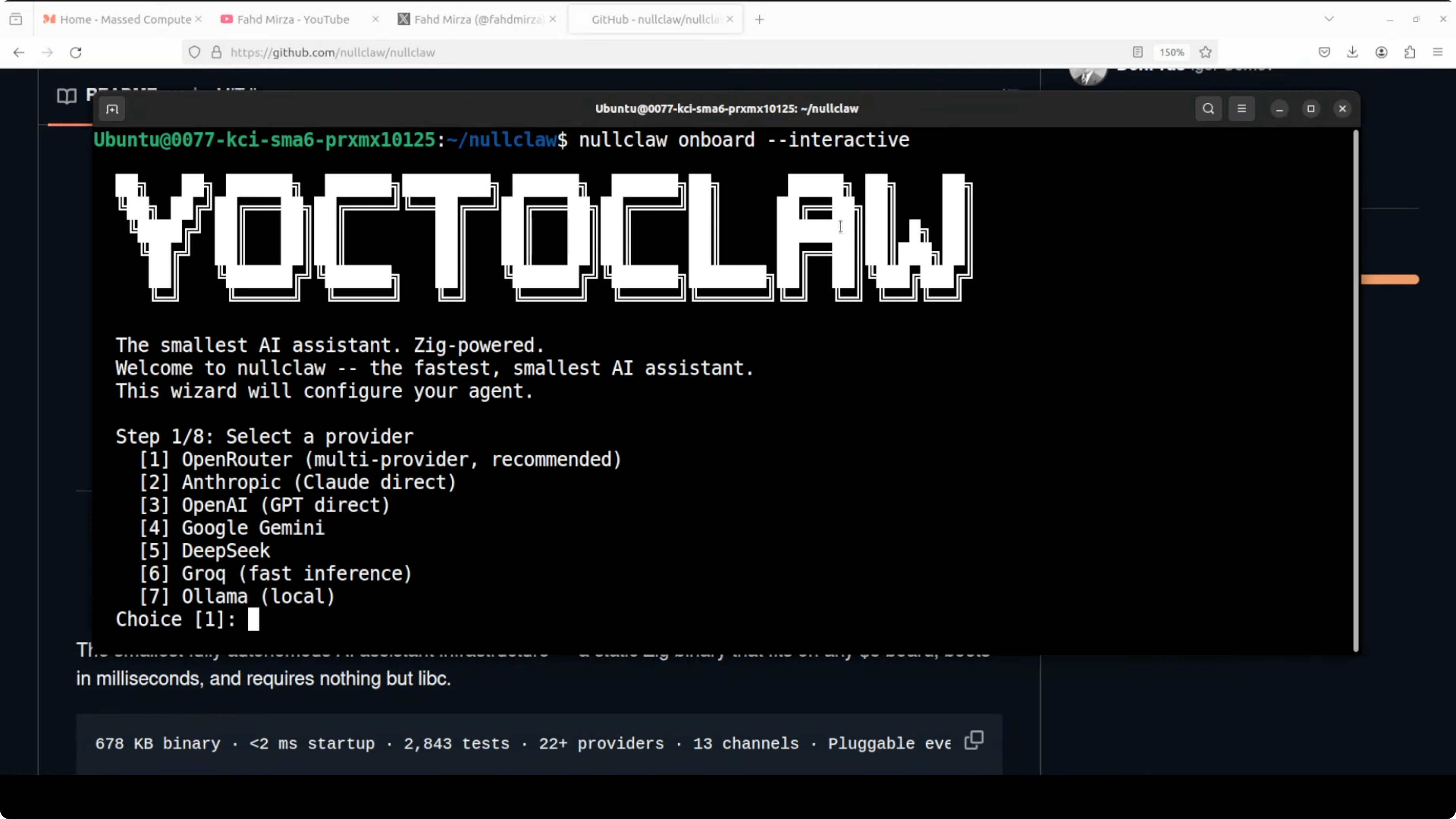
nullclawNullClaw asks what you are trying to do. I select option 7 for Ollama-based models and it selects the local model provider.
Press Enter at the API key prompt. Enter your local model name when prompted, because the built-in list is old and I already have my model installed.
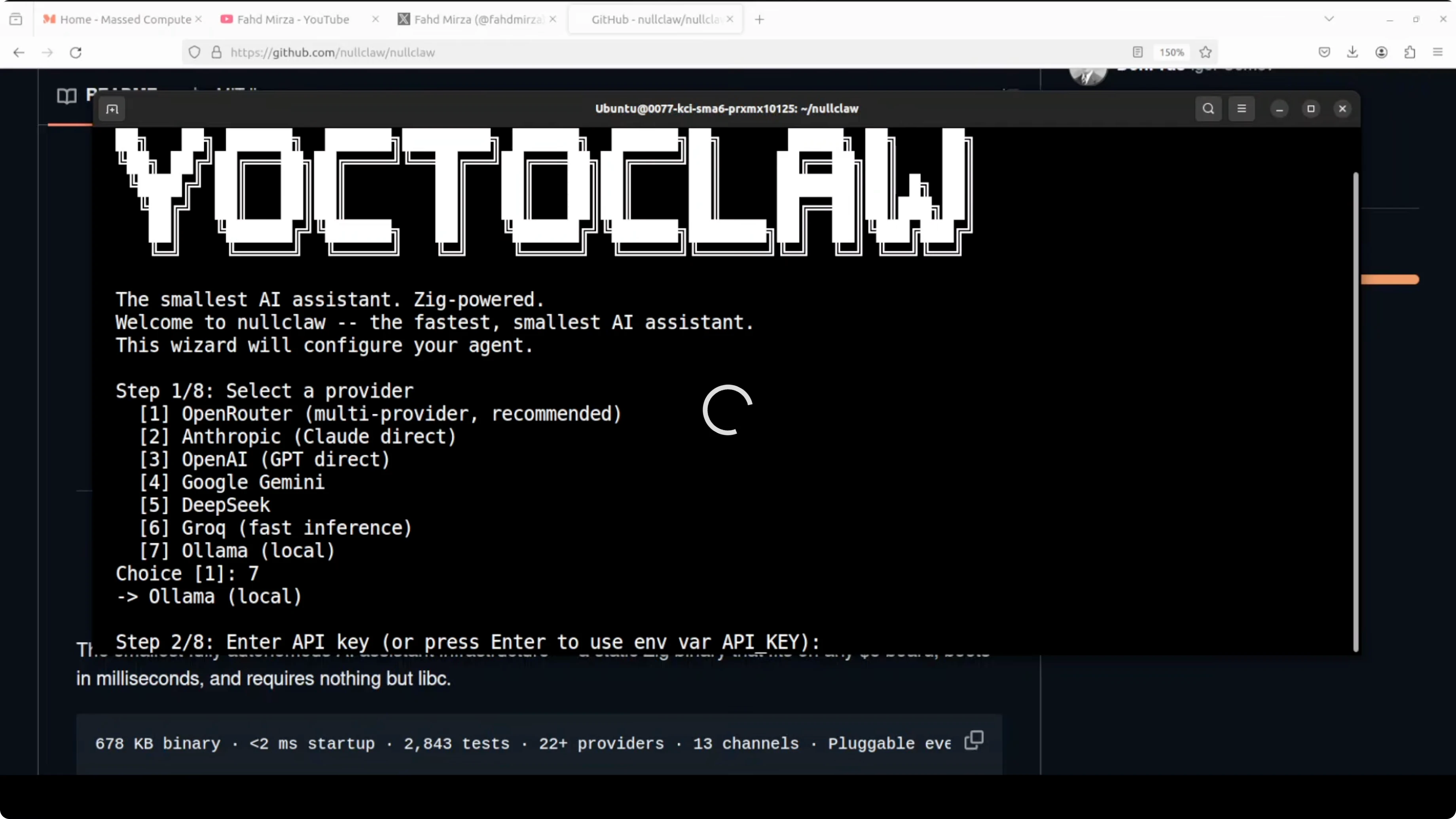
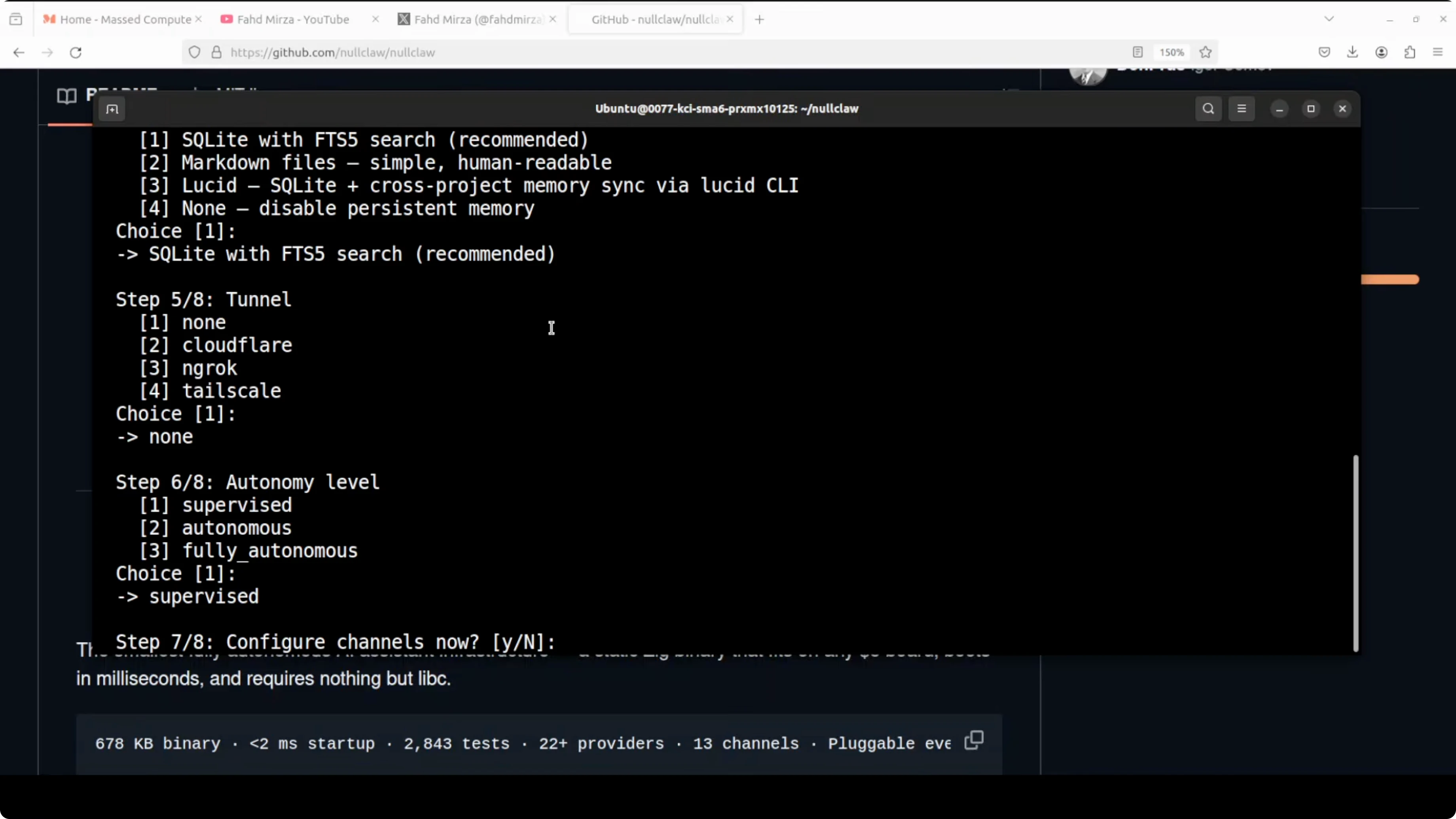
For memory, I go with the default option using SQLite. I do not configure any tunnel and select none, because I want to integrate Telegram without tunneling. For autonomy, I choose supervised so the agent asks before acting.
NullClaw asks if I want to configure channels now. I press Y so I can add Telegram, and it tells me to edit channels in the config file after setup. I accept the default workspace.
Check the generated config
NullClaw writes config.json with the Ollama provider and the model I entered. The rest of the options match what I selected, but channels are not present yet. This is the config file you will edit to add Telegram.
Here is a minimal example of what the config can look like once Telegram is added.
{
  "provider": "ollama",
  "model": "your-local-model",
  "memory": {
    "driver": "sqlite",
    "dsn": "nullclaw.db"
  },
  "channels": {
    "telegram": {
      "enabled": true,
      "bot_token": "YOUR_TELEGRAM_BOT_TOKEN"
    }
  },
  "workspace": "/home/you/nullclaw-workspace"
}
If you need an Ollama coding workflow reference, see Claude Code.
Create a Telegram bot
Open Telegram and start a chat with BotFather. If you cannot see it in the sidebar, search for BotFather at the top.
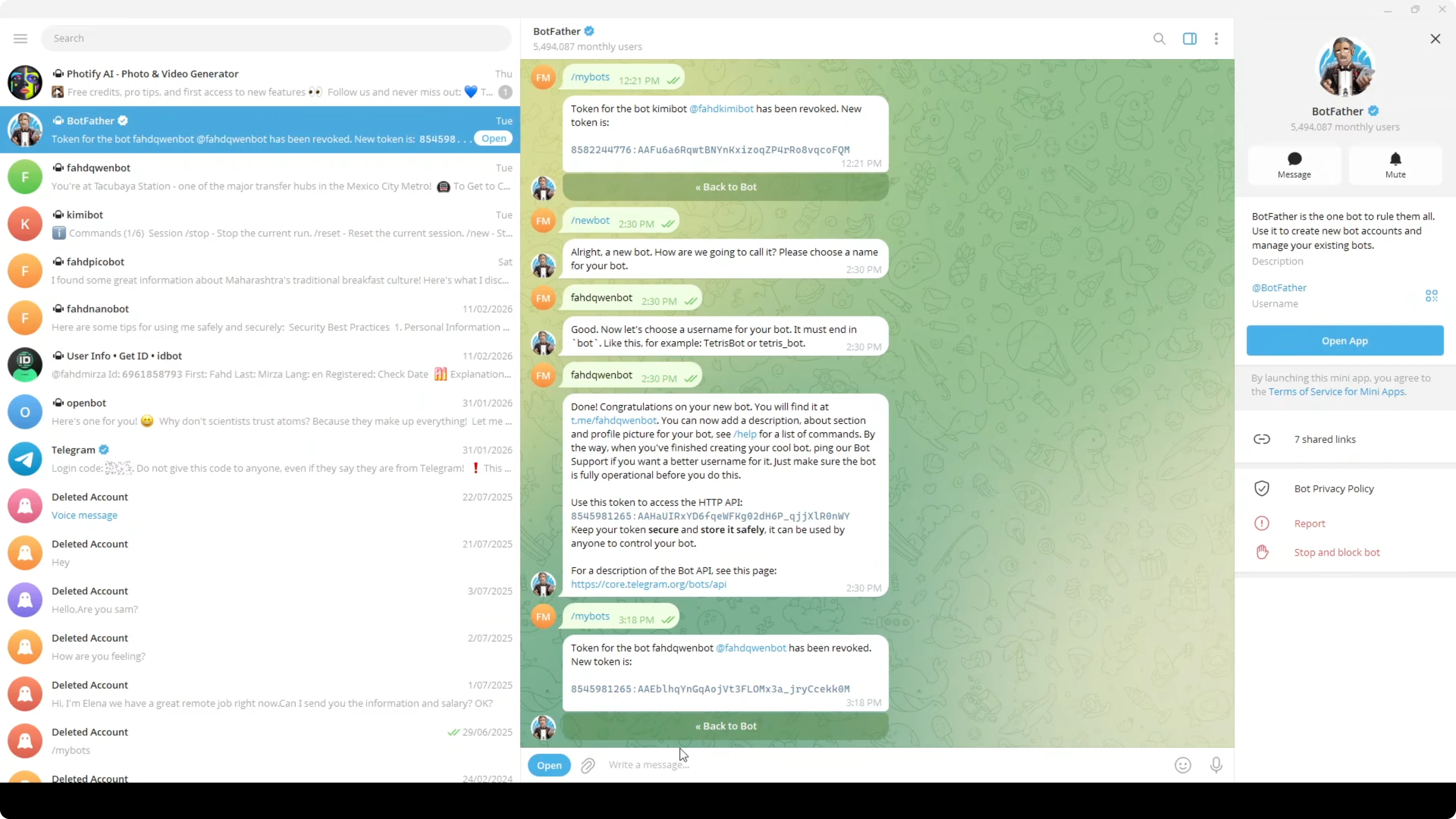
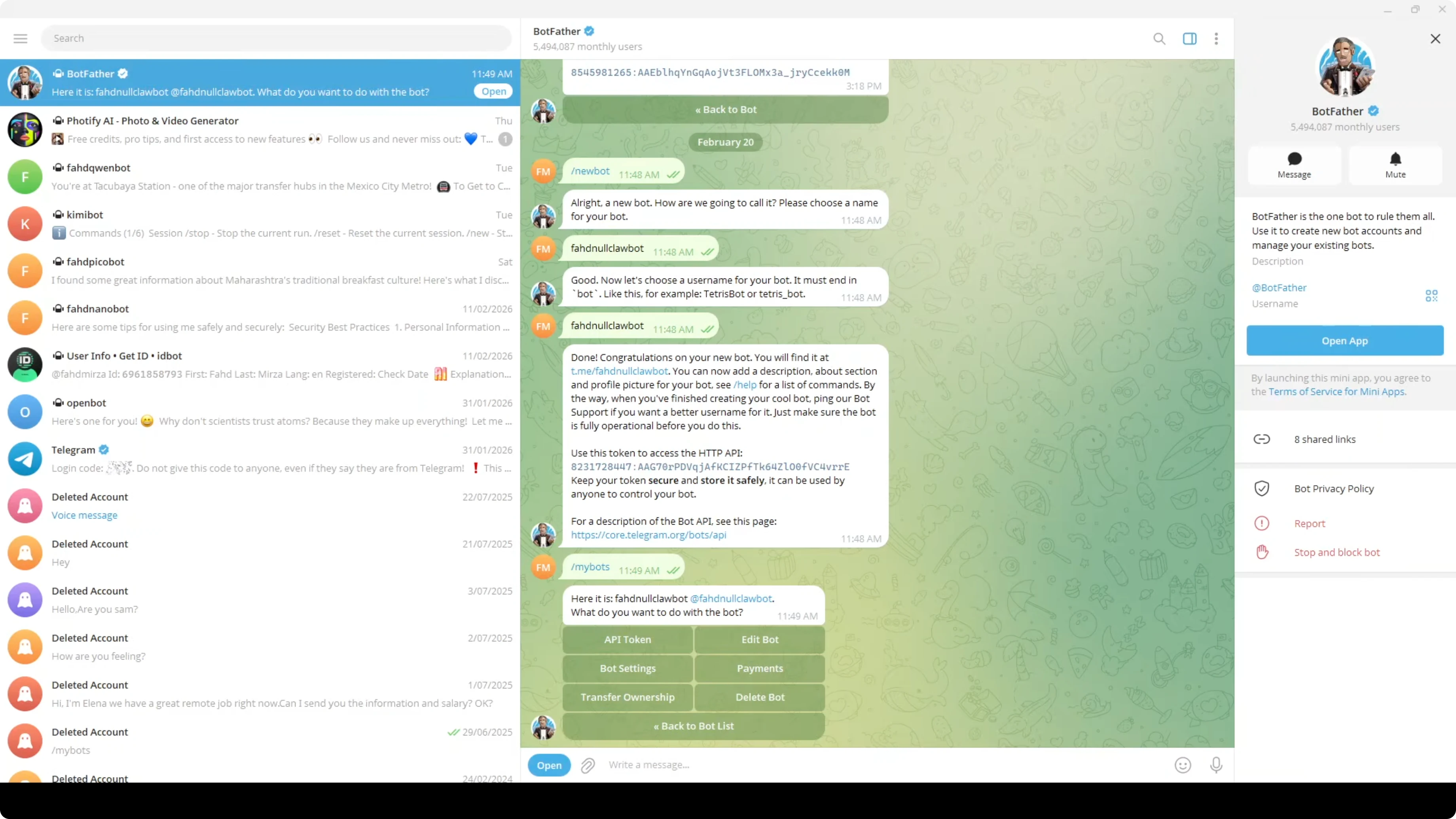
Send the command /newbot. Provide a bot name, then a unique username, and BotFather returns a bot token.
If you need to revoke the token later, use /mybots in BotFather, select your bot, and revoke the current token. It will generate a new one.
Add the Telegram token
Open config.json and add your bot token under channels.telegram.bot_token as shown above. Save the file.
Start NullClaw so the Telegram polling thread starts and it begins listening. Open Telegram, find your bot, click Start, and you should see the greeting with your model name.
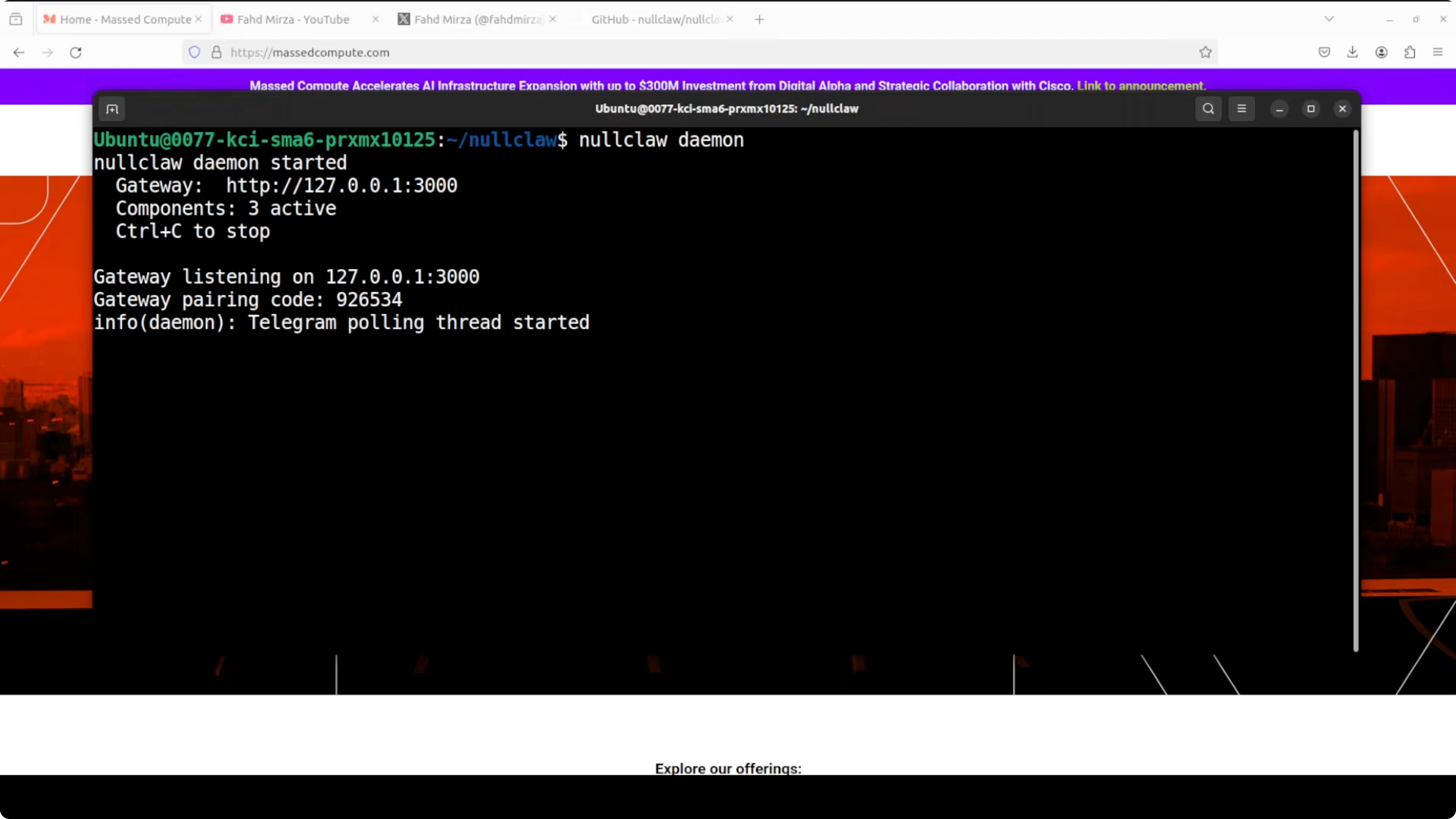
I asked, does size matter? Looking at this 678 kilo binary, I would say not in the way you think.
Status and health checks
Check overall status at any time.
nullclaw statusRun health and security checks.
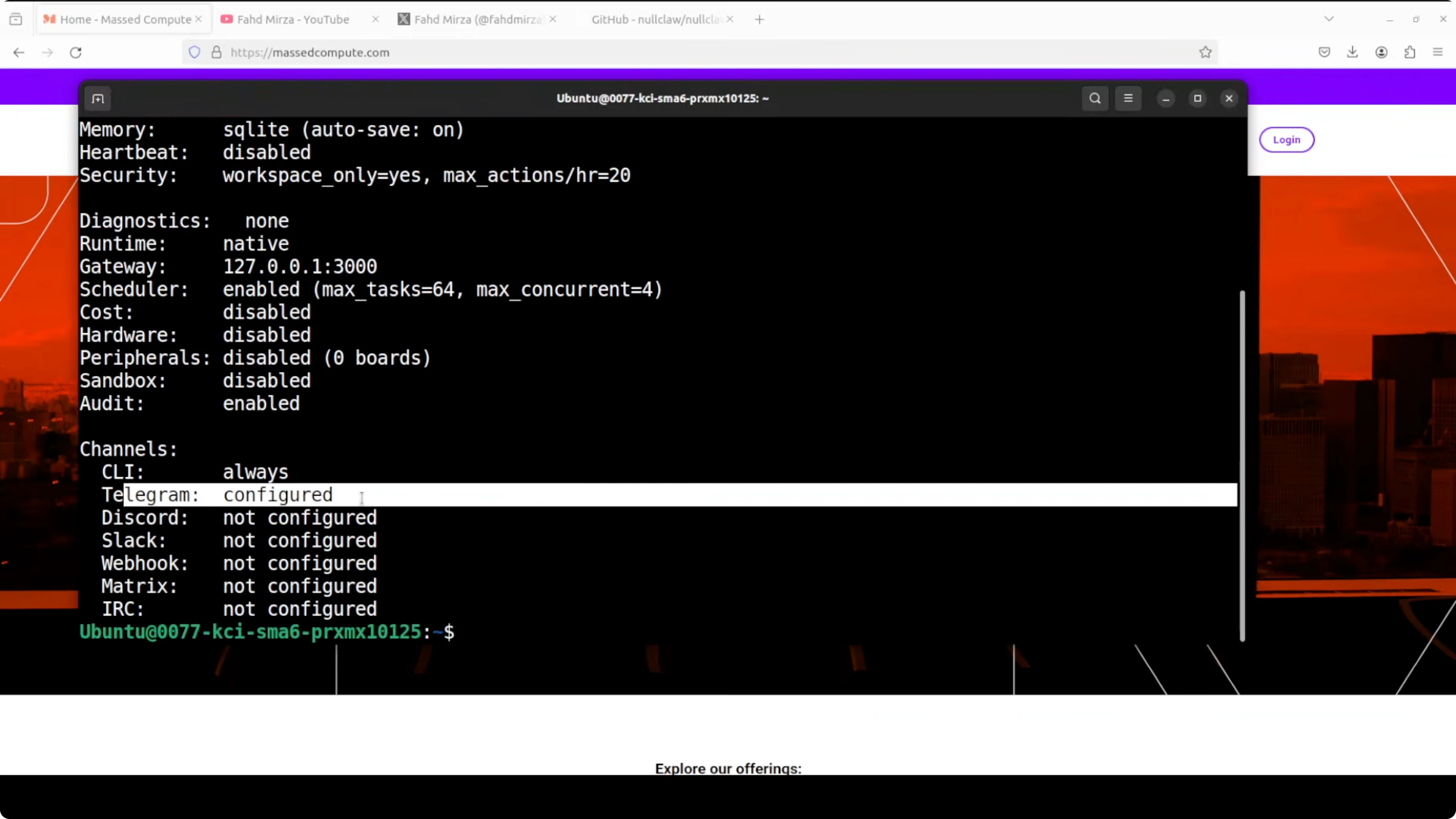
nullclaw doctorIt reports what is working, including any warnings like a curl notice. The setup looks good once status shows the configured model and the Telegram channel.
Final thoughts
NullClaw compiles into a tiny Zig binary, boots fast, and pairs well with local Ollama models. The onboarding is quick, the SQLite memory option works out of the box, and adding Telegram is as simple as dropping your bot token into config.json. If this is what small looks like, I am not sure we need anything bigger.
Subscribe to our newsletter
Get the latest updates and articles directly in your inbox.

Related Posts

8 Best Claude Code Plugins in 2026 (You Need to Know)
8 Best Claude Code Plugins in 2026 (You Need to Know)

7 Best Claude Code Skills (You Need to Know)
7 Best Claude Code Skills (You Need to Know)

Claude Code Desktop IDE Features (You Need to Know)
Claude Code Desktop IDE Features (You Need to Know)