
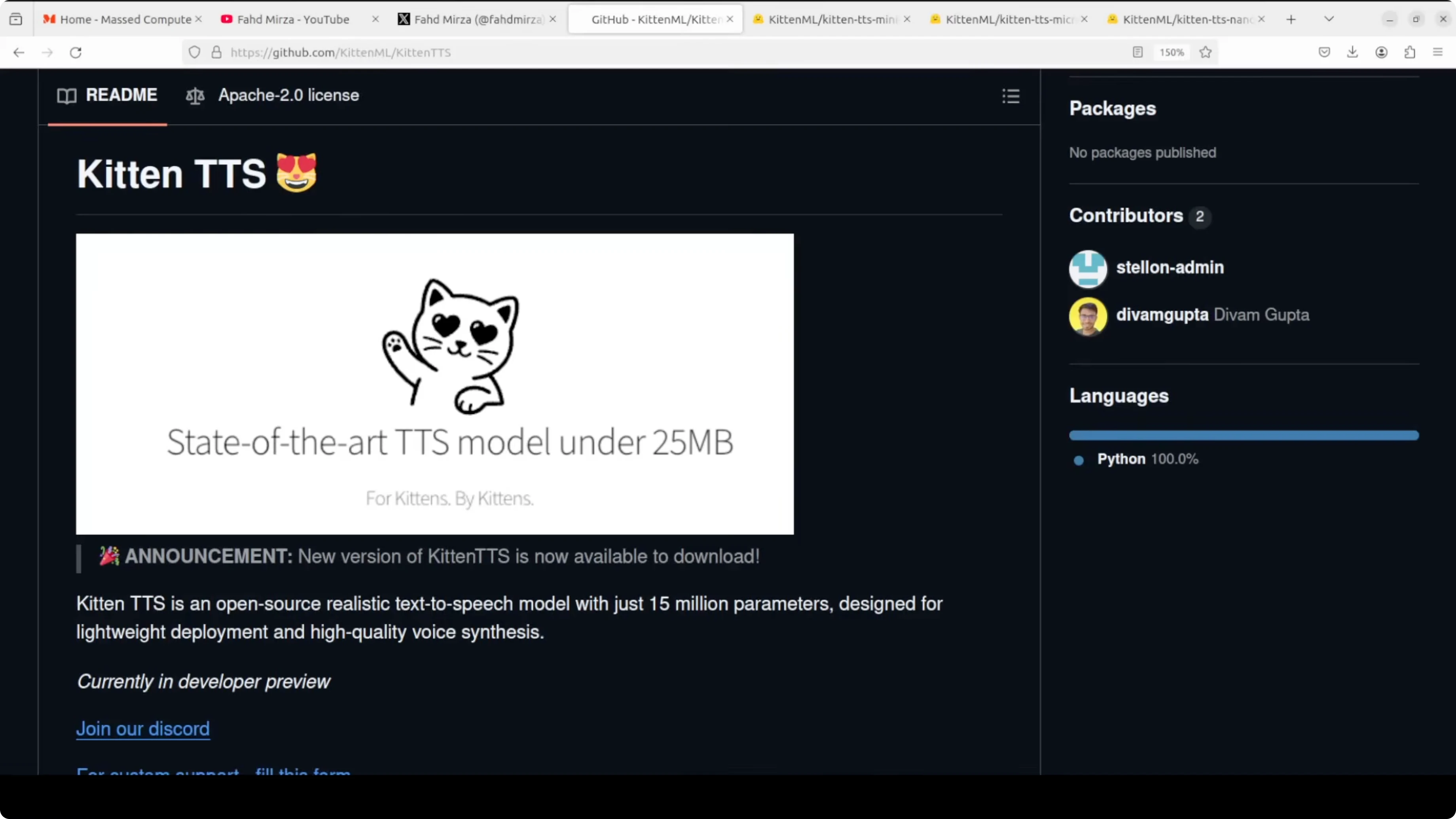
KittenTTS: How to Set Up This 25MB AI Voice Model Locally?
KittenTTS just released a new version. They have released a set of three models ranging from mini, micro, and nano.
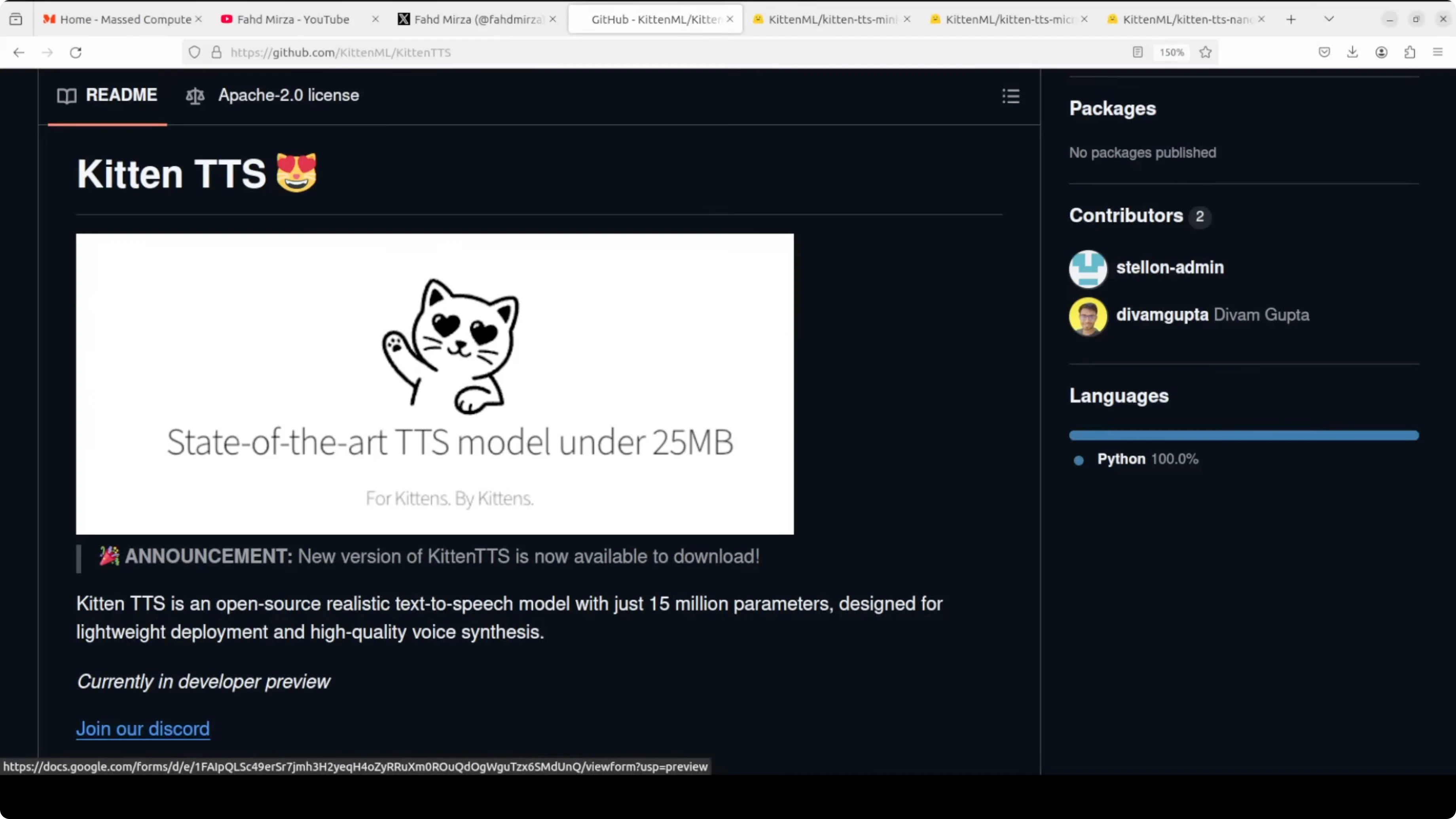
The smallest, the nano, weighs in at under 25 megabytes and runs entirely on CPU.
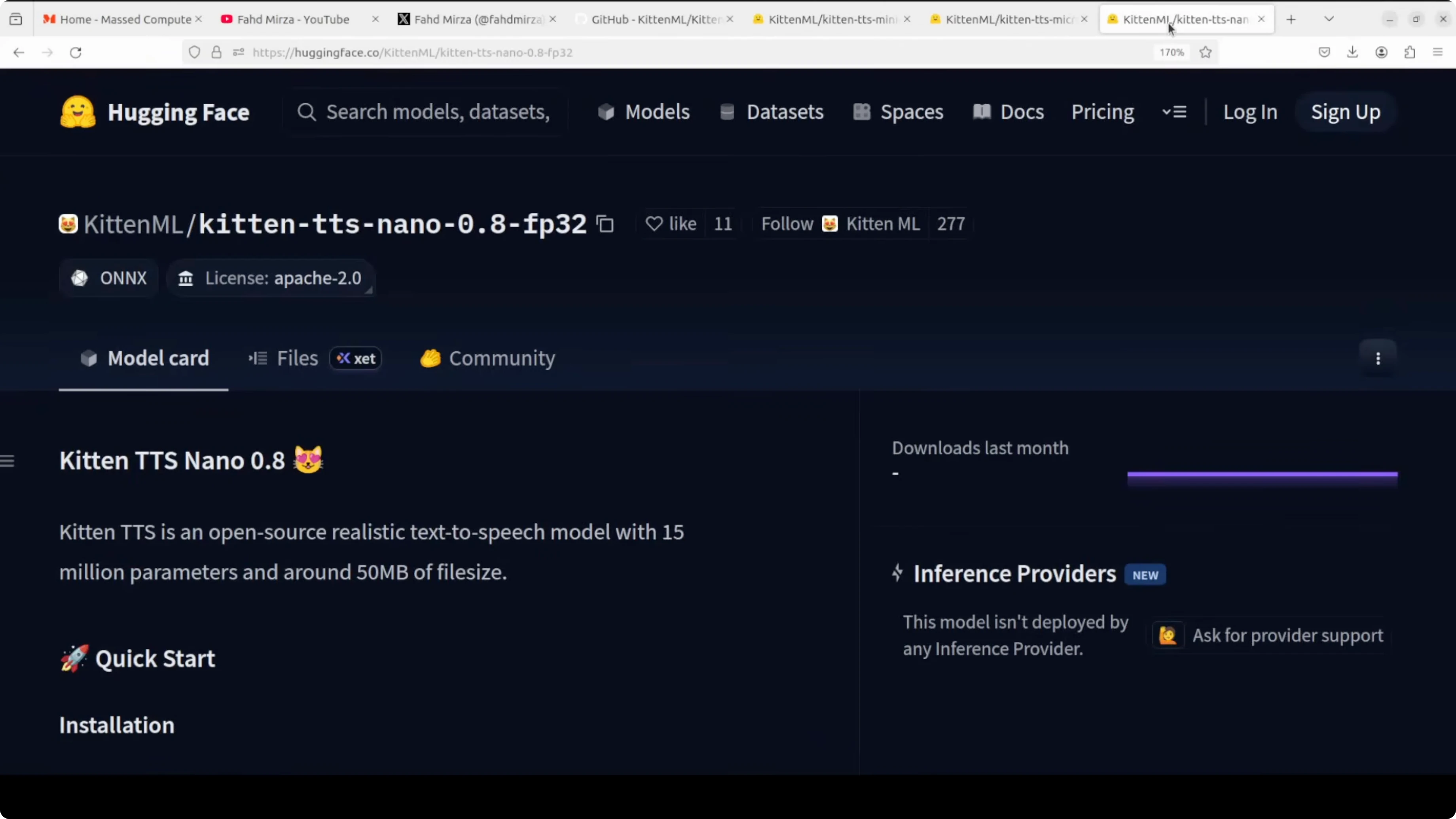
These are text-to-speech models at 14 million, 40 million, and 80 million parameters, all under the Apache 2 license.
You don't need any GPU for any of these models. They are genuinely designed for resource-constrained edge devices like Raspberry Pi, phones, or embedded hardware.
All these models ship with eight expressive voices, four male and four female. The jump in quality from v0.1 to v0.8 is significant as far as their claims are concerned. Let's test them out to see how much water this holds.
KittenTTS overview
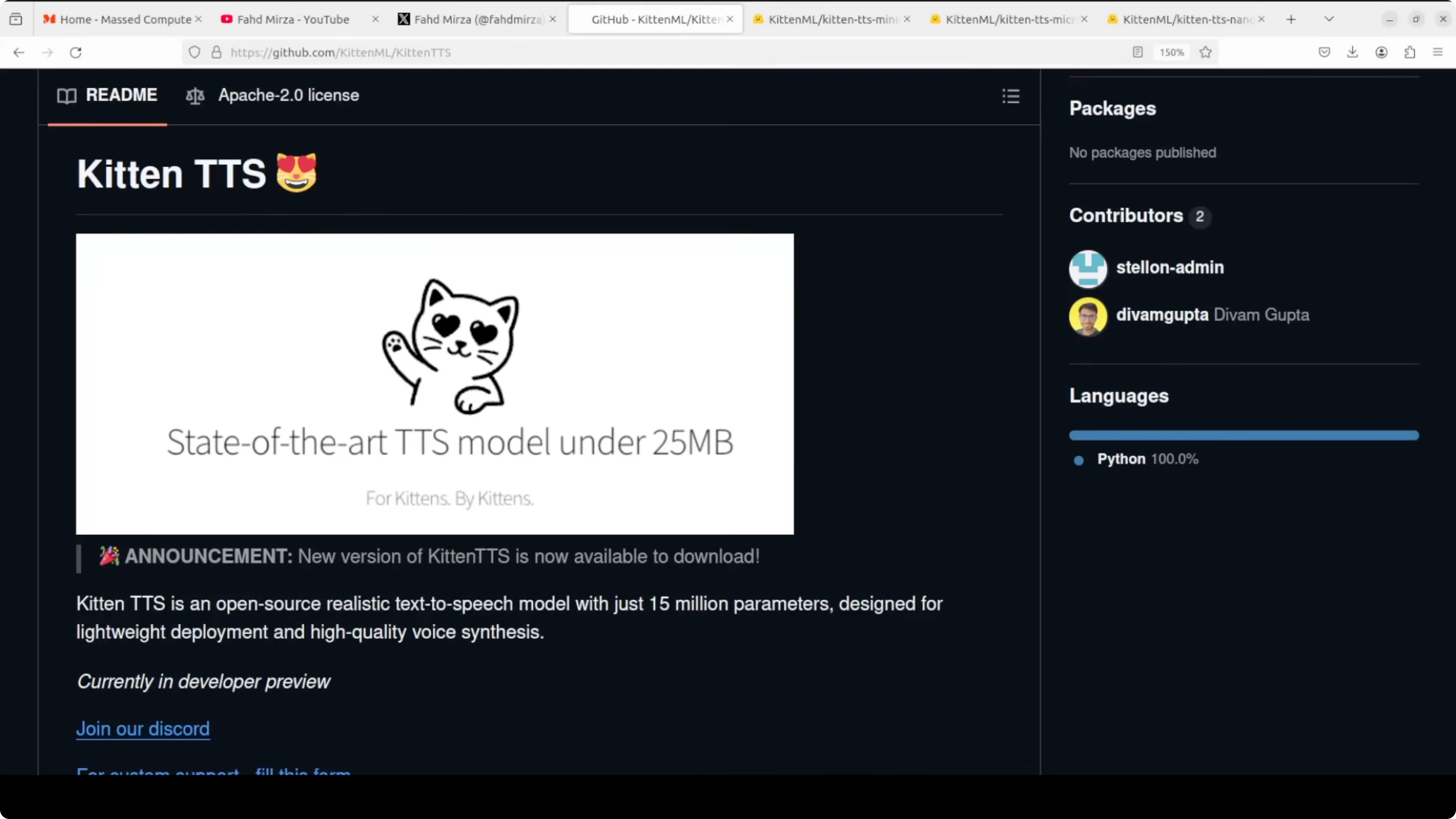
The architecture is based on StyleTTS2. They are targeting the gap between different sizes of the model. This is well suited for on-device voice agents, local assistants, IoT applications, and mainly browser extensions.
If you are looking to build your own custom voice browser extension, this could be a good option. It suits use cases where sending audio to a remote server is either too slow, too expensive, or a privacy concern. You can just build a Docker container with a Gradio interface and then even test it in games with hundreds of simultaneous users.
It is not a rosy picture at all. There are limitations too. I will list those shortly.
For more model updates, see Kimi K1.5.
Set up KittenTTS locally
I am using an Ubuntu system. I do have a GPU card on this machine, but I am using CPU only and will show that shortly. The installation of KittenTTS is quite simple.
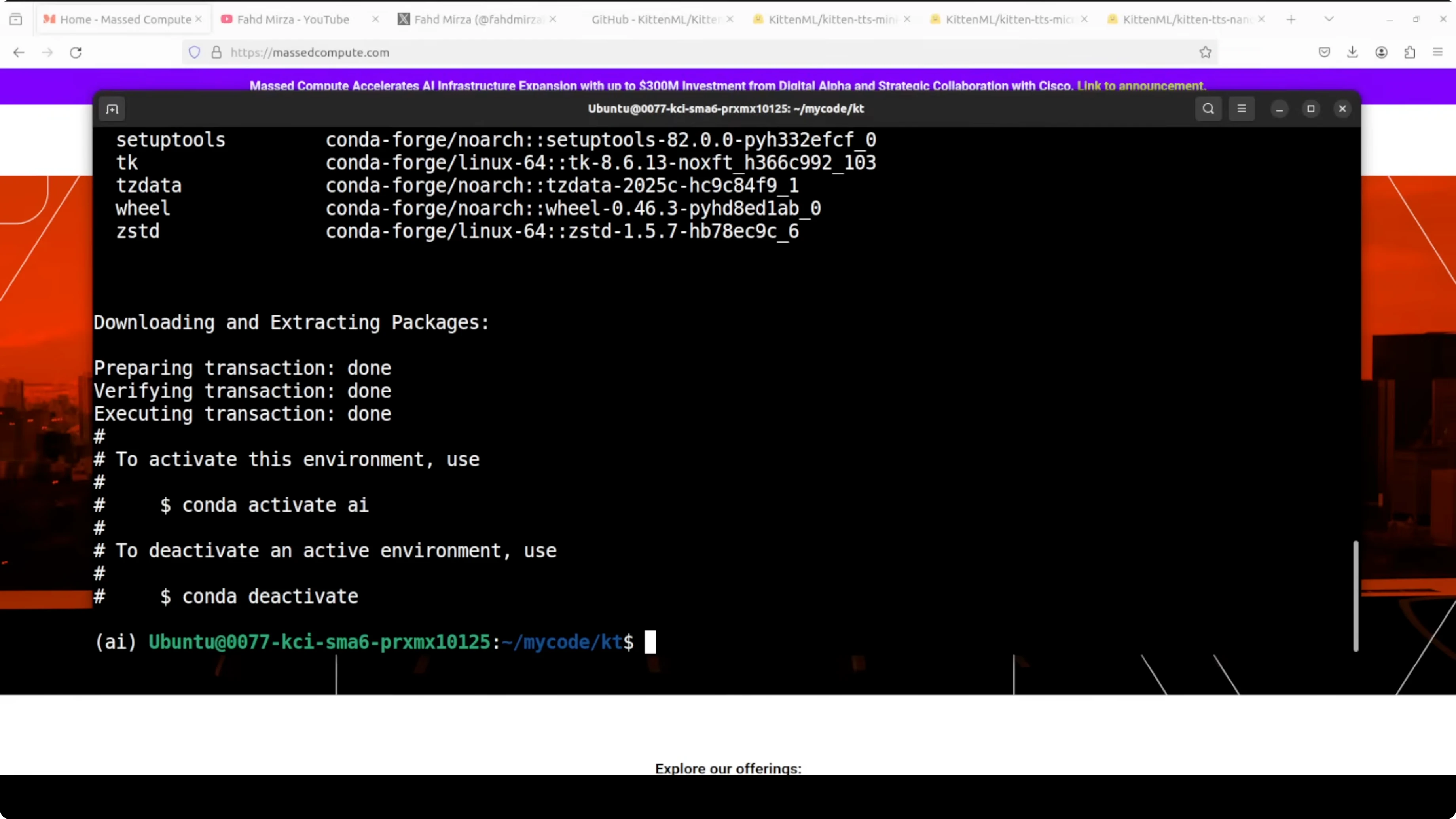
Environment
- Create and activate a virtual environment:
python3 -m venv .venv
source .venv/bin/activate
python -m pip install --upgrade pip- Install KittenTTS from the GitHub repo:
pip install "git+https://github.com/KittenML/KittenTTS"- Repo for reference: KittenTTS on GitHub.
If you are exploring related models and training stacks, also see Tulu 3.
Test script
I wrote a simple app.py where I first import the library we just installed. First up I am going to test the mini model, and I will test the others later.
The prompt is a play on Mark Twain: the first half is "The reports of my death are greatly exaggerated," but the line I used is "The reports of my death are greatly exaggerated, but the reports of AI taking all our jobs are somehow even more so."
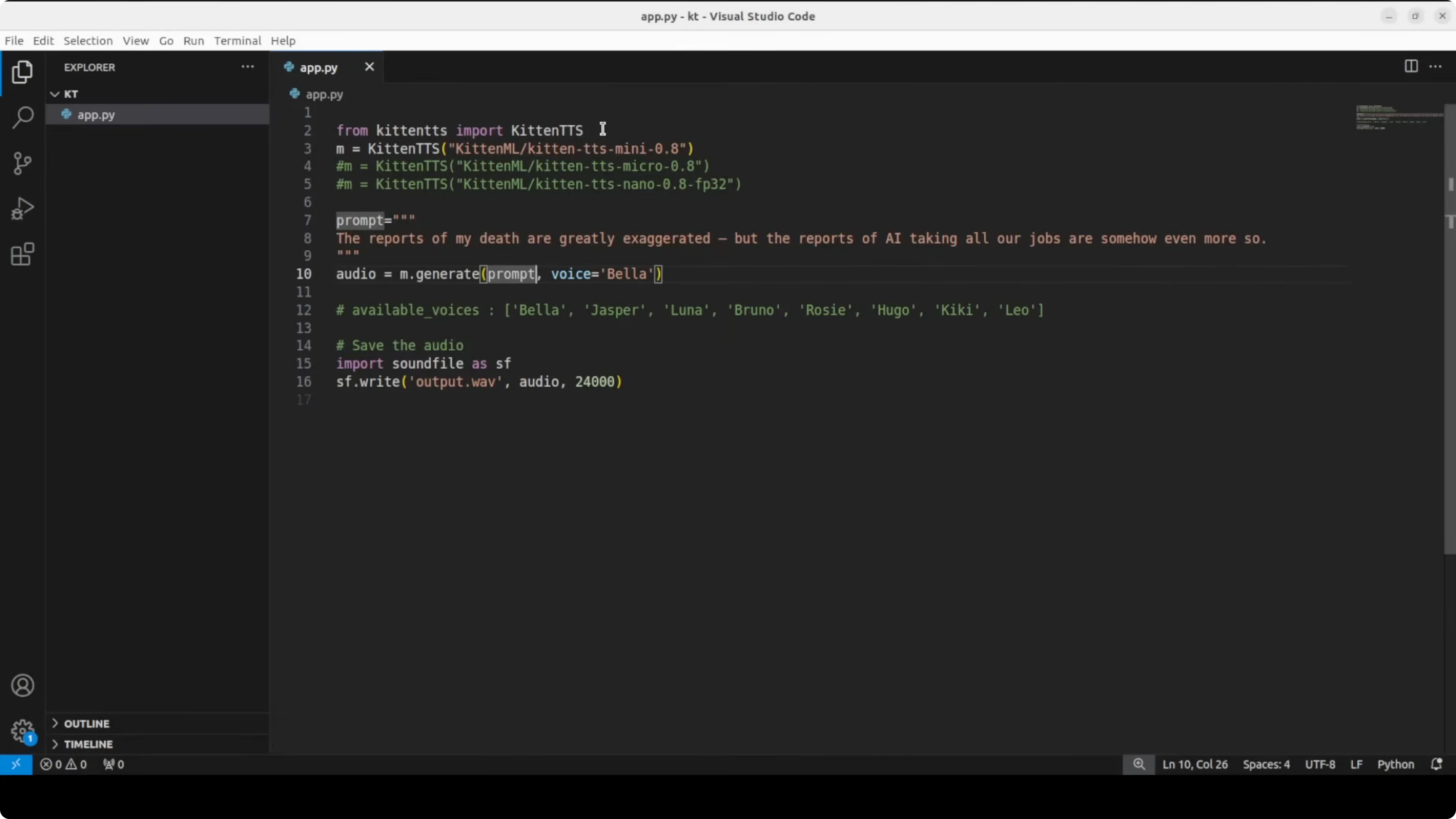
For the voice I am using Bella. It will save the audio to a file. Then I will play it.
Here is a minimal example script:
# app.py
import time

# Replace this import with the correct one from the library
# Example: from kittentts import TTS
from kittentts import TTS  # adjust if the package exposes a different API

def run(model_size, voice, text, out_path):
    tts = TTS(model=model_size)  # "mini", "micro", or "nano"
    start = time.time()
    audio_bytes, info = tts.synthesize(text=text, voice=voice, return_info=True)
    elapsed = time.time() - start

    with open(out_path, "wb") as f:
        f.write(audio_bytes)

    # Optional timing info if provided by the library
    if info:
        words = info.get("words", len(text.split()))
        tokens = info.get("tokens", None)
        rtf = info.get("rtf", elapsed / max(info.get("duration_sec", 1e-6), 1e-6))
        print(f"words={words}, tokens={tokens}, seconds={elapsed:.2f}, rtf={rtf:.3f}")
    else:
        print(f"seconds={elapsed:.2f}")

if __name__ == "__main__":
    text = "The reports of my death are greatly exaggerated, but the reports of AI taking all our jobs are somehow even more so."
    run(model_size="mini", voice="bella", text=text, out_path="mini_bella.wav")
Run it:
python app.pyThe first run downloads the model and voice files. The model format is ONNX, which runs efficiently without needing the original training framework like PyTorch. The NPZ is a NumPy file storing pre-built voice embeddings.
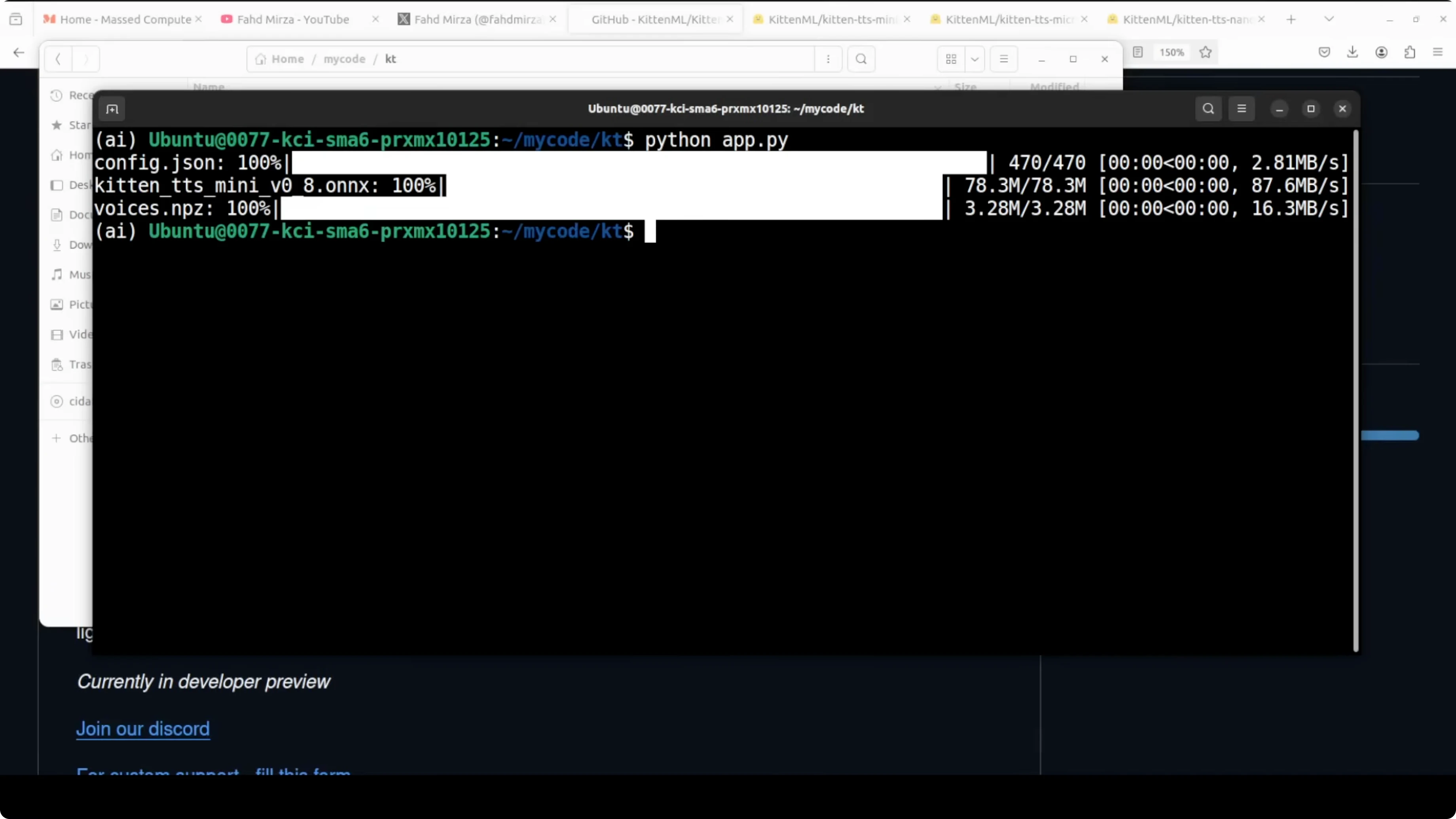
Mini results
The model generated the output after downloading the files. Together they let KittenTTS run fast and lean on basically any sort of hardware. The audio saved correctly.
I played the output: "The reports of my death are greatly exaggerated, but the reports of AI taking all our jobs are somehow even more so." It is still not that expressive. I don't think I could hear much expressiveness, but I will try a few more.
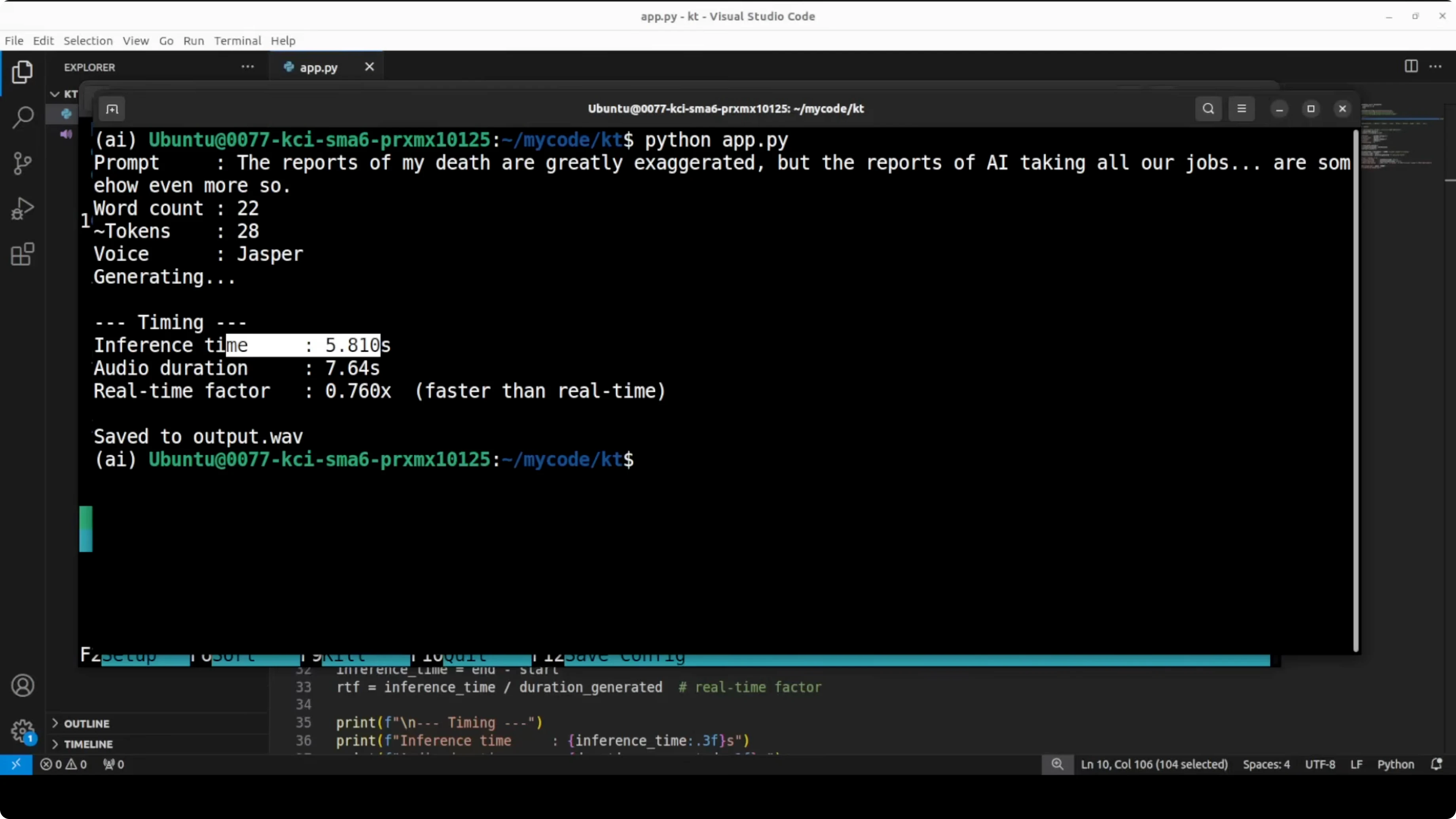
I changed the code a bit to get token timing information. I also changed the prompt slightly, and I switched to Jesper's voice. I monitored GPU usage to confirm it is not consuming anything.
Everything finished, and the time it took was quite good. The real-time factor was also impressive. The prompt had 23 words, roughly around 29 tokens, and the model spent about 8.5 seconds with an RTF that indicated the model finished generating before the audio would even finish playing.
I played the audio again with Jesper: "The reports of my death are greatly exaggerated, but the reports of AI taking all our jobs are somehow even more so." I still don't see any expressiveness in it. I will test the next model with another voice.
Micro results
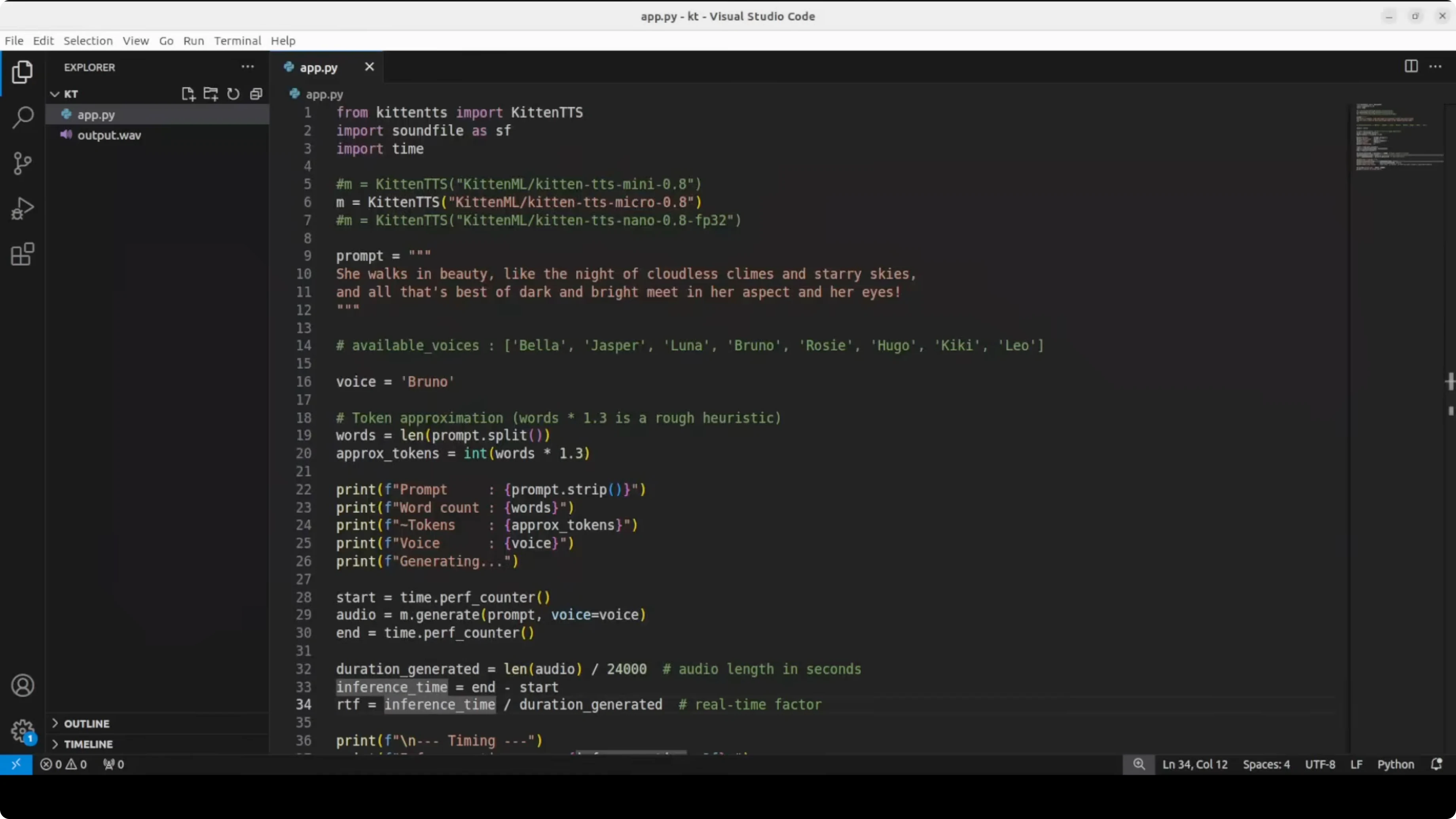
This time I used a Lord Byron line and tested the micro model. I changed the voice to Bruno. While it ran, I checked CPU consumption.
It is on CPU and hardly much of it is being used. There are spikes but not really much, and memory consumption is also low. It had already run by the time I switched back.
The audio: "She walks in beauty, like the night of cloudless climes and starry skies, and all that's best of dark and bright meet in her aspect and her eyes." It is okay for the size of the model, but it made a mistake. It treated an s as a separate word at one point.
Nano results
Next I tested the nano model. I chose Rosie for the voice. The speed is quite good.
I still felt that expressiveness was not there in general, but for the nano, the speed and size are the point. I played this line: "I am not afraid of you and I will not do what you say." That is much better.
Is it the best TTS you have ever heard? No. But for a 25 megabyte model running on a plain CPU with zero dependencies, I think it is punching well above its weight and that is exactly the point of the model.
Limitations
It is only English. There are punctuation handling issues, or maybe all of them. It is only Python at the moment.
They have planned multilingual support, but there is no timeline. Given their previous track record I think this is going to take a bit of time. Keep that in mind before you commit it to production.
If you are comparing outputs across modalities, see Step3 VL.
Final thoughts
KittenTTS runs entirely on CPU across mini, micro, and nano variants. The models download as ONNX with NPZ voice embeddings, and they run fast and lean. The voices include Bella, Jesper, Rosie, and Bruno among others.
The quality jump from v0.1 to v0.8 is noticeable, but expressiveness still lags at times. For local agents, IoT, and browser extensions, the tradeoff of speed and tiny size is the appeal. If sending audio to a remote server is too slow, too expensive, or a privacy concern, this hits a sweet spot.
For hands-on code, start with a virtual environment and pip install from the GitHub repo. Then test mini, micro, and nano with different prompts and voices, and watch CPU usage and real-time factor as you go.
Subscribe to our newsletter
Get the latest updates and articles directly in your inbox.

Related Posts

8 Best Claude Code Plugins in 2026 (You Need to Know)
8 Best Claude Code Plugins in 2026 (You Need to Know)

7 Best Claude Code Skills (You Need to Know)
7 Best Claude Code Skills (You Need to Know)

Claude Code Desktop IDE Features (You Need to Know)
Claude Code Desktop IDE Features (You Need to Know)