
Table Of Content
- What Error 1006 Means
- 1. If You Are Using Nginx (VPS / Reverse Proxy)
- 2. If You Are Using Tailscale or HTTPS Proxy
- 3. If You Are on Debian / Ubuntu (Firewall Issue)
- 4. If You Are Using Docker
- 5. If Telegram Channel Was Configured
- 6. VPN Users: Enable TUN Mode
- 7. Try Device Approval (If CLI Fails)
- 8. Full Reinstallation (If Configuration Is Corrupted)
- 9. If It Disconnects Only After Sending a Prompt
- 10. macOS / Windows Users
- Why This Happens
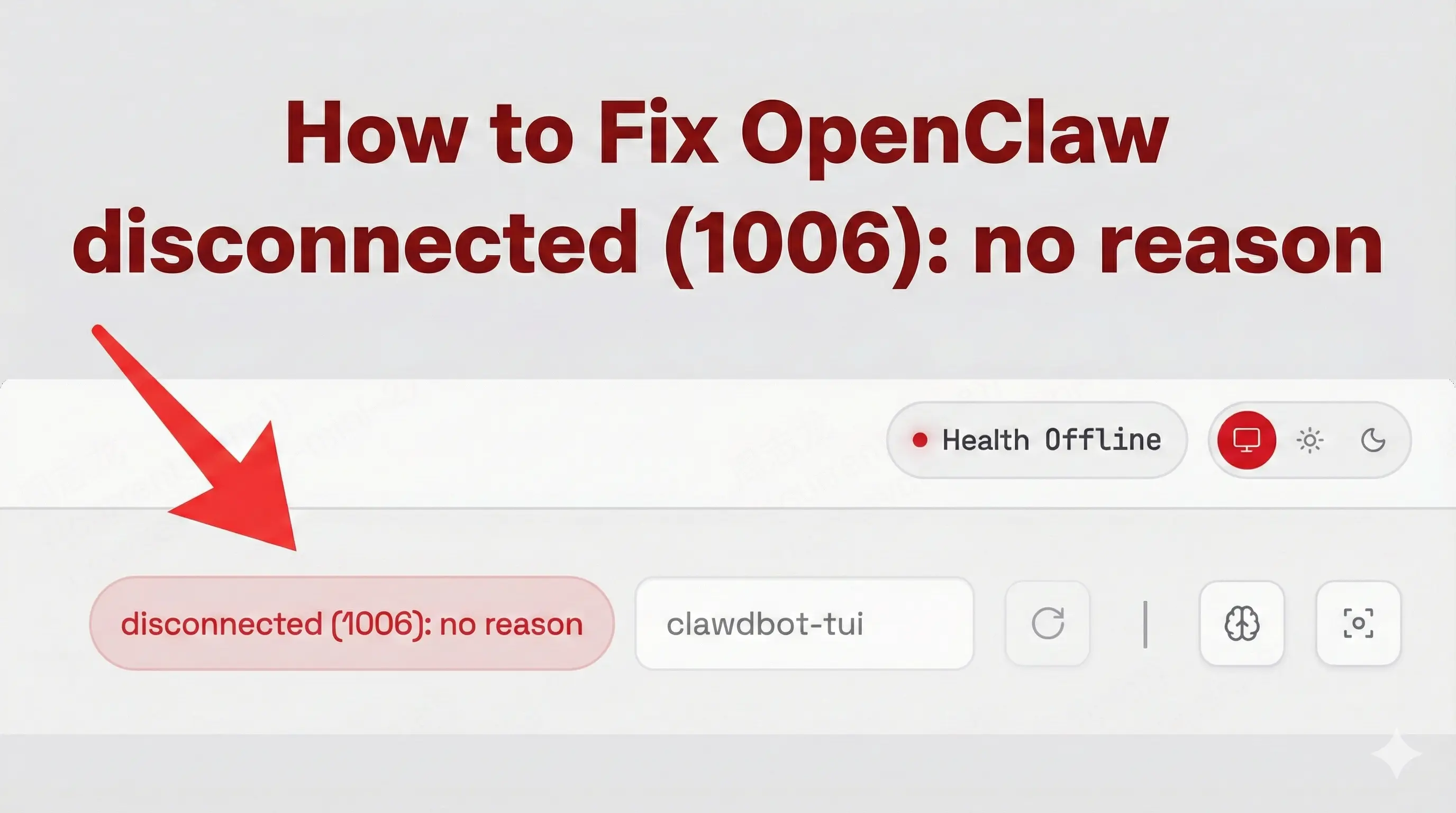
How to Fix OpenClaw disconnected (1006): no reason?
OpenClaw Error Fixer
Paste any OpenClaw error and get the exact fix instantly — cause, steps, copy-ready commands, and related guides.
Table Of Content
- What Error 1006 Means
- 1. If You Are Using Nginx (VPS / Reverse Proxy)
- 2. If You Are Using Tailscale or HTTPS Proxy
- 3. If You Are on Debian / Ubuntu (Firewall Issue)
- 4. If You Are Using Docker
- 5. If Telegram Channel Was Configured
- 6. VPN Users: Enable TUN Mode
- 7. Try Device Approval (If CLI Fails)
- 8. Full Reinstallation (If Configuration Is Corrupted)
- 9. If It Disconnects Only After Sending a Prompt
- 10. macOS / Windows Users
- Why This Happens
If you are seeing this error:
Error: gateway closed (1006 abnormal closure (no close frame)): no close reason Gateway target: ws://127.0.0.1:18789
or disconnected (1006): no reason
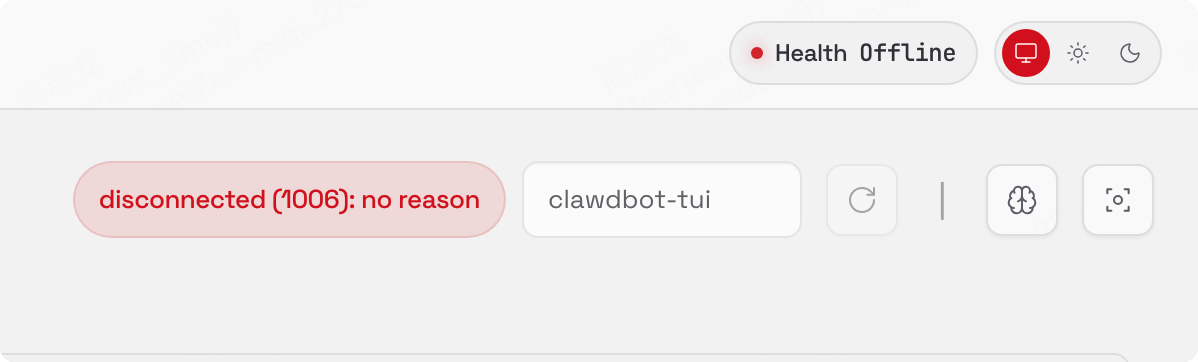
you are not alone. This issue appears in the Web UI, CLI, and dashboard for both OpenClaw and Clawdbot. In most cases, the gateway starts, then closes after a few seconds. Sometimes it disconnects immediately after sending a prompt.
This guide summarizes what actually worked for people and how you can fix it step by step.
What Error 1006 Means
WebSocket error 1006 means the connection was closed abnormally. There is no proper close frame and no clear reason provided by the server. In OpenClaw, this usually points to:
- Gateway not reachable on 127.0.0.1:18789
- WebSocket upgrade failing
- Firewall blocking traffic
- Reverse proxy misconfiguration
- VPN / TUN networking issues
- Channel integration problems (Telegram, etc.)
- Docker container not running correctly
The fix depends on your environment.
1. If You Are Using Nginx (VPS / Reverse Proxy)
If you are running OpenClaw behind Nginx, this is one of the most common causes. WebSockets require special headers. Without them, the gateway disconnects with 1006. Make sure your Nginx config includes WebSocket upgrade headers:
location / {
    proxy_pass http://127.0.0.1:18789;

    proxy_http_version 1.1;
    proxy_set_header Upgrade $http_upgrade;
    proxy_set_header Connection "upgrade";

    proxy_set_header Host $host;
    proxy_set_header X-Real-IP $remote_addr;
    proxy_set_header X-Forwarded-For $proxy_add_x_forwarded_for;
    proxy_set_header X-Forwarded-Proto $scheme;

    proxy_read_timeout 3600;
    proxy_send_timeout 3600;
}
After updating:
sudo systemctl restart nginxThen reload OpenClaw. This alone fixed the issue for several VPS users.
2. If You Are Using Tailscale or HTTPS Proxy
Some users resolved this by letting Tailscale handle HTTPS termination:
- Serve HTTPS on port 443 using Tailscale
- Let Tailscale manage TLS certificates
- Proxy traffic to
http://localhost:18789
This prevents WebSocket upgrade failures caused by TLS misconfiguration.
3. If You Are on Debian / Ubuntu (Firewall Issue)
Sometimes the gateway is running, but firewall rules block traffic. Allow both TCP and UDP on the Web UI port:
sudo iptables -A INPUT -p tcp --dport 18789 -j ACCEPT
sudo iptables -A INPUT -p udp --dport 18789 -j ACCEPT
Then force restart the gateway:
clawdbot gateway --forceImportant: iptables rules are not persistent after reboot unless saved.
4. If You Are Using Docker
Check if the container is running:
sudo docker psIf you see OpenClaw or gateway in the list, restart it:
sudo docker restart CONTAINER_NAMEThen refresh the Web UI and wait a few seconds after login. A stale container often causes repeated 1006 closures.
5. If Telegram Channel Was Configured
Multiple users reported that the issue started immediately after configuring Telegram. Fix:
clawdbot configureThen:
- Open Channels
- Disable Telegram (or disable all channels temporarily)
After disabling Telegram, the gateway remained stable. Some suspect unstable network routing to Telegram causes the disconnect.
6. VPN Users: Enable TUN Mode
If you are running behind a VPN, this may be the root cause. Enabling TUN mode in your VPN resolved the issue for several users. If you are using a VPN client:
- Enable TUN interface
- Restart OpenClaw
- Retry connection
This is especially relevant for users in restricted network environments.
7. Try Device Approval (If CLI Fails)
Some users tried:
clawdbot devices list
clawdbot devices approve {id}
This works only if device authorization is the issue. If it does not fix it, the problem is likely network or gateway related.
8. Full Reinstallation (If Configuration Is Corrupted)
If nothing works, try a clean reinstall:
- Remove entire OpenClaw/Clawdbot installation
- Reinstall from scratch
- Choose local configuration
- Skip chat channel setup initially
- Complete onboarding
Add models manually:
clawdbot config modelWhen entering API keys, paste them directly instead of referencing environment variables. Then restart the gateway multiple times to confirm stability. Corrupted configuration files have caused persistent 1006 errors in some cases.
9. If It Disconnects Only After Sending a Prompt
If the gateway stays connected but disconnects after prompting:
- Try shorter prompts
- Check for rate limiting
- Check network stability
- Verify model configuration
- Restart the gateway
This can happen if the backend crashes when processing the request.
10. macOS / Windows Users
If setup completes successfully but both Web UI and CLI fail with:
Error: gateway closed (1006 abnormal closure (no close frame)): no close reason
Focus on:
- Firewall rules
- VPN interference
- Proxy configuration
- Port conflicts on 18789
On Windows, also verify no other service is using that port:
netstat -ano | findstr 18789Why This Happens
Error 1006 does not give a detailed reason because the WebSocket closes without a proper shutdown message. In most cases, the root cause is network routing, proxy headers, firewall blocking, or unstable channel integrations. Once the gateway can maintain a stable WebSocket session, the problem disappears.
Subscribe to our newsletter
Get the latest updates and articles directly in your inbox.

Related Posts

8 Best Claude Code Plugins in 2026 (You Need to Know)
8 Best Claude Code Plugins in 2026 (You Need to Know)

7 Best Claude Code Skills (You Need to Know)
7 Best Claude Code Skills (You Need to Know)

Claude Code Desktop IDE Features (You Need to Know)
Claude Code Desktop IDE Features (You Need to Know)