
Table Of Content
- Install and Use Claude Code in Antigravity? download
- Install and Use Claude Code in Antigravity? interface
- Install and Use Claude Code in Antigravity? add extension
- Project folder
- Install and Use Claude Code in Antigravity? sign in and modes
- Install and Use Claude Code in Antigravity? craft prompt
- Install and Use Claude Code in Antigravity? auto mode
- Install and Use Claude Code in Antigravity? files and run
- Install and Use Claude Code in Antigravity? scale up
- Final thoughts
How to Install and Use Claude Code in Antigravity?
Table Of Content
- Install and Use Claude Code in Antigravity? download
- Install and Use Claude Code in Antigravity? interface
- Install and Use Claude Code in Antigravity? add extension
- Project folder
- Install and Use Claude Code in Antigravity? sign in and modes
- Install and Use Claude Code in Antigravity? craft prompt
- Install and Use Claude Code in Antigravity? auto mode
- Install and Use Claude Code in Antigravity? files and run
- Install and Use Claude Code in Antigravity? scale up
- Final thoughts
I am going to show you how to install Claude Code on Antigravity and how to use it to build a full portfolio site. This covers how to install claude code in antigravity and also how to use claude code in antigravity with a clean workflow. I will use google antigravity + claude code and keep everything simple.
Install and Use Claude Code in Antigravity? download
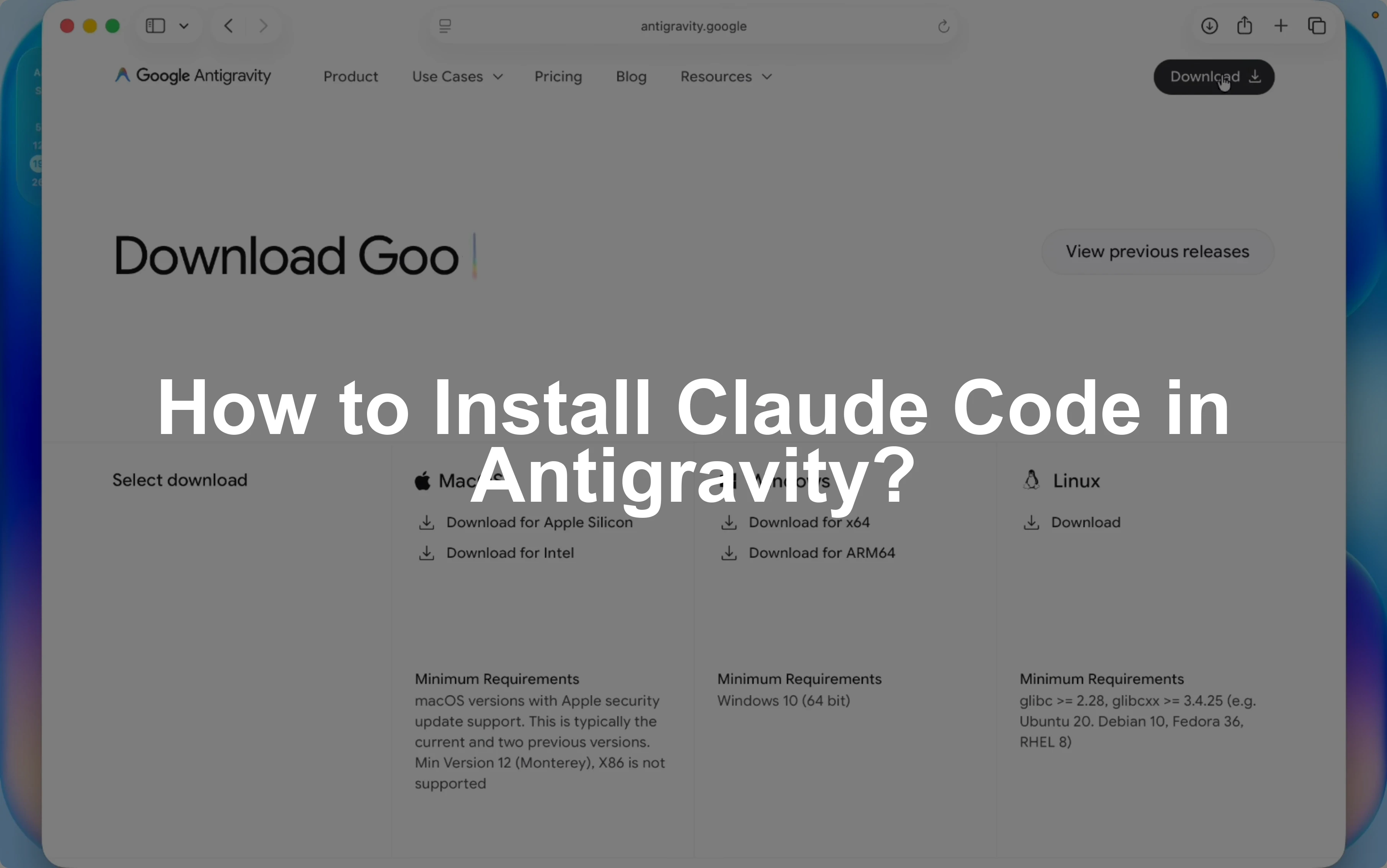
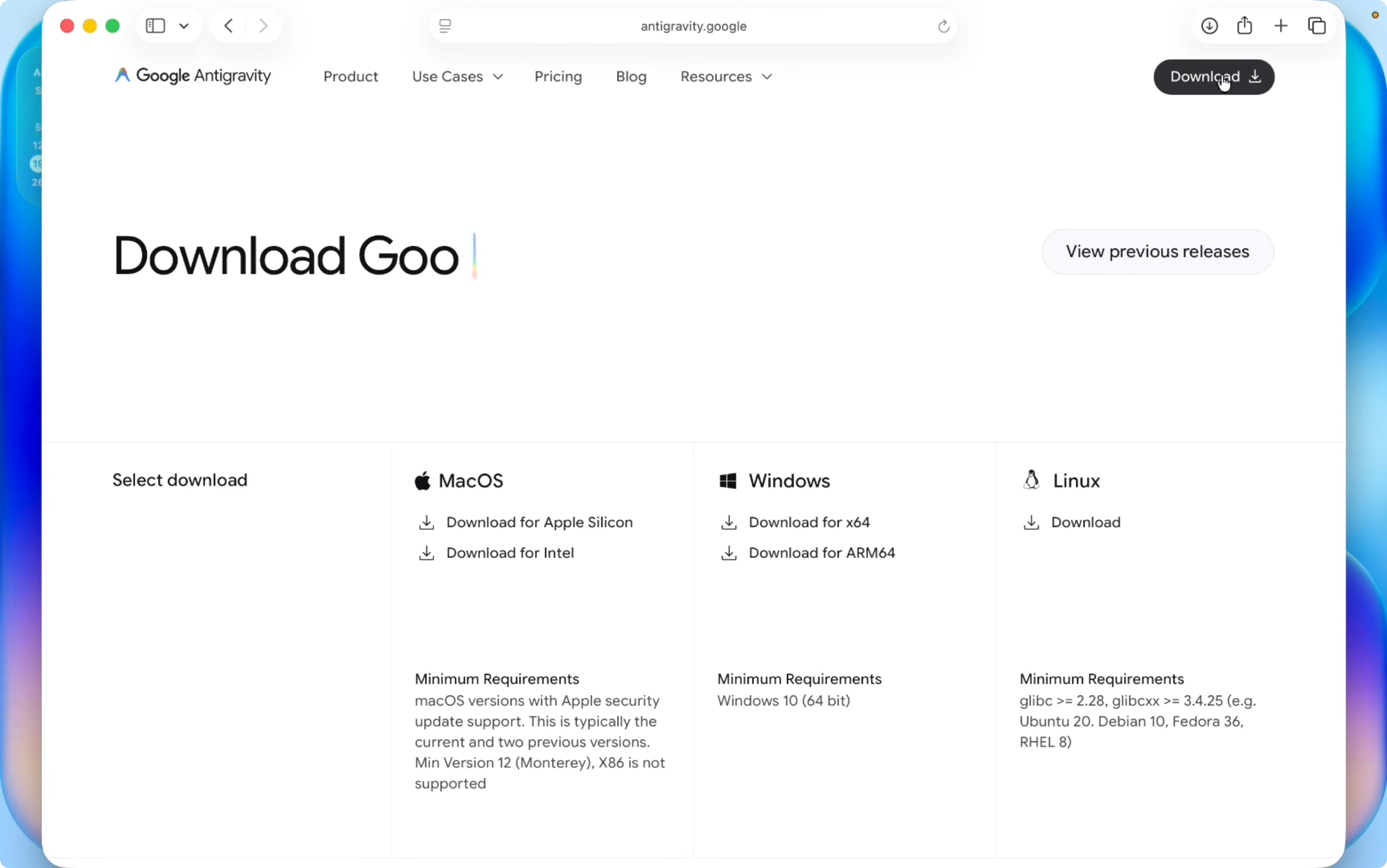
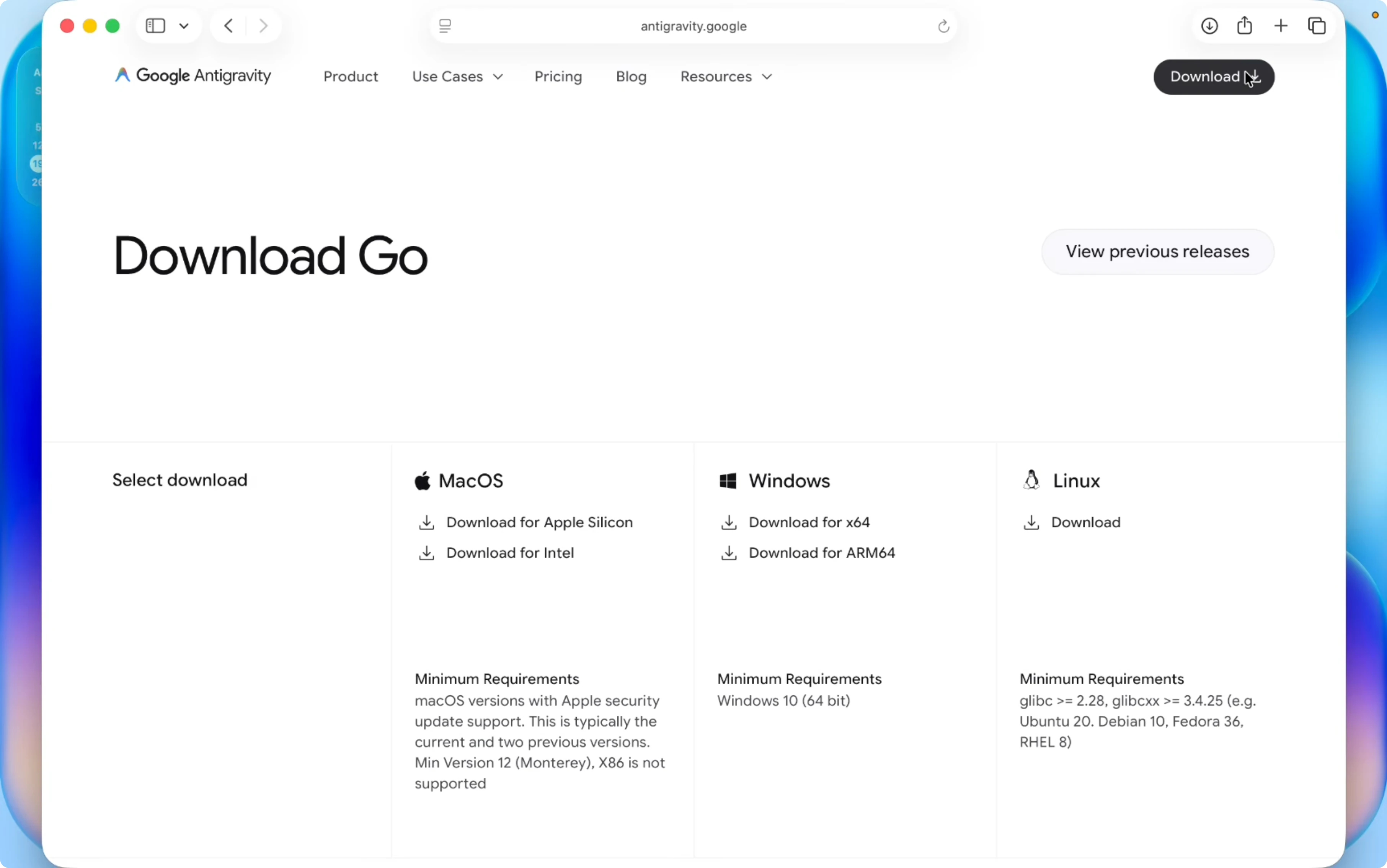
Open your browser and go to antigravity.google.com. Click Download and pick your operating system from macOS, Windows, or Linux. I am on macOS and I am using Apple silicon, so I choose the Apple silicon build.
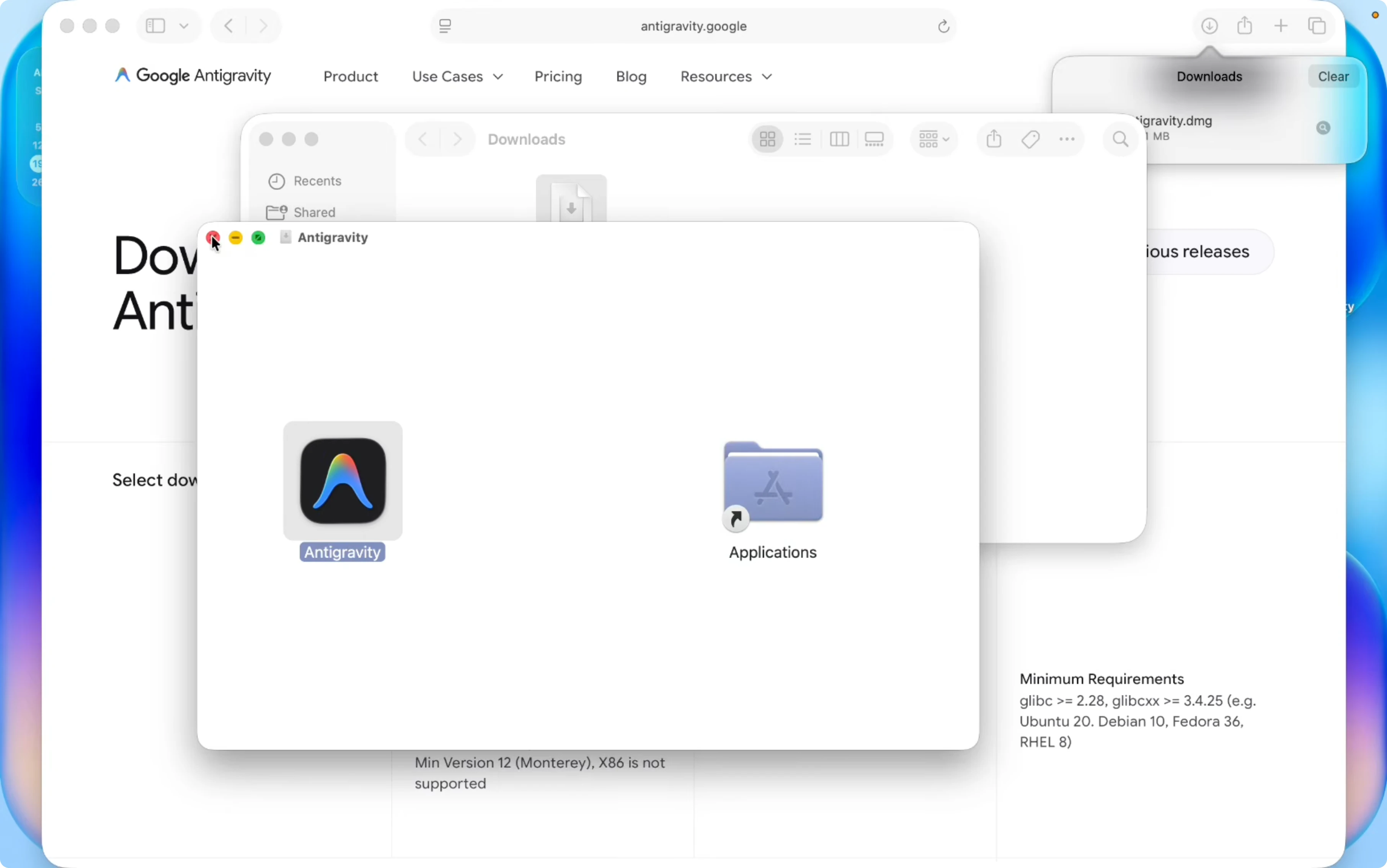
On macOS, double click the downloaded file and drag Antigravity into the Applications folder. Go to Applications and open Antigravity. Click Open to launch it.
On Windows, choose the X64 build to get a .exe file. Double click the .exe and install it. After the install finishes, start Antigravity from the Start menu.
Read More: Claude Code Desktop Managing Tasks
Install and Use Claude Code in Antigravity? interface
This is Antigravity and it looks similar to VS Code. You have the Extensions view and all the common panels you expect. On the right side you will see the Antigravity chat panel with model choices.
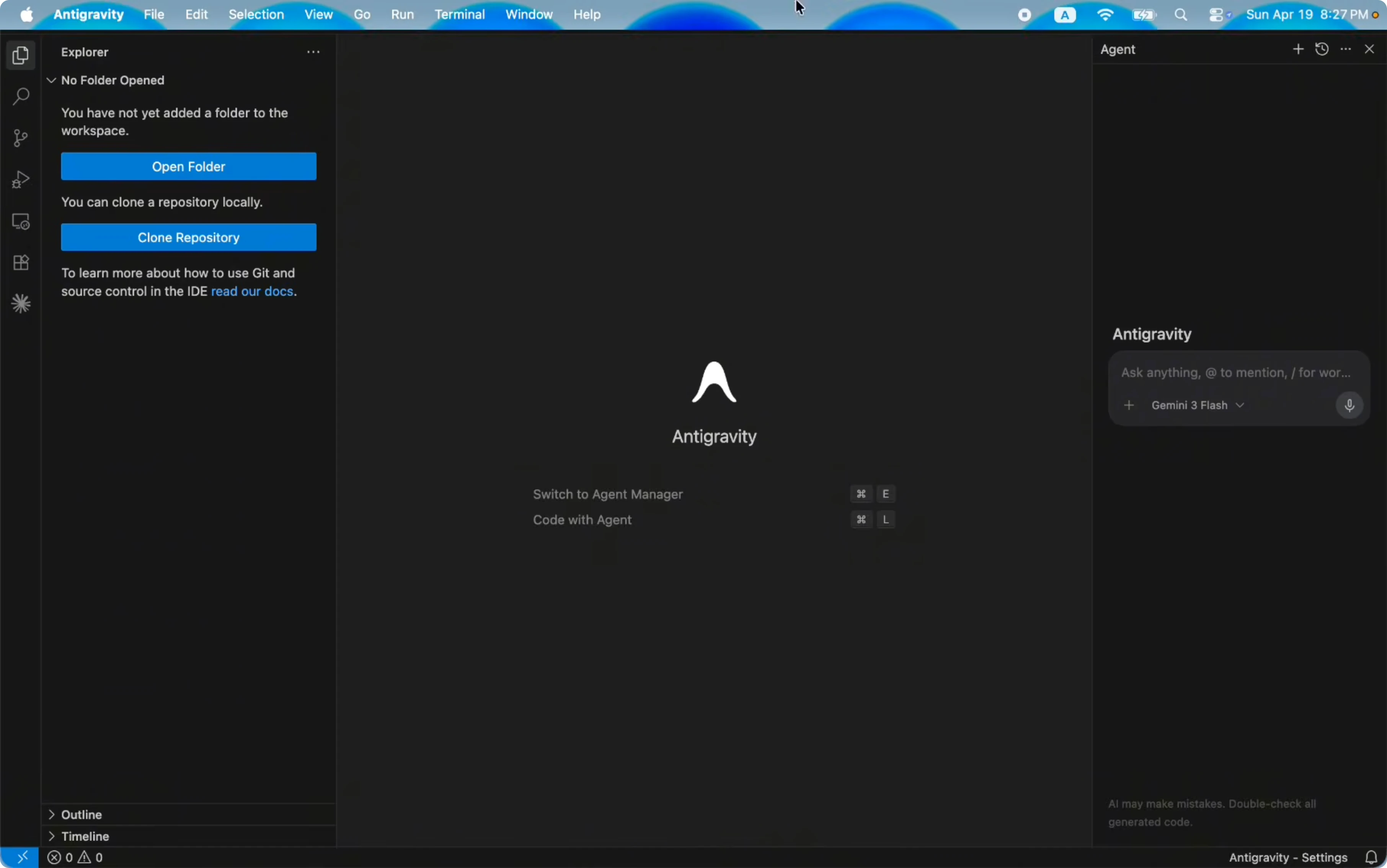
You can select a model like Gemini 3 Flash for free. The pro options have limitations and I suggest staying with Gemini 3 Flash for this setup. I am going to switch to Claude for coding features.
Install and Use Claude Code in Antigravity? add extension
Open the Extensions view and search for Claude. Install the extension named Claude Code for VS Code. After it installs, you will see the Claude chat entry under the Extensions section.
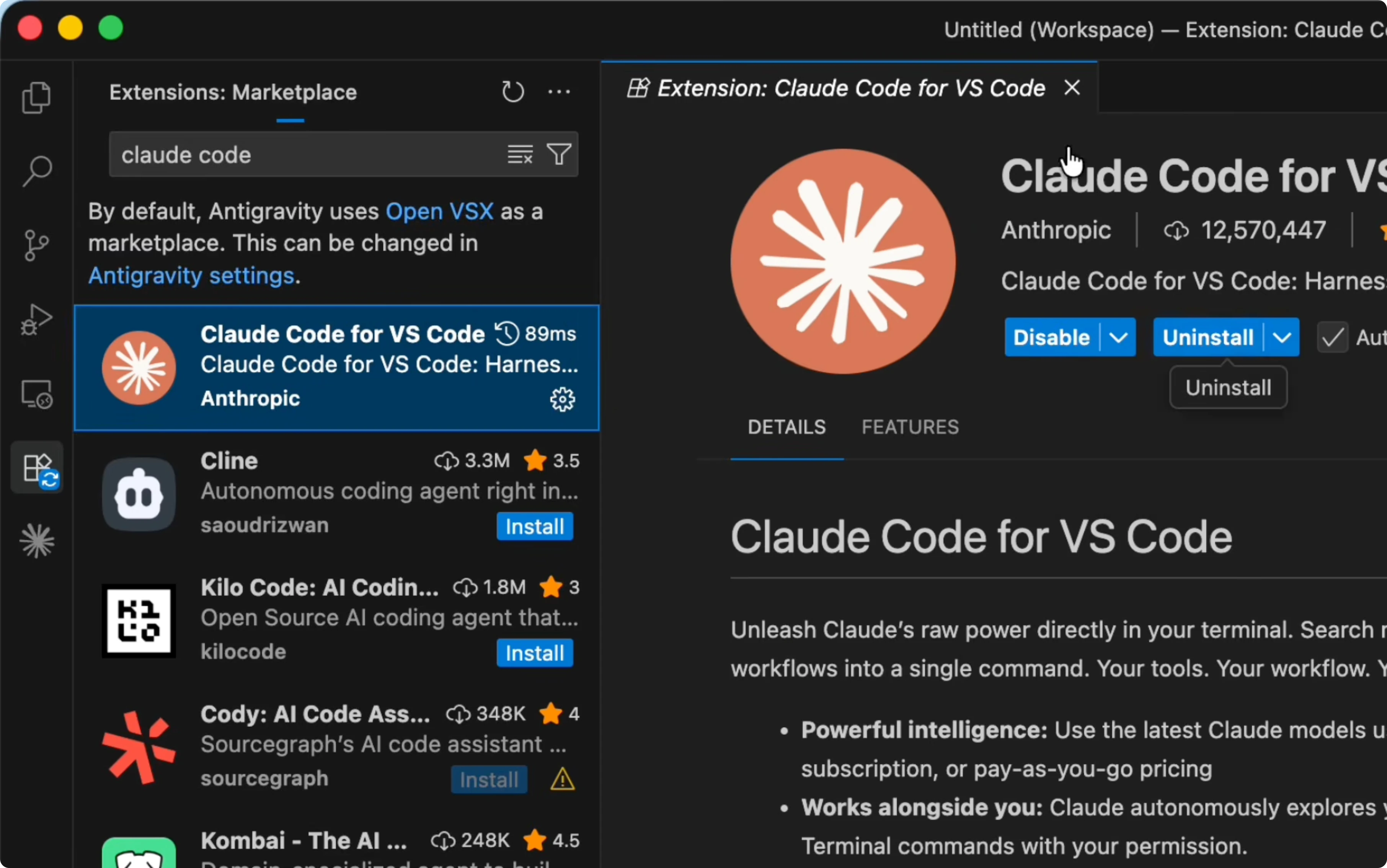
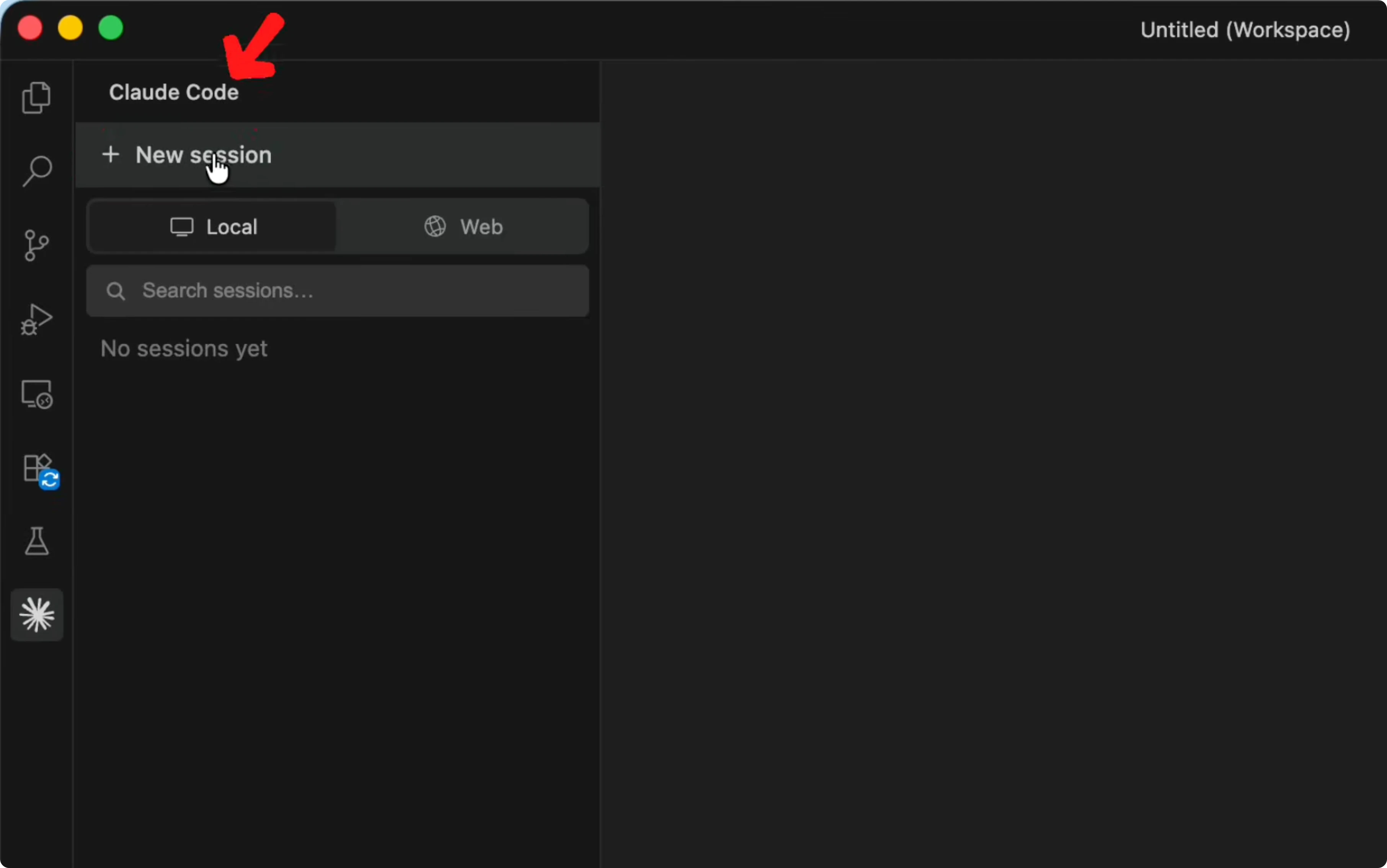
Click New session to open a chat box for Claude Code. I suggest creating a dedicated folder for your project before sending prompts. That keeps files organized and easy to manage.
Project folder
Click Open Folder. On Desktop create a new folder named Claude portfolio and add it as your workspace. Open the Claude Code panel again and click New session to start fresh inside the project.
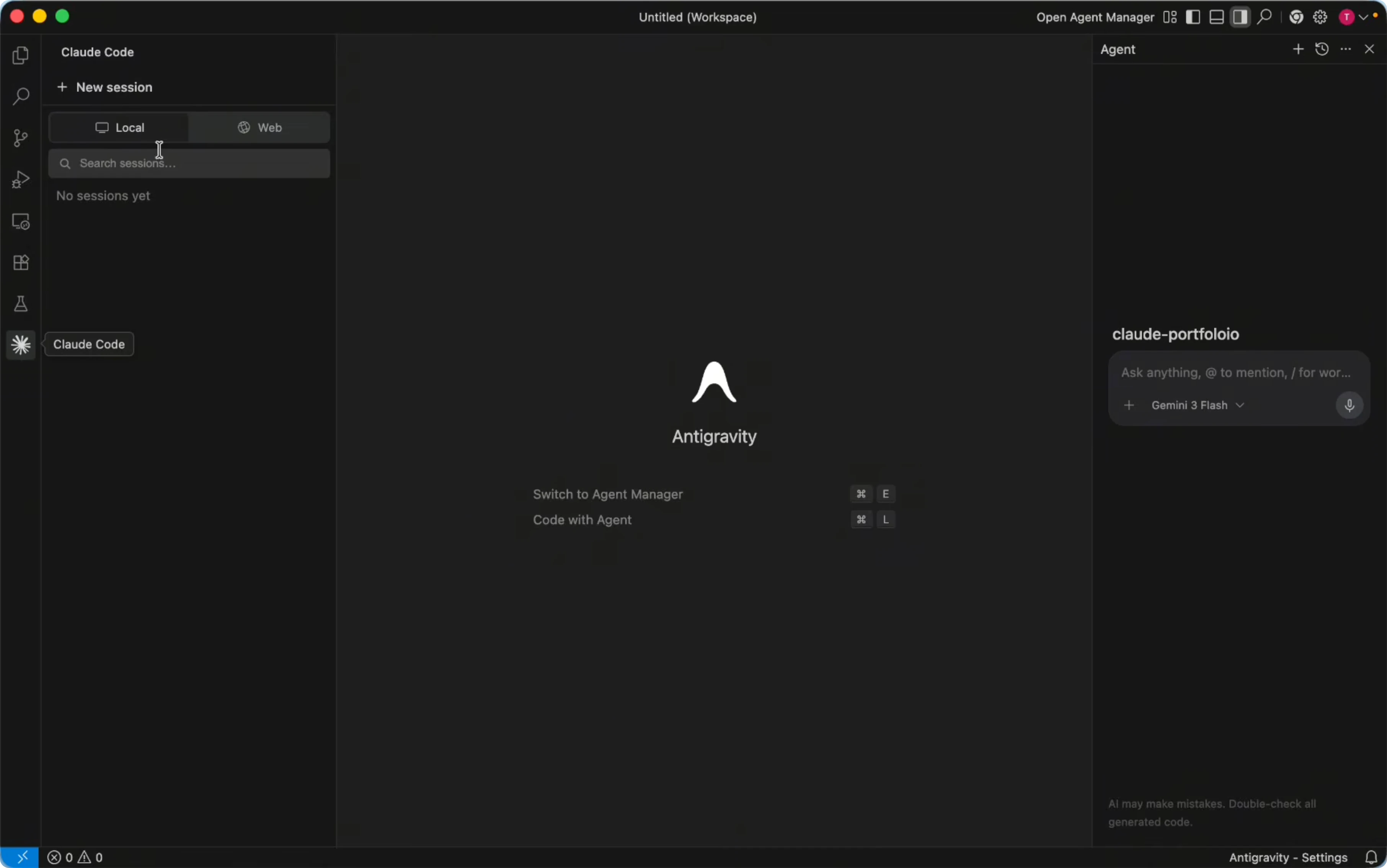
I remove the default agent panel on the right because I want to use the Claude chat from the extension. From here I can write anything about my project and let Claude create the files. This will be the base for the whole site.
Read More: Auto Claude Kanban Boards Elevate Code
Install and Use Claude Code in Antigravity? sign in and modes
Type a slash to see options for thinking modes and agents. You can switch accounts and sign in from the panel. I am already signed in and I have a pro account, and you can also use it for free with limitations.
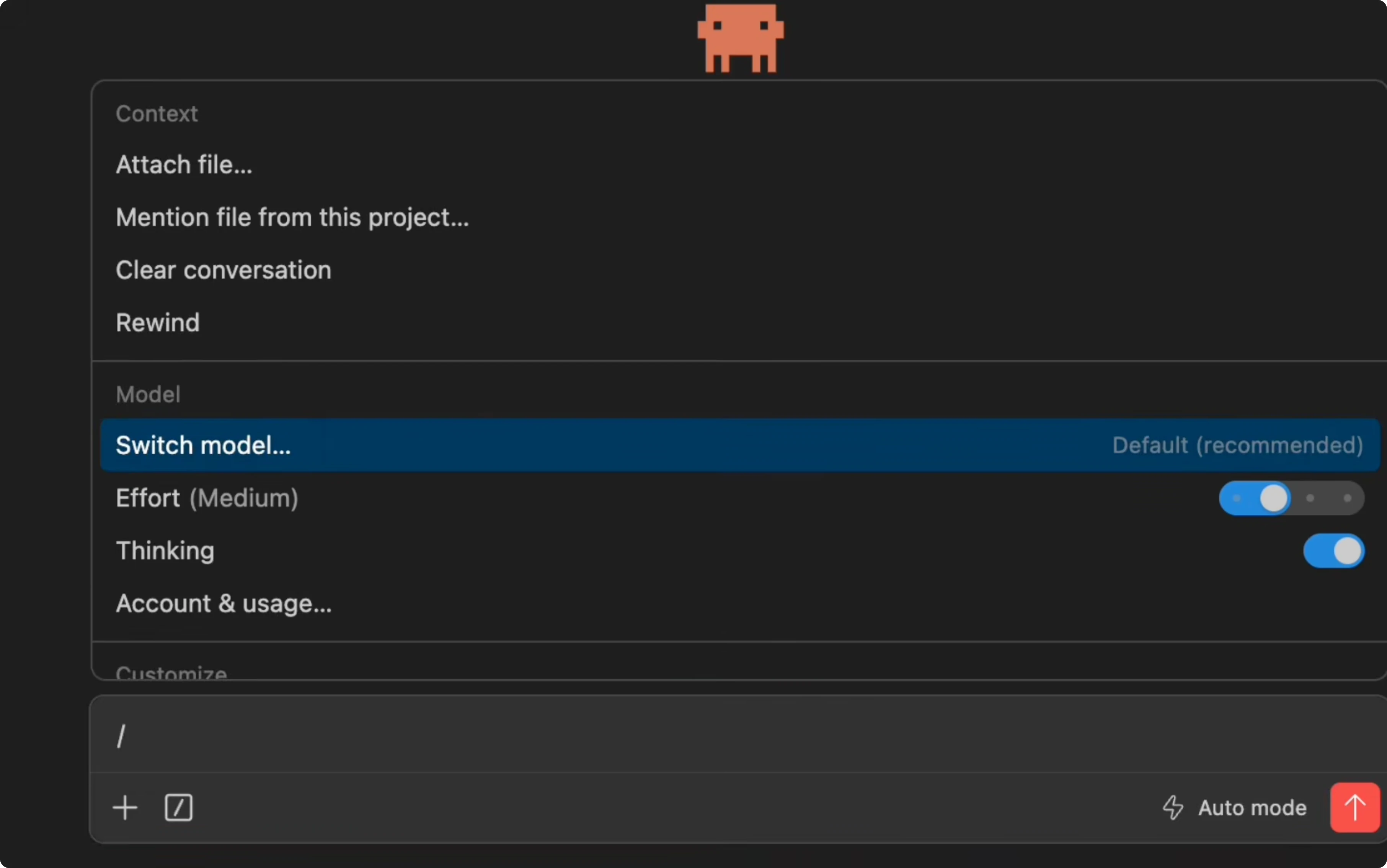
If you run into a login prompt or token flow, that is your claude code antigravity-auth moment. Sign in from the Claude Code panel and proceed. Keep the account you want active before generating code.
Install and Use Claude Code in Antigravity? craft prompt
I want to generate a professional portfolio site using HTML, CSS, Bootstrap, and JavaScript. A good prompt matters because a random prompt often creates only a minimal site. You can ask ChatGPT or Google Gemini to prepare a strong prompt, then paste it into Claude.
Here is the kind of prompt I use with Claude:
Create a modern responsive personal portfolio website using HTML, CSS, Bootstrap, and JavaScript.
Sections: navigation, hero, about me, skills, projects, contact.
Requirements: professional layout, smooth animations, dark and light mode toggle, mobile first, clean typography.
Files to produce: index.html, style.css, script.js with organized folders if needed.
If you need specific colors, fonts, or section details, add them to the prompt. You can adjust the prompt text and ask Claude to revise any part later. That helps produce a professional outcome without starting over.
Read More: Claude Code Nano Banana Ai Images
Install and Use Claude Code in Antigravity? auto mode
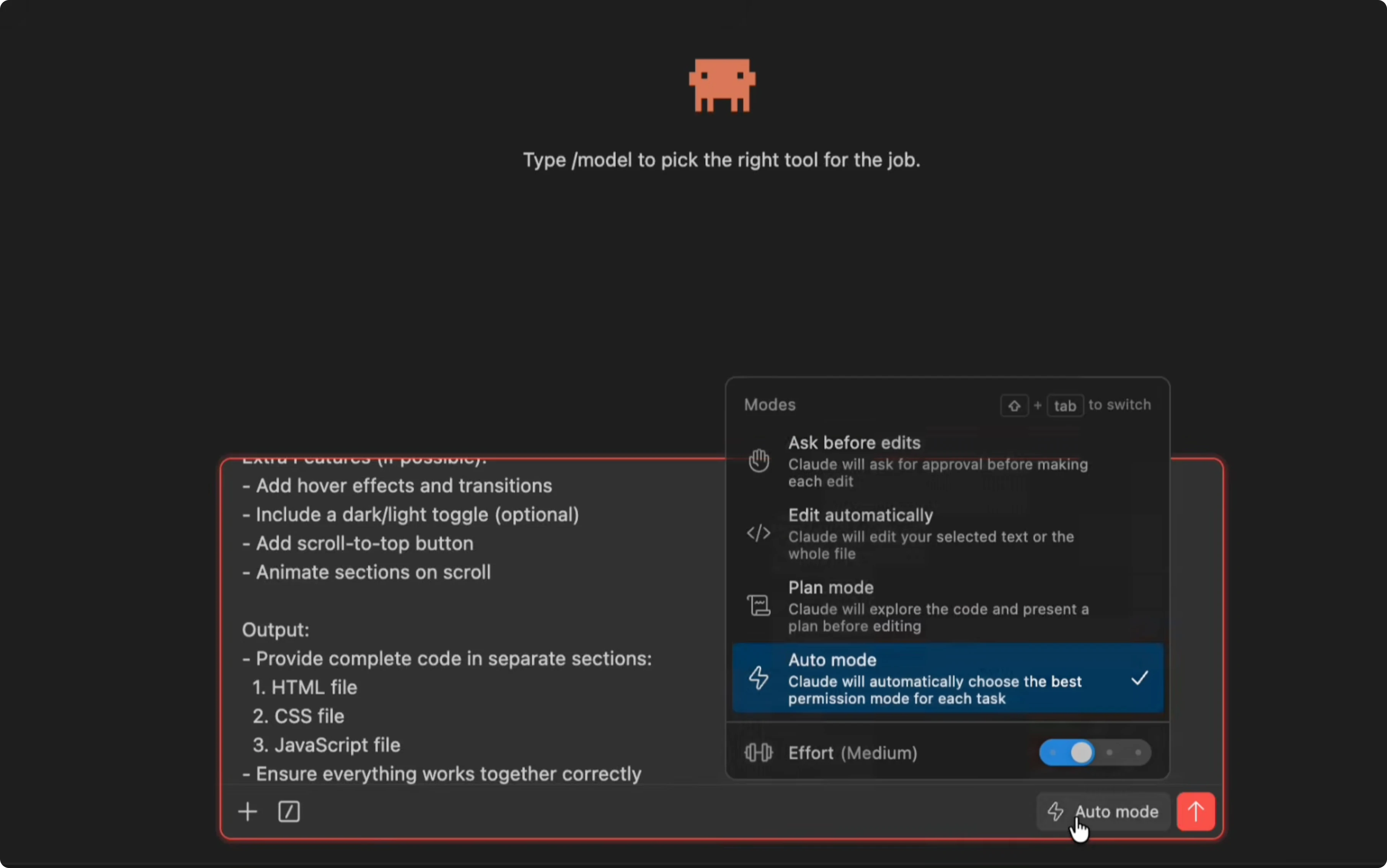
On the right side you will see the mode control. By default you may see Edit automatically, which asks for permission on each file change. I suggest switching to Auto mode so Claude can create files without constant manual approval.
Paste your prompt into Claude and send it. You can press Enter or click the send arrow to run it. Auto mode will let it complete the project on its own.
Install and Use Claude Code in Antigravity? files and run
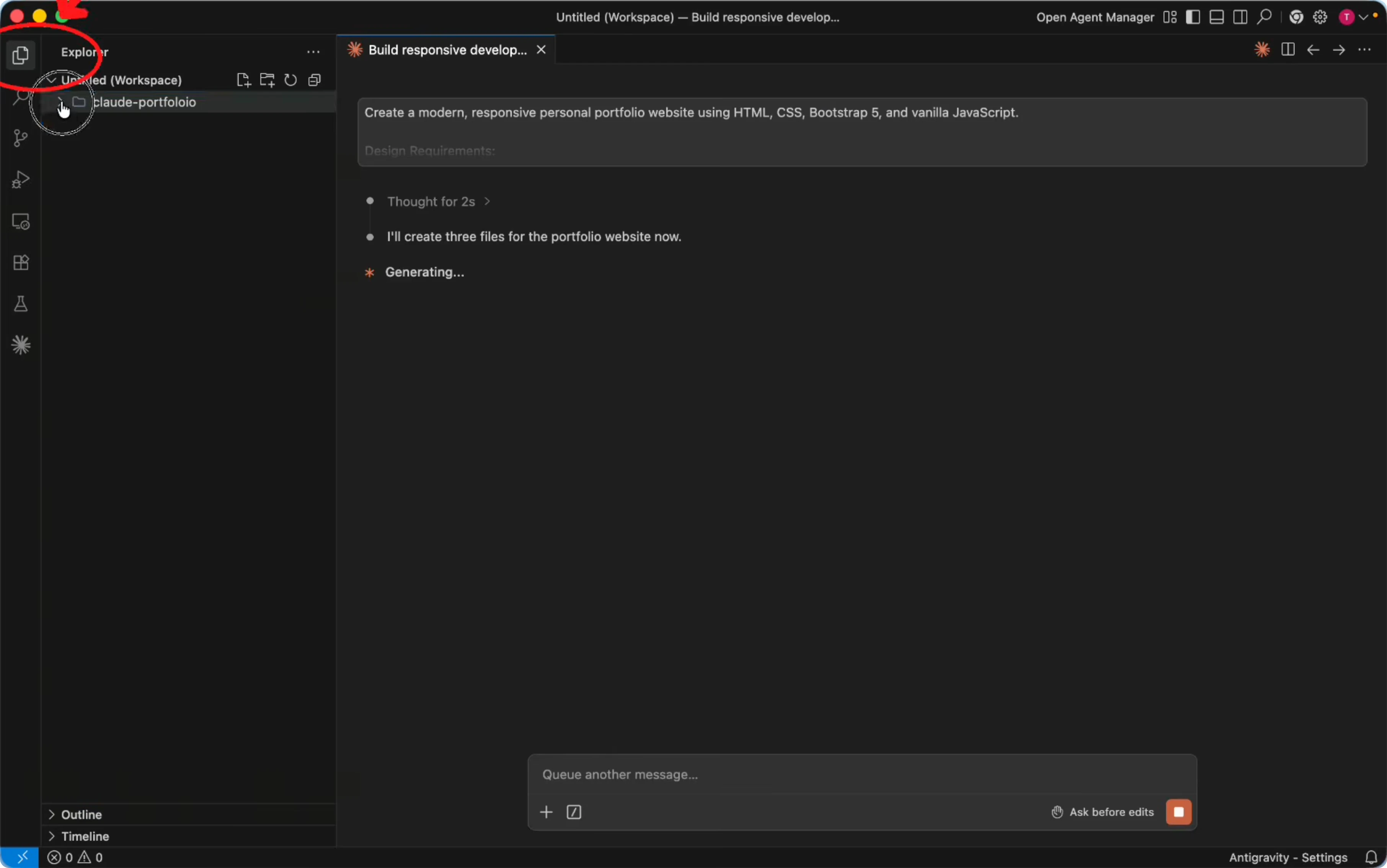
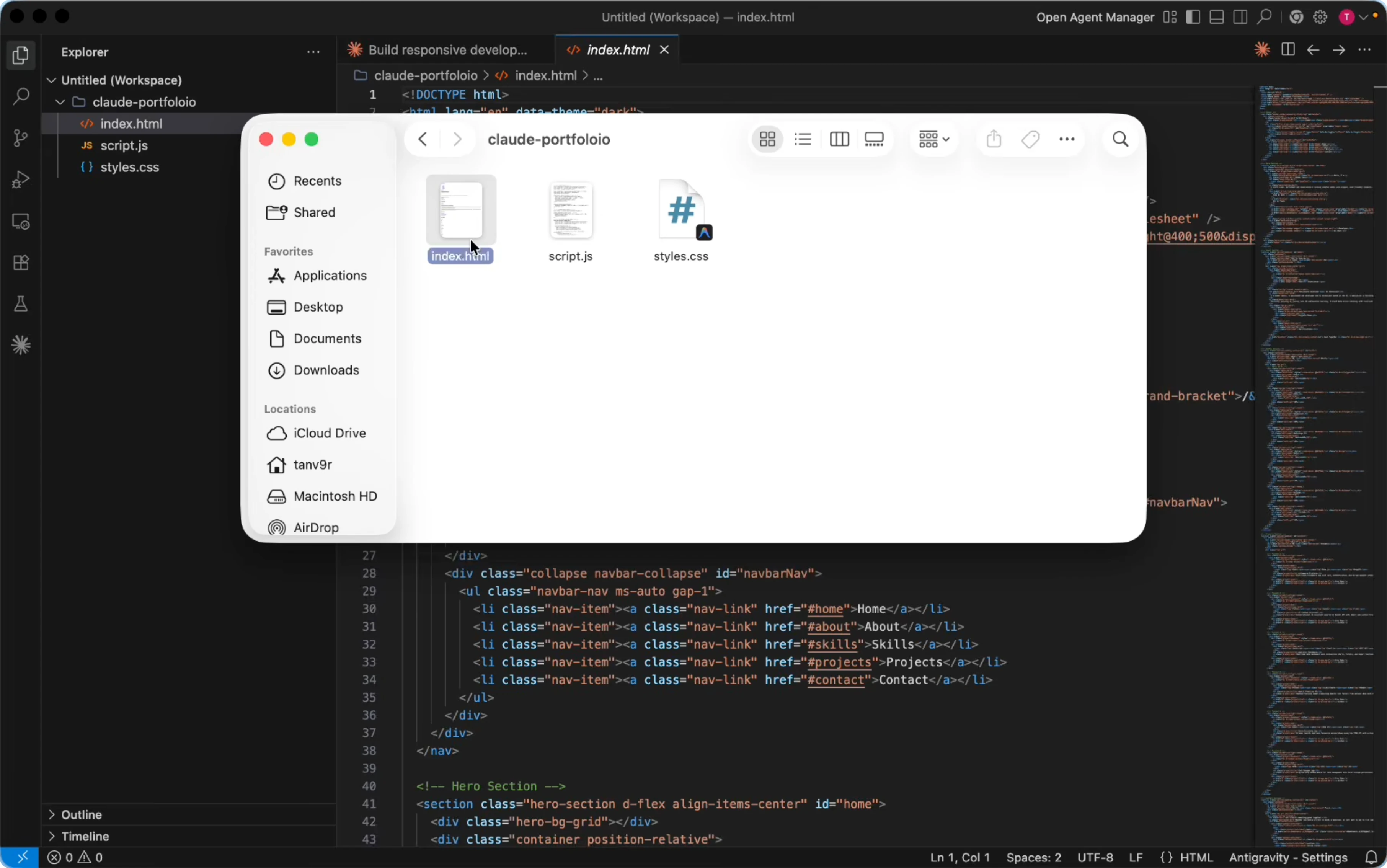
While Claude generates the project, you can keep working on other tasks. Open the Explorer panel to watch new files appear inside your project. You should see files like index.html, script.js, and style.css.
To open the site, use Finder on macOS and go to Desktop then Claude portfolio. Double click index.html to open it in your browser. You will see the hero content, about, skills, projects, and contact sections with a dark and light mode toggle and a light animation.
Read More: Claude Code Playwright
Install and Use Claude Code in Antigravity? scale up
Through Claude you can generate many kinds of projects. Large projects like an ecommerce site are possible and you can grow your codebase from the same chat. Ask for changes to specific parts instead of regenerating the entire prompt each time.
This is the core of how to install claude code in antigravity and how to use claude code in antigravity for a complete site. If you want more depth, explore claude code antigravity github topics to see community tips and extension notes. Keep your folder organized and keep prompts clear for the best results.
Read More: Claude Code Playwright Mcp Integration
Final thoughts
You installed Antigravity, added the Claude Code extension, created a Claude portfolio workspace, and generated a full site with a strong prompt. Auto mode keeps the flow smooth by skipping repeated approval dialogs. Paste a clear prompt, let Claude create the files, and then refine sections in chat without starting from scratch.
Subscribe to our newsletter
Get the latest updates and articles directly in your inbox.

Related Posts

8 Best Claude Code Plugins in 2026 (You Need to Know)
8 Best Claude Code Plugins in 2026 (You Need to Know)

7 Best Claude Code Skills (You Need to Know)
7 Best Claude Code Skills (You Need to Know)

Claude Code Desktop IDE Features (You Need to Know)
Claude Code Desktop IDE Features (You Need to Know)