
GLM 5.1 with OpenClaw: Complete Setup and Testing Guide
OpenClaw Error Fixer
Paste any OpenClaw error and get the exact fix instantly — cause, steps, copy-ready commands, and related guides.
I am not happy paying for models that were free, open source, and open weight before. Zhipu’s GLM 5.1 is locked behind a coding plan that is expensive and billed quarterly, and I just paid for it. I am integrating it with OpenClaw and testing how it performs.
I am doing this for two reasons. First, I cover AI releases and this is the only major one this weekend. Second, their chart shows GLM 5.1 running neck to neck with Claude Opus 4.6, which I use with clients and rate highly, so I had to test it.
I could not wait for the promised open weight release that might arrive in April. I prefer Ollama or LM Studio and local models, but for this I am using the hosted API model. Let’s set it up on Ubuntu and see what it can do.
GLM 5.1 with OpenClaw: setup on Ubuntu
I am installing the latest OpenClaw on Ubuntu. If you already have OpenClaw, upgrade first to avoid odd issues.
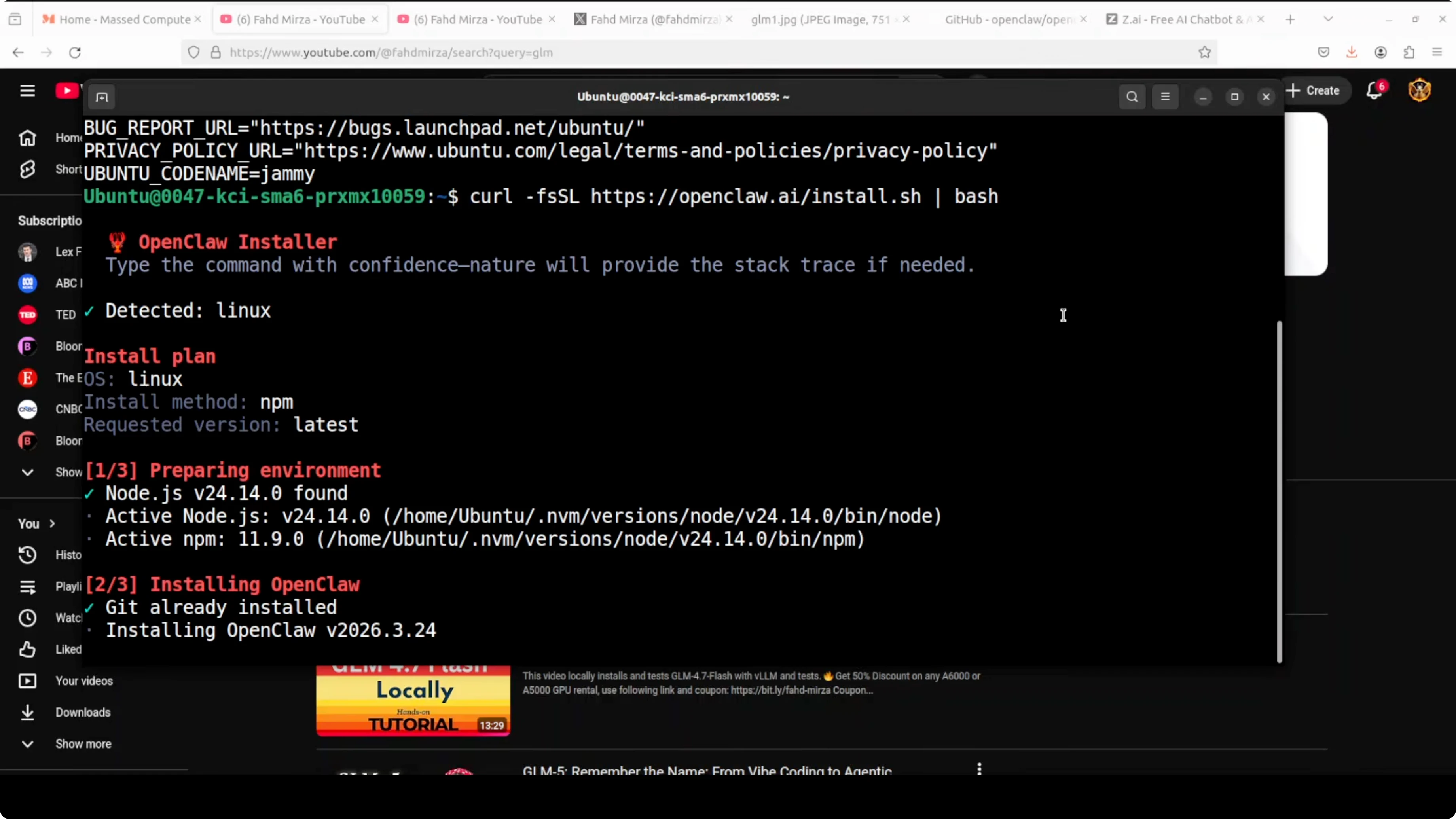
I am using the paid hosted model from Zhipu. Grab your API key from their site and keep it ready.
If you need a refresher on OpenClaw with free providers and APIs, this guide will help. I am focusing on GLM 5.1 here.
Install OpenClaw
Launch the OpenClaw installer or TUI on Ubuntu. Choose Quick Start to generate a fresh config.
When prompted to choose a provider, select the Zhipu option. In my case it appeared as z.ai, then I picked the coding plan.
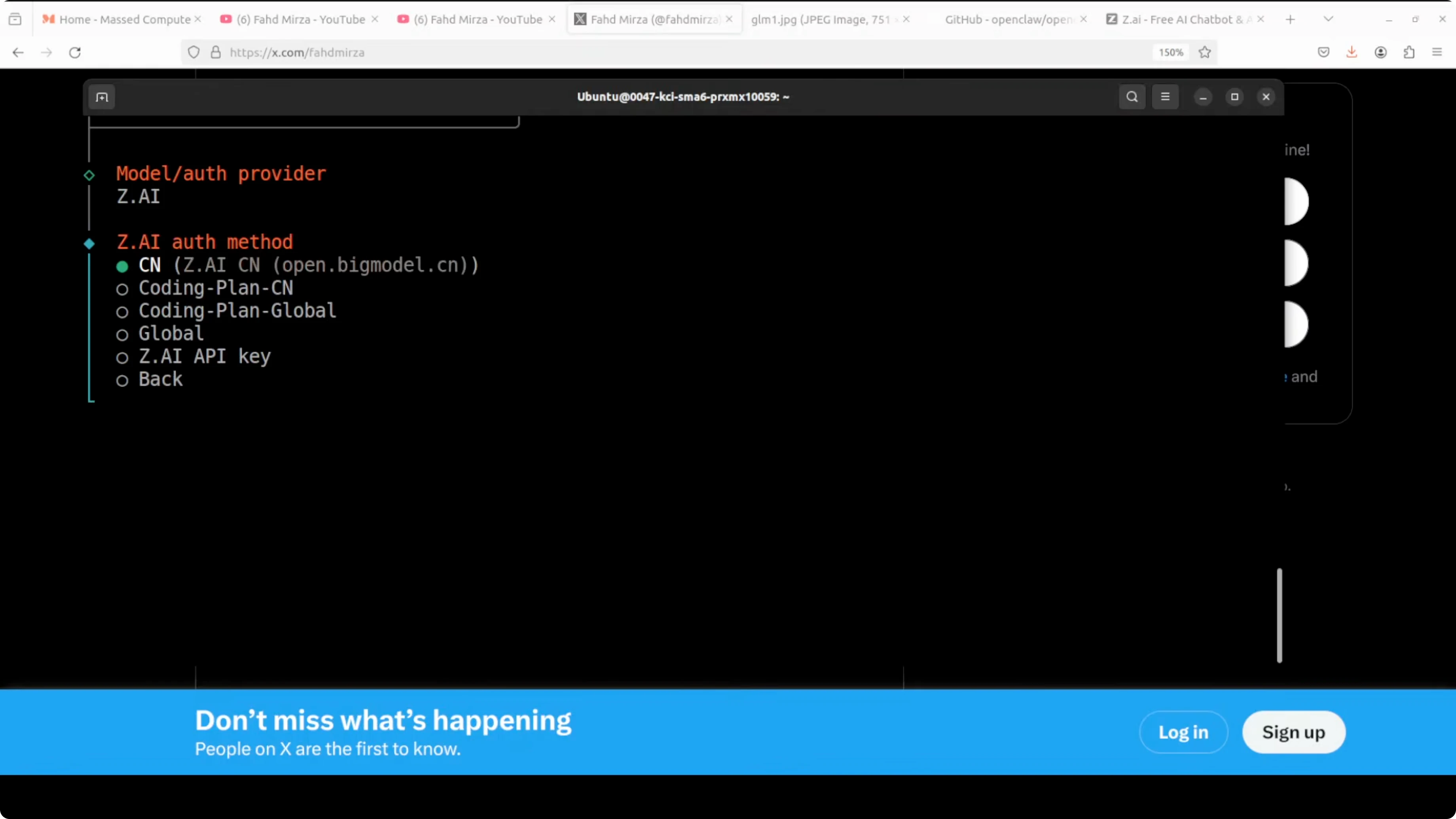
Paste your API key when asked. If the model selector does not list GLM 5.1, enter the model manually.
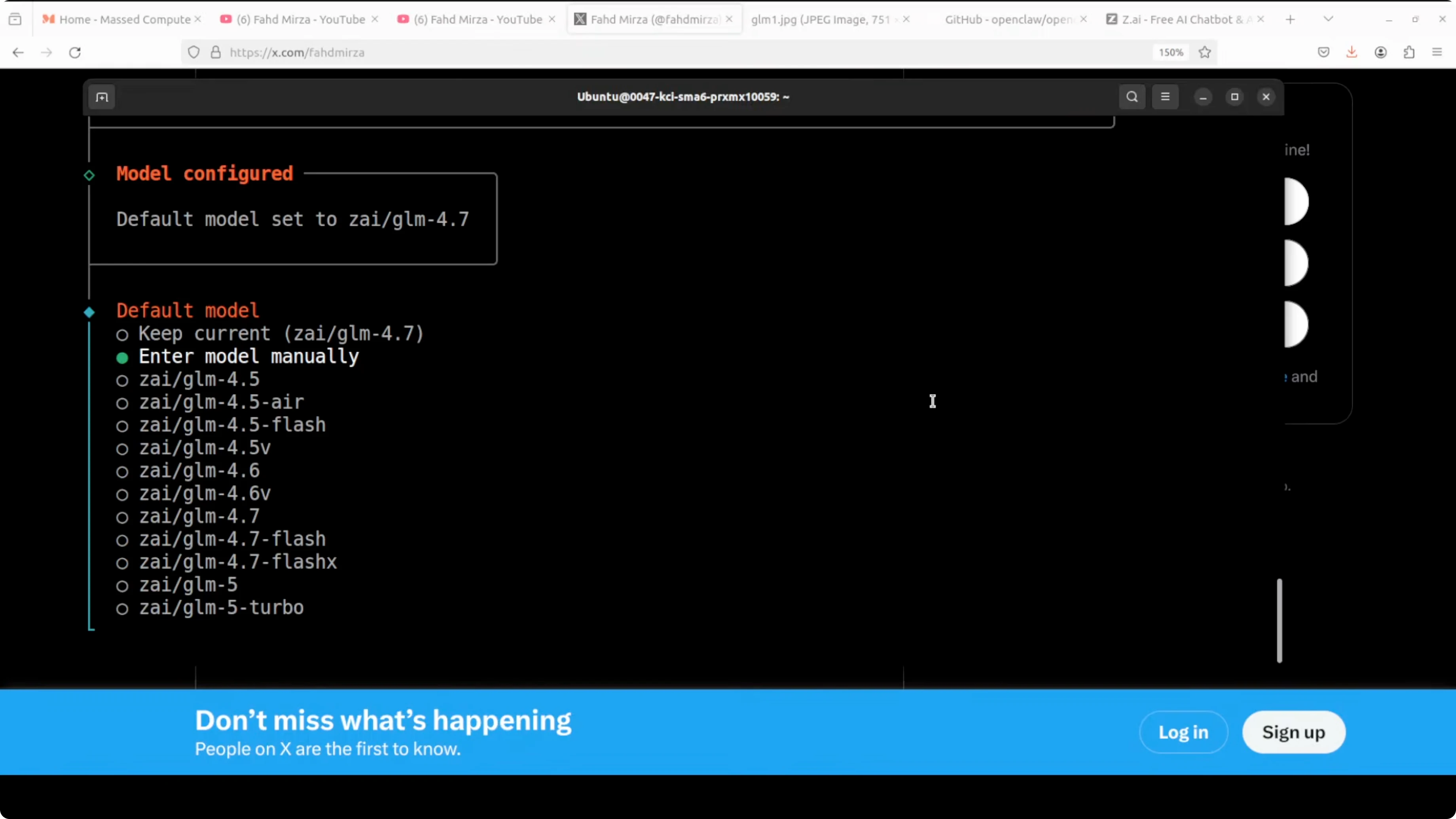
Type the model name as GLM 5.1. Proceed to the next step.
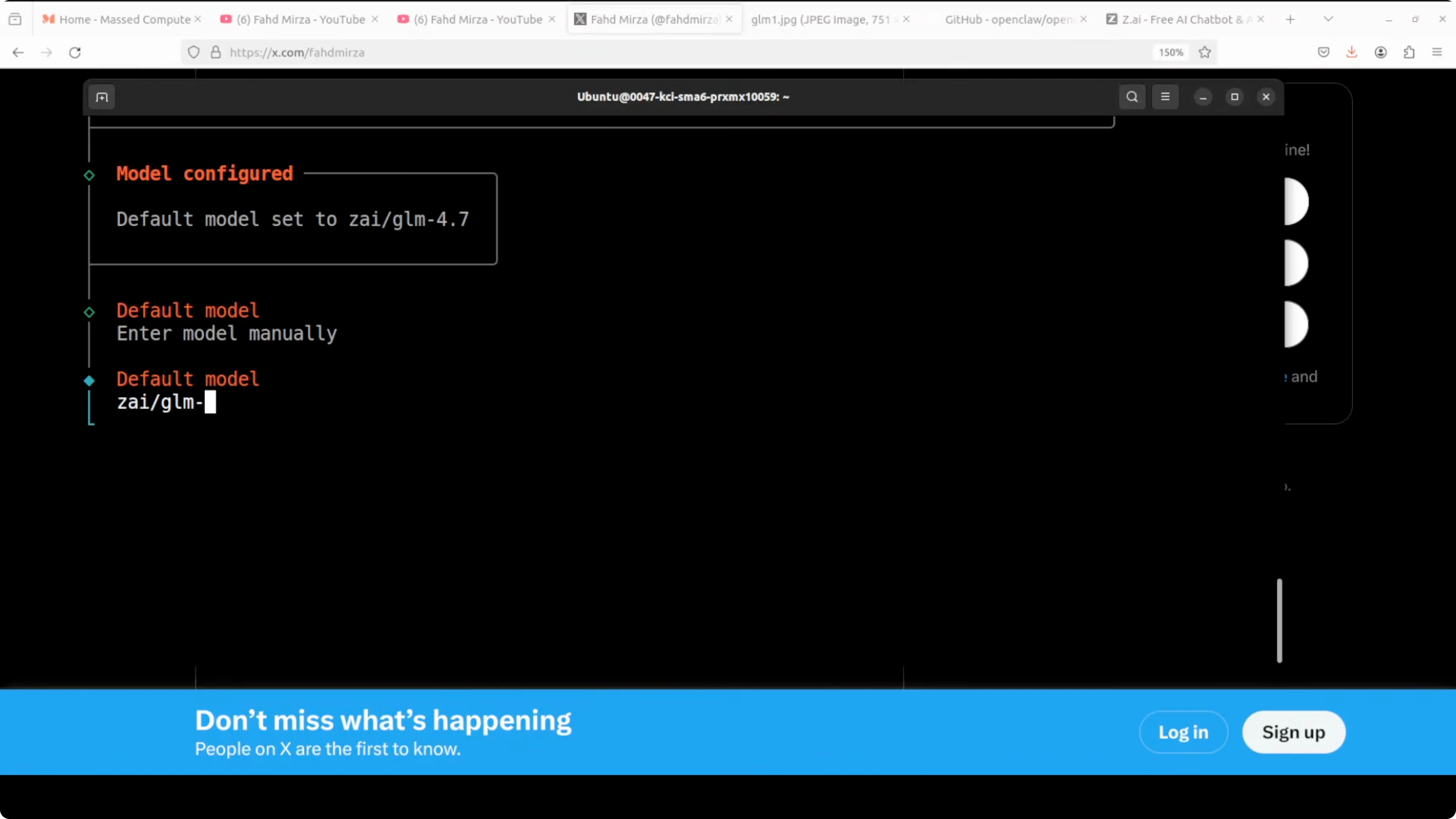
Skip Telegram and other channels if you only want to test the model. I wish these were skipped by default, so I just confirm the minimal path.
The installer will start the gateway service. The gateway connects the OpenClaw core to channels and integrations.
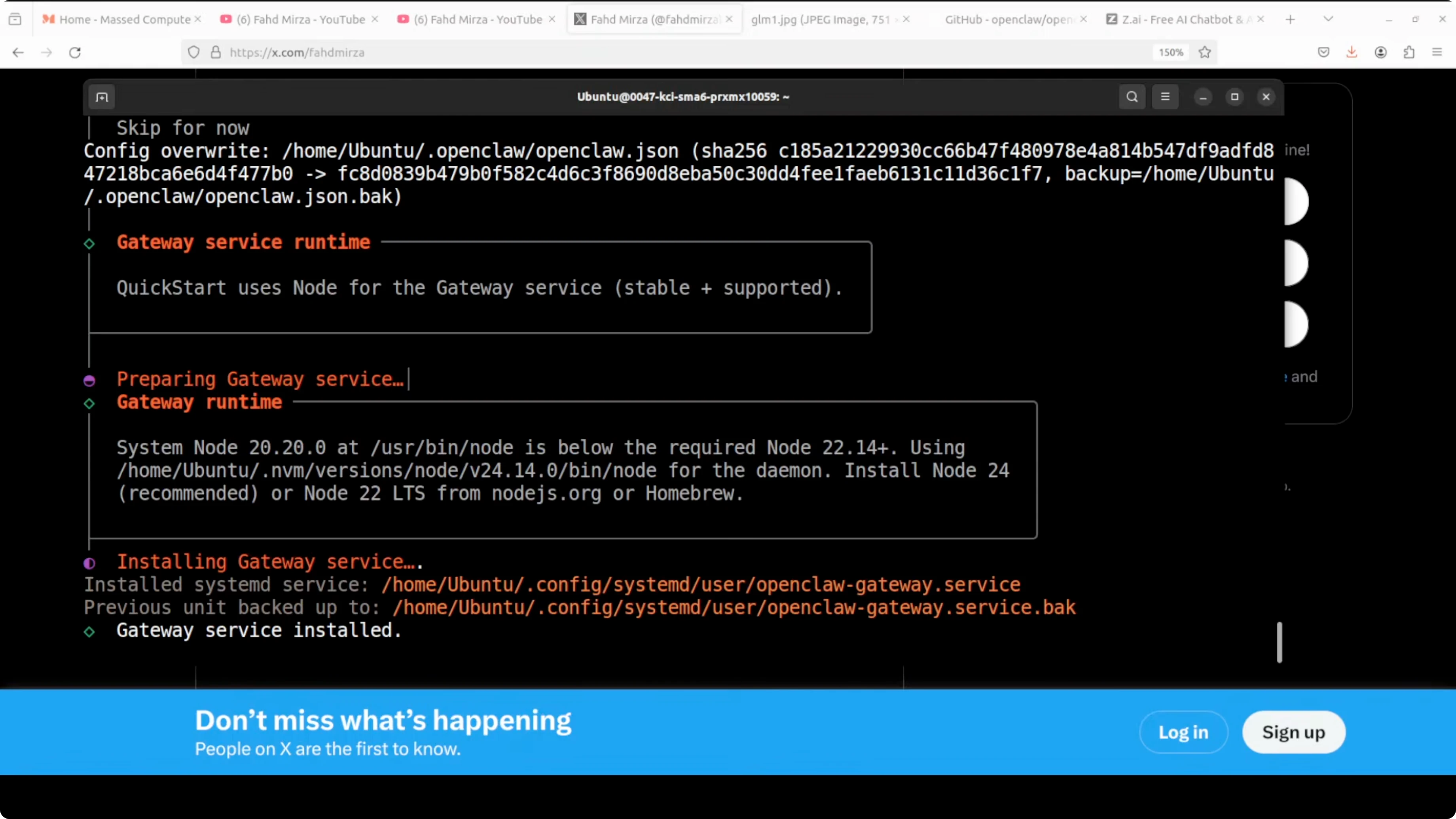
Return to the shell prompt once the gateway finishes installing. OpenClaw is now on disk and ready to configure.
Configure the model
Open the OpenClaw config file in your editor. I used VS Code to review it.
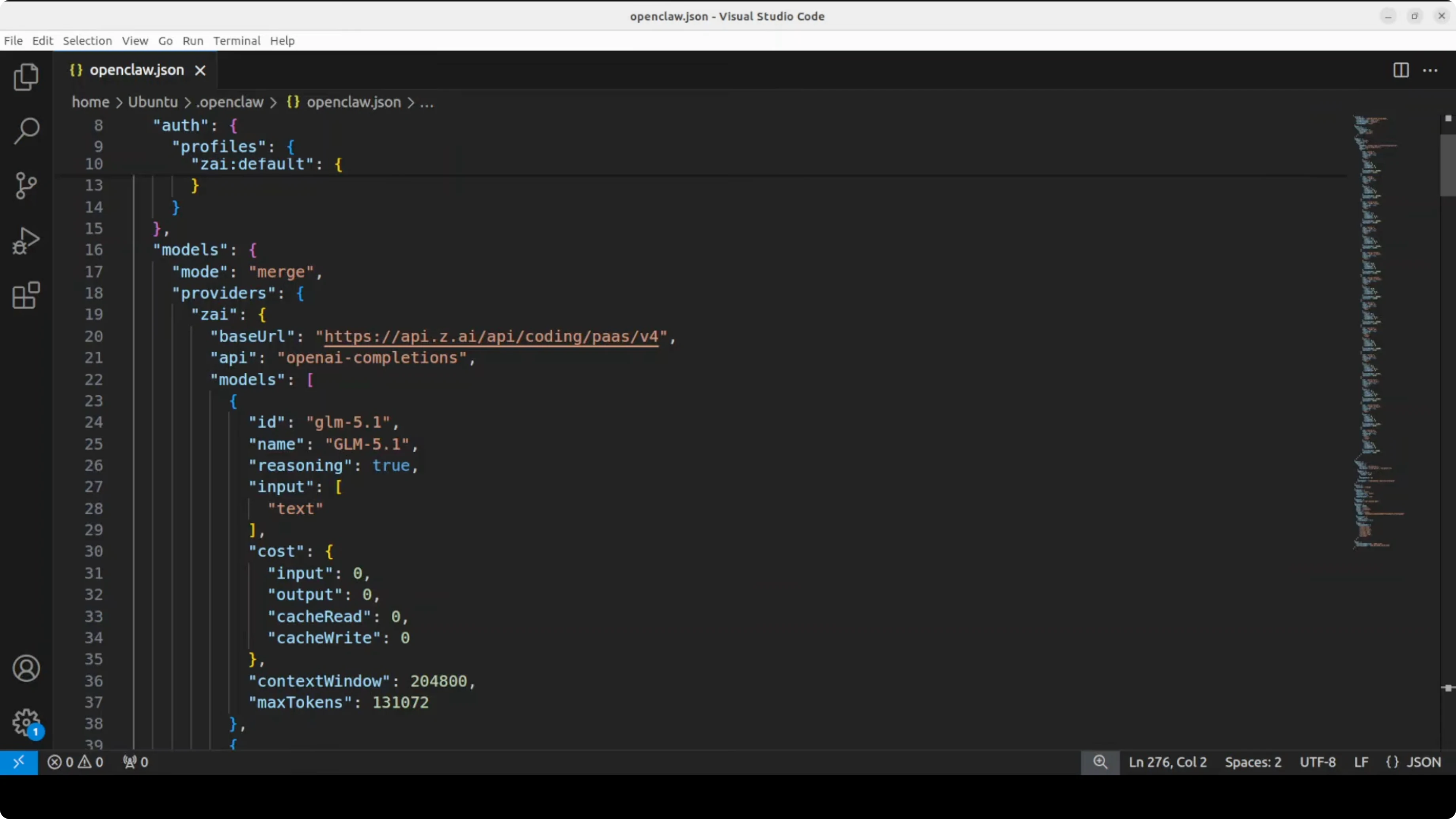
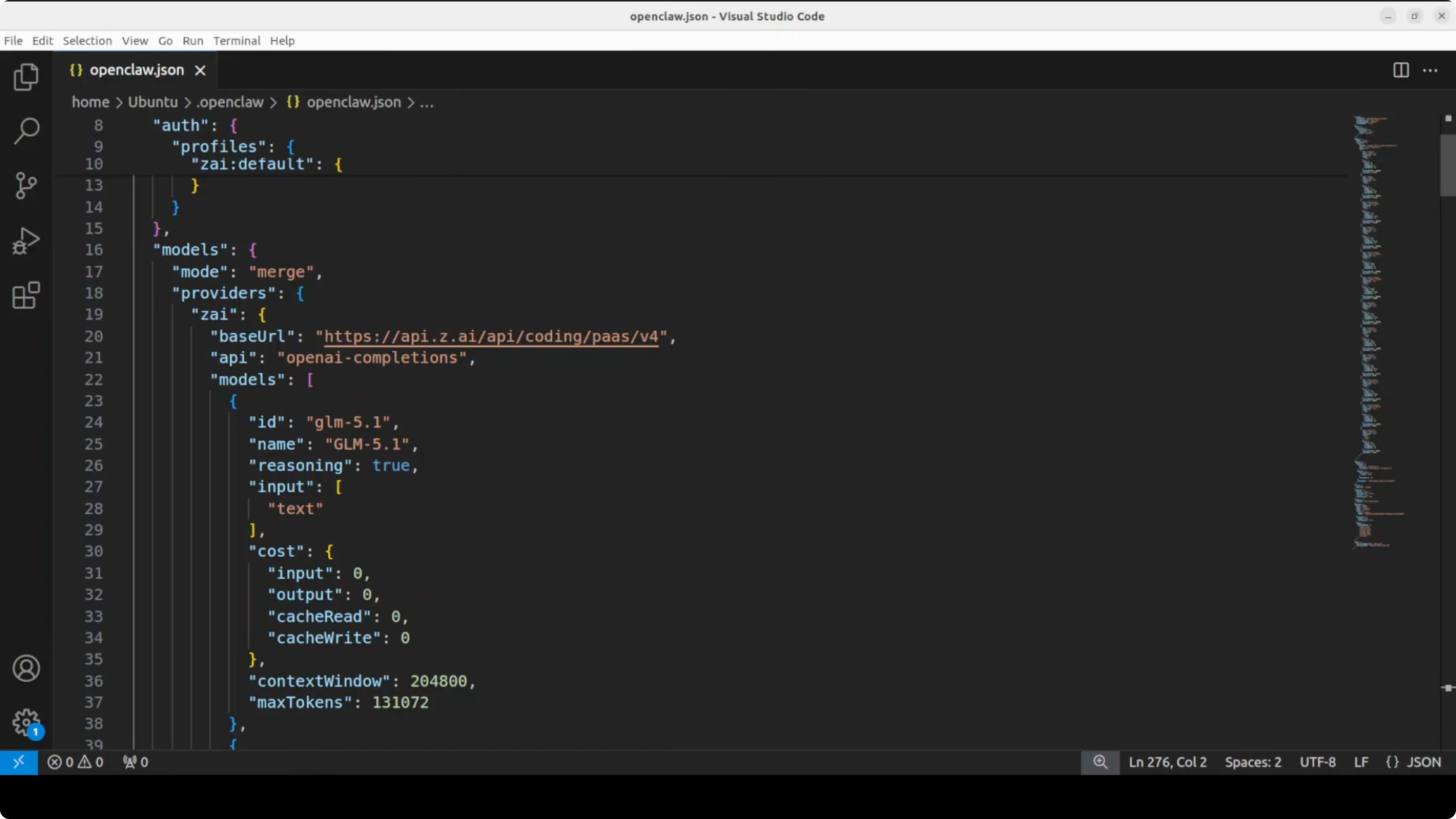
Make sure the GLM entry has the correct id, name, provider, and base URL. If the TUI showed a model not found message earlier, add the block below.
{
  "models": [
    {
      "id": "glm-5-1",
      "name": "GLM 5.1",
      "provider": "zhipu",
      "type": "chat",
      "api": {
        "base_url": "https://open.bigmodel.cn/api/paas/v4/chat/completions",
        "api_key_env": "ZHIPU_API_KEY",
        "headers": {
          "Content-Type": "application/json"
        }
      },
      "gateway": {
        "enabled": true
      }
    }
  ]
}
Set ZHIPU_API_KEY in your environment with your key. Adjust base_url if your plan uses a different endpoint.
Save the file. Restart the gateway so the changes take effect.
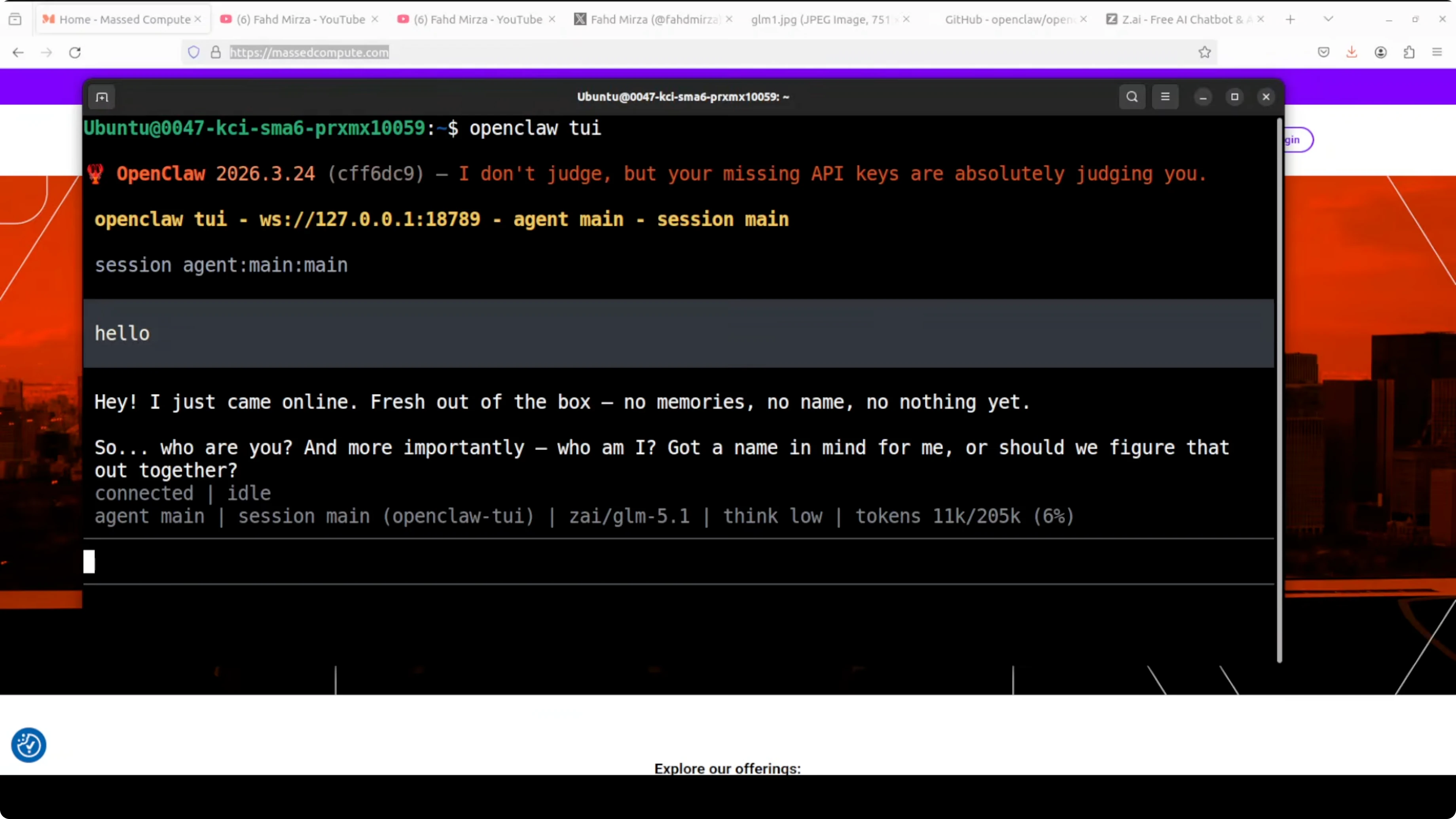
Launch the TUI again. GLM 5.1 should show as connected and ready.
GLM 5.1 with OpenClaw: model notes
This release is a coding-focused model and an improved GLM 5 variant. Benchmarks place it around 754 billion parameters, with the same core architecture and more focused post-training for coding tasks.
The context window is roughly 200,000 tokens, and max output is around 130,000 tokens. It is aimed at long-horizon engineering, self-correction, log analysis, and agentic coding workflows.
It is text-only as far as I know. Access is only through their coding plan for now, and weights might land later, but there is no firm date.
Compared to prior GLM models many of us used, this one is not strong for general-purpose tasks. GLM 4.5 Air was genuinely impressive for general work, and I still miss it.
If you are comparing GLM 5.1 to other big code-centric or mixed models, see these benchmark-style matchups for broader context.
GLM 5.1 with OpenClaw: coding test
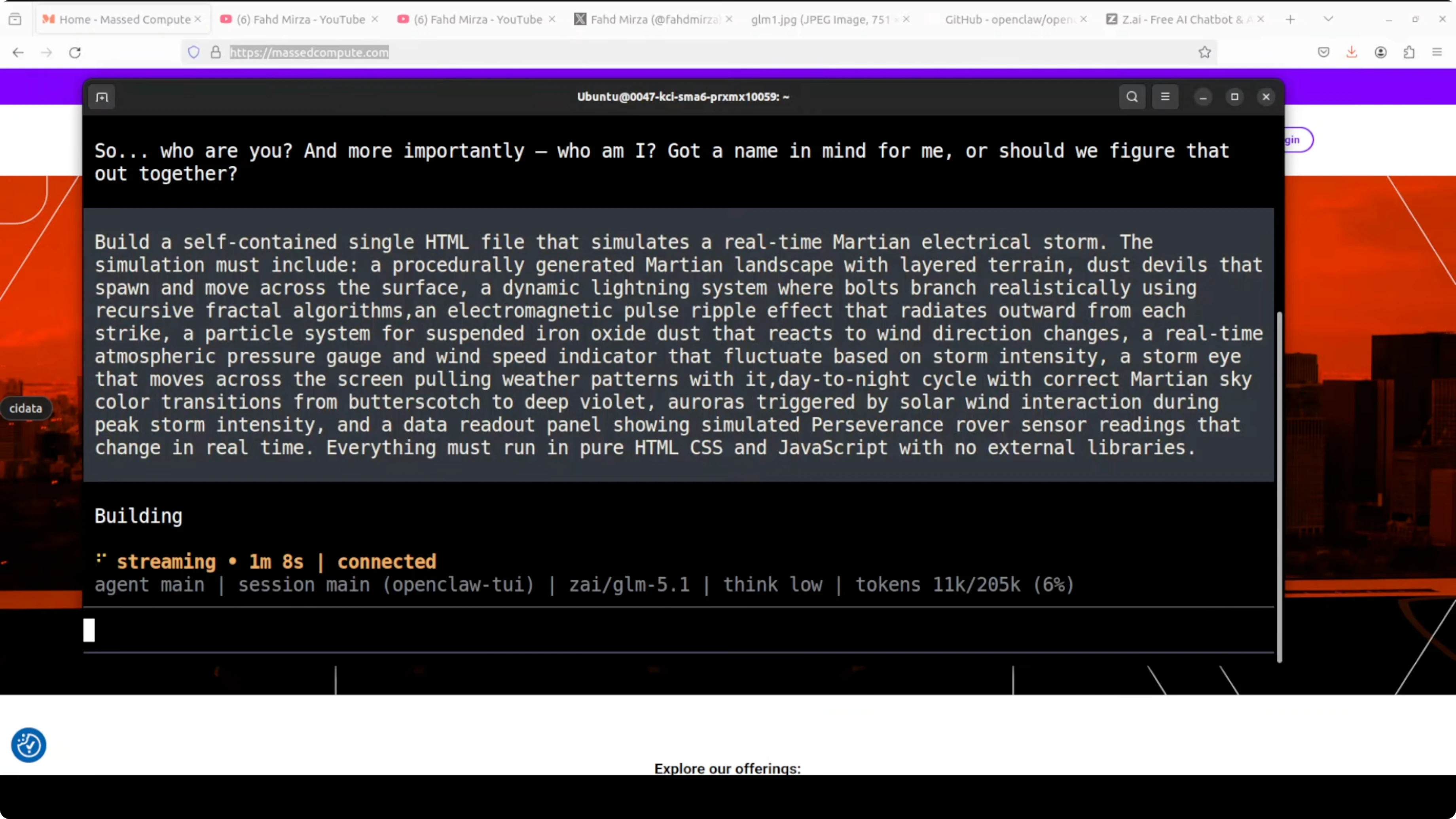
My first test was a self-contained HTML simulation of a real-time Martian electrical storm. I asked for a lightning system with bolts, iron oxide dust, storm density fluctuations, an atmospheric gauge, rover telemetry, and a few more effects.
The simulation was visually competent. Layered terrain rendered, the butterscotch sky gradient looked right, and the atmospheric gauges and rover telemetry updated coherently.
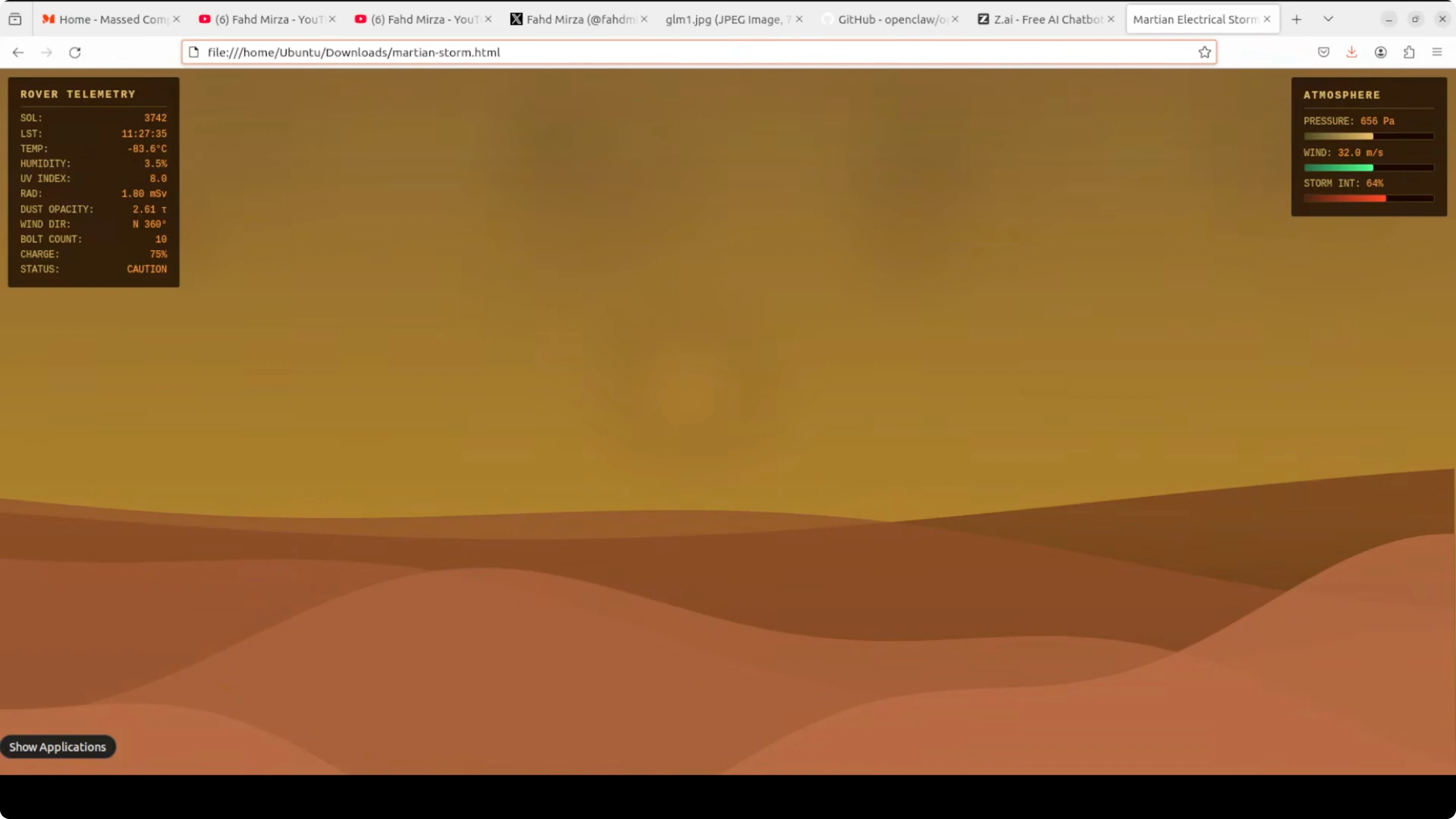
Lightning needed work. Bolts spawned from the top but often faded midair instead of striking the ground, which breaks the core visual promise.
Dust particles felt good, the iron oxide effect was convincing, and the aurora trigger worked. The storm eye was detectable but lacked drama.
The star rendering was nicely deterministic. The day-night cycle ran end-to-end in a way I enjoyed, status values transitioned correctly, and bolt counts were tracked accurately.
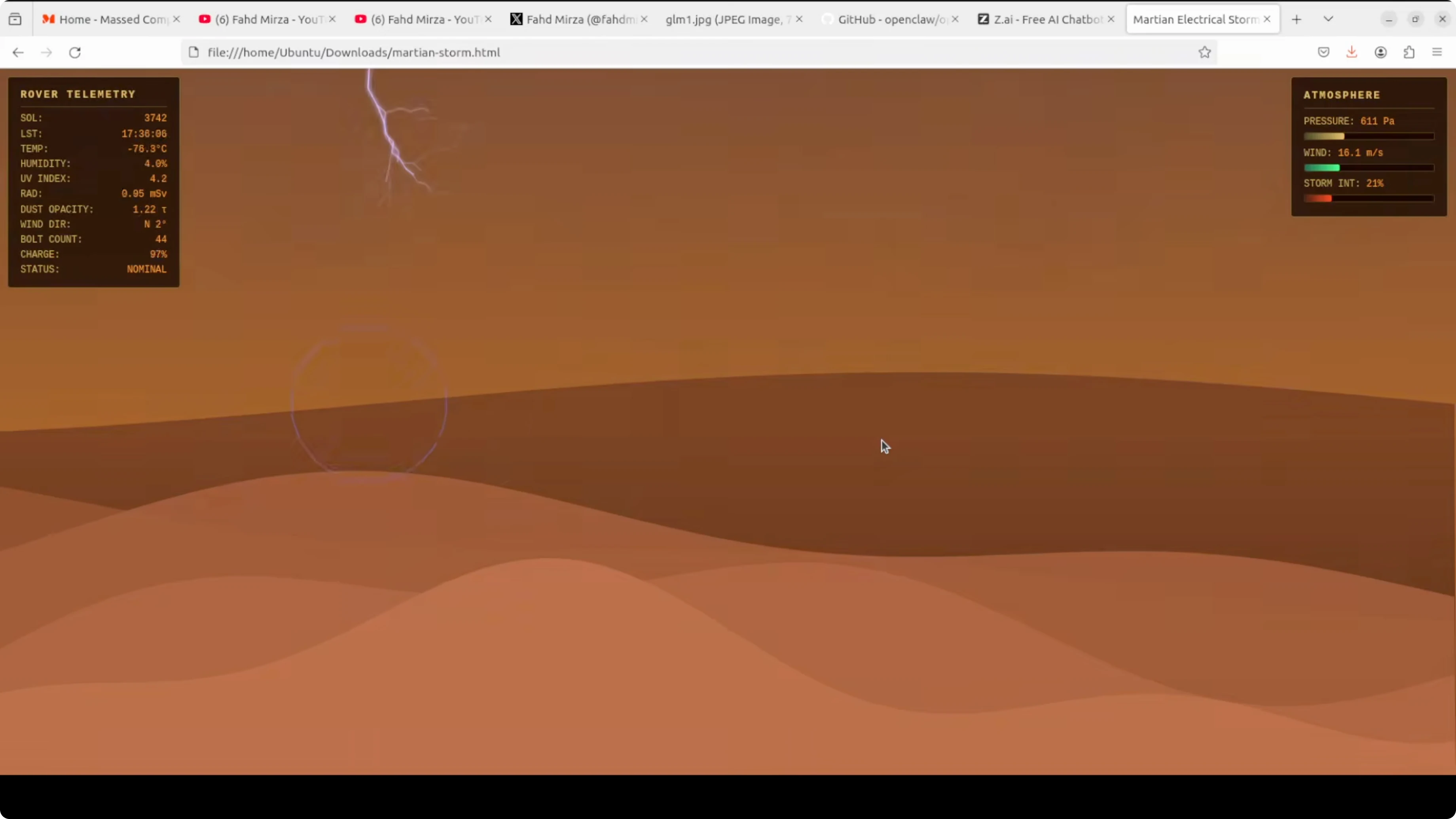
On a single shot, that is a good result for a fairly dense spec. I would iterate to improve lightning termination and the storm eye, but I am satisfied with the first pass.
If you care about how code-first models stack up for generation and refactoring, you might also compare code-focused pairs in this head-to-head overview.
GLM 5.1 with OpenClaw: SQL bugfix test
The second test was harder. I used a financial reporting SQL query from a banking system that calculates monthly trust accrual interest per account, rolled up by branch and product type with a year-over-year comparison.
It was written around 2009 and has a subtle bug. Certain accounts appear twice in the aggregation, inflating interest totals for specific product types, and it looks correct at first glance so it can pass code review.
GLM 5.1 nailed it. It found the exact bug, explained why the OR caused fan-out duplication, identified which accounts were affected, and traced the inflation through every downstream CTE.
It produced a corrected file and documented the changes clearly. That is senior DBA-level analysis on a deliberately tricky 15-year-old query.
For perspective on how GLM 5.1 stands against another strong contender, see this focused comparison of models in GLM 5.1 vs Minimax M2.7.
Local and pricing thoughts
This is a paid model and it is not cheap. Based on these tests, I would still say it is worth paying for if you need precisely this kind of coding depth.
It will be excellent if we get an open weight release under a permissive license. Running locally with Ollama or LM Studio or even in full precision on a strong GPU would be ideal.
If you are planning ahead for local runs once weights drop, bookmark this setup note on running GLM 5.1 on CPU or GPU. OpenClaw can pair with local backends cleanly once the model is available.
Use cases
Long-horizon engineering tasks benefit from the large context and high max output. That includes system design scaffolding, multi-file refactors, and extended code reviews with iterative self-correction.
Production log analysis is a natural fit. You can stream long logs, ask for root-cause hypotheses, and iterate on parsers and detectors in one session.
Agentic coding workflows are the highlight. Think plan-code-test loops, structured refactoring across services, and SQL audits over legacy code where subtle fan-out and join errors hide in plain sight.
If you are just getting started with OpenClaw and want free providers to practice, here is a compact primer on free models and APIs with OpenClaw.
Final thoughts
GLM 5.1 through OpenClaw set up cleanly, connected on the first pass after a quick config tweak, and handled two serious tests well. The Martian storm showed strong first-shot coding with room for visual polish, and the SQL audit was precise and thorough.
I still do not like paying for what used to be free and open, but this run softened the blow. If open weights arrive, I will revisit it with local tooling and push it further.
Subscribe to our newsletter
Get the latest updates and articles directly in your inbox.

Related Posts

8 Best Claude Code Plugins in 2026 (You Need to Know)
8 Best Claude Code Plugins in 2026 (You Need to Know)

7 Best Claude Code Skills (You Need to Know)
7 Best Claude Code Skills (You Need to Know)

Claude Code Desktop IDE Features (You Need to Know)
Claude Code Desktop IDE Features (You Need to Know)