
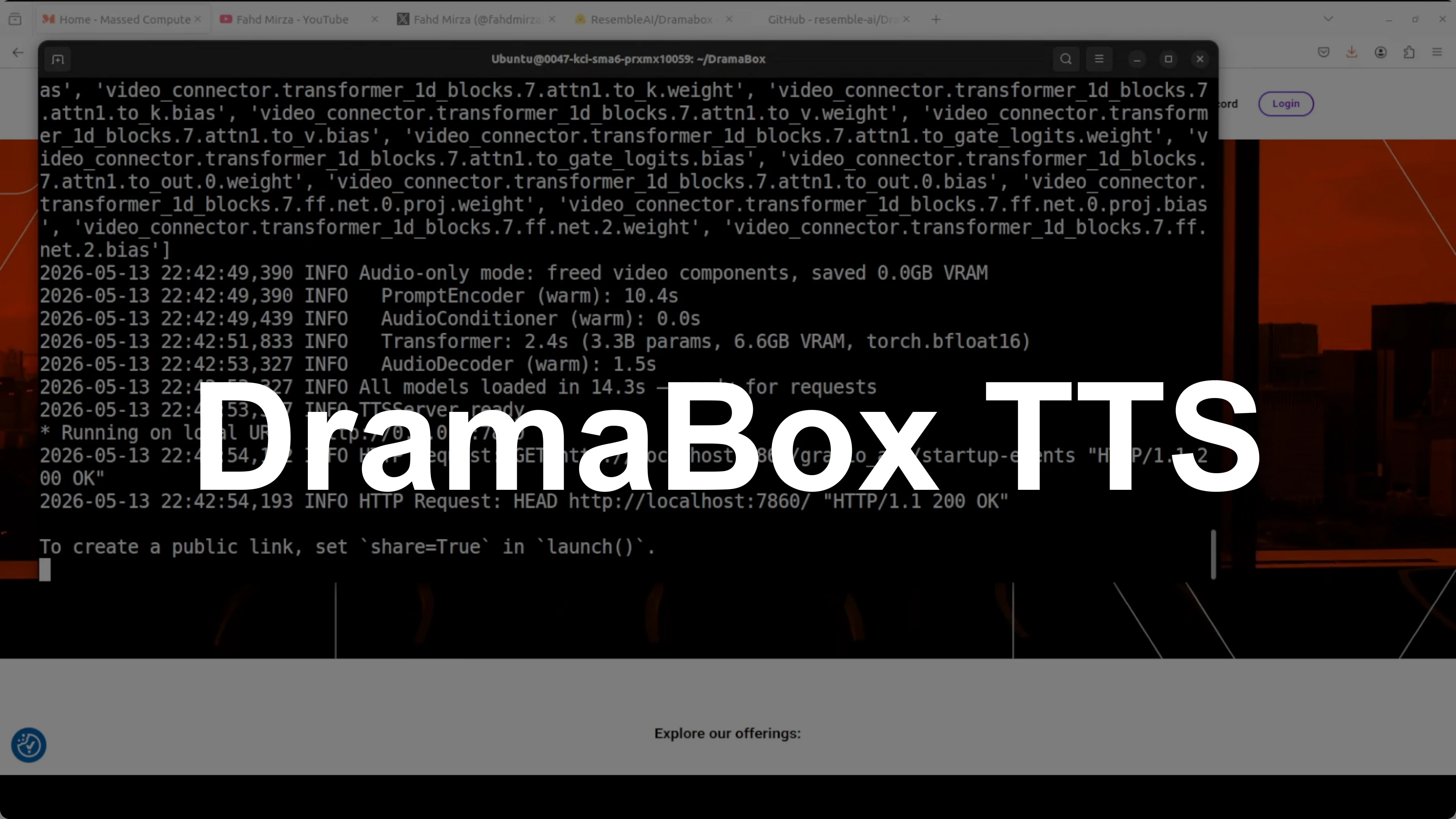
How DramaBox Enables Expressive TTS with Local Voice Cloning?
I have been doing this job for 20 years. Every single time I think I have seen it all, something like this lands on my desk. Unbelievable.
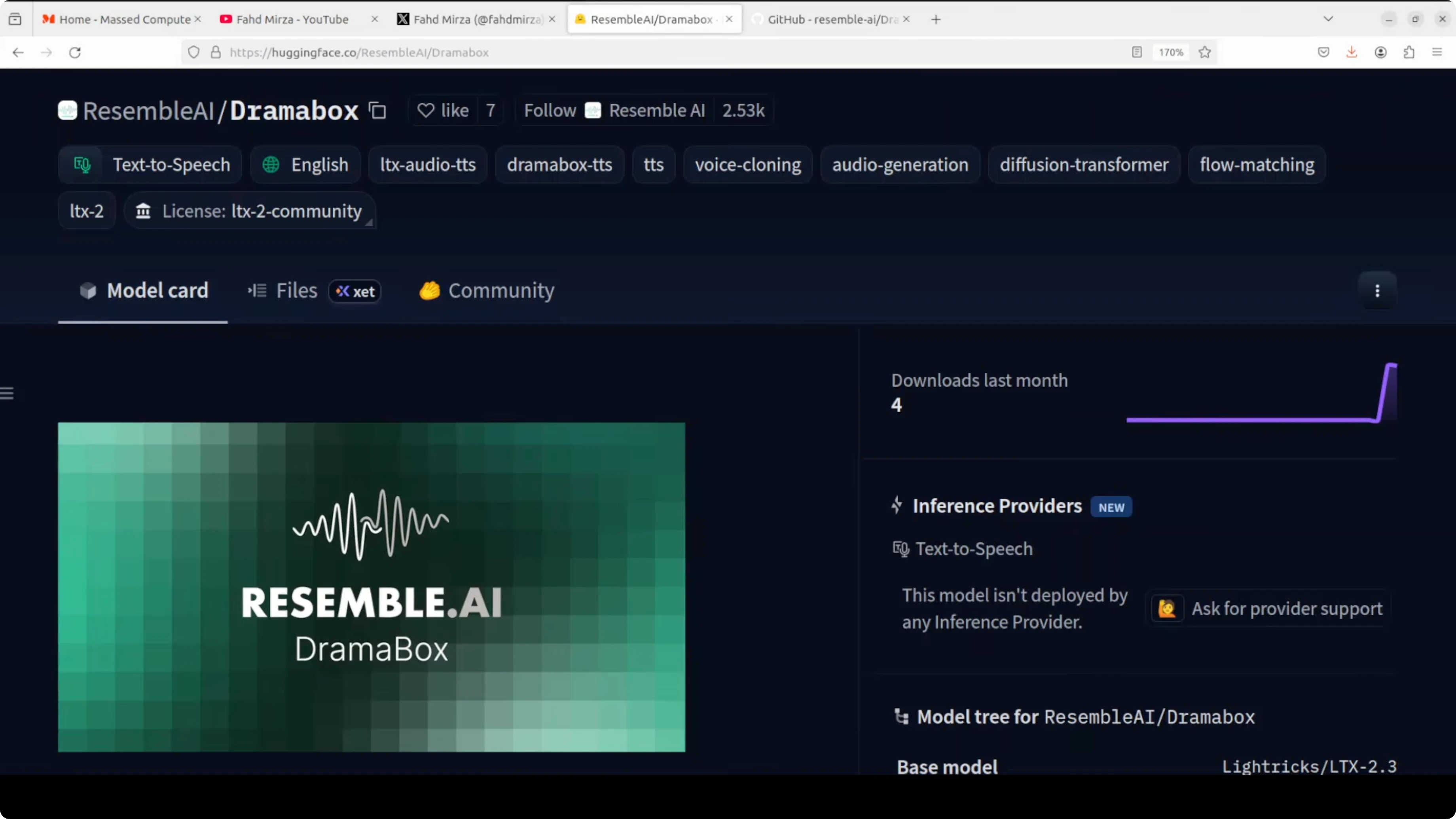
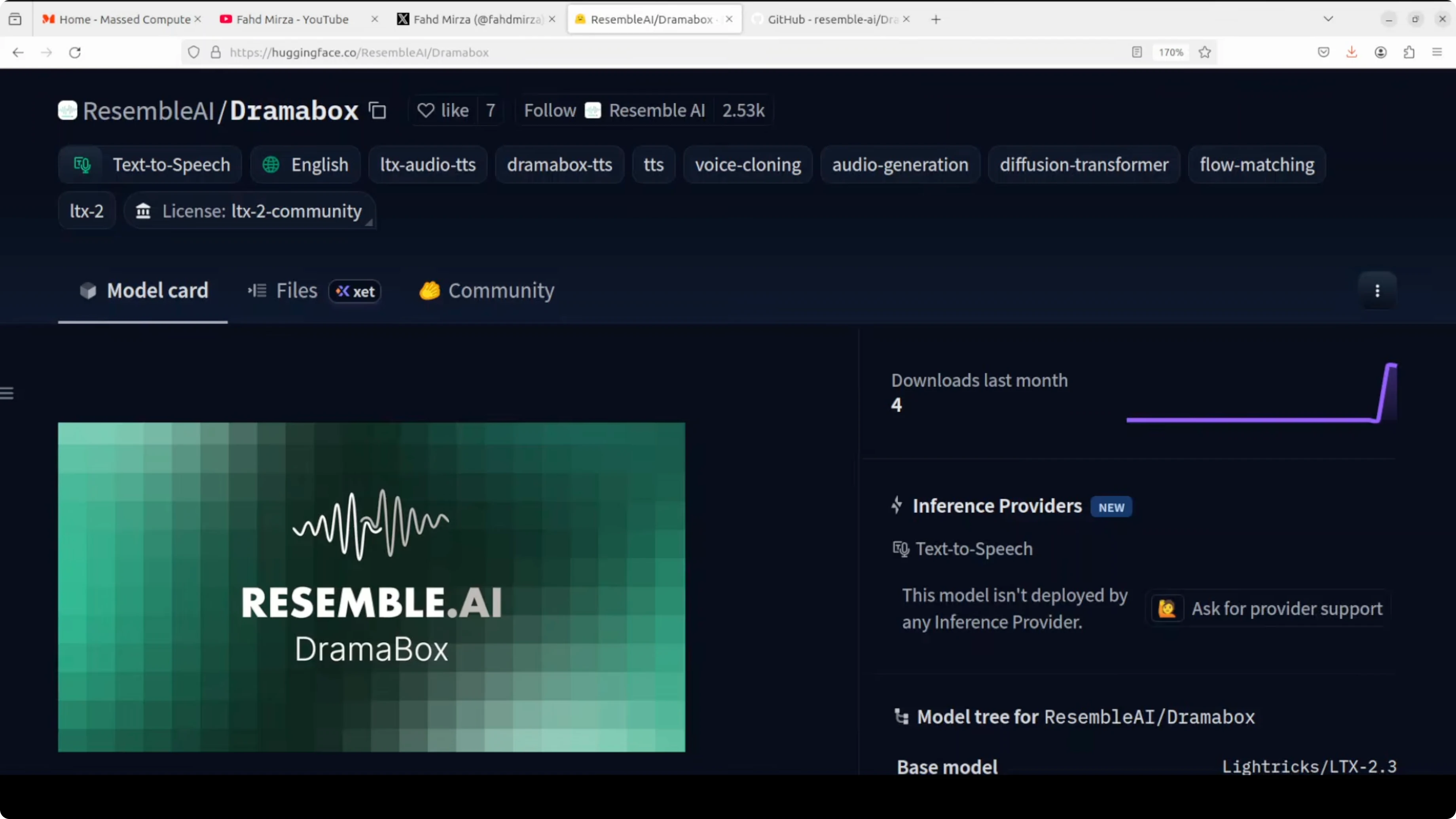
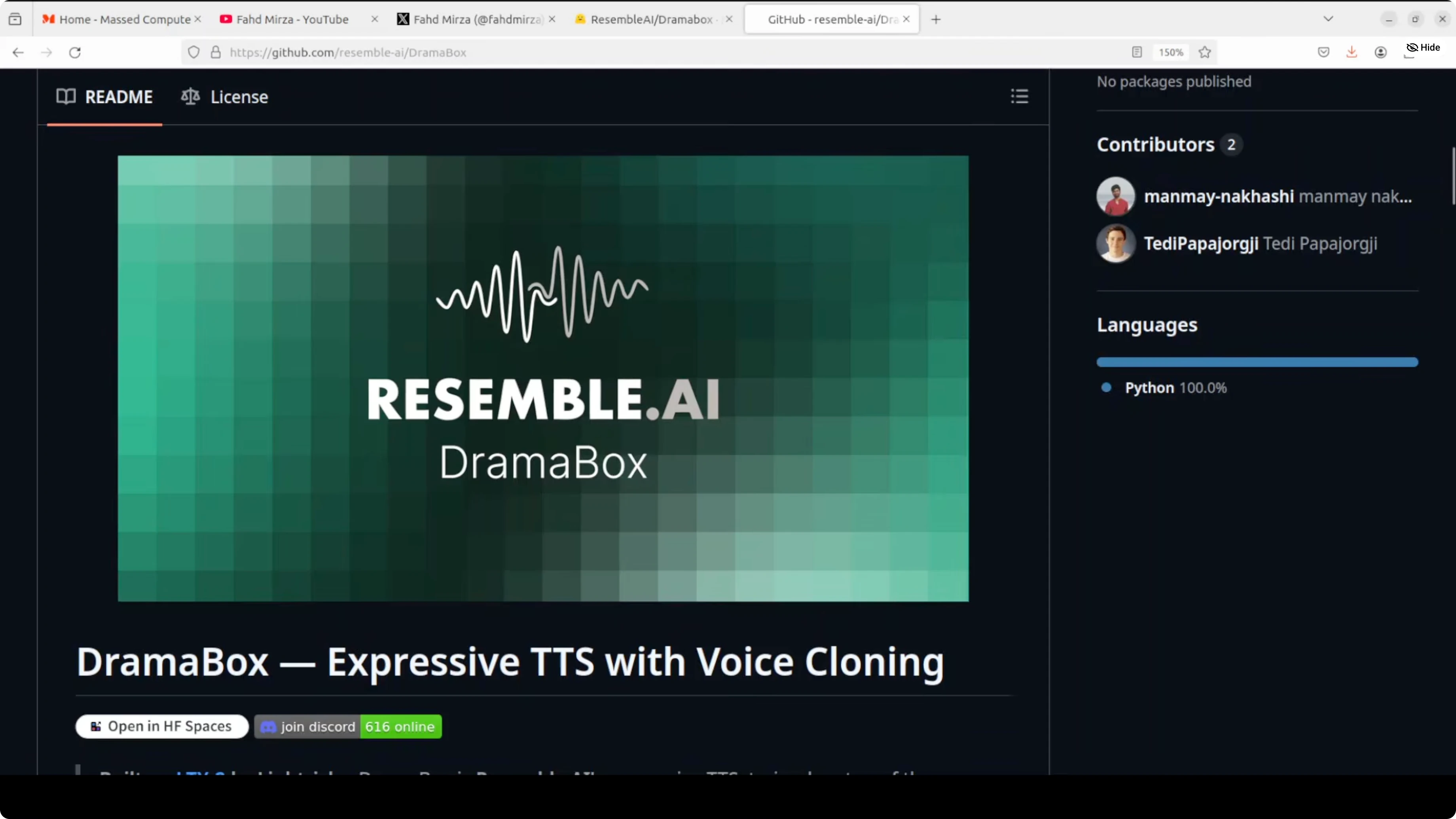
DramaBox has just been released. I installed it locally and tested how it handles expression, voice cloning, parameters, and training details. Here is what stood out.
How DramaBox Enables Expressive TTS with Local Voice Cloning?
Model overview
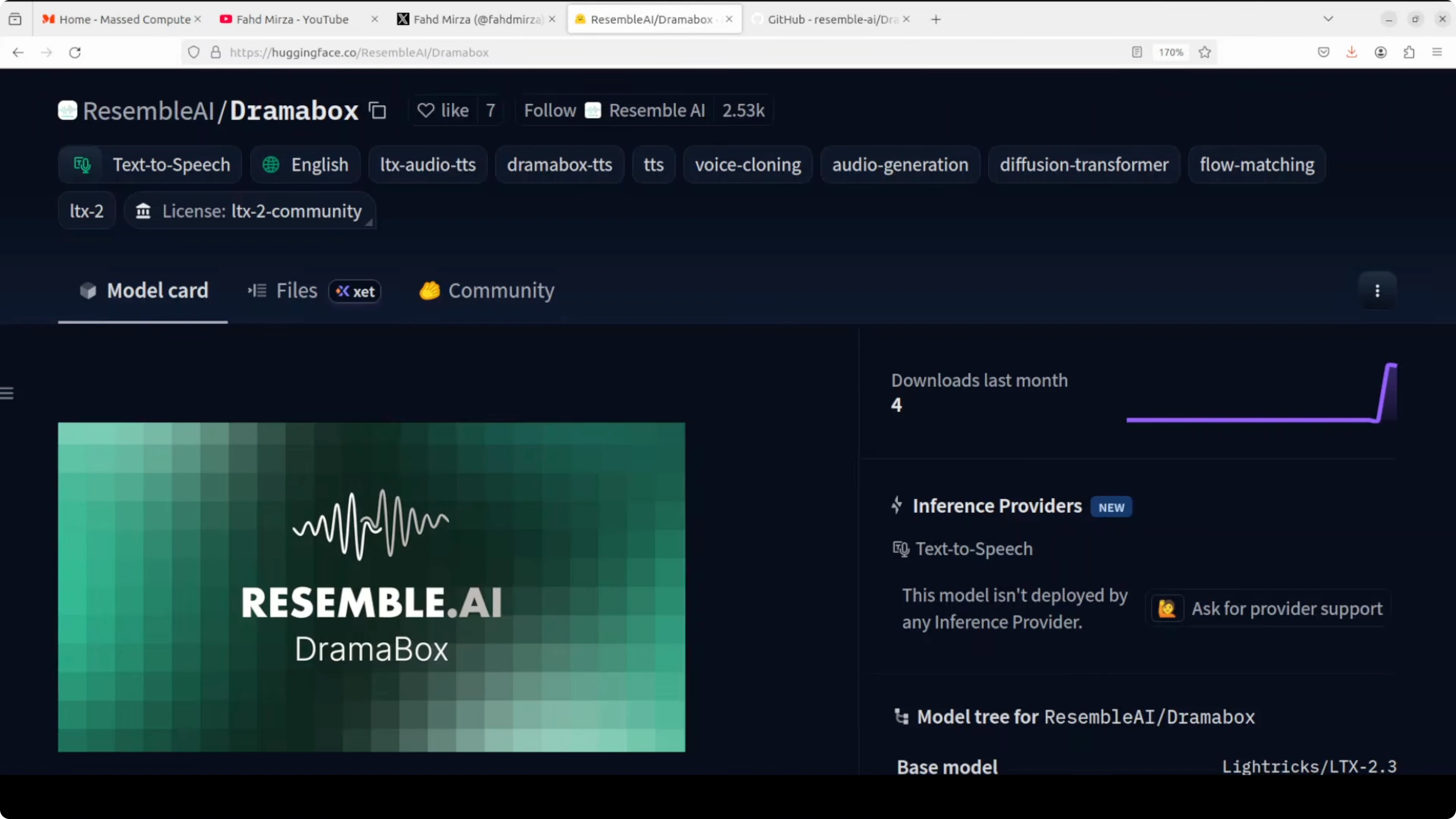
DramaBox is a fine tune of LyraX LTX2, a 3.3 billion parameter audio only diffusion transformer using flow matching, conditioned on Gemma 3 12 billion text embeddings. The architecture combines a diffusion transformer backbone with an audio variational autoencoder, which moves the voice from hidden space to audible space. It also uses a vocoder for pauses and other timing effects.
This setup aims to produce expressive delivery controlled directly through text prompts. The combination of conditioning and audio components is what enables expressive control with local generation.
For more context on expressive stacks in this space, see this concise GLM TTS overview.
Local setup
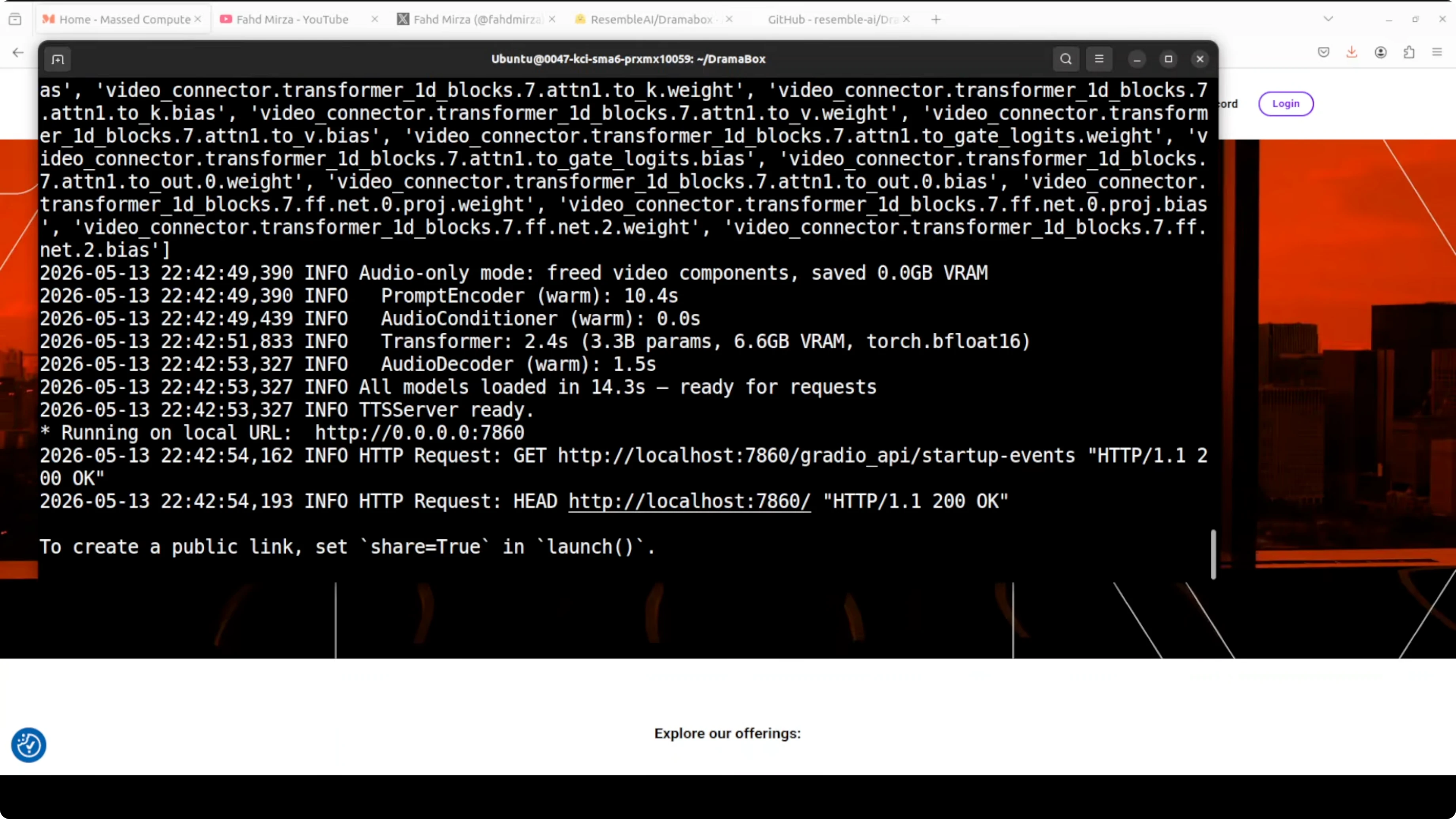
I used Ubuntu on an Nvidia RTX 6000 with 48 GB of VRAM. The first run downloads the model and starts a Gradio demo on localhost at port 7860. VRAM consumption sat a little over 16 GB during generation and playback.
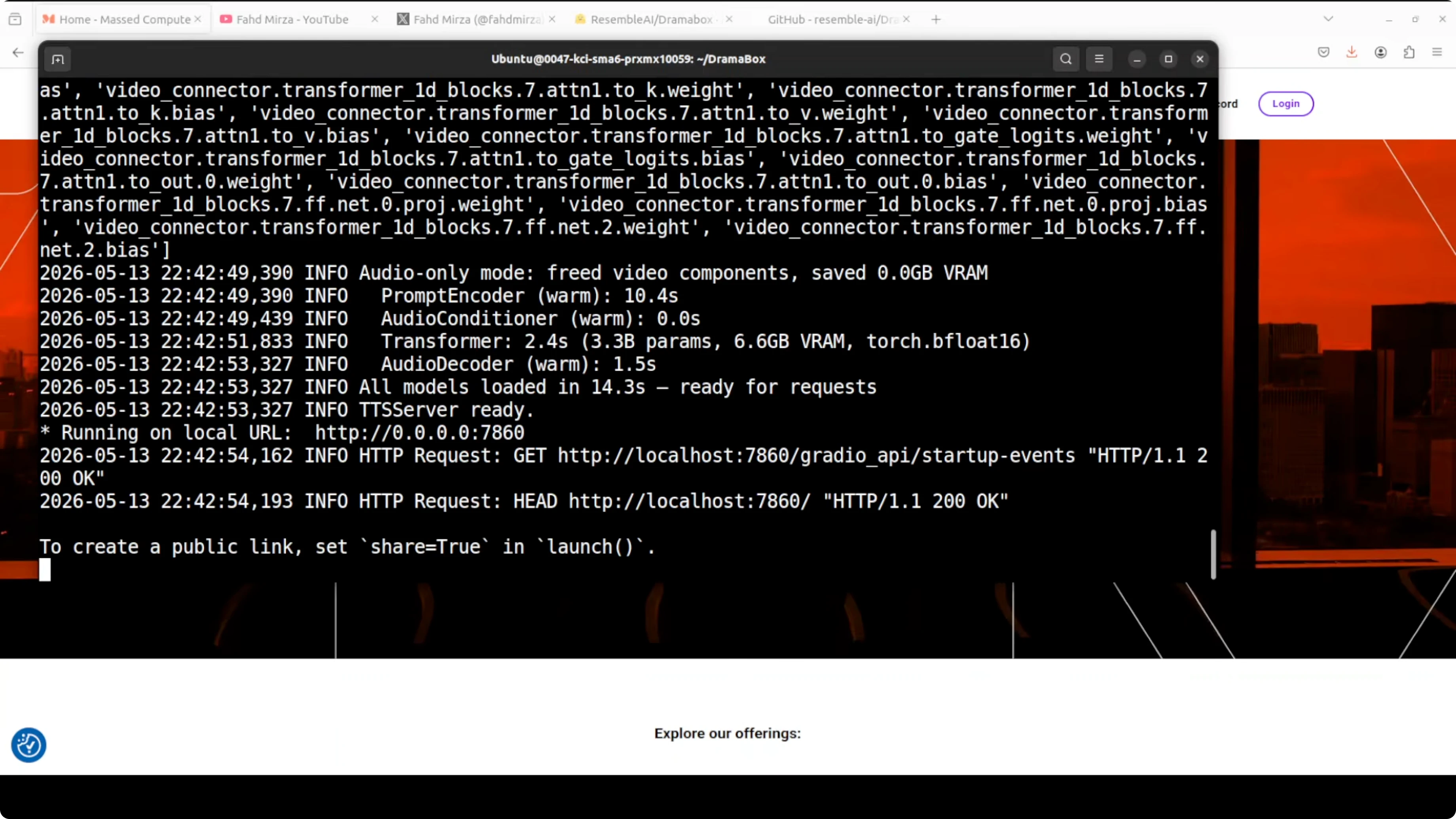
You can reproduce a simple local setup with a clean environment.
git clone REPO_URL dramabox
cd dramabox
python3 -m venv .venv
source .venv/bin/activate
pip install -U pip
pip install -r requirements.txt
python demo.pyIf you prefer a smaller reference project to compare install steps and TTS plumbing, check this practical Voxtral 4B tutorial.
Prompt as performance
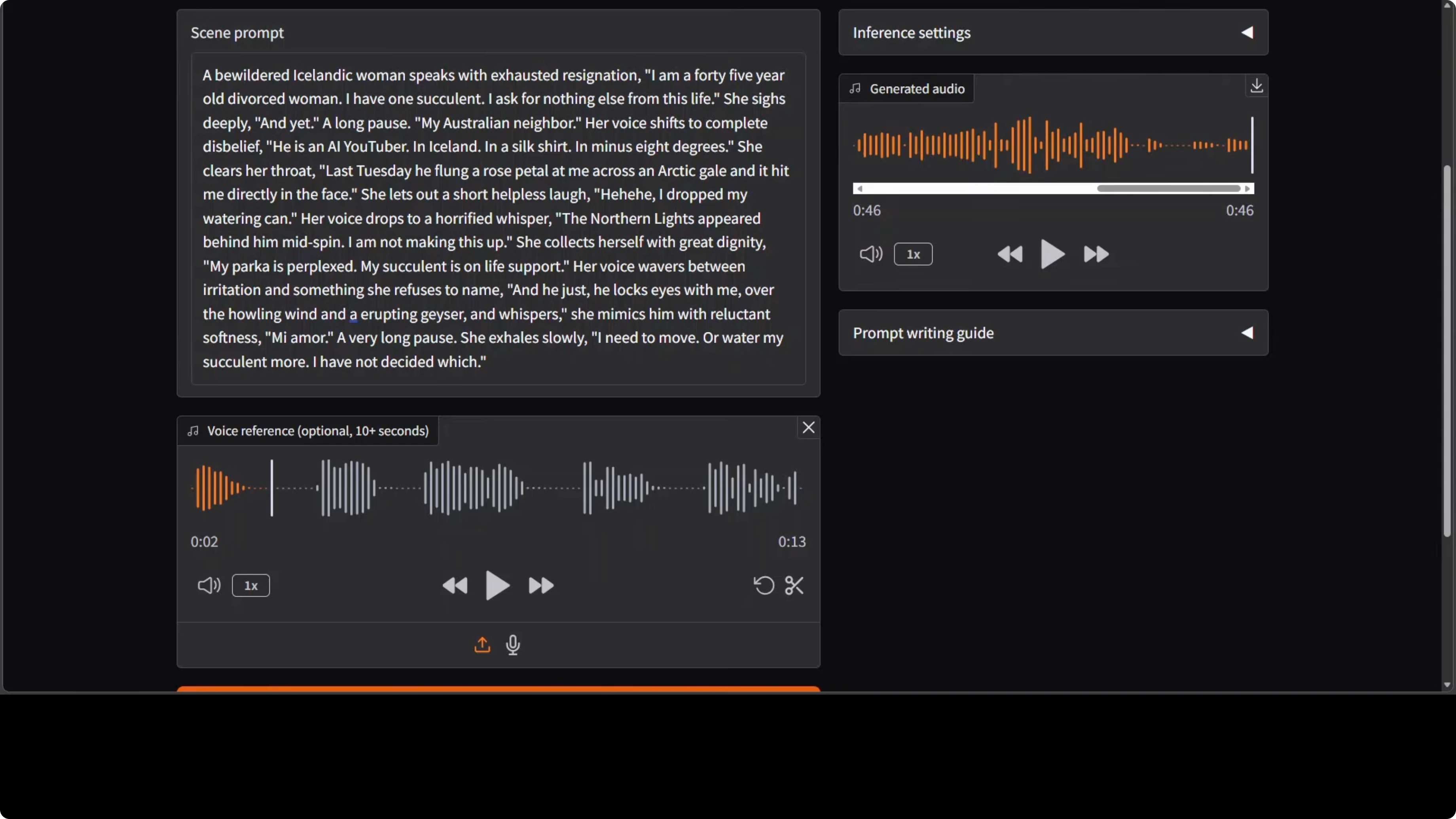
DramaBox treats the prompt as a full performance script. Dialogue inside quotes is spoken literally. Everything outside the quotes acts as stage directions that shape delivery, like he clears his throat or his voice rises with fury.
You can layer emotional transitions mid sentence, move from a shout to a whisper, and insert a laugh or a sigh purely by writing stage directions. You are not only writing text, you are directing a performance.
A simple template helps keep prompts clear.
<stage direction shaping emotion and pacing>
"literal dialogue line one"

<another direction, e.g., voice softens, short pause>
"literal dialogue line two"

<direction to insert a laugh or a sigh>
"final line"
For prompt style comparisons across other expressive engines, explore these Kani based voices and prompting notes.
Voice cloning today
You can add an optional 10 second reference clip so the model tries to clone the timbre. In my tests, the cloning was not yet strong, while the expressions were clearly there. The generated voice captured intent and pacing, but the timbre match drifted.
This is promising for expressive control, and I hope future iterations apply the same control on top of any voice you feed it. That would turn expressive direction into a reusable layer across voices.
For more iterative insights on prompt tweaks and model behavior, see the second part of our Kani notes.
Test observations
Expression only generation without a reference voice produced clear expressive cues. The delivery still sounded a bit robotic and plasticky, but emotional shifts and pauses showed real improvement.
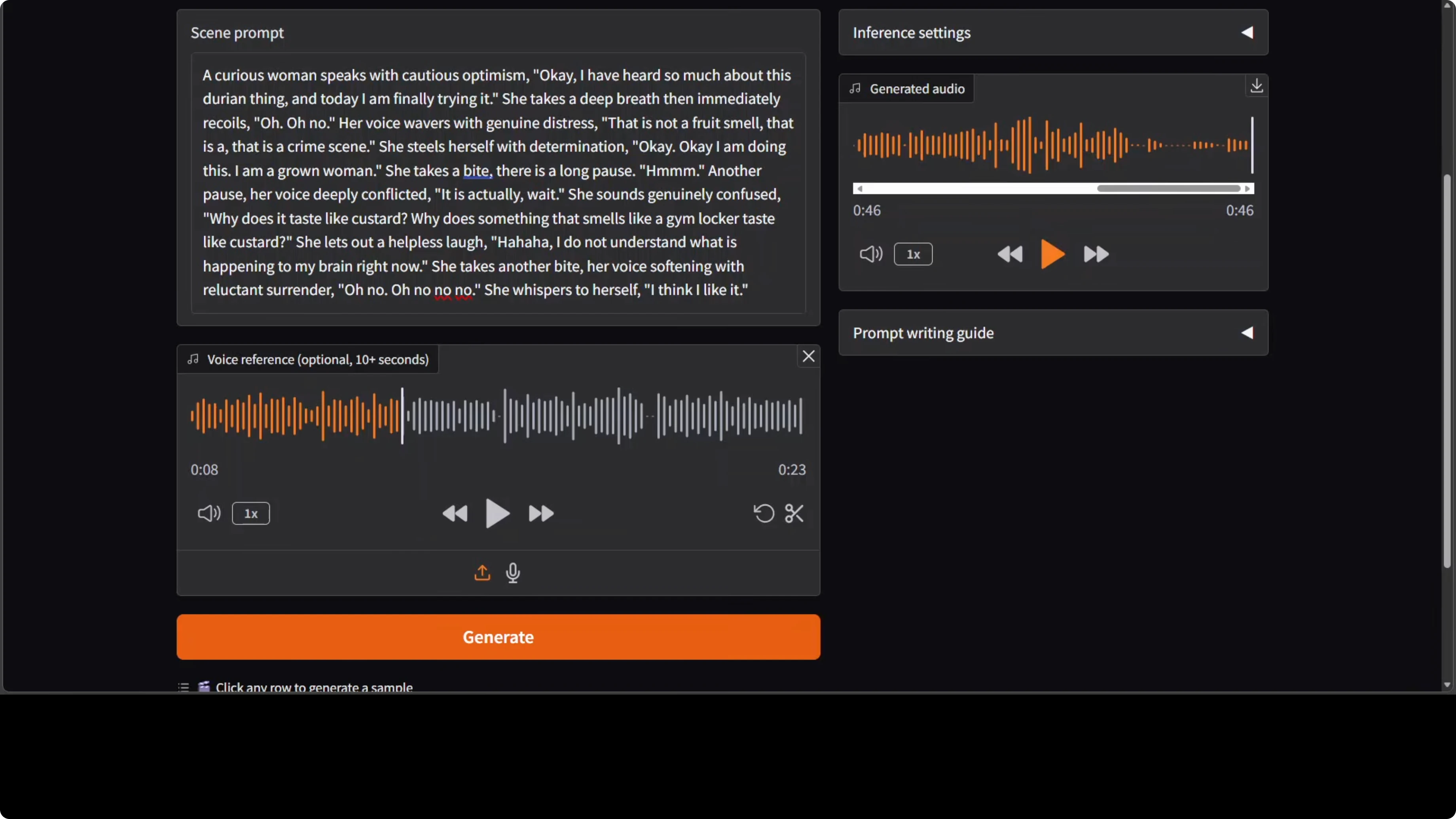
Cloning with a female voice maintained expression yet struggled to keep timbre. On a longer scene with complex directions, I saw hallucinations, some lines spoken correctly, others skipped or rushed. This could be length sensitivity or a decoding quirk in the current pipeline.
If you plan to pair spoken scenes with local music beds, this simple tool helps with accompaniment creation. Try the local AI music generator to build backing tracks on the same machine.
Practical tips
Keep prompts concise and structured. Put only the exact words you want spoken inside quotes, and keep directions outside the quotes. Avoid very long blocks on the first pass and expand in small steps.
Shorten stage directions to what truly affects delivery. If cloning a voice, pick a clean reference with consistent tone for around ten seconds. Re run with small edits to stabilize pacing and reduce skips.
For another TTS perspective and model behavior reference, check this compact Kani voices guide and this quick GLM TTS note if you want contrasting conditioning setups.
Final Thoughts
DramaBox makes expressive control the center of TTS by turning prompts into performance scripts with quotes and stage directions. Local runs were straightforward, and VRAM around 16 GB was enough for testing with a smooth Gradio loop.
Expression quality is solid, voice cloning is not yet strong, and longer scenes can hallucinate or rush. With focused iterations on timbre control and length stability, this approach could land a strong balance of control and local speed.
Subscribe to our newsletter
Get the latest updates and articles directly in your inbox.

Related Posts

8 Best Claude Code Plugins in 2026 (You Need to Know)
8 Best Claude Code Plugins in 2026 (You Need to Know)

7 Best Claude Code Skills (You Need to Know)
7 Best Claude Code Skills (You Need to Know)

Claude Code Desktop IDE Features (You Need to Know)
Claude Code Desktop IDE Features (You Need to Know)