
Table Of Content
- How Chroma Context-1 Transforms RAG Pipeline Workflows?
- Why single-pass retrieval breaks down
- How Chroma Context-1 Transforms RAG Pipeline Workflows? Local setup
- Install prerequisites
- Set Anthropic-compatible variables for the frontier model
- Download and load the model
- End-to-end retrieval to answer
- Prepare data
- Load a long document, for example an employment agreement
- Simple chunking by paragraphs or headings
- Retrieval with Context-1
- Extract JSON payload at the end of the output
- Hand-off to a frontier model
- VRAM and performance notes
- Use cases
- Final thoughts
How Chroma Context-1 Transforms RAG Pipeline Workflows?
Table Of Content
- How Chroma Context-1 Transforms RAG Pipeline Workflows?
- Why single-pass retrieval breaks down
- How Chroma Context-1 Transforms RAG Pipeline Workflows? Local setup
- Install prerequisites
- Set Anthropic-compatible variables for the frontier model
- Download and load the model
- End-to-end retrieval to answer
- Prepare data
- Load a long document, for example an employment agreement
- Simple chunking by paragraphs or headings
- Retrieval with Context-1
- Extract JSON payload at the end of the output
- Hand-off to a frontier model
- VRAM and performance notes
- Use cases
- Final thoughts
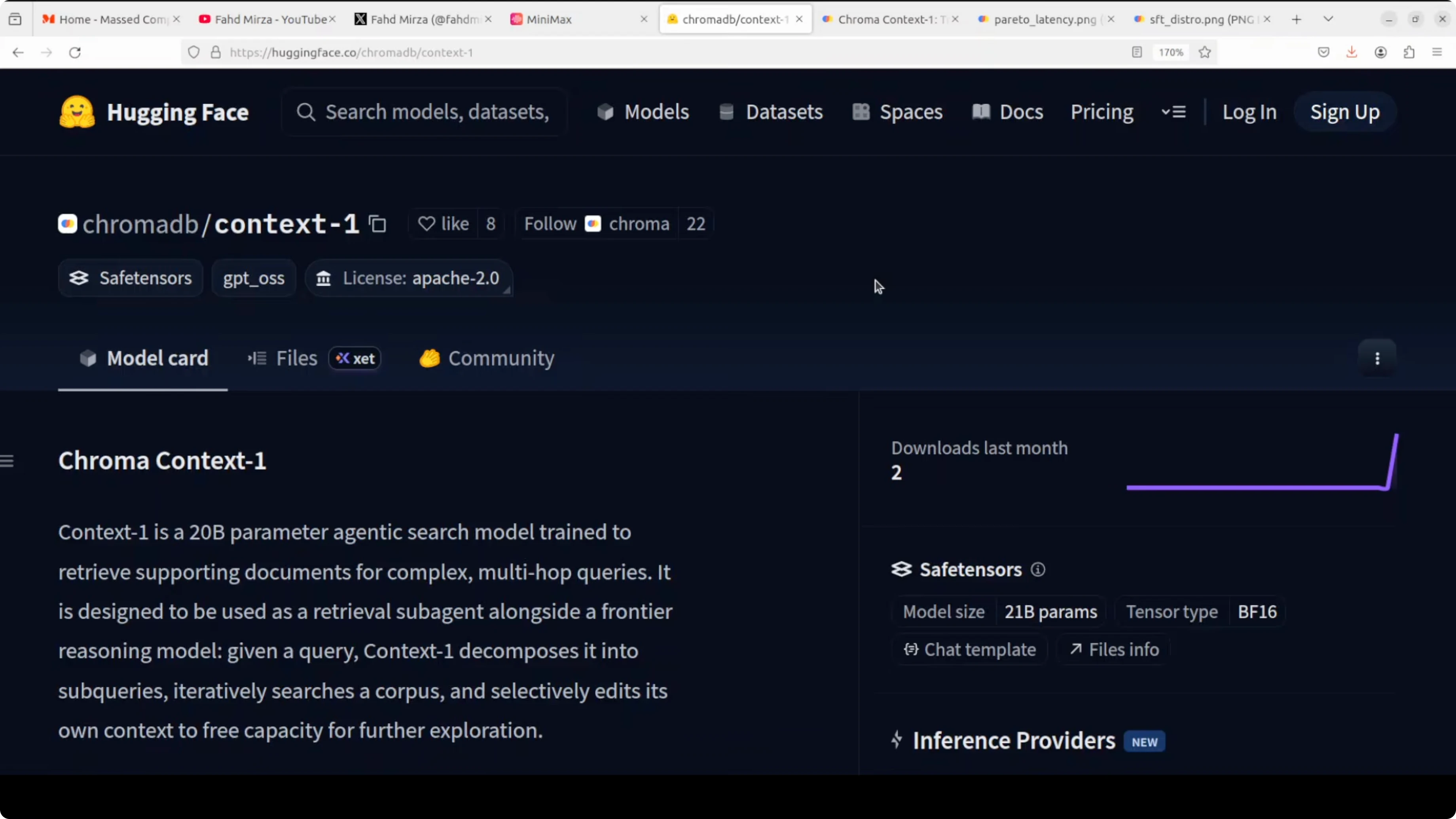
Retrieval augmented generation has a fundamental problem. Most pipelines retrieve documents in a single pass, which falls apart the moment a question needs multiple pieces of information chained together. This is where Chroma Context-1 helps.
Context-1 acts as a dedicated search sub-agent. It decomposes a query, searches a corpus across multiple terms, and prunes irrelevant documents from its own context window as it goes. The result is retrieval quality that matches models orders of magnitude larger at a fraction of cost and latency.
For more on model ideas from the same ecosystem, see this Chroma 4B overview that pairs well with RAG use cases.
How Chroma Context-1 Transforms RAG Pipeline Workflows?
Why single-pass retrieval breaks down
Retrieval augmented generation lets you give your own data to AI models. You convert your data into numerical representations, store them in a vector database, do a similarity search at query time, retrieve candidate chunks, append them to the prompt, and then call a model.
This works until a question needs multi-hop reasoning over several distant sections. Single-pass top-k retrieval often pulls near-duplicates or distractors and misses the exact mix of sections required to answer correctly. Context-1 was trained to fix this failure mode by actively searching in multiple turns and pruning as it goes.
If you prefer using a Google frontier model for the answering step, you can review our Gemini 3.1 Pro guide for model selection notes.
How Chroma Context-1 Transforms RAG Pipeline Workflows? Local setup
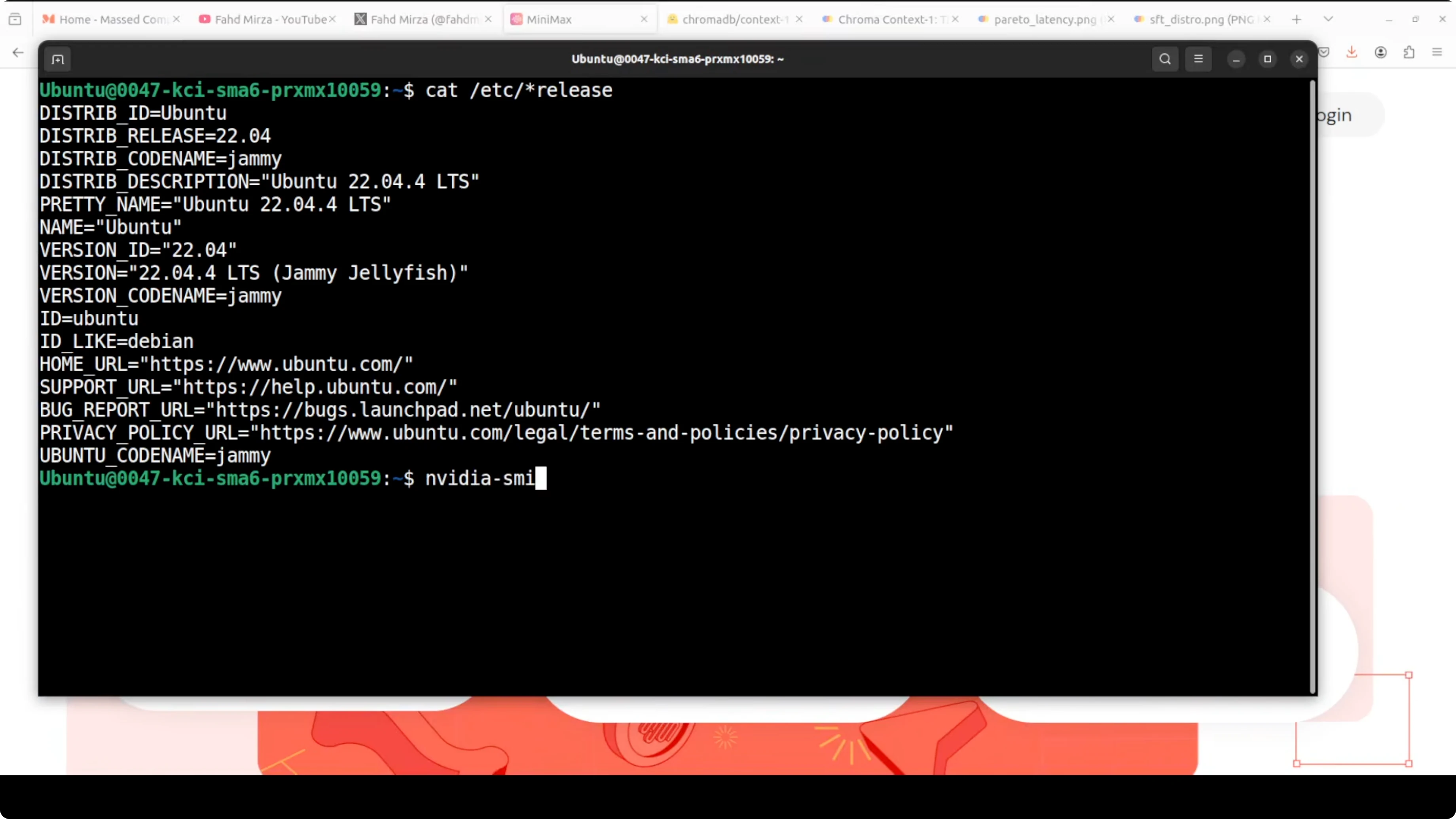
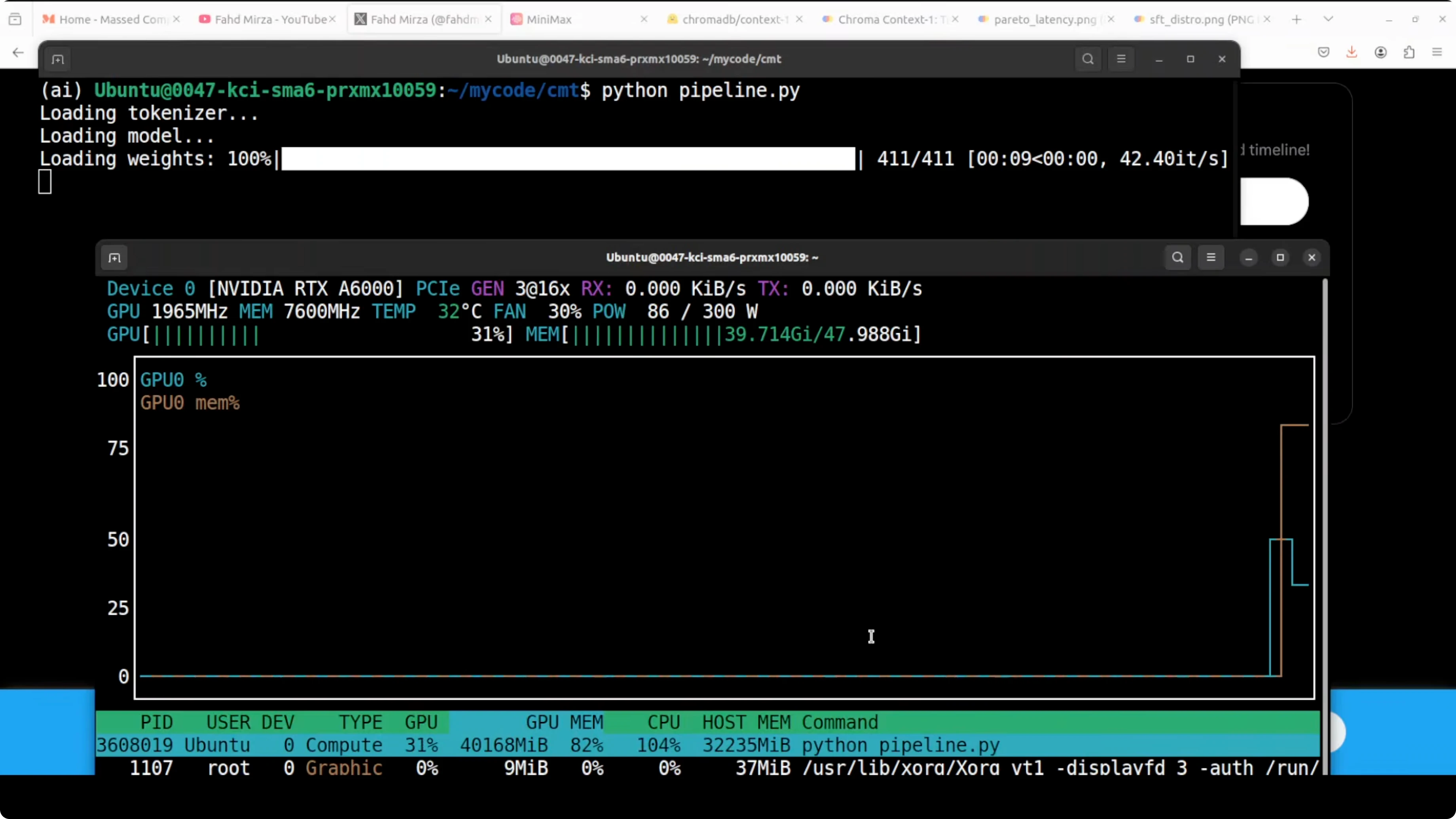
I ran Context-1 on Ubuntu with an NVIDIA RTX A6000 48 GB VRAM. The model download is about 42 GB, and peak VRAM during inference sat close to 43 GB in my tests. Keep both disk and GPU memory headroom in mind before you start.
Install prerequisites
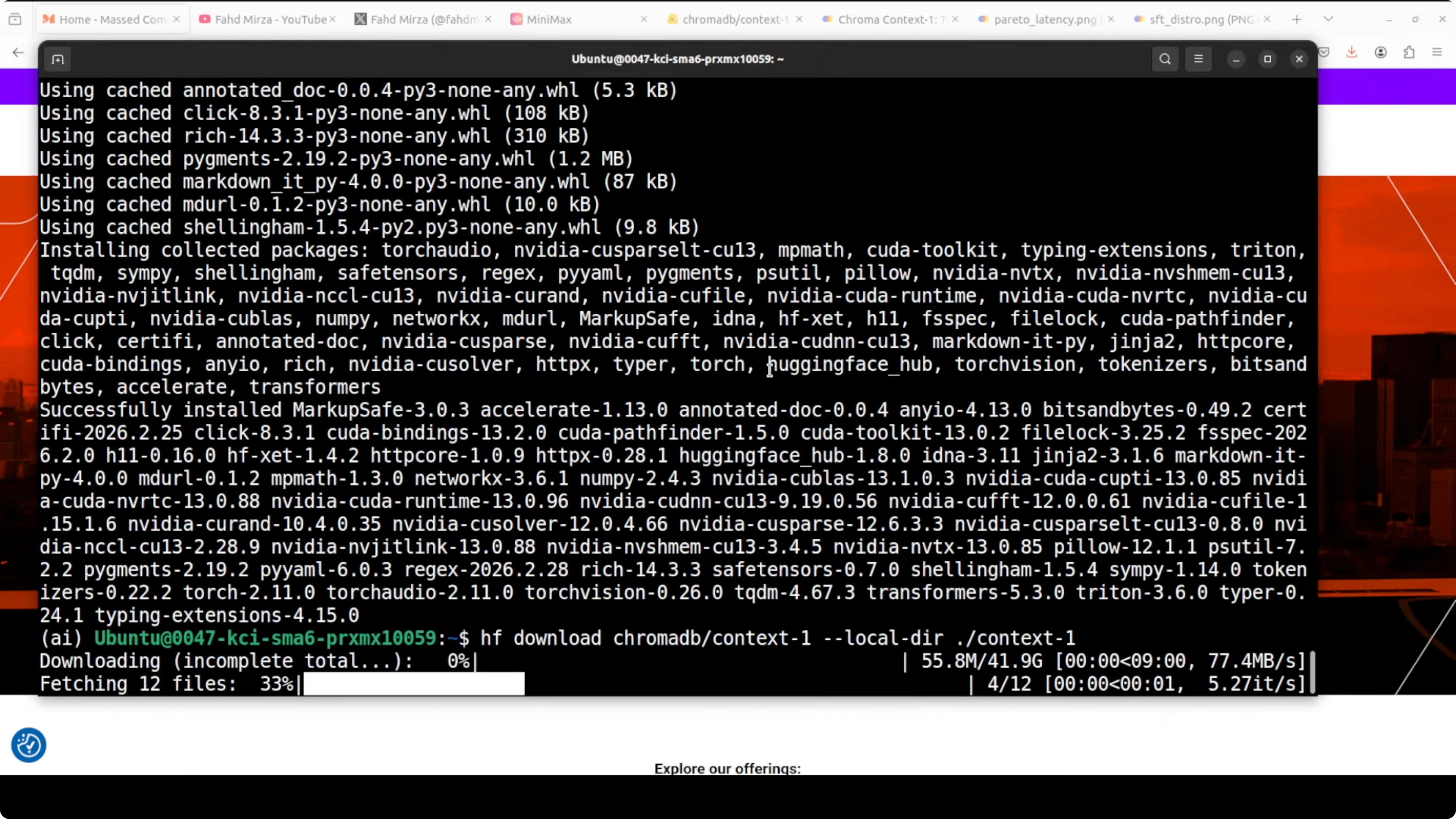
Create a virtual environment, upgrade pip, and install the core libraries.
python3 -m venv .venv
source .venv/bin/activate
pip install --upgrade pip

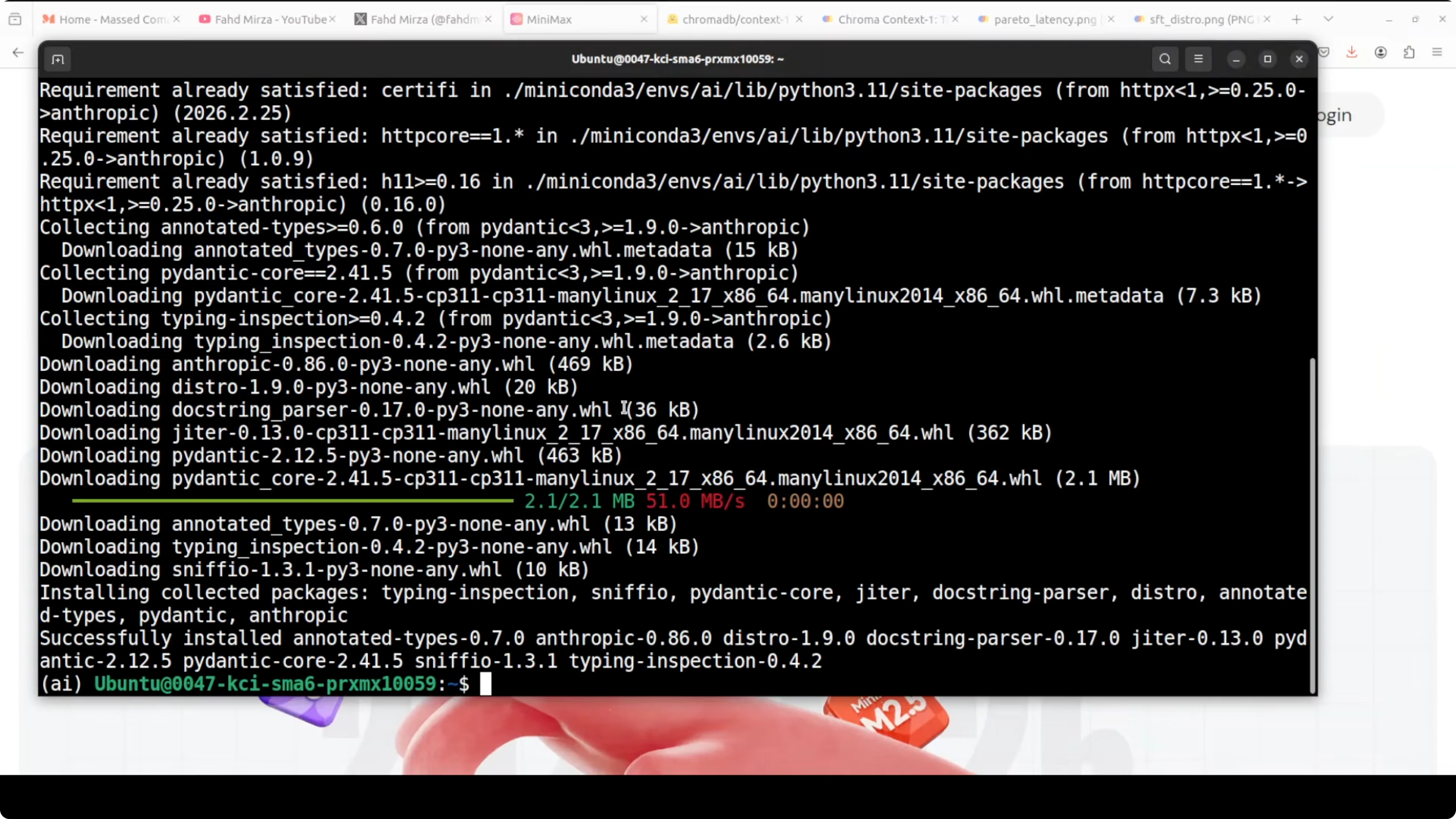
pip install torch transformers accelerate sentencepiece huggingface_hub anthropic
Set Anthropic-compatible variables for the frontier model
Minimax exposes Anthropic-compatible endpoints. Set your API key and base URL for the Anthropic SDK.
export ANTHROPIC_API_KEY="YOUR_MINIMAX_API_KEY"
export ANTHROPIC_BASE_URL="<YOUR_MINIMAX_ANTHROPIC_COMPATIBLE_BASE_URL>"
export FRONTIER_MODEL="REPLACE_WITH_MINIMAX_MODEL_ID"  # e.g., m2.7 or your chosen model
If you are comparing frontier models for reasoning or coding-heavy tasks, these notes on options can help: DeepSeek, GPT-5.1, and Opus notes and a comparison of Composer 1 and GPT-5 Codex.
Download and load the model
Transformers will fetch weights on first load. Expect a large download the first time.
import torch
from transformers import AutoTokenizer, AutoModelForCausalLM

MODEL_ID = "chromadb/context-1"

tokenizer = AutoTokenizer.from_pretrained(MODEL_ID, trust_remote_code=True)
model = AutoModelForCausalLM.from_pretrained(
    MODEL_ID,
    torch_dtype=torch.float16,
    device_map="auto"
)

if torch.cuda.is_available():
    allocated_gb = torch.cuda.memory_allocated() / 1024 / 1024 / 1024
    print(f"Approx VRAM in use: {allocated_gb:.2f} GB")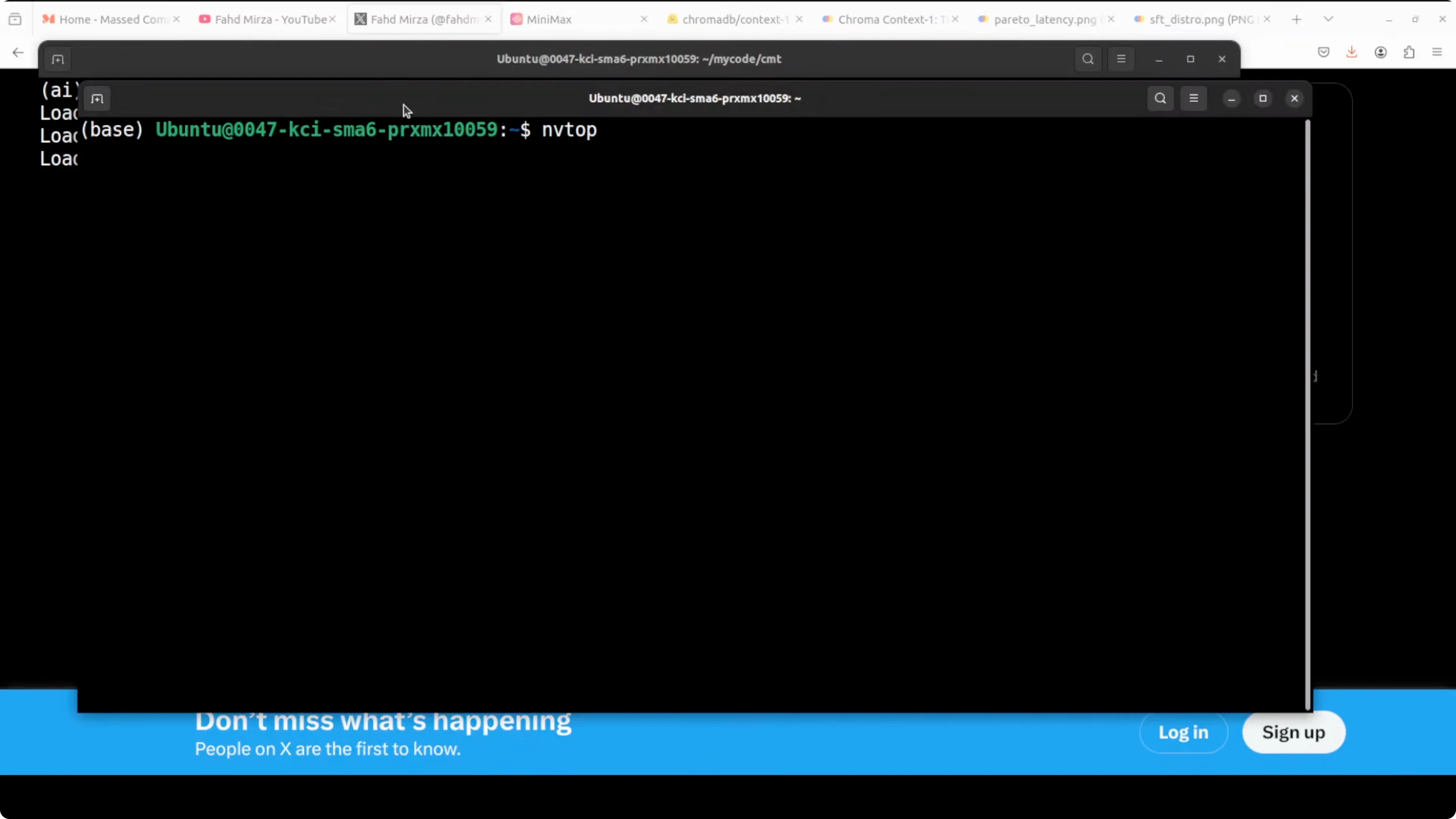
End-to-end retrieval to answer
Prepare data
Context-1 is a purpose-trained retrieval model. It does not answer the question itself.
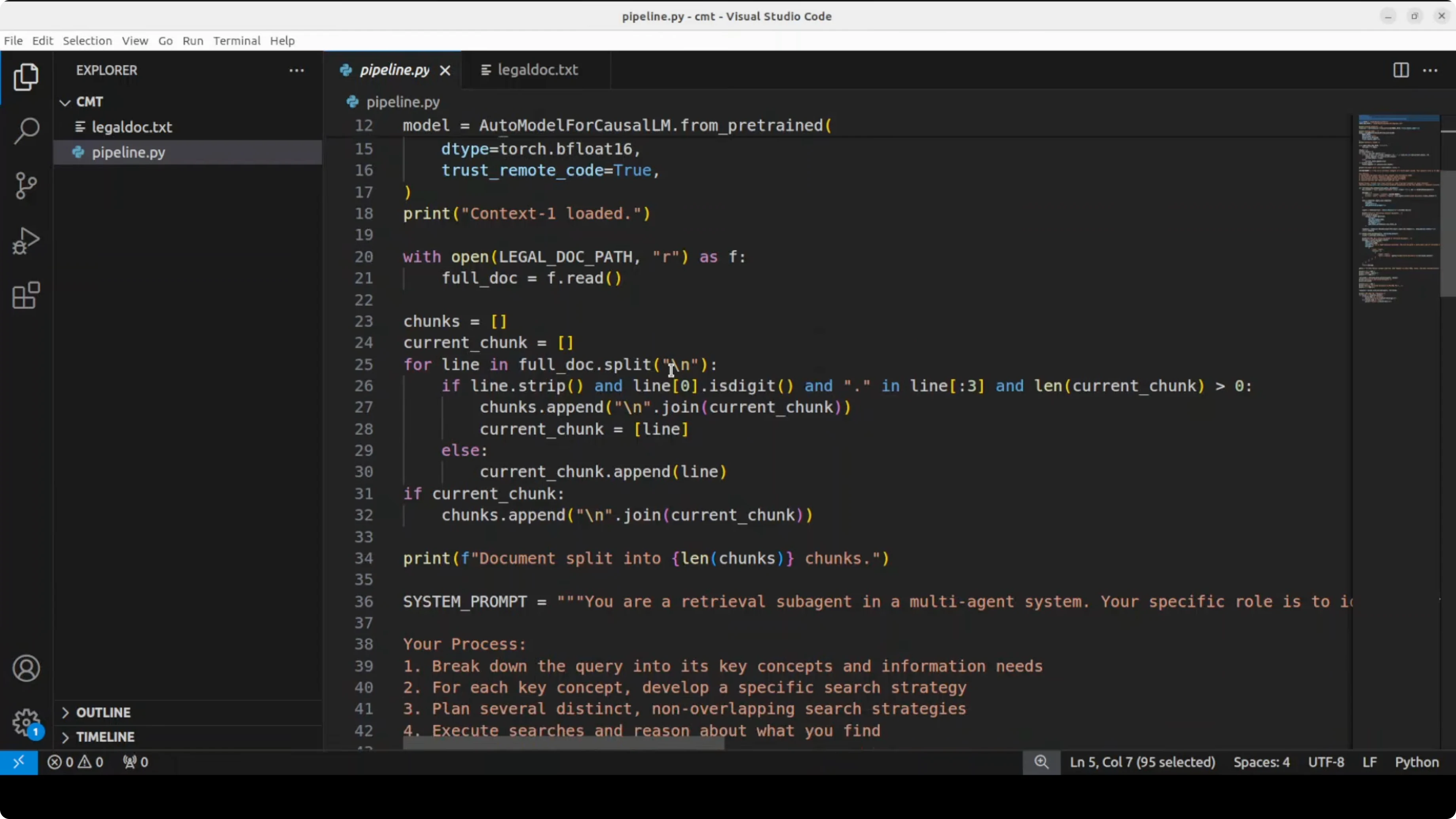
Load your corpus, split into section-level chunks with stable IDs, and prepare a user query. In my legal document test, I passed an employment agreement and split it into section-level chunks along with the query.
import json
from pathlib import Path

# Load a long document, for example an employment agreement
text = Path("employment_agreement.txt").read_text(encoding="utf-8")

# Simple chunking by paragraphs or headings
def chunk_text(t, max_chars=1500):
    parts, buf = [], []
    for line in t.splitlines():
        if not line.strip():
            if buf:
                parts.append("\n".join(buf))
                buf = []
            continue
        buf.append(line)
        if sum(len(x) for x in buf) >= max_chars:
            parts.append("\n".join(buf))
            buf = []
    if buf:
        parts.append("\n".join(buf))
    return parts

chunks = chunk_text(text, max_chars=1500)
corpus = [{"id": i+1, "text": c} for i, c in enumerate(chunks)]

query = "If an employee resigns tomorrow, what happens to their bonus eligibility and payout timing under this agreement?"
Retrieval with Context-1
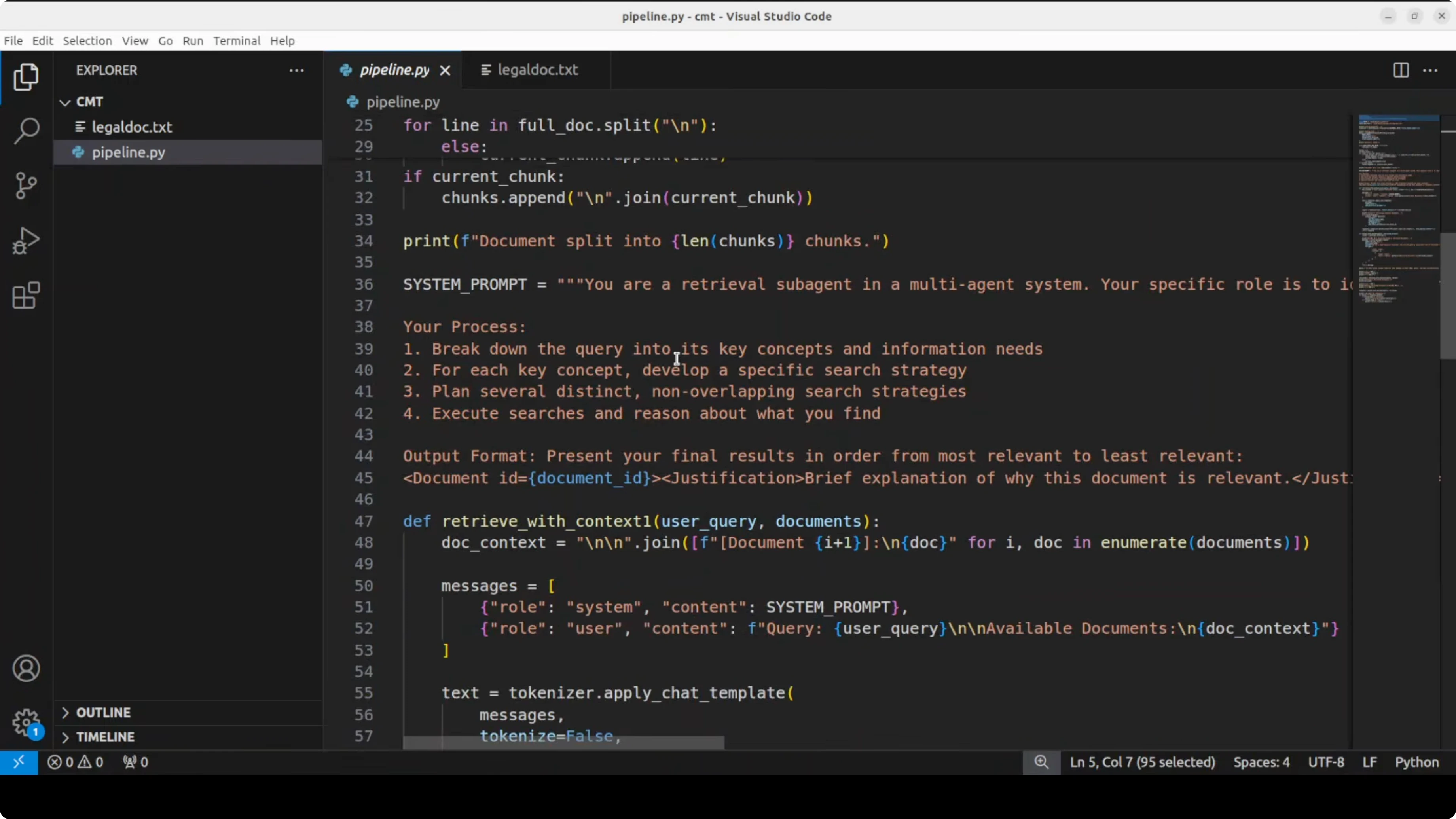
Construct a prompt that instructs Context-1 to decompose the query, reason over each chunk, select relevant document IDs, and return a ranked list with brief justifications. Keep the output machine-readable so you can pass it downstream.
def build_retrieval_prompt(query, corpus, limit=40):
    # Truncate to avoid overlong prompts on huge corpora for the demo
    sample = corpus[:limit]
    corpus_block = "\n".join([f"[{c['id']}] {c['text']}" for c in sample])
    return f"""You are Context-1, a retrieval model for RAG.
Your task: decompose the user query into sub-questions, reason over each document chunk, identify relevant chunk IDs, and output a JSON object with keys "ranking" and "rationales".
- "ranking" is an ordered list of chunk IDs from most to least relevant.
- "rationales" maps each selected chunk ID to a short reason.

User Query:
{query}

Document Chunks:
{corpus_block}

Return only valid JSON.
"""

prompt = build_retrieval_prompt(query, corpus)

inputs = tokenizer(prompt, return_tensors="pt").to(model.device)
with torch.no_grad():
    output_ids = model.generate(
        **inputs,
        max_new_tokens=800,
        do_sample=False,
        temperature=0.0
    )

raw_output = tokenizer.decode(output_ids[0], skip_special_tokens=True)
# Extract JSON payload at the end of the output
start = raw_output.rfind("{")
end = raw_output.rfind("}")
retrieval_json = json.loads(raw_output[start:end+1])

ranking = retrieval_json.get("ranking", [])[:6]  # take top-k
selected = [c for c in corpus if c["id"] in set(ranking)]
Context-1 outputs a ranked list of document IDs with justification. It only retrieves the documents as per context and does not answer the question itself.
Hand-off to a frontier model
Pass only the retrieved chunks to a frontier model through the Anthropic-compatible API. The quality of the final answer depends on how well Context-1 selected the right sections.
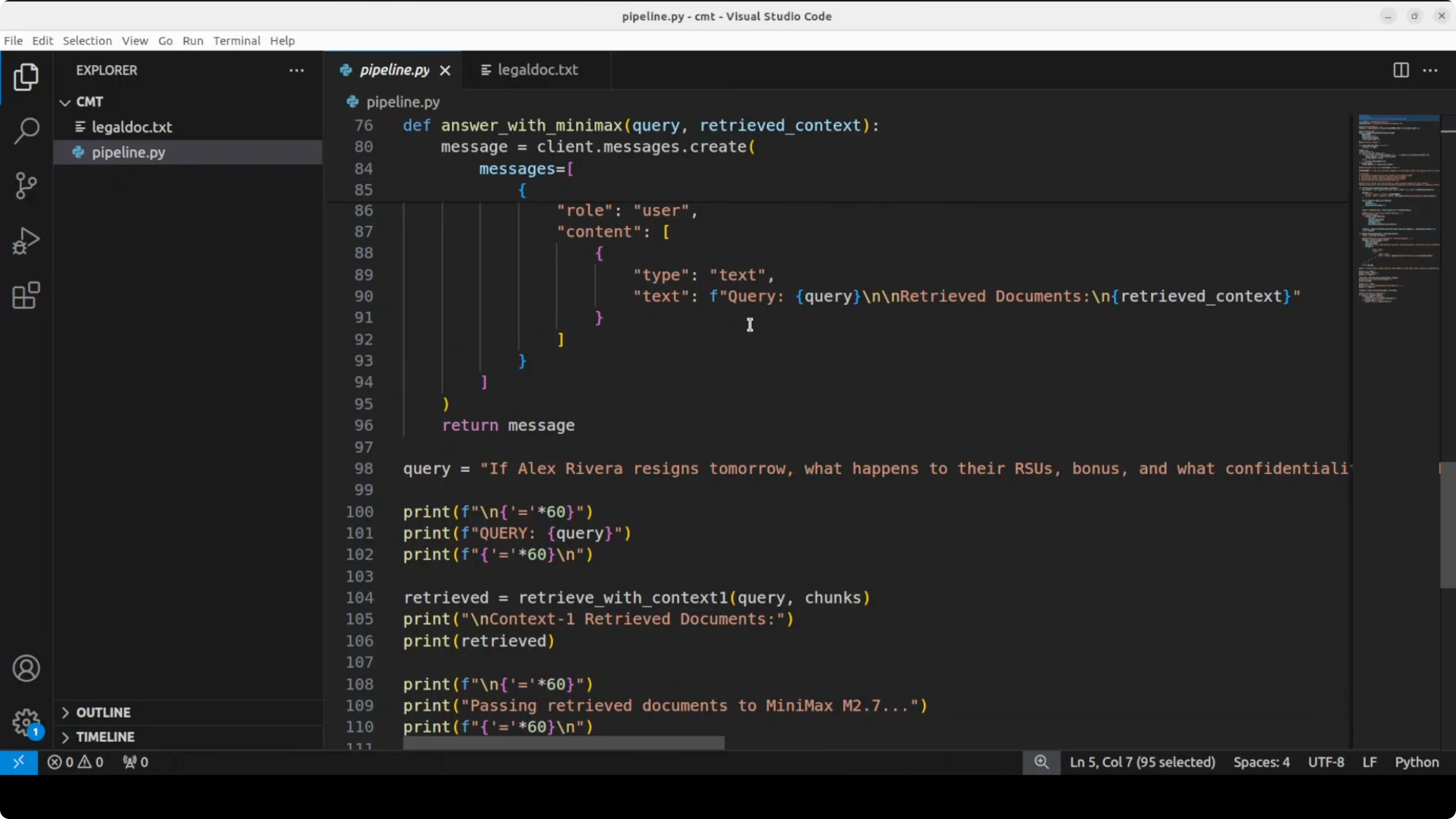
import os
from anthropic import Anthropic

anthropic = Anthropic(
    api_key=os.environ["ANTHROPIC_API_KEY"],
    base_url=os.environ["ANTHROPIC_BASE_URL"]
)

context_block = "\n\n".join([f"[{c['id']}] {c['text']}" for c in selected])

final_prompt = f"""Use only the provided context to answer the user's question.
If the answer is not in the context, say you cannot find it.

User question:
{query}

Context:
{context_block}
"""

resp = anthropic.messages.create(
    model=os.getenv("FRONTIER_MODEL", "REPLACE_WITH_MINIMAX_MODEL_ID"),
    max_tokens=800,
    temperature=0.2,
    messages=[
        {"role": "user", "content": [{"type": "text", "text": final_prompt}]}
    ]
)

answer_text = "".join([b.get("text", "") for b in resp.content if b["type"] == "text"])
print(answer_text)
For teams experimenting with Gemini for the answering step, keep this troubleshooting note handy: Gemini 3.1 Pro error fix.
VRAM and performance notes
Loading Context-1 on an RTX A6000 used close to 43 GB VRAM during my run. The model is large, but the approach reduces downstream API cost and latency because only the relevant chunks go to the frontier model. You can also cache retrieved chunks by query or by normalized sub-questions in production.
An agent-style orchestration layer that manages token budget, context pruning, deduplication, and a multi-turn search loop can further improve recall. That orchestration is a natural fit on top of Context-1’s trained behavior. For broader model selection context around reasoning families, see our DeepSeek and GPT-5.1 comparison notes.
Use cases
Complex policy and legal Q&A where answers depend on multiple distant clauses across an agreement. Context-1 decomposes the query and finds exactly the sections that matter, which grounds the final answer.
Enterprise knowledge bases where policies, procedures, and exceptions live in different files. Multi-turn retrieval helps surface the right mix of sections for accurate, low-latency responses.
Technical documentation and codebases where feature behavior spans README, API docs, and a change log. For coding-oriented analysis and comparisons, this Composer 1 vs GPT-5 Codex comparison offers useful angles on model capabilities.
Final thoughts
Context-1 fixes the single-pass retrieval trap by acting as a focused search sub-agent that decomposes, searches, and prunes. It retrieves a ranked set of chunks with reasons and hands that to your chosen frontier model, cutting cost and latency while improving answer grounding.
If you work with RAG at scale, this pattern is worth adopting in production stacks. For adjacent model notes you might explore, here is a concise Chroma 4B overview and a practical Gemini 3.1 Pro guide for alternative answering models.
Subscribe to our newsletter
Get the latest updates and articles directly in your inbox.

Related Posts

8 Best Claude Code Plugins in 2026 (You Need to Know)
8 Best Claude Code Plugins in 2026 (You Need to Know)

7 Best Claude Code Skills (You Need to Know)
7 Best Claude Code Skills (You Need to Know)

Claude Code Desktop IDE Features (You Need to Know)
Claude Code Desktop IDE Features (You Need to Know)