
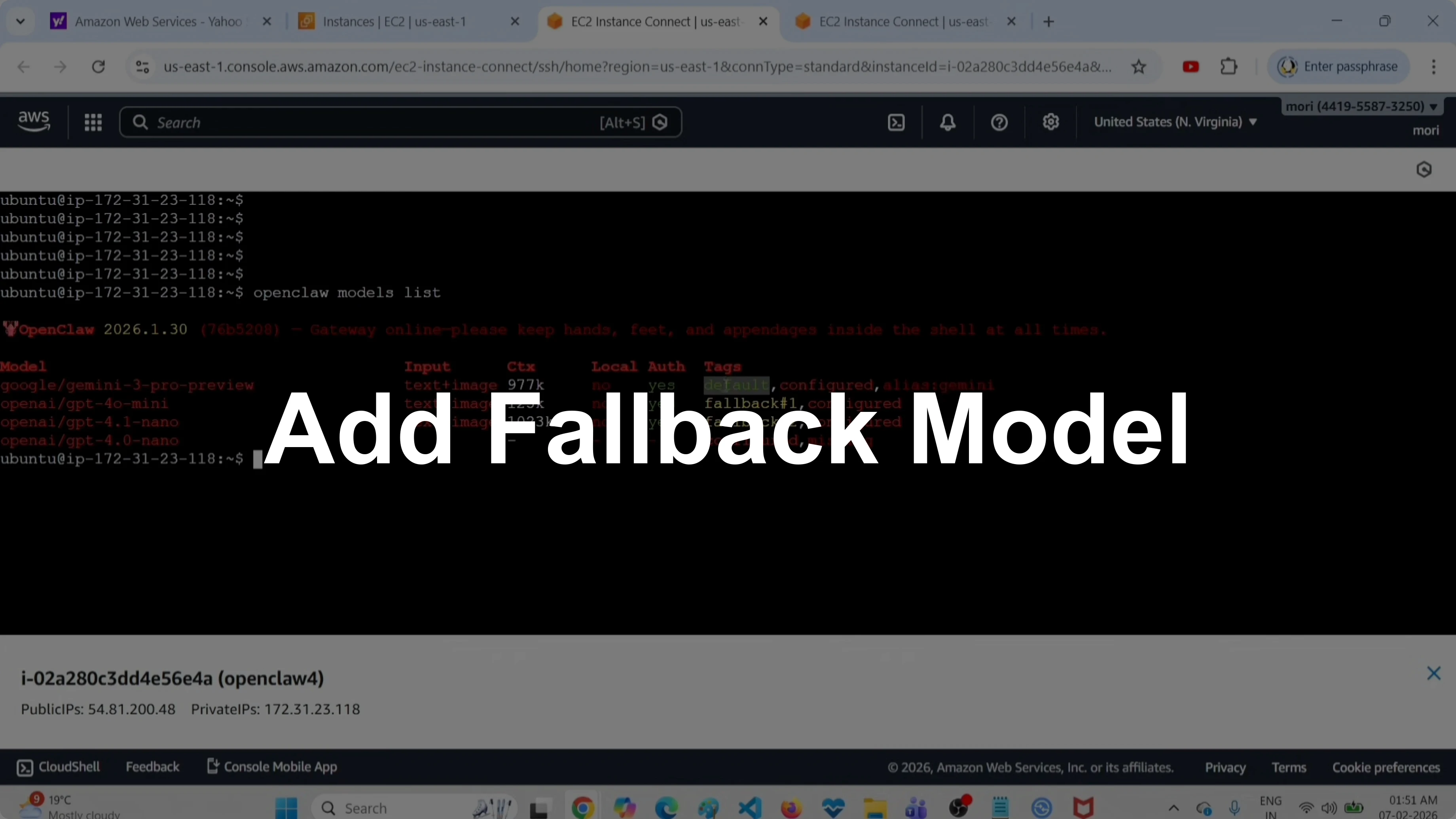
How to Add a Fallback Model in OpenClaw, ClawdBot, and MoltBot?
OpenClaw Error Fixer
Paste any OpenClaw error and get the exact fix instantly — cause, steps, copy-ready commands, and related guides.
I will show two methods to add a fallback model. First let me list all models configured in this OpenClaw setup.
Run this command to list models.
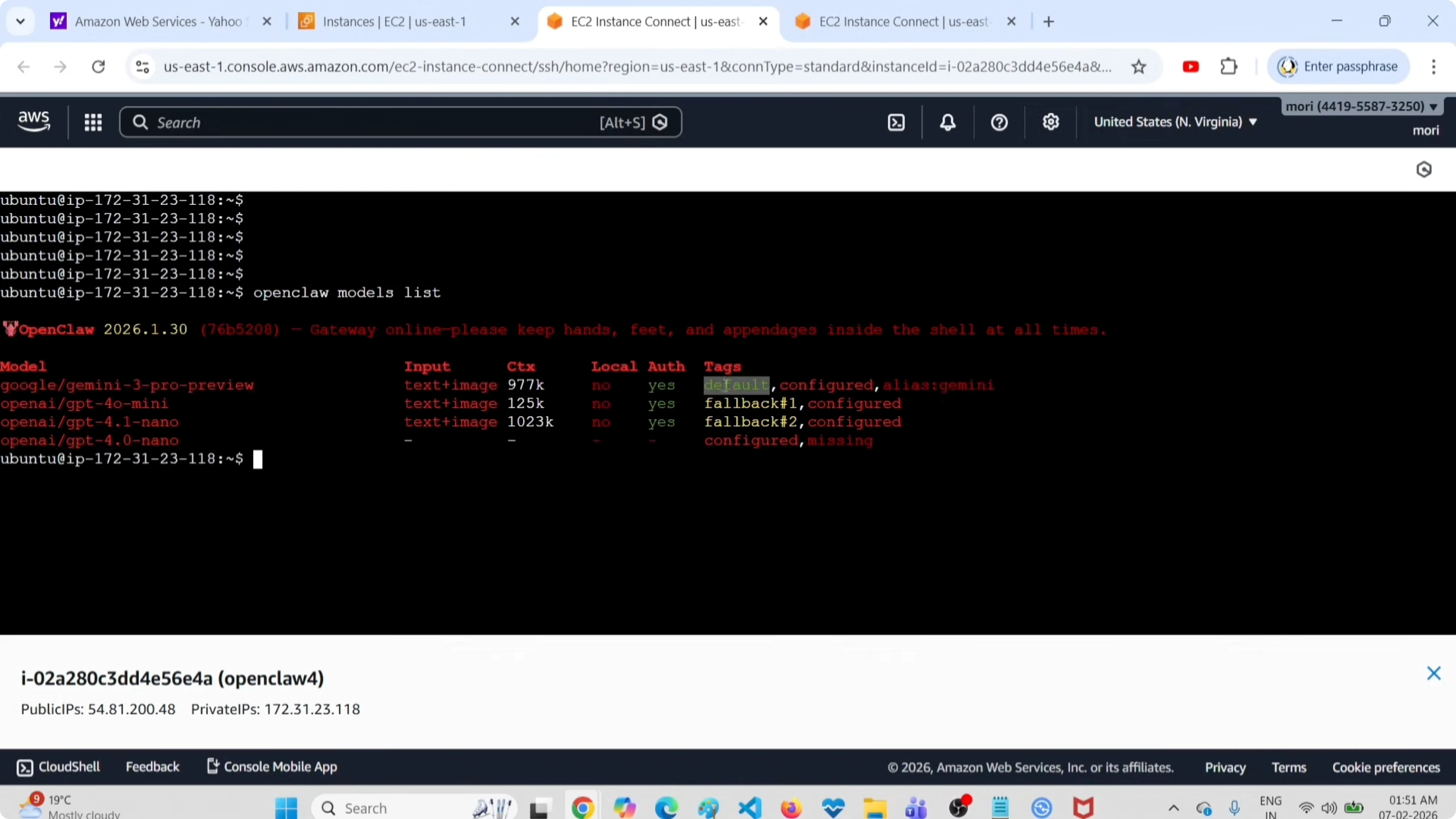
openclaw models list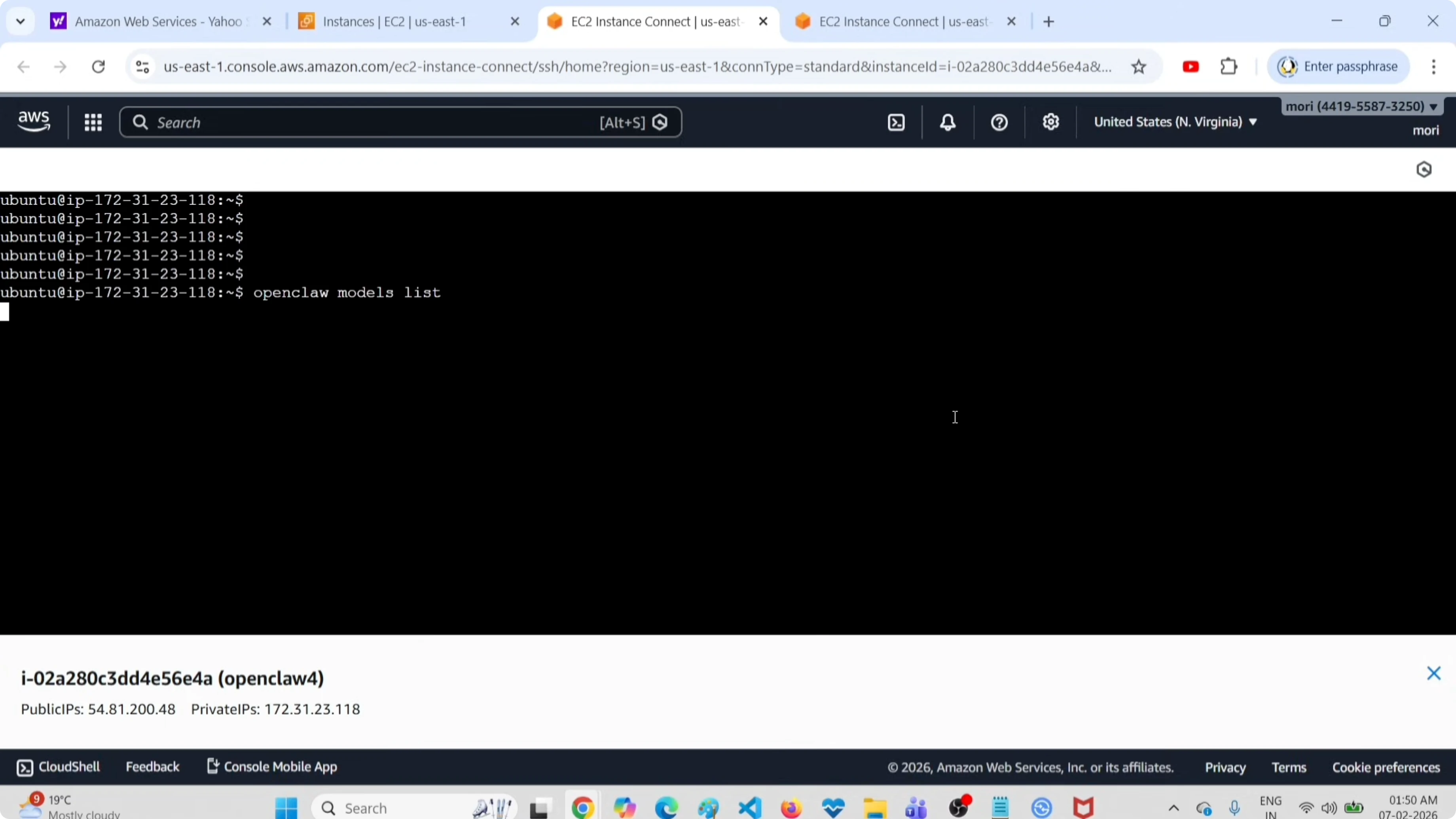
It will list all models configured in this setup. It says four models. First one is a primary or default model.
You can see the tag default. These two are fallback models, fallback one and fallback two. The third one is just a model that I configured but it is not set as primary or fallback.
If you want to remove an unused entry from your setup, see how to delete a model in OpenClaw or ClawdBot.
Add a Fallback Model in OpenClaw, ClawdBot, and MoltBot?
Method 1 - CLI
Next I will show you how we can add a new fallback model. Run this command.
openclaw models fallbacks add <MODEL_NAME>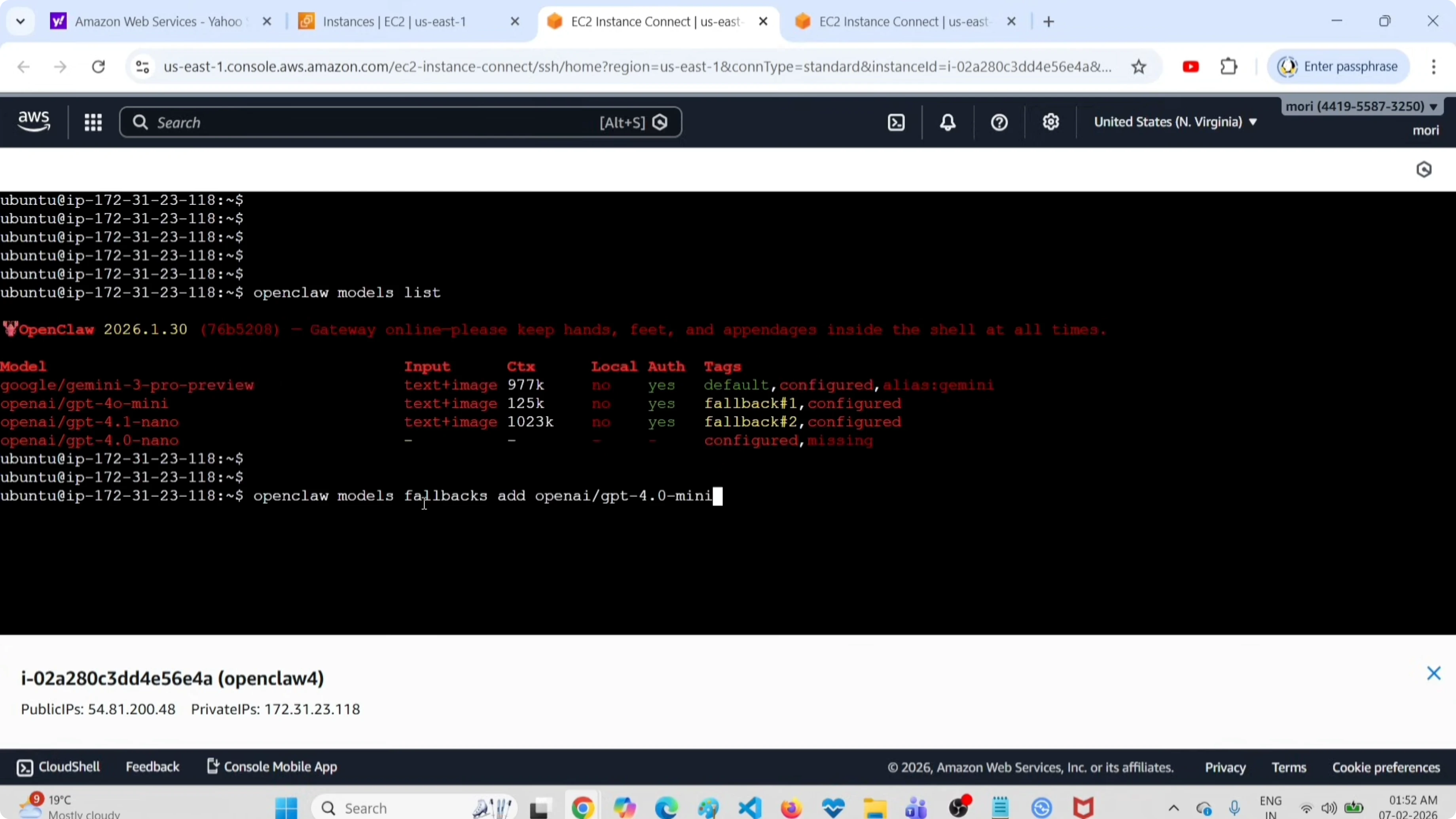
Then you can mention the name of the model that you want to add. It says updated the configuration file. Now the fallback models are GPT-4.0 mini, 4.1 nano, then this new model.
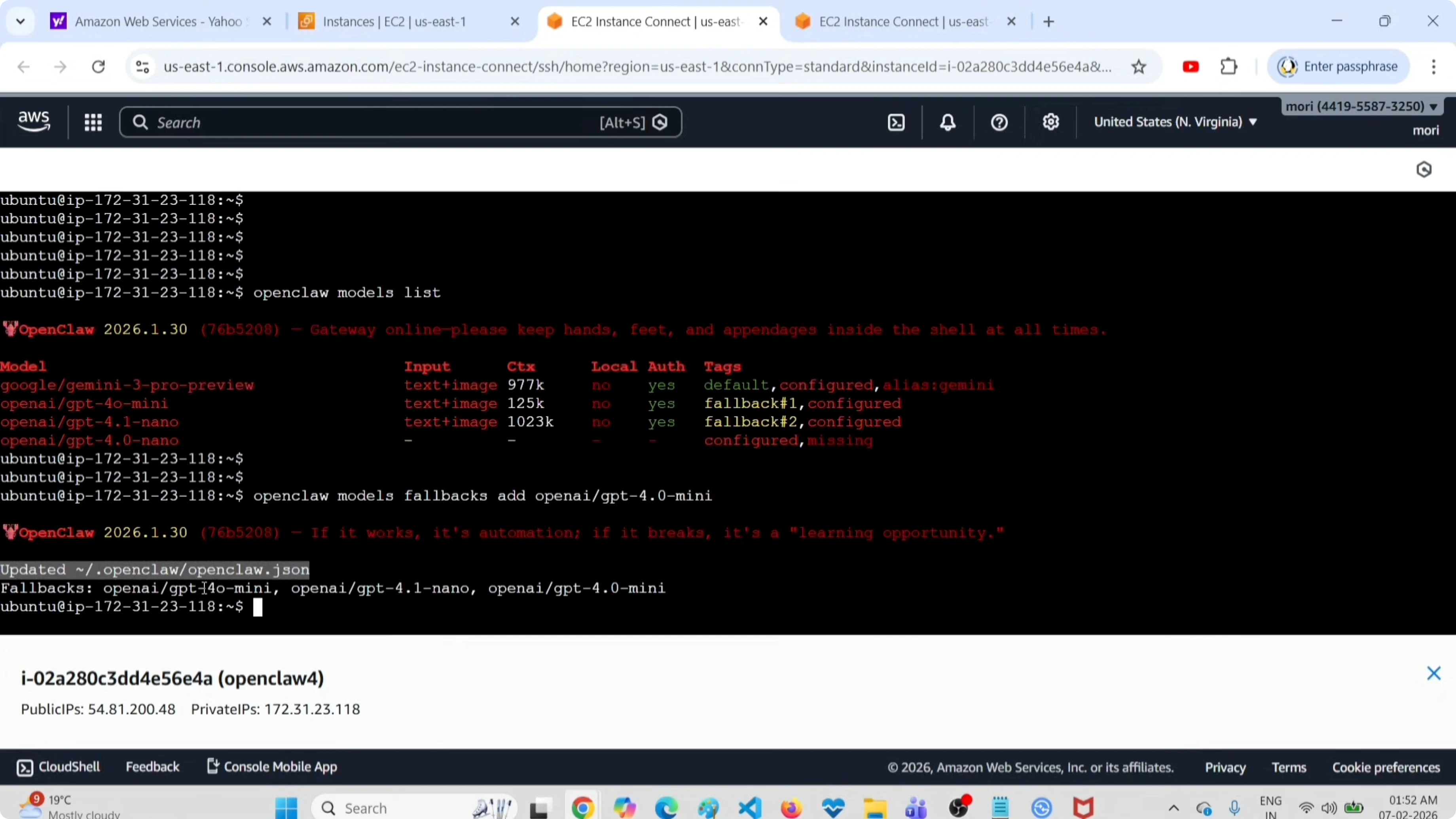
Run the models list command again to confirm the third fallback model appears.
openclaw models list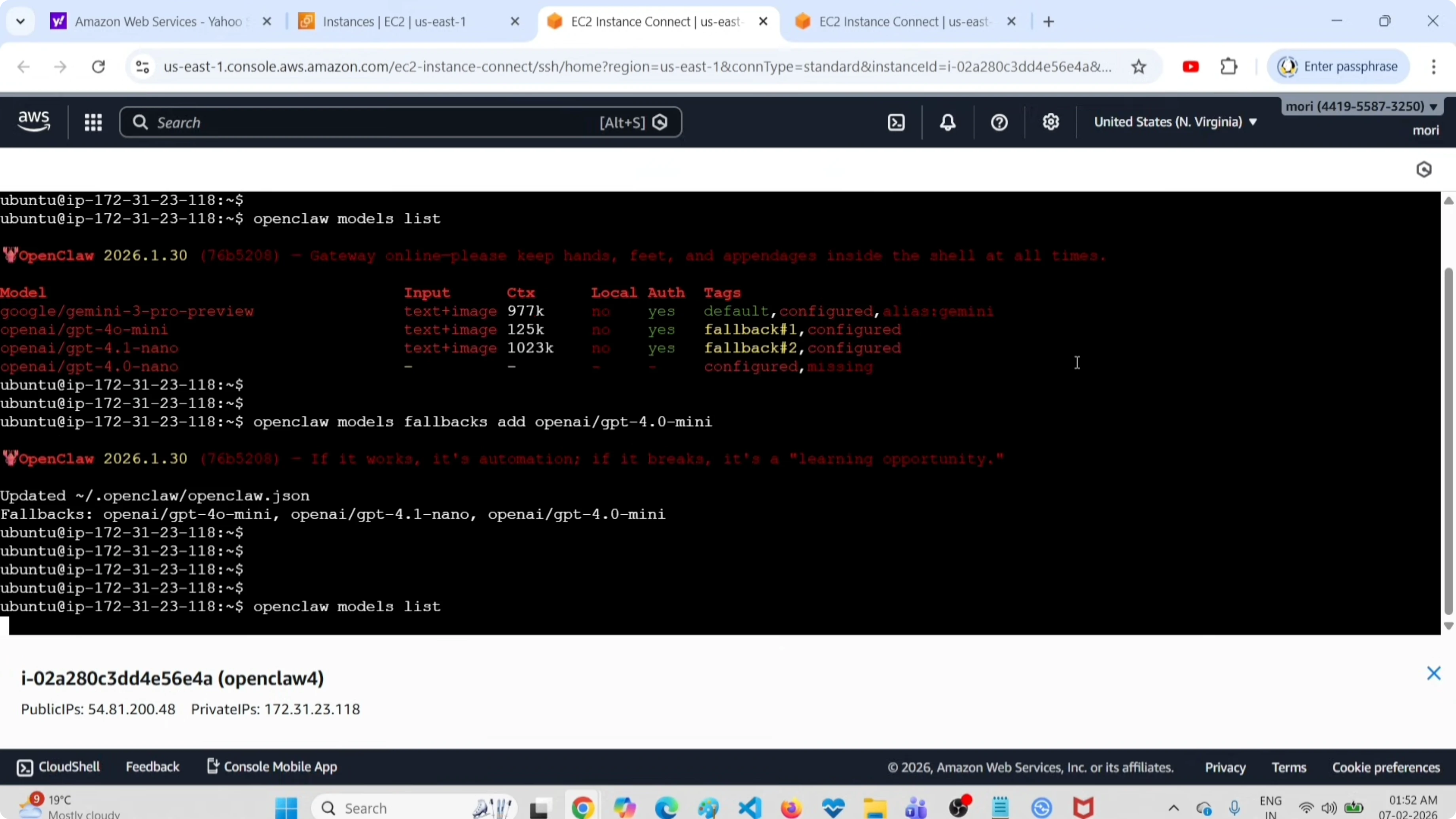
If you need to reset your list, you can clear fallback models using the OpenClaw tools.
If the model you want to add is served via Ollama, follow this guide to add an Ollama model to OpenClaw before setting it as a fallback.
Method 2 - Edit the config file
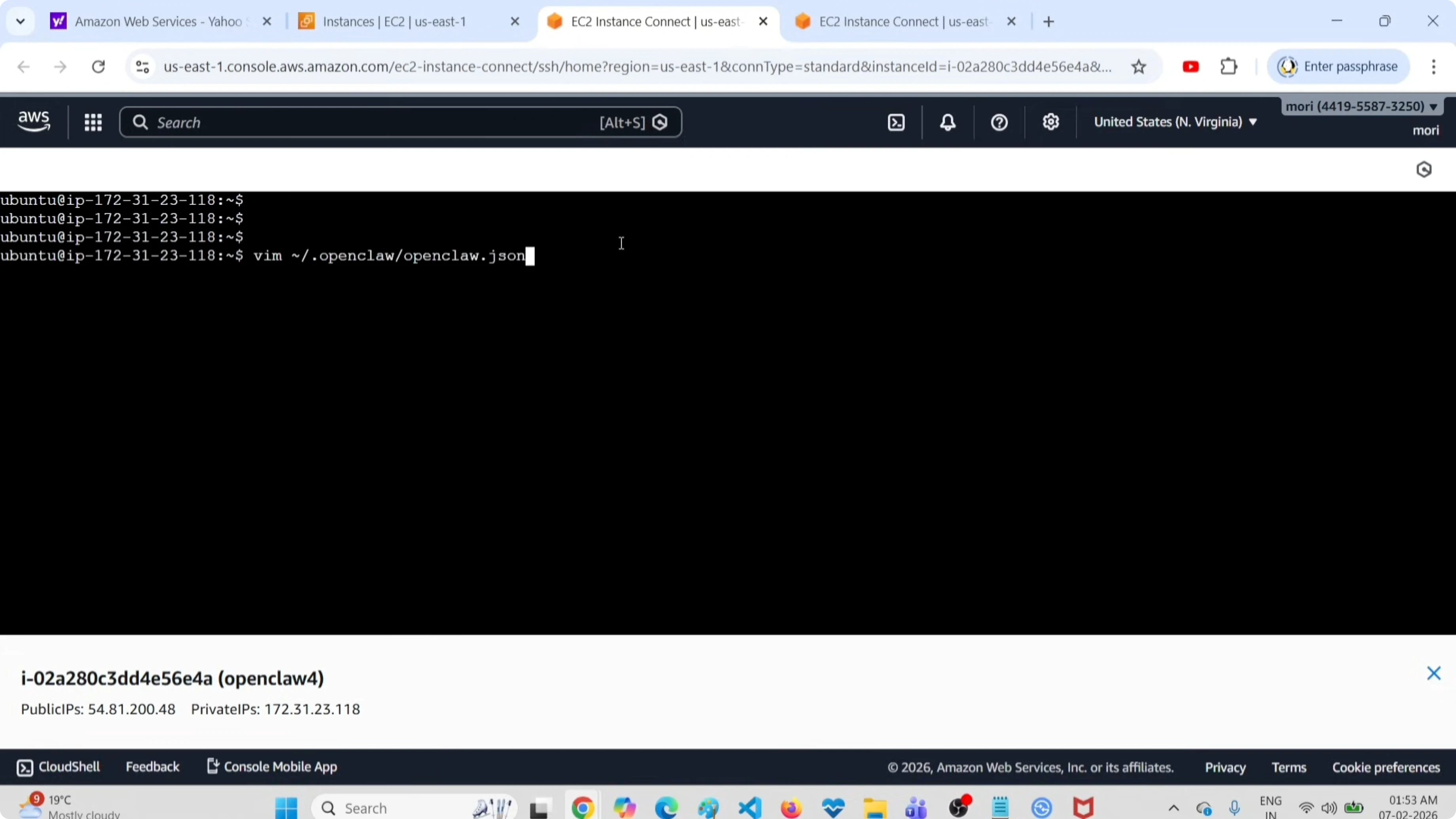
Method two, we can directly edit the OpenClaw configuration file, then add a fallback model. This is the configuration file openclaw.json. Open this file in vim or nano.
Check for the models section. Under this models section, you would be able to see all models configured. Here you can see the primary model and the other models that you configured.
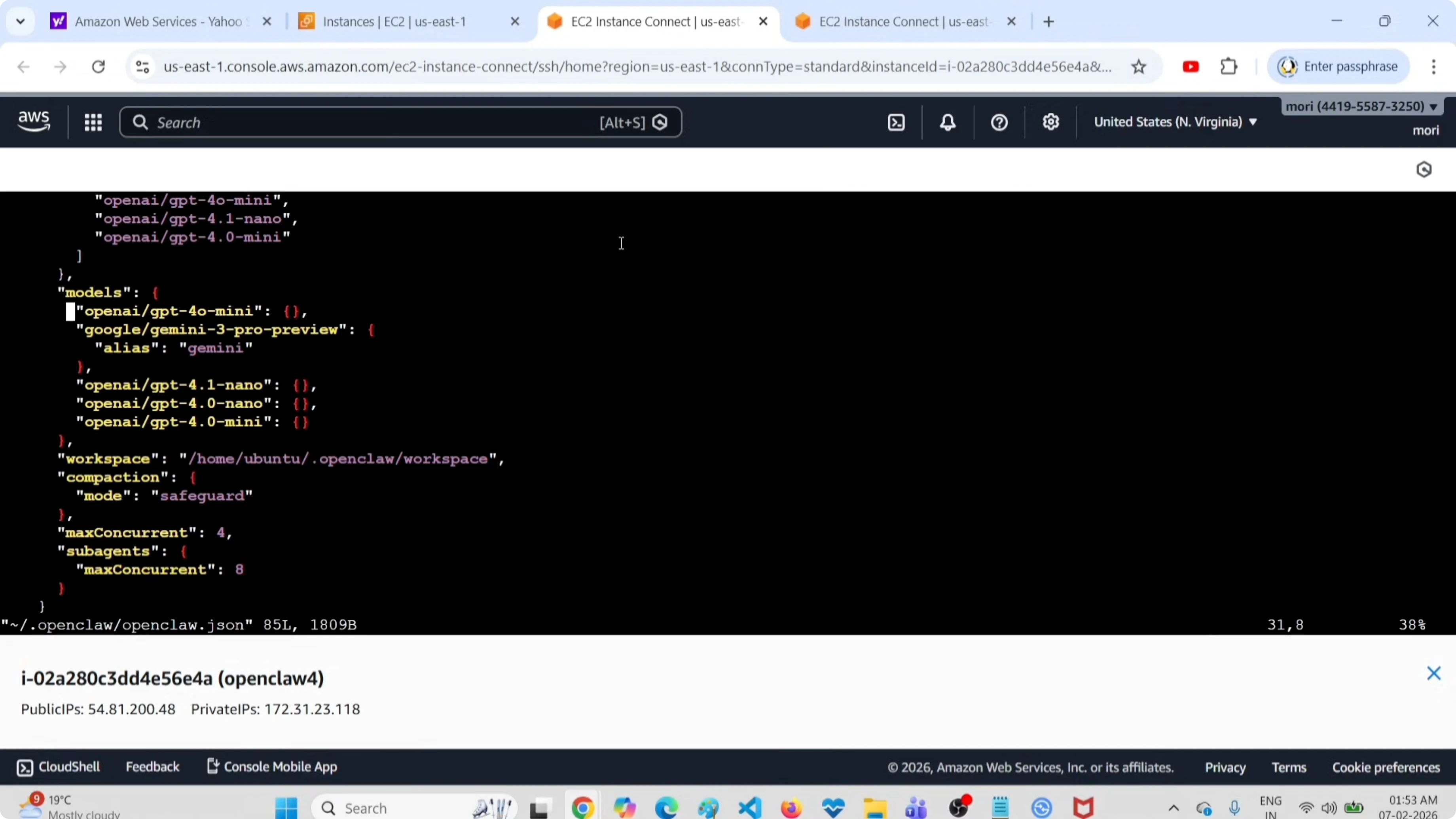
Go to the top of this section to see the current default or primary model and the fallbacks models. In this list you can find that new model. If you want to add a new model, edit this JSON file and add it under the models section and the fallback section.
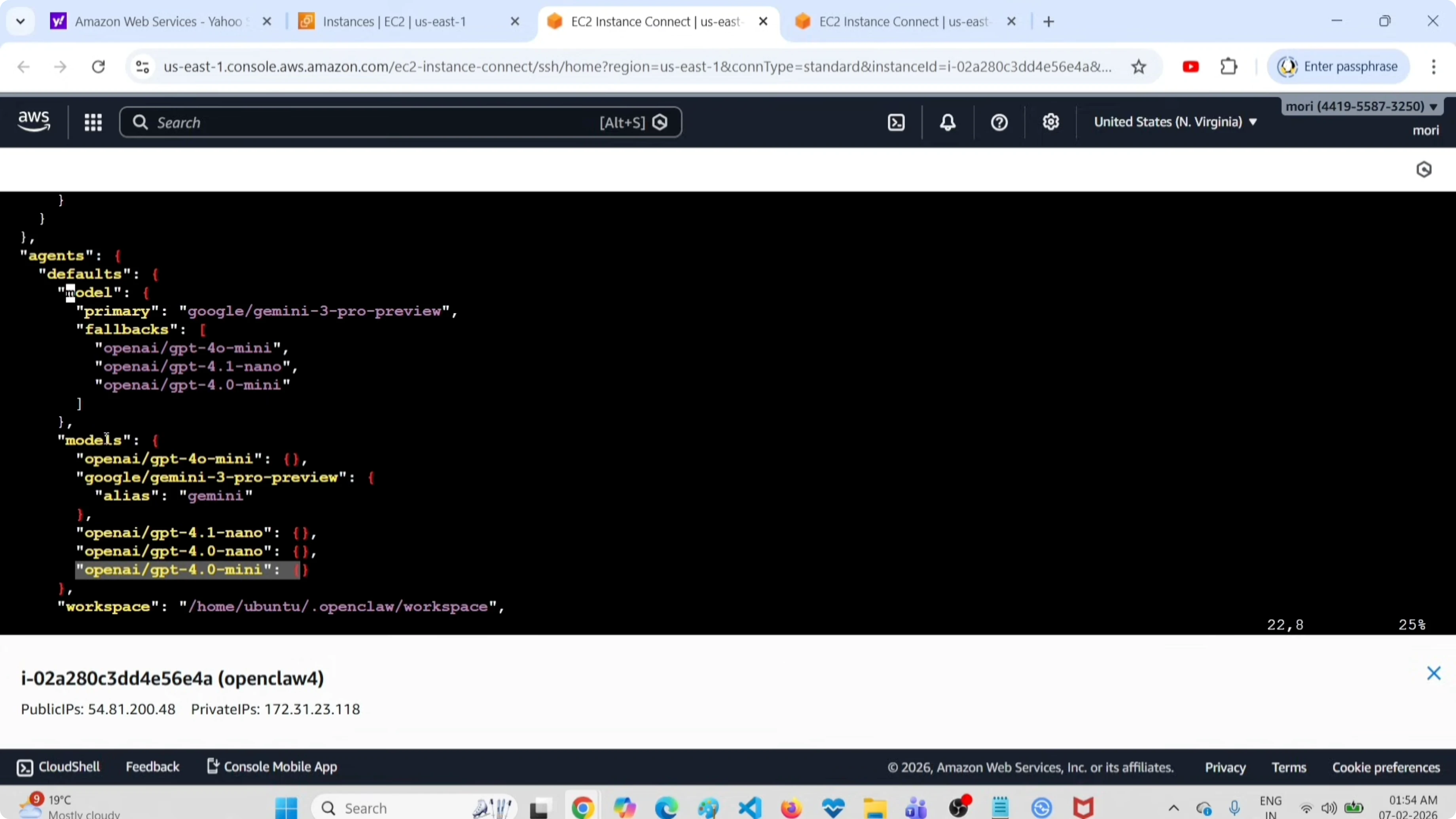
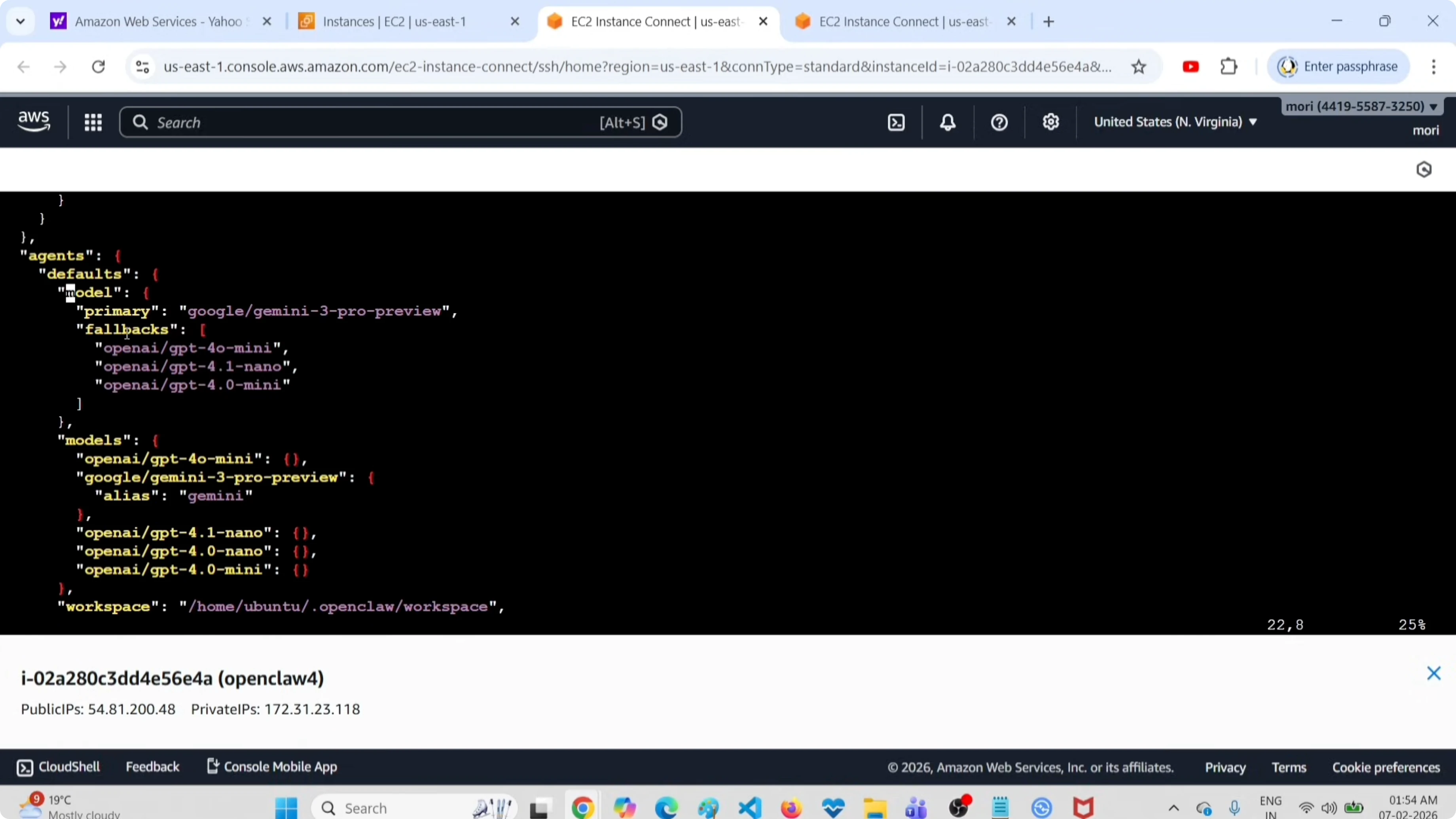
Here is a minimal example of how the structure typically looks.
{
  "models": {
    "default": "gpt-4.1",
    "fallbacks": [
      "gpt-4.0-mini",
      "4.1-nano",
      "my-new-model"
    ],
    "all": [
      "gpt-4.1",
      "gpt-4.0-mini",
      "4.1-nano",
      "my-new-model"
    ]
  }
}
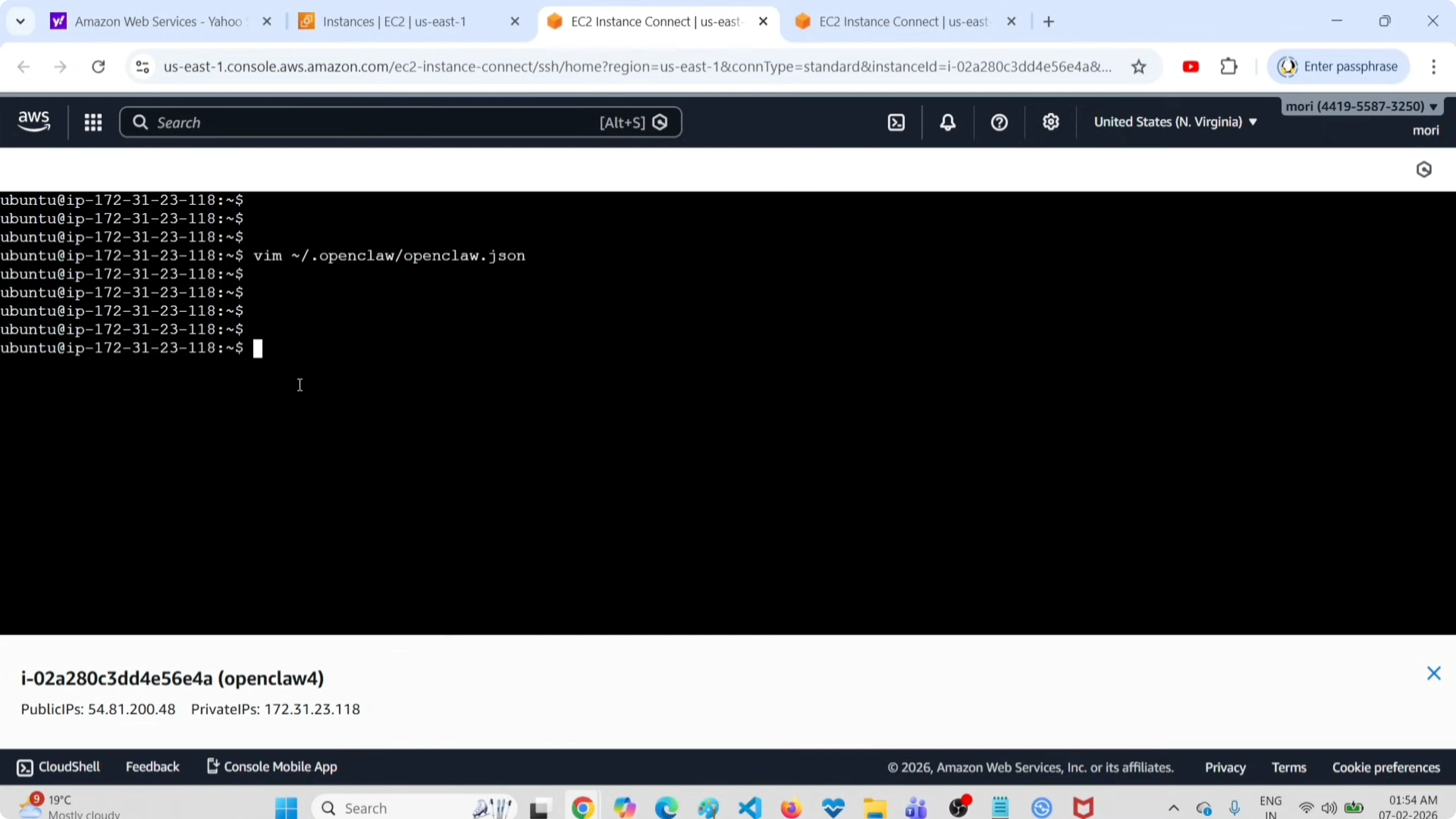
After that we need to save this file, then restart the gateway service. Restarting applies the changes.
If you run into configuration or runtime issues after editing, use this guide to fix common OpenClaw errors.
If you are setting this up for ClawdBot on Telegram, you can connect OpenClaw to Telegram via ClawdBot and your fallback chain will be used there too.
Final thoughts
These are the two methods I use to add a fallback model. Use the CLI for quick updates, or edit openclaw.json when you want precise control over the default and fallbacks. Save your changes and restart the gateway service to apply them.
Subscribe to our newsletter
Get the latest updates and articles directly in your inbox.

Related Posts

8 Best Claude Code Plugins in 2026 (You Need to Know)
8 Best Claude Code Plugins in 2026 (You Need to Know)

7 Best Claude Code Skills (You Need to Know)
7 Best Claude Code Skills (You Need to Know)

Claude Code Desktop IDE Features (You Need to Know)
Claude Code Desktop IDE Features (You Need to Know)