
Update Your OpenClaw API Key for Any Provider
OpenClaw Error Fixer
Paste any OpenClaw error and get the exact fix instantly — cause, steps, copy-ready commands, and related guides.
I recently integrated GLM 5.1 with OpenClaw using an API key. The next morning, I launched the OpenClaw TUI, and as soon as I tried the first prompt, I hit an authentication failed error. I had shown the key earlier and then deleted it and created a new one, which is why OpenClaw could no longer authenticate.
If you need to get OpenClaw running without paying for a provider while you test, see this quick setup guide: set up OpenClaw without a paid API key.
Update Your OpenClaw API Key for Any Provider
OpenClaw stores your password or key as an OAuth profile. An OAuth profile is a named credential record managed by OpenClaw. This is what links OpenClaw to a provider and tells the gateway how to authenticate requests with your API key or OAuth token.
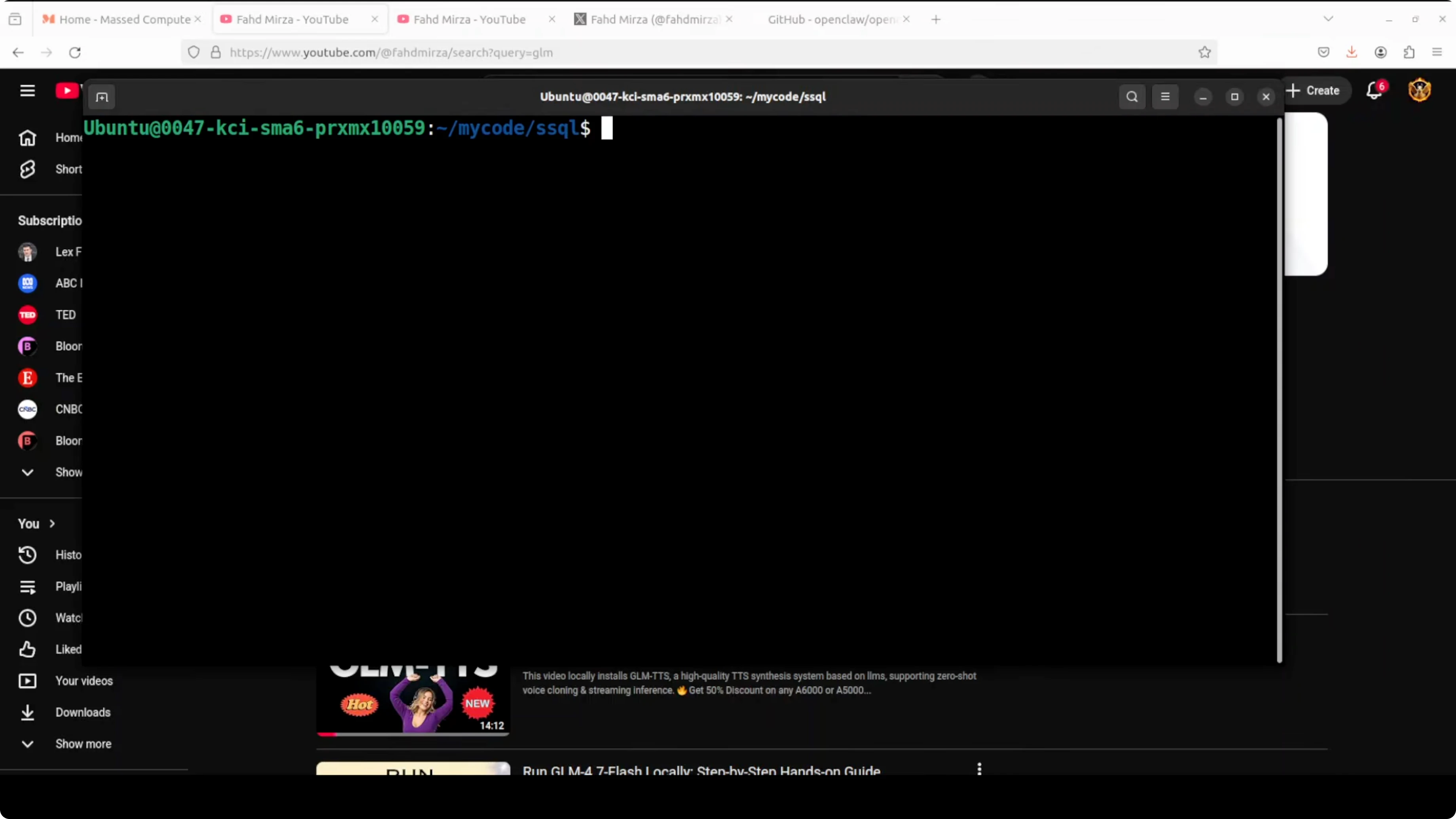
Run the auth setup
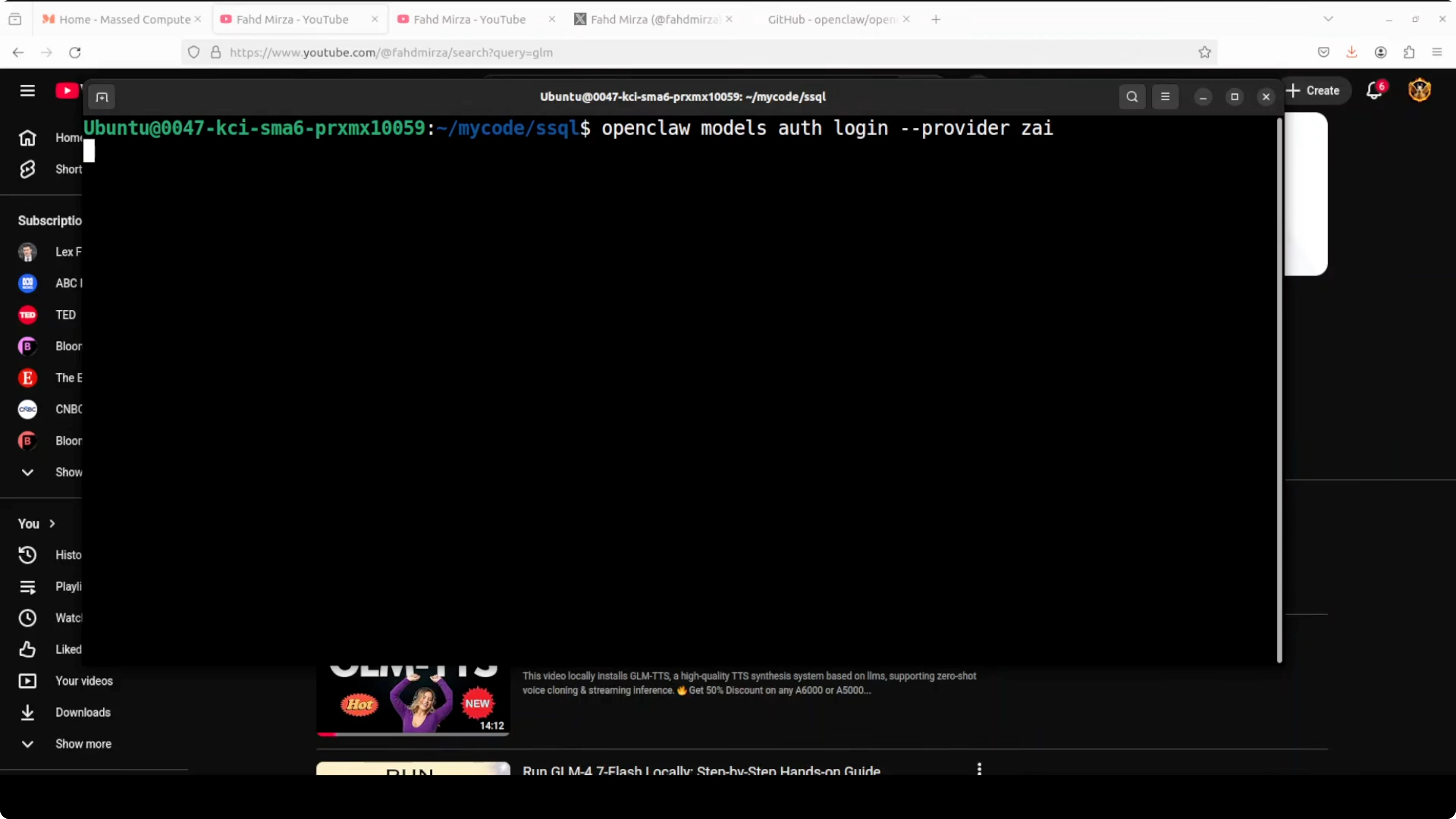
Open your terminal and run the OpenClaw credential setup to update the OAuth profile for your provider. The interactive wizard will ask what you want to do and which provider to configure. Choose the provider option that matches your account, such as the ZhipuAI API key path if you are using GLM models.
If you need to remove or reset an OpenRouter configuration before adding a new key, this walkthrough helps: cleanly uninstall or reset an OpenRouter setup in OpenClaw.
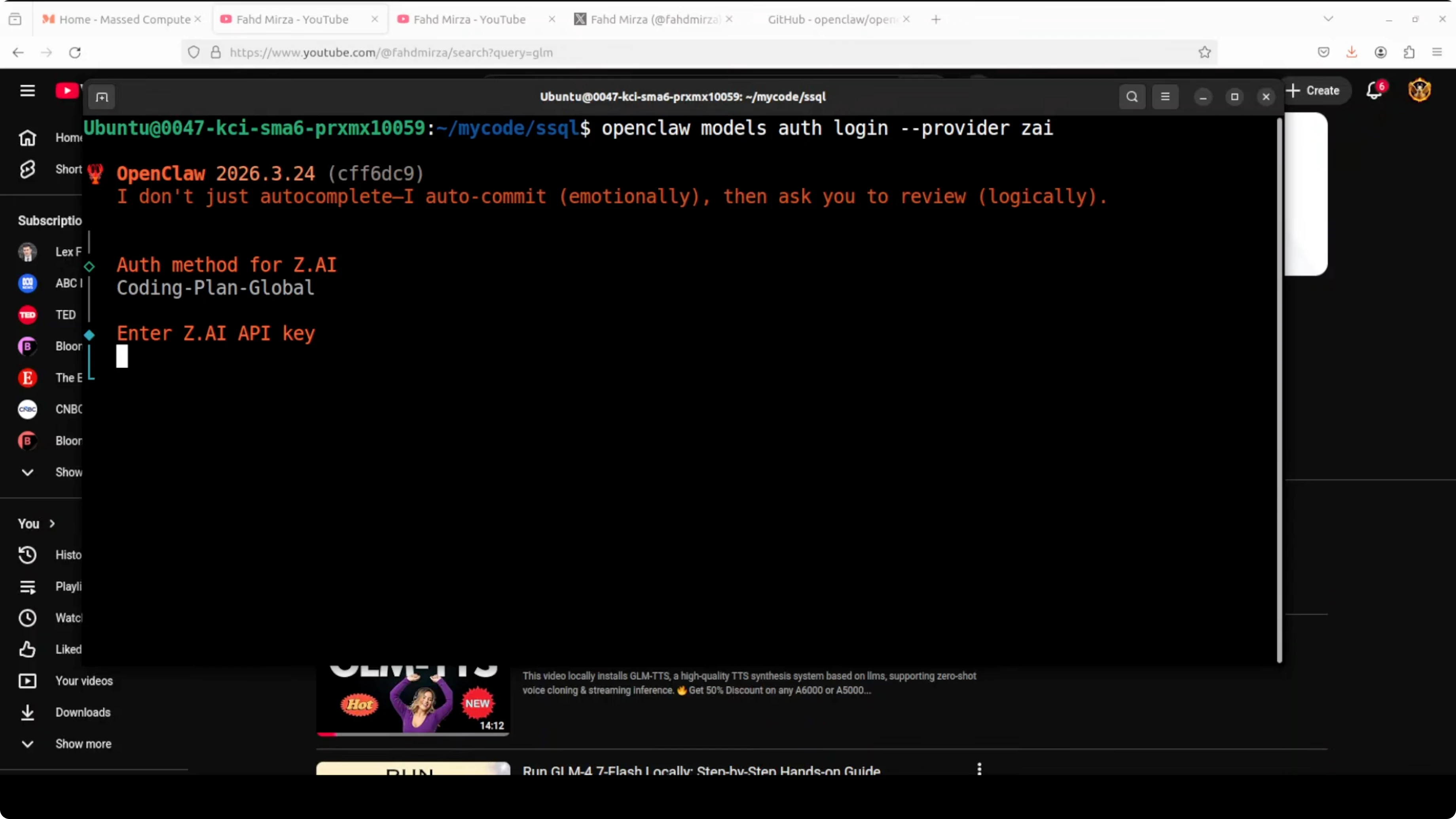
Paste your key
When prompted, paste your API key and press enter. Some prompts do not mask the input, so paste carefully and proceed. OpenClaw saves this in the OAuth profile that the gateway uses to authenticate future requests.
Verify the default model
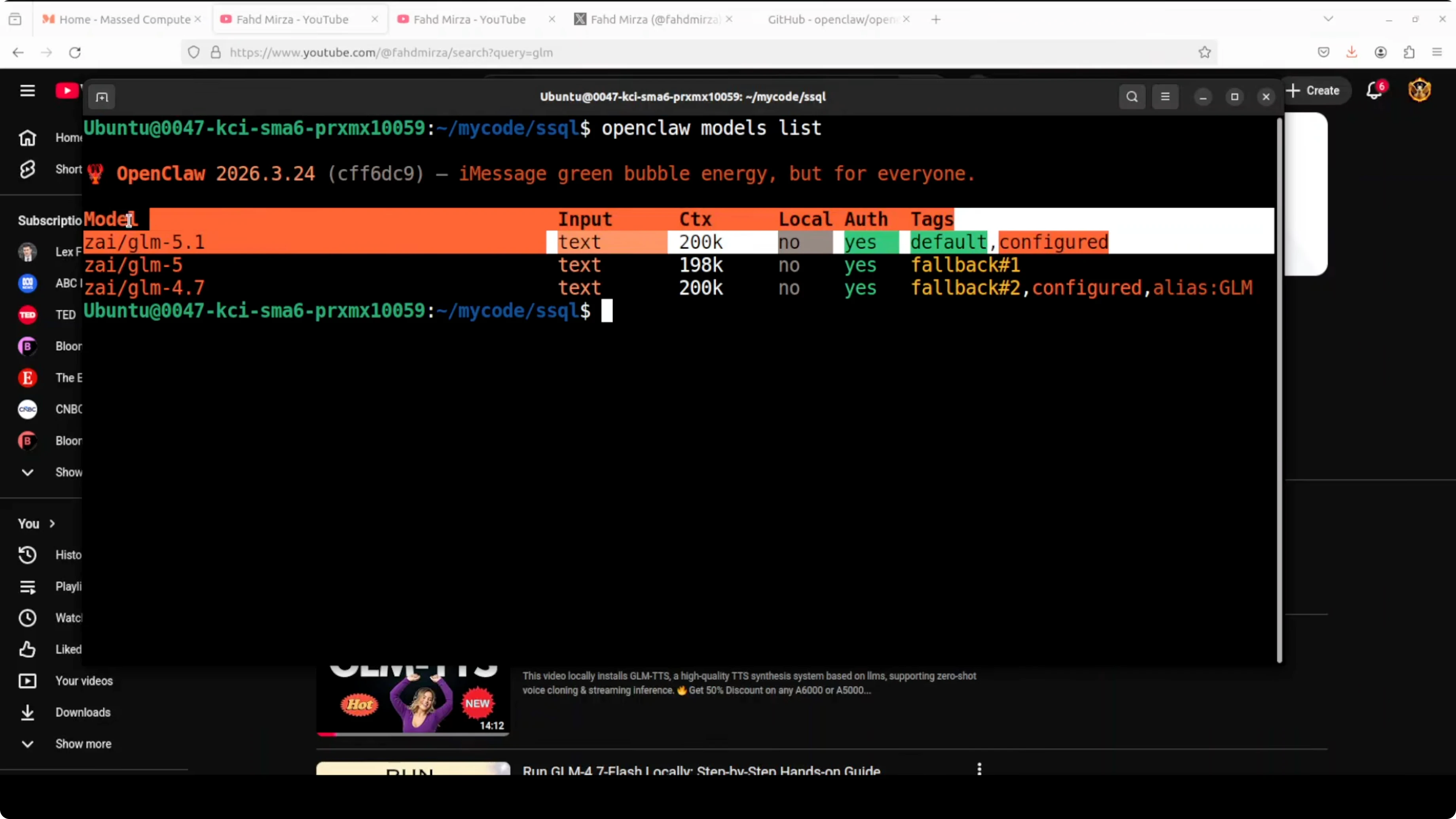
After updating the key, a quick sanity check is to list the configured and default models.
openclaw models list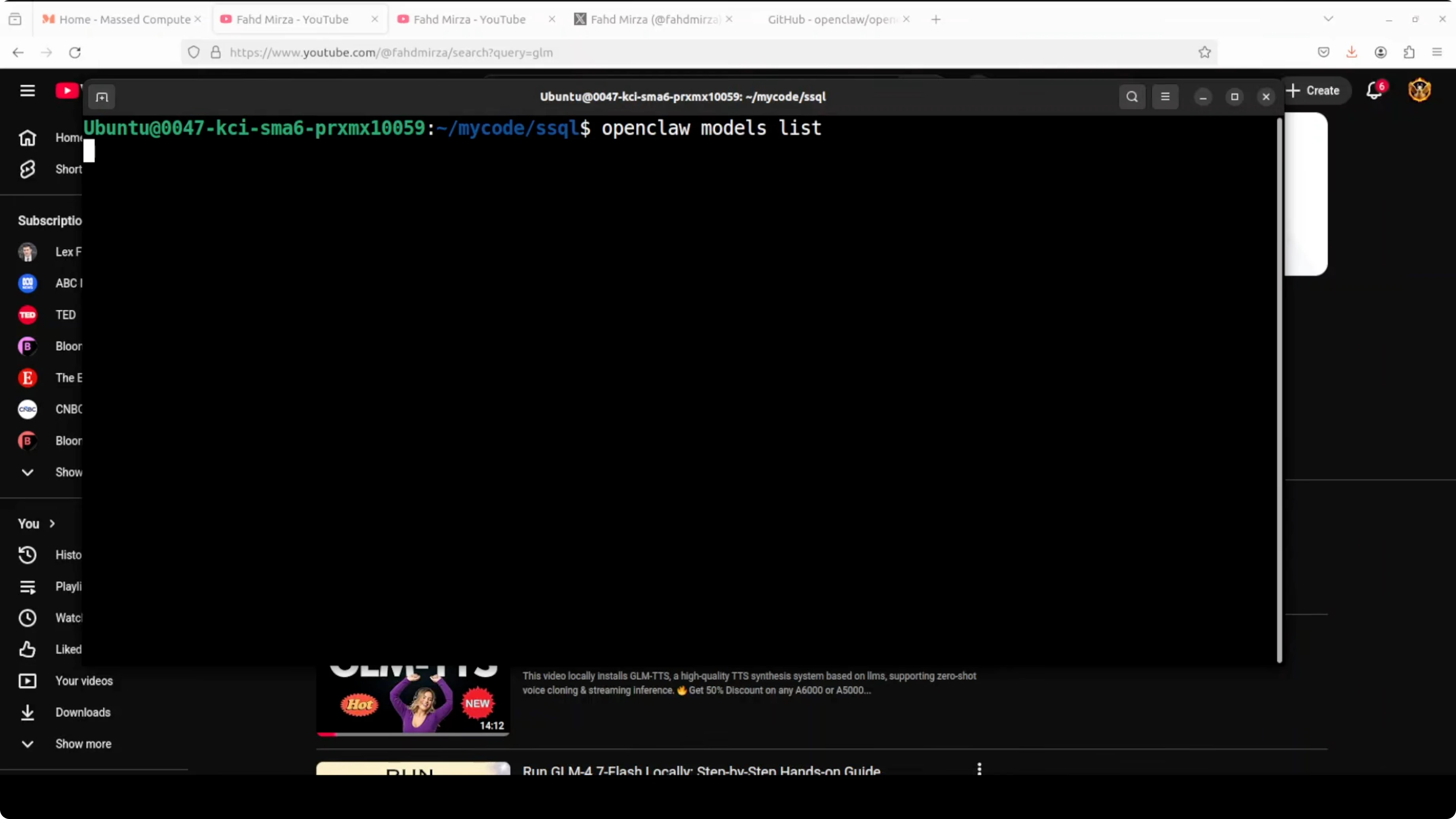
This reads your config and prints the active default along with details like context length. If you see GLM 4.7 as the default but you intend to use GLM 5.1, update your configuration to point at the newer model and rerun the command.
For a broader upgrade path and related tasks beyond credentials, see this guide: how to update OpenClaw.
What happened with the authentication error
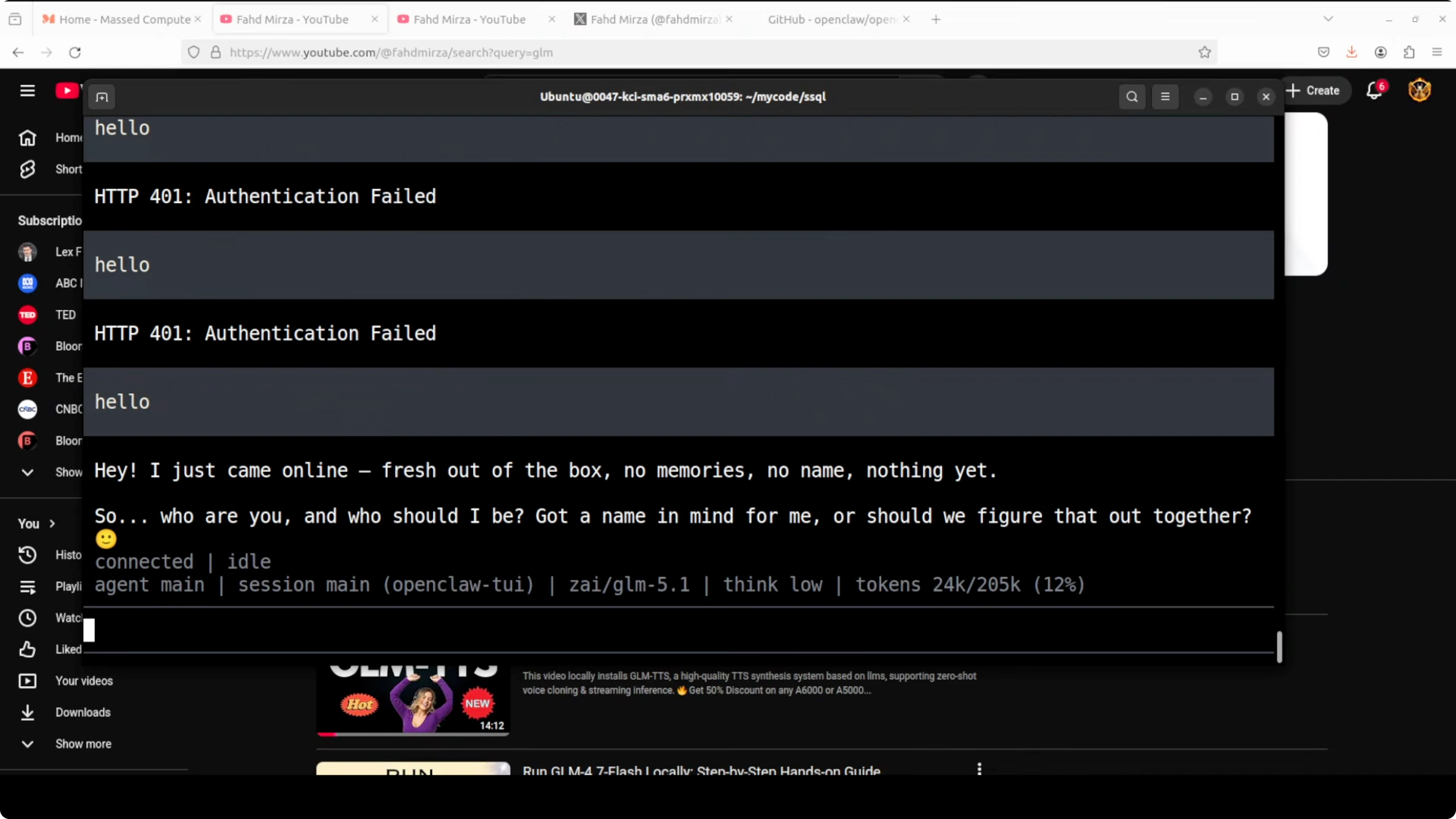
My OpenClaw TUI launched correctly, but the first prompt failed with an authentication error because I had rotated the API key. Once I updated the OAuth profile with the new key, a simple hello message confirmed that the model came online and started responding. If your key is changed or revoked at the provider, you must update it in OpenClaw to restore access.
If you are troubleshooting stubborn key issues across tools, this writeup on fixing MCP API key problems offers practical debugging patterns that carry over.
Use cases for updating keys
Rotating API keys for security is common, and OpenClaw will continue to fail authentication until the OAuth profile is updated. Switching provider plans or regions can also require re-entering keys under the correct profile or endpoint. When you move to a new model family like GLM 5.1 and provision a fresh key, run the credential setup and then verify with openclaw models list.
If you prefer to work locally with a code-focused setup, this guide on running Claude Code with Ollama models without an Anthropic API key is a good alternative path for development.
Final thoughts
Updating your OpenClaw API key for any provider is a straightforward OAuth profile refresh. Run the credential setup, choose the correct provider, paste the new key, and confirm with openclaw models list. If you are setting up from scratch or want a no-cost test path, you can also explore this primer on getting OpenClaw working without a paid API key.
Subscribe to our newsletter
Get the latest updates and articles directly in your inbox.

Related Posts

8 Best Claude Code Plugins in 2026 (You Need to Know)
8 Best Claude Code Plugins in 2026 (You Need to Know)

7 Best Claude Code Skills (You Need to Know)
7 Best Claude Code Skills (You Need to Know)

Claude Code Desktop IDE Features (You Need to Know)
Claude Code Desktop IDE Features (You Need to Know)