
Table Of Content
- How TMUX and Claude Agent Teams Transform Collaboration?
- How TMUX and Claude Agent Teams Transform Collaboration? default vs sub agents vs teams
- How TMUX and Claude Agent Teams Transform Collaboration? setup on your machine
- How TMUX and Claude Agent Teams Transform Collaboration? team orchestration in practice
- How TMUX and Claude Agent Teams Transform Collaboration? business and product analysis
- How TMUX and Claude Agent Teams Transform Collaboration? financial and cost modeling
- How TMUX and Claude Agent Teams Transform Collaboration? technical architecture plan
- How TMUX and Claude Agent Teams Transform Collaboration? a devil’s advocate that communicates with all
- How TMUX and Claude Agent Teams Transform Collaboration? the lead and aggregation
- How TMUX and Claude Agent Teams Transform Collaboration? step by step session workflow
- How TMUX and Claude Agent Teams Transform Collaboration? reuse as a Claude skill
- Final thoughts
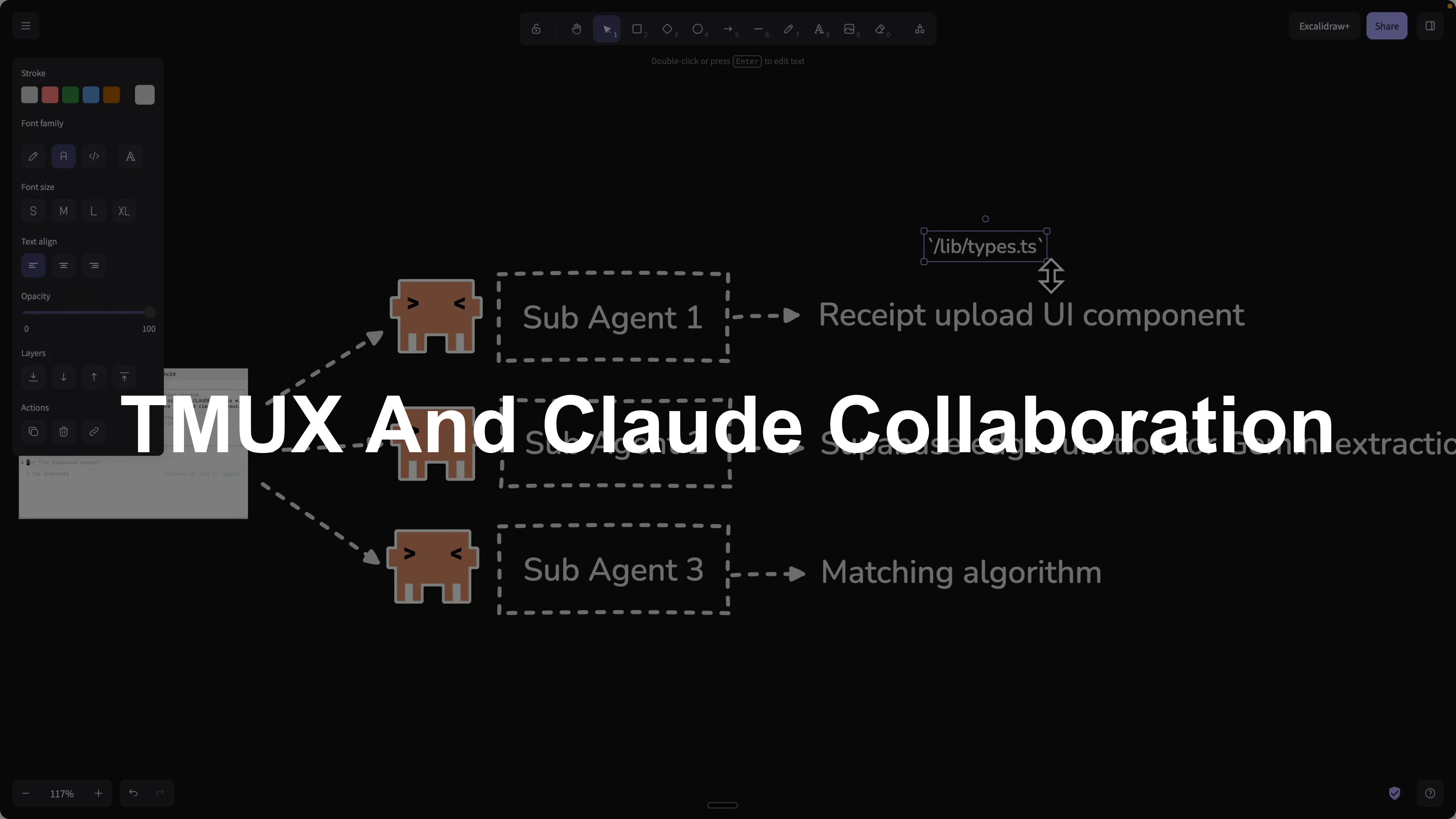
How TMUX and Claude Agent Teams Transform Collaboration?
Table Of Content
- How TMUX and Claude Agent Teams Transform Collaboration?
- How TMUX and Claude Agent Teams Transform Collaboration? default vs sub agents vs teams
- How TMUX and Claude Agent Teams Transform Collaboration? setup on your machine
- How TMUX and Claude Agent Teams Transform Collaboration? team orchestration in practice
- How TMUX and Claude Agent Teams Transform Collaboration? business and product analysis
- How TMUX and Claude Agent Teams Transform Collaboration? financial and cost modeling
- How TMUX and Claude Agent Teams Transform Collaboration? technical architecture plan
- How TMUX and Claude Agent Teams Transform Collaboration? a devil’s advocate that communicates with all
- How TMUX and Claude Agent Teams Transform Collaboration? the lead and aggregation
- How TMUX and Claude Agent Teams Transform Collaboration? step by step session workflow
- How TMUX and Claude Agent Teams Transform Collaboration? reuse as a Claude skill
- Final thoughts
Claude’s latest feature, agent teams, solves a real coordination problem that shows up the moment a single agent’s context gets overloaded. I am going to outline what changes with default mode, sub agents, and agent teams, then show how I set it up locally with tmux to keep each teammate in its own terminal pane. I will also show how I start a project, manage the team, interact with each agent, and aggregate results for reuse as a Claude skill.
I spent years as a senior software engineer at Amazon, AWS, and Microsoft. I focus on practical setups you can actually follow and repeat on your machine.
How TMUX and Claude Agent Teams Transform Collaboration?
How TMUX and Claude Agent Teams Transform Collaboration? default vs sub agents vs teams
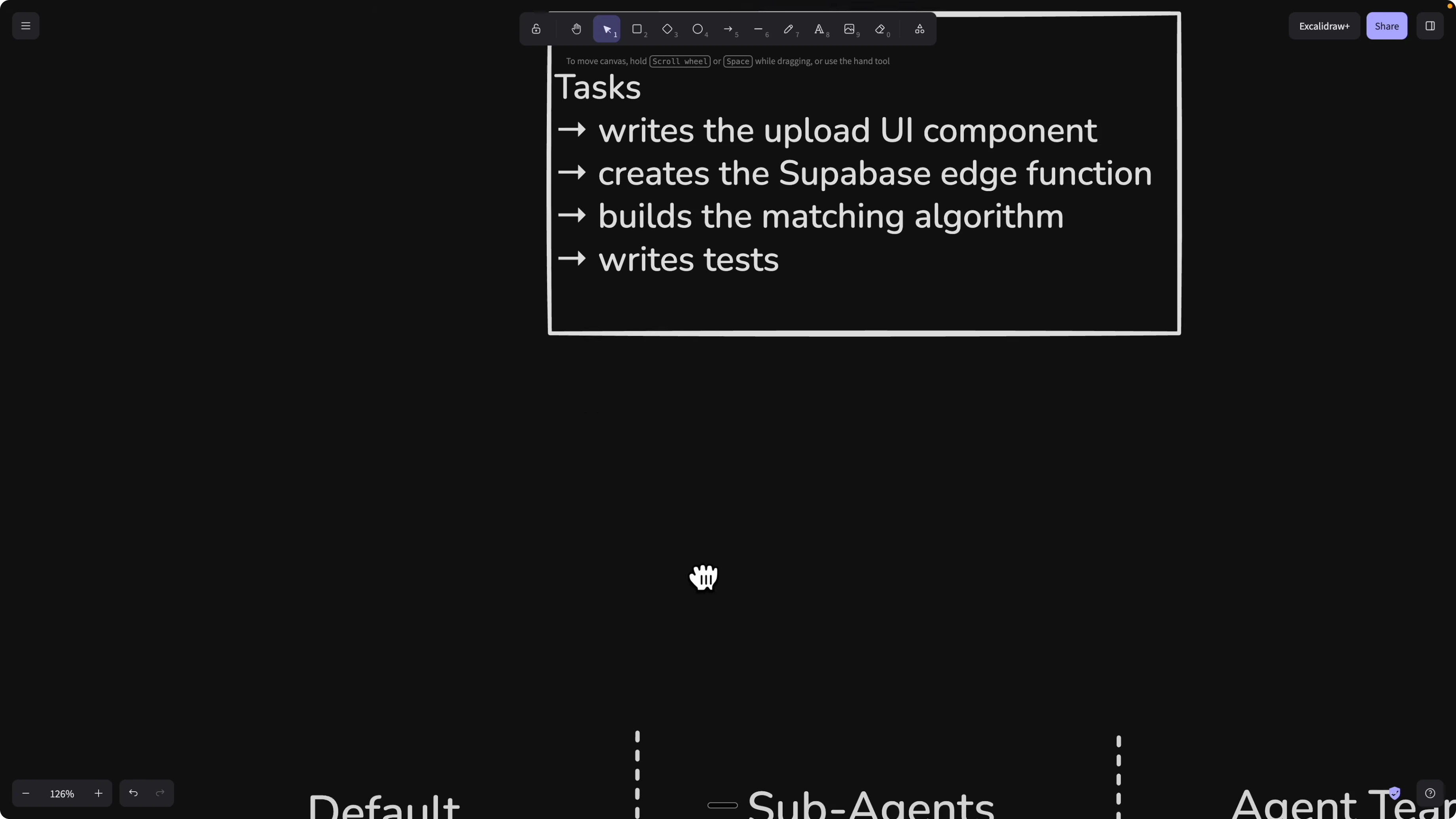
With default mode, one agent has one context window. If you try to ship multiple parts of a feature end to end, the agent processes tasks sequentially and the higher the context the lower the accuracy.
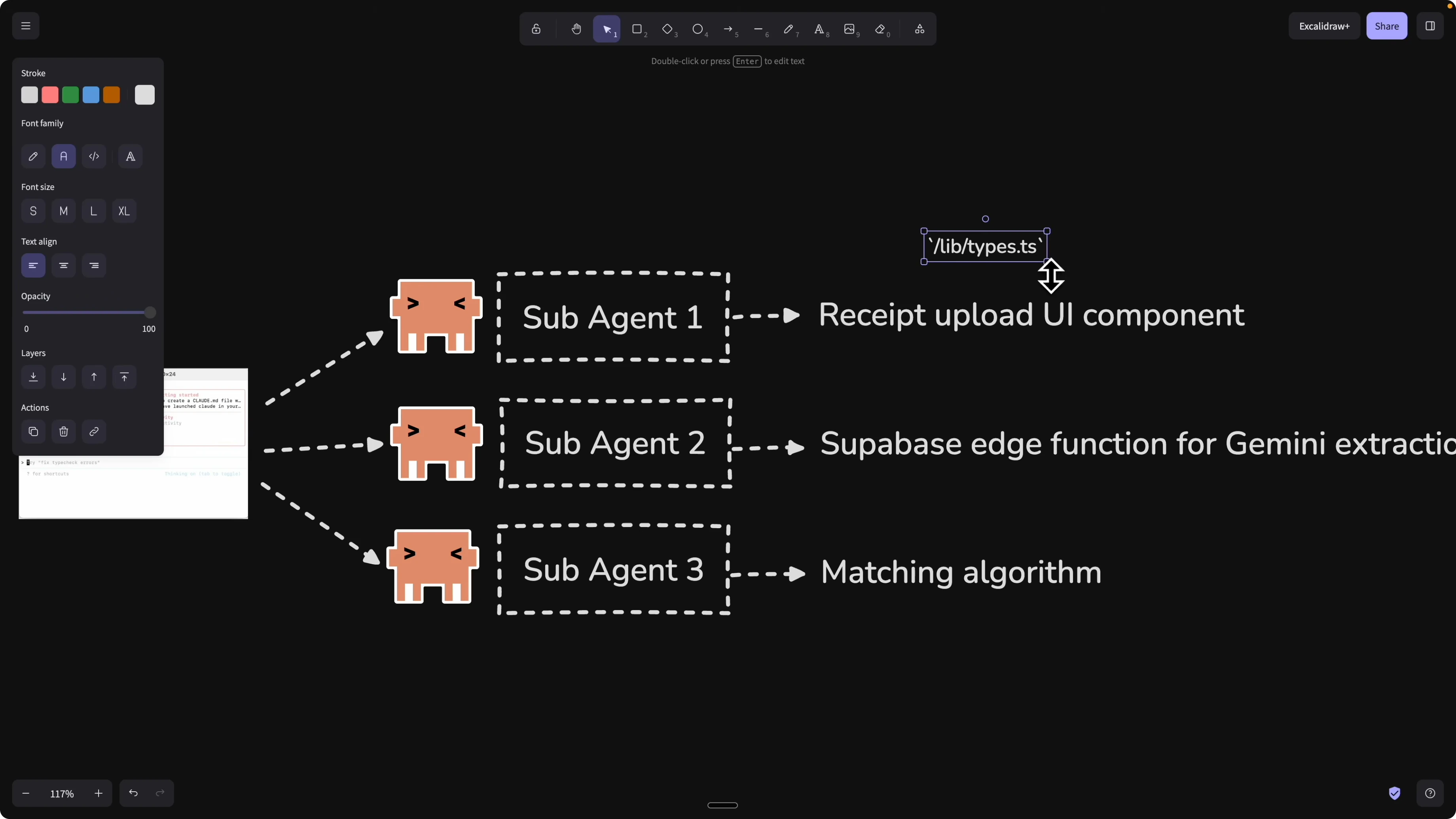
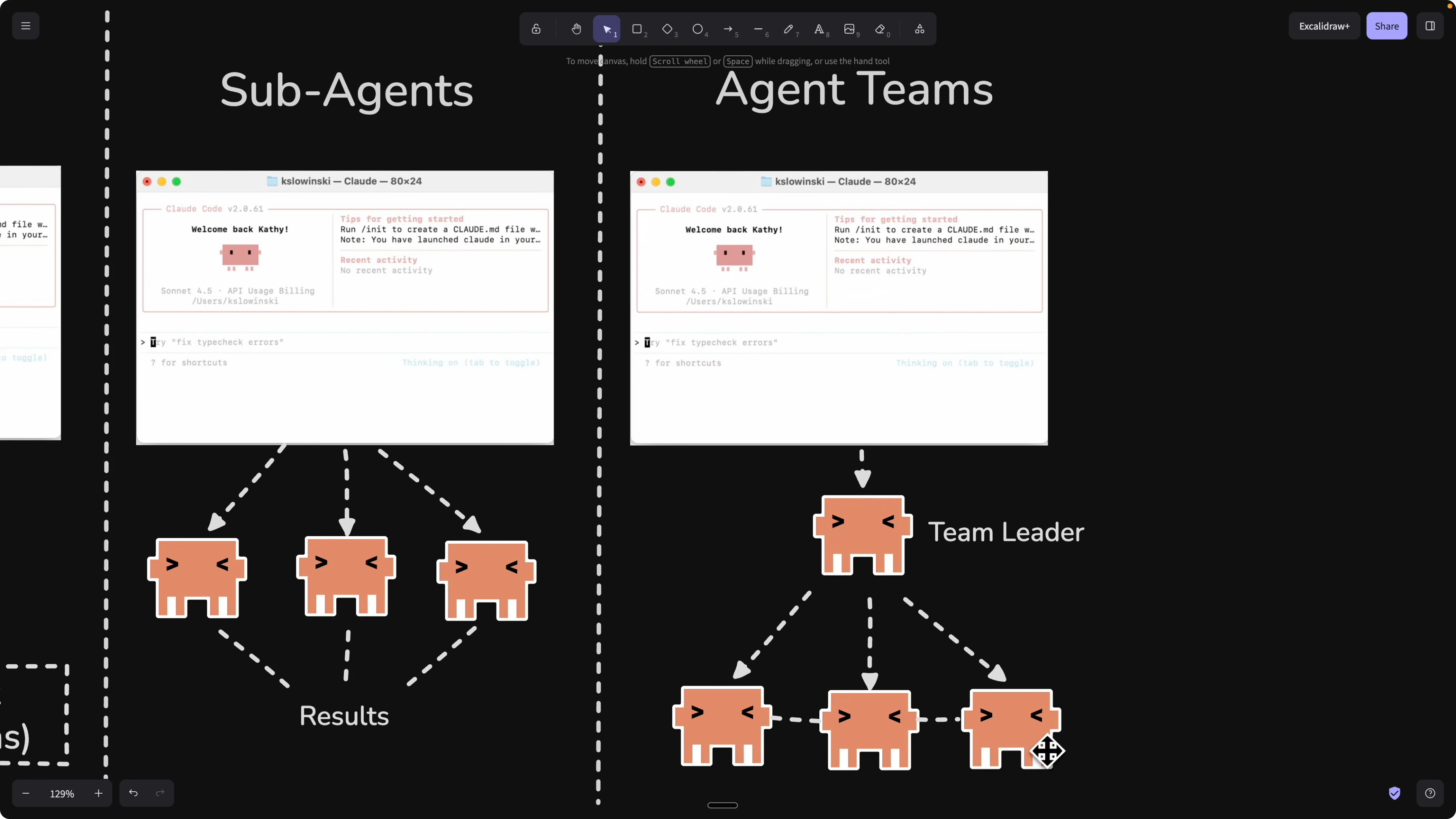
Sub agents reduce complexity by splitting the work across multiple agents so each has a smaller context. The issue is there is no communication between sub agents, so the front end might define data types that do not match the back end.
Agent teams introduce shared communication across sub agents with a team leader that coordinates work. A back end agent can send the data types it created to the front end agent so both stay aligned during execution.
For organizing work artifacts around multi agent execution, see how a kanban approach pairs with Claude in this kanban workflow guide.
How TMUX and Claude Agent Teams Transform Collaboration? setup on your machine
I keep all teammates visible with tmux so I can talk to each agent in its own pane. The team view supports two display modes, a single in progress panel you can switch through, or split panels to see everyone’s output at once.
Update Claude on your machine.
claude update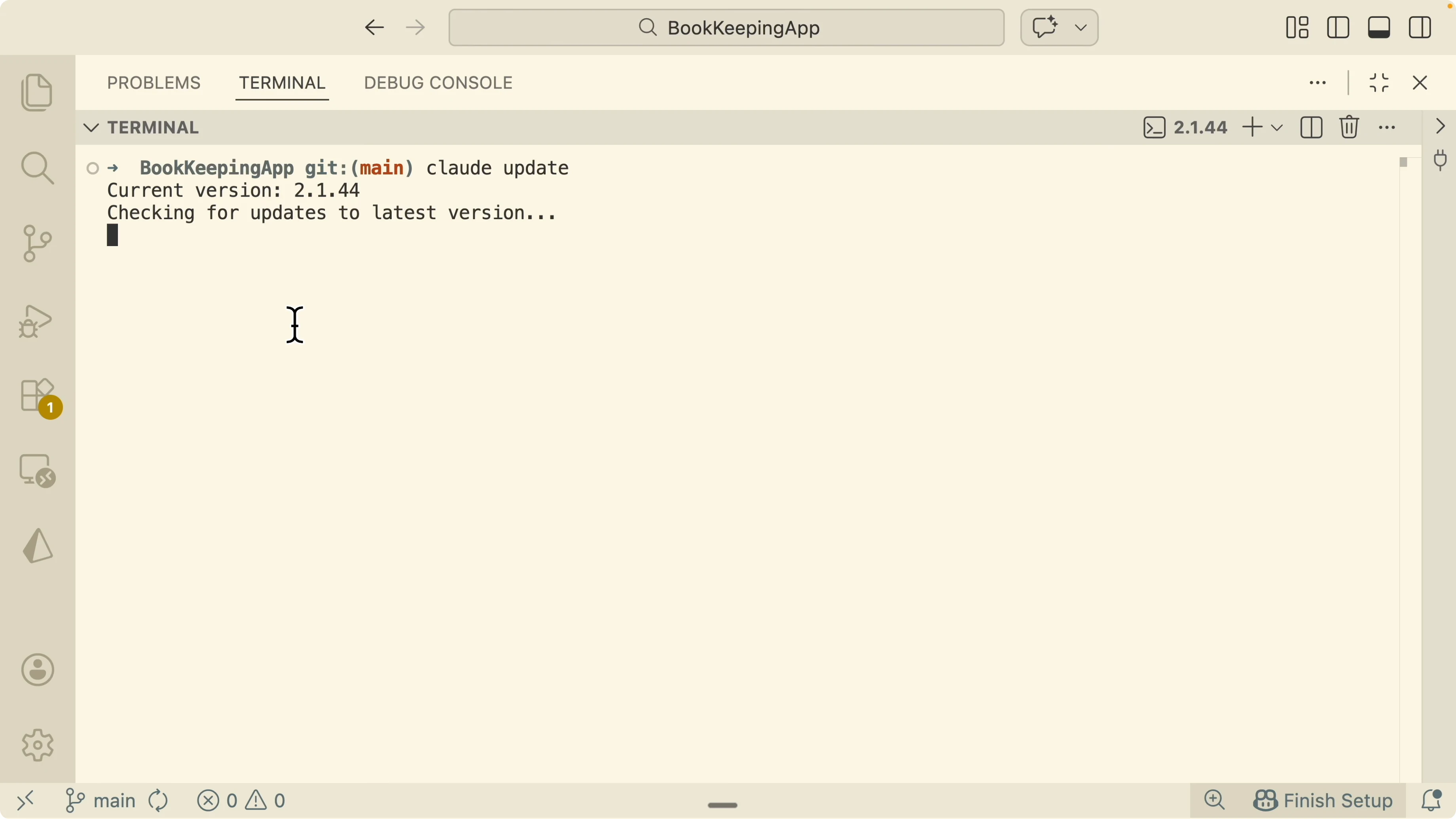
Install tmux with Homebrew.
brew install tmux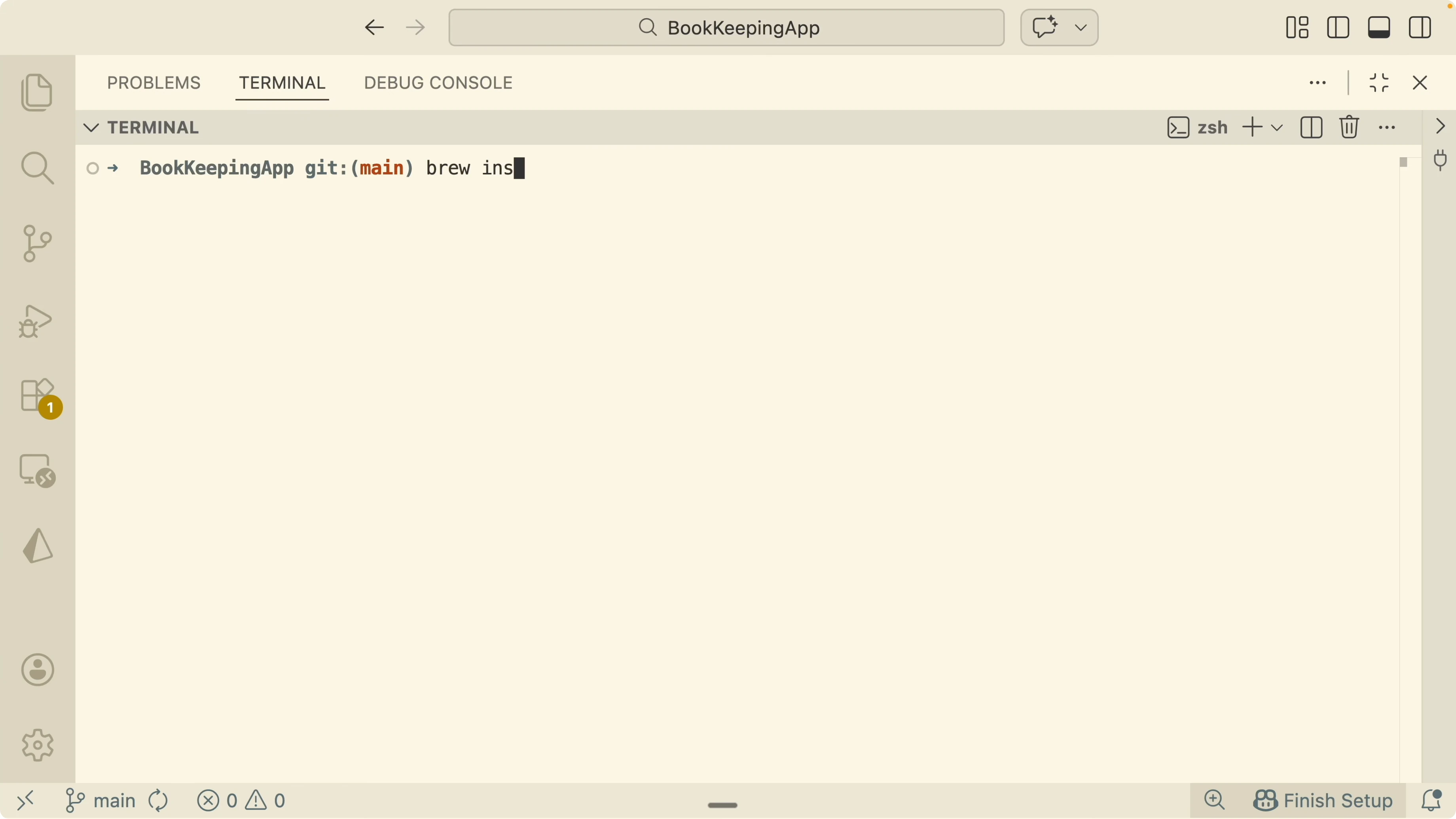
Enable agent teams and tmux split panels in Claude Code config.
claude config set agent_teams.enabled true
claude config set ui.tmux.split_panels true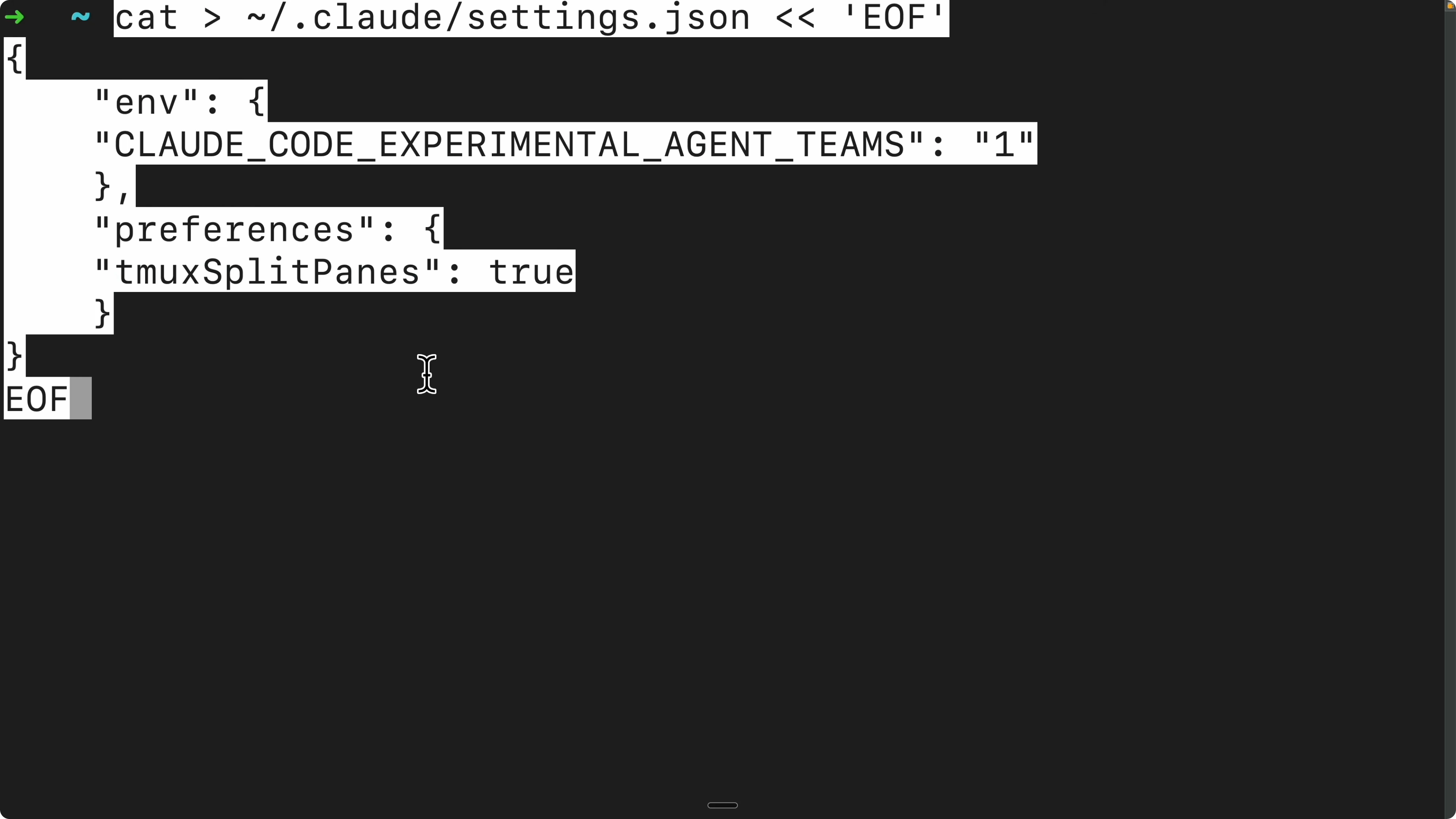
Start a new tmux session for the project.
tmux new -s claude-teams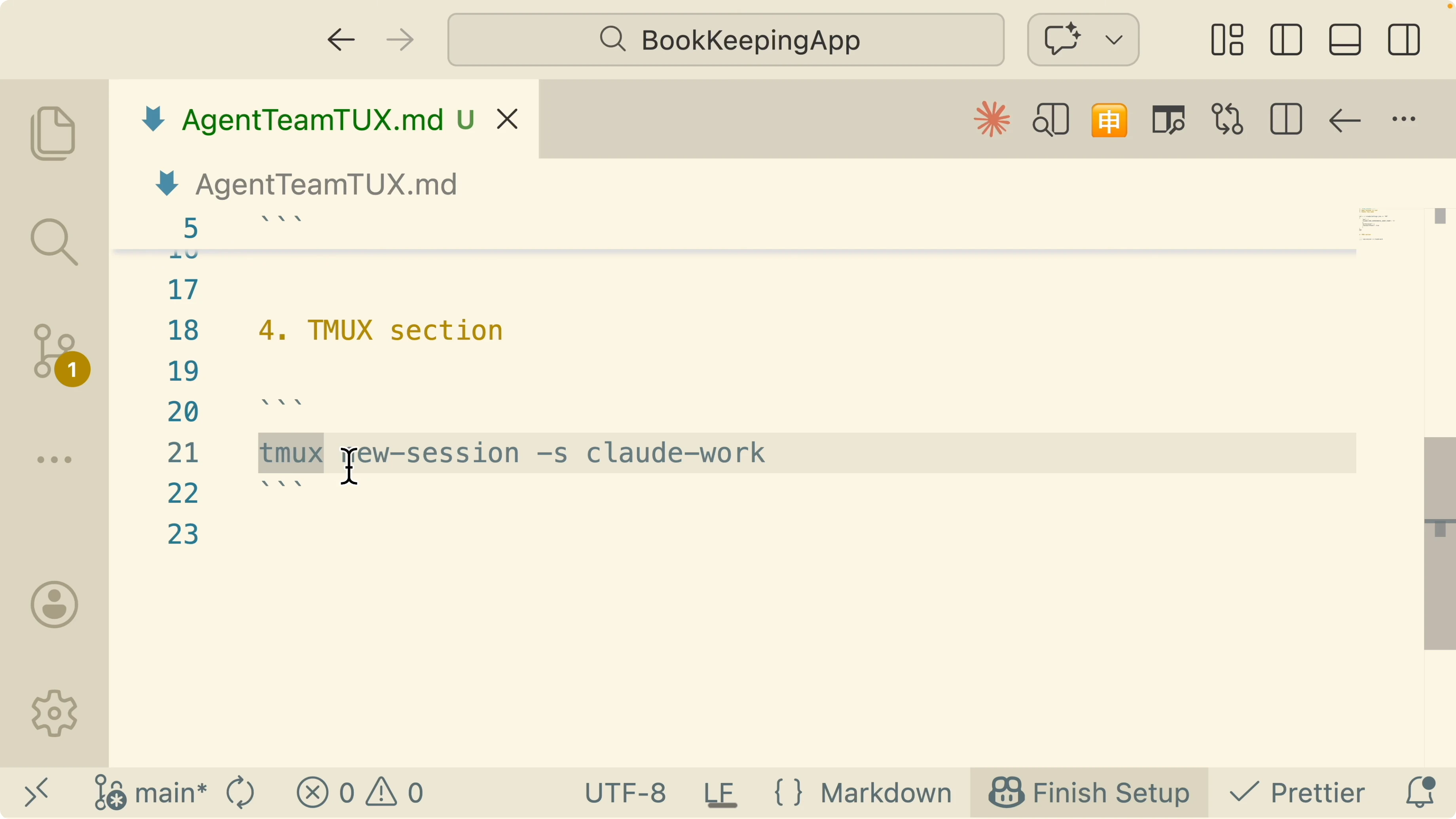
Run Claude in this session and allow the bypass prompt.
claude --dangerously-skip-permissions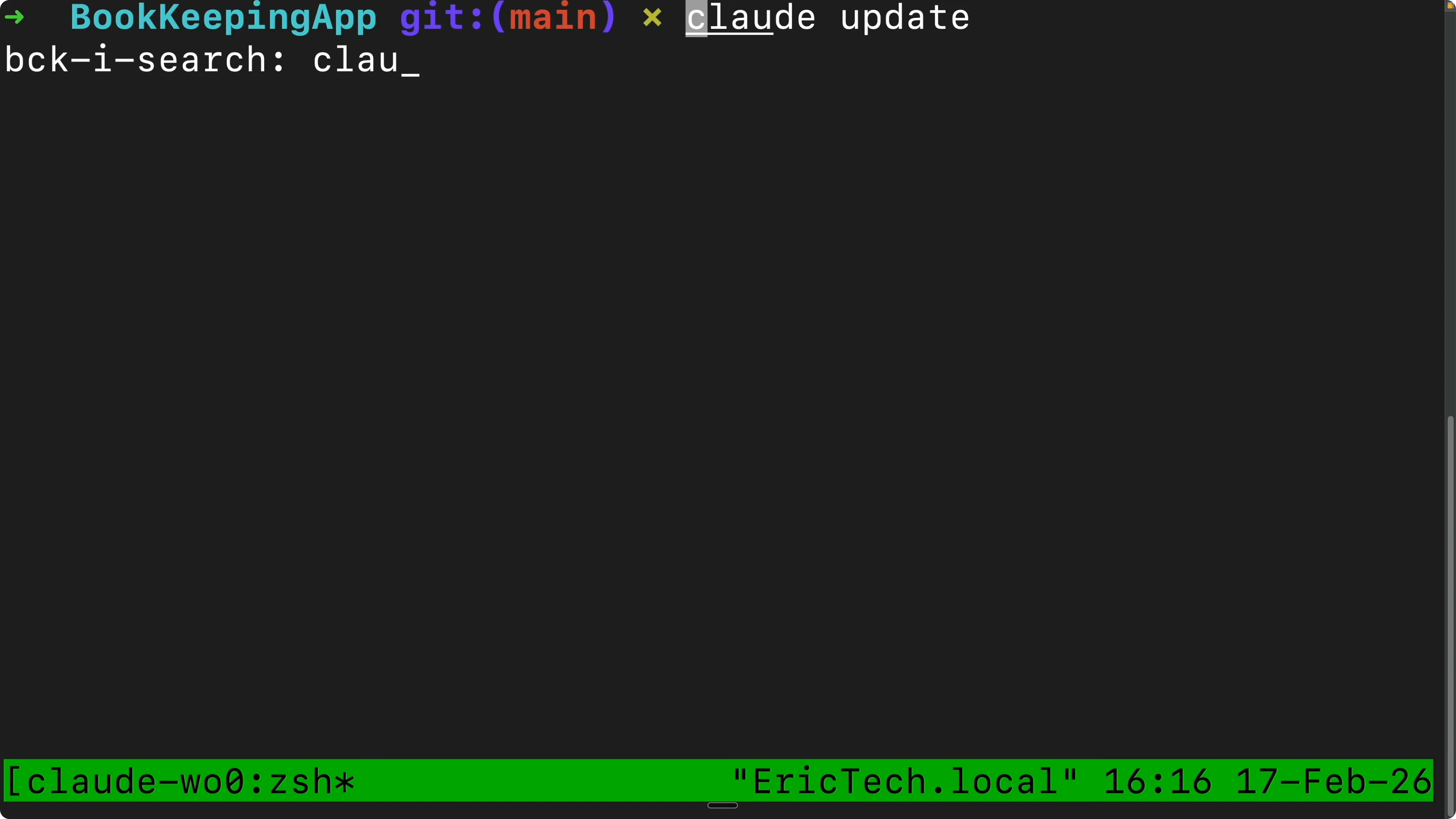
If you ever see agents stall during startup or panes stop updating, this note on stuck sessions may help: troubleshooting an agent stuck on loading.
How TMUX and Claude Agent Teams Transform Collaboration? team orchestration in practice
I create a team to research direct bank connections through specific providers and automatically import transactions into the app. The trigger is plain language like create a team or create agent teams to explore, build, or research, with no slash commands.
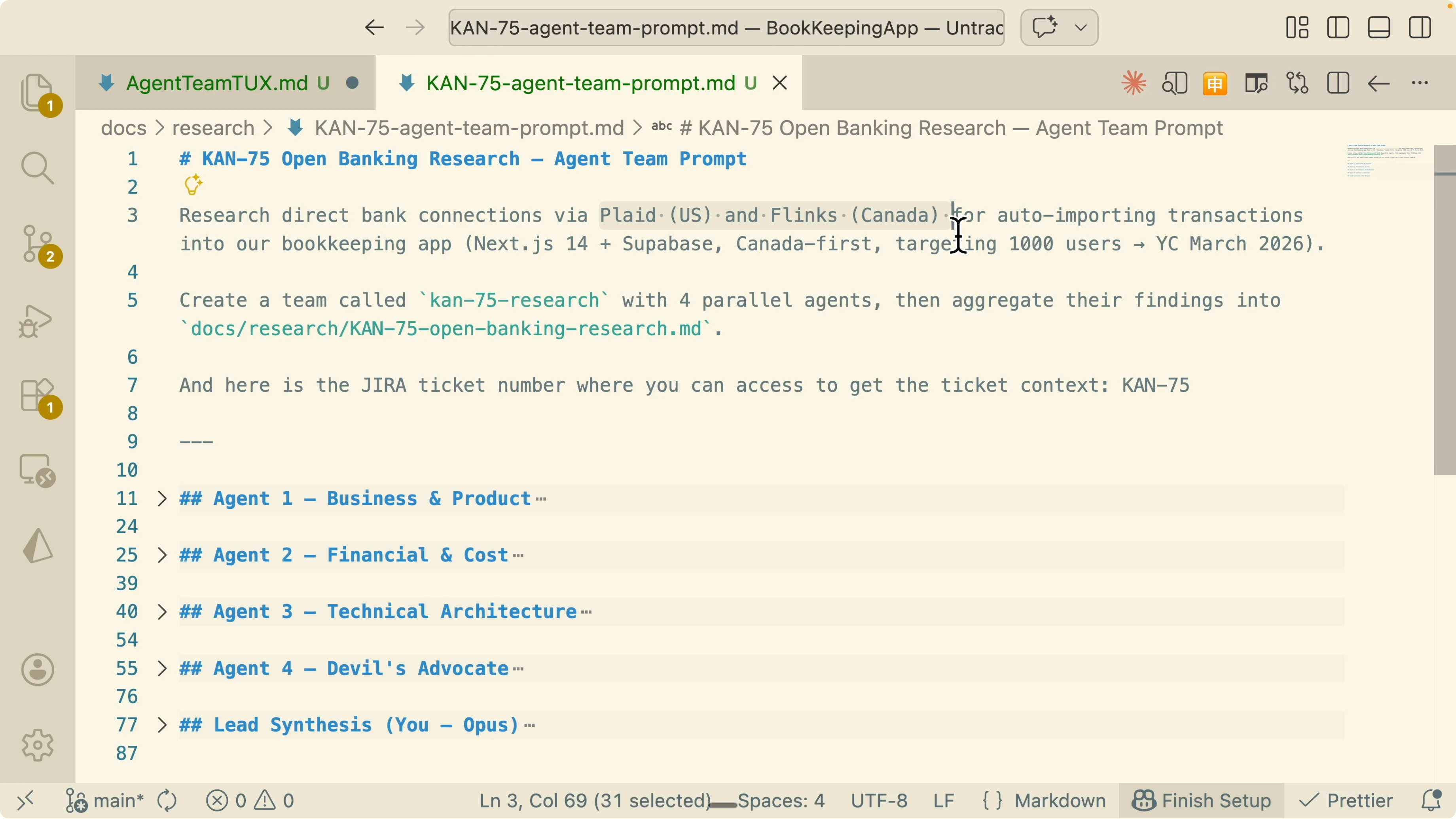
I tell the system to spin up four parallel agents and aggregate findings into an MD file. I also reference a Jira ticket so the Jira MCP server can pull the issue context into the workspace.
How TMUX and Claude Agent Teams Transform Collaboration? business and product analysis
Agent 1 focuses on the business and product side. It uses web search to gather competitor and market data, analyzes competitors, user experience, and impact, then aggregates the results.
I keep this one as a standalone agent because its work does not need to chat with the others. The important part is clean outputs with clear assumptions and citations.
If you see long reports get cut unexpectedly, this write up on executor message truncation explains why it happens and what to adjust.
How TMUX and Claude Agent Teams Transform Collaboration? financial and cost modeling
Agent 2 focuses on financial cost. It compares providers, projects costs, and produces a simple cost projection table.
This agent also runs standalone and synchronizes only at the end. The lead will merge its outputs with the rest.
How TMUX and Claude Agent Teams Transform Collaboration? technical architecture plan
Agent 3 is technical architecture, and I switch the model to opus because the job is complex. I assign a system architect sub agent that designs an abstraction layer similar to a repository pattern.
The application calls the abstraction instead of a provider directly. If we switch providers later, a config change or swapping the repository implementation updates the integration across the app.
I also request a Mermaid diagram for the architecture overview, and I include the specific skills to trigger. This keeps the plan inspectable and executable inside the repository.
How TMUX and Claude Agent Teams Transform Collaboration? a devil’s advocate that communicates with all
Agent 4 acts as a devil’s advocate with permission to communicate with other agents directly. It challenges and stress tests findings from Agents 1 to 3 across assumptions, risks, and edge cases.
This direct communication is the key difference from isolated sub agents. It prevents type mismatches, incompatible interfaces, and silent gaps during the build.
If you are exploring other agent modalities, here is a related reference on a phone based agent: phone agent overview.
How TMUX and Claude Agent Teams Transform Collaboration? the lead and aggregation
I assign a lead that spins up those four sub agents, tracks progress, and aggregates the final results. The lead also pulls Jira context so the team moves with full background from the backlog and the active ticket.
After the team completes, the lead compiles the findings into a single MD file in the repo. This is the artifact I keep for reviews and future runs.
If execution stops early or a process is killed mid stream, this note on agent execution terminated errors is a quick check.
How TMUX and Claude Agent Teams Transform Collaboration? step by step session workflow
Open a terminal in your project directory.
Start tmux and split panels if needed.
tmux new -s claude-teamsStart Claude with permissions bypass so tools can run without prompts.
claude --dangerously-skip-permissionsPaste the team creation prompt that includes the goal, the four agents, and the lead. Mention the Jira ticket so the MCP server can fetch the issue details.
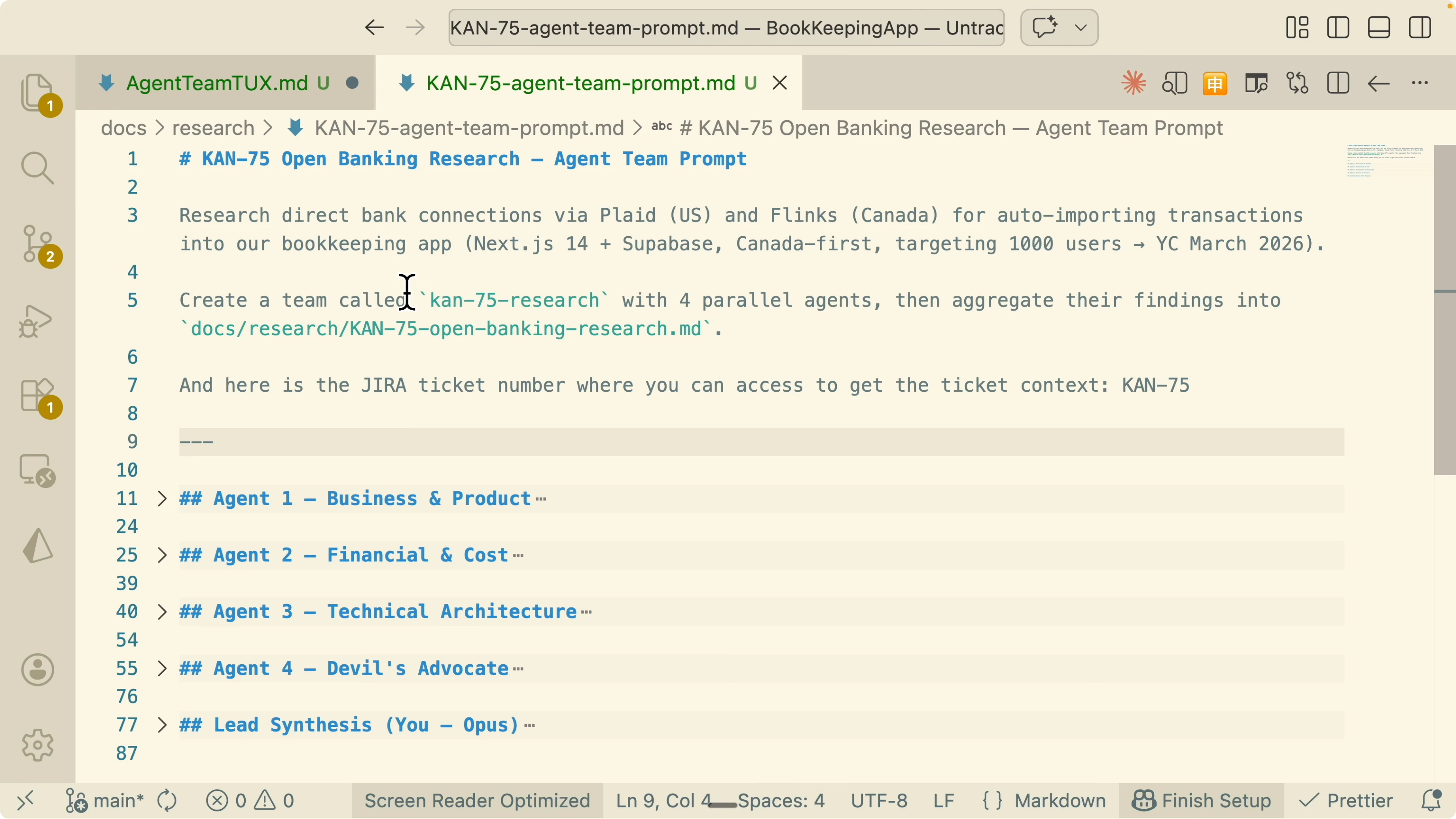
Watch the panes as each agent progresses and respond in the specific pane to guide or correct. Switch panes or focus the one you want to interact with and keep messages scoped to that agent.
When all agents finish, review the aggregated MD file and the artifacts the lead created. Close the session when done.
exit
tmux detach
For occasional UI stalls during heavy runs, here is another related fix path: agent stuck loading tips.
How TMUX and Claude Agent Teams Transform Collaboration? reuse as a Claude skill
After a good run, I convert the working setup into a Claude skill so I can reuse the team with the same roles and structure. I keep the prompt template, the agent roster, the skills list, and the output aggregation path.
I find this especially helpful for repeated research spikes and architectural RFCs. It saves setup time and preserves the structure that worked.
If your environment trims outputs or crashes on aggregation, cross check with this guide on message truncation in executors before rerunning.
Final thoughts
Default mode is simple but slows down and loses accuracy as context grows. Sub agents split work but lack communication, which leads to misaligned types and rework.
Agent teams plus tmux let me coordinate specialized agents in parallel and keep them in sync through explicit communication. I end up with aligned artifacts and a repeatable skill I can run again with minimal friction.
For more operational troubleshooting around multi agent stacks, see this practical note on agents stuck loading to round out your toolkit.
Subscribe to our newsletter
Get the latest updates and articles directly in your inbox.

Related Posts

8 Best Claude Code Plugins in 2026 (You Need to Know)
8 Best Claude Code Plugins in 2026 (You Need to Know)

7 Best Claude Code Skills (You Need to Know)
7 Best Claude Code Skills (You Need to Know)

Claude Code Desktop IDE Features (You Need to Know)
Claude Code Desktop IDE Features (You Need to Know)