
Table Of Content
- Run Qwen3.6-35B-A3B Locally for Free and Open-Source?
- Requirements
- Serve with vLLM
- Client example
- Run Qwen3.6-35B-A3B Locally for Free and Open-Source? Benchmarks and Positioning
- Multimodality notes
- Reasoning preservation
- Run Qwen3.6-35B-A3B Locally for Free and Open-Source? Configuration Tuning
- Run Qwen3.6-35B-A3B Locally for Free and Open-Source? Use Cases
- Final Thoughts
How to Run Qwen3.6-35B-A3B Locally for Free and Open-Source?
Qwen Model Recommender
Not sure which Qwen model fits your GPU? Pick your VRAM, use case, and task type — get matched to the right model instantly. Covers Qwen3, QwQ, QVQ, Qwen2.5-VL, Qwen3-Coder, Qwen3-TTS, and 80+ models.
Table Of Content
- Run Qwen3.6-35B-A3B Locally for Free and Open-Source?
- Requirements
- Serve with vLLM
- Client example
- Run Qwen3.6-35B-A3B Locally for Free and Open-Source? Benchmarks and Positioning
- Multimodality notes
- Reasoning preservation
- Run Qwen3.6-35B-A3B Locally for Free and Open-Source? Configuration Tuning
- Run Qwen3.6-35B-A3B Locally for Free and Open-Source? Use Cases
- Final Thoughts
Qwen is back. They have dropped something very interesting. This is Qwen 3.6 35 billion A3B, a mixture of experts model from Alibaba released as fully open weights.
This is what I am going to install locally and test. The name of this model tells you everything. It has 35 billion total parameters but only 3 billion are active at any given time.
That is the magic of mixture of experts. The model routes each token through just a small subset of its experts. You get the knowledge of a 35 billion model at the compute cost of a 3 billion one.
Run Qwen3.6-35B-A3B Locally for Free and Open-Source?
I am using an Ubuntu system. I have one Nvidia H100 with 80 GB of VRAM. I am going to use vLLM to serve it because it is a very fast inference engine.
While the prerequisites install, here is a quick look at the architecture. It has 40 layers and the layout alternates between Gated DeltaNet which is a linear attention mechanism and standard gated attention, all feeding into a mixture of experts block. It has 256 experts in total, activating eight routed plus one shared per token.
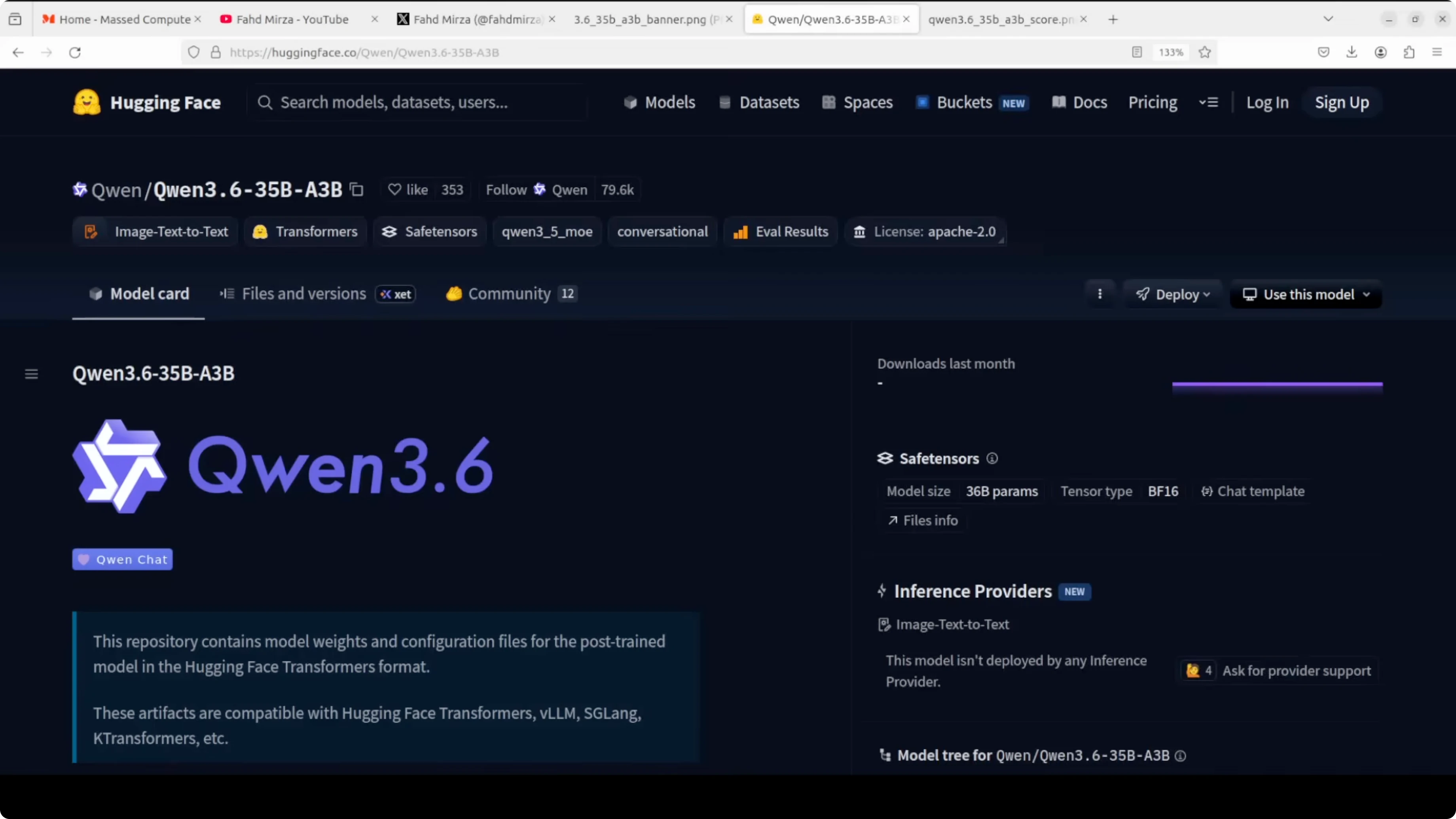
The native context window is large at around 262000 tokens. It is extensible up to 1 million with scaling. It is also natively multimodal with text, images and video input out of the box.
The headline feature is thinking preservation. The model can retain its reasoning chain across multiple turns. This is huge for agent tasks where the model needs to stay coherent over long sessions.
If you want a separate path focused on coding only, see this practical walkthrough of Qwen coding models in our coder setup guide. For a lightweight local runner with tool use, you can also check our guide to running Qwen locally with OpenClaw and Ollama. Both are helpful if you are exploring the broader Qwen family on your own machine.
Requirements
You will need a recent Nvidia driver and CUDA runtime that your vLLM build supports. One H100 80 GB fits comfortably if you cap the context as shown below. Any Linux host with Python 3.10 or newer is fine.
Install core packages. I recommend a clean virtual environment for this.
python -m venv .venv
source .venv/bin/activate
pip install -U pip
pip install -U vllm huggingface_hub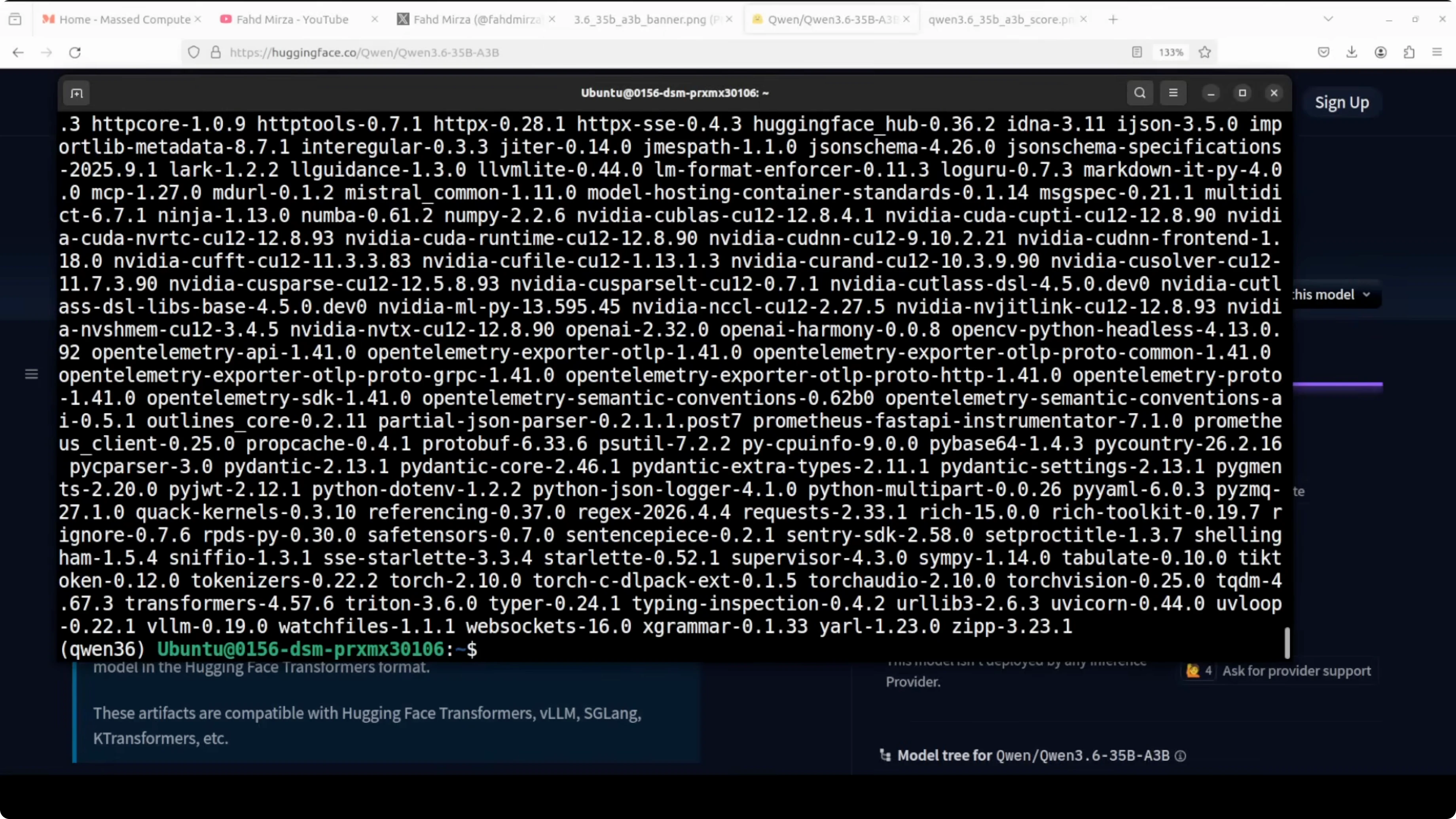
Login to Hugging Face if needed. Then pull the model repository locally.
huggingface-cli login
huggingface-cli download Qwen/Qwen3.6-35B-A3B --local-dir ./Qwen3.6-35B-A3B --local-dir-use-symlinks False
Serve with vLLM
By default, the model card config may attempt to use the full 262k token context window. On a single GPU, even on an 80 GB H100, full precision weights already push toward 70 GB, leaving little headroom for KV cache.
I cap the context at 32k and set GPU memory utilization to 0.90 to leave a small buffer. I also enable the reasoning parser tuned for Qwen and turn on tool calling to make it useful inside agent frameworks.
python -m vllm.entrypoints.openai.api_server \
  --model ./Qwen3.6-35B-A3B \
  --trust-remote-code \
  --max-model-len 32768 \
  --gpu-memory-utilization 0.90 \
  --enable-reasoning \
  --reasoning-parser qwen \
  --enable-auto-tool-choice \
  --host 0.0.0.0 --port 8000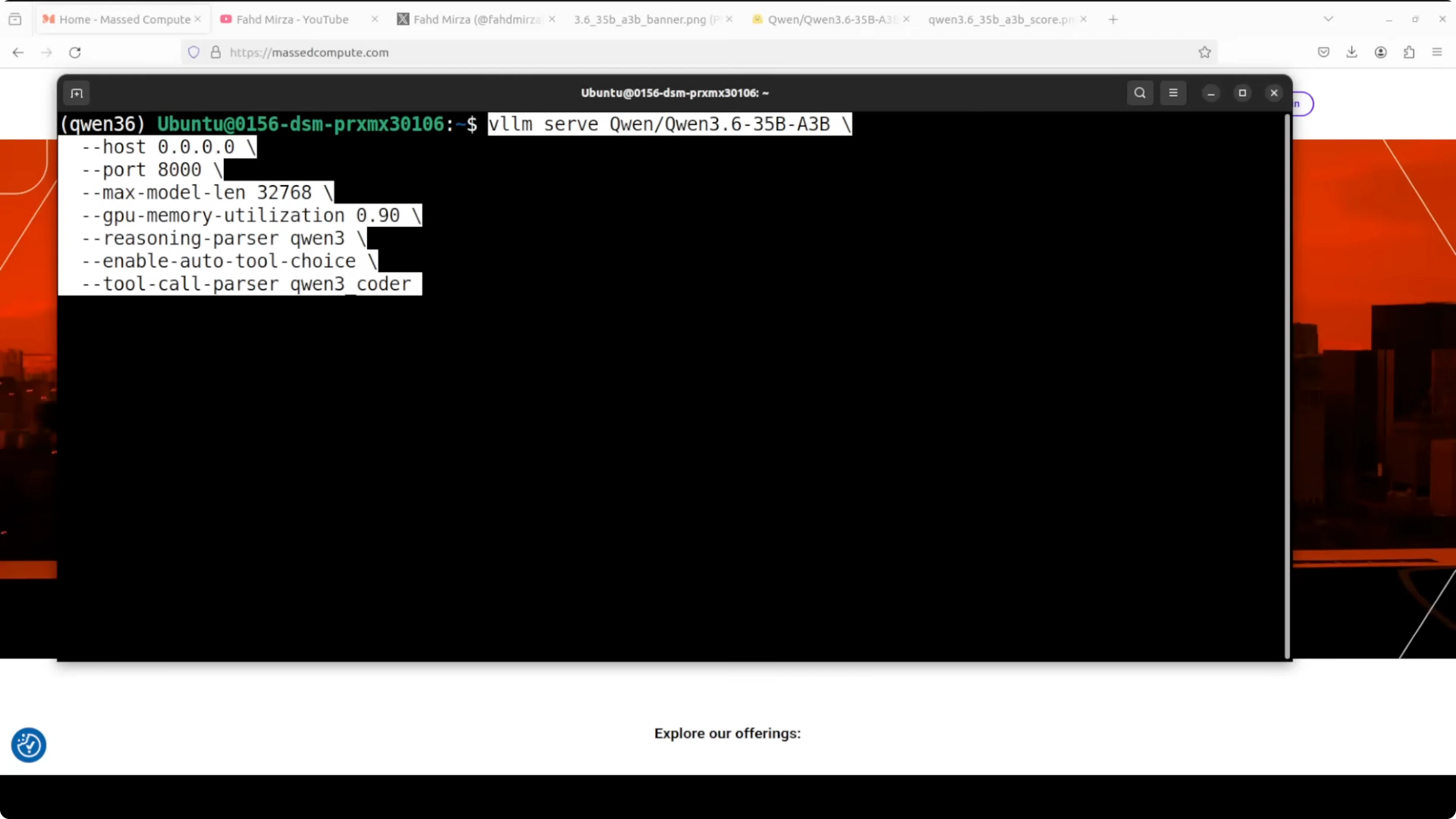
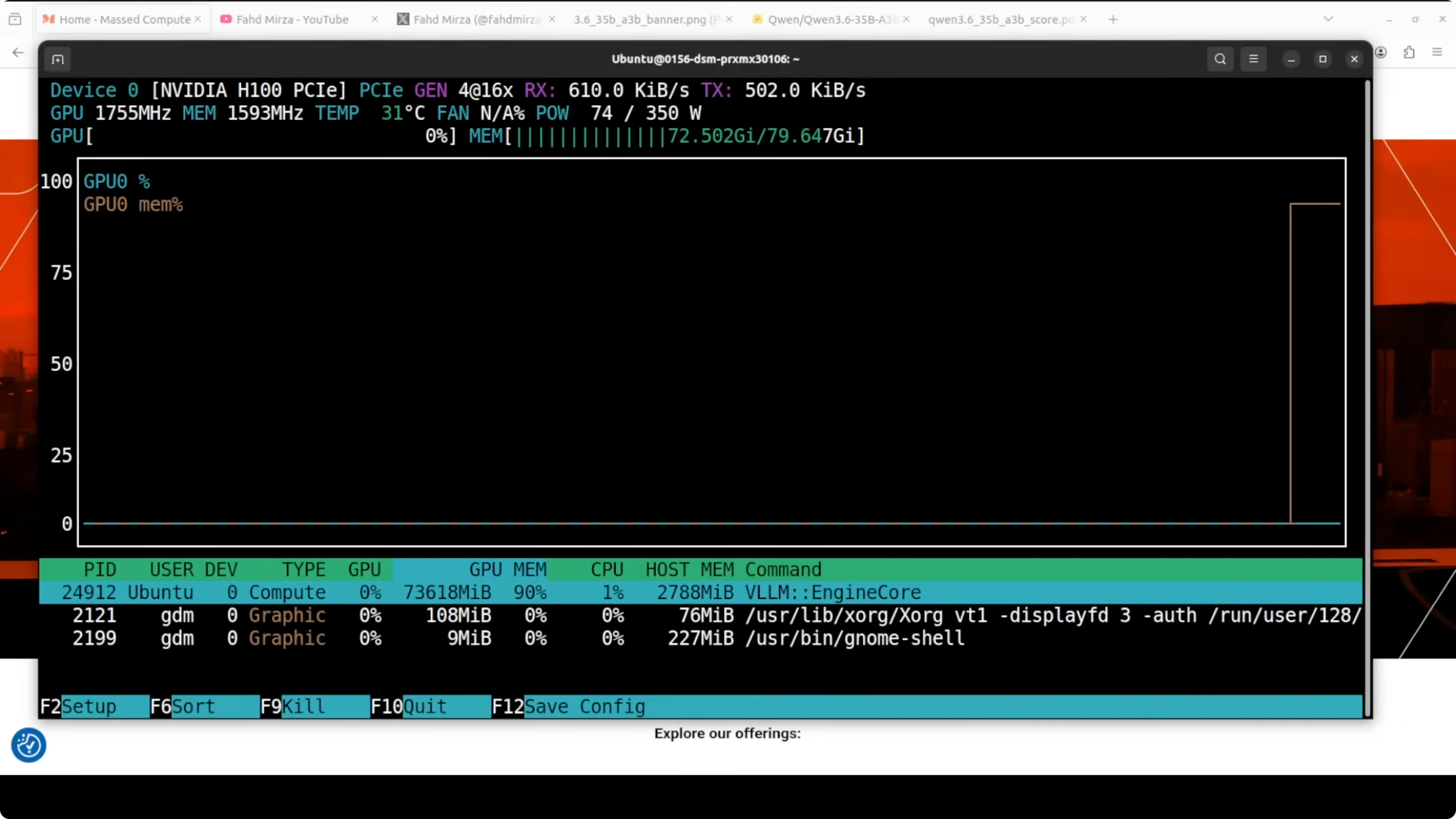
With these settings the server starts on your local system. VRAM consumption on my setup sits just under 74 GB.
If you plan to fine tune a smaller sibling instead of serving this one as is, here is a complete path you can follow in our fine tuning tutorial for Qwen 3.5 8B. It pairs well with the serving approach here once you have your custom checkpoint.
Client example
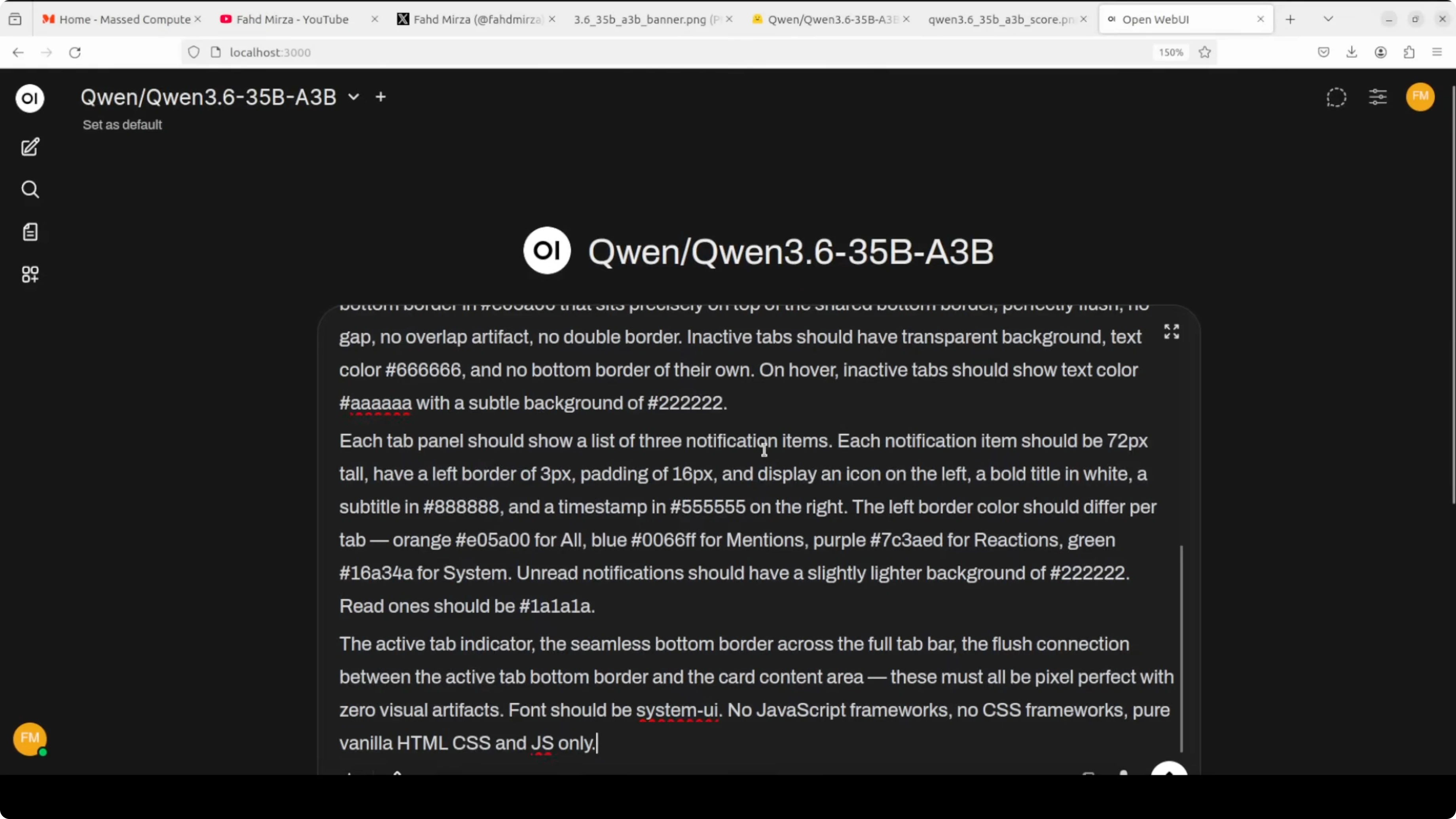
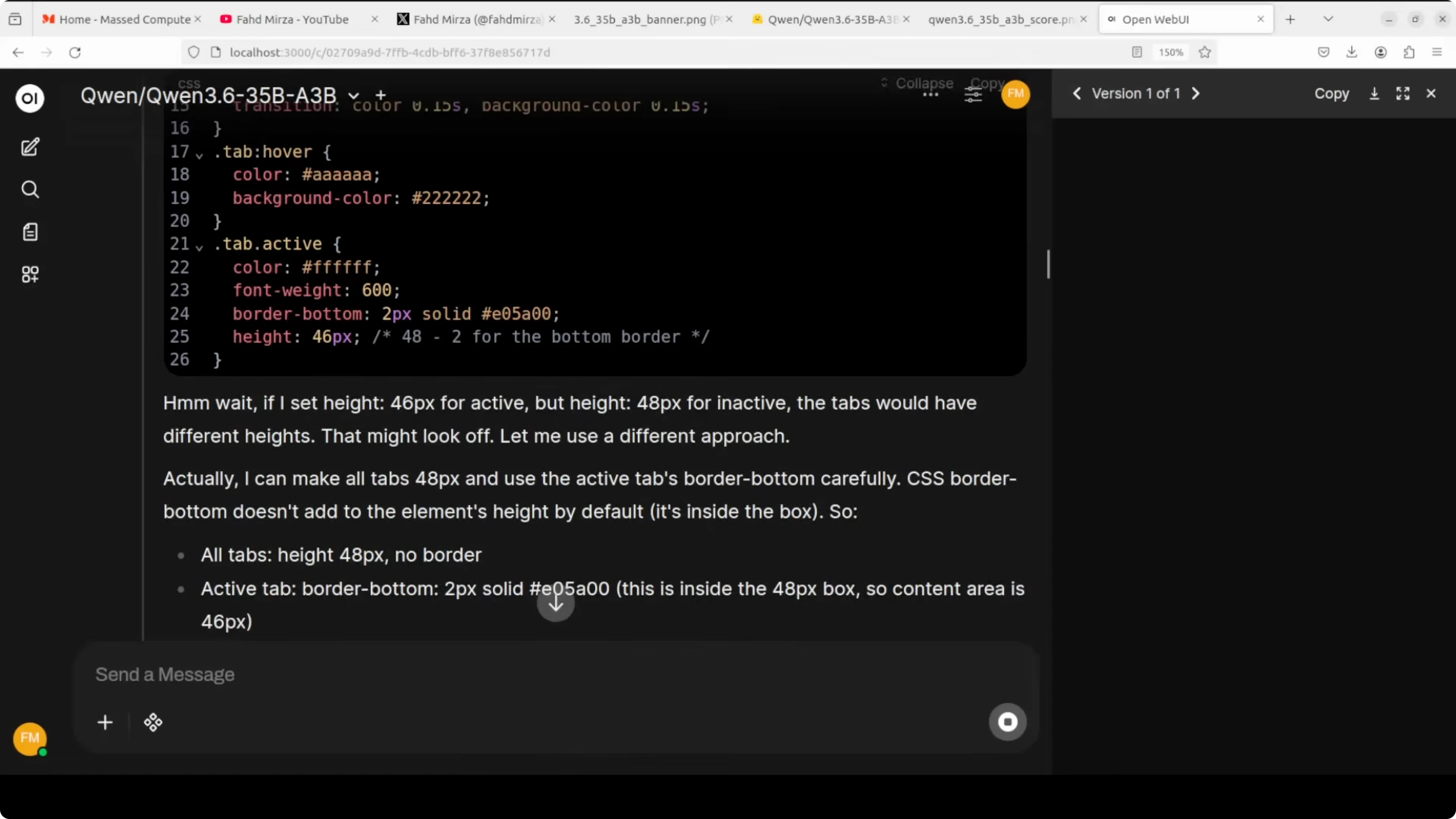
You can connect with the OpenAI compatible API. Here is a minimal chat call, including tool calling and reasoning traces.
from openai import OpenAI
client = OpenAI(base_url="http://localhost:8000/v1", api_key="sk-no-key-needed")
tools = [
{
"type": "function",
"function": {
"name": "search_docs",
"description": "Search internal docs",
"parameters": {
"type": "object",
"properties": {
"query": {"type": "string"}
},
"required": ["query"]
}
}
}
]
messages = [
{"role": "system", "content": "You are a helpful assistant."},
{"role": "user", "content": "Summarize our onboarding policy and cite sources."}
]
resp = client.chat.completions.create(
model="Qwen3.6-35B-A3B",
messages=messages,
temperature=0.2,
tools=tools,
tool_choice="auto",
extra_body={"reasoning": {"effort": "medium"}}
)
print(resp.choices[0].message)If your workflow is image first or creative generation, this overview of a strong image model is a good complement to Qwen’s multimodal side. See our HunyuanImage overview for ideas on pairing text models with image systems.
Run Qwen3.6-35B-A3B Locally for Free and Open-Source? Benchmarks and Positioning
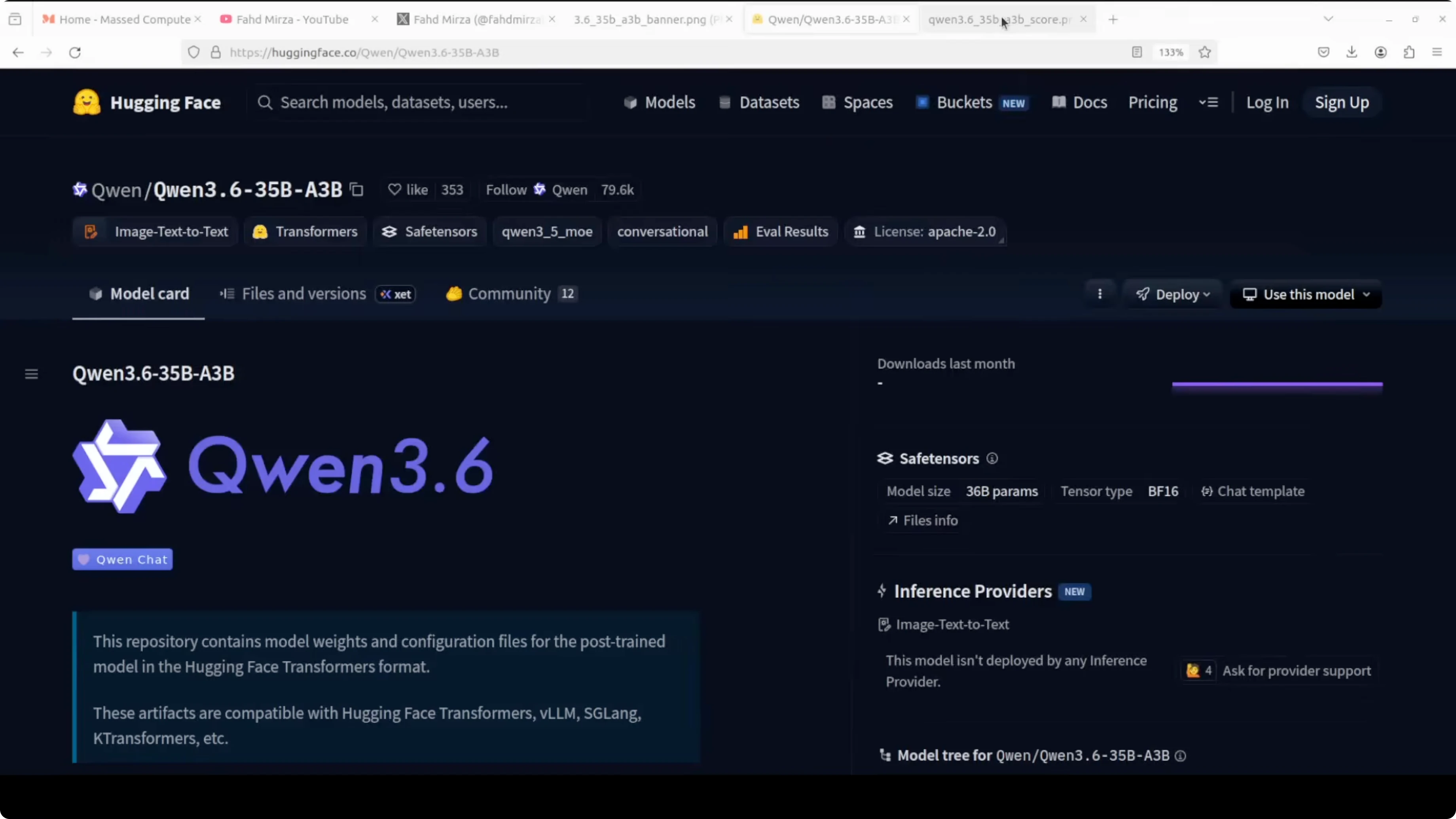
Benchmarks shared by the Qwen team claim that with just 3 billion active parameters the model competes with dense models many times larger. On agent coding benchmarks it is designed to shine and it beats its direct predecessor Qwen 3.5 by a significant margin.
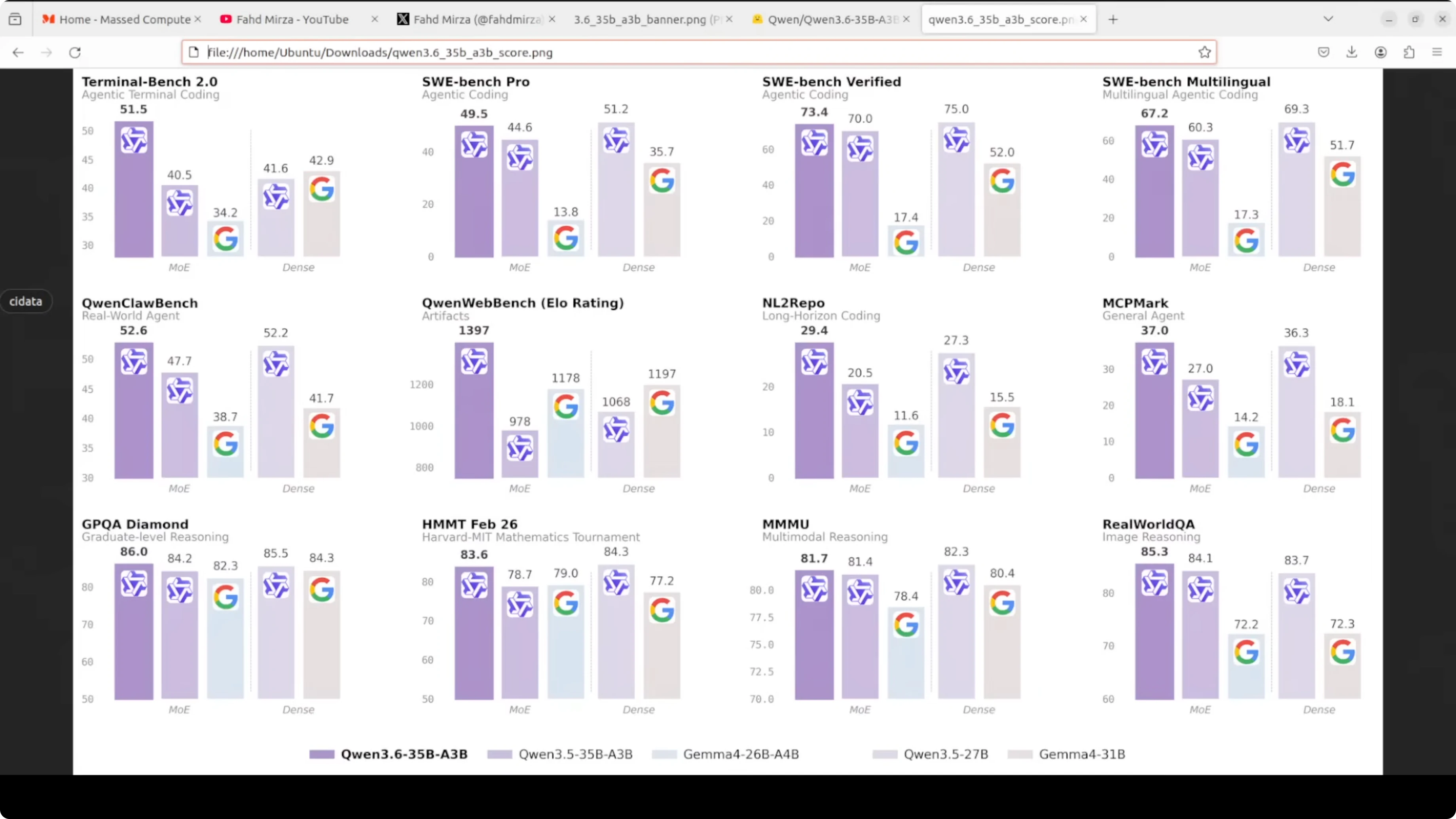
A larger dense 27 billion class model can still edge it on some general agent tasks. On the vision side it is competitive on spatial intelligence, document understanding, and video reasoning. The picture today is efficient multimodal, strong at agent coding, and fully open weights.
If you want to wire this into a local agent runtime, a step by step agent runner is documented here in our tutorial on running Ace Step locally. It matches well with the tool calling flags you enabled above.
Multimodality notes
The model accepts text, images, and video input. For video, common practice is to sample frames and feed them as a sequence of images.
OCR is strong and the model reads contextual details rather than offering generic descriptions. That boosts document intelligence and visual reasoning quality.
Reasoning preservation
Thinking preservation lets the model keep its internal chain across multiple turns. This keeps long sessions coherent for agent and planning tasks.
vLLM’s reasoning parser for Qwen exposes those traces for inspection and control. You can adjust the effort level in the payload to fit cost and latency targets.
Run Qwen3.6-35B-A3B Locally for Free and Open-Source? Configuration Tuning
If you need larger context on a single GPU, reduce precision and watch memory. For example, use fp8 or bf16 quantized checkpoints if the release provides them.
If you need higher throughput, crank up tensor parallel only when you have multiple GPUs. On one GPU keep it simple and focus on KV cache sizing and batch size.
If you need faster attention, ensure your vLLM build uses a fast attention backend supported by your CUDA. Keep drivers and CUDA libraries aligned with your wheel.
Run Qwen3.6-35B-A3B Locally for Free and Open-Source? Use Cases
Agent coding with tool use and iterative planning benefits from thinking preservation. You can build a repo assistant that searches docs, writes patches, and summarizes diffs.
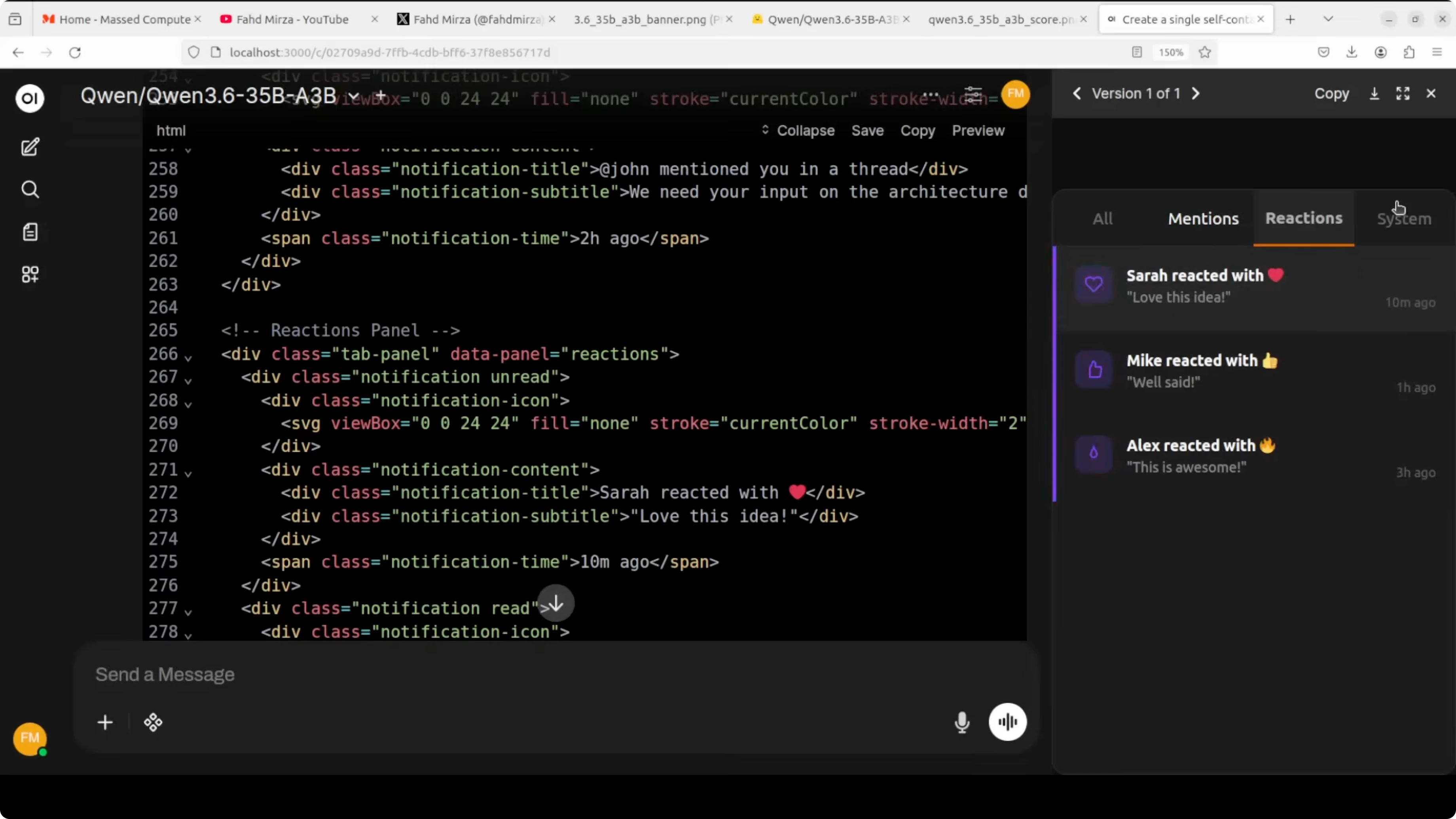
Document AI with mixed layouts and handwriting is a good fit. The model’s OCR and contextual reading help with receipts, forms, and scanned reports.
Multilingual announcements and marketing drafts are solid, with style control across languages. You can keep metadata like dates, venues, and registration details consistent.
If your focus is pure code generation and IDE side workflows, this practical path to a coding optimized variant will help, see our step by step coder setup. For a compact local runner and quick tests, you can also refer to the OpenClaw and Ollama workflow to compare tradeoffs.
Final Thoughts
Alibaba is back and open source is still alive. Qwen3.6 35B A3B brings a clever mixture of experts design, long context, multimodality, and thinking preservation in a single local friendly package.
On a single H100 it serves well with a 32k cap and sits under 74 GB VRAM. Strong agent coding, solid visual reasoning, and open weights make it an appealing local model to adopt.
Subscribe to our newsletter
Get the latest updates and articles directly in your inbox.

Related Posts

8 Best Claude Code Plugins in 2026 (You Need to Know)
8 Best Claude Code Plugins in 2026 (You Need to Know)

7 Best Claude Code Skills (You Need to Know)
7 Best Claude Code Skills (You Need to Know)

Claude Code Desktop IDE Features (You Need to Know)
Claude Code Desktop IDE Features (You Need to Know)