
Table Of Content
- Qwen3.5 4B- local setup
- Install and serve
- Launch vLLM - adjust --max-model-len for your GPU
- The server will start on http://localhost:8000
- Reasoning parser
- Open WebUI setup
- Qwen3.5 4B - architecture
- Qwen3.5 4B - coding test
- Qwen3.5 4B - multilingual test
- Qwen3.5 4B - image tests
- Qwen3.5 4B - video via API
- Final thoughts
Qwen3.5 4B: Inside China’s Advanced Multimodal AI System
Qwen Model Recommender
Not sure which Qwen model fits your GPU? Pick your VRAM, use case, and task type — get matched to the right model instantly. Covers Qwen3, QwQ, QVQ, Qwen2.5-VL, Qwen3-Coder, Qwen3-TTS, and 80+ models.
Table Of Content
- Qwen3.5 4B- local setup
- Install and serve
- Launch vLLM - adjust --max-model-len for your GPU
- The server will start on http://localhost:8000
- Reasoning parser
- Open WebUI setup
- Qwen3.5 4B - architecture
- Qwen3.5 4B - coding test
- Qwen3.5 4B - multilingual test
- Qwen3.5 4B - image tests
- Qwen3.5 4B - video via API
- Final thoughts
The Qwen parade continues. I already covered the 0.8 billion and 9 billion parameter models, and now I am dropping right into the middle of the family with Qwen 3.5 4 billion. Alibaba describes it as a surprisingly strong multimodal base for lightweight agents, and it fits that description.
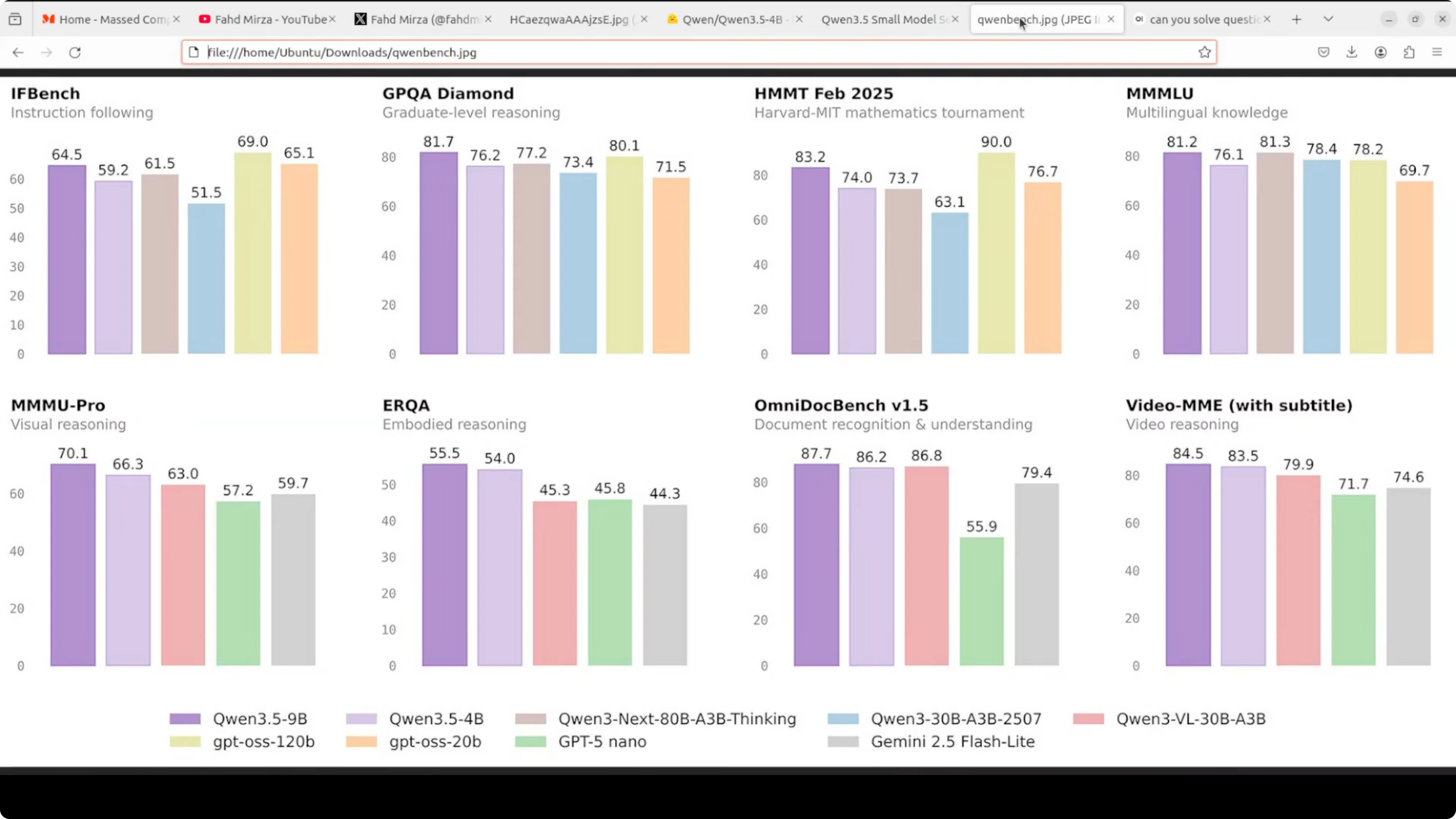
At just 4 billion parameters, this model is hitting 79.1 on MMLU, 76.2 on GPQA diamond, and 83.5 on Video MME. Numbers like this for a model this size were unthinkable a year ago. I am not going to take benchmarks at face value, so I installed it locally and tested it.
It supports context up to 1 million tokens via YaRN scaling. Like the 9 billion, it thinks by default before responding, and you can toggle that off.
Qwen3.5 4B- local setup
I used Ubuntu with a single Nvidia RTX 6000 GPU and 48 GB of VRAM. I served the model with vLLM and used Open WebUI as the interface.
If you prefer running models with Ollama or OpenClaw style agents, check this local setup walkthrough: Qwen 3.5 with OpenClaw and Ollama locally.
Install and serve
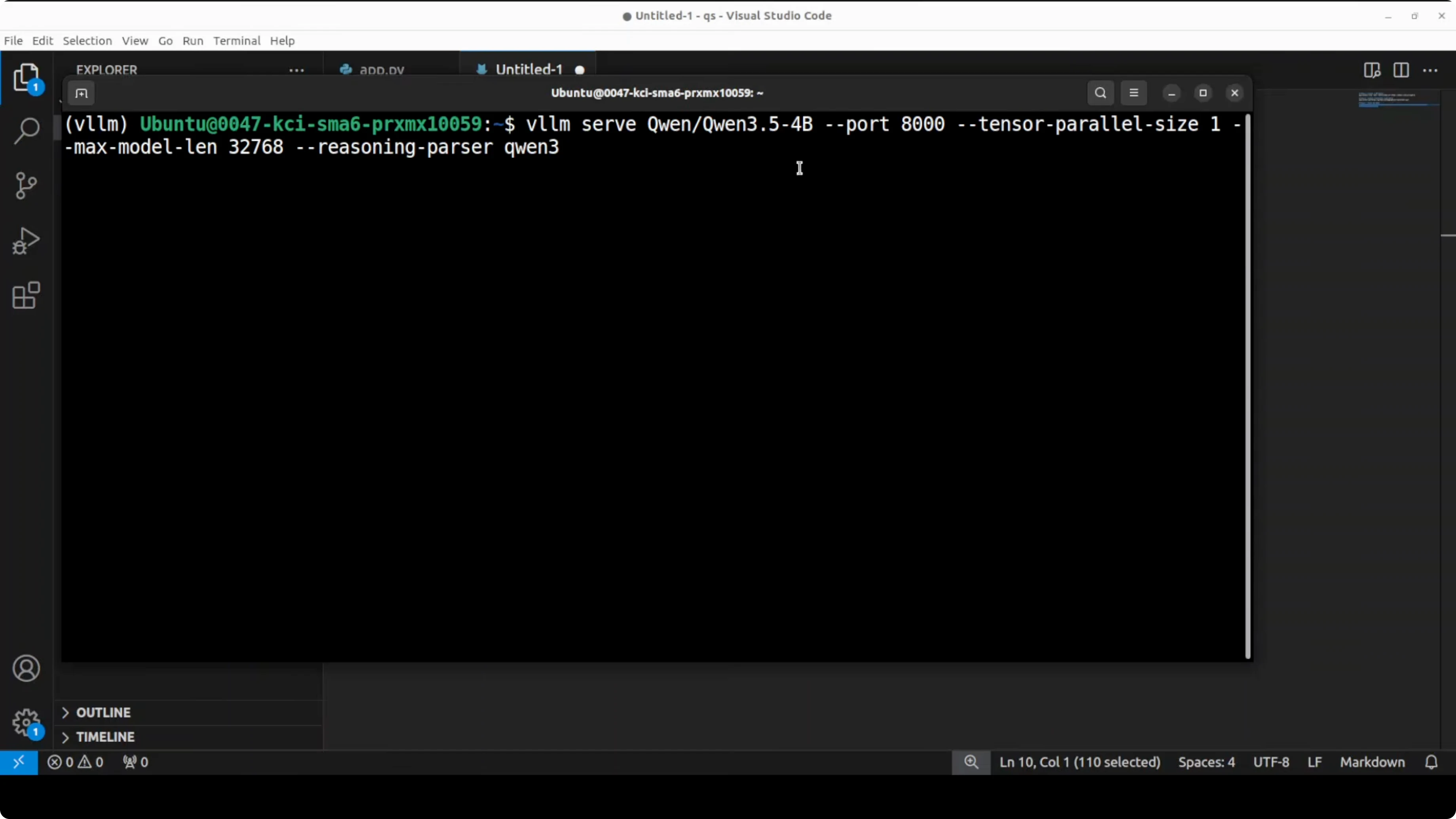
Create a virtual environment, install dependencies, and launch vLLM with a long context and Qwen-style reasoning parsing. Adjust max context if your GPU is smaller to reduce VRAM use.
python3 -m venv .venv
source .venv/bin/activate

pip install -U vllm transformers openai pillow

# Launch vLLM - adjust --max-model-len for your GPU
# The server will start on http://localhost:8000
CUDA_VISIBLE_DEVICES=0 python -m vllm.entrypoints.openai.api_server \
  --model Qwen/Qwen3.5-4B-Instruct \
  --tensor-parallel-size 1 \
  --max-model-len 1048576 \
  --trust-remote-code \
  --reasoning-parser qwen
The model downloads and is served on the local system at port 8000. It uses about 8.6 GB of disk space once pulled.
You can browse the model card here for details and files: Qwen/Qwen3.5-4B on Hugging Face.
Reasoning parser
Reasoning parser is a flag that tells vLLM how to parse and separate the model's internal thinking from its final response. I went with the Qwen parser, which matches the model’s default thinking traces.
If you plan to move from testing to training your own variants, this guide to instruction tuning will help: fine-tune Qwen 3.5 8B locally.
Open WebUI setup
Point Open WebUI to your local OpenAI-compatible server. Set Base URL to http://localhost:8000/v1 and use any non-empty API key, then select the served model.
To check VRAM consumption while it thinks and generates, use:
nvidia-smiFully loaded with a very large max context, it consumed around 44.4 GB of VRAM. If you want to decrease this consumption, reduce the max model length.
Qwen3.5 4B - architecture
It has 32 layers with a hidden dimension of 2560 and an FFN intermediate dimension of 9216. The key building block is a gated delta network.
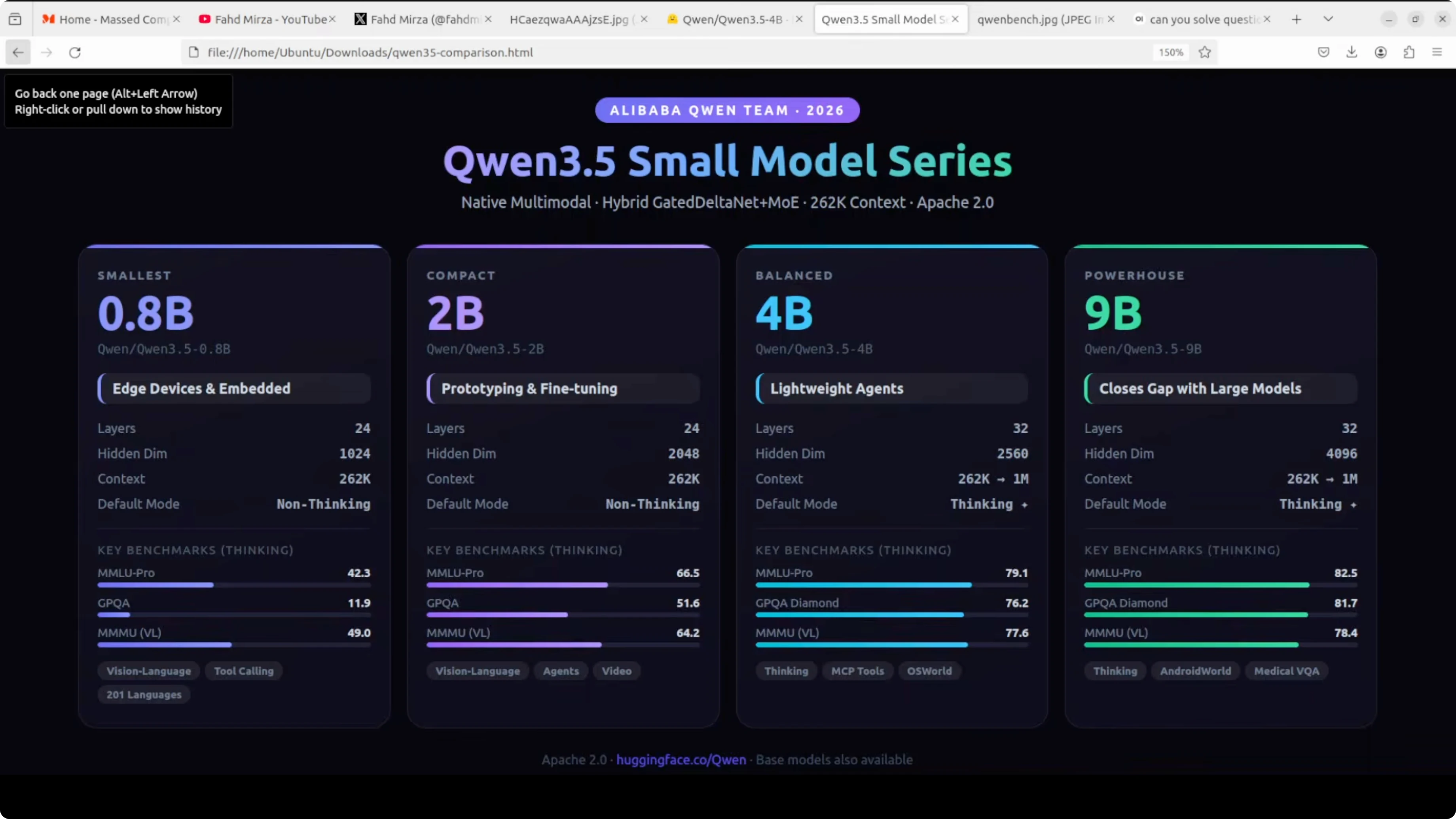
You can think of it as a smarter, more efficient version of attention that remembers what matters and forgets what does not. Like a brain that takes notes instead of trying to remember everything.
This is combined with a sparse mixture of experts in the feed forward layers, giving the model big model capability at small model cost. The pattern repeats eight times - three gated delta net blocks followed by one standard gated attention block.
For a compact sibling in the same series, see this overview of the smaller variant: Qwen 3.5 at 2B.
Qwen3.5 4B - coding test
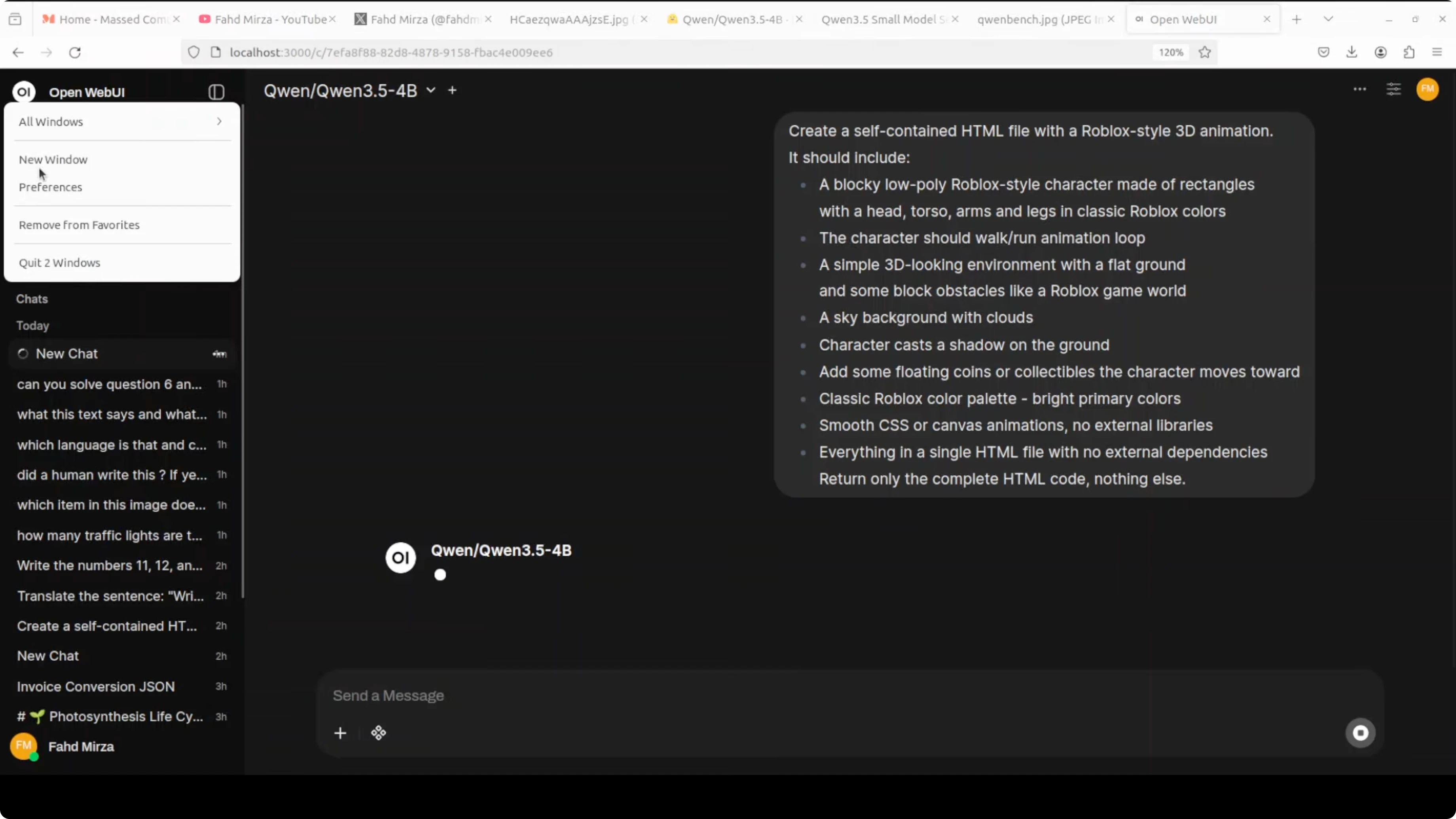
I started with a coding scenario. I asked it to create a self-contained HTML file with a Roblox style 3D animation.
It should include a blocky low poly character with a walk-run animation loop and support arrow keys to move and space to jump. This tests complex 3D style graphics, character animation, game physics simulation, and interactive scene composition in a single shot of pure HTML and canvas code.
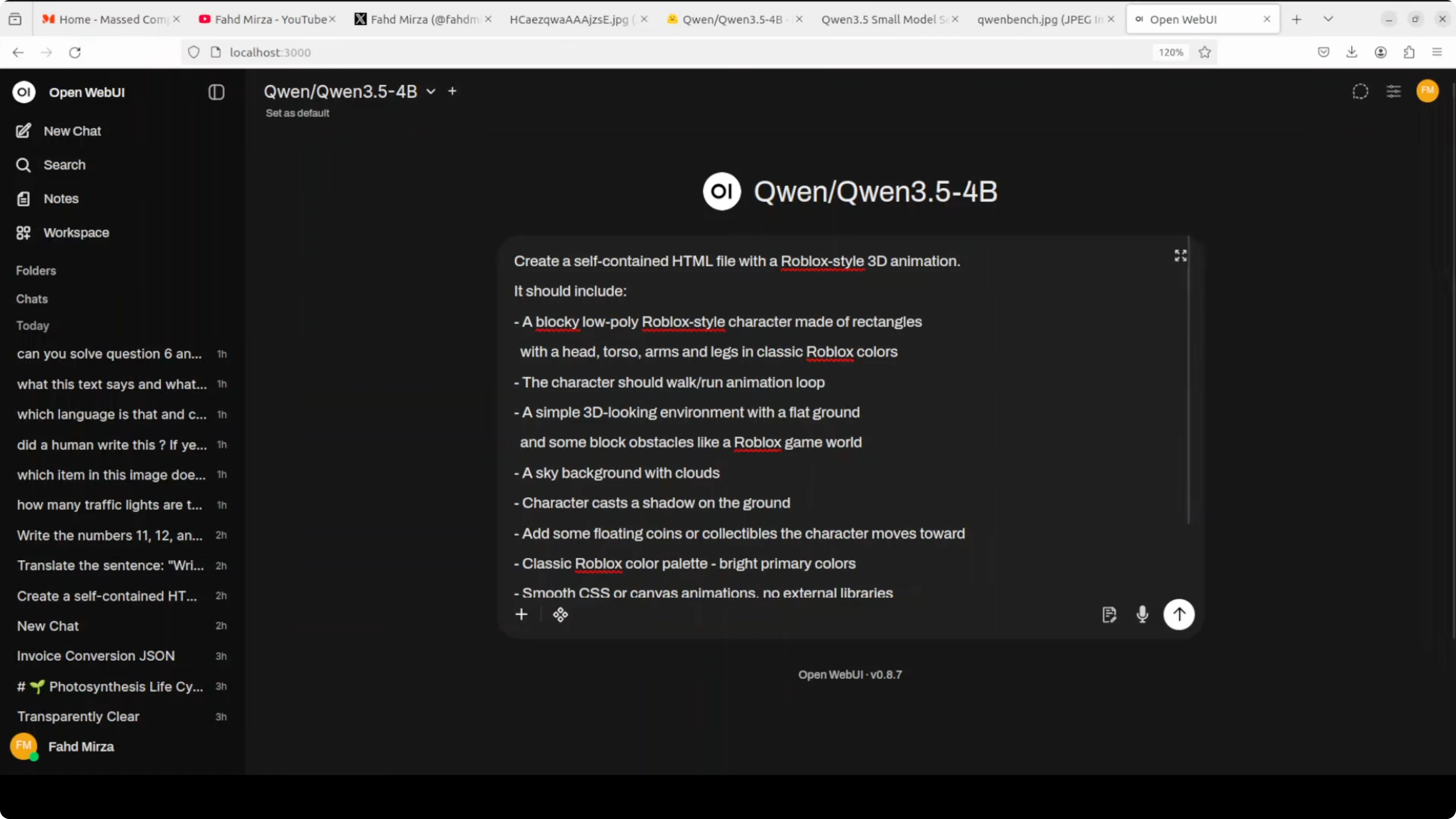
Here is the exact prompt I used:
Create a single, self-contained HTML file that renders a Roblox-style low-poly 3D scene using only HTML5 Canvas and JavaScript (no external assets). Include:
- A low-poly block character with a walk/run animation loop.
- Arrow keys to move the character.
- Space bar to jump.
- Basic physics for gravity and jumping arcs.
- A simple ground plane and a moving sun in the sky.
Everything must be in one HTML file with no external dependencies.
I kept the model’s default thinking on. It generated the file, and the character moved with arrow keys, with on-screen instructions.
Space did not trigger a jump, which is fair for a 4B model on a single pass. It still did wonderfully well for a self-contained HTML scene.
If you are exploring other strong local models from China for comparison, this overview is useful: Kimi K1.5 model.
Qwen3.5 4B - multilingual test
I asked it to write a motivational quote in each of many languages. I requested unique and culturally appropriate lines for each, not translations.
It came back with answers, but the formatting was off. The quality was mixed - some looked good, some were completely wrong, and a few had gibberish.
It also tried to translate some outputs like Norwegian back into English, often incorrectly. Swedish produced a line I liked the most with a poignant ending.
Qwen3.5 4B - image tests
I started with a cathedral image. It is one of my favorite buildings because of its architecture.
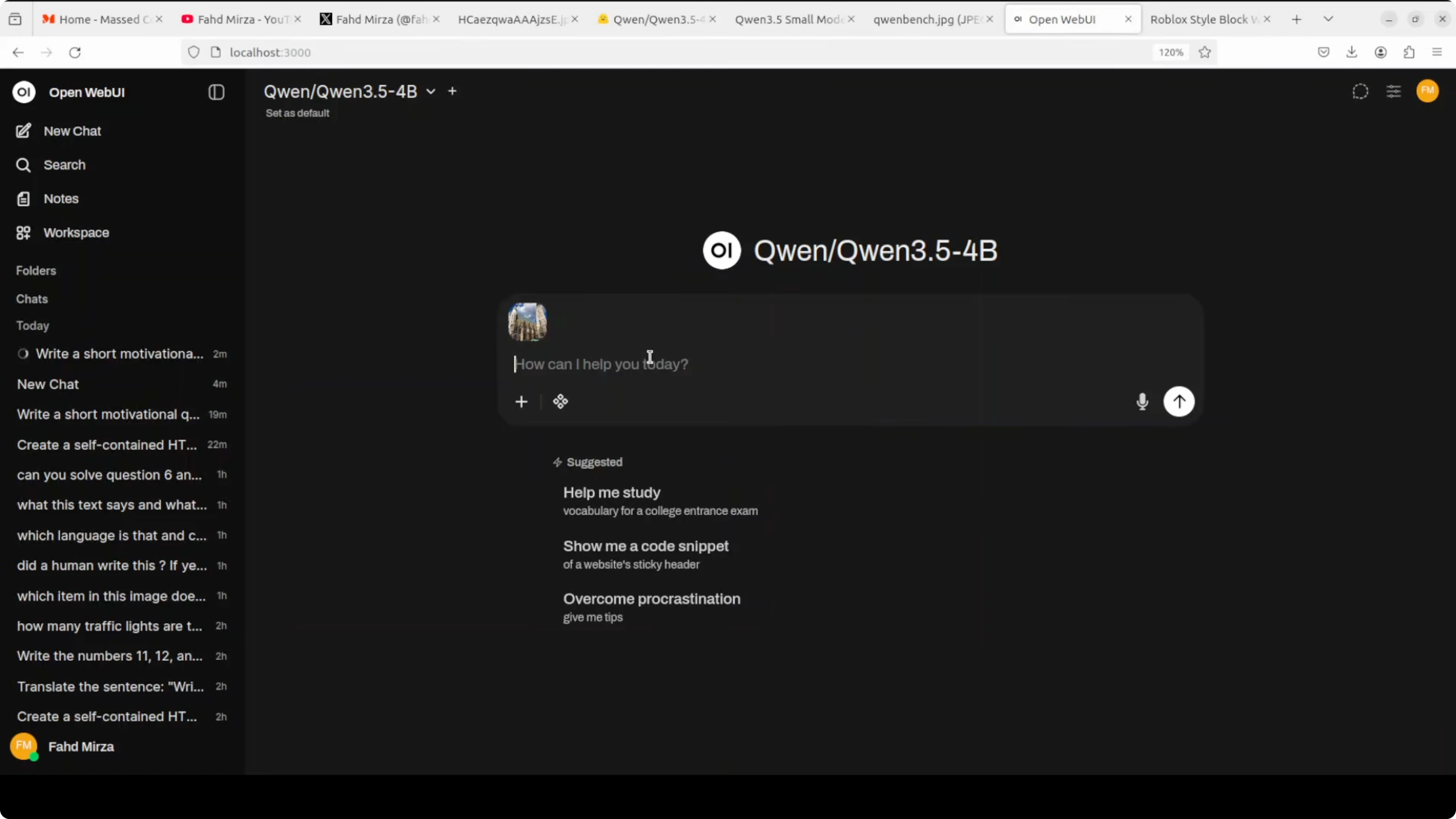
I asked for the location of the building. In its thinking trace, it identified the Gothic style, checked St. Stephen's Cathedral, and compared against a few others including Prague.
It first answered with Germany, which was not correct. I gave a hint that it is in Vienna.
It then got St. Stephen's Cathedral in Vienna right. The step-by-step trace here was helpful to see how it narrowed down candidates.
Next, I tested a Mexico City metro station image. I said I am at the station and need to get to the Belera station, which is not mentioned in the image.
I asked it to infer the direction and line from the signs, and explain step by step. The OCR looked quite good, it identified the current route, and suggested Line 1 with a direction that matched what I checked on Google.
If you want to push more vision-language tasks end-to-end, this walkthrough is handy: Step3 VL setup.
Qwen3.5 4B - video via API
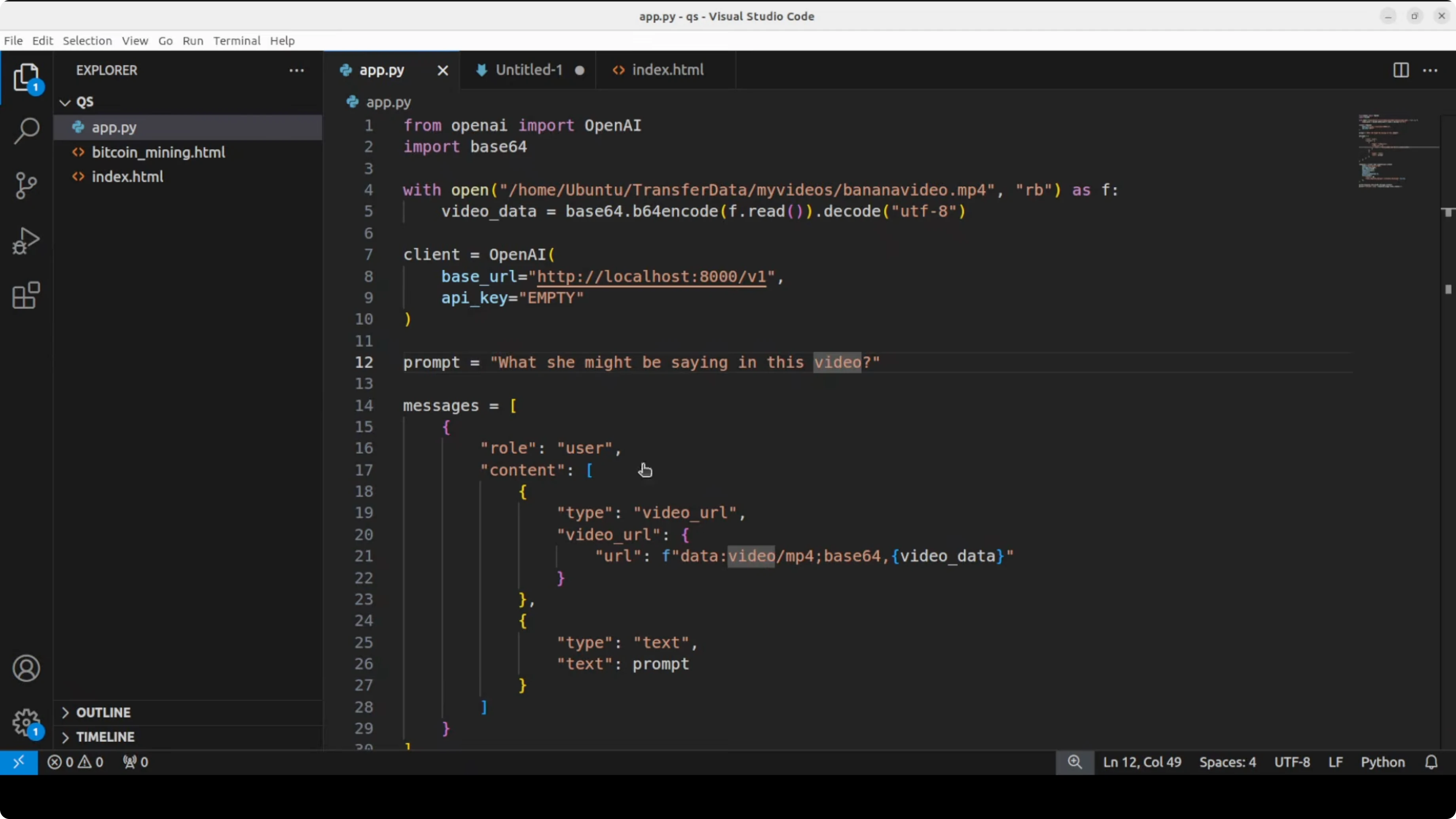
Open WebUI needs a plugin for video, so I used the API against the local server. I ran it via the OpenAI-compatible endpoint at port 8000.
I initially forgot to switch the model name to the 4B variant, corrected it, and reran. The clip was an AI generated video where a woman with curly hair and red lipstick holds a banana, looks at the camera with a slight smile, then her expression changes to surprise or confusion as she glances away.
It identified expressions and objects and described the scene. It did not fabricate speech, which is good, and added that any speech might be related to the banana.
Here is a minimal Python example for images against the same server:
import base64
from openai import OpenAI

client = OpenAI(base_url="http://localhost:8000/v1", api_key="sk-local")

with open("cathedral.jpg", "rb") as f:
    b64 = base64.b64encode(f.read()).decode()

resp = client.chat.completions.create(
    model="Qwen/Qwen3.5-4B-Instruct",
    messages=[
        {"role": "user", "content": [
            {"type": "text", "text": "What is the location of this building?"},
            {"type": "image_url", "image_url": {"url": f"data:image/jpeg;base64,{b64}"}}
        ]}
    ],
)

print(resp.choices[0].message.content)
And here is a minimal Python example for a short video:
import base64
from openai import OpenAI

client = OpenAI(base_url="http://localhost:8000/v1", api_key="sk-local")

with open("clip.mp4", "rb") as f:
    b64 = base64.b64encode(f.read()).decode()

resp = client.chat.completions.create(
    model="Qwen/Qwen3.5-4B-Instruct",
    messages=[
        {"role": "user", "content": [
            {"type": "text", "text": "Describe the video briefly."},
            {"type": "input_video", "video_url": {"url": f"data:video/mp4;base64,{b64}"}}
        ]}
    ],
)

print(resp.choices[0].message.content)
If you are building local assistants on top of this stack, you may also want to review this end-to-end agent workflow: local agents with Qwen 3.5.
Final thoughts
Qwen 3.5 4B shows strong coding, image understanding, and video description for its size. With up to 1 million tokens of context via YaRN scaling and a default thinking trace you can toggle, it is a practical multimodal base for lightweight agents.
The architecture - gated delta networks with sparse experts - gives it big model behavior at small model cost. The local tests matched a lot of the promise, with a few misses you would expect from a 4B model.
Subscribe to our newsletter
Get the latest updates and articles directly in your inbox.

Related Posts

8 Best Claude Code Plugins in 2026 (You Need to Know)
8 Best Claude Code Plugins in 2026 (You Need to Know)

7 Best Claude Code Skills (You Need to Know)
7 Best Claude Code Skills (You Need to Know)

Claude Code Desktop IDE Features (You Need to Know)
Claude Code Desktop IDE Features (You Need to Know)