
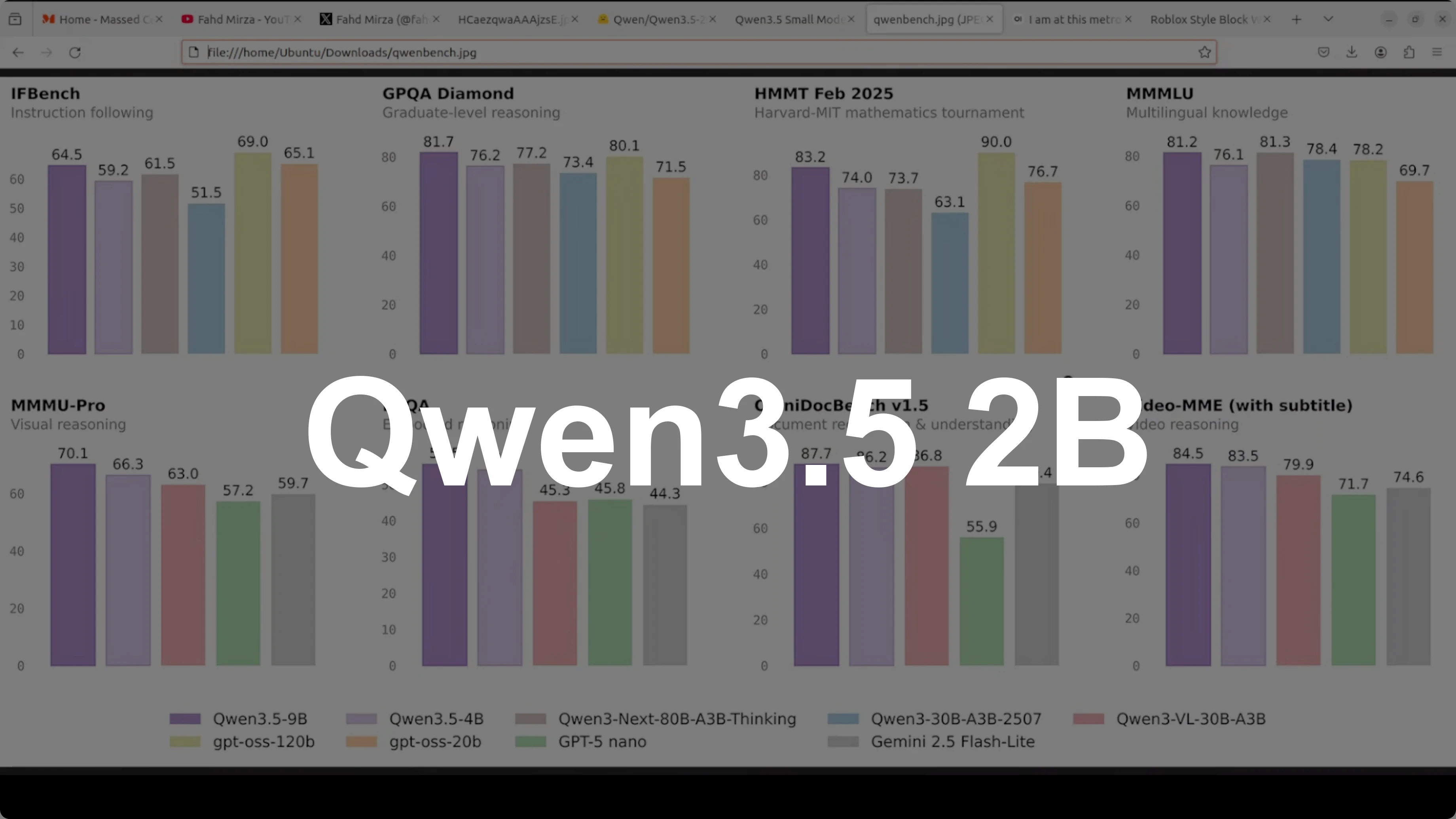
Qwen3.5 2B: The Smart, Cost-Free AI That Runs Anywhere
Qwen Model Recommender
Not sure which Qwen model fits your GPU? Pick your VRAM, use case, and task type — get matched to the right model instantly. Covers Qwen3, QwQ, QVQ, Qwen2.5-VL, Qwen3-Coder, Qwen3-TTS, and 80+ models.
Qwen 3.5 Carnival continues and I have saved the most exciting and interesting model for the last: Qwen3.5 2 billion. You might be thinking why 2 billion when I already covered the tiny 0.8 billion and the larger 4 billion. Here is why this size is a sweet spot in my humble opinion that most people overlook.
2 billion parameters is small enough to run comfortably on almost any machine including desktops, laptops, and low-end GPUs. With plenty of RAM, you can run it with a good CPU, and it is big enough to actually be useful for real tasks. I am going to focus on multilinguality and multimodality.
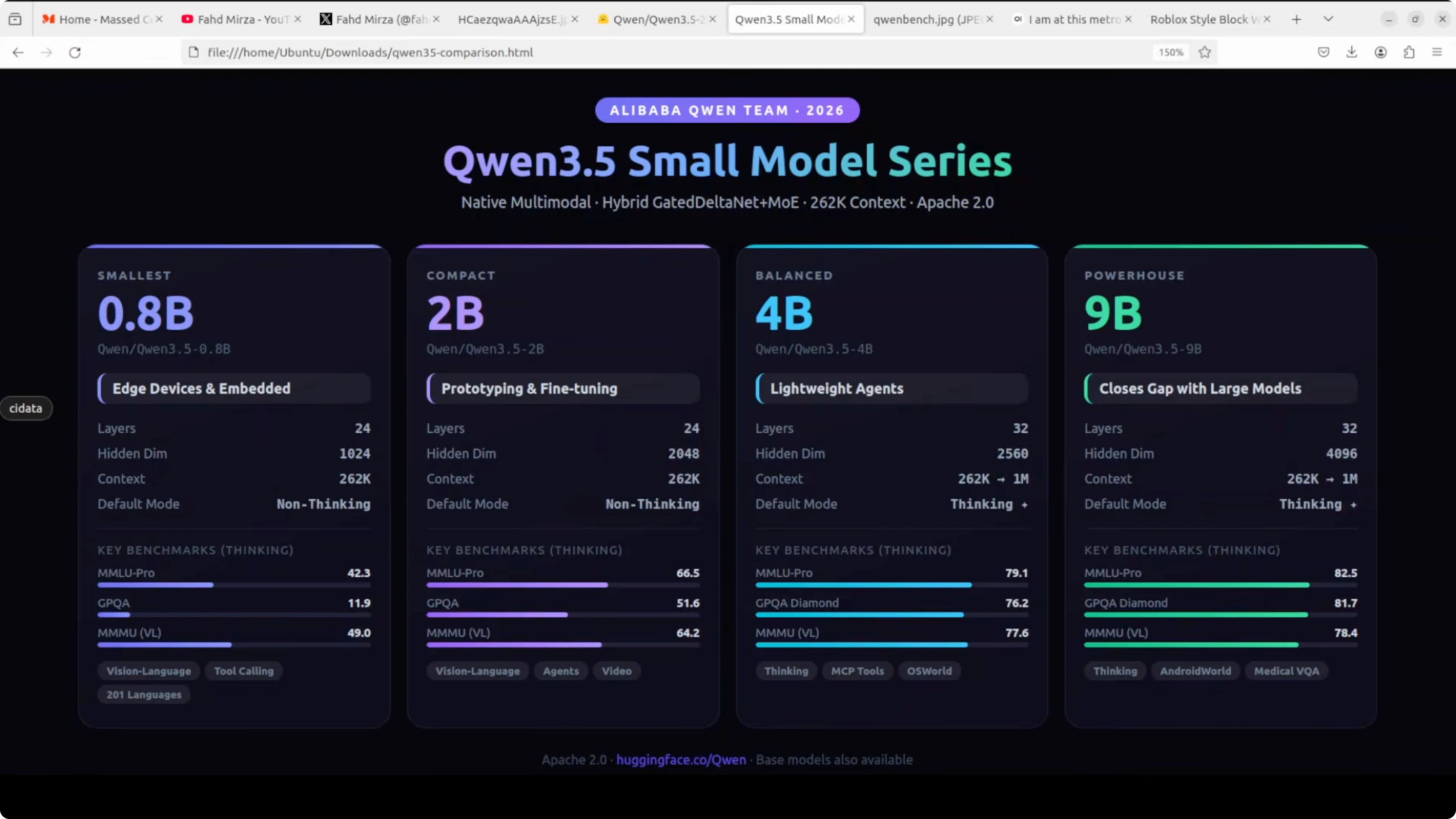
Look at the benchmarks. MMLU Pro hits 66.5 in thinking mode, GPQA jumps to 51.6, and on vision tasks like MMU it scores 64.2. This is a dramatic leap over the 0.8 billion while still being a really good size and lightweight model.
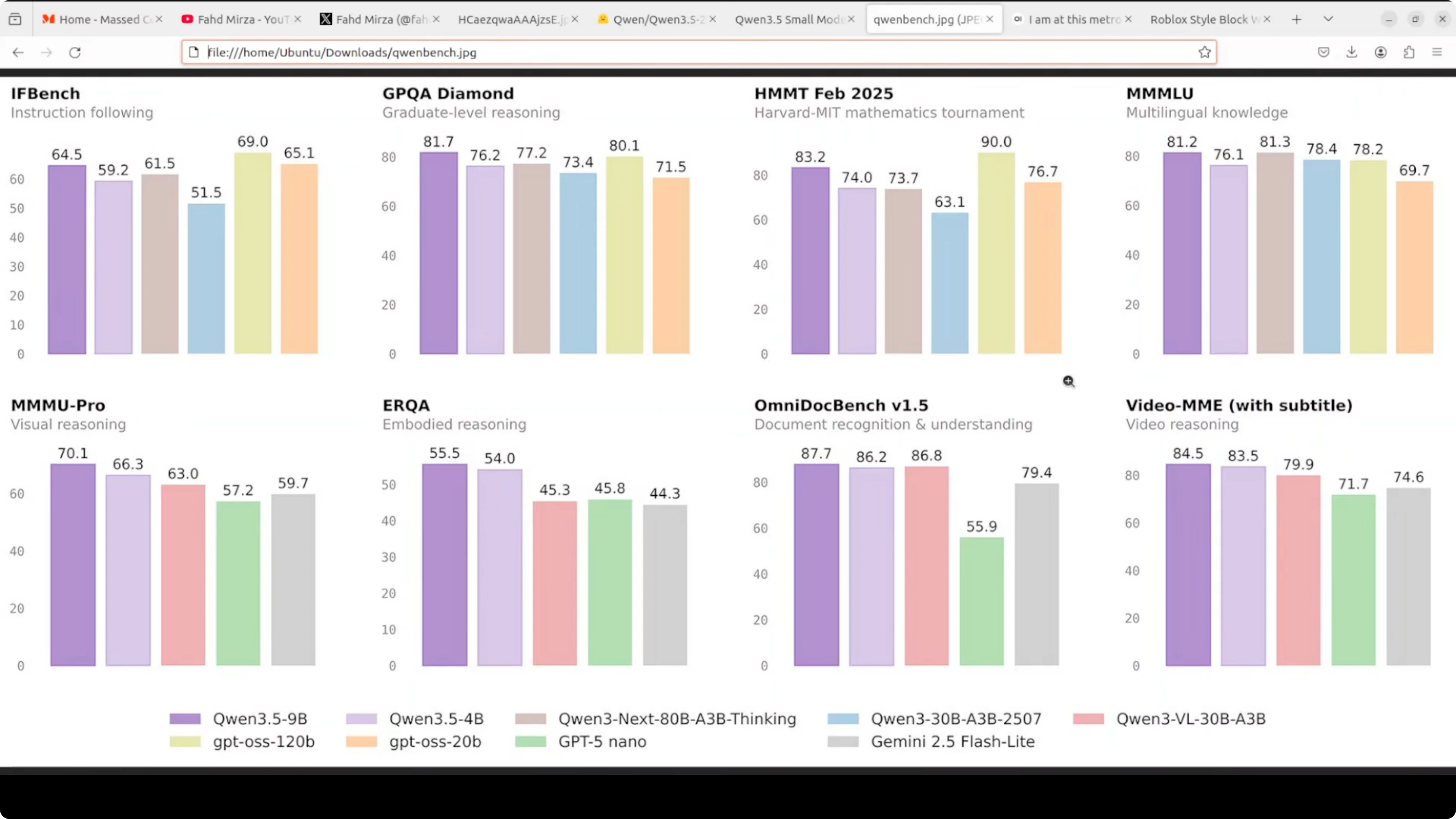
It has the same 24 layer hybrid gated delta net architecture and 2048 hidden dimensions. Full vision-language support covers text, images, and video. You get a 262K native context window and support for more than 200 languages.
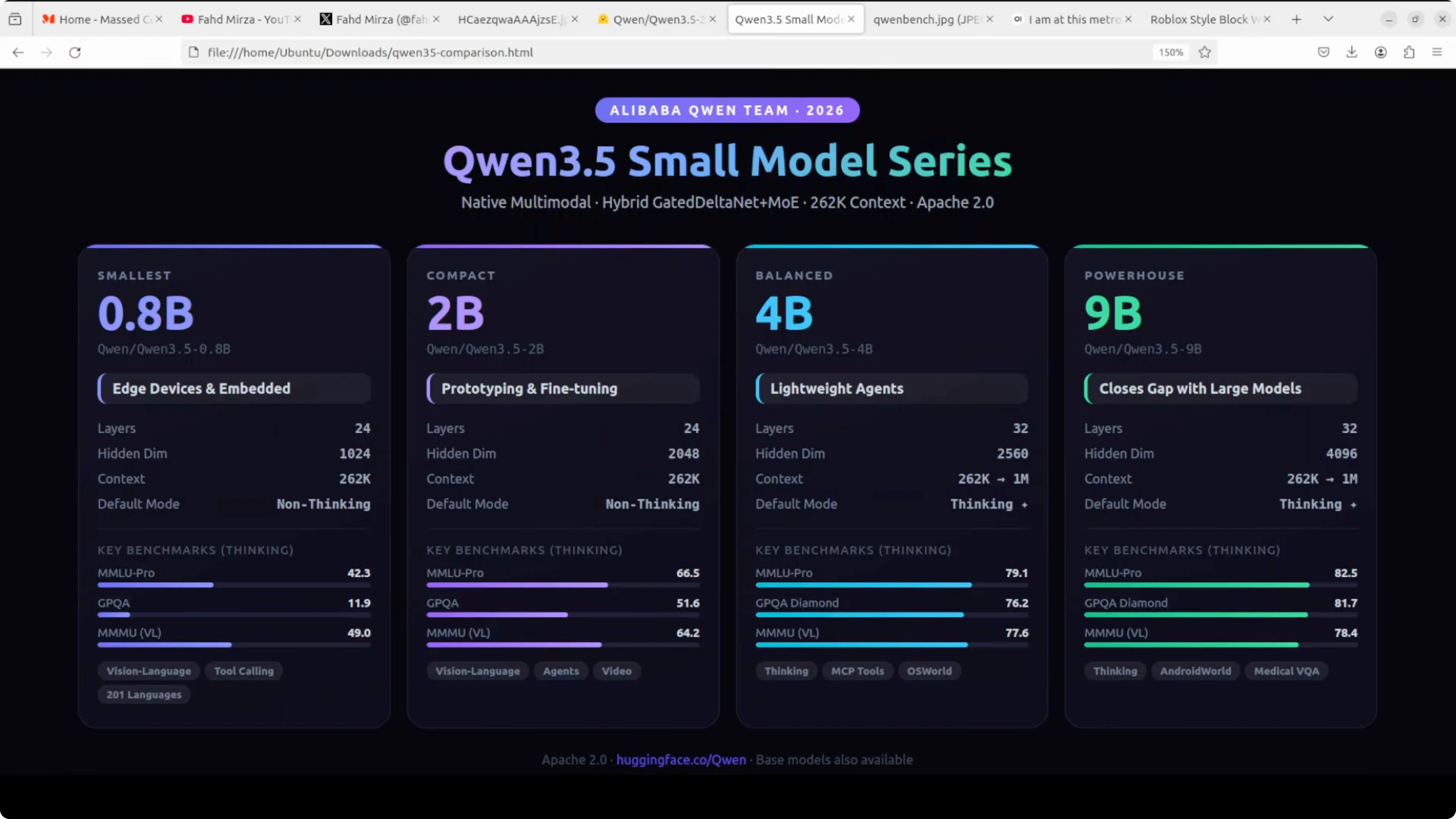
Just like the 0.8 billion, it defaults to non-thinking mode. Responses are fast, but you can switch thinking on via the API or in Open WebUI. This is the model you reach for when you want something smart enough to be genuinely helpful but lean enough to deploy anywhere.
Qwen3.5 2B setup
I am going to use an Ubuntu system. I have 1 GPU card, Nvidia RTX 6000 with 48 GB of VRAM. I am serving it with vLLM and I also have Transformers installed.
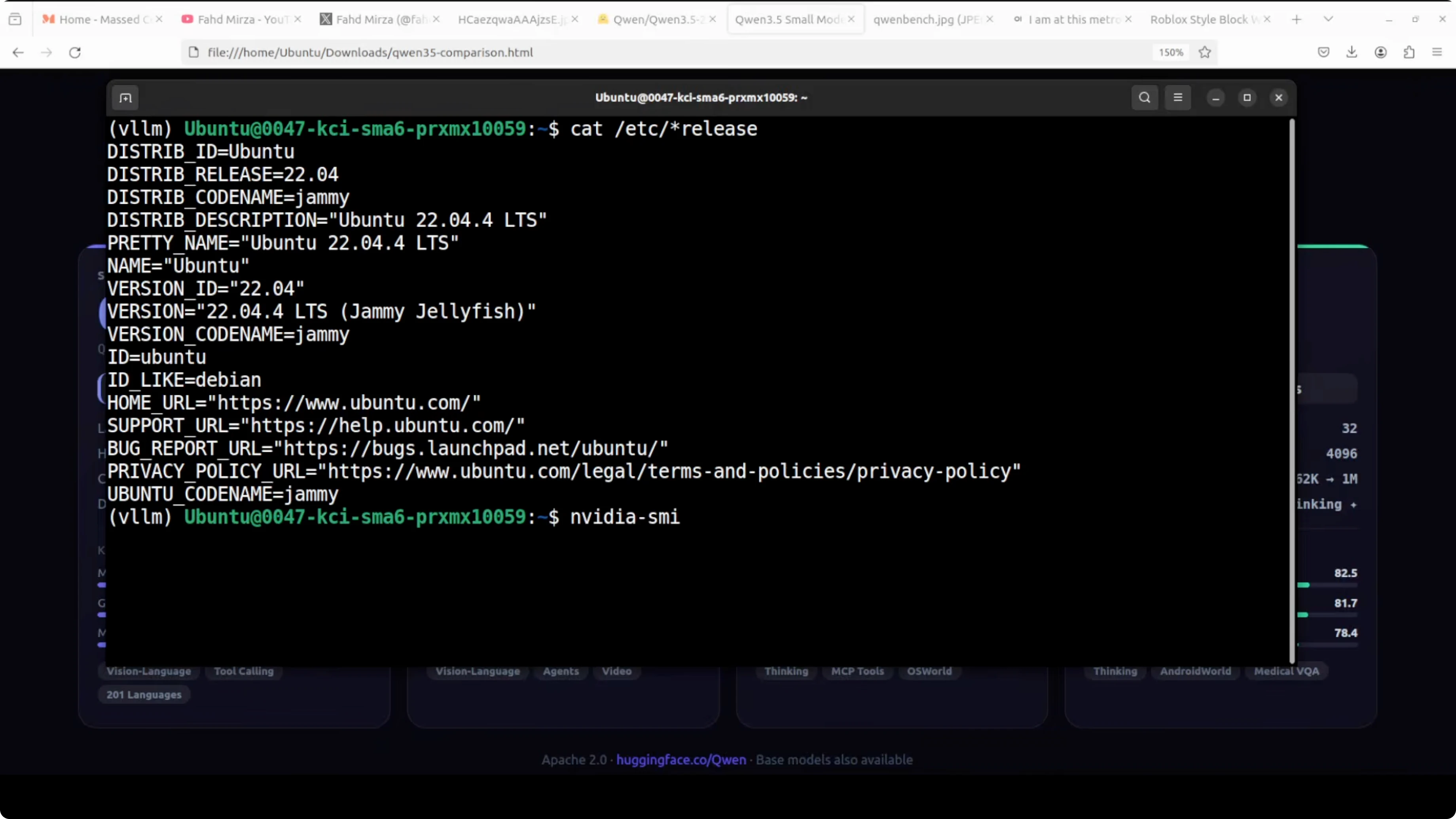
If you need the weights, grab them from the model card and assets at Hugging Face. The model is quite lightweight and the disk size is small. The size on disk is about 4.25 GB.
I am loading it fully onto the GPU. VRAM consumption is around 44 GB with a max context size around 32K in my launch configuration. If you have low VRAM, reduce the max model length or context size.
Install prerequisites
Install vLLM and Transformers.
pip install -U vllm transformersVerify your GPU drivers and CUDA are properly set if you plan to run on GPU. Make sure Python is recent and you have enough disk space for the weights.
Serve with vLLM
Start an OpenAI-compatible server with Qwen3.5 2B Instruct. This uses non-thinking mode by default, which keeps responses fast.
python -m vllm.entrypoints.openai.api_server \
  --model Qwen/Qwen3.5-2B-Instruct \
  --dtype bfloat16 \
  --max-model-len 32000
If you face VRAM limits, bring the context down. For example, try 16384 or lower.
python -m vllm.entrypoints.openai.api_server \
  --model Qwen/Qwen3.5-2B-Instruct \
  --dtype bfloat16 \
  --max-model-len 16384
Query the server with the OpenAI-compatible API.
curl http://127.0.0.1:8000/v1/chat/completions \
  -H "Content-Type: application/json" \
  -d '{
    "model": "Qwen/Qwen3.5-2B-Instruct",
    "messages": [
      {"role": "system", "content": "You are a helpful assistant."},
      {"role": "user", "content": "Give me a two-sentence summary of Qwen3.5 2B."}
    ],
    "max_tokens": 256,
    "temperature": 0.7
  }'
Open WebUI can connect to the same endpoint. It defaults to non-thinking mode, and you can switch thinking on using its Reasoning toggle when you need deeper analysis.
Read More: Run Qwen models locally with Ollama or OpenClaw
Use with Transformers
Load the model for local inference. This runs in non-thinking mode by default.
from transformers import AutoModelForCausalLM, AutoTokenizer
import torch

model_id = "Qwen/Qwen3.5-2B-Instruct"

tokenizer = AutoTokenizer.from_pretrained(model_id)
model = AutoModelForCausalLM.from_pretrained(
    model_id,
    torch_dtype=torch.bfloat16,
    device_map="auto"
)

prompt = "Explain why a 2B-parameter model is useful for local deployment in two sentences."
inputs = tokenizer(prompt, return_tensors="pt").to(model.device)

output_ids = model.generate(
    **inputs,
    max_new_tokens=200,
    do_sample=True,
    temperature=0.7
)

print(tokenizer.decode(output_ids[0], skip_special_tokens=True))
If you are tight on memory, move to CPU inference with smaller max tokens or quantization. Keep your context smaller to conserve RAM or VRAM.
Read More: Access an OpenClaw AI dashboard for local endpoints
Qwen3.5 2B highlights
I primarily tested video first. It is in non-thinking mode so it should be faster.
On an AI generated baseball clip, I asked: is he holding the bat right and any other tips for the player. Under 10 seconds, it came back with a sensible answer and tips, including grip, comfort, and keeping eyes on the pitcher or ball to time the swing.
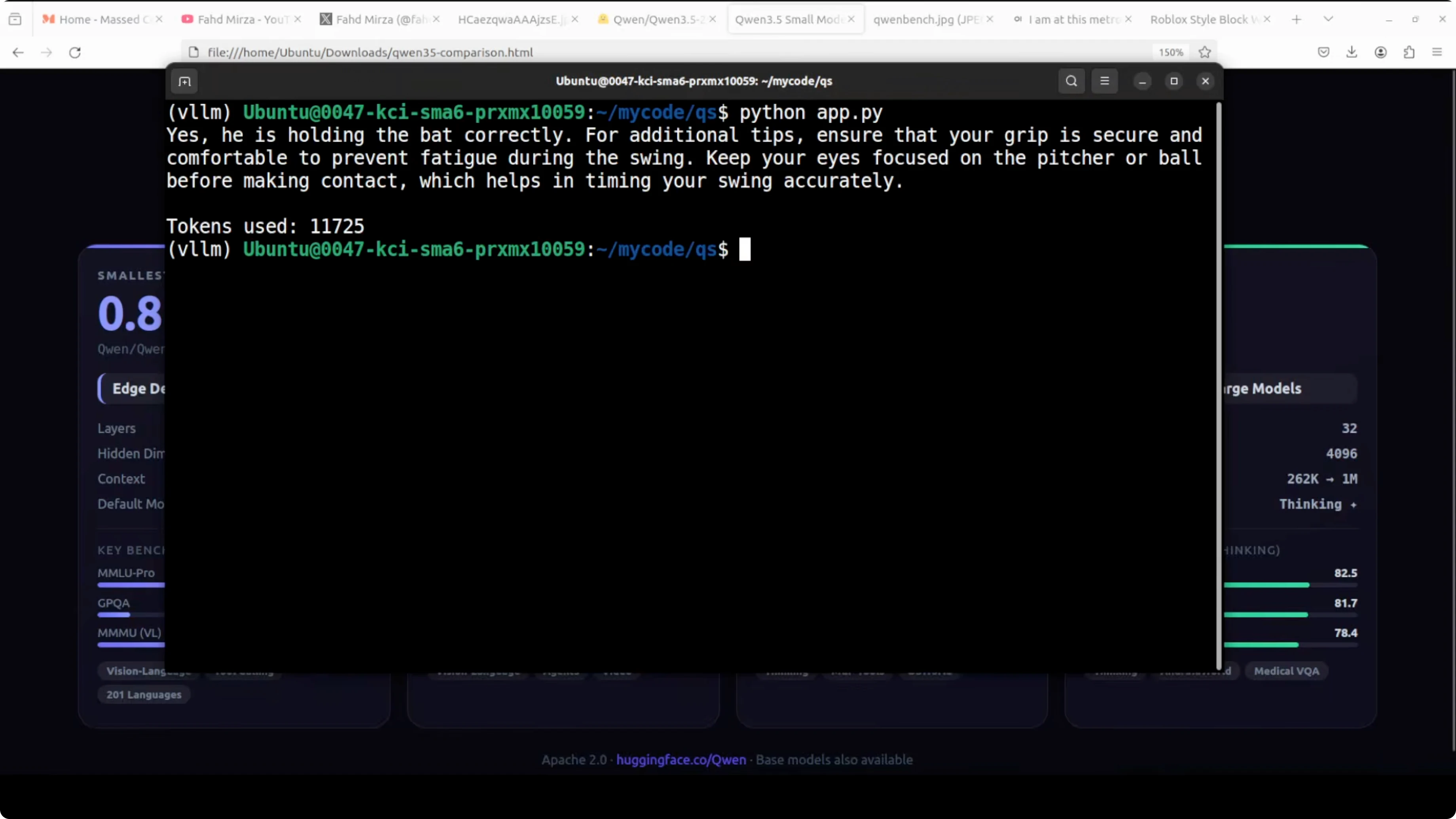
It correctly identified the game as baseball even though I did not mention it in the prompt. The phrasing was coherent and not overly verbose. It felt natural and clear.
I also tried a playful clip and asked about the lady’s intentions toward me. The response read as playful and flirtatious, and more than the recognition itself, the language flow was impressive and vernacular.
Read More: See another vision-language example with Step3 VL
Images with Qwen3.5 2B
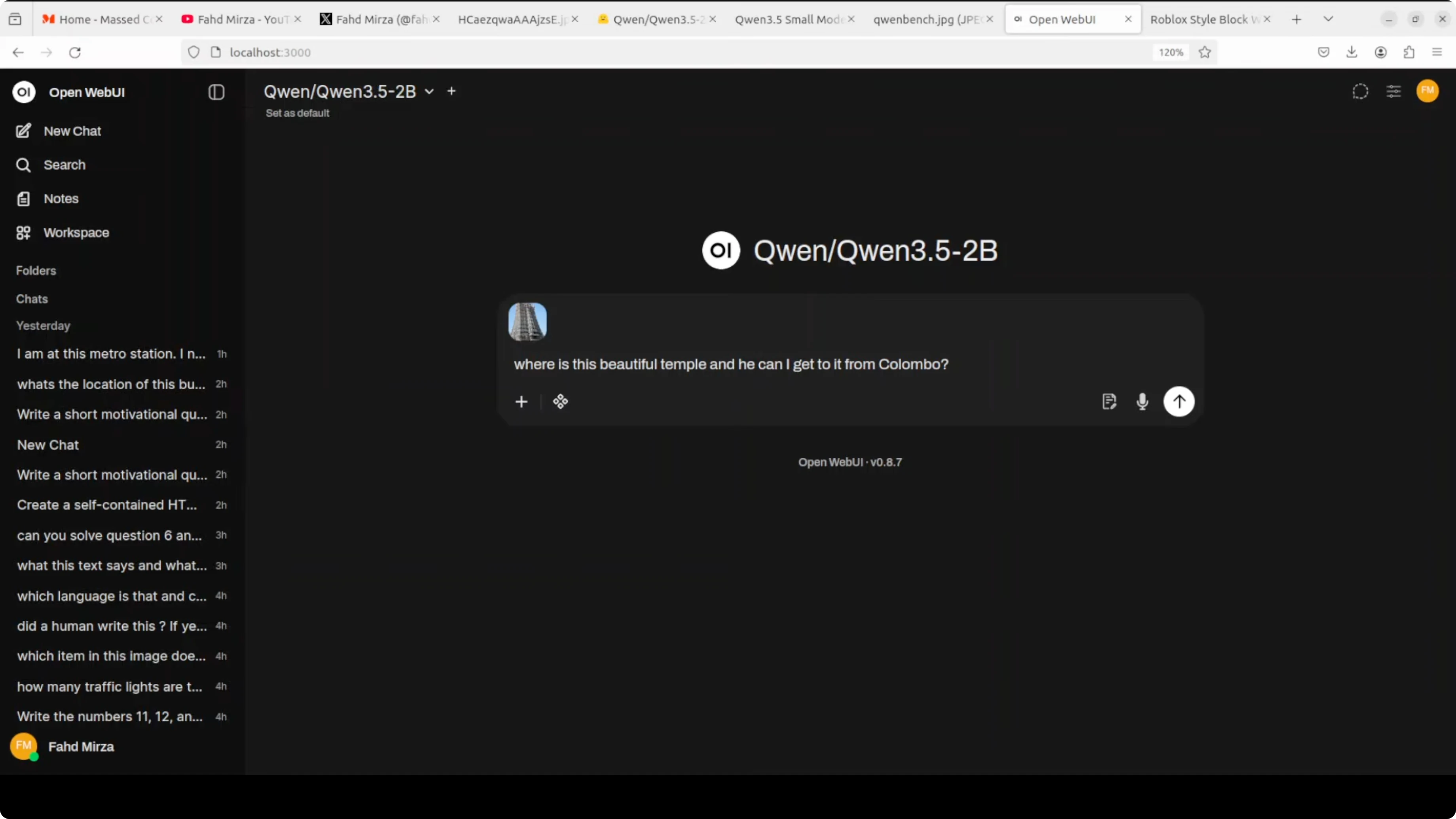
I switched over to Open WebUI and tried an image of a very beautiful temple. I believe it is in Madurai in India, Meenakshi temple.
I asked where is this temple and how can I get to it from Colombo. It did not get the location right and then tried to correct, but still pointed to a different state in India, which was not convincing.
Next, I gave it an image with multiple animals. It identified kangaroo, camel, and a woolly fox or wolf.
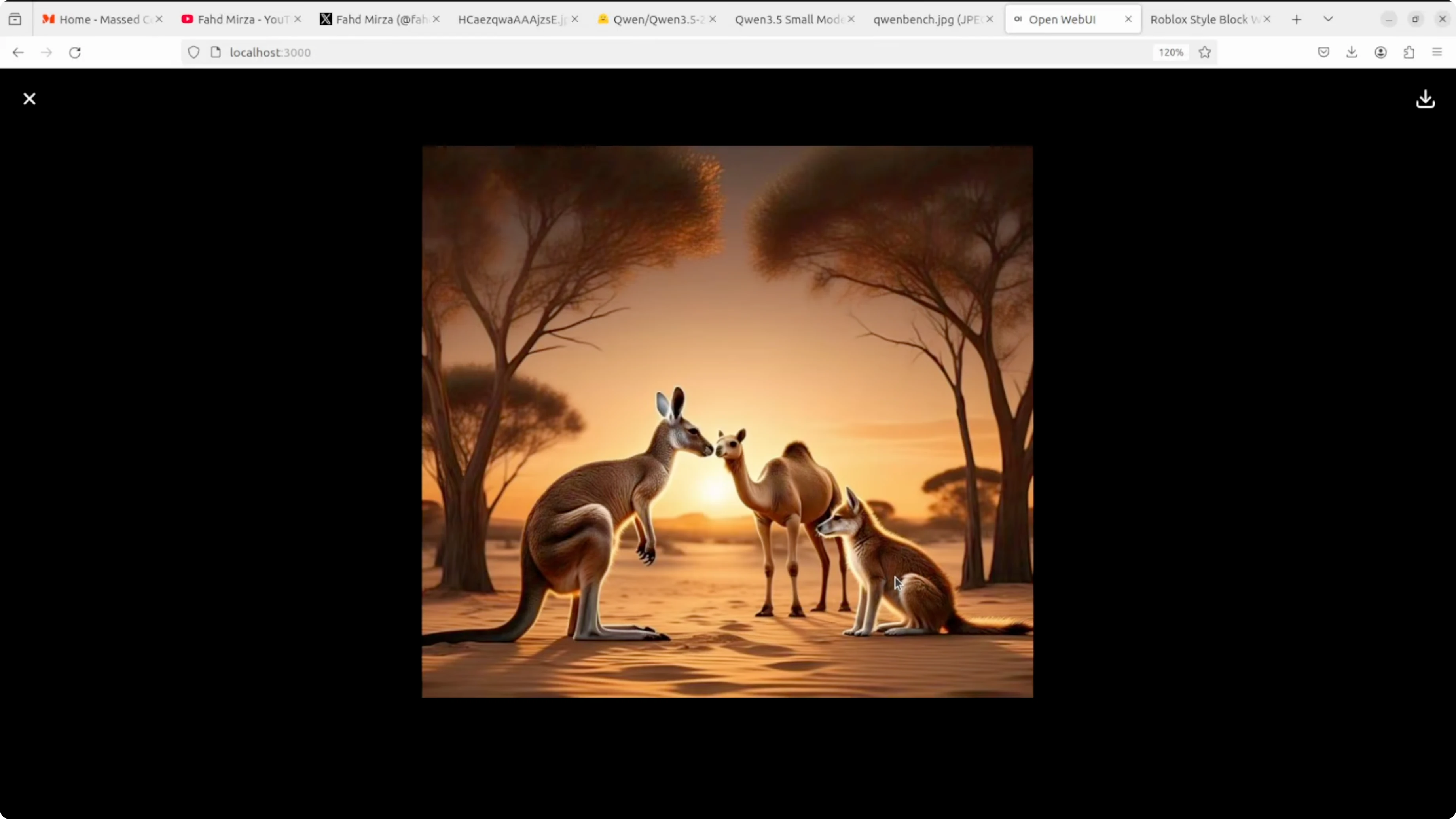
That one was right and I will take it. The tail details in the image looked odd because it was an AI mishap. This test went fine for 2 billion.
OCR with Qwen3.5 2B
I gave it a handwritten note with some crossed out words. I asked it to extract the text and also try to extract what was crossed out.
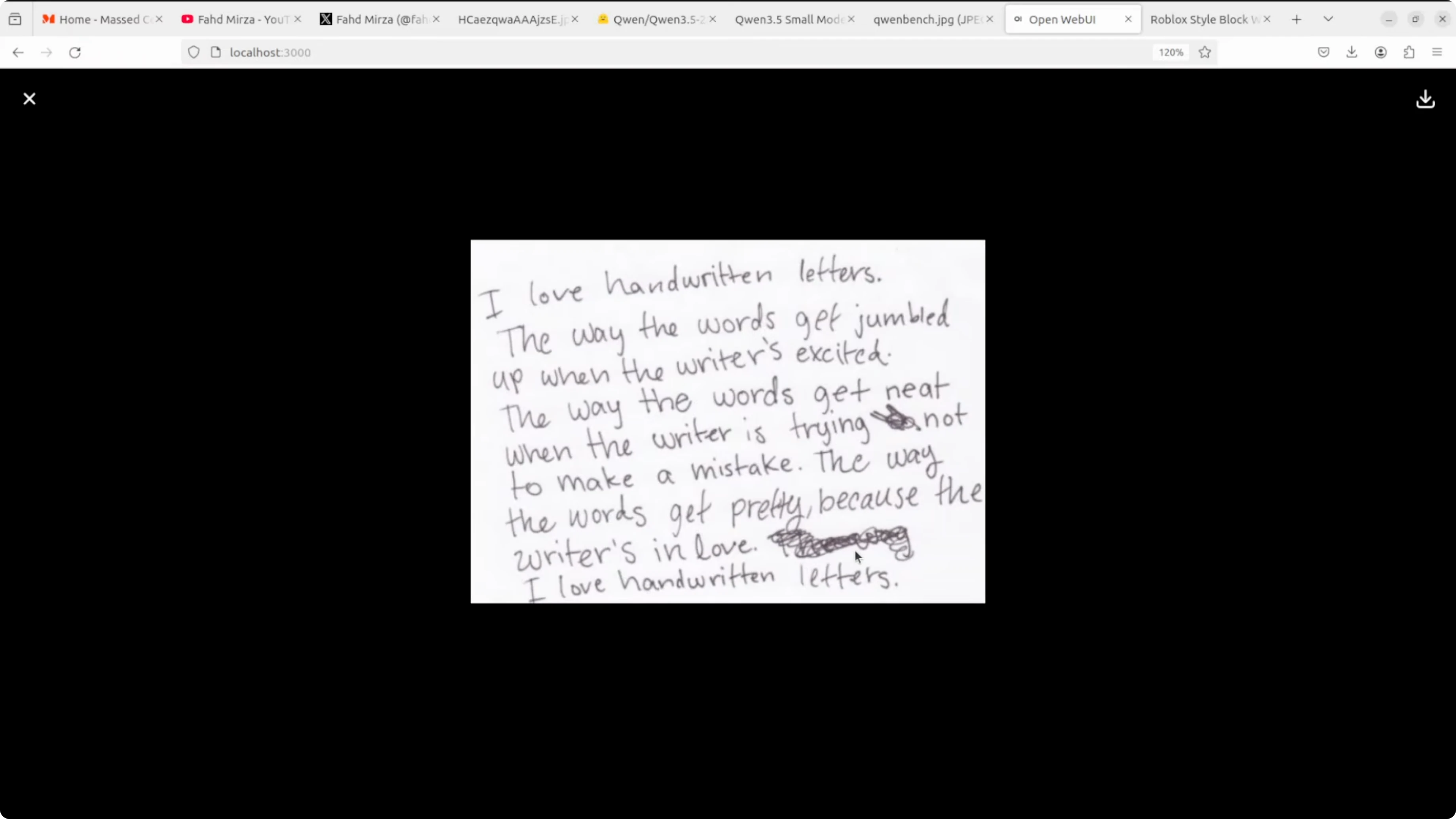
It indicated that text was crossed out but did not extract the crossed text. Output duplicated one line, and this was not as strong as the 8 billion on OCR.
For a final OCR test, I tried an image with many languages like Hindi, Chinese, German, and Russian. I asked it to extract the text and identify the languages.
The extracted text had a few mistakes, but overall it was pretty good. It recognized English, Spanish, Italian, Chinese, and Arabic, and even tried to give meanings. I saw some hallucination toward the end, but parts were correct.
Read More: Another compact model to consider
Coding test
I asked it to create a self-contained HTML file for a premium Turkish kebab restaurant showcasing kebab varieties like Adana, Urfa, Shish, Doner, and others. It generated a working page that was responsive with a Turkish theme and placeholders where images would go.
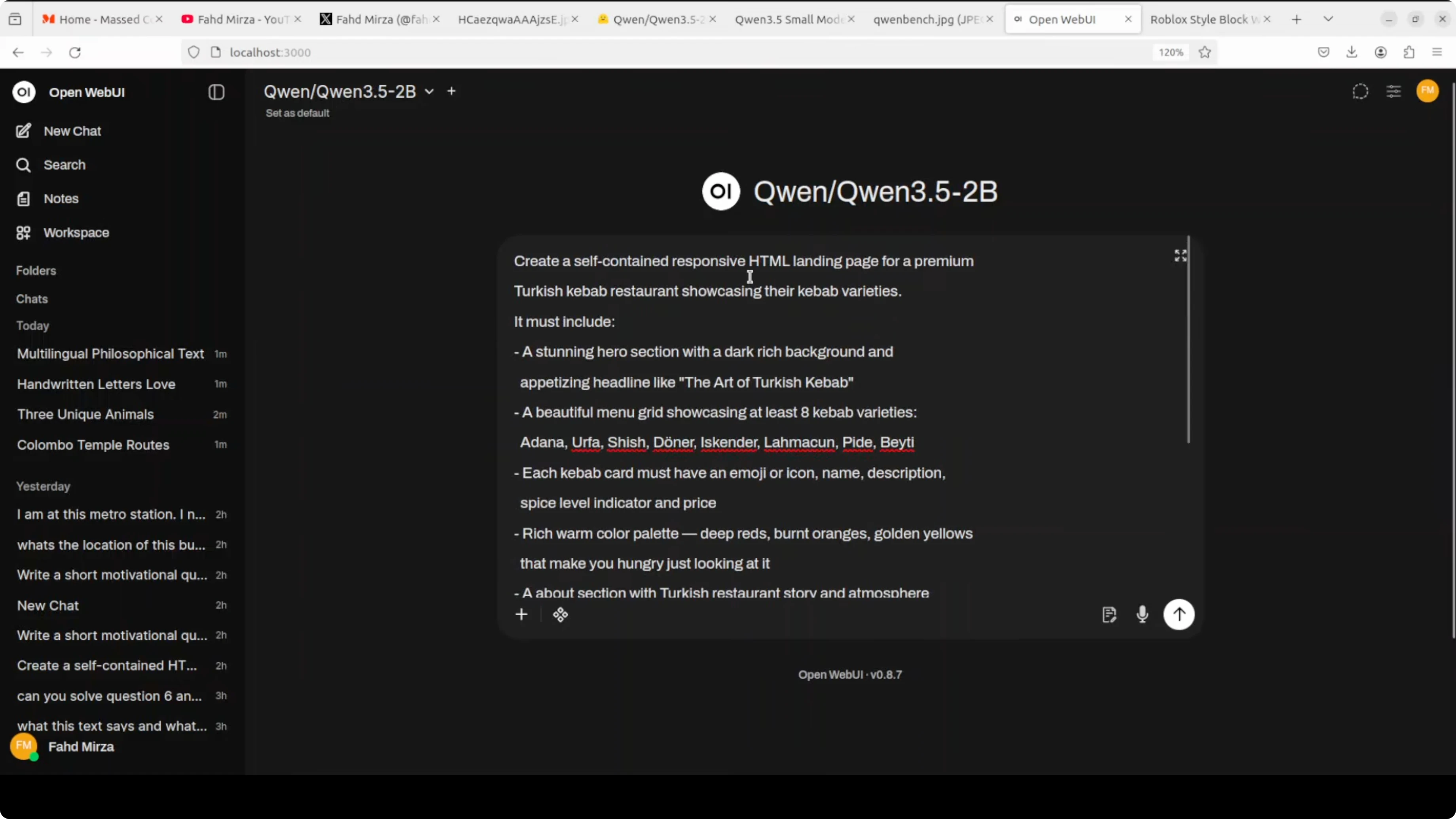
The view menu button did not work and the layout could be better. An 8 billion model did a better job on the first try, but for 2 billion I am happy with this.
Here is a simplified example that matches the brief.
<!DOCTYPE html>
<html lang="en">
<head>
  <meta charset="UTF-8" />
  <meta name="viewport" content="width=device-width, initial-scale=1.0"/>
  <title>Anadolu Kebab House</title>
  <style>
    :root {
      --bg: #0f1419;
      --card: #161b22;
      --text: #e6edf3;
      --accent: #e63946;
      --accent-2: #f1fa8c;
    }
    * { box-sizing: border-box; }
    body {
      margin: 0;
      font-family: system-ui, -apple-system, Segoe UI, Roboto, Ubuntu, "Helvetica Neue", Arial, "Noto Sans", "Apple Color Emoji", "Segoe UI Emoji";
      background: linear-gradient(135deg, #0f1419 0%, #1b1f2a 100%);
      color: var(--text);
    }
    header {
      padding: 24px 16px;
      text-align: center;
      background: rgba(22, 27, 34, 0.8);
      position: sticky;
      top: 0;
      backdrop-filter: blur(6px);
      border-bottom: 1px solid #2a2f3a;
    }
    h1 { margin: 0 0 6px 0; letter-spacing: 1px; }
    .tagline { margin: 0; opacity: 0.85; }
    .container { max-width: 1100px; margin: 24px auto; padding: 0 16px; }
    .hero {
      display: grid;
      grid-template-columns: 1.1fr 0.9fr;
      gap: 24px;
      align-items: center;
    }
    .hero .card {
      background: var(--card);
      border: 1px solid #2a2f3a;
      border-radius: 14px;
      padding: 20px;
      box-shadow: 0 10px 30px rgba(0,0,0,0.35);
    }
    .btn {
      display: inline-block;
      background: var(--accent);
      color: #fff;
      padding: 12px 18px;
      border-radius: 10px;
      text-decoration: none;
      font-weight: 600;
      margin-top: 10px;
    }
    .grid {
      display: grid;
      grid-template-columns: repeat(3, 1fr);
      gap: 16px;
    }
    .item {
      background: var(--card);
      border: 1px solid #2a2f3a;
      border-radius: 12px;
      padding: 16px;
      min-height: 180px;
    }
    .item h3 { margin: 0 0 8px 0; }
    .footer {
      text-align: center;
      padding: 24px 16px;
      opacity: 0.8;
      border-top: 1px solid #2a2f3a;
      margin-top: 36px;
    }
    @media (max-width: 900px) {
      .hero { grid-template-columns: 1fr; }
      .grid { grid-template-columns: 1fr 1fr; }
    }
    @media (max-width: 600px) {
      .grid { grid-template-columns: 1fr; }
    }
  </style>
</head>
<body>
  <header>
    <h1>Anadolu Kebab House</h1>
    <p class="tagline">Premium kebabs, charcoal grilled, Istanbul-style</p>
  </header>

  <main class="container">
    <section class="hero">
      <div class="card">
        <h2>Welcome</h2>
        <p>From Adana to Urfa, Shish to Doner, savor the classics with house-made lavash and sumac onions.</p>
        <a href="#menu" class="btn">View Menu</a>
      </div>
      <div class="card">
        <h2>Chef’s Note</h2>
        <p>Afiyet olsun. We prepare every kebab with fresh herbs, Turkish spices, and slow fire.</p>
      </div>
    </section>

    <section id="menu" style="margin-top: 24px;">
      <h2>Our Kebabs</h2>
      <div class="grid">
        <div class="item">
          <h3>Adana</h3>
          <p>Spicy minced lamb skewer with paprika, garlic, and sumac onions.</p>
        </div>
        <div class="item">
          <h3>Urfa</h3>
          <p>Mild minced lamb skewer with herbs and isot pepper.</p>
        </div>
        <div class="item">
          <h3>Shish</h3>
          <p>Marinated cubes of lamb or chicken, charcoal grilled.</p>
        </div>
        <div class="item">
          <h3>Doner</h3>
          <p>Thin-sliced rotisserie meat with pickles and tahini-yogurt.</p>
        </div>
        <div class="item">
          <h3>Beyti</h3>
          <p>Minced kebab wrapped in lavash with yogurt and tomato butter.</p>
        </div>
        <div class="item">
          <h3>Iskender</h3>
          <p>Doner over bread with tomato sauce and melted butter.</p>
        </div>
      </div>
    </section>

    <section style="margin-top: 24px;">
      <h2>Reservations</h2>
      <p>Email hello@anadolukebab.example or call +90 212 000 0000.</p>
    </section>
  </main>

  <footer class="footer">
    <small>© Anadolu Kebab House</small>
  </footer>
</body>
</html>
Read More: Local fine-tuning guide for Qwen 3.5 8B
Language and creative reasoning
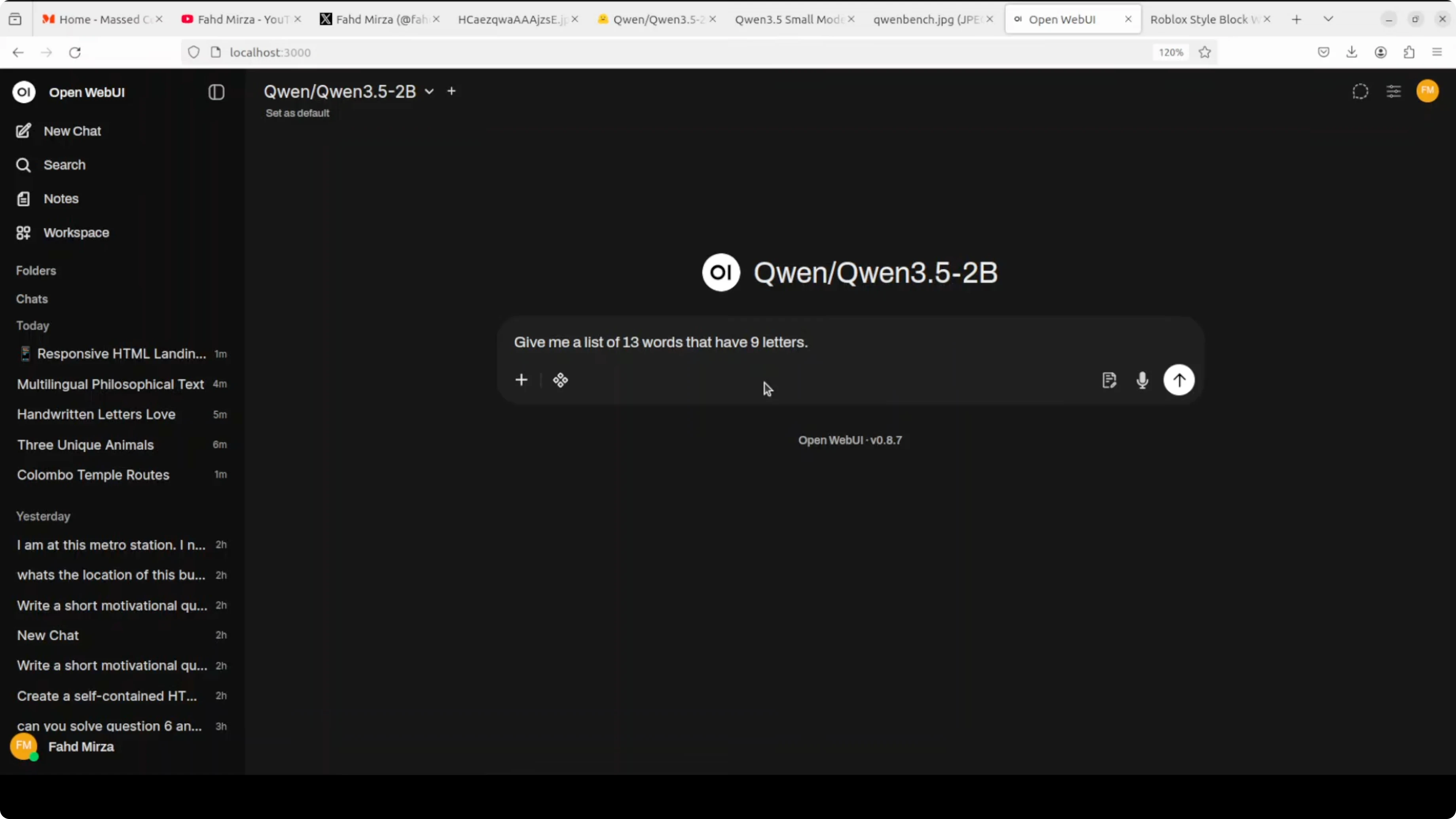
I tried a very hard language test asking for a list of 13 words that have nine letters. It failed the constraint and produced shorter words, so that task did not go well.
For a creative writing and logic prompt, I told a story about 11 chickens not laying eggs, me getting upset, then all laying two eggs each except one that laid one and said, “Sorry, I’m a rooster.” I asked if I am that scary.
The model congratulated the flock and tried to be funny, then concluded that the chicken is not scary in the way I perceive it. It got biological facts wrong because a real rooster cannot lay eggs, and it mixed up characters in the story. The ending sentiment was fine, but the reasoning in the middle was confused.
Read More: Compare with another small general model
Final thoughts
Qwen3.5 2B is small enough to run almost anywhere yet smart enough to be genuinely helpful. Video understanding looked solid and fast in non-thinking mode, while image recognition and OCR were mixed compared to bigger siblings.
Coding output was decent for a 2B model and the language flow felt natural. If you want a capable, cost-free model that you can deploy locally without fuss, this hits the sweet spot.
Read More: Local deployment tips for Qwen
Read More: Vision-language workflows
Read More: Point your UI to local endpoints
Read More: Fine-tuning options for Qwen
Subscribe to our newsletter
Get the latest updates and articles directly in your inbox.

Related Posts

8 Best Claude Code Plugins in 2026 (You Need to Know)
8 Best Claude Code Plugins in 2026 (You Need to Know)

7 Best Claude Code Skills (You Need to Know)
7 Best Claude Code Skills (You Need to Know)

Claude Code Desktop IDE Features (You Need to Know)
Claude Code Desktop IDE Features (You Need to Know)