
Table Of Content
How OpenSpace and OpenClaw Enable Self-Evolving AI Skills
OpenClaw Error Fixer
Paste any OpenClaw error and get the exact fix instantly — cause, steps, copy-ready commands, and related guides.
Table Of Content
OpenClaw’s ecosystem is growing very rapidly, and I’m going to supercharge OpenClaw with a tool called OpenSpace. OpenClaw is already running on my server with a model like GLM 5.1, and you can use any model of your choice. The issue with typical setups is that they never learn, every session starts from zero, burning the same tokens and solving the same problems it already solved yesterday.
OpenSpace is trying to fix that. It is a self-evolving engine that plugs directly into OpenClaw and gives it memory that improves itself. Every task your agent completes makes it smarter and cheaper to run next time.
Before setup, there are two concepts to understand that matter a lot. First, skills. A skill in OpenClaw is a markdown file that tells the agent how to handle a specific task. Instead of reasoning from scratch every time, it reads a skill and already knows the best approach.
The problem is that skills are static and never update themselves. OpenSpace changes that. Skills now self-heal when they break and capture new patterns when tasks succeed.
Second, MCP. MCP stands for Model Context Protocol, a standard that lets AI agents connect to external tools cleanly. OpenSpace registers itself as an MCP server and exposes four tools that OpenClaw can call automatically.
Setup
My OpenClaw is up and running on Ubuntu. It is one version behind, but they release versions frequently, so that is fine.
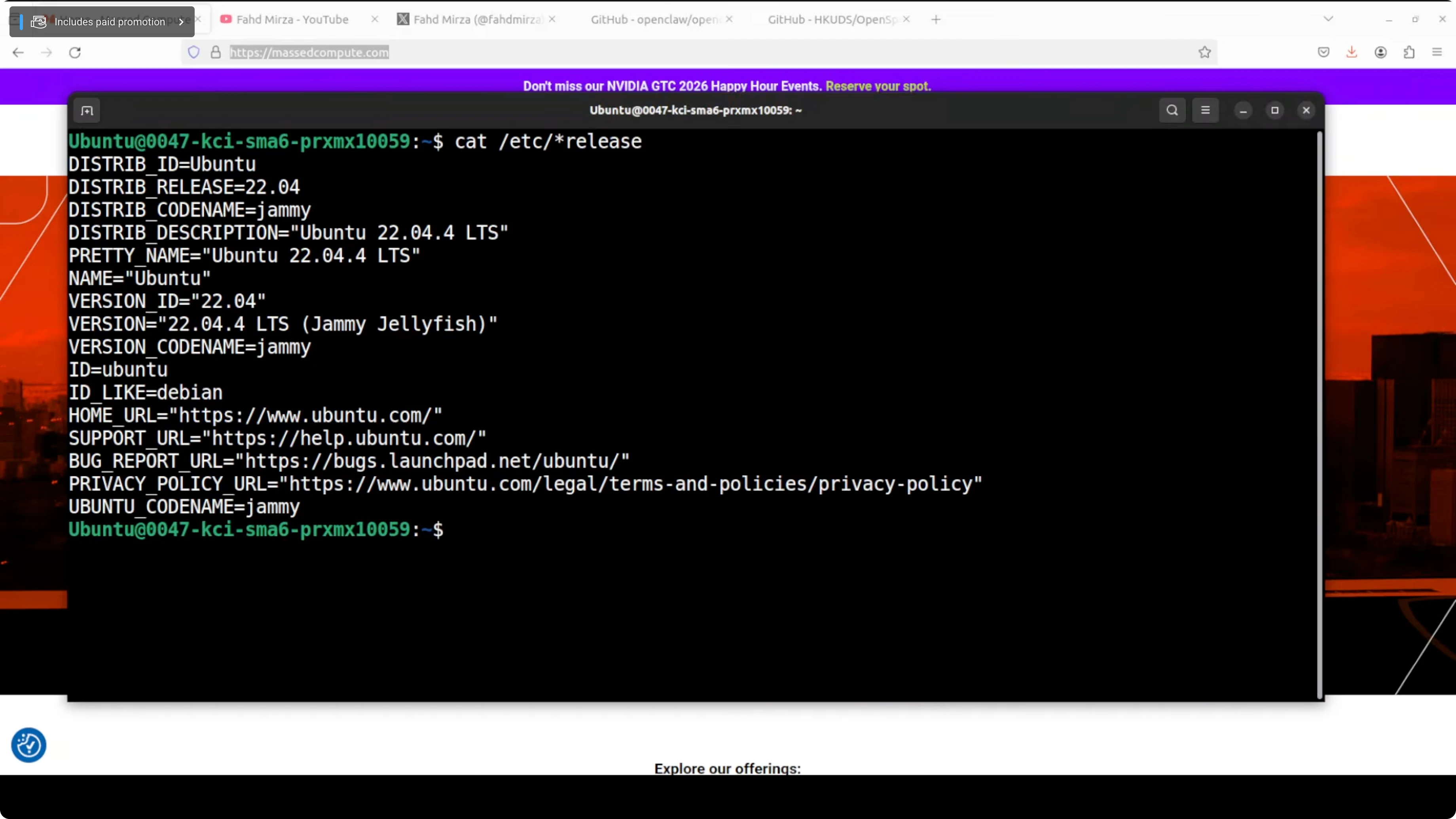
Make sure you have Python 3.12 installed. If you do not, install it and confirm the version.

python3.12 --versionClone the OpenSpace repository and change into its folder. Use the official repository URL when cloning.
git clone https://github.com/OPENSPACE_ORG/openspace.git
cd openspace
Create and activate a virtual environment, then install prerequisites from the root of the repo.
python3.12 -m venv .venv
source .venv/bin/activate
pip install -U pip
pip install -r requirements.txt
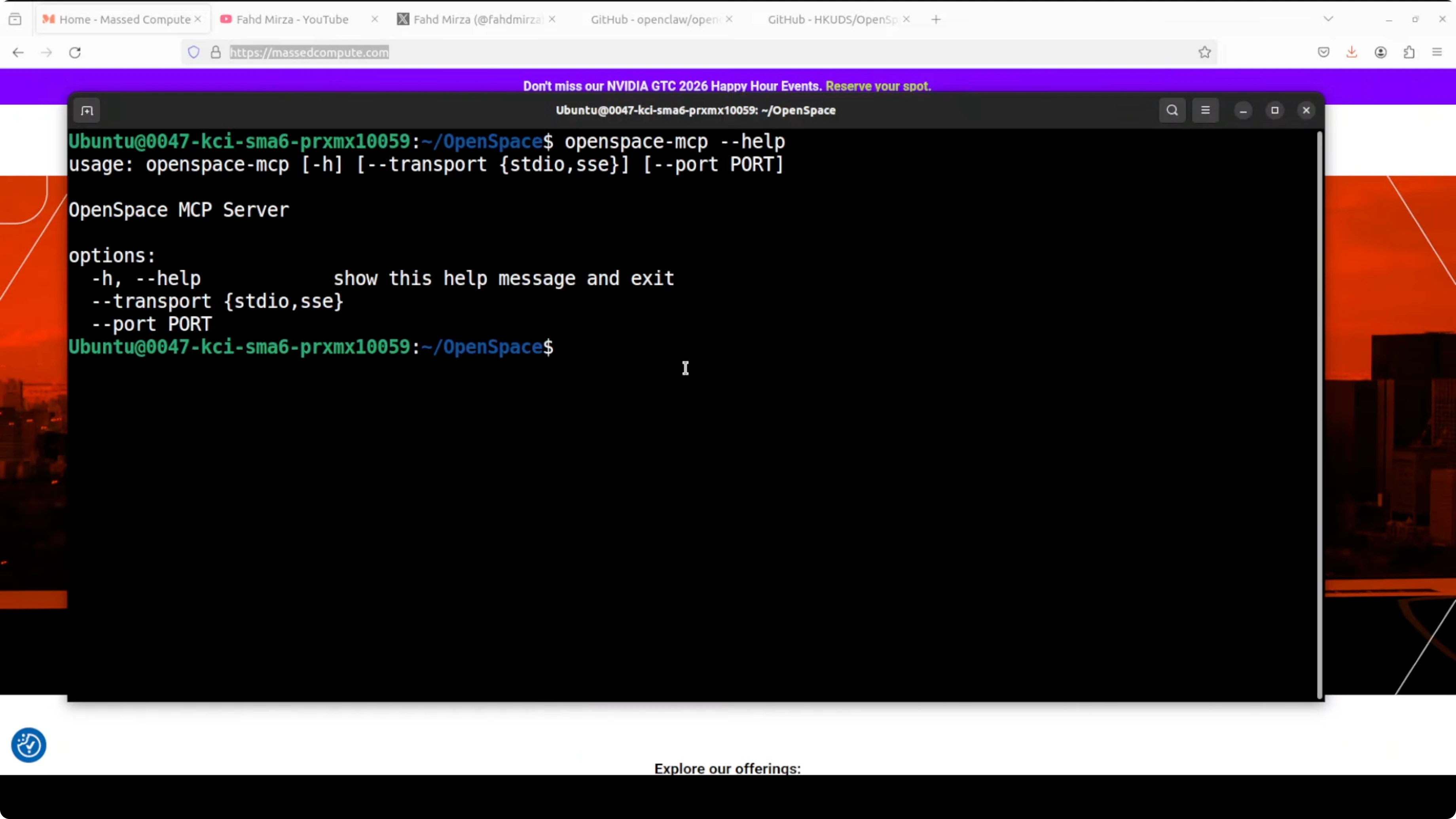
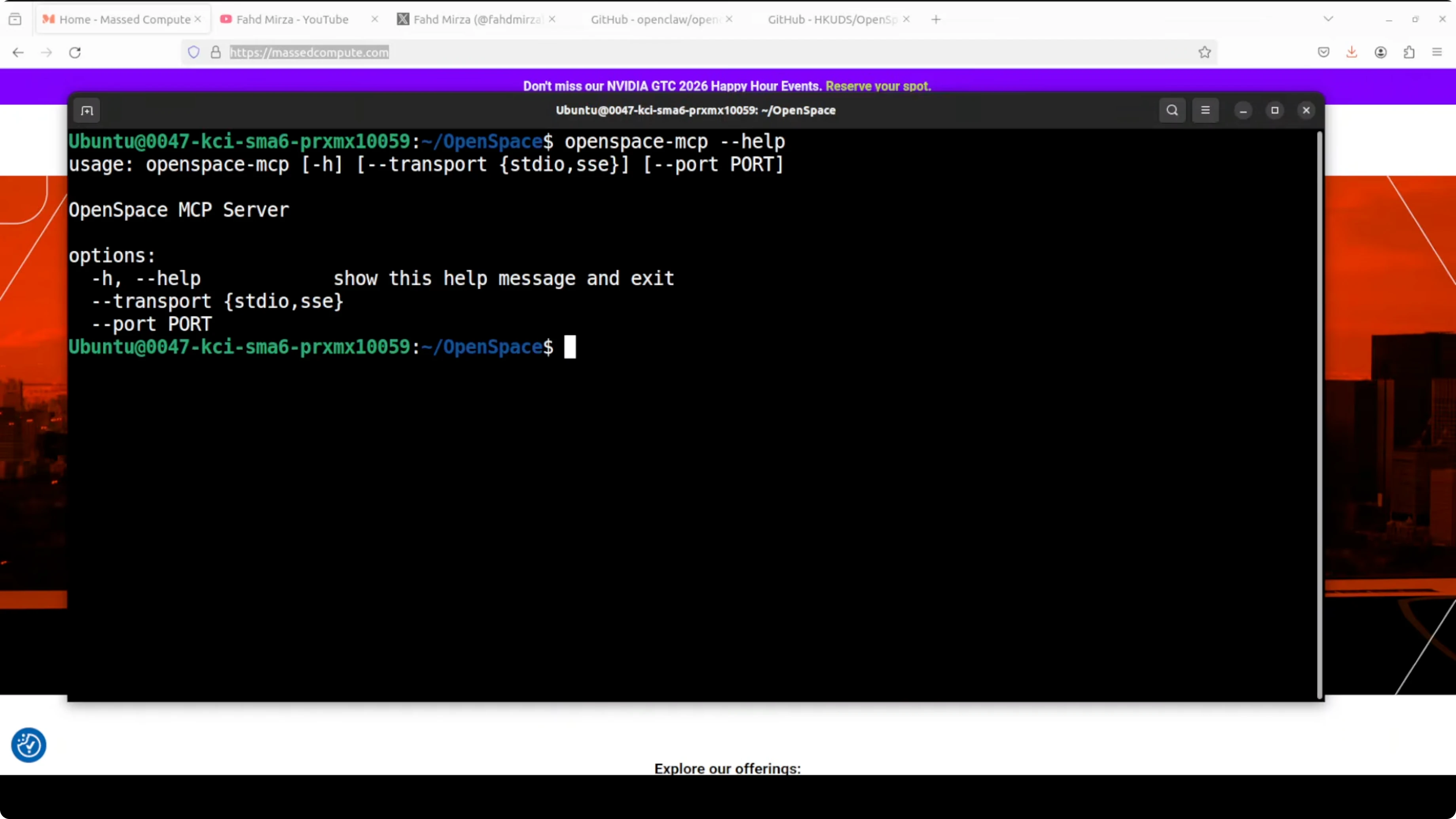
Optionally verify the MCP server is discoverable if the project exposes a CLI. A basic help command should confirm the entry point.
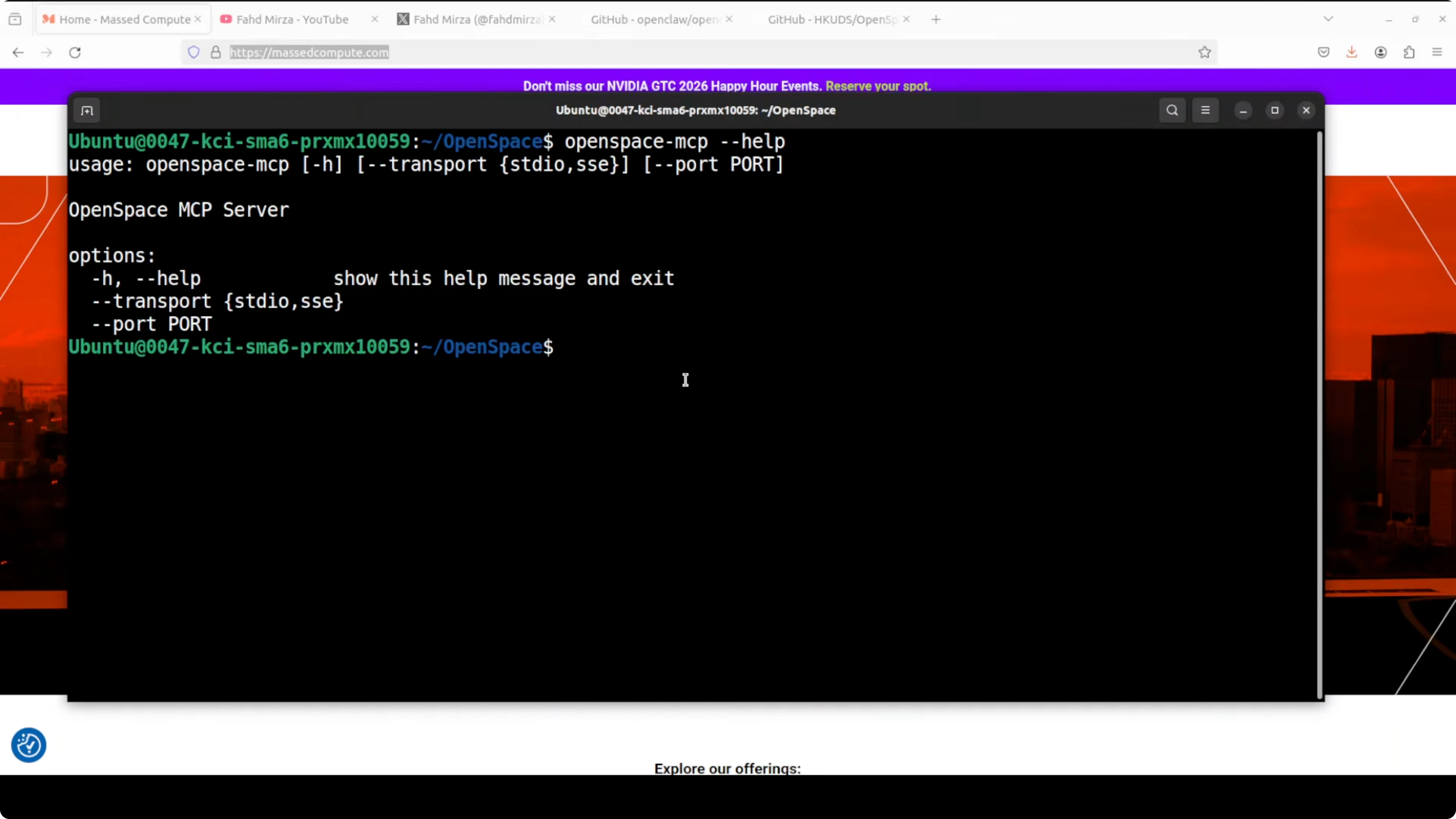
openspace --helpWire OpenSpace into OpenClaw. First, create a skills directory for OpenClaw and copy in the two host skills that teach OpenClaw when and how to use OpenSpace.
mkdir -p ~/.openclaw/skills
cp ./skills/delegate_task.md ~/.openclaw/skills/
cp ./skills/skill_discovery.md ~/.openclaw/skills/
Tell OpenClaw where to find those skills and where the OpenSpace workspace lives. The skills path supports the current directory with a dot path.
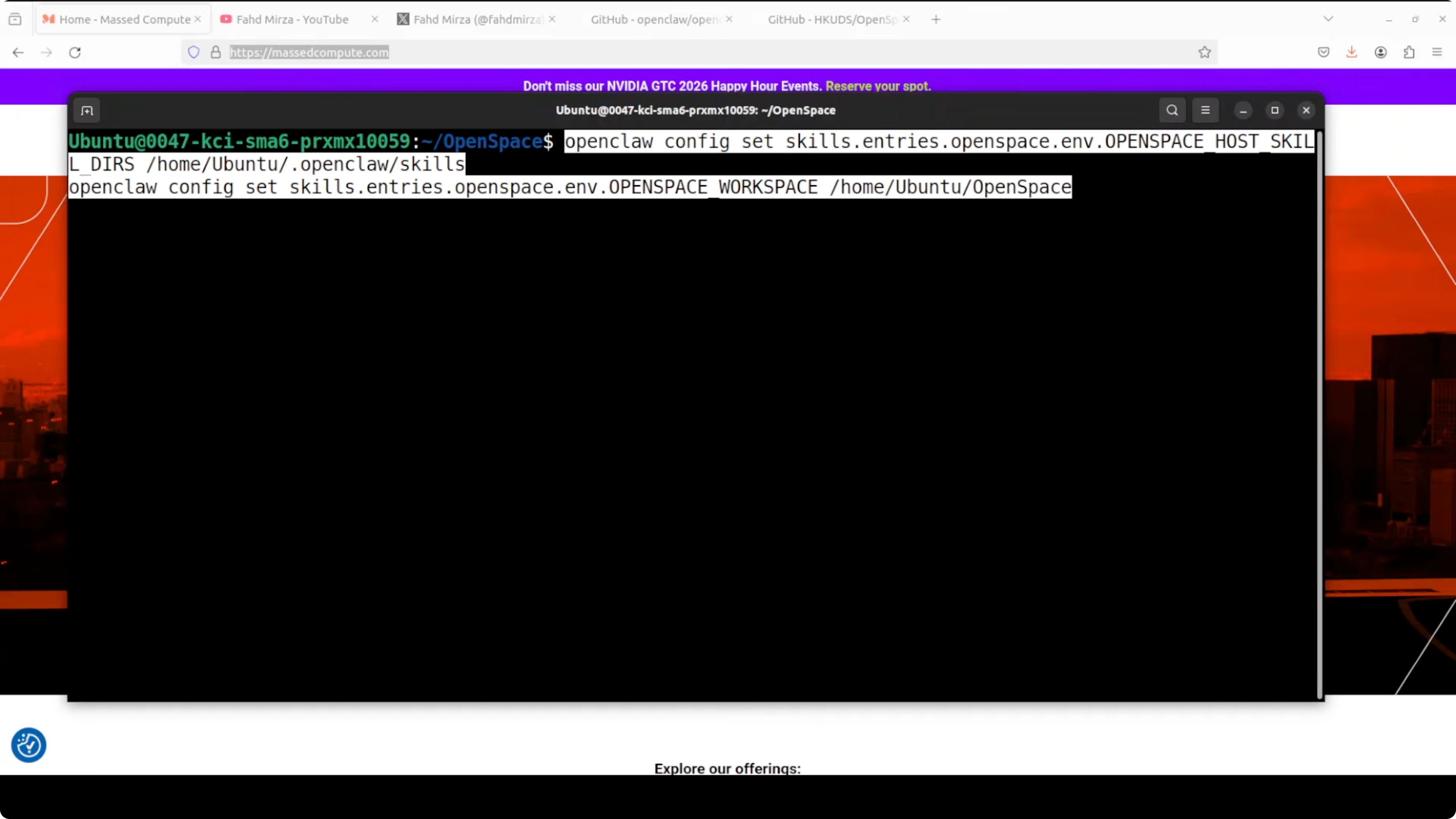
export OPENCLAW_SKILLS_PATH="$HOME/.openclaw/skills:."
export OPENSPACE_WORKSPACE="$HOME/.openspace/workspace"
mkdir -p "$OPENSPACE_WORKSPACE"
Confirm that both skills have been added successfully in your OpenClaw configuration or skills registry if your setup uses a CLI or config file. If your setup uses a config file, ensure both paths above are persisted there.
Restart the gateway for the configuration change to take effect. The gateway is OpenClaw’s background process that manages models, agents, tools, and now MCP connections like OpenSpace.
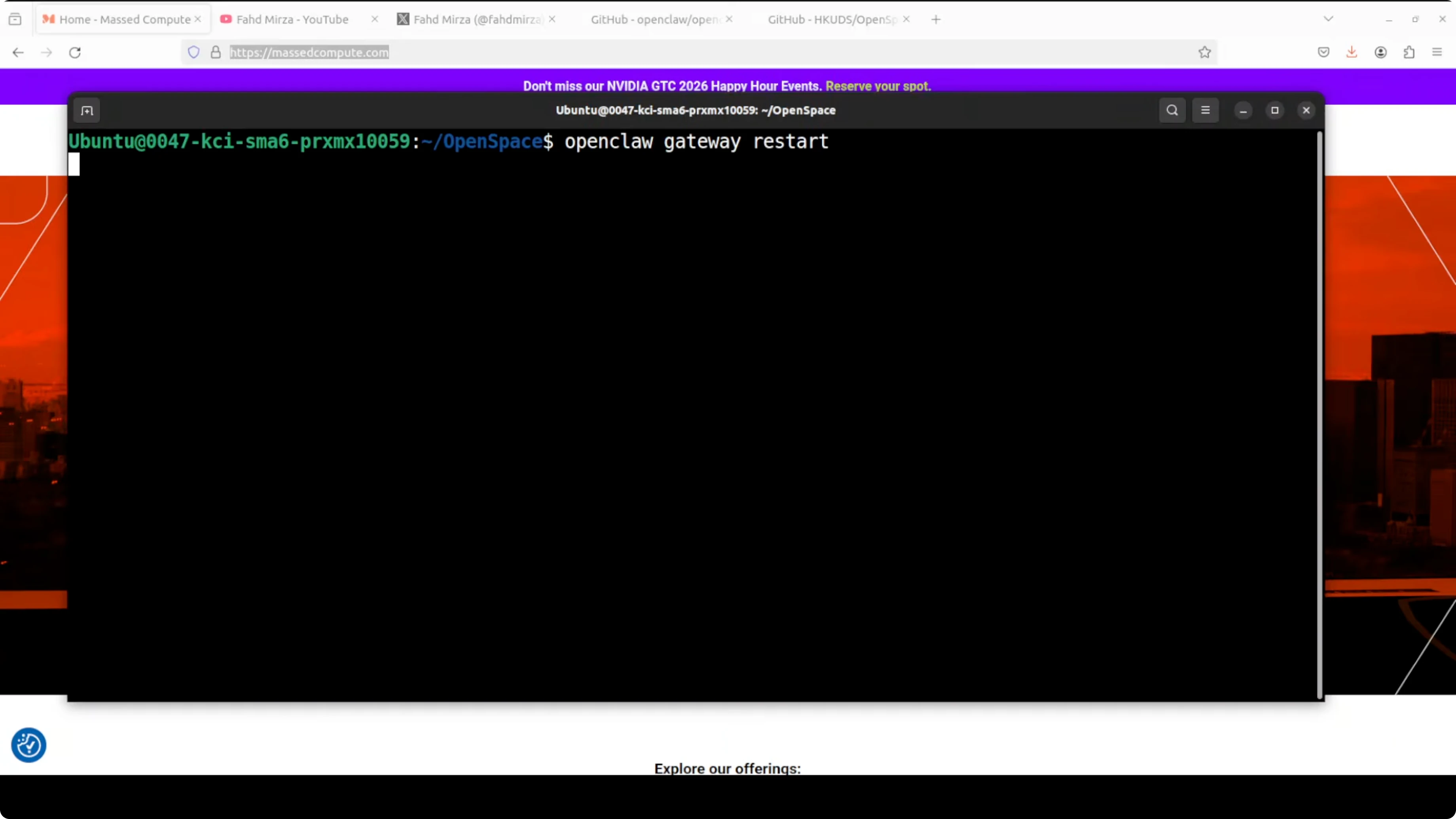
# If your installation supplies a service or CLI, restart it accordingly
# Example patterns:
# systemctl --user restart openclaw-gateway
# or
# openclaw gateway restart
Verify that both paths are set and both skills are in place. You can check environment variables and your skills directory contents.
echo "$OPENCLAW_SKILLS_PATH"
echo "$OPENSPACE_WORKSPACE"
ls -la "$HOME/.openclaw/skills"
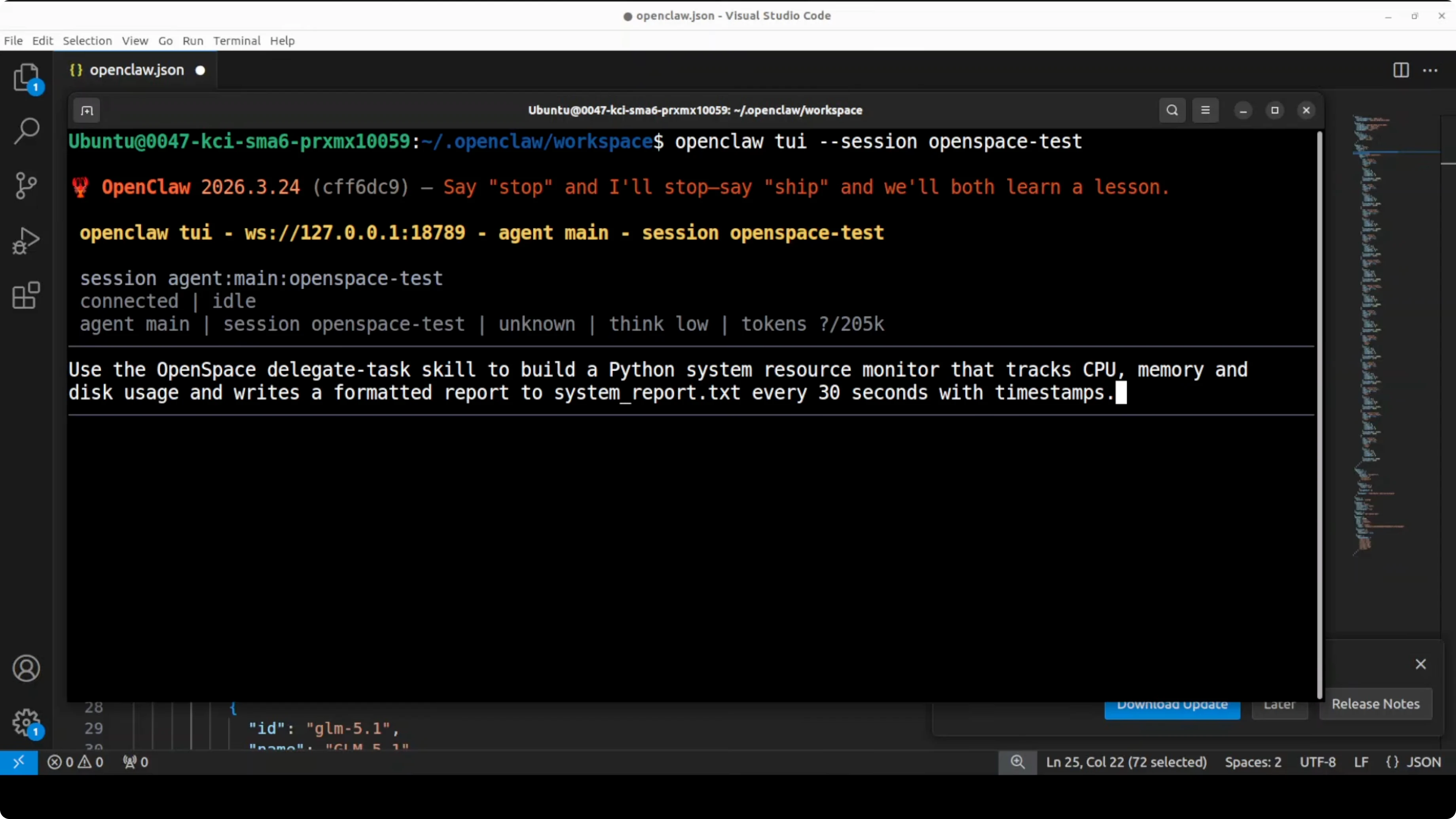
Launch the OpenClaw TUI to see it in action and run a task that OpenSpace can intercept. Ask OpenSpace to execute the task through its grounding agent and capture the successful pattern as a reusable skill for similar tasks next time.
If you prefer running models locally while you test, follow our local agent guide to pick and configure a model before wiring OpenSpace into your agent.
Behavior and expectations
OpenSpace handles execution, and when a task succeeds, the skill evolves so similar future tasks reuse the captured pattern instead of reasoning from scratch. It is not replacing OpenClaw, it is augmenting it.
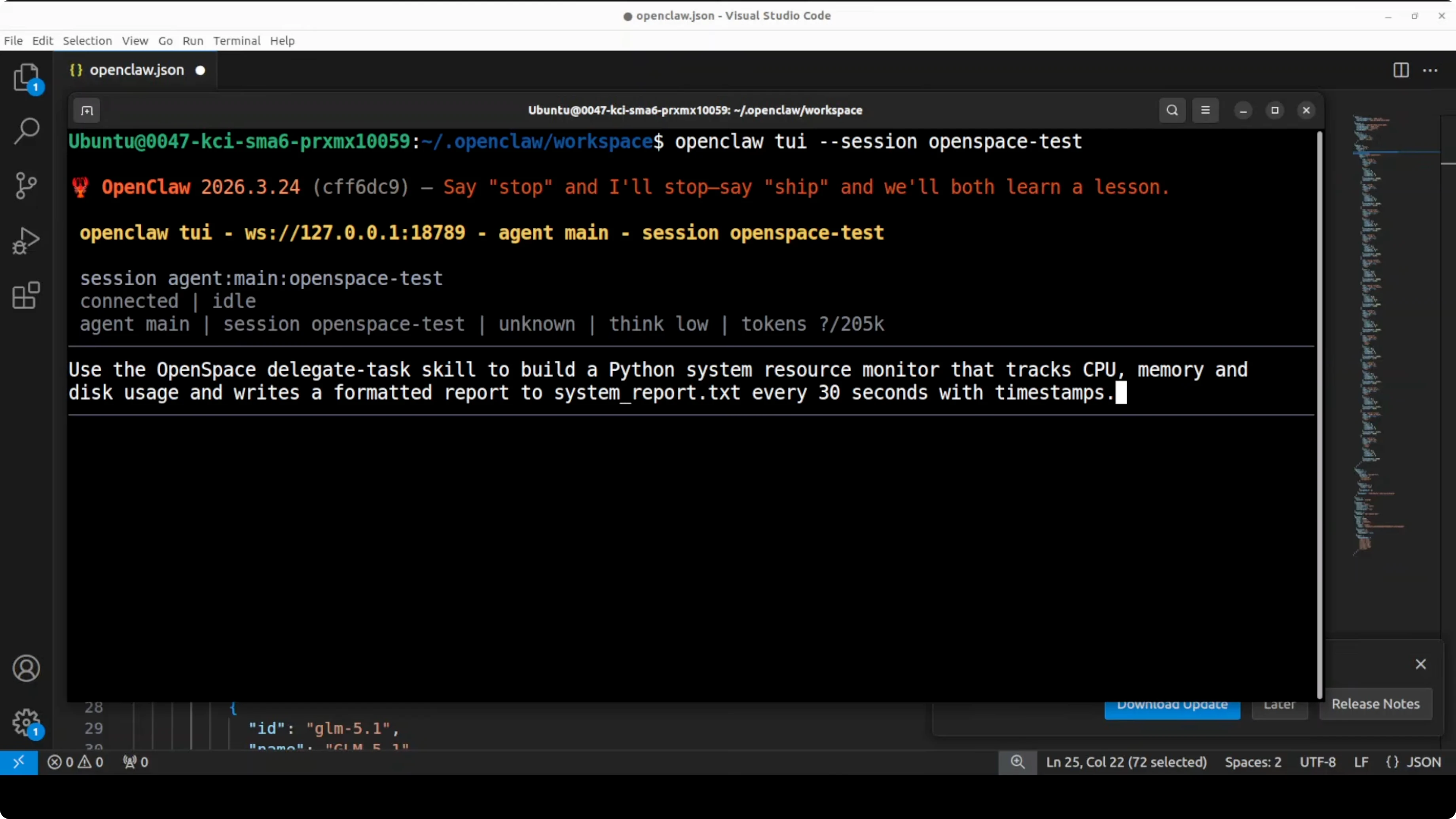
There is also a frontend setup, but in my experience it is still buggy and needs more work. If your local dashboard fails to start while the TUI works, continue with the TUI until the frontend stabilizes.
Some users have raised concerns that OpenSpace tries to replace OpenClaw. I do not think that is the case, and in my testing it acts as an augmentation focused on task execution and skill evolution. Treat any cloud upload claims cautiously if you did not provide valid credentials.
If you want to inspect more of what the agent is doing during MCP calls or skill discovery, turn on detailed logging. For that, see our guide on enabling verbose mode logs in OpenClaw.
Testing and validation
Use the TUI to submit a task you expect to recur. The goal is for OpenSpace to execute, succeed, and auto-capture the pattern so the next similar task is cheaper and faster.
If your organization uses cloud hubs for sharing skills, make sure you actually supply proper credentials before assuming skills are uploaded. Validate your workspace path and confirm new skills are written locally when tasks succeed.
If you use the OpenClaw UI instead of the TUI, you can set up the same test from the dashboard. For UI steps and access tips, see how to reach the OpenClaw dashboard.
Model and account notes
You can run OpenClaw with a model like GLM 5.1, or swap in an API-based model. Choose what suits your setup and cost constraints.
If you test Google AI Ultra and encounter account restrictions inside OpenClaw, see this guide on handling account restrictions, and the step-by-step fix for restricted accounts. Resolve those early so skill evolution and MCP tool calls are not blocked by auth failures.
Use cases for self-evolving skills
Recurring DevOps or IT tasks benefit immediately. Think of routine environment checks, service restarts, and log-scan patterns that get faster once captured as a stable skill.
Data processing workflows gain from this too. Common transformations, file parsing, and summarization steps can be captured once and reused with minor variations across projects.
Engineering teams that generate scaffolding or boilerplate repeatedly can turn that into a skill that self-heals when a framework version changes. Over time, the cost of routine scaffolding and migrations drops as the agent learns and updates the playbook.
Troubleshooting
If skills do not appear to load, confirm the skills directory path and the environment variable resolving to it. Verify both host skills exist and are readable in the location you configured.
If the gateway fails to see the MCP server, confirm Python 3.12 is truly in use and that your environment is activated before launching OpenClaw. Reinstall dependencies with a clean virtual environment if import errors persist.
When debugging tricky failures, increase verbosity and capture traces during a single known task. Our logging guide for OpenClaw is here: verbose logs for OpenClaw.
Final thoughts
OpenSpace plugs into OpenClaw as an MCP server and turns static skills into self-evolving playbooks that get better each time your agent succeeds. It keeps the agent’s strengths intact and adds memory, pattern capture, and recovery when a skill breaks.
Start with the TUI, confirm skills load, and validate one recurring task that matters to you. If you need help with local runs or UI access, see our guides for running OpenClaw locally and accessing the dashboard so you can iterate smoothly.
Subscribe to our newsletter
Get the latest updates and articles directly in your inbox.

Related Posts

8 Best Claude Code Plugins in 2026 (You Need to Know)
8 Best Claude Code Plugins in 2026 (You Need to Know)

7 Best Claude Code Skills (You Need to Know)
7 Best Claude Code Skills (You Need to Know)

Claude Code Desktop IDE Features (You Need to Know)
Claude Code Desktop IDE Features (You Need to Know)